The job finishes. Then the invoices land. Then the payroll runs. And only then, weeks after the crew packed up, do you find out the margin you booked at 22% actually came in at 6%.
That gap between what you thought and what happened is not a bookkeeping problem. It is a visibility problem. Labor lives in one app, materials in another, purchase orders in a third, and change orders in someone's email inbox. By the time everything reconciles, the job is over and the money is gone.
The global job costing software market sat at roughly USD 4.2 billion in 2024, with North America alone accounting for around USD 1.8 billion, according to WiseGuy Reports (2024). Growth forecasts run near 9% annually through the early 2030s. That spend is not going toward prettier accounting. It is going toward closing the visibility gap while the job is still in progress.
This guide covers construction job costing software and adjacent job costing accounting software for trade contractors, builders, and project-based firms who need real-time reporting on profitability, not a post-mortem.
What's inside
This guide compares seven job costing software options for construction and trade contractors, plus a couple of strong picks for project-based professional services firms. We picked tools based on the criteria that actually decide whether a system works in the field:
- Budget vs actuals accuracy and how fast costs update
- Labor and time tracking, including mobile field capture
- Mobile field access for crews, foremen, and remote job sites
- Real-time reporting on job-level profitability
- Accounting system compatibility, especially QuickBooks integration
This list is for buyers who need clearer job profitability, not generic accounting software that treats every dollar the same.
TL;DR
- Best overall for small construction teams: QuickBooks Online, if you want job costing living inside accounting software you already know.
- Best for real-time construction job costing and WIP: Knowify, with phase-level tracking, burdened labor, and a tight QuickBooks sync.
- Best budget-friendly all-in-one contractor platform: Contractor Foreman, starting at $49/month.
- Best for larger construction operations: Procore, when field and office coordination across many projects matters more than price.
- Best for finance-heavy project accounting: BQE CORE Suite, for firms that live in time, billing, and profitability reporting.
- Best for project-based service firms: BigTime, for professional services teams that need job cost software tied to billing.
What is job costing software?
Job costing software tracks the labor, materials, overhead, and other costs tied to a specific project or job, then compares them against the budget to show real-time profitability. Unlike general accounting software, it codes every expense to a job so you can see margin per project, not just company-wide totals.
The core building blocks are consistent across construction job cost software and project-based accounting tools:
- Budget vs actuals: the running comparison between what you estimated and what you have actually spent, updated as costs hit the job.
- Labor and time tracking: crew hours coded to jobs and phases, ideally captured in the field, with fully loaded labor burden factored in.
- POs, subcontracts, and change orders: committed costs you have promised to spend but not yet paid, so your projected total reflects reality.
- WIP and underbilling visibility: work-in-progress reporting that flags underbilling and overbilling before it distorts cash flow.
- Mobile and field reporting: time entry, receipts, and progress captured on site, not re-keyed at a desk days later.
- Accounting system integration: clean sync with QuickBooks Online, QuickBooks Desktop, or another ledger so job data and financials stay aligned.
Get those six right and you stop guessing at margin. You watch it move.
When to use job costing software
Replace spreadsheets that update too late
A spreadsheet is fine until a job runs three weeks and four subs. Then the version on your laptop is a week behind the field, actuals lag payroll, and committed costs live nowhere. End-of-month reporting tells you the margin after you can no longer protect it. Job costing software pulls costs in as they happen, so budget vs actuals stays current while you can still act on it.
Track labor and field costs in real time
Labor is where most construction margin leaks. If foremen log hours on paper and someone keys them in Friday, you are blind mid-week. Mobile field access with job- and phase-level coding lets crews clock in against the right cost code from their phones. That feeds accurate labor and time tracking straight into the job, including overtime and burden.
Connect accounting with project execution
QuickBooks alone handles job costing for simple work: a few jobs, light labor, minimal committed costs. Once you run multiple concurrent projects with subcontracts, change orders, and WIP, a construction-specific system on top of your ledger closes the gap between accounting and what is happening on the job.
Job costing software comparison
Here is the shortlist side by side. Pricing and ratings reflect each vendor's public pages and G2 listings as of mid-2026. Two of these are project-accounting tools rather than construction-native job cost software, and the table notes where each fits.
| # | Product | Best for | Key differentiator | Pricing | G2 rating |
|---|---|---|---|---|---|
| 1 | QuickBooks Online | Small teams wanting job costing inside accounting | Native project profitability reports | From $38/month | 4.0/5 |
| 2 | Knowify | Real-time construction job costing and WIP | WIP, burdened labor, phase-level tracking | From $99/month | 4.5/5 |
| 3 | Contractor Foreman | Budget-conscious all-in-one contractors | Affordable all-in-one with GPS time cards | From $49/month | 4.5/5 |
| 4 | Buildertrend | Builders managing many production jobs | Client portal plus change order workflows | Custom quote | 4.2/5 |
| 5 | Procore | Larger construction operations | Field and office coordination at scale | Custom (ACV-based) | 4.6/5 |
| 6 | BQE CORE Suite | Finance-heavy professional services firms | Integrated project accounting and billing | Custom quote | 4.3/5 |
| 7 | BigTime | Project-based service firms | PSA tied to billing and QuickBooks sync | From $20/user/month | 4.5/5 |
1. QuickBooks Online
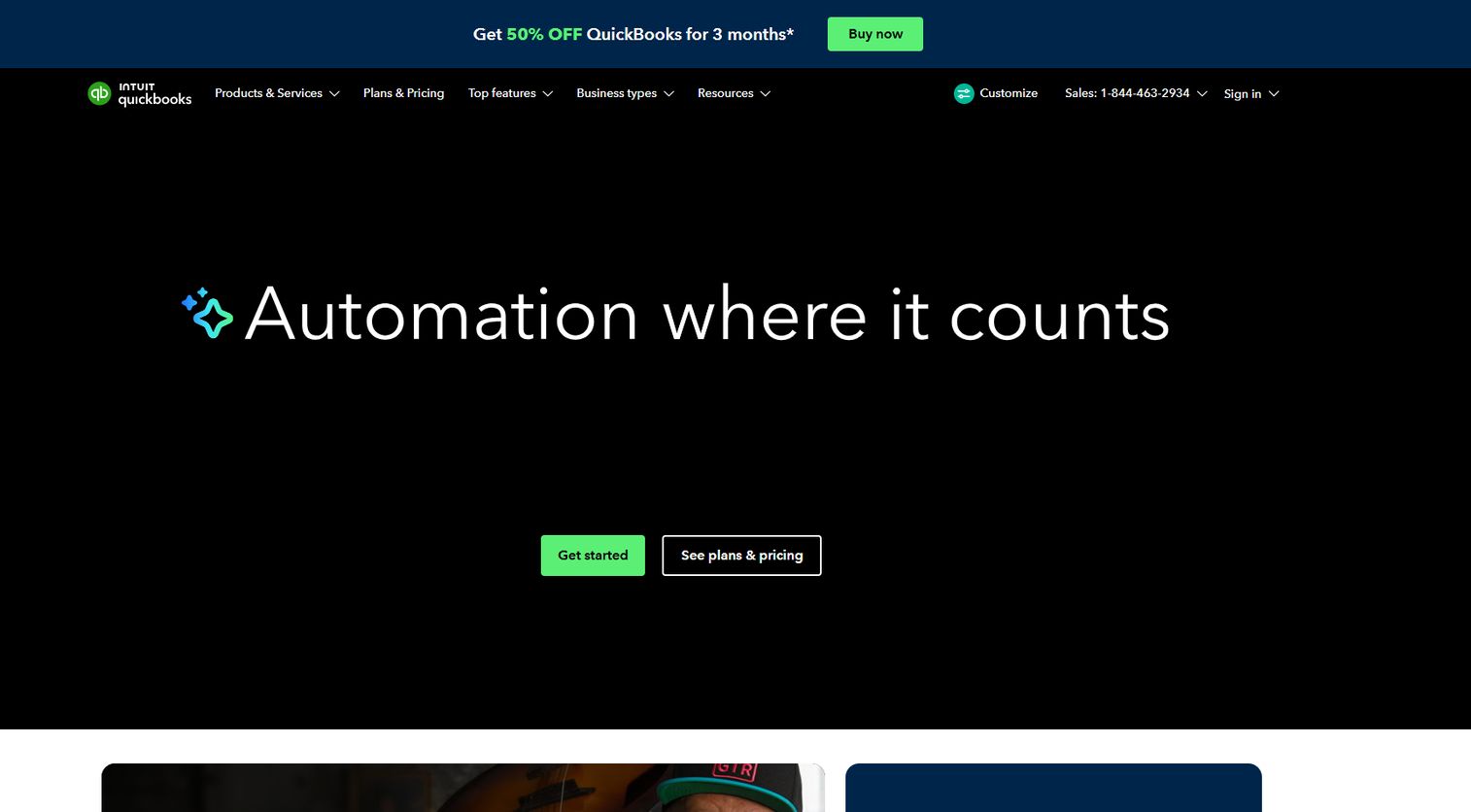
QuickBooks Online is where most small contractors start, because job costing lives inside accounting software they already trust for invoicing, expenses, and reporting. Its Projects feature lets you code income and expenses to a specific job, track time against it, and pull profitability reports that show what each project earned after costs.
For a business running a handful of jobs at a time, that is often enough. You assign expenses and labor hours to a project, and QuickBooks rolls up revenue minus cost into a margin view. No separate system, no sync to manage, one ledger.
Where it starts to feel thin is construction depth. Committed costs from purchase orders and subcontracts, phase-level budgets, WIP reporting, and fully loaded labor burden are not native strengths. Contractors who need those usually pair QuickBooks with a construction-specific tool rather than stretch the base product.
Best for: small businesses that want simple job costing without adding a second platform.
Key strengths
- Project-level income and expense coding
- Native profitability reports per project
- Built-in time tracking against jobs
- Invoicing, expenses, and reporting in one place
- Wide ecosystem of construction add-ons
Why choose QuickBooks Online: if your accounting already lives here and your jobs are relatively simple, adding Projects is the lowest-friction path to real job costing.
QuickBooks Online pricing: plans start at $38/month for Simple Start, then Essentials at $75/month, Plus at $115/month, and Advanced at $275/month. A 30-day free trial is available.
2. Knowify

Knowify is built for trade contractors who outgrew spreadsheets and generic accounting but do not want an enterprise platform. It focuses on the exact workflows that decide construction margin: real-time job costing, phase-level tracking, committed costs, and work-in-progress visibility, all synced tightly to QuickBooks.
This is the entry that matches the keyword most directly. Knowify tracks budget vs actuals at the phase level, so you see which part of the job is bleeding, not just the job total. It handles change orders, subcontractor management, and purchase orders as committed costs, which means your projected final margin reflects money you have promised, not only money already spent.
Labor is a standout. Knowify captures crew time in the field and applies fully loaded labor burden, so the hours hitting your job carry real cost including taxes and overhead, not just base wage. Its WIP reporting surfaces underbilling and overbilling early, which protects cash flow on longer jobs. The QuickBooks integration pushes clean job data back to your ledger without double entry.
Best for: trade contractors who need construction-specific job costing and WIP without leaving QuickBooks.
Key strengths
- Phase-level budget vs actuals tracking
- Committed costs from POs and subcontracts
- Fully loaded labor burden on field time
- WIP reporting for underbilling and overbilling
- Estimating, AIA billing, and QuickBooks sync
Why choose Knowify: it fills the exact gap QuickBooks leaves for contractors, real-time project financial visibility, without forcing you onto a heavier system than you need.
Knowify pricing: Core starts at $99/month and includes one user. Advanced starts at $329/month and includes ten users. Enterprise is custom. Add-ons include service, equipment tracking, and tool tracking.
3. Contractor Foreman

Contractor Foreman is the value pick: a full construction management platform with job costing built in, at a price most small contractors can absorb without a second thought. Used by contractors in over 75 countries, it bundles estimating, invoicing, scheduling, and financials into one system.
Its job costing sits alongside estimates and invoicing, so the budget you bid flows into the actuals you track. GPS-enabled time cards capture crew hours in the field and code them to jobs, feeding labor cost directly into the numbers. Purchase orders and change orders are covered, so committed costs and scope changes stay in the same place as the rest of the job.
The appeal is breadth for the money. Instead of stitching together separate tools for scheduling, time, and costing, you get one mobile-friendly platform. It syncs with QuickBooks, so contractors already on that ledger can keep their accounting while running operations here.
Best for: small to mid-sized residential and commercial contractors who want affordable all-in-one construction management.
Key strengths
- Job costing tied to estimates and invoicing
- GPS time cards for field labor capture
- Purchase orders and change order tracking
- Mobile access for crews and foremen
- QuickBooks integration
Why choose Contractor Foreman: if you want the widest feature set per dollar and are comfortable with an all-in-one that trades some depth for coverage, this is the practical choice.
Contractor Foreman pricing: plans start at $49/month. Tiers scale by users and features from there.
4. Buildertrend

Buildertrend is aimed at builders and remodelers running multiple production jobs with real client involvement. Its strength is coordinating the whole project: scheduling, change orders, client communication, and financials in one cloud platform, so margin protection happens alongside the day-to-day project work.
For job costing, Buildertrend tracks budgets against actuals and ties change orders directly into the budget, so scope changes update the projected margin instead of surprising you at closeout. The client portal keeps homeowners and owners informed, which reduces the disputes that quietly erode profitability on residential work.
It fits a builder managing several concurrent jobs who needs production deadlines, client approvals, and financials to move together. Pricing is quote-based rather than public, so the buyer profile here is a growing business ready to talk through a tailored plan rather than one comparing sticker prices.
Best for: growing construction businesses that want jobs, clients, and financials on one platform.
Key strengths
- Budget vs actuals with change order integration
- Project scheduling across multiple jobs
- Client portal for approvals and communication
- Document and selection management
- Financial tools tied to project workflows
Why choose Buildertrend: if client coordination and production scheduling matter as much as costing, its all-in-one workflow keeps margin visible without a separate project management tool.
Buildertrend pricing: Buildertrend uses custom pricing tailored to your business rather than public list tiers. Contact them for a quote.
5. Procore

Procore is the enterprise end of the market: a construction management platform for owners, general contractors, and specialty contractors coordinating large, complex projects across field and office. Job costing here is one piece of a much broader system covering project management, document control, RFIs, submittals, and scheduling.
Its financial tools connect budgets, commitments, and change orders to the field workflows that drive them, so cost data reflects what is actually happening on site. For a large operation, that unified view across many projects and stakeholders is the point. Reporting depth and the ability to standardize processes across teams are where Procore earns its place.
Be candid about fit. For a contractor running a few jobs, Procore is usually more platform than the work requires, and the pricing model reflects enterprise scope. It charges an annual fee by product tied to Annual Construction Volume, so it makes sense when coordination across a large portfolio outweighs cost sensitivity.
Best for: larger construction teams needing field and office coordination across many projects.
Key strengths
- Financials linked to field workflows
- Document control with unlimited storage
- RFI, submittal, and scheduling workflows
- Reporting depth across a project portfolio
- Standardized processes across teams
Why choose Procore: when your bottleneck is coordination across many stakeholders and projects rather than the cost of software, Procore's breadth is hard to match.
Procore pricing: Procore uses custom, quote-based pricing. It charges an upfront annual fee per product based on Annual Construction Volume. Contact sales for a quote.
6. BQE CORE Suite
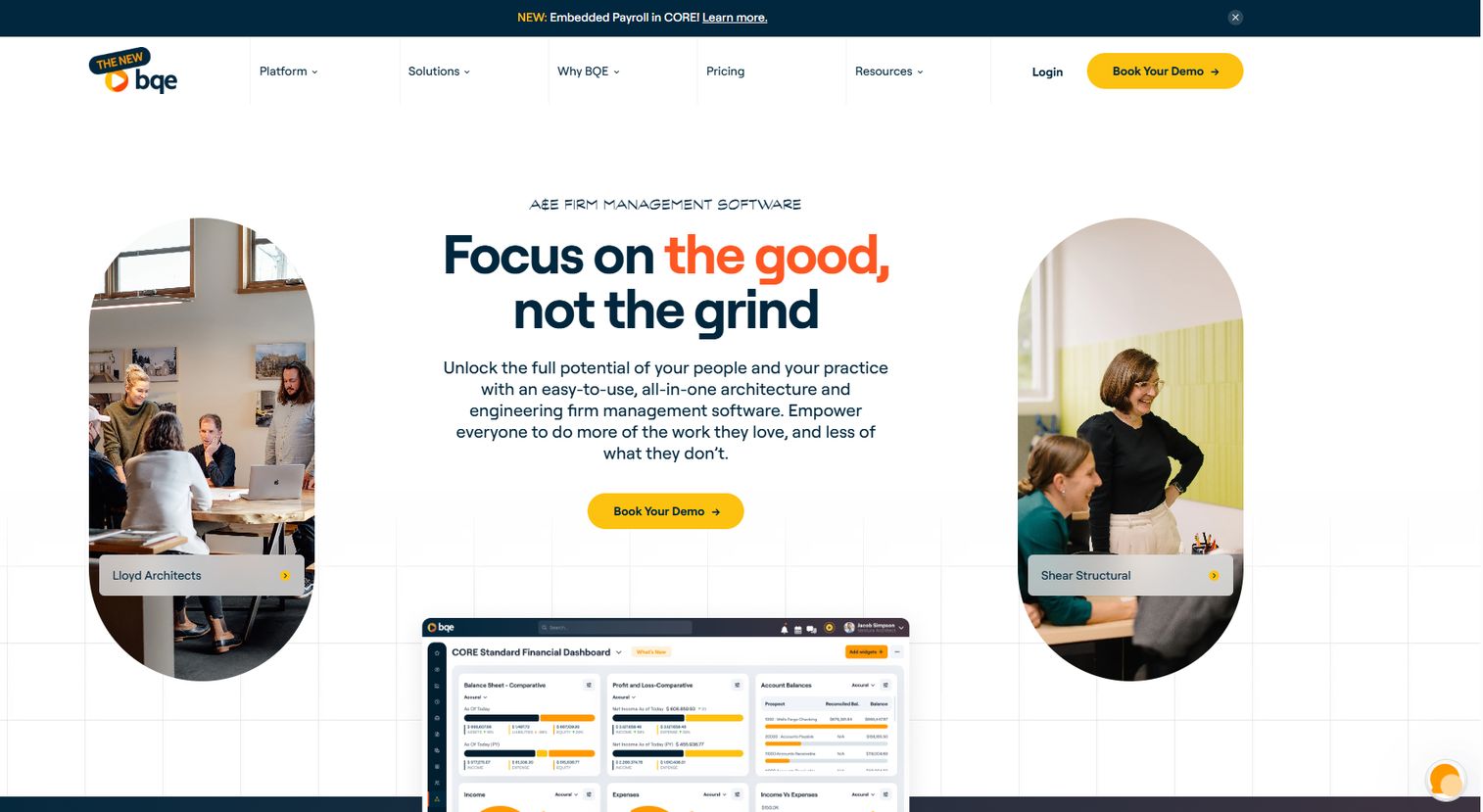
BQE CORE Suite leans finance-first. It is firm management software built for architects, engineers, consultants, and other professional services firms that need project accounting, time, billing, and profitability tracking in one connected system. If your work is project-based but not strictly construction, this is where job costing broadens into full project accounting.
CORE ties time and expense tracking directly to project budgets and billing, so labor cost, work performed, and invoicing stay aligned. Its reporting is a genuine strength: firm-level visibility into which projects, clients, and staff are profitable, not just whether the month closed in the black. For finance-heavy teams, that depth of budget vs actuals and margin reporting is the draw.
It sits apart from construction-native tools because it is designed around billable-hour professional services rather than field crews and subcontracts. Firms that run projects like engagements, with time as the primary cost, will find it fits their model more naturally than a jobsite-first platform.
Best for: architecture, engineering, and consulting firms needing integrated project accounting and billing.
Key strengths
- Time and expense tied to project budgets
- Billing and invoicing in one system
- Firm-level profitability reporting
- Project management workflows
- Labor tracking across staff and projects
Why choose BQE CORE Suite: if profitability reporting and billing accuracy matter more than jobsite workflows, its project-accounting depth suits professional services firms well.
BQE CORE Suite pricing: BQE uses quote-based pricing that varies by the modules and number of users you need. Request a quote for specifics.
7. BigTime
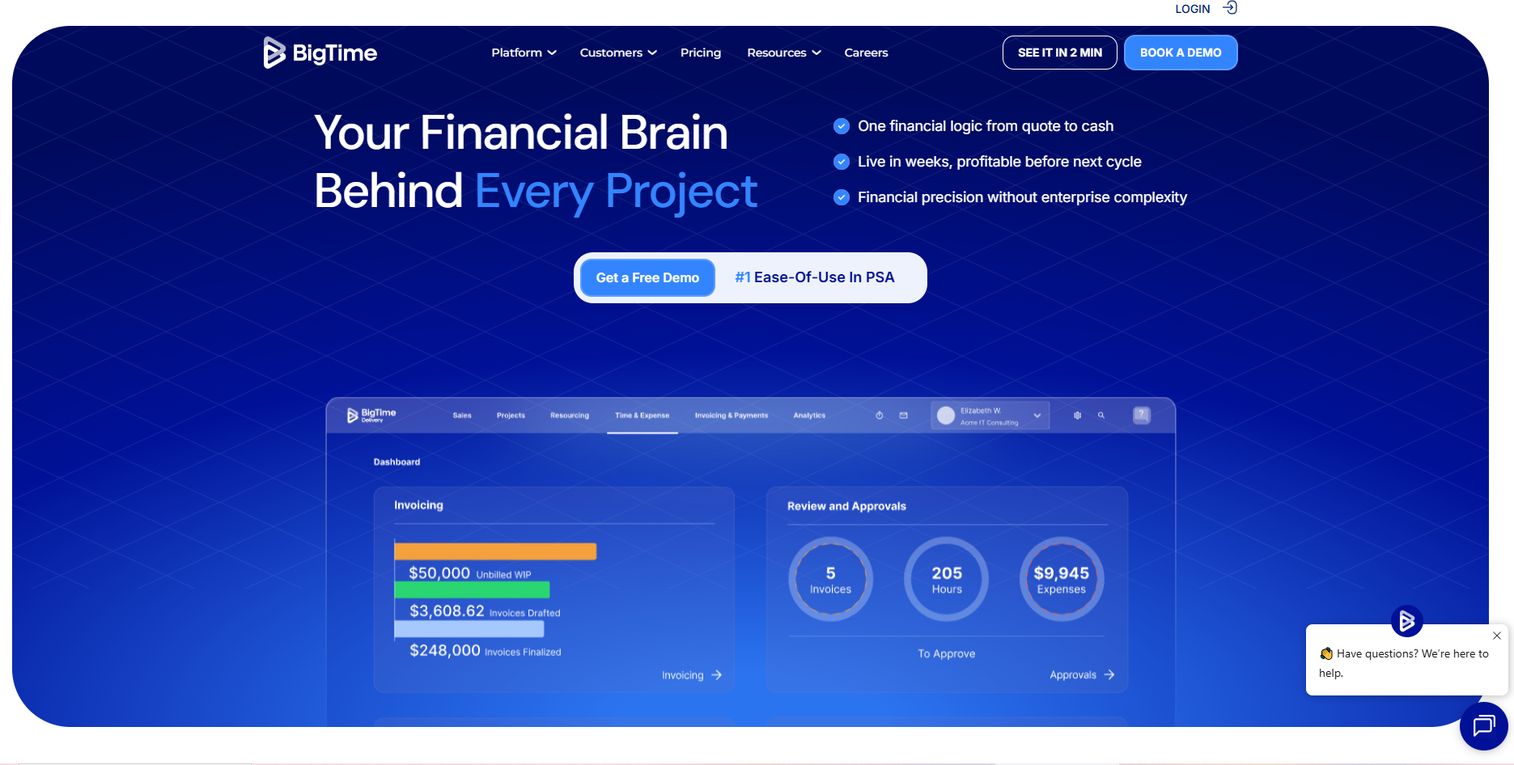
BigTime is professional services automation software: time tracking, billing, resource planning, project management, and analytics for project-based teams. For job costing, it shines when the job is a client engagement rather than a construction site, tracking time, expenses, and profitability per project and syncing to QuickBooks.
Its project accounting ties billable and non-billable time to project budgets, so you see margin per engagement as work progresses. Expense tracking, invoicing, and reporting round out the picture, and resource planning helps forecast whether upcoming projects are staffed profitably. The QuickBooks integration keeps this aligned with your accounting ledger without duplicate entry.
Be explicit: BigTime is not the most construction-native option on this list. It has no jobsite-first tooling for subcontracts or field crews. But for agencies, consultancies, and other project-centric service businesses that care about time, billing, and per-project profitability, it is a strong and well-priced job cost software choice.
Best for: professional services firms that need PSA workflows tied to billing and resource management.
Key strengths
- Time and expense tracking per project
- Billing and invoicing management
- Resource planning and forecasting
- Reporting and analytics on profitability
- QuickBooks integration
Why choose BigTime: for service firms where labor time is the main cost, its PSA-plus-billing model tracks project margin more naturally than a construction platform would.
BigTime pricing: Essentials starts at $20 per user/month, with Advanced at $35 and Premier at $45 per user/month. Enterprise is a custom quote.
Considerations before you buy
Budget vs actuals accuracy
The whole point is seeing margin before the job ends, so ask how fast actuals update and what feeds them. A tool that only reflects costs after payroll runs or invoices post leaves you a week behind. Confirm that labor, materials, and committed costs all flow in, not just posted expenses.
Labor burden and time capture
Base wage is not true labor cost. Payroll taxes, overtime, benefits, and other burden can add 20 to 40% on top. Check whether the system applies fully loaded labor burden and whether crews can enter time from the field, because desk re-entry is where accuracy and adoption both break down.
Field use and mobile reporting
Field adoption often decides whether a system works at all. If foremen and crews cannot log hours, receipts, and progress from their phones, the data arrives late and incomplete. Test the mobile field access with the people who will actually use it before you commit.
Accounting compatibility
Job costing data has to reconcile with your books. Verify how cleanly the tool syncs with QuickBooks Online, QuickBooks Desktop, or your accounting system, and whether the QuickBooks integration is two-way or a one-time export. Accounting system compatibility that requires manual cleanup every month is not compatibility.
WIP and committed costs
Committed costs from POs and subcontracts, plus WIP reporting, tell you where a job is heading, not just where it has been. On longer jobs, this is what surfaces underbilling and overbilling in time to fix them. If these matter to your work, do not settle for a tool that only tracks posted actuals.
Conclusion
The right pick tracks to your size and how complex your jobs run.
If your accounting already lives in QuickBooks and your jobs are simple, QuickBooks Online with Projects is the lowest-friction path to real job costing. When you outgrow that and need real-time construction job costing, phase-level budget vs actuals, committed costs, and WIP reporting, Knowify is the tightest fit for trade contractors, with Contractor Foreman as the value-driven all-in-one alternative.
Larger construction operations that need coordination across many projects and stakeholders should look at Procore, accepting that its scope and pricing suit enterprise scale. For project-based service firms, BQE CORE Suite and BigTime bring project accounting and billing depth that construction-native tools do not.
Next step: decide whether you want the simplest accounting-first path or the strongest construction-specific visibility, and whether project forecasting on committed costs is a must-have. That single decision narrows this list to two or three, and from there a trial in the field settles it.
FAQs
For very small teams already on QuickBooks with simple jobs, QuickBooks Online with Projects is often enough. When you run multiple jobs with subcontracts and change orders, Knowify fits best for construction-specific costing, while Contractor Foreman is the strongest value pick for an affordable all-in-one platform.
Yes, up to a point. QuickBooks Online codes income and expenses to projects and produces profitability reports, which covers simple jobs well. It is thinner on committed costs, phase-level budgets, WIP reporting, and fully loaded labor burden, so heavier construction workflows usually pair it with a construction-specific tool.
Track labor, materials, and overhead as they hit each job, plus committed costs from purchase orders and subcontracts and any change orders that shift scope. Coding all of these to the job, ideally with fully loaded labor burden, is what turns raw expenses into accurate per-project profitability.
WIP reporting compares work performed against amounts billed, which surfaces underbilling and overbilling before they distort cash flow. On longer jobs, it gives you real-time margin visibility so you can bill accurately and catch a job drifting off budget while you can still correct it.
If you have field crews, effectively yes. Mobile time entry lets workers clock in against the right job and cost code from the site, so labor cost lands in the numbers accurately and on time. Re-keying paper timesheets at a desk is where both accuracy and field adoption tend to break down.
Project accounting is the broader financial view of a project, covering budgets, billing, revenue recognition, and profitability. Job costing is the more operational layer inside it, tracking the specific labor, materials, and committed costs against a job. Construction tools lean job costing; professional services tools like BQE CORE Suite and BigTime lean project accounting.
Base it on job complexity, reporting needs, and team size. If you run a few simple jobs, accounting software with job costing features may cover it. Once you have concurrent projects, subcontracts, change orders, and WIP, construction-specific software layered on your ledger gives the real-time visibility accounting alone cannot.
QuickBooks integration is usually the top priority, since it keeps job data aligned with your accounting ledger. Payroll and time tracking integrations matter next, because labor drives most cost, and field or mobile workflows matter for capturing that labor accurately at the source rather than re-entering it later.