Paper binders break the moment a procedure changes. PDFs get emailed around until nobody knows which version is current. And the operator who actually knows how the line runs? They retire, and half your process knowledge walks out with them.
According to Canvas GFX research cited by BILT in 2025, 28% of U.S. manufacturers still rely on paper instructional documentation. The same research found that workers following digital instructions completed first-attempt tasks 20% faster and made 60% fewer errors than those using paper manuals. The gap between paper and digital is not marginal.
The harder problem is choosing the right digital work instruction software. A tool that guides complex assembly steps on a shop floor needs different capabilities from one that stores SOPs for a back-office team. The right work instruction software depends less on the instruction itself and more on where the work happens.
This guide compares 21 work instruction software options for manufacturing and frontline operations, so you can shortlist the right fit without wading through vendor marketing.
What's inside
This guide is for operations leaders, continuous improvement teams, and founders evaluating digital work instruction software for manufacturing or multi-site operations.
Tools were selected from SERP visibility, category relevance, manufacturing fit, and feature depth. Evaluation criteria include:
- Instruction creation and multimedia guidance
- Version control, approvals, and audit trails
- Frontline and mobile access for operators
- Integrations with ERP, MES, LMS, and connected shop-floor systems
- Pricing transparency and G2 ratings (verified at generation time)
TL;DR
- Best for manufacturing execution: VKS fits controlled work instructions with traceability and connected shop-floor data capture
- Best for frontline knowledge transfer: Poka suits teams replacing tribal knowledge with mobile, multimedia instructions across plants
- Best for SOP governance: Dozuki works well for teams that need versioned procedures, approvals, and training documentation
- Best for visual mobile instructions: SwipeGuide fits teams building step-by-step visual work instructions for frontline operators
- Best free starting tier: Mitti and SafetyCulture both offer free plans covering inspections, checklists, and task management
- Best for 3D or AR guidance: BILT and Vuforia Expert Capture deserve attention when immersive or expert-captured instructions matter
- Best for no-code manufacturing apps: Tulip suits factories building custom frontline applications around work instructions
What is work instruction software?
Work instruction software is a digital platform for creating, managing, delivering, and tracking step-by-step procedures that guide workers through operational tasks.
The category covers a wide range of products. At one end are controlled SOP platforms focused on governance: Version history, approval workflows, release control, and audit trails. At the other end are manufacturing execution tools that tie each instruction step directly to production data, quality checks, and machine interactions. In between sit connected-worker platforms, inspection apps, AR-guided instruction systems, and general process documentation tools.
Key capabilities to evaluate across the category:
- Procedure authoring with templates and multimedia support (images, video, annotations)
- Visual work instructions with step-by-step guides operators can follow on screen
- Electronic work instructions with version control, controlled release, and revision history
- Approval workflows and audit logs for regulated or quality-sensitive environments
- Mobile and offline access for frontline workers and field teams
- QR-code or equipment-based access at the workstation
- Integrations with ERP, MES, LMS, EAM, and connected production tools
- Data capture, completion tracking, and productivity analytics
- Multilingual delivery for global or diverse workforces
Digital work instruction software differs from a basic document management system. The instruction is not a stored file; it is a guided experience that tracks completion, enforces steps, and feeds data back to operations teams.
Visual work instruction software specifically emphasizes image, video, and annotation-driven guidance rather than text-heavy documents.
Electronic work instruction software adds governance: Controlled updates, who approved what, when it was released, and what operators actually completed. That audit trail is what separates a knowledge base from a quality management asset.
When to use work instruction software
Replace paper SOPs before they create quality drift
Paper binders and shared PDFs stop working the moment a process changes. An operator following an outdated procedure does not know they're wrong, and the process owner often cannot tell either until a defect appears. Work instruction software gives operators access to the current version while giving process owners revision history, approval gates, and controlled release. QR codes at workstations or equipment mean the right version appears automatically.
Train frontline teams without relying on tribal knowledge
New operators learn faster when instructions combine text, visuals, videos, and task checkpoints rather than shadowing a senior colleague. Manufacturing training software with multilingual support extends that reach to diverse workforces. When the expert retires or moves to another plant, the knowledge stays in the system.
Standardize production work across multiple sites
Multi-site operations need a single source of process truth, but every plant also has local equipment, workflows, and constraints. Good manufacturing work instruction software supports global standardization while allowing role-level, site-level, or equipment-specific procedure variants. Auditors get a consistent record. Plant managers get site-level analytics.
Work instruction software comparison
The table below is a first-pass screening tool. Pricing and G2 ratings were verified at generation time. Where no G2 listing exists, the rating field shows N/A. Where pricing is sales-led, the table notes that clearly.
| # | Product | Best for | Key differentiator | Pricing | G2 rating |
|---|---|---|---|---|---|
| 1 | VKS | Manufacturing execution and traceability | Connected work instructions with shop-floor data capture | Free (Lite); Pro/Enterprise: Contact sales | 4.7/5 |
| 2 | Poka | Frontline knowledge sharing | Connected worker platform with multimedia instructions | Contact sales | 4.6/5 |
| 3 | Dozuki | SOP control and training documentation | Versioned procedures with approvals and training records | Contact sales | 4.4/5 |
| 4 | SwipeGuide | Visual mobile instructions | Mobile-first visual instruction creation | From €745/month (annual) | 4.3/5 |
| 5 | Mitti | Inspections and frontline operations | Free tier with inspections, training, and task management | Free; Premium from $24/seat/month | 4.6/5 |
| 6 | SafetyCulture | Inspections and field checklists | Mobile checklists with issue capture and reporting | Free; Premium from $24/seat/month | 4.6/5 |
| 7 | Job Element Monitor | Lean manufacturing standards | Job element tracking for standardized work | Contact sales | N/A |
| 8 | eFlex | Assembly operations | Operator guidance for complex manufacturing stations | Contact sales | N/A |
| 9 | Operations1 | Connected frontline operations | Digital work instructions with process collaboration | Contact sales | N/A |
| 10 | Tecnomatix | Manufacturing process planning | Digital manufacturing planning tied to engineering workflows | Contact sales | 4.4/5 |
| 11 | Vuforia Expert Capture | AR-guided work instructions | Expert-captured augmented reality guidance | Contact sales | 4.3/5 |
| 12 | Andonix Smart Work Station | Connected frontline execution | Mobile worker workflows with alerts and forms | From $250/month (50 users) | 4.8/5 |
| 13 | Tulip | No-code manufacturing apps | Work instructions inside composable frontline apps | From $100/month per interface | 4.5/5 |
| 14 | BILT | 3D guided instructions | Interactive 3D instructions for training and assembly | Free for end users; manufacturer subscription | N/A |
| 15 | EZ Factory | Factory-floor improvement | Digital instructions and continuous improvement workflows | Contact sales | N/A |
| 16 | Sequence Software | Complex procedure execution | Guided process execution for regulated operations | Contact sales | N/A |
| 17 | Instruqt | Technical training labs | Hands-on software training environments | Contact sales | 4.8/5 |
| 18 | ScreenSteps | Internal process documentation | Knowledge base and SOP documentation for teams | From $15/user/month | 4.7/5 |
| 19 | Whale | Business process documentation | SOPs, training, and process playbooks | Free; Scale from $249/month | 4.8/5 |
| 20 | VKS Edge | Edge-based manufacturing workflows | Connected work instructions at the point of work | Contact sales | 4.7/5 |
| 21 | PTC | Industrial AR and connected products | Enterprise AR and industrial technology portfolio | Contact sales | 4.4/5 |
Best 21 work instruction software tools for manufacturing
1. VKS
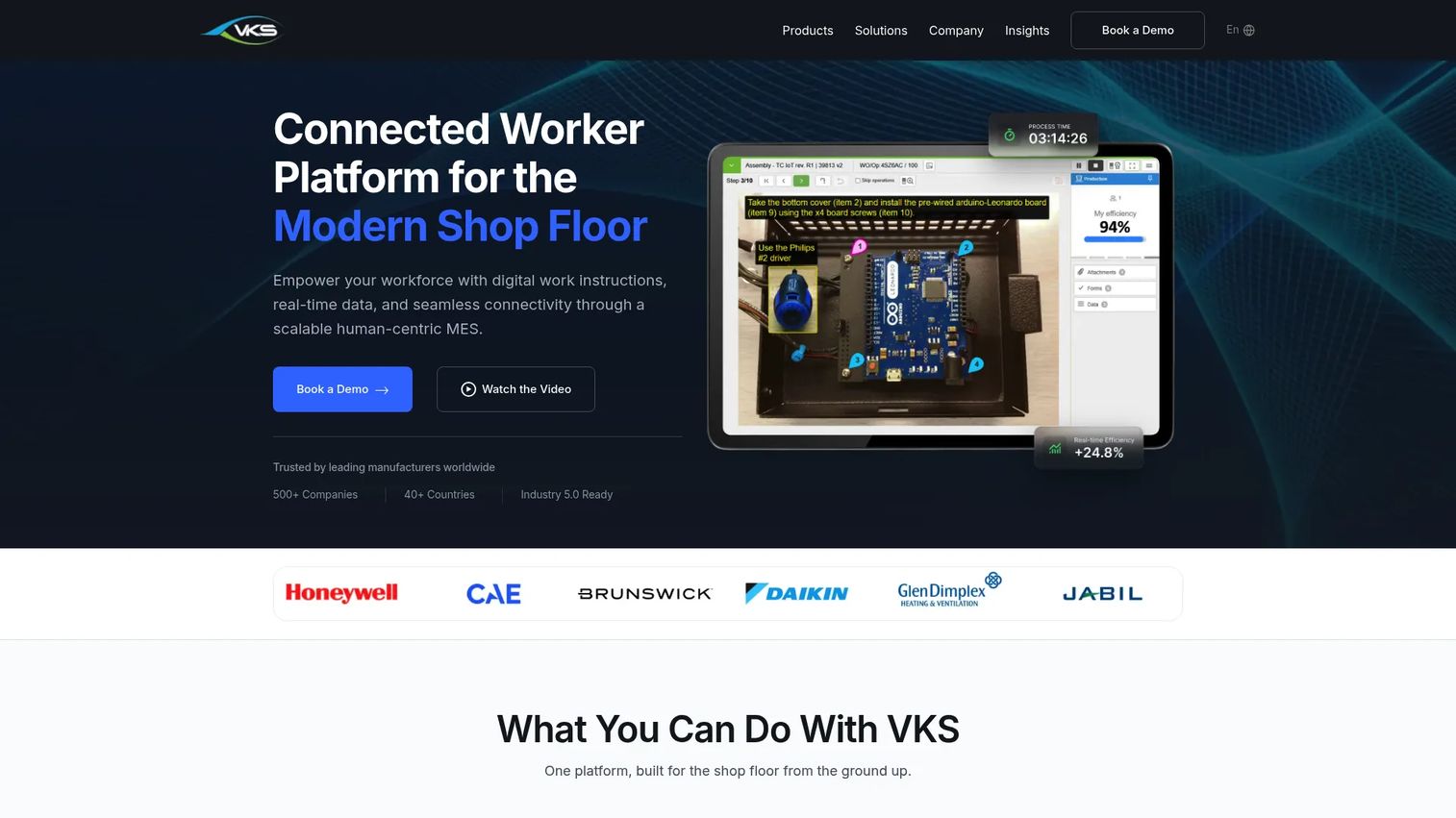
VKS is a connected worker platform built specifically for manufacturing. It delivers digital work instructions with pictures, videos, annotations, and decision trees directly to operators, while capturing production data, quality metrics, and KPIs in real time. VKS integrates with ERP, MES, and BI tools, and connects to PLCs, scanners, label printers, and torque tools through its VKS Edge IIoT layer.
Best for: Mid-market and enterprise manufacturers that need controlled operator instructions tied to production data and traceability.
Key features
- Interactive digital work instructions with images, video, and decision trees
- Smart forms, signatures, SPC, and KPI tracking
- Revision control and audit logs
- ERP, MES, and BI integrations
- VKS Edge IIoT connectivity for tools and machines
Why choose VKS: Choose VKS when the instruction is part of the production process, not just a document stored somewhere. Its strength is connecting what the operator does to what the system records, which is what traceability actually requires.
VKS pricing: The Lite plan is free. Pro and Enterprise plans require a quote from sales. Ask specifically about per-site and per-station pricing when you contact them.
G2 rating: 4.7/5
2. Poka
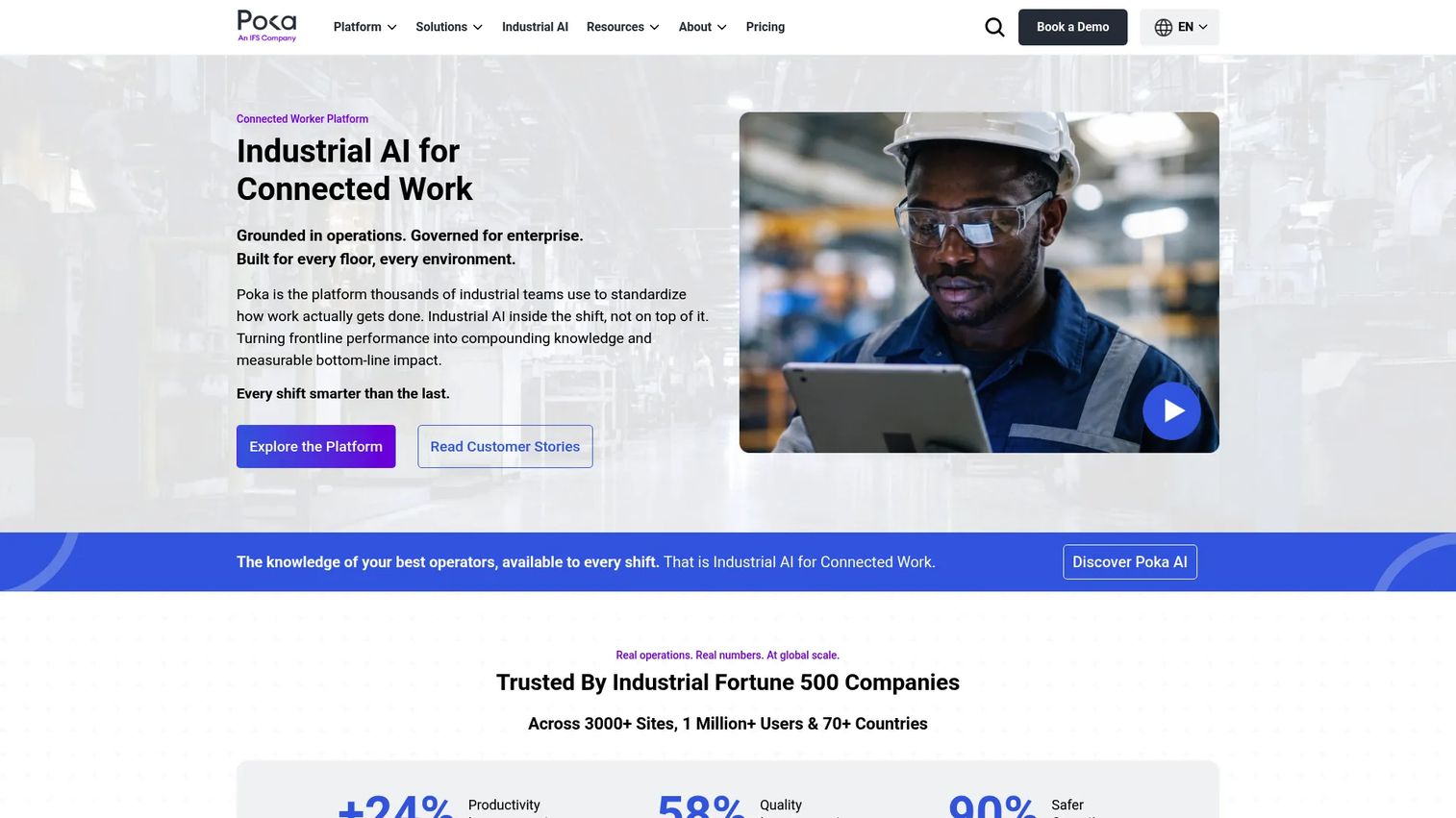
Poka is an industrial connected-worker platform that helps manufacturing teams standardize work, develop frontline skills, manage daily operations, and use industrial AI. It supports multimedia digital work instructions, skills management, training pathways, digital forms, issues management, and analytics. Poka connects to enterprise systems through APIs, Poka Automate, and MCP integrations.
Best for: Enterprise manufacturers standardizing knowledge and frontline training across multiple plants.
Key features
- Digital work instructions with multimedia knowledge capture
- Skills management and training pathways
- Daily management and huddle boards
- Digital forms, checklists, and issues management
- Enterprise integrations via API and Poka Automate
Why choose Poka: Poka fits when work instructions are part of a broader frontline enablement program, not a standalone SOP repository. Its connected-worker scope covers training, troubleshooting, communication, and operational knowledge in one platform.
Poka pricing: Pricing is not listed publicly. Contact Poka's sales team to request current packaging and site-level terms.
G2 rating: 4.6/5
3. Dozuki
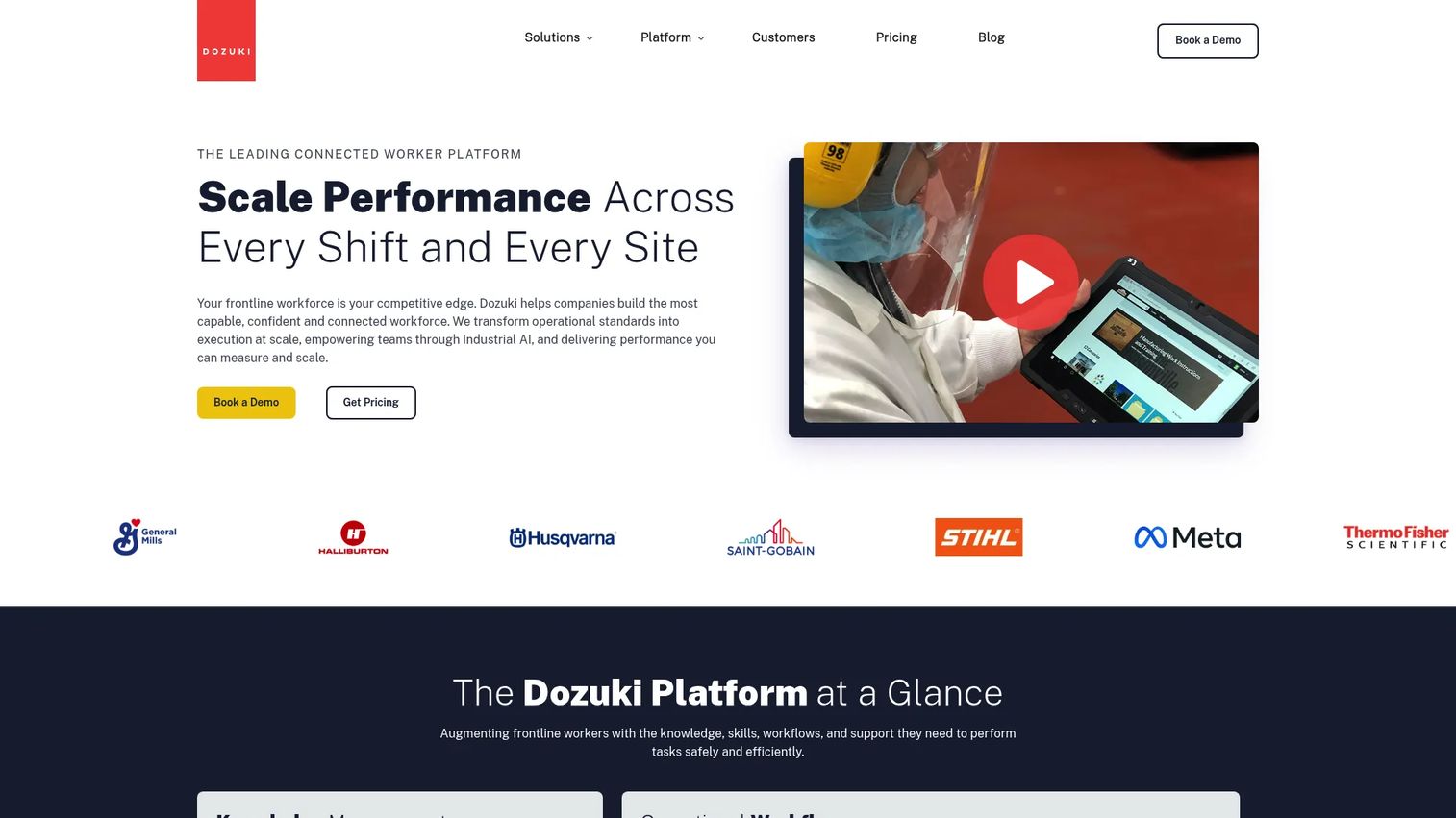
Dozuki is an AI-powered connected worker platform for industrial operations. It combines knowledge management, role-based learning pathways, operational workflows, frontline feedback, and conversational AI search. Dozuki supports controlled documentation with approvals, audit trails, and change acknowledgments, making it useful for quality-sensitive and regulated environments.
Best for: Manufacturing and industrial teams that need versioned SOPs, approvals, and training documentation in a single governed platform.
Key features
- AI-powered digital work instructions and knowledge management
- Role-based learning pathways and training assessments
- Approval workflows and audit trails
- Frontline feedback and change acknowledgments
- Conversational AI search and AI-generated procedure content
Why choose Dozuki: Dozuki is the right call when the core problem is version control, not just instruction delivery. Teams moving from binders and static PDFs to controlled digital procedures with training records will find it covers both the governance and the learning sides of the transition.
Dozuki pricing: Pricing is not published on the website. You will need to contact sales for current plan names and per-seat or per-site terms.
G2 rating: 4.4/5
4. SwipeGuide
SwipeGuide is a frontline how-to platform focused on digital work instructions, checklists, and skills development. It emphasizes mobile-first, visual instruction creation for manufacturing and field-service organizations. SwipeGuide supports multilingual delivery and usage analytics, making it a practical choice for global operations teams.
Best for: Manufacturing and field-service teams that need operators to follow clear visual instructions on mobile devices.
Key features
- Visual editor for step-by-step digital work instructions
- Mobile-first instruction delivery
- Multilingual content delivery
- Usage and completion analytics
- Checklists and skills development modules
Why choose SwipeGuide: SwipeGuide works well when the priority is visual clarity and global reach rather than deep MES-level integration. If your instructions need to be clean, consistent, and easy to follow across dozens of locations, this fits.
SwipeGuide pricing: Based on a G2-hosted pricing document, the Pro plan starts at €745/month (annual subscription, one location). Enterprise pricing is €1,000/month per location on an annual subscription. Contact SwipeGuide to confirm current rates and packaging.
G2 rating: 4.3/5
5. Mitti
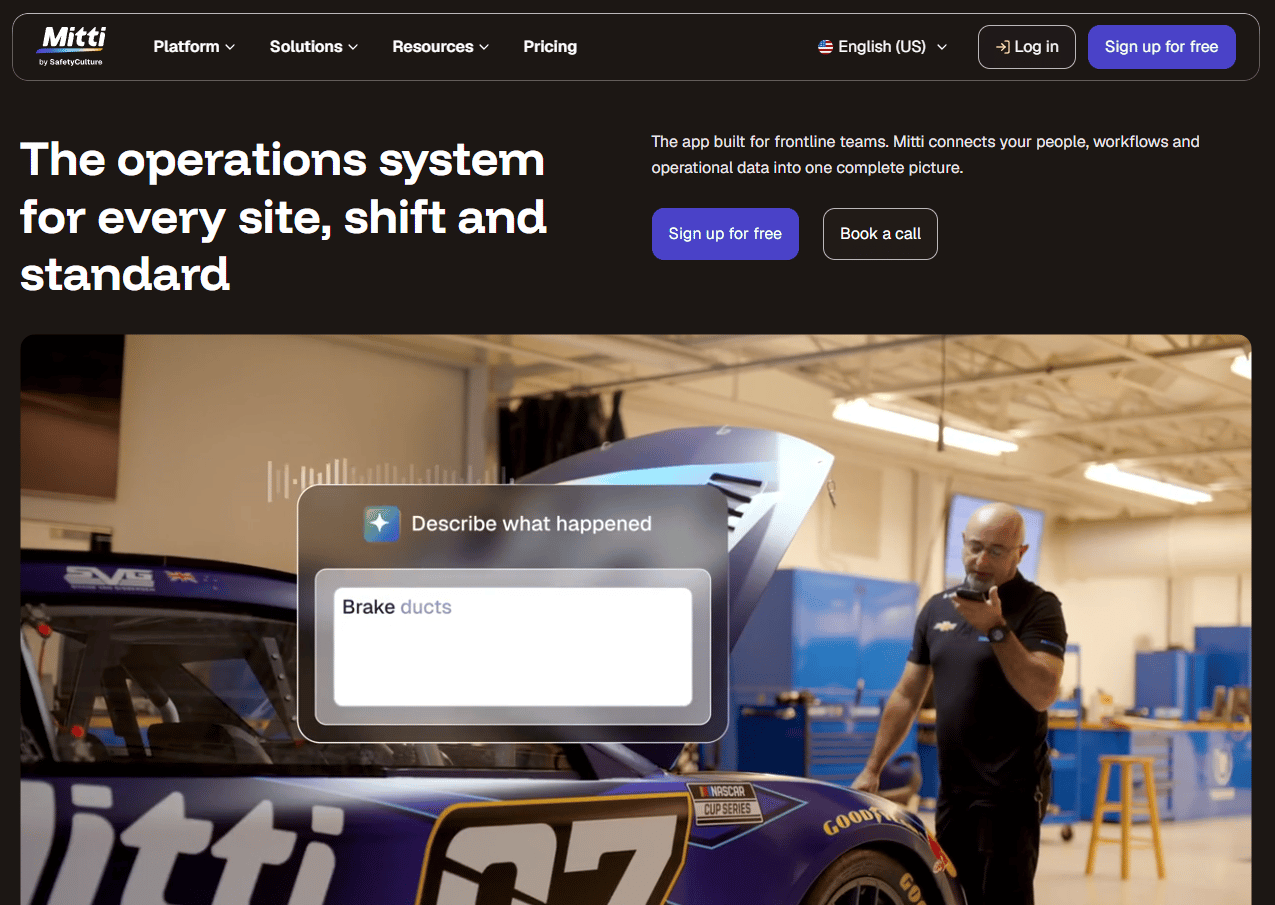
Mitti is a frontline operations system covering inspections, training, task management, incident reporting, asset management, compliance, and document management. Its free tier supports up to 10 active users and covers inspections, reports, basic analytics, training, and task tracking, giving smaller operations teams a practical entry point.
Best for: Frontline-heavy organizations managing inspections, safety, training, and operational workflows across sites.
Key features
- Inspections and digital checklists
- Training and task management
- Asset management and maintenance workflows
- Analytics and reporting dashboards
- AI Assistant and AI-powered issue creation
Why choose Mitti: Mitti earns its place when a team needs a work instruction app that also covers inspections, compliance, and asset tracking without adding separate tools. The free tier is genuinely usable for teams under 10, and Premium adds integrations and advanced analytics.
Mitti pricing: Free for up to 10 active users. Premium costs $24/seat/month billed annually, or $29/seat/month billed monthly. Enterprise pricing is custom.
G2 rating: 4.6/5
6. SafetyCulture
SafetyCulture is a workplace operations platform built around mobile inspections, audits, task management, training, issue reporting, and IoT sensor monitoring. Its strongest use cases are recurring checks, quality audits, and corrective action workflows. It is not a deep manufacturing execution tool, but it covers frontline procedure and inspection needs across many industries.
Best for: Frontline safety, quality, and operations teams that need checklist-driven procedures, inspections, and issue reporting on mobile devices.
Key features
- Digitized inspections and mobile checklists
- Task and action management
- Issue and incident reporting with photo capture
- Training and upskilling modules
- IoT sensor monitoring and analytics dashboards
Why choose SafetyCulture: Choose SafetyCulture when the core need is recurring inspections, audits, and corrective actions rather than step-by-step operator guidance for production tasks. Lite seats at $5/seat/month (billed annually) make it accessible for large frontline teams.
SafetyCulture pricing: Free plan available for up to 10 seats. Premium costs $24/seat/month billed monthly. Enterprise pricing is custom. Lite seats can be added to paid plans at $5/seat/month when billed annually.
G2 rating: 4.6/5
7. Job Element Monitor
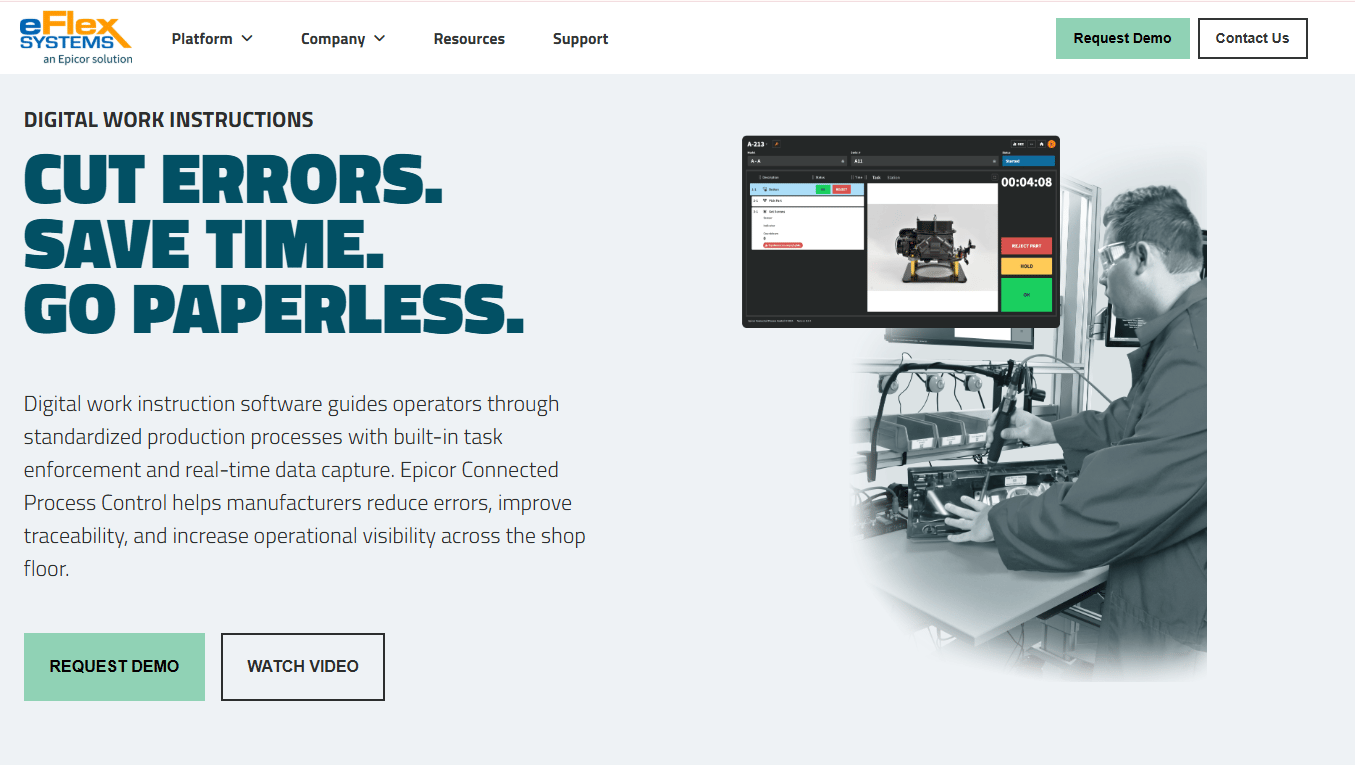
Job Element Monitor is a digital work-instruction solution for manufacturing operations, providing interactive station-specific instructions and process monitoring. It supports real-time task interaction, cycle-time tracking, customizable process data collection, and IoT device integration without programming. Quality validation and traceability are core capabilities.
Best for: Manufacturers digitizing assembly instructions, process control, and production data collection at workstations.
Key features
- Digital work instructions, station-specific and interactive
- Real-time task interactions and cycle-time tracking
- Customizable process data collection
- IoT device integration without programming
- Quality validation and traceability
Why choose Job Element Monitor: This fits lean teams that want standardized work discipline and real-time process monitoring alongside operator instructions. It is a focused manufacturing tool rather than a broad connected-worker platform.
Job Element Monitor pricing: Contact sales for current plan details and deployment terms.
8. eFlex
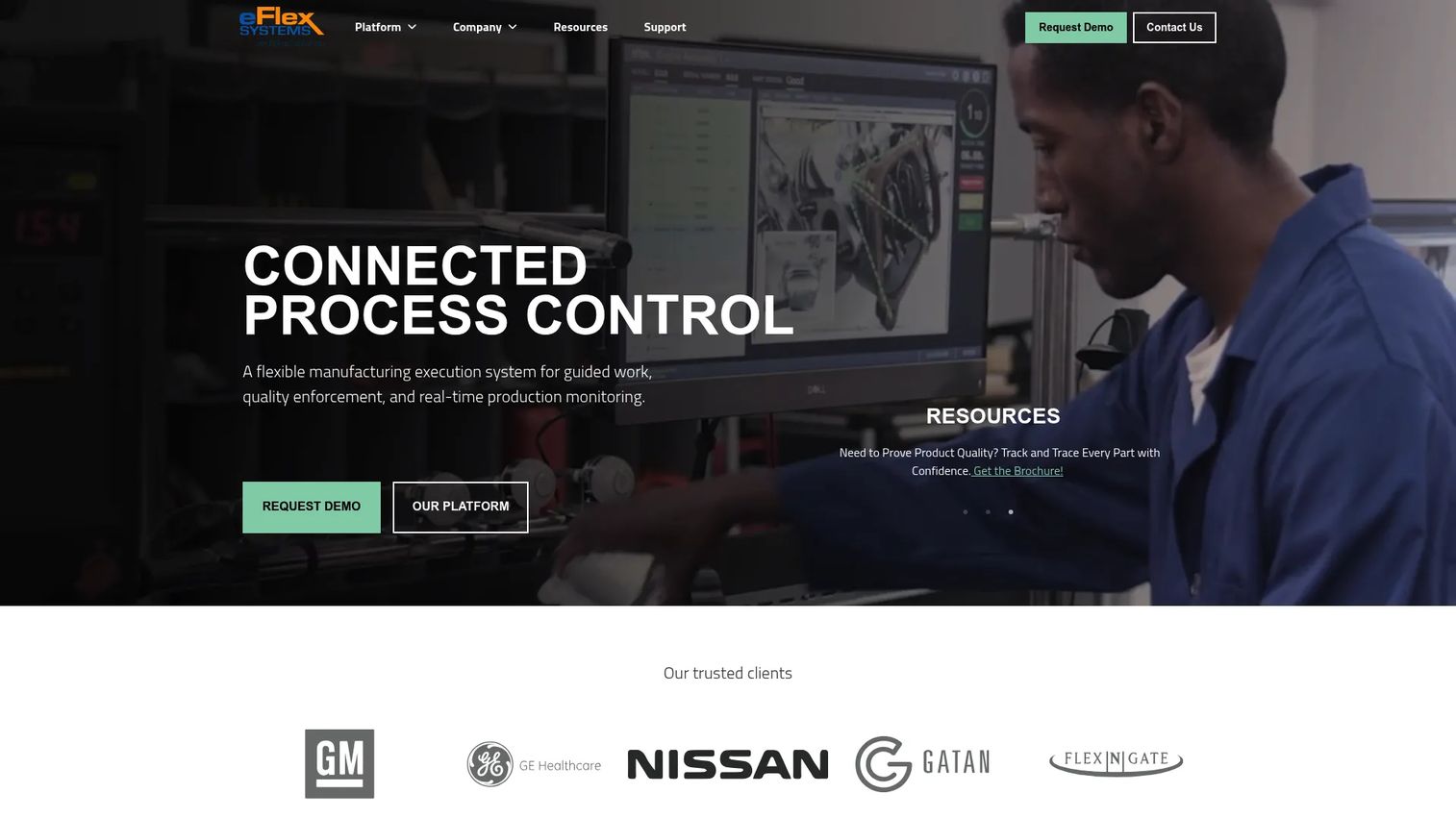
eFlex, now presented as Epicor Connected Process Control, is a no-code/low-code manufacturing execution and process-control platform. It delivers digital work instructions with embedded editors, enforces process steps, and captures traceability data at the part, batch, and serial level. eFlex connects to IoT devices, PLCs, sensors, tooling, and test equipment, and supports cloud or on-site deployment.
Best for: Manufacturers running complex assembly or high-variation production who need process enforcement, error-proofing, and full traceability.
Key features
- Digital work instructions with embedded editor
- IoT, PLC, sensor, and tooling connectivity
- Process enforcement and error-proofing
- Traceability, part genealogy, and serial/batch tracking
- Real-time production visibility and BI dashboards
Why choose eFlex: eFlex is purpose-built for production environments where each build step must be guided, verified, and recorded. The integration depth with manufacturing equipment sets it apart from general instruction platforms.
eFlex pricing: Request a quote directly from the eFlex or Epicor sales team for current deployment and licensing terms.
9. Operations1
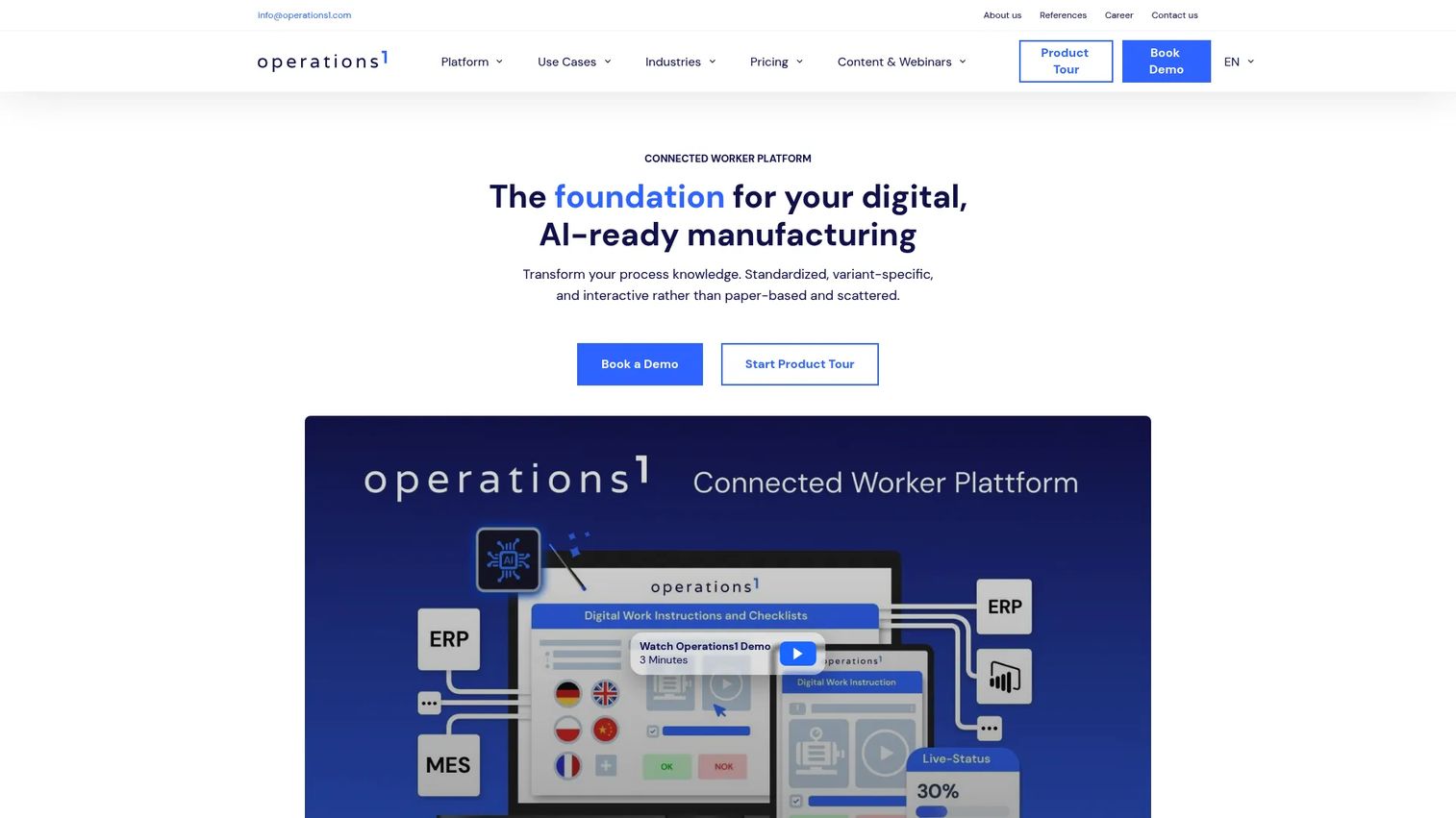
Operations1 is an AI-powered connected worker platform for digitizing and standardizing manufacturing shop-floor processes. It covers digital work instructions, checklists, inspections, audits, order and task management, maintenance planning, and ERP/MES integration. The platform supports mobile and offline operation, making it practical for large, distributed factory environments.
Best for: Mid-market and enterprise manufacturing organizations digitizing frontline execution across multiple sites.
Key features
- Digital work instructions and SOPs
- Digital checklists, inspections, and audits
- Order, task, and maintenance management
- AI Assistant and AI document conversion
- ERP/MES integration via REST API, webhooks, and Azure Flows
Why choose Operations1: Operations1 fits when work instructions sit alongside broader operational tasks like maintenance orders, audits, and shift communication. The multi-site architecture and ERP integration depth make it well-suited to mid-market manufacturers standardizing across plants.
Operations1 pricing: Professional and Enterprise plans are available. Neither carries a published price; contact sales for current offer details.
10. Tecnomatix
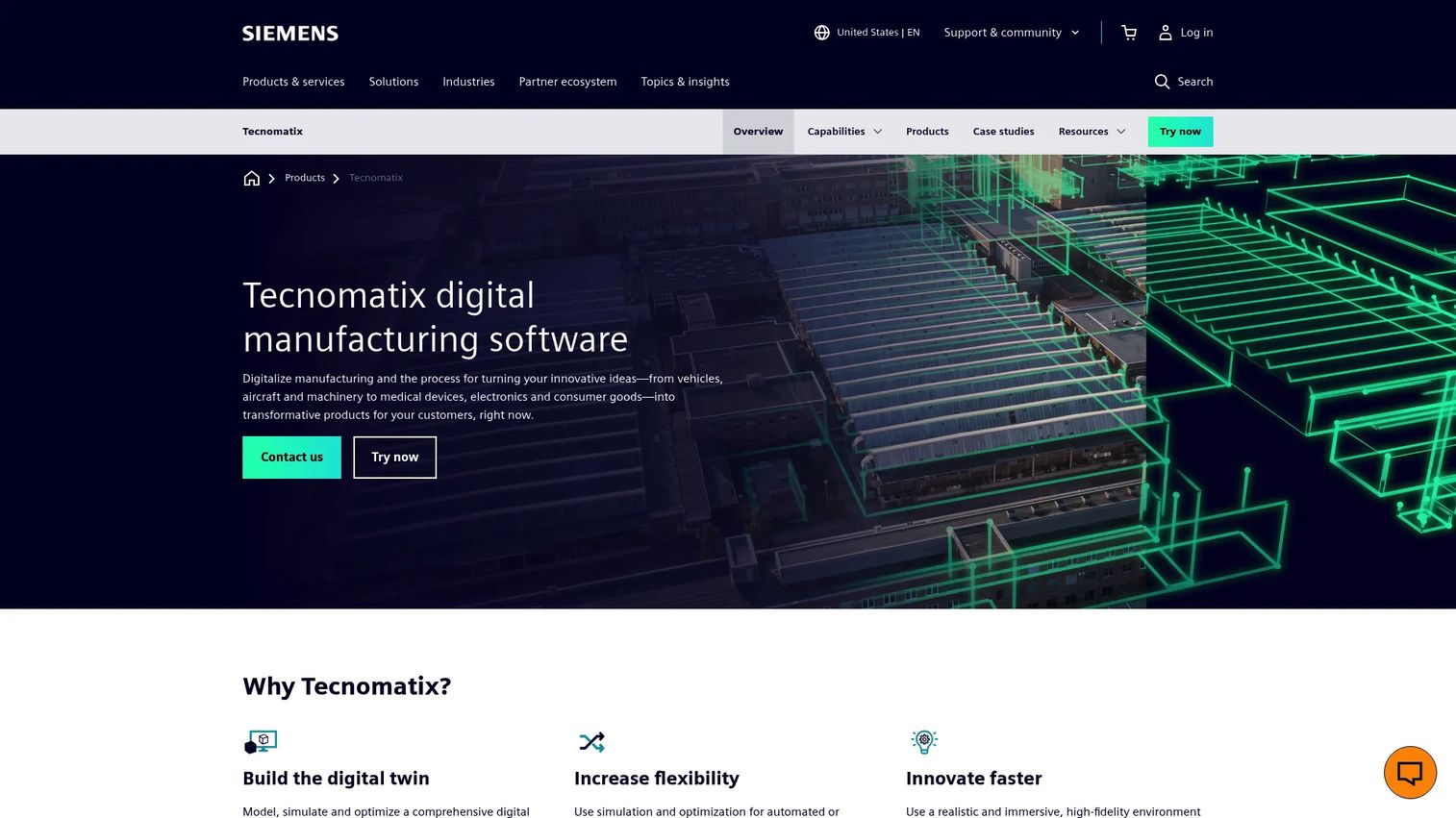
Tecnomatix is Siemens' digital manufacturing software suite for modeling, simulating, validating, and optimizing manufacturing processes, robotics, automation, and human tasks. It generates work instructions as part of a broader manufacturing engineering workflow, connecting process planning to simulation and factory execution. This is an engineering-led platform, not a standalone frontline instruction tool.
Best for: Large enterprise manufacturers connecting work instruction output to manufacturing process planning and simulation.
Key features
- Digital-twin modeling and process simulation
- Robotics simulation and virtual commissioning
- Human-task simulation and ergonomics analysis
- Manufacturing process planning with work instruction output
- Integration with Siemens PLM and engineering data
Why choose Tecnomatix: Tecnomatix earns its place when work instructions need to derive from engineering data, not be written from scratch. For manufacturers where the instruction is an output of process planning and simulation, this is the right category.
Tecnomatix pricing: Siemens does not publish numeric pricing for Tecnomatix. Contact the Siemens sales team for product-specific licensing terms.
G2 rating: 4.4/5
11. Vuforia Expert Capture
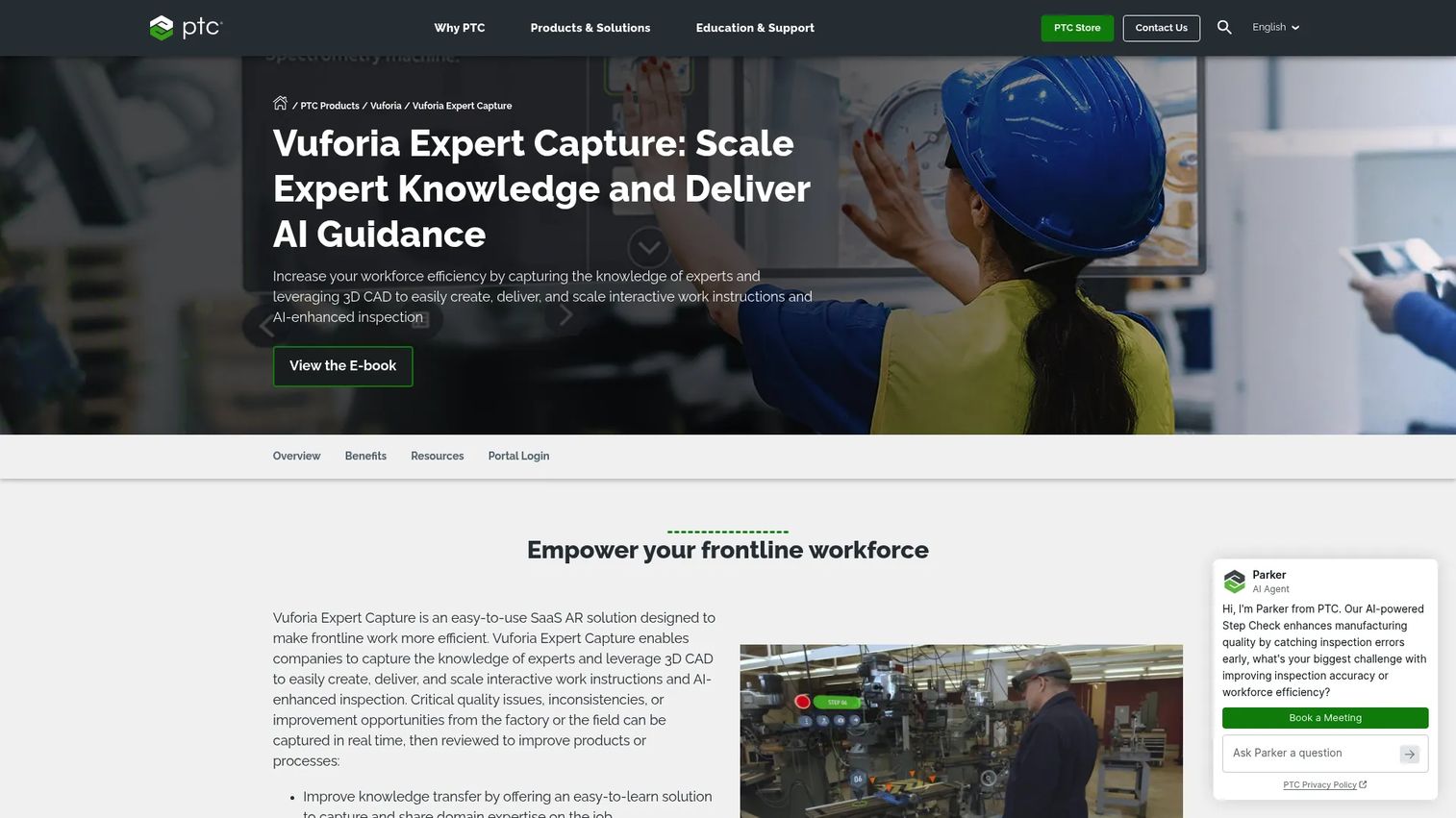
Vuforia Expert Capture is a SaaS augmented-reality solution from PTC for capturing expert knowledge and creating AI-enhanced work instructions. Experts record procedures, and the platform converts those recordings into guided AR instructions distributed through Vuforia Vantage. AI-enhanced Step Check provides pass/fail visual inspection recognition during task execution.
Best for: Industrial enterprises that need to capture expert knowledge and deliver scalable AR instructions for complex maintenance, service, or assembly work.
Key features
- Collaborative SaaS authoring of AR work instructions
- AI-enhanced visual inspection with Step Check pass/fail recognition
- Distribution Center for permissions and published procedures
- Vuforia Vantage for step-by-step AR delivery
- Vuforia Insights for procedure execution analytics
Why choose Vuforia Expert Capture: This is the right choice when the best instruction comes from recording an expert doing the work. Complex maintenance, field service, and technical repair procedures benefit most from expert-captured AR guidance.
Vuforia Expert Capture pricing: Contact PTC's sales team for licensing and deployment terms.
G2 rating: 4.3/5
12. Andonix Smart Work Station
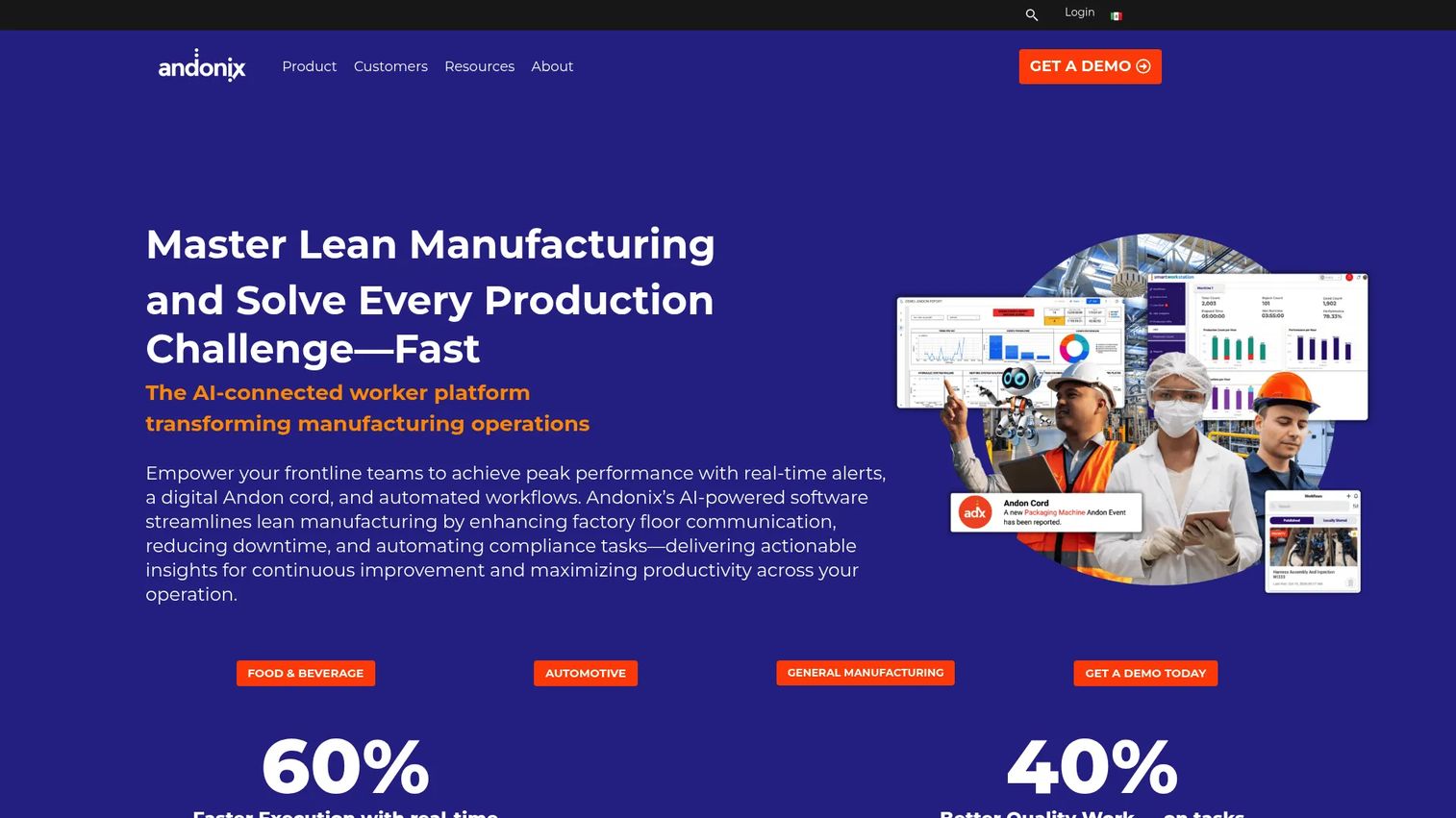
Andonix Smart Work Station is an AI-powered connected-worker platform for manufacturing operations. It combines digital operating procedures, real-time Andon alerts, operator training, machine and tool connectivity, in-app communication, and an AI assistant called Andi. Integrations cover ERP, MES, SCADA, IoT, BI, and APIs.
Best for: Manufacturing companies seeking to digitize frontline work, reduce disruptions, and connect workers with machines and enterprise systems.
Key features
- Digital operating procedures, checklists, and automated workflows
- Digital Andon cord with smart monitoring, alarms, and escalation
- Operator training and multimedia instruction delivery
- Machine and tool connectivity via PLC, SCADA, and non-PLC systems
- AI-assisted troubleshooting through Andi
Why choose Andonix Smart Work Station: Choose this when work instructions need to trigger action, escalation, or alerts rather than simply guide a task. The Andon integration is a genuine differentiator for production environments where response time matters.
Andonix Smart Work Station pricing: An introductory offer for Andi is available at $250/month for 50 users, or $2,500/year. Contact Andonix for full Smart Work Station plan details and availability.
G2 rating: 4.8/5
13. Tulip
Tulip is a frontline operations platform that lets manufacturers build, connect, run, and govern digital production workflows using a no-code app builder. Work instructions live inside composable apps that can also collect data, track production, enforce quality steps, and connect to machines, sensors, and enterprise systems. Governance features including audit trails, electronic signatures, and regulated-manufacturing controls are available.
Best for: Manufacturers building custom frontline applications around work instructions, with connected data capture and production analytics.
Key features
- No-code app and workflow authoring
- Machine, sensor, and enterprise-system connectivity
- Real-time analytics and production dashboards
- AI tools including computer vision and OCR
- Audit trails, electronic signatures, and regulated-manufacturing controls
Why choose Tulip: Tulip fits when work instructions are one piece of a broader digital production app, not a standalone SOP. If your factory needs custom workflows that combine instructions, data collection, and machine signals, the composable platform model pays off.
Tulip pricing: Essentials starts at $100/month per interface (10-interface minimum, billed annually). Professional costs $250/month per interface (10-interface minimum, billed annually). Enterprise and Regulated Industries pricing require a sales conversation.
G2 rating: 4.5/5
14. BILT
BILT provides 3D interactive and immersive digital work instructions for product assembly, installation, maintenance, repair, and workforce training. Instructions use 3D models with 360-degree rotation, pinch-to-zoom, and part-level information. BILT is available on iOS, Android, and Apple Vision Pro, with offline access and multilingual support.
Best for: Manufacturers and industrial organizations that need interactive 3D instructions for training, complex assembly, or field-service work.
Key features
- 3D interactive step-by-step instructions with audio and written guidance
- 360-degree rotation, pinch-to-zoom, and part-level detail
- Mobile delivery on iOS, Android, and Apple Vision Pro
- Offline access and multilingual support
- User feedback, insights, and analytics
Why choose BILT: BILT is the right choice when a 2D screenshot or photo sequence does not convey the spatial complexity of an assembly or maintenance procedure. The 3D model experience closes the gap between a drawing and the physical task.
BILT pricing: The BILT app is free for end users. Manufacturers pay a subscription fee to publish and manage instructions; contact BILT for current subscription terms.
15. EZ Factory
EZ Factory provides the EZ-GO platform for digitizing factory checklists, audits, visual work instructions, inspections, and autonomous maintenance tasks. The platform emphasizes ease of adoption on the factory floor, with image and video-based instructions alongside digital checklists for continuous improvement routines.
Best for: Manufacturing companies digitizing shop-floor work instructions and improvement routines with a focus on operator adoption.
Key features
- Visual work instructions with images and videos
- Digital checklists and standardized procedures
- Audits, inspections, and autonomous maintenance task management
- Factory communication and frontline collaboration
- Continuous improvement tracking
Why choose EZ Factory: EZ Factory works for factory teams that want practical floor-level adoption without heavy IT overhead. Its lean-manufacturing orientation makes it a natural fit for teams running 5S, TPM, or autonomous maintenance programs alongside standard work.
EZ Factory pricing: Contact EZ Factory for current plan details and deployment terms.
16. Sequence Software
Sequence Software focuses on guided procedure execution for complex operational or regulated processes. The platform supports step sequencing, data capture, controlled execution, and compliance-oriented workflows for teams that need to enforce strict procedure order.
Best for: Teams executing complex regulated procedures that require strict sequence control and completion tracking.
Key features
- Guided procedure sequencing
- Data capture at each step
- Controlled execution and task tracking
- Completion records and compliance support
- Process orchestration for multi-step workflows
Why choose Sequence Software: Sequence Software fits when the core problem is procedure execution rather than procedure storage. If skipping or reordering steps creates quality or safety risk, a sequencing-focused tool adds value that a general document platform does not.
Sequence Software pricing: Contact sales for current packaging and deployment terms.
17. Instruqt
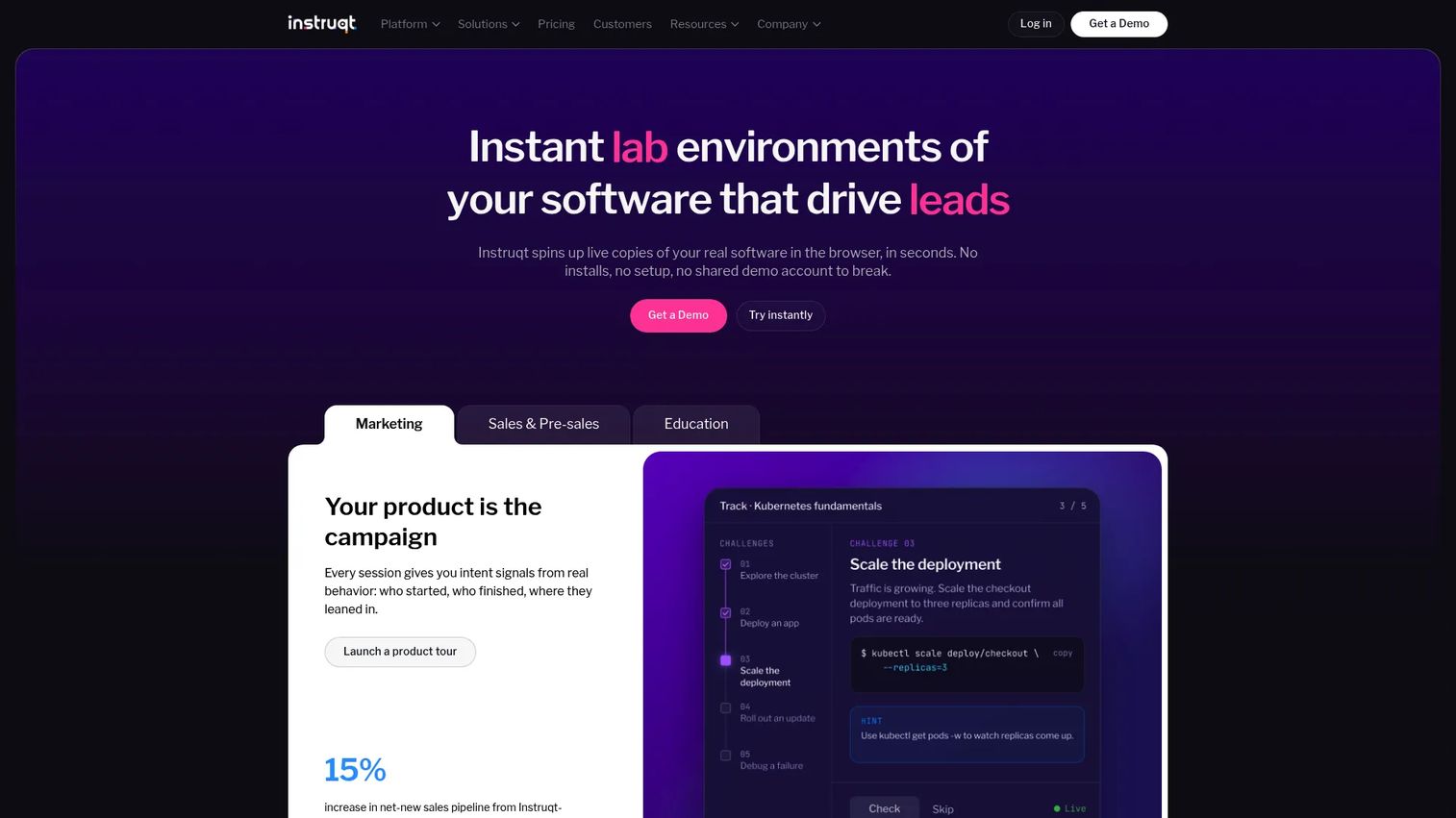
Instruqt is a hands-on platform for creating browser-based product demos, technical training, workshops, and sandboxed learning environments. It uses VMs, containers, Kubernetes, and cloud accounts to deliver live product environments with guided instructions, challenges, quizzes, and validation. This is a software training tool, not a factory-floor work instruction system.
Best for: Software companies creating hands-on technical training environments, product-led workshops, and interactive onboarding.
Key features
- Browser-based live software environments (VMs, containers, cloud accounts)
- Guided instructions with challenges, tasks, and validation
- Embeddable labs for websites, documentation, and LMS platforms
- Analytics and CRM integrations for learner tracking
- CLI and GitOps-based lab authoring
Why choose Instruqt: Choose Instruqt when the "work instruction" is a software procedure and the goal is hands-on learning in a live product environment. It is included here because technical training and digital adoption overlap with work instruction use cases for software-heavy operations teams.
Instruqt pricing: Instruqt uses consumption-based annual pricing packages. Contact sales for a current quote.
G2 rating: 4.8/5
18. ScreenSteps
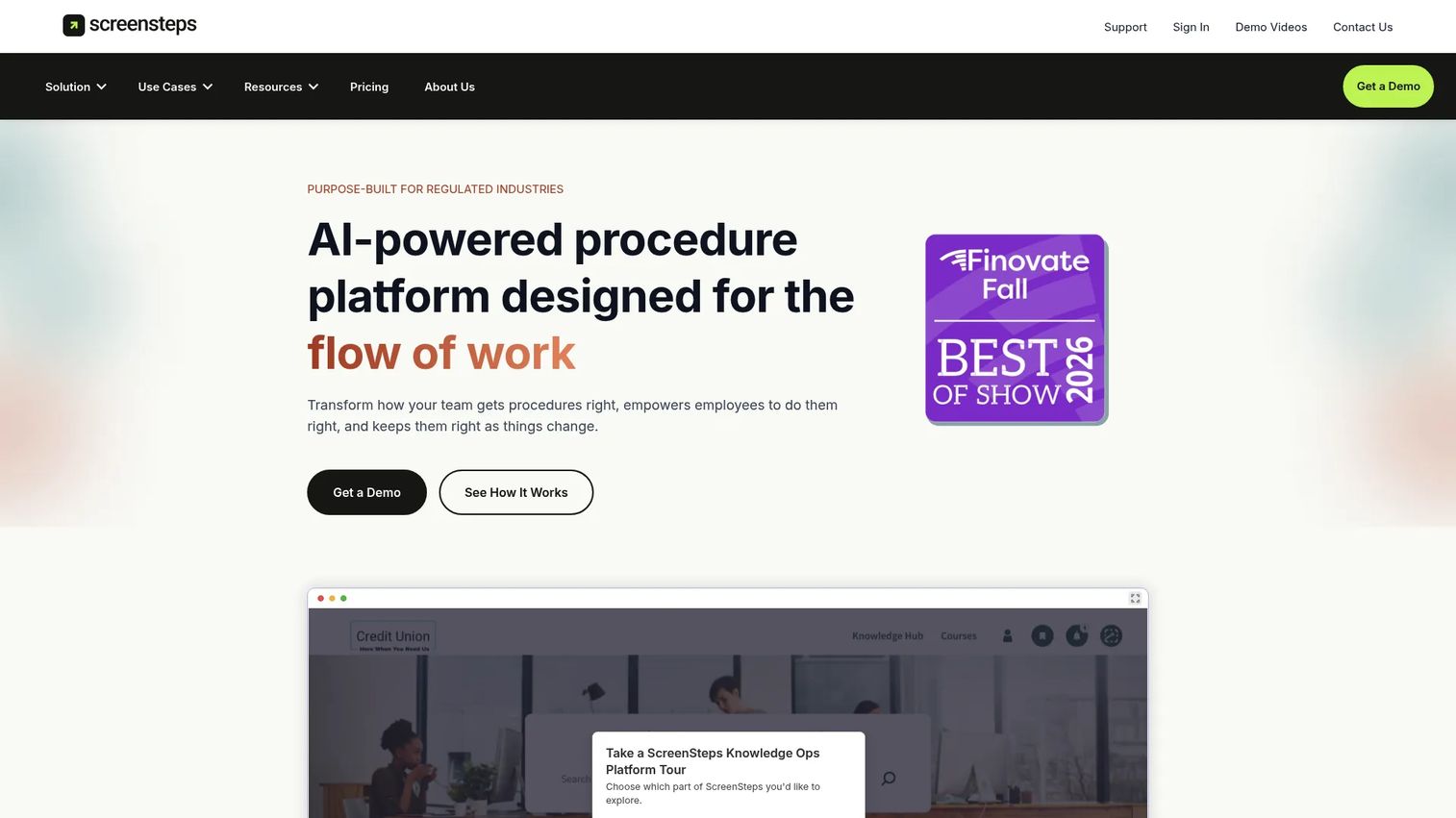
ScreenSteps is an AI-powered procedure and knowledge operations platform for creating, managing, and delivering actionable employee guidance. It covers SOP authoring, interactive checklists, decision trees, a centralized knowledge hub, and a browser extension called Sidekick that surfaces contextual guidance in web apps.
Best for: Teams documenting repeatable internal processes and SOPs for employee training and performance support in operations or customer-facing roles.
Key features
- AI-powered knowledge capture and SOP creation
- Interactive checklists and decision trees
- Centralized knowledge hub with courses and learning paths
- Sidekick browser extension for in-app contextual guidance
- Content certification, AI search, and integrations
Why choose ScreenSteps: ScreenSteps fits when the primary problem is procedural knowledge delivery in support, operations, or admin teams rather than shop-floor execution. Its Sidekick extension is genuinely useful for teams whose work happens inside web applications. If you also need sales training software, ScreenSteps covers cross-functional documentation needs.
ScreenSteps pricing: Answer Plan costs $15/user/month ($300/month minimum, billed annually). Guide Plan costs $20/user/month ($500/month minimum, billed annually). Enterprise pricing is contact sales. A 15-day free trial is available.
G2 rating: 4.7/5
19. Whale
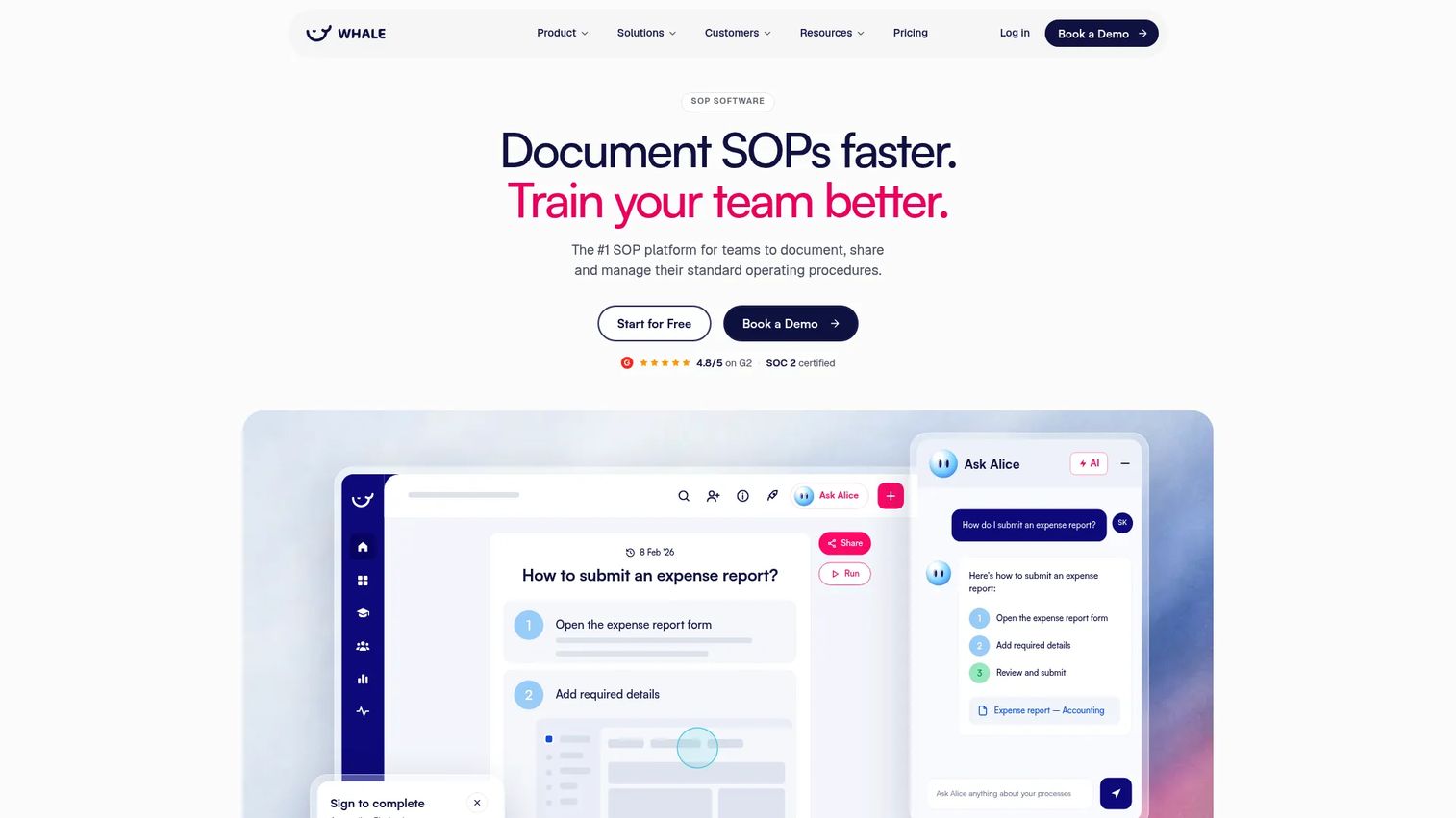
Whale is SOP and process-management software for documenting processes, training teams, and answering operational questions with AI. It supports video-to-guide conversion, conversational AI search through Ask Alice, training flows with quizzes, mobile access, and checklists. Its free plan covers up to 10 members.
Best for: Growing companies documenting internal processes, onboarding playbooks, and operational procedures across departments.
Key features
- AI-assisted SOP documentation with video-to-guide conversion
- Conversational AI search with Ask Alice
- Training flows, quizzes, and completion tracking
- Mobile app for SOPs, training, and checklists
- Checklists and repeatable work instructions
Why choose Whale: Whale is a strong fit for founders and operations teams that need to remove themselves from recurring processes by putting the knowledge in a system their team can actually use. The video-to-guide conversion saves significant time when building a procedure library from scratch. You can also explore business process documentation software options if your needs extend beyond SOPs.
Whale pricing: Free forever for up to 10 members and 1 creator. Scale costs $249/month billed yearly. Advance costs $499/month billed yearly. Enterprise pricing is on request.
G2 rating: 4.8/5
20. VKS Edge
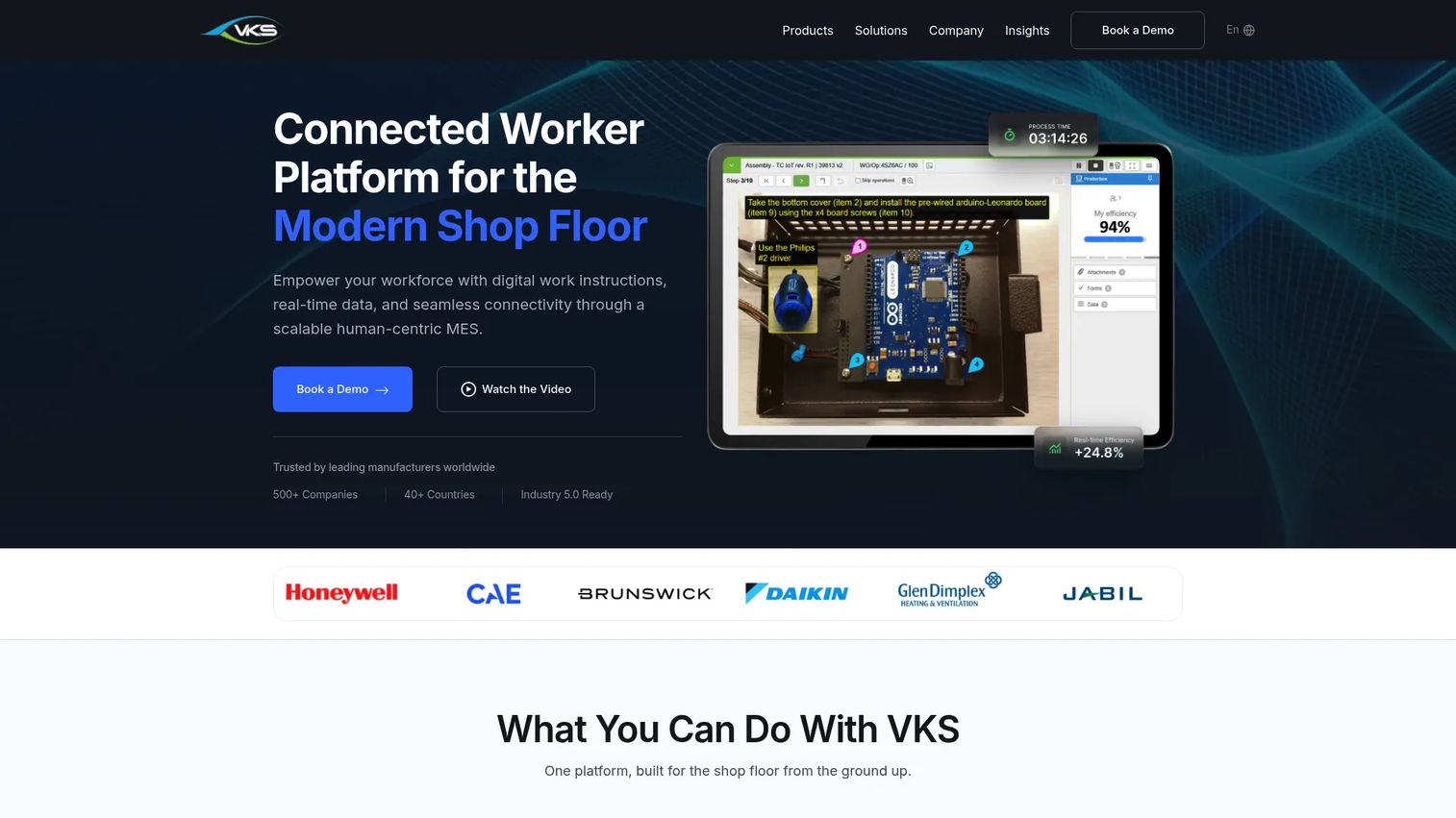
VKS Edge is VKS's manufacturing connectivity layer that integrates work instructions with tools, devices, machines, sensors, and databases at the point of work. It includes ToolConnect IoT for torque tool parameter setting and validation, I/O Connect for PLCs and sensors using Modbus TCP/IP, MQTT, and OPC-UA, and DataConnect for real-time database and equipment communication.
Best for: Manufacturers that need work instructions connected to specific tools, machines, or offline production environments.
Key features
- ToolConnect IoT for torque tool validation and traceability
- I/O Connect for PLC, sensor, and vision-system integration
- DataConnect for real-time database and equipment communication
- Automatic work-instruction advancement triggered by tool or device signals
- Local data capture for latency-sensitive or offline environments
Why choose VKS Edge: VKS Edge makes sense when the instruction itself must respond to what a machine or tool reports. Automatic step advancement triggered by a torque reading or sensor signal removes manual confirmation and closes the loop between the operator and the production record.
VKS Edge pricing: VKS Edge components (ToolConnect, I/O Connect, DataConnect) are add-ons to the VKS platform. Pricing is not publicly listed. Contact VKS sales for current add-on terms.
G2 rating: 4.7/5 (VKS platform rating; VKS Edge is an add-on module)
21. PTC
PTC is an industrial technology company whose portfolio covers product design (Creo, Onshape), product lifecycle management (Windchill, Arena), application lifecycle management (Codebeamer), and augmented reality (Vuforia). Work instruction capabilities sit inside the Vuforia product line, particularly Vuforia Expert Capture. Buyers considering PTC for work instructions are typically already invested in broader industrial technology infrastructure.
Best for: Enterprise manufacturers already using PTC's PLM, AR, or connected product portfolio who need work instructions as part of a larger industrial technology strategy.
Key features
- Industrial AR through the Vuforia suite
- Connected product and PLM capabilities via Windchill and Creo
- Application lifecycle management with Codebeamer
- Enterprise integrations across engineering, manufacturing, and service
- 3D content and manufacturing process data
Why choose PTC: PTC is the right context when work instructions are one piece of a connected industrial strategy that includes product design, lifecycle management, and AR. It is not a standalone work instruction app and should not be evaluated as one. Consider additive manufacturing software or automotive ERP software alongside PTC if you are building out a broader manufacturing technology stack.
PTC pricing: Pricing varies by product and deployment. Contact PTC's sales team for product-specific licensing paths.
G2 rating: 4.4/5
Considerations when choosing work instruction software
Match the tool to the work environment
A factory-floor tool needs fundamentally different capabilities from a process documentation tool for back-office teams. Ask whether the instructions will be used on an assembly line, in the field, in a training environment, or inside a software application. A controlled SOP in a knowledge base, a torque-controlled assembly step, and an AR repair guide are all "work instructions," but they need different software to deliver and track them.
Check version control and approval depth
Manufacturing teams need controlled updates, not just editable documents. Evaluate revision history, approval workflows, controlled release, rollback capabilities, and audit logs. For regulated environments, confirm whether the tool generates the audit trail your compliance team needs or whether that still requires a separate system.
Verify frontline access before buying
The best instruction is useless if operators cannot reach it. Check mobile support, offline access, QR-code or equipment-based access, language support, and device compatibility. If your operators work in areas with poor connectivity or use shared kiosk stations, those constraints eliminate several otherwise capable tools.
Test integrations with the systems that run operations
A long logo list on a vendor's website is not integration depth. Ask specifically how the tool connects to your ERP, MES, LMS, or EAM, and what data flows in which direction. Integration depth matters most when the instruction must reflect production orders, part numbers, or equipment configuration from another system. See our guide to audit management software for related governance considerations.
Define the KPI before rollout
Pick the metric before implementation, not after. Good candidates include training time, time to proficiency, first-pass yield, rework rate, procedure completion, audit findings, and downtime linked to operator errors. Baseline one process before rollout so you have something to compare against when the board asks whether it worked.
Conclusion
The 21 tools in this list split into distinct categories, and the right one for your operation depends on where the work actually happens.
VKS, eFlex, Tulip, and Operations1 fit manufacturing execution use cases where instructions are tied to production data, quality enforcement, and machine connectivity. Poka, SwipeGuide, EZ Factory, and SafetyCulture fit connected-worker and mobile-first frontline adoption, where the goal is knowledge transfer and procedural consistency across teams. Dozuki, ScreenSteps, and Whale fit SOP governance and knowledge documentation, where version control and training records matter more than shop-floor integration. BILT, Vuforia Expert Capture, and PTC fit 3D, AR, and immersive instruction contexts where spatial complexity or expert knowledge capture is the core challenge.
The practical next step: Shortlist three tools based on your primary use case, run a pilot on one high-variance procedure, and measure one operational KPI before expanding. Avoid evaluating too many tools at once; the complexity of a multi-vendor pilot usually costs more than it saves.
If your team also needs to demonstrate software workflows to prospects, customers, or internal teams, Guideflow lets you create interactive product demos that people can click through at their own pace. Start your journey with Guideflow today!
FAQs
Work instruction software is a digital platform for creating, managing, delivering, and tracking step-by-step procedures that guide workers through operational tasks. It covers manufacturing, frontline operations, and digital SOPs, and typically includes version control, controlled updates, and completion tracking alongside the instruction content itself.
SOP software primarily stores and organizes procedures, while work instruction software guides task execution at the point of work. Work instruction tools add visuals, mobile access, step-level tracking, version control, and operational data capture that static SOP repositories do not provide. The distinction matters most in manufacturing, where instructions must respond to machine states and production data.
There is no single universal answer. VKS, eFlex, Tulip, and Operations1 fit manufacturing execution where instructions connect to production data and quality enforcement. Poka and SwipeGuide fit connected-worker and visual instruction use cases. Choose based on workflow depth, required integrations, and how operators will access the instructions at their workstation.
Pricing varies by vendor, deployment model, user count, number of sites, integrations, and compliance requirements. Some tools publish self-serve plans: Mitti starts free, SafetyCulture's Premium is $24/seat/month, ScreenSteps starts at $15/user/month, and Tulip's Essentials tier is $100/month per interface. Manufacturing-focused platforms like VKS, Poka, Dozuki, eFlex, and Operations1 typically price by quote. Factor in first-year rollout costs, content migration effort, and training time alongside the license cost.
Core features to evaluate: Procedure authoring with template support, multimedia guidance (images, video, annotations), version control with revision history, approval workflows, controlled release, mobile and offline access, QR-code or equipment-based workstation access, completion tracking, analytics, ERP or MES integrations, multilingual delivery, and audit trails. Each feature should tie directly to an operational outcome: Multilingual delivery reduces training variance across sites, audit trails support compliance reviews, and completion tracking closes the loop between instruction and execution.
Yes, but only if the rollout includes content migration, operator training, governance processes, and a plan for continuous updates. Scanning PDFs into a repository does not solve version control or frontline adoption. The software replaces the paper; the process change is what makes the difference. Start with one high-variance procedure rather than migrating everything at once.
The relevant integrations depend on where the instruction sits in the workflow. Manufacturing execution tools need ERP, MES, PLC, scanner, and label printer connections. Training-focused platforms benefit from LMS and HRIS integration. Quality-oriented tools need EAM and corrective-action system connections. BI tool integration matters when you need procedure completion data alongside production performance metrics. Ask any vendor for the specific integration method (API, webhook, native connector) and what data actually flows, not just which logos appear on their partner page.
Baseline one process before rollout, then track training time, time to proficiency, first-pass yield, rework rate, scrap, procedure completion rate, audit findings, and downtime linked to operator errors. According to Canvas GFX research cited by BILT in 2025, digital instruction users completed first-attempt tasks 20% faster and made 60% fewer errors than paper-manual users. Use those categories as your starting framework and adapt to the specific KPI your operation cares about most.