Your project manager knows the schedule changed. The superintendent has the latest field photos. Finance sees cost drift two weeks later. The owner wants a clean answer by Friday. Construction project management software exists because that split breaks projects.
According to AGC of America and Sage (2025), 61% of construction firms already use cloud-hosted project management technology, and 20% plan to switch platforms in the next cycle. The market reflects that urgency: Grand View Research (2026) values the construction management software market at $7.7 billion in 2025, projected to reach $16.4 billion by 2033. The category is maturing fast, and the gap between teams running on spreadsheets and those running on connected platforms is widening every quarter.
This guide separates broad construction platforms from field-first tools, residential builder systems, and specialist products so you can shortlist by operating model, not by feature count.
What's inside
This guide covers 21 construction project management tools evaluated for 2026. Selection focused on fit for real construction workflows, not generic task management.
- Who it's for: General contractors, residential builders, specialty contractors, owners, and executives evaluating operational control across projects
- Scheduling and field execution: Mobile access, daily logs, drawings, punch lists
- Document control: RFIs, submittals, change orders, drawing versioning
- Financial workflows: Job costing, budgets, commitments, forecasting
- Implementation and support: Onboarding scope, integration depth, field adoption risk
Pricing and G2 ratings are verified from live vendor pages and G2 listings.
TL;DR
- Best overall for enterprise contractors: Procore covers project execution, financials, and owner workflows in one platform built for multi-project GCs
- Best for residential builders and remodelers: Buildertrend connects lead management, scheduling, change orders, and client communication
- Best for Autodesk-heavy teams: Autodesk Construction Cloud (now part of Autodesk Forma) keeps design, document, and field workflows connected
- Best for field-first coordination: Fieldwire starts free and gives field teams clean access to drawings, tasks, and punch lists
- Best for smaller contractors watching cost: Contractor Foreman starts at $49/month and covers most contractor workflows without enterprise platform overhead
- Best for project controls and capital programs: InEight and Oracle Aconex address complex capital project requirements for owners and large GCs
What is construction project management software?
Construction project management software is a digital system for planning, coordinating, documenting, and controlling construction projects from preconstruction through closeout.
Unlike generic project tools, construction platforms handle jobsite-specific workflows: Drawings with revision control, RFI and submittal routing, cost codes, subcontractor coordination, change orders tied to contract values, and field reporting that feeds executive dashboards. You can configure a generic task tool to track construction work, but it usually requires heavy custom setup to support the controls your finance team and field supers actually need.
Core workflows construction management software supports
- Project scheduling, Gantt charts, lookahead planning, and crew coordination
- RFIs, submittals, drawings, specs, and change order management
- Document control with version history and access permissions
- Daily logs, field reports, photos, punch lists, and inspections
- Budgeting, job costing, commitments, and cost forecasting
- Quality, safety, and compliance workflows
- Owner, subcontractor, and field-to-office communication
- Accounting, ERP, BIM, and file-storage integrations
- Dashboards, portfolio reports, and project-level visibility
How it differs from generic project management software
Construction platforms are built around contract documents, cost codes, drawing sets, and subcontractor relationships. A schedule change in construction ripples into a change order, which affects cost commitments, which affects forecasting, which affects the owner report. Generic project management tools track tasks well. They rarely track that chain without significant custom development.
What buyers should watch
A tool can look strong in a demo and fail within six months if field teams stop updating it. Finance stops trusting the cost data. Project managers start exporting into spreadsheets again. Evaluate field adoption speed and mobile workflows as seriously as feature depth.
When to use construction project management software
Coordinate field and office work in one place
Move beyond email, text threads, and shared drives when daily field photos, updated drawings, punch items, and schedule changes need to reach the office the same day they happen. Construction project tracking software closes that lag. When a superintendent marks a punch item complete on a mobile app, the project manager sees it without waiting for Friday's status call.
Control cost before budget drift becomes a board problem
Job costing, commitments, change orders, and forecasting visibility help leadership identify margin risk weeks earlier than a monthly finance review allows. For executives running multiple projects, this is the difference between correcting a problem at 5% cost overrun versus 20%.
Standardize project execution across teams
Growing contractors need repeatable workflows. A new project manager hired in Q3 should follow the same submittal routing, daily log format, and change order process as a 10-year veteran. Construction management platforms enforce that consistency, which reduces training time and gives leadership cleaner data across the portfolio.
Construction project management software comparison
The table below covers all 21 tools evaluated in this guide. Pricing and G2 ratings reflect data verified from vendor pricing pages and live G2 listings in October 2026. Tools requiring a sales conversation for pricing are noted accordingly.
| # | Product | Best for | Key differentiator | Pricing | G2 rating |
|---|---|---|---|---|---|
| 1 | Procore | Enterprise GCs and multi-project teams | Broad platform across execution, financials, resources, and owners | Quote-based | 4.6/5 |
| 2 | Buildertrend | Residential builders and remodelers | Builder-focused system with sales, project ops, and client communication | Quote-based | N/A |
| 3 | Autodesk Construction Cloud | Autodesk-heavy construction teams | Connected design, build, document, and field workflows | Quote-based | N/A |
| 4 | Fieldwire | Field-first coordination | Drawings, tasks, punch lists, and mobile access with a free tier | Free to $89/user/mo | 4.5/5 |
| 5 | Contractor Foreman | Small to mid-sized contractors | Wide contractor toolkit starting at $49/month | From $49/mo | 4.5/5 |
| 6 | Raken | Daily reports and field documentation | Mobile-first daily logs, time tracking, photos, and safety | Quote-based | 4.6/5 |
| 7 | PlanGrid | Drawing-centric field teams (existing users) | Field access to drawings, markups, and project documents | From $39/mo | N/A |
| 8 | CMiC | Enterprise construction ERP | Integrated financials, project management, and payroll in one ERP | Quote-based | 4.1/5 |
| 9 | InEight | Project controls and capital programs | Estimating, controls, contracts, scheduling, and risk | From $199/mo | 4.0/5 |
| 10 | Jonas Construction | Accounting-first contractors | Construction accounting, service, project, and payroll in one system | Quote-based | N/A |
| 11 | Trimble Construction One | Connected construction operations | Estimating, project management, finance, and field in one contract | Quote-based | 4.0/5 |
| 12 | Oracle Aconex | Large project document control | Controlled document collaboration with unalterable audit trails | Quote-based | 4.5/5 |
| 13 | Bluebeam | Drawing review and markup | PDF markup, takeoffs, and Studio real-time collaboration | From $260/user/yr | 4.6/5 |
| 14 | PlanRadar | Quality, safety, and field documentation | Tickets, inspections, reports, and BIM integration | From $32/mo | 4.5/5 |
| 15 | Dalux | BIM and site coordination | BIM viewer and field management with free entry tier | Free tier available | 4.6/5 |
| 16 | BuildOps | Commercial specialty contractors | Service, projects, dispatch, and field workflows connected | Quote-based | 4.1/5 |
| 17 | ConstructionOnline | Residential and commercial builders | Scheduling, estimating, selections, and client communication | From $199/mo | 4.5/5 |
| 18 | ProjectSight | Trimble workflow teams | Drawings, RFIs, submittals, cost, and field in one tool | Free to custom | 4.0/5 |
| 19 | Buildxact | Residential builders and remodelers estimating jobs | Estimating, takeoffs, quoting, and scheduling with AI assistant | From $0 (free plan) | 4.3/5 |
| 20 | eSUB | Trade contractors | Field notes, RFIs, submittals, change orders, and labor tracking | Quote-based | 4.0/5 |
| 21 | Bridgit | Workforce planning | Labor forecasting and resource allocation for GCs | Quote-based | 4.3/5 |
Best 21 construction project management software tools for 2026
1. Procore
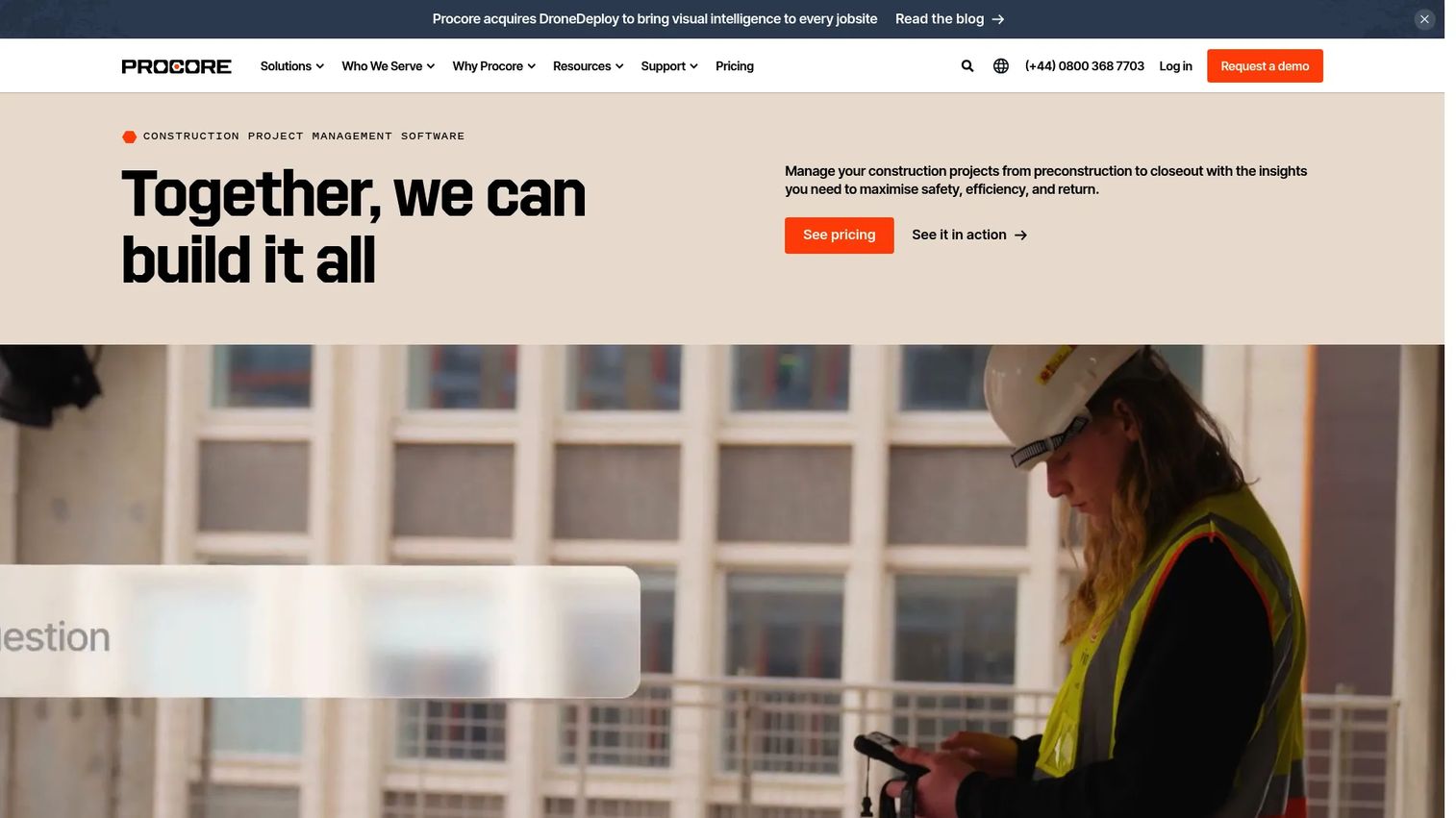
Procore is a cloud-based construction management platform built to connect project stakeholders, workflows, data, and resources across the full construction lifecycle. It covers project execution, drawings, RFIs, submittals, cost management, resource tracking, bid management, and owner reporting from a single system. Over 500 third-party integrations connect Procore to accounting, ERP, BIM, and analytics tools most large teams already run.
Best for: Enterprise general contractors, specialty contractors, and owners managing complex multi-project portfolios.
Key features
- RFI and submittal management with routing and status tracking
- Drawing and document control with version history
- Real-time cost management with budgets, commitments, and change orders
- Quality and safety workflows with inspections and observations
- AI-powered insights and configurable reporting
Why choose Procore: Choose Procore when your operating model requires a standardized system across many projects, stakeholders, and contract types. Plan for implementation and change management because it can become your construction system of record.
Procore pricing: Pricing is customized based on the products selected, annual construction volume, and modules. Procore contracts are annual and include unlimited users, unlimited data storage, and support. Contact sales for a package-specific quote.
G2 rating: 4.6/5
2. Buildertrend
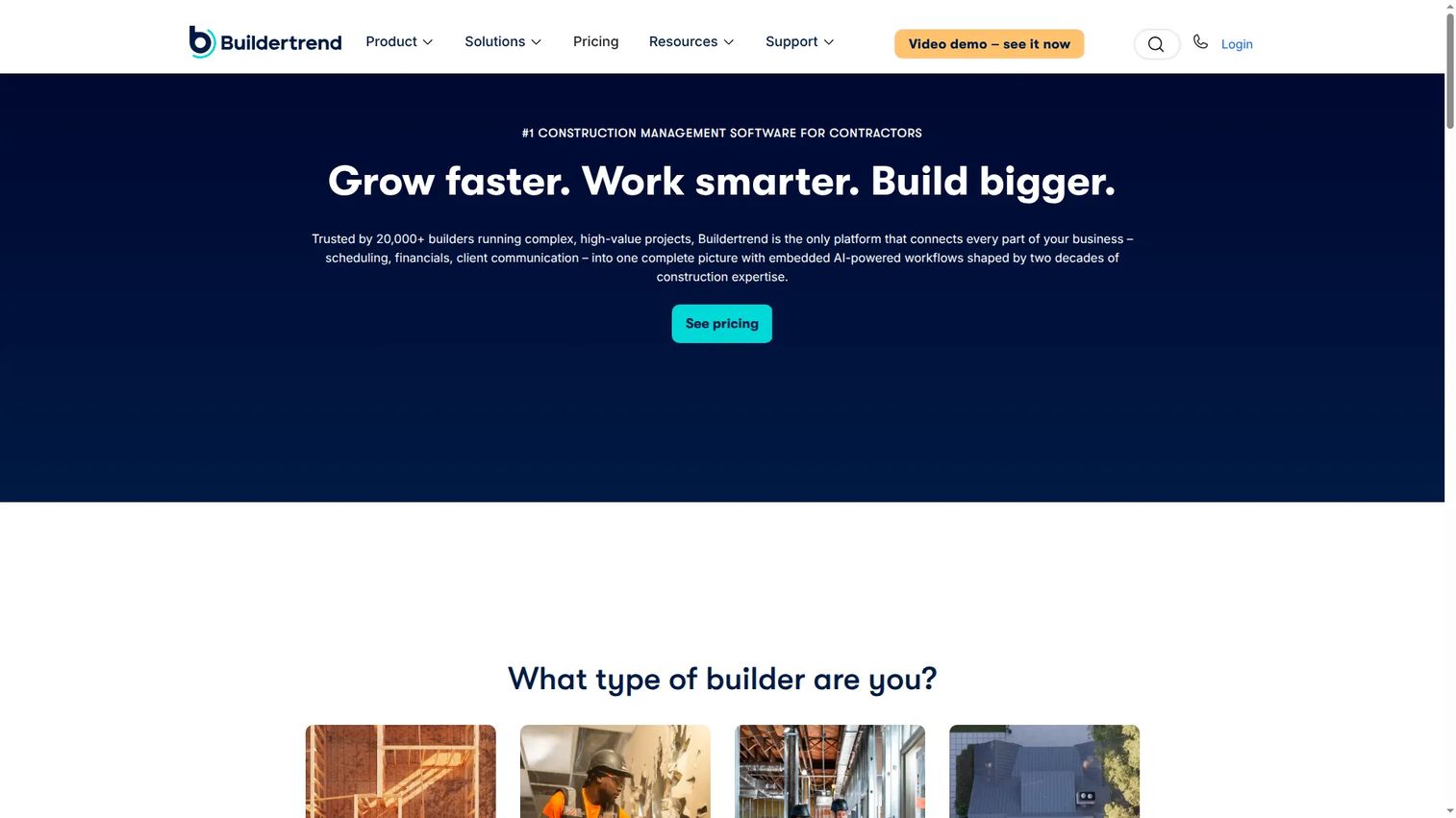
Buildertrend is a construction management platform built specifically for residential builders, remodelers, and specialty contractors. It connects lead management, proposals, estimates, project schedules, change orders, client communication, and financial tracking in one builder-focused system. Rather than adapting a generic PM tool, Buildertrend covers the sales-to-closeout workflow for home builders, including the client portal where owners approve selections and review progress.
Best for: Established residential builders and remodelers who need sales, project operations, and client communication connected without running separate tools.
Key features
- Lead and proposal tracking with digital signatures
- Project scheduling and daily logs
- Change order tracking tied to estimates and financials
- Client portal for approvals, schedules, and documents
- Job costing and financial management
Why choose Buildertrend: Buildertrend earns its place when client communication is as much a workflow challenge as scheduling. Builders who are still managing selections and change requests over email typically see the clearest payoff.
Buildertrend pricing: Pricing is customized based on builder type, annual revenue, and business requirements. Plans include unlimited users and unlimited projects. Buildertrend does not offer a free trial, but personal demos are available. Contact sales for package details.
G2 rating: A G2 rating for Buildertrend was not confirmed at the time of publication. Capterra lists a 4.5/5 rating across a large review base.
3. Autodesk Construction Cloud
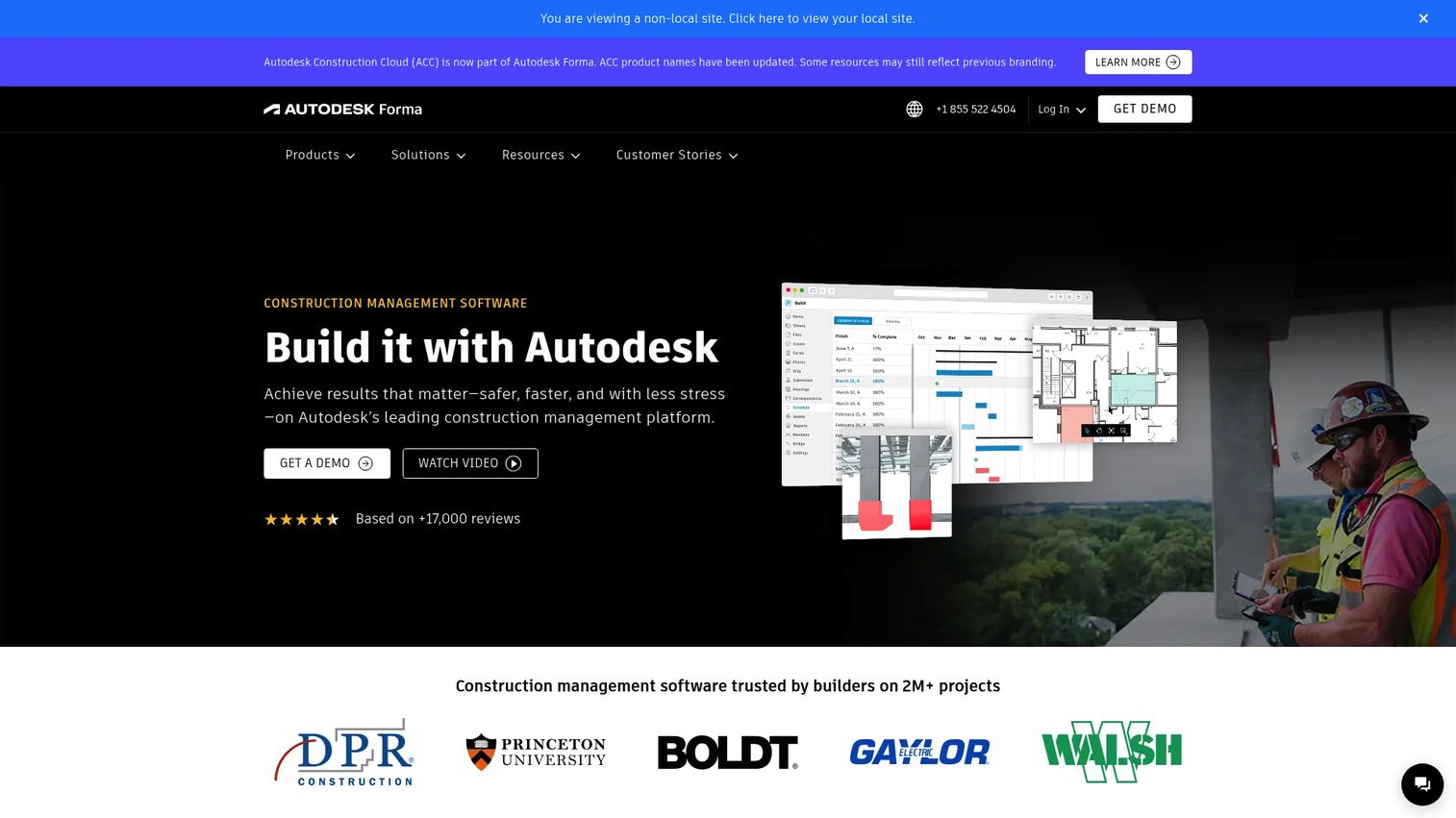
Autodesk Construction Cloud connects design, build, document, and field workflows for construction teams. Now part of Autodesk Forma, it covers document management, BIM coordination, model clash detection, project management with RFIs and submittals, cost management, quality, safety, and mobile-capable field access. For teams already working in Autodesk design environments, it reduces the handoff friction between design files, project documents, and jobsite execution.
Best for: Contractors and owners that already rely on Autodesk design, BIM, or construction workflows and want design-to-build continuity.
Key features
- Autodesk Docs for centralized document management
- BIM coordination with clash detection
- RFIs, submittals, and schedule management
- Cost and quality management workflows
- Offline-capable mobile field access
Why choose Autodesk Construction Cloud: The strongest argument for this platform is reducing handoff friction from design through operations. Teams not already in the Autodesk environment should evaluate the full switching cost before committing.
Autodesk Construction Cloud pricing: Pricing is product and bundle-based; no numeric prices were displayed on the pricing page. Contact sales for module, bundle, and user-count details specific to your project type.
4. Fieldwire
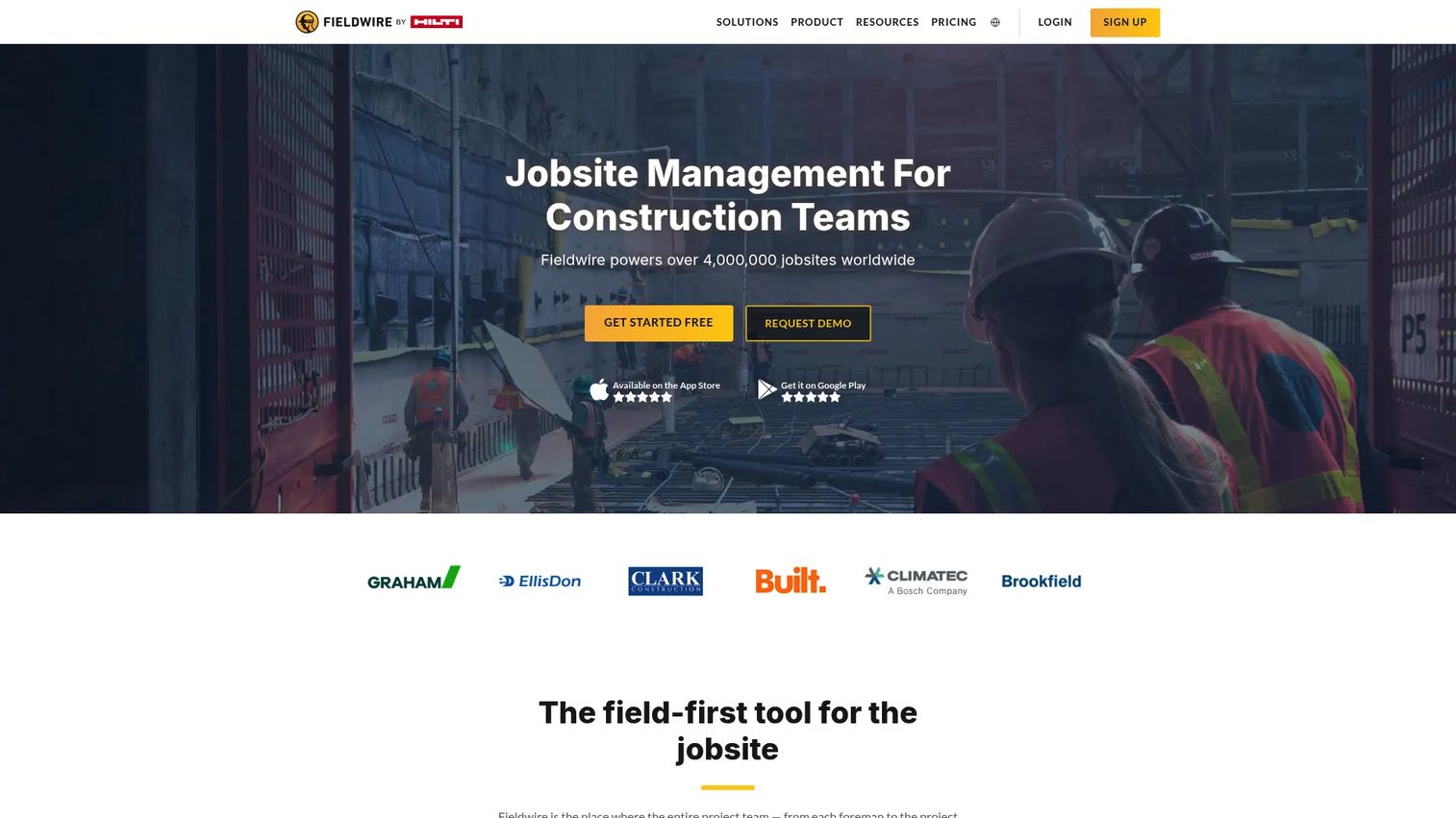
Fieldwire is a construction jobsite management platform designed for field-first coordination: Plan viewing and markups, task management, punch lists, inspections, forms, schedules, RFIs, submittals, and daily reports. The mobile experience is the core of the product, built for foremen, superintendents, and field crews who need clean access to updated drawings and task assignments without waiting on office teams.
Best for: Construction field teams, GCs, and specialty contractors needing fast access to drawings and jobsite task coordination.
Key features
- Plan viewing, versioning, and field markups
- Task management, punch lists, and inspections
- Forms, checklists, and field reporting
- RFIs, submittals, and change orders (on paid plans)
- Schedule management and budget tracking
Why choose Fieldwire: Choose Fieldwire when field adoption is the primary constraint. It starts free and scales, so teams can validate the workflow before committing to a full subscription. For back-office depth like ERP-level financials, pair it with a broader construction management platform.
Fieldwire pricing: Basic plan is free for up to 5 users and 3 projects. Paid plans start at $39 per user per month (billed annually) for the Pro tier, $64 for Business, and $89 for Business Plus. Custom contracts are available for larger teams.
G2 rating: 4.5/5
5. Contractor Foreman
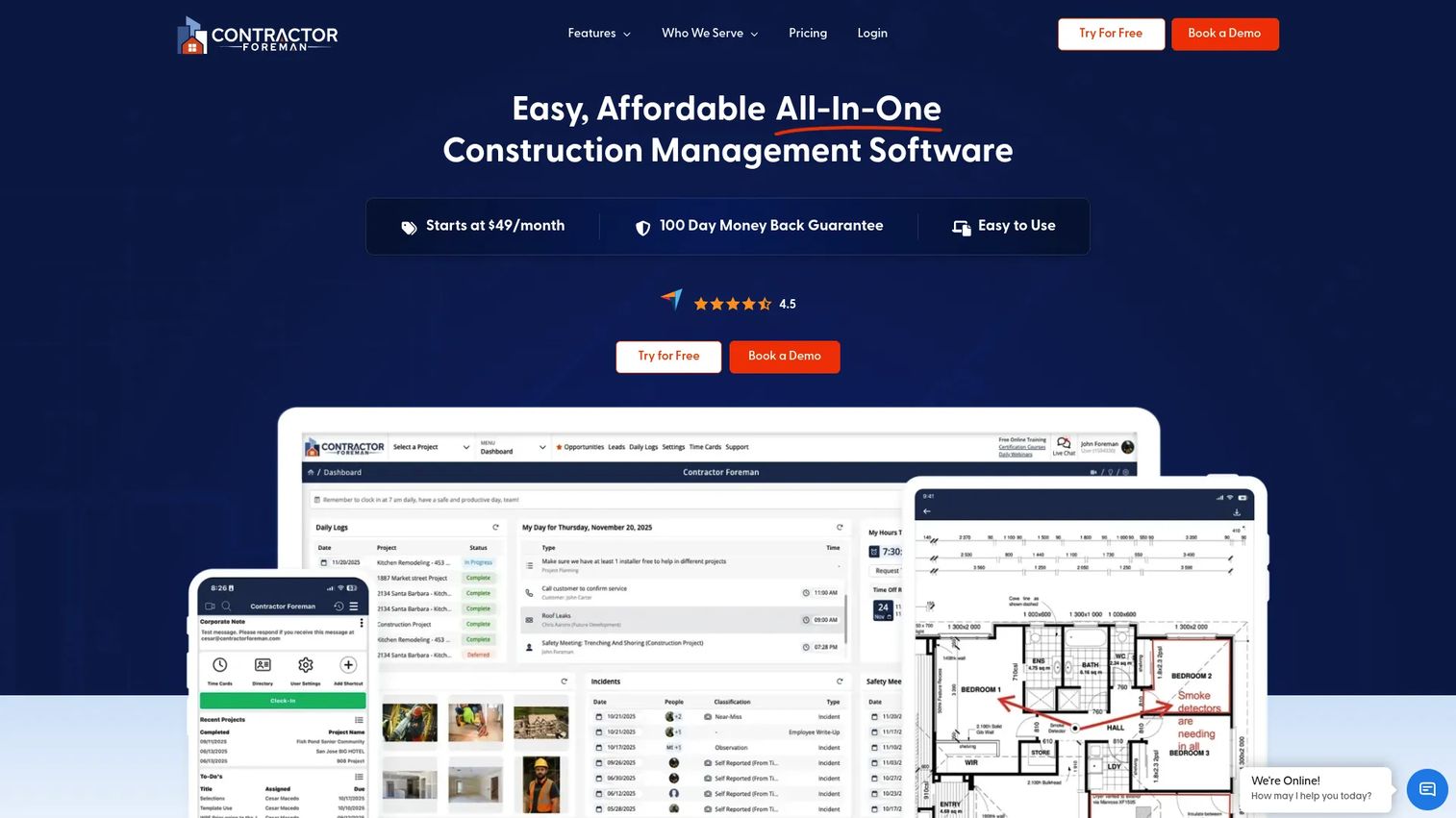
Contractor Foreman is an all-in-one construction management platform for small and mid-sized contractors. It covers estimating, scheduling, daily logs, time tracking, work orders, change orders, safety forms, invoicing, and financial workflows, accessible on phone, tablet, and desktop. For growing contractors replacing several point tools, it offers broad coverage at a price point that does not require an enterprise budget.
Best for: Contractors needing estimating, scheduling, job costing, and field documentation at accessible pricing without adopting an enterprise ERP.
Key features
- Estimating with electronic signatures and real-time material pricing
- Gantt chart scheduling with critical-path tracking
- Daily logs, time cards, and safety forms
- Client portal for documents, schedules, and approvals
- Invoicing and job costing
Why choose Contractor Foreman: This is the strongest option for smaller contractors who want to consolidate point tools quickly. The breadth of features at entry-level pricing is genuinely rare in this category. Annual plan pricing includes a 30-day free trial.
Contractor Foreman pricing: Plans start at $49/month (billed annually) for the Basic plan. Standard is $105/month, Plus is $166/month, Pro is $221/month, and Unlimited is $332/month, all billed annually. Monthly billing is also available at higher rates.
G2 rating: 4.5/5
6. Raken
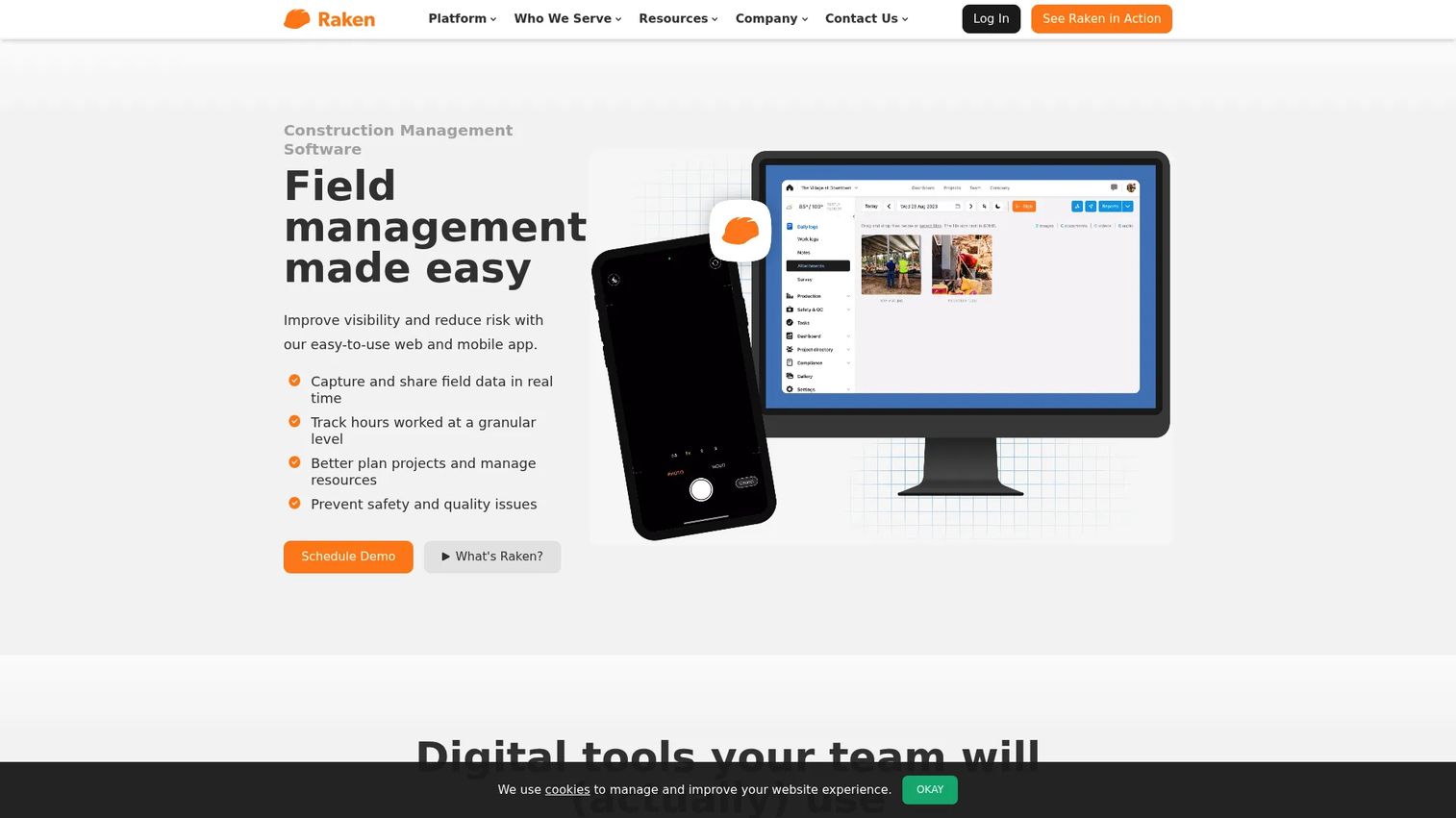
Raken is a field-first construction management platform focused on daily reporting, time tracking, production tracking, safety, photos, and field-to-office communication. Rather than positioning as a full construction ERP, Raken solves the specific problem of getting clean, structured data from the field to the office every day, and making that data actionable for project managers and executives reviewing job performance.
Best for: Construction field teams and project managers where daily reporting speed, labor accuracy, and safety documentation are the primary operational gaps.
Key features
- Daily progress reports with photos, weather, notes, and work logs
- Time tracking and crew time-clock workflows
- Safety management with toolbox talks and incident documentation
- Production tracking for materials, quantities, and equipment
- Project management and RFI capabilities on Performance plan
Why choose Raken: Use Raken when the daily reporting bottleneck is costing you visibility. It fits contractors who need cleaner field records before investing in a heavier platform, and integrates with many of the platforms listed here.
Raken pricing: Raken offers Basic and Performance plans. Both include core daily reporting and time tracking; Performance adds production tracking, RFIs, and advanced features. Pricing is quote-based for both plans. Contact sales for package and user details.
G2 rating: 4.6/5
7. PlanGrid
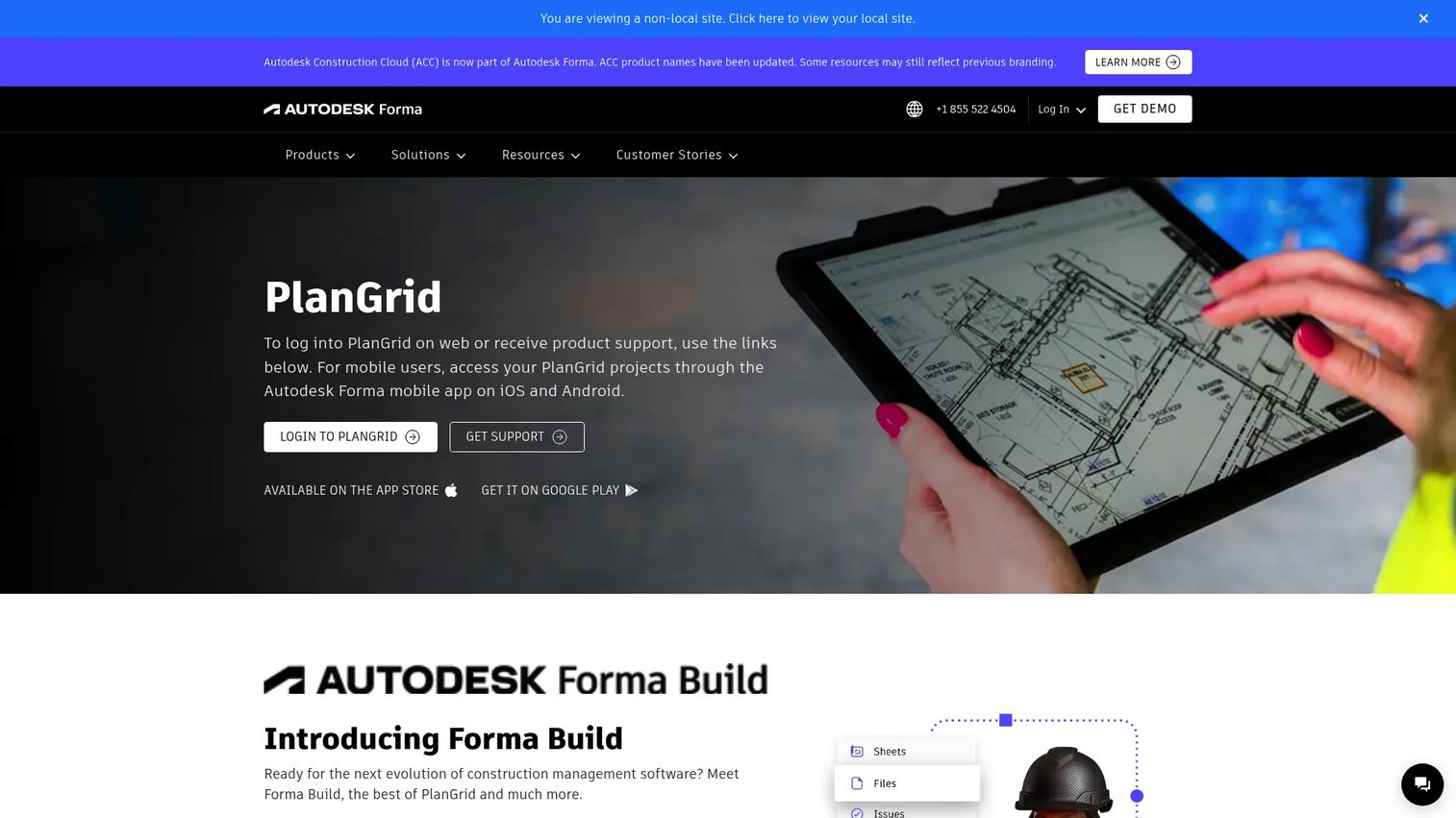
PlanGrid was a leading field drawing and collaboration tool. Important status note: As of 2026, PlanGrid is no longer available for net-new customers. Existing and invited users can access the product, and Autodesk directs new buyers toward Forma Build (within the Autodesk Construction Cloud ecosystem). Teams evaluating this category today should confirm their status before proceeding.
Best for: Existing PlanGrid users managing drawing access, markups, issues, photos, and field document collaboration.
Key features
- Real-time access to construction plans, issues, and photos
- Drawing markups and annotations
- Submittal review and markup
- Photo reports and custom forms
- Sheet versioning and comparison
Why choose PlanGrid: If your team is an existing user, PlanGrid's drawing workflows remain strong. Net-new buyers should evaluate Autodesk's current construction portfolio to find the right product for their workflow.
PlanGrid pricing: For existing and invited users: Nailgun starts at $39/month billed annually ($49/month billed monthly), Dozer at $59/month annually, and Crane at $119/month annually. Net-new buyers are directed to Autodesk's current product offerings.
8. CMiC
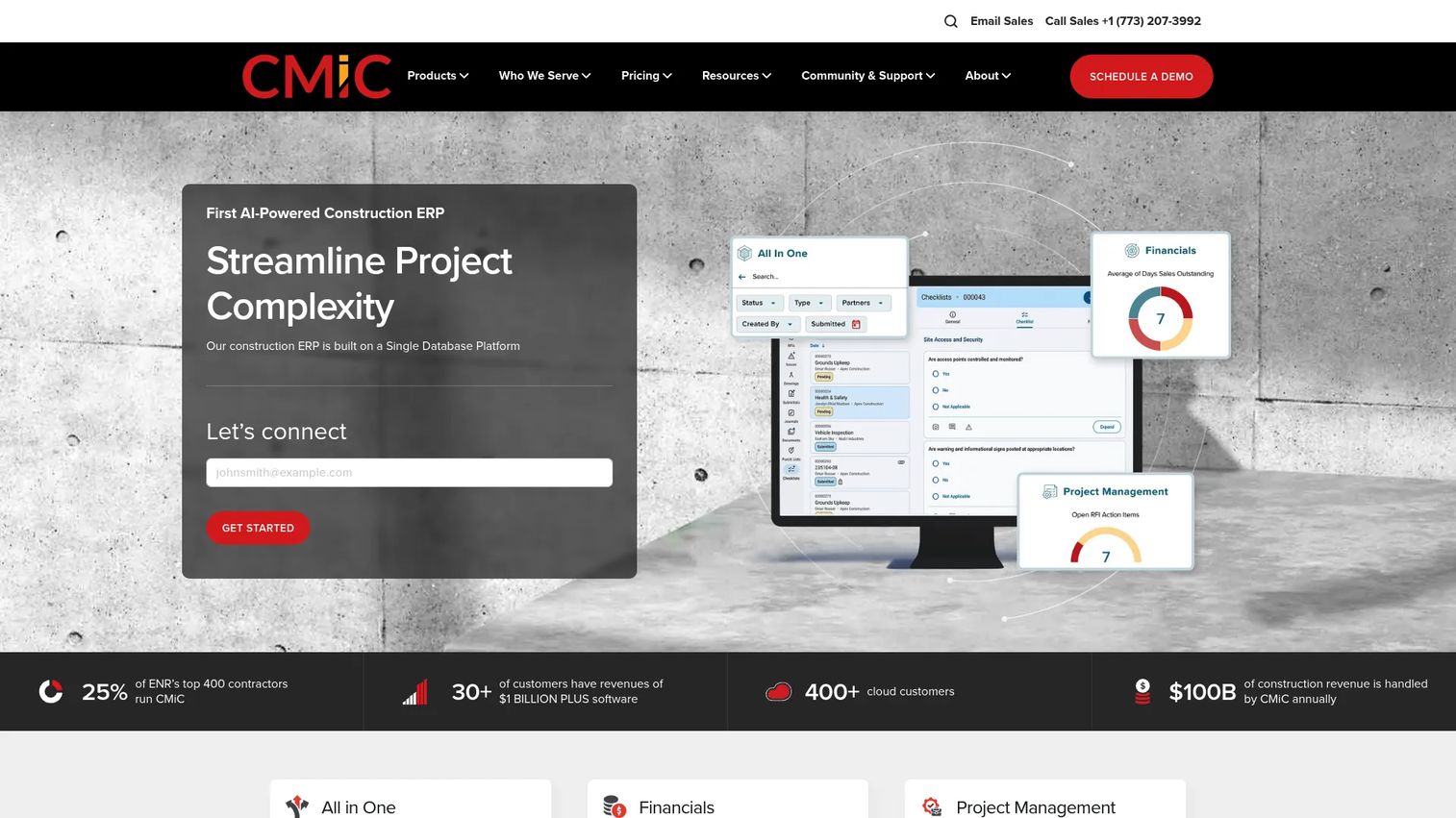
CMiC is an integrated construction ERP that connects financials, project management, field operations, payroll, HR, and analytics in one platform built specifically for mid-sized and enterprise construction firms. The Single Database Platform approach means that cost data in project controls flows directly to accounting and HR workflows, without manual reconciliation between separate systems.
Best for: Mid-sized and enterprise construction firms where finance and operations need a shared system of record covering accounting, project controls, and payroll.
Key features
- Construction financials with accounting, payroll, HCM, and equipment management
- Project management covering drawings, documents, procurement, quality, and safety
- Workflow automation and real-time analytics with mobile field access
- Prequalification and bid management
- Multi-company accounting across entities
Why choose CMiC: Choose CMiC when the primary requirement is tight integration between financial controls and project management. It fits teams where the CFO and the VP of Operations need the same cost data in the same platform, without a nightly sync.
CMiC pricing: Pricing is quote-based, structured around modules, company size, and implementation scope. Contact CMiC sales for a package tailored to your entity structure and workflow requirements.
G2 rating: 4.1/5
9. InEight
InEight provides modular project controls software for complex capital construction projects. It covers estimating, planning, scheduling, contracts, cost control, risk management, document management, field progress tracking, and project handover. For owners, GCs, and engineers running major infrastructure or capital programs, InEight addresses the forecasting and risk visibility requirements that simpler task tools cannot handle.
Best for: Owners, contractors, and engineers managing large-scale capital construction projects where schedule variance, cost forecasting, and risk tracking drive executive decisions.
Key features
- Integrated cost, scope, and schedule management
- Construction estimating with benchmarking and quote comparison
- Work packaging and real-time field progress tracking
- Contract management and risk workflows
- Document management and project handover
Why choose InEight: For capital programs where delivery certainty and margin visibility matter more than task count, InEight provides the controls depth that lighter project management tools lack. Executives can track forecast-to-actual performance without waiting for a PM to compile a report.
InEight pricing: InEight offers public pricing for standalone Estimate NOW ($260/month or $199/month billed annually) and Schedule NOW ($199/month or $150/month billed annually) products. Full enterprise platform pricing is customized. Contact InEight for package and module details.
G2 rating: 4.0/5
10. Jonas Construction
Jonas Construction is a construction ERP designed for contractors that need project management, construction accounting, service management, payroll, and field operations in one connected system. It serves mechanical, HVAC, plumbing, electrical, and other specialty contractors where the accounting and service workflows are just as operationally critical as project execution.
Best for: Mid-sized mechanical, HVAC, electrical, and specialty contractors needing integrated accounting, service dispatch, and project management.
Key features
- Construction job costing and project accounting
- Project scheduling and management
- Service dispatch and work-order billing
- Payroll and equipment management
- Multi-company accounting and document management
Why choose Jonas Construction: Use Jonas when accounting is not a downstream system but an active part of daily operations. For contractors running both project work and service agreements, Jonas connects those two workflows without a separate service management product.
Jonas Construction pricing: Pricing is customized based on licenses, modules, hosting choice, and company size. Contact Jonas sales for a quote that reflects your specific operational scope.
11. Trimble Construction One
Trimble Construction One is a connected construction management suite that links estimating, project management, financial controls, field productivity, and analytics in one contract with one login. It is built for contractors who want operational continuity across the construction lifecycle and already operate within Trimble or Viewpoint environments.
Best for: Contractors seeking connected estimating, project execution, and financial management without managing separate vendor contracts for each workflow.
Key features
- Estimating, project management, and financial management connected
- Cloud-based access with one contract and one login
- Field productivity and real-time business analytics
- Trimble-verified integrations via Trimble Marketplace
- Reports and dashboards across project and financial data
Why choose Trimble Construction One: The value is operational continuity across the lifecycle. This fits mature teams that have already consolidated some Trimble tools and want to close the remaining gaps under one umbrella rather than manage multiple platforms.
Trimble Construction One pricing: Contact Trimble sales for module, user, and implementation details.
G2 rating: 4.0/5
12. Oracle Aconex
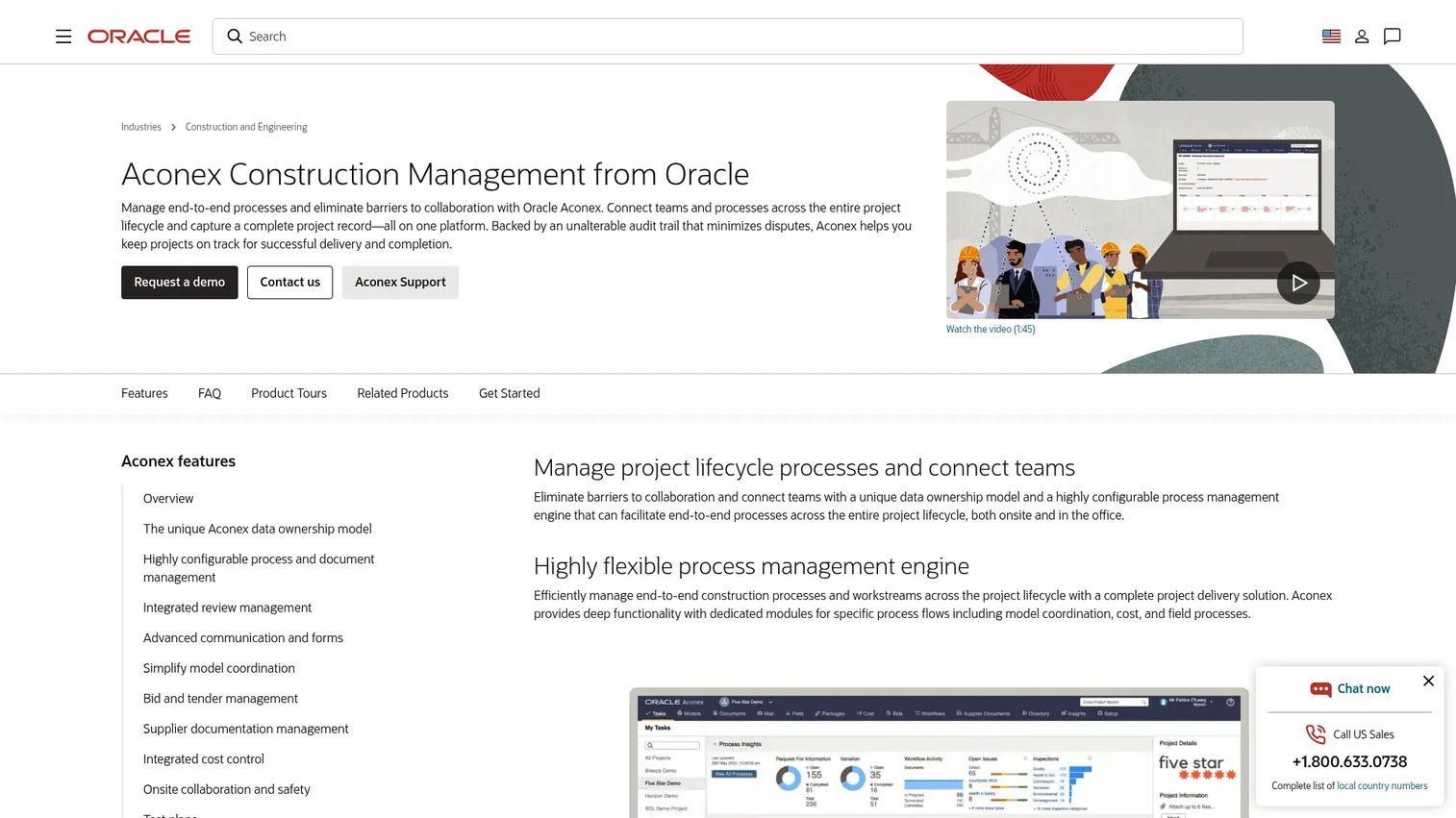
Oracle Aconex is a cloud-based construction management platform specializing in document control and project collaboration for large, complex projects. Its unalterable audit trail and configurable workflow engine address the governance requirements of infrastructure, engineering, and capital project environments where document accountability and multi-party correspondence need to hold up under legal or regulatory scrutiny.
Best for: Owners, contractors, and project teams managing high-volume project documents and formal correspondence on complex capital and infrastructure programs.
Key features
- Document and drawing management with version control
- Configurable workflows, reviews, approvals, and correspondence
- BIM model coordination with clash detection
- Integrated cost, contract, and change management
- Searchable project archiving with an unalterable audit trail
Why choose Oracle Aconex: Choose Aconex when document governance and auditability are as important as project execution. It fits environments with many external stakeholders, contractual document obligations, and long project lifespans.
Oracle Aconex pricing: Pricing is not displayed on the Oracle product page. Contact Oracle sales for deployment, module, and user-based pricing relevant to your project scale.
G2 rating: 4.5/5
13. Bluebeam
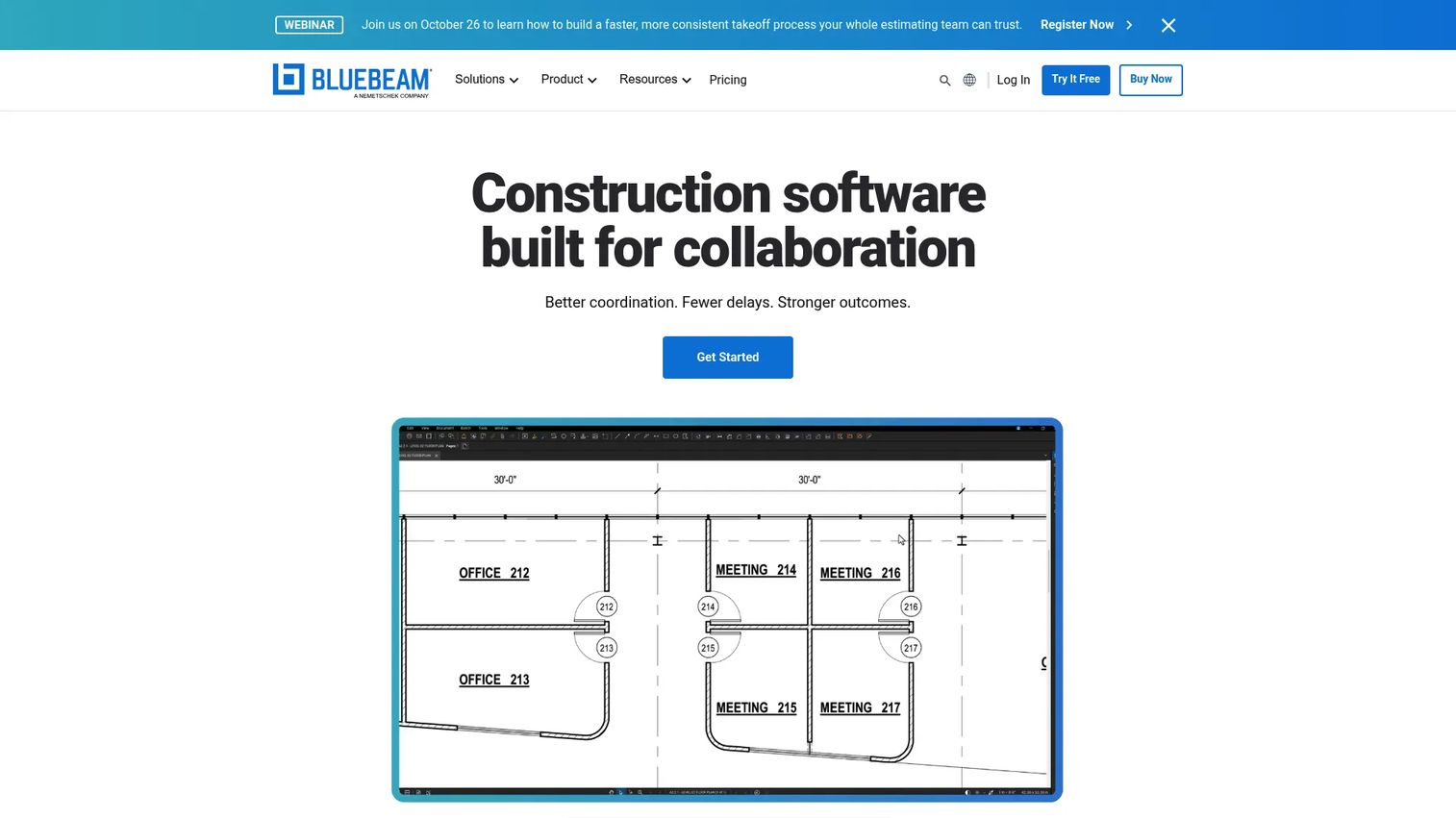
Bluebeam is the AEC industry standard for PDF markup, drawing review, measurement, takeoffs, and real-time document collaboration. It is not a full construction project management platform. Its role in the stack is document and drawing workflow: Review cycles, submittal markups, punch workflows, and collaborative drawing sessions using Studio technology. Teams that live in PDFs and drawing sets will find it replaces a collection of disconnected tools.
Best for: Architecture, engineering, and construction teams managing drawing reviews, PDF markups, takeoffs, and document collaboration.
Key features
- PDF creation, editing, markup, and document management
- Drawing measurements and takeoffs (length, area, volume, count)
- Real-time Studio collaboration across desktop, web, and mobile
- Drawing comparison and overlay
- AI-powered review features and batch processing
Why choose Bluebeam: Choose Bluebeam when drawing review, submittal markup, and collaborative document sessions are the primary workflow. Teams that also need scheduling, cost control, and RFI management should pair it with a broader construction platform.
Bluebeam pricing: All plans are billed annually per user. Basics starts at $260, Core at $330, Complete at $440, and Max at $590. All plans include desktop, web, and mobile access with unlimited storage and technical support.
G2 rating: 4.6/5
14. PlanRadar
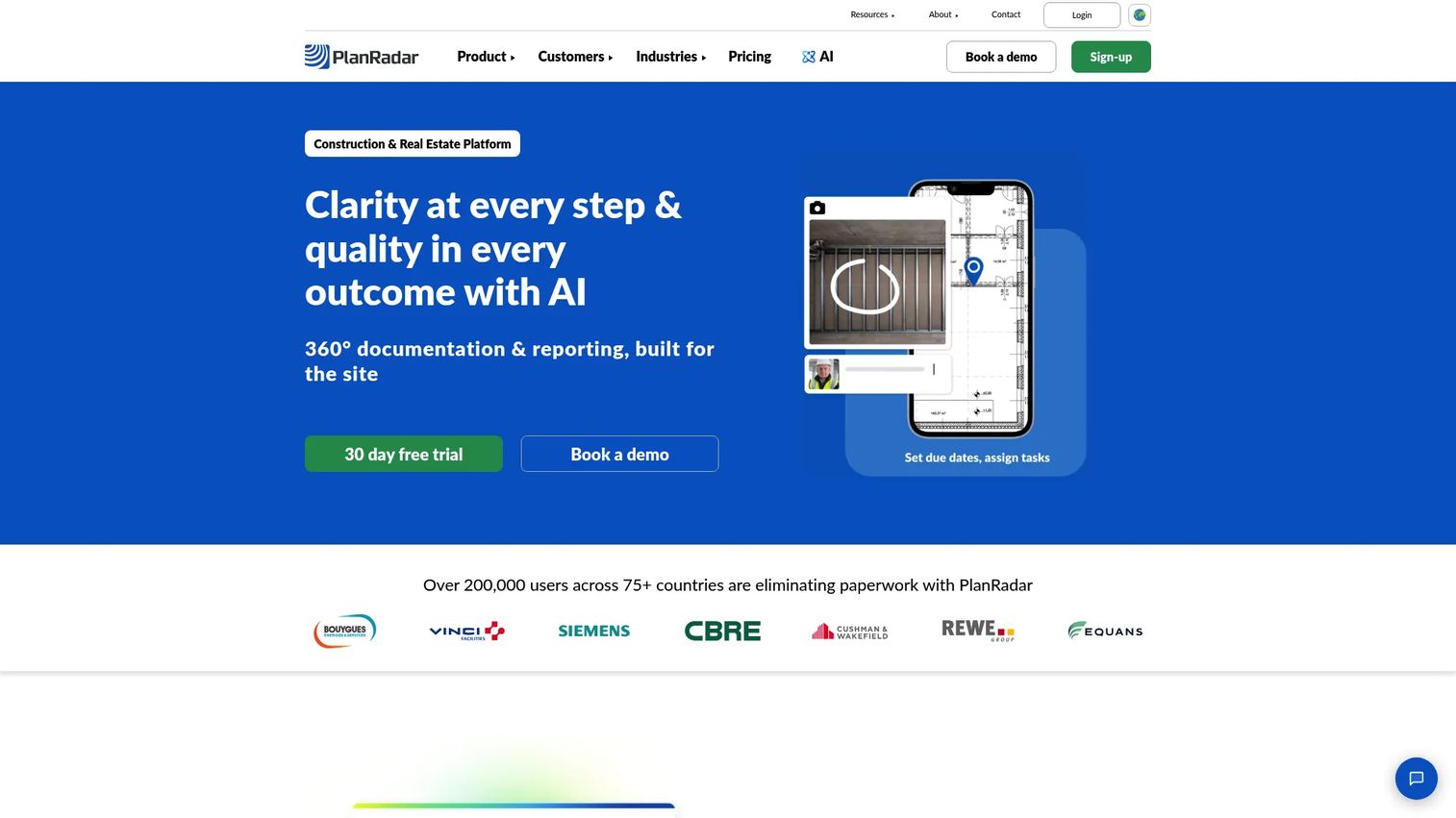
PlanRadar is a construction and real estate management platform built around structured field documentation, issue tracking, inspections, and project reporting. It supports digital plans, BIM model viewing, defect management, safety audits, Gantt scheduling, and open API access. A 30-day free trial makes it practical to validate field adoption before committing.
Best for: Construction and real estate teams that need consistent field documentation, inspection trails, and issue management across projects.
Key features
- Ticket management and defect tracking
- Field reports with photo documentation
- Inspections, checklists, and safety audits
- Digital plans and BIM model integration
- Gantt scheduling and project dashboards
Why choose PlanRadar: Use PlanRadar when structured documentation and clean audit trails for quality and safety are the core requirement. The entry price and free trial make it accessible for contractors who need field documentation before they are ready for a full construction ERP.
PlanRadar pricing: Basic plan starts at $32/month, Starter at $107/month, and Pro at $159/month, all billed monthly. Annual billing saves more than 10%. Enterprise pricing requires a custom quote. A 30-day free trial is available.
G2 rating: 4.5/5
15. Dalux
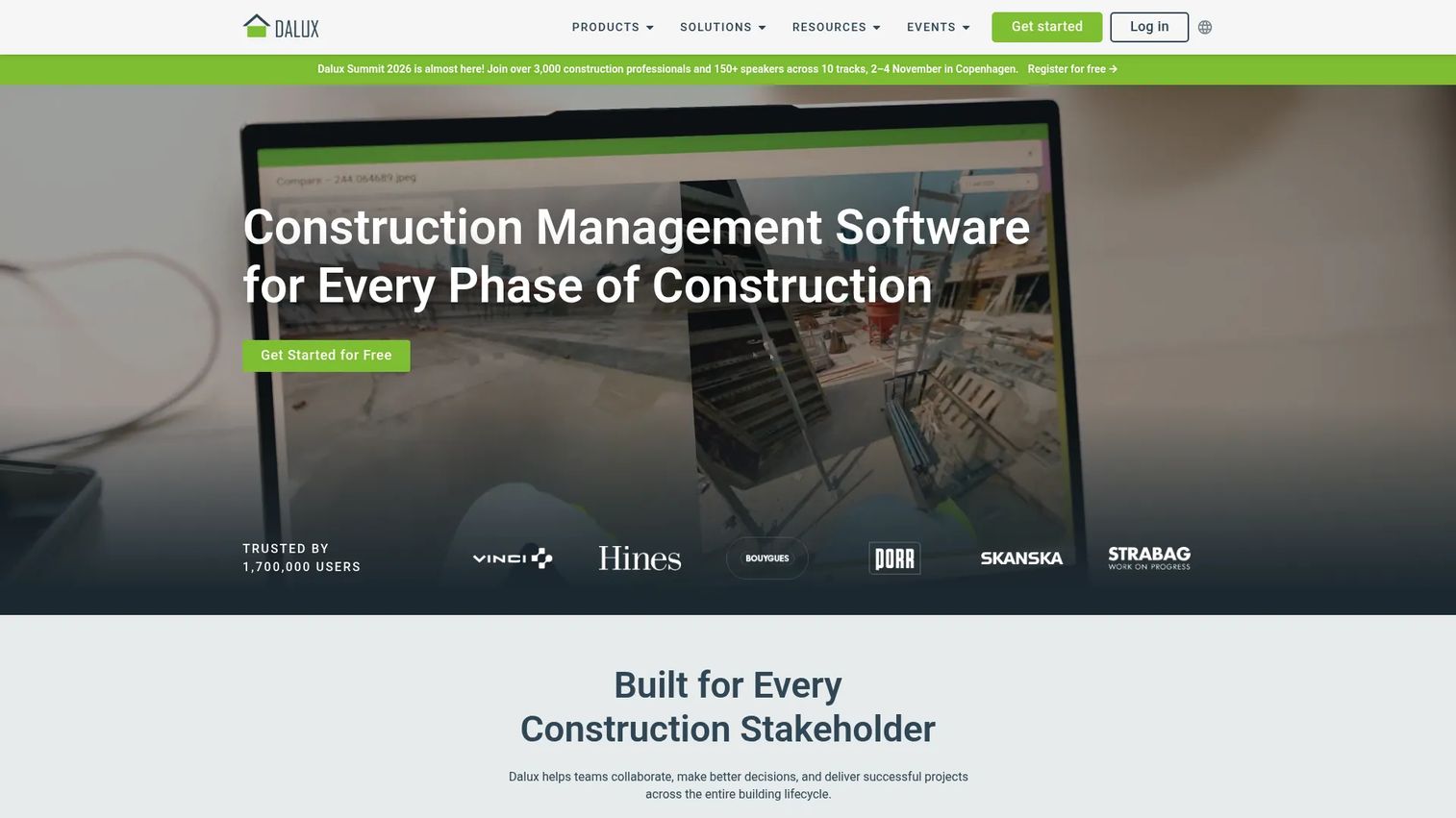
Dalux is construction management software covering BIM viewing, information management, on-site management, infrastructure construction, and facility management. Its free BIM Viewer and Field Basic products give teams a low-barrier entry point before scaling into paid modules covering document collaboration, on-site quality and safety workflows, infrastructure field management, and digital handover.
Best for: BIM-heavy contractors and owners who need site coordination, model viewing, and structured digital handover workflows.
Key features
- BIM model and drawing viewing on mobile and desktop
- Document and model collaboration via a common data environment
- On-site tasks, quality assurance, inspections, and punch lists
- Health, safety, and compliance workflows
- Handover documentation for facility management
Why choose Dalux: Dalux earns its place when BIM needs to be a practical jobsite tool, not just an office review tool. The free entry tier lets field teams start using BIM on mobile without a procurement cycle.
Dalux pricing: BIM Viewer and Field Basic are free. Paid products (Dalux Box, Dalux Field, Dalux FM, and Handover) are priced by quote. Contact Dalux for module and user-count details.
G2 rating: 4.6/5
16. BuildOps
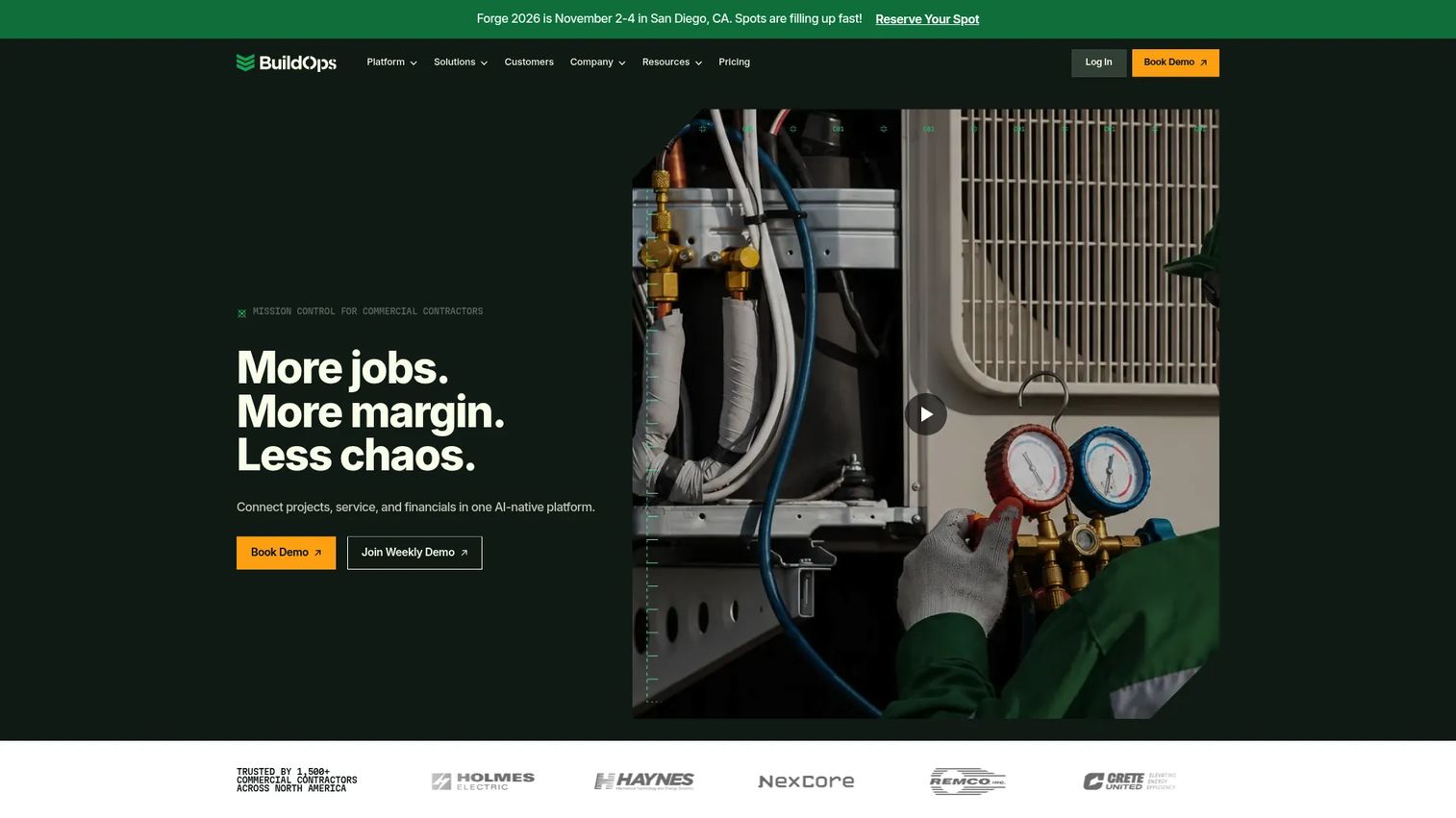
BuildOps is an AI-native operational platform designed for commercial specialty contractors managing both service operations and project work. It connects dispatch, field service, project management, quoting, estimating, invoicing, CRM, preventive maintenance, procurement, and GPS fleet tracking in one platform. For contractors running service agreements alongside larger project jobs, this integration removes the common gap between field service and project accounting.
Best for: Commercial specialty contractors that manage recurring service work and project execution and need office-to-field coordination across both.
Key features
- Service dispatch and field technician management
- Project management with mobile field app
- Quoting, estimating, and invoicing
- CRM and sales operations
- Reporting, analytics, and ERP integrations
Why choose BuildOps: The clearest fit is commercial mechanical, electrical, and plumbing contractors running service agreements and project work from the same office. BuildOps removes the need to manage separate service software alongside a project management tool.
BuildOps pricing: Pricing is customized by crew size, trades, modules, and integrations. Contact BuildOps for a quote specific to your service and project volume.
G2 rating: 4.1/5
17. ConstructionOnline
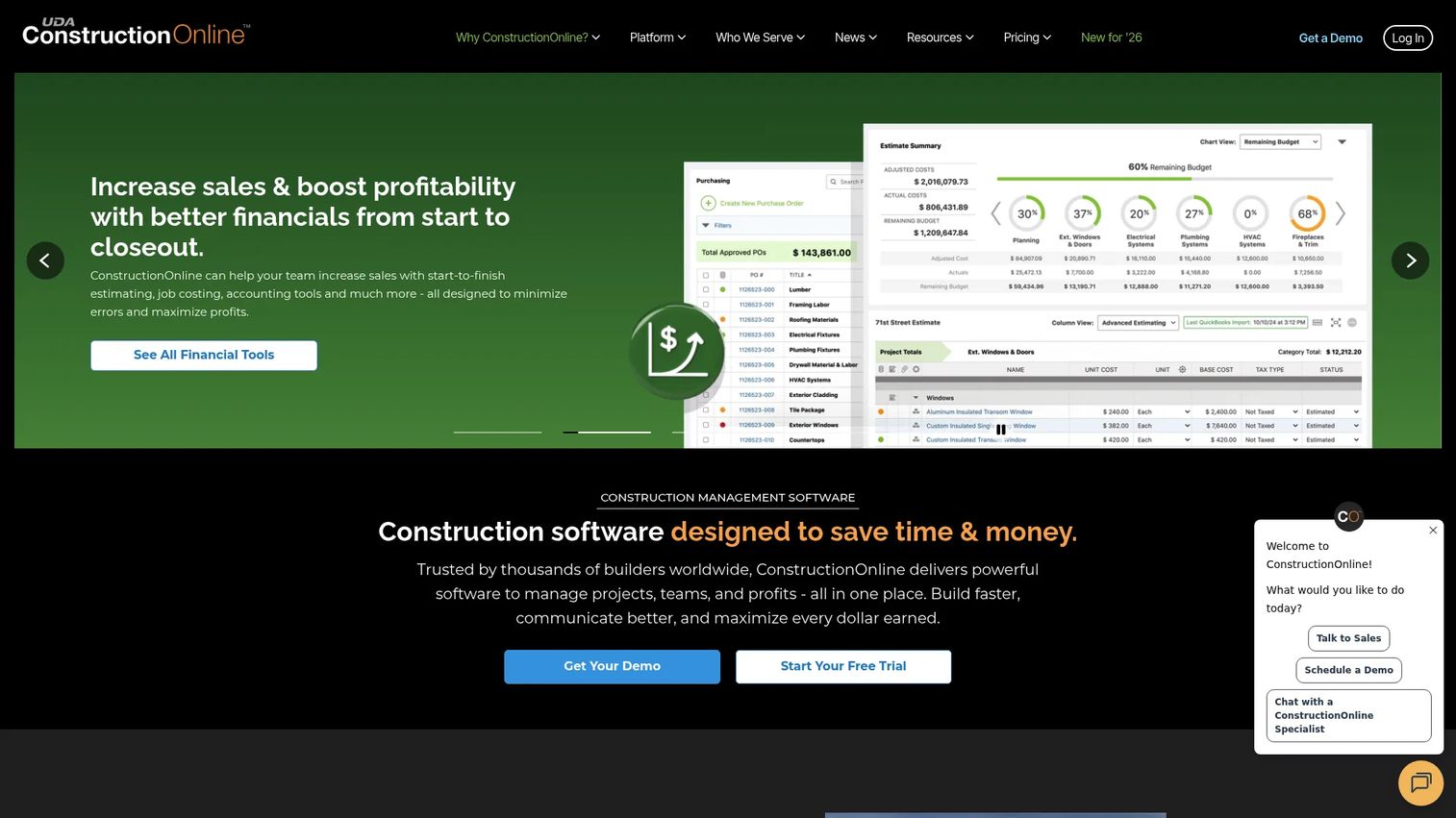
ConstructionOnline is construction management software covering estimating, scheduling, financial management, daily logging, client selections, file sharing, planroom and markup, and project collaboration. It serves residential builders, remodelers, and commercial construction teams that need scheduling and estimating tied to client-visible project status.
Best for: Builders and construction teams that need project management with client-facing selections, change orders, and communication in one place.
Key features
- Construction estimating and job costing
- Project scheduling and resource management
- Daily logging for activity, delays, and weather
- Client selections and change order workflows
- Planroom, file storage, and mobile access
Why choose ConstructionOnline: It fits builders where client communication and selections are a workflow problem, not just a relationship issue. When change requests and selections are tracked in email, they create scope creep and missed charges. ConstructionOnline gives builders a structured channel.
ConstructionOnline pricing: Subscriptions start at $199 monthly or $1,999 annually for the first user. Additional users are $30/month or $300/year each. No free tier was confirmed; contact ConstructionOnline for demo access.
G2 rating: 4.5/5
18. ProjectSight
ProjectSight is Trimble's construction project management software covering drawings, RFIs, submittals, specifications, documents, photos, punch lists, cost management, and field access. It integrates directly with Trimble's Viewpoint Vista and Spectrum accounting systems, which makes it a strong candidate for teams already running those back-office workflows.
Best for: Construction teams needing centralized project documentation, field coordination, and Trimble ecosystem alignment.
Key features
- AI-powered drawing management with links to RFIs and punch lists
- RFI, submittal, specification, and document management
- Mobile field access for iOS and Android
- 360 Capture and BIM collaboration
- Vista and Spectrum accounting integrations
Why choose ProjectSight: For teams running Trimble's accounting systems, ProjectSight closes the gap between project documentation and financial workflows. The free plan (up to 3 projects) lets smaller teams get started without upfront cost.
ProjectSight pricing: Free plan for up to 3 projects and 2 GB storage. Go plan is $29 per user per month (billed annually) with unlimited projects. Enterprise offers unlimited storage with advanced capabilities and custom volume pricing.
G2 rating: 4.0/5
19. Buildxact
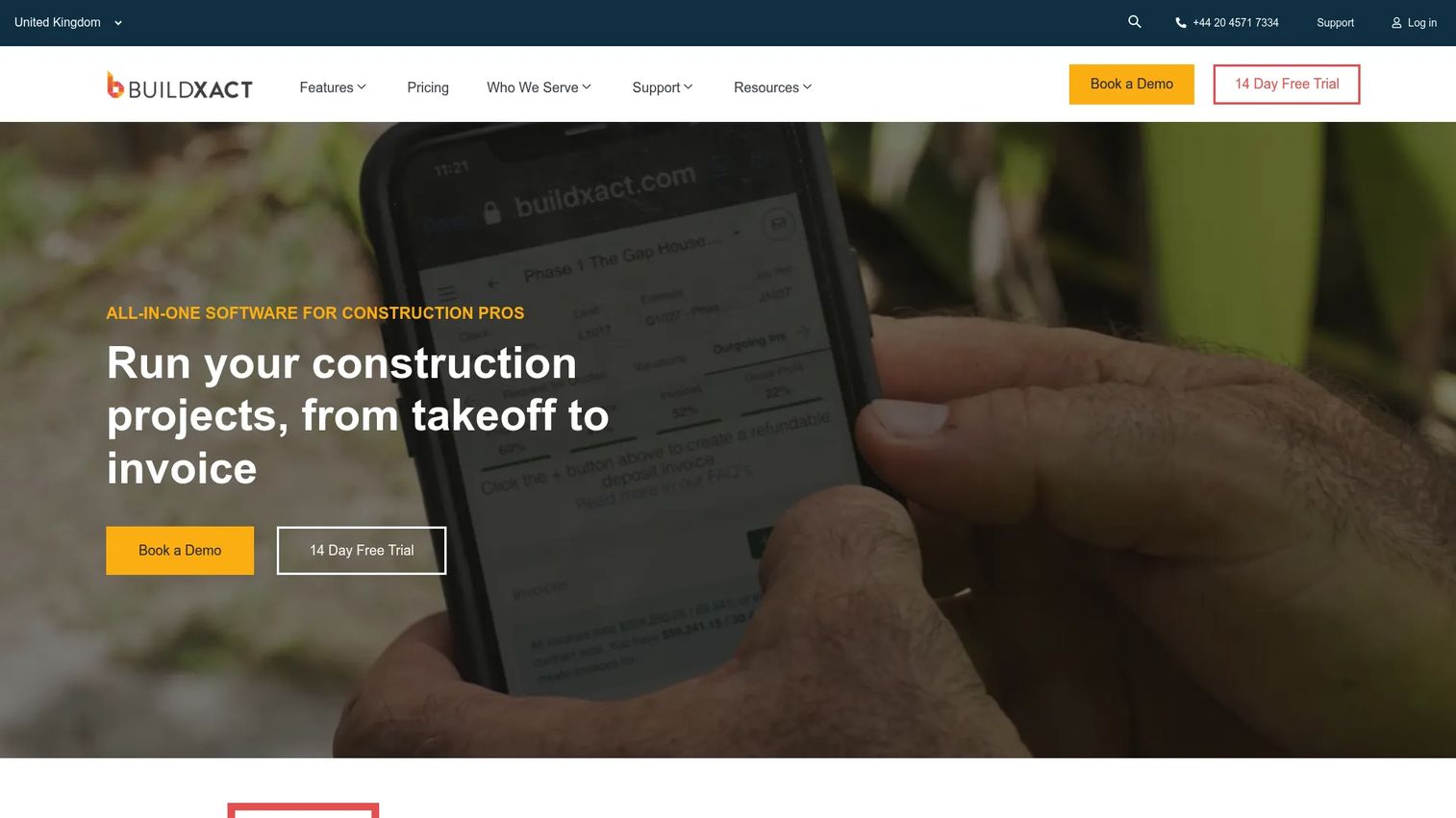
Buildxact is cloud-based estimating and project management software built for residential builders and remodelers. It combines digital takeoffs, estimating, professional proposals, scheduling, purchase orders, cost tracking, and accounting integrations, with Blu AI acting as a construction assistant across workflows. The platform focuses on solving the estimating-to-project handoff, where jobs often lose margin before work begins.
Best for: Residential builders and remodelers where the estimating-to-job handoff is the primary source of margin leakage or workflow friction.
Key features
- Digital takeoffs and estimating with AI assist (Blu AI)
- Professional proposals and digital signatures
- Lead management, scheduling, and job management
- Purchase orders and supplier integrations
- Cost tracking, invoicing, and accounting integrations
Why choose Buildxact: It fits builders that need quoting discipline and accurate job handoffs before investing in a heavier construction management platform. The free plan lets small builders validate the estimating workflow with no upfront commitment.
Buildxact pricing: Free plan (Go) is available with limited credits. Foundation is $199/month ($169/month billed annually). Pro is $399/month ($339/month billed annually). Master is $599/month ($509/month billed annually). A 14-day free trial is available on paid plans.
G2 rating: 4.3/5
20. eSUB
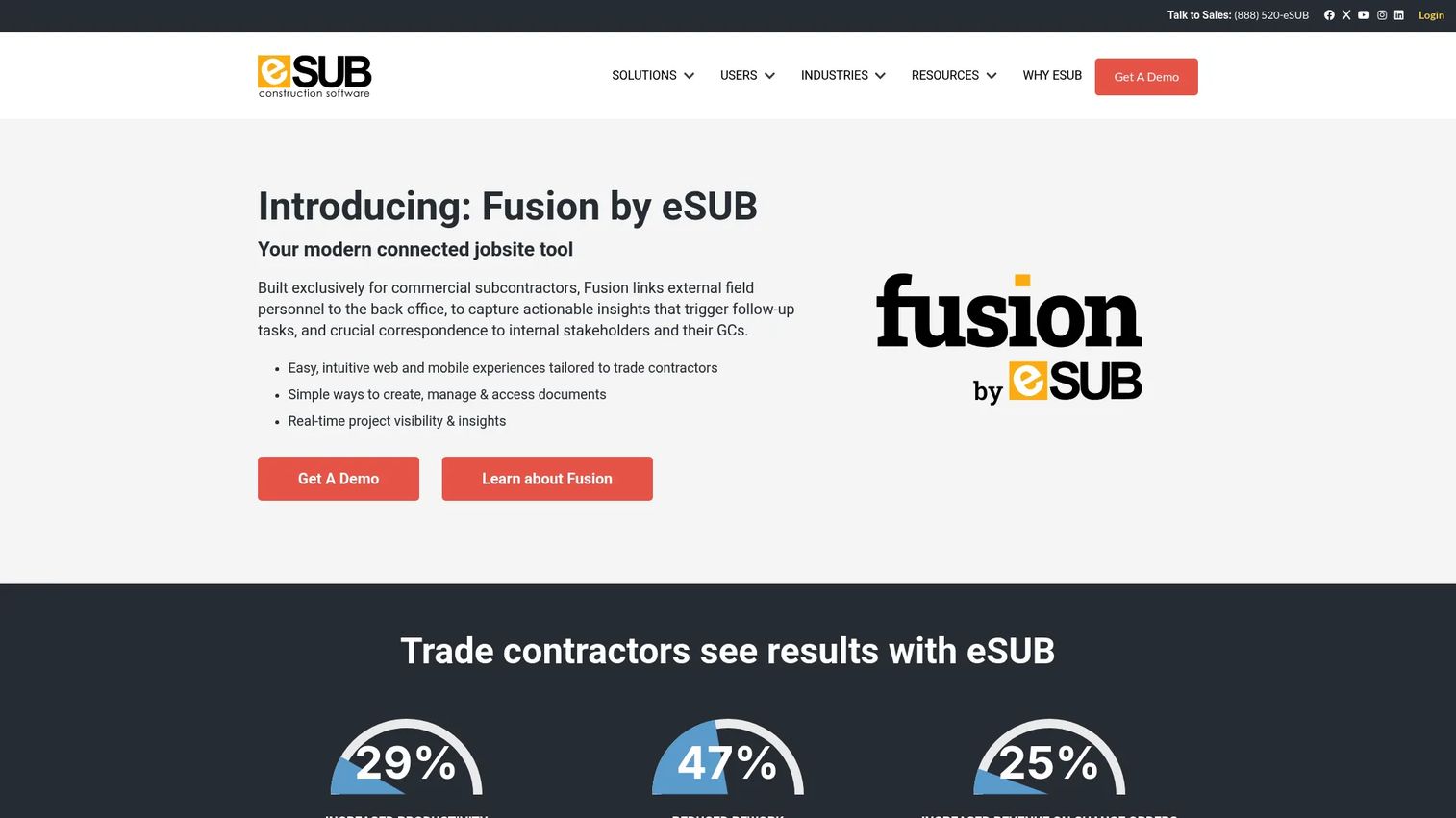
eSUB is cloud construction management software built specifically for commercial trade subcontractors. It covers field notes, daily reports, change orders, RFIs, submittals, purchase orders, job costing, progress billing, AIA-compliant pay applications, and QuickBooks Online integration. For subs that need to document work in the field and protect margin through structured change management, eSUB addresses that workflow without asking for a full GC platform.
Best for: Commercial trade subcontractors that need field documentation, project controls, and progress billing in one trade-focused system.
Key features
- Daily reports and field notes tied to labor and schedule
- RFIs and submittals with routing and tracking
- Change orders connected to purchase orders and job costs
- Progress billing and AIA-compliant pay applications
- QuickBooks Online integration
Why choose eSUB: For subs whose documentation quality directly affects payment conversations and dispute protection, eSUB provides structured field-to-office workflows without requiring a full construction ERP investment.
eSUB pricing: Pricing is quoted based on user count and modules. Contact eSUB sales for a package specific to your trade, crew size, and project volume.
G2 rating: 4.0/5
21. Bridgit
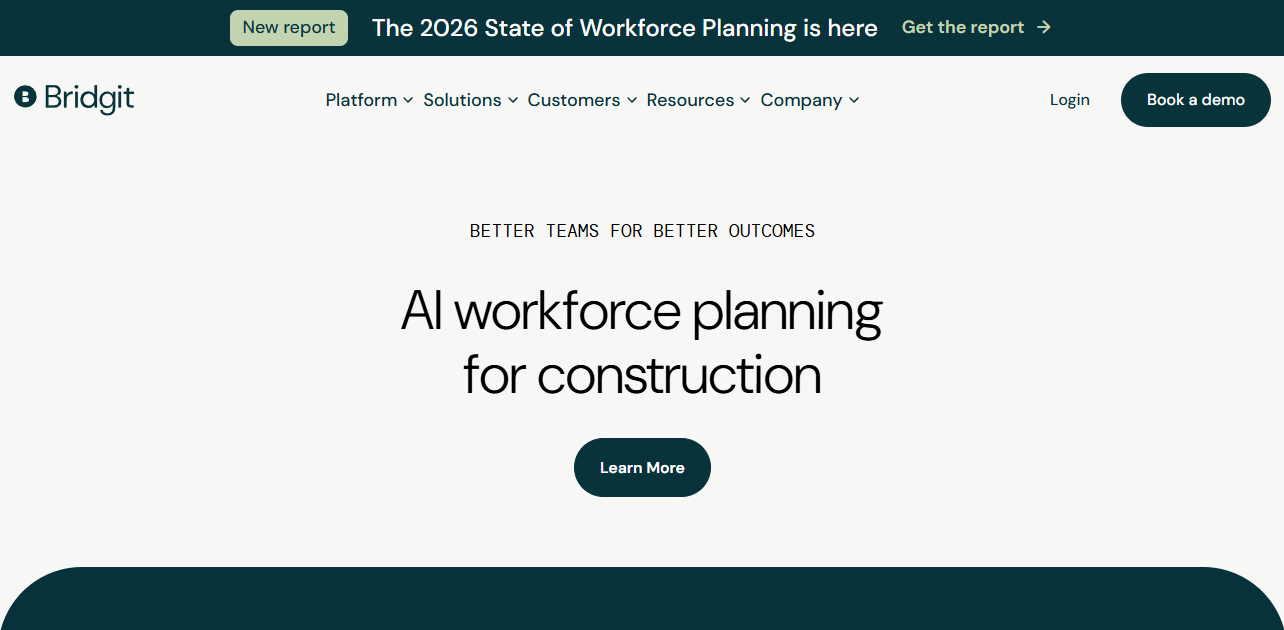
Bridgit provides workforce planning software for construction contractors, covering project planning, people allocation, labor forecasting, AI-assisted workforce planning, and centralized workforce communication. It is not a full project management suite. Bridgit focuses specifically on the people side of the construction operating model: Which workers are assigned, where, when, and whether capacity matches the project pipeline.
Best for: General contractors that need centralized workforce planning, staffing forecasting, and resource allocation across multiple active projects.
Key features
- Project planning with centralized views of projects, roles, and people
- Internal profiles with job history, skills, certifications, and availability
- Workforce forecasting against the project pipeline
- AI-assisted staffing and resource recommendations
- Integrations with construction and business software
Why choose Bridgit: Use Bridgit when people planning is the constraint. When executives cannot answer "who do we have available for the Q3 project start" without pulling data from three spreadsheets, Bridgit closes that gap. Teams also needing drawings, RFIs, and cost management should pair it with a project management platform.
Bridgit pricing: Contact Bridgit sales for user, module, and implementation details.
G2 rating: 4.3/5
Considerations when choosing construction project management software
Match the tool to your contractor type
A home builder evaluating selections and client communication needs a different tool than a GC managing multi-prime contracts on a hospital project. Separate residential builders, specialty contractors, general contractors, and capital project owners before shortlisting. The feature sets that matter differ significantly by type.
Check field adoption before executive reporting
Dashboards and financial reports are only as accurate as the data field teams enter. Evaluate mobile workflows, drawing access speed, daily report simplicity, and offline capability before selecting a platform. A beautiful reporting layer built on incomplete field data misleads leadership rather than informing it.
Verify cost workflows with finance before buying
Involve your finance team or controller early. Confirm that cost codes, commitment tracking, change order flows, forecasting logic, payroll handling, and accounting integrations align with how your books are currently run. A mismatch between project cost data and accounting creates reconciliation work that erodes trust in both systems.
Test document control under real project conditions
Run a pilot with actual drawing revisions, submittal routing, RFI turnaround, and access permissions before rolling out company-wide. A clean document library in a staged demo is not the same as a reliable one under a 200-sheet revision package on a live job.
Plan implementation as an operating change, not a software install
Construction software touches field teams, project managers, accounting, executives, subcontractors, and sometimes clients. Ask vendors specific questions about onboarding scope, data migration, training delivery, field adoption support, and what a successful 90-day rollout looks like for your team size.
Conclusion
The construction project management software market has matured enough that the question is no longer whether you need a platform, but which one fits your operating model. The right choice depends on contractor type, financial workflow complexity, field adoption requirements, and how many external stakeholders need to collaborate on project data.
For enterprise general contractors standardizing across a multi-project portfolio, Procore remains the broadest construction platform available. Buildertrend is the clear choice for residential builders and remodelers who need sales, client communication, and project execution connected. Autodesk Construction Cloud fits teams already embedded in the Autodesk ecosystem. For field coordination at accessible cost, Fieldwire starts free and scales. Contractor Foreman covers most small and mid-sized contractor workflows without enterprise-level overhead. Capital project teams and owners managing complex programs should evaluate InEight, CMiC, Trimble Construction One, and Oracle Aconex based on their specific project controls and financial requirements.
Shortlist three platforms based on contractor type, project complexity, and the financial workflow your operations team actually runs. Then run a pilot on one live project before rolling out company-wide. Field adoption and data quality on that pilot will tell you more than any demo.
FAQs
The core features to evaluate are scheduling, RFIs, submittals, drawings, document control, daily logs, punch lists, change orders, budgeting, and job costing. Add mobile access for field teams and integrations with your existing accounting or ERP system to the shortlist. The right mix depends on whether you are a residential builder, trade contractor, GC, or owner.
Pricing ranges from free entry tiers for tools like Fieldwire, ProjectSight, and Buildxact, to plans starting under $100/month for contractor-focused tools like Contractor Foreman. Enterprise platforms from Procore, CMiC, Oracle Aconex, and Autodesk Construction Cloud are quote-based, with total cost driven by modules selected, annual construction volume, and implementation scope.
Contractor Foreman, Buildxact, ConstructionOnline, and Fieldwire are common shortlisting options for smaller teams. Contractor Foreman offers the broadest feature set at the lowest starting price. Buildxact suits builders focused on estimating and quoting. Fieldwire is the right choice when field coordination and drawing access are the priority.
Procore, Autodesk Construction Cloud, CMiC, InEight, Trimble Construction One, and Oracle Aconex are the primary enterprise options. Enterprise teams should evaluate governance controls, financial integration depth, ERP and BIM connectivity, security certifications, and the vendor's implementation track record alongside feature coverage.
Field teams can submit daily logs, upload photos, mark up drawings, flag issues, complete punch lists, and respond to RFIs directly from mobile devices. That data reaches office teams and project managers the same day, rather than arriving at the end of the week in a PDF attachment. The reduction in lag between field events and office visibility directly affects schedule and cost control.
Most construction platforms offer integrations with common accounting systems, ERP platforms, BIM tools, and file storage. Verify the specific integration, data sync direction, field mapping, and any middleware requirements before signing. Some integrations are native; others require a third-party connector or custom API work.
Construction platforms support jobsite-specific workflows that generic task tools do not handle natively: Drawing sets with revision control, RFI and submittal routing, change orders tied to contract values, cost codes, subcontractor coordination, inspections, and compliance documentation. Generic project management tools can track tasks but rarely support the full contract and cost chain without significant custom configuration.
Start with one project, one project manager, and a defined set of required workflows such as daily logs, RFIs, and drawing updates. Expand to additional workflows and projects after field teams, finance, and leadership have built confidence in the data quality. A phased rollout on a live project reveals field adoption issues and integration gaps before they affect the full portfolio.