A new hire completes the onboarding module. They watch the videos, click through the slides, and pass the quiz. Then they sit down to configure the actual workflow and nothing works.
This is where passive training breaks. Watching a walkthrough and performing a task are different cognitive acts. According to IDC (2024), 70% of organizations already use experiential IT learning, including labs and hands-on exercises, because they've found that completion rates on video courses tell them nothing about whether someone can actually execute the workflow.
The global virtual IT labs market reflects this: Dataintelo (2026) valued it at $3.8 billion in 2025, with cloud-deployed lab environments accounting for 57.4% of that revenue. The shift is structural. Engineering-led provisioning is too slow. Instructor-led sessions don't scale. Documentation doesn't build muscle memory.
Virtual IT lab platforms give teams a repeatable way to deliver browser-based, hands-on technical environments without standing up physical infrastructure each time. The real question isn't whether you need one. It's which platform fits how your team builds, maintains, and measures learning, without creating another fragile environment your engineering team has to babysit.
What's inside
This guide covers 10 virtual IT lab platforms evaluated for product and enablement teams in 2026. Tools were assessed on four criteria:
- Lab realism and task design: Does the environment reflect what users encounter in production?
- Provisioning, resets, and lifecycle controls: Who owns templates, reset policies, and expired content?
- Instrumentation and learning measurement: Can you track task completion, segment by role, and tie lab behavior to activation?
- Integration and maintenance overhead: What does adoption cost the team after launch?
TL;DR
- Best for technical product education and developer enablement: Instruqt
- Best for enterprise skills validation and performance-based assessments: Skillable
- Best for customer training and proof-of-concept environments: CloudShare
- Best for DevOps and cloud-native skill building: KodeKloud
- Best for cybersecurity workforce readiness and team resilience: Immersive Labs
- The right platform depends on whether you need structured learning paths, open technical exploration, live instructor-led delivery, or measurable competency evidence. No single tool wins across all four.
What is virtual IT labs software?
Virtual IT labs software provides browser-accessible, hands-on technical environments where users can practice software, cloud, cybersecurity, networking, or IT workflows without configuring physical infrastructure.
Unlike a video course or a slide deck, a virtual lab gives users a working environment they can interact with. They execute commands, configure settings, and complete tasks that mirror production conditions.
Core characteristics of virtual IT labs
- Browser-based access: Users enter a working environment through a web browser, with no local installation required
- Configurable environments: Labs use virtual machines, containers, cloud accounts, or application simulations depending on the use case
- Guided tasks and checkpoints: Most platforms include step-by-step instructions, automatic progress validation, and scoring
- Reset controls: Environments return to a known starting state after each session, preventing configuration drift
- Learning analytics: Platforms track completion, task-level performance, drop-off patterns, and segment-level reporting
- Integrations: LMS, LXP, SSO, identity providers, and analytics platforms connect lab data to broader learning and product stacks
Virtual IT labs versus a standard training course
Video courses and documentation explain concepts. Labs require users to perform them. The distinction matters for product managers who own activation metrics: Watching someone configure a workflow and completing that configuration yourself produce very different retention and recall outcomes. A lab is an appropriate format when the learning objective requires demonstrated behavior, not just comprehension.
Virtual IT labs versus a product trial or sandbox
A product trial provides a full product account. A sandbox prioritizes open exploration without predefined tasks or scoring. A virtual lab sits between the two: It provides a controlled environment with a specific task, synthetic or representative data, and reset rules. For product managers, the distinction controls what you can instrument. Labs generate task-level telemetry. Open trials generate usage data. The right format depends on what behavior you're trying to measure.
When to use virtual IT labs software
Train users on workflows that require practice
Technical onboarding, cloud administration, security operations, and software configuration all require more than passive comprehension. A lab lets users attempt the actual workflow, fail safely, reset, and try again. For product managers, this maps directly to activation: When users complete a meaningful task inside the product, time to first value decreases and early retention improves. If your onboarding currently depends on a live call or a CS walkthrough to move users through setup, a lab-based flow can reduce that dependency at scale.
Validate technical readiness before certification or role changes
Completion rates are a weak readiness signal. A user who watched a video and passed a multiple-choice quiz has demonstrated recall, not competency. Performance-based labs that require users to execute a task under scored conditions generate much stronger evidence of readiness. Partner certification programs, internal role transitions, and customer success pre-qualification programs all benefit from this format. The data also helps product teams find where users reliably stall.
Support technical evaluations and proof-of-concept programs
Sales engineering teams and presales organizations use controlled lab environments to let prospects validate workflows without requiring production credentials or a full sandbox setup. Stable environments with fast resets reduce repeated provisioning work and give technical evaluators a consistent experience. When lab behavior is instrumented, engagement data from these sessions can also inform product adoption priorities.
Virtual IT labs software comparison
The table below reflects pricing and G2 ratings verified from each vendor's pricing page and live G2 listing as of October 2026. Treat it as a starting point. Provisioning controls, integration depth, and content authoring requirements all shift the fit significantly once you run a representative workflow through each finalist.
| # | Product | Best for | Key differentiator | Pricing | G2 rating |
|---|---|---|---|---|---|
| 1 | Instruqt | Technical product education and developer enablement | Scenario-based labs with guided tracks and hot-start functionality | Custom pricing (quote-based) | 4.8/5 |
| 2 | Skillable | Enterprise skills validation and performance-based testing | AI-assisted lab authoring and automated scoring | Custom pricing (quote-based) | 4.6/5 |
| 3 | CloudShare | Customer training and managed proof-of-concept environments | Template-based virtual environments with lifecycle controls | Custom pricing (flat-rate subscription) | 4.5/5 |
| 4 | KodeKloud | DevOps and cloud-native skill building | Course-led labs for Kubernetes, Linux, and cloud platforms | From $15/month (billed annually) | 4.8/5 |
| 5 | Apporto Virtual Computer Labs | Academic and enterprise virtual desktop delivery | Browser-based managed virtual desktops without local installation | From $12/named user/month | 4.9/5 |
| 6 | Azure Lab Services | Microsoft-oriented lab provisioning and governance | Azure-native infrastructure with RBAC and Teams integration | Consumption-based (per Lab Unit/hour) | 4.4/5 |
| 7 | TestOut LabSim | IT certification preparation and role-based simulations | Interactive simulations aligned to certification curricula | Quote-based (academic pricing) | 5.0/5 |
| 8 | Immersive Labs | Cybersecurity workforce readiness and resilience measurement | Crisis simulations, AI security labs, and resilience scoring | Custom pricing (quote-based) | 4.7/5 |
| 9 | CloudLabs | Cloud and IT training program delivery | Multi-cloud browser-based labs with AI-powered generation | From $6/lab user/month | 4.7/5 |
| 10 | Strigo | Instructor-led technical training and customer education | Live virtual classroom combined with hands-on lab environments | Custom pricing (pay-as-you-go and subscription) | 4.8/5 |
Best 10 virtual IT labs software tools for 2026
1. Instruqt
Instruqt is an interactive learning platform built for creating hands-on technical labs and training experiences in real sandboxed environments. It's used by software companies running developer education, technical onboarding, partner enablement, and customer training programs. Labs run in actual cloud environments, not simulations, with containers, virtual machines, and cloud resources provisioned per session.
Best for: Product teams and technical enablement leaders who need guided, cloud-native labs for onboarding, customer education, and developer relations programs.
Key features
- Scenario-based labs with guided task instructions and automatic validation
- Hot-start functionality for near-instant lab provisioning
- Multicloud environment support across major providers
- Live and self-paced delivery modes
- LMS and CRM integrations with learner analytics
Why choose Instruqt: Instruqt is the strongest fit when your team has a defined curriculum or structured learning path and needs learners to practice in actual cloud infrastructure. It gives product teams segment-level telemetry to identify where users stall across different personas or product tiers, which connects lab behavior directly to activation data.
Instruqt pricing: Instruqt uses consumption-based annual pricing with flexible add-ons. Plans are quote-led; the company offers a free trial to evaluate the platform before committing.
G2 rating: 4.8/5
2. Skillable
Skillable is a hands-on learning and virtual labs platform built for technical enablement, product adoption, and performance-based skills validation at enterprise scale. Its core differentiation is the combination of AI-assisted lab authoring with automated scoring, making it practical for teams building large-scale training programs without proportional content production overhead.
Best for: Enterprise learning and enablement teams that need hands-on labs, scored assessments, and structured competency reporting across large user populations.
Key features
- AI-assisted lab authoring with scenario-based environments
- Performance-based assessments with automated scoring
- Skills validation reporting and readiness dashboards
- Lab templates and catalog management
- Enterprise identity and LMS integrations
Why choose Skillable: Choose Skillable when your program needs to produce evidence of competency, not just completion. The platform suits product managers who need to segment lab performance data by role, plan tier, or onboarding cohort, and then feed that evidence into decisions about onboarding content or CS routing. Enterprise implementations typically require agreement on user volume and integration requirements before a price is confirmed.
Skillable pricing: Plans are contact-sales offerings organized around three program types: Building hands-on labs, validating learner skills, and driving revenue and adoption. Contact Skillable directly for a quote.
G2 rating: 4.6/5
3. CloudShare
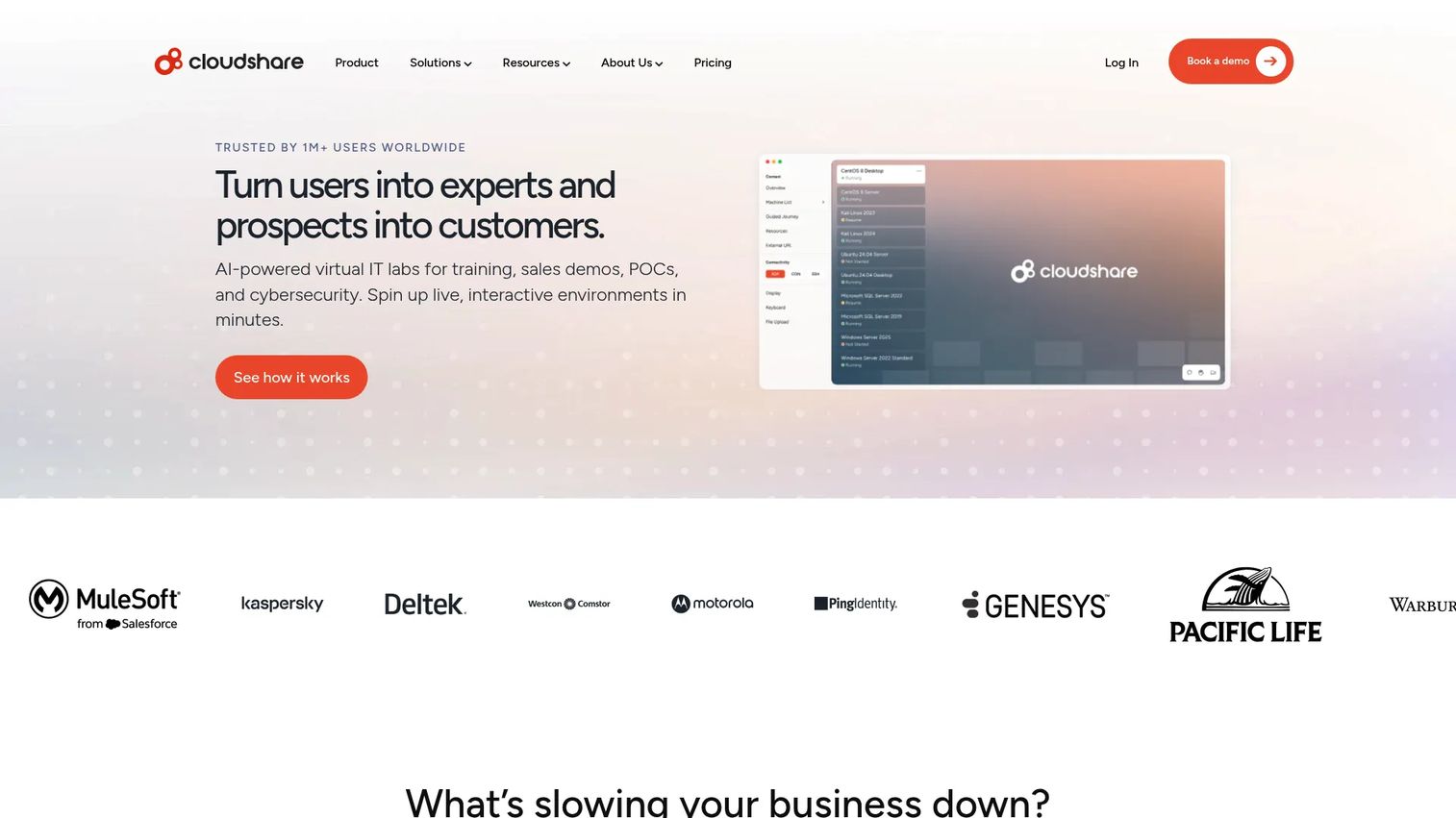
CloudShare is a cloud-based platform for creating, managing, and delivering virtual IT labs and hands-on software experiences. It handles customer training programs, technical sales demos, proof-of-concept environments, and partner enablement through template-based virtual machines and lifecycle controls. Instructors can monitor sessions in real time, collaborate with learners, and reset environments without manual intervention.
Best for: Teams running customer training, technical sales enablement, and repeatable proof-of-concept programs through managed virtual environments.
Key features
- One-click environment cloning from customizable templates
- Snapshot and reset controls with lifecycle management policies
- Real-time monitoring, screen takeover, and instructor collaboration
- Environment usage analytics and guided learning journey tools
- Cloud-agnostic integrations and resource management
Why choose CloudShare: CloudShare is the right choice when users need to work inside full software environments, not guided task simulations. It removes repeated engineering requests for provisioning by letting training teams manage templates independently. For product managers, the environment analytics show where users stall during hands-on sessions, which maps directly to onboarding friction points worth addressing in the product itself.
CloudShare pricing: CloudShare operates a flat-rate subscription with unlimited platform users. Pricing requires a sales conversation; the pricing page does not display a number.
G2 rating: 4.5/5
4. KodeKloud
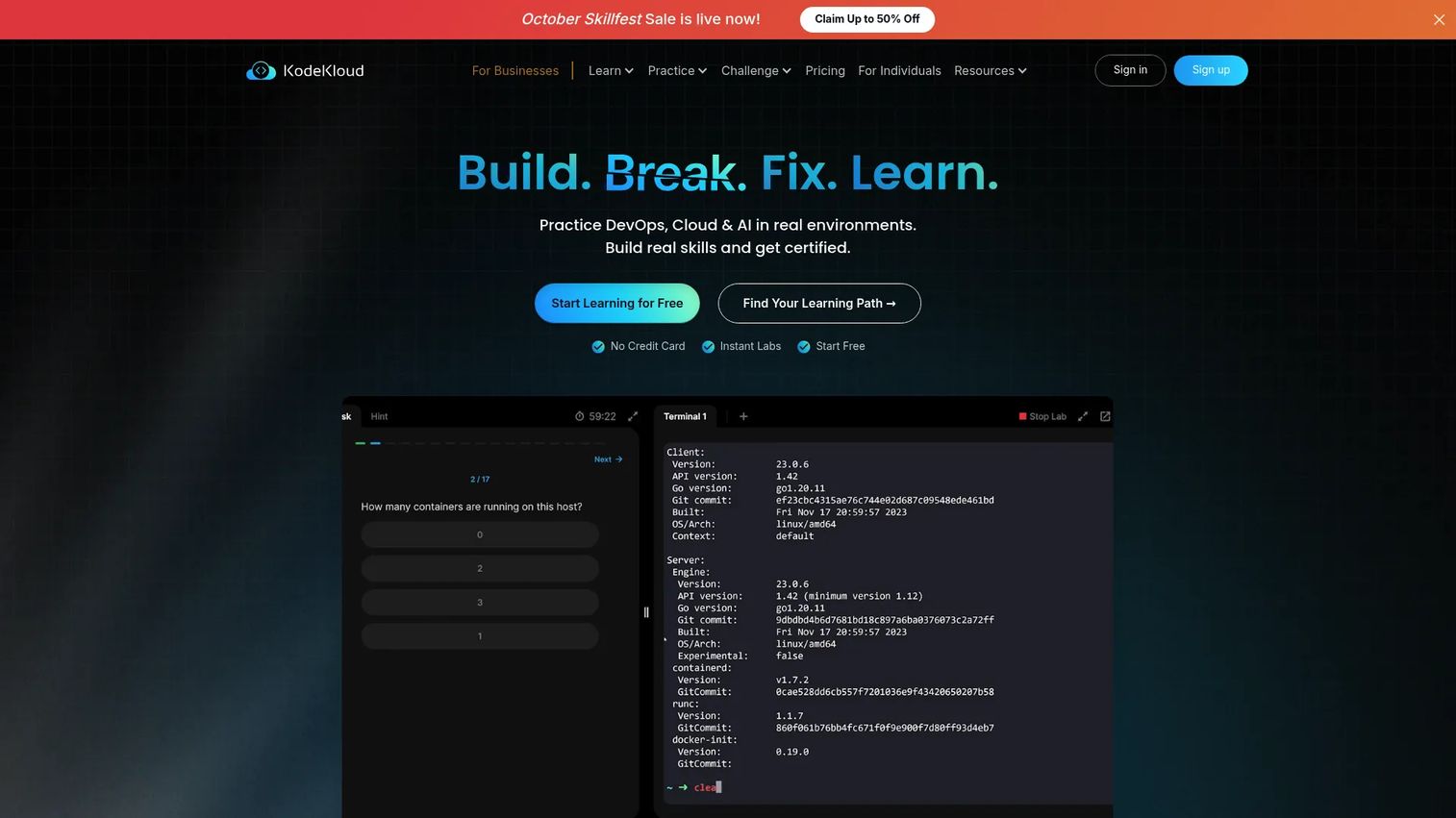
KodeKloud is a hands-on learning platform focused on DevOps, cloud, AI, and related technical skills. It combines structured courses with interactive labs and playgrounds that run in real environments. Learners practice Kubernetes, Linux, Docker, Terraform, and cloud provider workflows inside the browser, without local setup. Team plans add dashboards for progress tracking and centralized billing.
Best for: Individual practitioners and teams building practical DevOps and cloud-native skills through structured, course-led practice.
Key features
- Interactive DevOps labs and cloud playgrounds
- Kubernetes, Linux, and container-focused practice environments
- AI-powered personalized lab guidance
- Learning paths and certification-aligned career tracks
- Team dashboards with progress tracking and reporting
Why choose KodeKloud: KodeKloud is strongest when the audience has a defined technical skill gap in DevOps or cloud infrastructure and needs structured practice paths rather than general virtual desktop access. For product teams, it fits internal engineering onboarding or customer education programs where the target audience is explicitly cloud-native practitioners. It's a less natural fit for broad virtual desktop management or programs that require custom lab authoring.
KodeKloud pricing: Standard plans start at $15/month per user (billed annually). Pro is $30/month, AI is $46/month, and Business is custom. A free tier is available with limited access to courses and labs.
G2 rating: 4.8/5
5. Apporto Virtual Computer Labs
Apporto Virtual Computer Labs delivers browser-based virtual desktops and cloud-hosted applications to users on almost any device, without local installation. Originally built for higher education, it's also deployed in enterprise settings where teams need centralized software access. The platform runs Windows, Mac, and Linux environments and integrates with major LMS platforms including Canvas, Blackboard, Moodle, and D2L.
Best for: Universities, training providers, and enterprises that need managed virtual computer labs with centralized application access across diverse devices.
Key features
- Browser-delivered virtual desktops across Windows, Mac, and Linux
- LMS and SSO integrations (Canvas, Blackboard, Moodle, D2L)
- Real-time Virtual Classroom with screen sharing and hand-raising
- Cloud Mounter integrations with OneDrive, Dropbox, and Google Drive
- Usage monitoring, WebUSB support, and multi-region availability
Why choose Apporto: Apporto fits teams that need users to access specific software that's difficult to install locally, rather than teams building task-based guided labs. For product and training operations, it reduces setup friction when software access itself is the barrier to the first meaningful exercise. The trade-off: It's a managed desktop platform, not a scenario-based lab builder, so curriculum design stays entirely with your team.
Apporto pricing: Apporto Basics (self-managed, using your Azure subscription) starts at $12/named user/month. Apporto Managed (fully managed with infrastructure included) ranges from $27 to $101/concurrent user/month depending on configuration.
G2 rating: 4.9/5
6. Azure Lab Services
Azure Lab Services is a fully managed Azure service for creating and providing access to preconfigured virtual machine labs for classes, training, hackathons, and hands-on exercises. Lab administrators define images, user quotas, schedules, and automatic shutdown policies. Azure RBAC, Teams integration, and Canvas LMS support make it a natural choice for Microsoft-aligned organizations.
Best for: Microsoft-oriented organizations and educational institutions that need Azure-native lab provisioning for training, classroom delivery, or development exercises.
Key features
- Automatic VM provisioning, scaling, and management
- Windows and Linux labs using Azure Marketplace or custom images
- Microsoft Teams and Canvas LMS integrations
- Azure RBAC, schedules, quotas, and automatic shutdown controls
- Advanced virtual networking options
Why choose Azure Lab Services: If your organization already operates heavily in Azure and needs temporary, centrally governed lab environments, this is a low-overhead entry point. The infrastructure alignment removes a class of integration decisions. The important caveat for product managers: Azure Lab Services is scheduled for retirement on June 28, 2027. Teams evaluating this platform should plan for migration or confirm their timeline fits within that window before building a curriculum on it.
Azure Lab Services pricing: Pricing is consumption-based. You pay for active lab VM usage by the hour per Lab Unit; shut-down instances are not billed. The official pricing page displays rates as variable by instance size. Contact Microsoft or check the Azure pricing calculator for current Lab Unit costs.
G2 rating: 4.4/5
7. TestOut LabSim
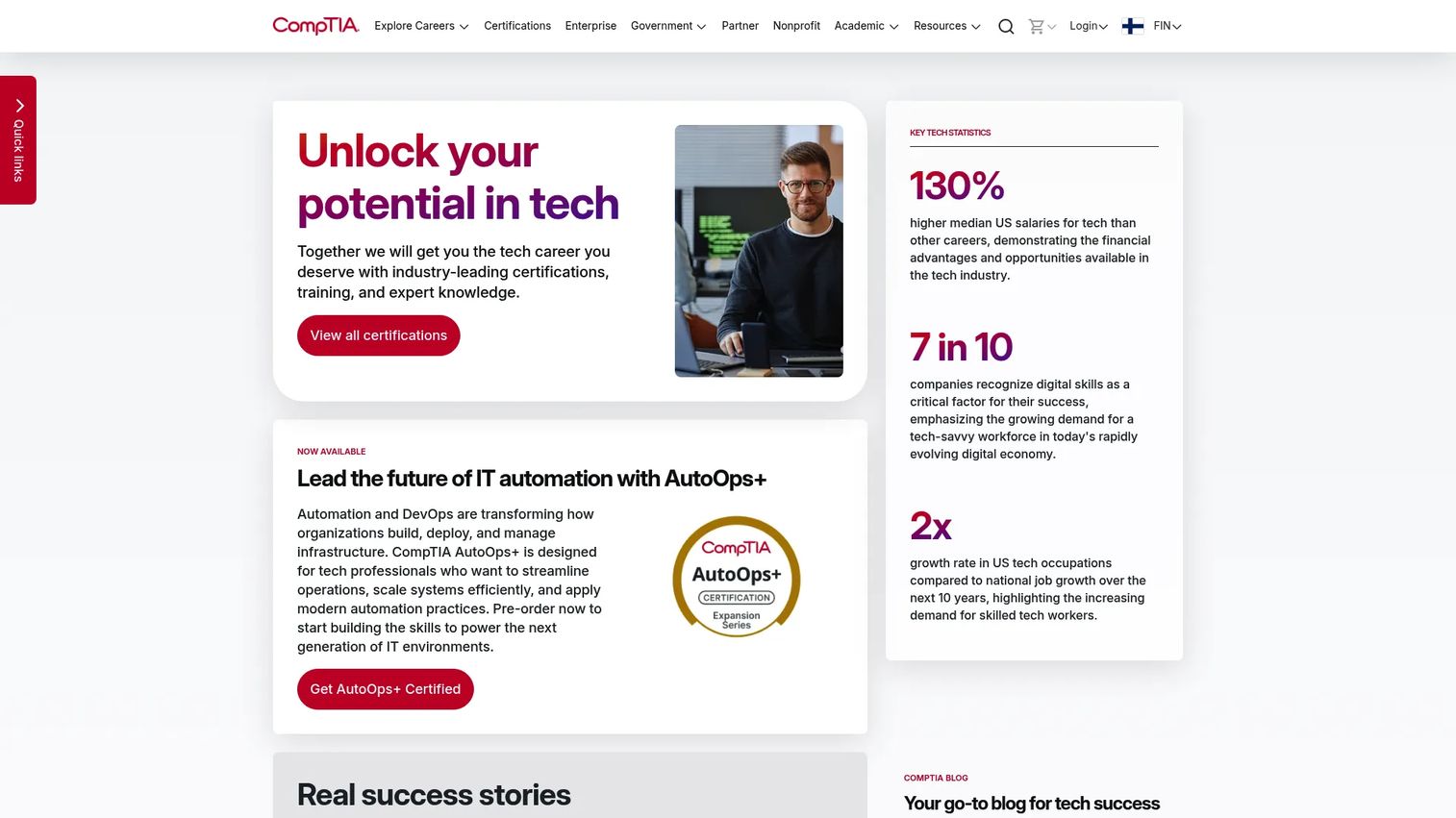
TestOut LabSim is a learning platform from TestOut that combines IT courses, interactive simulations, video instruction, and assessment tools for IT certification preparation and role-based skill development. It covers CompTIA, Microsoft, and networking certification paths. Educators get progress reports, assessment management, and learner visibility across their cohorts. The TestOut homepage currently redirects through CompTIA.
Best for: Academic IT programs and certification preparation courses where structured practice with simulated desktop, networking, and systems tasks is the primary learning objective.
Key features
- Interactive IT lab simulations for networking, desktop, and systems tasks
- Video instruction paired with written lesson summaries
- Quizzes, performance assessments, and certification-aligned exams
- Educator dashboards with progress reporting and assessment tools
- Role-based curriculum organized by certification path
Why choose TestOut LabSim: LabSim is the right choice when the audience is preparing for structured IT certifications or entry-level IT roles and needs guided practice in a curriculum-controlled environment. It's less suitable for teams building custom technical onboarding for SaaS products, where the lab scenarios need to mirror your specific product workflows rather than generic IT tasks.
TestOut LabSim pricing: Academic pricing requires a request; the platform does not display a numeric figure publicly. Reach out to TestOut directly for institutional or program pricing.
G2 rating: 5.0/5
8. Immersive Labs
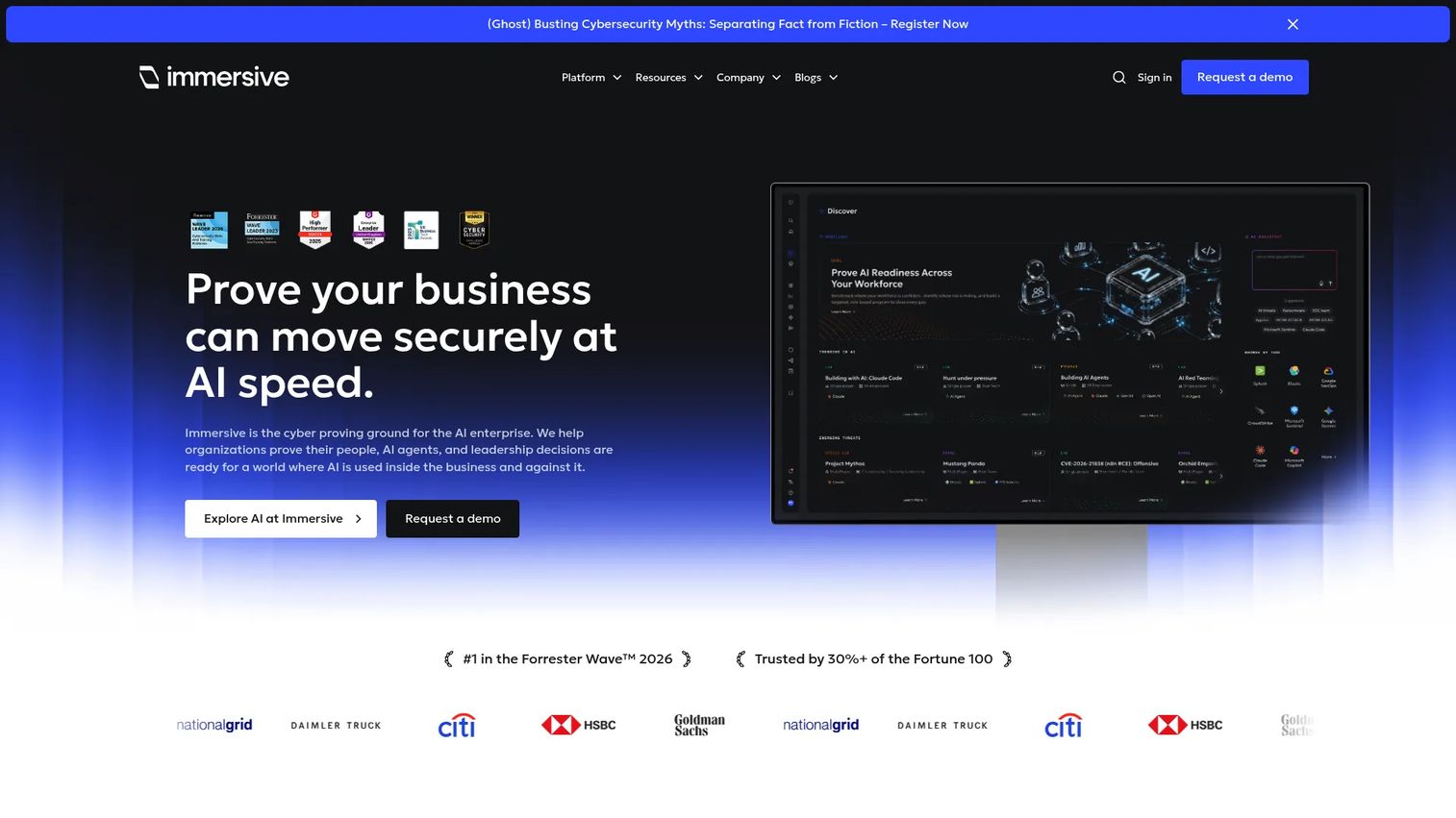
Immersive Labs is a cyber workforce resilience platform that combines hands-on cybersecurity labs, crisis simulations, AI-readiness exercises, and team-level reporting. It's built for organizations that need measurable evidence of cybersecurity workforce capability, not just training completion. Custom lab creation, team exercises, and framework heatmaps give security teams a way to identify gaps and track improvement across roles.
Best for: Cybersecurity teams and security-focused organizations that need practical exercises, workforce readiness measurement, and continuous skills development with real evidence of team resilience.
Key features
- Hands-on, role-based cybersecurity labs in hosted environments
- Crisis simulations and team-based technical exercises
- Custom lab creation with Lab Builder
- AI security labs and AI-readiness assessment modules
- Resilience scoring, benchmarking, and framework heatmaps
Why choose Immersive Labs: Immersive Labs fits organizations with a clearly defined cybersecurity skills program and a need to report on workforce readiness to leadership or compliance frameworks. For product managers at security-focused companies, the platform's role segmentation and instrumentation are stronger than most general IT training tools. It's a poor fit for teams that need broad cloud infrastructure training or general technical onboarding outside a security context.
Immersive Labs pricing: Pricing is customized by platform tier, resilience-group band size, and exercising credits. Contact Immersive Labs for a quote.
G2 rating: 4.7/5
9. CloudLabs
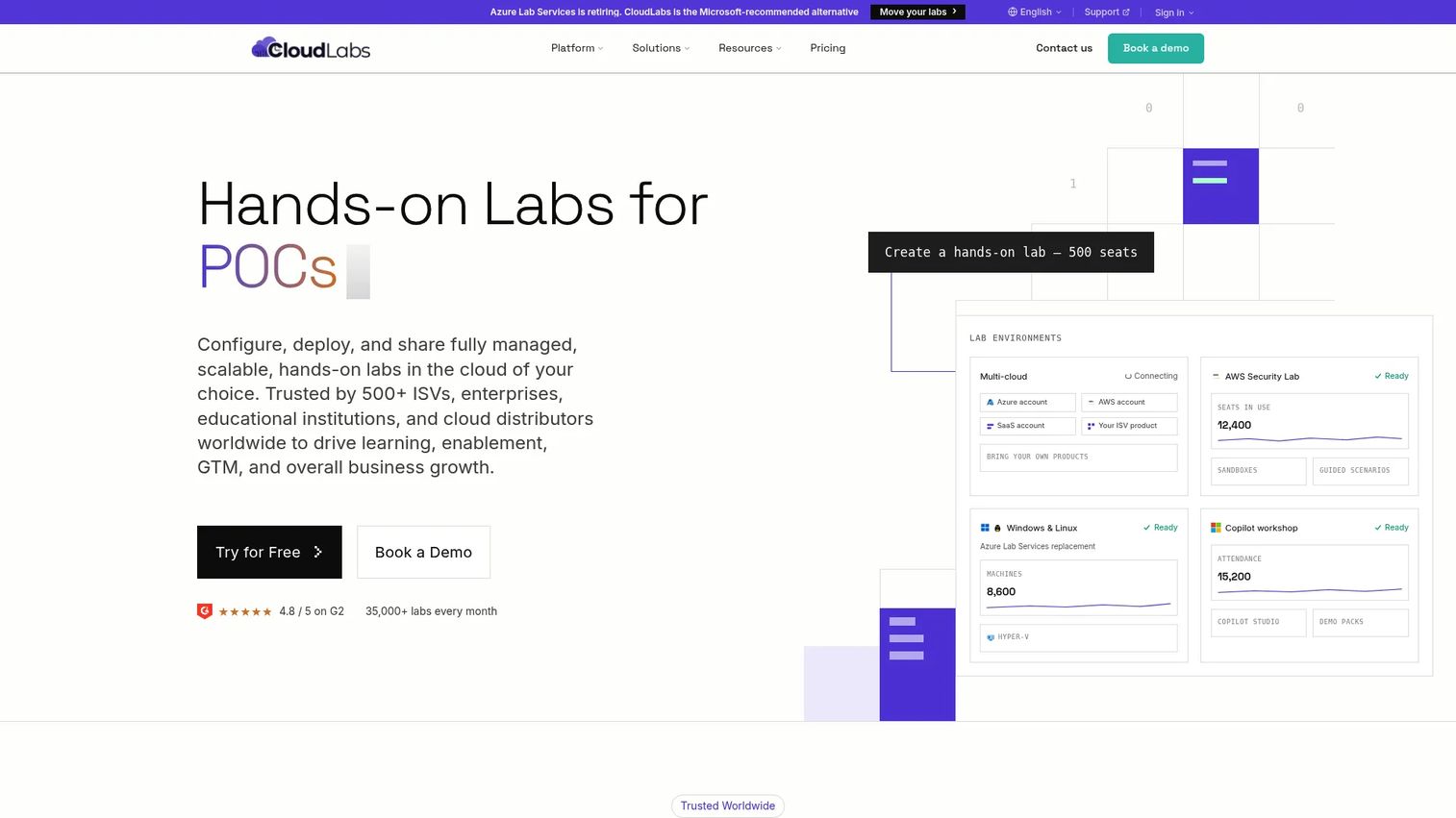
CloudLabs is a multi-cloud hands-on lab platform for technical training, product demos, proof-of-concept programs, hackathons, and workforce upskilling. Labs run in Azure, AWS, GCP, Oracle Cloud, and private cloud environments, all browser-accessible without local configuration. AI-powered lab generation uses ARM templates and validation checks to reduce manual authoring work.
Best for: Training providers and technical education teams delivering scalable, browser-based, multi-cloud labs through structured programs.
Key features
- AI-powered lab generation with ARM templates and validation checks
- Browser-based multi-cloud labs across Azure, AWS, GCP, and Oracle Cloud
- LMS integrations via LTI with real-time learner progress tracking
- Instructor monitoring, assessments, and completion reporting
- Pay-as-you-go and annual pricing models
Why choose CloudLabs: CloudLabs suits teams that need to deliver ready-to-run technical exercises across multiple cloud environments without operating their own lab infrastructure. For product managers, the key question is whether CloudLabs' content model supports your specific product workflows. It's well suited to cloud skills training; it requires more custom authoring effort when the lab content needs to match a particular SaaS product's workflows precisely.
CloudLabs pricing: CloudLabs Managed Azure Subscription (CMAS) starts at $6/lab user/month ($60/year). Bring Your Own Subscription (BYOS) is $12/lab user/month ($120/year). Standard support is included; premium support is an add-on.
G2 rating: 4.7/5
10. Strigo
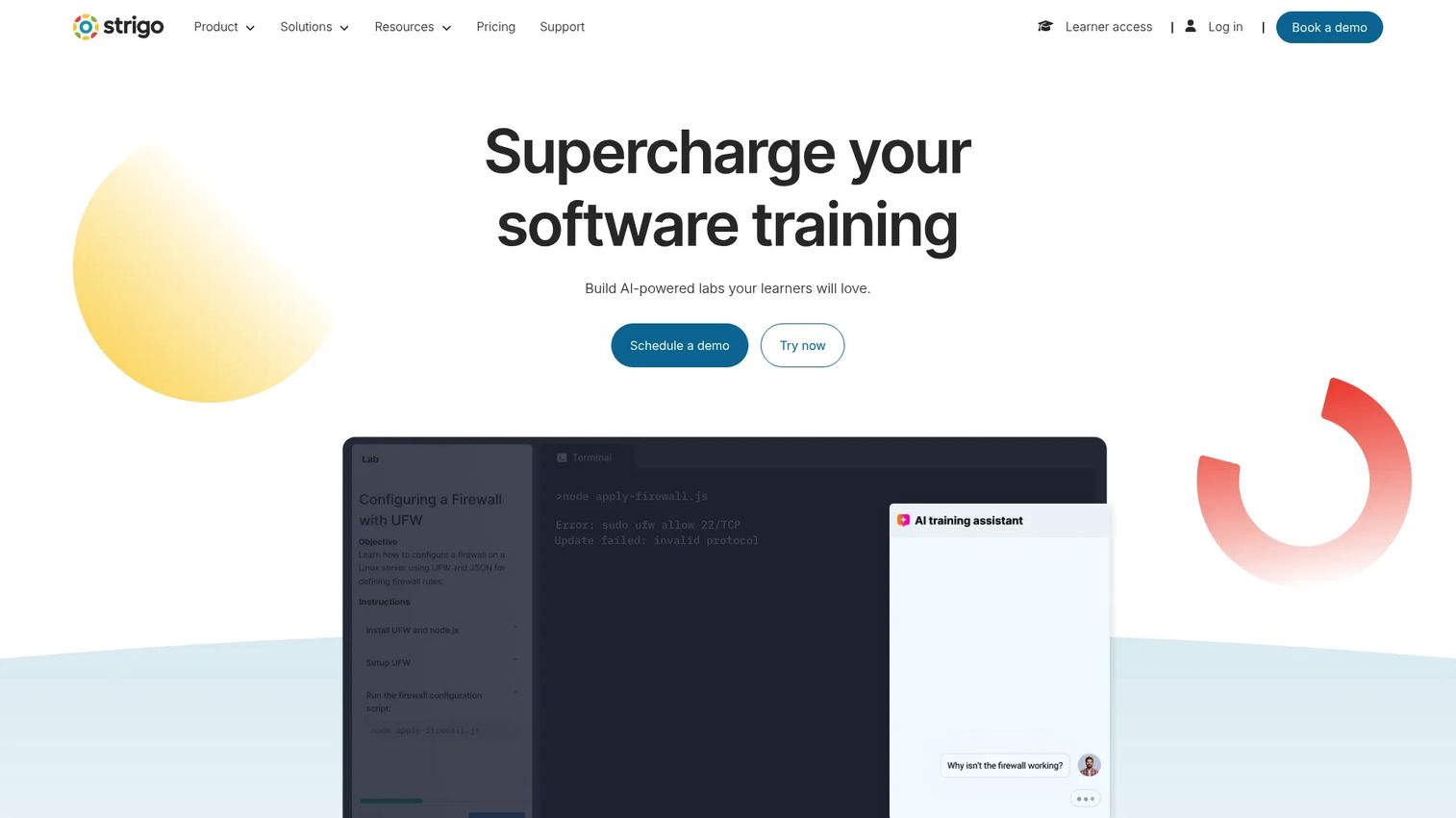
Strigo is an AI-powered interactive virtual lab platform for hands-on software training, product demonstrations, and technical learning. It combines a live virtual classroom with embedded lab environments, supporting both instructor-led and self-paced delivery from the same platform. Instructors get real-time controls and AI-assisted feedback tools; learners get isolated environments that support major cloud platforms and operating systems.
Best for: Software companies and training providers delivering instructor-led technical customer training, onboarding cohorts, and technical workshops with hands-on lab components.
Key features
- All-in-one virtual classroom with instructor controls and learner management
- Interactive self-paced and instructor-led lab delivery
- AI-powered training assistants with instant automated feedback
- Embeddable labs and automated real-time assessments
- Isolated environments across major cloud platforms and operating systems
Why choose Strigo: Strigo is the strongest fit when a facilitator and a live learning workflow are already part of your customer education program. The combination of virtual classroom tooling and lab environments in one platform reduces the coordination overhead of stitching separate tools together. For product teams measuring onboarding outcomes, live session lab behavior can surface friction points faster than async formats, since instructors observe where learners stall in real time.
Strigo pricing: Strigo offers both pay-as-you-go and subscription plans. Neither option displays a numeric price; contact Strigo directly for current rates.
G2 rating: 4.8/5
Considerations when choosing virtual IT labs software
Match the lab model to the learner's task
Not every program needs a full cloud environment. A five-step guided simulation may produce better activation outcomes than an unrestricted virtual desktop if the learning objective is specific and measurable. Buying broad lab infrastructure for a narrow use case increases maintenance without improving learner outcomes. Define the task first, then choose the environment that supports it.
Plan for provisioning, reset, and release ownership before you buy
Ask who manages templates, controls reset policies, handles user access, and updates lab content when the product changes. For product managers, lab maintenance should tie to release cadence. If a sprint changes the workflow a lab demonstrates, someone needs to own the recapture. Platforms vary significantly on whether content updates require engineering involvement or stay within a training team's control.
Measure task completion, not enrollment
Enrollment and video completion rates show activity, not readiness. Prioritize platforms that generate task-level telemetry: Which checkpoints did users fail, how many attempts did it take, where did completion rates drop by segment or role. This data connects lab performance to activation and support deflection metrics that product managers can act on.
Confirm integrations before content production begins
Validate LMS, LXP, SSO, and analytics requirements against what the platform actually supports, not what the sales deck describes. For product teams, identify where lab completion data should appear. If lab behavior needs to flow into your product analytics stack, CRM, or customer health dashboards, confirm the integration path and data model before committing to content production.
Model the full cost, not just the platform fee
Cloud usage charges, environment persistence settings, instructor time, and content maintenance all affect total cost. A platform with a low headline fee can become expensive when environments run continuously or when every product release requires paid professional services to update lab content. Compare platforms on operational cost over 12 months, not on license fee alone.
Conclusion
The virtual IT labs category splits into four practical patterns: Scenario-based technical enablement (Instruqt), enterprise skills validation with scored assessments (Skillable), managed environments for customer training and proof-of-concept programs (CloudShare), and structured cloud-native skill building for DevOps practitioners (KodeKloud). Immersive Labs is the clear choice for cybersecurity workforce readiness. Strigo is the strongest option when a live facilitator is part of the delivery model. CloudLabs and Apporto suit teams that need multi-cloud or managed desktop delivery without custom lab authoring. TestOut LabSim fits certification-aligned academic programs. Azure Lab Services works for Microsoft-aligned organizations, with the retirement date of June 2027 factored in.
Successful programs share three operational traits: Defined ownership of template maintenance, task-level telemetry connected to activation metrics, and a reset and update process that doesn't depend on engineering every sprint.
Pick two finalists, run the same representative lab workflow through each, and compare setup effort, learner completion data, reset behavior, and reporting quality. That test will tell you more than any feature comparison.
For lighter product education that doesn't require a full lab environment, such as guided self-serve walkthroughs, feature announcements, and interactive product demos for sales and customer education, explore what Guideflow makes possible alongside your lab platform. You can also find related evaluation resources in our guides to best product management tools and best product analytics software tools.
Start your journey with Guideflow today!
FAQs about virtual IT labs software
Virtual IT labs software gives users browser-accessible environments for practicing technical tasks, including cloud administration, software configuration, networking, and cybersecurity workflows, without configuring physical infrastructure. Platforms may use virtual machines, containers, cloud accounts, application simulations, or managed virtual desktops depending on the use case and required environment depth.
A virtual IT lab typically combines an environment with guided instructions, task checkpoints, automatic scoring, and learning analytics. A sandbox prioritizes open exploration and may not include structured learning objectives, graded tasks, or session telemetry. For product managers, the distinction affects what you can instrument: Labs generate task-level completion data, while sandboxes generate usage and navigation signals.
Yes, particularly for technical products where customers need to configure, integrate, administer, or troubleshoot a workflow before they can reach their first meaningful success. Effective customer onboarding labs segment content by role (admin versus end user, for example), define clear task completion criteria, and measure time to first successful completion. That data informs where the product's own onboarding flow needs improvement.
Labs let users practice common failure-prone workflows in a safe environment before encountering them in production. The support impact is proportional to how closely the lab reflects the actual points where users get stuck. A lab that covers generic cloud tasks won't deflect tickets about your product's specific configuration steps. Deflection requires lab content aligned to your real support queue.
The priority changes by use case. For training programs focused on skill development, task-level telemetry, scoring, and LMS integration matter most. For customer onboarding, environment resets, role-based paths, and analytics that surface segment-level completion data are critical. For technical sales and proof-of-concept programs, stable templates, fast provisioning, and lifecycle controls carry the most weight.
Yes. Stable, resettable environments reduce the repeated provisioning work that consumes sales engineering capacity. Prospects get a consistent environment to validate specific workflows, which shortens the technical evaluation phase. Complex integrations may still require a dedicated proof-of-concept plan with engineering involvement, but the majority of standard validation tasks can be covered by a well-designed lab environment.
Track activation into the lab (percentage of users who start), task completion by segment, time to completion, failed checkpoints by step, repeat attempt rates, and subsequent adoption of the demonstrated workflow inside the product. Pair those metrics with support ticket volume for the same workflow before and after the lab launch. The combination shows whether hands-on practice translated into lower support burden and higher activation rates.
It depends on the platform and the lab content. Platforms like CloudShare, CloudLabs, and Instruqt are designed for training teams to launch and manage prebuilt lab templates without engineering involvement after initial setup. Custom lab environments that replicate complex product-specific workflows, multi-system integrations, or proprietary infrastructure typically require cloud, IT, or engineering help to build and maintain. Validate authoring ownership and update responsibilities with the vendor during the evaluation, not after signing.