An empty room photograph asks buyers to do something most of them won't: Imagine it furnished. According to the National Association of REALTORS® (2025), 83% of buyers' agents said staging made it easier for buyers to visualize a property as a future home, and 81% of buyers who searched online rated listing photos as very useful. Physical staging solves the visualization problem, but it costs thousands of dollars and days of coordination per property.
AI virtual staging offers a faster path. Upload a photo, choose a style, and download a listing-ready image in minutes rather than days. The virtual staging software market reached an estimated $300 million in 2025, according to MarketIntelo, and the tool landscape has expanded quickly enough that picking the wrong platform creates its own problems: Inconsistent output quality, credit systems that burn budget on failed generations, or workflows that don't match your listing cadence.
The software choice determines whether AI staging becomes a genuine listing-speed advantage or another review loop you didn't budget for. This guide cuts through the noise with a structured comparison of 11 tools, verified pricing, and an honest look at what each one actually does well.
What's inside
This guide compares 11 AI virtual staging tools selected for real estate listing workflows in 2026.
- Who it's for: Real estate agents, photographers, brokerages, property managers, and marketing teams producing listing visuals at scale
- How tools were chosen: Verified virtual staging functionality, editing depth, pricing clarity, output quality, and workflow fit
- What to compare: Realism, turnaround, style control, MLS-safe export workflows, and revision flexibility
- What to verify: Live pricing, current free trials, app availability, and G2 ratings checked at drafting time
TL;DR
- Best for focused real estate AI staging: VirtualStaging.AI, for listing-ready photos with unlimited revisions, furniture removal, and custom styles
- Best broader visual-marketing suite: Virtual Staging by Collov AI, for staging plus photo editing, exterior enhancements, tours, and API access
- Best for per-image pricing: BoxBrownie or Styldod, for teams that prefer paying per deliverable rather than a monthly subscription
- Best for quick concept testing: REimagineHome or RoomGPT, for exploring room redesign directions fast without committing to a full workflow
- Best for interior design depth: Homestyler AI, for teams that need 3D room planning alongside standard photo staging
- Best value at high volume: VirtualStagingAI.app, with plans from $16/month and unlimited regenerations per plan
What is AI virtual staging software?
AI virtual staging software uses generative AI to add, remove, replace, or redesign furniture and decor in property photos so real estate teams can create listing-ready images without physical staging.
The category covers more than dropping a sofa into an empty room. Mature platforms handle furniture removal from occupied spaces, full room decluttering, style variant generation, and photo enhancement across interiors and exteriors. Output is used in MLS listings, real estate marketing channels, social media campaigns, and investor presentations.
Core capabilities to look for:
- Furniture generation: Adds sofas, beds, tables, rugs, lighting, and decor from selectable design styles
- Furniture removal: Clears existing items before restaging to show a clean base
- Room decluttering: Reduces visual noise in lived-in spaces before or after staging
- Style selection: Modern, Scandinavian, farmhouse, industrial, mid-century, luxury, and others depending on the tool
- Photo enhancement: Lighting correction, sky replacement, twilight conversion, wall and floor edits, lawn and pool improvements
- Listing workflow: Downloadable exports sized for real estate marketing channels
- Revision controls: Regenerations, credit rollover, or human-assisted revisions depending on the platform
- Disclosure support: Optional labels or export workflows for virtually staged imagery
AI virtual staging is not the same as full architectural rendering or CAD-based visualization. It works from existing photos and produces marketing visuals. It should support accurate property representation and local MLS disclosure requirements, not substitute for them. For more on AI-powered visual tools, see this guide to AI design tools and the overview of best AI image generators.
When to use AI virtual staging software
Stage vacant listings before photos go live
Empty rooms consistently look smaller and colder in photographs. AI staging gives vacant homes, new construction, and investment properties a furnished visual story without waiting for physical furniture delivery or a design team. The result is a listing that competes visually from day one.
Remove clutter before a listing refresh
Lived-in rooms can distract buyers from the actual space. Furniture removal and room decluttering let teams present a cleaner version of a property while keeping the layout visible and realistic. Any edits that change the apparent condition of the property should be disclosed per local MLS rules.
Create multiple style directions for different buyer segments
Different buyers respond to different interiors. AI staging can generate modern, farmhouse, luxury, or minimalist versions from the same room photo. Agents and marketing teams can compare which direction drives stronger engagement before committing to one visual for the full campaign.
AI virtual staging software comparison
The table below covers 11 tools with pricing and G2 ratings verified against live vendor pages and G2 listings. Where G2 has not received enough reviews to produce a meaningful score, the table shows N/A rather than a placeholder. Pricing reflects the entry-level paid tier or the structure most relevant to real estate workflows.
| # | Product | Best for | Key differentiator | Pricing | G2 rating |
|---|---|---|---|---|---|
| 1 | VirtualStaging.AI | Fast listing-ready staged photos | Unlimited revisions, free furniture removal, listing video | From $25/month | N/A |
| 2 | Virtual Staging by Collov AI | Broader property visual editing | Staging plus exterior edits, tours, and API access | From $19/month | N/A |
| 3 | Virtual Staging AI Stager | Mobile-first staging | App-based staging with mood boards | Not verified | N/A |
| 4 | VirtualStagingAI.app | Simple AI staging workflow | 50+ styles, unlimited regenerations, 10-second turnaround | From $16/month | N/A |
| 5 | Gepetto AI | Real estate photo studio | Staging plus renovation, exterior, and short video | From €39.99/month | N/A |
| 6 | REimagineHome | Redesign and staging concepts | Interior, exterior, and landscaping redesign from images | Free tier available | N/A |
| 7 | ApplyDesign | Per-image coin-based staging | DIY drag-and-drop editor plus one-click staging | From $7/Apply Coin | N/A |
| 8 | Styldod | Real estate media teams | Virtual staging plus photo editing, floor plans, and tours | From $16/image | N/A |
| 9 | BoxBrownie | Human-assisted real estate editing | Staging plus photo enhancement, day-to-dusk, and floor plans | From $24/image | N/A |
| 10 | Homestyler AI | Interior design visualization | AI 3D floor planning, rendering, and design depth | Free tier; paid from $6.80/month | 4.7/5 |
| 11 | RoomGPT | Quick room redesign ideas | Fast style variations from a single uploaded photo | 1 free generation | N/A |
Best 11 AI virtual staging software tools for 2026
1. VirtualStaging.AI
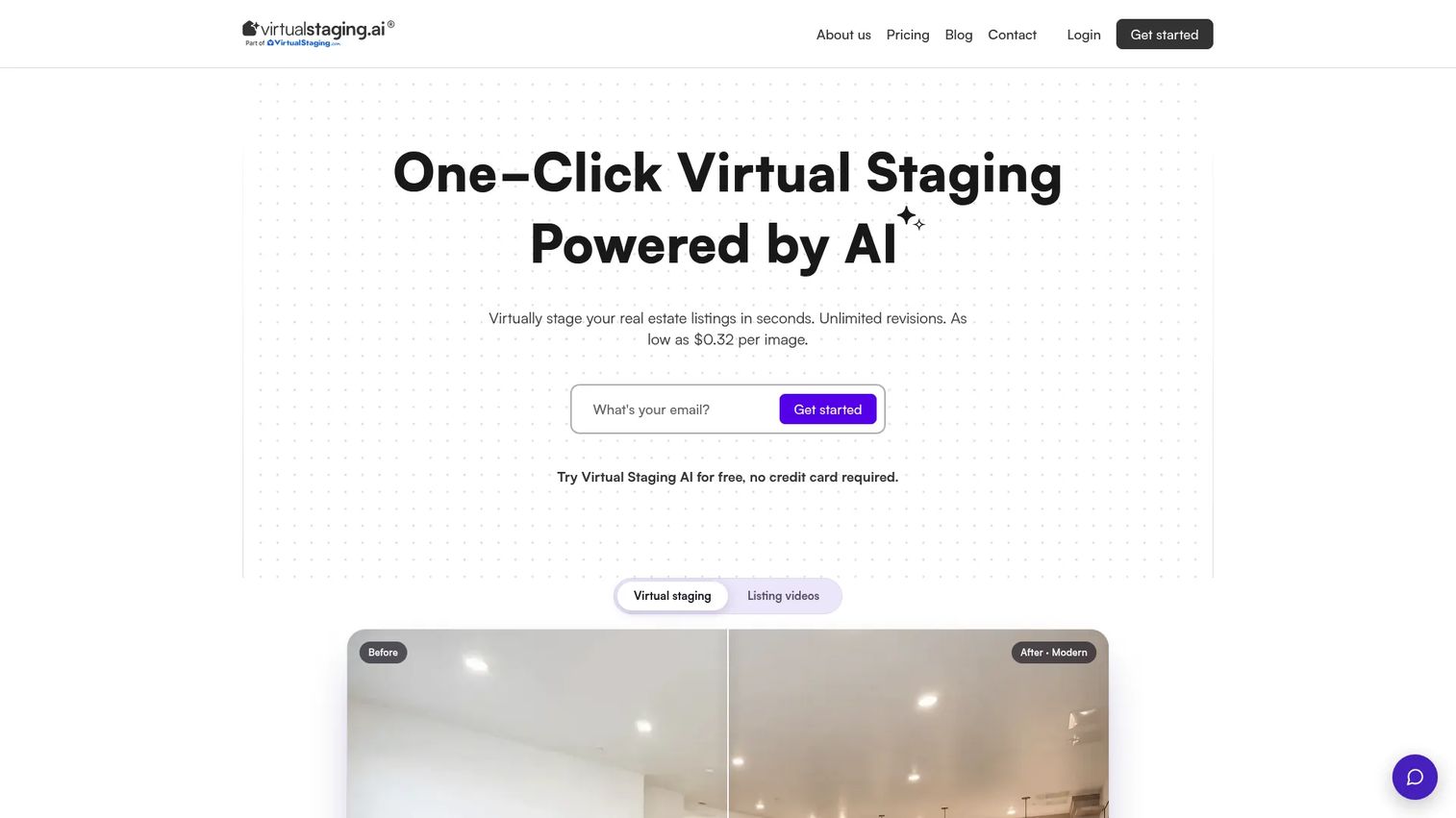
VirtualStaging.AI is built specifically for real estate listing workflows. It stages vacant rooms with AI-generated furniture, removes existing furniture at no extra charge, and generates listing videos with camera movement, music, voiceover, captions, and branding. Multi-angle room staging with consistent furniture placement across angles is available in early beta. Custom styles can be created by uploading a reference photo.
Best for: Real estate agents, brokerages, and photographers who need listing-ready staged photos with revision flexibility.
Key features
- AI virtual staging across multiple room types and design styles
- Unlimited revisions and free furniture removal
- Custom staging styles from uploaded reference photos
- Listing-video generation with camera movement and branding
- Multi-angle staging consistency (early beta)
Why choose VirtualStaging.AI: It stays focused on listing workflows rather than general interior design, which makes the output more predictable for agents who need MLS-ready photos on a consistent schedule.
VirtualStaging.AI pricing: A free account requires no credit card. Paid plans start at $25/month for the Starter tier (20 photos/month or 1 listing video), $39/month for Unlimited photos, and $49/month for the Studio tier (50 photos/month or 2 listing videos). Annual billing is advertised at 40% off. Listing videos are also available as a one-time purchase for $29 per video, or $99/month for unlimited videos.
2. Virtual Staging by Collov AI

Virtual Staging by Collov AI positions itself as a broader real estate visual-marketing platform. Beyond AI virtual staging with unlimited regeneration, it covers furniture removal, multi-angle staging, AI chat-based editing, photo enhancement across materials and lighting, weather and seasonal adjustments, pool and lawn improvements, AI virtual tours, 360 panoramas, and 3D tours. API access is available on eligible plans for teams building staging into larger workflows.
Best for: Property marketing teams that need staging plus broader listing image enhancement without switching tools.
Key features
- AI virtual staging with unlimited regeneration and AI chat editing
- Photo editing for furniture, materials, lighting, weather, seasons, pools, and lawns
- AI virtual tours, 360 panoramas, and 3D tours
- Multi-angle staging with consistent output
- Commercial licensing and API access on eligible plans
Why choose Virtual Staging by Collov AI: The platform covers interior and exterior edits in one workflow, which reduces the number of tools needed for a complete listing media package.
Virtual Staging by Collov AI pricing: Plans start at $19/month (Standard, 60 photo credits/month, billed as $228/year), $49/month (Advanced, 150 credits), $79/month (Premium, 263 credits), and $127/month (Enterprise, 526 credits, billed as $1,524/year). A free trial with watermarked outputs is available.
3. Virtual Staging AI Stager
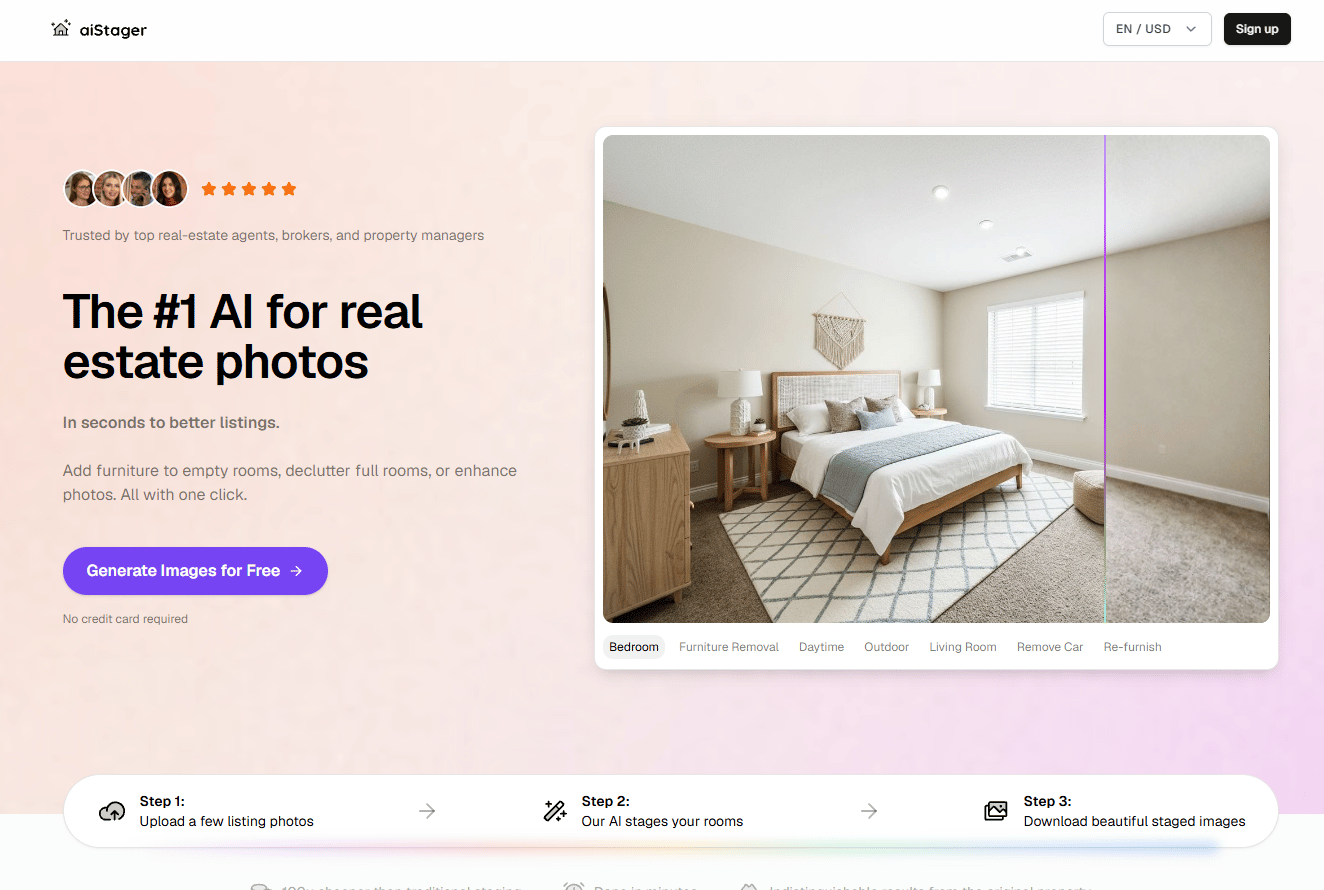
Virtual Staging AI Stager is designed as a mobile-first option for agents who want to stage listing photos directly from a phone or tablet. The platform supports photorealistic furniture generation, custom mood boards, AI remodel and paint tools, and furniture and decor shopping integrations. An optional "virtually staged" label can be applied to output images.
Best for: Mobile-first agents and listing coordinators who stage photos while moving between properties and open houses.
Key features
- Mobile staging app for iOS and Android
- Mood boards and custom style directions
- AI remodel and paint visualization tools
- Furniture and decor shopping integrations
- Optional "virtually staged" disclosure label
Why choose Virtual Staging AI Stager: The app-based workflow fits agents who want staging capability without logging into a desktop platform, and the shopping integration adds a practical layer for clients furnishing a space for real.
Virtual Staging AI Stager pricing: The official pricing page and app-store subscription terms could not be verified at drafting time. Check the App Store listing or the vendor website directly for current in-app purchase details and subscription options before committing.
4. VirtualStagingAI.app
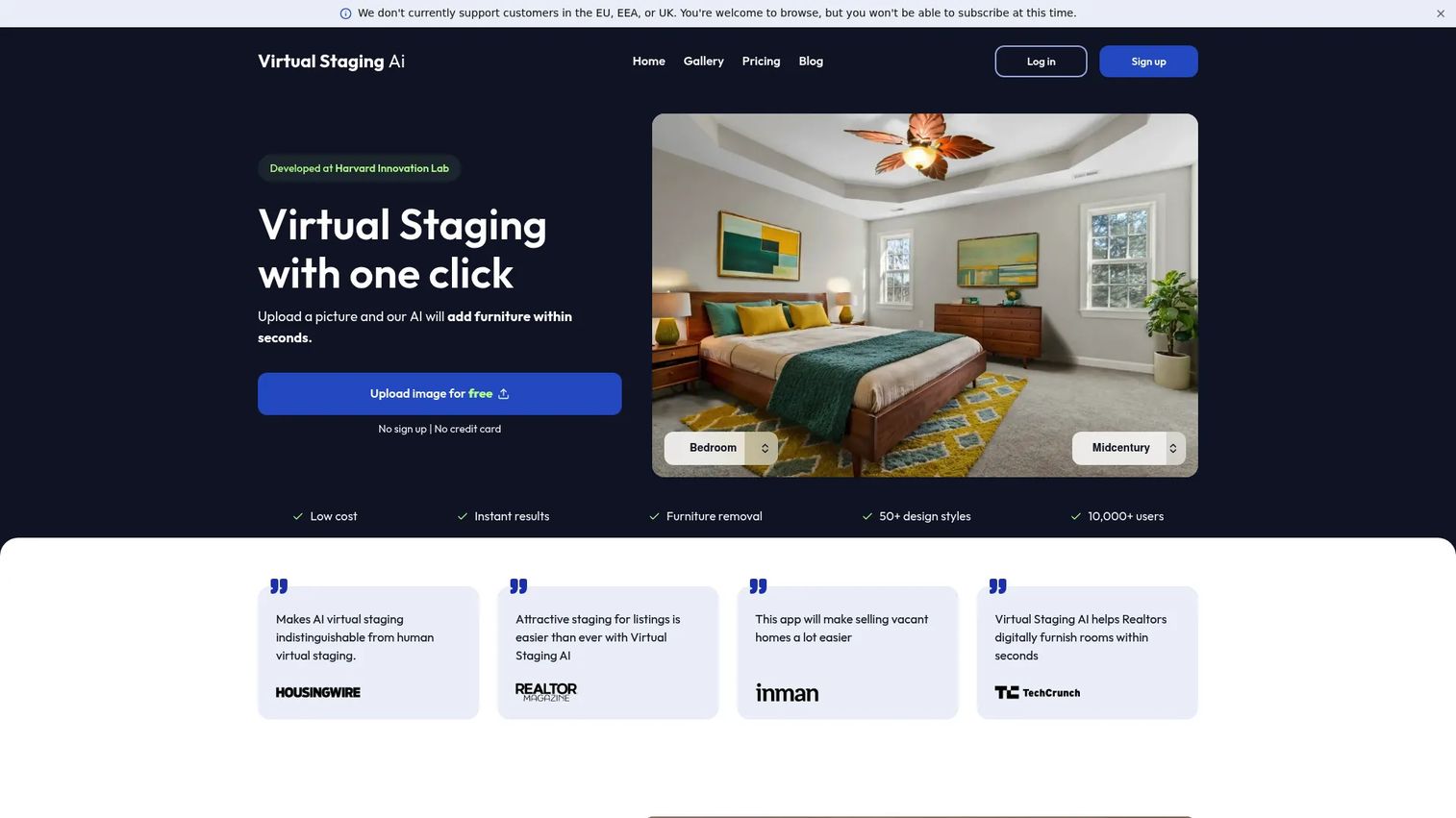
VirtualStagingAI.app keeps the workflow direct: Upload a photo, pick a room type and design style, generate staged images within about 10 seconds, and download the result. It supports 50+ design styles, furniture removal, unlimited regenerations per plan, and permanent image storage on select plans. API access is available on the Enterprise tier for teams integrating staging into larger pipelines.
Best for: Agents and photographers who want fast, no-overhead AI staging without a broader visual-marketing suite.
Key features
- 50+ design styles and multiple room types
- Furniture removal on all plans
- Unlimited regenerations per plan tier
- 10-second image turnaround
- API access on Enterprise tier
Why choose VirtualStagingAI.app: The pricing structure rewards volume, and unlimited regenerations per plan mean you're not penalized for iterating on a room before settling on the final output.
VirtualStagingAI.app pricing: Plans start at $16/month (Basic, 6 photos/month), $19/month (Standard, 20 photos), $39/month (Professional, 60 photos, includes a success manager), and $79/month (Enterprise, 150 photos, with API access). Annual billing reduces these figures. No free tier is listed, but the homepage allows free image uploads without a credit card to preview output.
5. Gepetto AI
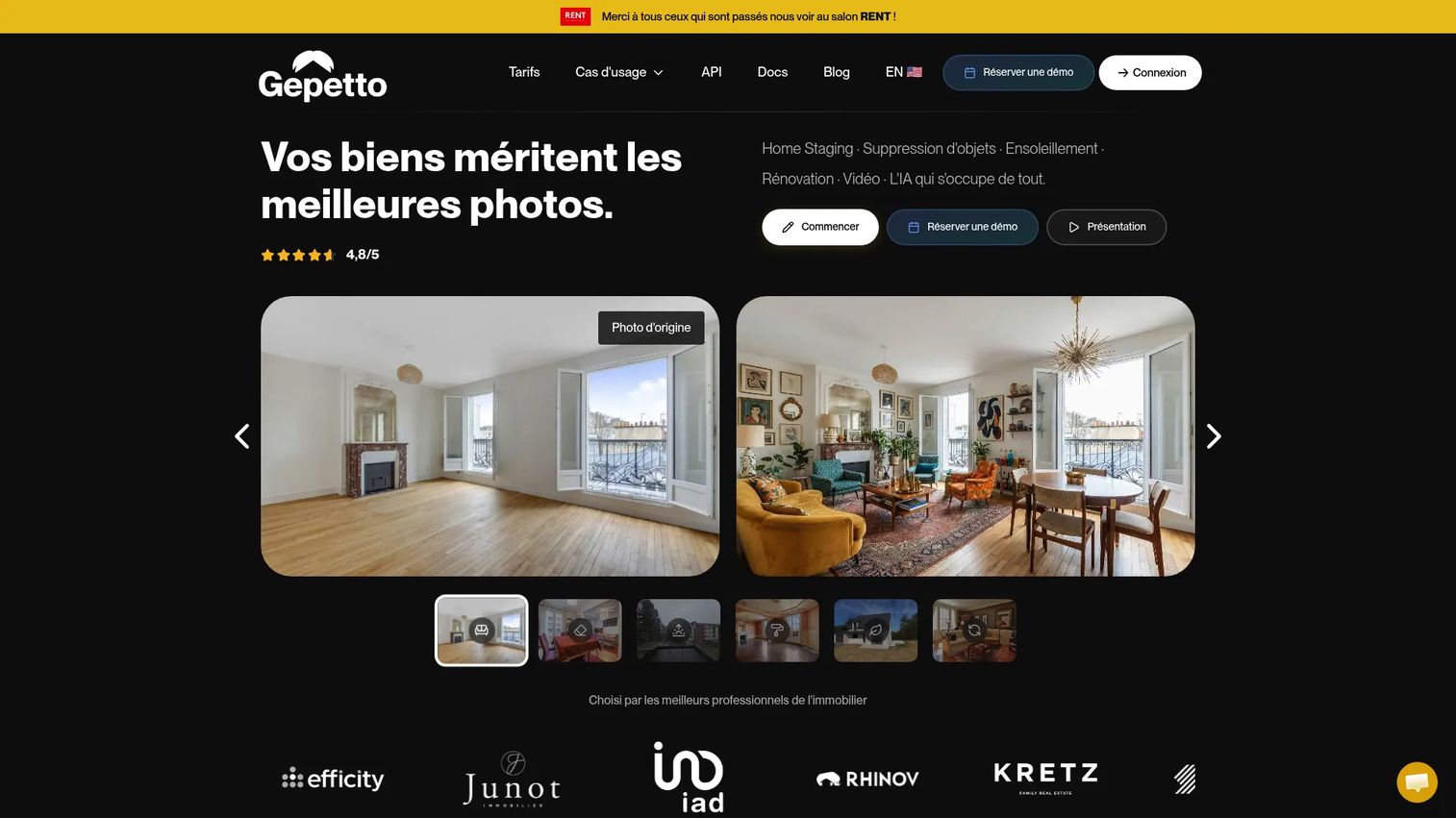
Gepetto AI describes itself as a real estate photo studio that goes beyond interior staging. It covers AI virtual staging and furnishing, object and clutter removal, sky and wall and floor transformations, photo enhancement, exterior landscaping and renovation visualization, and 5-second animated real estate video generation. The platform targets agents, agencies, photographers, and property developers who need a broader set of real estate photo tools in one place.
Best for: Real estate professionals who want staging, exterior enhancement, and short video output from a single platform.
Key features
- AI virtual staging and furnishing
- Object and clutter removal
- Sky, wall, and floor transformations
- Exterior landscaping and renovation visualization
- 5-second animated real estate video generation at €0.80 per clip
Why choose Gepetto AI: The combination of interior staging, exterior editing, and animated video generation is useful for teams producing full listing media packages rather than just interior photos.
Gepetto AI pricing: Pricing is in euros. Pro plans run €39.99/month (or €32.50/month billed annually at €390/year). Agency plans are €99/month (or €82.50/month billed annually at €990/year). Enterprise is custom-priced. A free trial includes a few renders. Each 5-second animated video costs €0.80 HT separately.
6. REimagineHome
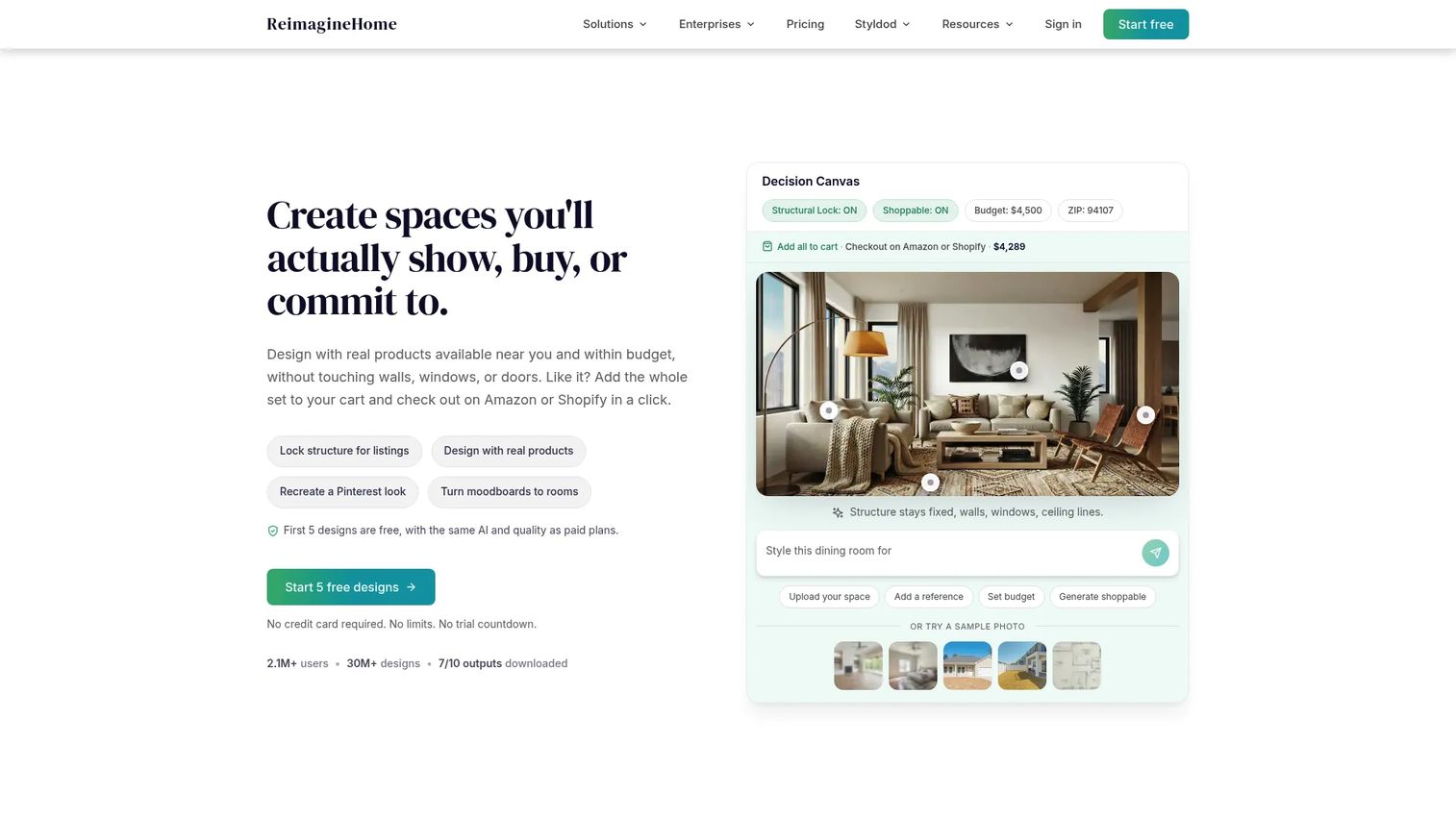
REimagineHome covers AI-powered redesign across interiors, exteriors, and landscaping. Users upload a photo, select a redesign direction, and generate visualizations for virtual staging, furnished-room concepts, real-product discovery, hardscaping, and object removal. New users receive 5 free designs to test output quality before committing to a plan.
Best for: Homeowners, real estate professionals, and designers who need AI visualization across interiors and exteriors including landscaping.
Key features
- Virtual staging and furnished-room redesign
- Real-product discovery and visualization
- Landscaping and hardscaping concepts
- Object removal and photo enhancement
- Exterior redesign visualization
Why choose REimagineHome: The platform fits situations where the goal is broader than adding furniture, such as helping buyers visualize a landscaped backyard or a renovated exterior before an offer.
REimagineHome pricing: Plan names are Essential, Pro, Advanced, and Agency, with monthly credit allowances of 30, 200, 400, and 900 respectively. Specific dollar amounts were not displayed on the pricing page at drafting time. New users get 5 free designs. Contact the vendor directly for current plan prices.
7. ApplyDesign
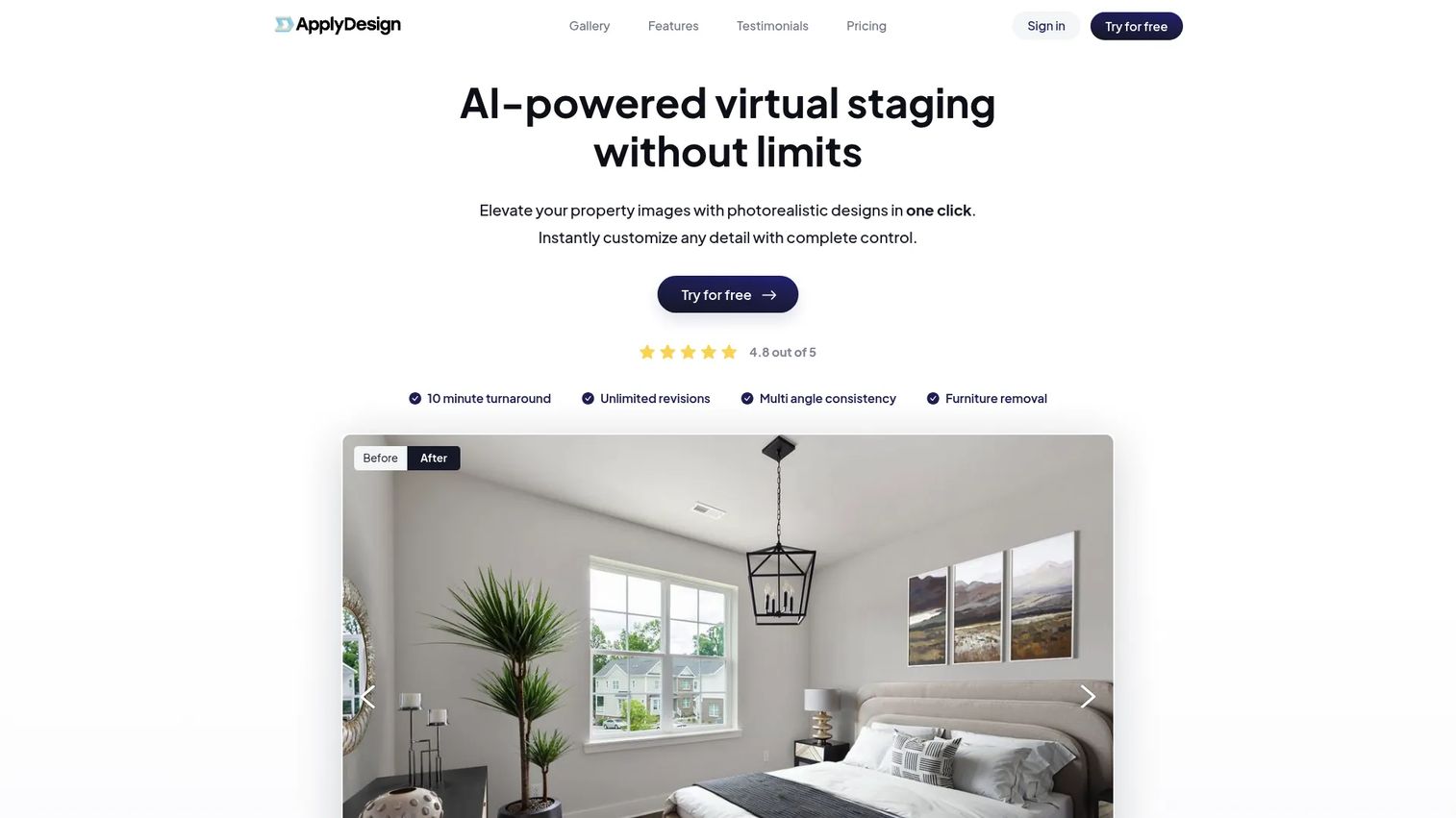
ApplyDesign uses a coin-based credit model and offers two staging modes: One-click automated staging and a DIY drag-and-drop editor for more control. It supports 2D and 360-degree images, multi-angle consistency, furniture removal, and unlimited revisions. The first image is free, which makes it practical to test output quality before purchasing credits.
Best for: Real estate photographers and agents who want flexibility between automated staging and hands-on furniture placement.
Key features
- One-click automated virtual staging
- DIY drag-and-drop staging editor
- Furniture removal
- Multi-angle consistency
- 2D and 360-degree image support
Why choose ApplyDesign: The dual-mode approach is useful when you need fast automated output for most rooms but want manual control for a hero shot or an unusual layout.
ApplyDesign pricing: Apply Coins are the currency. Buying 20 or more coins costs $7 per coin. 10 to 19 coins cost $8 each, and up to 9 coins cost $10 each. One-click staging uses 1.5 coins per 2D image and 2.5 per 360-degree image. DIY staging uses 1 coin per 2D image and 2 per 360-degree image. The first image is free.
8. Styldod
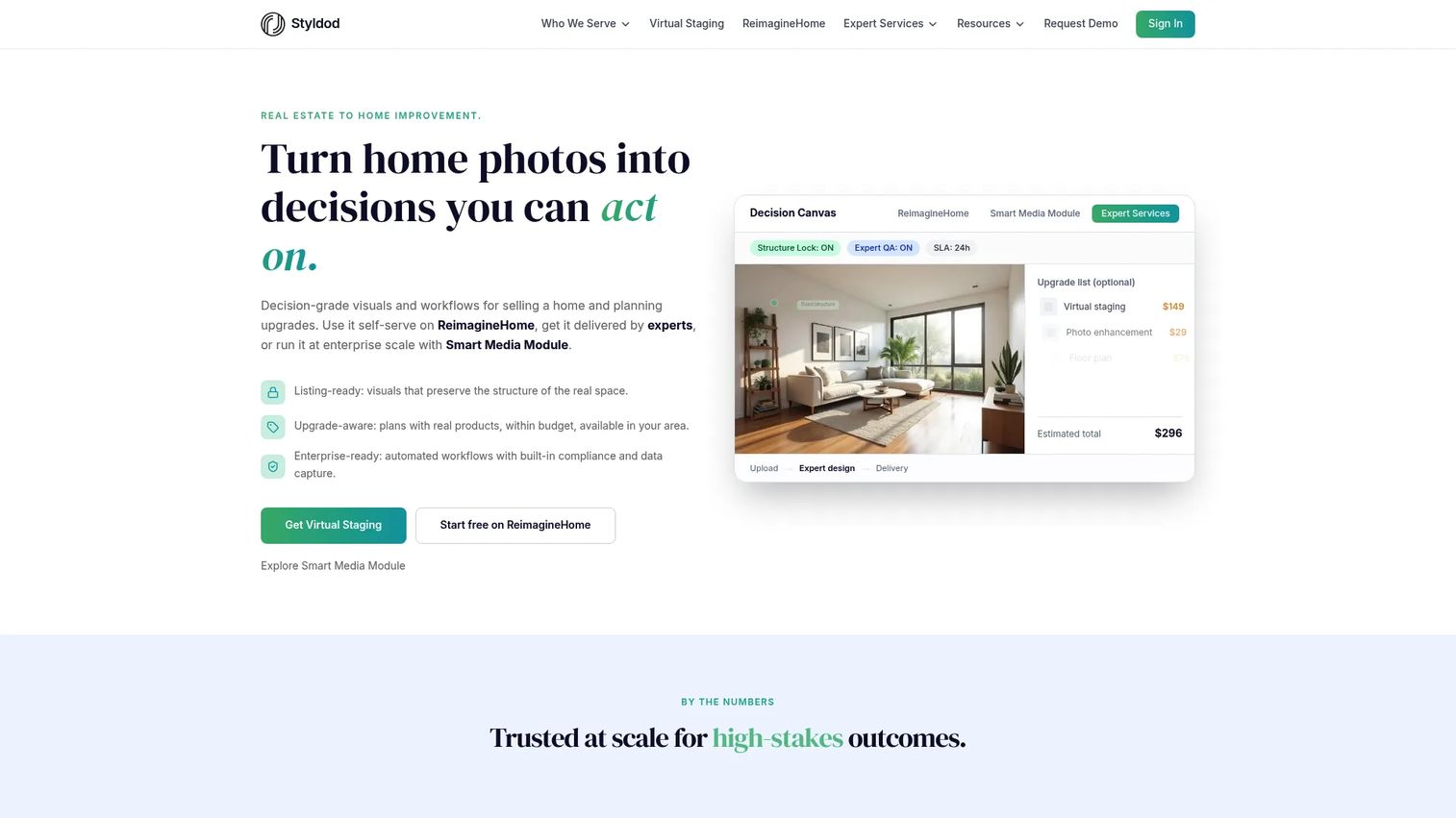
Styldod operates as a real estate media service that includes virtual staging alongside photo editing, occupied-to-vacant conversion, floor plans, 3D renders, and virtual tours. Orders are delivered within 24 to 48 hours with unlimited revisions. The platform handles compliance checks and structure preservation during batch processing, which is useful for teams with consistent listing-photo workflows. Capterra reviewers rate Styldod at 4.9/5.
Best for: Real estate professionals and brokerages that prefer a managed media service over a purely self-serve AI generator.
Key features
- Virtual staging with selectable design styles
- 24 to 48-hour delivery with unlimited revisions
- Photo editing and object removal
- Occupied-to-vacant conversion
- Floor plans, 3D renders, and virtual tours
Why choose Styldod: The service model suits teams that want consistent output without managing an AI platform themselves, and the per-image pricing scales predictably with listing volume.
Styldod pricing: Virtual staging is priced per image. Bulk orders of 8 or more images cost $16 per image. Smaller orders under 8 images cost $23 per image. A free first-image trial is available.
9. BoxBrownie
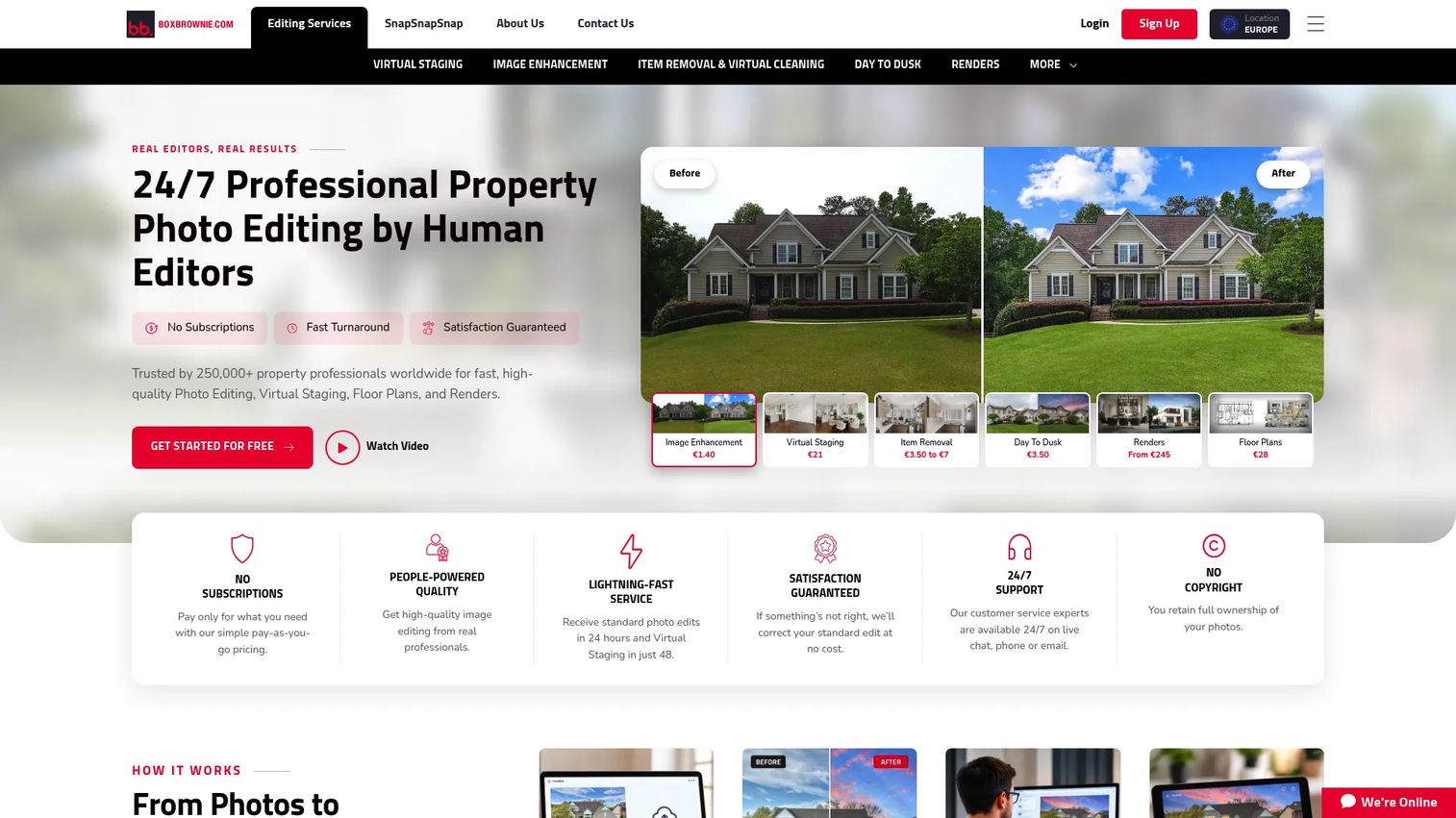
BoxBrownie is a pay-as-you-go real estate media service covering virtual staging, image enhancement, day-to-dusk editing, item removal, virtual cleaning, floor-plan redraws, CGI renders, virtual renovations, 360-degree enhancement, virtual tours, and property-marketing copywriting. No subscription is required; teams pay per deliverable and can scale usage up or down with each listing cycle.
Best for: Agents and photographers who want virtual staging plus professional photo editing from a single outsourced service.
Key features
- Virtual staging
- Image enhancement and retouching
- Day-to-dusk editing
- Item removal and virtual cleaning
- Floor-plan redraws and CGI renders
Why choose BoxBrownie: The pay-per-deliverable model removes the subscription commitment, which suits teams with variable listing volumes or photographers who offer editing as an add-on service.
BoxBrownie pricing: Services are priced individually. Image enhancement starts at US$1.60 per image. Day-to-dusk editing is US$4.00 per image. Virtual staging is US$24.00 per image. Floor-plan redraws range from US$24.00 to US$32.00 per plan. CGI renders start from US$280.00 per render.
10. Homestyler AI

Homestyler AI is an AI-powered 2D and 3D interior design platform with a large library of over 10 million 3D furniture and decor models. It supports AI floor-plan-to-3D conversion, image-to-image and image-to-video tools, moodboards, text-to-3D generation, cloud rendering for images and panoramas, and collaborative team libraries. The platform sits closer to full interior design software than a listing-photo staging tool, making it most useful when design planning is part of the workflow.
Best for: Interior designers, property developers, and real estate teams that need room visualization and 3D planning alongside photo-based staging.
Key features
- AI floor-plan-to-3D conversion
- Image-to-image, image-to-video, moodboard, and text-to-3D tools
- 2D floor planning with multi-floor support
- Cloud rendering for images, panoramas, and videos
- 10M+ 3D furniture and decor models
Why choose Homestyler AI: When a project requires design planning and concept exploration beyond a single listing photo, the 3D depth and collaborative tools justify the additional setup compared to simpler staging platforms.
Homestyler AI pricing: The Basic plan is free and includes unlimited 1K cloud rendering. Pro+ starts from $6.80/month, Master+ from $11.80/month, and Team plans from $19.60/seat/month. Enterprise pricing is custom. Paid plans add higher-resolution rendering, AI credits, and premium assets.
G2 rating: 4.7/5
11. RoomGPT

RoomGPT is a lightweight tool for fast AI room redesign concepts. Upload a room photo, select a theme, and generate a redesigned version. It is built for quick visual experiments rather than production listing workflows. Signing in gives one free generation. No paid pricing tiers were publicly verifiable on the first-party site at drafting time.
Best for: Homeowners and agents exploring quick room redesign ideas before committing to a staging direction.
Key features
- Upload a photo and generate redesigned room concepts
- Explore rooms in multiple themes
- Transform a space from a single image
- Fast output for early-stage idea generation
- Free starting generation with sign-in
Why choose RoomGPT: It suits early concepting and casual idea generation. For active MLS listing production, verify export quality, commercial usage rights, and available disclosure workflows before relying on RoomGPT for final deliverables.
RoomGPT pricing: One free generation is available after signing in. Check the vendor website for any current subscription or credit options before purchasing.
Considerations when choosing AI virtual staging software
Output realism
Buyers notice warped furniture, inconsistent shadows, and furniture that ignores room scale. Before committing to any platform, test the same three rooms: A standard bedroom, a main living area, and an awkward small or narrow room. Artifacts around chair legs, mirrors, windows, and rugs are where most tools show their limits. For photo editing software comparisons that go beyond staging, that guide covers a broader set of image editing tools.
Furniture removal and decluttering depth
Furnishing an empty room is simpler than cleaning up an occupied one. If the workflow includes lived-in homes or cluttered spaces, test each tool on those scenarios specifically. Poor removal output leaves ghosting, blurred backgrounds, and mismatched flooring that makes the edited photo worse than the original.
Style control and brand consistency
Brokerages and photographers need repeatable style outputs across a property. Look for custom style uploads, saved style presets, or mood boards. A tool that generates slightly different results on each regeneration creates extra review time for every listing.
Listing workflow and MLS transparency
MLS rules on virtually staged images vary by market, board, and brokerage. Use labels or captions where required, and avoid edits that obscure or misrepresent permanent property features. Some tools provide disclosure labels; others leave that step to the agent. Verify your local requirements before choosing a platform.
Pricing model and production volume
A single property often needs 8 to 20 edited visuals. Calculate cost per listing, not cost per image, before comparing plans. Credit-based models work well at steady volume; per-image pay-as-you-go models suit variable workflows. Subscription plans are most efficient when monthly photo counts are predictable.
Conclusion
Each tool in this list serves a distinct workflow. VirtualStaging.AI is the strongest starting point for agents who want fast, listing-focused staging with revision flexibility and video output. Collov AI expands that workflow into exterior editing, tours, and API access. VirtualStagingAI.app delivers the most accessible subscription pricing for teams running steady volume.
BoxBrownie and Styldod suit teams that prefer a managed service model, where a human review step is part of the value. ApplyDesign works well when a mix of one-click and manual staging is needed in the same workflow. Gepetto AI adds animated video and exterior visualization for teams producing full listing media packages.
For design exploration and early concepting, REimagineHome, Homestyler AI, Gepetto AI, and RoomGPT each offer useful entry points at different depth levels.
The practical recommendation: Test two or three tools on the same set of listing photos. Compare realism, furniture scale, editing artifacts, turnaround, and final cost per listing before standardizing. No amount of marketing language substitutes for running your actual photos through each platform before you commit. For more on AI content creation tools and best AI video generators relevant to listing media production, those guides cover adjacent workflows worth reviewing.
FAQs
AI virtual staging software uses generative AI to add, remove, replace, or redesign furniture and decor in real estate photos. It creates marketing-ready listing images from existing property photos without requiring physical furniture or a design team on-site.
The typical workflow is: Upload a room photo, select a room type and design style, generate staged image options, review the output for artifacts, and download the final image. More advanced tools also remove furniture, declutter rooms, adjust lighting, and modify exterior elements such as lawns, skies, and pools.
MLS rules on virtually staged images vary by market, board, and brokerage. Many markets require that virtually staged images be clearly labeled as such in the listing. Verify your local requirements, disclose edited photos where required, and avoid edits that misrepresent permanent property features. This guide does not constitute legal or compliance advice.
Most AI-based platforms generate images within seconds to a few minutes per photo. Service-assisted platforms like BoxBrownie and Styldod typically deliver within 24 to 48 hours. Check turnaround commitments, revision timelines, and batch-processing limits before choosing a tool for active listings on a tight schedule.
Yes, if the tool supports furniture removal or room decluttering. VirtualStaging.AI includes free furniture removal. VirtualStagingAI.app and ApplyDesign both offer furniture removal as part of their standard plans. Removal quality varies across tools and should be tested on cluttered rooms, reflective surfaces, and complex furniture arrangements before relying on it for listing photos.
Bright, high-resolution photos with clear room angles, visible floors and walls, and minimal motion blur produce the most reliable results. Extreme wide-angle distortion, heavy clutter, and very low lighting conditions reduce output quality across all platforms. Standard real estate photography guidelines produce better staging input.
Pricing models vary across the category. Subscription plans range from $16/month to $127/month depending on monthly photo volume. Per-image services range from $7 to $24 per staged image. Some tools use credit or coin systems where the cost per image changes with purchase volume. Calculate cost per listing rather than cost per image, since a typical property requires multiple edited photos.
AI virtual staging focuses specifically on adding, removing, or redesigning furniture and room decor. Real estate photo editing is broader and covers sky replacement, twilight conversion, item removal, lawn and pool enhancement, color correction, and general image cleanup. Many platforms in this list cover both, but the depth varies. For further reading, see the overview of best photo editing software for a wider look at editing tools used in listing workflows.