School districts don't replace their student information system because they want a new database. They replace it when the old one starts costing too much in staff hours: Attendance that takes half the morning, state reports that require manual cleanup, parent portals that generate more phone calls than they deflect.
The global student information systems market was valued at $15.44 billion in 2025 and is projected to reach $34.97 billion by 2031, growing at a 14.62% CAGR, according to Mordor Intelligence (2026). The K-12 segment alone is growing at 16.8% annually. Cloud deployments now account for 72% of SIS implementations. That growth reflects one reality: More districts are replacing legacy systems that were never designed for today's compliance, communication, and reporting demands.
For founders and operators selling into education, this market also matters as a competitive landscape reference. The platforms that dominate K-12 administration win through workflow depth, compliance credibility, and switching costs that make re-evaluation rare. This guide maps the 12 most relevant K-12 SIS platforms for 2026, with practical selection guidance for each.
What's inside
This guide compares 12 K-12 student information systems relevant for 2026 procurement decisions. It is built for district technology leaders, school administrators, and operators researching the SIS market.
Items were selected based on:
- Core SIS functionality: Enrollment, attendance, grading, scheduling, and transcripts
- Reporting depth: State compliance, federal reporting, and district dashboards
- School segment fit: Public districts, private schools, regional deployments
- Implementation and support clarity: Not just features, but what deployment actually requires
Pricing note: Most K-12 SIS vendors price by enrollment size, selected modules, implementation scope, and support tier. Dollar figures rarely appear on vendor websites. This guide explains what to ask for in every case.
TL;DR
- Best overall for large districts: PowerSchool SIS, with broad K-12 platform coverage and reporting depth
- Best for unified district operations: Infinite Campus, built around district-wide student administration
- Best for private and independent schools: Blackbaud K-12 School Management, covering admissions through billing
- Best for smaller private schools: Gradelink, with published pricing and fast adoption
- Best for California districts: Aeries SIS, with CALPADS and state-specific reporting workflows
- Best for districts evaluating a broader education platform: Synergy Education Platform from Edupoint
What is K-12 student information systems?
K-12 student information systems are school software platforms that store and manage student records, attendance, enrollment, schedules, grades, transcripts, reporting data, and family access for elementary and secondary schools.
A modern SIS is the system of record for school administration. It sits at the center of every daily workflow: Office staff pull attendance by 9 a.m., counselors update schedules before lunch, parents check grades after dinner, and state reports go out on deadlines that don't negotiate.
Core data a K-12 SIS manages
- Student demographics and emergency contacts
- Enrollment and registration records
- Attendance and absence documentation
- Grades, report cards, and transcripts
- Course schedules and section assignments
- Behavior and discipline records
- Health and wellness records (where supported)
- Graduation progress and academic history
- State and federal reporting fields
Common SIS features to compare
- Attendance tracking and absence management
- Scheduling and course management
- Gradebook and transcript workflows
- Parent, family, and student portals
- Messaging and push notifications
- Compliance and state reporting dashboards
- Role-based permissions and access control
- LMS and assessment tool integrations
- Data export and interoperability standards
- Implementation and data migration support
What makes K-12 SIS buying different
Choosing an SIS is not like buying most academic scheduling software or point solutions. The platform becomes core infrastructure overnight. A failed implementation creates friction for teachers, registrars, counselors, families, and leadership every single day.
For operators researching this market: SIS platforms win through workflow depth, reporting coverage that meets each state's specific requirements, and switching costs that make competitors nearly invisible once a district is live. That's the moat. It's also the reason procurement cycles are long and reference checks matter as much as demos.
When to use K-12 student information systems
Replace fragmented student records
Districts managing student data across spreadsheets, legacy databases, paper forms, and disconnected department tools are running an operational risk that compounds over time. Conflicting records cause errors in transcripts, eligibility determinations, and state submissions. An SIS centralizes student data into a single authoritative record, reducing the reconciliation work that currently falls on registrars and IT staff.
Improve reporting and compliance workflows
State reporting requirements, federal enrollment counts, attendance audits, and transcript validation are non-negotiable deadlines. Before evaluating vendors, districts should map their full reporting calendar: Which reports, which fields, which submission formats, and which edge cases create problems in the current system. Test vendor demos against that actual calendar, not a generic walkthrough.
Give families and staff one trusted portal
A parent portal that works badly is not a convenience feature. It's a support ticket generator. When families can't find attendance records, check grades, or receive notifications reliably, they call the front office. That call volume is measurable, and it falls on staff who have other jobs to do. The same applies to teacher and counselor access: Poor portal design creates workarounds that fragment data back into spreadsheets. Evaluate the family portal like you would evaluate the core SIS, not as an add-on.
K-12 student information systems comparison
The table below gives a quick reference for each platform. Final selection should follow a vendor demo against your reporting calendar, a data migration plan review, and reference checks with districts of similar size and state context.
| # | Product | Best for | Key differentiator | Pricing | G2 rating |
|---|---|---|---|---|---|
| 1 | PowerSchool SIS | Large K-12 districts | Broad SIS footprint and ecosystem depth | Quote-based | 4.2/5 |
| 2 | Infinite Campus | District-wide student administration | Unified SIS and education technology ecosystem | Quote-based | 3.7/5 |
| 3 | Skyward Student Management Suite | Student management tied to school operations | Integrated admin, classroom, and family workflows | Quote-based | N/A |
| 4 | Synergy Education Platform | Districts wanting SIS plus learning and analytics | Integrated platform from Edupoint | Quote-based | 2.7/5 |
| 5 | Blackbaud K-12 School Management | Private and independent schools | SIS, enrollment, and tuition management depth | Quote-based | 4.2/5 |
| 6 | Aeries SIS | California districts and state reporting | CALPADS and state-focused SIS workflows | Quote-based | 4.1/5 |
| 7 | Gradelink | Smaller private and faith-based schools | Published pricing and fast SIS adoption | From $159/mo | 4.7/5 |
| 8 | Focus SIS | Districts needing configurable SIS workflows | Integrated student data and special services | Quote-based | N/A |
| 9 | Frontline SIS | Districts already using Frontline products | SIS within a broader school administration suite | Quote-based | 4.0/5 |
| 10 | Follett Learning Student Information System | Schools connected to Follett education tools | Centralized SIS with broad integration support | Quote-based | 3.3/5 |
| 11 | SchoolTool | Regional district deployments | Regional SIS adoption and district reporting | Quote-based | N/A |
| 12 | Rediker Software | Private, international, and independent schools | School management with admissions depth | Quote-based | 3.9/5 |
Best 12 K-12 student information systems for 2026
1. PowerSchool SIS
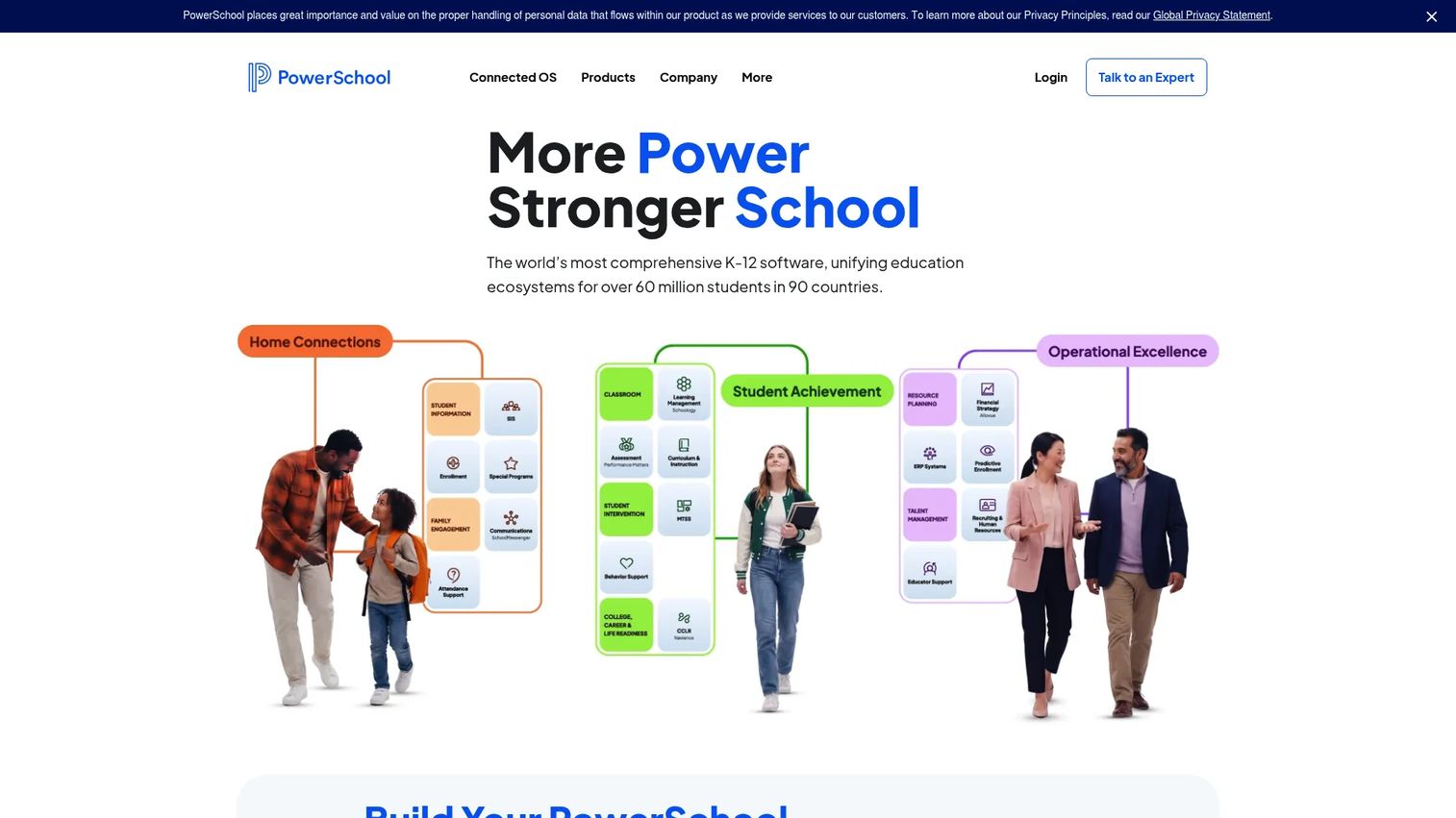
PowerSchool SIS is one of the most widely deployed K-12 student information systems in North America, used by districts to manage student records, attendance, grading, scheduling, compliance reporting, and family access. Its reach comes from both platform maturity and its broader education technology portfolio, which includes adjacent products for HR, finance, and professional learning.
Best for: Large districts that want a mature K-12 SIS with an extensive platform ecosystem and broad state reporting coverage.
Key features
- Configurable student data fields, pages, and tables
- Attendance, grading, scheduling, and academic calendar management
- PowerTeacher Pro gradebook for classroom-level use
- Parent and student portals with mobile access
- State and provincial compliance reporting with ISO 27001 and SOC 2 certifications
Why choose PowerSchool SIS: PowerSchool is typically the safe shortlist option for large district procurement. Its name recognition means boards and administrators are already familiar with it, which matters during approval. Pressure-test implementation timelines, module costs, and data migration specifics before signing.
PowerSchool SIS pricing: PowerSchool prices through sales quotes. Ask for subscription, implementation, data migration, training, support, and module costs as separate line items. G2 reviewers report pricing is enrollment-based, though reviewer-reported ranges vary significantly by district size.
G2 rating: 4.2/5
2. Infinite Campus
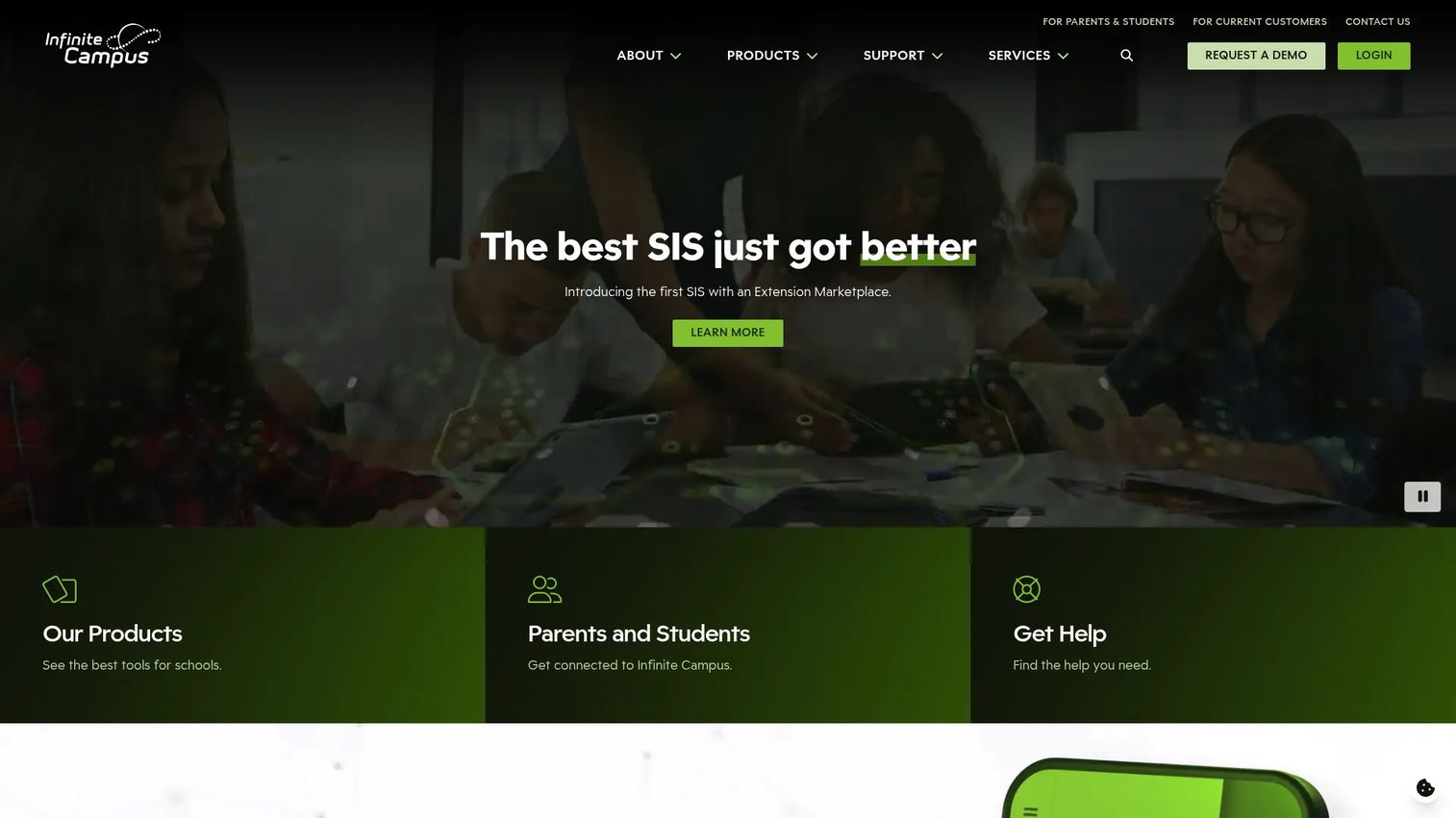
Infinite Campus positions itself as an all-in-one K-12 student information system and connected education technology platform. It covers student information management, enrollment, scheduling, grading, state reporting, and family engagement, with optional extensions for learning management, online registration, analytics, and payments.
Best for: Districts that want a core SIS built around district-wide student administration, with optional extensions rather than a fragmented tool stack.
Key features
- Student information management: Enrollment, scheduling, grading, and state reporting
- Parent and student access to grades, assignments, attendance, and school communications
- Integrated extensions: Learning management, messaging, online registration, and payments
Why choose Infinite Campus: Districts with heavy reporting demands and centralized administration tend to find Infinite Campus's unified approach valuable. The extension model lets districts grow into more functionality without switching platforms. Verify which extensions match your existing infrastructure before the demo.
Infinite Campus pricing: Pricing is quote-based, with costs driven by district size, selected modules, implementation scope, data conversion, and support tier. Request first-year and renewal costs separately during procurement.
G2 rating: 3.7/5
3. Skyward Student Management Suite
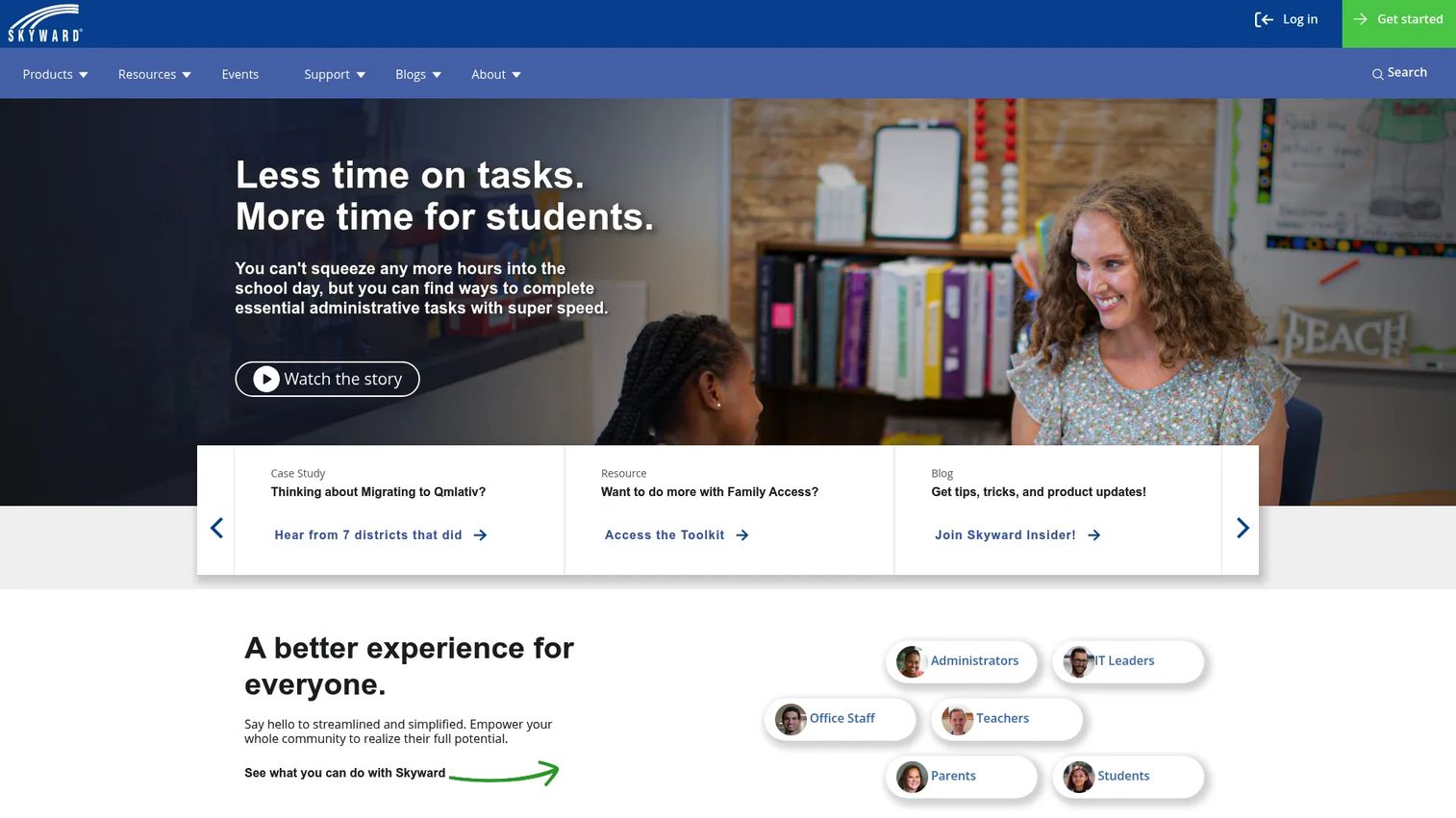
Skyward Student Management Suite covers school administration, classroom tools, and family engagement in a single K-12 platform. Its office and administration layer handles curriculum, enrollment, fees, report cards, transcripts, and scheduling. The classroom layer supports gradebooks, attendance, behavior tracking, and teacher mobile access. Family Access and a Family Mobile App complete the communication picture.
Best for: Districts looking for student management tied closely to daily school operations, from office workflows to teacher gradebooks to family communications.
Key features
- Student profile management and enrollment workflows
- Gradebook and attendance for classroom use
- Family Access portal and mobile family app
- Scheduling and course request management
- Reporting and compliance workflows
Why choose Skyward Student Management Suite: Skyward works well for districts that want reliable daily operations and clear administrative visibility across offices, classrooms, and families. Verify which modules are included versus separately licensed, since the product set varies by district contract.
Skyward pricing: Pricing is customized by enrollment count, campus number, and selected features. Ask for a line-item breakdown covering student management, implementation, training, data migration, and ongoing support.
4. Synergy Education Platform
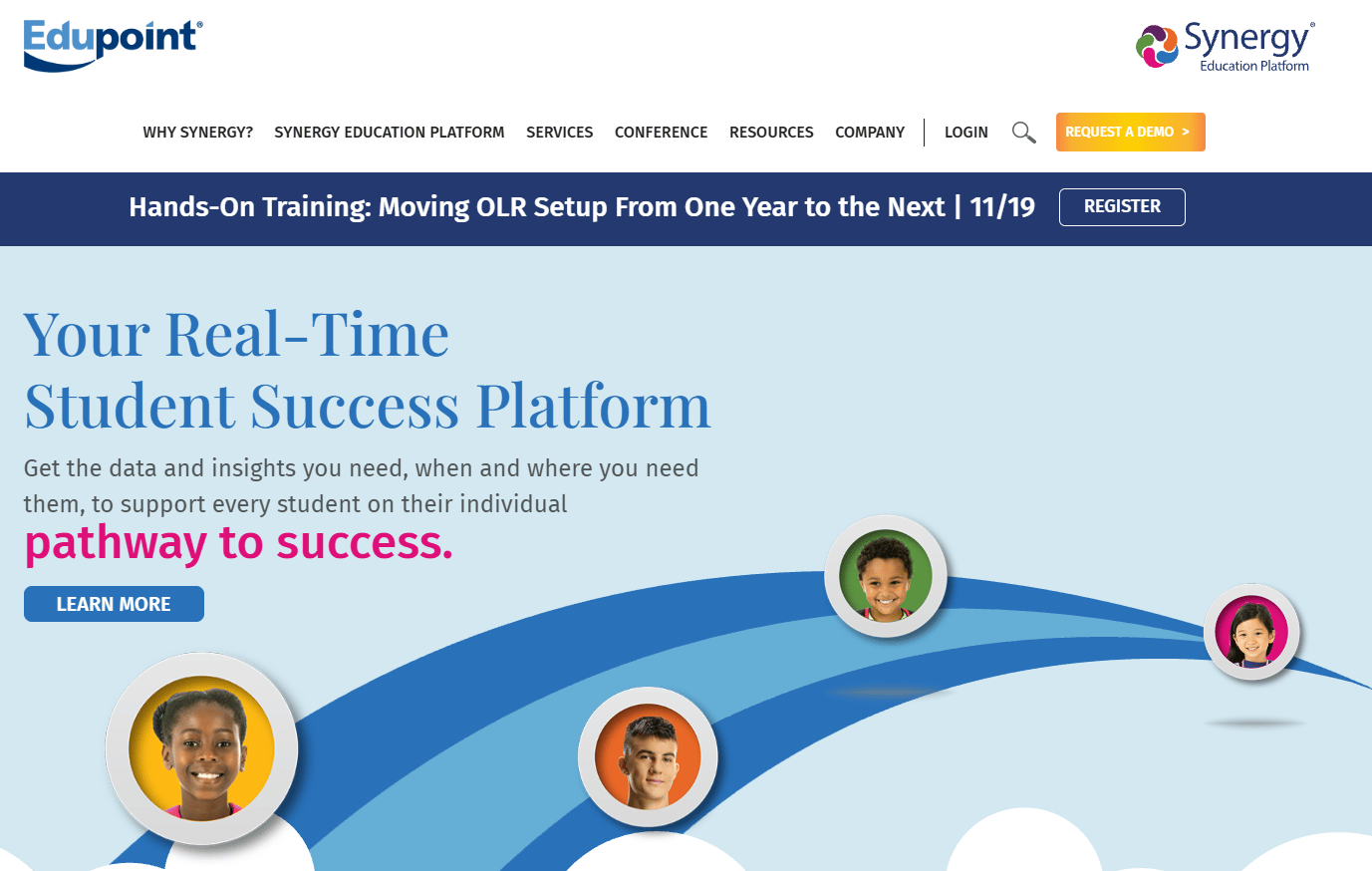
Synergy Education Platform from Edupoint combines student information management with teaching and learning, assessment, special services, online registration, and analytics in a single K-12 platform. Core SIS capabilities cover student records, gradebooks, scheduling, attendance, and compliance reporting, with platform modules extending into portals, early warning systems, and 504 plan management.
Best for: Districts that want SIS functionality within a broader education platform, particularly those evaluating assessment and analytics alongside student records.
Key features
- Student information management and gradebook
- Parent and student portals with mobile access
- Real-time analytics, reporting, and early warning indicators
- Online registration, lottery, and waitlist management
- Assessment creation, special education, and 504 plan management
Why choose Synergy Education Platform: Synergy suits districts that want a unified education platform rather than a narrow SIS, particularly where assessment and analytics visibility matter to leadership. Verify current module packaging and pricing with Edupoint directly, as the platform scope has evolved.
Synergy pricing: Prospective customers are directed to request a demo. When you do, separate the SIS cost from analytics, learning, assessment, and professional services line items.
G2 rating: 2.7/5
5. Blackbaud K-12 School Management
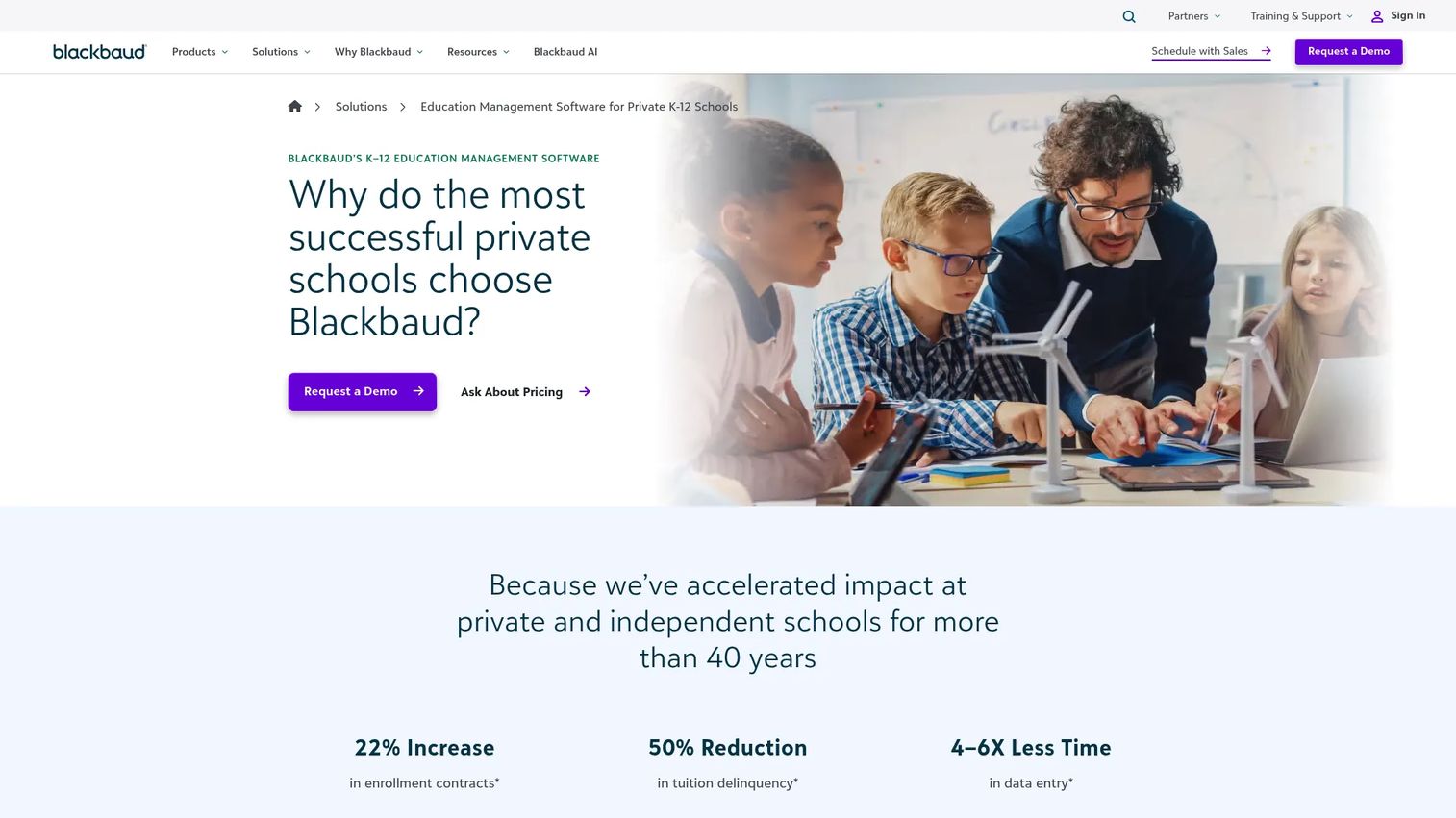
Blackbaud K-12 School Management is built for private and independent schools that need a platform covering admissions, academics, tuition, family engagement, and school operations. Its enrollment and admissions module handles customizable applications, checklists, scheduling, tracking, and reporting. The student information layer covers attendance, scheduling, grading, report cards, assignments, assessments, athletics, and family portals. Tuition management includes payment plans, online payments, and accounts-receivable workflows.
Best for: Private, independent, and faith-based schools that need SIS functionality alongside enrollment management and tuition billing in a connected platform.
Key features
- Enrollment and admissions with customizable applications and tracking
- Tuition and billing with payment plans and online payments
- Student information: Attendance, scheduling, grading, and report cards
- Family portals and school communication tools
- Advancement and institutional operations adjacency
Why choose Blackbaud K-12 School Management: Private schools evaluating an SIS alongside admissions and tuition workflows should put Blackbaud on their shortlist. The platform covers more school operations than a typical SIS. Verify the specific modules relevant to your school before requesting pricing, since the total solution scope varies.
Blackbaud K-12 pricing: Blackbaud prices by organization size, users, selected modules, and support services. Request a package breakdown covering SIS, enrollment, tuition, implementation, and ongoing support as separate line items.
G2 rating: 4.2/5
6. Aeries SIS
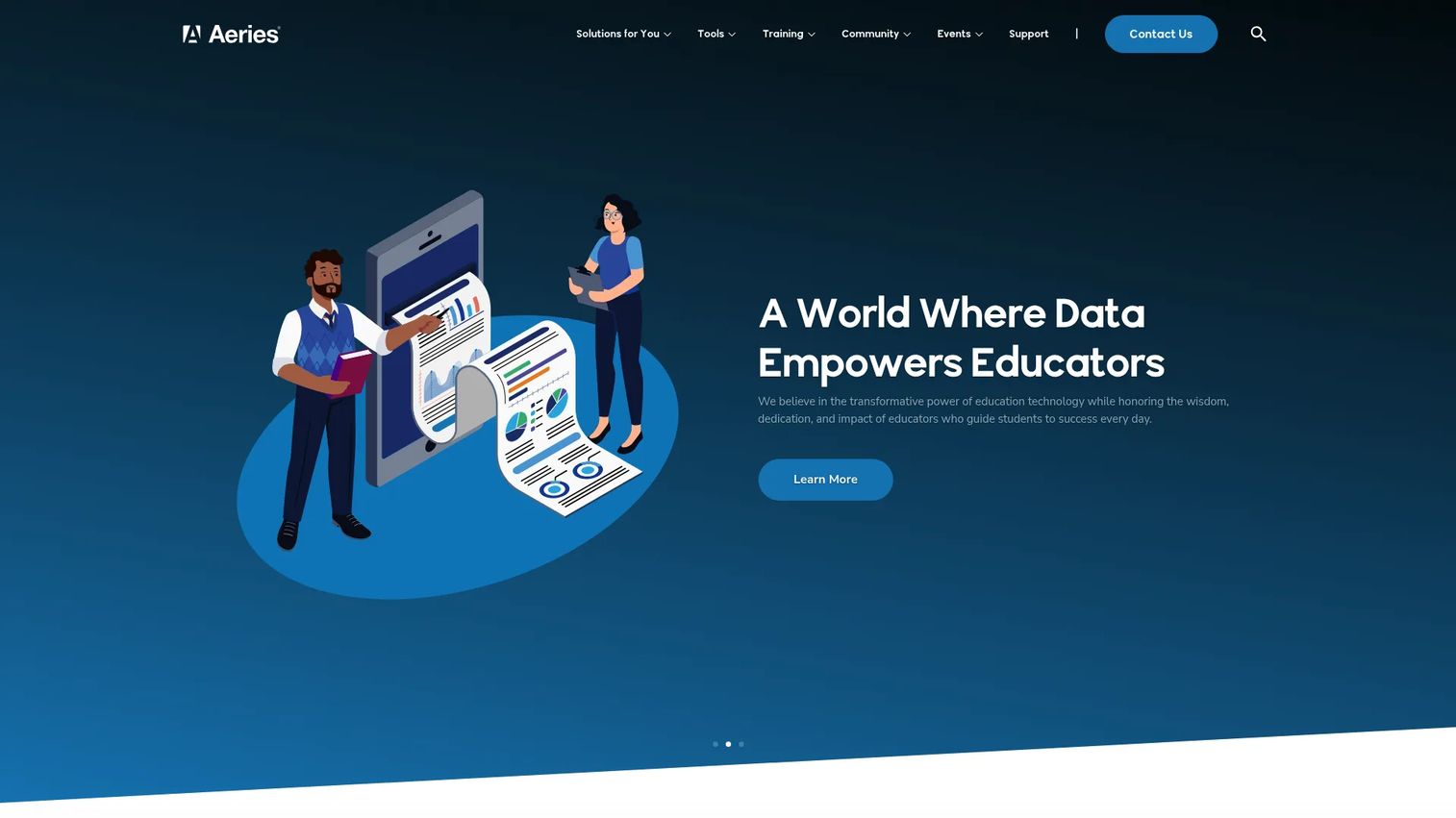
Aeries SIS is a K-12 student information system with strong state reporting depth, particularly for California districts. Its reporting capabilities cover CALPADS and PEIMS submissions. Beyond compliance, Aeries handles attendance, grading, scheduling, transcripts, graduation tracking, interventions, and mobile-friendly access for staff and families.
Best for: California districts and schools with state-specific reporting requirements, attendance accounting, and intervention tracking needs.
Key features
- Real-time attendance and behavior management
- Grading, scheduling, transcripts, graduation tracking, and interventions
- CALPADS and PEIMS reporting support
- Mobile-friendly access for staff and families
- Integration with district systems and third-party education tools
Why choose Aeries SIS: Districts dealing with CALPADS reporting complexity will find Aeries's state-focused workflows valuable. The platform's depth in California compliance reporting is a meaningful differentiator. Verify current geographic focus and integration support with Aeries directly if your district operates in a different state.
Aeries pricing: Pricing is quote-based, with costs driven by enrollment, modules, hosting preference, implementation, data migration, and support. G2 reviewer context suggests pricing is enrollment-based, consistent with standard K-12 SIS models.
G2 rating: 4.1/5
7. Gradelink
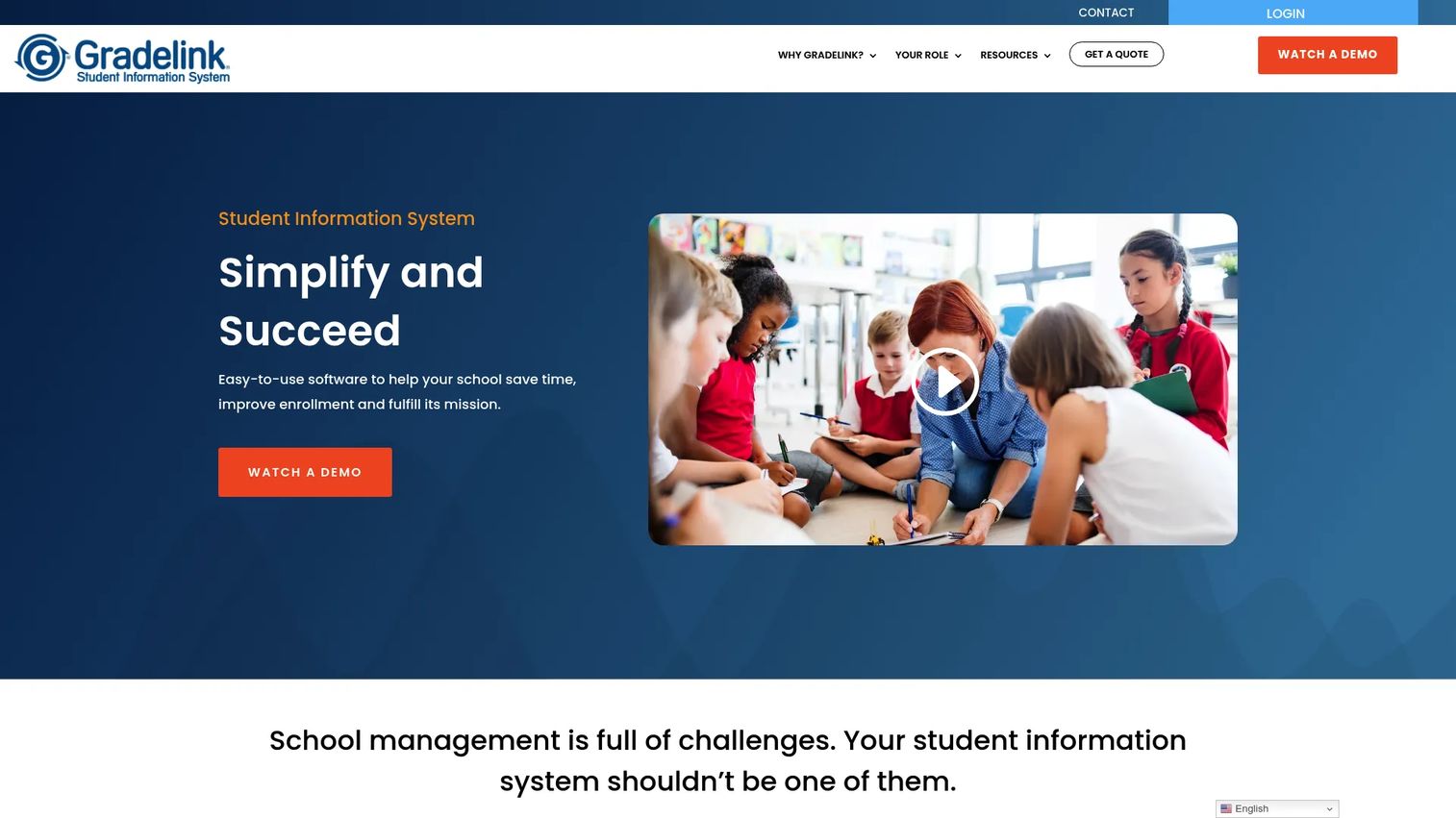
Gradelink is a cloud-based student information system built for private, faith-based, and independent schools. It combines student records, attendance, gradebooks, lesson plans, report cards, standards-based grading, parent portals, communication tools, and tuition management in a single platform. It also integrates with Google Classroom, Apple School Manager, FACTS Tuition Management, and Microsoft School Data Sync.
Best for: Smaller private and faith-based schools that want a practical SIS with fast adoption and clear pricing, without the complexity of enterprise district platforms.
Key features
- Online gradebook and standards-based grading
- Attendance tracking and reporting
- Report cards, transcripts, and academic records
- Parent and student portals with a mobile app
- Tuition, billing, payment processing, and online enrollment
Why choose Gradelink: Schools without large IT departments will find Gradelink's adoption curve much shorter than enterprise platforms. The published pricing calculator makes budget planning concrete before the first sales call. Large districts will likely need deeper reporting and integration options than Gradelink provides.
Gradelink pricing: Plans start at $159/month for a 100-student configuration, billed monthly. A one-time setup fee of $249 applies. Additional modules include EnrollMe at $20.83/month plus a $497 setup fee, and SmartSend Pro at $20.75/month. Use the pricing calculator on the Gradelink website for an instant quote based on your enrollment count.
G2 rating: 4.7/5
8. Focus SIS
Focus SIS is a web-based student information and school district software platform covering student records, attendance, gradebooks, scheduling, portals, reporting, assessments, and special student services. Its attendance module supports desktop and mobile access, parent notifications, and kiosk check-in. The special services layer includes workflows for special education, Section 504, threat assessment, mental wellness, MTSS, ELL, and medical services.
Best for: Districts that need configurable SIS workflows with integrated reporting, assessments, and special student services in a web-based platform.
Key features
- Attendance management across desktop and mobile, with parent notifications and kiosk check-in
- Gradebook, report cards, transcripts, and configurable grading
- Role-based student and parent portals with mobile access
- Built-in ad hoc reporting, analytics, dashboards, and enrollment forecasting
- Special student services: Special education, Section 504, MTSS, ELL, and medical workflows
Why choose Focus SIS: Districts with complex special services populations will find Focus's integrated workflows useful. The configurability of the platform suits districts that have outgrown generic SIS options. Verify current product packaging and integration support with Focus directly before beginning procurement.
Focus SIS pricing: Prospects are directed to schedule a demo. When you request a demo, ask about SIS subscription, special services modules, data migration, implementation, and support costs as separate line items.
9. Frontline SIS
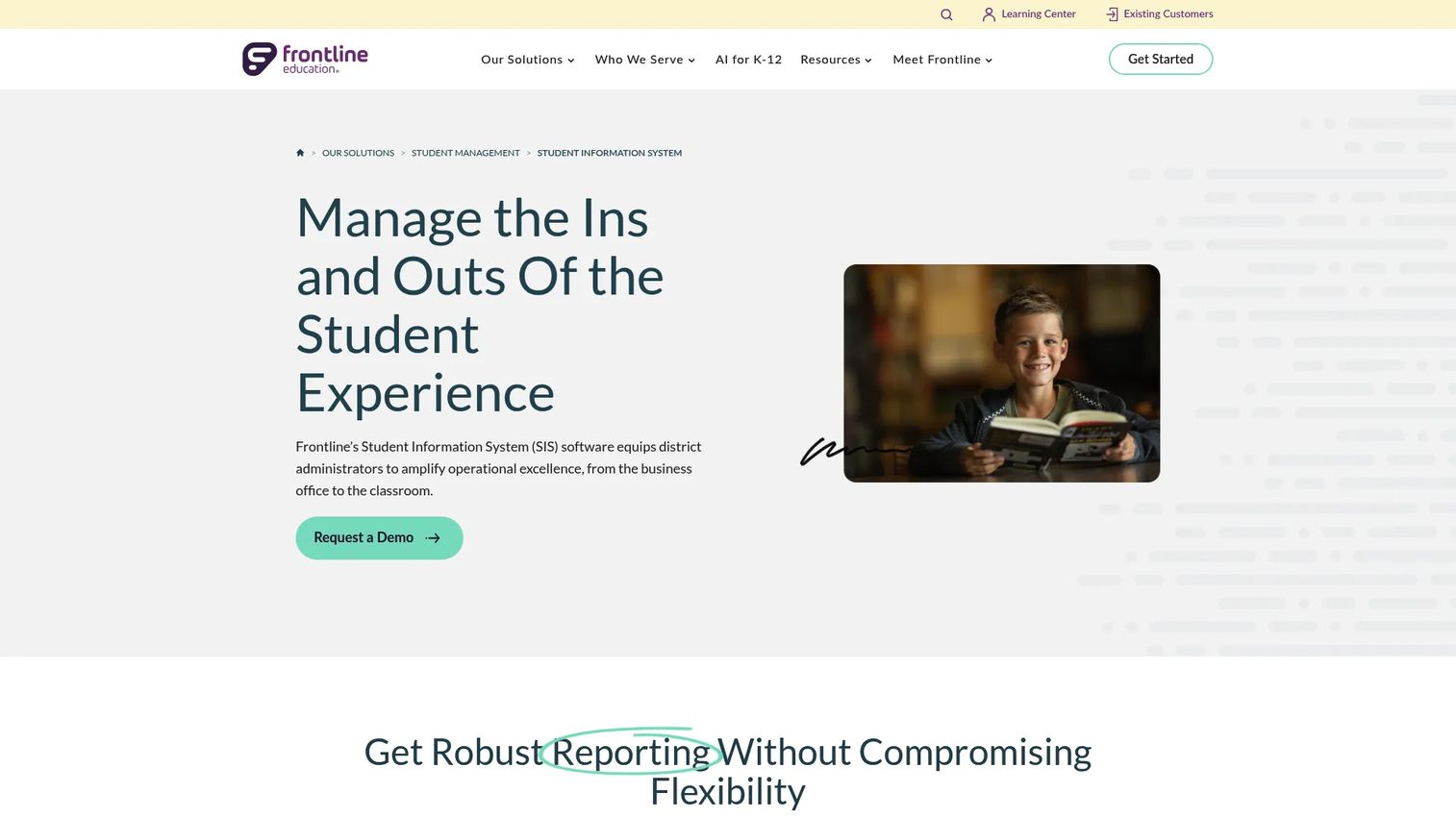
Frontline SIS sits within the broader Frontline Education administrative platform, which also covers HR, absence management, professional development, and recruiting. The SIS layer handles enrollment, online registration, scheduling, attendance, grades, discipline, health records, state reporting, and a student and parent portal.
Best for: Districts already using other Frontline Education products that want to reduce administrative fragmentation by consolidating student records with HR and operations in one platform.
Key features
- Online enrollment and registration with real-time record updates
- Predictive scheduling and drag-and-drop schedule management
- Attendance, grades, discipline, and health records
- State and federal reporting, SQL queries, and scheduled data exports
- Student and parent portal access
Why choose Frontline SIS: The platform's value is clearest for districts already in the Frontline ecosystem. Data flow across absence management, HR, and student records becomes more coherent when the same vendor manages both. Verify how student data moves across your existing Frontline products before committing.
Frontline SIS pricing: Request product-by-product pricing, implementation fees, data migration costs, and support tiers during your sales conversation.
G2 rating: 4.0/5
10. Follett Learning Student Information System
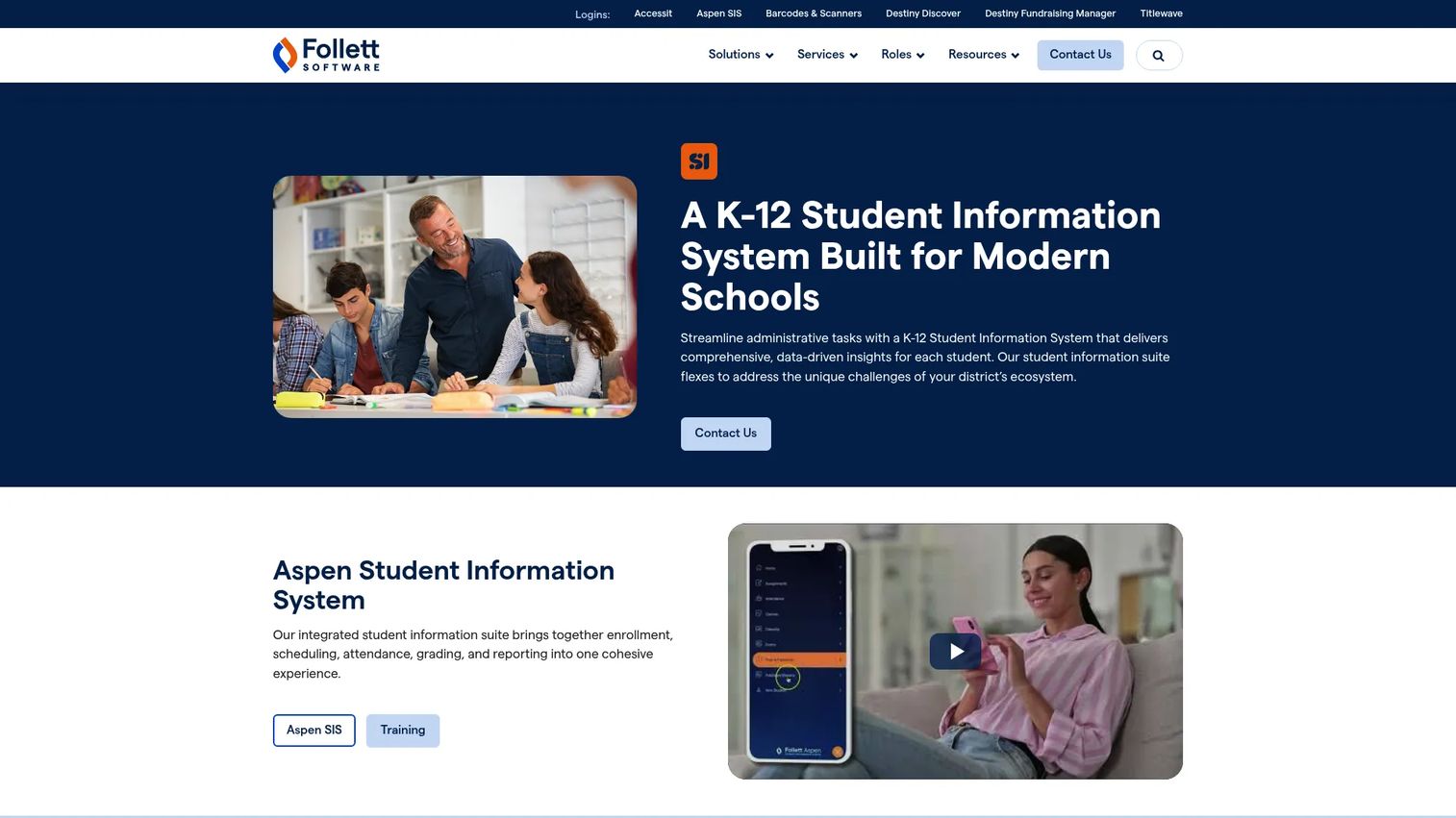
Follett Learning Student Information System, marketed as Follett Aspen, is a customizable K-12 SIS covering enrollment, scheduling, attendance, gradebooks, academic reporting, IEP management, at-risk student identification, and portals for parents, teachers, and students. It also supports LMS integrations and REST API connections for third-party systems.
Best for: K-12 districts that want a configurable SIS with scheduling depth, IEP management, and broad integration support through REST APIs.
Key features
- Student registration and enrollment
- Attendance tracking and master schedule building
- Gradebooks, academic reporting, and at-risk student identification
- IEP and specialized education management
- Parent, teacher, and student portals with LMS and API integrations
Why choose Follett Learning SIS: Districts with complex scheduling needs and specialized education populations will find Aspen's configuration depth useful. Verify current product availability, support status, and regional coverage carefully before beginning procurement.
Follett pricing: When requesting pricing, ask about product availability, implementation scope, support, and compatibility with your existing Follett systems.
G2 rating: 3.3/5
11. SchoolTool
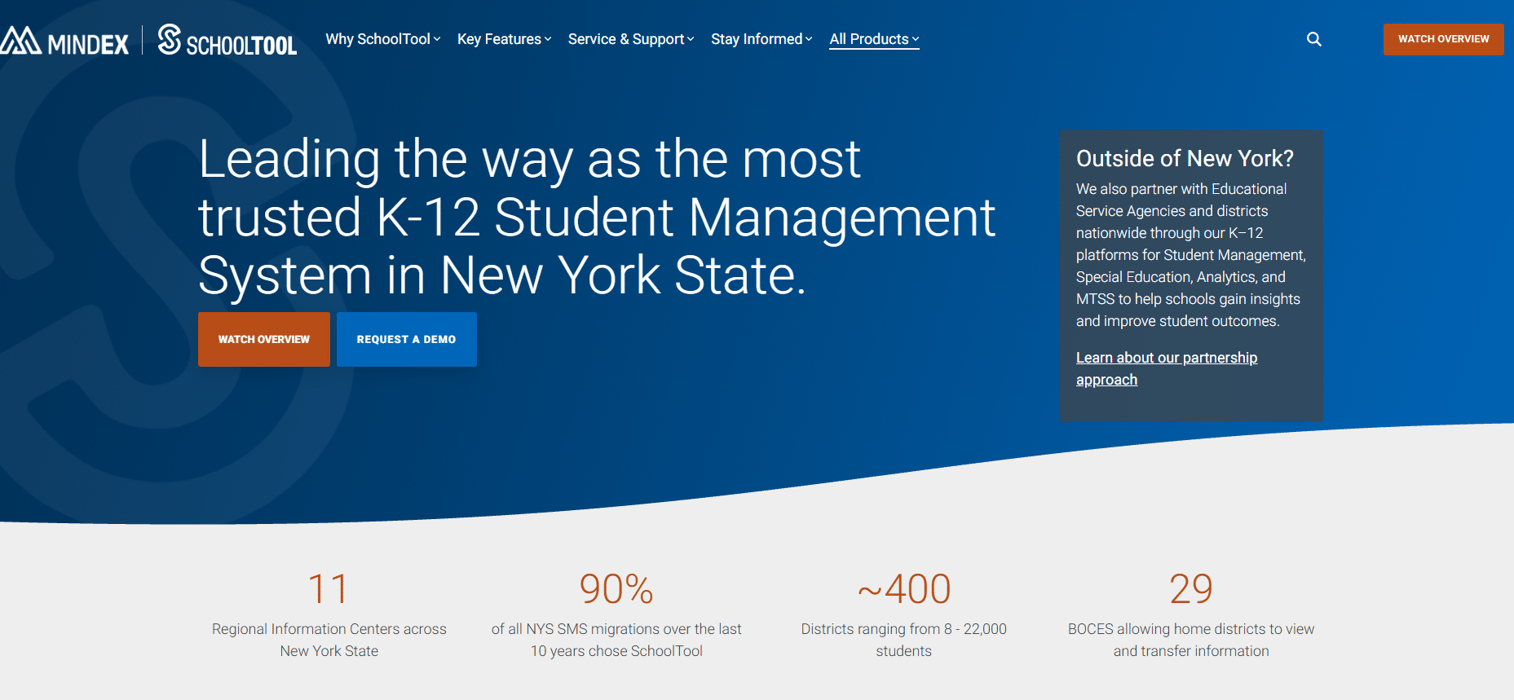
SchoolTool is a K-12 student information system with regional deployment history, particularly in New York districts and regional school networks. It covers student records, attendance, gradebooks, scheduling, portals, and district reporting workflows.
Best for: Districts in regions where SchoolTool has an established support network and familiarity with local reporting requirements.
Key features
- Student records and emergency contacts
- Attendance tracking
- Gradebook workflows
- Scheduling support
- Regional reporting tools
Why choose SchoolTool: Districts that value regional support familiarity and SIS workflows aligned to local reporting calendars should evaluate SchoolTool where it has established presence. Verify current ownership, active support, and product scope directly with the vendor before beginning any procurement process, as availability varies by region.
SchoolTool pricing: Pricing is quote-based. Ask about hosting options, support tiers, data migration, reporting configuration, and training costs during your inquiry.
12. Rediker Software
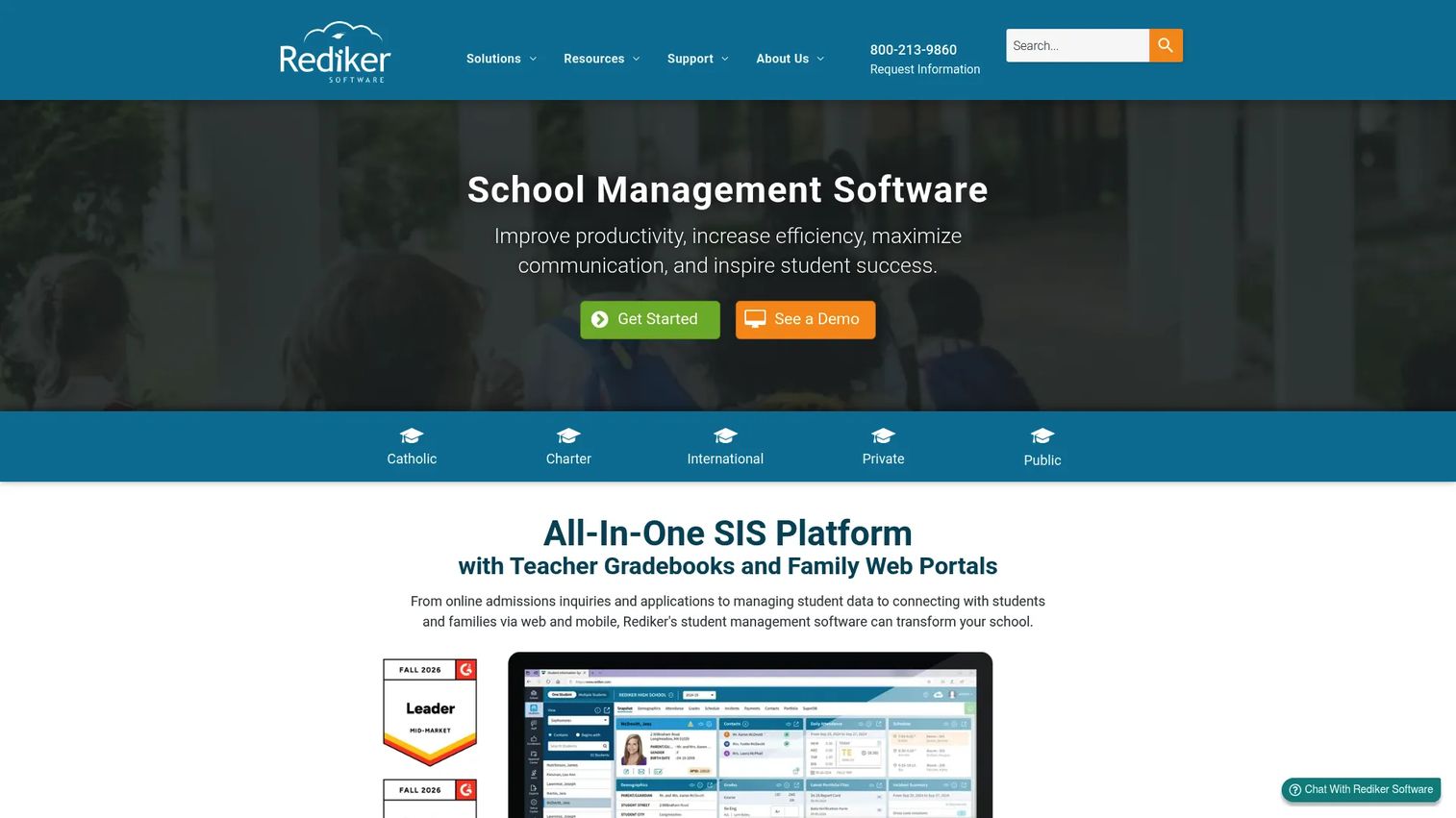
Rediker Software provides integrated PK-12 school administration and management tools covering student information, admissions, scheduling, billing, school websites, and family communication. Its student information layer handles demographics, attendance, grades, scheduling, behavior, and billing. Admissions and enrollment workflows include online applications, waitlists, and lotteries. Teacher gradebooks, parent and student portals, mobile apps, and master scheduling complete the platform.
Best for: Private, international, and independent schools that need a connected school management platform covering student records, admissions, and family communication in a single system.
Key features
- Student information management: Demographics, attendance, grades, scheduling, and billing
- Admissions and enrollment workflows with online applications and waitlists
- Teacher gradebooks, master scheduling, and report cards
- Parent and student portals with mobile apps
- School communication tools and website management
Why choose Rediker Software: Schools evaluating both student records and admissions management will find Rediker's connected approach practical. The platform covers more of the school operations stack than a typical SIS-only product. Verify support for your region, curriculum requirements, and reporting needs before requesting pricing.
Rediker pricing: Request a quote and ask for separate line items covering SIS, admissions, communication tools, implementation, training, and ongoing support.
G2 rating: 3.9/5
Considerations when choosing K-12 student information systems
Reporting is usually the dealbreaker
State reporting, federal enrollment counts, attendance accounting, and transcript validation should be tested before contract signature, not demoed in a generic walkthrough. Ask vendors to demonstrate actual reporting workflows using your district's real reporting calendar. If a vendor can't show a live demonstration of your state's specific submission format, that's a signal worth taking seriously.
Migration risk hides in old data
Student histories, transcripts, guardianship records, legacy codes, archived grades, and custom fields from your current system all have to land correctly in the new one. Request a migration plan, a test migration, an error handling process, and a staff sign-off workflow before the cutover date. Data migration is an operational project, not a technical task you hand to IT.
Integrations need proof, not promises
LMS connections, assessment tools, data warehouse exports, identity management, rostering standards, and finance system integrations all affect day-to-day operations. Ask vendors for a list of supported interoperability standards (Clever, ClassLink, Ed-Fi, OneRoster) and reference customers with similar integration stacks. A vendor's integration roadmap is not the same as a working connection.
Family experience affects support load
Parent portals, student portals, mobile access, notification reliability, and accessibility features determine how much front-office call volume your SIS generates. A portal that works poorly for families creates measurable staff overhead. Evaluate the family experience the same way you'd evaluate core SIS functionality, by testing it rather than viewing a demo scenario.
Implementation capacity matters as much as features
Even strong SIS platforms fail when schools underestimate the change management required. Name internal owners for registrar workflows, IT configuration, counseling, teacher onboarding, and family communication before you sign. Districts without named owners for each of these areas tend to struggle during the go-live window.
Conclusion
Choosing a K-12 SIS is less about picking the longest feature list and more about finding the system that survives daily school operations: Attendance by 9 a.m., schedule changes before lunch, state reports that submit cleanly, and parent portals that don't generate calls.
PowerSchool SIS and Infinite Campus are the natural first-look options for large public districts. Skyward and Synergy suit districts that want student management tied to broader administrative visibility. Blackbaud, Gradelink, and Rediker each serve private and independent schools at different price points and operational complexity levels. Aeries belongs on every California district shortlist. Frontline SIS makes most sense for districts already within the Frontline platform. Focus, Follett Aspen, and SchoolTool each have specific strengths worth evaluating based on your district's configuration needs, region, and integration requirements.
The best SIS for any given school is the one that fits its reporting calendar, migration reality, staff capacity, and family experience requirements. Those four factors matter more than any feature comparison.
If your team sells complex software into education or other markets and needs buyers to understand your product workflows before a sales call, interactive demos can help you show the product instead of explaining it from slides. Start your journey with Guideflow today!
FAQs
A K-12 student information system (SIS) is a school software platform that stores and manages student records, attendance, enrollment, schedules, grades, transcripts, compliance reporting data, and family access for elementary and secondary schools. It serves as the administrative system of record for school and district operations, used daily by office staff, teachers, counselors, administrators, parents, and students.
An SIS manages administrative student data: Who is enrolled, when they attended, what grades they earned, and what transcripts they have. An LMS manages instructional content: Assignments, learning activities, course materials, and course delivery. Many schools integrate both systems, with the SIS holding the official record of academic standing and the LMS handling the day-to-day classroom experience.
Core features include student records, enrollment and registration, attendance tracking, gradebook and grading tools, course scheduling, transcript management, family and student portals, state and federal compliance reporting, role-based permissions, data export, and integration support for LMS and assessment tools. Districts with specialized populations should also evaluate special education management, behavior tracking, and intervention tracking capabilities.
Most enterprise K-12 SIS vendors use quote-based pricing. Costs depend on enrollment size, selected modules, hosting preference, implementation scope, data migration complexity, training requirements, support tier, and contract length. Gradelink is an exception, with a pricing calculator starting at $159/month for smaller schools. When requesting quotes from other vendors, ask for first-year and renewal costs as separate line items to understand the total cost of ownership.
Implementation typically takes several months, though timelines vary by district size, data migration complexity, integration requirements, reporting configuration, staff training scope, and school calendar timing. Avoid scheduling major system cutovers during peak enrollment periods or active state reporting windows unless your vendor has a specific, proven plan for those scenarios.
Ask vendors to demonstrate: Attendance recording and absence notification, student registration and schedule changes, grade entry and transcript generation, state reporting workflow for your specific state's submission format, parent portal access and notification settings, role-based permission configuration, and data export to your existing finance or analytics tools. Use your real reporting calendar as the test script, not a vendor-prepared scenario.
Blackbaud K-12 School Management, Gradelink, and Rediker Software are the strongest options for private and independent schools. Blackbaud suits schools that need admissions, tuition management, and student information in a connected platform. Gradelink works well for smaller schools that want fast adoption and published pricing. Rediker fits schools that want SIS plus admissions and school operations tools. The best fit depends on your enrollment, admissions complexity, tuition workflows, reporting requirements, and IT capacity.
Migration follows a structured sequence: Audit current data for quality and completeness, map legacy fields to the new system's schema, clean duplicate or corrupted records, export legacy data in agreed formats, run a test import to identify errors, validate transcripts and attendance records against source documents, train staff on the new system, and execute a cutover plan at a low-risk point in the school calendar. Migration is an operational project owned by people who understand the data, not a purely technical handoff to IT. Assign named owners for each data domain before the migration begins.