The registrar's spreadsheet has 14 tabs. Faculty preferences arrived by email. Three departments are asking for the same rooms on Tuesday morning, and registration opens in six weeks. Meanwhile, leadership wants to know why classroom utilization is at 58% when students can't get seats in required courses.
This is the operational reality at most colleges and universities. According to Inside Higher Ed's Student Voice survey (2023), nearly one-third of four-year students said a needed course wasn't available in the term they wanted. That's not a funding problem or a faculty shortage. It's a scheduling system that can't match supply to demand.
Academic scheduling software exists to fix that gap: Connecting course sections, room capacity, faculty constraints, and student pathways into a schedule that actually works. The right tool makes this tractable. The wrong one adds another layer of manual reconciliation.
This guide cuts through the category to help you shortlist the right tool for your institution's scale and scheduling complexity.
What's inside
This guide compares 10 academic scheduling software options across higher education platforms, school management systems, class registration tools, and appointment-based options.
- Best-fit buyer: Colleges, universities, schools, private education providers, and class-based programs
- Selection criteria: Scheduling depth, integration readiness, reporting, and ease of administration
- Verification note: Pricing and G2 ratings reflect live vendor pages and G2 listings
- Reader outcome: A shortlist matched to institution type and scheduling complexity
TL;DR
- Best for large higher education scheduling: Ad Astra and Coursedog are the strongest fits for complex course schedules, student demand planning, and academic operations
- Best for campus-wide space and event scheduling: CollegeNET Series25 is built around rooms, resources, events, and academic space optimization
- Best for private schools and smaller institutions: Fedena and SchoolCal fit teams that need school scheduling without a full registrar platform
- Best for class businesses and continuing education: Jumbula and Appointy help manage classes, registrations, and payments
- Best for music education: Duet Partner fits private teachers and studios with lesson scheduling and student management
- Best for timetable generation: TimetableMaster and Academic Scheduler fit teams building conflict-free class timetables
What is academic scheduling software?
Academic scheduling software helps schools, colleges, and universities create, manage, optimize, and publish schedules for courses, classes, rooms, faculty, students, and campus events.
The category spans several distinct types, and picking the wrong one is a common mistake. A full higher education scheduling platform manages constraints across an entire term: Courses, sections, classrooms, faculty preferences, student demand, and SIS data. A school scheduling system handles periods, teachers, rooms, and student rosters. A class management system handles enrollments, instructor calendars, registrations, and payments. Appointment scheduling tools support advising, tutoring, or office-hour booking but are not registrar-grade systems.
Core capabilities in this category include:
- Course and section scheduling: Term planning, section creation, meeting patterns, and conflict prevention
- Classroom and room scheduling: Capacity, equipment, location rules, and availability windows
- Faculty scheduling: Preference capture, workload constraints, approval workflows
- Student demand forecasting: Enrollment history, pathway analysis, and registration monitoring
- SIS integration: Bi-directional sync of student, course, catalog, and registration data
- Conflict detection: Time, room, instructor, cohort, and prerequisite checks
- Reporting: Utilization rates, demand bottlenecks, schedule health, and registration data
- Event scheduling: Campus-wide resource requests, approvals, and calendar publishing
The right fit depends on whether you're scheduling an entire university semester or managing classes for a continuing education program. A registrar team at a mid-size college needs rules, SIS sync, and utilization reporting. A music school owner needs lesson scheduling, billing, and student communication. These are fundamentally different jobs, and the market reflects that.
According to The Insight Partners (2025), the academic scheduling software market was valued at $727.53 million in 2025 and is projected to reach $1.82 billion by 2034, driven by growing demand for automated timetabling and institutional data integration.
When to use academic scheduling software
Build conflict-free course schedules
Spreadsheets break down when you have hundreds of sections, dozens of rooms, faculty preferences, and student pathway requirements all competing simultaneously. Colleges and universities reach this point quickly. Academic scheduling software enforces constraint rules automatically, so a registrar team can build a term schedule without manually checking every room assignment or faculty load conflict.
Improve classroom and resource utilization
Institutions often operate with perceived room shortages while other spaces sit underused. Scheduling software surfaces which classrooms are consistently overbooked, which sit empty during peak demand, and which constraints are driving the gap. That visibility lets facilities and academic operations teams make decisions based on data rather than department politics.
Match schedules to student demand
A schedule built from last year's offerings doesn't reflect what students actually need to progress through their degree. Good scheduling software ties course offerings to enrollment history, pathway requirements, and registration demand. This matters for completion rates and retention, two metrics that connect directly to institutional revenue.
Academic scheduling software comparison
Use this table to build your first-pass shortlist. It won't make the final buying decision for you, but it will narrow the field based on institution type and scheduling depth.
| # | Product | Best for | Key differentiator | Pricing | G2 rating |
|---|---|---|---|---|---|
| 1 | Ad Astra | Large colleges and universities | Student demand forecasting tied to room and schedule optimization | Quote-based | 4.5/5 |
| 2 | Coursedog | Higher education academic operations | Course scheduling connected to curriculum, catalog, and workload | Quote-based | 4.8/5 |
| 3 | CollegeNET Series25 | Campus space, event, and resource scheduling | Unified academic and event scheduling with utilization analytics | Quote-based | 3.8/5 |
| 4 | Fedena | Schools needing all-in-one management | Academic scheduling inside a broader school ERP | From $999/year | N/A |
| 5 | Jumbula | Camps, classes, and enrichment programs | Registration, payments, and class scheduling combined | From $15/month | 3.8/5 |
| 6 | Academic Scheduler | Timetable-focused academic teams | AI-assisted timetable generation with conflict detection | From $10/month | N/A |
| 7 | Appointy | Advising, tutoring, and appointment-based education | Online booking with calendar sync and payment support | Free; from $19.99/month | 4.5/5 |
| 8 | TimetableMaster | Schools focused on timetable generation | Constraint-based timetable planning with substitute management | Quote-based (10-day trial) | N/A |
| 9 | Duet Partner | Music teachers and private studios | Lesson scheduling with invoicing and student portals | Quote-based (14-day trial) | 4.4/5 |
| 10 | SchoolCal | Schools needing calendar coordination | Event and resource scheduling with SIS sync for K-12 | Quote-based | N/A |
Best 10 academic scheduling software tools for 2026
1. Ad Astra
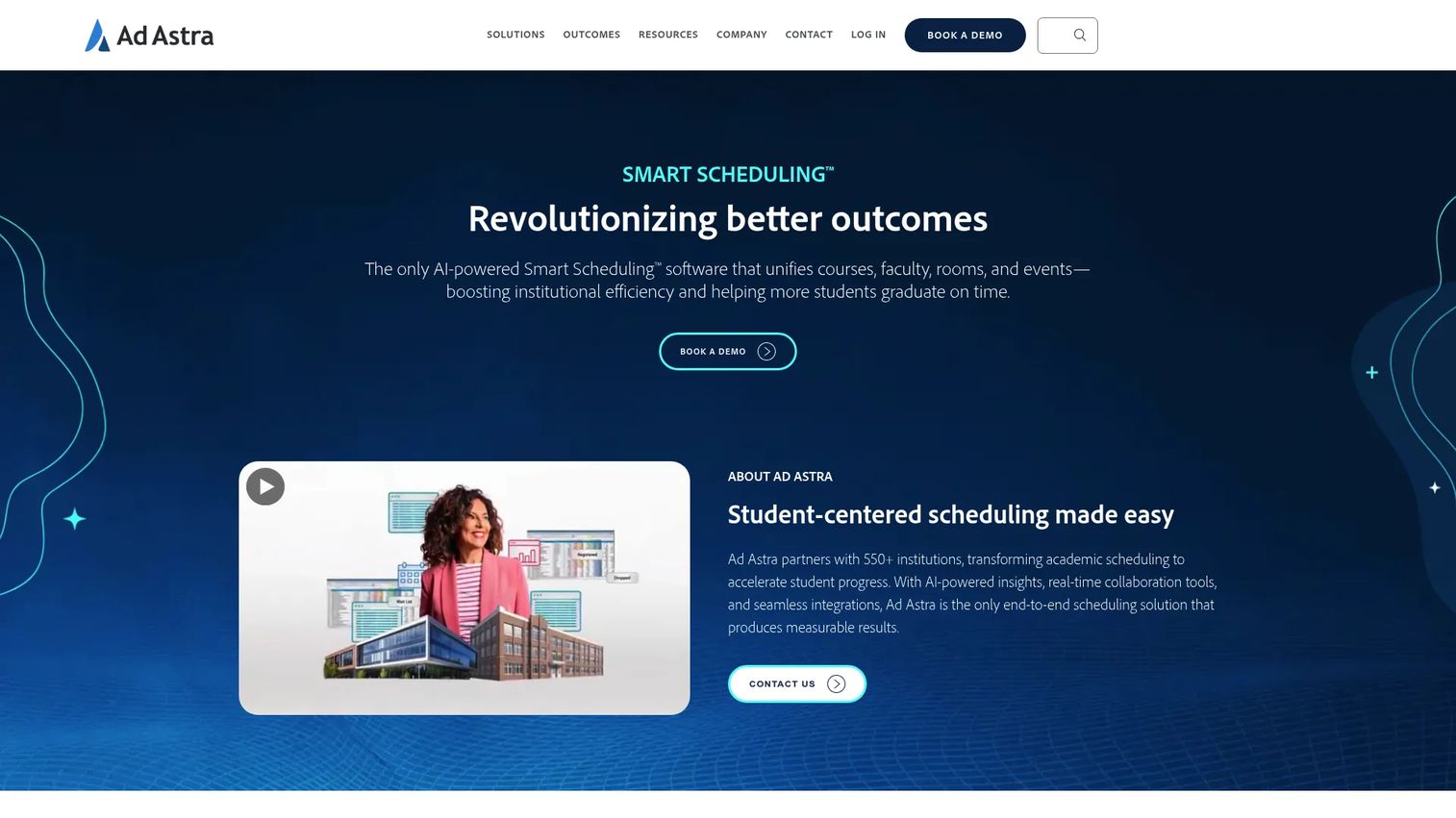
Ad Astra is a higher education scheduling platform built around institutional outcomes rather than calendar mechanics. It connects academic scheduling, room optimization, student demand analysis, and registration monitoring into one system designed for colleges and universities running complex, multi-department term schedules.
Best for: Large colleges and universities that want data-informed course schedules tied to student demand and room utilization.
Key features
- Academic course and section scheduling
- Student demand forecasting and Degree Velocity analytics
- Room scheduling and campus resource management
- Registration monitoring and DFW analysis
- SIS integrations
Why choose Ad Astra: This is the right call when leadership wants scheduling connected to completion metrics, capacity planning, and institutional strategy. It's not a lightweight booking tool. It's a platform for institutions where scheduling decisions affect enrollment, retention, and accreditation outcomes.
Ad Astra pricing: Ad Astra prices by quote. Contact sales to discuss implementation, SIS integration, and service costs.
G2 rating: 4.5/5
2. Coursedog
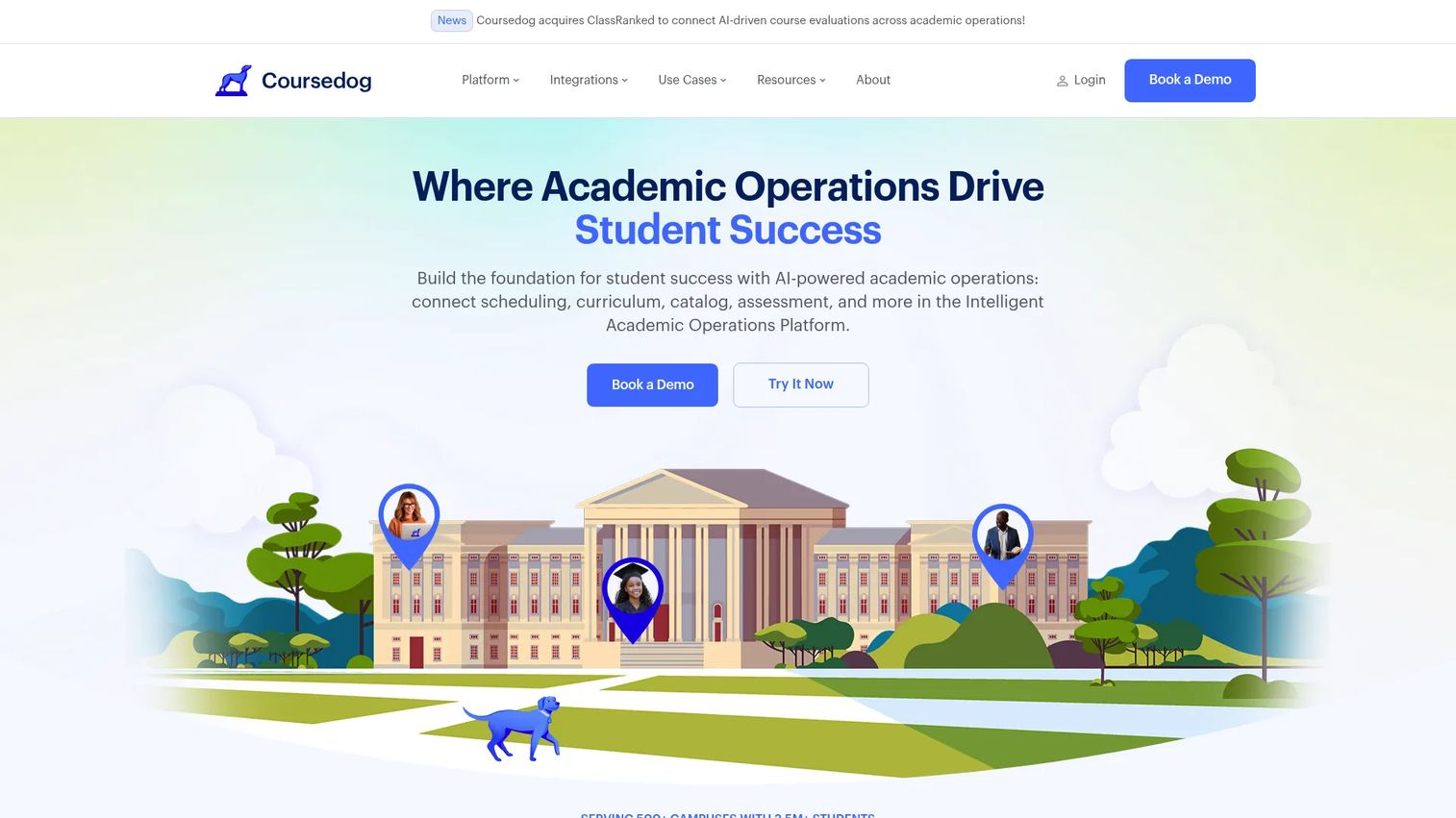
Coursedog is an academic operations platform for higher education, with course scheduling as a core module connected to curriculum management, catalog workflows, faculty workload, and SIS synchronization. It treats scheduling as one layer of a broader academic operations stack rather than a standalone tool.
Best for: Higher education teams modernizing academic operations across scheduling, curriculum, catalog, and assessment in one platform.
Key features
- Course scheduling rules and section optimizer
- Real-time SIS synchronization
- Faculty preference capture and approval workflows
- Curriculum management with learning outcomes
- Catalog and handbook management with version control
Why choose Coursedog: Choose it when scheduling is part of a broader modernization effort and the institution needs rules-based section management, faculty workflow support, and clean SIS data. This is not a lightweight option; it fits institutions ready to invest in academic operations infrastructure.
Coursedog pricing: Coursedog prices by quote. The pricing conversation should cover modules, users, implementation, integrations, and support tiers.
G2 rating: 4.8/5
3. CollegeNET Series25
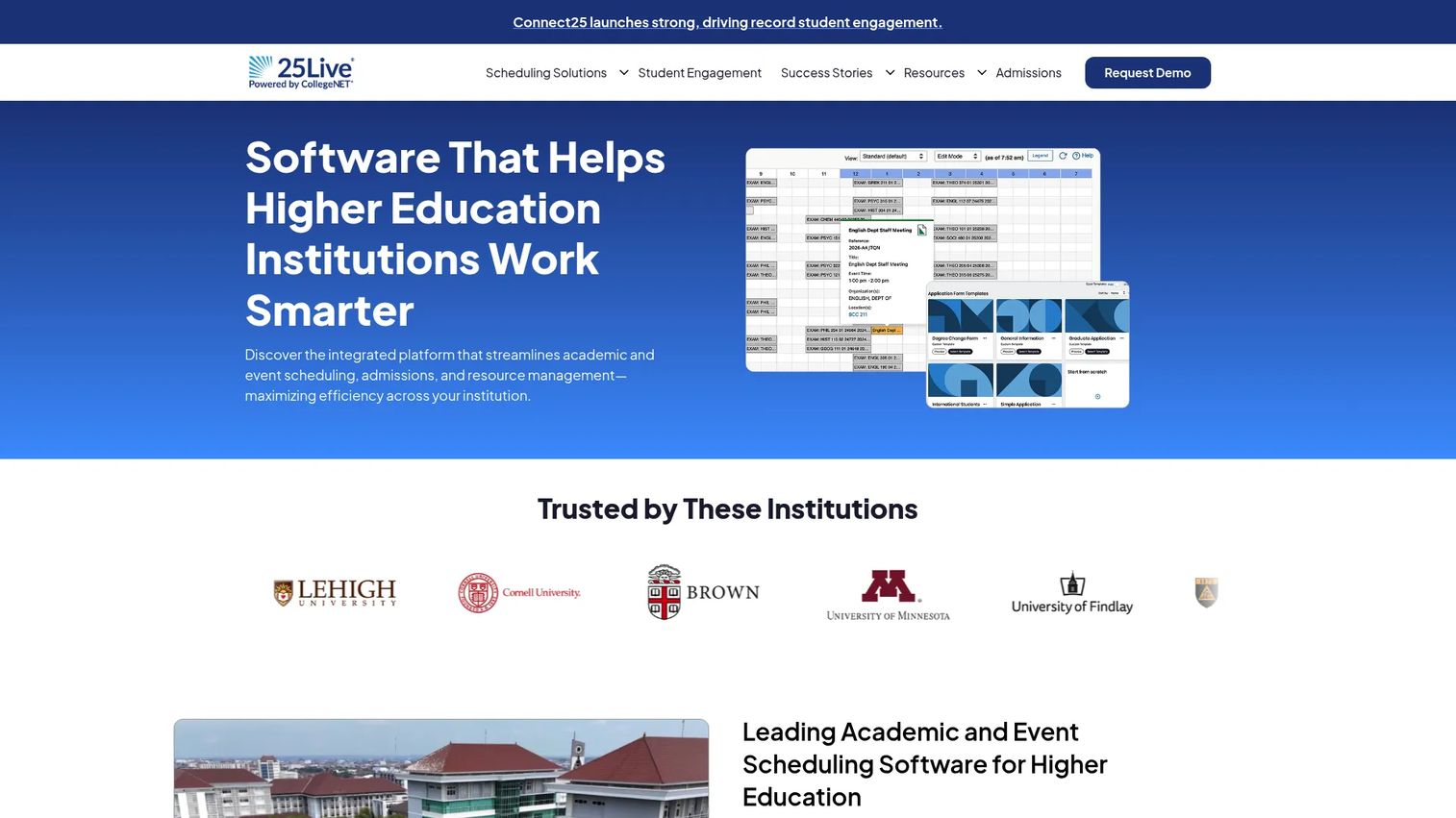
CollegeNET Series25 is a campus scheduling suite that covers academic course scheduling, event scheduling, room and resource management, and space utilization analytics. It is designed for institutions where academic scheduling, campus events, and facilities coordination all compete for the same spaces.
Best for: Colleges and universities that need academic scheduling plus campus-wide event and resource management under one system.
Key features
- Optimized academic course and classroom scheduling
- Campus event scheduling, room requests, and resource management
- Space utilization analytics and reporting
- SIS integration via bi-directional LYNX connector
- Calendar publishing for campus-wide visibility
Why choose CollegeNET Series25: The strongest fit is a campus where academic scheduling, event requests, and facilities teams all need to see and manage the same rooms. If those functions operate in silos today and you're buying a platform to unify them, Series25 is worth evaluating seriously.
CollegeNET Series25 pricing: Pricing is quote-based. Ask about suite components, SIS integration costs, analytics modules, and training.
G2 rating: 3.8/5
4. Fedena
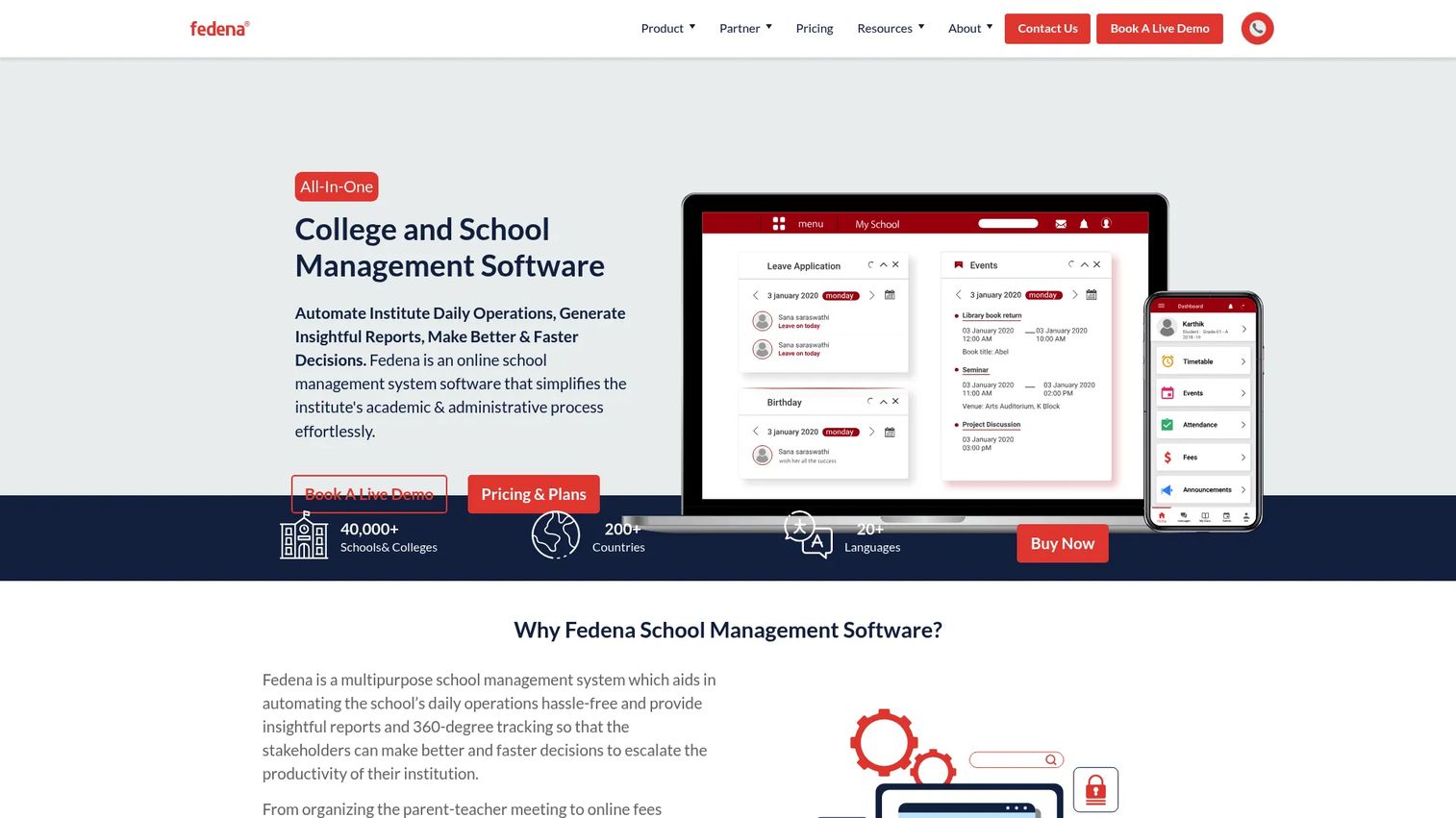
Fedena is a web-based school ERP that bundles timetable scheduling inside a broader school administration system covering student records, attendance, fees, examinations, and parent communication. It fits schools that want scheduling as one piece of a fully managed administrative environment.
Best for: Schools that want academic scheduling inside a broader school administration system without assembling separate tools for each function.
Key features
- Timetable and attendance management
- Student admission and information management
- Exam and gradebook management
- Fees management and invoicing
- Parent, teacher, and administrator dashboards
Why choose Fedena: Fedena works well when the institution needs scheduling alongside student records, fees, and communication in one place. It is better suited to schools than complex university registrar operations. Don't expect the depth of SIS integration or demand forecasting that higher education platforms provide.
Fedena pricing: Plans start at $999/year (Standard), $1,399/year (Premium), and $1,699/year (Ultimate), billed annually. An open-source basic version is available at no cost. Enterprise pricing requires a sales conversation.
5. Jumbula
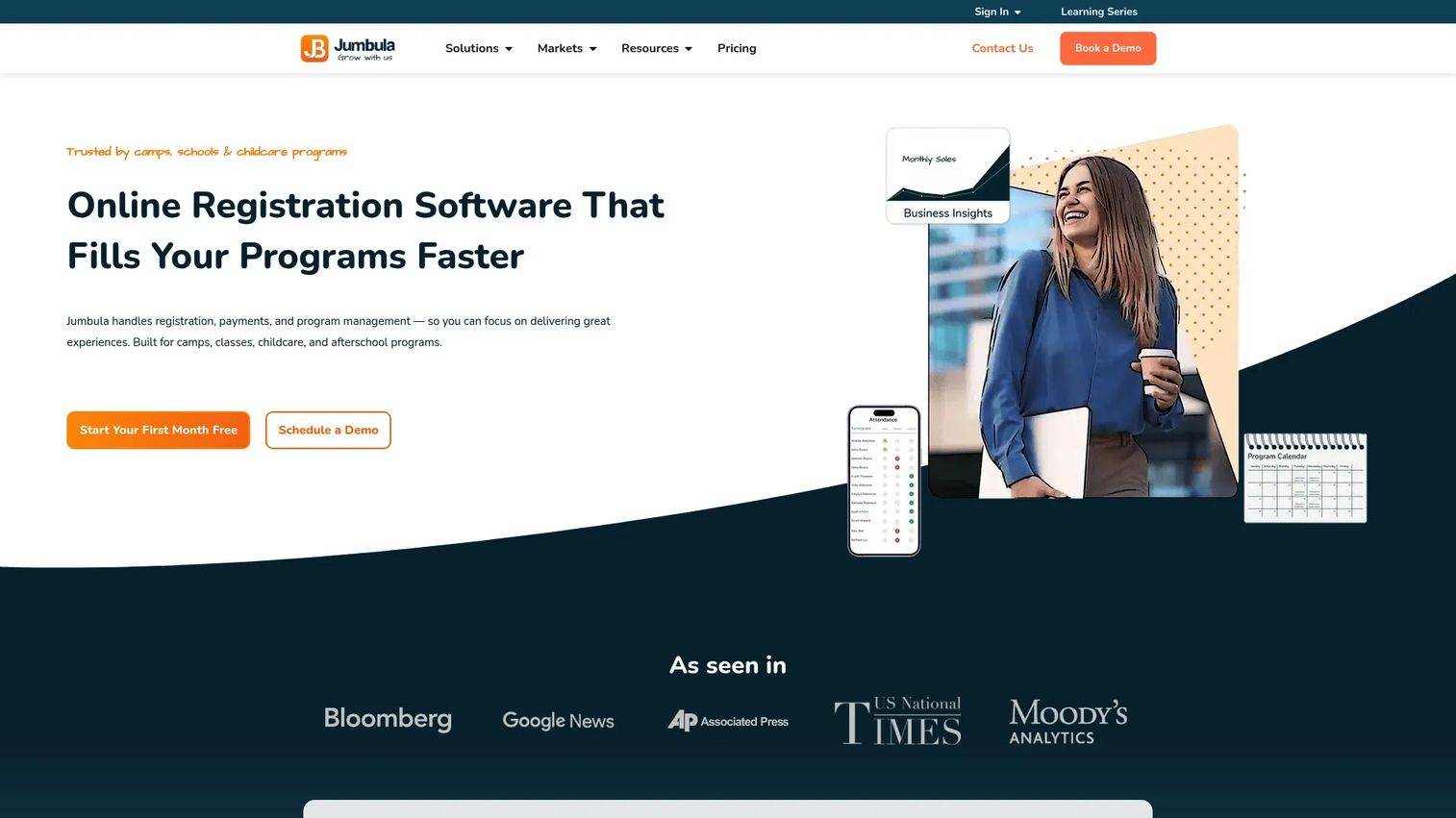
Jumbula is an online registration and management platform for camps, after-school programs, enrichment classes, sports programs, and similar activity-based organizations. It is not a registrar platform. It handles the front-end enrollment and payment experience alongside scheduling, attendance, and program management.
Best for: Education providers that need class scheduling, registration, online payments, and family-facing enrollment in one system.
Key features
- Customizable registration forms with capacity management and waitlists
- Online payments, payment plans, coupons, and invoicing
- Class and session scheduling
- Attendance and child safety tracking
- Email and SMS marketing tools
Why choose Jumbula: Choose Jumbula when the scheduling job is tied to paid class programs rather than term-wide academic course planning. The tool fits camps, enrichment programs, continuing education providers, and after-school operators. It is not the right choice for a registrar managing sections across a full semester.
Jumbula pricing: The Pay As You Go plan starts at $15/month with usage-based enrollment charges and the first month free. Rise costs $150/month and Ascend costs $285/month, both billed monthly with unlimited enrollments. Annual billing saves 20%. Enterprise pricing is custom.
G2 rating: 3.8/5
6. Academic Scheduler

Academic Scheduler is an AI-assisted timetable scheduling tool for schools, colleges, and universities that need automated, conflict-free class and exam schedules. It is focused on the timetable generation problem rather than broader academic operations or SIS-connected workflows.
Best for: Academic teams that need timetable creation and conflict reduction without a full school management or higher education platform.
Key features
- AI timetable generation
- Automated conflict detection
- Exam timetable creation
- Substitution management
- Excel and PDF schedule exports
Why choose Academic Scheduler: Choose it when the primary job is generating a conflict-free timetable efficiently and the team doesn't need the broader curriculum, SIS, or demand forecasting layers. It fits smaller institutions and departments that want a focused, affordable tool rather than an enterprise platform.
Academic Scheduler pricing: Plans start at $10/month (Basic), $15/month (Pro), and $20/month (Premium), billed monthly. Annual billing saves 20%. A 14-day free trial is available on all plans.
7. Appointy
Appointy is appointment scheduling software that supports online booking, calendar synchronization, staff scheduling, automated reminders, and payment collection. In an academic context, it fits advising offices, tutoring centers, admissions teams, and faculty office-hour management rather than course scheduling or timetable generation.
Best for: Education teams scheduling appointments, advising sessions, tutoring, admissions interviews, or office hours.
Key features
- Online booking via website, Google, Facebook, and Instagram
- Google Calendar sync and iCal feed
- Automated email and SMS reminders
- Online payments via Stripe, Square, and PayPal
- Multi-staff, multi-location, and resource scheduling
Why choose Appointy: Choose Appointy when the problem is booking people for academic services, not building a term schedule. This distinction matters: Appointy excels at reducing no-shows and manual booking coordination for appointment-based workflows. It is not a registrar system and doesn't handle course sections, room utilization, or SIS data.
Appointy pricing: A free plan is available for one staff member, five services, and 100 appointments per month. The Growth plan starts at $19.99/month billed annually ($29.99/month billed monthly). Professional costs $49.99/month annually and Enterprise costs $79.99/month annually.
G2 rating: 4.5/5
8. TimetableMaster
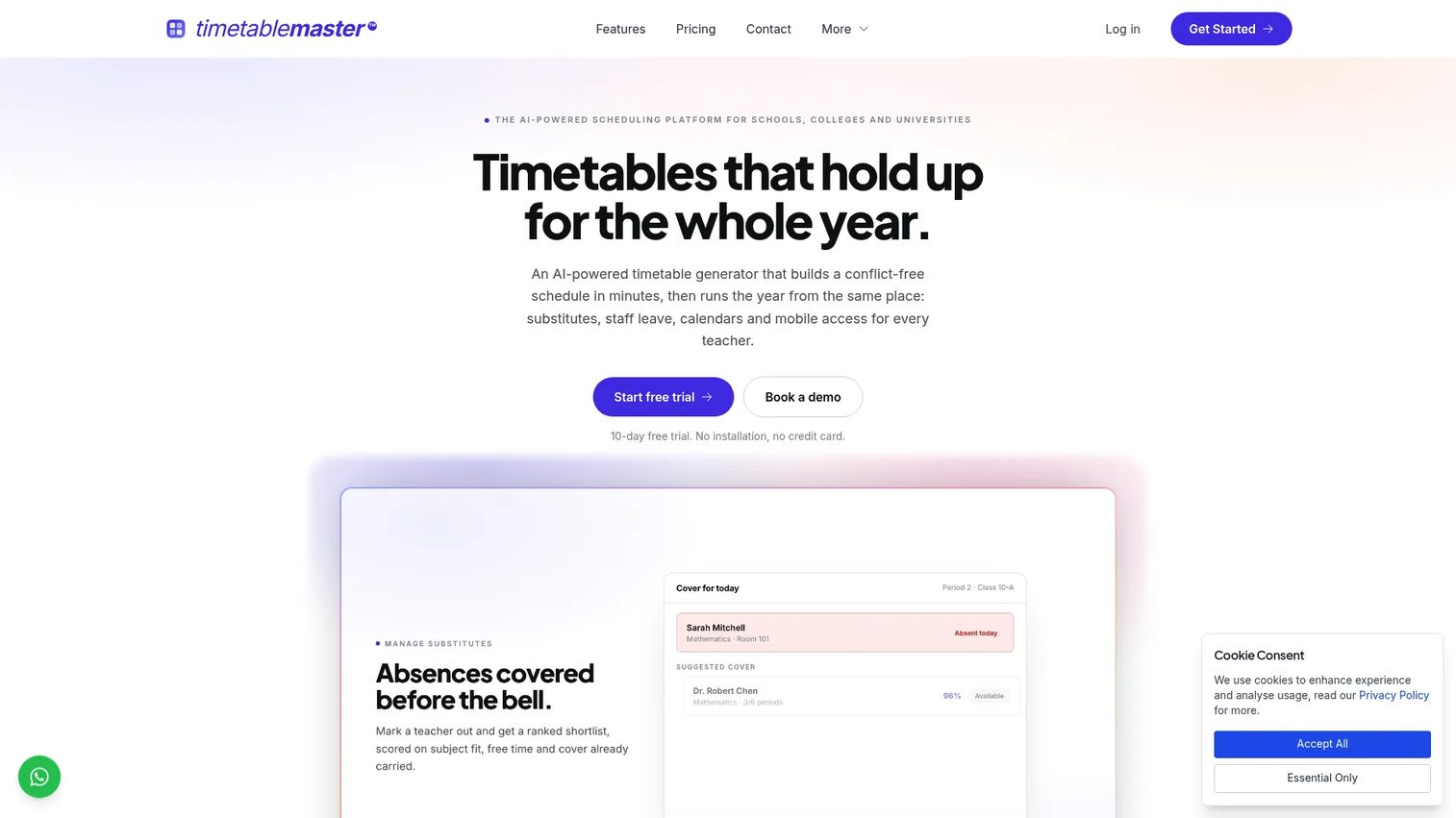
TimetableMaster is an AI-powered cloud scheduling platform for schools, colleges, and universities that need structured timetable generation with automated conflict handling and ongoing schedule management. It covers substitute and leave management alongside core timetable creation.
Best for: Schools that need timetable generation and conflict control for classes, teachers, and rooms without a full campus operations platform.
Key features
- AI-assisted conflict-free timetable generation
- Student-level scheduling and course-choice management
- Substitute and leave management
- Teacher and room allocation
- Schedule publishing
Why choose TimetableMaster: Choose TimetableMaster when timetable creation is the core job and the institution doesn't need a full student information or campus operations platform. The substitute and leave management layer makes it useful beyond initial schedule building, covering day-to-day operational continuity.
TimetableMaster pricing: Pro, Max, and Enterprise plans are available. A 10-day Pro trial runs without a credit card.
9. Duet Partner
Duet Partner is studio management software for independent music teachers and studios. It handles lesson scheduling, automated invoicing, payment collection, student and parent portals, attendance tracking, and online lesson support. This is a niche fit within the academic scheduling category.
Best for: Private music teachers and studios managing recurring lessons, student billing, and studio communication.
Key features
- Lesson scheduling and calendaring
- Automated invoicing and payment collection
- Student and parent portals with messaging
- Attendance tracking and lesson notes
- Online Studio with enhanced music audio ($8/month add-on)
Why choose Duet Partner: Choose Duet Partner when the scheduling workflow is lesson-based and tied to recurring students, billing cycles, and studio communication. It handles the operational overhead that manual scheduling and invoicing create for music teachers at scale. It is not relevant for institutional course scheduling or timetable management.
Duet Partner pricing: Four student-count-based plans are available (Basic for 1-20 students, Plus for 21-40, Premium for 41-100, and Unlimited for 101+), billed monthly. A 14-day free trial runs without a credit card. Contact sales for current plan pricing.
G2 rating: 4.4/5
10. SchoolCal
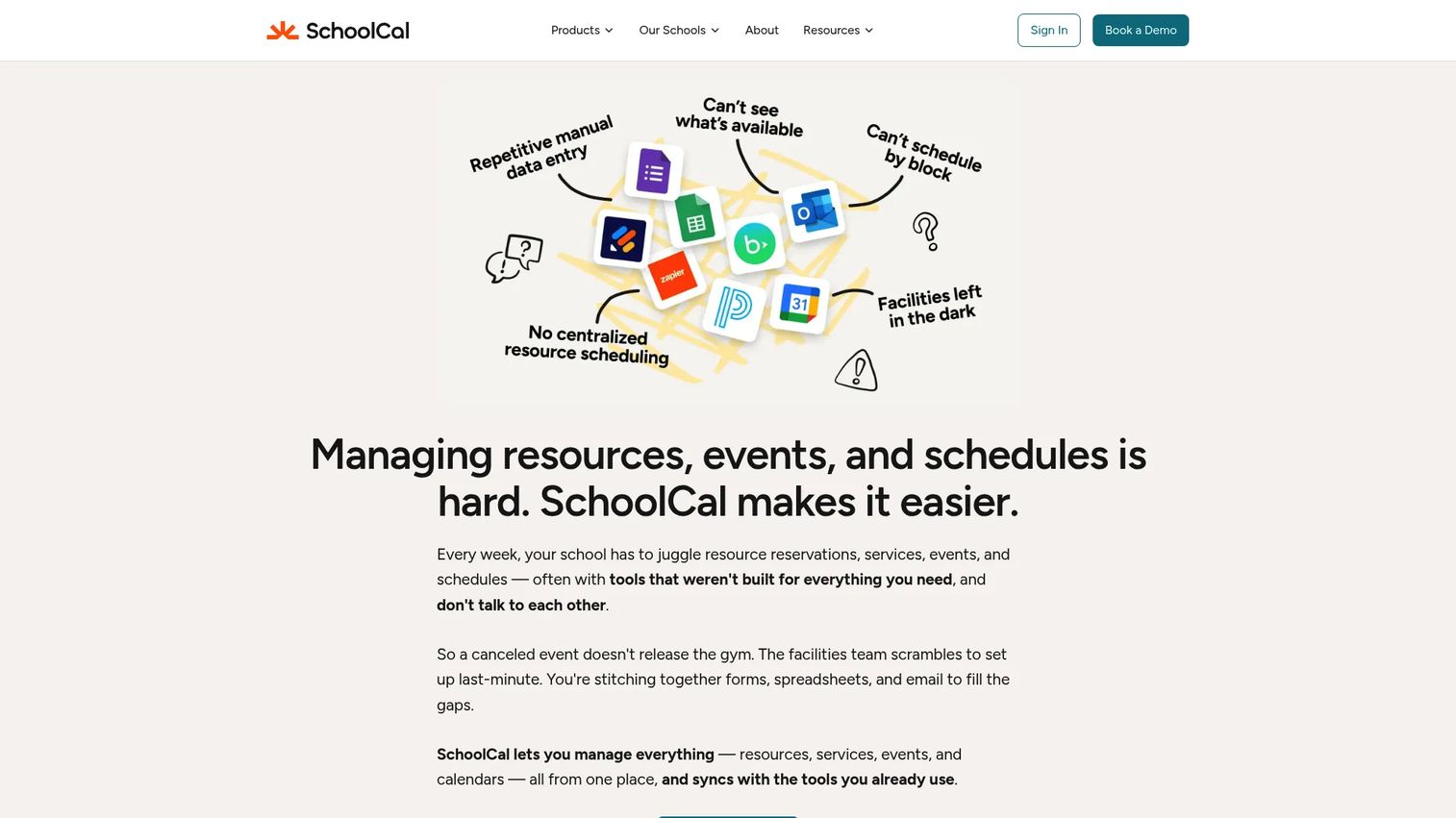
SchoolCal is event, resource, service, and calendar management software built for independent K-12 schools. It handles resource scheduling with approval workflows, event request forms, service-team dashboards, and SIS-to-calendar synchronization. It is a calendar coordination and facilities management tool, not a course scheduling platform.
Best for: Independent K-12 schools coordinating events, shared resources, service requests, and school calendars without enterprise scheduling complexity.
Key features
- Resource scheduling with approval workflows and Google/Outlook sync
- Event request forms and configurable calendar routing
- Service-team dashboards and bookable services
- SIS-to-calendar synchronization with configurable frequency
- Approval queues, activity logs, and administrative controls
Why choose SchoolCal: Choose SchoolCal when the goal is clear calendar coordination and facilities management for a K-12 school rather than complex course scheduling or timetable generation. It fits independent schools that need approval workflows, resource visibility, and SIS sync without the cost or implementation burden of an enterprise platform.
SchoolCal pricing: Pricing varies by school size and products purchased, prorated for the remainder of the school year. Book a demo or request a custom quote from the SchoolCal team.
Considerations when choosing academic scheduling software
Match the tool to scheduling complexity
The most important question is whether you need a full university course scheduling platform, a timetable generator, a class registration system, or an appointment tool. A registrar team managing hundreds of sections across rooms, faculty, and SIS data needs rules, integration, and reporting depth. A tutoring center needs staff availability and reminders. Buying the wrong tier creates implementation debt that is expensive to unwind.
Check SIS and data integration early
Scheduling software is only as useful as the data it can access. Verify which SIS systems the vendor supports, how frequently data syncs, whether the connection is bidirectional, what catalog and section data is included, and how registration demand feeds into schedule planning. Weak integration means manual reconciliation, which defeats the purpose.
Test conflict rules before signing
Ask vendors to run a live scheduling scenario using your institution's actual constraints. Include faculty conflicts, limited room capacity, equipment requirements, cross-listed courses, and late department changes. A demo using generic data won't surface the edge cases that break schedules in production.
Evaluate reporting depth
Useful reports cover classroom utilization, demand forecasting, bottleneck identification, and registration monitoring. Ask whether outputs can be exported to leadership dashboards or institutional data systems. Reporting that lives only inside the scheduling tool creates another silo rather than eliminating one.
Budget for implementation and change management
Academic scheduling changes how departments and registrar teams work day to day. Ask vendors about data cleanup requirements, training timelines, admin ownership expectations, support model, and what post-launch success planning looks like. Implementation risk is real, and underbidding it is a common mistake.
Conclusion
The right academic scheduling software depends on where the institution sits on the spectrum from complex higher education to simple calendar coordination.
Ad Astra and Coursedog are the strongest fits for colleges and universities that need course scheduling connected to student demand, SIS data, and academic operations. CollegeNET Series25 is the choice when academic scheduling, campus events, and space utilization all need to run on one platform. Fedena and SchoolCal fit schools that want scheduling inside a broader administration or calendar system without registrar-grade complexity.
For class businesses, continuing education, and program-based scheduling, Jumbula handles registration and payments alongside the calendar. Appointy covers appointment-based workflows like advising and tutoring. Duet Partner is purpose-built for music studios and private lesson teachers.
TimetableMaster and Academic Scheduler both focus on the timetable generation problem specifically, with pricing that makes sense for smaller institutions and focused scheduling teams.
The practical next step: Pick three vendors based on institution type, ask each to run the same scheduling scenario using your constraints, and compare implementation requirements, integrations, and reporting outputs before procurement. Verify pricing and ratings directly with each vendor and on G2 before making a final recommendation.
For more coverage of related education and operations software, see our guides on after school software, campus management software, and best event management software.
FAQs
Academic scheduling software helps institutions create, manage, optimize, and publish schedules for courses, classes, rooms, faculty, students, and campus events. It is distinct from basic calendar tools because it enforces constraint rules, integrates with student information systems, and supports approval workflows across departments.
Large universities should prioritize SIS integration, student demand forecasting, room utilization reporting, approval workflows, and conflict detection across sections and faculty. Ad Astra, Coursedog, and CollegeNET Series25 are the strongest options in this list for institutions with those requirements.
Course scheduling typically refers to higher education term planning: Managing courses, sections, rooms, faculty, and registration across a full semester. Class scheduling can also refer to K-12 timetables, tutoring appointments, private lessons, camps, and enrichment programs. The term is used differently across segments.
Many higher education scheduling platforms do, but the depth varies significantly. Verify which SIS systems the vendor supports, whether the sync is bidirectional, how frequently data updates, and what implementation is required. Some platforms offer native connectors while others rely on file exports or API-level integration.
Yes, when the tool supports automated conflict detection across time slots, rooms, faculty assignments, enrollment limits, and student pathways. How much conflict reduction you see depends on how complete the constraint data is and how well the tool's rules model your institution's scheduling policies.
For small teams, simple calendar coordination, or appointment scheduling, free or low-cost tools can work well. Larger institutions that need rules-based conflict detection, SIS integration, utilization reporting, and governance will need a paid platform. Appointy's free plan covers basic appointment booking, and Academic Scheduler offers a 14-day trial starting at $10/month.
Run a live scheduling test using your institution's actual constraints: Required courses with limited sections, rooms with specific capacity and equipment, faculty with preferences and workload limits, cross-listed courses, and expected registration demand. A vendor who can run this scenario live with your data is worth more than a polished demo using their sample content.
The core list covers course and section scheduling, room scheduling, faculty preference management, student demand forecasting, SIS integration, conflict detection, approval workflows, utilization reporting, and vendor support. Which of those features you weight most depends on the institution's size and scheduling complexity.