



You did not sign up to run a program by copying attendance from a clipboard into a spreadsheet, then into an invoice, then into an email to a parent who still has questions.
But that is the reality for a lot of after school operators. Attendance lives in one place. Billing lives in another. Pickup authorization is a laminated sheet at the front desk. Parent updates go out over three different channels, and none of them stay in sync.
The global before and after school program software market hit USD 655.2 million in 2025 and is projected to reach USD 1.42 billion by 2032 at an 11.6% CAGR, according to pmarketresearch.com (2025). Operators are not buying features. They are buying a way to stop the same data from living in five separate systems.
This guide compares seven after school program management software platforms so you can pick the one that fits how your program actually runs.
What's inside
This guide is for program directors, school administrators, district operators, and enrichment providers comparing afterschool management software. We selected platforms on four criteria that decide whether a tool earns its place:
- Attendance, check-in/out, and pickup authorization workflows
- Billing, tuition, and payment handling that stays synced with attendance
- Registration, enrollment, and family self-service
- Compliance, reporting, and fit for schools, centers, or recreation programs
Every pricing figure and rating below was verified against the vendor's live pages and current G2 listings.
TL;DR
- Best overall for complex before and after school operations: Procare, an all-in-one platform for attendance, billing, and compliance.
- Best for mobile-first family communication: brightwheel, built around a parent app and daily updates.
- Best for registration and payment flexibility: CommunityPass, strong on online registration and recurring billing.
- Best for K-12 attendance and dismissal: SchoolPass, purpose-built for campus safety and dismissal workflows.
- Best for K-12 safety and classroom coordination: GoGuardian, a school safety and management platform for districts.
- Best for enrichment and activity providers: Sawyer, built for class, camp, and activity registration.
- Best for recreation plus after school: Amilia, a recreation and membership platform with broad program management.
What is after school software
After school software is a category of after school program software that centralizes attendance, registration, billing, family records, and communication for programs that run before or after the school day.
Most buyers are trying to replace a mix of paper sign-in sheets, spreadsheets, and disconnected apps with one system. The core jobs it handles:
- Attendance and check-in/out: digital sign-in, real-time rosters, and time-stamped records
- Registration and enrollment: online sign-up, waitlists, and schedule changes
- Tuition and billing: invoicing, recurring payments, and after school billing software that ties charges to attendance
- Family records and documents: contacts, allergies, immunizations, and consent forms
- Pickup authorization and safety: approved pickup lists, dismissal control, and emergency info
- Parent communication: messages, updates, and mobile self-service
- Staff scheduling and ratios: shift planning and ratio or headcount tracking
- Reporting and compliance: attendance reports, audit trails, and program-level data
The distinction that matters most: some platforms lead with childcare operations, some with K-12 campus safety, and some with recreation and enrichment registration. The right after school registration software depends on which of those describes your program.
When to use it
Use it to replace spreadsheets and paper sign-in sheets
If your front desk still runs on a clipboard and a shared spreadsheet, you are one staffing gap away from a gap in your records. After school care software gives you time-stamped digital check-in and a roster that updates in real time, so you always know who is in the building.
Use it when billing and attendance need to stay in sync
Manual billing breaks when a child attends three days instead of five. After school billing software that reads from attendance means you invoice what actually happened, not what you remembered. Fewer disputes, faster payments, cleaner books.
Use it when families need self-serve registration and updates
Parents want to register, pay, and update contact info without calling the office. After school registration software with a family portal moves that work off your staff and onto self-service, which cuts phone tag during peak enrollment.
Use it when administrators need better pickup and safety control
Schools need to know exactly who is authorized to collect each child. Dismissal and pickup authorization workflows replace the laminated sheet with a controlled, auditable process that holds up when a parent's routine changes mid-week.
Comparison table
Here is how the seven after school program management software platforms compare on fit, pricing, and rating. Pricing reflects each vendor's live pages as of August 2026.
| # | Product | Best for | Key differentiator | Pricing | G2 rating |
|---|---|---|---|---|---|
| 1 | Procare | All-in-one child care and after school operations | Deep billing, compliance, and family records in one platform | Home version from $25/mo; broader plans by quote | 4.4/5 |
| 2 | brightwheel | Mobile-first family communication | Parent app with attendance, billing, and daily updates | By quote | 4.5/5 |
| 3 | CommunityPass | Registration and payment flexibility | Online registration with recurring billing for rec and schools | $3,000 to $10,000/year | 5.0/5 |
| 4 | SchoolPass | K-12 attendance and dismissal | Campus safety, dismissal, and visitor management | By quote | 3.9/5 |
| 5 | GoGuardian | K-12 safety and classroom coordination | Web filtering, threat detection, and classroom management | Custom | 4.6/5 |
| 6 | Sawyer | Enrichment and activity providers | Class, camp, and activity registration and scheduling | From 3% per transaction; plans from $189/mo | 4.5/5 |
| 7 | Amilia | Recreation plus after school programs | Registration, memberships, and facility management | From $99/mo | 4.4/5 |
Best 7 after school software tools for 2026
1. Procare
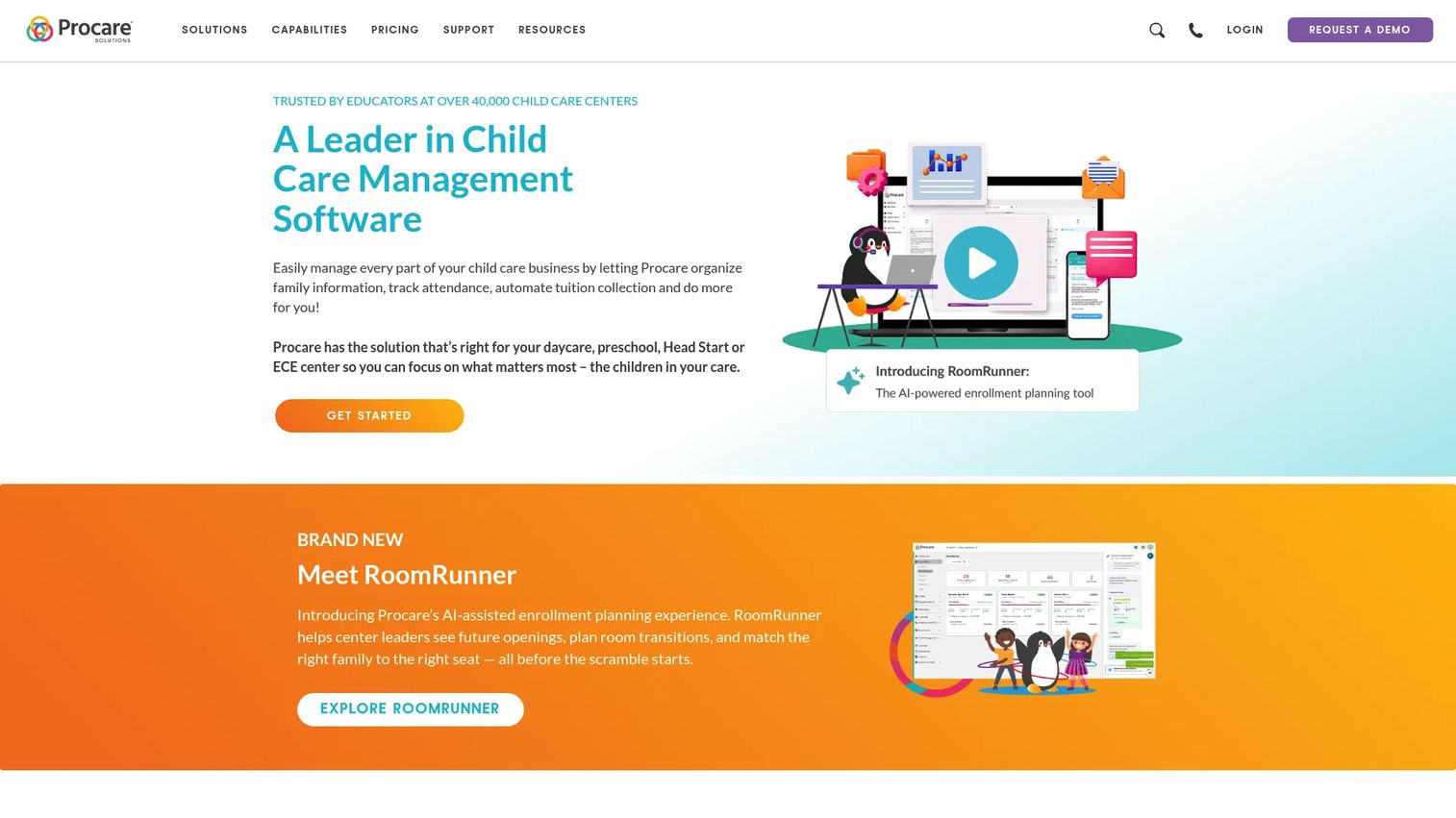
Procare is child care management software built for centers, preschools, schools, and before and after school programs that need one administrative platform instead of five. It handles the full operational loop: attendance, family engagement, and payments, all connected so data does not have to be re-entered between systems.
For larger operators, the appeal is consolidation. When check-in feeds billing, and family records feed compliance, you stop reconciling the same numbers across tools. That is the pitch for a program running multiple sites or juggling before-care, after-care, and summer in one account.
Best for: Child care operators and multi-site programs that need an all-in-one administrative system.
Key strengths
- Attendance tracking with check-in and check-out
- Family engagement and parent communication
- Tuition and payment processing
Why choose Procare: If your program spans child care and after school, and you want billing, attendance, and records in one place, Procare is built for that breadth rather than a single workflow.
Procare pricing: The in-home version starts at $25 per month. For the broader center and program suite, Procare asks operators to request a quote.
Procare holds a 4.4/5 rating on G2.
2. brightwheel
brightwheel is child care management software organized around a parent-facing app. Where some platforms lead with back-office admin, brightwheel leads with the family experience: attendance, billing, and daily updates all flow through the app parents already have on their phone.
That mobile-first framing matters for programs where communication is the differentiator. Parents get check-in confirmations, updates, and payment reminders in one place, which cuts the volume of one-off calls and emails your staff field each afternoon.
Best for: Child care centers and preschools that want operations and parent communication in a single app.
Key strengths
- Attendance and check-in/out
- Parent communication and daily updates
- Billing and payments
Why choose brightwheel: If parent communication drives your reputation and your enrollment, a platform that puts attendance and billing inside the family app keeps everything in one thread.
brightwheel pricing: brightwheel doesn't list its pricing on the site. You'll need to contact them for a quote based on your program's size and needs.
brightwheel holds a 4.5/5 rating on G2.
3. CommunityPass
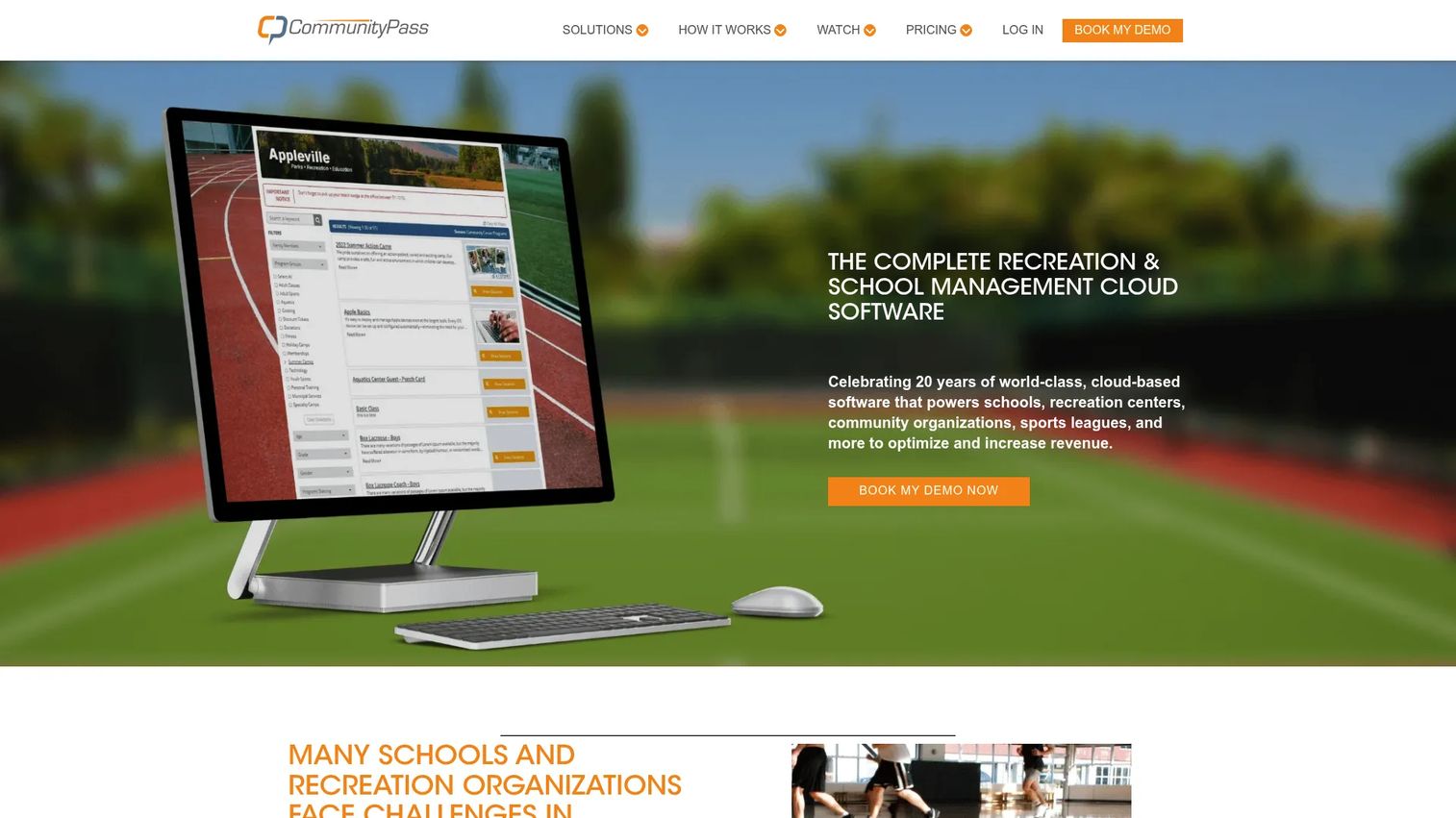
CommunityPass is cloud software for recreation and school program registration, payments, memberships, and communications. It is strong where families need to register and pay online, then change schedules without a phone call. For after school programs tied to a parks and rec department or a district, that flexibility is the draw.
The platform pairs online registration with PCI-compliant payment processing and recurring billing, plus digital attendance and parent check-in/out. That combination makes it a solid fit for operators who sell sessions and manage enrollment at volume.
Best for: Parks, recreation, and school organizations that need registration and payment management.
Key strengths
- Online registration and purchases
- Payment processing with recurring billing and PCI compliance
- Digital attendance and parent check-in/out
Why choose CommunityPass: If registration and billing flexibility are your top priorities, and you run community or recreation-adjacent programs, CommunityPass is built for that enrollment and payment volume.
CommunityPass pricing: CommunityPass uses subscription packages for recreation organizations, with a published yearly range of $3,000 to $10,000. Individual plan prices are quoted per organization.
CommunityPass holds a 5.0/5 rating on G2.
4. SchoolPass
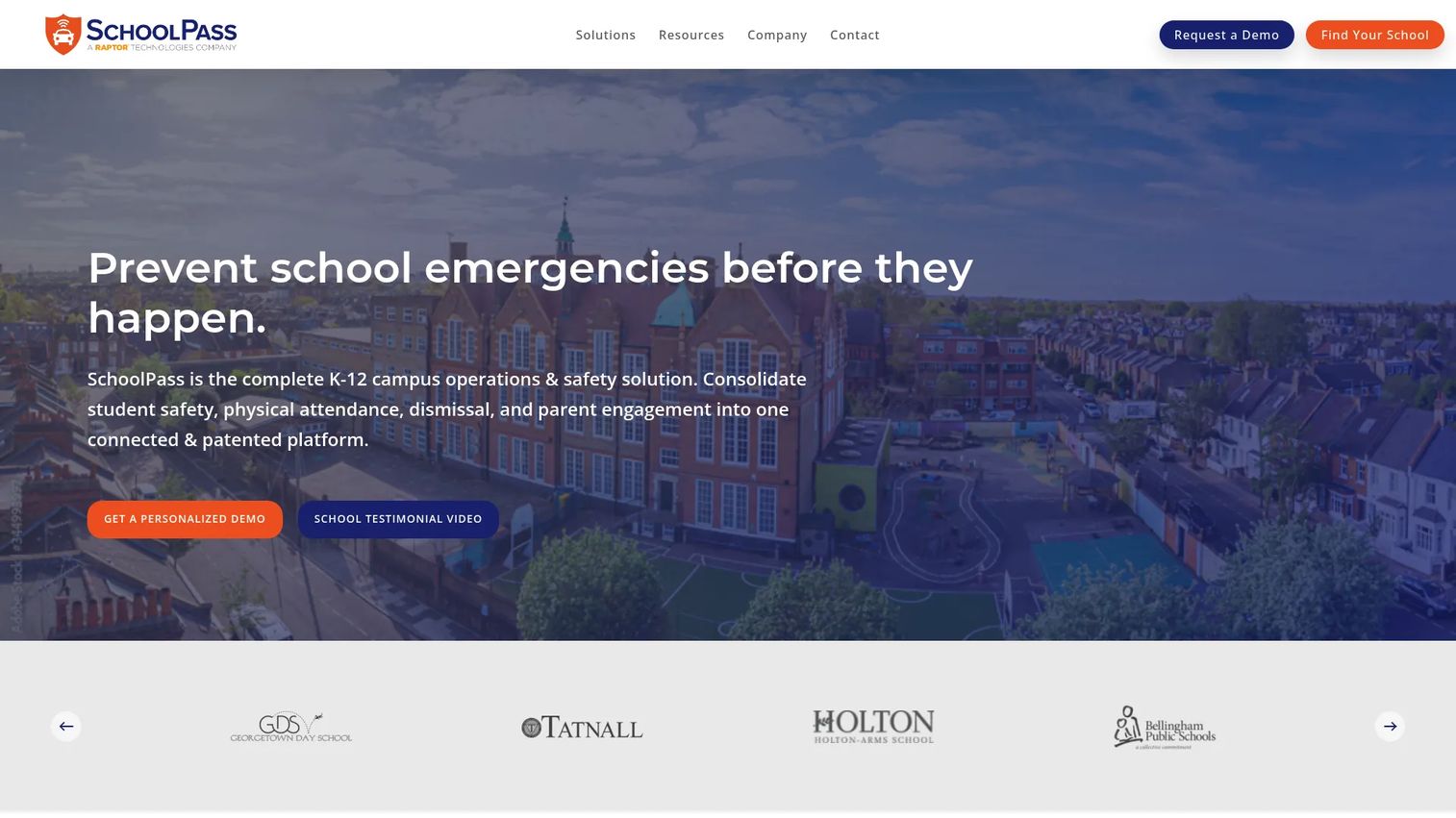
SchoolPass is a K-12 campus operations and safety platform covering attendance, dismissal, visitor management, and related school workflows. For school-based after school programs, its edge is the dismissal and pickup side: real-time rosters, carline automation, and controlled authorization for who collects each child.
If your after school program lives inside a school day rather than a standalone center, SchoolPass fits the way campuses already run. It connects attendance and hall passes to the same safety layer that governs the rest of the building.
Best for: K-12 schools that need a unified safety and operations platform tied to after school activities.
Key strengths
- Attendance and hall pass management
- Dismissal and carline automation
- Visitor management and screening
Why choose SchoolPass: If pickup authorization, dismissal control, and campus safety are the workflows keeping you up at night, SchoolPass is built around them rather than around billing.
SchoolPass pricing: SchoolPass doesn't list its pricing anywhere. Schools need to contact the company for a quote based on enrollment and which modules you want.
SchoolPass holds a 3.9/5 rating on G2.
5. GoGuardian
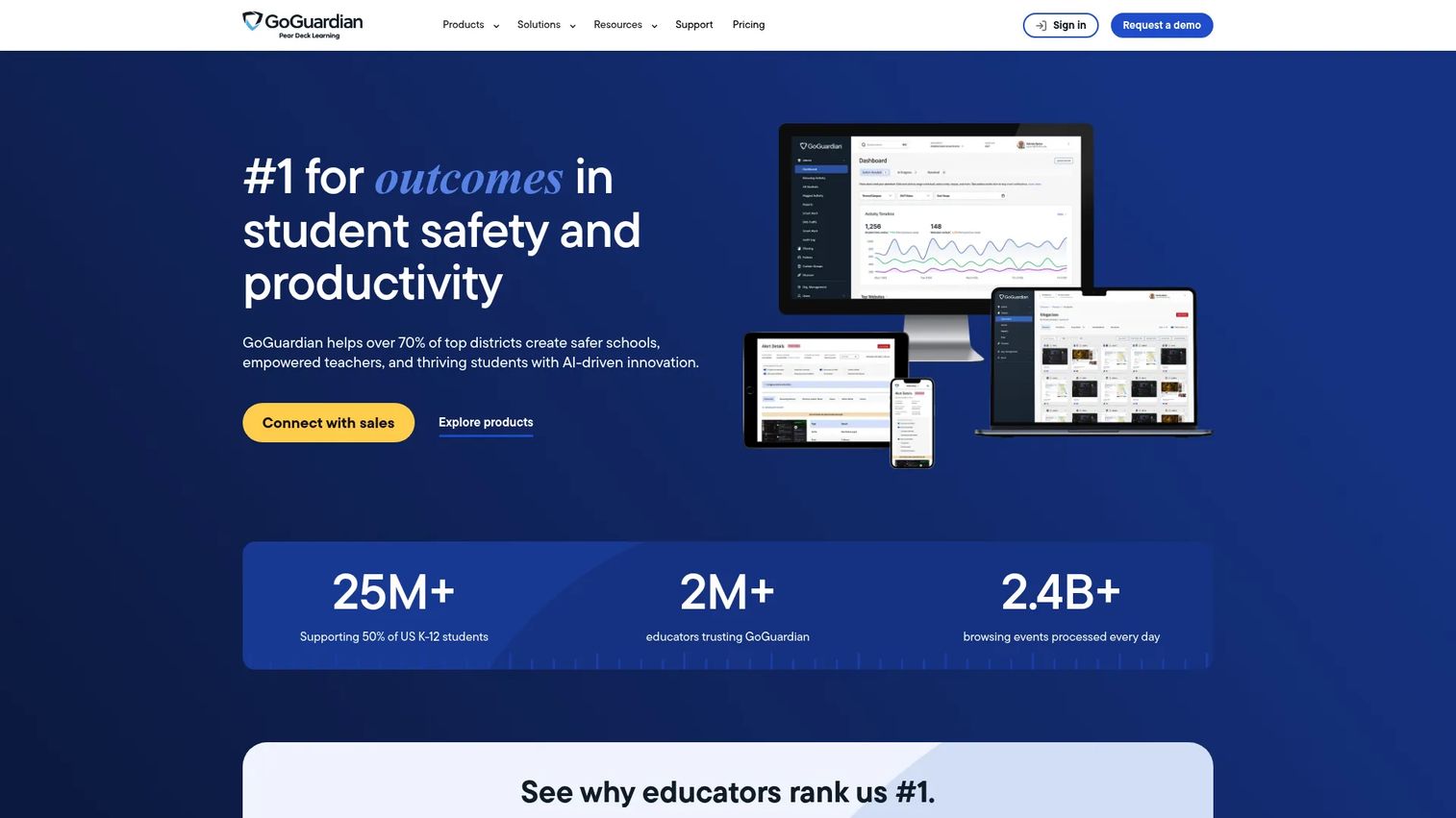
GoGuardian is K-12 education software for student safety, classroom management, and compliance. It is more adjacent to after school program management than the top four picks. Where it fits is the district that runs after school programs on school-issued devices and needs web filtering, threat detection, and classroom oversight to extend past the bell.
Treat GoGuardian as the safety and device layer rather than the attendance-and-billing engine. If your after school time happens on Chromebooks in a computer lab, its filtering and hall pass tools cover a real gap that a pure registration platform does not.
Best for: K-12 schools and districts needing centralized student safety and classroom management on school devices.
Key strengths
- K-12 web filtering and threat detection
- Classroom management and personalized instruction
- Safety, hall pass, and edtech compliance tools
Why choose GoGuardian: If your after school program runs on district devices and student safety online is the priority, GoGuardian covers a layer that registration-first tools do not touch.
GoGuardian pricing: GoGuardian uses customized pricing based on enrollment, bundles, and contract length. No public price is shown.
GoGuardian holds a 4.6/5 rating on G2.
6. Sawyer
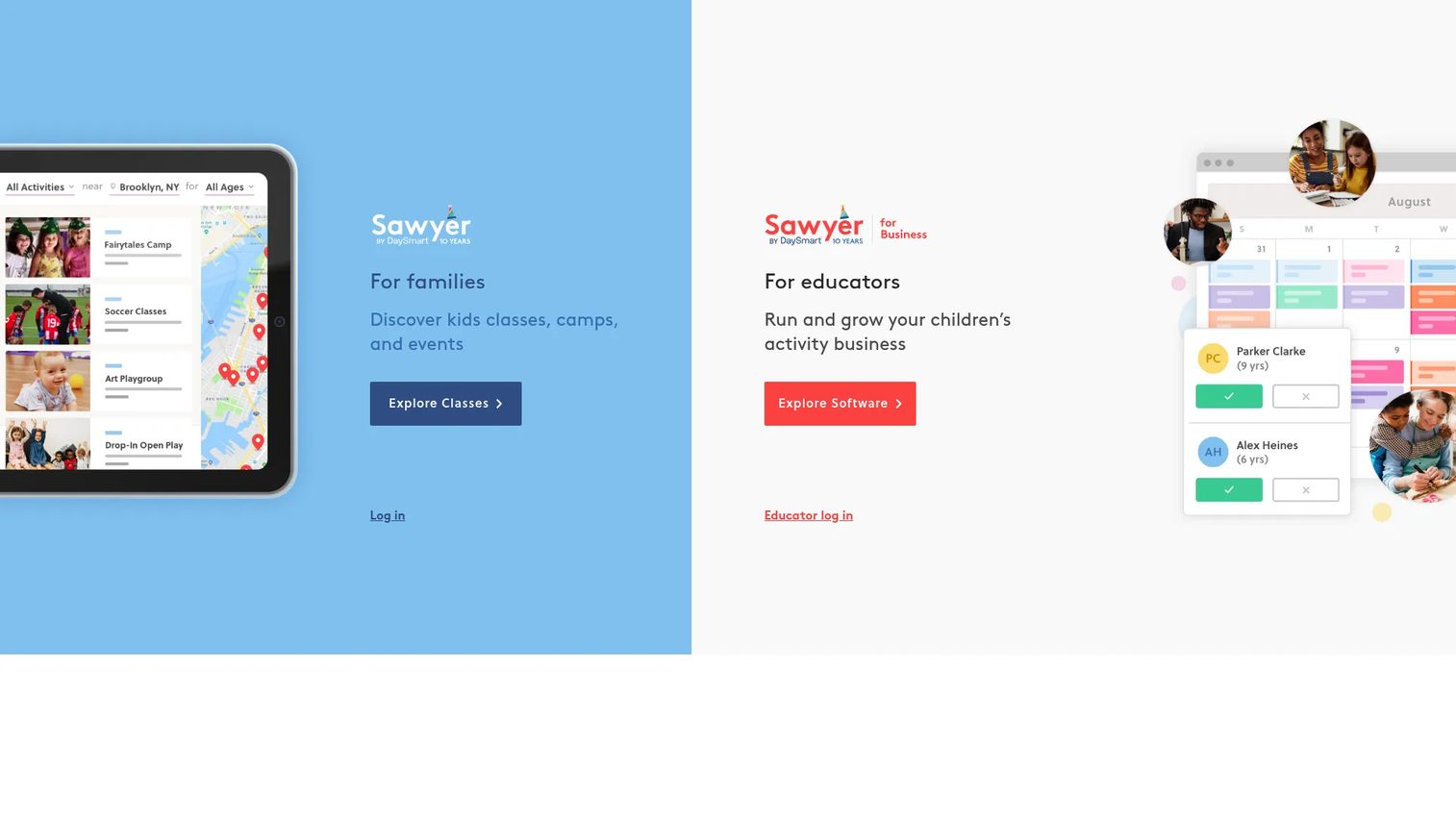
Sawyer is children's activity business software for scheduling, registration, payments, and parent communication. It is the pick for enrichment operators who sell classes, camps, and activities rather than track daily attendance for a fixed roster. If your after school program is really a menu of programs families book into, Sawyer fits that model.
The platform handles in-person and online activities, class management, attendance, and family messaging in one place. For providers who live and die by enrollment volume, its booking and payment flow is the core value, not a bolt-on.
Best for: Children's activity and enrichment providers who need registration and class management.
Key strengths
- In-person and online activities
- Class management and attendance tracking
- Messaging and family profiles
Why choose Sawyer: If you sell activities and camps rather than run a single daily program, Sawyer is built around booking and enrollment instead of attendance-only workflows.
Sawyer pricing: The Launch plan starts at 3% per transaction. Grow runs $189/mo billed annually or $219/mo billed monthly, and Scale runs $379/mo billed annually or $399/mo billed monthly. Enterprise is custom.
Sawyer holds a 4.5/5 rating on G2.
7. Amilia
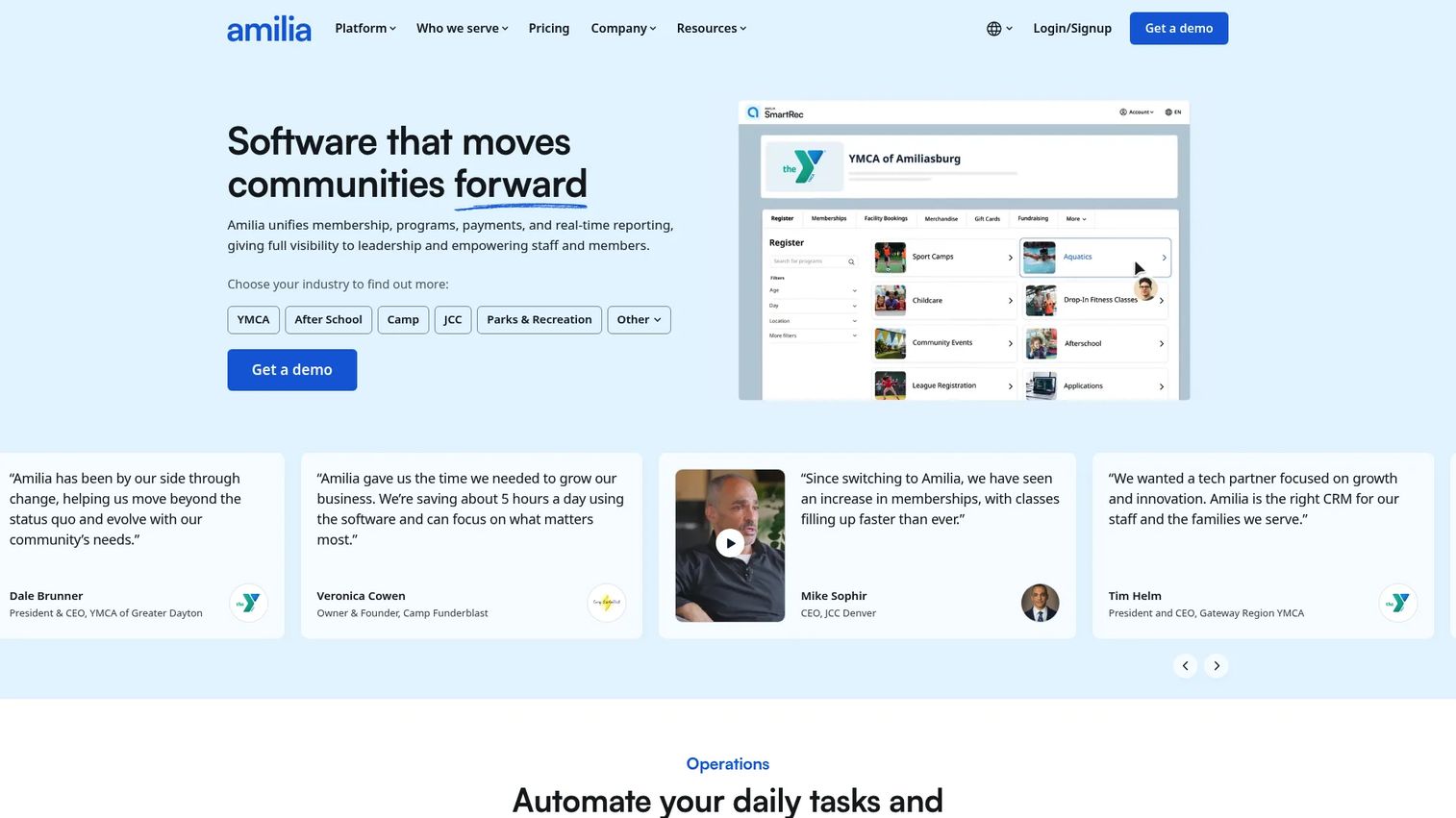
Amilia is recreation and membership management software for nonprofits, parks and rec, and community organizations. It fits operators whose after school programs sit inside a broader catalog of recreation, memberships, and facility bookings. If you run enrichment alongside sports leagues or community classes, Amilia keeps them under one system.
The platform covers online registration, memberships, activities, and facility management, with payments, point-of-sale, and reporting built in. For a community organization, that breadth means after school is one line in a program roster rather than a separate tool.
Best for: Parks and rec, nonprofits, and community organizations needing recreation registration and membership software.
Key strengths
- Online registrations, memberships, activities, and facility management
- Payments and point-of-sale with recurring billing
- Reporting, analytics, and administrative workflow tools
Why choose Amilia: If after school is part of a wider recreation offering, Amilia manages the whole catalog rather than treating your program as a standalone system.
Amilia pricing: Standard starts at $99/mo and Advanced starts at $499/mo, with a Custom tier by contact. Payment fees start at 2.85% + $0.30 on Standard and 2.75% + $0.30 on Advanced, plus a 1% service fee.
Amilia holds a 4.4/5 rating on G2.
Considerations
Before you commit, run each shortlisted platform through the workflows that actually break in your program.
Attendance and dismissal control
Check whether attendance is real-time and whether it drives everything downstream. A digital roster is table stakes. What separates tools is whether dismissal and pickup authorization are controlled, auditable, and easy to change mid-week when a parent's routine shifts.
Billing and payment flexibility
Confirm that billing reads from attendance rather than requiring manual entry. Look at recurring billing, drop-in charges, and refunds. Good after school billing software should handle a child who attends three days one week and five the next without a spreadsheet in the middle.
Compliance, pickup authorization, and records
Verify how the platform stores allergies, immunizations, consent forms, and emergency contacts. For regulated programs, confirm the reporting and audit trails match what your licensing body asks for. Records that are hard to pull are records you will dread at audit time.
Family portal and communication
Test the parent experience, not just the admin side. Can families register, pay, and update contacts without calling? A strong family portal moves work off your staff during the busiest enrollment weeks and cuts the volume of afternoon phone calls.
Integration with school or student information systems
If you are school-based, confirm the platform connects to your SIS and matches your roster in real time. For recreation and enrichment operators, prioritize payment processing and registration depth over SIS integration.
Conclusion
The right after school program management software depends on what your program actually is.
If you run child care plus before and after school across sites, Procare gives you the widest all-in-one coverage. If parent communication drives your enrollment, brightwheel puts everything in the family app. For registration and payment flexibility, CommunityPass is built for volume.
School-based operators should look at SchoolPass for dismissal and safety, or GoGuardian when student safety on district devices is the priority. Enrichment providers who sell classes and camps fit Sawyer, and organizations running recreation alongside after school fit Amilia.
Shortlist two platforms that match your program type, then run your messiest week through each: a schedule change, a billing exception, and a pickup authorization update. The tool that handles those without a spreadsheet is the one that earns its place in your stack.
FAQs
After school software is a platform that manages attendance, registration, billing, family records, and communication for programs running before or after the school day. It replaces spreadsheets, paper sign-in sheets, and disconnected apps with one connected system so the same data does not live in five places.
At minimum, look for attendance and check-in/out, registration and enrollment, tuition and billing, family records, pickup authorization, and parent communication. Programs with more complex needs should also confirm staff scheduling, ratio tracking, reporting, and compliance features that match their licensing requirements.
After school billing software ties charges to actual attendance, so you invoice what happened rather than what you remembered. Most platforms support recurring billing, drop-in charges, and online payments, which reduces disputes and speeds up collection. The best setups sync attendance and billing automatically, removing manual re-entry.
Yes. Most platforms offer digital check-in and check-out with time-stamped records and real-time rosters. Stronger options add controlled pickup authorization and dismissal workflows, so you know exactly who is approved to collect each child and can update that list when a parent's routine changes.
They overlap heavily, and several platforms serve both. Childcare software often centers on full-day center operations, while after school registration software emphasizes session enrollment, schedule changes, and programs tied to the school day. The right pick depends on whether you run a center, a school program, or a recreation catalog.
School-based operators should prioritize dismissal control, pickup authorization, real-time rosters, and integration with their student information system. Campus safety and visitor management matter more here than they do for standalone centers, so afterschool management software that connects to the wider school day is often the better fit.
Start by naming your program type: child care, school-based, or enrichment and recreation. Match that to a platform built for it, then shortlist two and test your hardest workflows: a schedule change, a billing exception, and a pickup update. Choose the one that handles all three without a spreadsheet.










