Introduction
By the time most SaaS companies hit Series B, the document stack looks like archaeology. The signed MSA from your biggest customer lives in someone's email. The SOC 2 evidence is spread across three shared drives. The latest pricing deck has four versions and no one knows which is current. The board materials are in a folder no one can find without asking the COO.
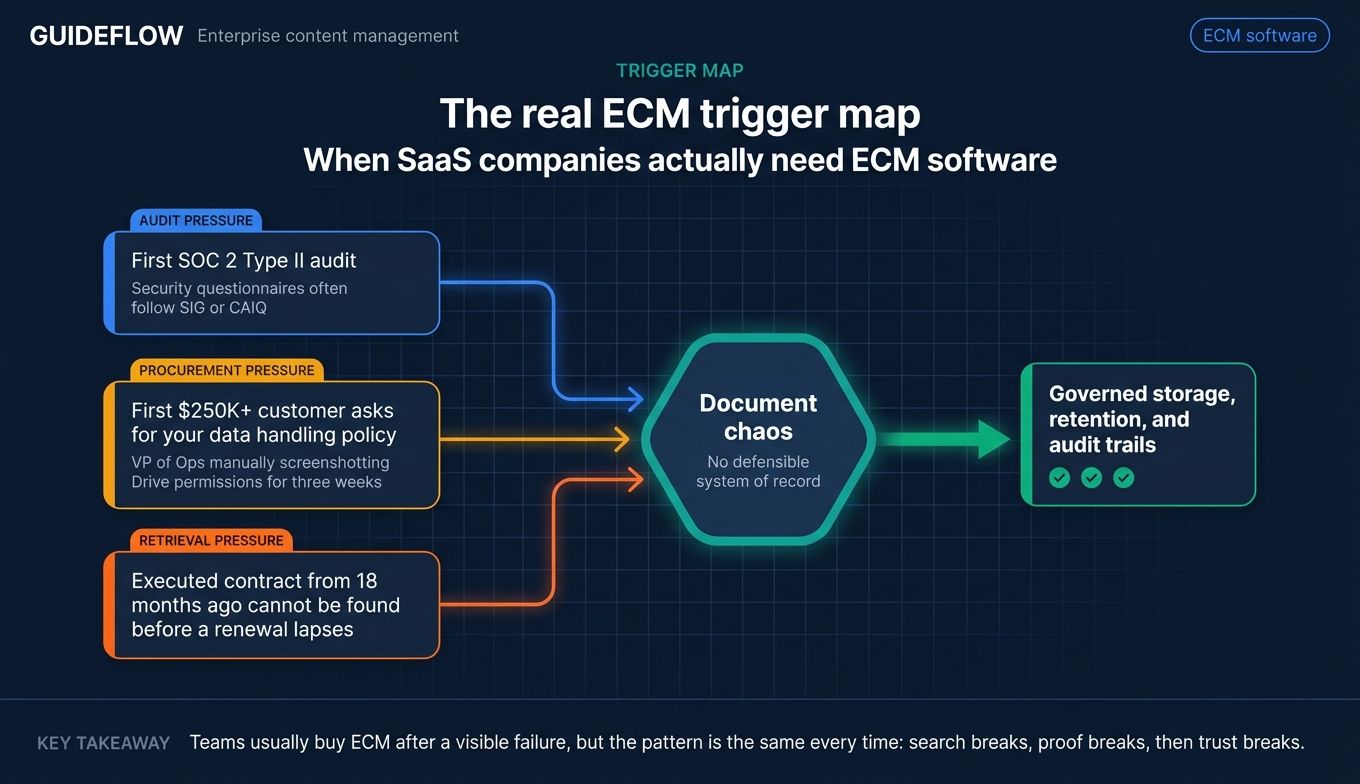
Then comes the first SOC 2 audit. The first enterprise customer asking for your data retention policy. The first time legal needs an executed contract from 18 months ago and can't get to it before the renewal lapses. That moment is when the patchwork of file shares becomes a real liability, not a minor annoyance.
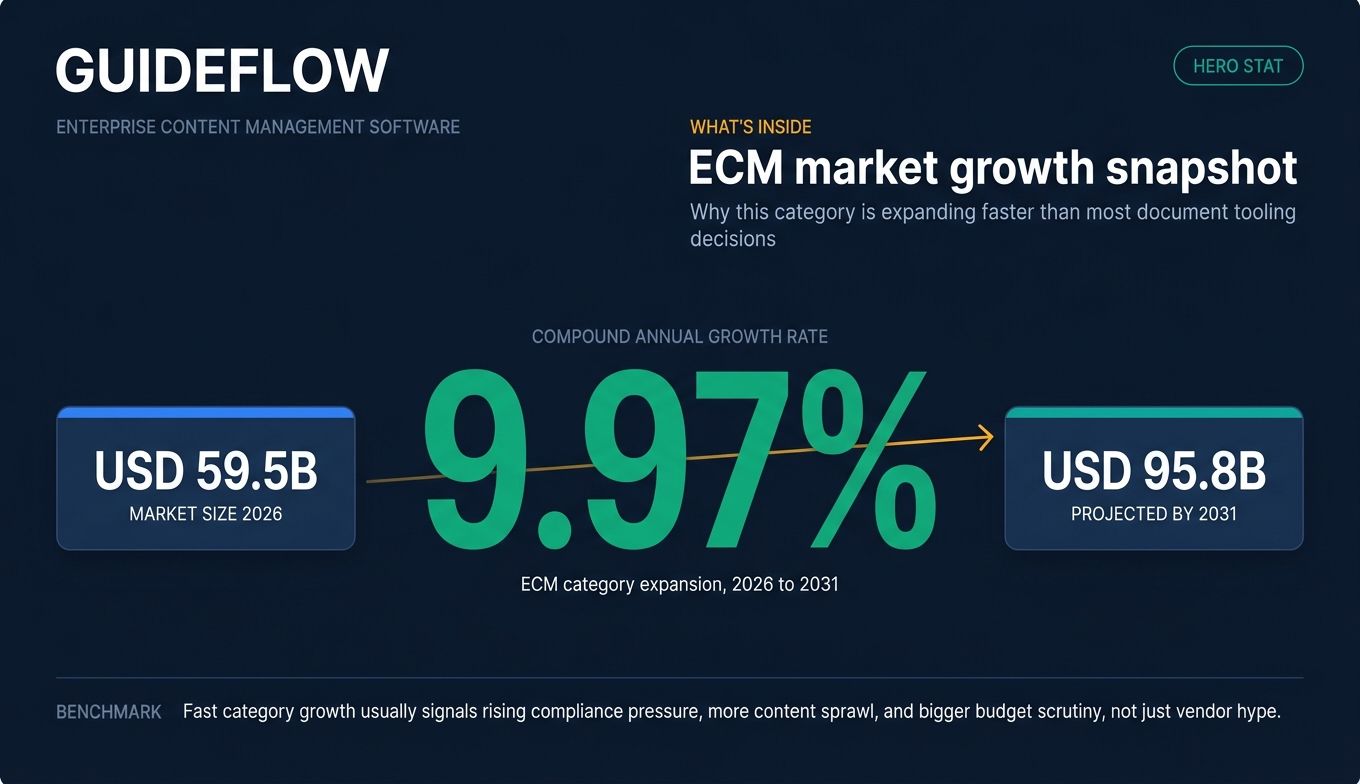
This is what enterprise content management software is for. The category sits at roughly USD 59.5 billion in 2026 and is projected to reach USD 95.8 billion by 2031, growing at a 9.97% CAGR (MarketsandMarkets ECM market forecast). That growth is fueled by the same forces hitting your company: regulated customers, AI-driven content sprawl, and compliance frameworks that no longer tolerate "we'll find it" as an answer.
The 10 tools below are the ones worth shortlisting if you're scaling past the Google Drive plus Dropbox plus SharePoint patchwork and need real governance, retention, and audit readiness.
What's inside
This guide is for operations, finance, IT, and compliance leaders at fast-scaling SaaS and mid-market companies who are evaluating an enterprise content management system for the first time, or replacing one that has stopped fitting.
We selected the 10 picks against four criteria:
- Governance and compliance depth (SOC 2, GDPR data retention requirements, HIPAA, retention rules)
- Integration with modern SaaS stacks (Salesforce, Slack, Microsoft 365, Google Workspace)
- Time-to-deploy and admin overhead
- Cost relative to org size
Every pricing figure and rating was checked against the vendor's live pricing page and current G2 listing at generation time. Where pricing isn't public, that's stated directly.
TL;DR
- Best for cloud-first SaaS scaling fast: Box
- Best for Microsoft-heavy organizations: Microsoft SharePoint with Syntex
- Best for federated content across legacy and cloud: Hyland
- Best for regulated industries and records compliance: OpenText
- Best for metadata-driven mid-market teams: M-Files
- Best for high-volume transactional content: IBM FileNet Content Manager
- Best for headless and digital experience content: Contentful
If your reader is the founder, those are the seven shortcuts. The full list and trade-offs are below.
What is enterprise content management software?
Enterprise content management (ECM) software is a category of tools that capture, store, govern, search, and distribute an organization's documents and unstructured content across the full content lifecycle. Adobe and Microsoft both define ECM as covering the five core stages: capture, manage, store, preserve, and deliver (Adobe's definition of enterprise content management; Microsoft's enterprise content management guidance).
An ECM platform is different from a basic file share. It adds the controls that make content defensible in an audit, a lawsuit, or a regulator's review.
Core capabilities of an enterprise content management platform:
- Content capture from email, scanners, web forms, and integrated systems
- Centralized, governed storage with classification
- Search and retrieval across repositories
- Version control and document history
- Access permissions by role, group, and content type
- Retention and disposition policies
- Audit trails for every content event
- Workflow automation (approvals, routing, escalations)
- Integration with line-of-business systems (CRM, ERP, HRIS, e-sign)
- Records management for regulated content
The category is usually split into three variants: web content management (public-facing digital experiences), collaborative content management (internal documents and team work), and transactional content management (high-volume, process-driven content like invoices and claims).
ECM vs. DMS vs. CMS: A document management system (DMS) handles files. A content management system (CMS) publishes content to a website. An ECM does both, plus records management, retention, governance, and lifecycle automation across the whole organization.
When SaaS companies actually need ECM software
Prepare for SOC 2, ISO 27001, or HIPAA audits without burning your Ops team
The first SOC 2 Type II audit is the moment most Series B SaaS companies realize their content is a problem. Auditors want evidence of access control, retention, and change history for specific document classes. An ECM gives you a defensible system of record with audit trails, instead of a VP of Ops manually screenshotting Drive permissions for three weeks.
Survive enterprise procurement when your first $250K+ customer asks for your data handling policy
Enterprise buyers send security questionnaires. They ask for your data retention policy, your records management approach, and your vendor risk responses, often following enterprise security questionnaire best practices like SIG or CAIQ. Without an ECM, you're writing those answers from scratch and hoping legal signs off. With one, you're pointing at a documented policy that's actually enforced.
Stop legal and finance from being the bottleneck on every executed document
When every signed contract lives in a different person's email or a buried folder, legal becomes a search engine. An ECM with searchable contract repositories, automated routing, and e-sign integration takes legal out of the critical path on renewals, audits, and procurement.
Comparison table: Enterprise content management vendors at a glance
Below are the 10 enterprise content management systems we cover in this guide. Pricing reflects the entry tier visible on each vendor's pricing page at generation time. Where pricing is not publicly listed, that's stated directly, not guessed. Ratings reflect each tool's current G2 listing (or Capterra where G2 brand-level ratings are not consolidated).
| # | Product | Intent | Key differentiation | Pricing | G2 rating |
|---|---|---|---|---|---|
| 1 | Box | Cloud-first content collaboration and governance | AI-powered platform with strong threat detection and modern SaaS integrations | Free; paid from $5/user/month | 4.2/5 |
| 2 | Microsoft SharePoint | Microsoft 365-native ECM | Deep Office, Teams, and Microsoft 365 integration | From $5.00/user/month (SharePoint Plan 1) | 4.4/5 (Capterra) |
| 3 | Hyland | Federated content across legacy and cloud | Multi-repo content services and industry-specific modules | Contact sales | 4.2/5 |
| 4 | OpenText | Enterprise-grade information management | Records depth and regulated industry coverage | Contact sales | Varies by product |
| 5 | M-Files | Metadata-driven document management | AI classification and context-first architecture | From $65/seat/month (Essentials) | 4.4/5 |
| 6 | IBM FileNet Content Manager | High-volume transactional content | Cloud-native federated content services with role-based redaction | Contact sales | 4.0/5 |
| 7 | Laserfiche | Mid-market intelligent content platform | Workflow automation and forms with AI document processing | From $53/user/month (Starter, billed annually) | 4.7/5 |
| 8 | DocuWare | Document management and workflow automation | Pre-built workflows for invoices and HR | Cloud plans from £10 to £60/user/month | 4.4/5 |
| 9 | Alfresco (Hyland) | Open, cloud-native content services | Open-source heritage with enterprise governance | Contact sales | 4.1/5 (Capterra) |
| 10 | Contentful | Headless digital experience content | API-first structured content for omnichannel delivery | Free; paid from $300/month | 4.2/5 |
The 10 best enterprise content management software tools for 2026
1. Box
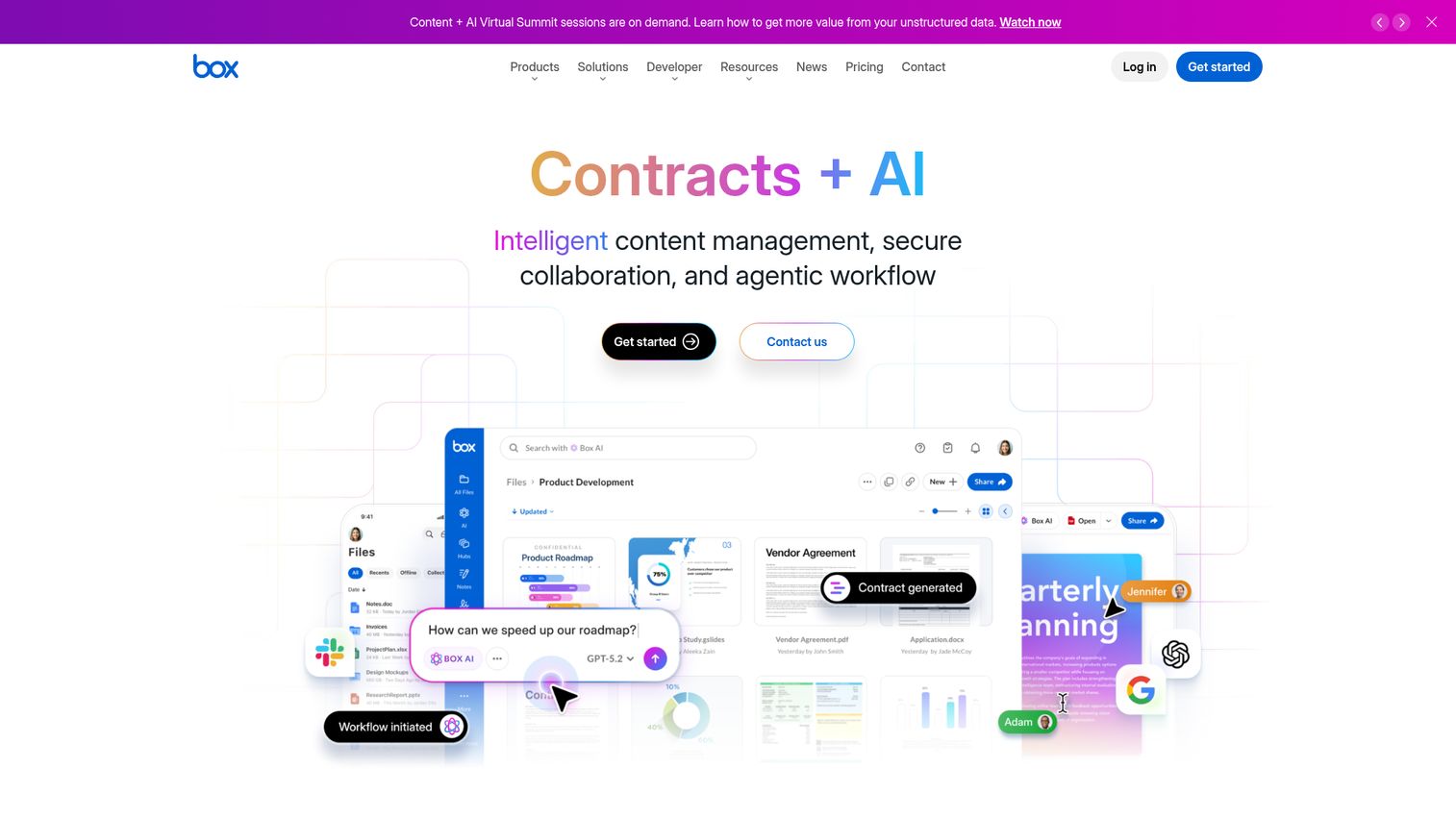
Box is an AI-powered intelligent content management platform for storing, securing, collaborating on, and automating work around business content. It's the cleanest cloud-native ECM option for SaaS companies that have outgrown shared drives but don't want to spend nine months on a SharePoint or OpenText rollout. The platform handles content security, threat detection, workflow automation, and external collaboration in one suite that fits naturally into modern SaaS stacks.
Best for: Cloud-first SaaS and mid-market organizations that need enterprise-grade governance without a long implementation runway.
Key strengths
- Content security and threat detection: Secure content with identity and access controls, device security, and built-in content protection.
- Data breach prevention: Classification-based security controls and intelligent threat detection to flag risky access patterns.
- Visual collaboration: Bring teams together with interactive whiteboarding and content workflows that turn ideas into action.
Why choose Box: Box is the option that gets you from "we need governance" to "we have governance" without a multi-quarter implementation. For a Series B SaaS company about to face its first SOC 2 audit, that speed matters more than the deepest records management feature set. The trade-off is that the per-seat model gets expensive at scale, and the deepest compliance capabilities live in the higher tiers.
Box pricing: Box has a free Individual plan for single users. Paid plans start at Business Starter for $5 per user/month with a minimum of three users, Business at $15, Business Plus at $25, Enterprise at $35, and Enterprise Plus at $50 per user/month, all with a three-user minimum. Enterprise Advanced is available by contacting sales. Verified from box.com/pricing.
2. Microsoft SharePoint
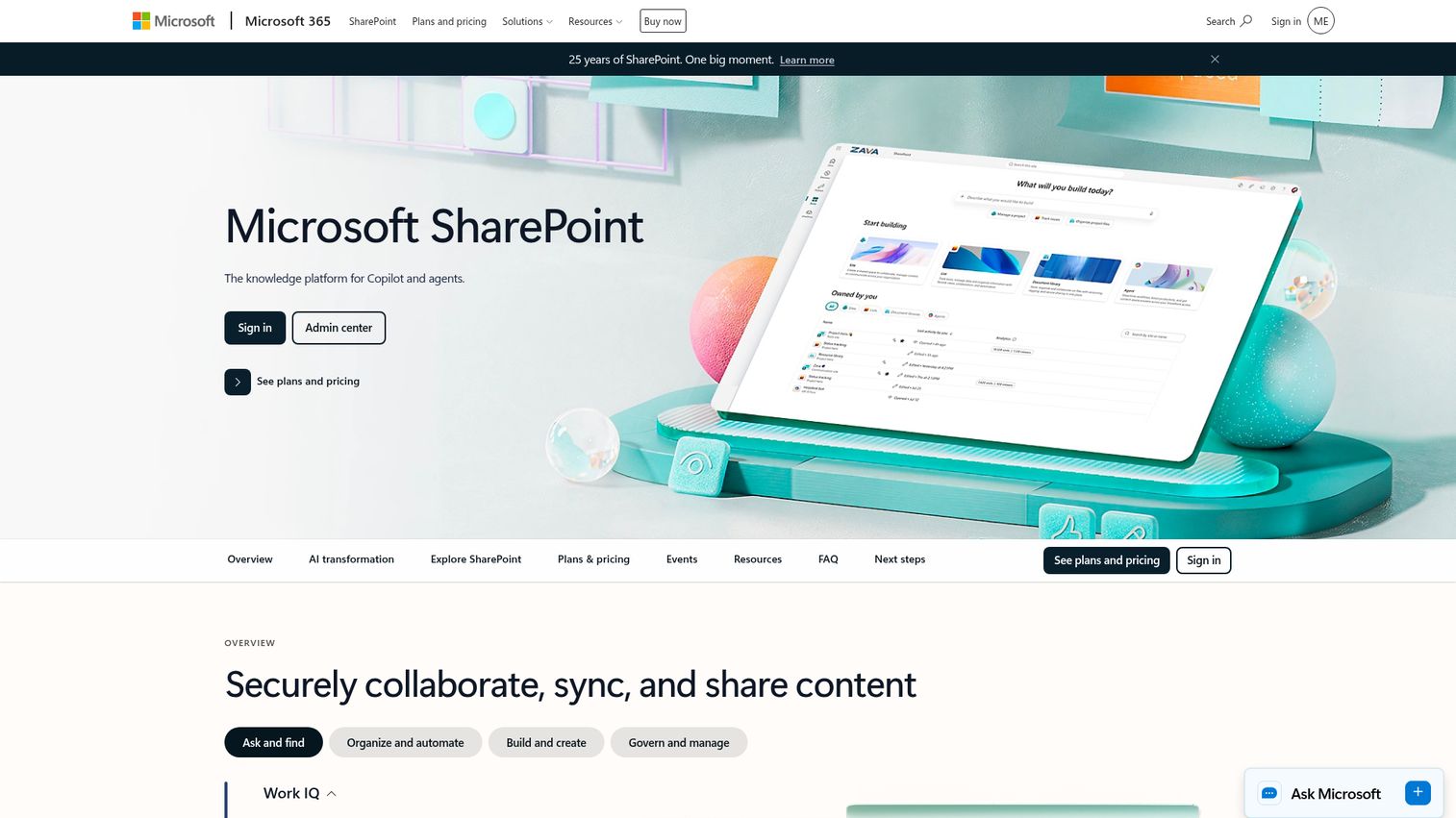
Microsoft SharePoint is a web-based collaboration and document management platform used by organizations to store, organize, share, and access information securely. For companies already standardized on Microsoft 365, SharePoint is often the default ECM choice because the integration with Teams, Outlook, and the broader Microsoft stack is unmatched.
Best for: Mid-market and enterprise organizations already running on Microsoft 365 that want to consolidate content management inside that stack.
Key strengths
- Real-time collaboration: Real-time collaboration and communication on shared sites and document libraries.
- Document libraries with version control: Document libraries with version history and granular access control.
- AI-powered discovery: AI-powered search, automation, and agent-assisted knowledge discovery across content.
Why choose Microsoft SharePoint: SharePoint is the path of least resistance for Microsoft-heavy organizations. The licensing is bundled into plans most companies already pay for, and the Microsoft 365 integration is something no third-party ECM can match. The honest caveat is that SharePoint's "free with M365" framing hides the real cost: governance setup, admin overhead, and the IT bandwidth to keep it from becoming the next sprawl problem.
Microsoft SharePoint pricing: SharePoint (Plan 1) is listed at $5.00 per user/month paid yearly. SharePoint is also included in Microsoft 365 Business Standard at $12.50 per user/month and Microsoft 365 Business Standard (no Teams) at $9.29 per user/month. Verified from Microsoft's official SharePoint pricing comparison page.
3. Hyland
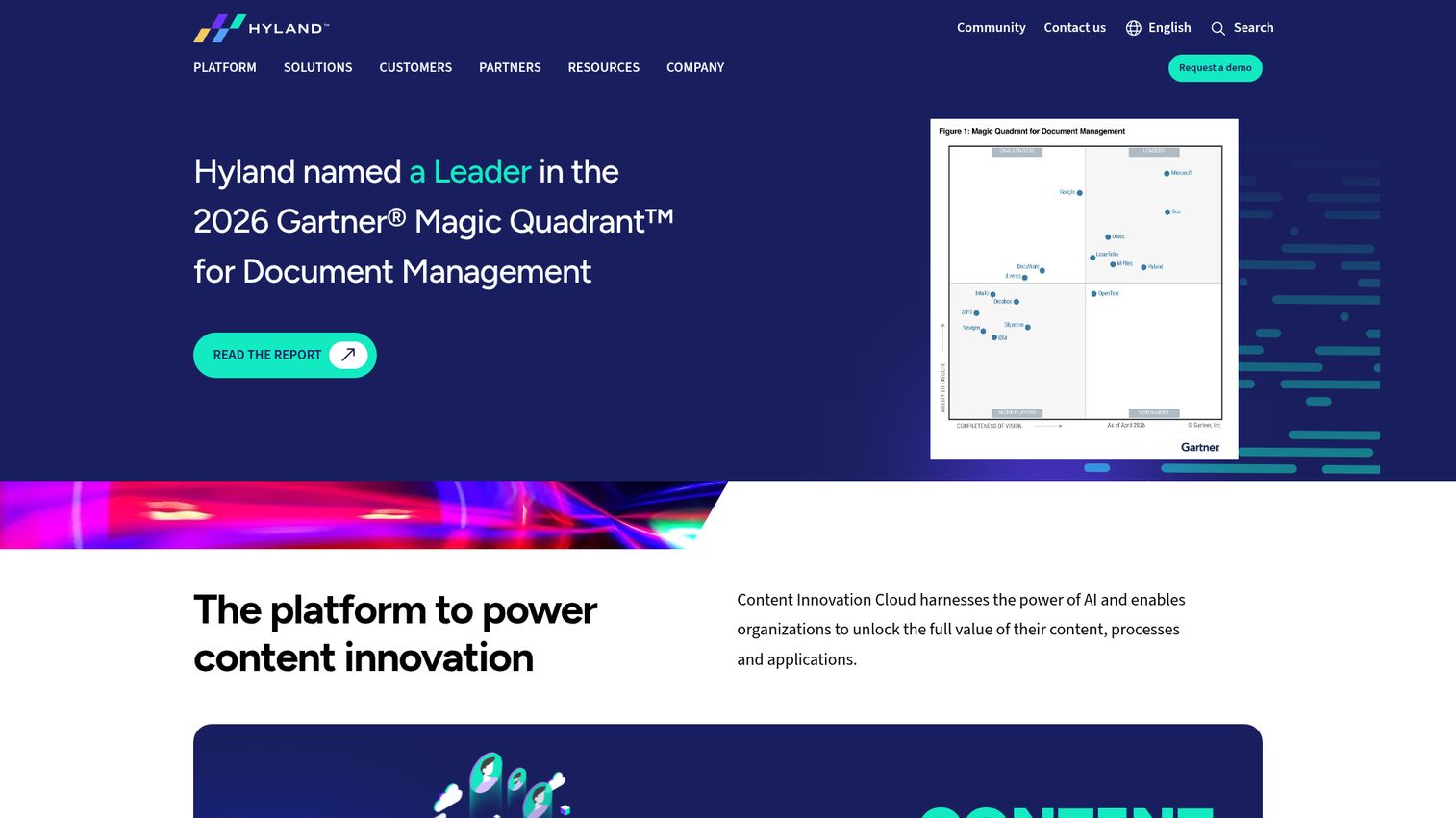
Hyland provides AI-powered content services software to help organizations unlock the value of their content, processes, and applications. Hyland's strength is connecting content across multiple repositories and business systems, which makes it a strong fit for organizations that can't rip and replace legacy content stores. Hyland's perspective on centralizing ECM frames ECM as a way to centralize versioning, automation, and compliance across an organization's full content footprint.
Best for: Mid-market and enterprise organizations that need to govern content across both legacy systems and modern cloud repositories.
Key strengths
- Process automation: Workflow and case management automation across content-heavy processes.
- Content management: Centralized content services across documents, records, and rich media.
- Systems integration: Federated integration with line-of-business systems so content stays connected to the systems that use it.
Why choose Hyland: Hyland is the right pick when you have legacy systems that need to coexist with newer cloud content rather than be replaced. Healthcare, financial services, and insurance organizations often land here because Hyland has industry-specific modules that shortcut the compliance work. The trade-off is implementation: Hyland is a content services platform, not a self-serve SaaS sign-up.
Hyland pricing: Hyland does not publish self-serve pricing. Pricing requires a sales conversation, and deployments are scoped per organization based on user count, modules, and deployment model. Hyland routes buyers to a demo and quoting process rather than listing tiers publicly.
4. OpenText
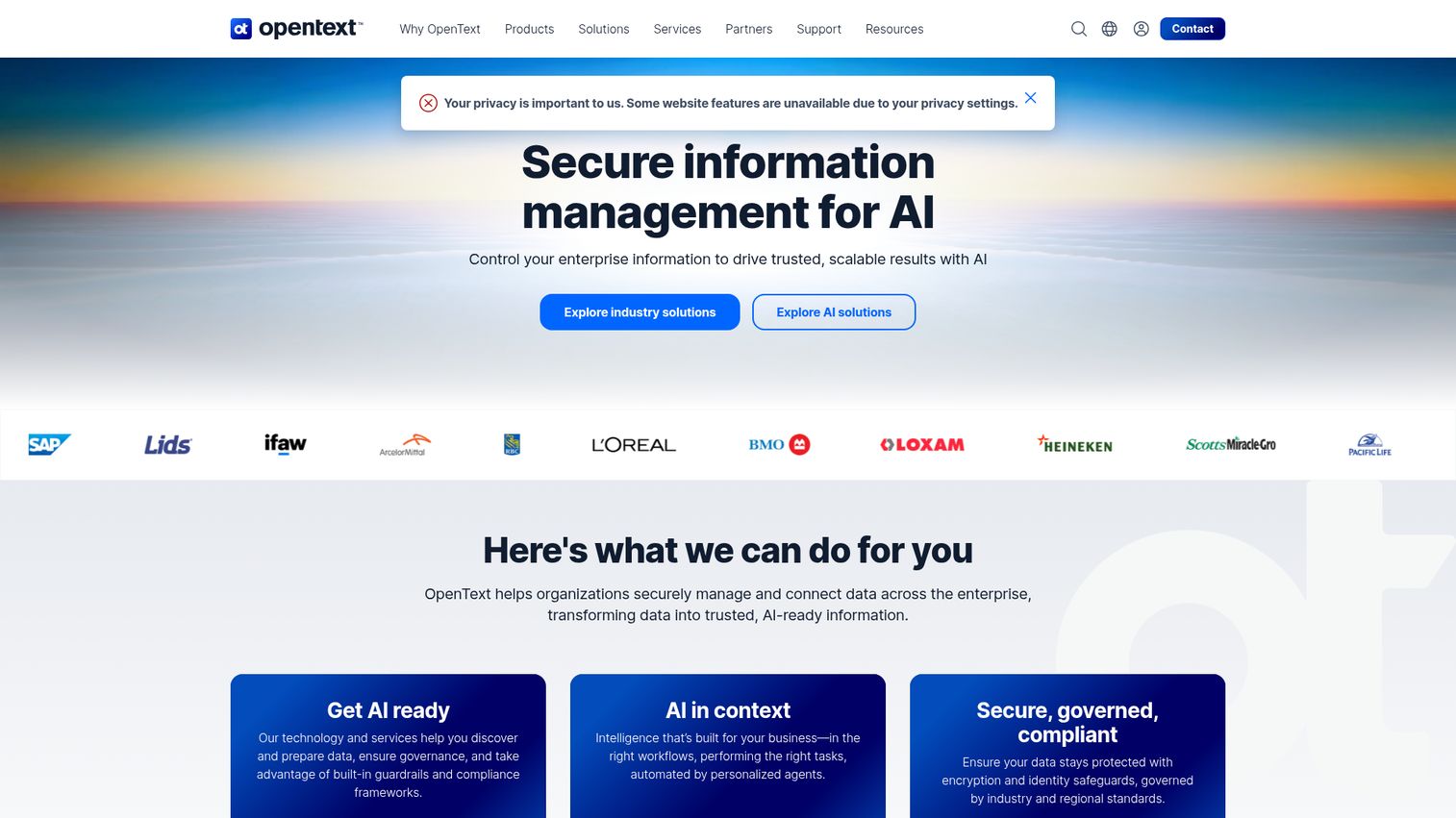
OpenText provides secure information management software to help organizations control enterprise information and drive trusted, scalable AI outcomes. OpenText is the enterprise stalwart for regulated industries. Its content suite covers records management, compliance, and information governance at a depth that few competitors match. OpenText's modern ECM guidance emphasizes that modern ECM extends what an organization already has rather than ripping and replacing it.
Best for: Large and regulated organizations with serious records management requirements and a dedicated IT function to support implementation.
Key strengths
- Enterprise information control: Manage and connect data across the enterprise to eliminate silos, improve collaboration, and reduce risk.
- AI-ready content: Transform unstructured data into AI-ready information that is structured, accessible, and optimized.
- Built-in security and compliance: Information protection throughout the content lifecycle, with regulated-industry compliance templates.
Why choose OpenText: OpenText is the answer when records compliance is non-negotiable and you have the IT team to support a proper enterprise deployment. Pharma, government, financial services, and legal organizations routinely land here because the records management depth is hard to match. The trade-off is that this is not a startup move: OpenText is a multi-product portfolio with sales-led pricing and scoped implementations.
OpenText pricing: OpenText does not publish brand-level public pricing. Most product pages route to contact-sales flows, and deployments are scoped to the specific product, deployment model, and organization size. Buyers should expect enterprise-tier pricing and a structured implementation engagement.
5. M-Files
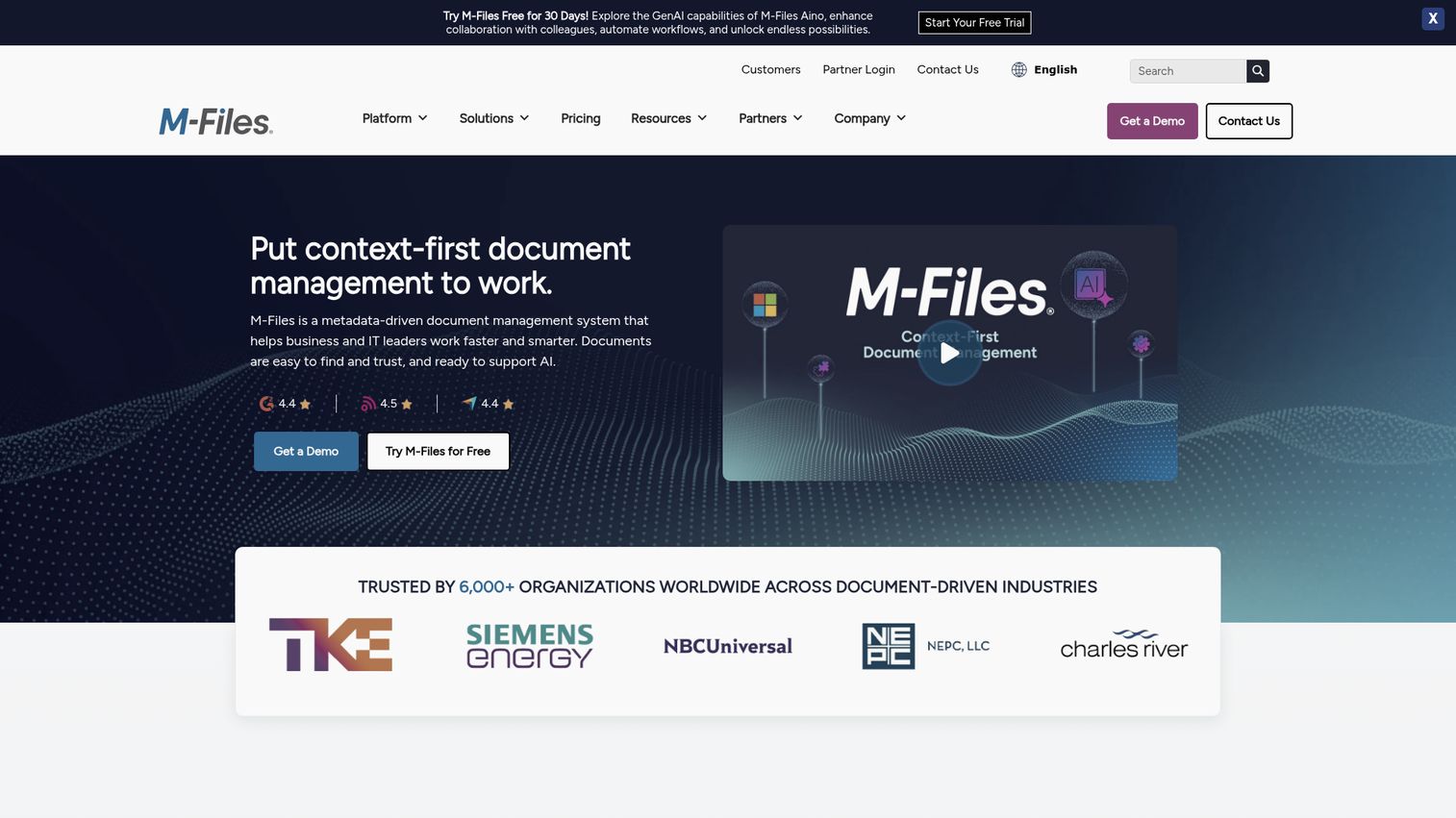
M-Files is a metadata-driven document management system that helps business and IT leaders work faster and smarter. M-Files takes a fundamentally different approach to content organization: instead of folders, content is classified by metadata, which means the same document can be found by any relevant attribute (customer, project, document type, retention class) without being duplicated.
Best for: Mid-market organizations where folder-based file management has broken at scale and the team wants a smarter content model without a legacy enterprise implementation.
Key strengths
- AI-powered document management: AI that automatically classifies and organizes content based on metadata.
- Versioning and search: Save, search, edit, and track version history of documents from anywhere.
- Workflow automation: Digitize business processes and improve efficiency with structured workflows.
Why choose M-Files: M-Files is the metadata-driven middle path between cloud-native simplicity and enterprise depth. It works well for organizations whose content has outgrown folders but that don't want the complexity of a full enterprise platform. The metadata approach takes some adjustment, especially for teams used to nested folder hierarchies.
M-Files pricing: M-Files publishes two plans on its editions page: M-Files Essentials at $65 per seat monthly, and M-Files Enterprise with custom pricing through sales. A 30-day free trial is available. Verified from m-files.com/editions.
6. IBM FileNet Content Manager
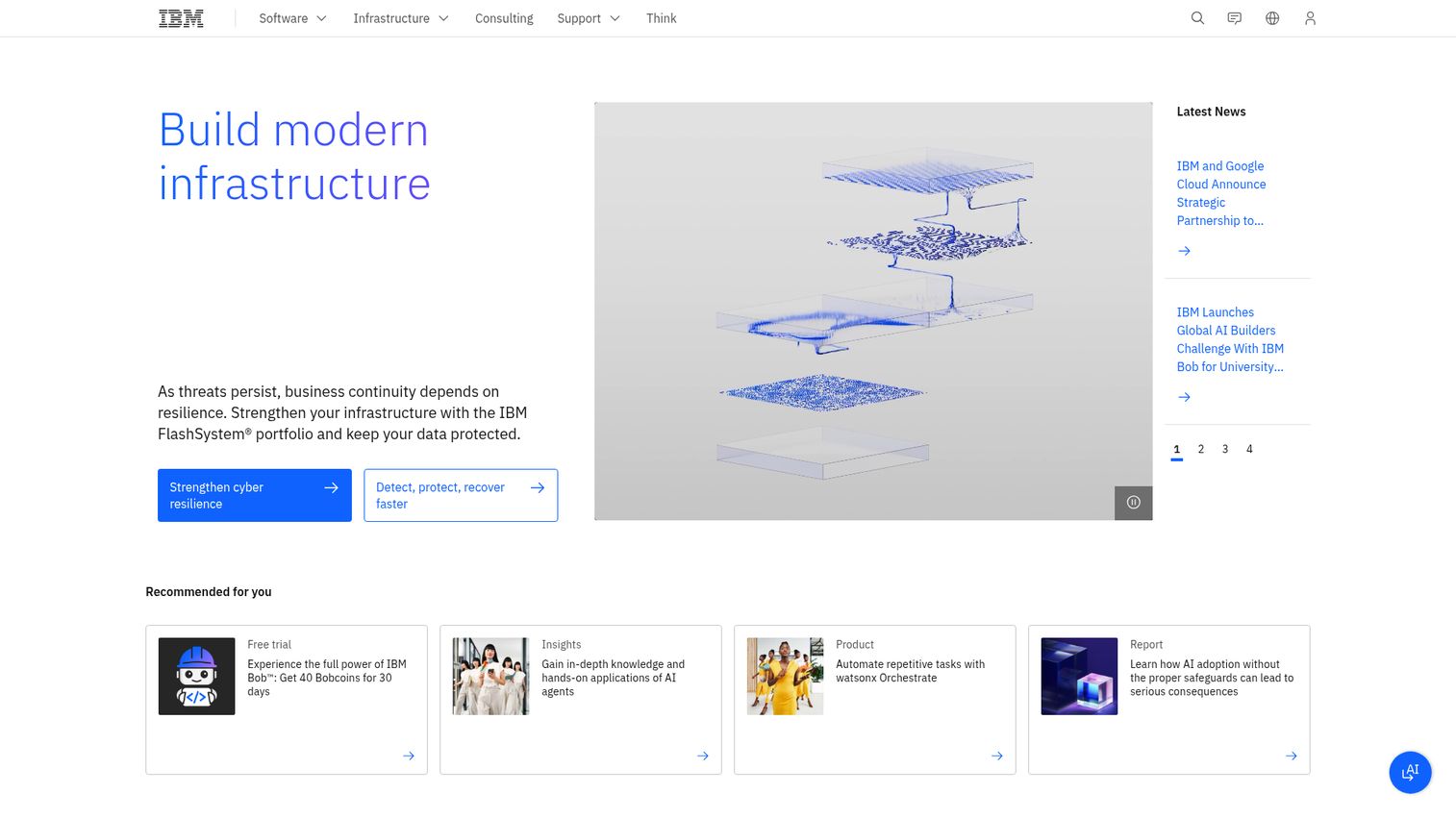
IBM FileNet Content Manager is a cloud-native, AI-powered content services solution that transforms how organizations manage, share, and access content to make confident decisions faster. FileNet's strength is handling transactional content at volume: claims, invoices, applications, and other process-driven document classes that flow through structured workflows.
Best for: Large enterprises with high-volume transactional content and complex governance requirements across hybrid and cloud deployments.
Key strengths
- Federated content services: Federated content services for enterprise document management and governance across repositories and file shares.
- Cloud-native deployment: Cloud-native management and deployment on any cloud.
- Developer tooling: Role-based redaction and low-code developer tools with GraphQL APIs.
Why choose IBM FileNet: FileNet is the right pick when you process millions of documents and need automation at enterprise scale, with the security posture and developer tooling to support custom content applications. The trade-off matches OpenText: this is an enterprise content services platform, not a self-serve SaaS purchase.
IBM FileNet pricing: IBM does not publish public pricing for FileNet Content Manager. The product page states "Contact us for pricing information. Financing is available." Deployments are scoped per organization based on user count, content volume, and deployment model.
7. Laserfiche
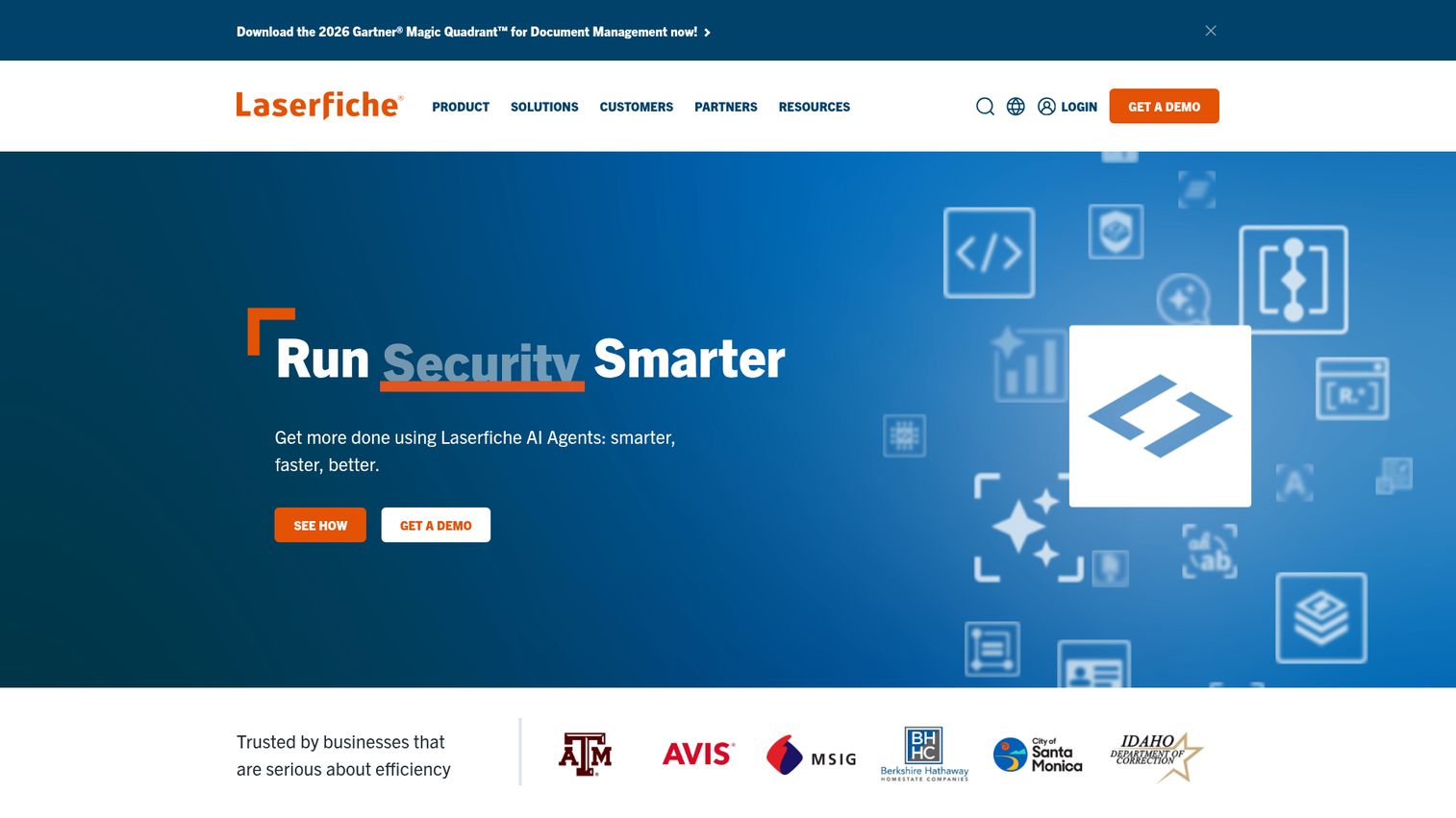
Laserfiche is an intelligent content platform that helps organizations manage documents, automate work, and make better decisions by bringing people, processes, and AI together. Laserfiche has a particularly strong reputation in the mid-market, where it offers enterprise-grade capability without the implementation overhead of a full OpenText or FileNet deployment.
Best for: Mid-market organizations that want a balance of records management, workflow automation, and AI-driven document processing.
Key strengths
- AI-powered document management: Data extraction, document classification, and summarization powered by AI.
- Workflow and forms automation: Low-code workflow and approval automation with electronic forms.
- Governed repository: Centralized repository with audit trails, granular access controls, and integrations.
Why choose Laserfiche: Laserfiche is the call when you want enterprise capability without enterprise complexity. The cloud plans are publicly priced, the workflow tooling is mature, and the platform has consistently strong reviewer sentiment for usability and support. The 4.7/5 G2 rating is among the highest in this category.
Laserfiche pricing: Cloud plans start at Starter for $53 per user/month, Professional for $73, and Business for $93, all billed annually. Self-hosted Laserfiche 12 pricing is available by demo request only. Verified from laserfiche.com/products/pricing.
8. DocuWare
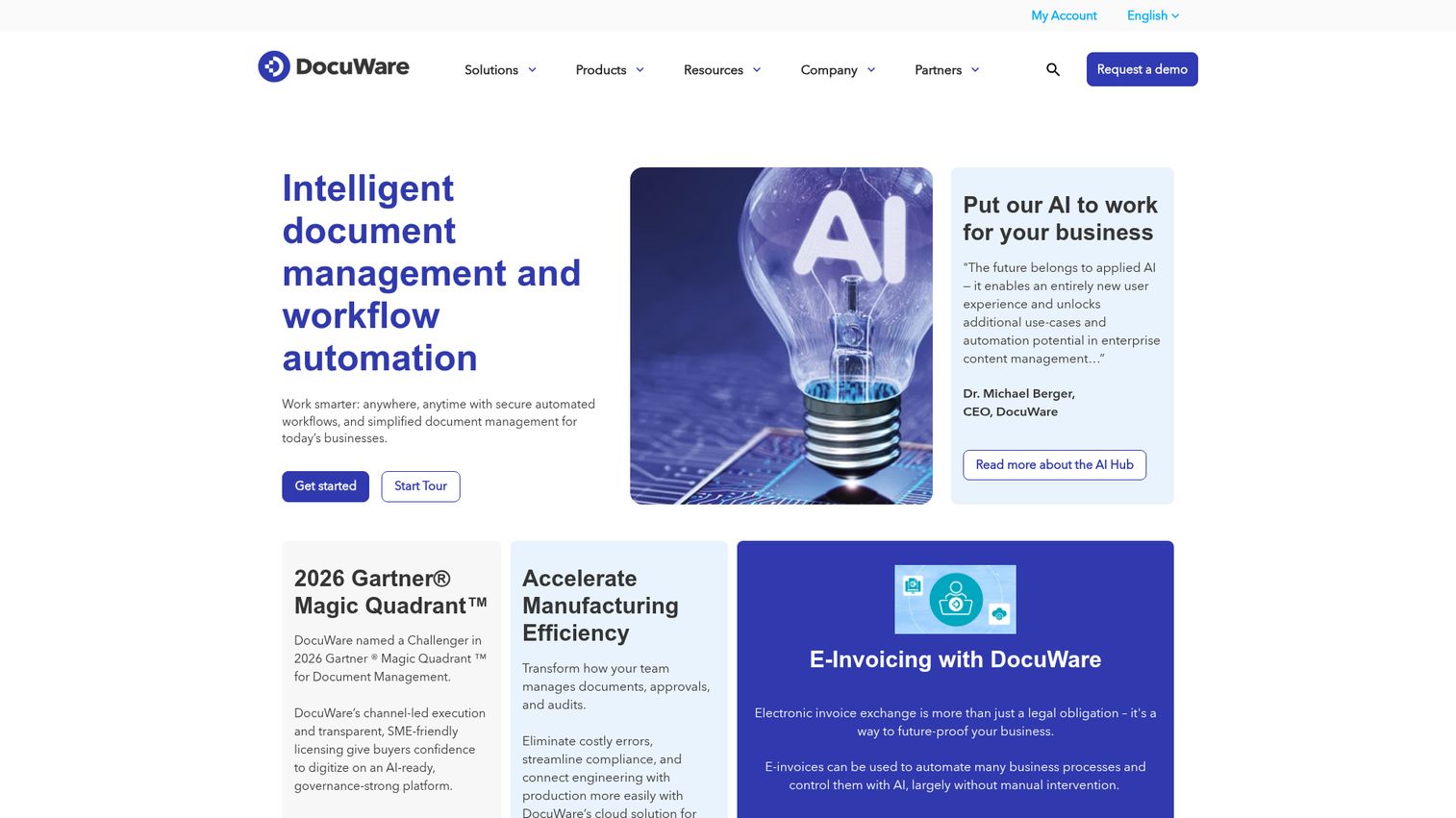
DocuWare is intelligent document management and workflow automation software focused on cloud deployment. DocuWare has built a strong niche in pre-built workflows for finance (invoice processing) and HR (employee file management), which makes it appealing for mid-market organizations that want to digitize specific processes fast.
Best for: Mid-market organizations that want pre-built workflows for finance and HR with a quick cloud deployment.
Key strengths
- Intelligent Indexing: AI-driven document indexing that reduces manual data entry.
- Workflow automation: Process automation for finance, HR, and document-heavy operations.
- Electronic signature: Built-in e-signature for executed documents and approvals.
Why choose DocuWare: DocuWare is the right pick when your ECM need is rooted in specific process automation, especially invoice processing and employee records, and you want a cloud-first deployment without a lengthy implementation. Pricing scales by users and storage rather than features, which is friendlier than tier-locked competitors.
DocuWare pricing: First-party content lists DocuWare Cloud 4, 15, 40, and 100 plans, with pricing ranging from £10 to £60 per user/month based on users and storage. A 30-day free trial is available. Verified from start.docuware.com.
9. Alfresco (Hyland)
Alfresco is an open, scalable, cloud-native content, process, and governance management suite, now part of Hyland. Alfresco's open-source heritage makes it appealing for organizations that want to extend or customize their content platform rather than accept a vendor's defaults. The API depth and content modeling flexibility are real differentiators for developer-led teams.
Best for: Organizations that want to build custom content applications on top of an open, API-rich ECM platform with enterprise governance.
Key strengths
- Document management: Open document management with strong content modeling and metadata.
- Intelligent process management: Workflow and case management for content-centric business processes.
- Information governance: Records management and retention policies built into the platform.
Why choose Alfresco: Alfresco is the pick when your engineering team wants to build content-driven applications on top of an ECM rather than fit your processes into a vendor's UI. The open architecture and API depth give you flexibility most enterprise ECMs lock down. The trade-off is that you need the engineering capacity to take advantage of that flexibility.
Alfresco pricing: Alfresco does not publish public pricing. As a Hyland-owned product, pricing is scoped through sales conversations based on deployment model, modules, and organization size.
10. Contentful
Contentful is a digital experience platform for creating, managing, and scaling structured content across digital channels. Contentful is a different angle on ECM: it's not built for records compliance, retention, or audit. It's built for product, marketing, and developer teams that need to manage structured content as part of building digital experiences. Including it here matters because many SaaS companies confuse "ECM" with "we need to manage our marketing site content," and the answer for that job is a headless platform.
Best for: Product, marketing, and developer teams that need to manage and deliver structured digital content across web, mobile, and other channels at scale.
Key strengths
- Structured content models: Define content as structured data that can be reused across channels.
- Media and asset management: Centralized digital asset management for media used across digital experiences.
- Localization and translation: Built-in localization workflows for multi-region and multi-language content.
Why choose Contentful: Contentful is the right call when your ECM need is about omnichannel digital content, not records compliance. If your real problem is product marketing content sprawl across web, app, and email, a headless content marketing platform serves that better than a records-focused ECM. If your real problem is the SOC 2 audit, Contentful is not the answer.
Contentful pricing: Platform plans include a Free tier ($0 forever) for learning and exploring, Lite at $300/month for small businesses managing a single project, and Enterprise with custom pricing. Verified from contentful.com/pricing.
Considerations before you buy enterprise content management software
Implementation timeline (and what "live" really means)
Cloud-native picks like Box, M-Files, and DocuWare can be in production in weeks. Mid-tier platforms like Laserfiche typically take a few months. Legacy enterprise ECM solutions like OpenText, IBM FileNet, and large Hyland deployments often take longer to reach full production rollout. "Live" usually means a pilot department, not the whole org.
Integration depth with your existing stack
Audit your current tools (Salesforce, HubSpot, Slack, Microsoft 365, Google Workspace, e-sign, HRIS). Check whether each ECM platform supports native integrations or only generic connectors. The integration list is the difference between an ECM that becomes the source of truth and one that becomes another silo.
Governance, retention, and audit readiness
Verify SOC 2 Type II, ISO 27001 information security standard, HIPAA compliance for SaaS vendors, and any industry-specific certifications. Confirm that retention policy automation is real and configurable. Confirm that audit trails are exportable in a format an auditor will accept without a fight. For reference on how vendors should approach this, Guideflow's own security and compliance documentation is one example of what to expect from a SaaS vendor.
Total cost of ownership beyond license fees
Add implementation services, admin headcount, training, storage overages, and integration build cost to the license price. For most ECM solution providers, the license is a fraction of total ownership cost in year one. Get a year-three TCO estimate, not just a year-one quote.
User experience and adoption risk
The best ECM is the one your team actually uses. Run a pilot with the heaviest content users (Legal, Finance, Ops) before signing a multi-year contract. If they bounce back to email and Drive within a month, the rollout is in trouble regardless of how good the demo looked. Layering a digital adoption platform or user onboarding tool on top can shorten time-to-adoption for the heaviest content workflows.
How to choose the right ECM for a fast-scaling SaaS company
There is no single best enterprise content management software. There's the best ECM for your stage, stack, and compliance reality. Here's how to map the picks to common scenarios for Series B and later SaaS companies.
If you're a 50 to 150 person cloud-native SaaS company: Box or M-Files are the strongest fits. Box wins on speed-to-governance and modern stack integration. M-Files wins if metadata-driven classification matches how your team thinks about content. Avoid legacy enterprise platforms at this stage. The implementation overhead will eat the value before you see it.
If your customer base is regulated (healthcare, financial services, government): OpenText, Hyland, or IBM FileNet. The compliance depth justifies the longer implementation, and your customers will ask questions in security reviews that only a serious records management platform can answer.
If you're already standardized on Microsoft 365: SharePoint with Syntex is the default. The bundled licensing and Teams integration are hard to beat. Plan for governance setup as a real project, not a checkbox, or layer in a third-party governance tool on top.
If your ECM need is product and marketing content (not records): Contentful is the right call. Don't try to force a records-focused ECM to manage your marketing site content. The structured content model is a different shape of problem. Pair it with the right content creation tools to keep your team productive across channels.
If you're trying to consolidate Drive plus Dropbox plus shared folders before they break: M-Files or Box are the cleanest cloud-native replacements. They give you governance without forcing you to migrate to a Microsoft-first stack.
One workflow note: many ECM vendors will run live, presenter-led walkthroughs to show how their governance and workflow features map to your processes. Some also publish self-serve interactive demos so you can explore the platform without scheduling. Ask which one is available, and use the one that fits how your evaluation committee prefers to learn. If you're on the vendor side and want to publish similar self-serve experiences, a demo center is the typical setup, and these product tour examples show what mature versions look like.
Conclusion
The shortlist for a Series B SaaS company evaluating enterprise content management solutions in 2026 comes down to four real choices:
- Box for cloud-first scaling SaaS that needs governance fast
- Hyland or OpenText for federated content and regulated industries
- M-Files for the metadata-driven middle path
- Microsoft SharePoint with Syntex when Microsoft 365 is already the standard
The other six tools on this list each win for specific situations: Laserfiche for mid-market intelligent content management, IBM FileNet for high-volume transactional content, DocuWare for invoice and HR workflow automation, Alfresco for developer-led custom content applications, and Contentful for headless digital experience content.
Don't pick on the demo. Don't pick on the analyst quadrant. Pick three. Pilot for 30 days. Measure how fast your VP of Ops can find a signed MSA. The winner is whichever one makes that take seconds instead of an afternoon.
FAQs
Enterprise content management software (ECM software) is a category of platforms that capture, store, govern, search, and distribute an organization's documents and unstructured content across the full content lifecycle. ECM typically covers the five stages of capture, manage, store, preserve, and deliver, with built-in retention policies, audit trails, and integration with line-of-business systems.
A document management system handles files: storage, version control, and basic access. An ECM platform handles documents plus records management, web content, workflow automation, retention, and governance across the content lifecycle. DMS is a subset of ECM functionality, not a synonym.
ECM pricing varies widely. Cloud-native tools like Box start at $5 per user/month and Laserfiche cloud plans start at $53 per user/month, while M-Files Essentials is listed at $65 per seat monthly. Enterprise platforms like OpenText, IBM FileNet, and Hyland are sales-quoted and scoped per organization. Add implementation, admin overhead, and integration cost to get the real TCO.
The three commonly recognized types are web content management (public-facing digital experiences), collaborative content management (internal documents and team workflows), and transactional content management (high-volume process-driven content like invoices, claims, and applications). Most enterprise content management ecm system deployments cover at least two of these.
Yes. Microsoft SharePoint, especially when paired with Syntex and proper governance configuration, functions as an ECM platform. Microsoft's own positioning frames SharePoint as part of an enterprise content management strategy that supports compliance, retention, and secure access across Microsoft 365.
Cloud-native tools like Box, M-Files cloud, and DocuWare can be in production in weeks for a focused rollout. Mid-tier platforms like Laserfiche typically take a few months. Enterprise platforms like OpenText, IBM FileNet, and large Hyland deployments typically take longer, with phased rollouts across departments. Plan for a pilot, not a flag-day cutover.
For cloud-first SaaS at 50 to 500 employees, Box and M-Files are the strongest general-purpose ECM platforms. For regulated SaaS (healthcare, fintech, govtech), Hyland or OpenText are stronger fits because of records management depth. Microsoft SharePoint is the default if you're already on Microsoft 365.
Once you hit SOC 2 Type II audits, enterprise customers asking for retention policies, or roughly 100-plus employees, native cloud storage usually stops being enough on its own. ECM adds governance, retention automation, records management, and exportable audit trails that Drive and OneDrive don't provide out of the box. The trigger is usually the first real audit or the first enterprise security questionnaire.