Your buyers want to look before they commit. A static gallery, a PDF lookbook, or a slide deck asks them to imagine what a space or product feels like. They can't move through it. They can't zoom into the detail that closes the deal. They click away instead.
That gap is exactly what virtual showroom software fills. The global virtual tour software market reached USD 507.9M in 2025 and is forecast to hit USD 1.51B by 2034 at a 12.48% CAGR, according to IMARC Group (2025). Real estate alone drives about 40.3% of that demand, but retail, hospitality, and product teams are catching up fast because the same core capability, letting someone explore at their own pace, works across every one of them.
For a product marketing manager, the decision is not "which tool has the most features." It's which platform combines presentation quality, self-guided navigation, brand control, engagement analytics, and publishing flexibility without locking you into a workflow that cannot scale. If you already think in terms of measurable interactive demo experiences, you'll recognize the shape of this problem: proof beats claims, and engagement data tells you what actually resonates. The same logic that powers a strong interactive demo for product marketing motion applies here, and the analytics that drive ROI are the difference between a pretty tour and a tour you can defend to leadership.
This guide ranks eight platforms so you can shortlist faster.
What's inside
This guide covers virtual showroom and virtual tour software for teams that need self-guided, browser-based experiences of a space or product. That includes real estate listings, retail and product showcases, hospitality walkthroughs, automotive configurators, and B2B presentation use cases.
We chose tools based on four criteria that matter most for a commercial buyer:
- Publishing flexibility: embeds, custom domains, Google Street View publishing, and self-hosting options
- Branding control: white-label features and the ability to match your visual identity
- Analytics: visitor tracking, engagement signals, and reporting depth
- Pricing transparency and ease of use, including free plans and trials
Every entry lists verified pricing, key strengths, and the buyer it fits best.
TL;DR
- Best free option: Panoee offers unlimited free projects with hotspots and white-label options, plus a pay-as-you-go path when you scale.
- Best for live selling: CloudPano pairs 360° tour creation with in-tour video chat, so you can guide a buyer through a space in real time.
- Best for advanced customization: 3DVista gives creators deep control with interactive hotspots, VR support, 3D models, and offline delivery.
- Best for premium 3D presentation: Matterport produces polished digital twins with dollhouse views, measurements, and property intelligence.
- Best free option for real estate: Zillow 3D Home is free for unlimited listings and plugs straight into the Zillow ecosystem.
- Best for enterprise automotive: ZeroLight delivers high-fidelity 3D showroom and configurator experiences for automotive brands.
What is virtual showroom software?
Virtual showroom software is a category of tools that lets teams build interactive, browser-based experiences of a physical space or product so buyers can explore it remotely at their own pace. It sits alongside virtual tour software, 360 virtual tour software, and 3D showroom software, and it powers everything from real estate listings to retail product showcases and automotive digital retail.
Most platforms in this category share a common set of capabilities. When you evaluate a showroom platform, look for these:
- Hotspots: clickable points inside a scene that reveal text, media, links, or navigation between rooms
- Floorplans and dollhouse view: navigation aids that give viewers spatial context and let them jump around a space
- Analytics: visitor tracking, engagement metrics, and reporting on where people spend time or drop off
- White-label and branding: custom logos, colors, and domains so the experience matches your identity
- Embeds: the ability to drop a tour into your website, landing pages, or listings
- Google Street View publishing: pushing 360° tours to Google for local discovery
- VR and device support: viewing on headsets, desktop, tablet, and mobile
- Self-hosting: keeping tour files on your own infrastructure for control and ownership
A strong platform combines several of these, not just one. The right mix depends on whether you sell homes, showcase products, or present a branded launch experience.
When to use virtual showroom software
Showcase products or spaces remotely without a live rep
When a buyer is comparing options at 11pm, you want your product available. A virtual showroom lets someone walk through a space or examine a product without booking a call. This is the same self-serve logic behind digital adoption platforms: remove the scheduling friction and let people evaluate on their own terms.
Publish a branded buying experience on your site
Embedding a tour on a landing page turns a passive page into an interactive one. For product marketers, this is a conversion surface. You control the branding, the narrative flow, and the calls to action inside the experience.
Support real estate, hospitality, automotive, or design sales
These verticals live on visual proof. A floorplan and a dollhouse view answer questions a photo cannot. An automotive configurator lets a buyer see the trim they actually want. Each vertical has its own must-have features, which is why the shortlist below spans several tool types.
Track engagement and identify high-intent viewers
The tours that earn budget are the ones you can measure. Which scenes get the most attention? Where do people drop off? Which listings convert? Treating engagement as a measurable signal, the way you would with any marketing analytics motion, turns a showroom from a nice-to-have into a pipeline tool.
Comparison table
Here's how the eight platforms compare at a glance. Use it to narrow to two or three, then test publishing and analytics before you commit.
| # | Product | Intent | Key use case | Pricing | G2 rating |
|---|---|---|---|---|---|
| 1 | Panoee | Free-first 360° tours | Interactive tours with hotspots and white-label | Free; paid from $7/mo | 4.8/5 |
| 2 | CloudPano | Live selling + tours | 360°/VR tours with in-tour video chat | From $22.50/mo | 5.0/5 |
| 3 | 3DVista | Advanced creation | Interactive tours, VR, 3D models, offline | $499 one-time | 4.1/5 |
| 4 | Matterport | Premium 3D twins | Digital twins with dollhouse and measurements | Free; paid from $9.99/mo | 4.2/5 |
| 5 | Trolto | Real estate marketing | AI listing content, websites, videos | From $59/mo | Not listed |
| 6 | Zillow 3D Home | Free listing tours | 3D tours and floor plans for listings | Free | 4.1/5 |
| 7 | Ricoh 360 Tours | Capture-to-tour | 360° tours with AI enhancement and analytics | Free; paid from $39/mo | Not listed |
| 8 | ZeroLight | Enterprise automotive | 3D showroom and configurator experiences | From $45,000/mo | Not listed |
1. Panoee
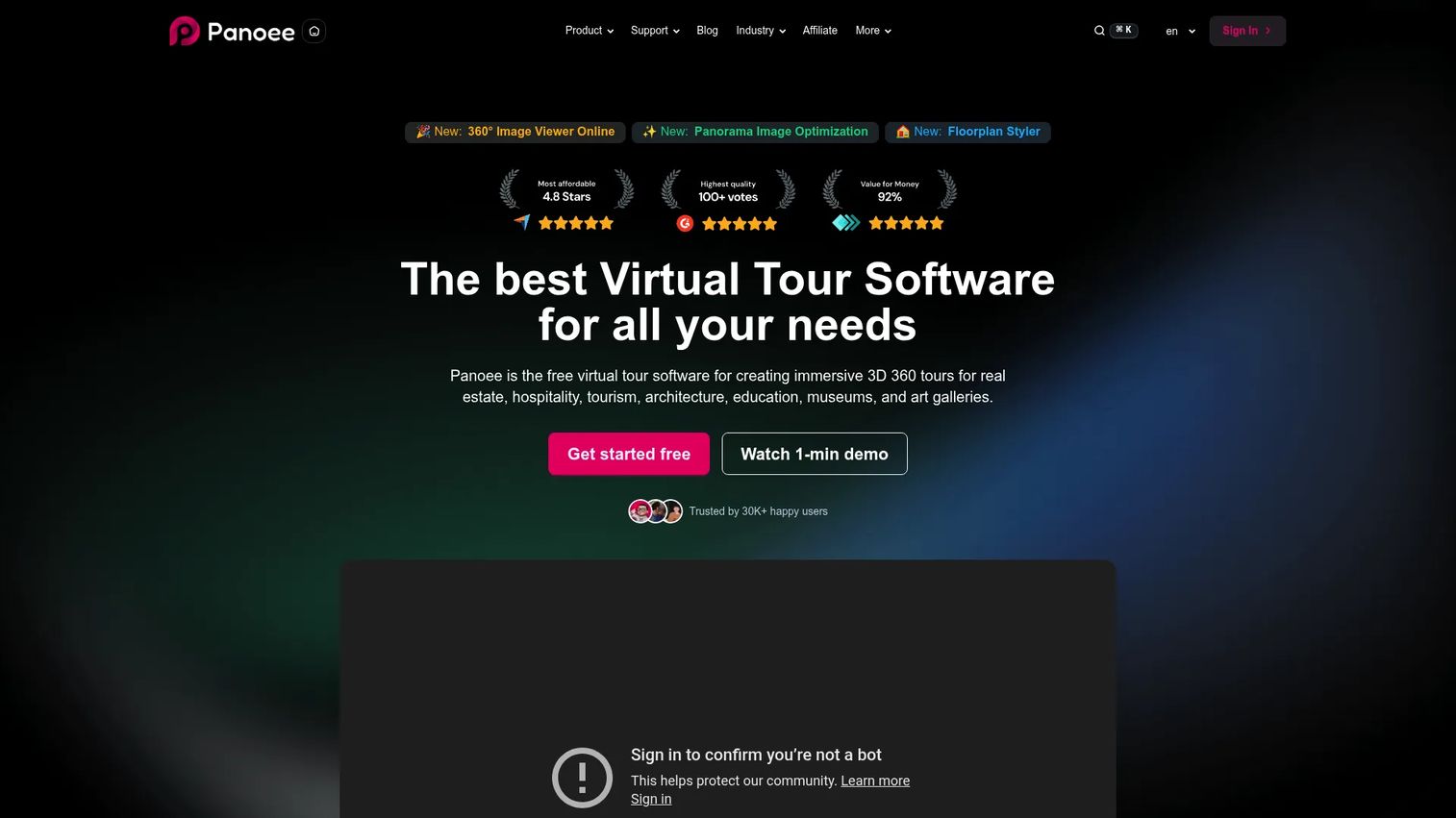
Panoee is a virtual tour platform built for creating, hosting, and sharing interactive 360° tours, with a genuinely useful free tier at its center. It's aimed at photographers, agencies, and teams that want to publish immersive tours without a large upfront commitment. The free-forever model plus pay-as-you-go pricing makes it a low-risk starting point for anyone testing the category.
Best for: Teams or photographers publishing interactive 360° virtual tours who want a free entry point before scaling.
Key strengths
- Unlimited free projects: Build and publish as many tours as you want on the free tier, which is rare in this category.
- Seven hotspot types: Add navigation, media, and information hotspots to guide viewers through a space in detail.
- Custom domain and white-label: Publish tours under your own brand and domain so the experience feels native to your site.
Why choose Panoee: If your priority is getting a branded, interactive tour live without a procurement conversation, Panoee removes the friction. The free tier is functional rather than a crippled trial, and the pay-as-you-go path means costs scale with usage rather than seats. For a product marketing team validating whether virtual tours move the needle, this is a sensible place to run the first experiment.
Panoee pricing: Panoee offers a Free plan at $0 forever. Paid options include pay-as-you-go at roughly $7 to $12 per month, a Monthly plan at $22 per month, and a Yearly plan that works out to $16.60 per month billed annually. The free tier includes unlimited projects, so you can validate the format before paying anything. Panoee holds a 4.8/5 rating on G2.
2. CloudPano
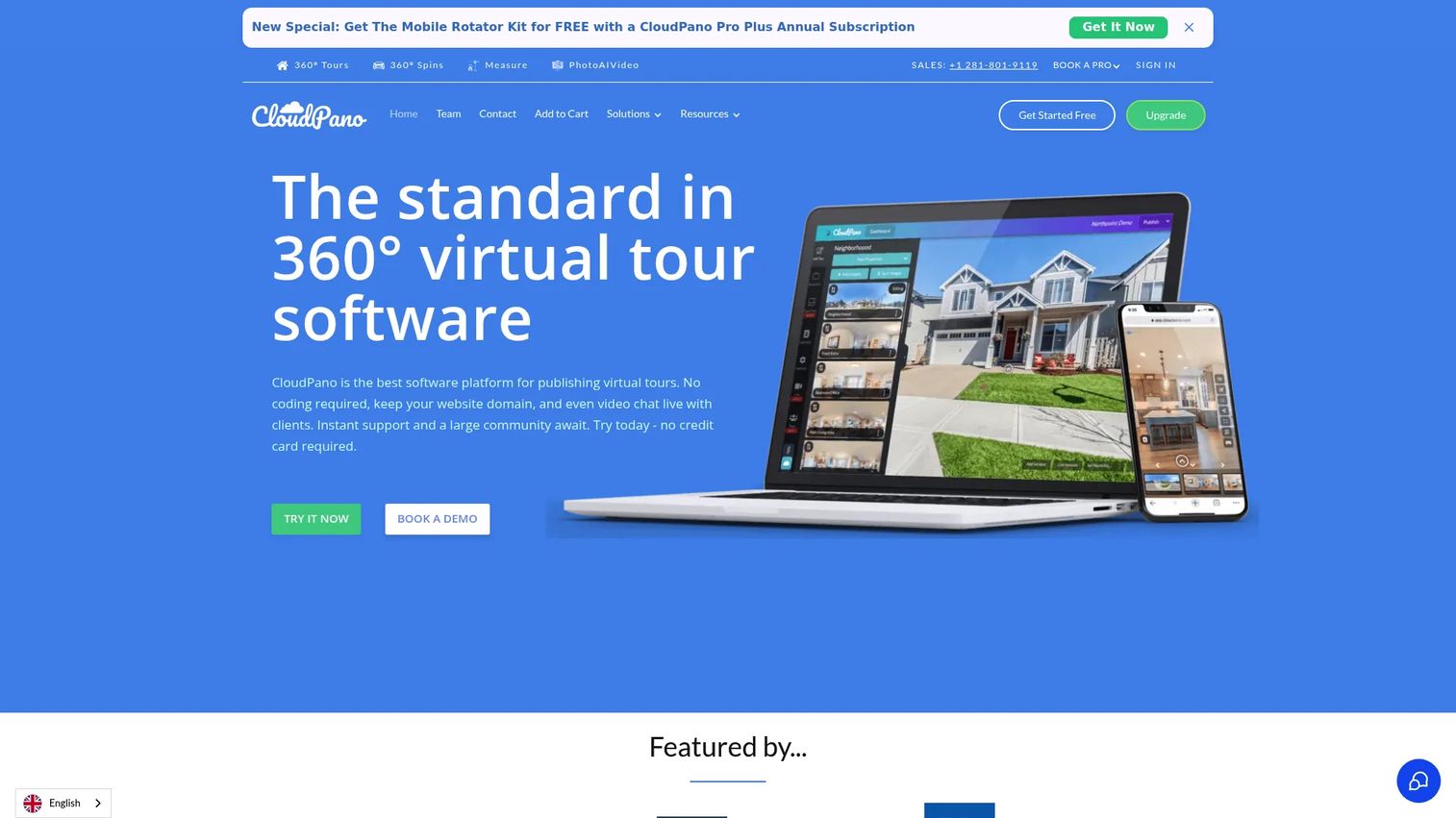
CloudPano is a 360° virtual tour platform for creating, hosting, and sharing immersive tours, with a standout live-selling capability. Its in-tour video chat lets a rep walk a buyer through a space in real time, which bridges the gap between a self-guided tour and a live consultation. That makes it a strong fit for real estate and automotive workflows where a human touch closes the deal.
Best for: Teams that need to create and publish 360° virtual tours with branding controls and the option to sell live inside the tour.
Key strengths
- 360°/VR virtual tour creation: Build immersive tours viewable on desktop, mobile, and VR headsets.
- Website embeds: Drop tours directly into your site or listings with branding controls intact.
- Live in-tour video chat: Guide a prospect through a space in real time, combining self-serve exploration with a live conversation.
Why choose CloudPano: The live video chat is the differentiator. If your sales motion benefits from a guided walkthrough at the moment of highest intent, CloudPano lets you do that inside the tour itself rather than jumping to a separate call. For teams that want branded, embeddable tours plus a real-time selling layer, it covers both needs in one platform.
CloudPano pricing: CloudPano offers a free start with no credit card required. The Pro plan is listed at $22.50 per month billed annually on the homepage, with Pro Plus at $33 per month. Commercial plans start at $199+ per month, and Enterprise Teams pricing starts at $100+ per month billed yearly. Note that the help center lists Pro at $27 per month, so confirm the current figure when you sign up. CloudPano holds a 5.0/5 rating on G2.
3. 3DVista
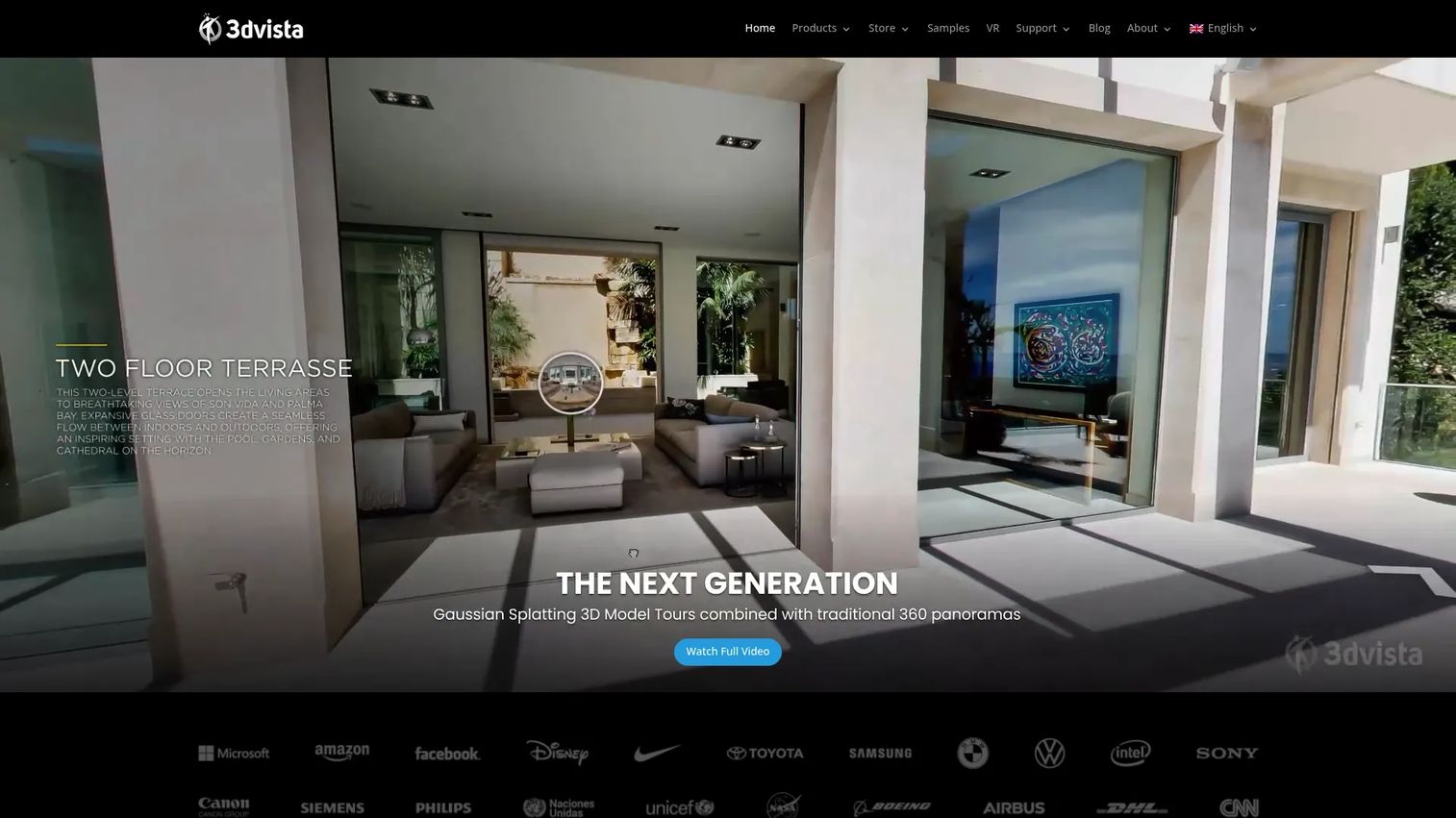
3DVista is virtual tour software for building interactive 360° tours, VR experiences, and related hosted distribution, aimed at creators who want deep control. It's the choice for advanced production: interactive hotspots, VR compatibility, 3D models, and floor plan support all sit in one toolset. The one-time purchase model also appeals to teams that prefer to own their software rather than subscribe.
Best for: Teams and creators building interactive virtual tours who want advanced production control and optional hosted distribution.
Key strengths
- Interactive hotspots and clickable objects: Build rich, layered navigation and information into every scene.
- VR-compatible virtual tours: Deliver experiences that work on headsets for fully immersive presentation.
- 3D model and floor plan support: Combine panoramas with 3D assets and floorplans for spatial context.
Why choose 3DVista: If you have the production skills and want maximum creative control, 3DVista rewards that investment. The one-time license removes recurring subscription pressure, and the offline delivery option matters for events, kiosks, or locations without reliable internet. This is the platform for teams that treat tours as a serious production rather than a quick publish.
3DVista pricing: Virtual Tour Pro is a one-time purchase at $499 and includes one free month of 3DVista Hosting and Analytics. Hosting plans are separate and start at €8 per month, with a custom plan starting at €5 per month. The one-time model means no recurring software fee beyond hosting. 3DVista holds a 4.1/5 rating on G2.
4. Matterport
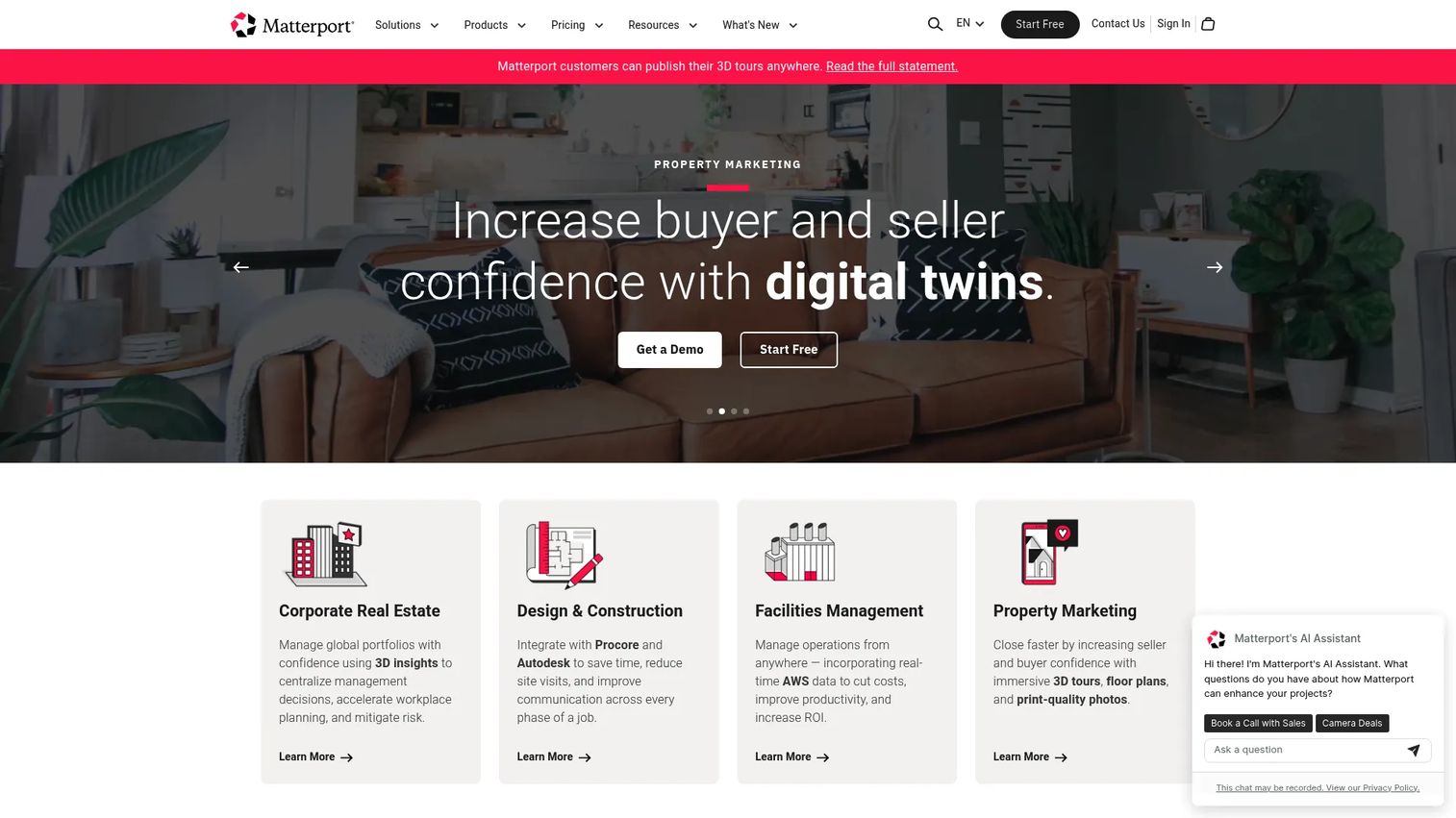
Matterport is a spatial data platform for creating, managing, and sharing immersive 3D digital twins. It's the most recognizable name in premium 3D space capture, known for its polished dollhouse view, accurate measurements, and property intelligence features. Real estate, facilities, and AEC teams use it when presentation quality and spatial accuracy both matter.
Best for: Teams needing immersive 3D digital twins for real estate, facilities, or architecture and construction workflows.
Key strengths
- 3D capture and virtual tour creation: Turn a space into a navigable digital twin with a signature dollhouse view.
- Property intelligence and AI insights: Extract measurements and data from captured spaces automatically.
- Sharing, embedding, and analytics: Publish tours anywhere and track how viewers engage with them.
Why choose Matterport: When the visual bar is high and buyers expect a premium experience, Matterport delivers. The dollhouse view and accurate measurements answer practical questions that photos and flat panoramas cannot. The free tier lets you test the workflow before scaling, and the tiered pricing grows with the number of active spaces you manage.
Matterport pricing: Matterport offers a Free Forever plan. Paid tiers, all billed annually and priced by active spaces, include Starter at $9.99 per month, Professional at $55 per month, and Business at $269 per month. Enterprise pricing is custom via contact sales. The free plan is a genuine entry point for testing capture and publishing. Matterport holds a 4.2/5 rating on G2.
5. Trolto
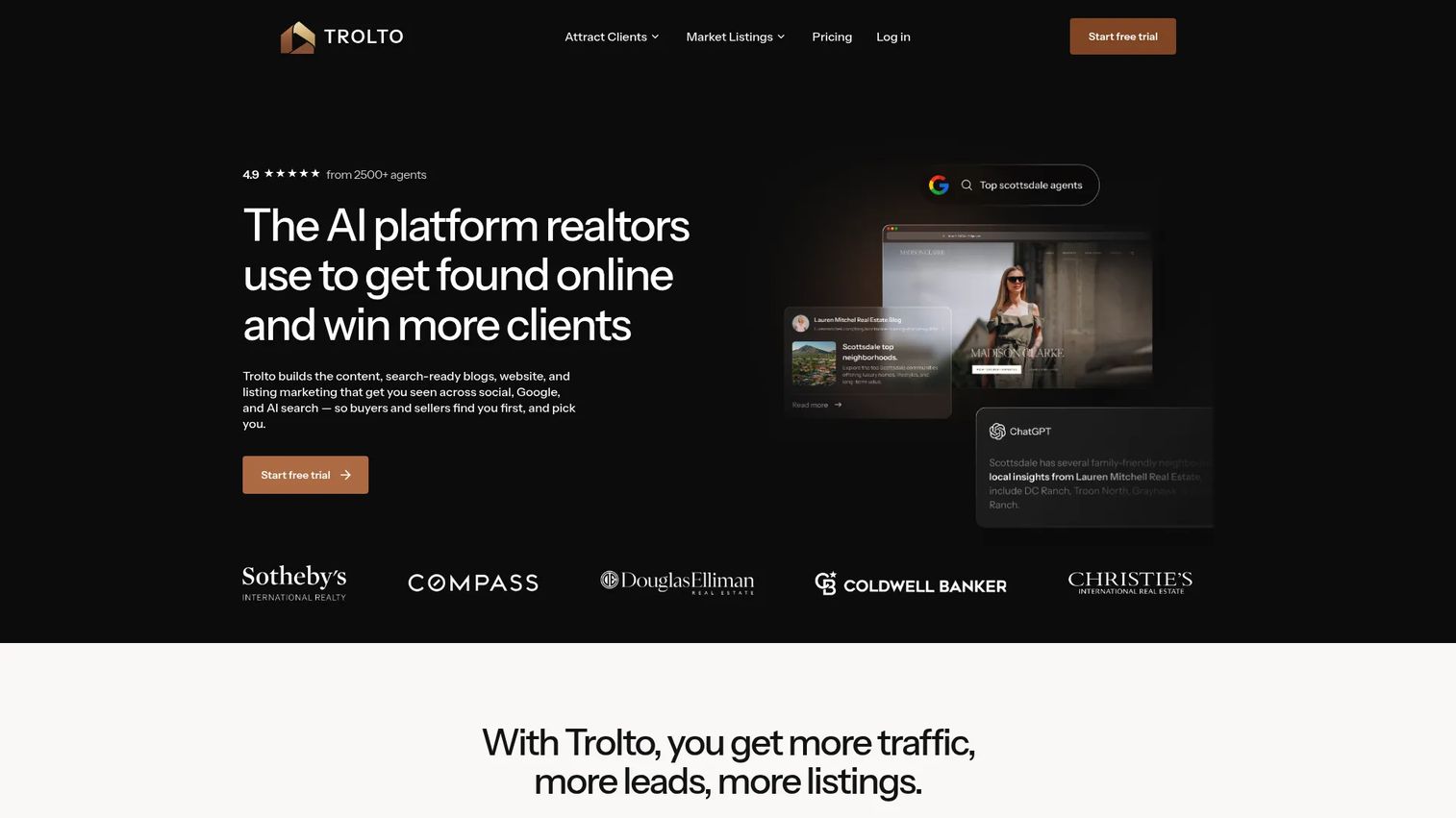
Trolto is an AI-powered real estate marketing platform for agents and brokerages, and it sits a little differently from the self-guided tour tools on this list. Rather than only producing an explorable 360° space, Trolto leans into done-for-you marketing outputs: custom listing websites, branded social content, and cinematic listing videos. If your need is promotional content around a property rather than a pure walkthrough, that focus is the point.
Best for: Real estate agents and brokerages who want done-for-you marketing, websites, and listing content generated with AI.
Key strengths
- Custom real estate websites and listing pages: Spin up branded property sites without building them by hand.
- Weekly branded social posts and local blog content: Keep a steady marketing cadence without a content team.
- Cinematic listing videos and live lead capture: Produce polished video and capture leads with built-in reporting.
Why choose Trolto: Where a virtual tour tool hands you an explorable space, Trolto hands you a marketing engine around the listing. For a solo agent or small brokerage that wants websites, social, video, and lead capture in one place, it consolidates several jobs. Evaluate it as a marketing platform first and a presentation tool second.
Trolto pricing: Trolto offers monthly plans with Starter at $59 per month and Pro at $99 per month. Enterprise pricing is custom via contact sales. There is no free plan, but the pricing page lists a 7-day free trial so you can test the outputs before committing. A verified G2 rating was not available for Trolto at publication.
6. Zillow 3D Home
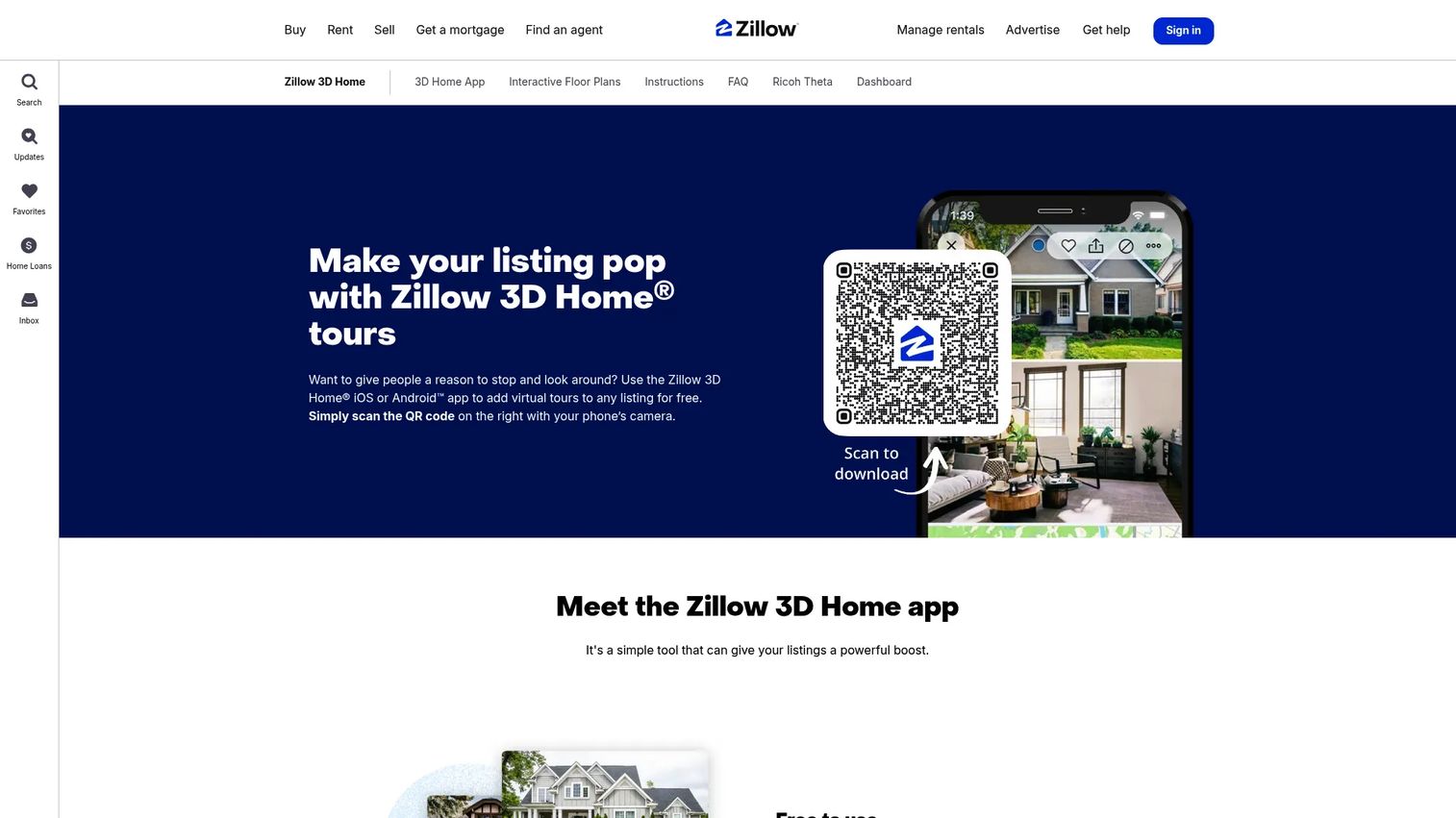
Zillow 3D Home is a free app for creating and publishing 3D virtual tours and interactive floor plans for listings. Its biggest advantage is obvious: it's free for unlimited listings and plugs directly into the Zillow ecosystem, where a huge volume of home buyers already search. For agents who list on Zillow, the distribution advantage is hard to match.
Best for: Real estate agents and photographers who need no-cost 3D listing tours with built-in distribution.
Key strengths
- Free for unlimited listings: No cost to create tours or upload them to your listings.
- Capture from phone or 360 camera: Build 3D tours from supported iPhone and Android devices or a 360 camera.
- Interactive floor plans and multi-channel sharing: Publish to Zillow, MLS, social media, and your own website.
Why choose Zillow 3D Home: For real estate specifically, the combination of zero cost and native Zillow distribution is a strong case on its own. Interactive floor plans give buyers the spatial context they expect, and sharing extends beyond Zillow to MLS and social. It's built around the listing workflow rather than general-purpose showroom use, so it fits agents more than brand or product teams.
Zillow 3D Home pricing: Zillow 3D Home is free to download and use, with no cost to upload tours to listings. Zillow's public pages confirm free pricing with no standalone paid tier for the 3D Home product. The G2 rating of 4.1/5 reflects Zillow overall rather than a 3D Home-specific profile.
7. Ricoh 360 Tours
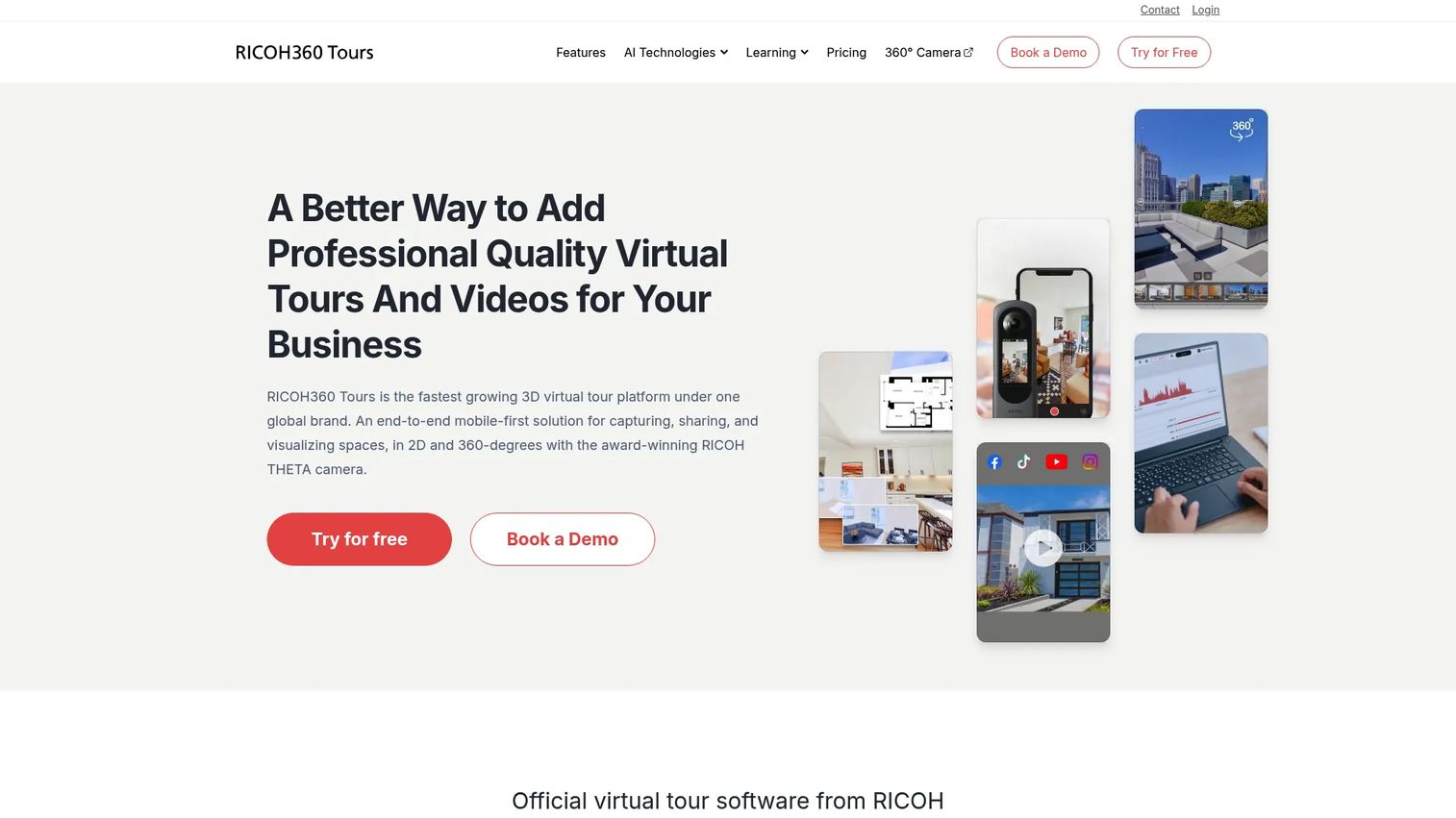
Ricoh 360 Tours is virtual tour software for creating, sharing, and visualizing 2D and 360° tours, with a strong capture-to-tour workflow. It pairs naturally with Ricoh 360 cameras and layers in AI features that speed up production. For teams that already shoot 360° content, it turns raw captures into shareable, branded tours quickly.
Best for: Real estate and facility teams that want easy 360° virtual tour creation, AI enhancement, and sharing.
Key strengths
- AI image enhancement and video maker: Clean up captures and generate video automatically to speed production.
- Floor plan generator and custom branding: Produce floorplans and match tours to your brand identity.
- Embedded tours and visitor analytics: Publish tours on your site and track how viewers engage with them.
Why choose Ricoh 360 Tours: The AI-assisted workflow is the draw. If capture-to-publish speed matters and you want floorplans, branding, embeds, and analytics without heavy manual editing, Ricoh 360 Tours packages those together. The free Starter trial lets you test the workflow before moving to a paid tier.
Ricoh 360 Tours pricing: Ricoh 360 Tours offers a free Starter trial. Paid plans are billed annually, with Pro at $39 per month and Business at $59 per month. The pricing page lists feature comparisons across Free, Pro, and Business tiers so you can match the plan to your needs. A verified G2 rating was not available at publication.
8. ZeroLight Virtual Showroom
ZeroLight is a 3D product visualization platform for automotive digital retail experiences, and it sits at the enterprise end of this list. Where the other tools focus on capturing and publishing existing spaces, ZeroLight renders high-fidelity 3D environments and configurator experiences from the ground up. For automotive brands building interactive digital showrooms, it's a purpose-built platform rather than a general tour tool.
Best for: Automotive brands needing interactive 3D showroom and retail visualization experiences at enterprise scale.
Key strengths
- 3D digital twin and backgrounds: Render high-fidelity 3D product environments for immersive presentation.
- Palette SDK configurator: Let buyers configure trims, colors, and options in a real-time 3D experience.
- OmniStream pixel streaming: Deliver heavy 3D rendering to any device without local hardware demands.
Why choose ZeroLight: This is the platform for brands that treat the digital showroom as a flagship experience, not a listing add-on. The configurator and pixel-streaming technology deliver product visualization at a fidelity the capture-based tools do not target. Expect an enterprise engagement and enterprise pricing to match.
ZeroLight pricing: ZeroLight's public subscription page shows Launch, Sell, and Grow packages. The Sell package starts from $45,000 per month, and Grow is priced on application. Full details for some plans require contacting sales. There is no free tier, reflecting the platform's enterprise automotive positioning. A verified G2 rating was not available at publication.
Considerations before you buy
Before you commit to a platform, run this checklist against your actual use case.
Publishing and distribution flexibility
Confirm the tool supports the surfaces you need: website embeds, custom domains, Google Street View publishing, MLS, and social. If self-hosting matters for ownership or compliance, verify it's supported. A tour you can't distribute where your buyers are is a tour that never gets seen.
Branding and white-label control
Check how far the branding controls go. Can you use your own domain, logo, and colors? Is white-labeling gated behind a higher tier? For product marketers, a tour that carries the vendor's branding instead of yours undercuts the whole point of a branded buying experience.
Analytics depth
Look past whether analytics exist to what they actually measure. Do you get scene-level engagement, drop-off points, and viewer counts? Can you export the data or pipe it into your reporting? The tools worth paying for are the ones where you can defend the spend with numbers, the same standard you'd hold any customer data platform to.
Pricing model and total cost
Separate the sticker price from the real cost. A one-time license plus hosting behaves differently from a per-seat subscription or a usage-based plan. Map the pricing to how you'll actually use the tool, including hosting, seats, and any tier-gated features you need.
Ease of use and time to first tour
Test how fast you can go from capture to published tour. A powerful platform you never operationalize is worse than a simpler one your team actually uses. Run a real tour during the trial before you buy.
Conclusion
The right virtual showroom software depends entirely on your use case. If you want a free, low-friction entry point, Panoee and Zillow 3D Home let you publish without a budget conversation, with Zillow being the natural pick for real estate listings. For advanced customization and ownership, 3DVista rewards teams with production skills. When premium 3D presentation and measurements matter, Matterport sets the standard. And for enterprise automotive experiences, ZeroLight delivers configurator-grade fidelity.
For most teams, the smart next step is to shortlist two or three tools that match your vertical, then test the two things that actually determine success: how easily you can publish a branded tour, and how much you can learn from the analytics once it's live. Treat engagement data as the deciding factor. A tour you can measure is a tour you can improve, and the same discipline that makes an interactive product marketing motion work applies here. If your broader stack needs a rethink too, our guide to the best marketing automation software tools is a good companion read.
FAQs
Virtual showroom software lets teams build interactive, browser-based experiences of a space or product so buyers can explore it remotely at their own pace. It powers real estate listings, retail product showcases, hospitality walkthroughs, and automotive configurators. Most platforms combine hotspots, floorplans, analytics, and branding controls in one tool.
Prioritize publishing flexibility, branding control, analytics, and ease of use. Publishing flexibility covers embeds, custom domains, and Google Street View publishing. Branding control means white-label options and custom domains. Analytics tell you which scenes engage viewers and where they drop off, which is how you justify the investment.
A virtual showroom delivers a fundamentally different engagement model. A PDF or slide deck is passive; the reader can't move through a space or examine a product from every angle. An interactive tour lets buyers explore at their own pace and gives you engagement data a static file cannot. For visual products and spaces, the difference in buyer behavior is significant.
For free listing tours with built-in distribution, Zillow 3D Home is hard to beat because it plugs directly into the Zillow ecosystem. Matterport suits agents who want premium digital twins with dollhouse views and measurements. Trolto fits agents who want AI-generated marketing content and listing websites alongside the tour.
Many 360° virtual tour platforms support Google Street View publishing, which pushes your tours to Google for local discovery. Availability varies by tool and tier, so confirm it on the vendor's pricing page before you commit. It's especially valuable for businesses that want their space discoverable through Google Maps and Search.
Yes. Most platforms include analytics that track visitor counts, scene-level engagement, and drop-off points. Tools like Matterport, Ricoh 360 Tours, and CloudPano surface engagement data you can use to identify high-intent viewers. Check whether you can export the data or connect it to your existing reporting stack.
Yes. Panoee offers unlimited free projects on its free-forever plan, Matterport has a Free Forever tier, and Zillow 3D Home is free for unlimited listings. Ricoh 360 Tours offers a free Starter trial. A free tier is a low-risk way to validate whether virtual tours move the needle before you pay.
A 3D tour usually refers to a navigable digital twin of a specific space, like a home or facility, captured with a 3D camera. A virtual showroom is broader: it can be a captured space, a rendered 3D environment, or a configurator that presents products interactively. In practice the terms overlap, but showroom implies a branded, presentation-focused experience while 3D tour implies spatial capture.