A finance director closes the books by exporting three separate systems into a spreadsheet nobody trusts. A clerk re-keys permit data from a PDF into a billing tool. A resident calls twice because the pothole they reported online never routed to public works. This is what fragmented municipal operations actually look like, and it is why the market for local government software keeps expanding.
Global state-and-local government applications software revenue hit USD 9.7 billion in 2024, up 10.4% year over year, according to Apps Run The World (2025). The broader government business software and services market reached USD 74.8 billion in 2025 and is projected to grow at an 11.5% CAGR through 2030, per Grand View Research. Cities and counties are not buying software because it is trendy. They are buying it because manual processes stop scaling the moment audit requirements, resident expectations, and headcount pressure collide.
The hard part is not deciding whether to modernize. It is choosing municipal government software that actually fits your department, your agency size, and the specific workflow that causes the most pain. A finance-first ERP is the wrong first purchase if your real bottleneck is citizen request routing. A citizen engagement platform will not fix fund accounting. This guide sorts the options by that fit-first logic, so you can match a tool to the friction you feel instead of buying a category label. If you have evaluated software before, the same buyer discipline that shapes a good local SEO software shortlist or an AI cybersecurity solutions comparison applies here: define the job first, then screen vendors against it.
What's inside
This guide covers nine municipal software options spanning finance and ERP, citizen request management, permitting and licensing, payments, records compliance, and public engagement. It is written for teams comparing software for municipalities against a real operational problem, not browsing categories for the first time.
We selected and ordered tools using four criteria: fit to specific municipal use cases, trust and continuity signals that matter to risk-averse public buyers, depth of functionality within each tool's core job, and support for different agency sizes from small towns to large counties. Each entry names the department it serves best so you can skip straight to the ones that map to your friction.
TL;DR
- Best for municipal ERP and accounting: Tyler Technologies, the deepest fit for mid-to-large local governments needing audit-ready financial management.
- Best for integrated local government ERP with continuity: Edmunds GovTech, strong on tax collection, utility billing, and fund accounting.
- Best for accounting and billing with quote-based fit: Municipal Software Inc, focused on fund accounting, tax billing, and utility billing.
- Best for records compliance and archiving: Intradyn, for email, social, and messaging retention.
- Best for strategic performance reporting: ClearPoint, for KPI and goal tracking across departments.
- Best for citizen requests and payments: SeeClickFix for 311 issue reporting, PayIt for resident payments, SmartGov for permitting, and Granicus for engagement at scale.
What is municipal software?
Municipal software is any software used by cities, towns, counties, and other local governments to run core operations, from financial management to resident-facing services. It is a subset of broader government software solutions, narrowed to the local level rather than state or federal agencies.
Unlike generic business software, municipal government software is built around public-sector requirements: fund accounting rules, statutory reporting, transparency mandates, and audit trails. Most municipalities run several modules, either from one integrated suite or a connected stack of specialized tools.
Common municipal software modules include:
- ERP and financial management: general ledger, budgeting, purchasing, and payroll built for public-sector accounting software standards.
- Municipal accounting software: fund accounting, financial reporting, and compliance workflows.
- Utility billing: metered billing, collections, and customer accounts for water, sewer, and other services.
- Permitting and licensing: applications, plan review, inspections, and code enforcement.
- Citizen request management: 311 intake, work order routing, and status updates.
- Payment portals: online bill pay, self-service accounts, and integrated collections.
- Records and compliance: archiving, retention, and eDiscovery for public records law.
- Citizen engagement: websites, notifications, forms, and feedback channels.
When to use municipal software
Not every agency needs every module at once. The signal to buy is usually a specific operational failure, not a general desire to modernize. Here is how to pattern-match your situation.
Replace spreadsheets and disconnected workflows
If your finance team reconciles across exports, or billing lives in one tool and collections in another, manual processes are quietly taxing every close. Software matters most when reporting, approvals, or compliance require traceability you cannot produce from a spreadsheet. The moment an auditor asks "who approved this and when," and nobody can answer in under an hour, you have outgrown manual coordination. Government financial software exists to make that answer instant and defensible.
Standardize operations across departments
When finance, utilities, permitting, and citizen services each run their own tools with their own data, every cross-department handoff becomes a re-keying exercise. A connected system, or a well-integrated stack, gives you consistency, auditability, and fewer handoffs. This matters when leadership wants one version of the truth for budgeting and when staff turnover means tribal knowledge cannot be the system of record.
Improve service delivery and public trust
Residents expect to report an issue, pay a bill, or apply for a permit online, and to see what happened next. Citizen-facing software reduces friction for residents and the staff who serve them. When call volume spikes because people cannot self-serve, or when a missed service request becomes a public complaint, resident-facing tools move from nice-to-have to necessary.
Comparison table
The table below sorts the shortlist by relevance to core municipal software buying intent, starting with ERP and financial management. Pricing across this category is almost always quote-based, which is standard for public-sector procurement.
| # | Product | Intent | Key use case | Pricing | G2 rating |
|---|---|---|---|---|---|
| 1 | Tyler Technologies | ERP and financial management | Integrated government ERP, accounting, courts, public safety | Quote-based | 4.0/5 |
| 2 | Edmunds GovTech | Local government ERP | Finance, tax collection, utility billing, permitting | Quote-based | Not rated |
| 3 | Municipal Software Inc | Accounting and billing | Fund accounting, tax billing, utility billing | Quote-based | 1.0/5 |
| 4 | Intradyn | Records compliance | Email, social, and messaging archiving | From $4,950 (on-premise) | 4.8/5 |
| 5 | ClearPoint | Performance management | Strategic planning, KPI tracking, reporting | Quote-based | Not listed |
| 6 | SeeClickFix | Citizen requests | 311 issue reporting and work management | Quote-based | Not rated |
| 7 | SmartGov | Permitting and licensing | Permitting, inspections, code enforcement | Quote-based | 4.5/5 |
| 8 | PayIt | Payments | Resident payments and digital services | Quote-based | 5.0/5 |
| 9 | Granicus | Citizen engagement | Websites, communications, digital services | Quote-based | 4.5/5 |
1. Tyler Technologies
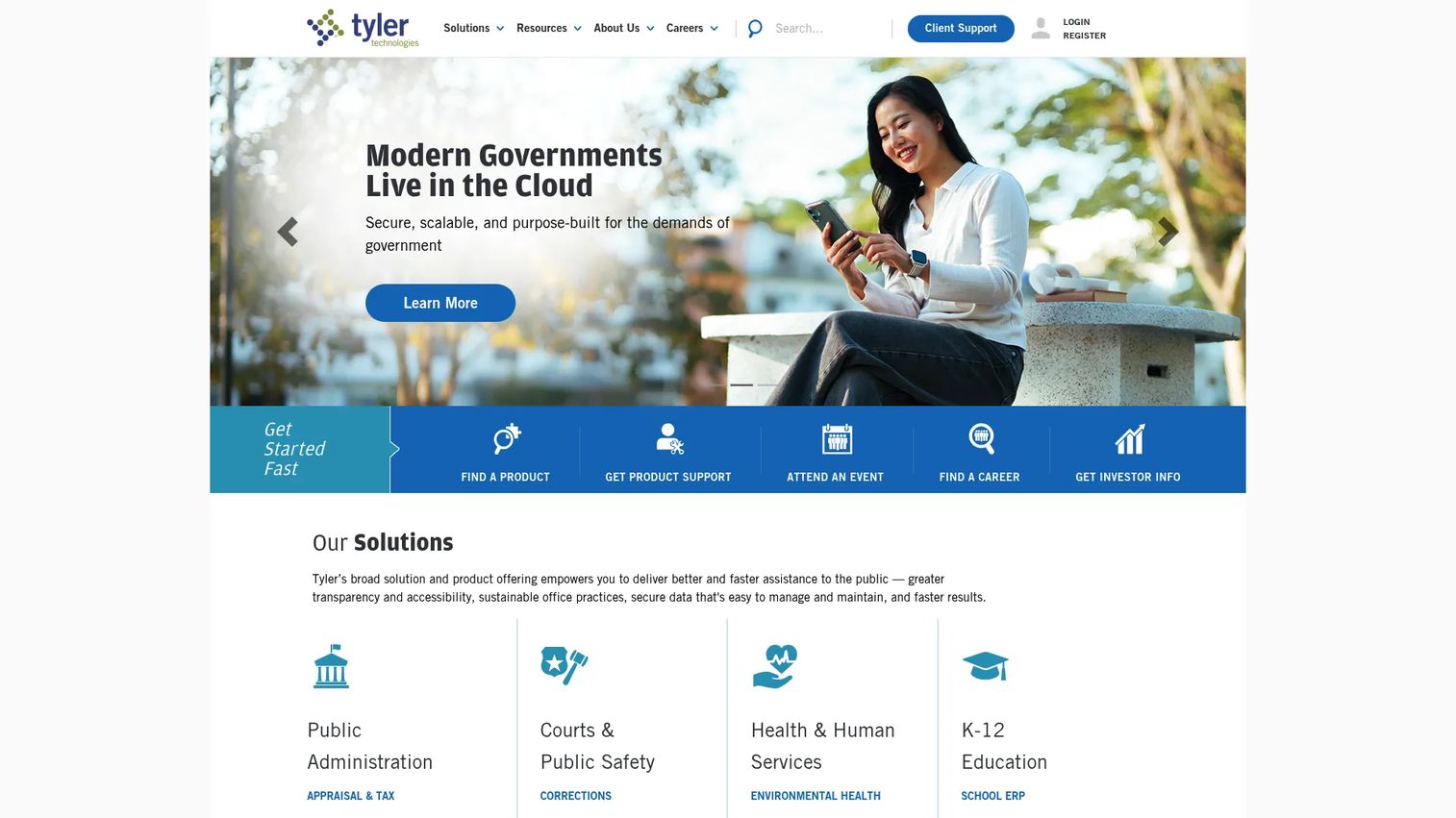
Tyler Technologies is the most established name in public-sector software, and the deepest fit for mid-to-large local governments that need municipal accounting software and full ERP under one roof. Its integrated cloud software spans finance, ERP, courts, public safety, regulatory, and records, so agencies can consolidate operations that would otherwise live in separate vendors. For finance teams, that means general ledger, budgeting, reporting, and compliance connected to the same live data.
Best for: Mid-to-large cities, counties, and K-12 agencies that need audit-ready local government ERP software and connected community operations.
Key strengths
- Integrated public-sector suite: finance, ERP, public safety, courts, and records under one platform reduce cross-system reconciliation.
- Government-grade compliance: fund accounting, budgeting, and statutory reporting built for public sector accounting software standards.
- Payments and data tools: integrated payments plus a government data platform and AI tools for reporting.
Why choose Tyler Technologies: If your primary friction is fragmented finance and back-office systems, Tyler offers the widest footprint to centralize them. It fits agencies large enough to justify a full ERP deployment and disciplined enough to run a structured implementation. Smaller towns may find its breadth more than they need, which is where narrower tools on this list earn their place.
Tyler Technologies pricing: Tyler does not publish a brand-wide public price list, which is standard for city government accounting software at this scale. Pricing is quote-based and scoped to the modules, agency size, and deployment you need. Expect a procurement-led buying process with an implementation plan rather than a self-serve signup. Its G2 seller rating sits at 4.0/5.
2. Edmunds GovTech
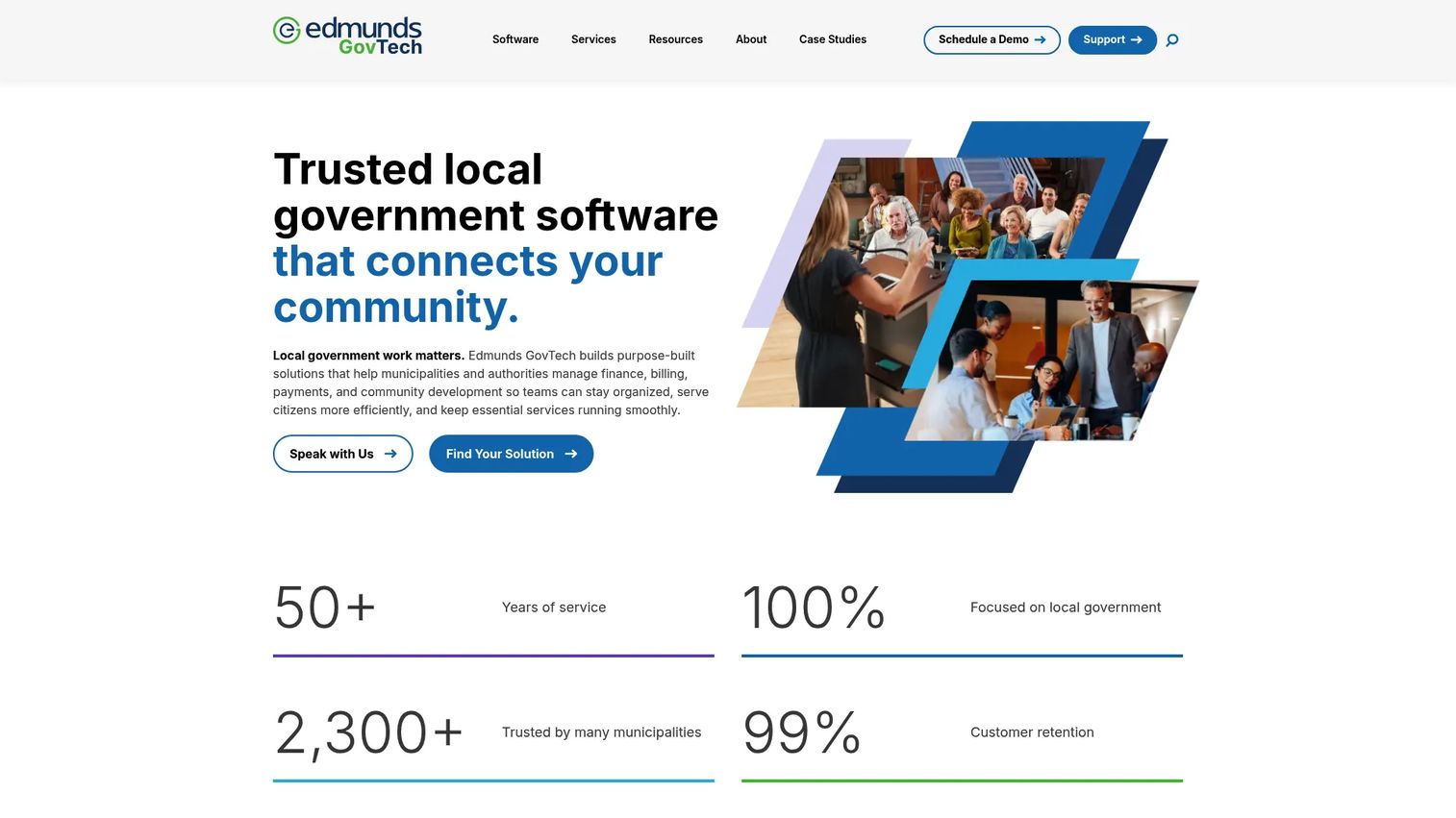
Edmunds GovTech is a local government software provider built specifically for municipalities and authorities that want integrated municipal ERP software without assembling it from scratch. Its suite covers finance and accounting, utility billing and collections, permitting and code enforcement, tax billing, personnel and payroll, and citizen engagement portals. The through-line is fund accounting done right, with the operational modules a municipality actually runs day to day.
Best for: Local governments that want a connected local government ERP software stack from a single provider with a customer-first support reputation.
Key strengths
- Fund accounting core: finance and accounting built around public-sector rules, not retrofitted business software.
- Revenue operations: tax billing and collections plus utility billing and collections in one system.
- Land management and engagement: permitting, code enforcement, and citizen engagement portals for resident-facing workflows.
Why choose Edmunds GovTech: Risk-averse public buyers care about continuity as much as features, because a finance system is a decade-long commitment. Edmunds pairs an integrated municipal ERP software footprint with a reputation for support and stability. It fits agencies that want tax collection, utility billing, and fund accounting from one vendor rather than stitching specialists together.
Edmunds GovTech pricing: Edmunds does not display public pricing; the company directs prospects to request a quote, which is typical for this category. Pricing is scoped to your modules and agency size. Its G2 seller profile currently shows no aggregated product rating, so weigh references and demos over review counts here.
3. Municipal Software Inc
Municipal Software Inc is a focused local government software vendor for municipalities that need core accounting and billing without enterprise-scale overhead. Its product line centers on a fund accounting suite, tax billing and collection, utility billing, animal licensing, and miscellaneous billing. This is a specialist, not a sprawling suite, which is exactly the point for smaller agencies.
Best for: Small-to-mid municipalities that need dependable local government accounting software and billing with a quote-based, fit-first buying path.
Key strengths
- Fund accounting suite: automated general ledger and paperless purchasing built for municipal finance.
- Tax billing and collection: county, local, school, and personal property tax handling in one place.
- Flexible utility billing: single or multiple utilities with billing preprint support.
Why choose Municipal Software Inc: A smaller specialized provider can be the right call when a full ERP is overkill and you want software scoped to accounting and billing. The quote-led path lets you buy only the modules you need. Evaluate it the way you would any specialist vendor: check references, confirm support availability, and pressure-test fit before signing.
Municipal Software Inc pricing: The company does not list public prices and invites visitors to request a free, no-obligation quote. That keeps pricing scoped to your specific modules and agency size. Public G2 signal is limited here, so lean on direct references and a hands-on evaluation rather than aggregate scores.
4. Intradyn
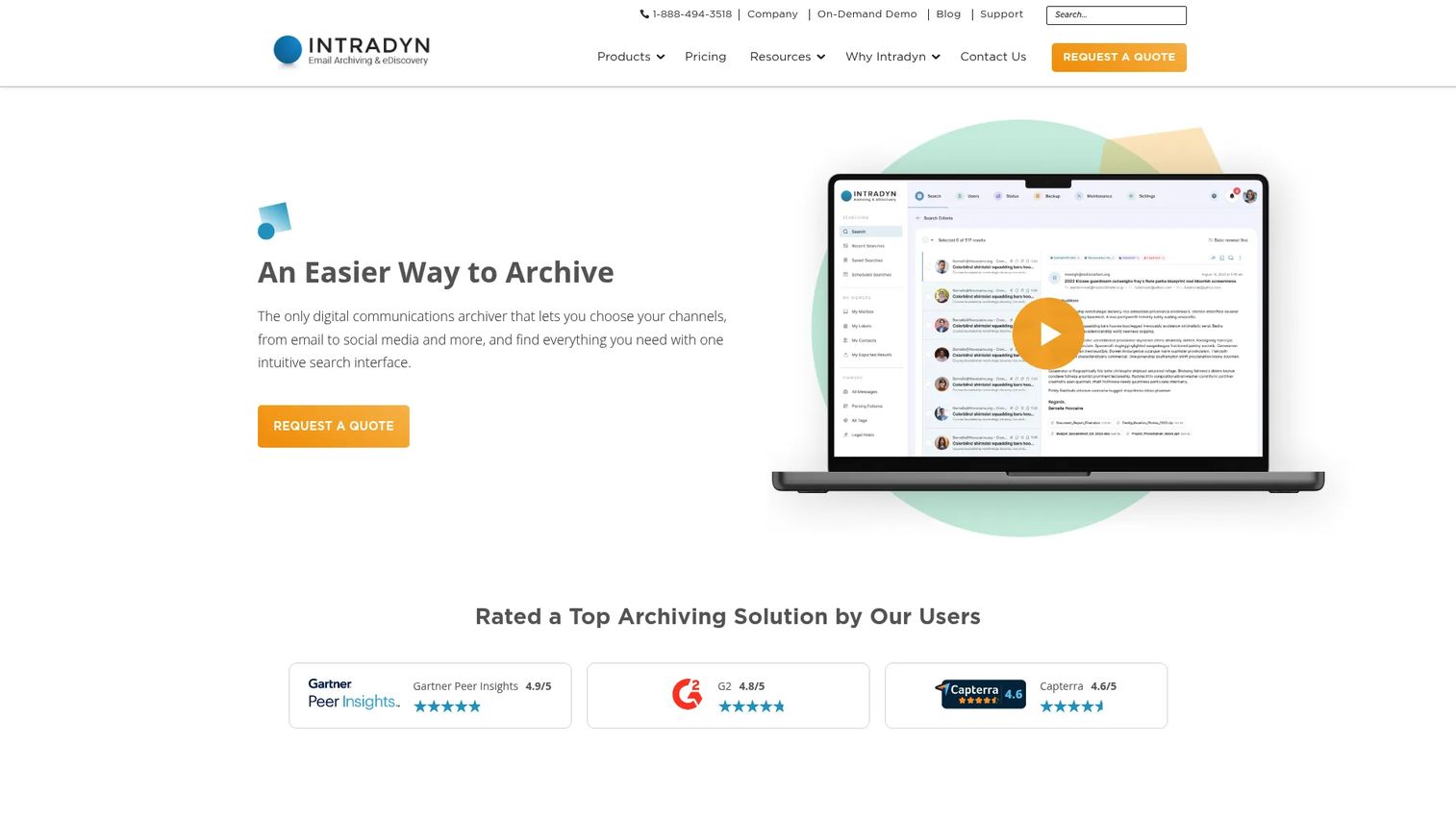
Intradyn solves a problem most municipal buyers underestimate until a public records request lands: compliant archiving of communications. It archives email, social media, and messaging channels including text, iMessage, and WhatsApp, with eDiscovery features like search, legal hold, tagging, redaction, and export. In a category defined by public records law, that is not a nice-to-have.
Best for: Municipalities and public agencies that need defensible records retention and eDiscovery across email and messaging.
Key strengths
- Multi-channel archiving: email plus social media and text, iMessage, and WhatsApp capture in one system.
- eDiscovery toolset: search, legal hold, tagging, redaction, and export for records requests and litigation.
- Deployment flexibility: on-premise appliances and cloud archiving options to match agency IT policy.
Why choose Intradyn: Records compliance is where many agencies get exposed during audits and open-records disputes. Intradyn fits municipalities that need to prove they can produce communications on demand, defensibly and quickly. It complements rather than replaces your ERP or finance system, sitting alongside them as a compliance layer.
Intradyn pricing: Intradyn publishes first-party pricing for on-premise hardware appliances, starting at $4,950 one-time for the IA10-500 model, scaling up by storage capacity. Cloud archiving is priced per active mailbox with an upfront import fee, but no public dollar amount is shown for cloud. Support is included, and trials exist for virtual and cloud options. Its G2 rating is a strong 4.8/5.
5. ClearPoint
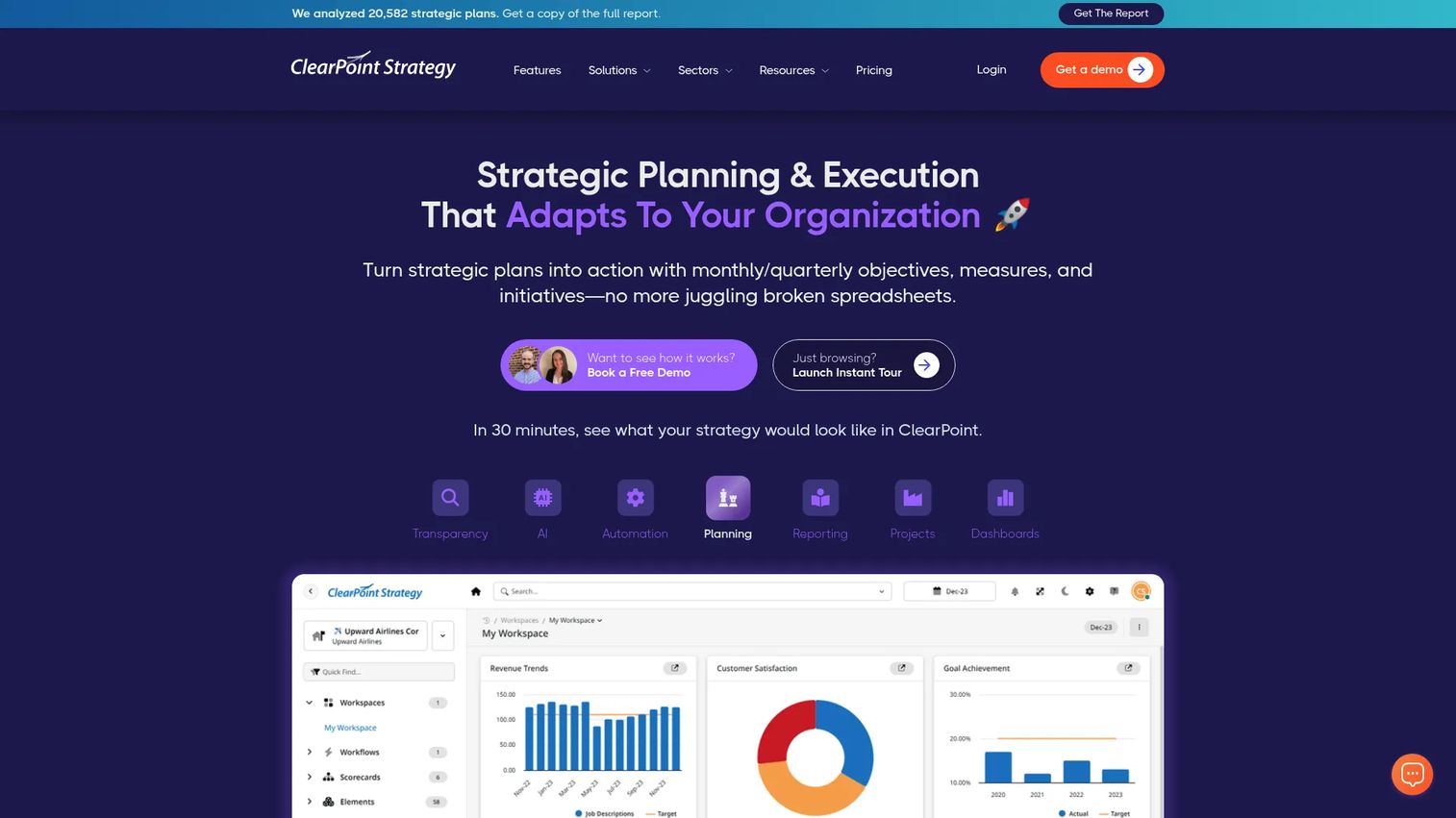
ClearPoint is strategy execution software that municipalities use to track goals, measures, and accountability across departments. Instead of managing transactions, it manages performance: strategic planning, KPI tracking, intelligent reporting and dashboards, plus automation and workflows. For agencies under pressure to show results to councils and residents, that reporting layer is the point.
Best for: Municipalities that need KPI visibility, strategic plan tracking, and structured public reporting rather than transactional operations.
Key strengths
- Strategic planning and performance management: connect goals to measures and initiatives across departments.
- Intelligent reporting and dashboards: turn scattered metrics into council-ready and public-facing reports.
- Automation and workflows: reduce the manual effort of assembling recurring performance reports.
Why choose ClearPoint: Transactional systems tell you what happened; ClearPoint tells you whether you are hitting your strategic goals. It fits agencies with a formal strategic plan and a mandate to report progress transparently. It pairs well with the finance and operations tools on this list rather than replacing them, sitting on top as the accountability layer.
ClearPoint pricing: ClearPoint uses quote-based pricing; the official pricing page describes customized pricing that requires a call. That keeps cost scoped to your organization size and configuration. Evaluate it against your reporting cadence and the number of measures and departments you need to track.
6. SeeClickFix
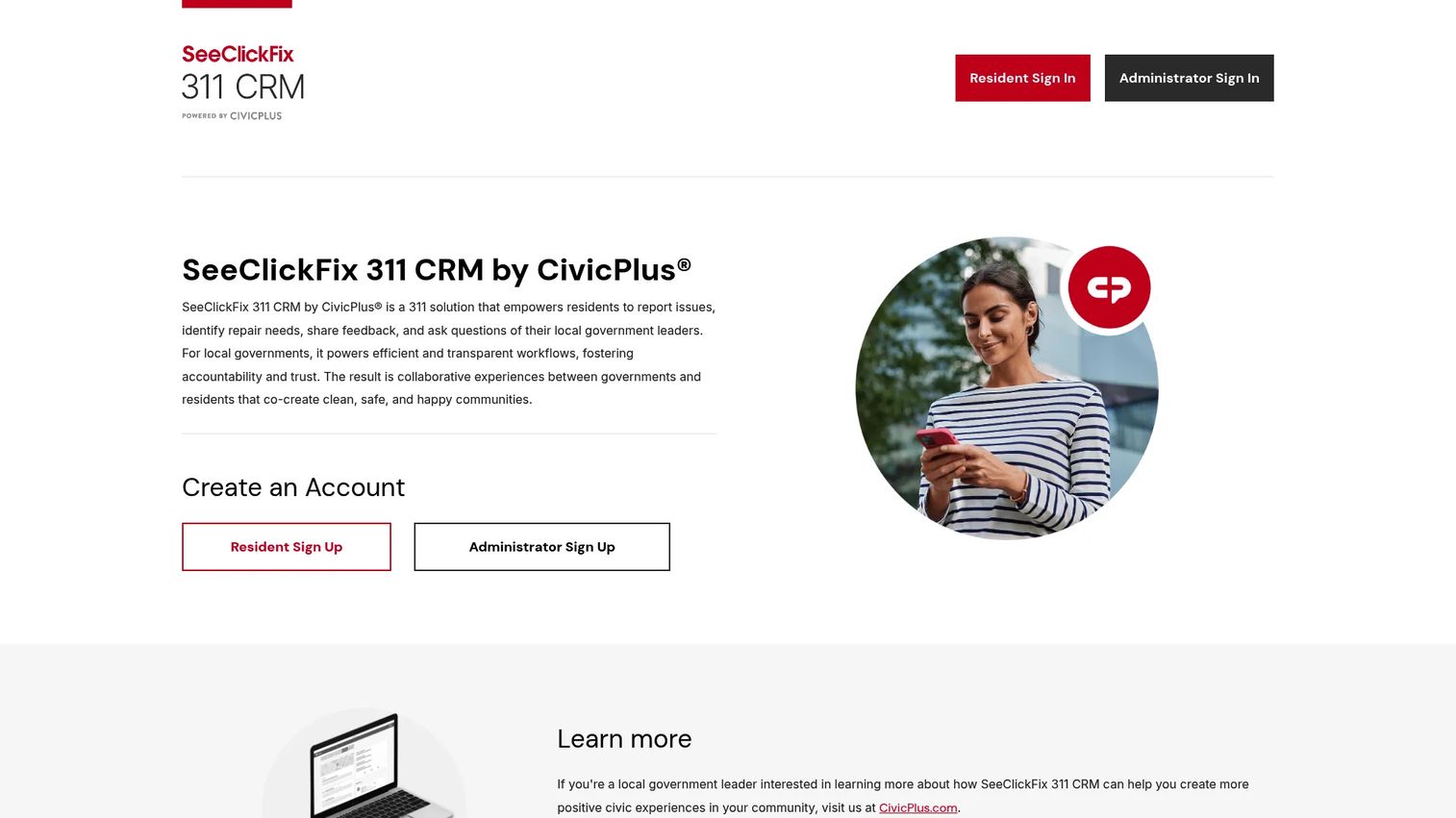
SeeClickFix is a 311 issue-reporting and work-management platform that closes the loop between residents and local government staff. Residents report issues, staff route and resolve them through defined workflows, and public status updates keep the reporter informed. It directly targets the "I reported it and nothing happened" problem that erodes public trust.
Best for: Municipal governments managing non-emergency service requests that need visible, trackable resolution.
Key strengths
- Resident issue reporting: multiple intake channels feed one queue instead of scattered emails and calls.
- Workflow routing: requests route to the right department with clear ownership and status.
- Public feedback loops: status updates and responses keep residents informed and reduce repeat calls.
Why choose SeeClickFix: Responsiveness is a trust signal residents feel directly. SeeClickFix fits cities trying to reduce duplicate calls, prove they act on reports, and give public works and other departments a single work queue. It solves a citizen-facing bottleneck that ERP and finance tools do not touch.
SeeClickFix pricing: SeeClickFix does not publish public pricing on its site, so plan on a quote scoped to your population and request volume. Its G2 profile currently shows no aggregated rating, so prioritize a demo with your actual request types over review counts. Confirm how it integrates with any work-order or asset-management system you already run.
7. SmartGov
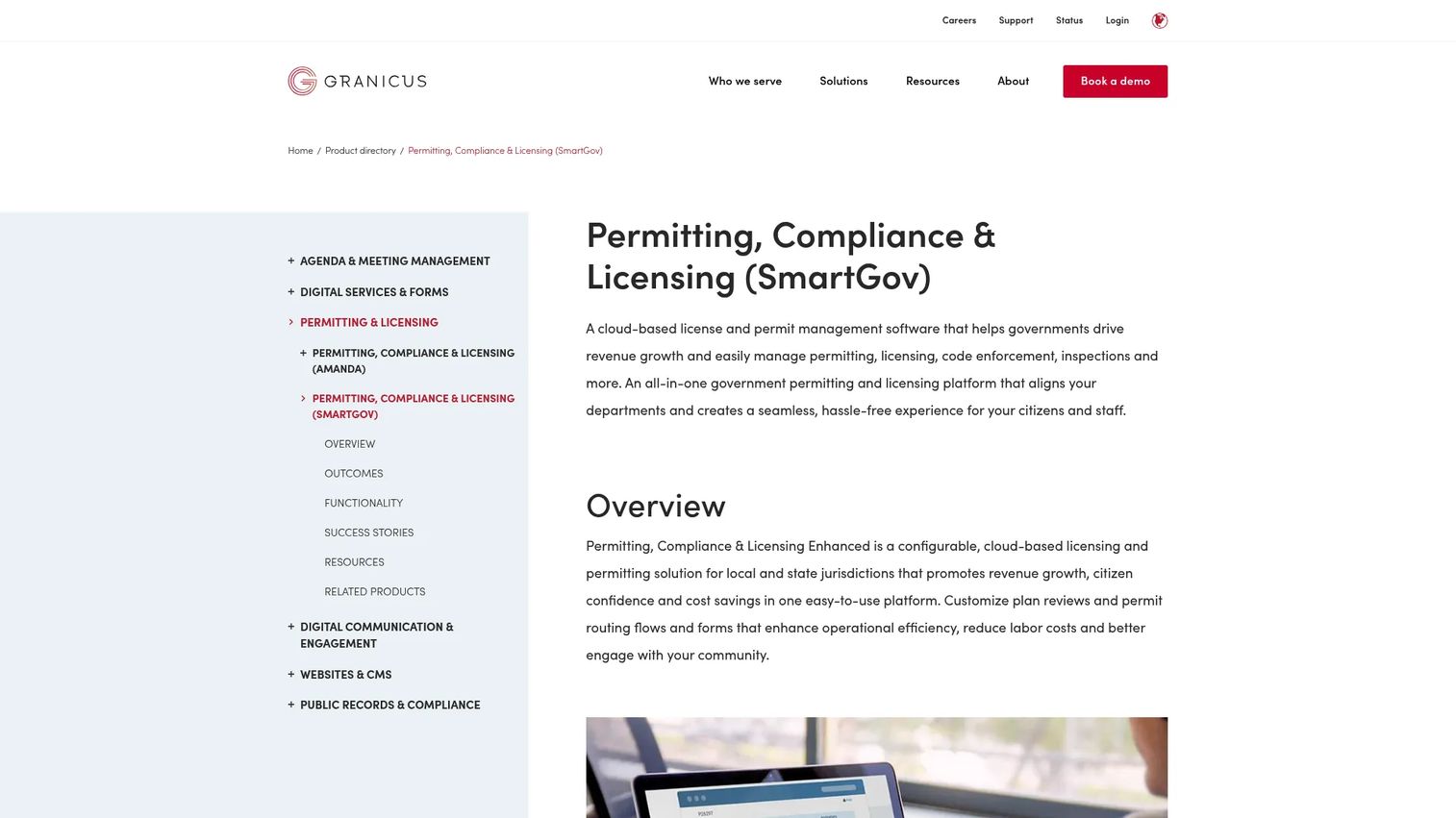
SmartGov, part of Granicus, is cloud-based government permitting, licensing, code enforcement, and inspections software. It digitizes the development services workflow end to end: applications, plan review, inspections, and payments, with a public portal for applicants and GIS mapping built in. For agencies where permit backlogs frustrate residents and developers alike, this is the direct fix.
Best for: Local and state government teams modernizing permitting, licensing, inspections, and code enforcement.
Key strengths
- Permitting and inspections management: move applications, reviews, and inspections off paper and into one system.
- Citizen public portal: applicants submit and track status online, cutting counter traffic and phone calls.
- GIS and reporting: map integration and real-time reports give staff and leadership operational visibility.
Why choose SmartGov: Permitting is often where back-office friction is most visible to the public and to local businesses. SmartGov fits municipalities modernizing development services to shorten cycle times and reduce manual handoffs. Being part of the Granicus portfolio, it can sit alongside broader engagement tools if you standardize on that ecosystem.
SmartGov pricing: SmartGov does not display a public price; pricing is request-a-demo and scoped to your permitting volume and modules. Its G2 rating is 4.5/5, based on limited reviews, so weigh a scoped demo against your actual permit types. Confirm GIS integration with your existing mapping data during evaluation.
8. PayIt
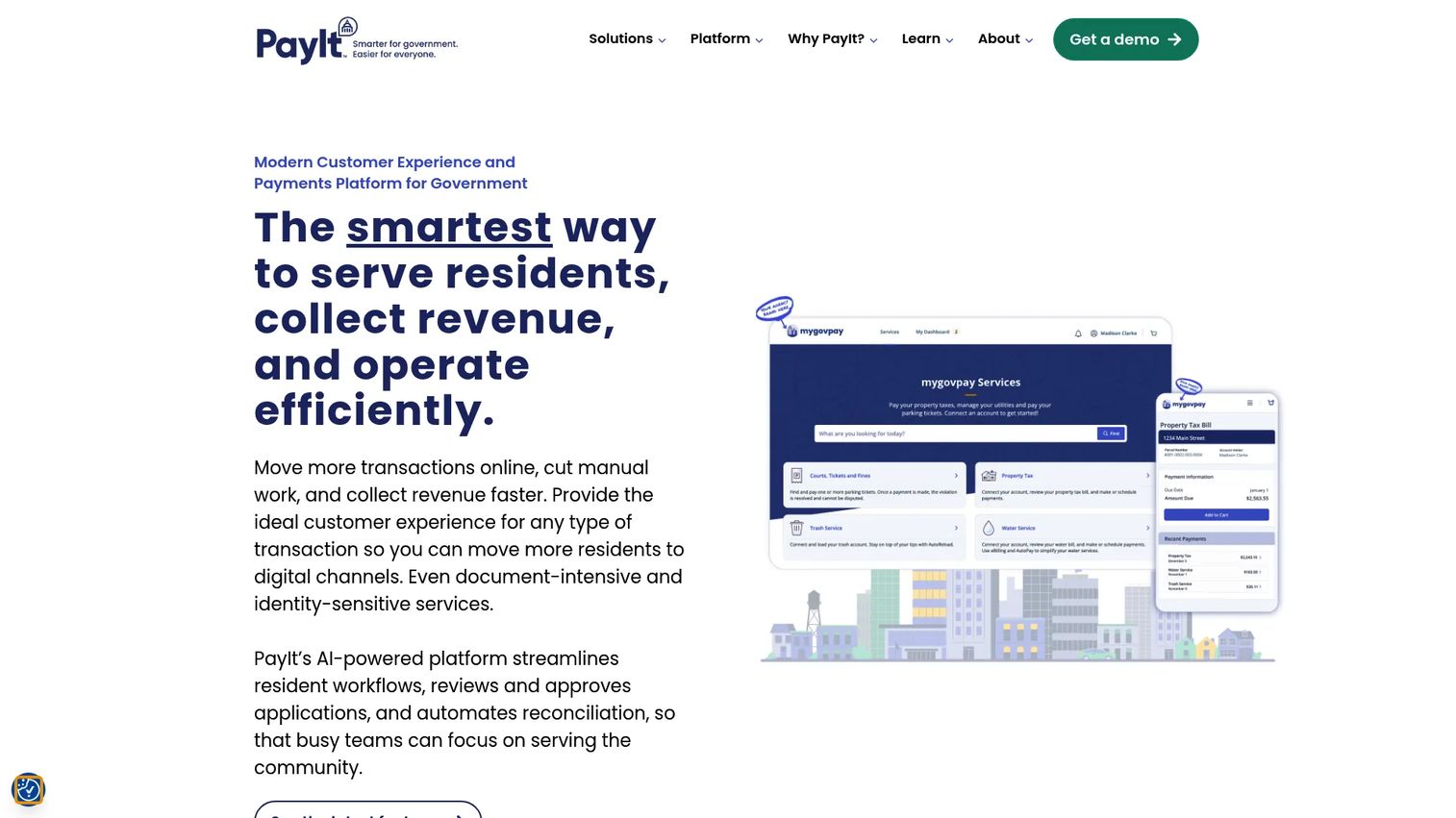
PayIt is a government customer experience and payments platform for state and local agencies that want to simplify how residents pay and self-serve. It gives residents a single account for services, transaction history, notifications, and documents, with integrated payments across web, mobile app, IVR, POS, and cash. AI-powered admin tools handle reconciliation, reporting, and support on the back end.
Best for: State and local agencies digitizing resident payments and reducing call volume tied to billing questions.
Key strengths
- Unified resident portal: one account for services, history, notifications, and documents reduces confusion and repeat contact.
- Omnichannel payments: web, mobile app, IVR, POS, and cash so residents pay however they prefer.
- AI admin tooling: reconciliation, reporting, and support automation lighten the back-office load.
Why choose PayIt: Payments are where resident experience and revenue collection intersect. PayIt fits agencies that want to cut call volume, speed collections, and give residents a modern self-service experience. It pairs well with billing and ERP systems, acting as the resident-facing payment and experience layer on top of them.
PayIt pricing: PayIt states it does not use tiered good-better-best pricing and includes features at no extra cost, but it does not publish a numeric price on its pricing page. Plan on a quote scoped to your agency and payment volume. Its G2 rating is a perfect 5.0/5 across a small set of reviews, so validate that sentiment with references at your agency size.
9. Granicus
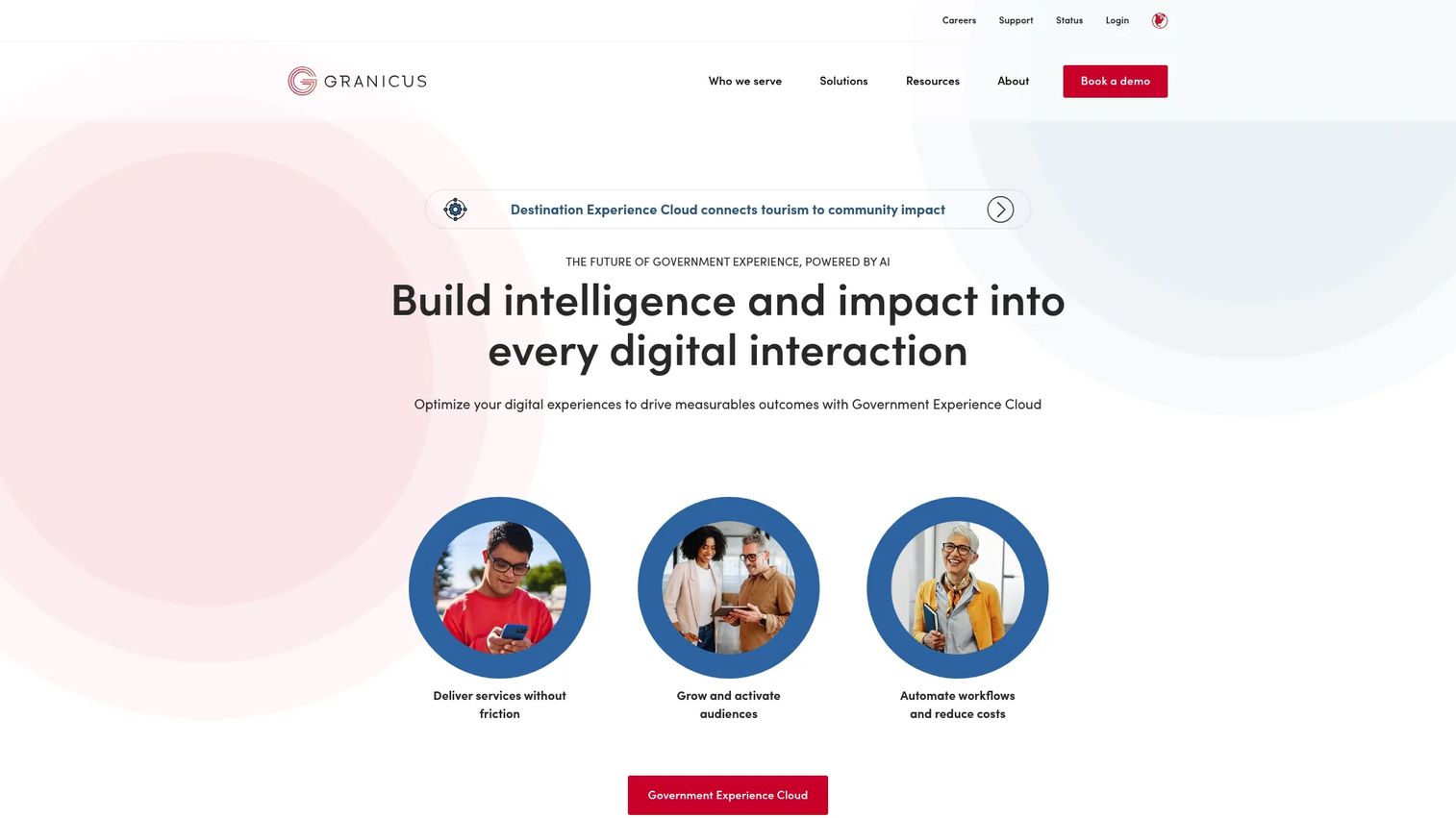
Granicus is a broad government software platform for citizen experience, digital services, communications, and operations at scale. It provides low-code and no-code website tools and content workflows, online self-service with integrated forms and payment processing, and ongoing accessibility enhancements. Where the other tools solve one department's problem, Granicus is strongest where communication and engagement span the whole agency.
Best for: Government organizations that need a unified platform for websites, resident engagement, and digital service delivery.
Key strengths
- Website and content tools: low-code and no-code publishing plus content workflows for public-facing sites.
- Online self-service: integrated forms and payment processing for resident transactions.
- Accessibility and search: predictive search and ongoing accessibility work to meet public-sector standards.
Why choose Granicus: If your friction is fragmented communication, an aging website, and clunky online services rather than back-office finance, Granicus is built for that surface. It fits agencies prioritizing resident engagement and digital service delivery alongside operations. With SmartGov in the same portfolio, it can anchor a broader engagement-plus-permitting standardization.
Granicus pricing: Granicus does not publish public pricing and directs prospects to contact sales for a quote scoped to your needs. That keeps cost tied to the specific modules and scale you deploy. Its G2 seller rating is 4.5/5, a useful signal alongside references from agencies your size.
Considerations before you buy
Category labels tell you almost nothing about fit. Use this checklist to pressure-test any municipal software before you commit budget and a multi-year contract.
Fit to your actual bottleneck
Buy for the friction you feel most, not the most impressive suite. If citizen requests are the problem, a full ERP will not fix it. Rank your operational pain first, then match a tool to the top item. Everything else can wait for phase two.
Agency size and module fit
A mid-to-large county and a small town need different footprints. Larger agencies often justify an integrated suite; smaller ones frequently do better with focused specialists. Match the deployment scope to your headcount and complexity, not to a vendor's ambitions.
Integration with your existing stack
Few agencies rip and replace everything at once. Confirm how a new tool connects to your finance system, GIS, work orders, and payment processor. Government management software that cannot share data cleanly just recreates the silos you are trying to escape.
Compliance and audit readiness
Fund accounting rules, records retention, and transparency mandates are non-negotiable. Verify the tool produces audit trails and statutory reports out of the box. This is where government financial software earns or loses trust with your auditor.
Implementation and support reality
Ask vendors for a realistic implementation timeline and reference calls with agencies your size. Continuity and support responsiveness matter as much as features over a decade-long system life. Slow support turns a good tool into a daily frustration.
Conclusion
The best municipal software is not the biggest suite or the longest feature list. It is the one that matches your agency size, compliance needs, and the workflow causing the most friction right now. Sort the shortlist by department and the choice gets simpler.
For municipal ERP and accounting depth, Tyler Technologies and Edmunds GovTech lead, with Municipal Software Inc a strong specialist for accounting and billing. For records compliance, Intradyn. For strategic reporting, ClearPoint. On the resident-facing side, SeeClickFix handles 311 requests, SmartGov handles permitting, PayIt handles payments, and Granicus handles engagement at scale.
Start with the category that causes the most operational pain, run a scoped demo against your real data and workflows, and expand from there. The municipal software companies on this list all sell quote-based, so treat every evaluation as a fit test, not a feature checklist. Buy the fix for your top bottleneck first, prove it works, then build out the rest of your stack deliberately.
FAQs
Municipal software runs the core operations of cities, towns, and counties, from finance and utility billing to permitting, citizen request management, and public payments. It handles both internal workflows like fund accounting and reporting and resident-facing tasks like paying bills, applying for permits, and reporting issues. The goal is traceable, auditable operations with less manual re-keying.
Prioritize fit to your top operational bottleneck, clean integration with your existing finance, GIS, and payment systems, and audit-ready reporting for compliance. Confirm support responsiveness and implementation realism through reference calls with agencies your size. Match the module scope to your agency size rather than buying more suite than you need.
No. ERP is one category within broader municipal software. Municipal ERP covers finance, budgeting, purchasing, and payroll, while municipal software also includes permitting, citizen requests, payments, records compliance, and engagement. Many agencies pair an ERP with specialized tools for the resident-facing side.
Finance and accounting lead, followed by utilities and billing, permitting and development services, clerk offices, public works, and citizen services. Each department often has its own primary tool, which is why integration and shared data matter so much when assembling a stack for municipalities.
They screen for fit to a specific bottleneck, realistic implementation effort, vendor trust and continuity, and whether the tool solves a top operational problem rather than adding another silo. Because most state and local government software is quote-based, buyers rely heavily on demos and references rather than published pricing. The strongest evaluations test the tool against real data and workflows before signing.
Municipal software is a narrower local-government subset of the broader government software category. Government software spans federal, state, and local agencies, while municipal software focuses specifically on cities, towns, counties, and local authorities. The workflows, fund accounting rules, and resident services in municipal software are tuned to local government rather than state or federal needs.