An endpoint changes. Nothing crashes. Then, three weeks later, a prospect in a POC hits a 500 on the one workflow they cared about, and the deal stalls while everyone scrambles to figure out what broke.
APIs break quietly. Test coverage drifts as the surface grows. And presales teams get pulled into last-minute validation work that should have been caught in a regression suite. The problem is rarely that nobody cares about API quality. It is that the checks are manual, scattered, and slow, so they get skipped when things get busy.
The market reflects how much this matters. The global API testing market was valued between $2.3 and $4.2 billion in 2024 and is forecast to reach roughly $10.6 to $10.8 billion by 2032 to 2033, according to GlobeNewswire (2024). The push is coming from microservices, cloud integration, and DevOps adoption, all of which multiply the number of endpoints a team has to trust.
The right api testing tools give you three things: speed to validate an endpoint on the spot, repeatability so the same checks run every deploy, and enough protocol coverage that you are not juggling five utilities. For teams doing technical validation, that combination is the difference between confident answers on a call and a promise to "circle back after we check."
To narrow your own shortlist across adjacent categories, it also helps to see how buyers evaluate related stacks, from application performance monitoring tools to AB testing tools and even security posture management tools that overlap with API security work.
What's inside
This guide is for engineers, QA, and presales teams who need to test API endpoints reliably, not just poke at them once. We picked 11 tools across the full range of workflows: manual request building, api test automation, REST and SOAP coverage, spec-driven testing with OpenAPI, and security checks.
We selected each tool on four criteria: protocol support (REST, SOAP, GraphQL, gRPC), automation depth and CI/CD fit, developer experience and collaboration, and integration with the wider stack. The list favors tools that support repeatable validation over one-off endpoint pokes.
TL;DR
- Best overall for broad workflows: Postman covers design, testing, mocking, and collaboration in one platform.
- Best for a polished developer experience: Insomnia handles REST, GraphQL, gRPC, and design in a clean workspace.
- Best lightweight, browser-first api tester: Hoppscotch is open-source, fast, and self-hostable.
- Best for SOAP and legacy protocol depth: SoapUI still leads for WSDL, security, and load testing.
- Best for Git-native local workflows: Bruno stores collections as code, ideal for version-controlled teams.
- Best for security-focused API testing: StackHawk runs DAST checks CI/CD-native, built for developers.
What are API testing tools?
API testing software is a category of tools that send requests to an application's endpoints, validate the responses, and automate those checks so teams can catch breakage before it reaches production or a customer.
Unlike UI testing, which drives a browser, api tools work directly against the contract between services. That makes them faster to run, easier to automate, and central to any team running microservices or a CI/CD pipeline.
The category spans several distinct jobs:
- Functional api testing: Confirms an endpoint returns the right status, schema, and data for a given request.
- Regression testing: Re-runs known-good checks on every change to catch anything that broke.
- Performance api testing: Measures latency and throughput under load, including stress and spike scenarios.
- Contract or spec-driven testing: Validates responses against an OpenAPI or Swagger definition so the API matches its documented contract.
- Mocking and service virtualization: Simulates endpoints that are not built yet, or dependencies you cannot hit directly.
- CI/CD automation: Runs the whole suite headless in the pipeline, gating merges and deploys on passing tests.
Most teams need more than one of these. A good api tester lets you start with manual REST calls, then graduate the same requests into automated regression suites without rebuilding them, all while supporting soap api and spec-driven workflows in the same place.
When to use API testing tools
Validate endpoints before a release
Before you ship or demo, someone needs fast confirmation that the endpoints behave. Engineers use a tool to test api responses locally in seconds. Presales teams use the same checks to confirm a POC environment is healthy before a stakeholder call. The value is speed: a green run beats a manual click-through every time.
Automate regression checks in CI/CD
Manual checks get skipped under pressure. Wiring your test api suite into ci/cd means every pull request and deploy runs the same validations automatically. When an endpoint breaks, the pipeline fails before the change reaches a customer. This is where api test automation earns its keep, turning one-time checks into a permanent safety net.
Test SOAP, REST, and spec-driven APIs in one workflow
Many teams still run a mix of rest api services, legacy soap api endpoints, and GraphQL alongside spec-driven testing from openapi files. Using one tool that covers all of them cuts tool sprawl and keeps collections, environments, and auth in a single place. That breadth matters most for teams supporting older integrations that will not disappear.
Comparison table
Here is the fast shortcut. Tools are ordered by relevance to general-purpose api testing tools, not alphabetically. Use the intent column to jump to your fit.
| # | Product | Intent | Key differentiation | Pricing | G2 rating |
|---|---|---|---|---|---|
| 1 | Postman | Full API lifecycle | Design, test, mock, and collaborate in one platform | Free; paid from $9/mo | 4.6/5 |
| 2 | Insomnia | Multi-protocol client | REST, GraphQL, gRPC, SOAP, WebSockets in a clean UI | Free; Pro $12/user/mo | 4.3/5 |
| 3 | Hoppscotch | Lightweight web client | Open-source, browser-first, self-hostable | Free; Enterprise $19/user/mo | Not listed |
| 4 | SoapUI | SOAP and REST depth | Functional, security, load testing, and mocking | Free (open source) | 4.4/5 |
| 5 | ReadyAPI | Commercial test suite | Functional, security, performance, virtualization | Free trial; contact sales | 4.4/5 |
| 6 | Bruno | Git-native client | Local-first collections stored as code | Free; Pro $6/user/mo | 4.5/5 |
| 7 | ReqBin | Online api tester | Browser-based REST and SOAP checks | Free; Premium $10/yr | 4.4/5 |
| 8 | Apidog | Spec-to-test platform | Design, mock, test, and document together | Free trial available | 4.9/5 |
| 9 | HTTPie | CLI-first testing | Terminal, web, and desktop clients | Free tier | 4.5/5 |
| 10 | Katalon Studio | Cross-channel automation | Web, mobile, API, and desktop in one IDE | Free; paid from $67/seat/mo | 4.4/5 |
| 11 | StackHawk | API security testing | CI/CD-native DAST and attack surface discovery | From $10/user/mo | 4.6/5 |
1. Postman
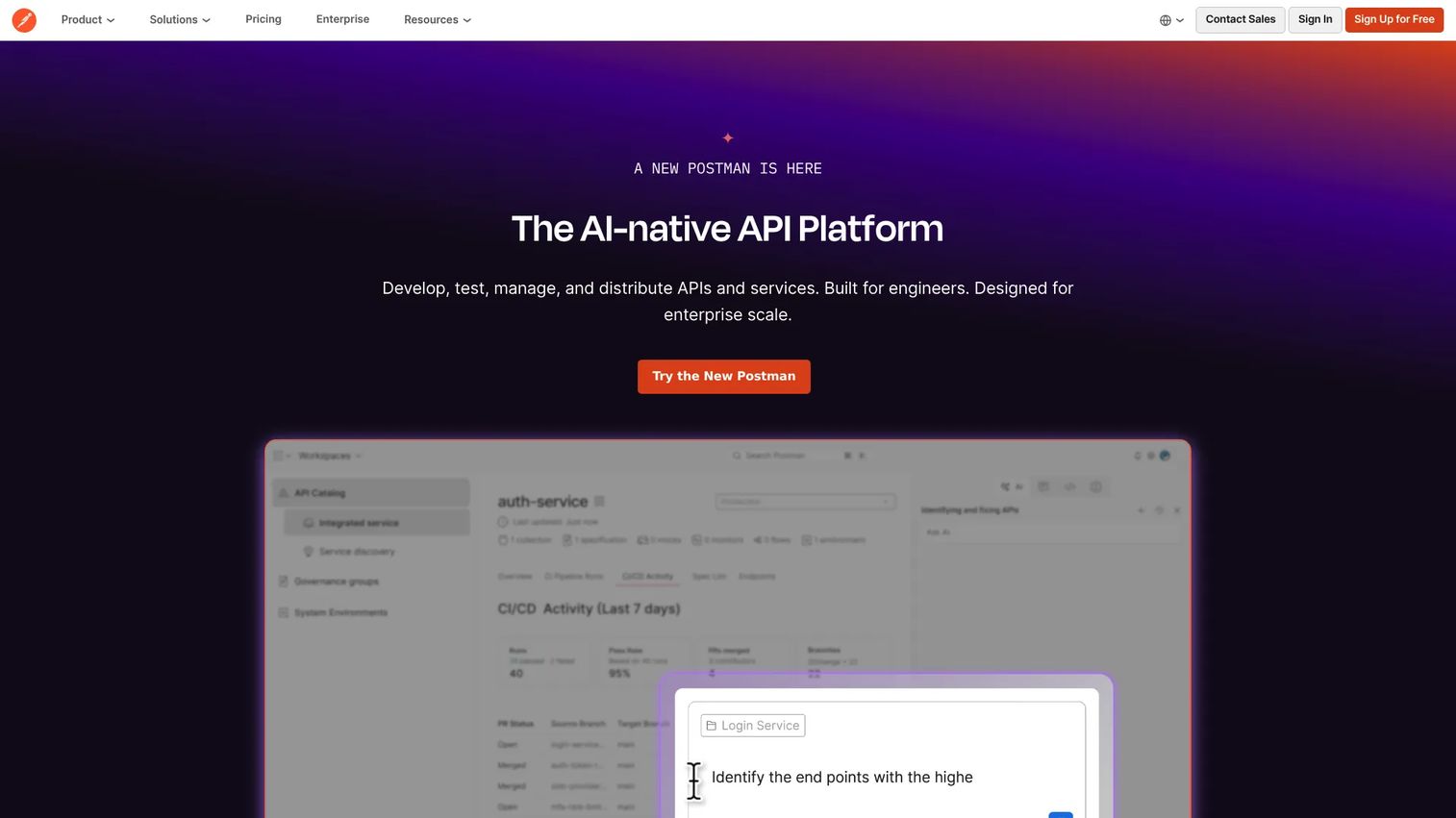
Postman is the default starting point for most API teams, and for good reason. It is an API platform for designing, testing, documenting, and collaborating on APIs across the full lifecycle. You build a request, save it to a collection, share it with your team, and grow the same collection into an automated suite. That single-workspace flow is why so many teams standardize on it.
Best for: Teams building and managing APIs across the full lifecycle, from first request to CI/CD regression.
Key strengths
- API client: Send and debug requests across REST, SOAP, and GraphQL with saved history and environments.
- Mock servers: Simulate API responses so front-end and downstream work continues before the real endpoint exists.
- Collections and environments: Organize and reuse requests, then run them as automated tests locally or in ci/cd.
Why choose Postman: If your team spans engineers, QA, and presales, Postman gives everyone one place to work. The collaboration and sharing model means a presales engineer can grab the same collection an engineer built, validate a prospect's endpoints, and hand off cleanly. It scales from a solo developer to an enterprise governance program without forcing a tool switch.
Postman pricing: Postman has a free tier at $0/month that covers the core client and collections. Paid plans start with Solo at $9/month billed annually, Team at $19 per user/month billed annually, and Enterprise at $49 per user/month billed annually. Paid tiers add usage-based add-ons and services. The free tier is enough for most individual developers to run functional api testing daily.
2. Insomnia
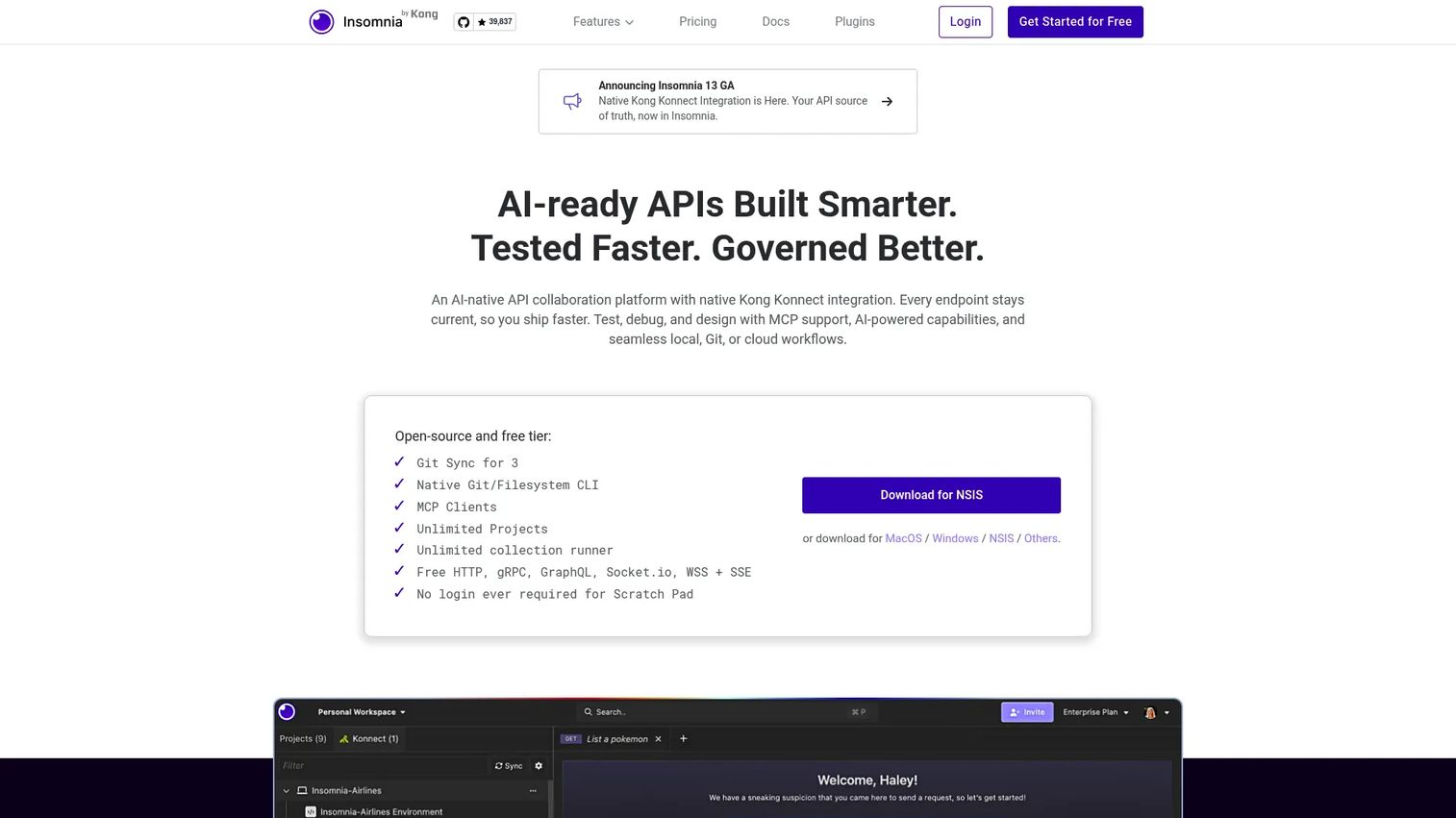
Insomnia is an API client for debugging, designing, mocking, and testing APIs, and teams choose it when they want a focused, polished developer experience. It handles more protocols than most clients out of the box and keeps the interface uncluttered, which matters when you spend hours a day inside it.
Best for: Teams building and testing APIs across design, mocking, and debugging workflows without a heavy suite.
Key strengths
- Multi-protocol debugging: Works across HTTP, REST, gRPC, GraphQL, WebSockets, SOAP, and SSE from one client.
- API design with OpenAPI: Author specs with live preview so design and testing stay in sync.
- CI/CD testing with Inso CLI: Run collections headless in the pipeline, plus mocking and enterprise governance.
Why choose Insomnia: Insomnia fits developer-centric teams that want breadth of protocol support without the weight of a full platform. Its openapi design flow with live preview appeals to teams doing spec-driven testing, and the Inso CLI makes moving from manual checks to automation and scripting straightforward.
Insomnia pricing: Insomnia offers a free Essentials plan at $0 per user/month. Pro runs $12 per user/month, and Enterprise is $45 per user/month with self-serve up to 50 users before larger teams are directed to sales. The free tier covers the multi-protocol client, which is plenty for individual debugging and design work.
3. Hoppscotch
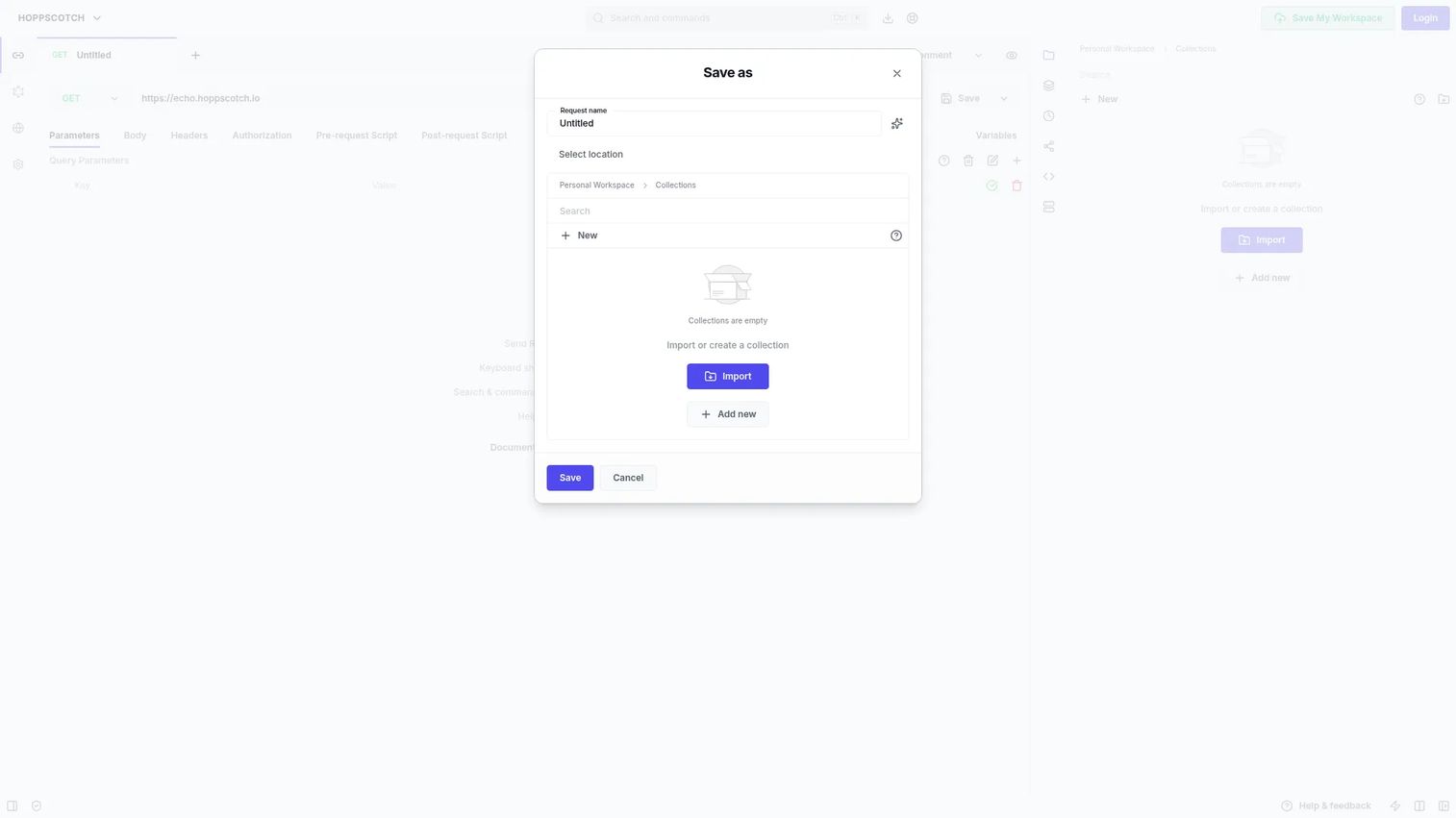
Hoppscotch is an open-source API development ecosystem for building, testing, and debugging APIs, and its calling card is speed. It runs in the browser with no install, loads instantly, and works well for quick manual checks when you just need to fire a request and read the response.
Best for: Teams that want a lightweight, open-source api tester with self-hosting options.
Key strengths
- Web, desktop, and CLI clients: Test from wherever you work, including a CLI for scripted runs.
- Self-hosted and cloud options: Run it inside your own infrastructure for data control, or use the hosted version.
- Request testing and mocking: Build, send, and mock requests fast without a heavy learning curve.
Why choose Hoppscotch: The open-source model and self-hosting appeal to teams that want control over where their request data lives. It is the tool you reach for when a teammate asks "can you just hit this endpoint," and it scales into scripted runs through the CLI when you need repeatability.
Hoppscotch pricing: The Community Edition is free and open-source. The Enterprise Edition is listed at $19 per user/month in the self-hosting comparison and adds team and governance features. For most quick browser-based work, the free edition covers it.
4. SoapUI
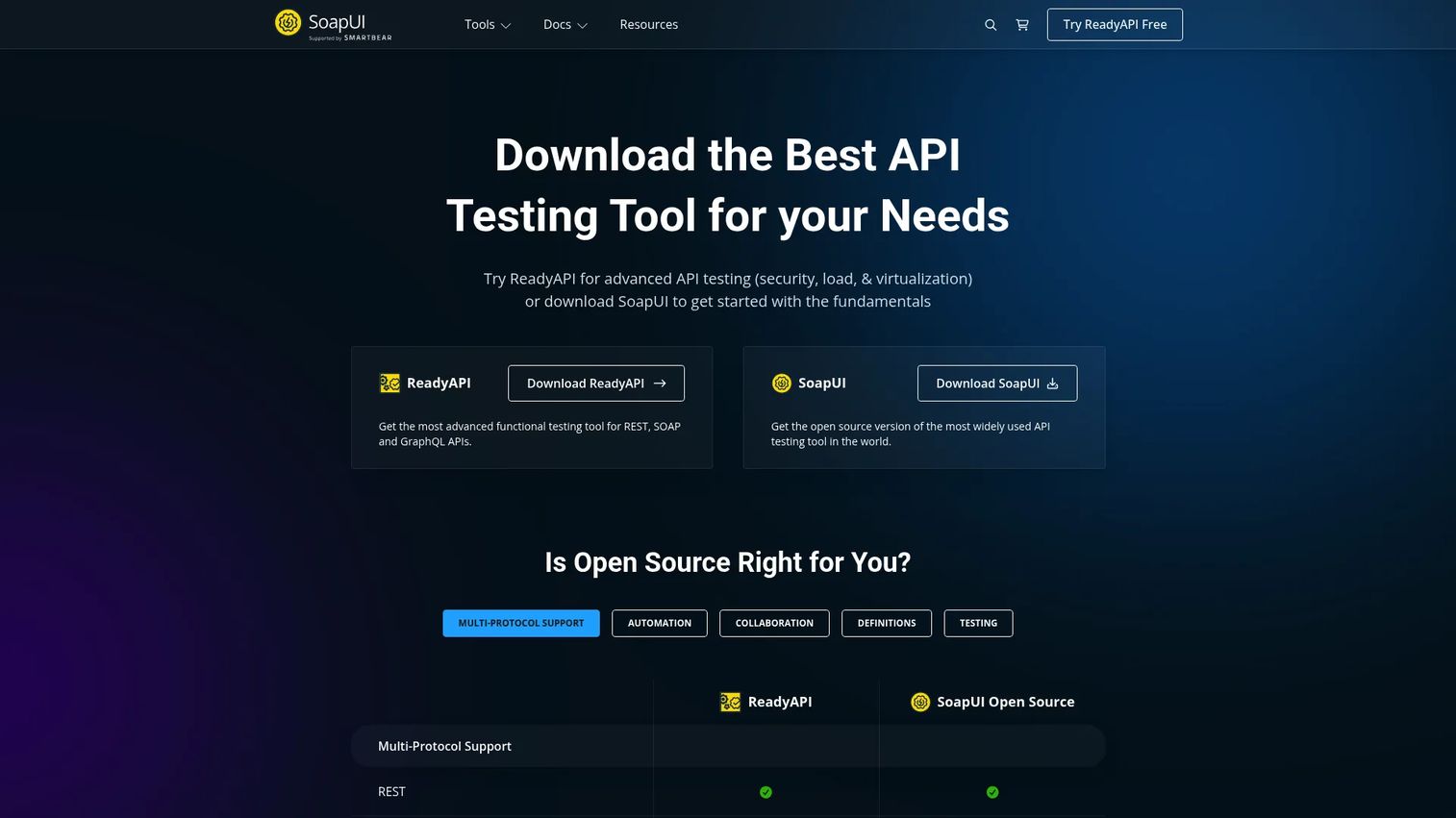
SoapUI is the open-source standard for testing SOAP, REST, and GraphQL services, and it still matters because legacy soap api endpoints have not gone anywhere. It goes deeper than a request client, adding scriptless functional testing, security checks, load testing, and mocking in one open-source package.
Best for: Teams needing free open-source SOAP, REST, and GraphQL testing with functional, security, load, and mocking coverage.
Key strengths
- Scriptless functional testing: Build functional api testing suites without writing code, then extend with scripts.
- Security and load testing: Run security scans and performance api testing against the same endpoints.
- Broad protocol support: Cover SOAP/WSDL, REST, GraphQL, and JMS, plus mocking and service virtualization.
Why choose SoapUI: For enterprise technical validation where SOAP and WSDL are still in play, SoapUI is hard to beat on coverage per dollar. The open-source edition handles functional, security, and load testing, and teams that outgrow it move to the commercial ReadyAPI without re-learning the model.
SoapUI pricing: SoapUI Open Source is completely free. SmartBear offers ReadyAPI as a commercial companion with a free trial for teams that need more advanced workflows, though no public price is published. For most SOAP-heavy validation, the open-source edition is the right starting point.
5. ReadyAPI
ReadyAPI is a low-code API testing platform that extends SoapUI for advanced functional, security, performance, and service virtualization testing in one workflow. It is the step up for teams that need enterprise-grade capabilities and want them coordinated rather than stitched across separate tools.
Best for: Teams that need a commercial API testing suite with security, load, and virtualization capabilities.
Key strengths
- Broad protocol coverage: Test REST, SOAP, GraphQL, JMS, JDBC, and Kafka from one platform.
- Functional and security in one flow: Run functional and security testing together without switching tools.
- Performance and virtualization: Handle load, stress, and spike testing plus service virtualization for absent dependencies.
Why choose ReadyAPI: ReadyAPI fits teams that have outgrown open-source SoapUI and need advanced api test automation, service virtualization, and coordinated security and performance api testing. The low-code approach keeps it accessible to QA teams who are not full-time scripters.
ReadyAPI pricing: ReadyAPI offers a 14-day free trial with no credit card required. Public subscription pricing is not published on the site, so teams contact SmartBear sales for a quote. The trial is enough to evaluate the full functional, security, and performance workflow before committing.
6. Bruno
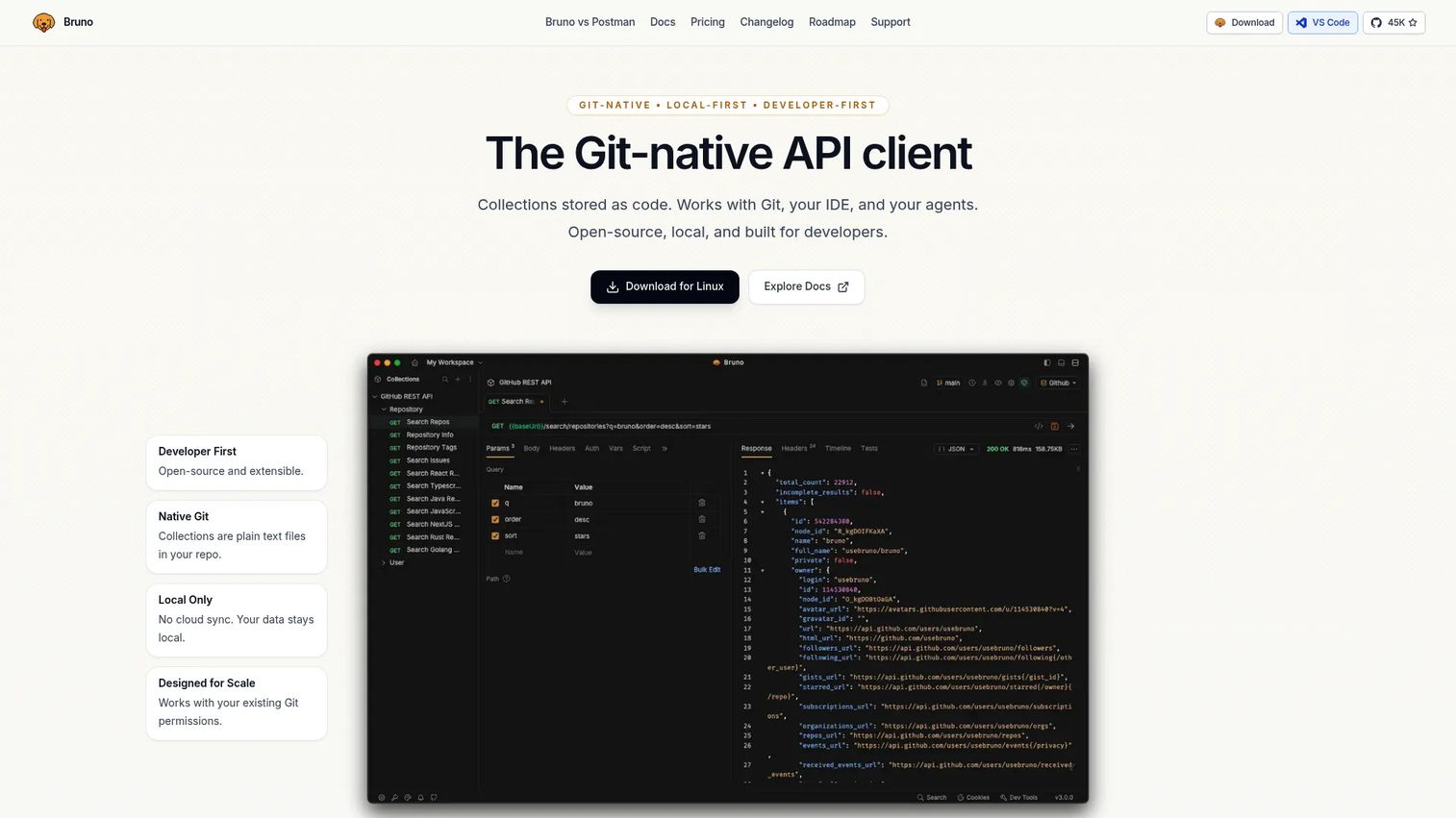
Bruno is a Git-native, local-first open-source API client for testing, documenting, and collaborating on APIs. Its differentiator is philosophy: collections are stored as plain files in your repo, so they version and review like any other code. Developer-centric teams love it for exactly that reason.
Best for: Teams and developers who want a local-first, Git-native API client.
Key strengths
- Git-native collections: Store requests as code in your repo, so they diff, branch, and review with your pull requests.
- Open-source client: Free core product with no lock-in and a transparent codebase.
- Offline, local-only workflow: Work entirely on your machine with no forced cloud sync.
Why choose Bruno: Compared to cloud-first tools, Bruno keeps everything in your version control, which appeals to teams that treat api tools as part of the codebase. If your workflow already runs through Git, collections that live alongside your source and review in the same pull request remove a whole class of sync friction.
Bruno pricing: The Open Source edition is free at $0. Pro is $6 per user/month billed annually and adds deeper Git integration, automation, and support. Ultimate is $11 per user/month billed annually with enterprise-grade integrations, and offers a 14-day free trial. The open-source tier covers most individual and small-team scriptable api testing.
7. ReqBin
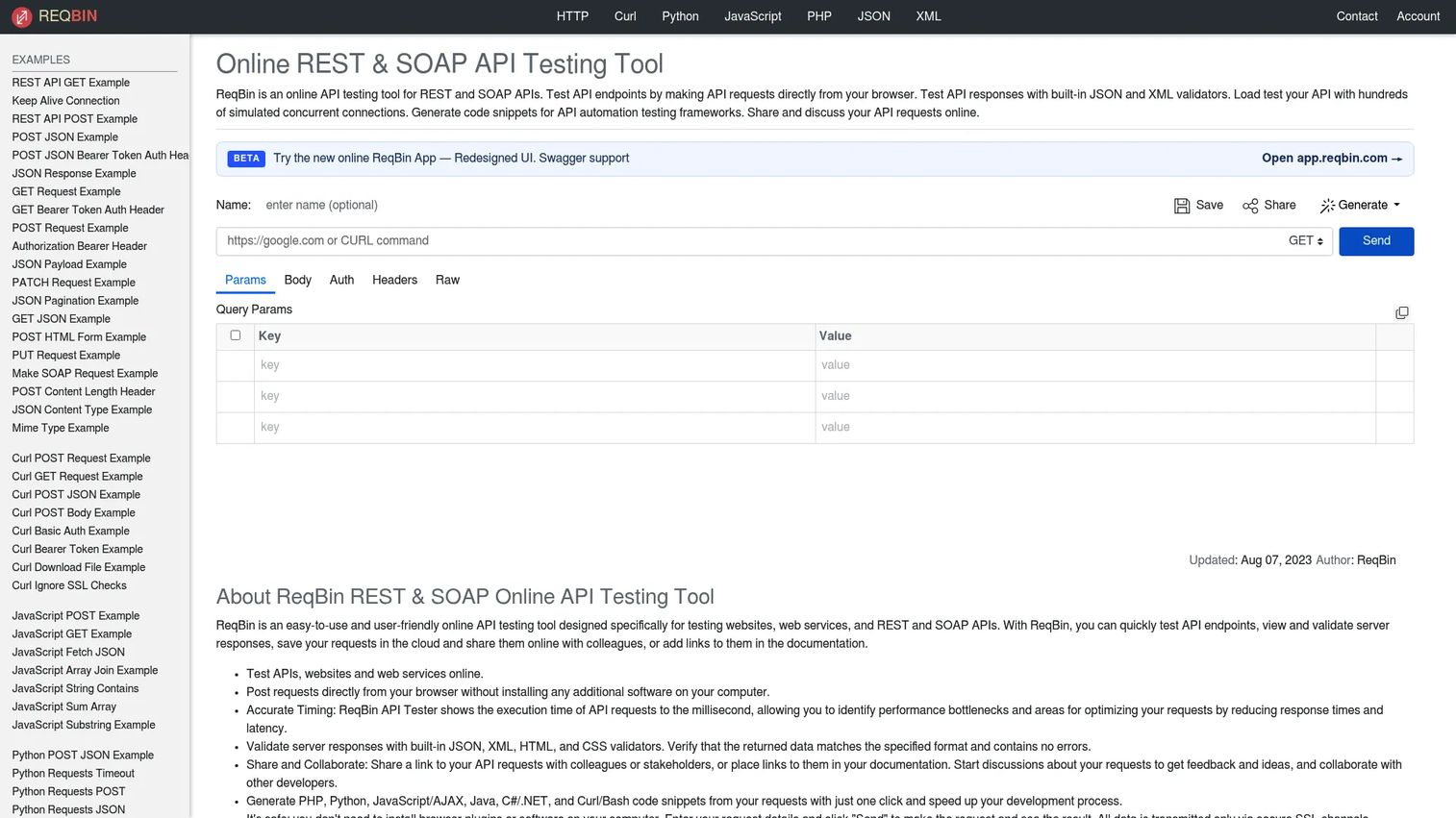
ReqBin is an online API testing tool for REST and SOAP APIs that lives entirely in the browser. It is the fastest path to a quick endpoint check when you do not want to open a desktop app. Paste a URL, set your headers, send, and read the response with built-in validators.
Best for: Developers who need a lightweight browser-based api tester with sharing and validation tools.
Key strengths
- Browser-based testing: Send REST and soap api requests instantly with nothing to install.
- Built-in validators: JSON and XML formatters and validators inline for fast response checks.
- Code generation and sharing: Generate client code in multiple languages and share requests with teammates.
Why choose ReqBin: ReqBin shines for the online api testing tool use case: a fast, shareable check you can send to a colleague as a link. It performs best for quick validation and code snippets rather than large automated regression suites, so pair it with a heavier tool when you need deep api test automation.
ReqBin pricing: ReqBin is free to use with core testing available at no cost. The Premium plan is $10 per year billed yearly, which removes ads and adds App Mode, higher limits, unlimited projects, shared request management, and priority support. At that price, it is an easy upgrade for anyone who lives in browser-based checks.
8. Apidog
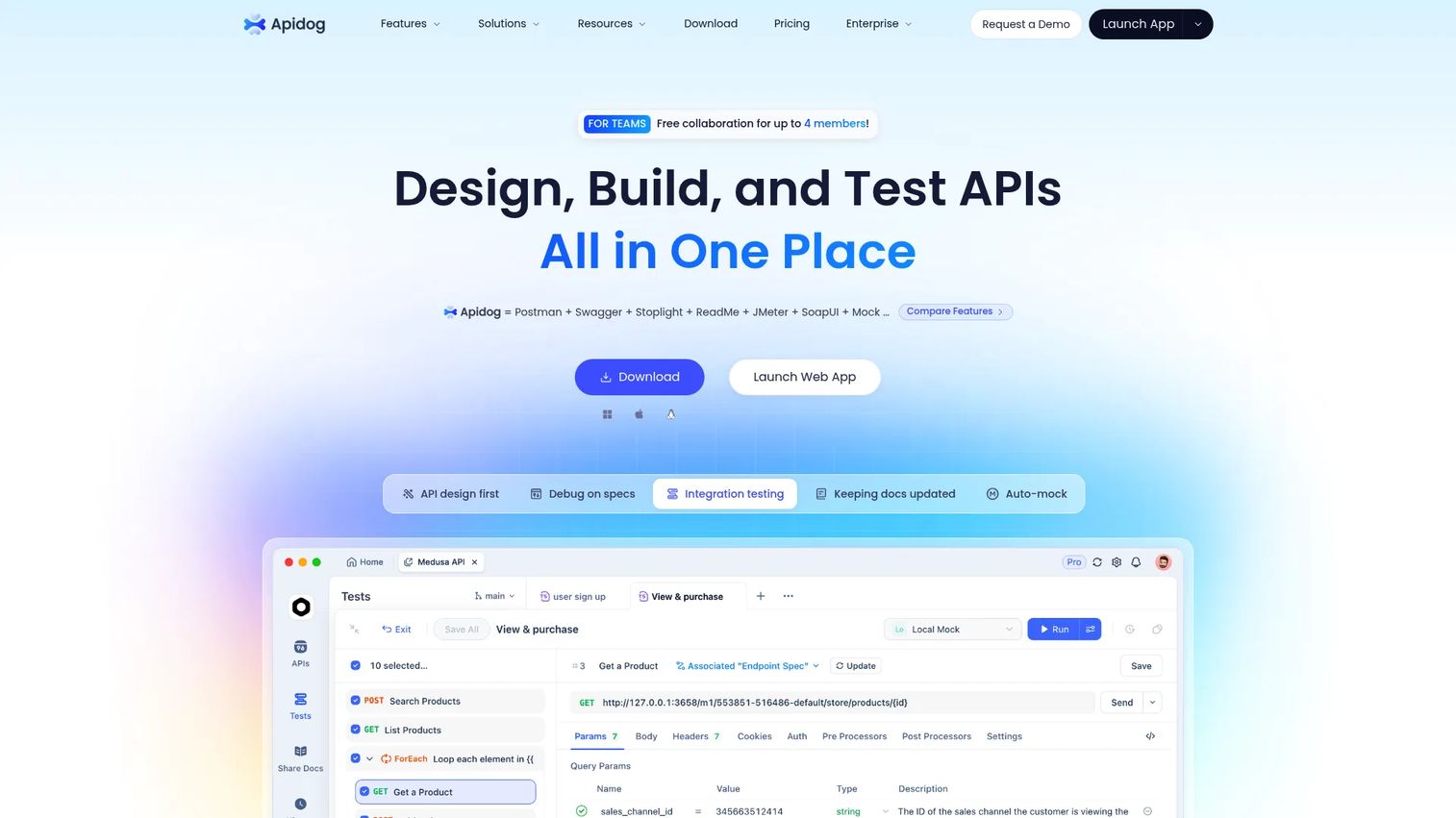
Apidog is an all-in-one API platform for designing, debugging, mocking, testing, and documenting APIs. It appeals to teams that want a single workflow from spec to test, so the design, the mocks, the tests, and the docs all stay connected instead of drifting apart across separate tools.
Best for: Teams that need an integrated API lifecycle tool in one platform.
Key strengths
- Design and documentation: Author the API spec and generate docs from the same source of truth.
- Mocking and debugging: Spin up mock endpoints from the design and debug live requests together.
- Automated testing and collaboration: Build automated test suites and collaborate across the team in one workspace.
Why choose Apidog: Apidog is a strong pick for teams committed to spec-driven testing that want their openapi design, mocks, and tests to move together. Keeping the whole lifecycle in one platform reduces the drift between what the docs claim and what the API actually returns.
Apidog pricing: Apidog offers a 14-day free trial and references Free, Basic, Professional, and Enterprise plans on its pricing page. Public plan prices were not clearly published at the time of writing, so confirm current tiers directly with Apidog. The free trial is enough to evaluate the design-to-test workflow end to end.
9. HTTPie
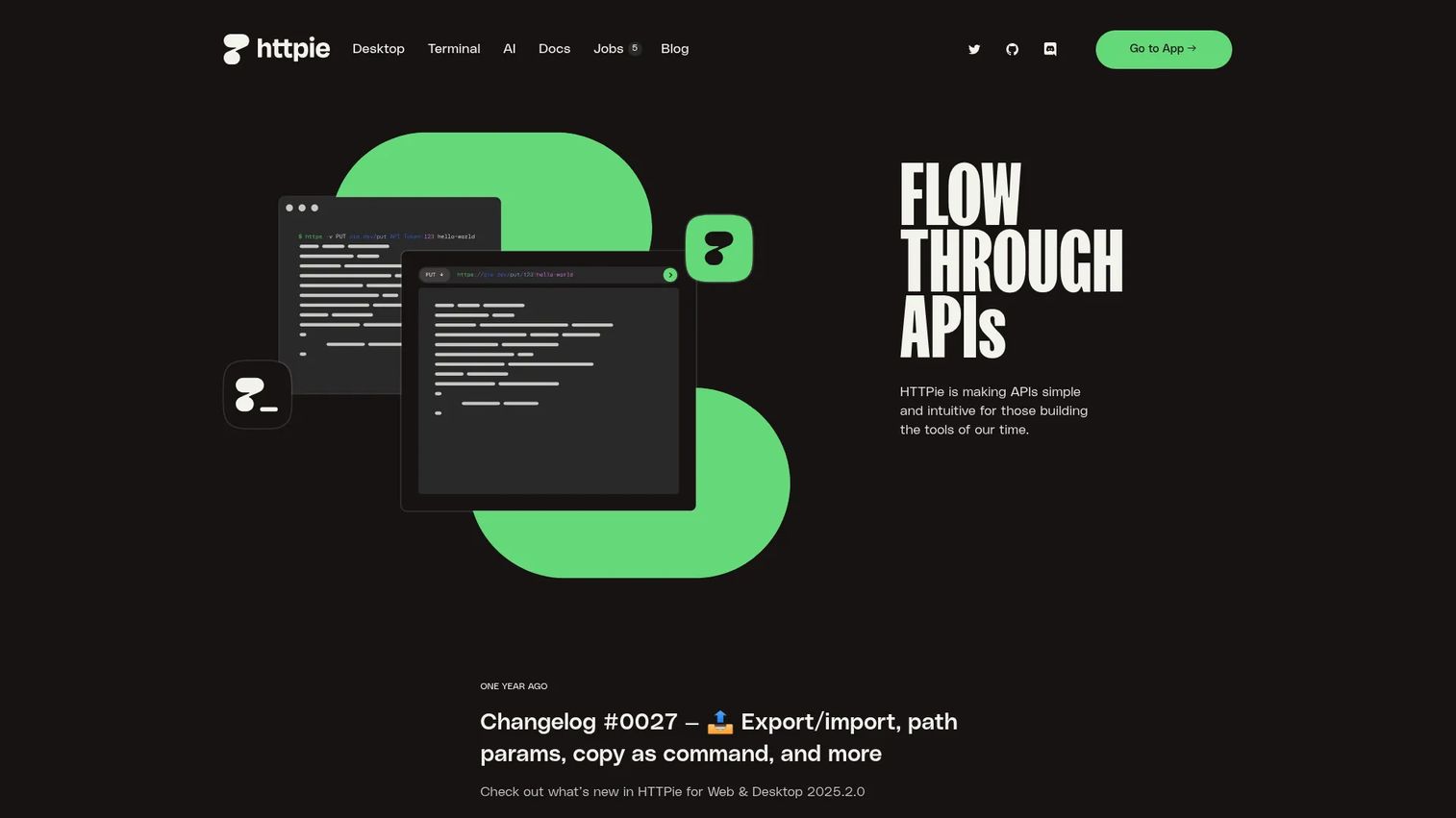
HTTPie is an API testing client with Terminal, Web, and Desktop apps, and it is the tool of choice for developers who live in the command line. When you want to test api behavior with a single readable command instead of a UI, HTTPie's syntax is hard to beat for speed.
Best for: Developers testing and debugging HTTP APIs across terminal and browser workflows.
Key strengths
- Command-line testing: Fire HTTP and API requests with clean, memorable syntax right from your terminal.
- Web and desktop apps: Move the same workflow into a browser or desktop client when you need a UI.
- Full request support: Handle JSON, sessions, uploads, auth, and download mode out of the box.
Why choose HTTPie: Terminal-first workflows beat UI-heavy tools when you are already in a shell, scripting checks, or piping output into other commands. HTTPie makes scriptable api testing feel natural, and engineers can drop the same commands into CI scripts for fast, repeatable checks.
HTTPie pricing: HTTPie's Terminal client is open-source, and the Web and Desktop apps can be used without an account. A public price figure was not published on the site at the time of writing, so confirm current commercial terms directly with HTTPie. For most command-line work, the core tooling is free to start.
10. Katalon Studio
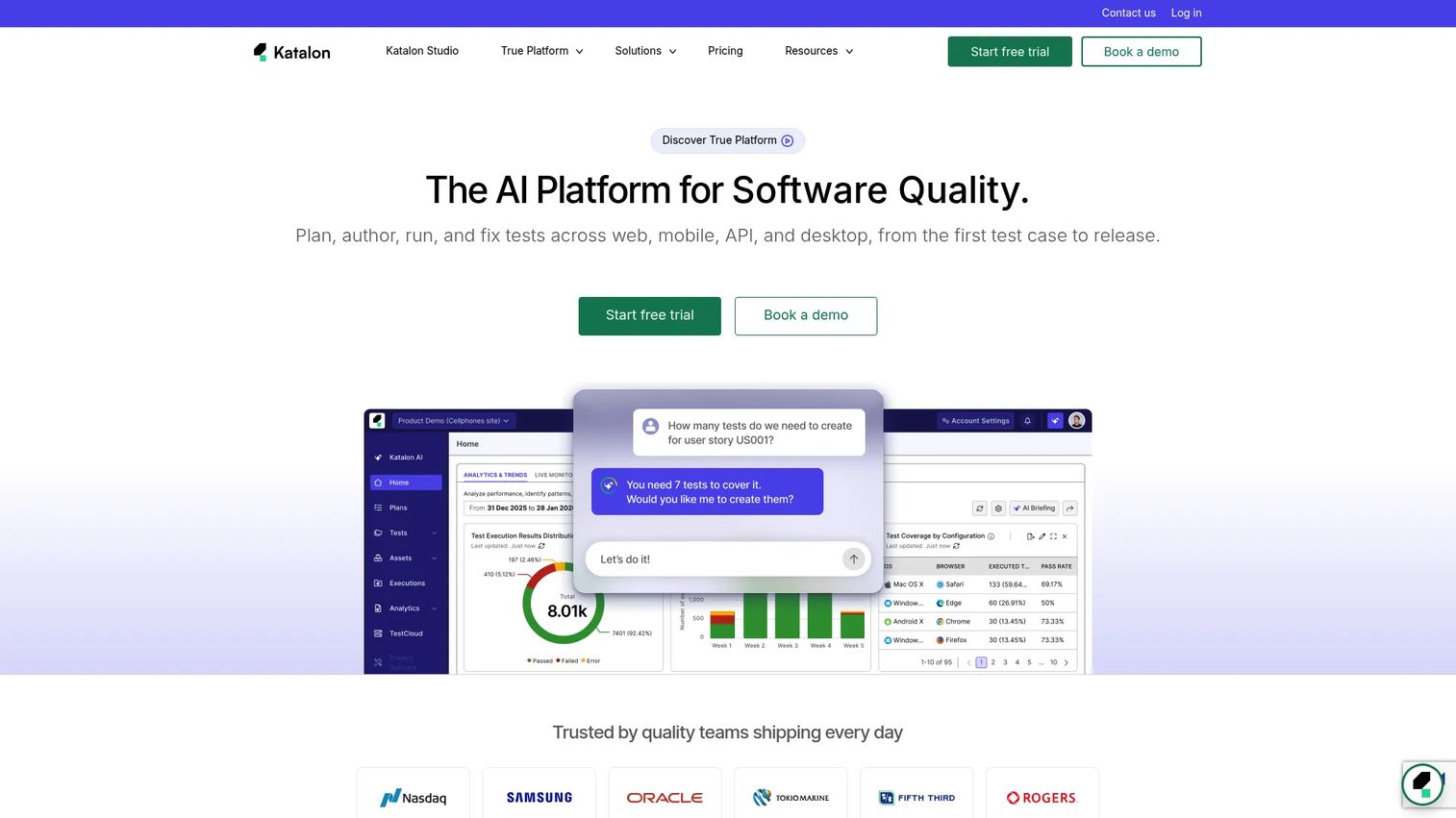
Katalon Studio is an AI-powered test automation IDE for web, mobile, API, and desktop testing. It fits teams that want one platform for cross-channel automation rather than a dedicated API-only tool, so your API checks live alongside your UI and mobile tests in the same suite.
Best for: Teams that want a single test automation tool with AI, low-code, and script-based workflows.
Key strengths
- AI-assisted authoring: Generate and heal tests with AI to cut maintenance as the app changes.
- No-code plus full-code IDE: Record tests visually or drop into code, so QA and engineers share one tool.
- Cross-channel execution: Run tests across web, mobile, API, and desktop with self-healing and smart waits.
Why choose Katalon Studio: Choose Katalon over an API-only tool when API testing is one part of a broader automation program that also covers web and mobile. Teams consolidating their QA stack get one place for authoring, execution, and reporting across every channel.
Katalon Studio pricing: Katalon offers an always-free version of Katalon Studio. Paid seat-based plans start with Team at $67 per seat/month billed annually and Standard at $167 per seat/month billed annually, with a custom Enterprise tier. The free version is a genuine starting point for API and functional testing before you scale into paid seats.
11. StackHawk
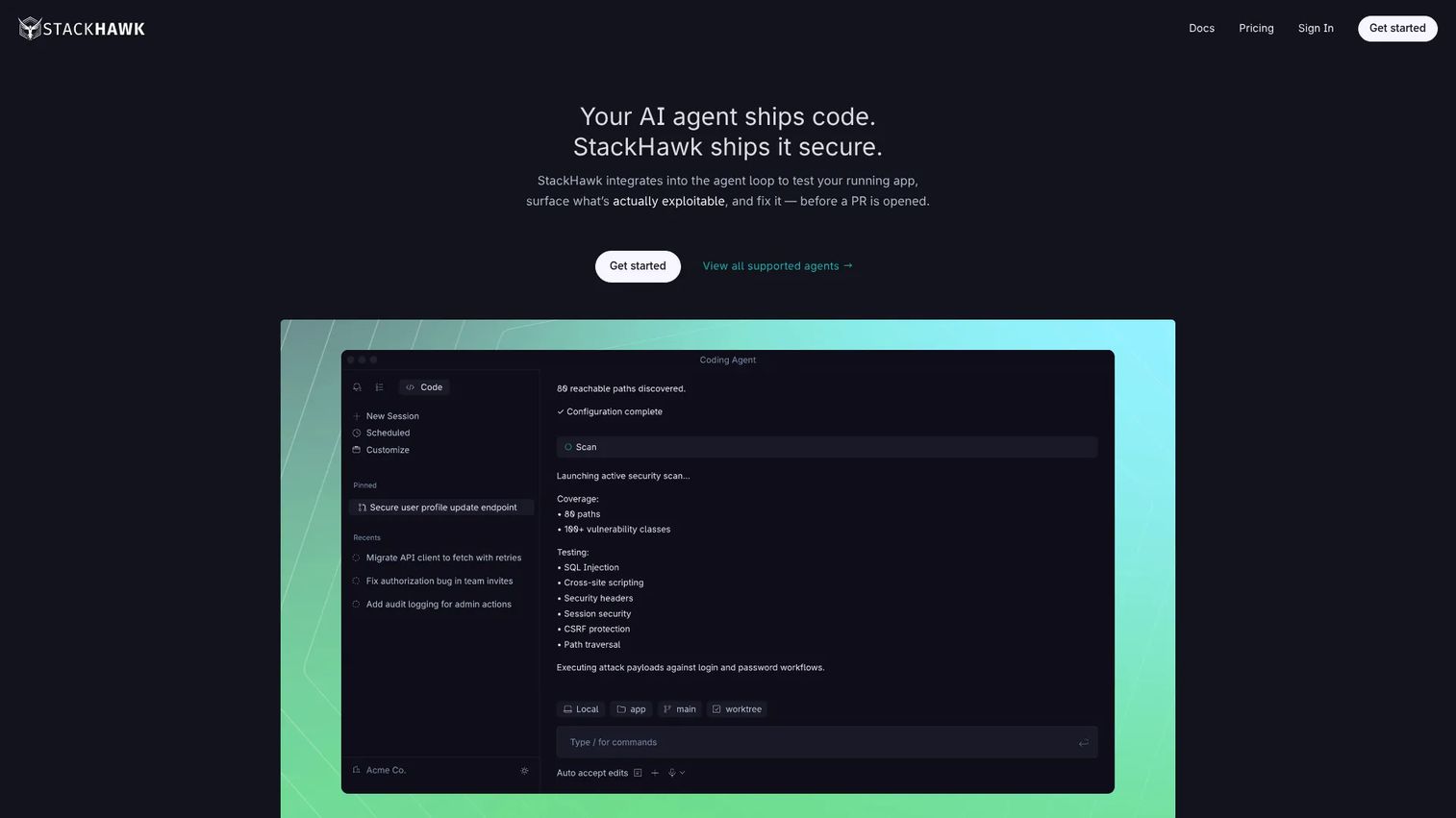
StackHawk is an application security platform for CI/CD-native dynamic testing and attack-surface discovery. It belongs on this shortlist because functional checks alone do not catch vulnerabilities. StackHawk runs OWASP-oriented security testing where developers already work: inside the pipeline, on every change.
Best for: Teams that want developer-focused DAST and API security testing in CI/CD.
Key strengths
- CI/CD-native runtime testing: Run dynamic security scans on every build, not as a separate late-stage gate.
- Attack surface discovery: Identify endpoints and attack surface straight from your source code.
- Developer-friendly fixes: Surface issues with clear remediation and verification so engineers can fix and confirm fast.
Why choose StackHawk: StackHawk is the security layer for teams that want to shift left. Its ci/cd-native model means security testing runs automatically alongside functional and regression checks, so a vulnerability shows up in the same pipeline run as a broken endpoint. That is exactly the kind of early signal presales and engineering both want before an enterprise security review.
StackHawk pricing: StackHawk's Wingman plan starts at $10 per user/month with a 14-day free trial. The Scale plan uses custom pricing, and the site also references a Vibe plan at $5/month. The Wingman tier plus the trial is enough to wire security testing into a pipeline and see results before committing.
How to choose the right API testing tool
Narrowing this list comes down to matching the tool to your actual workflow, not the longest feature list. Run through this checklist before you commit.
Protocol coverage
Map your real API surface first. If you run only rest api services, most tools here fit. If you still support soap api or WSDL endpoints, prioritize SoapUI, ReadyAPI, or Insomnia, which cover them natively. GraphQL and gRPC push you toward Insomnia, Postman, or SoapUI.
Automation and CI/CD fit
A tool that cannot run headless in your pipeline will not deliver repeatable coverage. Check for a CLI or CI integration: Postman, Insomnia's Inso CLI, HTTPie, and Katalon all run in ci/cd. If regression coverage is the goal, this is the criterion that matters most.
Spec-driven and design workflows
If your team designs against openapi or Swagger, favor tools that treat the spec as the source of truth. Apidog, Postman, and Insomnia let you author, mock, test, and document from one definition, which keeps the contract and the tests aligned.
Collaboration and data control
Decide whether collections live in the cloud, in your repo, or in your own infrastructure. Bruno keeps everything Git-native and local. Hoppscotch self-hosts. Postman and Apidog center on shared cloud workspaces for collaboration and sharing across mixed teams.
Conclusion
The right shortlist depends on what job you are actually solving. For broad, full-lifecycle work with strong collaboration, Postman is the safe default, with Insomnia close behind for a cleaner multi-protocol client. For quick, low-friction checks, Hoppscotch and ReqBin get you to a response fast, while HTTPie owns the command line.
For protocol depth, SoapUI and ReadyAPI remain the answer whenever SOAP and WSDL are in the mix, and Bruno wins for teams that want collections version-controlled as code. If your API work is one part of a wider automation program, Katalon Studio consolidates web, mobile, and API into one IDE. And for shift-left security testing, StackHawk runs OWASP-oriented checks CI/CD-native.
A practical next step: pick one tool for manual validation, one for automated regression in ci/cd, and add a protocol- or security-specific tool if your stack demands it. Standardize your team on that combination, wire it into your pipeline, and you turn scattered manual checks into a permanent safety net that catches breakage before a customer, or a prospect, ever does.
FAQs
Postman is the easiest starting point for most people. It has a free tier, a visual request builder, and huge community documentation, so the learning curve is gentle. For an even lighter start with nothing to install, Hoppscotch or ReqBin let you send your first request in the browser within seconds.
SoapUI and ReadyAPI are the strongest for combined REST and SOAP coverage, since SOAP and WSDL are core to their design. Insomnia and Postman also handle both protocols alongside GraphQL, and ReqBin covers REST and soap api requests for quick browser-based checks.
Look for a CLI or native pipeline integration. Postman, Insomnia's Inso CLI, and HTTPie all run headless in ci/cd for regression testing. StackHawk is purpose-built to run security scans on every build, and Katalon Studio integrates API automation into a broader cross-channel suite.
For spec-driven testing, Apidog, Postman, and Insomnia let you author an openapi or Swagger definition and then mock, test, and document from that single source. Keeping the spec as the source of truth means your tests and docs stay aligned with what the API actually returns.
Yes. Hoppscotch is open-source and runs entirely in the browser at no cost, and ReqBin offers free browser-based REST and SOAP testing with paid upgrades starting at $10 per year. Both are ideal for quick, shareable endpoint checks without installing anything.
Enterprise teams that need governance, reporting, and advanced collaboration tend to land on Postman's Enterprise tier or ReadyAPI for coordinated functional, security, and performance testing. Katalon Studio suits organizations consolidating web, mobile, and API automation under one platform with centralized reporting.
Some do, and it is worth separating functional tools from security-focused ones. StackHawk is built for API security testing, running CI/CD-native DAST checks against OWASP-oriented risks. SoapUI and ReadyAPI include security scanning alongside functional testing, while most general clients focus on functional and regression checks rather than vulnerability detection.
Presales teams need speed, repeatability, and technical trust. Prioritize a tool that validates endpoints in seconds during discovery, supports repeatable checks so a POC environment can be confirmed healthy before a call, and shares collections cleanly with engineering. That combination keeps technical validation moving and prevents last-minute surprises in front of a buyer.