Your reps spend 28% of their week actually selling. The rest disappears into data entry, follow-up emails, and CRM updates that feel productive but don't close deals.
Sales automation software handles that repetitive work automatically, so reps focus on conversations that move pipeline. This guide covers 15 platforms for automating outreach, managing deals, and scaling your sales process without scaling your headcount.
What's inside
Sales automation software eliminates manual, repetitive tasks like data entry, lead routing, and follow-ups. Reps spend less time on admin work and save 2 hours 15 minutes daily.
This guide covers 15 sales automation platforms for B2B teams. We selected tools based on CRM integration depth, automation flexibility, pricing transparency, and ease of adoption. Whether you're an SDR scaling outreach or a sales leader evaluating enterprise solutions, you'll find options that match your workflow.
TL;DR
- Best for all-in-one sales automation CRM: HubSpot Sales Hub combines robust workflows with AI-driven forecasting
- Best for enterprise sales automation: Salesforce Sales Cloud offers extensive customization and AppExchange ecosystem
- Best for visual pipeline management: Pipedrive delivers intuitive drag-and-drop automation for SMBs
- Best for outbound sales lead automation: Apollo.io provides built-in contact database with lead scoring
- Best for high-velocity inside sales: Close includes native calling, SMS, and Power Dialer
- Best for budget-conscious teams: Zoho CRM offers full-featured automation at competitive pricing
What is sales automation software
Sales automation software handles the repetitive work that eats up your day. Data entry, lead assignment, follow-up emails, meeting scheduling: all the tasks that take hours but don't directly close deals.
Here's what sales automation platforms typically handle:
- Data entry: Auto-logs calls, emails, and meetings to your CRM without manual input
- Lead routing: Assigns inbound leads to the right rep instantly based on territory or round-robin rules
- Follow-up sequences: Sends timed emails automatically so no prospect falls through the cracks
- Meeting scheduling: Eliminates back-and-forth calendar coordination with booking links
- Pipeline updates: Moves deals through stages based on triggers like email opens or completed meetings
Sales automation differs from marketing automation software in scope. Marketing automation handles top-of-funnel activities like lead nurturing and campaigns. Sales automation focuses on rep-level tasks: prospecting, follow-ups, deal management, and forecasting. Many teams use both, with marketing automation warming leads before sales automation takes over.
When to use sales automation platforms
Not every team benefits equally from automation. Here's when sales automation software deliver the most value.
Automate repetitive outreach and follow-ups
If your reps send similar emails to dozens of prospects daily, email sequences eliminate that manual work. High-volume prospecting, consistent cadence across reps, and scaling outbound without adding headcount all benefit from automation.
The math is straightforward. A rep manually sending 50 follow-up emails spends hours on copy-paste work. Automated sequences handle that in the background while the rep focuses on live conversations.
Scale pipeline without adding headcount
When your team handles more leads than reps can manually manage, sales automation software becomes essential. Smaller teams compete with larger ones by letting automation handle volume while humans handle complexity.
Improve forecast accuracy with real-time data
Leadership wants reliable pipeline visibility. When deal stages update automatically based on actual activity (not rep memory), forecasts pull from live data rather than manual inputs.
Sales automation software like CRM platforms tracks engagement signals, stage progression, and deal velocity automatically. This removes guesswork from forecast calls and reflects the 54% of sales professionals who say automation makes forecasting easier.
Sales automation software comparison table
# | Product | Best for | Key differentiation | Pricing | G2 rating |
|---|---|---|---|---|---|
1 | HubSpot Sales Hub | All-in-one CRM automation | Deep marketing alignment, free tier entry | Free to $150/mo | 4.4/5 |
2 | Salesforce Sales Cloud | Enterprise teams | Extensive customization, AppExchange | $25 to $500/mo | 4.3/5 |
3 | Pipedrive | Visual pipeline management | Intuitive drag-and-drop interface | $14 to $99/mo | 4.3/5 |
4 | Zoho CRM | Budget-conscious teams | Full features at competitive pricing | Free to $52/mo | 4.1/5 |
5 | monday CRM | Teams using monday.com | Visual boards, no-code automation | $12 to $28/mo | 4.6/5 |
6 | Freshsales | Native communication channels | Built-in phone and email, Freddy AI | Free to $69/mo | 4.5/5 |
7 | Close | High-velocity inside sales | Built-in calling, SMS, Power Dialer | $49 to $139/mo | 4.7/5 |
8 | Outreach | Enterprise sales engagement | Multi-channel cadences, AI insights | Custom pricing | 4.3/5 |
9 | Salesloft | Revenue orchestration | Rhythm workflow, conversation intelligence | Custom pricing | 4.5/5 |
10 | Apollo.io | Outbound with data enrichment | Massive contact database, lead scoring | Free to $99/mo | 4.8/5 |
11 | Instantly | High-volume cold email | Unlimited accounts, warmup features | $30 to $77.6/mo | 4.8/5 |
12 | Lemlist | Personalized cold outreach | Custom images, LinkedIn automation | $39 to $159/mo | 4.4/5 |
13 | Reply.io | Multi-channel sequences | Email, LinkedIn, calls, WhatsApp unified | $49 to $166/mo | 4.6/5 |
14 | Woodpecker | Targeted B2B outbound | Strong deliverability, domain warmup | $29 to $103/mo | 4.3/5 |
15 | Mailshake | SMB sales engagement | Simple setup, dialer integration | $29 to $99/mo | 4.7/5 |
Best sales automation software reviewed
1. HubSpot Sales Hub
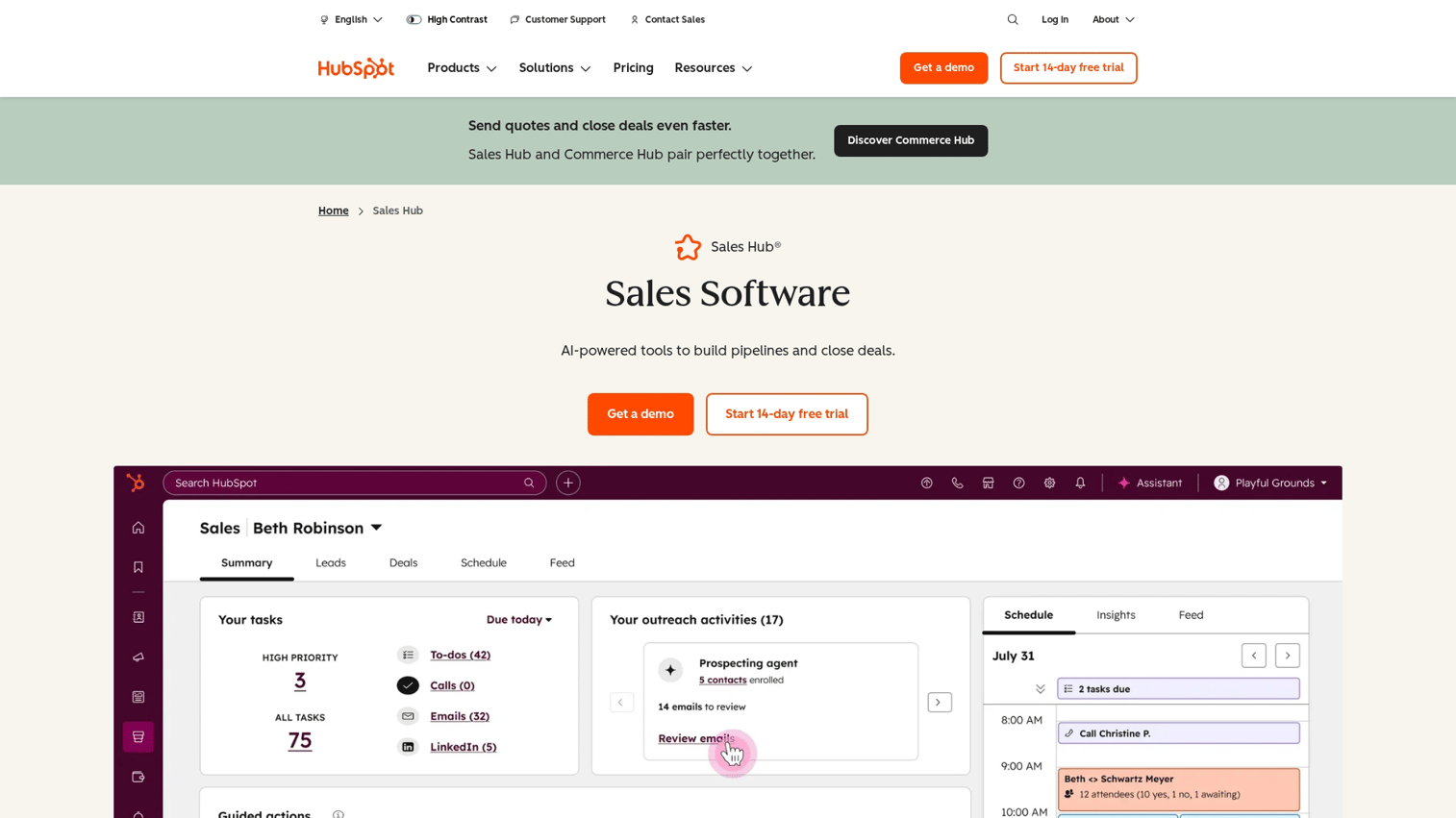
HubSpot Sales Hub delivers an all-in-one sales automation platform with deep marketing alignment. The workflow builder handles everything from simple email sequences to complex multi-step automations triggered by prospect behavior.
Best for: Teams wanting unified CRM and sales automation with a free tier entry point.
Key strengths
- Robust workflow automation: Build if/then sequences that trigger based on deal stage, email engagement, or custom properties
- AI-driven forecasting: Predictive deal scoring and pipeline projections help managers prioritize coaching
- Free tier available: Start with core CRM features at no cost, then scale into paid automation
Why choose HubSpot Sales Hub
HubSpot works well for teams already using HubSpot Marketing Hub or teams wanting tight alignment between marketing and sales data. The learning curve is gentler than enterprise alternatives, though power users may find some workflow limitations compared to Salesforce.
HubSpot Sales Hub pricing
Free CRM with basic features. Starter at $15/user/month. Professional at $90/user/month with advanced automation. Enterprise at $150/user/month.
2. Salesforce Sales Cloud
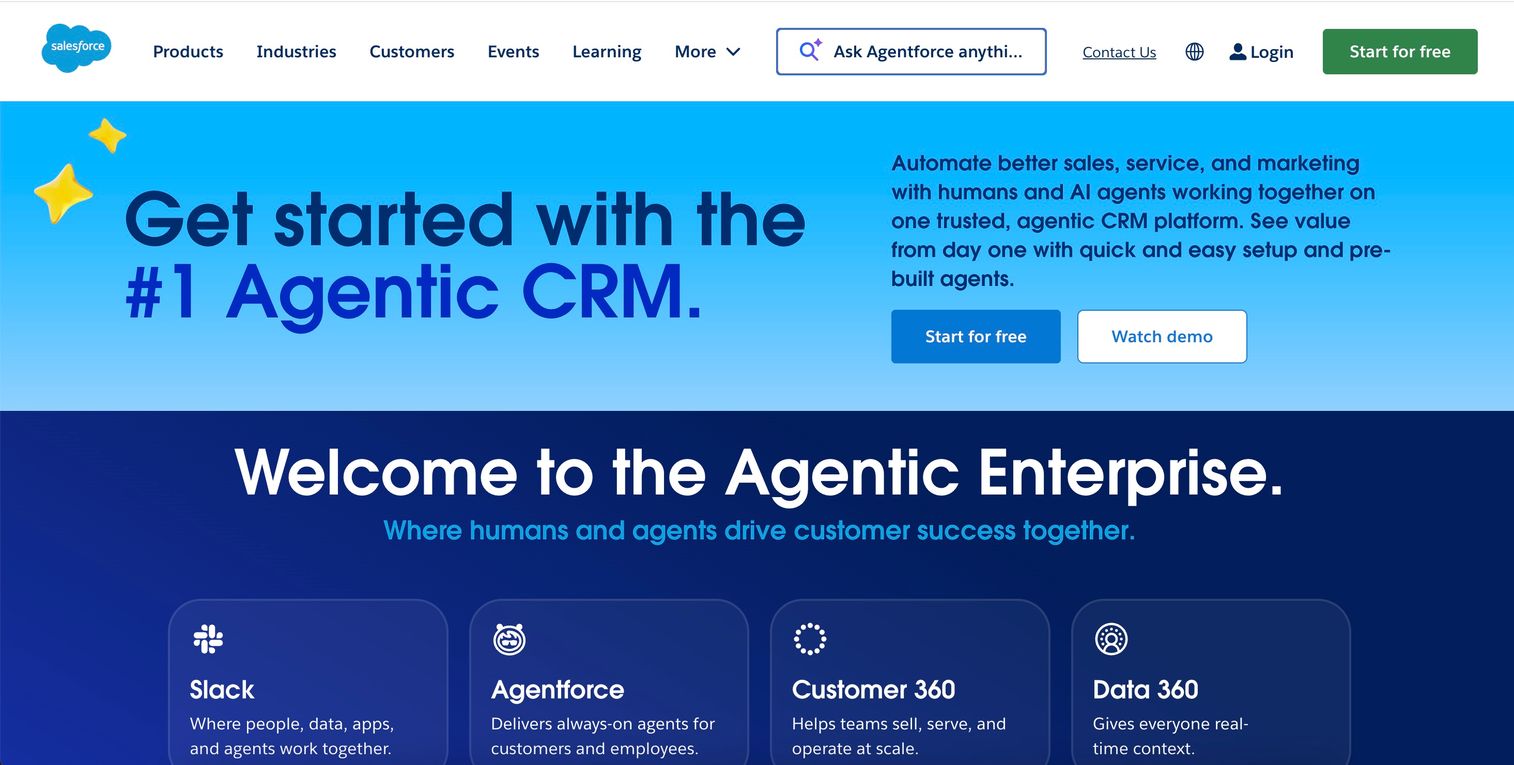
Salesforce Sales Cloud is enterprise-grade sales automation technology with extensive customization options. The AppExchange ecosystem offers thousands of integrations, and Flow Builder enables complex workflow automation without code.
Best for: Enterprise teams with dedicated admins who want maximum flexibility.
Key strengths
- Extensive customization: Build custom objects, fields, and automation rules to match any sales process
- AppExchange ecosystem: Access thousands of pre-built integrations and add-ons
- Einstein AI: Predictive lead scoring, opportunity insights, and automated activity capture
Why choose Salesforce Sales Cloud
Salesforce fits organizations with complex sales processes, multiple business units, or specific compliance requirements. Implementation typically requires dedicated resources or a consulting partner. Smaller teams may find the admin overhead excessive.
Salesforce Sales Cloud pricing
Essentials at $25/user/month. Professional at $80/user/month. Enterprise at $165/user/month. Unlimited at $330/user/month.
3. Pipedrive
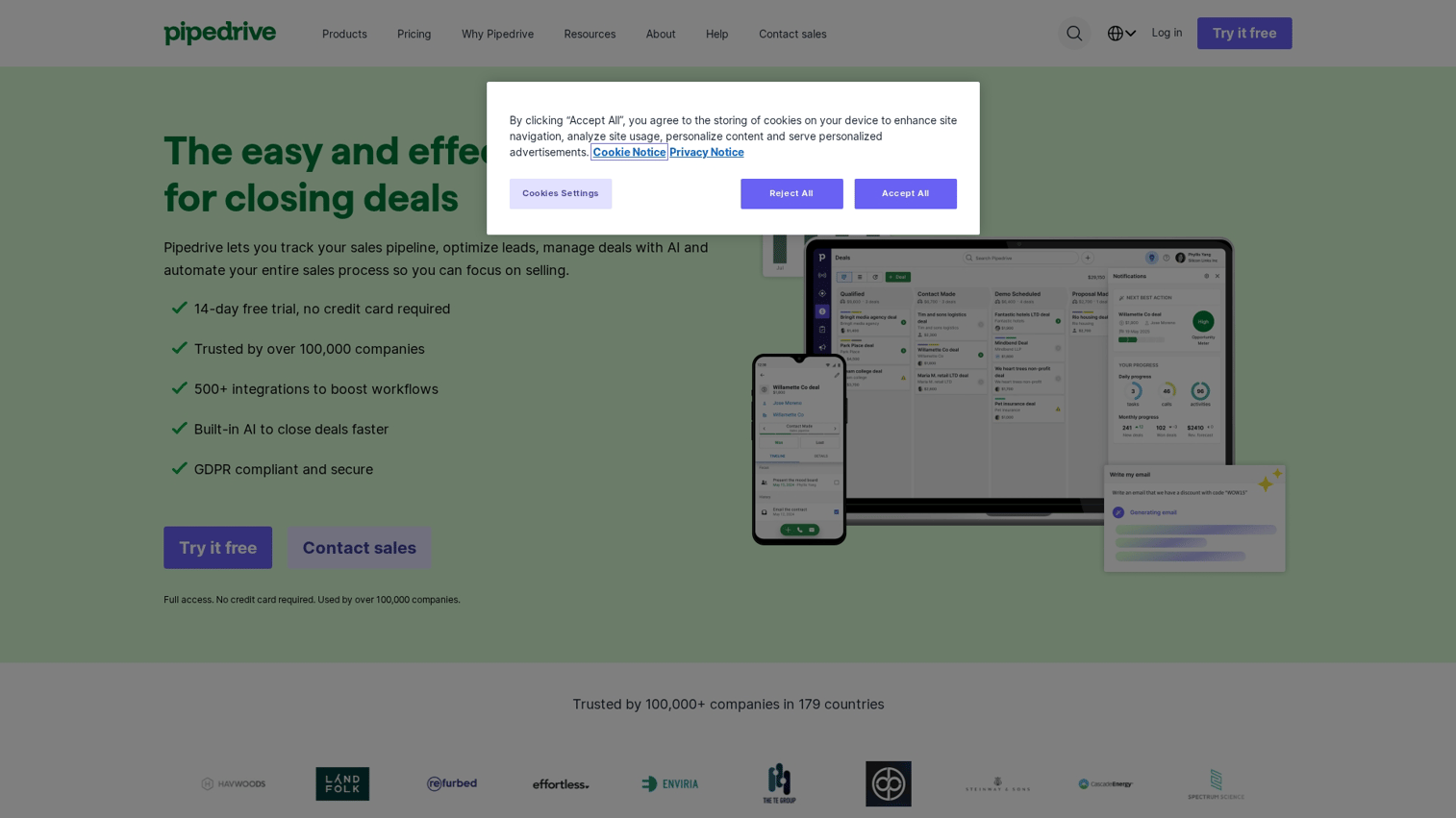
Pipedrive focuses on visual, sales-focused pipeline management with built-in automation. The drag-and-drop interface makes deal tracking intuitive, while automated email campaigns and lead generation tools handle repetitive work.
Best for: SMBs wanting straightforward sales workflow software without enterprise complexity.
Key strengths
- Visual pipeline: Drag-and-drop deals through stages with clear visibility into pipeline health
- Automated email campaigns: Set up sequences triggered by deal stage or activity
- Built-in lead generation: LeadBooster add-on captures and qualifies leads automatically
Why choose Pipedrive
Pipedrive excels when simplicity matters more than customization depth. Reps adopt it quickly because the interface mirrors how salespeople naturally think about deals. The trade-off: less flexibility for complex, multi-product sales processes.
Pipedrive pricing
Essential at $14/user/month. Advanced at $34/user/month. Professional at $49/user/month. Power at $64/user/month. Enterprise at $99/user/month.
4. Zoho CRM
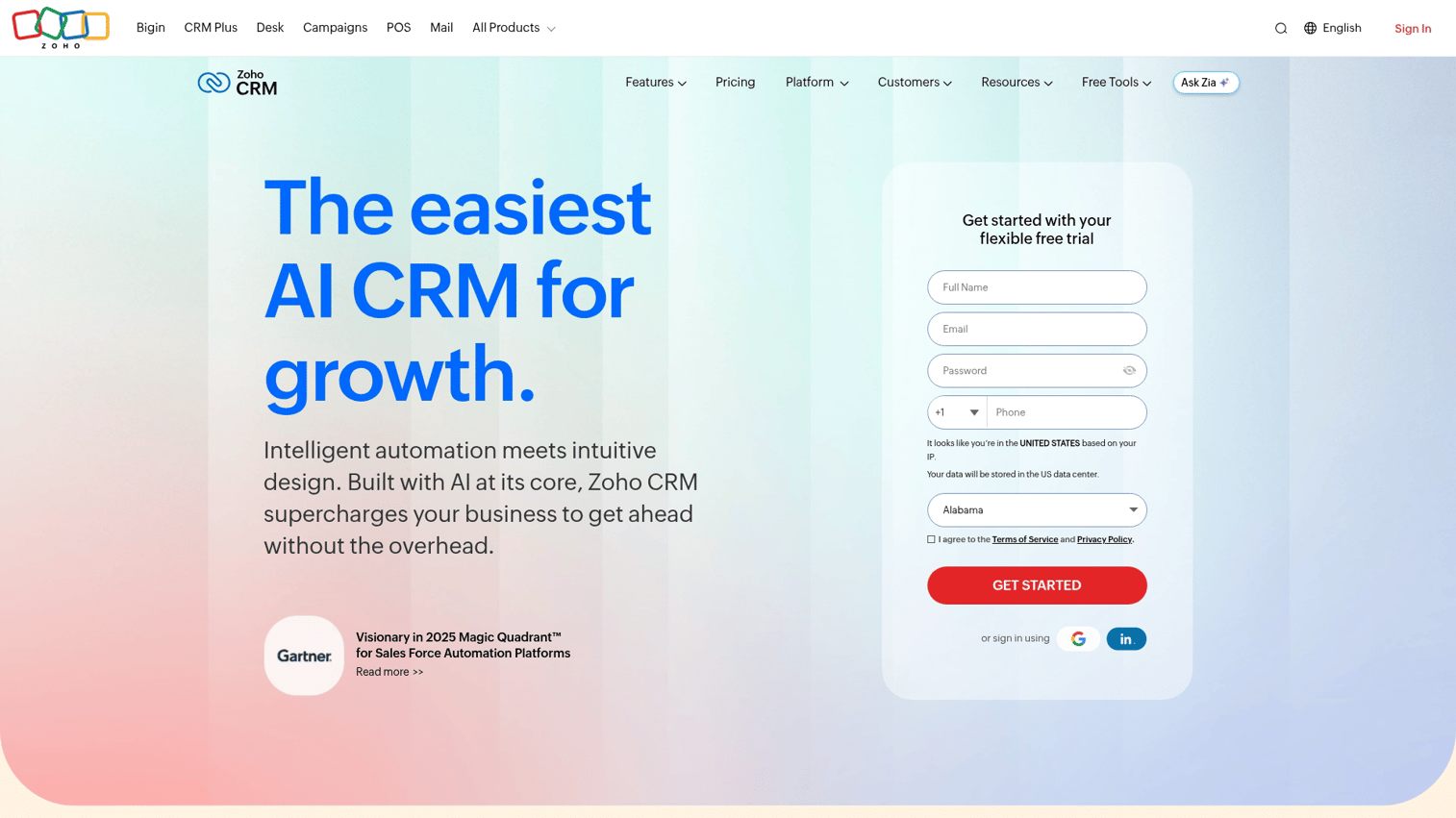
Zoho CRM offers affordable sales automation CRM with a strong automation builder. The Zia AI assistant provides lead scoring, deal predictions, and workflow suggestions. Integration with the broader Zoho ecosystem creates a unified business platform.
Best for: Budget-conscious teams wanting full-featured automation without enterprise pricing.
Key strengths
- Zia AI assistant: Automated lead scoring, deal predictions, and anomaly detection
- Workflow rules: Build complex automation with conditions, actions, and scheduled triggers
- Zoho ecosystem: Native integration with 45+ Zoho apps for end-to-end business operations
Why choose Zoho CRM
Zoho delivers enterprise-level features at SMB pricing. Teams already using other Zoho products benefit from seamless data flow. The interface feels less polished than competitors, but the value-to-cost ratio is hard to beat.
Zoho CRM pricing
Free for up to 3 users. Standard at $14/user/month. Professional at $23/user/month. Enterprise at $40/user/month. Ultimate at $52/user/month.
5. Monday CRM
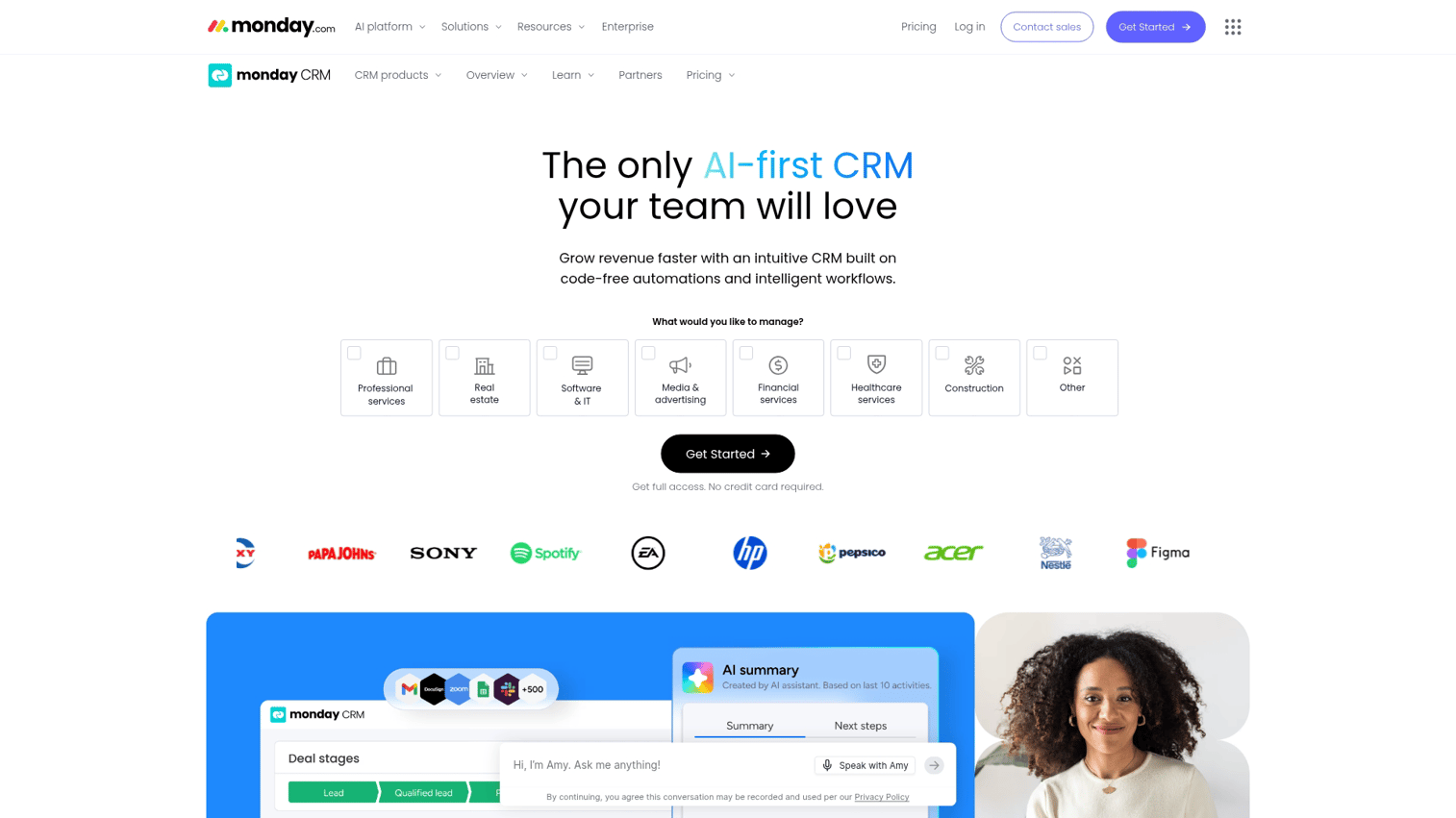
Monday CRM adapts the monday.com work OS for sales automation. Visual boards, no-code automation recipes, and team collaboration features make it approachable for teams already familiar with the platform.
Best for: Teams already using monday.com who want CRM sales automation software in a familiar interface.
Key strengths
- Visual boards: Customize pipeline views with columns, colors, and groupings that match your process
- No-code automation: Build "when X happens, do Y" recipes without technical skills
- Team collaboration: Comments, mentions, and file sharing keep context attached to deals
Why choose Monday CRM
monday CRM works best when your team already lives in monday.com for project management. The learning curve is minimal, and automation recipes are genuinely easy to build. Dedicated sales teams may find it lacks depth compared to purpose-built CRMs.
Monday CRM pricing
Basic at $12/seat/month. Standard at $17/seat/month. Pro at $28/seat/month. Enterprise pricing available.
6. Freshsales
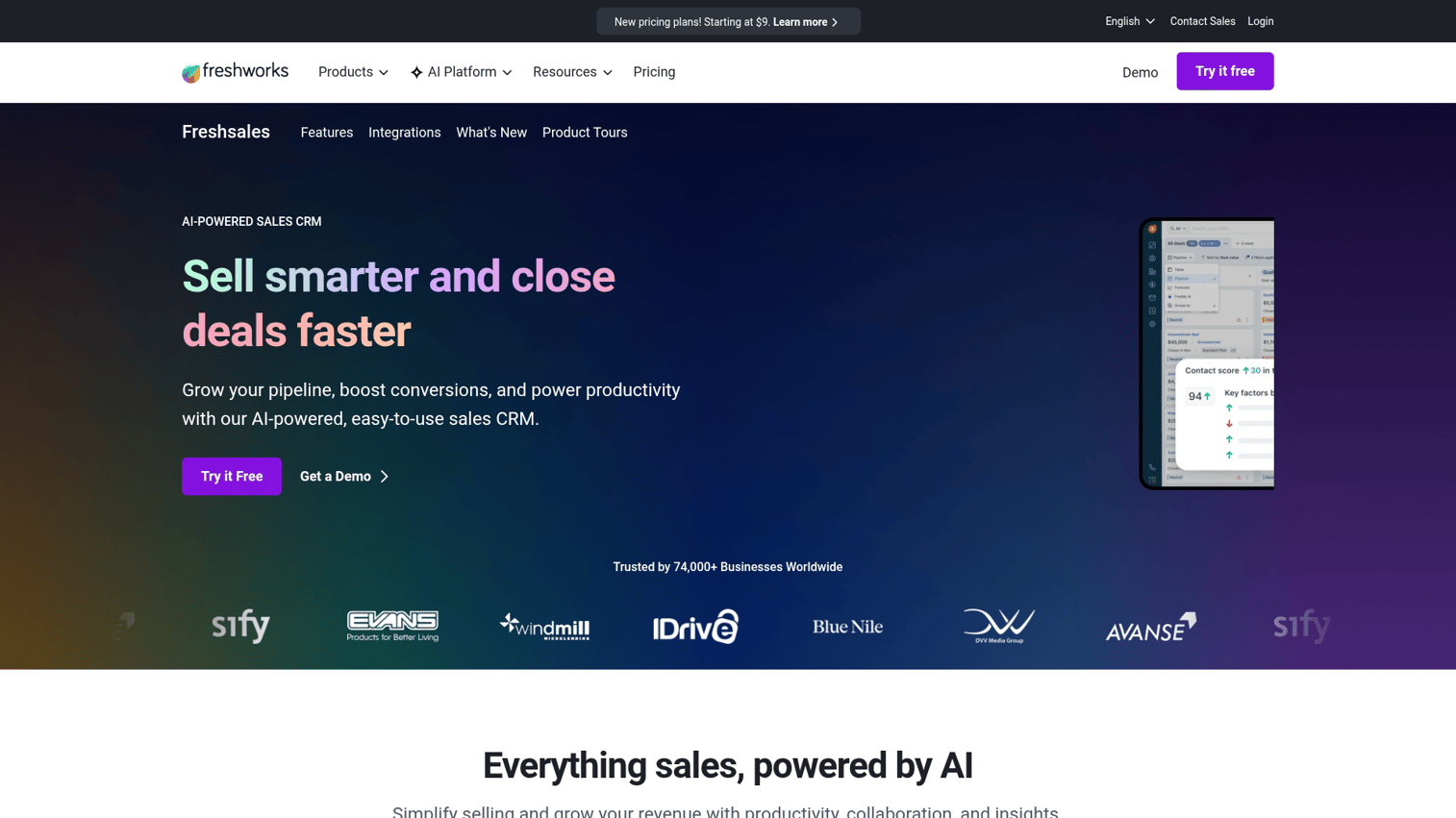
Freshsales provides AI-powered CRM with built-in phone and email. The Freddy AI assistant handles lead scoring, auto-assignment, and deal insights. Native communication channels mean reps work from one interface rather than switching between tools.
Best for: Teams wanting sales lead automation with native communication channels.
Key strengths
- Freddy AI: Predictive lead scoring, deal insights, and next-best-action recommendations
- Built-in phone and email: Make calls and send emails directly from the CRM
- Auto-assignment: Route leads to reps based on territory, round-robin, or custom rules
Why choose Freshsales
Freshsales suits teams that want calling and email built into their CRM rather than integrated from separate tools. The AI features are genuinely useful without requiring data science expertise. Smaller ecosystem than Salesforce or HubSpot limits some integration options.
Freshsales pricing
Free tier available. Growth at $15/user/month. Pro at $39/user/month. Enterprise at $69/user/month.
7. Close
Close is a sales-focused CRM built for inside sales teams. Built-in calling, SMS, and Power Dialer eliminate the need for separate communication tools. The platform prioritizes speed and efficiency for high-volume outbound.
Best for: High-velocity outbound teams wanting sales process automation software with native calling.
Key strengths
- Power Dialer: Auto-dial through lead lists with one-click calling
- Built-in SMS: Send text messages directly from the CRM
- Predictive Dialer: AI-powered dialing that connects reps only when someone answers
Why choose Close
Close excels for inside sales teams making high volumes of calls. The interface is fast, the dialer is reliable, and the learning curve is short. Teams with complex, multi-touch enterprise sales cycles may find it too focused on velocity over relationship depth.
Close pricing
Startup at $49/user/month. Professional at $99/user/month. Enterprise at $139/user/month.
8. Outreach
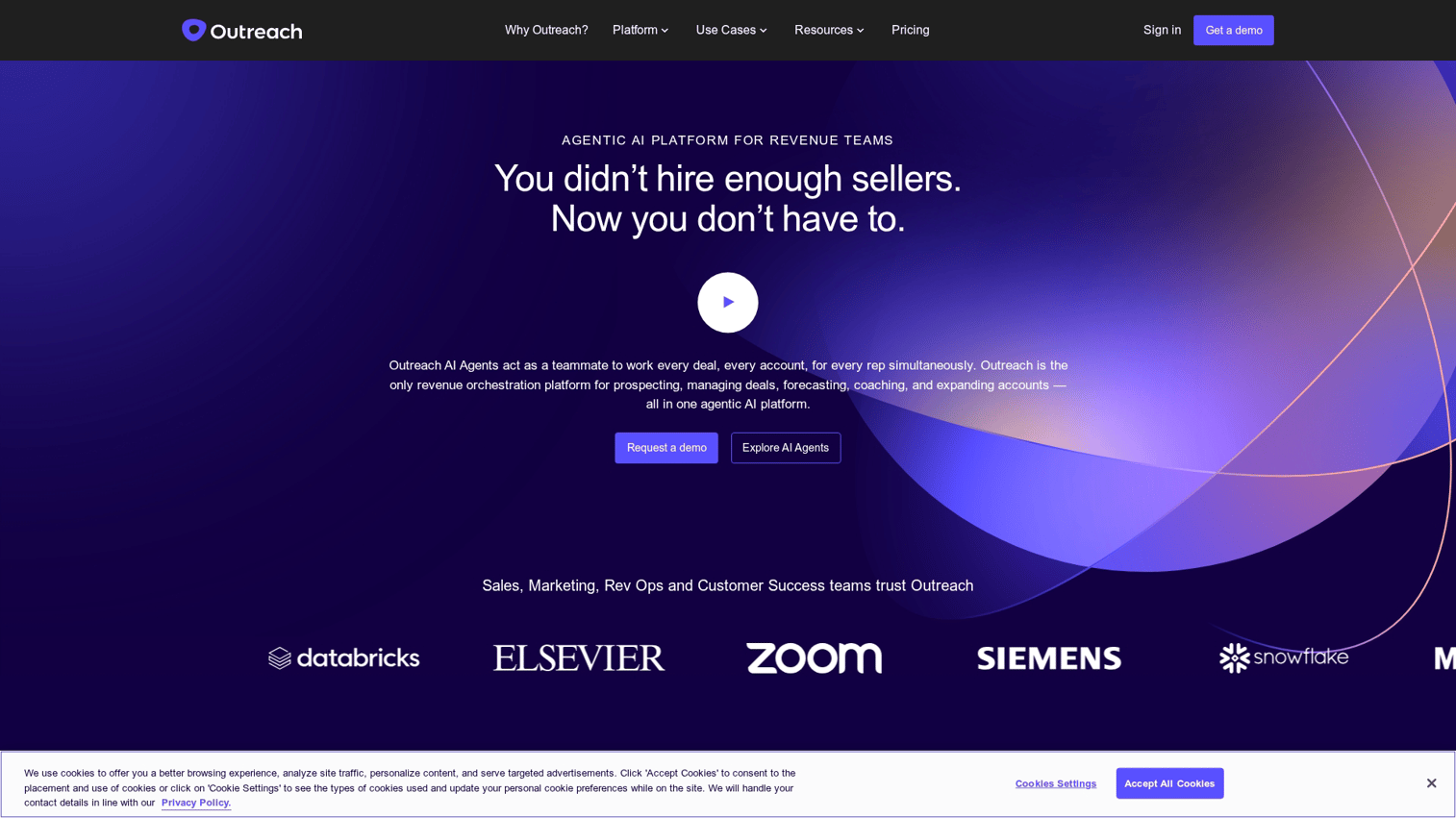
Outreach delivers enterprise sales engagement with advanced sequencing. Multi-channel cadences, AI-driven insights, and rep coaching tools support large sales organizations scaling outbound systematically.
Best for: Large sales orgs scaling outbound with sophisticated sequencing and coaching.
Key strengths
- Multi-channel sequences: Combine email, phone, LinkedIn, and SMS in unified cadences
- AI-driven insights: Identify winning patterns and coach reps based on engagement data
- Revenue intelligence: Track deal health and forecast accuracy across the pipeline
Why choose Outreach
Outreach fits enterprise teams with dedicated sales ops resources. The platform's depth supports complex, multi-touch sequences and provides analytics that justify the investment. Smaller teams may find the complexity and cost excessive.
Outreach pricing
Custom pricing based on team size and feature requirements.
9. Salesloft
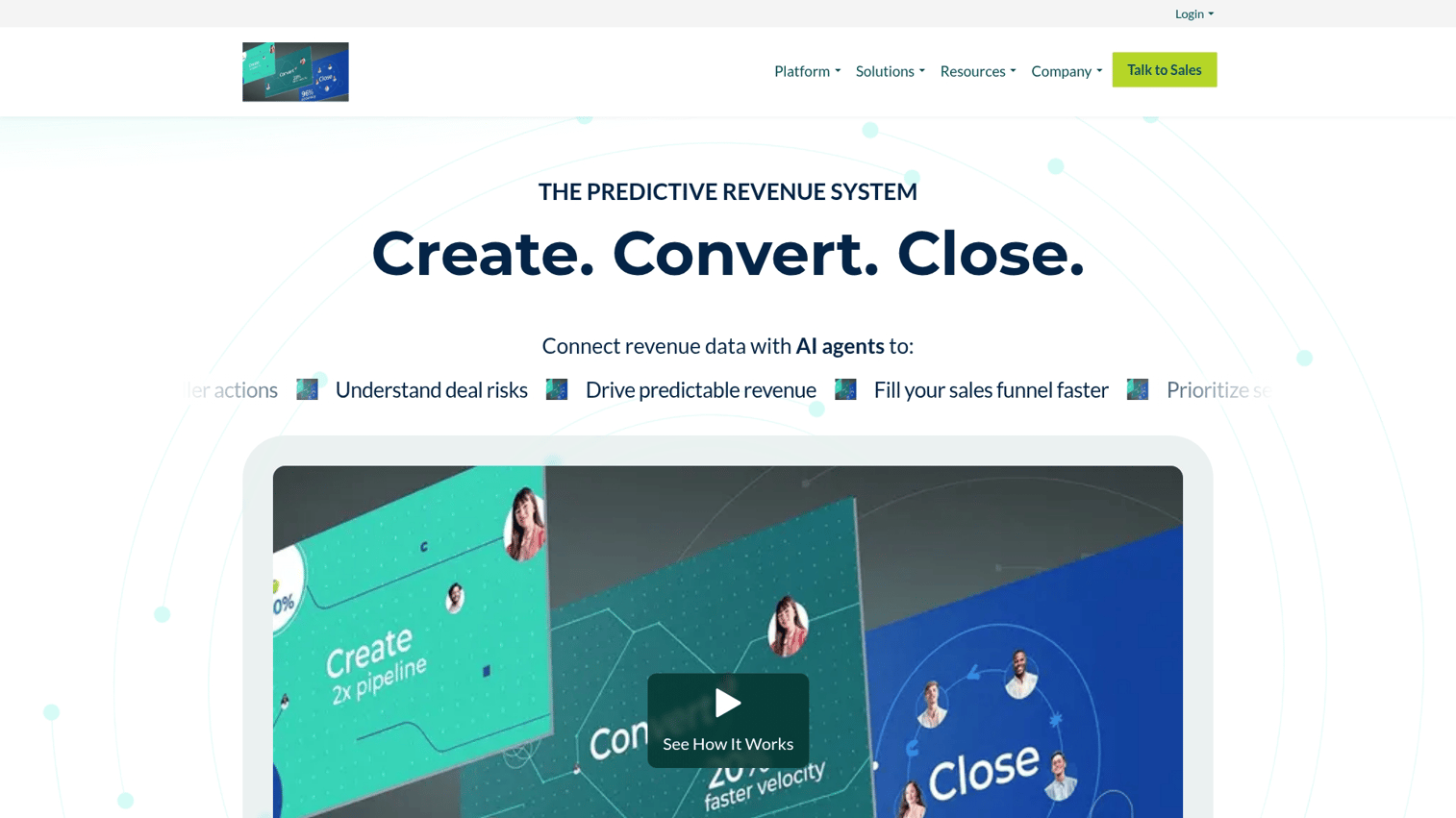
Salesloft combines sales engagement with revenue orchestration. The Rhythm workflow automation, conversation intelligence, and forecasting tools create an end-to-end platform for revenue teams.
Best for: Revenue teams wanting end-to-end sales automation platforms with conversation intelligence.
Key strengths
- Rhythm workflow: AI-prioritized daily actions based on buyer signals and deal context
- Conversation intelligence: Analyze calls and meetings for coaching opportunities
- Forecasting: Pipeline analytics and deal inspection for accurate revenue predictions
Why choose Salesloft
Salesloft works well for teams that want engagement, coaching, and forecasting in one platform. The Rhythm feature genuinely helps reps prioritize their day. Like Outreach, the platform assumes dedicated ops support and enterprise budgets.
Salesloft pricing
Custom pricing based on team size and modules selected.
10. Apollo.io
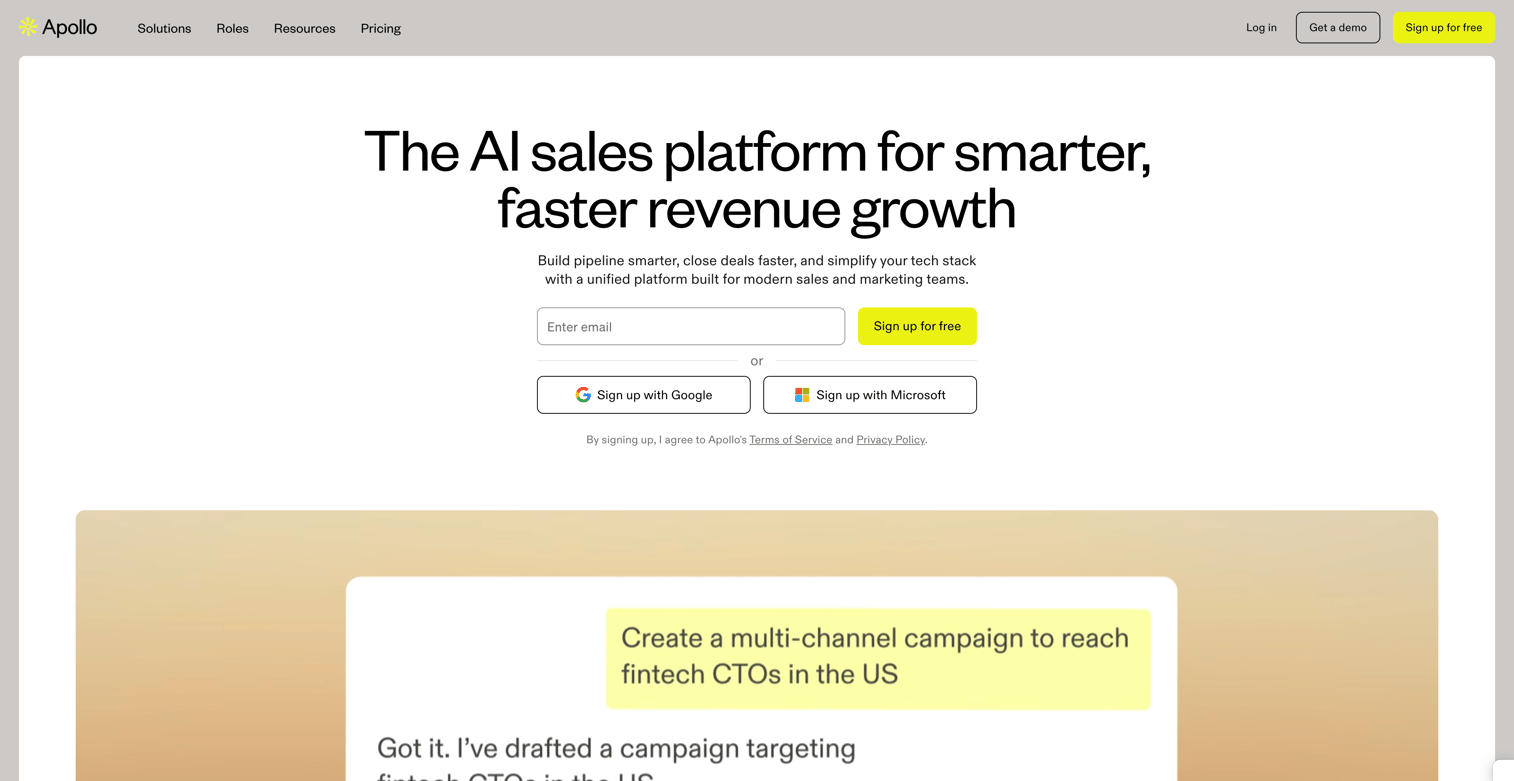
Apollo.io provides all-in-one prospecting and engagement with a massive contact database. Lead scoring, data enrichment, and outbound sequences combine in a single platform, eliminating the need for separate data providers.
Best for: Teams wanting sales lead automation with built-in data enrichment.
Key strengths
- Contact database: Access 275M+ contacts with verified emails and direct dials
- Lead scoring: Prioritize prospects based on fit and engagement signals
- Sequence automation: Build multi-step email and call sequences with A/B testing
Why choose Apollo.io
Apollo.io suits teams that want prospecting data and engagement tools in one platform. The free tier is generous enough for early-stage teams to validate the approach. Data accuracy varies by industry and geography, so test before committing.
Apollo.io pricing
Free tier with limited credits. Basic at $49/user/month. Professional at $79/user/month. Organization at $99/user/month.
11. Instantly
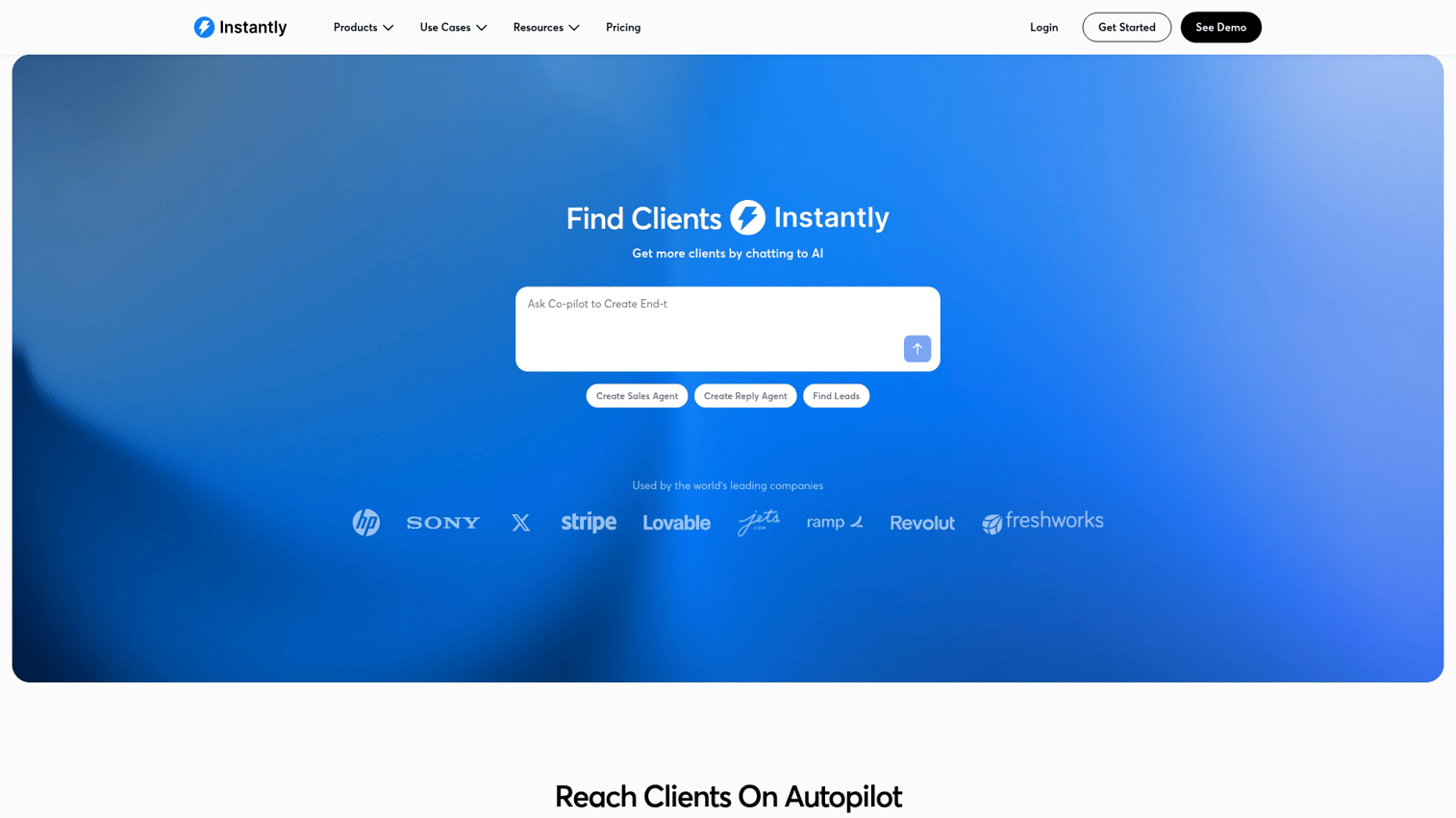
Instantly focuses on cold email at scale with unlimited email accounts and warmup features. The platform prioritizes deliverability, helping teams avoid spam folders while running high-volume outreach.
Best for: Agencies and teams running high-volume cold outreach campaigns.
Key strengths
- Unlimited email accounts: Connect as many sending accounts as needed without per-account fees
- Email warmup: Automated warmup improves deliverability before campaigns launch
- Sequence automation: Build multi-step sequences with personalization variables
Why choose Instantly
Instantly works for teams sending thousands of cold emails monthly. The unlimited account model makes it cost-effective at scale. Teams wanting multi-channel sequences (calls, LinkedIn) will need additional tools.
Instantly pricing
Growth at $30/month. Hypergrowth at $77.6/month. Light Speed at custom pricing.
12. Lemlist
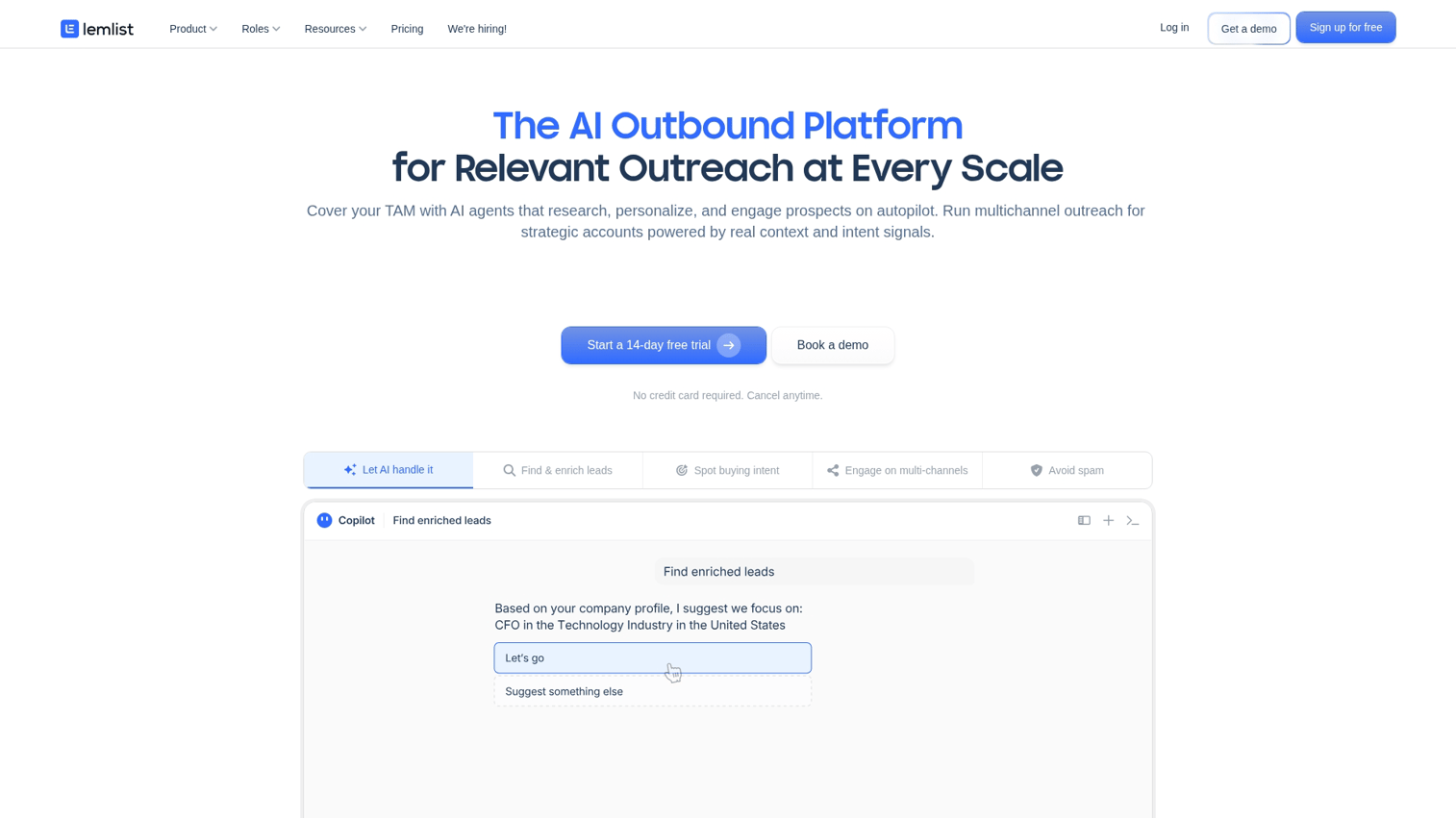
Lemlist specializes in personalized cold outreach with multi-channel sequences. Custom images, LinkedIn automation, and deliverability tools help teams stand out in crowded inboxes.
Best for: Teams wanting personalized sales automation technology at scale.
Key strengths
- Custom images: Add personalized images and videos to emails automatically
- LinkedIn automation: Include LinkedIn connection requests and messages in sequences
- Deliverability tools: Lemwarm and email verification improve inbox placement
Why choose Lemlist
Lemlist excels when personalization matters more than pure volume. The custom image feature genuinely improves response rates for creative teams. Less suited for teams prioritizing speed over personalization depth.
Lemlist pricing
Email Starter at $39/month. Email Pro at $69/month. Multichannel Expert at $99/month. Outreach Scale at $159/month.
13. Reply.io
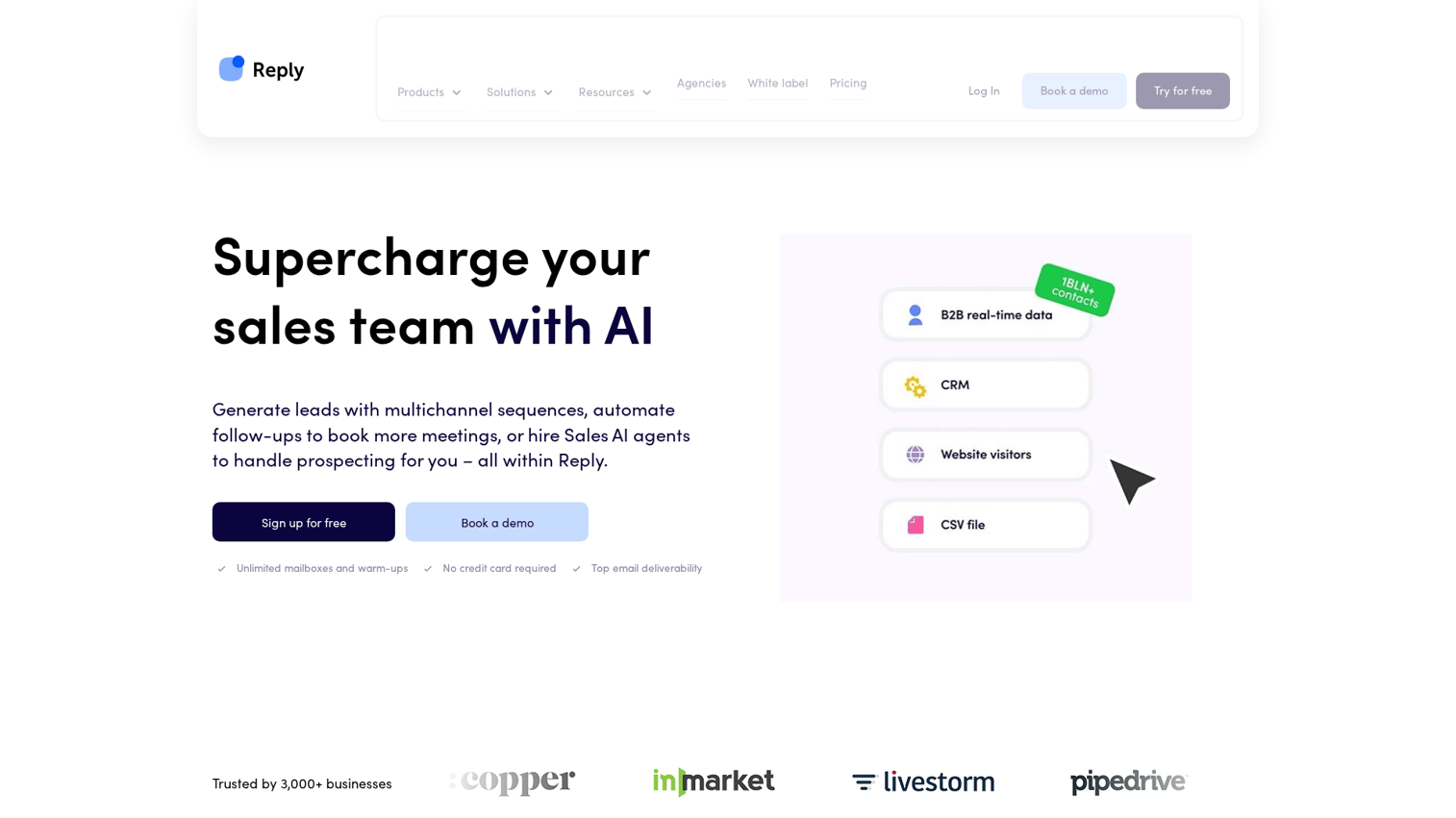
Reply.io delivers multi-channel sales engagement with AI assistance. Email, LinkedIn, calls, and WhatsApp combine in unified sequences, while AI helps write and optimize outreach.
Best for: Teams wanting cross-channel sales process automation software.
Key strengths
- Multi-channel sequences: Combine email, LinkedIn, calls, SMS, and WhatsApp in one workflow
- AI email assistant: Generate and optimize email copy with AI suggestions
- CRM integrations: Native connections to Salesforce, HubSpot, Pipedrive, and others
Why choose Reply.io
Reply.io fits teams that engage prospects across multiple channels. The AI writing assistance saves time on copy creation. The interface can feel cluttered compared to single-channel tools.
Reply.io pricing
Email Volume at $49/month. Multichannel at $89/month. Agency at $166/month.
14. Woodpecker
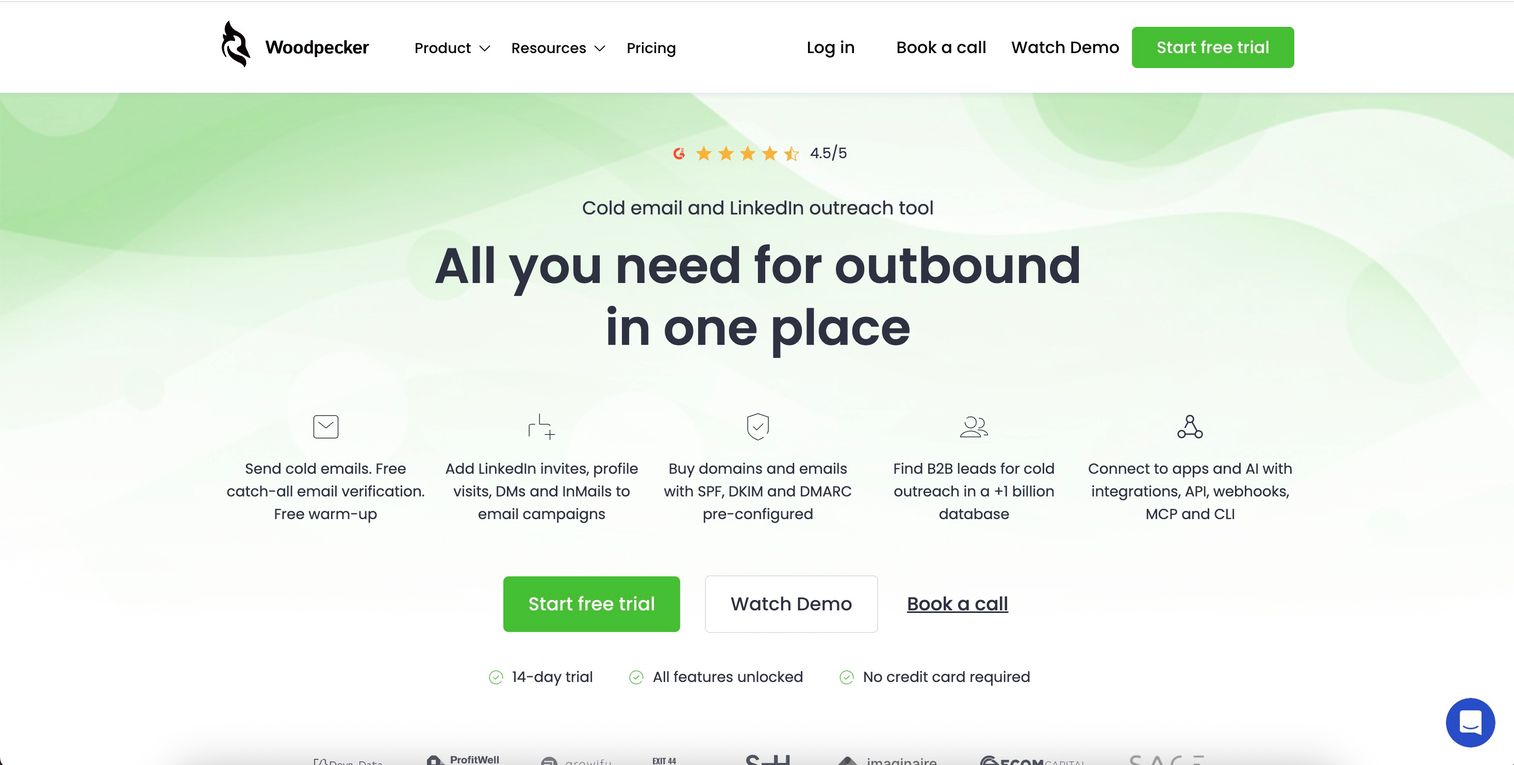
Woodpecker provides B2B cold email with strong deliverability focus. A/B testing, auto follow-ups, and domain warmup help smaller teams run targeted outbound campaigns effectively.
Best for: Small teams running targeted outbound campaigns with deliverability priority.
Key strengths
- Deliverability focus: Domain warmup, bounce detection, and sending limits protect sender reputation
- A/B testing: Test subject lines, copy, and send times to optimize performance
- Auto follow-ups: Trigger follow-ups based on opens, clicks, or no response
Why choose Woodpecker
Woodpecker suits teams that prioritize deliverability over volume. The interface is straightforward, and the pricing scales reasonably. Teams wanting LinkedIn or calling integration will need additional tools.
Woodpecker pricing
Cold Email at $29/month. Sales Assistant at $49/month. Agency at $103/month.
15. Mailshake
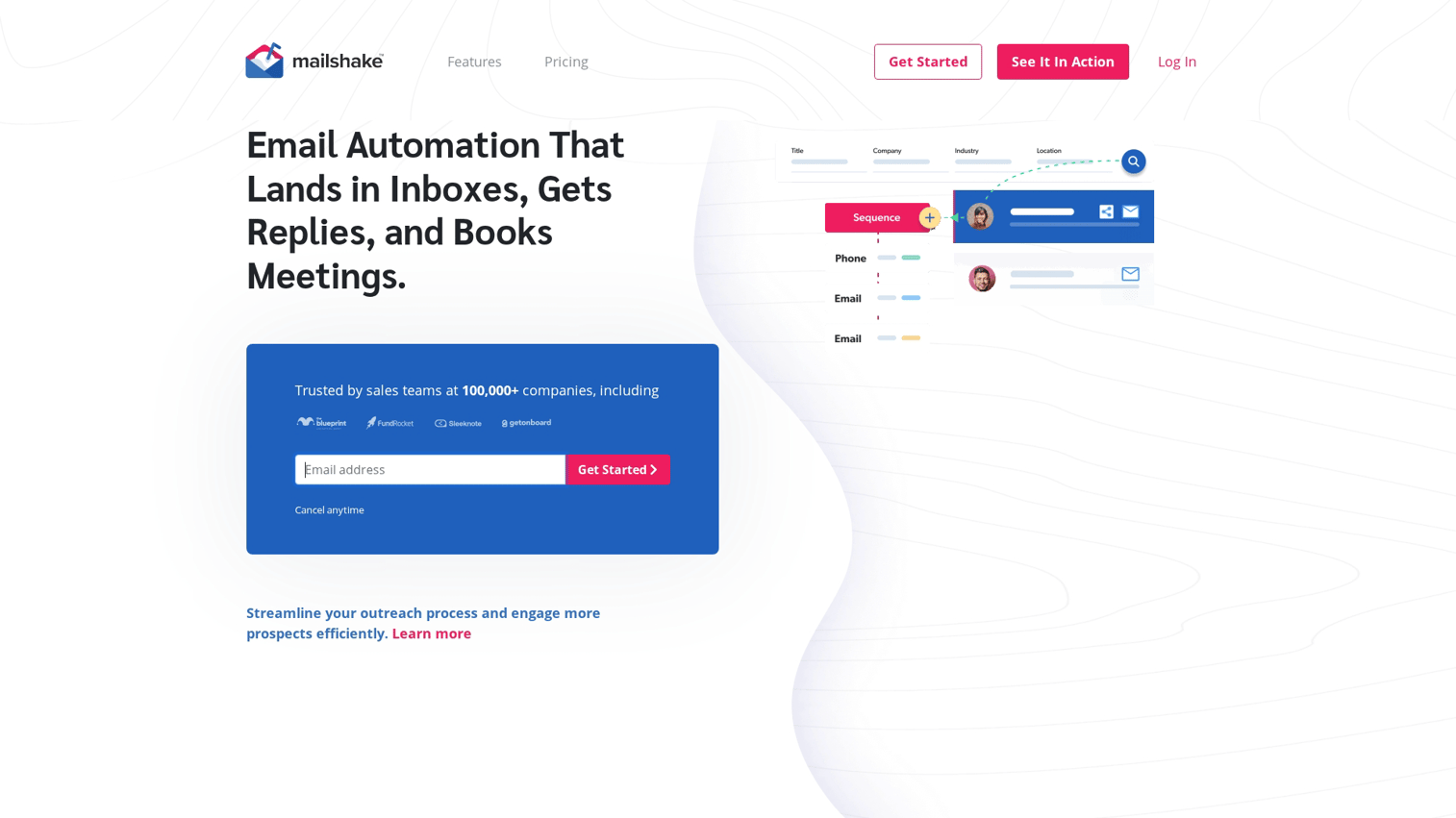
Mailshake offers simple sales engagement for email and phone. The platform emphasizes ease of use, making it accessible for SMBs starting with sales automation platforms.
Best for: SMBs starting with sales automation platforms who want simple setup.
Key strengths
- Easy setup: Get campaigns running in minutes without complex configuration
- Dialer integration: Add phone calls to email sequences with built-in dialer
- LinkedIn automation: Include LinkedIn touchpoints in multi-channel sequences
Why choose Mailshake
Mailshake works for teams that want to start automating outreach without a steep learning curve. The simplicity is both strength and limitation: easy to adopt, but less customizable than enterprise alternatives.
Mailshake pricing
Email Outreach at $29/user/month. Sales Engagement at $99/user/month.
How to choose sales automation CRM software
The right platform depends on your team's size, sales motion, and existing tech stack.
Integration with your existing tech stack
The best sales automation CRM connects to your current tools without friction. Check for native integrations with your CRM, marketing automation tools, and communication apps.
Native integrations typically work better than Zapier-only connections. They sync faster, break less often, and support deeper data flows.
Automation depth and customization
Sales automation platforms range from simple if/then rules to complex branching workflows. Match automation sophistication to your team's maturity and use cases.
Early-stage teams often benefit from simpler tools they'll actually use. Enterprise teams with dedicated ops resources can leverage deeper customization.
Ease of use and adoption
Powerful tools fail if reps won't use them. Evaluate UI clarity, onboarding resources, and time-to-value during trials.
Ask yourself: can a new rep send their first automated sequence within an hour? If setup requires days of training, adoption will suffer.
Reporting and analytics capabilities
Automation without measurement is guessing. Look for pipeline analytics, sequence performance metrics, and forecasting accuracy.
The best platforms show not just what happened, but why. Which sequences drive meetings? Where do deals stall? What distinguishes top performers?
Pricing model and total cost of ownership
Per-seat pricing compounds as teams scale. Factor in implementation, training, and potential add-ons when comparing options.
Some platforms charge separately for features like calling, advanced automation, or AI. Calculate the full cost for your team size and required features, not just the base price.
Core sales automation features to evaluate
Beyond platform selection, understanding which capabilities matter most helps narrow your options.
Email sequencing and automated follow-ups
Email sequences are timed, multi-step email campaigns triggered by prospect actions or schedules. They eliminate dropped follow-ups and ensure consistent outreach across the team.
Look for personalization variables, A/B testing, and engagement-based branching. The best sequences adapt based on whether prospects open, click, or reply.
Lead scoring and sales lead automation
Lead scoring assigns values to leads based on engagement and fit. Automation routes hot leads to reps instantly, far faster than the 29 hour average response time.
Effective scoring combines demographic fit (company size, industry, title) with behavioral signals (email opens, website visits, content downloads).
Pipeline management and deal tracking
Automated stage progression, deal alerts, and stale deal notifications keep pipeline data accurate without manual updates. Reps spend less time on CRM hygiene and more time selling.
Configure alerts for deals stuck in stage, approaching close dates, or showing engagement drops.
Meeting scheduling and calendar automation
Booking links, round-robin assignment, and calendar syncing eliminate scheduling back-and-forth. Prospects book directly into available slots, and meetings distribute evenly across the team.
Integration with video conferencing (Zoom, Google Meet, Teams) and automatic reminder emails reduce no-shows.
CRM data enrichment and hygiene
Auto-population of contact fields, duplicate detection, and data validation improve data quality automatically. Clean data powers better segmentation, personalization, and reporting.
Enrichment tools pull company size, industry, technology stack, and contact details from third-party sources.
Sales forecasting and reporting
AI-driven forecasting, pipeline projections, and activity dashboards connect automation data to revenue predictions. Managers get confidence in the numbers they report to leadership.
The best forecasting tools weight deals by stage, engagement, and historical patterns.
Sales automation pricing overview
Pricing varies significantly by platform category and team size.
Category | Entry-level | Mid-market | Enterprise |
|---|---|---|---|
All-in-one CRM | Free to $25/user/mo | $50 to $100/user/mo | $150 to $500/user/mo |
Sales engagement | $30 to $50/user/mo | $80 to $120/user/mo | Custom pricing |
Cold email tools | $30 to $50/mo | $75 to $100/mo | $150+/mo |
Prospecting + data | Free to $50/user/mo | $80 to $100/user/mo | Custom pricing |
Most platforms offer annual discounts of 15-25%. Enterprise contracts often include implementation support, dedicated success managers, and custom SLAs.
Watch for hidden costs: per-email fees, calling minutes, additional user tiers, and premium integrations.
Sales automation technology trends in 2026
The market continues evolving at 11.3% CAGR. Here's what's changing:
- AI-driven personalization: Tools now generate custom email copy and suggest next actions based on prospect behavior and deal context
- Revenue orchestration: Platforms unify engagement, coaching, and forecasting rather than treating them as separate functions
- Multi-channel sequences: Email plus LinkedIn plus calls in single workflows, with AI determining optimal channel and timing
- Intent data integration: Sales automation platforms incorporate buying signals from third-party sources like G2, Bombora, and 6sense
- Conversation intelligence: Call and meeting analysis feeds back into automation, triggering follow-ups based on what was discussed
Build your complete sales automation stack
Start with one core platform from this list that matches your primary use case. If you're focused on outbound, Apollo.io or Instantly get you running quickly. If you want all-in-one CRM automation, HubSpot or Pipedrive offer faster time-to-value than enterprise alternatives.
Sales automation software works best when paired with clear playbooks, rep buy-in, and complementary presales software tools that prepare technical demonstrations and proof-of-concepts. The technology handles repetitive tasks, but humans still drive strategy, relationships, and complex deal navigation.
For teams wanting to show prospects the product experience before a call, interactive demos and demo centers complement automation by letting buyers self-educate with organized product experiences. When your sequences generate interest, a clickable product walkthrough converts that interest into qualified pipeline without requiring a live meeting.
Start your journey with Guideflow today!
FAQs about sales automation software
Sales automation focuses on rep-level tasks like prospecting, follow-ups, and deal management. Marketing automation handles lead nurturing, campaigns, and top-of-funnel activities. Many teams use both, with marketing automation warming leads before sales automation takes over.
Implementation timelines range from same-day for simple tools to several weeks for enterprise platforms. Basic email sequencing tools work immediately. CRM implementations with custom workflows, integrations, and data migration typically require 2-8 weeks.
No. Sales automation handles repetitive tasks so reps focus on relationship-building, complex negotiations, and strategic selling. The technology amplifies human effort rather than replacing it.
Prioritize native CRM connections (Salesforce, HubSpot), email providers (Gmail, Outlook), calendars, and communication tools. API access matters for custom workflows. Demand generation tools and intent data providers are increasingly important for sophisticated teams.
Track time saved per rep, lead response times, conversion rates at each stage, and pipeline velocity. Compare pre and post-implementation baselines. The best teams also measure rep adoption rates, since unused automation delivers zero ROI.
Over-automation can make outreach feel impersonal, damage email deliverability, and create rep dependency on tools. Balance automation with genuine human touchpoints.