
Your prompts are scattered across Slack threads, buried in code comments, and living in someone's personal Notion page. When that person goes on vacation and your AI feature breaks, good luck figuring out which version of the prompt is actually running in production.
Prompt management tools solve this by giving teams a single place to store, version, test, and deploy the instructions that power LLM applications. This guide covers 9 tools for prompt versioning, evaluation, and collaboration, with honest tradeoffs for each.
What is prompt management
Prompt management is the practice of storing, versioning, testing, and deploying prompts for LLM applications outside of your application code. Think of it like version control for the instructions you give AI models. Instead of hardcoding prompts into your codebase, you manage them as separate, trackable assets.
Why does this matter? Prompts have become core application logic for over 80% of enterprises. A single word change can dramatically alter your AI feature's behavior, accuracy, or tone.
Without proper management, teams end up with prompts scattered across Slack threads, Google Docs, and random code comments.
A prompt management system typically handles:
- Version control: Track changes over time and roll back when something breaks
- Environment separation: Move prompts from dev to staging to production without code deploys
- Collaboration: Let multiple team members edit and review prompts safely
- Evaluation: Test prompt changes against quality benchmarks before shipping
How this prompt management guide is organized
This guide covers 9 prompt management tools tested for versioning, evaluation, team collaboration, and deployment workflows. Each tool was evaluated based on:
- Prompt versioning and rollback capabilities: Can you track changes and revert when needed?
- Built-in or integrated evaluation frameworks: How do you know if a prompt change actually improved things?
- Team collaboration and access controls: Can multiple people work on prompts without stepping on each other?
- Pricing transparency and free tier availability: What does it actually cost to get started?
Quick summary of the best prompt management tools
- Best for full-stack LLM observability: Braintrust combines prompt management with evaluation and tracing in one platform
- Best for prompt-first workflows: PromptLayer treats prompts as first-class objects with visual registry and request logging
- Best open source prompt manager: Langfuse offers self-hostable prompt versioning with no runtime latency overhead
- Best for non-technical teams: PromptHub provides branch-based workflows and a playground accessible to product managers
- Best for ML experiment tracking integration: Weights and Biases Weave extends existing W&B dashboards to prompt versioning
- Best for local-first CLI testing: Promptfoo runs all tests locally with built-in red-teaming for security-conscious teams
The 9 best prompt management tools in 2026
1. Braintrust
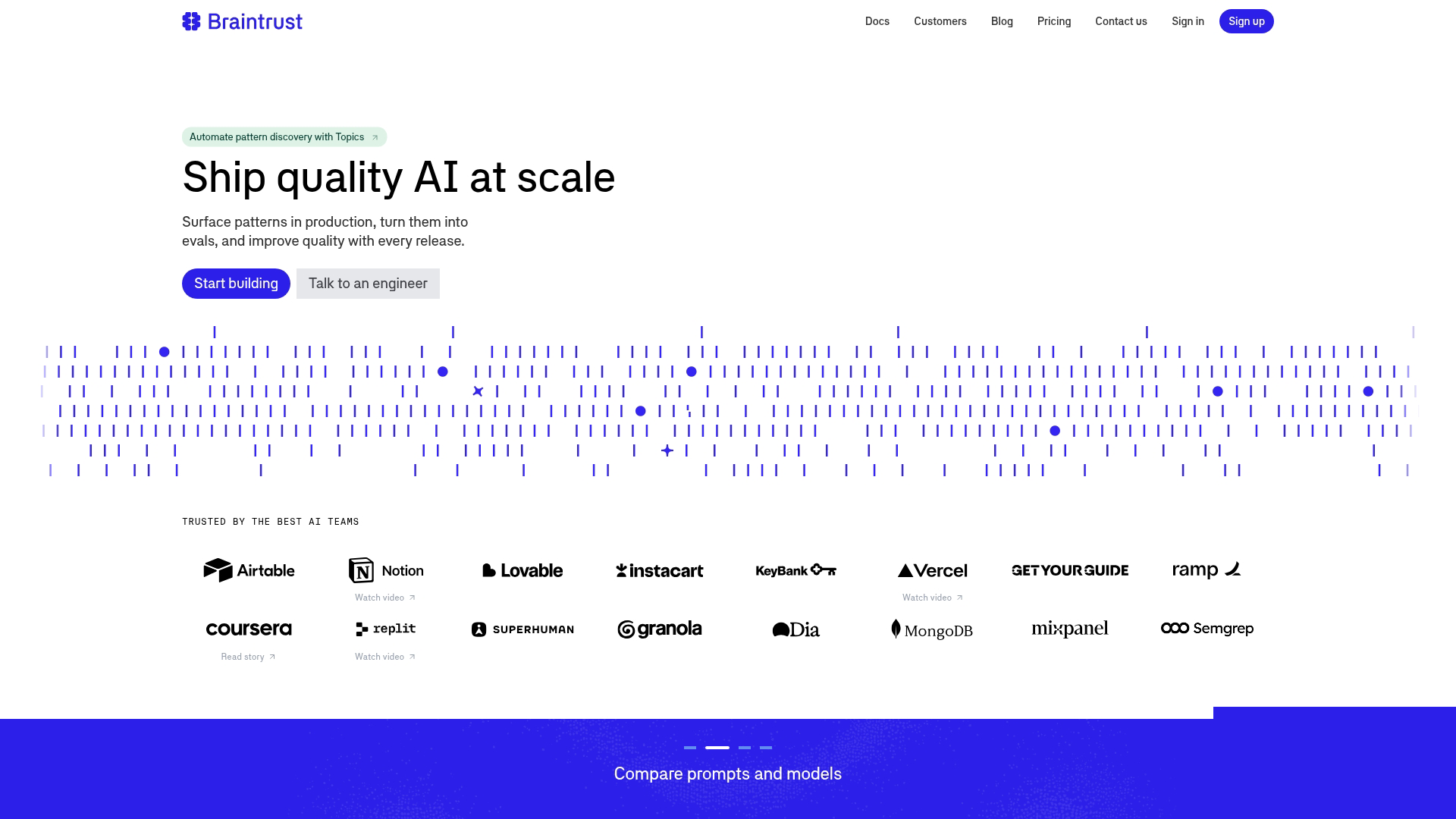
Braintrust provides an end-to-end LLM development platform where prompt management sits alongside evaluation, tracing, and analytics. Rather than treating prompts as isolated assets, Braintrust connects them to downstream performance metrics.
Best for: Teams wanting unified prompt management and evaluation in a single workflow.
Key strengths
- Unified prompt and eval workflow: Manage prompts and run evaluations in the same interface without switching tools
- Playground with diff view: Compare prompt versions side by side before deploying to production
- Production tracing: Connect prompt changes to downstream performance metrics and user outcomes
Why choose Braintrust
Braintrust works well when you want tight integration between prompt iteration and quality measurement. The tradeoff is complexity. If you only want basic versioning without evaluation infrastructure, simpler tools exist.
However, teams building production AI features often find they want evaluation anyway, and Braintrust avoids the integration work of connecting separate tools.
Braintrust pricing
Free tier available with usage limits. Paid plans start at custom pricing based on evaluation volume and team size.
2. PromptLayer
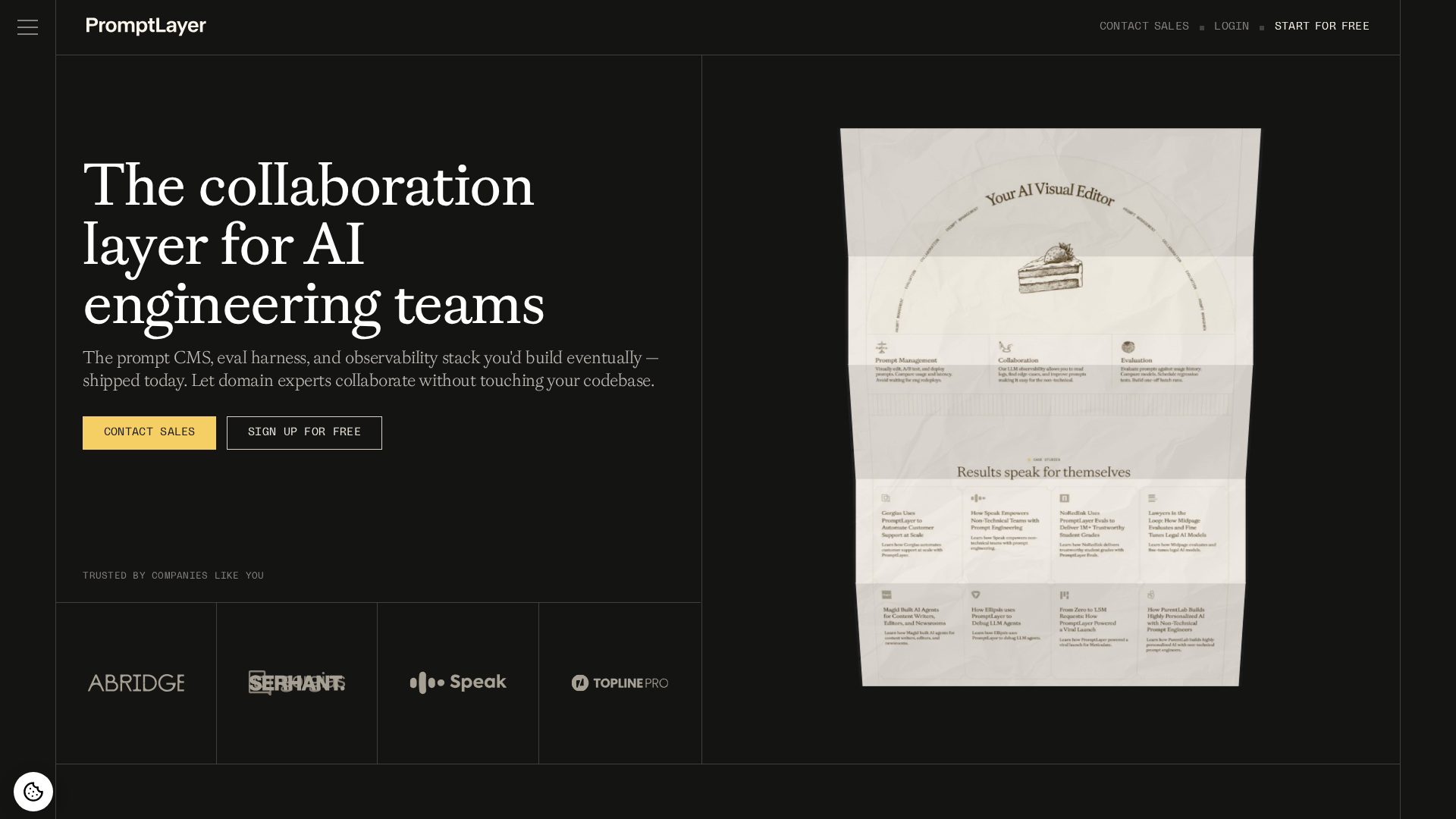
PromptLayer treats prompts as first-class objects rather than strings buried in code. The platform provides a visual registry where you can browse, search, and manage all prompts from a central dashboard. Every LLM call gets logged with the prompt, completion, and metadata attached.
Best for: Teams wanting a prompt-first approach with comprehensive request logging.
Key strengths
- Visual prompt registry: Browse and search all prompts in a central dashboard with tagging and organization
- Request logging: Every LLM call is logged with prompt, completion, latency, and custom metadata
- Template variables: Inject dynamic values into prompts without editing the base template
Why choose PromptLayer
PromptLayer shines when observability matters as much as management. The request logging creates an audit trail of every AI interaction, which helps with debugging, compliance, and understanding usage patterns. The tradeoff is that logging adds a dependency to your LLM calls, though PromptLayer offers async options to minimize latency impact.
PromptLayer pricing
Free tier includes limited requests per month. Pro plans start at $25/month with higher limits. Enterprise pricing available.
3. Langfuse
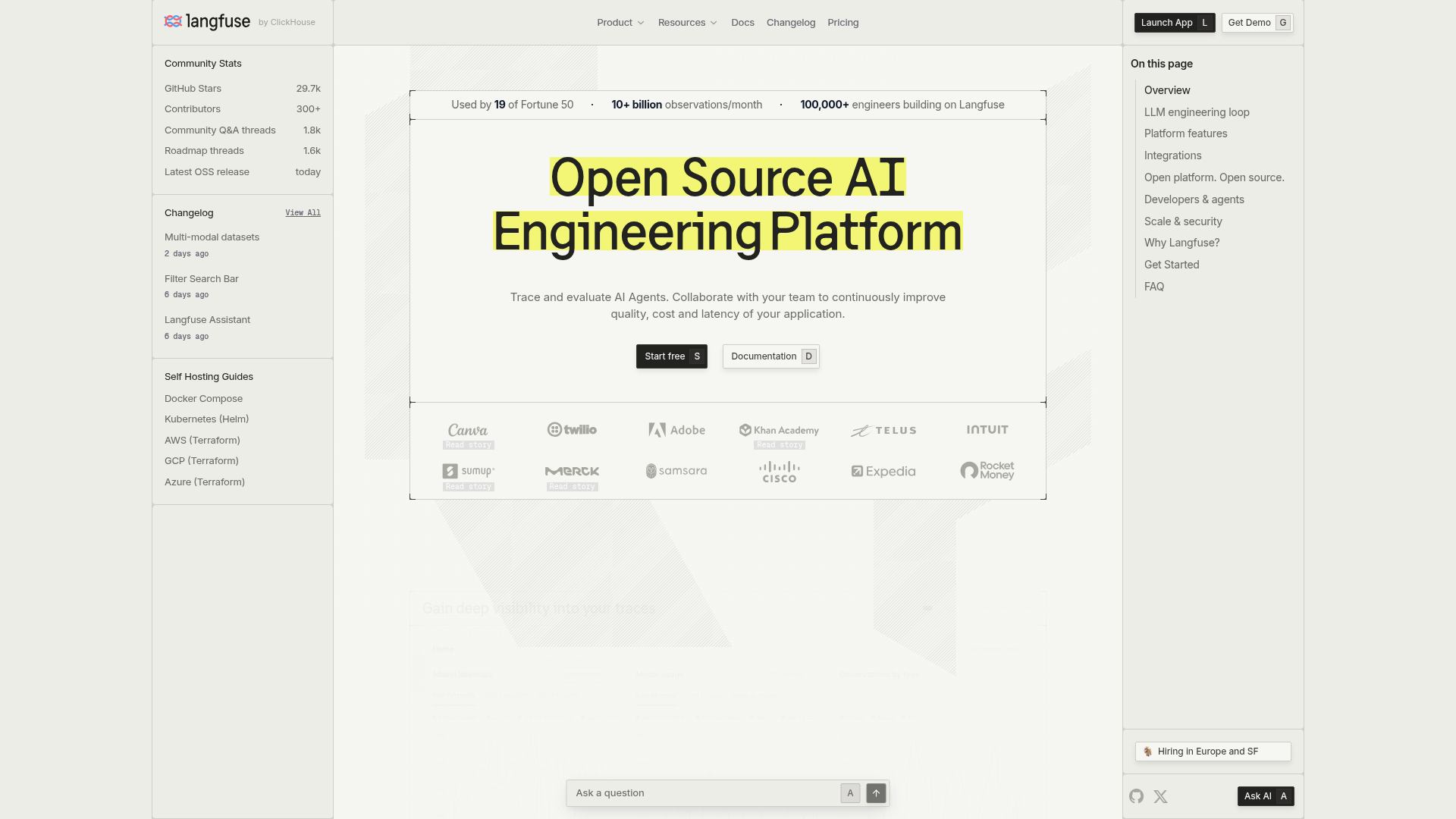
Langfuse is an open source prompt management system with strong tracing capabilities. You can self-host it on your own infrastructure for full data control, or use the managed cloud offering. The platform caches prompts locally, so retrieving them adds no runtime latency to your LLM calls.
Best for: Teams wanting open source flexibility with self-hosting options.
Key strengths
- Self-hosting: Run on your own infrastructure for complete data control and compliance.
- Prompt versioning: Tag prompts as "production" or "staging" for safe rollouts.
- Local caching: Prompts cached locally by the SDK for fast retrieval.
Why choose Langfuse
Langfuse fits teams with strict data residency requirements or those who prefer open source tools they can inspect and modify. The self-hosting option means your prompts and traces never leave your infrastructure.
The tradeoff is operational overhead. You're responsible for running and maintaining the deployment, though the managed cloud option removes that burden.
Langfuse pricing
Open source and free to self-host. Cloud plans start with a generous free tier, then scale based on trace volume.
4. PromptHub
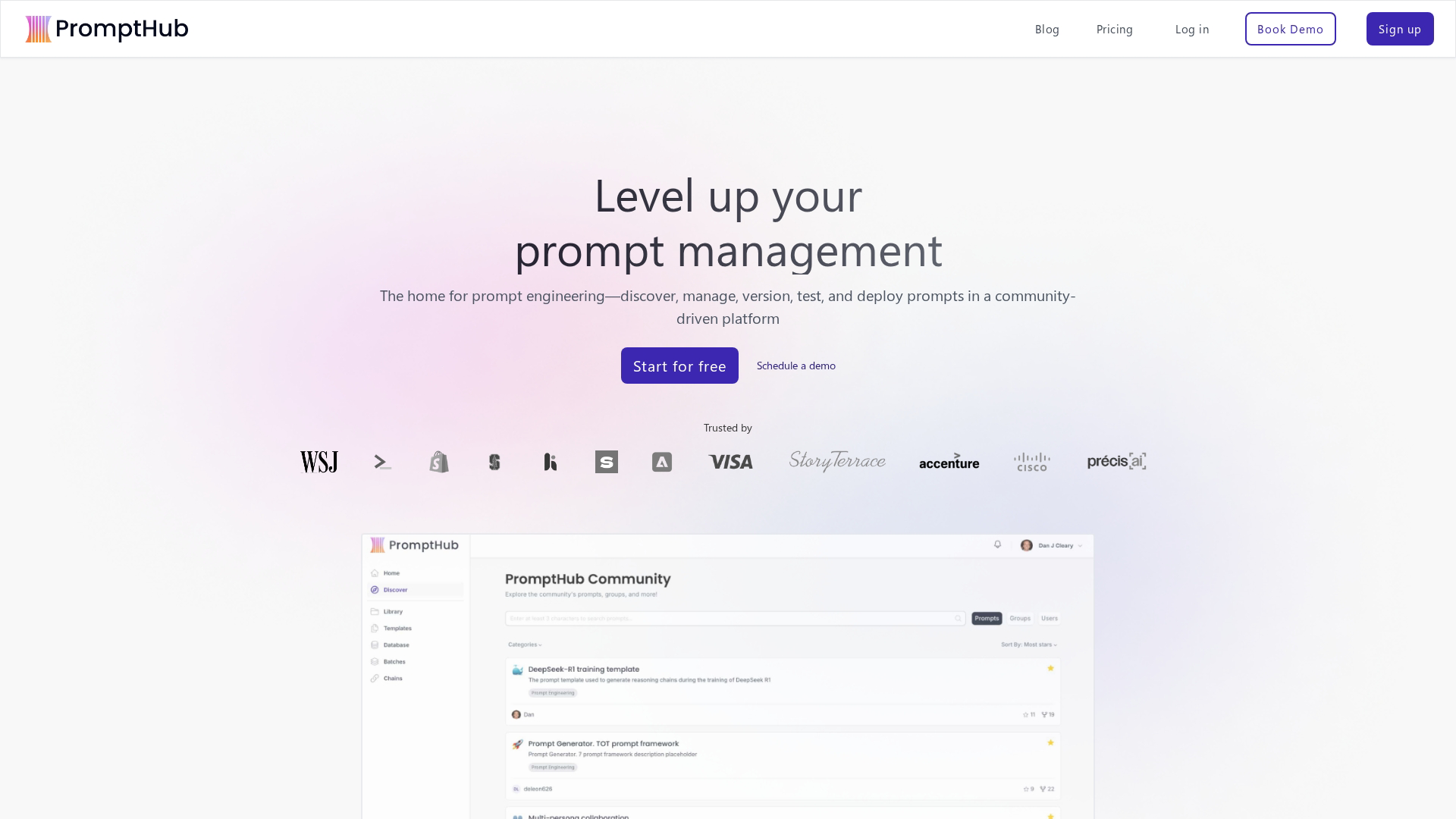
PromptHub focuses specifically on prompt collaboration across technical and non-technical users. The platform uses branch-based workflows similar to Git, letting teams test prompt changes in isolated branches before merging to production.
Best for: Teams where product managers and content writers collaborate on prompts alongside engineers.
Key strengths
- Branch-based workflows: Test prompt changes in isolated branches before merging, similar to Git branching
- Deployment environments: Push prompts to dev, staging, or production independently with clear separation
- Prompt playground: Test prompts across multiple LLM providers (OpenAI, Anthropic, etc.) in one interface
Why choose PromptHub
PromptHub works well when non-engineers participate in prompt development. The visual interface and branching model feel familiar to anyone who's used collaborative writing tools. Marketing teams often find it accessible for managing prompts that power customer-facing AI features.
For teams evaluating broader product marketing software tools, prompt management increasingly becomes a key consideration alongside traditional marketing capabilities. The tradeoff is less depth in evaluation and tracing compared to platforms built primarily for engineers.
PromptHub pricing
Free tier available for small teams. Paid plans start at $49/month per seat with additional features.
5. Weights and Biases Weave
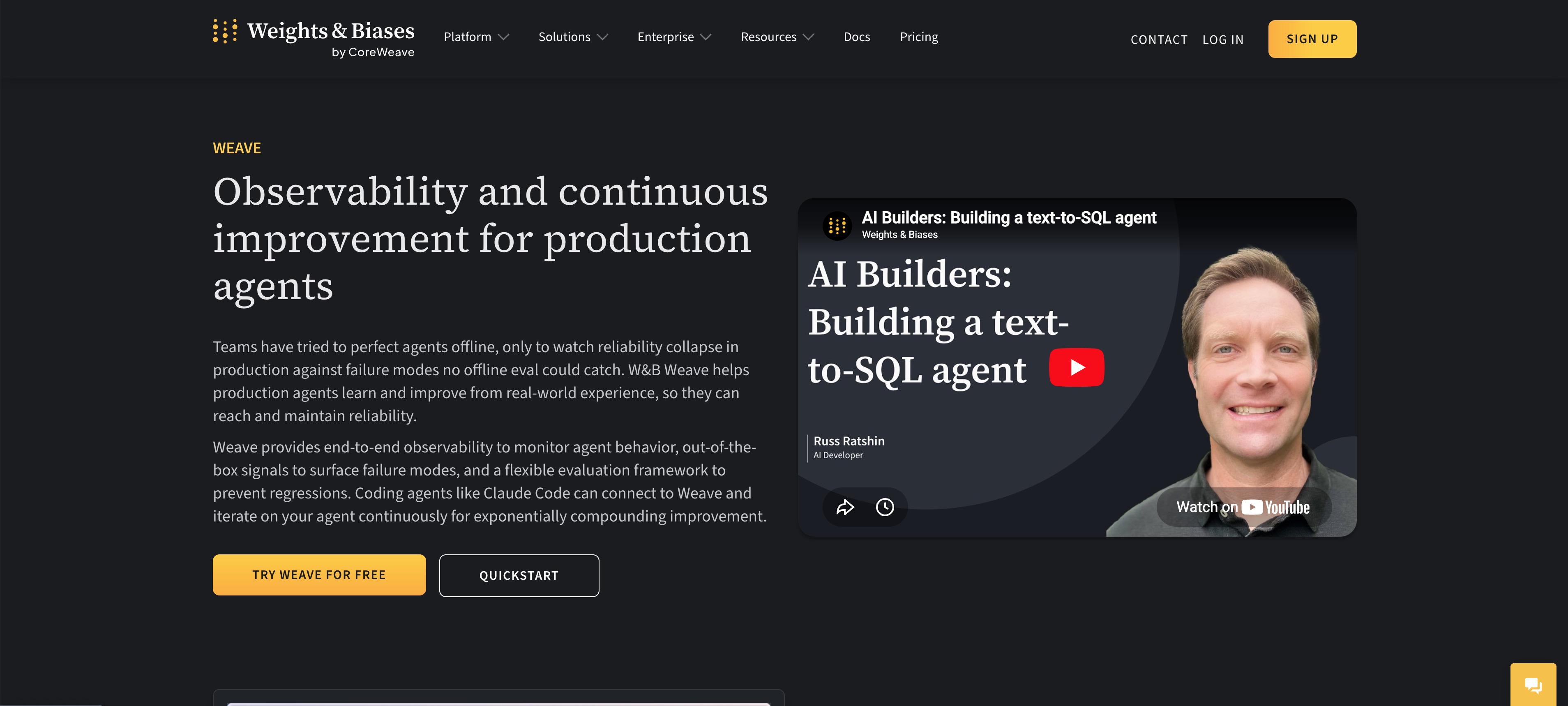
Weights and Biases Weave extends W&B's ML experiment tracking to LLM applications and prompt management. If your team already uses W&B for model training, Weave adds prompt versioning and evaluation without introducing a new platform.
Best for: Teams already using Weights and Biases for ML experiment tracking.
Key strengths
- Experiment lineage: Track which prompt version produced which model outputs with full reproducibility
- Integration with W&B ecosystem: Use existing dashboards, team permissions, and workflows you already know
- Evaluation framework: Run automated evals and compare results across prompt versions systematically
Why choose Weave
Weave makes sense when you're already invested in the W&B ecosystem. Adding another platform creates friction, and Weave lets you manage prompts alongside other ML artifacts in a familiar interface.
The tradeoff is that Weave assumes familiarity with W&B concepts. Teams new to experiment tracking face a steeper learning curve. For a broader view of the ecosystem, see our guide to MLOps tools.
Weights and Biases Weave pricing
Included in W&B plans. Free tier available for individuals and small teams. Team plans start at $50/month per user.
6. Promptfoo
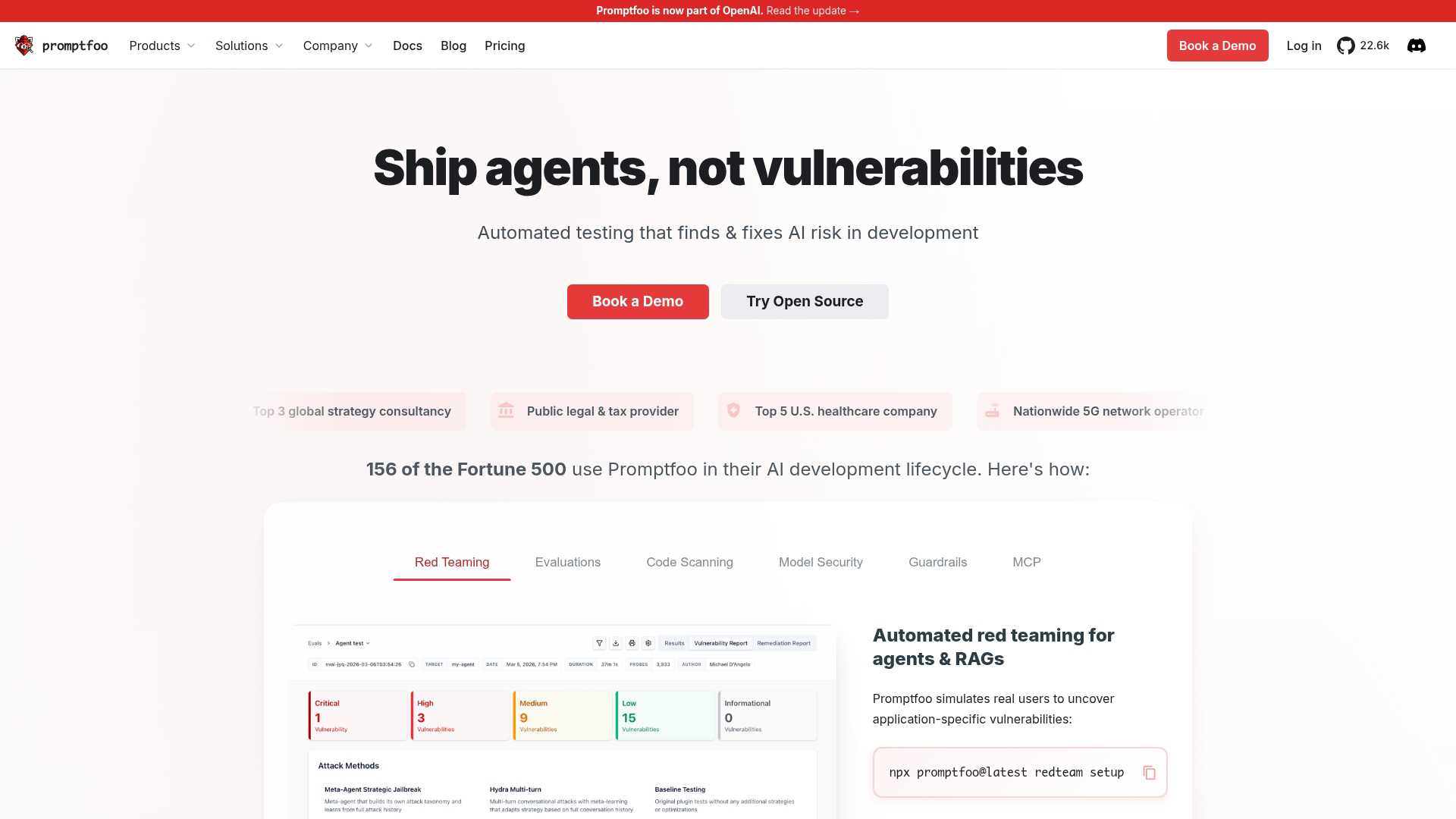
Promptfoo is an open source CLI tool for local prompt testing and red-teaming. All tests run on your machine, so no data leaves your environment. The tool includes built-in adversarial test cases for prompt injection the #1 risk and safety evaluation.
Best for: Security-conscious teams wanting local-first testing with red-teaming capabilities.
Key strengths
- Local-first execution: Run all tests on your machine with no data sent to external servers
- LLM red-teaming: Built-in adversarial test cases for jailbreaks, prompt injection, and safety evaluation
- CI/CD integration: Run prompt tests as part of your deployment pipeline with GitHub Actions and other CI tools
Why choose Promptfoo
Promptfoo fits teams who want prompt testing without SaaS dependencies. The CLI-first approach integrates naturally into existing development workflows, and the red-teaming features address security concerns that other tools often ignore.
For teams evaluating security and compliance requirements across their entire toolchain, local-first testing becomes especially critical. The tradeoff is less visual interface. Teams wanting dashboards and collaboration features will find Promptfoo more developer-focused.
Promptfoo pricing
Open source and free. Enterprise support available for teams wanting dedicated assistance.
7. Agenta
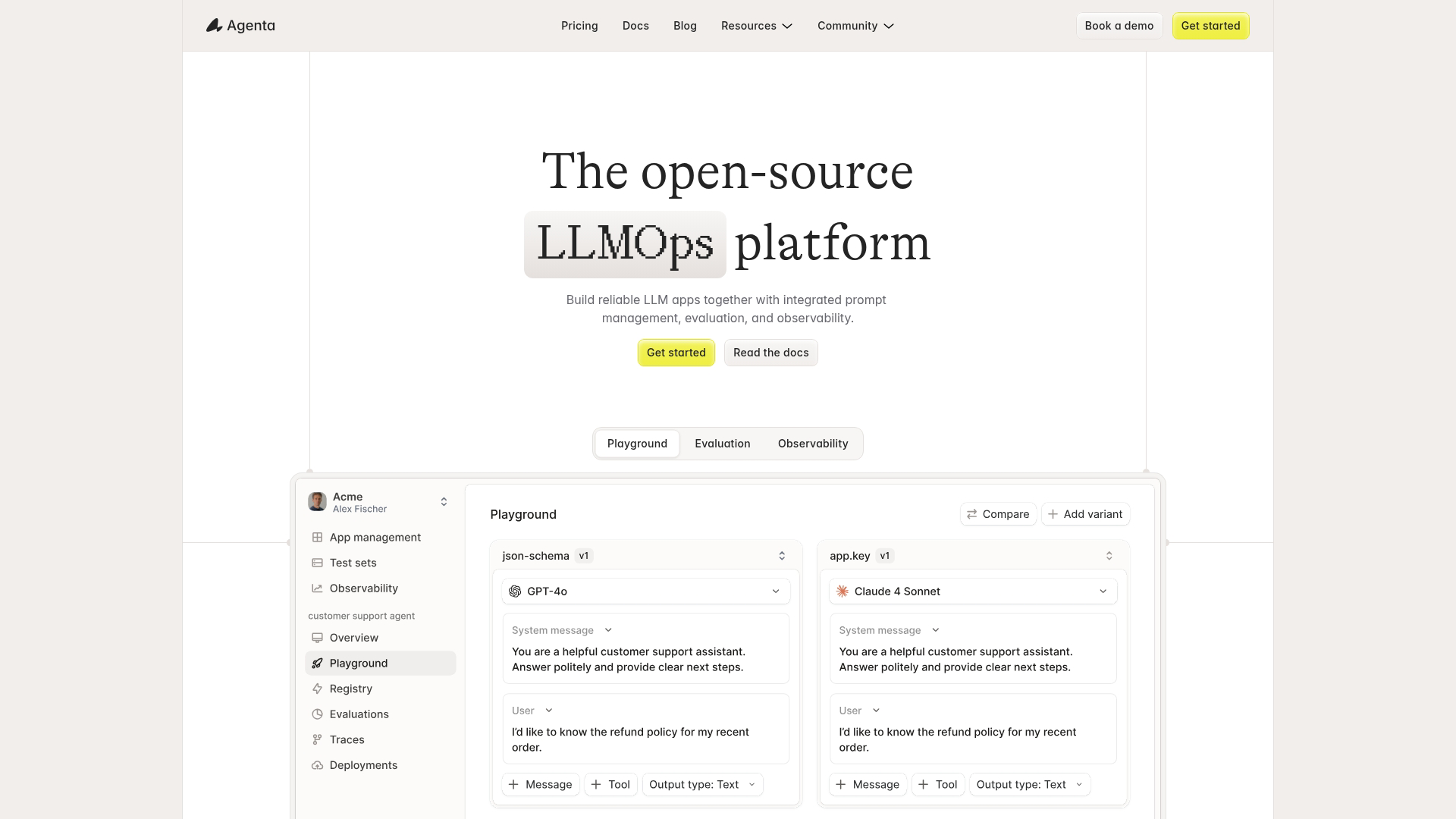
Agenta is an open source LLMOps platform with visual prompt engineering and A/B testing. The no-code prompt builder lets non-technical users create and test prompts without writing code.
Best for: Teams wanting open source LLMOps with visual prompt building and experimentation.
Key strengths
- No-code prompt builder: Create and test prompts through a visual interface without writing code
- A/B testing: Route traffic between prompt variants and measure outcomes to find winners
- Self-hosted option: Deploy on your infrastructure for compliance and data control requirements
Why choose Agenta
Agenta works well when you want experimentation built into your prompt workflow. The A/B testing capability lets you validate prompt changes with real traffic rather than relying solely on offline evaluation.
The tradeoff is maturity. As a newer open source project, Agenta has fewer integrations and less documentation than established commercial tools.
Agenta pricing
Open source and free to self-host. Cloud plans available with usage-based pricing.
8. Helicone
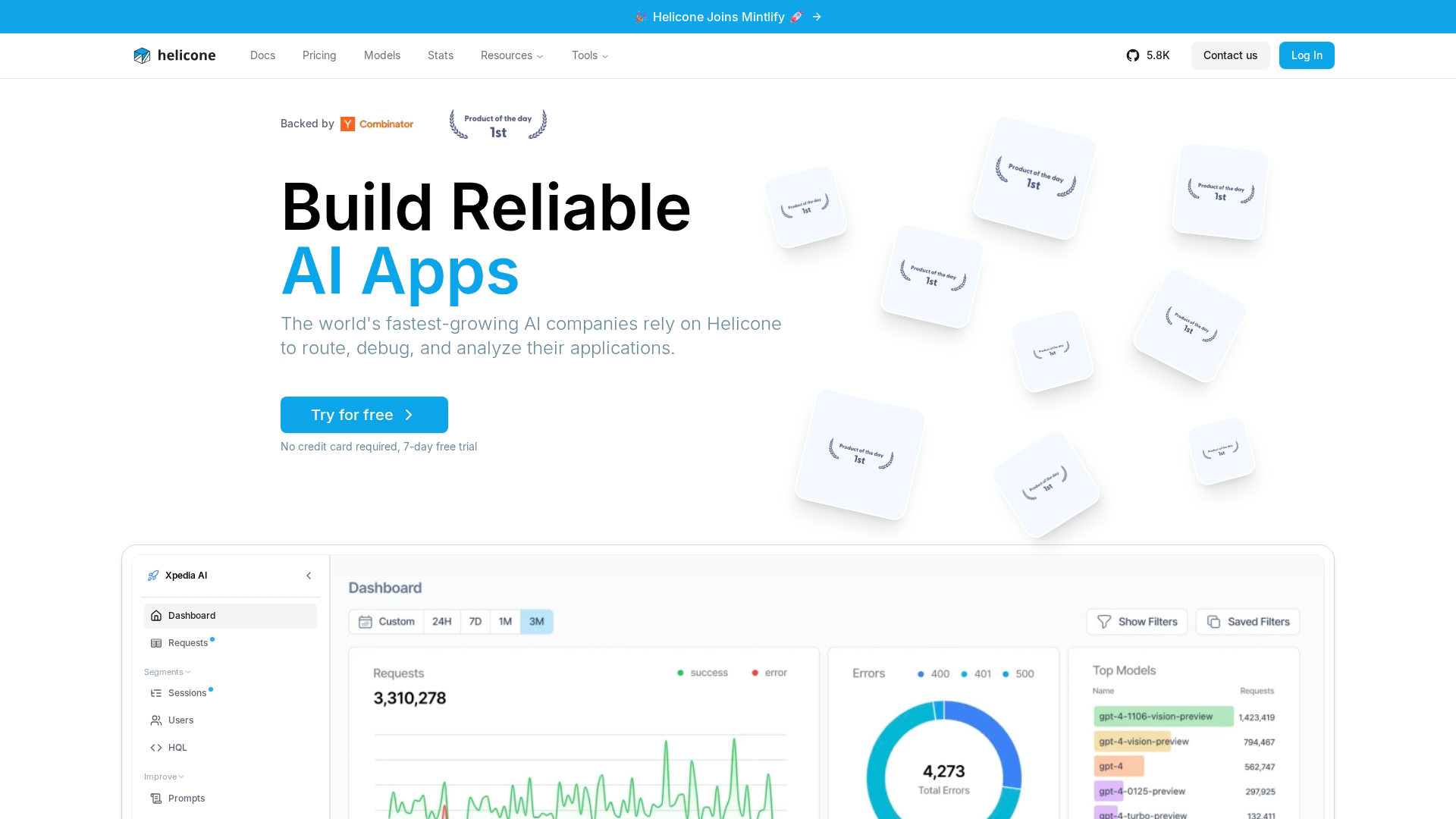
Helicone takes an observability-first approach with prompt management features layered on top. Integration requires just changing your LLM API endpoint URL, with no SDK changes needed.
Best for: Teams wanting lightweight integration with strong cost tracking and observability.
Key strengths
- One-line integration: Add a proxy URL to your LLM calls with no SDK changes or code modifications needed
- Cost tracking: Monitor spend by prompt, user, or feature to understand and optimize LLM costs when 72% of companies increase LLM spending
- Prompt experiments: Test variations and track which performs better in production traffic
Why choose Helicone
Helicone fits teams who want observability without heavy integration work. The proxy-based approach means you can start logging and tracking within minutes.
Cost visibility often surfaces surprising insights about which features consume the most LLM budget. The tradeoff is that prompt management is secondary to observability.
Helicone pricing
Free tier with generous limits. Pro plans start at $20/month. Enterprise pricing available.
9. Humanloop

Humanloop provides enterprise prompt management with strong evaluation and deployment controls. The platform includes a prompt directory with search, tagging, and access controls.
Best for: Enterprise teams wanting governance and approval workflows for prompt deployment.
Key strengths
- Prompt directory: Central registry with search, tagging, and role-based access controls
- Evaluation datasets: Build test sets and run prompts against them automatically before deployment
- Deployment controls: Promote prompts through environments with approval workflows and audit trails
Why choose Humanloop
Humanloop fits enterprise teams where governance matters. The approval workflows and access controls support compliance requirements that simpler tools don't address. Pre-sales teams at larger companies often appreciate the audit trail for customer-facing AI features.
When demonstrating these AI capabilities to prospects, sandbox demos for presales teams provide a safe environment for interactive technical validation without exposing production prompts. The tradeoff is complexity and cost.
Humanloop pricing
Free tier available for experimentation. Team plans start at $200/month. Enterprise pricing available.
Best prompt management tools compared
# | Product | Intent | Key differentiation | Pricing | G2 rating |
|---|---|---|---|---|---|
1 | Braintrust | Full-stack LLM development | Unified prompt management with evaluation and tracing | Custom | 4.7/5 |
2 | PromptLayer | Prompt-first workflows | Visual registry with comprehensive request logging | From $25/mo | 4.5/5 |
3 | Langfuse | Open source flexibility | Self-hostable with no latency overhead | Free (self-host) | 4.6/5 |
4 | PromptHub | Team collaboration | Branch-based workflows accessible to non-engineers | From $49/mo | 4.4/5 |
5 | W&B Weave | ML experiment integration | Extends existing W&B workflows to prompts | From $50/mo | 4.8/5 |
6 | Promptfoo | Local testing and security | CLI-first with built-in red-teaming | Free (open source) | 4.5/5 |
7 | Agenta | Visual experimentation | No-code builder with A/B testing | Free (self-host) | 4.3/5 |
8 | Helicone | Lightweight observability | One-line integration with cost tracking | From $20/mo | 4.4/5 |
9 | Humanloop | Enterprise governance | Approval workflows and deployment controls | From $200/mo | 4.5/5 |
Key features in a prompt management system
Understanding what capabilities define a mature prompt manager helps you evaluate any tool, not just the nine listed above.
Prompt versioning and rollback
Version control for prompts works similarly to Git for code. Every change creates a new version with a timestamp and author. When a prompt change causes problems in production, you can roll back to a previous version without redeploying your application.
Most tools use Git-like semantics (commits, branches, tags) but store prompts in a database rather than a repository. This separation from your codebase is intentional. Prompts often change more frequently than code, and non-engineers may participate in editing them.
Look for tools that support:
- Automatic versioning: Every save creates a new version without manual commits
- Diff views: Compare versions side by side to see exactly what changed
- Rollback mechanisms: Revert to any previous version with one click
- Audit trails: Track who changed what and when for compliance
Evaluation and testing frameworks
How do you know if a prompt change actually improved things? Evaluation frameworks answer this question systematically rather than risking a 20 to 35% drop in accuracy.
Evaluation approaches fall into several categories:
- LLM-as-judge: Use another LLM to score outputs on criteria like helpfulness, accuracy, or tone
- Human review: Route samples to human reviewers for quality assessment
- Deterministic checks: Automated tests for format, length, or presence of required elements
- Regression testing: Compare new prompt outputs against a baseline of known-good examples
The difference between playground testing and systematic evaluation matters. Playgrounds let you try a prompt with a few inputs and eyeball the results. Evaluation frameworks run prompts against hundreds or thousands of test cases and aggregate the results into metrics you can track over time.
Team collaboration and access controls
When multiple people touch prompts, you face coordination challenges. Who can edit production prompts? How do you prevent conflicting changes? What happens when someone breaks something?
Collaboration features address these questions:
- Role-based permissions: Separate who can view, edit, and deploy prompts
- Review workflows: Require approval before changes reach production
- Conflict resolution: Handle simultaneous edits gracefully
- Comments and discussion: Communicate about changes within the tool
Deployment and environment management
Prompts move through environments just like code: development, staging, production. Environment management keeps stages separate so you can test changes safely before they affect real users.
Key capabilities include:
- Environment labels: Tag prompts as "dev," "staging," or "production"
- Promotion workflows: Move prompts between environments with clear gates
- Decoupled deployment: Update prompts without redeploying application code
- Feature flags: Gradually roll out prompt changes to a percentage of traffic
When prompts live in your codebase, changing them requires a full deployment cycle. External prompt management lets you update prompts in seconds, which dramatically speeds iteration.
LLM provider integrations
Most teams use multiple LLM providers or switch between them over time. Provider flexibility means you can change models without rewriting prompts or learning a new management tool.
Consider:
- Supported providers: Does the tool work with OpenAI, Anthropic, Google, and others you use?
- Model switching: Can you test the same prompt across different models easily?
- API key management: How does the tool handle credentials for multiple providers?
- Fallback routing: Can you automatically route to backup providers if one fails?
When to use a prompt manager
Not every team building with LLMs needs a dedicated prompt management tool. Here's how to know if you've reached that point.
Scaling beyond a single developer
When one person owns all the prompts, coordination is simple. They know what exists, what changed recently, and why. Problems emerge when a second or third person starts touching prompts.
You've probably experienced this: someone asks "where's the prompt for the summarization feature?" The answer involves searching Slack, checking three different repos, and asking around. Or worse, two people edit the same prompt simultaneously and one change overwrites the other.
Prompt management tools solve this by creating a single source of truth. Everyone knows where prompts live, who changed them, and what the current production version looks like.
Moving prompts to production
Development prompts can live anywhere. Production prompts carry different requirements.
When prompts power live features, you want:
- Rollback capability: Quickly revert if something breaks
- Monitoring: Know when prompt performance degrades
- Audit trails: Track changes for debugging and compliance
- Access controls: Prevent unauthorized modifications
For sales teams showcasing AI features to prospects, a demo center for sales provides infrastructure to present consistent demonstrations without risking production prompt modifications.
Hardcoded prompts in application code make meeting production requirements difficult. Changing a prompt means deploying code, which might take hours or days depending on your release process. A prompt management tool lets you update in seconds while maintaining the controls production systems require.
Running systematic prompt evaluations
Early prompt development often relies on intuition. You try a prompt, look at a few outputs, and decide if it seems better. This works initially but breaks down as stakes increase.
Systematic evaluation means:
- Running prompts against consistent test sets
- Measuring quality with defined metrics
- Comparing versions quantitatively
- Catching regressions before they reach users
Most prompt management tools include evaluation features or integrate with evaluation frameworks. If you find yourself wanting to measure prompt quality rather than just eyeball it, you've reached the point where dedicated tooling helps.
Tip: Start with a simple evaluation set of 20-50 representative inputs. Even basic systematic testing catches issues that ad-hoc testing misses.
How to choose the right prompt management tool for your team
The right tool depends on your team size, technical requirements, and existing infrastructure.
Open source vs. managed
Self-hosting gives you complete data control. Your prompts and traces never leave your infrastructure, which matters for regulated industries or sensitive applications.
The tradeoff is operational overhead. You're responsible for deployment, scaling, backups, and updates.
Managed platforms handle infrastructure for you. Setup takes minutes instead of hours. The tradeoff is data leaves your environment, and you depend on the vendor's availability and security practices.
Choose open source (Langfuse, Promptfoo, Agenta) when:
- Data residency requirements prohibit external services
- You have DevOps capacity to run additional infrastructure
- You want to inspect or modify the tool's behavior
Choose managed (Braintrust, PromptLayer, Humanloop) when:
- You want to start quickly without infrastructure work
- Your team lacks DevOps bandwidth
- Vendor security practices meet your requirements
Evaluation depth
Some tools offer basic playgrounds where you test prompts manually. Others provide full evaluation pipelines with automated scoring, regression detection, and statistical analysis.
Basic evaluation fits when:
- You're early in LLM development
- Prompt changes are infrequent
- Stakes are relatively low
Deep evaluation fits when:
- Prompts power critical features
- You iterate on prompts frequently
- Quality regressions would cause real problems
Team size and permissions
Solo developers rarely need complex permissions. Teams of five or more often do.
Consider whether you want:
- Role-based access (viewer, editor, admin)
- Approval workflows before production deployment
- Audit logs of who changed what
- Integration with your identity provider (SSO)
Enterprise tools like Humanloop emphasize governance features. Simpler tools like Promptfoo assume a smaller, more trusted team. Teams evaluating governance requirements may also want to review AI governance tools.
LLM provider coverage
Verify the tool supports the models you use today and might use tomorrow. Most tools support OpenAI and Anthropic. Support for Google, Cohere, open source models, and local deployments varies.
If you run models locally via Ollama or vLLM, check whether the tool can connect to OpenAI-compatible APIs. Most can, but integration quality varies.
Integration with existing stack
Check for SDKs in your programming language. Python support is universal. JavaScript/TypeScript support is common. Go, Ruby, and other languages have spottier coverage.
Also consider connections to observability tools like Datadog or New Relic, CI/CD systems like GitHub Actions, and marketing automation tools if prompts power customer-facing features.
Start your journey with Guideflow today! When you're ready to show prospects how your AI features work, interactive demos let them experience the product without scheduling a call.
FAQs about prompt management tools
What is the difference between prompt management and prompt engineering?
Prompt engineering is the craft of writing effective prompts. You're figuring out what instructions, examples, and formatting produce the best outputs from an LLM.
Prompt management is the operational layer for storing, versioning, and deploying prompts across environments. One is creative work, the other is infrastructure.
Can I use prompt management tools with local or open source LLMs?
Most tools support any OpenAI-compatible API, which includes local models served via Ollama, vLLM, or similar inference servers. Check each tool's documentation for specific provider integrations. Langfuse and Promptfoo have particularly strong support for self-hosted models.
How long does it take to implement a prompt management system?
Basic setup takes hours for managed platforms. You add an SDK, migrate existing prompts, and configure environments.
Self-hosted deployments take longer depending on your infrastructure requirements. Plan for a day or two for initial setup, then ongoing time for migration and team onboarding.
Do prompt management tools add latency to LLM requests?
Most tools cache prompts locally or use async logging, so they add no runtime latency to your LLM calls. Langfuse explicitly documents this as a design goal. Verify the architecture of any tool before production use, especially if you're latency-sensitive.
Can non-engineers use prompt management tools?
Tools like PromptHub and Agenta offer visual interfaces designed for product managers and content teams. Other tools like Promptfoo assume comfort with code and CLI workflows. Consider who will actually edit prompts when choosing a tool.
What happens to my prompts if I switch prompt management vendors?
Most tools store prompts as plain text with metadata, making export straightforward. Check for export functionality before committing to a vendor. Avoid tools that lock prompts in proprietary formats without clear export paths.
Are there free prompt management tools for small teams?
Langfuse and Promptfoo are open source and free to self-host indefinitely. PromptLayer, Braintrust, Helicone, and others offer free tiers with usage limits that work well for small teams and experimentation.
How do prompt management tools handle sensitive data in prompts?
Enterprise tools offer SSO, role-based access, and audit logs. For maximum control, choose a self-hosted option like Langfuse or Agenta where data never leaves your infrastructure. Review each vendor's security documentation before storing sensitive information.