Manual document creation is costing your team hours every week.
According to IDC research on knowledge worker productivity, knowledge workers spend roughly 2.5 hours per day searching for and managing documents. That's nearly a third of the workday lost to tasks that document generation software can handle in seconds. Instead of copying client names into contract templates or reformatting the same invoice for the 400th time, you could automate the entire process.
This guide covers 25 document generation tools - from no-code platforms for small teams to enterprise-grade SDKs for developers. You'll get features, pricing, honest trade-offs, and specific use-case recommendations for each one.
We prioritized tools with strong template engines, automation capabilities, and real integration depth. Let's get into it.
What's inside
This article reviews 25 document generation software tools across every category: sales proposals, legal document assembly, bulk invoicing, developer APIs, and all-in-one workspaces. Each tool follows the same structured format so you can compare them side by side.
Beyond the reviews, you'll find a comparison table, a buyer's guide with "if X, then Y" recommendations, a feature checklist, pricing benchmarks, and 2026 trend analysis. Whether you're generating 50 contracts a month or 50,000 invoices, there's a tool here that fits.
TL;DR
- Best overall for most teams: PandaDoc - strong templates, built-in e-signatures, CRM integrations
- Best for Salesforce users: Conga Composer - deep native Salesforce data merging
- Best for developers: Docmosis - API-first, high-volume batch processing
- Best for budget-conscious SMBs: Documentero or Zoho Writer - free tiers with solid feature sets
- Best for legal teams: Mitratech HotDocs - the standard in legal document assembly software
- 7 tools offer free plans: PandaDoc, Documentero, Confluence, Gamma, Lark, Fynk, Zoho Writer
What is document generation software?
Document generation software automates the creation of documents using templates, data sources, and business rules. It's not a word processor. Instead of manually typing or copy-pasting, the software pulls data from your CRM, database, or spreadsheet and populates a template automatically.
Think of it this way: instead of manually copying client data into a contract template, automated document generation software pulls that data from HubSpot or Salesforce and creates a ready-to-send contract in seconds.
Common document types generated include:
- Contracts and NDAs
- Invoices and purchase orders
- Sales proposals and quotes
- Compliance reports
- Employment letters and HR documents
- Insurance policies and legal filings
Legal, sales, HR, finance, and operations teams tend to get the most value from document creation software. Anyone producing repeatable, structured documents at scale is a candidate.
How we evaluated these document generation tools
Every tool on this list was assessed against eight criteria:
- Template creation and management - editor quality, format support, template libraries
- Automation features - bulk generation, conditional logic, workflow triggers
- Integration ecosystem - native CRM/ERP connectors, API access, Zapier support
- AI-powered features - content drafting, smart suggestions, auto-formatting
- Security and compliance - SOC 2, HIPAA, GDPR, encryption, audit trails
- Pricing and value - cost per user or per document, free plan availability
- Ease of use - learning curve, onboarding experience, UI quality
- Customer support quality - documentation, response times, support channels
Not every tool excels at all eight. That's the point - the right fit depends on your specific needs.
Quick comparison table - top 25 document generation software
| Tool | Best For | Starting Price | Free Plan? | Key Integration | Rating |
|---|---|---|---|---|---|
| PandaDoc | Sales proposals | ~$35/user/mo | Yes | Salesforce, HubSpot | 4.7/5 G2 |
| Formstack Documents | No-code automation | ~$92/mo | No | 100+ integrations | 4.4/5 G2 |
| Conga Composer | Salesforce-native | Contact for pricing | No | Salesforce | 4.2/5 G2 |
| Docusign CLM | Contract lifecycle | Contact for pricing | No | Salesforce, SAP | 4.2/5 G2 |
| Templafy | Brand compliance | Contact for pricing | No | Microsoft 365 | 4.4/5 G2 |
| Documentero | Simple template generation | ~$29/mo | Yes | Zapier, API | 4.6/5 G2 |
| Mitratech HotDocs | Legal assembly | Contact for pricing | No | Legal systems | 4.4/5 G2 |
| Adobe Acrobat | PDF workflows | ~$22.99/mo | No | Adobe Creative Cloud | 4.5/5 G2 |
| Docmosis | Developer API | ~$99/mo | No | Java/.NET API | 4.6/5 G2 |
| Docupilot | Zapier workflows | ~$29/mo | No | Zapier, webhooks | 4.7/5 G2 |
| Proposify | Proposal creation | ~$49/user/mo | No | CRM integrations | 4.6/5 G2 |
| Confluence | Internal documentation | ~$6.05/user/mo | Yes | Jira, Trello | 4.1/5 G2 |
| Gamma | AI presentations | ~$10/user/mo | Yes | Embed-friendly | 4.6/5 G2 |
| EDocGen | Bulk generation | ~$50/mo | No | REST API | 4.5/5 G2 |
| Fynk | Contract collaboration | Varies | Yes | E-signature tools | 4.5/5 G2 |
| Nutrient | Document SDK | Contact for pricing | No | Web/mobile SDK | 4.5/5 G2 |
| Apryse | Enterprise SDK | Contact for pricing | No | Cross-platform SDK | 4.5/5 G2 |
| Lark | All-in-one workspace | Free; enterprise varies | Yes | Lark ecosystem | 4.6/5 G2 |
| altaFlow | Workflow automation | Contact for pricing | No | Business systems | N/A |
| TruPeer | Peer review docs | Contact for pricing | No | Version control | N/A |
| Wondershare PDFelement | Affordable PDF | ~$79.99/yr | No | Desktop/mobile | 4.5/5 G2 |
| Foxit PDF Editor | Lightweight PDF | ~$149.99/yr | No | Cloud storage | 4.6/5 G2 |
| Windward Studios | Complex template logic | Contact for pricing | No | Microsoft Office | 4.4/5 G2 |
| Nintex DocGen | Process-integrated | Contact for pricing | No | Salesforce, SharePoint | 4.2/5 G2 |
| Zoho Writer | Budget CRM integration | ~$3/user/mo | Yes | Zoho CRM | 4.4/5 G2 |
The 25 best document generation software tools for 2026
Here's our in-depth look at each tool, including features, pricing, trade-offs, and ideal use cases.
1. PandaDoc - best for sales teams and proposal automation
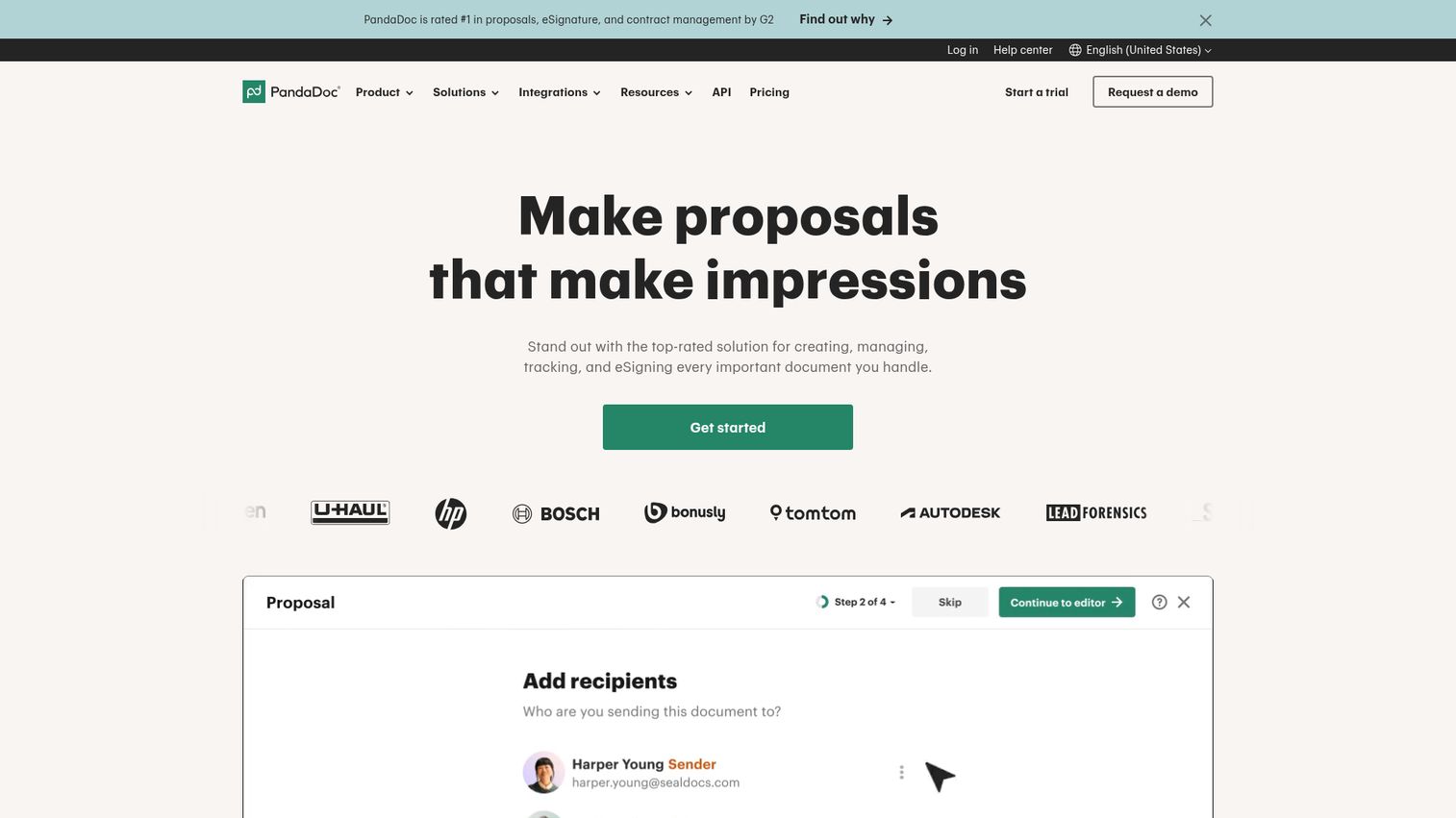
PandaDoc is a document automation software platform built around sales workflows - proposals, quotes, contracts, and e-signatures in one place. If you're evaluating tools specifically for proposals, check out our roundup of the best proposal software for a deeper comparison.
Its drag-and-drop editor and 750+ template library make it easy for non-technical sales reps to build professional documents in minutes. CRM integrations with Salesforce and HubSpot pull deal data directly into templates, which tends to cut document creation time significantly.
Best for: Sales teams, proposal workflows, and client-facing documents
Key strengths
- Built-in e-signatures with tracking and analytics
- 750+ pre-built templates across document types
- Native Salesforce and HubSpot CRM integrations
- Real-time document analytics showing viewer activity
- Free eSign plan for basic signature needs
Pricing: Free eSign plan available; paid plans from ~$35/user/month
2. Formstack Documents - best for no-code document automation
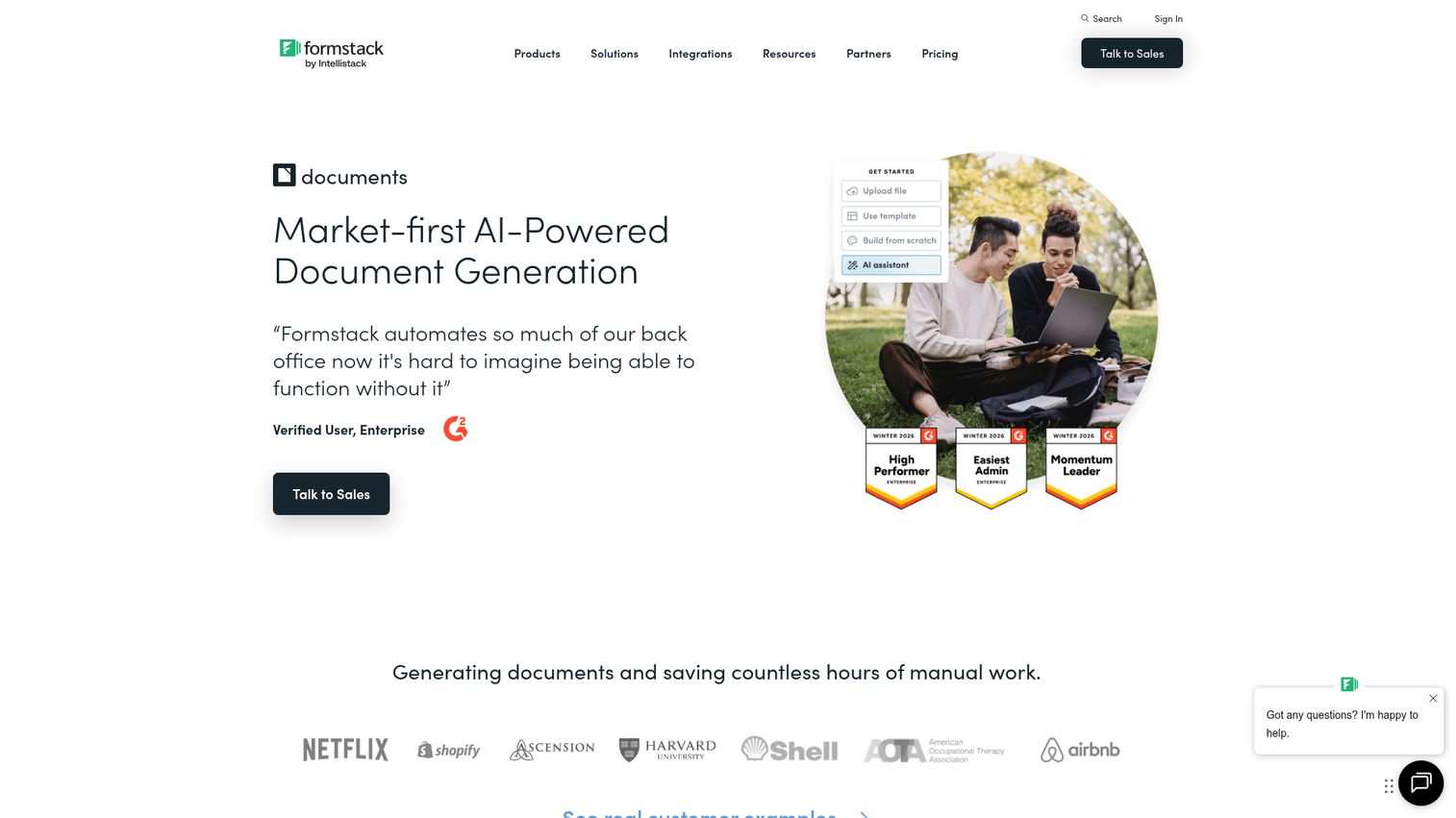
Formstack Documents (formerly WebMerge) is a template-driven automated document generation platform with over 100 native integrations and strong compliance credentials.
It works particularly well for organizations in healthcare and education where HIPAA compliance matters. Conditional logic lets you build documents that adapt based on input data, and bulk generation handles high-volume needs. The UI can feel dated compared to newer tools, but the integration depth makes up for it.
Best for: Healthcare, education, and compliance-focused organizations
Key strengths
- HIPAA-compliant document generation option available
- 100+ native integrations with business tools
- Conditional logic for dynamic document content
- Bulk generation from spreadsheets and databases
- E-signatures via Formstack Sign integration
Pricing: Starts at ~$92/month (billed annually)
3. Conga Composer - best for Salesforce-native document generation
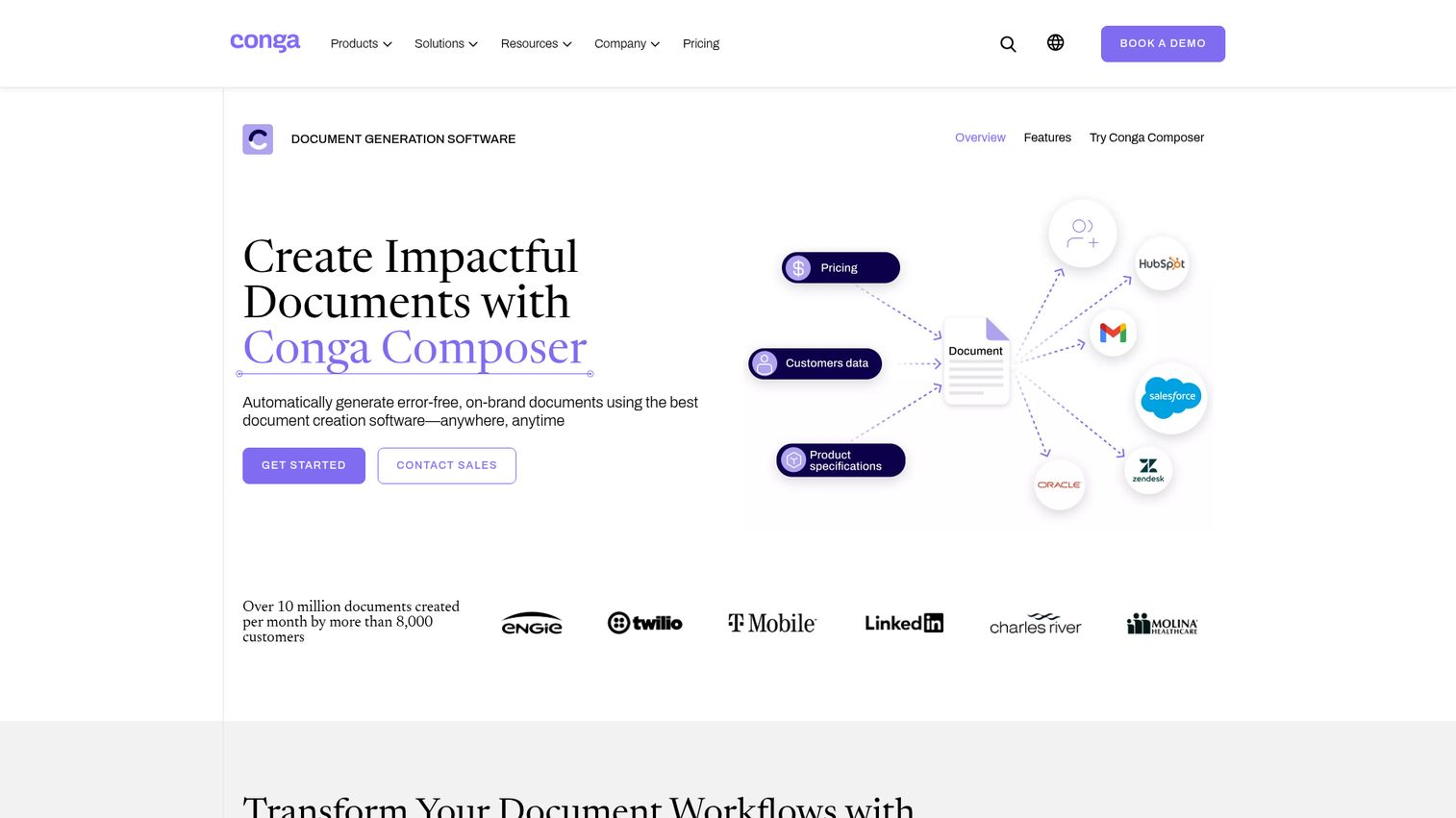
Conga Composer generates documents directly from Salesforce data with a depth of integration that no other tool matches.
If your team lives in Salesforce, Conga pulls records, related objects, and custom fields into Word, Excel, PowerPoint, PDF, or HTML templates without leaving the platform. The trade-off: it's expensive, setup is complex, and you're locked into the Salesforce ecosystem. For Salesforce-heavy enterprises, though, it's often the default choice. If you're looking to optimize your broader Salesforce stack, our list of the best CRM software covers the top options.
Best for: Salesforce-dependent enterprises with complex document workflows
Key strengths
- Deepest native Salesforce integration available
- Supports Word, Excel, PowerPoint, PDF, HTML output
- Merges data from related Salesforce objects automatically
- Part of the broader Conga document automation suite
- Enterprise-grade security and audit trails
Pricing: Contact for pricing (enterprise)
4. Docusign CLM - best for contract lifecycle management
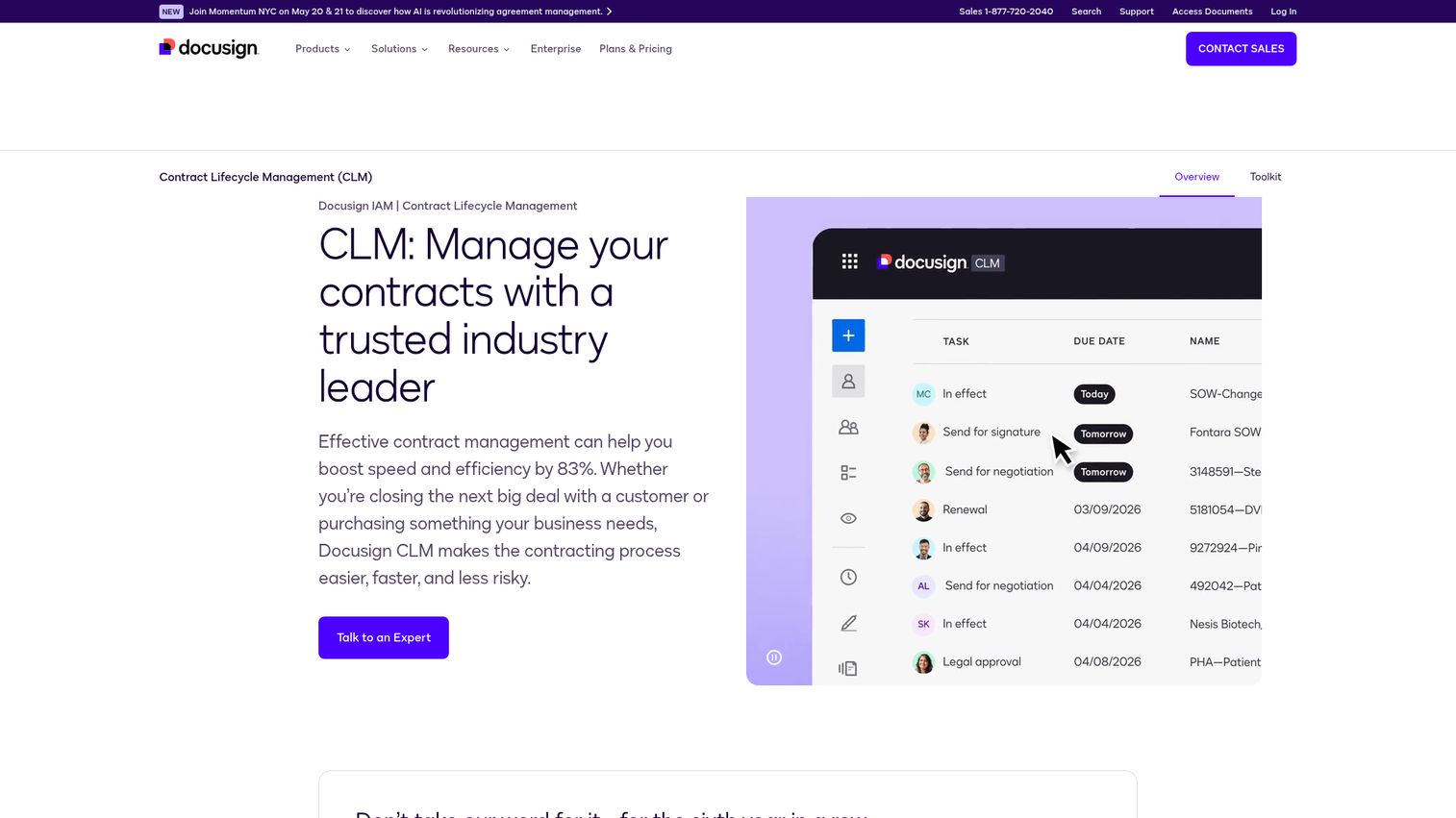
Docusign CLM handles the full contract lifecycle management market - from generation and negotiation to signature and renewal - in a single platform. For teams focused specifically on contract workflows, our guide to the best contract lifecycle management software provides additional options.
Its AI-assisted clause library and workflow automation make it a strong fit for legal and procurement teams managing hundreds of contracts. Integrations with Salesforce, SAP, and Microsoft cover most enterprise stacks. The downside: it's expensive and has a steep learning curve. If you only need simple document generation, this is overkill.
Best for: Legal teams, procurement, and enterprise contract management
Key strengths
- End-to-end contract lifecycle management capabilities
- AI-assisted clause library and risk detection
- Native e-signature with full audit trails
- Integrations with Salesforce, SAP, Microsoft ecosystem
- Compliance-ready with SOC 2 and GDPR support
Pricing: Contact for pricing (enterprise)
5. Templafy - best for enterprise brand compliance
Templafy is document template software designed to keep every document on-brand across large organizations using Microsoft 365.
It manages templates, brand assets, and compliance controls within Word, PowerPoint, and Outlook. Analytics show which templates get used and which don't. The limitation: it's enterprise-only pricing, and if you're not in the Microsoft ecosystem, it won't be a good fit.
Best for: Large enterprises enforcing brand standards across Microsoft 365
Key strengths
- Template management embedded in Microsoft 365 apps
- Brand asset library with governance controls
- Analytics on template usage and compliance rates
- Automated document formatting and brand enforcement
- Integrations with enterprise content management systems
Pricing: Contact for pricing (enterprise)
6. Documentero - best for simple template-based generation
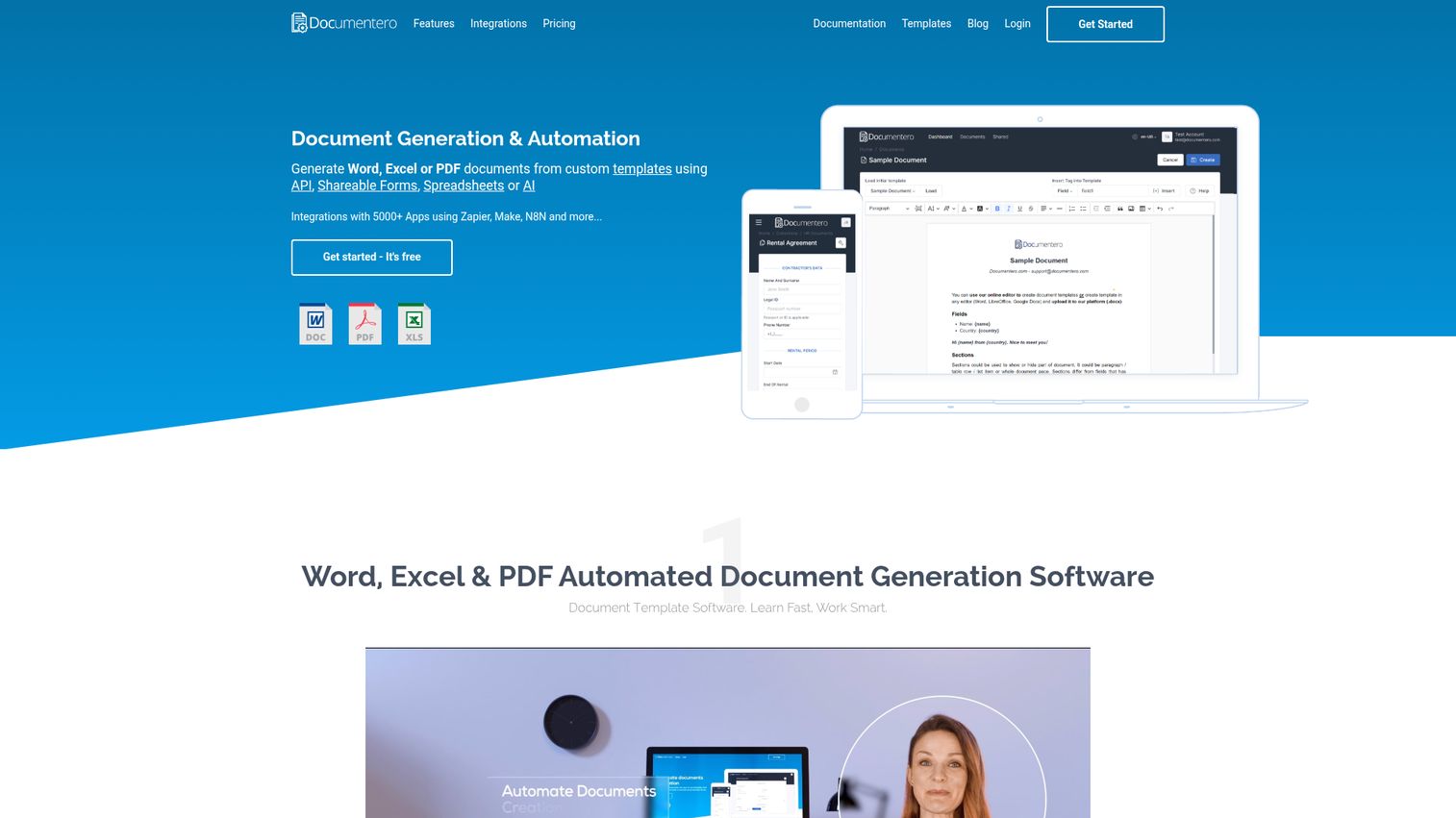
Documentero takes a use-your-own-editor approach - upload Word or Excel templates, connect data, and generate documents in bulk.
Its ChatGPT integration adds AI-powered content generation to templates, and shareable forms let you collect data from clients without giving them system access. At ~$29/month for paid plans, it's one of the most affordable document generation solutions on this list. The trade-off is fewer advanced workflow features compared to enterprise tools.
Best for: Small businesses, freelancers, and simple bulk document needs
Key strengths
- Free plan with basic generation capabilities
- ChatGPT AI integration for content generation
- Bulk generation from spreadsheets and data sources
- Shareable forms for external data collection
- Zapier and API integrations with 5,000+ apps
Pricing: Free plan available; paid from ~$29/month
7. Mitratech HotDocs - best for legal document assembly
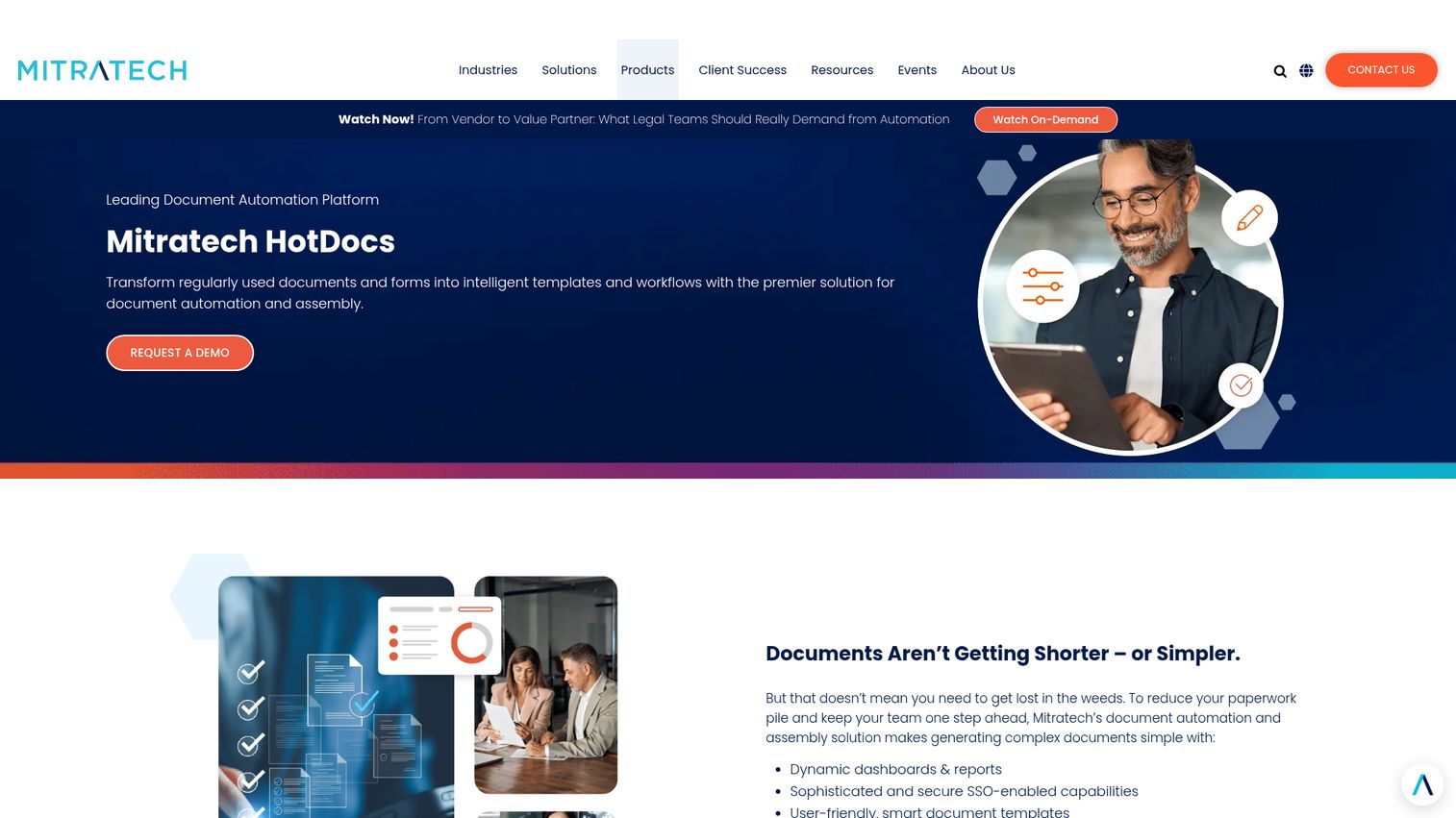
HotDocs is the gold standard in document assembly software for legal teams, used by law firms, courts, and legal document assembly software for legal teams worldwide.
Its interview-based data collection guides users through questions, then assembles complex legal documents with conditional logic and clause libraries. Both cloud and on-premise deployment options are available. The learning curve is steep and the UI feels legacy, but no tool matches its depth for legal document assembly.
Best for: Law firms, courts, and government legal departments
Key strengths
- Interview-based guided document assembly process
- Advanced conditional logic and clause libraries
- Cloud and on-premise deployment options available
- Used by legal institutions across 40+ countries
- Deep support for complex legal document structures
Pricing: Contact for pricing
8. Adobe Acrobat - best for PDF-centric document workflows
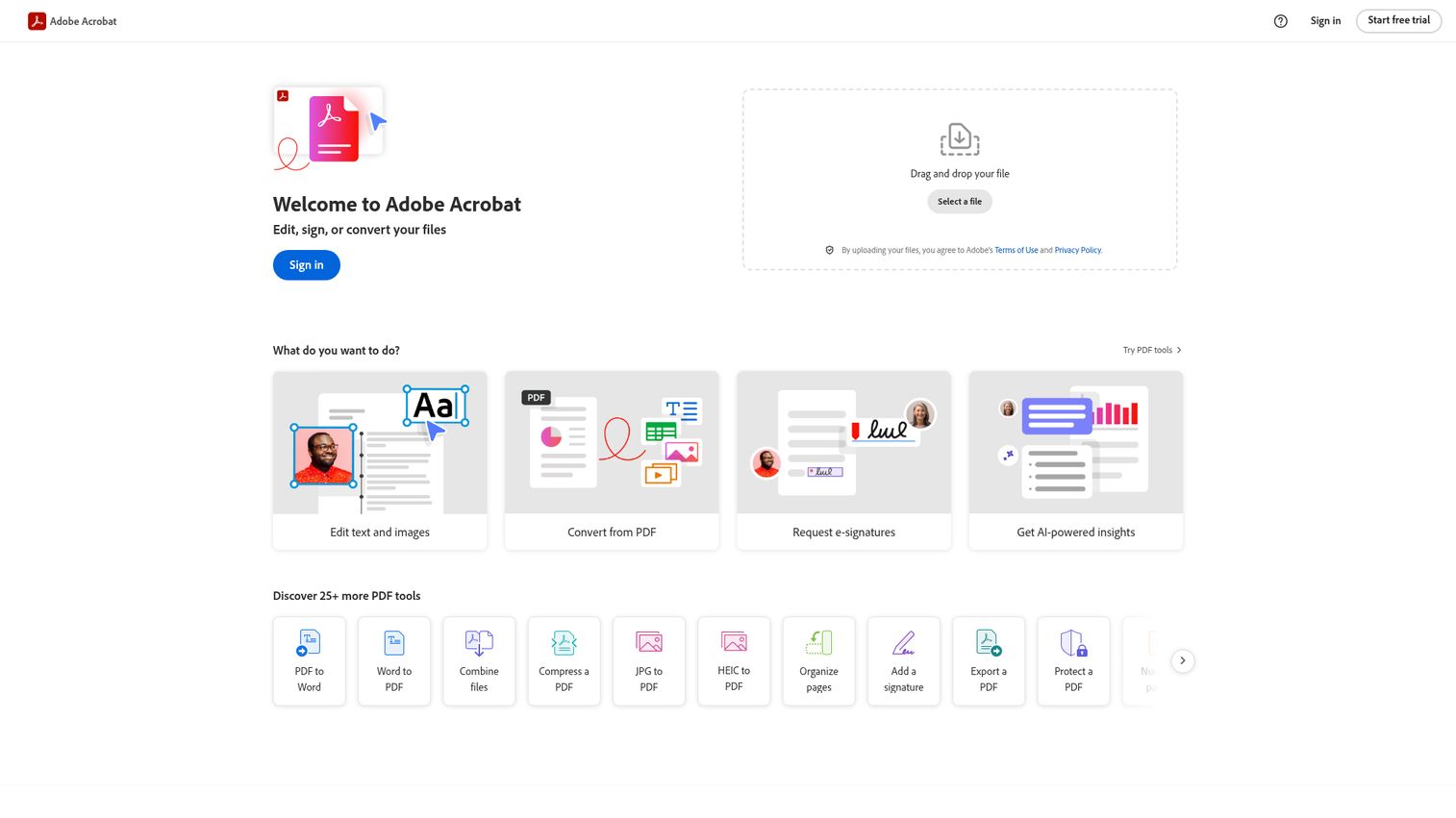
Adobe Acrobat is the most recognized PDF tool in the world, and its 2026 AI Assistant features have pushed it further into document generation territory.
It handles PDF creation, editing, signing, form creation, and document scanning. The AI Assistant can summarize documents, answer questions about content, and format text. Fair warning: Acrobat is primarily an editing and forms tool, not a full automated document creation software platform. For PDF-specific workflows, though, it's hard to beat.
Best for: Teams needing PDF editing, forms, and signatures
Key strengths
- AI Assistant for summarization and content queries
- PDF creation, editing, conversion, and signing
- Form creation with fillable field support
- Integration with Adobe Creative Cloud ecosystem
- Mobile apps for on-the-go document access
Pricing: Acrobat Pro from ~$22.99/month
9. Docmosis - best for developer-friendly API document generation
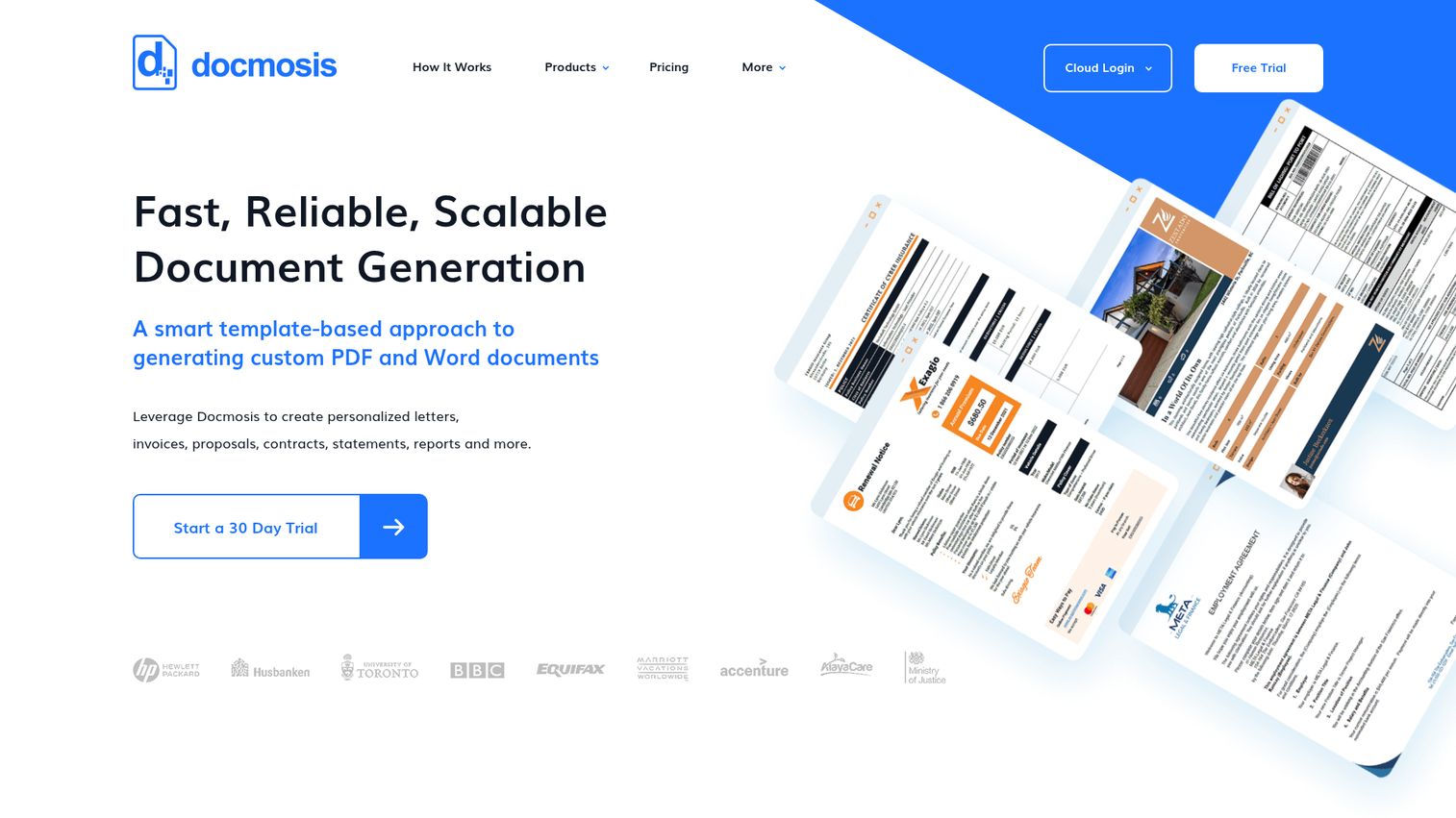
Docmosis is an API-first document generation tool built for developers who need high-volume, template-based output.
It supports Java and .NET, offers both cloud (Tornado) and on-premise (Typhoon) deployment, and handles batch processing of thousands of documents per run. Output formats include Word, PDF, and ODT. The catch: there's no visual UI for non-technical users. If you don't have developer resources, look elsewhere.
Best for: Development teams and high-volume automated document generation
Key strengths
- API-first architecture for Java and .NET environments
- Cloud and on-premise deployment options available
- High-volume batch processing of thousands of documents
- Word, PDF, and ODT output format support
- Detailed developer documentation and code samples
Pricing: Cloud from ~$99/month; on-premise licensing varies
10. Docupilot - best for Zapier-powered document workflows
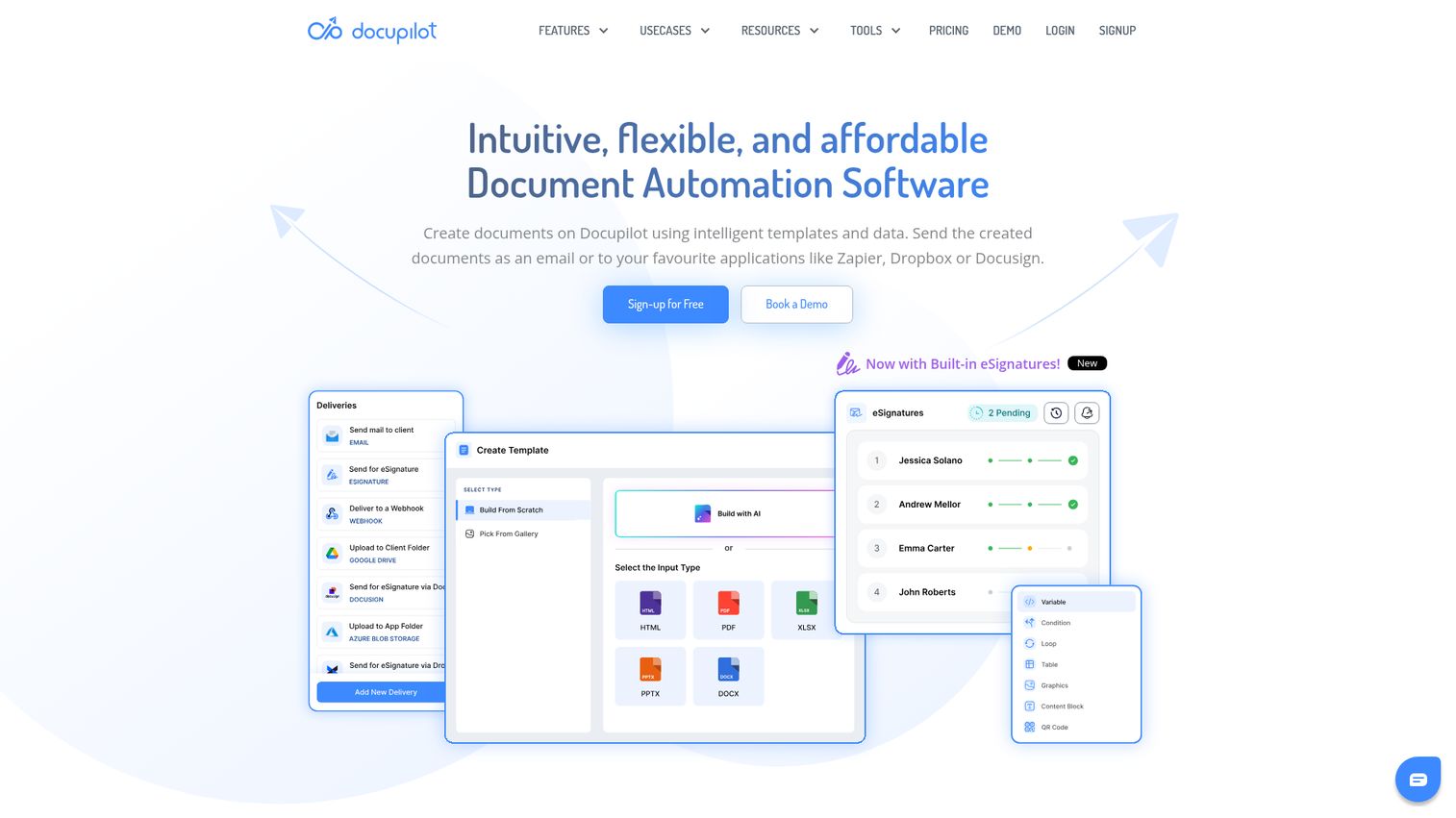
Docupilot merges data from multiple sources into templates and delivers finished documents via email, cloud storage, or webhooks - with Zapier as the glue.
Conditional content blocks let you show or hide sections based on data values. It's affordable and straightforward, which makes it a good fit for small businesses with Zapier-heavy tech stacks. The feature set is more limited than enterprise tools, but for straightforward document automation, it does the job well.
Best for: Small businesses using Zapier-centric automation stacks
Key strengths
- Deep Zapier integration for multi-app workflows
- Conditional content blocks for dynamic documents
- PDF and DOCX output with auto-delivery options
- Webhook support for custom automation triggers
- Affordable pricing for small team budgets
Pricing: From ~$29/month
11. Proposify - best for proposal and sales document creation
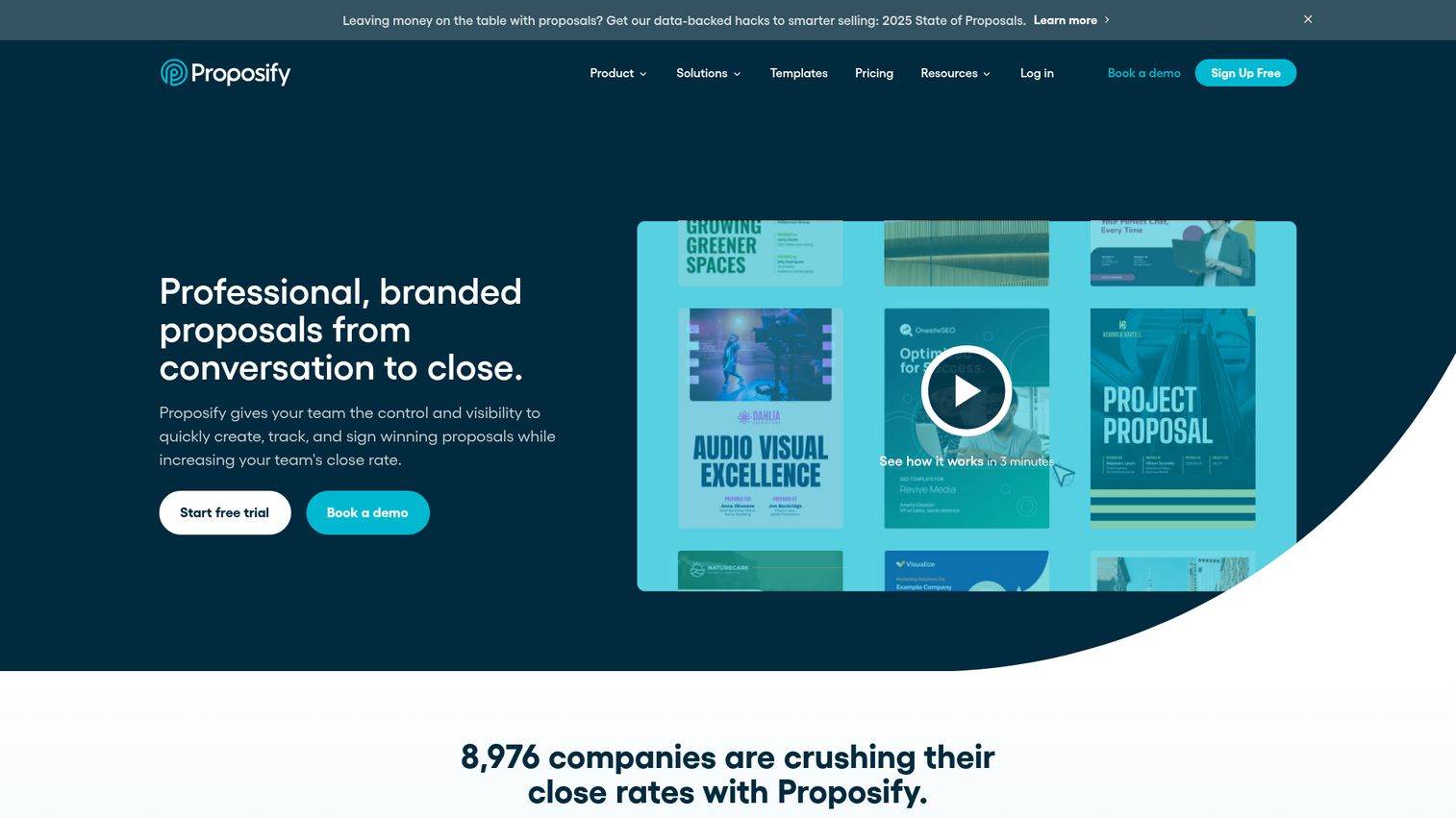
Proposify is purpose-built for proposals - interactive pricing tables, content libraries, e-signatures, and analytics that show exactly who viewed what and for how long.
Sales teams and agencies tend to find the analytics particularly useful for follow-up timing. CRM integrations keep deal data flowing. The trade-off: it's narrowly focused on proposals and sales documents. If you need contracts, invoices, or compliance docs, you'll need a second tool. For teams also looking at quote-to-cash workflows, our best CPQ software guide covers complementary tools.
Best for: Sales teams, agencies, and consultancies creating proposals
Key strengths
- Interactive pricing tables with optional line items
- Document analytics showing views and time spent
- Content library for reusable proposal sections
- Built-in e-signatures for faster deal closing
- CRM integrations with major sales platforms
Pricing: From ~$49/user/month
12. Confluence - best for internal documentation and knowledge base generation
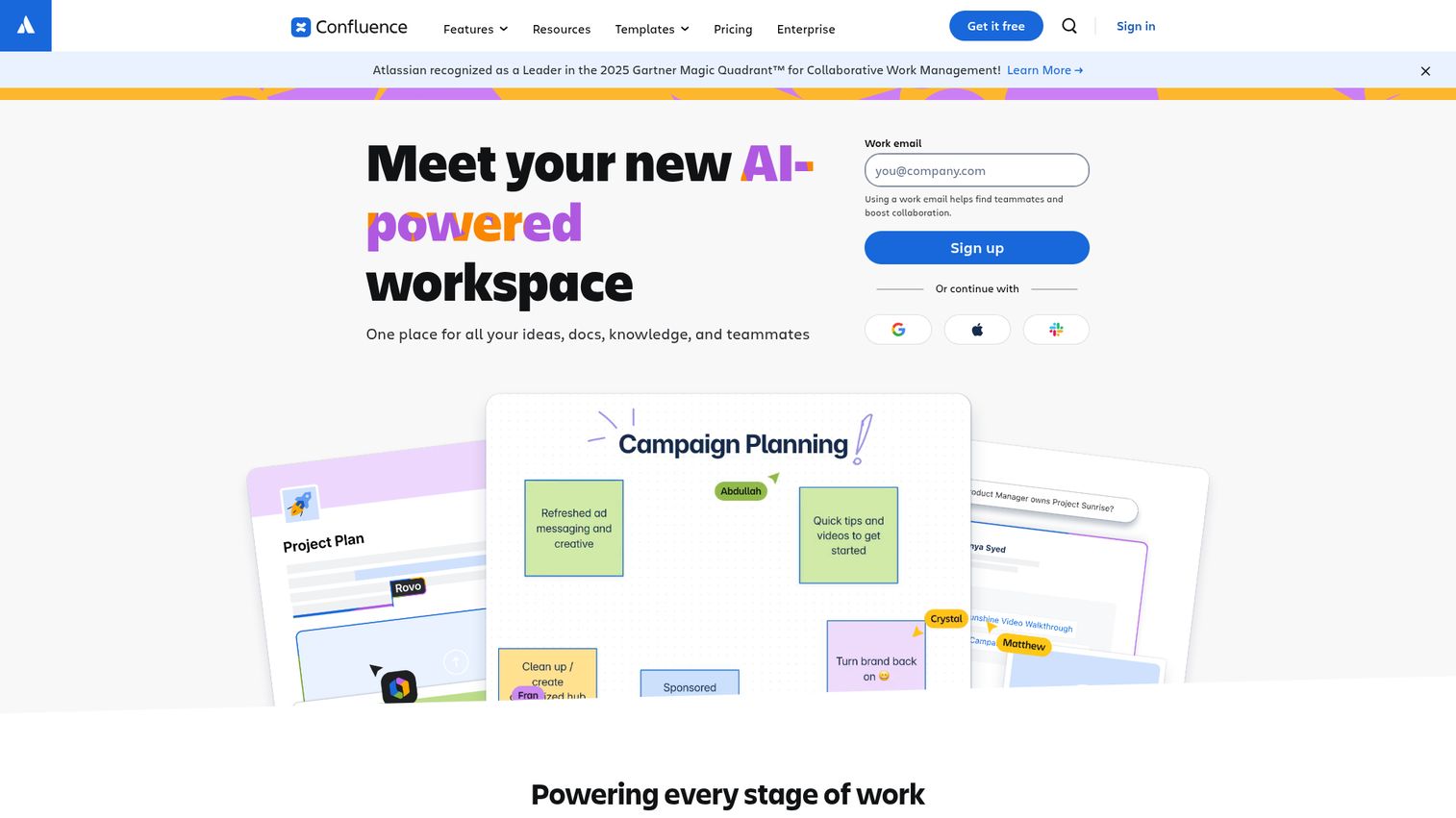
Confluence is Atlassian's collaborative documentation platform - more wiki and knowledge base than traditional document software, but its template library and macro system make it a capable internal document generator. Teams looking for dedicated solutions should also explore the best knowledge base software available.
It integrates tightly with Jira and Trello, which makes it a natural fit for engineering and product teams. The free plan supports up to 10 users. For external-facing documents like contracts or proposals, you'll want a different tool.
Best for: Internal team documentation and knowledge bases
Key strengths
- Tight integration with Jira and Trello ecosystems
- Collaborative real-time editing with commenting
- Template library for meeting notes and project docs
- Spaces and pages organization for team knowledge
- Free plan for teams of up to 10 users
Pricing: Free plan (up to 10 users); paid from ~$6.05/user/month
13. Gamma - best for AI-powered presentation and document generation
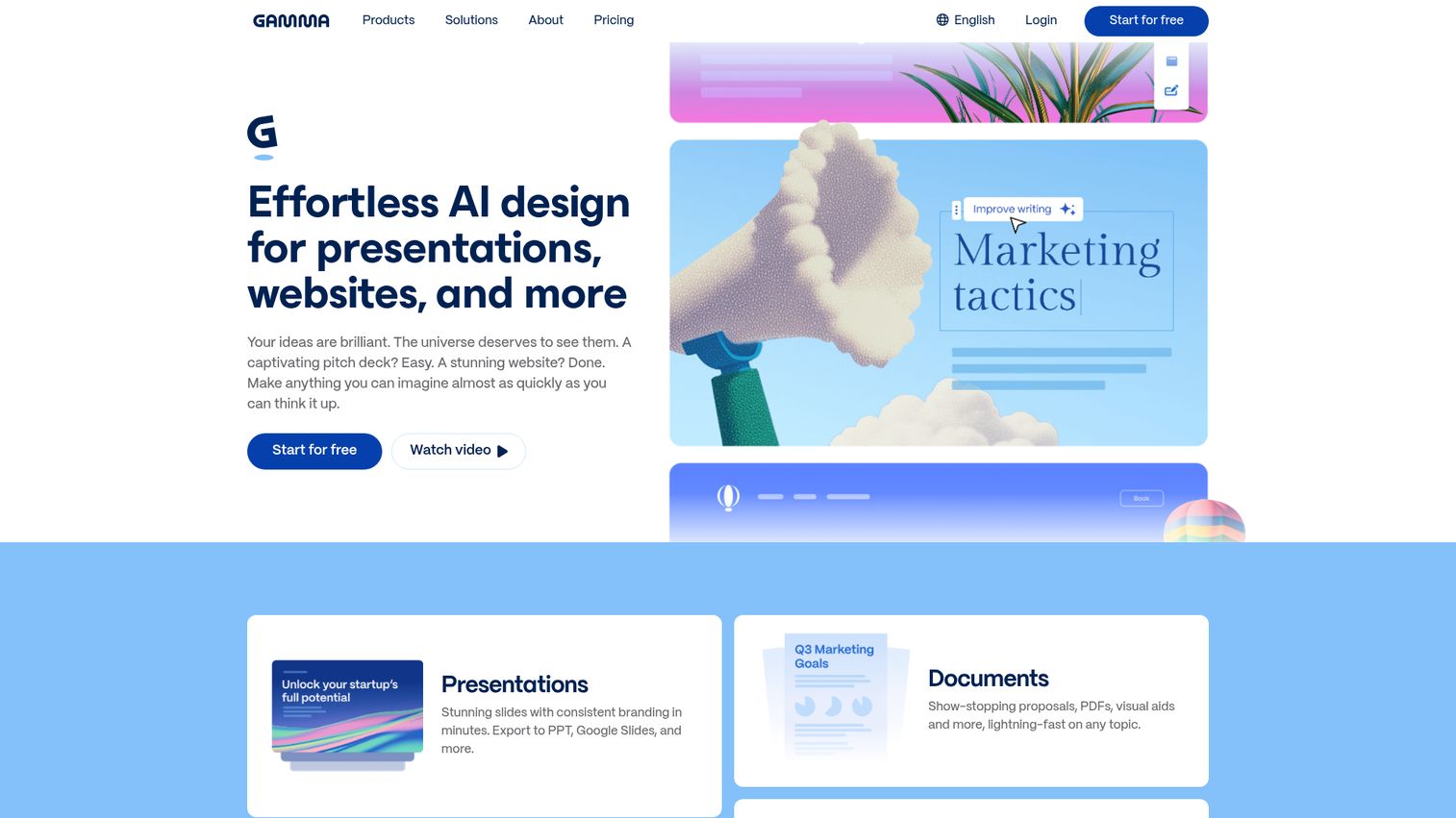
Gamma uses AI to generate presentations, documents, and web pages from a text prompt - no design skills required.
The output is visually polished and embed-friendly, which makes it popular with marketing teams and founders building pitch decks. It's fast: describe what you want, and Gamma produces a draft in under a minute. The limitation is scope - it's built for visual documents, not contracts, invoices, or legal filings. If you're also exploring tools for broader content creation software, we've covered the top options separately.
Best for: Marketing teams, pitch decks, and visual reports
Key strengths
- AI-generated presentations from text prompts
- Modern, polished design templates and layouts
- Collaborative editing with team sharing options
- Embed-friendly outputs for websites and portals
- Free plan with generous generation limits
Pricing: Free plan available; paid from ~$10/user/month
14. EDocGen - best for data-driven bulk document generation
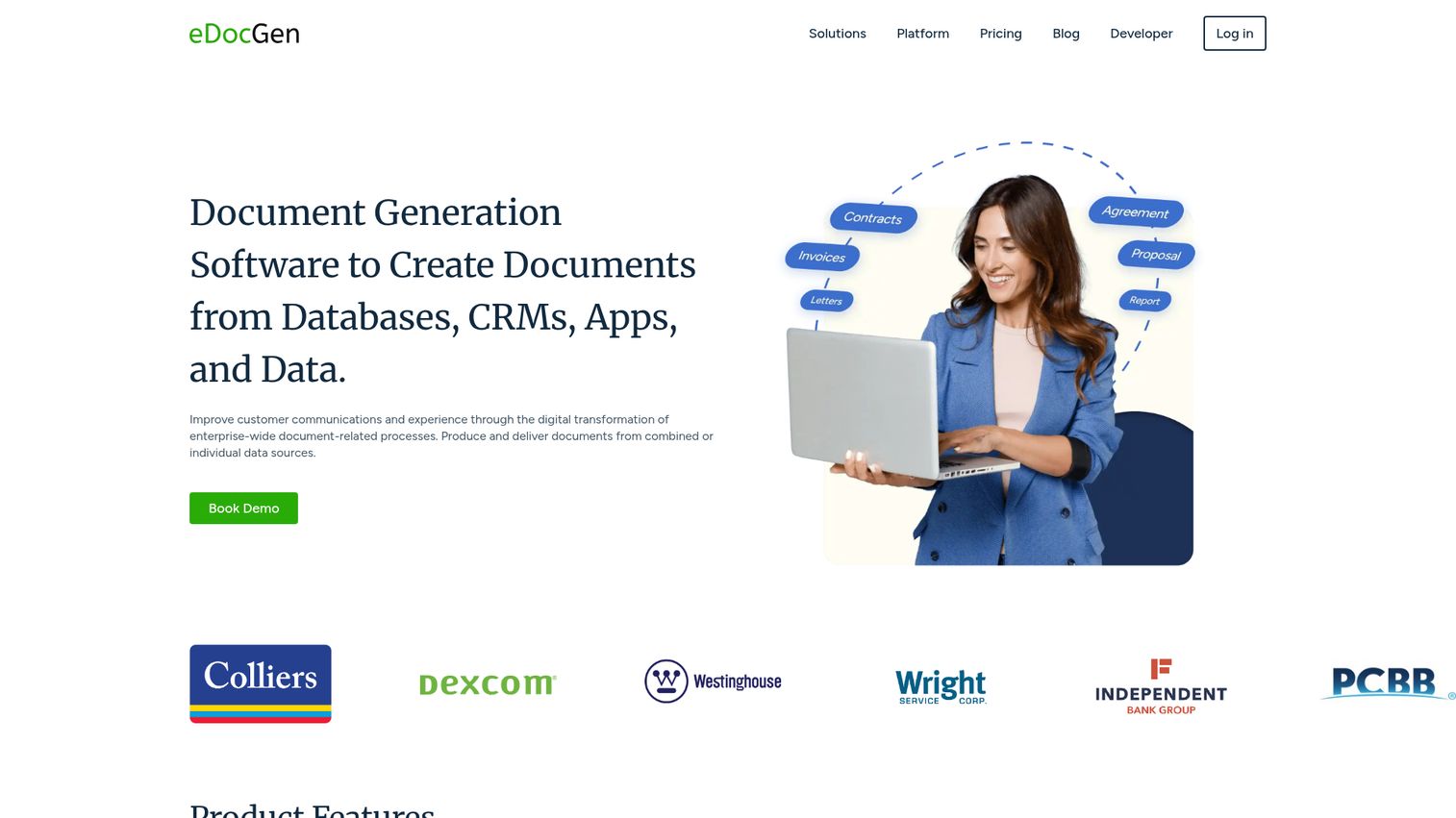
EDocGen specializes in bulk document generation from databases, spreadsheets, and APIs - with support for barcodes and QR codes baked in.
It handles Word, Excel, PDF, and PowerPoint output, and its REST API makes it programmable for operations teams. The UI isn't as polished as some competitors, and the community is smaller. But for data-heavy workflows like bulk invoicing or certificate generation, it's a solid choice.
Best for: Operations teams, bulk invoicing, and data-heavy workflows
Key strengths
- Bulk generation from databases and spreadsheet imports
- Barcode and QR code generation within documents
- REST API for programmatic document creation
- Supports Word, Excel, PDF, and PowerPoint output
- Conditional logic for dynamic content sections
Pricing: From ~$50/month
15. Fynk - best for contract automation with collaboration
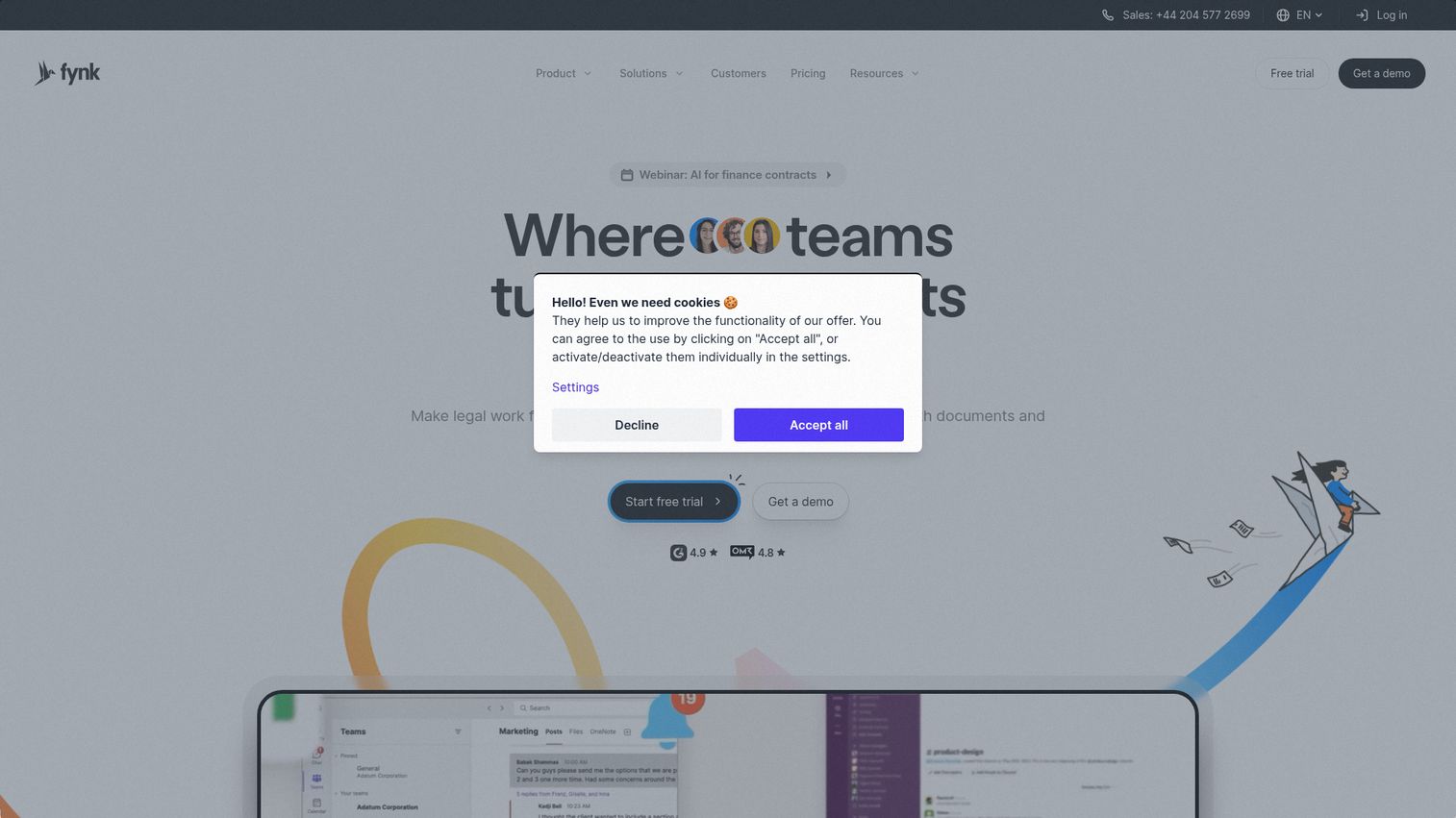
Fynk combines contract creation, collaborative editing, approval workflows, and e-signatures in a modern interface. For a broader view of the contract management landscape, see our guide to the best contract management software tools.
Its AI-assisted contract analysis helps flag potential issues before documents go out. The platform is newer and still building out its integration library, but the collaboration features are strong. A free plan makes it accessible for small teams testing contract automation.
Best for: Teams managing contracts collaboratively
Key strengths
- Collaborative contract editing with approval workflows
- AI-assisted contract analysis and risk flagging
- Built-in e-signature capabilities for closing
- Modern UI with intuitive template management
- Free plan available for small teams
Pricing: Free plan available; paid plans vary
16. Nutrient - best for document SDK and embedded generation
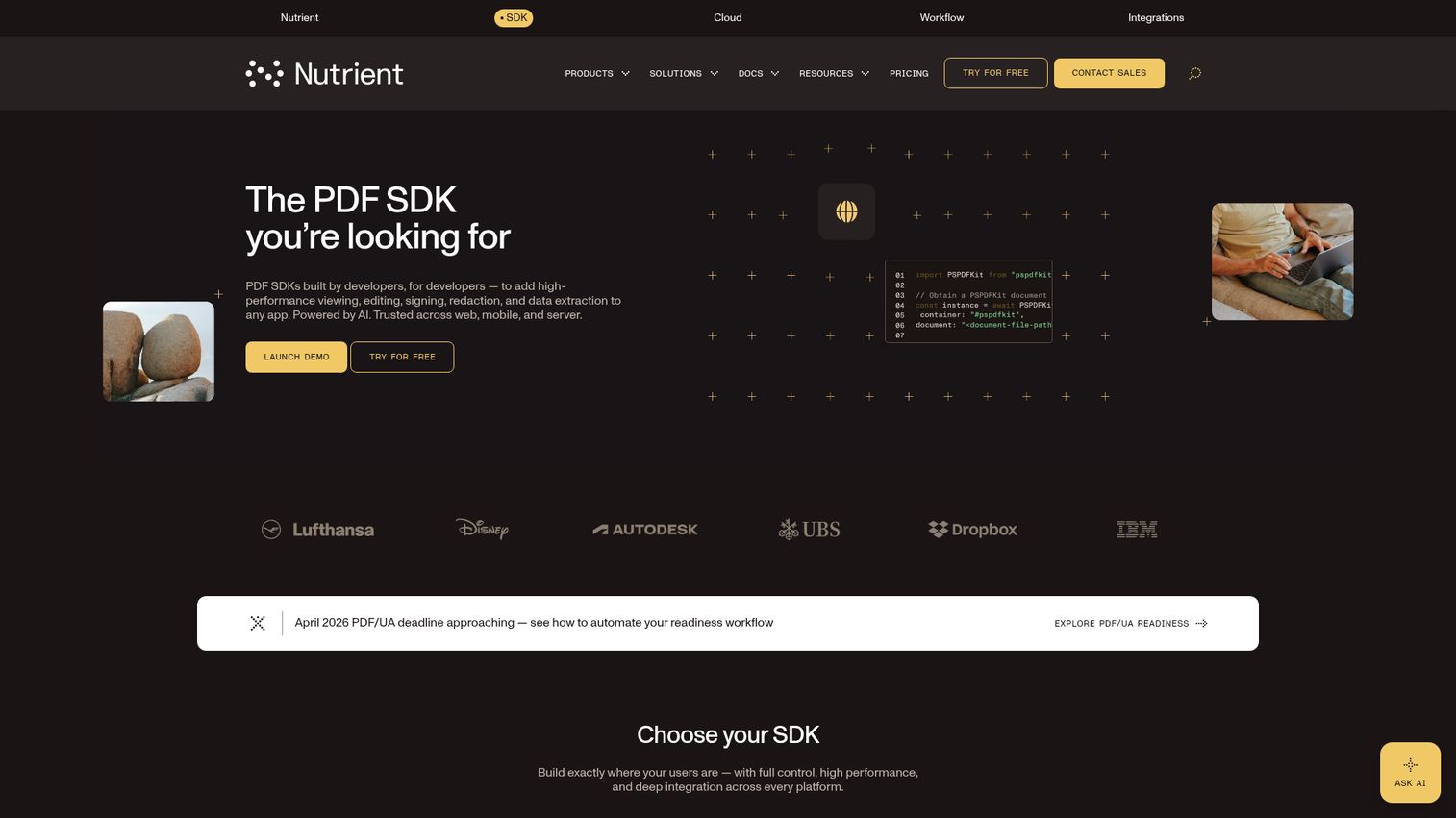
Nutrient (formerly PSPDFKit) provides document SDKs for web, mobile, and desktop - built for SaaS companies that want to embed document features into their own products.
PDF generation, editing, annotation, and form-filling APIs are all available as white-label components. Developer documentation is thorough. This is a developer-only tool with no end-user interface, so it's not for teams that just want to generate contracts.
Best for: SaaS companies embedding document features into their products
Key strengths
- Document SDKs for web, mobile, and desktop platforms
- White-label components for branded document experiences
- PDF generation, editing, and annotation APIs
- High-performance rendering across all platforms
- Comprehensive developer documentation and support
Pricing: Contact for pricing (SDK licensing)
17. Apryse - best for enterprise document processing SDK
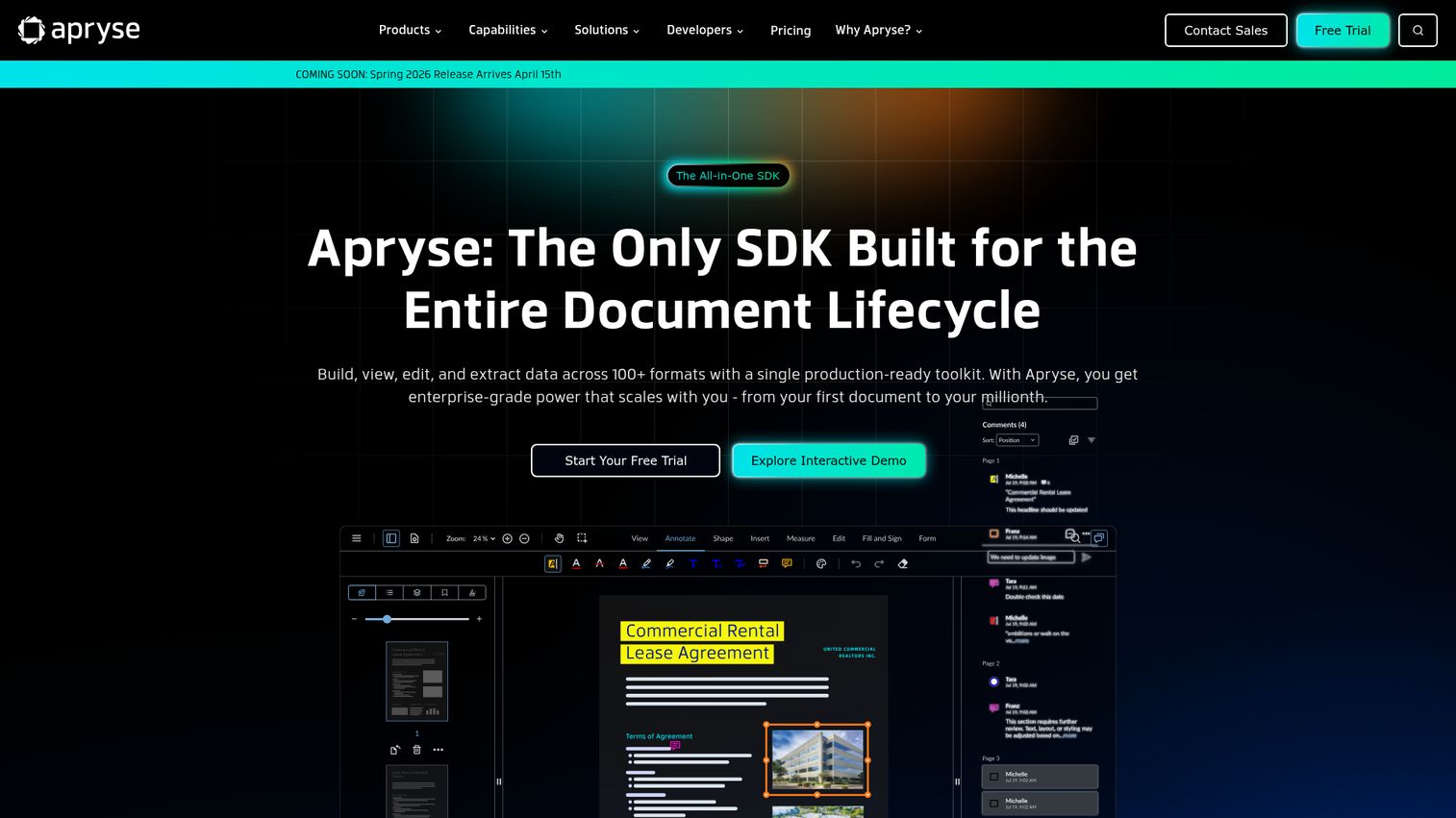
Apryse (formerly PDFTron) offers an enterprise-grade document processing SDK with broad format support - PDF, Office formats, annotation, redaction, OCR, and form filling.
It's built for high-security environments and cross-platform deployment. Like Nutrient, this is a developer tool. Pricing is complex and typically enterprise-level. If you're building documentation automation software into your own application, Apryse is worth evaluating alongside Nutrient.
Best for: Enterprises building document processing into their software
Key strengths
- Enterprise-grade SDK with broad format support
- Annotation, redaction, and OCR capabilities built in
- Cross-platform support for web, mobile, desktop
- High-security environments and compliance ready
- Form filling and document manipulation APIs
Pricing: Contact for pricing
18. Lark - best for all-in-one workspace with document generation
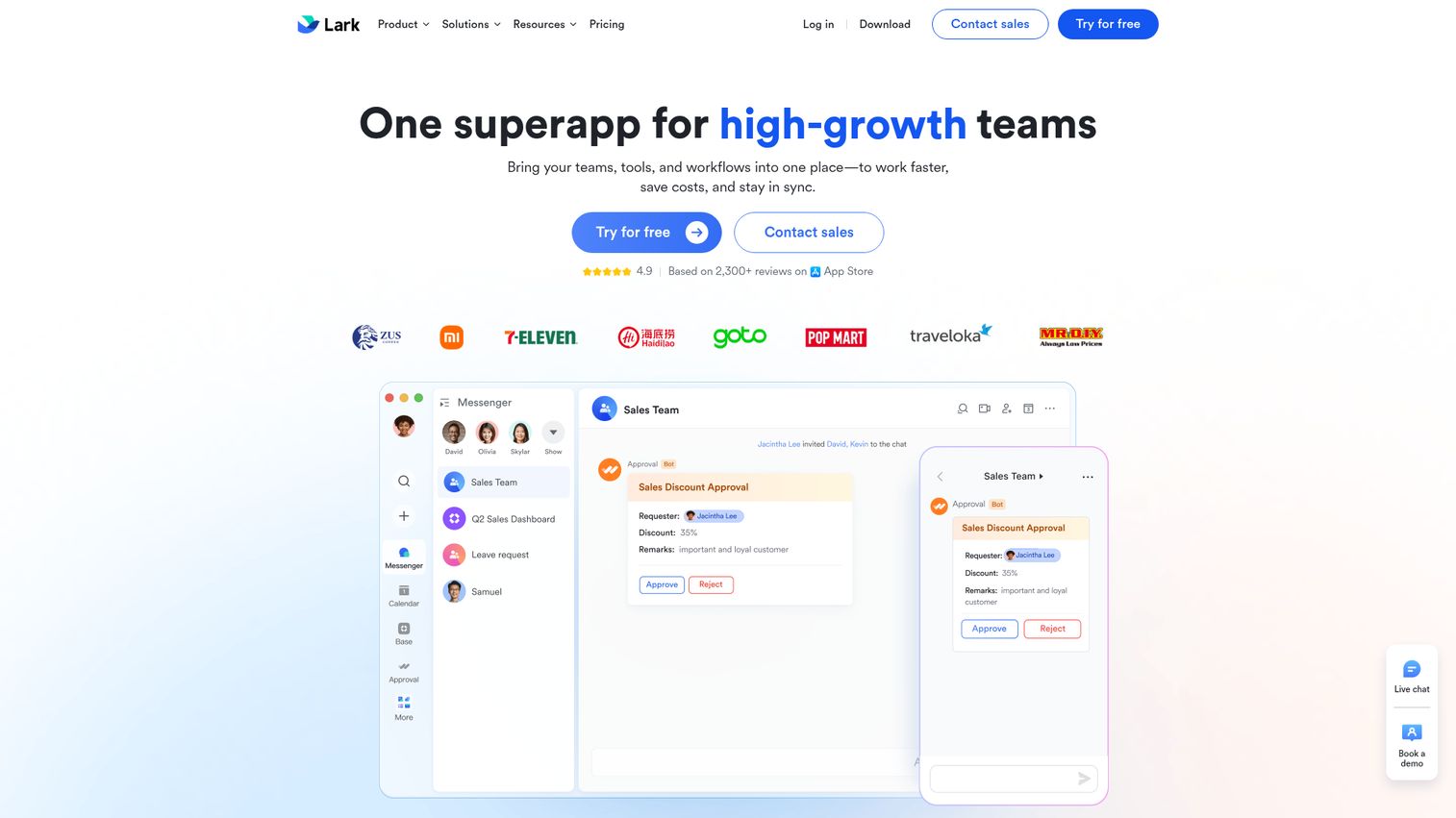
Lark bundles messaging, video conferencing, documents, spreadsheets, and workflow automation into a single free workspace.
Document creation with templates and collaborative editing are built in, and Lark Approval handles workflow routing. The free tier is generous enough for small teams. The trade-off: document generation is a feature within the suite, not the core product. It's less specialized than dedicated tools.
Best for: Startups and small teams wanting an all-in-one workspace
Key strengths
- Generous free plan with full workspace access
- Document templates with collaborative real-time editing
- Workflow automation via Lark Approval system
- Integrated messaging, video, sheets, and calendar
- Mobile and desktop apps across all platforms
Pricing: Free plan; enterprise pricing on request
19. altaFlow - best for workflow-driven document automation
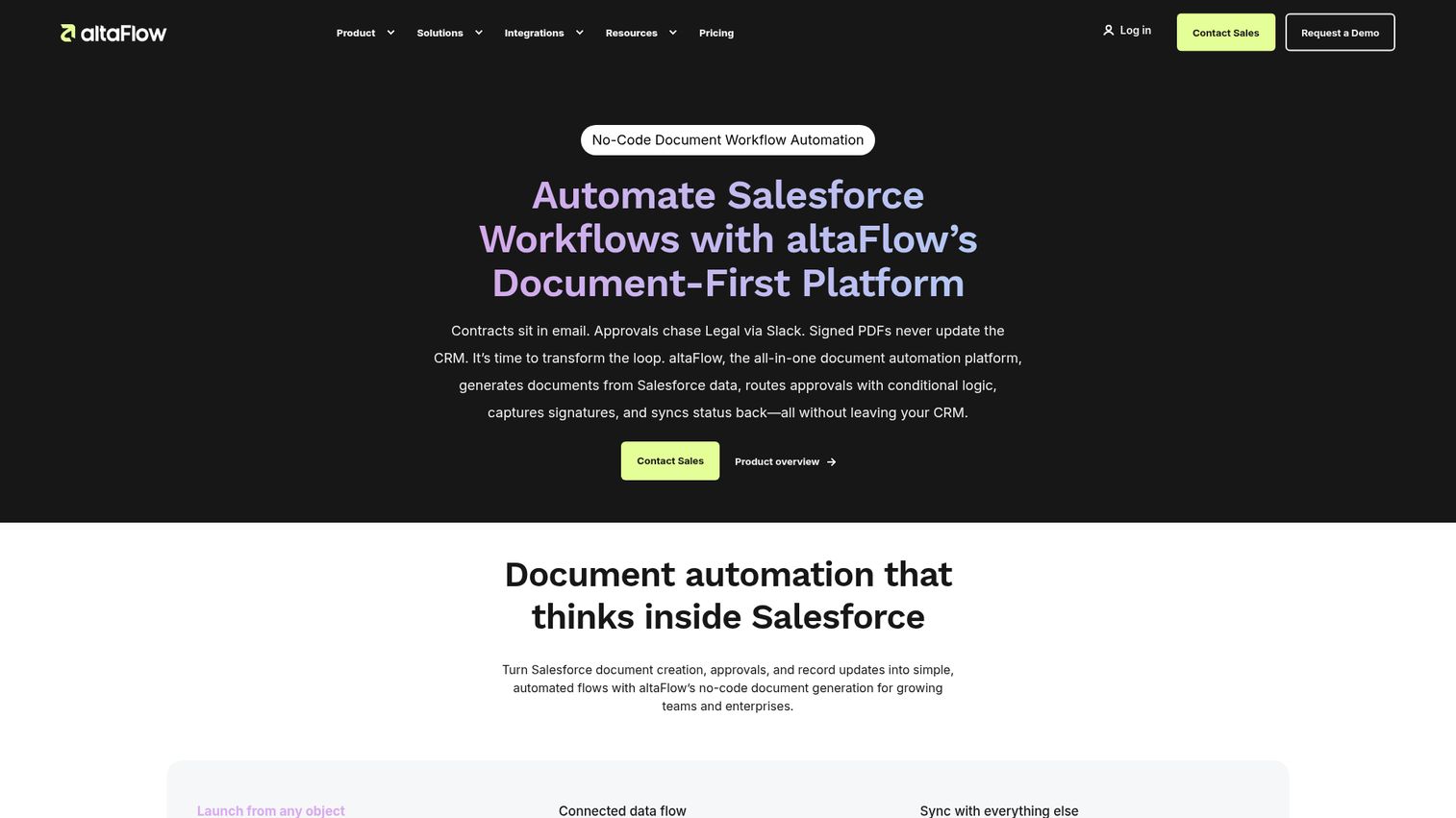
altaFlow focuses on document workflow automation - approval routing, template management, and compliance tracking tied to your existing business systems.
It's a good fit for organizations where the approval process is as important as the document itself. Market presence is smaller than the big names on this list, and public reviews are limited. If complex approval workflows are your primary pain point, it's worth a demo.
Best for: Organizations with complex approval workflows
Key strengths
- Document workflow automation with approval routing
- Template management tied to business processes
- Compliance tracking and audit trail capabilities
- Integration with existing enterprise business systems
- Configurable workflow rules without coding required
Pricing: Contact for pricing
20. TruPeer - best for peer review and collaborative document generation
TruPeer adds structured peer review workflows to the document creation process - version control, review assignments, and collaborative feedback loops.
It's a niche tool. If your team requires formal peer review before documents go out (think regulatory filings or academic publishing), TruPeer addresses that specific need. Public information is limited, so request a demo to evaluate fit.
Best for: Teams requiring formal peer review in document creation
Key strengths
- Structured peer review workflow management system
- Version control with full document history
- Collaborative feedback and commenting tools
- Template management for standardized document creation
- Review assignment and tracking capabilities
Pricing: Contact for pricing
21. Wondershare PDFelement - best for affordable PDF document generation
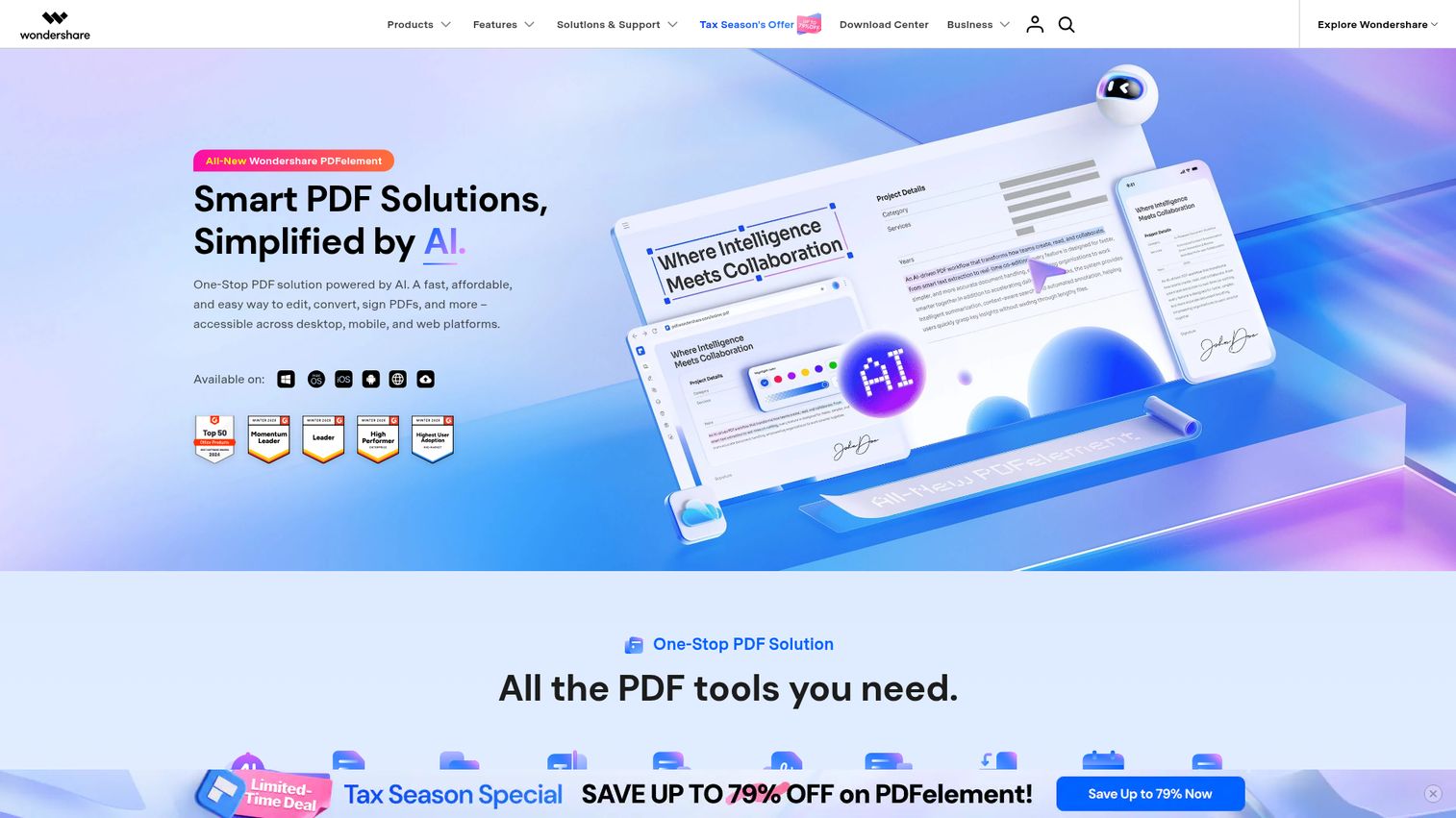
PDFelement packs PDF creation, editing, conversion, OCR, batch processing, and e-signatures into a package that costs a fraction of Adobe Acrobat.
AI-powered features help with summarization and content extraction. Perpetual licenses are available if you prefer one-time purchases over subscriptions. It's primarily PDF-focused rather than a full document generation platform, but for budget-conscious teams needing PDF workflows, it delivers strong value.
Best for: Budget-conscious teams needing PDF workflows
Key strengths
- PDF creation, editing, and conversion at low cost
- OCR for converting scanned documents to editable text
- Batch processing for multiple documents at once
- AI-powered summarization and content extraction features
- Perpetual license option alongside subscription plans
Pricing: From ~$79.99/year (perpetual licenses available)
22. Foxit PDF Editor - best for lightweight PDF document creation
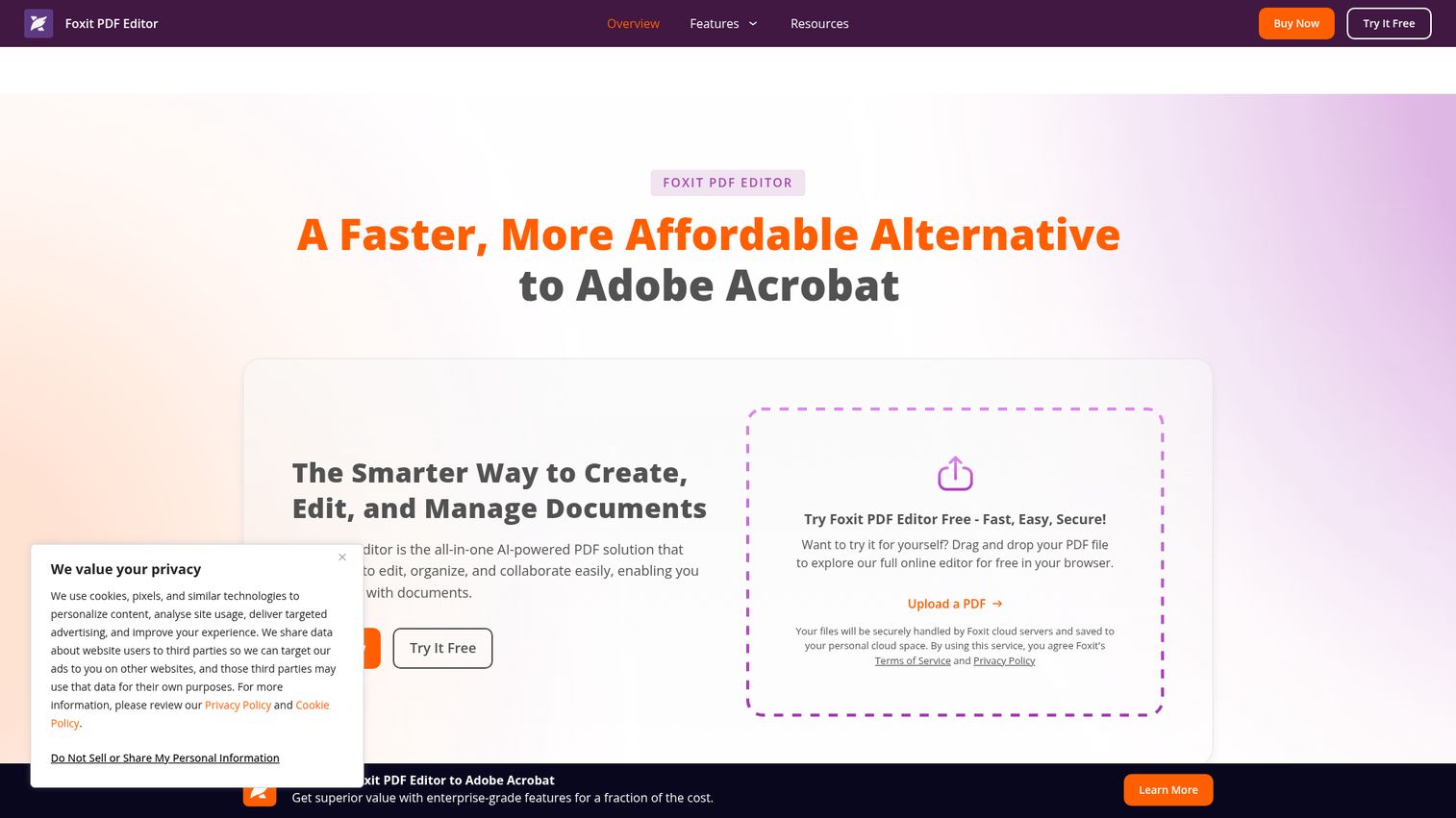
Foxit PDF Editor positions itself as a lighter, faster alternative to Adobe Acrobat - with collaboration features, cloud integration, and ConnectedPDF for document tracking.
An AI assistant helps with content queries and editing. Enterprise deployment options are available for larger organizations. Like PDFelement, it's PDF-centric rather than a full document generation solution. But if you want an Adobe alternative with a smaller footprint, Foxit is the most common pick.
Best for: Teams wanting a lighter Adobe Acrobat alternative
Key strengths
- Lighter resource footprint than Adobe Acrobat
- ConnectedPDF for document tracking and analytics
- AI assistant for content queries and editing
- Collaboration features with shared review capabilities
- Enterprise deployment and management options available
Pricing: From ~$149.99/year
23. Windward Studios (Docubee) - best for complex template logic and reporting
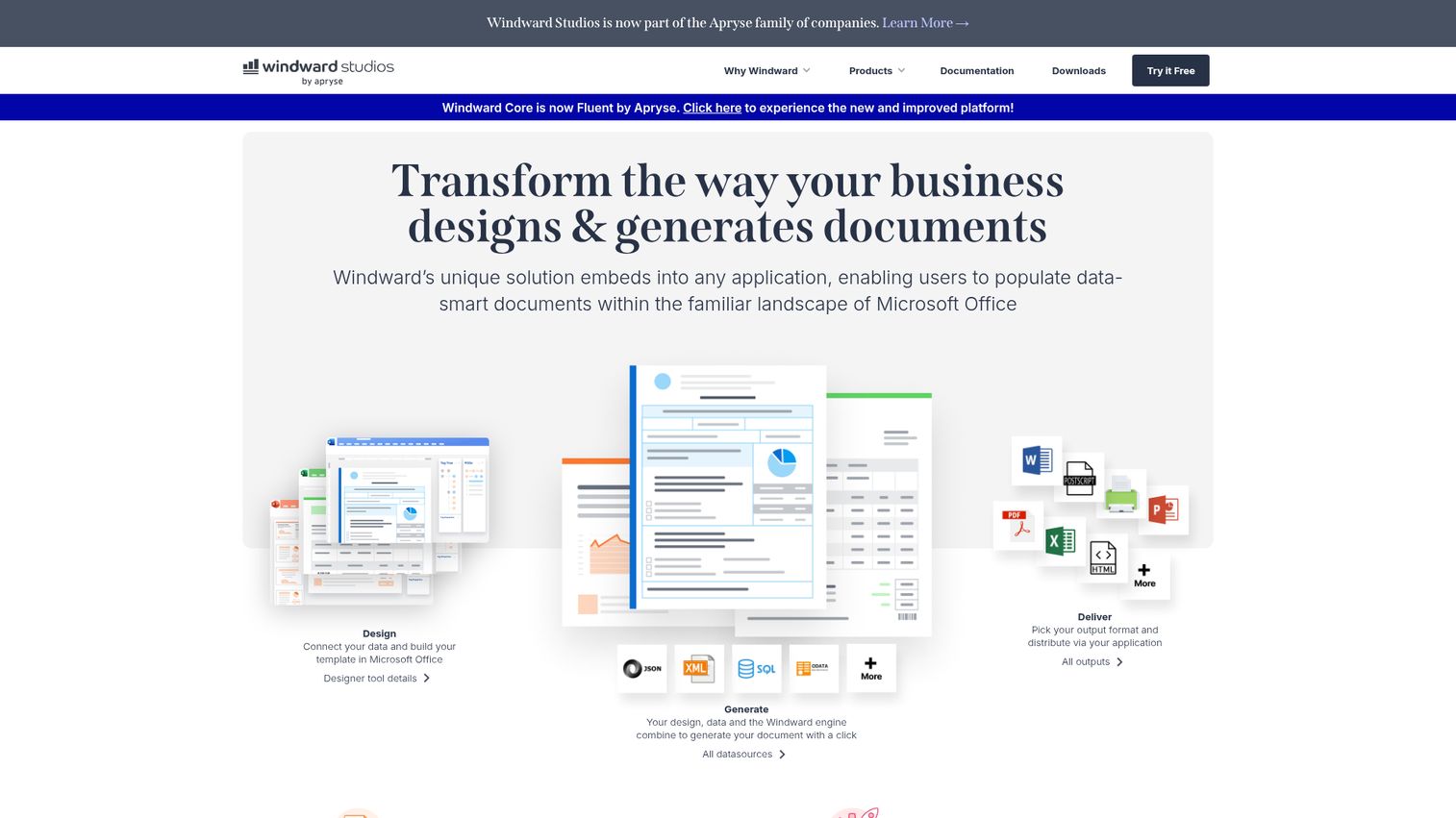
Windward Studios lets you design advanced templates directly in Microsoft Office, then populate them with data from virtually any source for complex, conditional document generation.
The template logic is among the most powerful available - nested conditionals, dynamic tables, calculated fields, and reporting dashboards. It's a strong fit for finance, insurance, and regulated industries. The learning curve is steep, and pricing is enterprise-level. But for complex reporting needs, few tools match its depth.
Best for: Finance, insurance, and regulated industries needing complex reports
Key strengths
- Advanced template design within Microsoft Office apps
- Nested conditional logic and calculated field support
- Data-driven generation from multiple data sources
- Reporting dashboards alongside document generation capabilities
- API access for programmatic document creation
Pricing: Contact for pricing
24. Nintex DocGen - best for process-integrated document generation
Nintex DocGen (formerly Drawloop) ties document generation directly to the Nintex process automation platform - so documents are generated as part of broader business workflows.
Salesforce and SharePoint integrations are strong, and compliance tracking is built in. The catch: you need to be in the Nintex ecosystem for this to make sense. Setup is complex. If you're already using Nintex for process automation, adding DocGen is a natural extension.
Best for: Organizations already using Nintex for process automation
Key strengths
- Document generation embedded in process automation workflows
- Strong Salesforce and SharePoint native integrations
- Compliance tracking with full audit trail support
- Template management with conditional content logic
- Part of the broader Nintex automation platform
Pricing: Contact for pricing (part of Nintex platform)
25. Zoho Writer - best for budget-friendly document generation with CRM integration
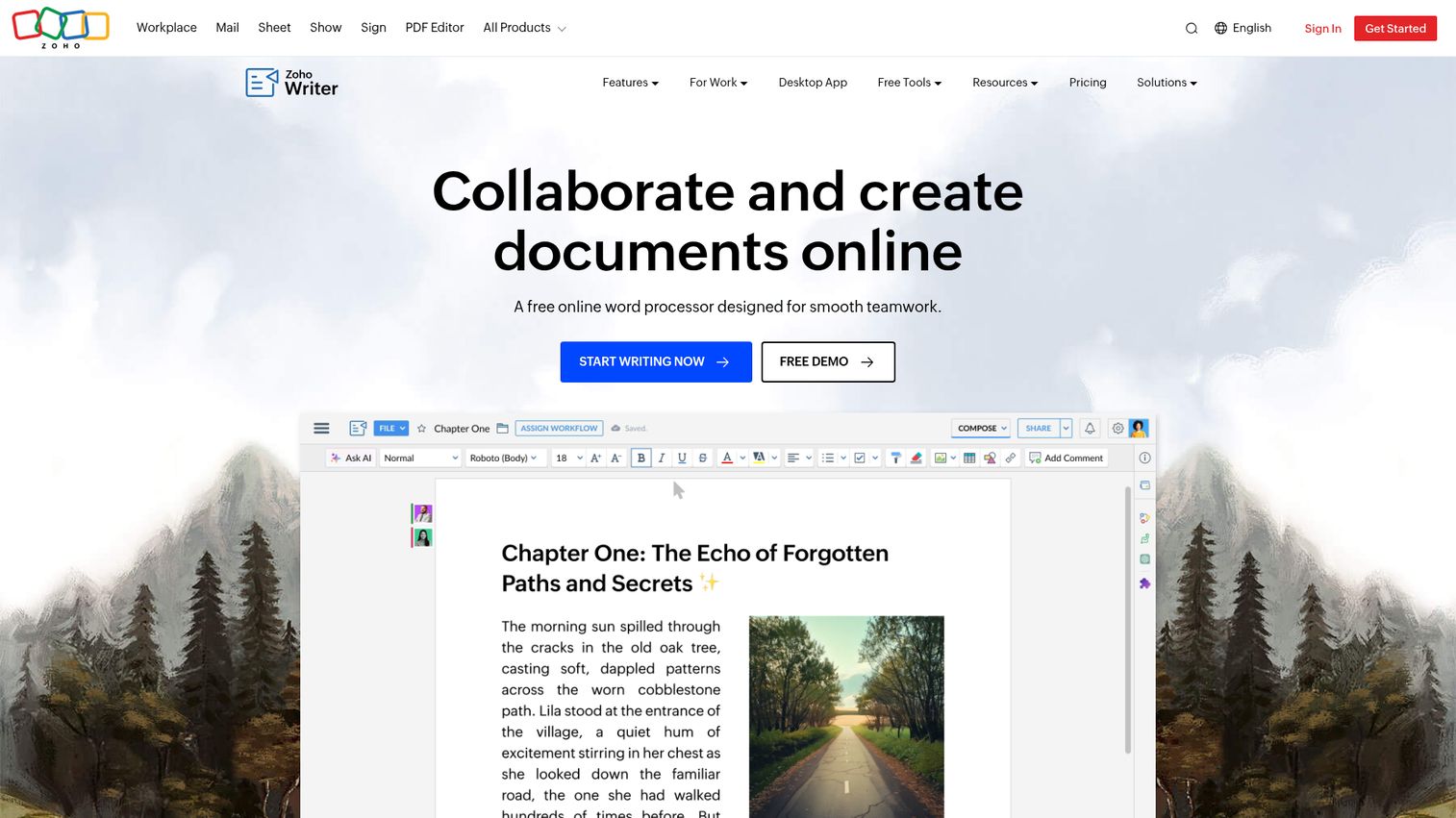
Zoho Writer's document merge capabilities are often overlooked. It pulls data from Zoho CRM to populate templates, supports collaborative editing, and offers workflow automation - all starting at ~$3/user/month.
The API is available for custom integrations. The limitation: it's most powerful within the Zoho ecosystem. Standalone, it's a capable but less featured document creation tool. For Zoho shops on a budget, though, it's an obvious choice.
Best for: Zoho ecosystem users and budget-conscious SMBs
Key strengths
- Zoho CRM integration with merge field support
- Collaborative editing with real-time co-authoring
- Workflow automation for document approval processes
- API access for custom integration development
- Free with any Zoho account as base offering
Pricing: Free with Zoho account; Zoho Workplace from ~$3/user/month
How to choose the right document generation software
With 25 tools on this list, narrowing down to a shortlist of 2–3 requires a structured approach. Here's how to think about it.
Define your use case first
The document type matters more than the tool's feature count. Contract-heavy teams should look at Docusign CLM, Fynk, or HotDocs. Sales proposal teams often find PandaDoc or Proposify to be the best fit. Bulk invoicing points toward EDocGen or Documentero.
Assess your technical resources
Do you have developers? API-first tools like Docmosis, Nutrient, and Apryse give you maximum flexibility. No developers? No-code platforms like Formstack Documents, Docupilot, or Documentero are better starting points.
Map your integration needs
Check which tools connect natively to your existing stack:
- Salesforce shop → Conga Composer or Docusign CLM
- HubSpot user → PandaDoc
- Zoho ecosystem → Zoho Writer
- Microsoft 365 → Templafy
- Zapier-heavy stack → Docupilot or Documentero
Consider volume requirements
50 documents a month is a different problem than 50,000. High-volume batch processing is where Docmosis, EDocGen, and Formstack Documents tend to shine. For lower volumes, simpler tools like Documentero or PandaDoc work fine.
Check compliance requirements
If you're in healthcare (HIPAA), finance (SOC 2), or handling EU data (GDPR data protection regulations), verify compliance certifications before shortlisting. Formstack, Docusign CLM, and Templafy are among the strongest on compliance.
Test before you buy
Seven tools on this list offer free plans. Start there. Run a real document workflow from your business through 2–3 tools. You'll know within a week which one fits.
Key features to look for in document generation software
Not all features matter equally for every team. Here's what to prioritize based on real business outcomes.
- Template creation and management - look for Word, Excel, and HTML template support plus WYSIWYG editors. The easier it is to build templates, the faster your team adopts the tool.
- Conditional logic and dynamic content - if/then rules ensure your NDA automatically includes the right jurisdiction clause based on the client's location. This eliminates manual edits.
- Data integration and merging - CRM, database, spreadsheet, and API data sources should connect without manual exports. This is where most time savings come from.
- Bulk and batch generation - generating hundreds or thousands of documents at once from a single data source. Critical for invoicing, certificates, and compliance reporting.
- Output format flexibility - PDF, DOCX, XLSX, HTML, and PPTX support covers most business needs. Some tools are limited to one or two formats.
- E-signature integration - built-in or via integrations with DocuSign or Adobe Sign. Reduces the number of tools in your stack. See our best e-signature software roundup for dedicated options.
- AI-powered features - content drafting, auto-formatting, and intelligent template suggestions are becoming standard in 2026. Gamma and Documentero are leading here.
- Security and compliance - encryption at rest and in transit, access controls, audit trails, and regulatory certifications. Non-negotiable for regulated industries.
- Collaboration features - multi-user editing, approval workflows, and commenting. Especially important for legal and contract teams.
- API and developer tools - REST APIs, webhooks, and SDKs for teams that want to build document generation into their own applications.
Document generation software pricing: what to expect in 2026
Pricing models vary widely across this category. Here's what each model looks like in practice.
| Pricing Model | Typical Range | Example Tools |
|---|---|---|
| Per-user/month | $10–$65/user/month | PandaDoc, Proposify, Confluence |
| Flat monthly rate | $29–$100/month | Documentero, Docupilot, EDocGen |
| Enterprise/custom | $500+/month (typical) | Conga, Templafy, Docusign CLM |
| Per-year (desktop) | $80–$150/year | PDFelement, Foxit |
| SDK licensing | Varies widely | Nutrient, Apryse |
For a team of 10, expect to spend $50–$500/month depending on complexity and feature needs.
Tools listed as "Contact for pricing" typically mean $500+/month enterprise contracts. Always ask for a trial before committing to these.
Seven tools offer free plans: PandaDoc, Documentero, Confluence, Gamma, Lark, Fynk, and Zoho Writer. Free tiers usually cap document volume or restrict features, but they're enough to test workflows.
Emerging trends in document generation software for 2026
The category is shifting in several directions worth watching.
Generative AI in enterprise software is the biggest trend. Tools like Gamma, Documentero, and Docusign CLM now use AI to draft content, suggest clauses, and auto-format documents. This means your sales team can generate a first-draft proposal in 30 seconds instead of 30 minutes. Teams exploring AI across their sales stack should also review the best AI sales tools available today.
Low-code and no-code platform adoption continues to lower the technical bar. More tools are enabling non-technical users to build complex conditional workflows without writing code.
Deeper CRM and ERP integrations are replacing manual data entry. Native connectors are becoming the expectation, not a premium feature.
Real-time collaboration in document editing - Google Docs-style co-editing - is appearing in more document generation platforms, not just workspace tools.
Compliance automation is growing in importance. Auto-detection of regulatory requirements and automated audit trails for regulatory compliance reduce the manual burden on legal and compliance teams. For teams exploring contract-specific analytics, our best contract analytics software guide dives deeper.
API-first architecture approach are enabling headless document generation - meaning you can embed generation capabilities into any application without a visible UI. Similarly, companies looking to embed interactive demos into their products are adopting the same API-first mindset to showcase software experiences without requiring live walkthroughs.
Finding your ideal document generation software
The right tool depends on your documents, your tech stack, your team's technical skill, and your budget. There's no single best answer.
Pick your top 3 from the list above, sign up for free trials, and test them with a real document workflow from your business. You'll know within a week which tool is the right fit.
Frequently asked questions about document generation software
Document generation software automates the creation of documents using templates, data sources, and business rules. Unlike a word processor, it pulls data from systems like your CRM or database and populates templates automatically. Common outputs include contracts, invoices, proposals, NDAs, compliance reports, and personalized letters. Any document with a repeatable structure can be automated this way.
Most reputable tools offer encryption at rest and in transit, role-based access controls, and audit trails. Look for SOC 2 Type II certification requirements, HIPAA, and GDPR compliance certifications depending on your industry. Formstack, Docusign CLM, and Templafy are among the strongest on security credentials. Always check the vendor's security page and ask about their data handling practices before purchasing.
Yes - most modern document generation tools integrate with major CRMs including Salesforce, HubSpot, Zoho, and Microsoft Dynamics. Conga Composer offers the deepest Salesforce integration, PandaDoc connects natively with HubSpot and Salesforce, and Zoho Writer plugs directly into Zoho CRM. For tools without native CRM connectors, Zapier typically bridges the gap.
Document generation creates new documents automatically from templates and data. Document management stores, organizes, versions, and retrieves existing documents. They solve different problems. Some tools like PandaDoc and Docusign CLM handle both, but most specialize in one or the other. This article focuses specifically on generation.
Yes. Seven tools on this list offer free plans: PandaDoc (free eSign), Documentero (free tier), Confluence (free up to 10 users), Gamma (free plan), Lark (free workspace), Fynk (free plan), and Zoho Writer (free with Zoho account). Free plans typically cap document volume or restrict advanced features like bulk generation and API access, but they're sufficient for testing and low-volume use.
Contracts, proposals, invoices, NDAs, employment letters, compliance reports, insurance policies, purchase orders, certificates, personalized marketing materials, legal filings, and more. The general rule: any document with a repeatable structure and variable data fields can be automated. Some tools specialize in specific types (Proposify for proposals, HotDocs for legal), while others handle a broad range.
AI assists with content drafting - generating first-draft clauses, descriptions, or entire document sections from prompts. It also powers intelligent template suggestions, auto-formatting, data extraction from unstructured sources, and compliance checking. Gamma uses AI to generate full presentations from text prompts. Documentero integrates ChatGPT for content generation. Docusign CLM uses AI for clause analysis and risk detection.
Yes - many tools support bulk generation from spreadsheets, databases, or API data feeds. The typical workflow: upload a data source (CSV or Excel file), map data fields to template placeholders, and generate hundreds or thousands of documents in one batch. Docmosis, EDocGen, Documentero, and Formstack Documents are among the strongest for high-volume batch processing.