Your front desk is triaging a full waiting room while the phone keeps ringing. A biller is chasing a claim that got denied for a coding mismatch nobody caught. A patient is emailing to reschedule for the third time. Somewhere in a spreadsheet, the numbers that should tell you how the practice is doing this month are sitting stale. This is the daily reality that medical practice management software exists to fix.
The stakes are not small. The U.S. practice management software market is estimated at roughly $15 billion in 2026 and projected to exceed $25 billion by 2030, growing at more than 10% CAGR, according to Your Health Magazine (2026). That growth tracks a simple truth: administrative work is eating clinical time, and practices are buying their way out of manual scheduling, billing, and reporting.
Choosing well matters more than the category makes it look. Buy the wrong system and you inherit a migration you did not budget for, a billing workflow your team fights, and reporting that never quite answers the question your board or your accountant is asking. Buy the right one and the front desk stops drowning, denied claims drop, and collections speed up.
This roundup exists to make that decision faster. If you are evaluating tools the way a growth-minded operator would, you already know the discipline required here mirrors any software purchase, from a contract lifecycle management rollout to an event management platform: define the workflow, verify the integrations, and confirm the vendor can prove it works for a practice like yours. The same rigor you would apply when comparing audit management software applies here, only the workflows are clinical, financial, and regulated.
What's inside
This guide covers medical practice management software for healthcare teams that need better patient scheduling, billing and claims, patient communications, and reporting, without conflating practice management with an EHR. We selected the eight tools below on five criteria that actually decide fit: core workflow coverage, integration depth (especially EHR integration), HIPAA compliance posture, implementation practicality, and suitability across practice sizes from solo providers to multi-specialty groups. Each entry includes verified pricing where public, a best-fit use case, and honest context on where the tool lands. Use the comparison table to shortlist, then read the sections that match your practice.
TL;DR
- Best free or low-cost option: Halaxy, a free core platform for solo and budget-conscious practices.
- Best all-in-one healthcare workflows: AdvancedMD, unified practice management, EHR, and patient engagement.
- Best for smaller practices wanting simpler setup: SimplePractice, built for independent and behavioral health providers.
- Best for scalable ops and revenue cycle: athenahealth, cloud operations with strong billing support.
- Best for broad clinic operations and integrations: PracticeSuite or NextGen Healthcare.
- Best for patient engagement plus billing: Tebra, one vendor for core practice tasks and patient touchpoints.
- Best for specialty and ambulatory workflows: CureMD.
What is medical practice management software?
Medical practice management software is a clinic management software category that runs the administrative, operational, and financial side of care delivery: scheduling, registration, billing and claims, patient communications, and reporting. It is the back office of a practice, distinct from the clinical record.
That distinction trips up most buyers, so it is worth stating plainly. A practice management system handles the business of running a clinic. An EHR (electronic health record) handles the clinical documentation: chart notes, diagnoses, medications, and care history. The line between practice management software vs EHR matters because many modern platforms bundle both, and you need to know whether you are buying one, the other, or an integrated suite. When the two are separate, EHR integration becomes the single most important thing to verify, because a practice management system that cannot pull clinical and demographic data cleanly creates double entry and reporting gaps.
A capable medical practice management system typically covers:
- Scheduling and registration: appointment scheduling, patient intake, demographic capture, and waitlist management.
- Patient communications: reminders, secure messaging, patient portals, and self-scheduling.
- Insurance eligibility: real-time verification and point-of-care coverage checks.
- Billing and claims: claim creation, submission, denial tracking, and revenue cycle management.
- Reporting and analytics: financial dashboards, collections reporting, and operational KPIs.
- Integrations and HIPAA compliance: EHR integration, clearinghouse connections, and audit-ready security controls.
Cloud-based practice management software now dominates the category. Cloud deployment already represents 56.02% of practice management system solutions in 2025, growing at 9.05% CAGR through 2031, according to Mordor Intelligence (2024). For most practices, that means no on-prem servers to maintain and faster access to updates.
When to use practice management software for healthcare
Not every practice needs to switch systems this quarter. These three situations are the clearest signals that the right platform will pay for itself.
When your front desk is the bottleneck
If scheduling, intake, and reminders eat your front desk's day, a practice management system moves that work into automated flows. Online patient scheduling, self-serve intake forms, automated reminders, and clean demographic capture cut phone volume and no-shows. The front desk shifts from data entry to patient care. This is usually the fastest and most visible win after implementation.
When billing and claims are slowing collections
Denied claims and slow collections are a revenue problem hiding as an admin problem. Strong billing and claims tooling verifies insurance eligibility before the visit, catches coding errors before submission, and tracks denials so nothing sits unworked. Point-of-care financial responsibility means patients understand what they owe up front. Better revenue cycle management here directly shortens the time between visit and payment.
When your systems do not talk to each other
If your scheduling, billing, and clinical records live in separate tools, staff re-key the same data three times and your reporting never reconciles. A system with real EHR integration creates one data flow: a patient booked once appears everywhere, and reporting draws from a single source. That continuity is what makes reporting and analytics trustworthy enough to run the practice on.
Comparison table
The table below sorts the eight platforms by intent so you can match a tool to your practice's situation before reading the full sections. Pricing reflects publicly available figures verified in July 2026; several vendors quote custom pricing based on collections or provider count.
| # | Product | Intent | Key differentiation | Pricing | G2 rating |
|---|---|---|---|---|---|
| 1 | Halaxy | Cost-conscious small practice | Free core practice management platform | Free core; pay-as-you-go add-ons | Not published |
| 2 | AdvancedMD | All-in-one revenue and workflow automation | Unified PM, EHR, and patient engagement | From $130/provider/mo | 3.6/5 |
| 3 | PracticeSuite | Broad operational coverage | Configurable PM, EHR, and billing stack | Custom quote | 4.3/5 |
| 4 | athenahealth | Revenue cycle and cloud operations | Percentage-of-collections model with RCM depth | Custom (% of collections) | 3.6/5 |
| 5 | SimplePractice | Smaller clinics and behavioral health | Simple setup with telehealth and client portal | From $49/mo | 4.1/5 |
| 6 | NextGen Healthcare | Enterprise-grade practice operations | Ambulatory EHR plus patient experience suite | Custom quote | 3.8/5 |
| 7 | Tebra | Integrated patient engagement and billing | Bundled PM, billing, and practice marketing | From $49/provider/mo | 4.1/5 |
| 8 | CureMD | Specialty and ambulatory workflows | AI-powered EHR with integrated PM and billing | Custom quote | 3.0/5 |
The 8 best medical practice management software for 2026
1. Halaxy
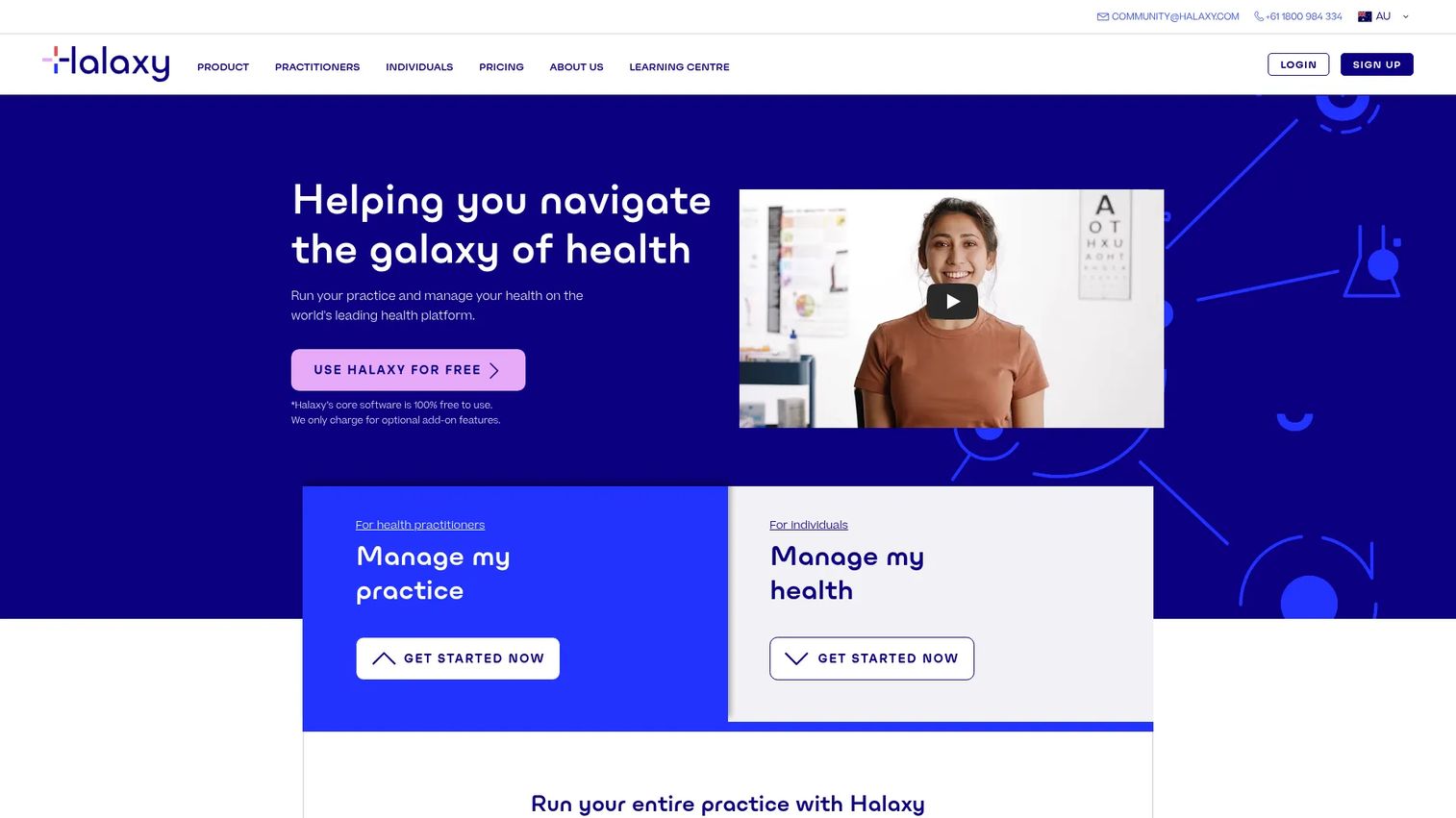
Halaxy is cloud practice management software for healthcare practitioners, built around a free core platform. The appeal is direct: solo providers and small clinics get appointments, patient records, invoicing, and reporting without a monthly subscription, then pay only for optional add-ons like payment processing and premium features. For a budget-conscious practice, that removes the biggest barrier to modernizing off paper and spreadsheets.
Best for: Solo practitioners and small practices that want a full practice management platform with no upfront software cost.
Key strengths
- Free core platform: Appointments, patient records, clinical notes, and reporting at no subscription cost.
- Pay-as-you-go add-ons: Payment processing and premium features billed only when used, via a credit model.
- Broad workflow coverage: Calendar and reminders, invoicing, telehealth, e-scripts, secure messaging, and integrations in one place.
Why choose Halaxy: The economics are the differentiator. When the core platform is free, a solo provider can run real patient scheduling, billing, and patient communications without committing budget before they know the fit. Payment processing runs 1.5% to 1.9% per transaction plus a small fixed fee, and subscription features start from a monthly credit allotment. That structure lets the cost scale with the practice rather than ahead of it.
Halaxy pricing: The core platform is free. Payment processing costs 1.5% to 1.9% per transaction plus a 75-cent to $1 fee on certain bands. Optional turbocharge add-ons run roughly AUD $0.15 to $0.22 per credit including GST, and subscription features start from 25 credits per month. There is a free tier by default, which is the whole point.
2. AdvancedMD
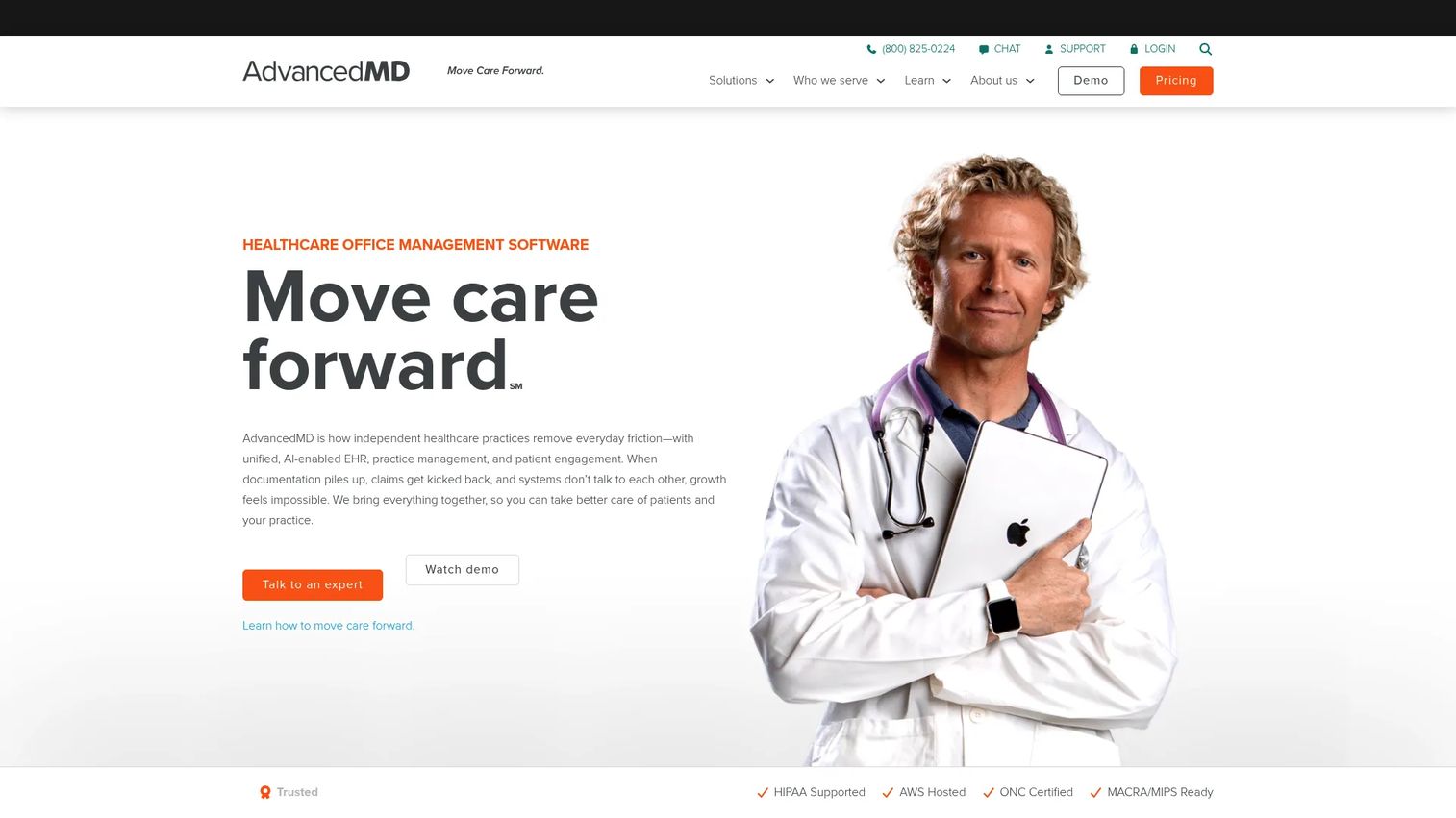
AdvancedMD is cloud-based healthcare practice management, EHR, and patient engagement software for independent medical practices. Its pitch is consolidation: one platform for practice management, clinical documentation, and the patient-facing layer, so a growing practice does not stitch together three vendors. Automated eligibility checks, claim handling, analytics, and patient self-service sit in the same environment.
Best for: Independent practices that want a broad operating system spanning billing, clinical, and patient engagement in one suite.
Key strengths
- Unified suite: EHR, practice management, and patient engagement on one platform, reducing double entry.
- Patient self-service: Portal, self-scheduling, intake forms, reminders, and telehealth built in.
- Automation and AI: An AI Clinical Assistant plus automated eligibility and insurance workflows.
Why choose AdvancedMD: If you want fewer vendors and cleaner data flow, the unified approach is the reason to look here. Because billing, clinical, and patient engagement share one system, revenue cycle management and reporting draw from the same source. Multi-product bundle discounts of up to 40% make the all-in-one path more affordable than buying modules piecemeal.
AdvancedMD pricing: Pricing is published by specialty and service. Software starts at $130 per provider per month for mental health and ranges to $429 to $1,070 for medical specialties. RCM services run 4% to 8% of collections, and billing services run $229 to $1,070 per provider per month. There is no free tier. The G2 rating is 3.6/5.
3. PracticeSuite
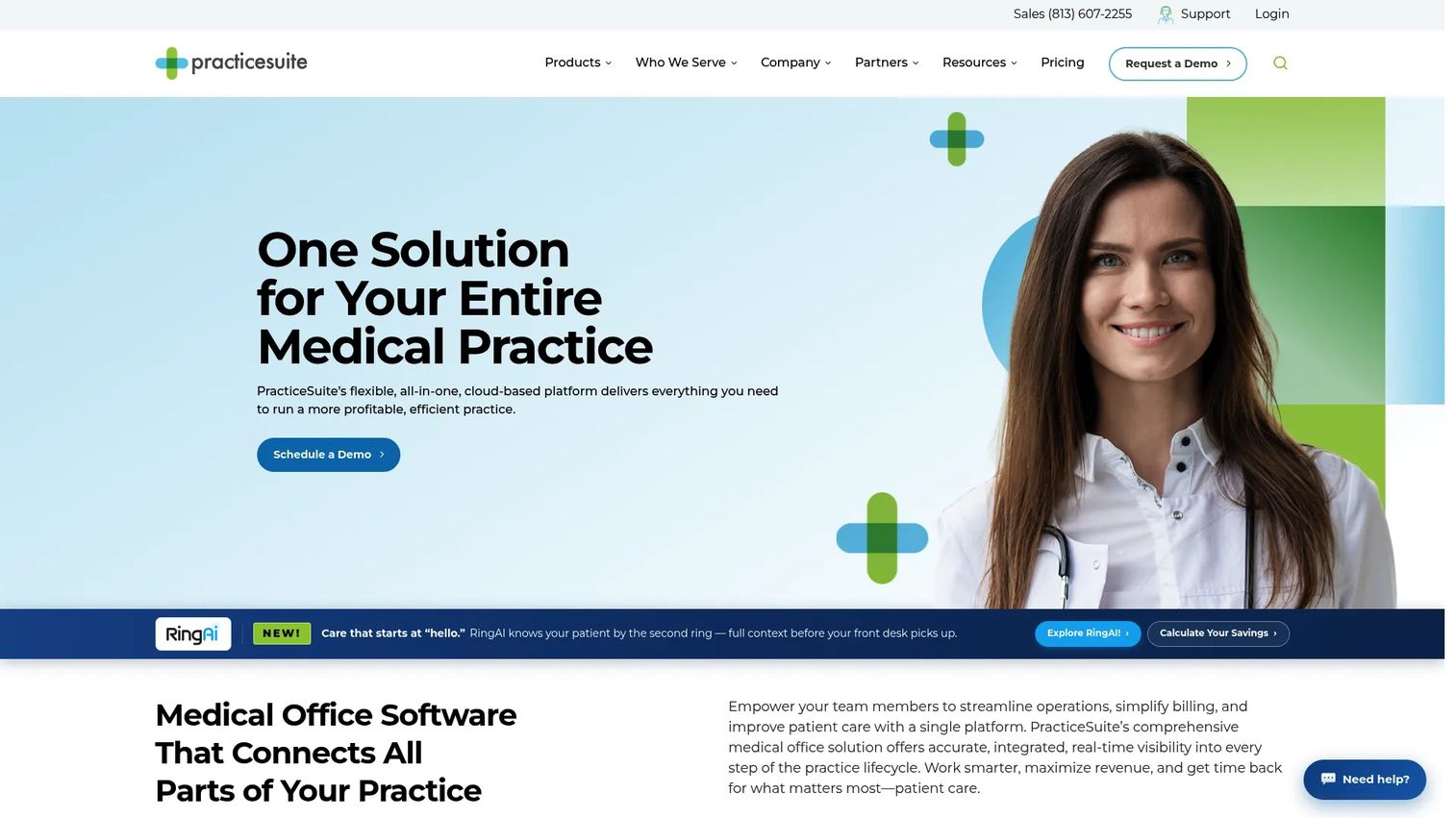
PracticeSuite is cloud-based medical practice management, EHR, billing, patient engagement, and telehealth software. It is built for buyers who want to compare multiple operational modules in one configurable stack rather than committing to a rigid bundle. Practice management, an ONC-certified EHR, and patient engagement tools connect under one roof, with workflows and templates you can tailor to how the practice actually runs.
Best for: Medical practices and billing teams that need an integrated, configurable platform and are comparing modules side by side.
Key strengths
- Configurable workflows: ONC-certified EHR with customizable templates and practice-specific setups.
- Integrated billing: Practice management, scheduling, billing, and reporting in one connected stack.
- Patient engagement: Portal, online scheduling, and secure messaging built into the platform.
Why choose PracticeSuite: The configurability is the draw for practices that have outgrown a one-size-fits-all tool. Billing teams in particular value the reporting and the ability to shape workflows around their revenue cycle rather than adapting to the software. The strong G2 rating of 4.3/5 reflects that fit for teams that invest in setup.
PracticeSuite pricing: PracticeSuite uses custom, quote-based pricing across its Practice Management, EHR, Platform, and Platform Plus tiers, all billed per provider or per user per month. The pricing page does not publish dollar figures, so plan to request a quote scoped to your provider count and collections. The G2 rating is 4.3/5.
4. athenahealth
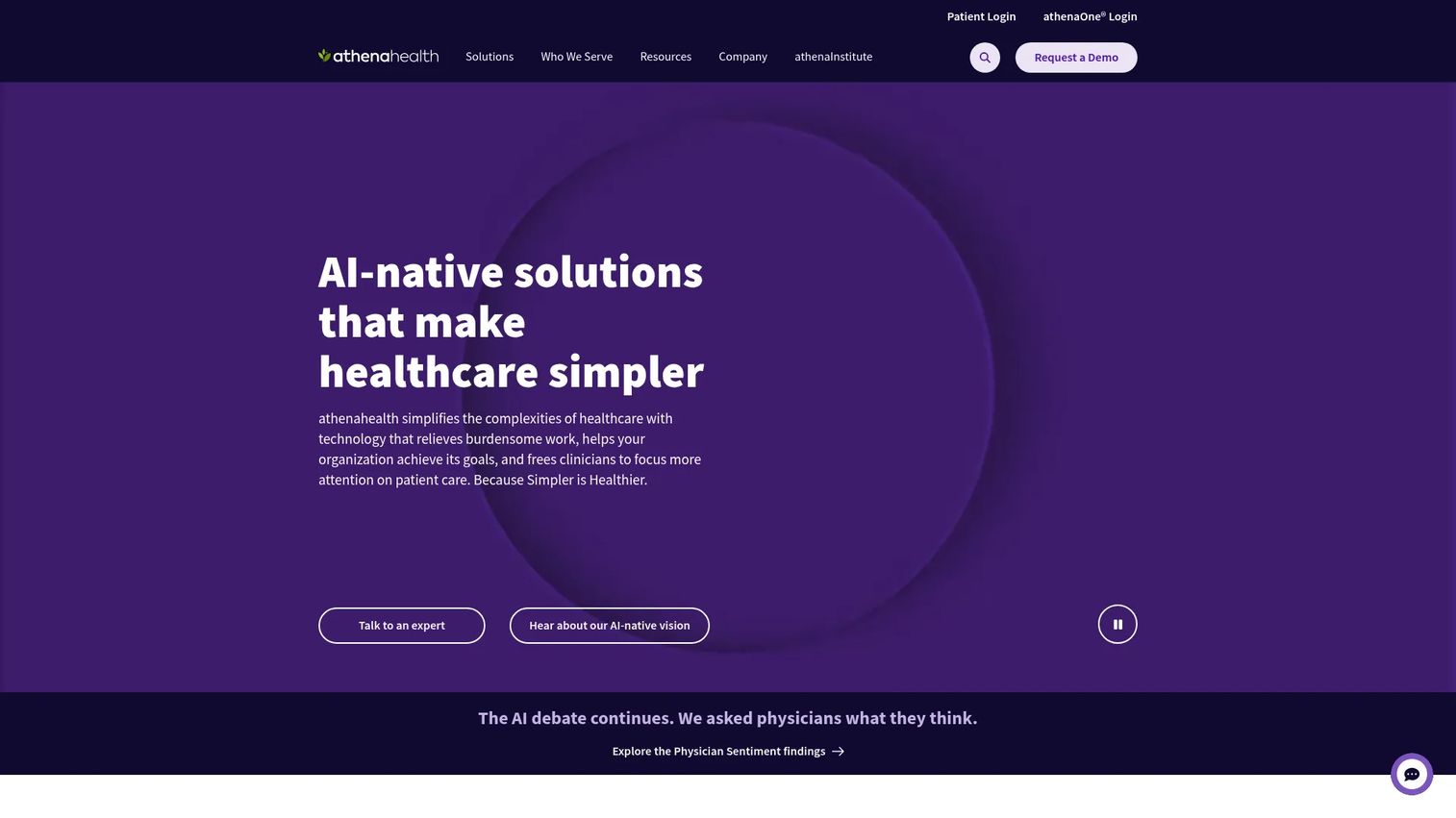
athenahealth is a healthcare software and services company centered on the athenaOne platform, built for ambulatory care. It pairs an integrated EHR with practice and revenue cycle management and patient engagement, and its business model is distinctive: pricing is a percentage of collections, which aligns the vendor's incentives with your financial performance. That structure appeals to practices that want a partner invested in getting claims paid.
Best for: Ambulatory practices that prioritize revenue-cycle performance and want cloud operations that scale.
Key strengths
- Revenue cycle depth: Billing and claims support built around collections, not just claim submission.
- Integrated platform: EHR, practice management, and patient engagement on one cloud system.
- Interoperability: Broad network connections that support data exchange and reporting continuity.
Why choose athenahealth: The percentage-of-collections model is the reason financially focused practices choose it. When the vendor earns as you collect, revenue cycle management gets real attention, and the cloud operations scale without on-prem overhead. For practices where financial performance is the top KPI, that alignment is worth evaluating closely.
athenahealth pricing: athenahealth does not publish numeric pricing. athenaOne pricing is based on a percentage of collections, and the company invites practices to request tailored pricing and a demo. There is no public free tier. The G2 rating is 3.6/5.
5. SimplePractice
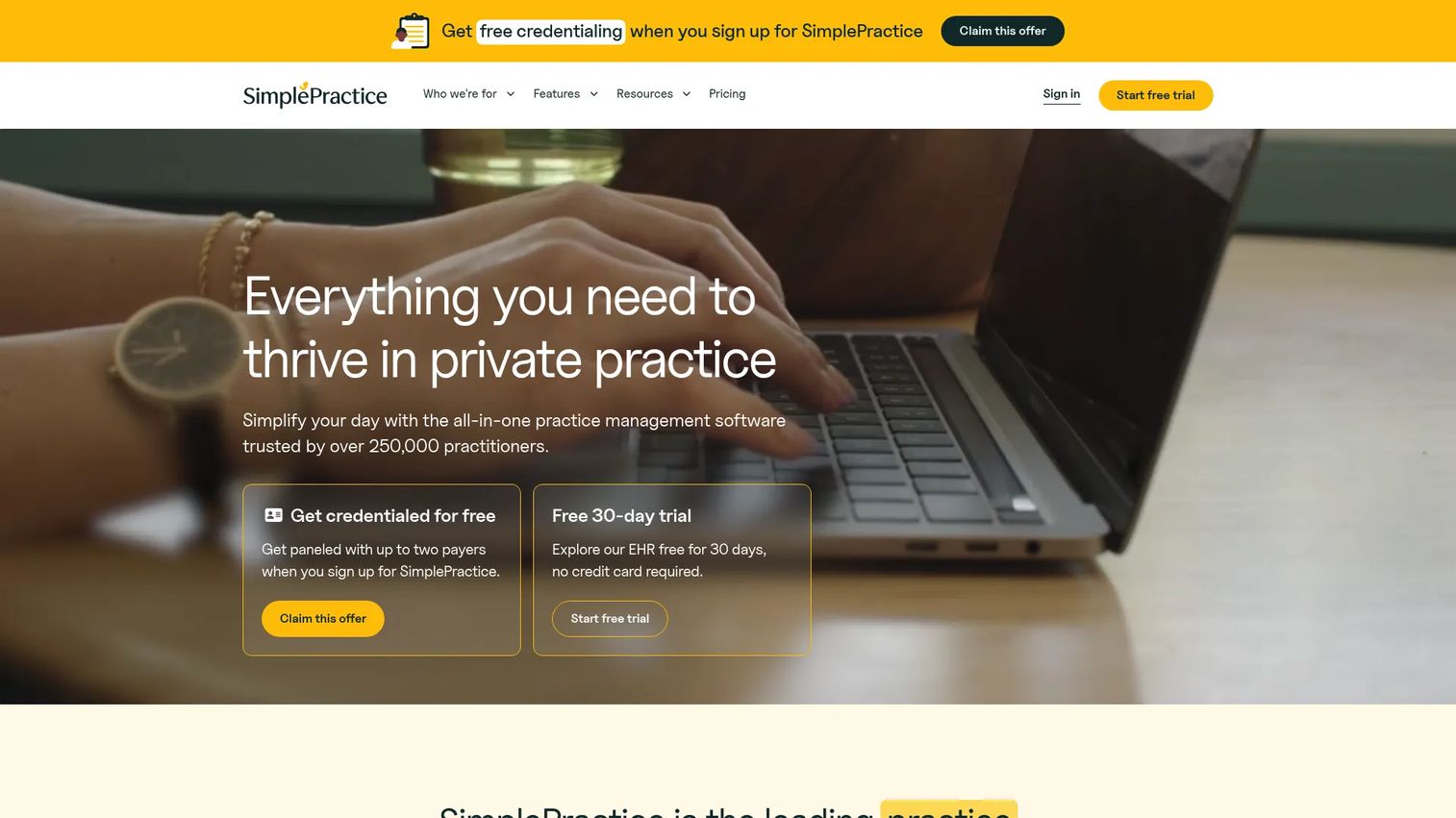
SimplePractice is all-in-one practice management software for health and wellness providers, with a strong following in mental health and smaller clinics. Its reputation is ease of use: independent providers can be running scheduling, billing, and telehealth quickly without a heavy implementation. Appointment scheduling, HIPAA-compliant telehealth, a client portal, and insurance claim filing come together in a clean interface.
Best for: Independent and behavioral health providers who want a simple, fast-to-launch practice management platform.
Key strengths
- Fast setup: Straightforward onboarding that suits solo and small practices without dedicated IT.
- Telehealth built in: HIPAA-compliant video visits alongside scheduling and billing.
- Client experience: Client portal, appointment scheduling, and insurance claim filing in one place.
Why choose SimplePractice: For smaller, simpler organizations, the case is speed and usability. You are not buying enterprise breadth; you are buying a system a solo clinician can run without a specialist. That focus is why it resonates with behavioral health and wellness practices where the priority is patient experience and getting to work fast.
SimplePractice pricing: Three paid plans, Starter at $49 per month, Essential at $79 per month, and Plus at $99 per month, all billed monthly. A 30-day free trial is available, and the pricing page has shown a limited-time 50% off for three months promotion. There is no permanent free tier. The G2 rating is 4.1/5.
6. NextGen Healthcare
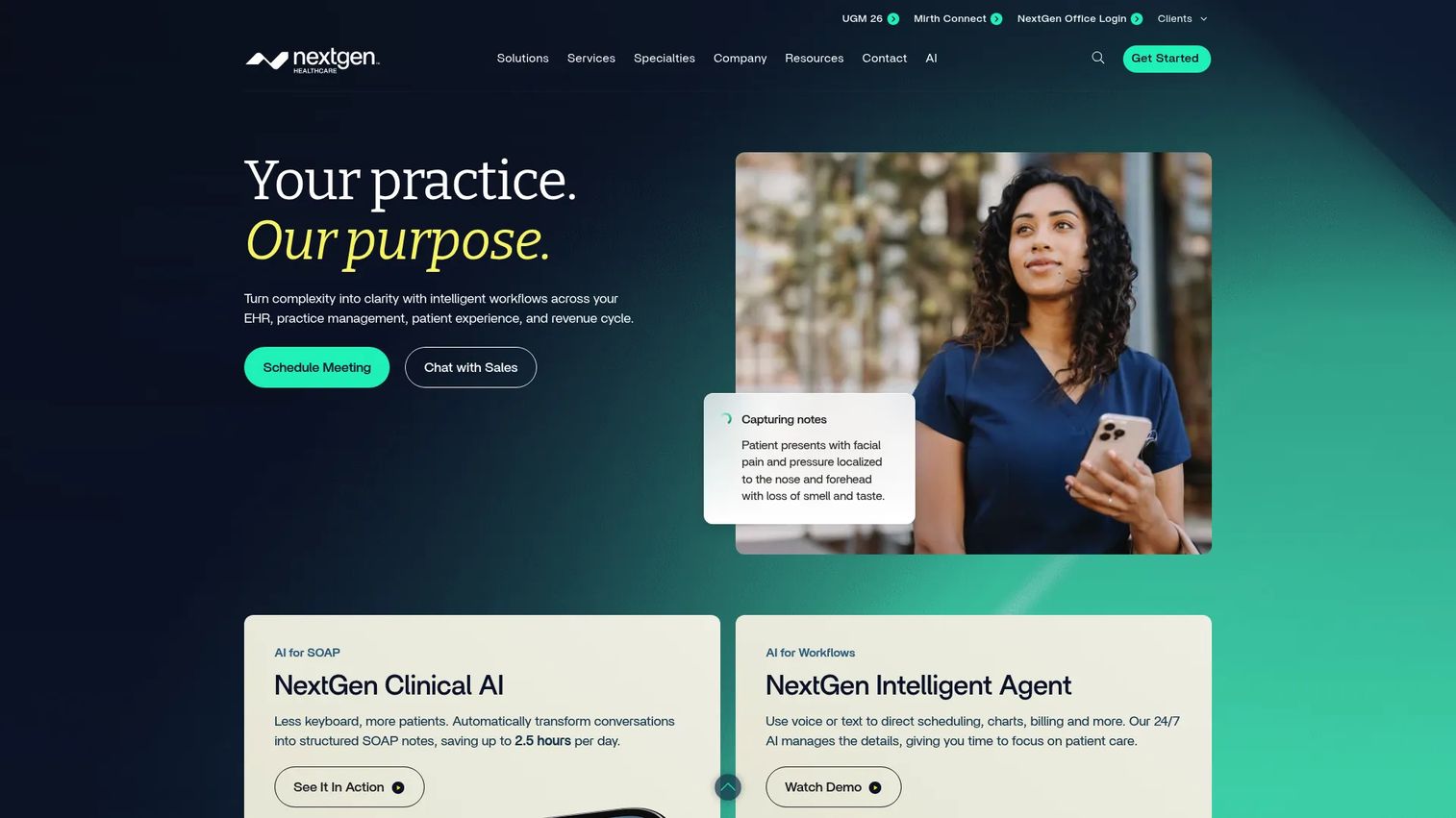
NextGen Healthcare is an ambulatory healthcare technology platform spanning EHR, practice management, patient experience, AI, and related services. It is built for more complex practices and specialty groups that need operational breadth and disciplined implementation. Its patient experience layer is notably deep, with self-scheduling, waitlists, IVR, chatbots, a portal, and payments alongside cloud-based ambulatory EHR and practice management.
Best for: Ambulatory practices and specialty groups seeking an integrated, enterprise-grade healthcare operations platform.
Key strengths
- Operational breadth: Cloud ambulatory EHR and practice management for complex, multi-specialty groups.
- Patient experience suite: Self-scheduling, waitlists, IVR, chatbots, portal, and payments.
- AI and automation: Documentation support, orchestration, and workflow automation across the platform.
Why choose NextGen Healthcare: Larger and more complex practices choose it for scale and the depth of its patient experience tooling. If you run multiple specialties or locations, the breadth handles workflows a lighter tool cannot. That capability comes with a more structured implementation, which is appropriate for groups with the operational maturity to run it.
NextGen Healthcare pricing: NextGen does not publish public pricing; the site directs practices to contact sales for a quote. Expect pricing scoped to provider count, specialty mix, and services. There is no public free tier. The G2 rating is 3.8/5.
7. Tebra
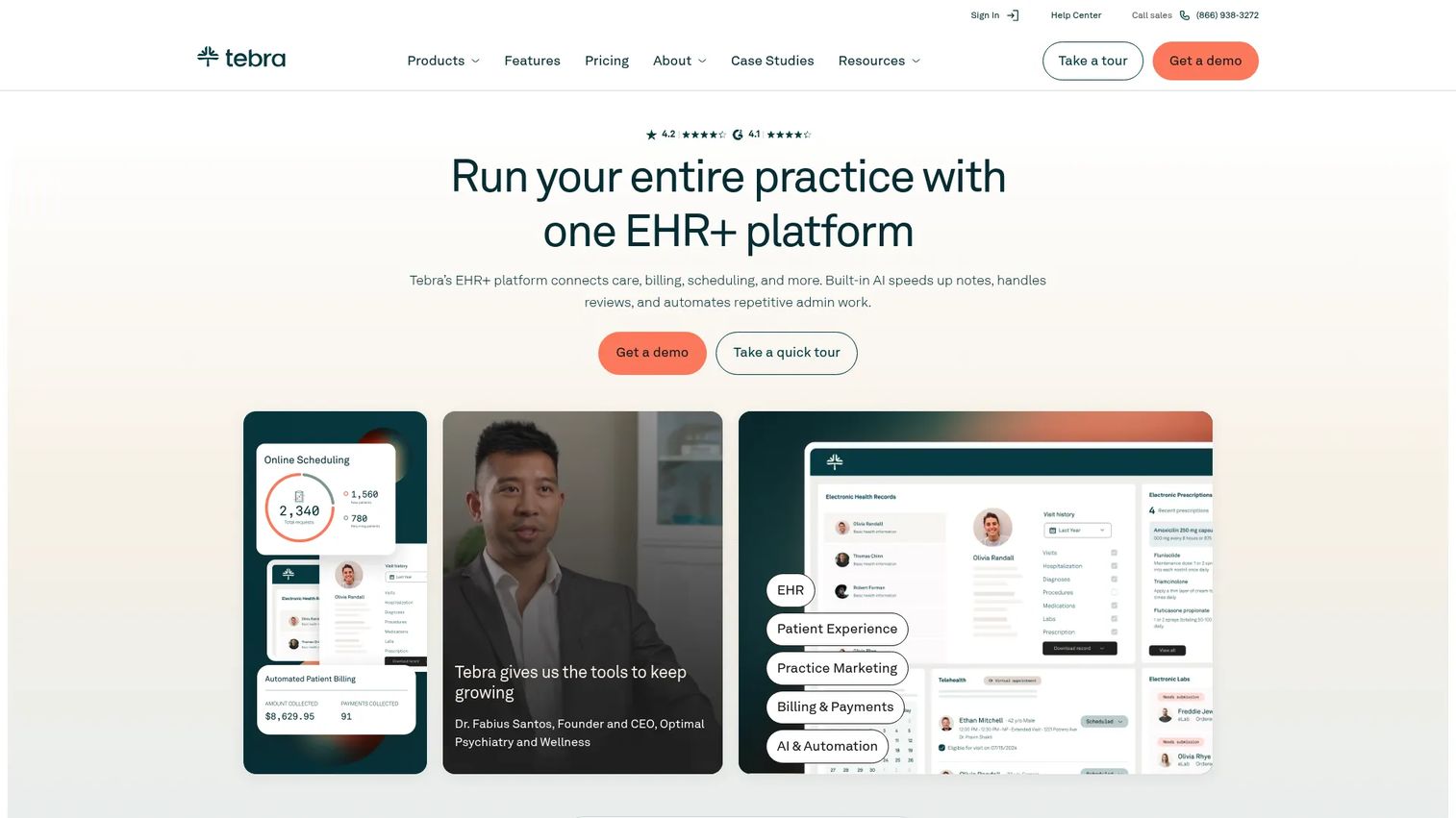
Tebra is cloud-based software for independent medical practices that combines EHR, billing, scheduling, patient experience, and practice marketing. Its differentiator is breadth of patient touchpoints under one vendor: a practice can handle core operations and the patient engagement layer, including marketing, without adding tools. That single-vendor appeal fits independent practices and growth-minded operators who want fewer contracts to manage.
Best for: Independent practices that want one vendor for core practice tasks plus patient engagement and marketing.
Key strengths
- Integrated patient experience: Online scheduling, reminders, messaging, and intake alongside billing.
- Billing and RCM: Eligibility checks, claim submission, and revenue cycle tools built in.
- AI-assisted clinical work: EHR with AI charting, e-prescribing, labs, and a patient portal.
Why choose Tebra: For an independent practice tired of juggling separate scheduling, billing, and patient communications tools, Tebra's one-vendor model is the pull. Bundling core operations with patient engagement and even practice marketing means fewer integrations to maintain and one place to see the patient relationship. The 4.1/5 G2 rating reflects solid fit for that independent segment.
Tebra pricing: Tebra offers two platform bundles. Practice Essentials runs $599 per month per provider, or from $349 for low-volume practices. Practice Automation runs $799 per month per provider, or from $399 for low-volume. Single-solution options start around $49 per provider per month. Pricing varies by provider type, claim volume, and setup, and there is no free tier. The G2 rating is 4.1/5.
8. CureMD
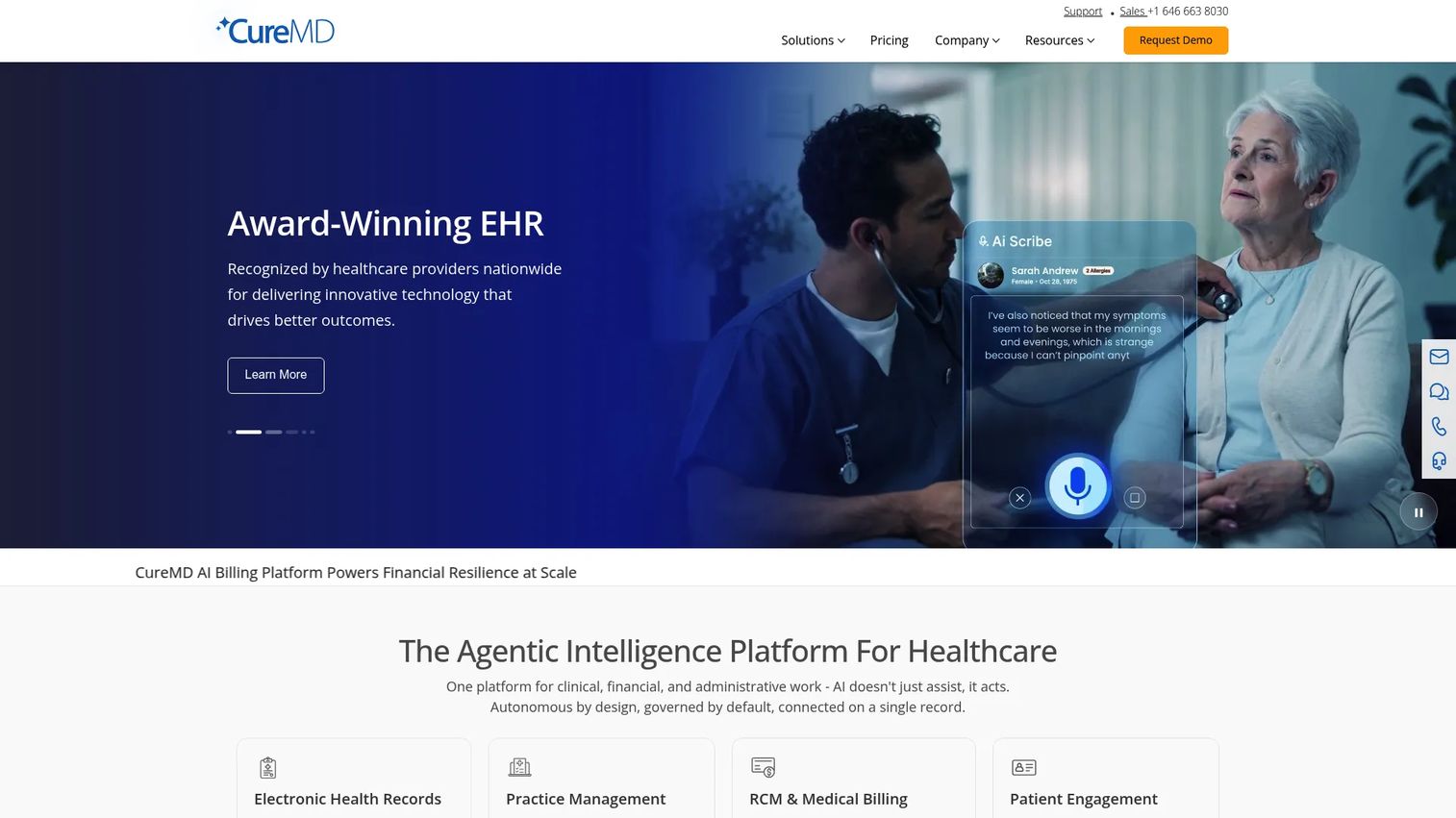
CureMD is cloud-based healthcare software for EHR, practice management, billing, revenue cycle management, and patient engagement. It leans into specialty and ambulatory workflows, pairing an AI-powered EHR and AI scribe with integrated practice management and medical billing. For specialty practices that need charting, billing, and operations tuned to their discipline, the all-in-one design keeps clinical and financial data in one system.
Best for: Specialty and ambulatory practices seeking an all-in-one EHR, practice management, and billing platform.
Key strengths
- AI-powered clinical tools: AI EHR and AI scribe to reduce documentation load.
- Integrated billing: Practice management and medical billing in one platform with RCM support.
- Patient access: Patient portal and mobile access for communications and self-service.
Why choose CureMD: Specialty and ambulatory settings choose it for the tight coupling of clinical and financial workflows and the AI documentation tooling. When charting, billing, and operations run in one platform tuned to a specialty, staff avoid the double entry that separate systems create. Practices weighing it should validate specialty-specific fit during the demo, as that is where the platform's value concentrates.
CureMD pricing: CureMD does not publish public pricing; the site directs practices to a pricing request form and sales contact. Plan to scope a quote around your specialty, provider count, and whether you want the billing and RCM services. There is no public free tier. The G2 rating is 3.0/5.
What to look for when buying practice management software
Shortlisting is the easy part. These five criteria decide whether the system you pick actually earns its place.
Workflow coverage that matches your reality
Map your actual daily flow, front desk to billing to reporting, and check the tool against it. A platform that nails patient scheduling but handles denials awkwardly will frustrate your billers every day. Prioritize the workflows where your team spends the most time.
EHR integration and data flow
If you already run an EHR, verify the integration is real and bidirectional, not a nightly export. Clean EHR integration is what prevents double entry and keeps reporting reconciled. If you are buying an integrated suite, confirm the clinical and administrative sides truly share one data model.
HIPAA compliance and security
Any serious practice management system should offer HIPAA compliance controls: access logging, audit trails, encryption, and a signed business associate agreement. Confirm these in writing before you sign. Security posture is not a feature to assume.
Implementation timeline and training
Ask for a concrete implementation timeline and what training and support the vendor provides. A migration that drags for months costs more than the license. Cloud vs on-prem matters here too: cloud-based practice management software generally means faster deployment and no server maintenance, which is why most 2026 buyers default to it.
Pricing model and total cost
Compare like for like. Some vendors charge per provider per month, others take a percentage of collections, and add-ons like RCM services stack on top. Model the total cost at your provider count and collections volume, not the headline starting price.
Conclusion
There is no single best medical practice management system, only the best fit for your practice's size, specialty, and financial priorities. If budget is the constraint, Halaxy's free core platform is the obvious starting point. Smaller and behavioral health practices tend to land on SimplePractice for its speed and simplicity. Practices that want one vendor across billing and patient engagement lean toward AdvancedMD or Tebra, while athenahealth suits those who want a partner invested in revenue cycle management. For broad, complex operations, PracticeSuite and NextGen Healthcare carry the weight, and CureMD fits specialty and ambulatory workflows.
Keep the practice management software vs EHR distinction front of mind through every demo. Know whether you are buying the back office, the clinical record, or an integrated suite, and confirm the EHR integration is real. Start with the two or three tools that match your intent in the comparison table, request scoped quotes, and pressure-test each one against your actual workflows before you commit.
FAQs
Practice management software runs the business of a clinic: patient scheduling, billing and claims, patient communications, and reporting. An EHR stores the clinical record, chart notes, diagnoses, medications, and care history. Many platforms bundle both, so confirm whether you are buying practice management, an EHR, or an integrated suite.
It depends on practice size, data migration scope, and whether you are integrating with an existing EHR. Cloud-based systems for solo and small practices can go live in weeks, while larger multi-specialty rollouts take longer. Ask each vendor for a concrete implementation timeline and a data migration plan before signing.
At minimum: patient scheduling and registration, insurance eligibility verification, billing and claims with denial tracking, patient communications, reporting and analytics, and EHR integration. Strong HIPAA compliance controls and a clear support model should be non-negotiable additions.
For most practices in 2026, cloud is the practical default. It removes server maintenance, speeds deployment, and delivers updates automatically. Cloud already makes up more than half of practice management deployments. On-prem still fits organizations with specific data residency or control requirements, but the trend is decisively toward cloud.
It verifies insurance eligibility before visits, catches coding errors before submission, tracks denied claims so they get reworked, and reports on collections. That revenue cycle management shortens the time between a visit and payment and reduces revenue lost to unworked denials.
Start with ease of use, a realistic implementation timeline, and pricing that scales with your size. Free or low-cost options like Halaxy and simple platforms like SimplePractice let small practices modernize scheduling, billing, and patient communications without heavy setup or a large upfront commitment.
Model total cost at your actual provider count and collections volume, not the headline price. Some vendors charge per provider per month, others take a percentage of collections, and services like RCM stack on top. Factor in implementation, training, and any add-on medical billing software fees.
It can, when configured properly. A capable practice management system provides access controls, audit trails, encryption, and a signed business associate agreement that support HIPAA compliance. The software supports compliance, but your policies, staff training, and configuration still determine whether the practice stays compliant.