A customer walks into your branch, sees six people ahead of them, and leaves. No ticket. No record. No idea why your foot traffic looks fine but conversions don't. That walk-away just cost you a sale you never knew you had.
The numbers behind those moments are brutal. US businesses lose an estimated $130 billion lost annually to poor wait experiences, according to a 2026 guide from QueueAway. That is not a soft cost buried in CSAT surveys. It is revenue leaving through the front door, every day, in lines you cannot see and cannot measure.
Queue management software exists to close that gap. A good queue management system queue systems reduce wait times by 40 to 60 percent and cuts walkouts by up to half, based on 2026 performance data reported by ScanQueue. It turns a chaotic front desk into a tracked, routed, measurable flow, whether your customers are standing in a lobby or waiting in a virtual line on their phone.
The hard part is choosing. The category spans free waitlist apps and enterprise hardware ecosystems, mobile-first virtual queuing and kiosk-heavy banking deployments. Pricing models range from $0 to six figures, with SMS fees, per-location charges, and hardware add-ons hiding in the fine print. Picking wrong means paying for capacity you do not need, or hitting a wall on multi-location reporting six months in.
This guide compares the tools that actually matter for 2026, with verified pricing and ratings, so you can build a shortlist that fits your environment instead of someone else's.
What's inside
This guide is for operations leads, customer experience managers, and customer success teams running in-person or virtual queues. Whether you manage one clinic or a hundred bank branches, the goal is the same: shorter waits, fewer walk-aways, and data you can act on.
We selected the 10 tools below on four criteria that matter most to buyers:
- Queue feature depth: walk-in management, virtual queuing, appointment scheduling, and routing.
- Digital and virtual check-in: mobile, QR, kiosk, and remote sign-in options.
- Analytics: real-time wait times, throughput, and service-level reporting.
- Pricing transparency: published tiers, free options, and what the entry price actually includes.
Every pricing figure and G2 rating below was verified against live vendor pages and G2 listings in June 2026.
TL;DR
Short on time? Here are the fast picks by buyer type:
- Best free tier: Waitwhile. A genuine free plan covers one location and 50 visits per month, with paid tiers scaling from there.
- Best for multi-location enterprise: Qmatic. Deep hardware plus software journey management for banking, healthcare, and government.
- Best for healthcare and campuses: QLess. Mobile-first virtual queues that pull people out of physical lines.
- Best for retail and public-sector front desks: Qminder. Polished kiosk check-in and cross-location service analytics.
- Best for financial services scheduling: Engageware. Appointment routing and intent-based scheduling built for regulated industries.
- Best budget virtual queue: Qwaiting or Skiplino. Cloud-based queuing with SMS, WhatsApp, and digital signage at SMB-friendly entry points.
What is queue management software?
Queue management software is a digital system that organizes, tracks, and optimizes how customers wait for and receive service across physical and virtual queues. It replaces paper tickets, sign-in sheets, and guesswork with structured check-in, routing, notifications, and analytics.
A queue management system manages the full waiting journey. Customers join a line in person or remotely, receive updates while they wait, get called to the right counter or agent, and the system records every step for reporting. The result is shorter actual and perceived wait times, less crowding, and visibility into where service slows down.
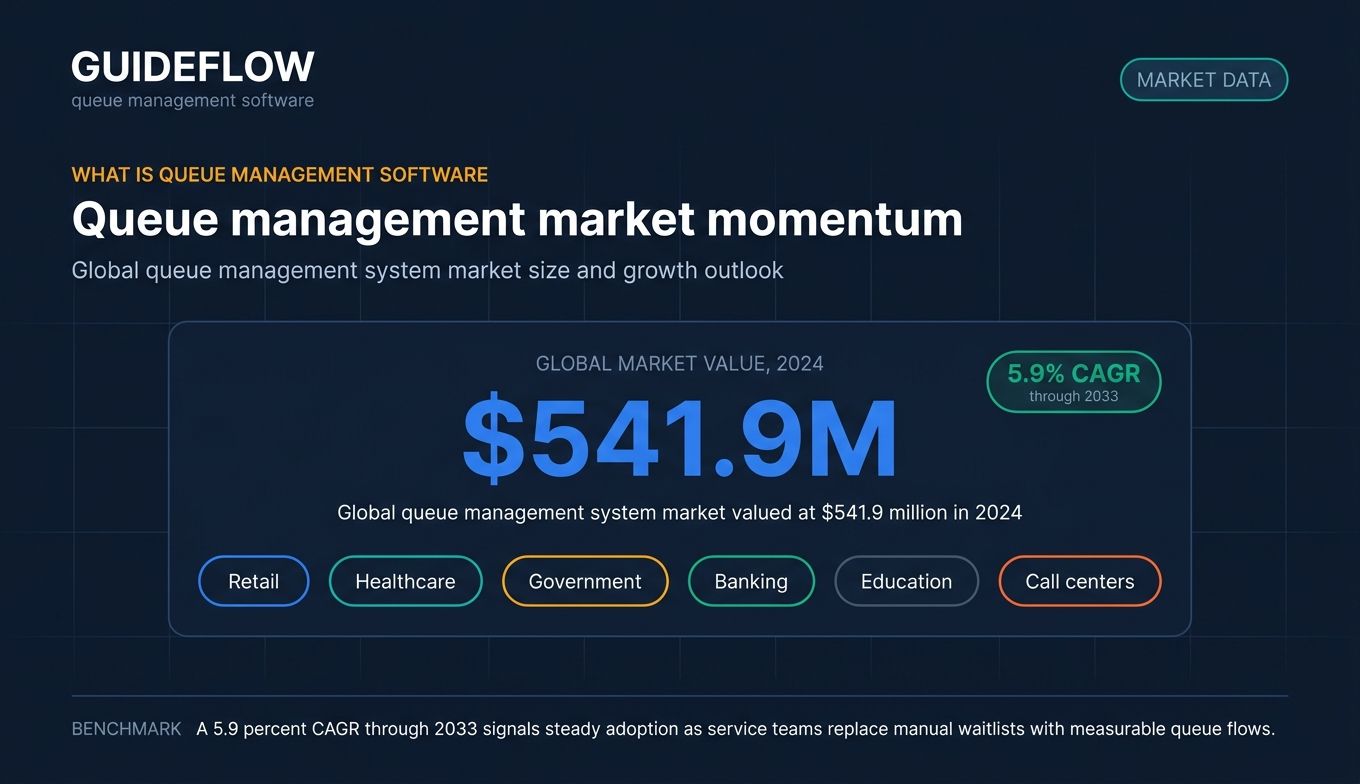
These systems are used across retail, healthcare, government, banking, education, and call centers, according to Straits Research 2026 queue management market analysis. The global queue management system market was valued at $541.9 million in 2024 and is projected to grow at a 5.9 percent CAGR through 2033, reflecting steady adoption as service teams move off manual processes.
Core capabilities
Most queue management system software shares a common feature set:
- Virtual queuing: customers join a line remotely and wait wherever they want.
- Digital check-ins: mobile, QR code, kiosk, or web-based sign-in.
- Appointment scheduling: booked slots that flow into the same queue.
- SMS and email notifications: real-time updates and "you're next" alerts.
- Real-time wait-time visibility: live displays and dashboards for staff and customers.
- Queue analytics: throughput, wait times, drop-off, and service-level reporting.
- Multi-location routing: centralized control across branches and counters.
- Kiosk and signage support: self-service terminals and waiting-room displays.
Software vs hardware components
A digital queue management system splits into two layers. The software handles booking, virtual queues, notifications, routing, and analytics. It runs in the cloud and works from any browser or phone.
The hardware layer is optional and depends on your environment. It includes self-service kiosks, ticket printers, counter keypads, and digital signage or waiting-room TVs. Enterprise vendors like Qmatic and Wavetec sell full hardware ecosystems. Mobile-first tools like QLess lean on the customer's own phone instead. The hardware-light route lowers upfront cost; the kiosk route suits high-traffic lobbies that need walk-up self-service.
When to use queue management software
Not every business needs a queuing management system, but a few patterns make the case obvious.
Reduce walk-ins and wait times in physical locations
Clinics, banks, retail counters, and government offices all share the same problem: people arrive, lines form, and some leave before being served. A queue management system structures that flow with tickets, displays, and routing, so customers know where they stand and staff serve in order. Reducing both actual and perceived versus actual wait time research is the fastest way to cut walk-aways and lift satisfaction.
Run virtual queues and digital check-ins
A virtual queuing system lets customers join a line from their phone and wait anywhere instead of standing in a lobby. This fits call centers, online traffic surges, virtual waiting rooms, and customer service queue management where physical space is limited or risky. Customers get an SMS when their turn approaches, then arrive or connect just in time.
Scale customer service and support across teams
Customer success and support teams use queue tools to manage visitor flow, route inquiries, and cut the chaos of manual check-in. The repetitive part of the job is education: the same setup walkthrough, the same feature explanation, over and over. Pairing queue flows with self-serve interactive demos lifts self-serve adoption, so customers answer their own "how do I" questions while they wait or before they ever join a line. Guided walkthroughs handle the repeatable education, freeing your team to focus on the conversations that actually need a human. The queue tool manages the flow; the interactive guidance reduces what enters the queue in the first place. You can also build self-service experiences that deflect routine questions before they hit your team, and pair them with user onboarding software to walk new customers through setup without a live handoff.

Queue management software compared
The table below ranks the 10 tools by relevance to physical and virtual queue management. Pricing and G2 ratings were verified against live vendor pages and G2 listings in June 2026. Where a vendor gates pricing behind sales, that is noted.
| # | Product | Intent | Key use case | Pricing | G2 rating |
|---|---|---|---|---|---|
| 1 | Qminder | Walk-in service management | Retail and public-sector front desks | From $869/mo | 4.6/5 |
| 2 | Waitwhile | Virtual queue plus appointments | Free tier and scalable waitlists | Free; paid from $31/mo | 4.9/5 |
| 3 | Qmatic | Enterprise journey management | Healthcare, banking, government | Custom | 3.9/5 |
| 4 | QLess | Mobile-first virtual queuing | Campuses, government, healthcare | Custom | 4.3/5 |
| 5 | Qtrac | Enterprise virtual queuing | Multi-location virtual queues | From $238.59/location | 4.7/5 |
| 6 | WaitWell | Queue plus appointments | Government, education, service centers | From $29/mo/location | 4.7/5 |
| 7 | Qwaiting | Cloud queuing on a budget | SMB retail, clinics, counters | From $249/mo/location | 4.8/5 |
| 8 | Skiplino | Analytics-driven queue control | Physical and virtual service flow | From $129/mo/location | 4.5/5 |
| 9 | Wavetec | Enterprise hardware plus software | Banks, telecoms, large retail | Custom | 4.8/5 |
| 10 | Engageware | Appointment and intent routing | Banking and financial services | From $78/yr/user | 4.4/5 |
The 10 best queue management software tools for 2026
1. Qminder
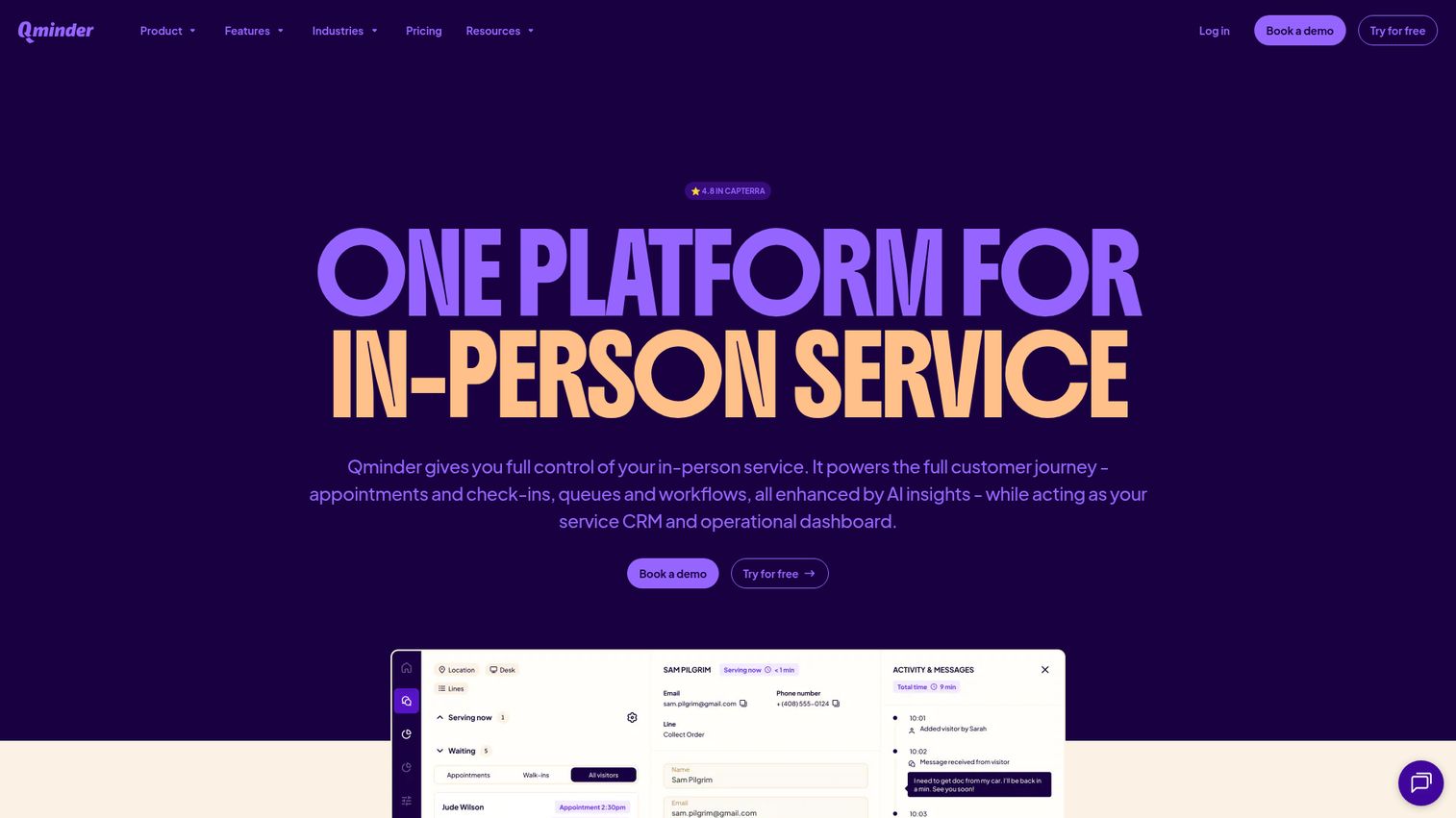
Qminder is an in-person service platform that manages appointments, check-ins, queues, workflows, and service analytics. It pairs self-service kiosk check-in with remote sign-in, a visitor website, and waiting-room TV displays, so customers always know where they stand. Built for multi-location operations, it gives managers cross-location performance views and a real-time service dashboard.
Best for: Multi-location retail, healthcare, banking, education, and public-sector teams that need structured in-person queue, appointment, and service performance management.
Key strengths
- Kiosk and remote check-in: customers sign in via kiosk, phone, or visitor website without a staff handoff.
- Service intelligence: dashboards, alerts, and analytics surface wait times and team performance.
- Multi-location dashboards: cross-location views centralize reporting across every branch.
Why choose Qminder: Qminder fits organizations that run polished, structured front desks and want to measure service quality, not just move people through a line. The trade-off is positioning: it is built for in-person and walk-in flows, so teams whose queues are mostly remote or call-based may want a more virtual-first tool. For physical service environments at scale, the analytics depth is a clear draw.
Qminder pricing: Qminder publishes USD pricing. The Business plan is $869 per month (or $9,468 per year) and covers 25 users, unlimited locations, SMS notifications, and team performance insights. Premium runs $1,149 per month (or $12,588 per year), adding custom branding, cross-location views, API and webhooks, and SAML SSO. Enterprise is custom-priced with governance controls and white-glove onboarding. There is no free tier.
2. Waitwhile

Waitwhile is a queue management and appointment scheduling platform for managing waitlists, bookings, customer communication, and service operations. It blends virtual queues with appointment scheduling and two-way messaging, and it is one of the few tools in this category with a genuine free plan. That makes it an easy starting point for teams testing digital queue management before committing budget. You can also explore an interactive Waitwhile demo to see the flow before signing up.
Best for: Businesses that need to manage walk-ins, appointments, virtual queues, and customer notifications across one or multiple service locations.
Key strengths
- Free plan: the no-cost tier covers one location and 50 visits per month, with no credit card required.
- Waitlist and appointment hybrid: virtual queues and booked slots run in the same flow.
- API and Zapier integrations: higher tiers add API access, webhooks, and automation connectors.
Why choose Waitwhile: Waitwhile suits teams that want to validate a queuing management system on a real location before scaling. The free tier removes the usual procurement friction, and paid plans grow with visit volume rather than locking core features behind enterprise contracts. Its G2 rating of 4.9 out of 5 is the highest on this list.
Waitwhile pricing: The Free plan is $0 per month with one location and 50 visits monthly. Starter begins at $31 per month for up to 10 locations and 2,500 visits. Business starts at $55 per month for up to 5,000 visits, adding API, webhooks, advanced analytics, and custom roles. Enterprise is custom-priced with SAML SSO, SLA, and dedicated success support.
3. Qmatic
Qmatic provides customer journey management software covering queue management, appointment scheduling, virtual queuing, feedback, and analytics. It is a long-standing enterprise vendor with a deep hardware ecosystem, including kiosks, ticket printers, and digital signage, alongside cloud appointment booking. For large operations that need to manage service flow across many channels and locations, Qmatic offers the broadest footprint here.
Best for: Enterprise and public-sector organizations managing in-person or hybrid customer service flows across appointments, queues, kiosks, and analytics.
Key strengths
- Hardware plus software depth: integrated kiosks, printers, and signage paired with cloud software.
- Enterprise analytics: reporting and analytics built for high-volume, multi-site service.
- Multi-channel journey management: online, mobile, and on-site touchpoints in one platform.
Why choose Qmatic: Qmatic is the pick when your queue spans physical hardware, virtual channels, and complex routing across regulated industries. The depth comes with enterprise complexity, and its G2 rating of 3.9 out of 5 sits below the lighter cloud tools, often reflecting implementation scope. For large healthcare, banking, and government deployments, the breadth is hard to match.
Qmatic pricing: Qmatic does not publish numeric pricing. Its FAQ confirms a subscription and pay-per-use model and directs buyers to contact sales for a quote. Expect custom enterprise pricing scaled to locations, hardware, and modules.
4. QLess
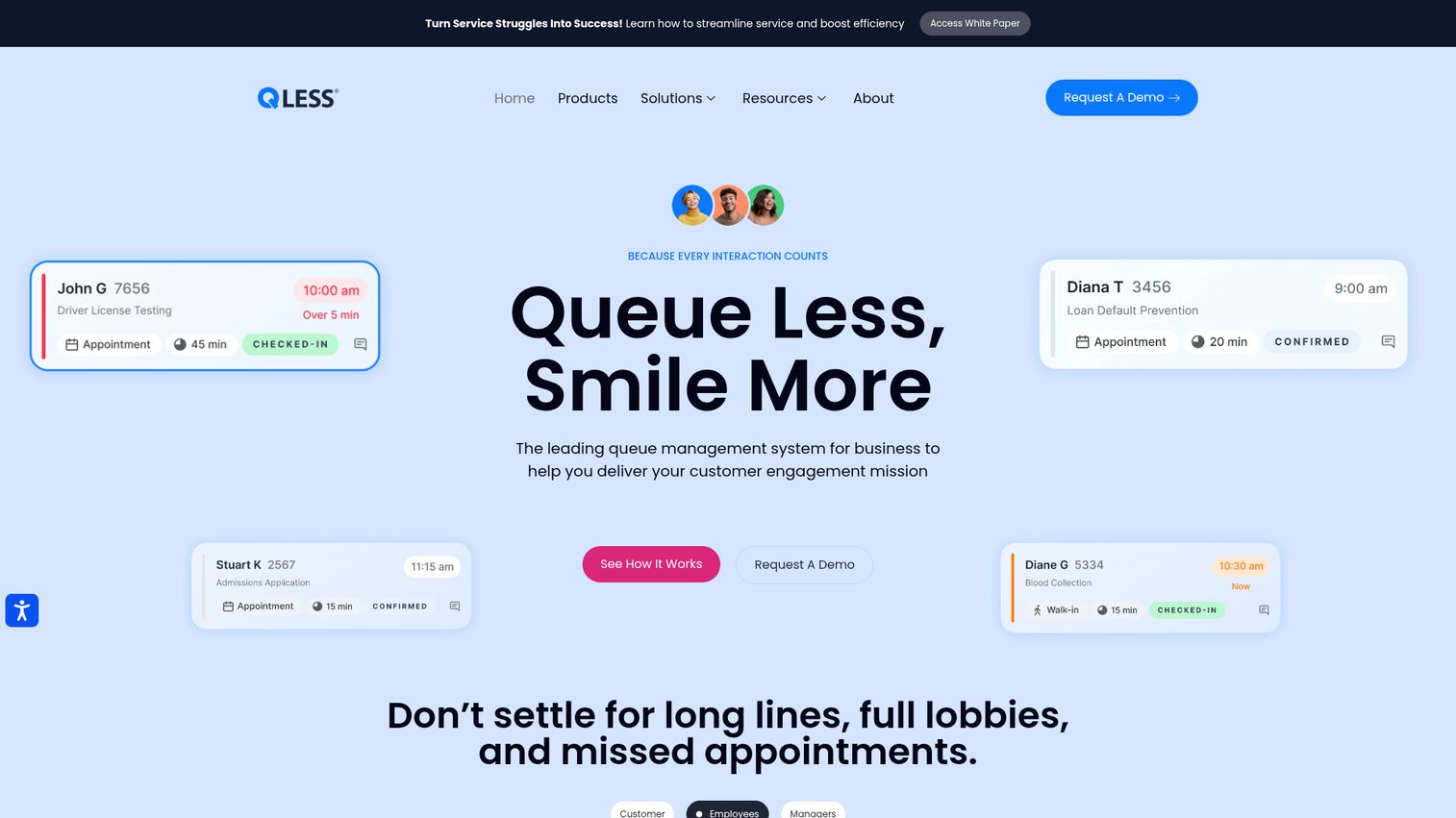
QLess provides integrated queue management software for virtual wait lists, appointment scheduling, callback queueing, virtual meetings, and service operations insights. Its mobile-first approach lets customers join a line from anywhere and get pulled out of physical lobbies entirely. That focus has made it a fixture in government, higher education, and healthcare.
Best for: Government, healthcare, higher education, DMV, and service environments that need virtual queueing, appointment scheduling, and customer-flow management.
Key strengths
- Virtual wait lists: customers join and wait remotely, then arrive just in time.
- Appointment scheduling: reminders, self-rescheduling, smart cancellation, and auto appointment refill.
- Operational insights: live, customer, and employee metrics surface wait-time and service bottlenecks.
Why choose QLess: QLess fits organizations whose biggest problem is physical crowding, especially campuses and agencies with predictable rush periods. The remote-join model reduces lobby congestion and no-shows through reminders and self-rescheduling. Pricing is not published, so plan for a sales conversation to scope your deployment.
QLess pricing: QLess does not list public pricing, plan names, or a free tier on its site. Pricing is quote-based and tied to your locations, channels, and volume. Contact QLess directly for a tailored estimate.
5. Qtrac
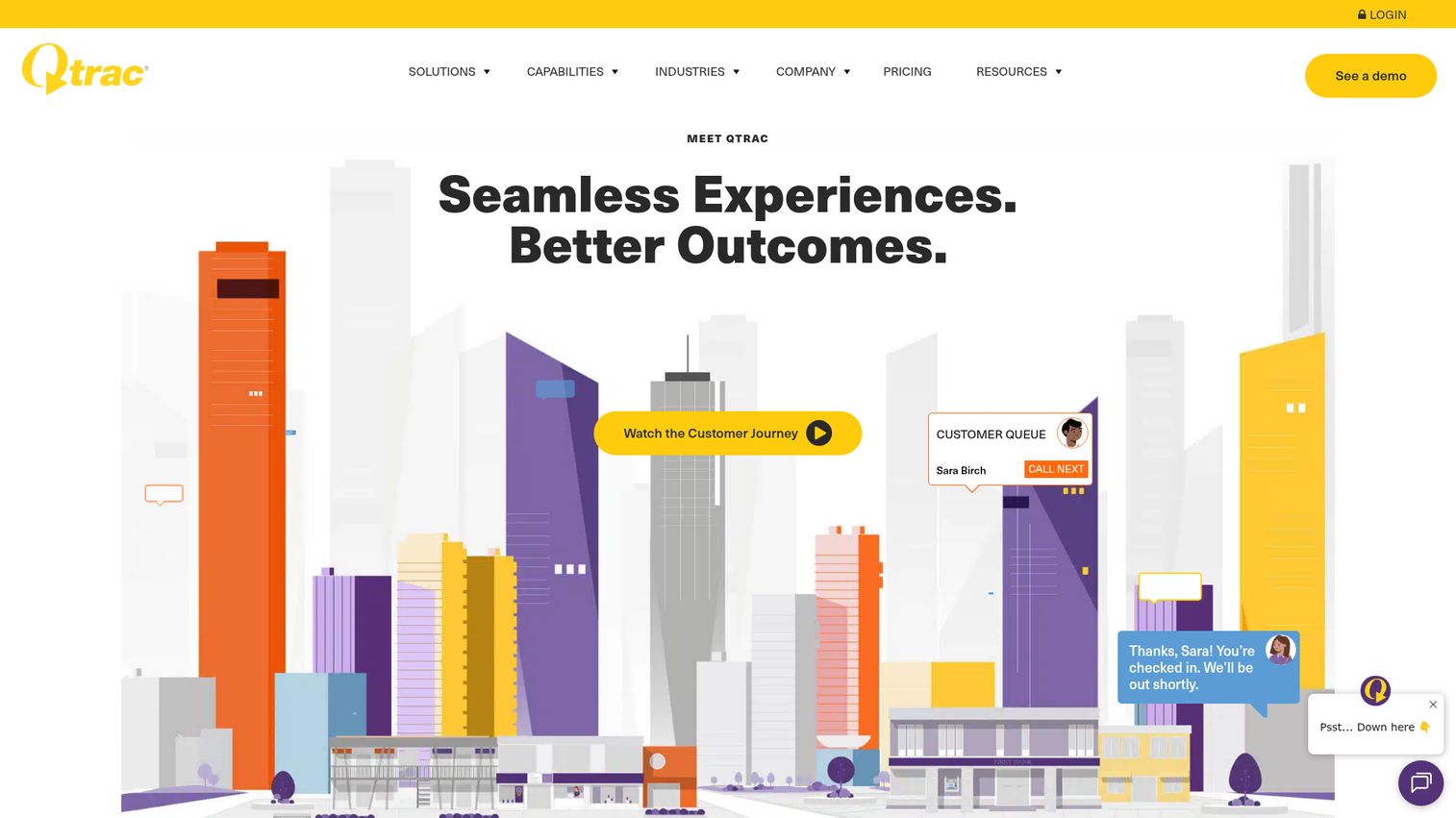
Qtrac is a cloud-based brick-and-mortar experience platform for virtual queue management, appointment scheduling, customer engagement, and operational insights. It is built for service-driven physical locations that want walk-ins, appointments, queues, and check-ins managed in one workflow. Its virtual and mobile queuing suits multi-location enterprises that need centralized control.
Best for: Service-driven physical locations and multi-location enterprises that need to manage walk-ins, appointments, queues, check-ins, and customer updates in one workflow.
Key strengths
- Virtual and mobile queuing: customers wait remotely with virtual waiting rooms and mobile tickets.
- Appointment scheduling: confirmations and reminders cut no-shows.
- Reporting and analytics: enterprise-level reporting across locations.
Why choose Qtrac: Qtrac works well for enterprises that want one platform spanning walk-ins and appointments with omnichannel alerts. It earns a strong 4.7 out of 5 on G2, and its per-location entry price gives smaller multi-site teams a known starting cost. The main consideration is that full platform pricing sits behind sales.
Qtrac pricing: Qtrac's main pricing page does not display plan prices, but a first-party Appointment Scheduling FAQ states pricing starts at $238.59 per location, with discounts for multi-site deployments. No free tier is confirmed. Contact Qtrac for full platform and add-on pricing.
6. WaitWell
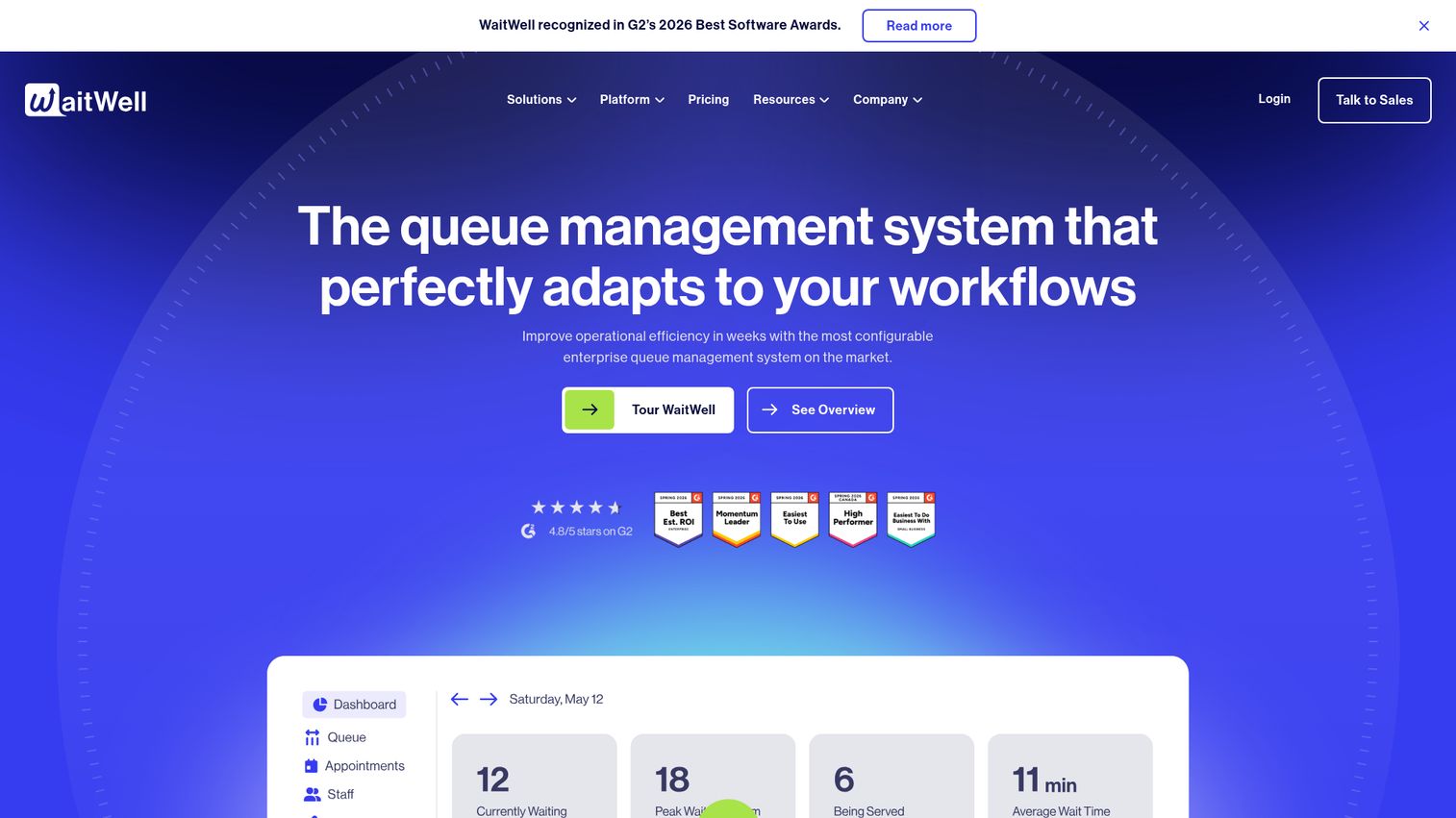
WaitWell is a queue management and appointment booking platform for service providers managing high-volume customer flow. It supports QR code, website link, and onsite kiosk entry, plus online booking, two-way texting, and AI-powered wait-time estimates. Built with government, education, and service centers in mind, it balances easy setup with solid reporting.
Best for: Organizations that need to manage walk-ins, appointments, virtual queues, customer notifications, and service analytics across one or more service locations.
Key strengths
- Flexible queue entry: customers join via QR code, website link, or onsite kiosk.
- Staff-facing tools: two-way texting, broadcasts, alerts, and waivers or forms.
- Reporting and AI wait times: an analytics dashboard with AI-powered estimated wait times.
Why choose WaitWell: WaitWell suits public-sector and campus service desks that want fast deployment without sacrificing reporting depth. Its per-location pricing is among the most affordable entry points here, and a 4.7 out of 5 G2 rating signals strong day-to-day usability. Larger or multi-department teams move to custom Enterprise or Campus plans.
WaitWell pricing: Starter is $29 per month per location for one line and up to 100 visits monthly. Basic is $55 per month per location for under 3,000 visits, adding more queues, advanced reports, broadcasts, and forms. Enterprise and Campus are custom-priced. Trial availability requires contacting sales, and there is no public free tier.
7. Qwaiting
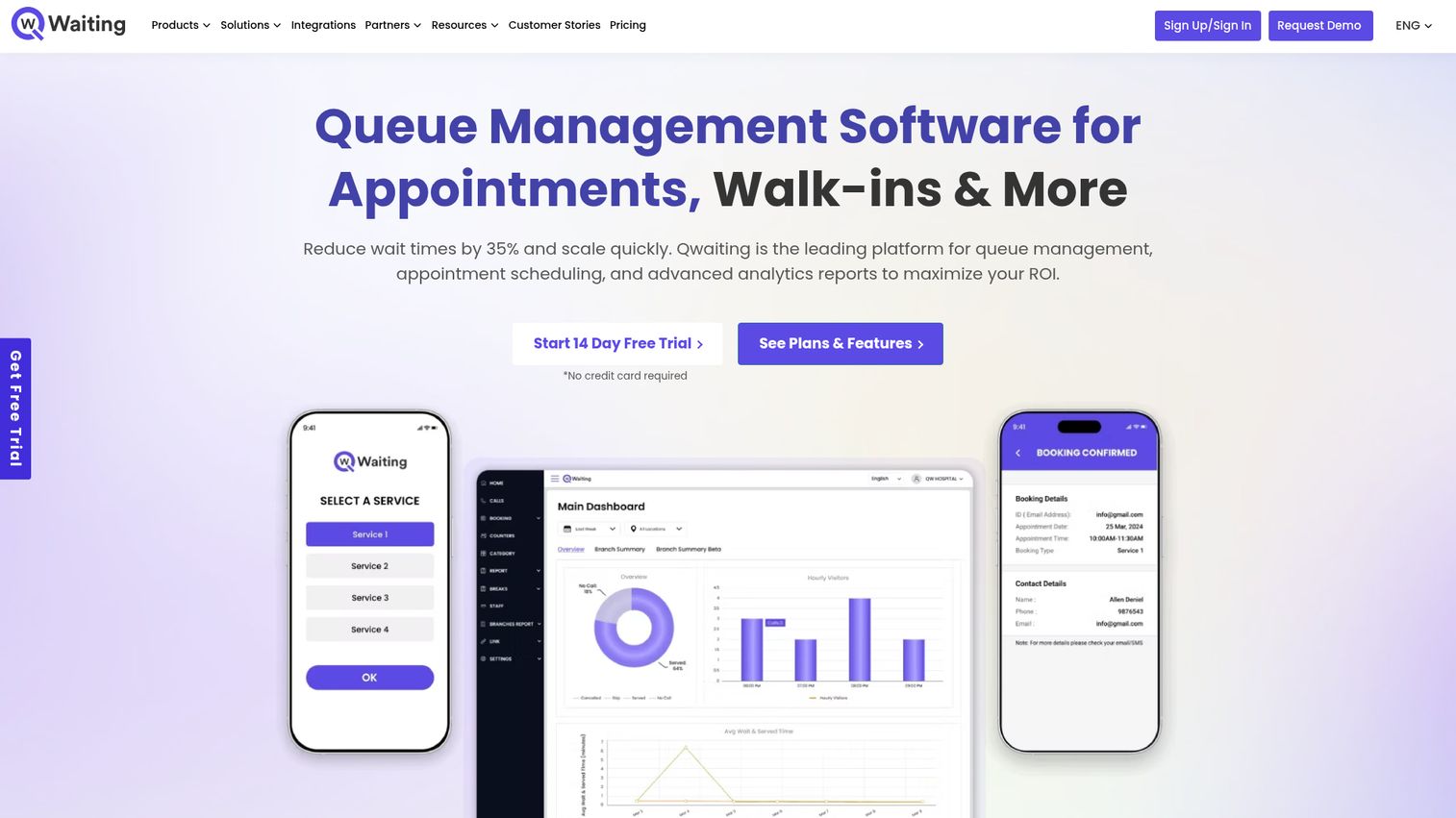
Qwaiting is a cloud-based queue management and appointment scheduling platform for managing walk-ins, virtual queues, check-ins, notifications, and service operations. It handles live status updates over SMS or WhatsApp, digital check-in, and kiosk plus digital signage support. With multilingual backend, staff keypads, and feedback collection, it covers a wide range of customer-facing settings. Teams that lean on QR-based check-in can pair it with a QR code generator to streamline lobby sign-in.
Best for: Healthcare, retail, banking, public sector, airports, and service centers that need digital queue, appointment, and visitor-flow management.
Key strengths
- Multi-channel notifications: live queue status via SMS or WhatsApp.
- Signage and kiosk support: kiosk app and digital signage for self-service lobbies.
- Real-time analytics: dashboards and reports with multilingual backend and SSO.
Why choose Qwaiting: Qwaiting fits customer-facing organizations that want WhatsApp-based updates and signage without enterprise complexity. Its 4.8 out of 5 G2 rating is among the highest here, and per-location pricing is published up front. Note that the entry tier sits higher than some SMB-focused tools, so map your location count to the plan tiers before committing.
Qwaiting pricing: Qwaiting lists four per-location plans: Starter at $249 per month, Professional at $299, Business at $399, and Enterprise at $699. Annual rates are also shown. A 14-day free trial is available, but there is no permanent free tier.
8. Skiplino
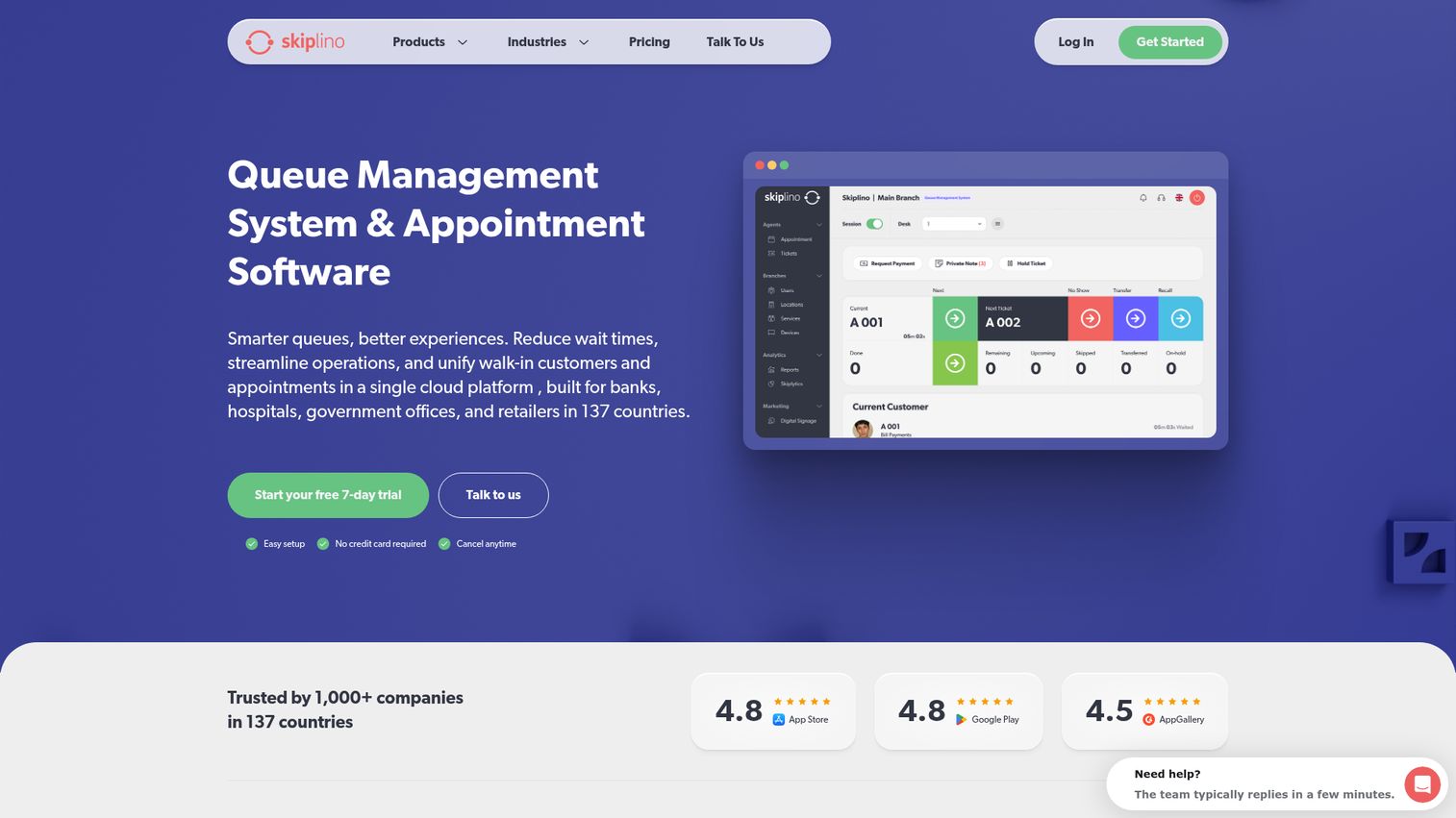
Skiplino is a cloud-based queue management and appointment scheduling platform for managing customer flow across walk-in, online booking, and virtual service channels. It offers remote booking, digital ticketing, and mobile app access for both customers and staff, backed by live reporting on wait times and service efficiency. The product-specific plans let you buy only the module you need.
Best for: Organizations with physical or virtual service locations that need to reduce queues, manage appointments, and monitor customer-flow performance.
Key strengths
- Cloud queue and appointment management: unified flow across walk-in, online, and virtual channels.
- Mobile check-in: remote booking, digital tickets, and mobile app access for customers and staff.
- Live reporting: real-time insights on wait times, service efficiency, and customer volume.
Why choose Skiplino: Skiplino works for teams that want analytics-driven queue control with the flexibility to buy by module: Queue Management, Appointment, Virtual Branch, or Retail. It holds a solid 4.5 out of 5 on G2 and publishes clear per-location pricing. The module split means you pay for the channel that matches your environment rather than a bundled enterprise suite.
Skiplino pricing: Skiplino lists per-location plans billed annually. Appointment Professional is $129 per month, with Queue Management System Professional at $349 and Enterprise at $499. Virtual Branch and Retail plans are also available, plus custom tailored pricing. Every plan includes a 7-day free trial; there is no permanent free tier.
9. Wavetec

Wavetec provides queue management, customer experience, self-service kiosk, analytics, and digital signage solutions for branch and service environments. It combines virtual queuing, online appointment scheduling, and web ticketing with a full hardware ecosystem and customer-flow analytics. With global deployments across banking, telecom, and retail, it is built for large, distributed networks.
Best for: Organizations that need enterprise queue management, virtual queuing, appointment scheduling, and in-branch customer-flow solutions at scale.
Key strengths
- Enterprise hardware ecosystem: ticket dispensers, kiosks, and digital signage paired with software.
- Flow analytics: dashboards and reporting on customer movement and service performance.
- Global deployments: proven across banks, telecoms, and large retail networks worldwide.
Why choose Wavetec: Wavetec suits banks, telecoms, and large retail networks that need a hardware-backed system deployed across many branches. It earns a 4.8 out of 5 on G2, and its breadth covers both in-branch and virtual flows. As with other enterprise vendors, pricing is scoped through sales rather than published.
Wavetec pricing: Wavetec does not publish public pricing, plan tiers, or a free tier on its site. Pricing is quote-based and depends on hardware, software modules, and the scale of your branch network. Contact Wavetec for a tailored estimate.
10. Engageware (formerly TimeTrade)
Engageware, formerly TimeTrade, is an AI-powered customer engagement platform for regulated industries that connects AI agents, appointment management, and knowledge management. Its scheduling roots run deep in banking and financial services, where smart routing and multi-channel scheduling pair appointments with queue and intent routing. For institutions that need governed, compliant engagement, it is a strong fit. Teams evaluating standalone booking tools may also want to review the broader business scheduling software landscape.
Best for: Regulated enterprises and SMB teams needing governed AI customer engagement, appointment scheduling, and knowledge workflows.
Key strengths
- Appointment management: real-time availability, smart routing, multi-channel scheduling, and automated reminders.
- AI customer agents: automated, governed customer conversations.
- Knowledge management: source-backed answers with version control, approvals, and audit trails.
Why choose Engageware: Engageware is the pick for financial institutions that need appointment routing tied to intent, with the governance and audit trails regulated industries require. Its SMB Scheduler tier gives smaller teams a low entry point, while enterprise deployments add AI agents and knowledge workflows. It carries a 4.4 out of 5 G2 rating.
Engageware pricing: Engageware publishes pricing for its Scheduler for SMB. Individual is $78 billed annually ($6.50 per user per month), Business is $149 annually ($12.42 per user per month), and Business Plus is $300 annually ($25 per user per month) for specialized routing. A 15-day trial is available for teams and individuals. Broader enterprise pricing is not publicly listed.
How to choose the right queue management software
Picking the right tool comes down to matching capability to your actual environment. Run your shortlist through these five criteria before you commit.
Physical vs virtual queue needs
Decide where your queue lives. Lobby-heavy operations benefit from kiosks, ticket printers, and signage from vendors like Qmatic and Wavetec. Remote-first or space-constrained teams do better with mobile and virtual waiting rooms from QLess or Qtrac. Hardware-light tools lower upfront cost and deploy faster.
Integrations
Your queue tool should plug into the systems you already run. Look for CRM connectors (Salesforce CRM integration, HubSpot), support tools (Zendesk), calendar sync, and messaging via SMS or WhatsApp. Automation platforms like Zapier automation platform and open APIs matter if you want queue data flowing into your reporting stack. The same logic applies to your demo and onboarding stack, where integrations keep engagement data flowing into one place.
Multi-location and enterprise scaling
If you run more than a few locations, prioritize centralized routing, location-level reporting, and governance controls. Qminder and Qmatic surface cross-location performance views; lighter tools may cap locations per tier. Confirm how the pricing scales as you add sites.
Pricing and total cost
Published price is rarely the full cost. Factor in per-location fees, SMS charges, and hardware add-ons. Distinguish a free tier (permanent, like Waitwhile) from a free trial (time-limited, like Skiplino's 7 days). Free queue management software exists, but it usually caps visits, locations, or analytics.
Analytics and reporting depth
The point of a queue system is visibility. Verify you get real-time wait times, throughput, drop-off rates, and exportable reports. Shallow dashboards leave you blind to where service breaks down, which is the problem you bought the tool to solve.
Conclusion
The right queue management software depends entirely on your environment, not on which vendor ranks highest overall. A single-location clinic and a hundred-branch bank need different tools, and the price gap between them spans five figures.
Here is the quick recap by buyer type:
- Best free tier: Waitwhile, with a genuine $0 plan and the highest G2 rating here.
- Best for multi-location enterprise: Qmatic, for deep hardware plus software journey management.
- Best mobile-first virtual queue: QLess, for pulling people out of physical lines.
- Best for retail and public-sector front desks: Qminder, for polished check-in and service analytics.
- Best for financial services: Engageware, for appointment and intent routing in regulated industries.
Your next step is simple: shortlist two or three tools that match your physical-versus-virtual profile, then run a trial against your single busiest location. Start with Waitwhile's free tier if you want to test the model at zero cost, or book a demo with Qmatic or Wavetec if you need enterprise hardware. Measure walk-aways and wait times before and after. The data will pick the winner.
FAQs
Queue management software is a digital system that organizes, tracks, and optimizes how customers wait for and receive service across physical and virtual queues. It handles check-in, routing, notifications, and analytics, replacing paper tickets and sign-in sheets. The goal is shorter waits, fewer walk-aways, and clear visibility into where service slows down.
Yes. Waitwhile offers a genuine free plan covering one location and 50 visits per month. The distinction matters: a free tier is permanent, while a free trial (like Skiplino's 7 days) expires. Free options typically cap visit volume, limit you to a single location, and exclude advanced analytics, integrations, or SMS. Upgrade when you outgrow the visit cap or need multi-location reporting.
Customers join a line remotely instead of standing in a lobby, usually through a QR code, website link, or app. They receive SMS or WhatsApp updates as their turn approaches, then arrive or connect just in time. Virtual waiting rooms reduce physical crowding and let people wait wherever they want, which cuts walk-aways and no-shows.
Some do, many do not. Enterprise vendors like Qmatic and Wavetec offer full hardware ecosystems with kiosks, ticket printers, and digital signage. Mobile-first tools like QLess rely on the customer's own phone instead. Hardware-light options deploy faster and cost less upfront, while kiosks suit high-traffic lobbies that need walk-up self-service.
Pricing ranges from free tiers to six-figure enterprise contracts. Published entry points include Waitwhile at $31 per month, WaitWell at $29 per month per location, and Skiplino at $129 per month per location. Enterprise vendors like Qmatic, QLess, and Wavetec quote custom pricing through sales. Watch for SMS fees, per-location charges, and hardware add-ons that sit outside the headline price.
Healthcare uses it to manage patient check-in and reduce lobby crowding. Banking and financial services route customers to the right teller or advisor. Retail manages walk-in counters, government and DMV offices handle high-volume service, education manages campus service desks, and call centers route inbound contacts. The common thread is structured service flow across many people.
Most modern tools do. Common integrations include CRMs like Salesforce and HubSpot, support platforms like Zendesk, calendars such as Google Calendar and Outlook, and messaging via SMS or WhatsApp. Many offer Zapier connectors and open APIs to push queue and engagement data into your reporting stack. Check each vendor's integrations page, since depth varies by tier.
A queue management system handles physical and virtual visitor flow: people waiting for in-person or scheduled service. Call center queue management software routes inbound phone or digital contacts to agents based on availability and skill. They overlap on virtual queuing and notifications, but one manages bodies in a lobby or a remote line, while the other manages calls and tickets in a contact center.