You counted the same shelf three times last quarter and got three different numbers. The spreadsheet said 42 units. The floor said 38. The shipping label queue was already promising 45 to customers who paid.
That gap is where margin quietly dies. Stockouts push buyers to competitors. Overstock ties up cash you needed elsewhere. And every reconciliation cycle burns hours your team could spend on actual operations.
The global inventory management software market is projected at USD 2.7 to 3.9 billion in 2026, growing at CAGRs between 8.4% and 13.1% through the early 2030s, according to Future Market Insights (2026) and Grand View Research (2026). That growth is not hype. It reflects a real shift: teams are moving off spreadsheets and onto systems that give them one accurate number instead of three conflicting ones.
Cloud inventory management now dominates that market, accounting for roughly 65 to 68% of revenue share around 2025 per Mordor Intelligence (2025). The reason is practical. Cloud sync means the warehouse, the storefront, and the finance team all read from the same source of truth in real time.
If you are a product-minded operator evaluating this category, the decision is less about feature counts and more about fit. Will your team actually adopt it? Does it slot into the stack you already run? Can you trust the reports enough to make ordering decisions? This guide answers those questions with a practical shortlist of inventory software worth your shortlist.
What's inside
This guide compares seven inventory control software tools for teams that need accurate stock tracking, barcode scanning, cloud sync, and reporting they can act on. It is written for operations managers, ecommerce operators, warehouse leads, and the product-minded evaluators who care about stack fit and maintainability.
We selected and ranked tools on six criteria that matter in daily use: ease of use, inventory depth, mobile access, integrations, multi-location inventory support, and reporting quality. Every pricing figure and rating below reflects verified first-party and G2 sources as of mid-2026. The goal is a decision-support shortlist, not a marketing brochure.
TL;DR
- Best all-around for small teams: Sortly. Mobile-first, visual, and quick to adopt with photos, barcode labeling, and alerts.
- Best for inventory plus ordering in one system: inFlow. Covers stock, purchasing, and light manufacturing for growing operations.
- Best for multichannel operational depth: Cin7. Real-time visibility across channels, warehouses, and accounting.
- Best for warehouse-heavy sellers: Finale Inventory. Multi-warehouse barcode workflows with strong channel integrations.
- Best for teams that want inventory inside a full business suite: Odoo. Modular apps spanning inventory, accounting, and ecommerce.
- Best for ecommerce fulfillment coordination: Ordoro. Shipping, inventory, and dropshipping in one place.
- Best for the Microsoft ecosystem: Microsoft's Dynamics 365 Supply Chain Management for ERP-grade inventory control.
What is inventory control software?
Inventory control software is a system that tracks how much stock a business holds, where it sits, and how it moves, so teams can reduce stockouts, cut overstock, and keep counts accurate across locations. It replaces manual spreadsheets and clipboard audits with a single, current record of every item.
The category overlaps heavily with what the market calls an inventory management system, and the two terms are often used interchangeably. The core capabilities are consistent across strong tools:
- Stock counts and adjustments: record on-hand quantities, log receiving, and reconcile physical counts against the system.
- Barcode inventory management: scan items with a phone or dedicated scanner to speed receiving, picking, and audits.
- Cloud sync: keep every location and team member reading from the same real-time inventory data.
- Low-stock alerts: trigger reorder notifications before you run out.
- Multi-location and warehouse tracking: see stock levels split across stores, warehouses, and field sites.
- Reporting and inventory forecasting: surface usage trends, valuation, and reorder signals you can act on.
- Custom fields: tag items with the attributes your operation actually tracks (SKU, lot, expiry, bin).
It helps to separate three terms that get blurred. Inventory tracking software answers "how much do I have and where." An inventory control system adds the rules and thresholds that govern reordering and movement. Inventory management software is the broadest label, often bundling ordering, purchasing, and sometimes fulfillment on top of tracking and control. Most tools below span more than one of these layers, which is exactly why fit matters more than the label on the box.
When to use inventory control software
Reduce stock errors across teams
Spreadsheets break the moment two people edit them at once. One person marks 20 units received, another sells 15, and the file never reconciles. Inventory software gives every team member a shared, current record, so the number on screen matches the number on the shelf. That single source of truth cuts the reconciliation headaches that eat entire afternoons and reduces the costly guesswork behind reorder decisions.
Track items across locations
Multi-location inventory visibility is the difference between confidently promising delivery and apologizing after the fact. Warehouses, retail floors, field service vans, and multi-site operations each hold stock that the others cannot see without a connected system. Real-time inventory tracking across locations lets you transfer stock intelligently, avoid emergency reorders when another site has surplus, and give sales and support an honest answer about availability.
Replace slow manual counts
Clipboard audits are slow and error-prone. Barcode and mobile workflows change the math. A warehouse worker scans a shelf and the count updates instantly, no transcription step, no typos. The same mobile inventory app that speeds physical audits also accelerates receiving and replenishment, so the team spends less time counting and more time acting on what the count reveals.
Comparison table
Here is the shortlist at a glance, sorted by overall fit for teams searching for inventory control software. Pricing and G2 ratings below reflect verified sources as of mid-2026.
| # | Product | Intent | Key use case | Pricing | G2 rating |
|---|---|---|---|---|---|
| 1 | Sortly | Mobile-first tracking | Visual inventory with photos, barcode labels, and alerts | Free; paid from $24/mo (yearly intro) | 4.3/5 |
| 2 | inFlow | Inventory plus ordering | Stock, purchasing, and light manufacturing in one system | From $129/mo (billed annually) | 4.4/5 |
| 3 | Cin7 | Multichannel operations | Real-time inventory across channels and warehouses | From $349/mo | 4.1/5 |
| 4 | Finale Inventory | Warehouse and channel depth | Multi-warehouse barcode workflows for sellers | From $499/mo | 4.8/5 |
| 5 | Odoo | Modular business suite | Inventory inside a broader ERP and app ecosystem | Free (one app); from $31.10/user/mo | 4.2/5 |
| 6 | Ordoro | Ecommerce fulfillment | Shipping, inventory, and dropshipping coordination | Shipping free; inventory from $349/mo | 4.8/5 |
| 7 | Microsoft Dynamics 365 SCM | Enterprise ERP inventory | Inventory control inside a full supply-chain platform | From $210/user/mo (yearly) | 3.7/5 |
Use the table to narrow to two or three candidates, then read the sections below for the operational detail that decides the shortlist.
1. Sortly
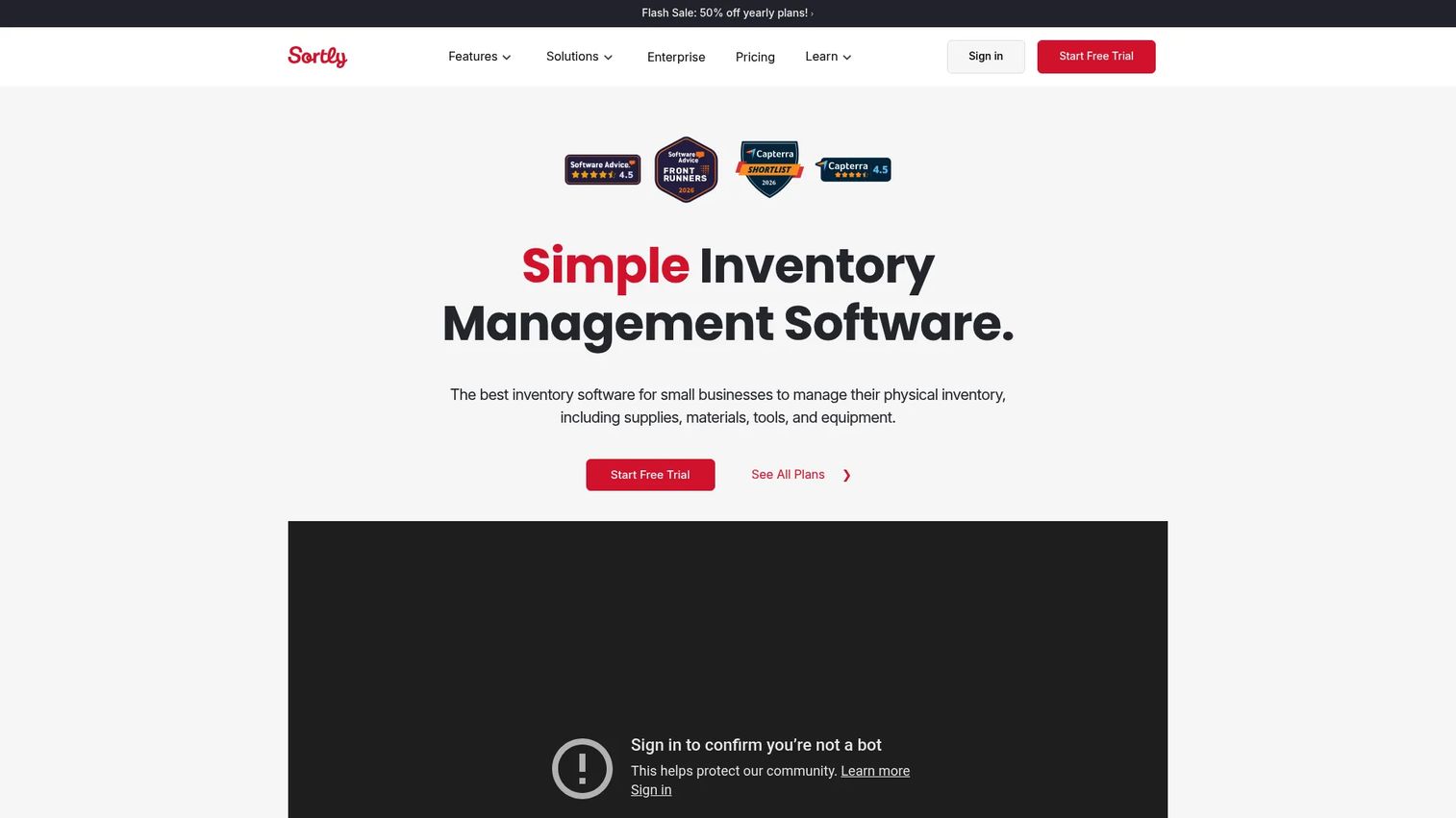
Sortly is inventory management software built for tracking items, assets, and equipment with a mobile-first, visual approach. It leans hard into photos and a clean interface, which is why teams adopt it quickly without a formal rollout. If your current system is a shared spreadsheet and a shelf of sticky notes, Sortly is the shortest path to a real inventory control system.
The tool covers the fundamentals most small operations actually need. You track stock levels, attach photos to every item so identification is instant, and generate or scan barcode and QR labels from a phone. Low-stock and date-based alerts flag reorders and expirations before they become problems, and cloud sync keeps everyone current. For field teams and warehouses with patchy connectivity, offline inventory capture means counts do not stall when the signal drops.
Best for: small businesses and field teams that want mobile-first, visual inventory tracking with minimal setup.
Key strengths
- Mobile app: capture counts, scan barcodes, and update stock from a phone anywhere on the floor.
- Inventory photos: attach images to items so anyone can identify stock without a SKU lookup.
- Low-stock and date-based alerts: get notified before you run out or before dated items expire.
Why choose Sortly: the appeal is speed to value. A product-minded evaluator judging time-to-first-value will notice that Sortly gets a team from signup to a working inventory in a session, not a quarter. It fits operations that prize simplicity and mobile capture over deep manufacturing or accounting workflows.
Sortly pricing: Sortly offers a Free plan at $0/mo, with paid tiers priced at introductory yearly rates: Advanced at $24/mo, Ultra at $74/mo, and Premium at $149/mo, plus a custom-quote Enterprise plan. Paid plans include a 14-day free trial. The pricing page shows both monthly list prices and discounted yearly intro pricing in USD.
2. inFlow
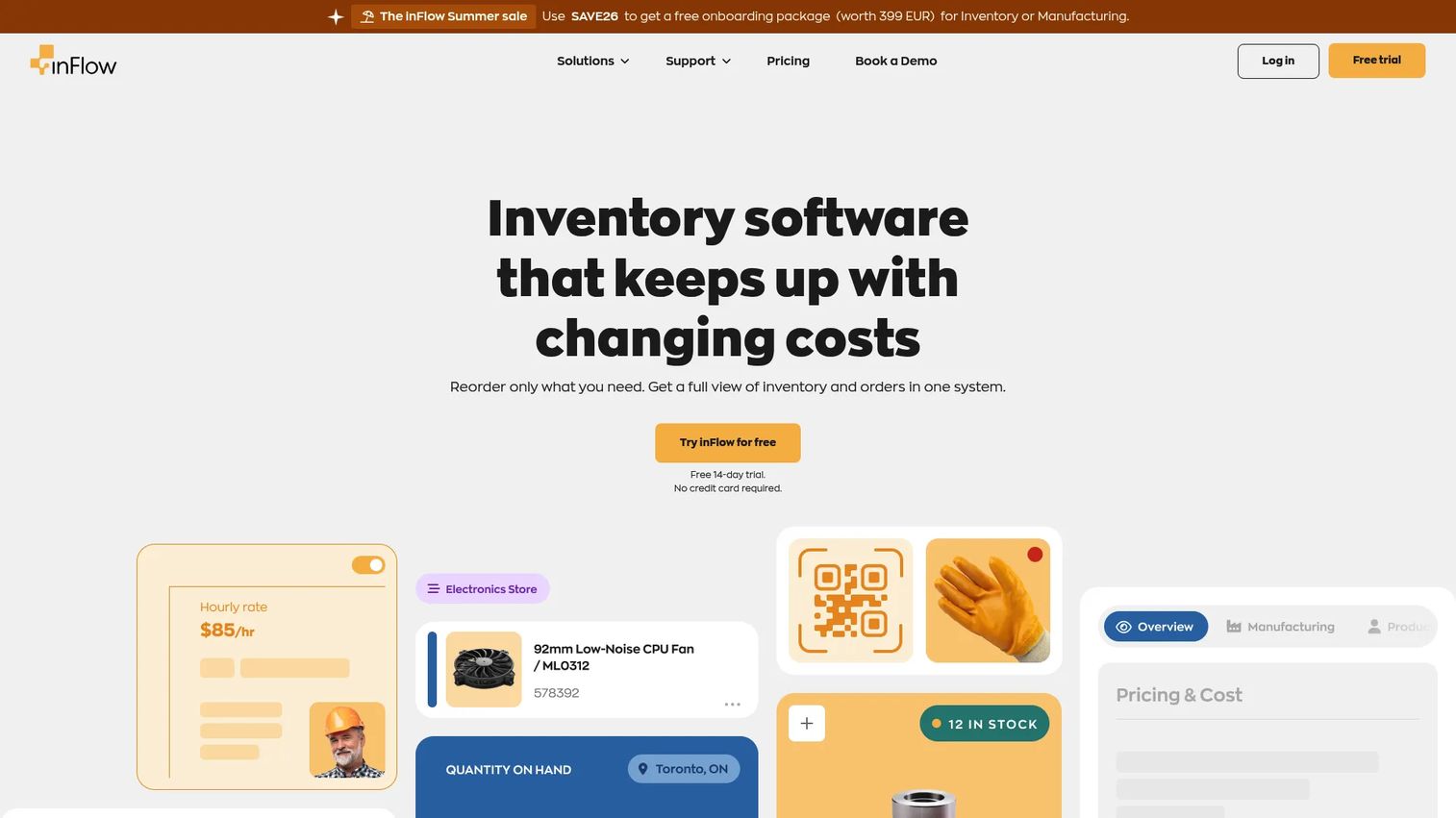
inFlow is inventory management software that tracks stock alongside sales, purchases, and manufacturing workflows. Where Sortly optimizes for simple visual tracking, inFlow positions itself as a broader operations system for teams that need ordering and inventory in the same place. That makes it a natural step up when a growing business outgrows a tracking-only tool.
The platform handles real-time inventory and multi-location stock tracking, then layers sales, purchasing, shipping, and invoicing on top. Light manufacturing, kitting, barcoding, and mobile scanning round out the picture, so a small manufacturer or assembler can manage builds without bolting on a second system. The barcode and mobile scanning workflows speed receiving and picking, and hardware add-ons support teams that want dedicated scanners on the floor.
Best for: small-to-mid-size teams that want inventory, order management, and basic manufacturing in one connected system.
Key strengths
- Real-time multi-location tracking: see current stock across warehouses and sites without manual syncing.
- End-to-end order workflow: manage sales, purchasing, shipping, and invoicing alongside inventory.
- Manufacturing and barcoding: support kitting, builds, and mobile scanning for hands-on operations.
Why choose inFlow: it fits the team that has outgrown pure tracking and needs the order and purchasing layer connected to stock. If your reorder decisions and customer commitments should read from the same data, inFlow consolidates that into one system rather than a patchwork.
inFlow pricing: public pricing starts at $129/mo for the Entrepreneur plan, billed annually. Small Business runs $349/mo and Mid-Size runs $699/mo, both billed annually, with an Enterprise tier available through sales. Annual plans save 20%, and inFlow offers a 14-day free trial rather than a permanent free tier.
3. Cin7
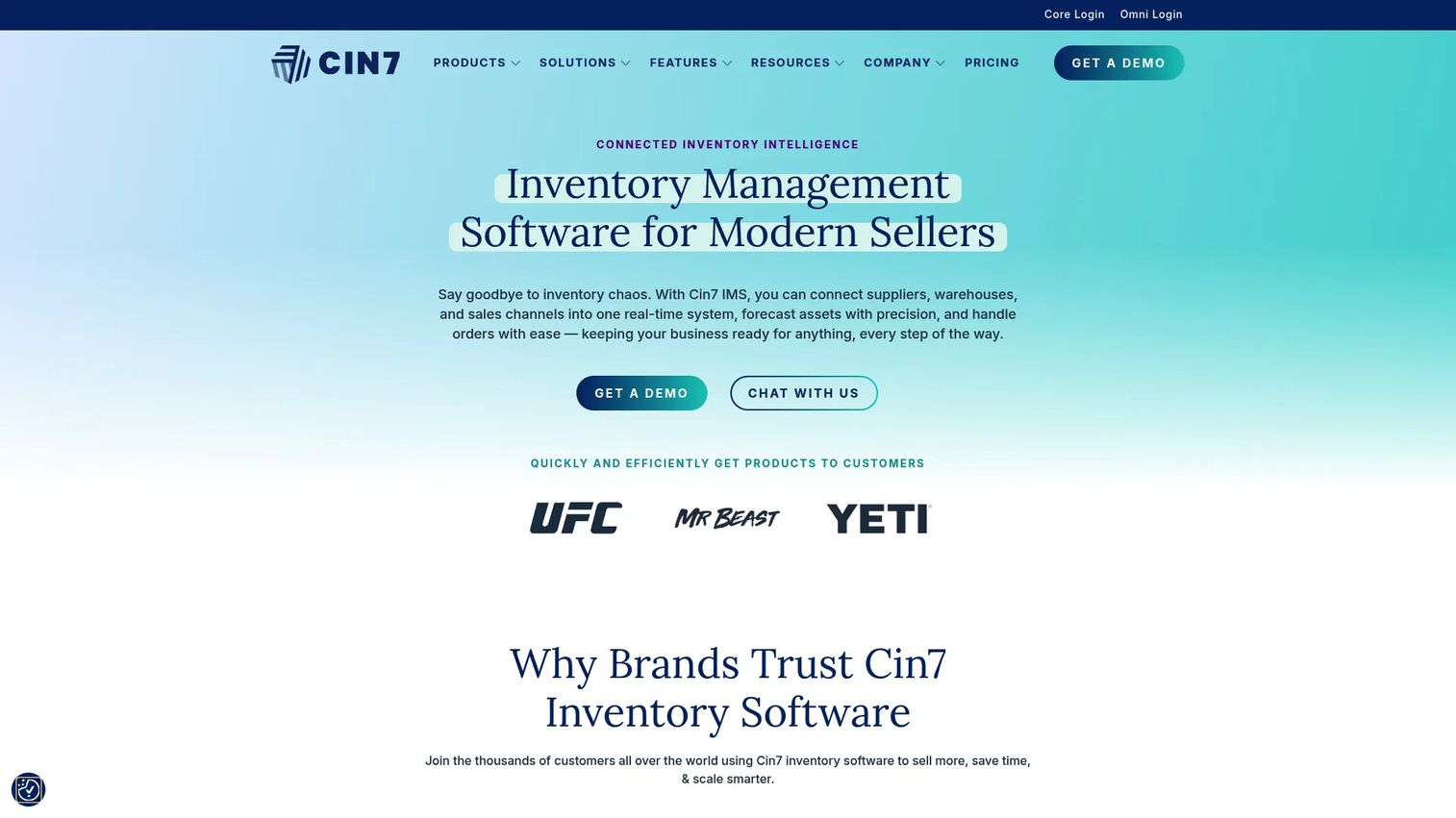
Cin7 is cloud inventory management software and a small-business ERP built for product sellers who move stock across multiple channels. It targets the operational complexity that appears when you sell on your own store, a marketplace, and wholesale all at once, and you need one system to keep them honest. This is a step into deeper operational territory than a tracking-first tool.
Cin7 delivers real-time inventory visibility with multi-channel and multi-location control, so a sale on one channel adjusts availability everywhere. Order management and manufacturing tools support businesses that build or assemble, and accounting integrations connect inventory movement to the finance side without manual re-entry. For teams doing inventory forecasting, that connected view of demand across channels is the payoff.
Best for: product businesses that need multichannel inventory control across sales channels, warehouses, and operations.
Key strengths
- Real-time multichannel visibility: keep availability accurate across every sales channel automatically.
- Order and manufacturing management: handle purchasing, production, and fulfillment in one platform.
- Accounting integrations: connect stock movement to finance without duplicate data entry.
Why choose Cin7: it fits businesses that have real operational depth, multiple channels, warehouses, and a finance team that needs inventory tied to the books. If you are past the point where a lightweight tool can keep up, Cin7 gives you the control layer without jumping straight to full enterprise ERP.
Cin7 pricing: Cin7 Core offers Standard at $349/month, Pro at $599/month, and Advanced at $999/month. Cin7 Omni, the more advanced multichannel product, is available by custom quote only. There is no public free tier.
4. Finale Inventory
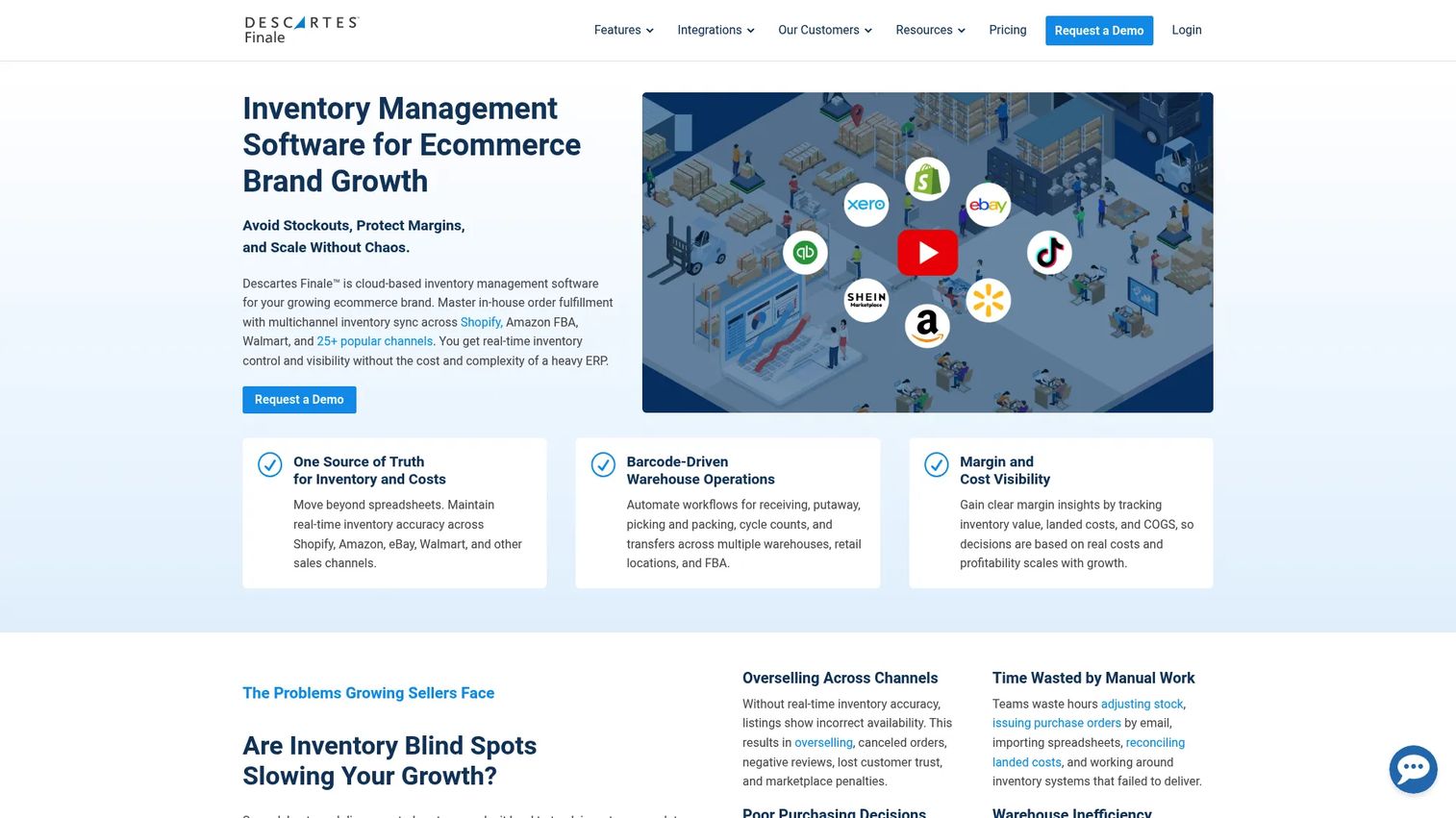
Finale Inventory is cloud-based inventory management software built for multichannel sellers and warehouse operations. It carries a 4.8/5 G2 rating, one of the highest in this shortlist, which reflects how well it serves teams whose day revolves around picking, packing, and receiving at volume. If your operation is warehouse-heavy with channel complexity, Finale is built for exactly that shape of business.
The platform centers on multi-warehouse inventory management with a barcode WMS and mobile scanning, so counts, receiving, and picking all run off scans rather than manual entry. It integrates with the channels sellers actually use, including Shopify, Amazon, Walmart, and QuickBooks, which keeps stock synced across storefronts and the accounting ledger. That combination of warehouse depth and channel breadth is where it earns its place on a warehouse inventory software shortlist.
Best for: growing ecommerce and warehouse teams that need multichannel inventory control with strong barcode workflows.
Key strengths
- Multi-warehouse management: track and move stock across multiple warehouses from one system.
- Barcode WMS with mobile scanning: run receiving, picking, and counts on scans for speed and accuracy.
- Broad channel integrations: sync with Shopify, Amazon, Walmart, QuickBooks, and more.
Why choose Finale Inventory: it fits teams whose bottleneck is the warehouse floor and whose complexity is channel breadth. The high user rating suggests the barcode and multi-warehouse workflows hold up under real volume, which is the test that matters for this profile.
Finale Inventory pricing: plans start from $499/month, with final pricing based on users, integrations, order volume, and add-ons. Both month-to-month and annual options are available. The first-party pricing page publishes the starting price rather than a full tier-by-tier breakdown, so exact plan pricing depends on your configuration.
5. Odoo
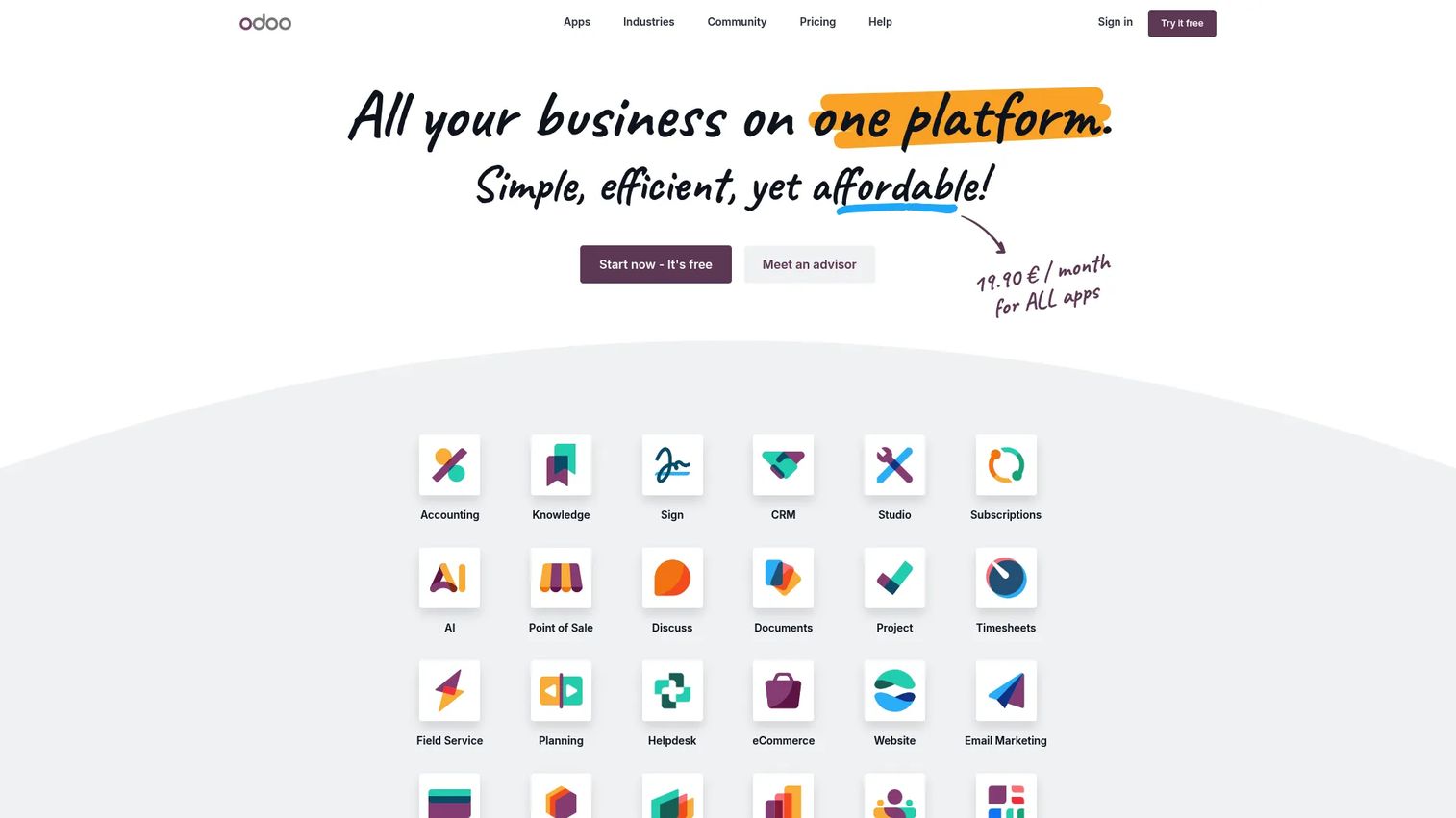
Odoo is an integrated open-source business software suite spanning CRM, ecommerce, accounting, inventory, POS, and project management. Its inventory capability is one module inside a much larger set of apps, which is precisely the point: teams choose Odoo when they want inventory control to live inside the same system as the rest of the business, not as a standalone tool.
The inventory app supports barcode scanning, multi-location handling, and the configurability you would expect from a modular ERP-style platform. Because every app on the paid plans is included, you can start with inventory and expand into purchasing, manufacturing, or accounting without stitching together separate vendors. Deployment is flexible across cloud, Odoo.sh, and on-premise, which matters for teams with specific hosting or compliance needs. The tradeoff to weigh is modular scope: the more apps you activate, the more configuration and internal ownership the system asks for.
Best for: businesses that want an all-in-one ERP and CRM platform with modular apps and flexible deployment.
Key strengths
- All apps included on paid plans: run inventory alongside accounting, ecommerce, and more without per-app fees.
- One App Free plan: use a single app free for unlimited users to test fit before committing.
- Flexible deployment: choose cloud, Odoo.sh, or on-premise to match your infrastructure.
Why choose Odoo: it fits teams that see inventory as one workflow inside a broader business system, not the whole system. If you are consolidating multiple tools and want inventory, sales, and finance under one roof, Odoo's modular approach and API integrations make that consolidation realistic.
Odoo pricing: the One App Free plan is $0 for unlimited users. The Standard plan is US$31.10 per user per month and the Custom plan is US$61.00 per user per month on the monthly view, both including all apps. The pricing page shows both yearly and monthly views.
6. Ordoro
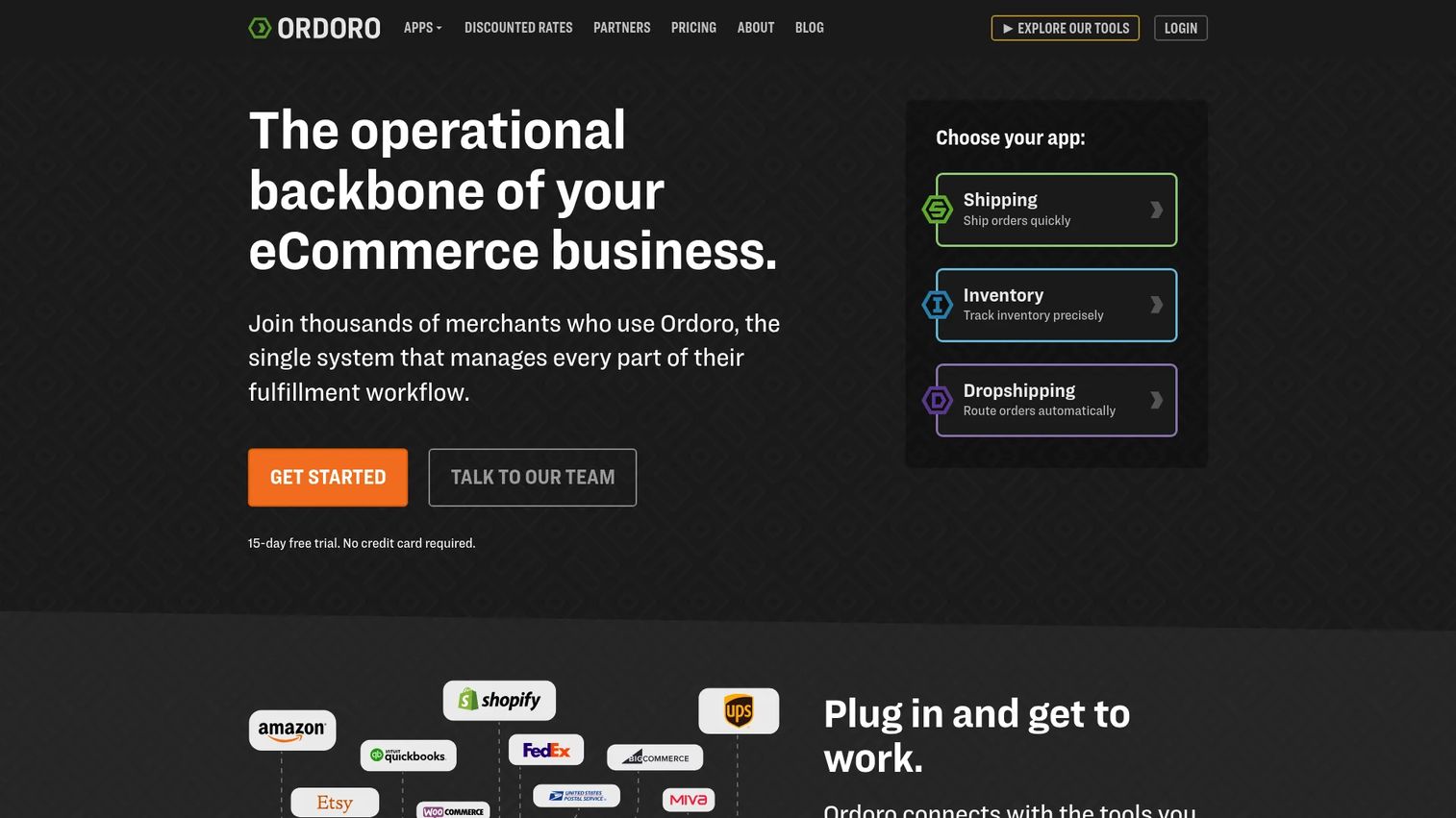
Ordoro is a web-based ecommerce operations platform that combines shipping, inventory, and dropshipping in one place. It approaches inventory from the fulfillment side, which makes it a strong fit for smaller ecommerce operations that need stock levels and shipping coordination to work as a single motion rather than two disconnected tools.
The platform automates shipping and label creation, tracks inventory across stores and warehouses, and manages dropshipping workflows for sellers who fulfill through suppliers. Its 4.8/5 G2 rating signals that ecommerce operators find the combination genuinely useful in daily work. Because Ordoro offers its shipping, inventory, and dropshipping capabilities as separate apps, you can adopt only the piece you need and add the others as the operation grows.
Best for: ecommerce sellers that need shipping, inventory, and dropshipping coordinated in one platform.
Key strengths
- Shipping automation: create labels and automate fulfillment steps across carriers.
- Multi-store inventory tracking: keep stock accurate across stores and warehouses.
- Dropshipping management: route and track supplier-fulfilled orders inside the same system.
Why choose Ordoro: it fits the smaller ecommerce operation where fulfillment and inventory are the same daily job. If shipping is a pain point and your stock decisions depend on what is actually shipping, Ordoro's combined approach removes the gap between the two.
Ordoro pricing: the Shipping app starts free, the Inventory app starts at $349/mo, and the Dropshipping app starts at $299/mo. The apps can be used separately or in combination, and bundled pricing across apps requires contacting the Ordoro team.
7. Microsoft Dynamics 365 Supply Chain Management
Microsoft delivers its inventory management capabilities through Dynamics 365 Supply Chain Management rather than a standalone product literally named "Microsoft Inventory Management System." For teams already invested in the Microsoft ecosystem, that distinction matters less than the fit: inventory control that lives inside a broader ERP and supply-chain platform your organization may already run.
The platform provides real-time inventory visibility, warehouse and fulfillment management, and control tools like inventory journals, transfer orders, and inventory blocking. It handles multi-warehouse operations, import and export, dashboards, and barcode and QR support, with custom API integrations for teams that need to connect it to the rest of their stack. This is enterprise-grade infrastructure, so the configuration and change-management overhead is real and should be planned for.
Best for: mid-market to enterprise teams that need inventory control inside a broader ERP and supply-chain platform.
Key strengths
- Real-time inventory visibility: track stock across the operation inside a unified supply-chain system.
- Warehouse and fulfillment management: run receiving, storage, and fulfillment at enterprise scale.
- Inventory control tools: use journals, transfer orders, and inventory blocking to govern stock precisely.
Why choose Microsoft Dynamics 365 Supply Chain Management: it fits organizations standardized on Microsoft that want inventory as one part of a full ERP rather than a point tool. The 3.7/5 G2 rating reflects that this is enterprise software with the depth and the setup weight that come with it, best suited to teams ready to invest in configuration.
Microsoft Dynamics 365 SCM pricing: the base Supply Chain Management plan is $210.00 per user per month, paid yearly, and the Premium plan is $300.00 per user per month, paid yearly. There is no public free tier, and some products on the page may be marked unavailable depending on your market.
Considerations before you buy inventory software
The demo looks great. The daily reality is what you are actually buying. Verify these before you commit.
Counting and item limits
Every tool has thresholds, on item counts, SKUs, users, or transactions per plan tier. Map your current inventory size and your 12-month growth against the tier you are pricing. Hitting a limit mid-year forces an unplanned upgrade or a painful migration, so buy for where you will be, not just where you are.
Multi-location and warehouse support
If you run more than one location now or plan to, confirm the tool handles multi-location inventory natively rather than as a workaround. Check whether transfers between sites are clean, whether each location reports independently, and whether the mobile app respects location context on the floor.
Reporting and export quality
A report you cannot trust or export is decoration. Verify that the tool produces the specific reports your reorder and finance decisions need, and that you can export to the formats your accounting or BI stack expects. Inventory forecasting only helps if the underlying data is clean and accessible.
Mobile app quality and offline capture
The mobile inventory app is where most of the real work happens, so test it before buying. Scan a barcode, adjust a count, and check how it behaves when connectivity drops. Offline inventory support matters more than it sounds for warehouses and field teams.
Integrations and change-management overhead
Confirm the API integrations you need, ecommerce platforms, accounting tools, ERP, actually exist and are supported on your tier. Then be honest about adoption cost. The best system is the one your team will use, so weigh the change-management overhead as seriously as the feature list.
Conclusion
The right inventory control software depends less on which tool has the longest feature list and more on which one fits your operation and your team. For small businesses that want fast, visual, mobile-first tracking, Sortly is the shortest path to accuracy. For teams that need inventory and ordering in one system, inFlow consolidates the workflow. Cin7 and Finale Inventory serve multichannel and warehouse-heavy sellers with real operational depth, while Ordoro fits ecommerce operations where shipping and stock are the same job. Odoo suits teams that want inventory inside a broader business suite, and Microsoft Dynamics 365 Supply Chain Management fits enterprises standardized on Microsoft.
Keep the buyer lens simple: ease of use, inventory depth, mobile access, reporting quality, and integration fit. Those five factors predict adoption better than any feature comparison.
The practical next step is to shortlist two tools, run a real count on each, and verify the reporting matches what your reorder and finance decisions actually require. Test the daily workflow, not the sales pitch, and pick the inventory software your team will still be using a year from now.
FAQs
The terms overlap heavily and are often used interchangeably. Inventory control software focuses on tracking stock levels, locations, and movement to keep counts accurate, while inventory management software is the broader label that often adds ordering, purchasing, and sometimes fulfillment on top. In practice, most modern tools span both, so evaluate by capability and fit rather than the label.
Prioritize barcode scanning, cloud sync, reliable reporting, and multi-location support, because those drive daily accuracy and decisions. Custom fields and a strong mobile app matter for teams doing physical counts and field work. Integrations with your ecommerce, accounting, or ERP stack round out the list when inventory connects to sales and finance.
It depends on simplicity, setup time, and cost. Tools like Sortly offer a free plan and mobile-first, visual tracking that small teams adopt quickly. If a small business also needs ordering or fulfillment, inFlow or Ordoro consolidate more of the workflow, though they carry higher entry pricing.
Yes, barcode and QR scanning is standard across the strong tools in this category. Scanning speeds receiving, picking, and audits by removing manual entry and the typos that come with it. Most tools let you scan from a phone, and some support dedicated hardware scanners for high-volume warehouse work.
Some tools support offline inventory capture or limited offline workflows, which matters for warehouses with dead zones and field teams with patchy signal. Sortly, for example, lets teams capture counts without a live connection and sync later. Always test offline behavior directly before buying if connectivity is a real constraint in your operation.
Integration depth matters most when inventory connects to sales, fulfillment, or finance. If a sale on your store should adjust stock and post to accounting automatically, verify those API integrations exist and are supported on your plan tier. For a standalone tracking use case, integrations matter less, but most growing operations eventually need them.
Check counting and item limits against your growth, confirm native multi-location support, and test that reporting exports to the formats your finance and BI stack use. Evaluate the mobile app hands-on, including offline capture, and confirm the specific integrations you need. Finally, weigh the change-management overhead honestly, because the best system is the one your team will actually adopt.