Shared and virtualized hosting works fine until it doesn't. Traffic spikes, a noisy neighbor on the same box, or a latency-sensitive workload can expose the limits of resources you don't fully control. That's the moment teams start looking at dedicated server hosting, where the entire machine belongs to one tenant.
The market reflects that demand. The global dedicated server hosting market is projected to grow from $20.04 billion in 2025 to $23.94 billion in 2026, a 19.4% CAGR, according to The Business Research Company (2026). E-commerce expansion and high-performance workloads are pushing the forecast toward $49.08 billion by 2030.
If you evaluate infrastructure the way presales teams evaluate a software stack, the logic is familiar: you want predictable performance, clean isolation, and control you can defend in a technical review. The same rigor you'd apply to picking ab testing tools or vetting ai governance tools applies here. You match the tool to the job, check integrations and support, then verify the pricing before you commit.
We ranked these eight providers on pricing transparency, hardware flexibility, security, networking, support, and region availability. No hype, no filler. Just what each host does well and who it fits.
What's inside
This guide is for IT buyers, founders, developers, ecommerce operators, and technical teams comparing single-tenant hosting options. It covers eight dedicated server hosting providers across the specs and service models that actually change a buying decision.
We chose providers using four criteria that matter most when you're picking dedicated server hosting services:
- Pricing transparency: published starting prices and clear plan structures.
- Hardware and networking: CPU, storage, bandwidth, and private networking options.
- Security and management: DDoS protection, control panels, and managed vs unmanaged models.
- Support and reach: SLA terms, uptime claims, and regional data center coverage.
TL;DR
Short on time? Here's the decision shortcut by buyer type:
- Best for bundled extras and global infrastructure: OVHcloud, with anti-DDoS, vRack private networking, and its own data centers.
- Best for network scale and operational flexibility: Leaseweb, built around bandwidth models and month-to-month options.
- Best for a packaged, panel-heavy setup: Namecheap, approachable with clear management tiers.
- Best for support-led managed hosting: Liquid Web or InMotion Hosting, both support-first.
- Best for low-friction value: InterServer or Hosting.com, straightforward pricing without premium markup.
- Best for customizable configurations: Hostwinds, with managed and unmanaged choices.
What is dedicated server hosting?
Dedicated server hosting is a hosting model where a single physical server, and all of its resources, is reserved for one customer rather than shared across multiple tenants.
That single-tenant setup is the whole point. You get full resource isolation, hardware and software customization, root or administrator access, and optional layers of management depending on how hands-on you want to be. A dedicated hosting server behaves predictably because no other customer competes for its CPU, RAM, or bandwidth.
Key features you'll evaluate across a dedicated hosting service:
- CPU, RAM, and storage choices: Intel Xeon or AMD processors, memory tiers, and NVMe storage or RAID configurations.
- Bandwidth and traffic policies: metered, unmetered, or tiered transfer limits.
- OS and panel options: Linux or Windows, plus a server control panel like cPanel or Plesk.
- Security controls: firewalls, DDoS protection, and isolation for compliance reviews.
- Private networking and IP management: private networking between servers and additional IP allocation.
- Operational tooling: IPMI, KVM access, monitoring, backup, and rescue tools.
A bare metal server and a dedicated server describe the same thing in most catalogs: raw, single-tenant hardware you provision and control. The difference between vendors usually comes down to how much they manage for you and how transparent the pricing stays.
When to use a dedicated server
Not every workload needs a full machine. These three situations are where dedicated web hosting earns its cost.
Business-critical applications
When consistency matters more than a cheap entry price, a dedicated server makes sense. Ecommerce checkouts, production APIs, internal tools, and databases all suffer when a shared environment throttles resources at the wrong moment. A single-tenant box gives you a stable performance floor you can plan capacity against.
High-traffic or latency-sensitive workloads
Game servers, streaming platforms, and heavy transactional sites live and die on predictable performance. Dedicated hardware plus network control, like private networking and generous bandwidth, keeps latency tight under load. When response time is the product, you don't want to share the pipe.
Compliance or isolation-sensitive environments
Single-tenant infrastructure helps when you handle regulated data, face security reviews, or need to prove isolation to customers. There's no shared memory, no shared disk, and no neighbor to reason about. Just confirm compliance certifications vendor by vendor, since claims and coverage differ across providers and regions.
Comparison table
The table below sorts providers by relevance to buyers searching for dedicated server hosting. Intent describes the buyer each host fits best. Pricing reflects publicly listed starting prices at the time of writing, and starting tiers often reference a provider's lowest hosting plan rather than its dedicated line, so verify the dedicated configuration you actually need before you buy.
| # | Product | Intent | Key differentiation | Pricing | G2 rating |
|---|---|---|---|---|---|
| 1 | OVHcloud | Global bare metal with bundled extras | Anti-DDoS, vRack private networking, own data centers | Dedicated servers from $77/mo | 3.2/5 |
| 2 | Leaseweb | Network scale and flexibility | Bandwidth models, month-to-month, global footprint | From €49/mo (CDN tiers) | 3.4/5 |
| 3 | Namecheap | Packaged, approachable hosting | Domains plus hosting, clear management tiers | Hosting from $2.28/mo | 4.3/5 |
| 4 | InMotion Hosting | Support-first managed hosting | 99.99% uptime guarantee, cPanel, NVMe | From $5.99/mo | 4.3/5 |
| 5 | Liquid Web | Managed, hands-off operations | Dedicated hosting with strong support | Dedicated from $44/mo | 4.2/5 |
| 6 | InterServer | Low-friction value | Predictable pricing, price-lock model | Hosting from $4.95/mo | Not listed |
| 7 | Hostwinds | Customizable configurations | Managed or unmanaged, nightly backups | Hosting from $6.99/mo | 4.9/5 |
| 8 | Hosting.com | Managed value hosting | LiteSpeed, NVMe, AI app hosting | From $3.99/mo | Not listed |
1. OVHcloud
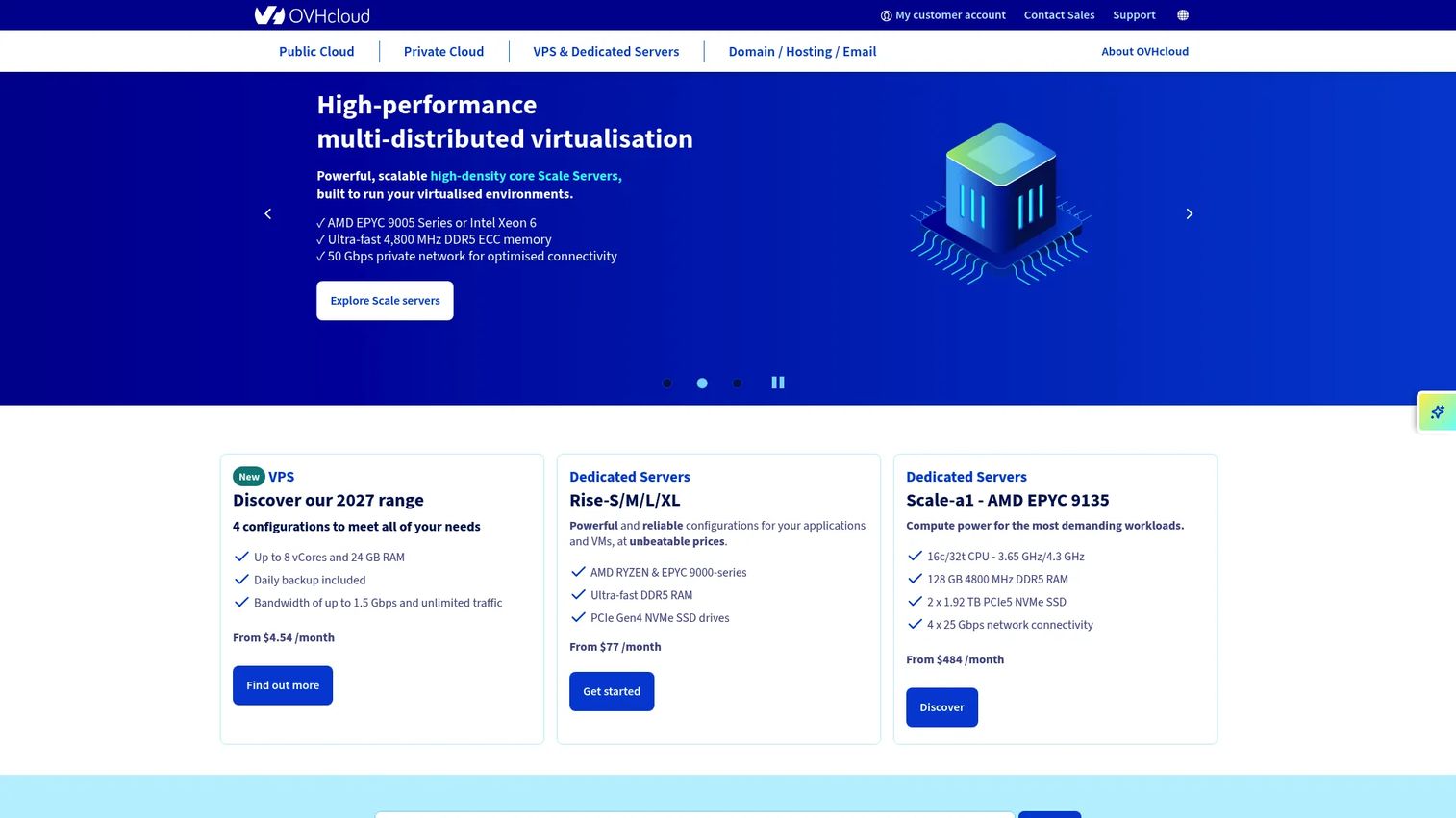
OVHcloud is a global cloud provider that spans public cloud, private cloud, VPS, and bare-metal dedicated servers, all running on infrastructure it owns and operates. For buyers who want breadth plus bundled networking, its bare-metal line is a strong starting point. The pitch is control and included extras rather than a stripped-down box you have to build out.
Best for: Teams needing cost-focused infrastructure that spans public cloud, private cloud, and bare-metal in one vendor.
Key strengths
- Anti-DDoS included: Baseline DDoS protection ships with dedicated servers, so you're not bolting on a separate mitigation layer.
- vRack private networking: Connect servers across data centers on a private network without exposing traffic to the public internet.
- Owned data centers: OVHcloud runs its own facilities, which supports its pricing and infrastructure control story.
Why choose OVHcloud: If you want a dedicated server usa option that also gives you a path into public and private cloud, OVHcloud keeps everything under one account. The bundled anti-DDoS and vRack private networking reduce the number of separate line items you manage, which matters when you're defending an infrastructure budget.
OVHcloud pricing: Dedicated servers start from $77 per month, per OVHcloud's published pricing. Public Cloud is pay-as-you-go, with a Savings Plan rate from $0.039 per vCore per hour and general-purpose instances from $0.0605 per hour. OVHcloud also advertises US$200 in free credit to get started on Public Cloud. Confirm the exact dedicated configuration and region before purchase, since starting prices vary by hardware tier.
2. Leaseweb
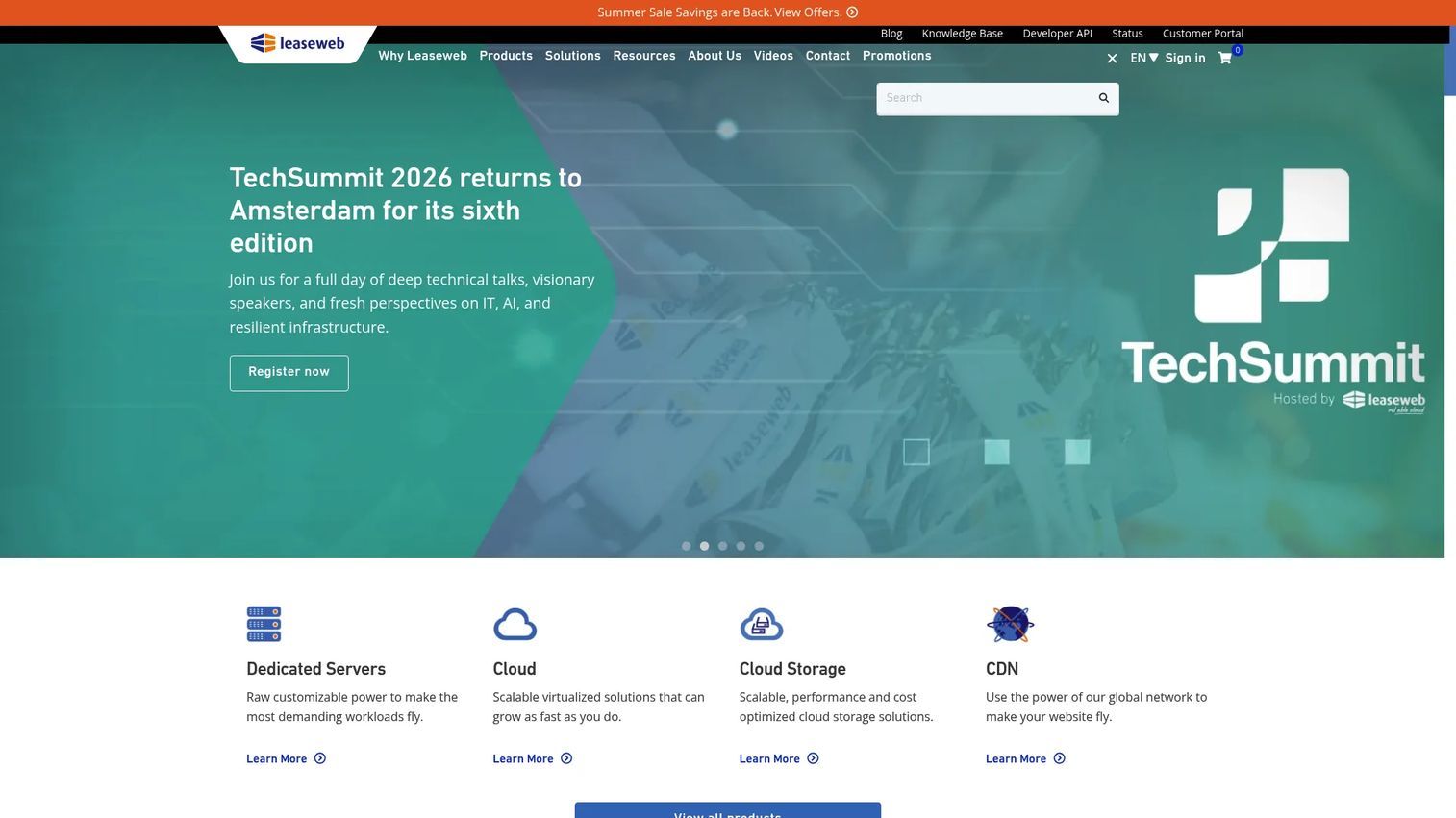
Leaseweb positions its dedicated servers as private physical infrastructure with a heavy emphasis on network scale. It's a fit for teams that care about bandwidth models, global reach, and operational control through a portal and API. The provider also offers public cloud instances and CDN alongside bare metal, so you can mix delivery models.
Best for: Teams needing global infrastructure with a choice of bare metal, cloud, or CDN.
Key strengths
- Flexible bandwidth models: Public cloud instances bill hourly or monthly, and CDN tiers scale from 2TB up to 1PB for high-traffic delivery.
- Built-in protection: Public cloud comes with snapshots, a basic firewall, and DDoS protection out of the box.
- Processor and configuration choice: Dedicated servers offer multiple processor options and bandwidth models to match the workload.
Why choose Leaseweb: Operational flexibility is the theme. Month-to-month options and portal or API management suit teams that provision and tear down infrastructure often, or run distributed workloads across regions. The CDN tiers make Leaseweb worth a look if content delivery sits next to your dedicated compute.
Leaseweb pricing: CDN pricing starts at €49 per month for the 2TB tier, scaling to €499 for 25TB, €2,990 for 500TB, and €4,500 for the 1PB / 10Gbps tier. Public cloud instances can be billed hourly or monthly. Dedicated server pricing depends on the processor and bandwidth configuration you select, so request a quote for your exact spec.
3. Namecheap
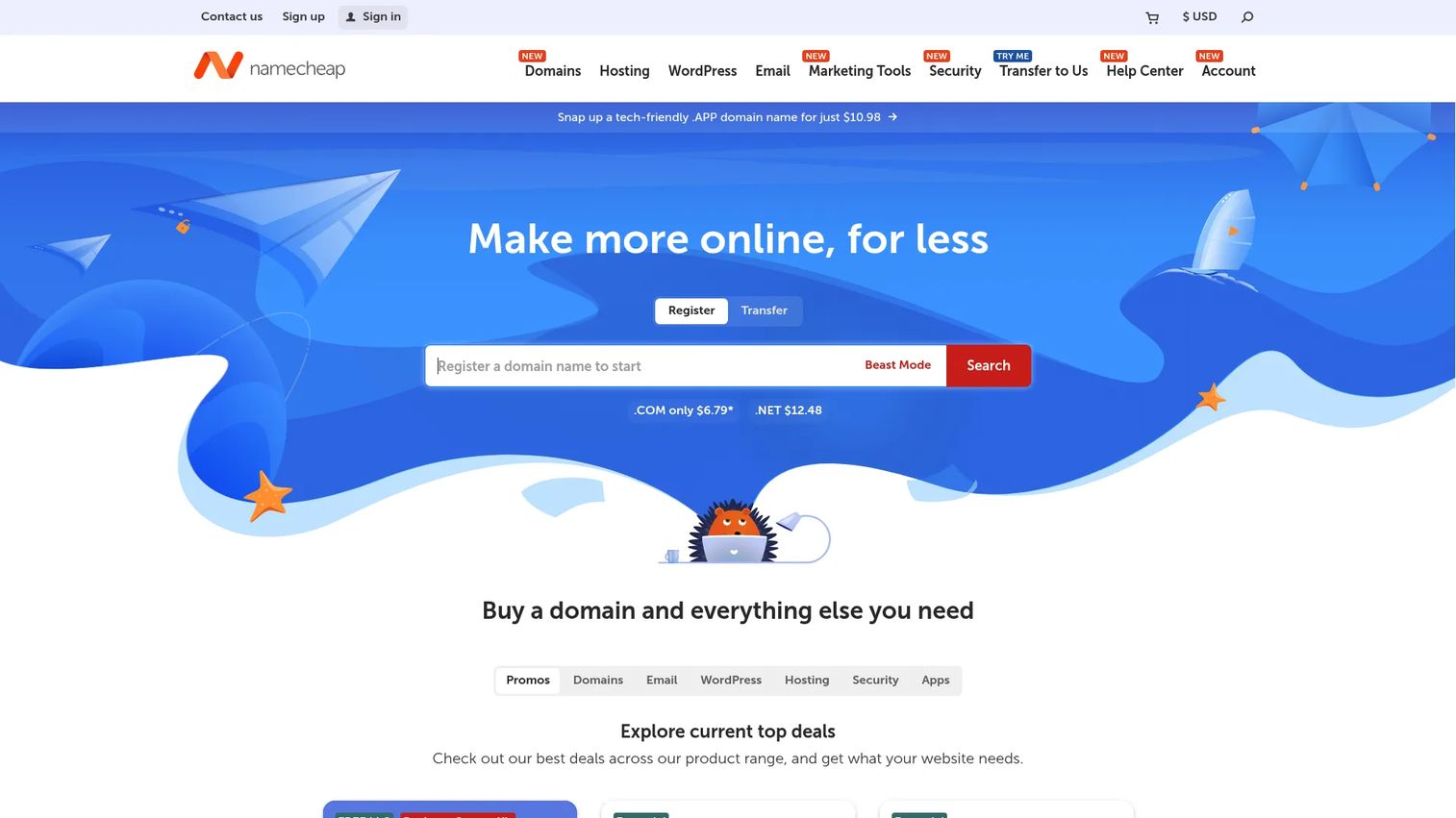
Namecheap is best known as a domain registrar, but its hosting catalog runs the full range from shared and managed WordPress up to VPS and dedicated servers. The appeal is a packaged, approachable setup: buy your domain, hosting, email, and security tools from one vendor with clear management tiers and panel options.
Best for: Teams or individuals who want affordable domain registration plus a dedicated hosting server under one account.
Key strengths
- One-vendor consolidation: Domains, hosting, email, SSL, and DNS security tools live in a single dashboard.
- Clear management tiers: Plans map to management levels and control panel choices, so you pick how hands-on to be.
- Approachable packaging: Pricing and plan structures are laid out plainly, which lowers the research overhead.
Why choose Namecheap: Namecheap feels more packaged than the enterprise-first hosts, which suits ecommerce sites, business-critical apps, and development environments run by smaller teams. If you value predictable, published pricing and a familiar customer portal over deep hardware customization, it's an easy on-ramp.
Namecheap pricing: Shared hosting starts at $2.28 per month for the Stellar plan, with Stellar Plus at $2.98 and Stellar Business at $4.98. Managed WordPress via EasyWP runs $9.88 (Starter), $18.88 (Turbo), and $26.88 (Supersonic) per month. Dedicated server pricing is quoted separately by configuration, so check the dedicated line for the box you need.
4. InMotion Hosting
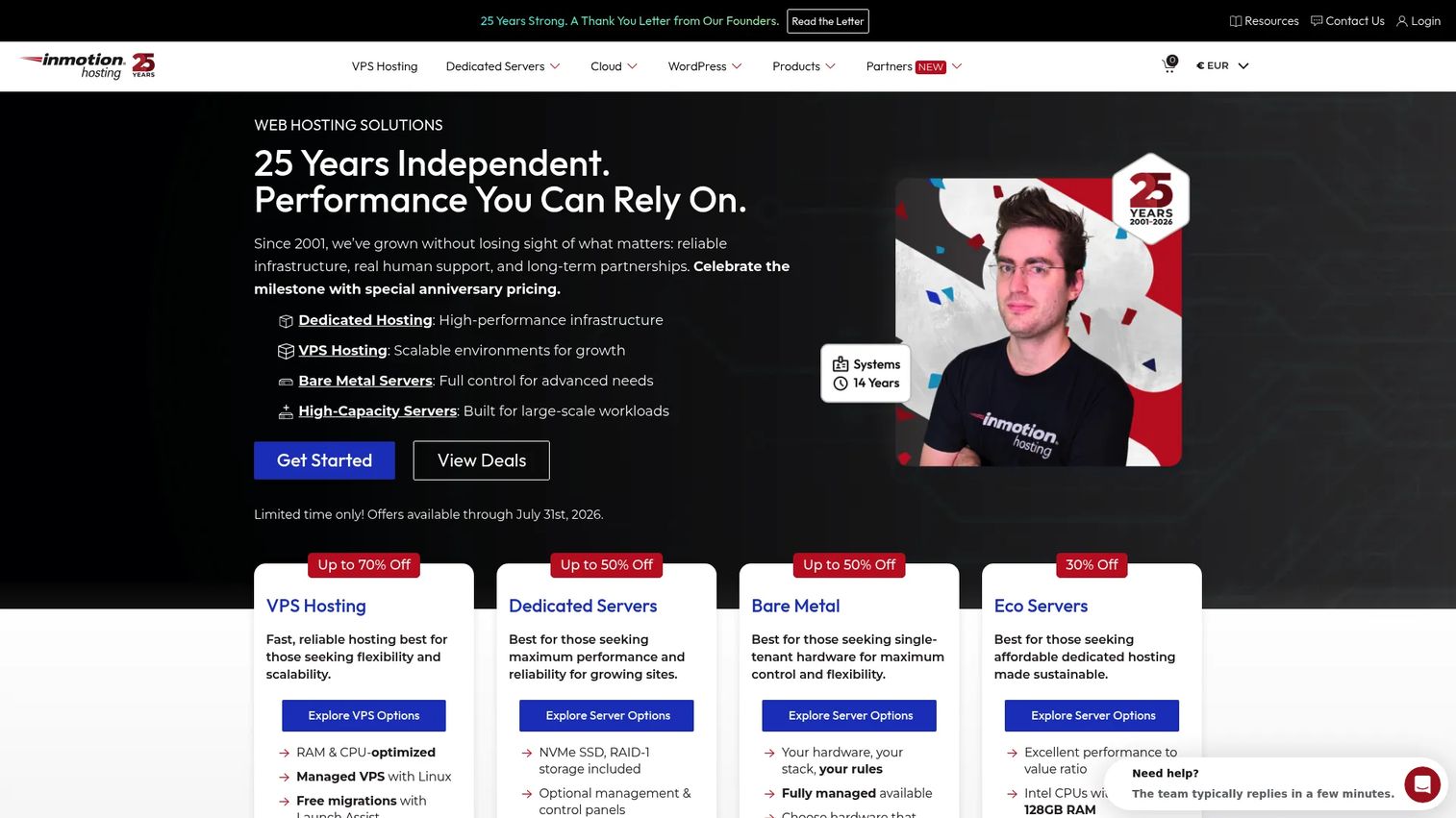
InMotion Hosting covers shared, VPS, dedicated, WordPress, and reseller hosting with a clear support-first identity. For buyers who'd rather lean on a responsive team than manage everything solo, its managed and bare-metal options both come with hands-on help and a strong uptime posture.
Best for: Businesses and agencies that want managed hosting with real support and clean upgrade paths.
Key strengths
- 99.99% uptime guarantee: A published uptime commitment gives you an SLA baseline to plan around.
- cPanel and NVMe: cPanel is included, and NVMe SSD storage speeds up read and write on supported plans.
- Free SSL and domain: Many plans bundle free SSL and a free domain, trimming setup costs.
Why choose InMotion Hosting: Support is the differentiator. If your team is small or your presales and IT staff are already stretched, a support-first host offloads the operational load. The upgrade path from shared to VPS to dedicated also means you don't have to migrate vendors as you scale.
InMotion Hosting pricing: Shared hosting starts at $5.99 per month for the Power plan on a three-year term, with Launch at $4.99 and Pro at $10.99. Promo pricing applies at signup, and renewal rates are higher, so read the term details. The pricing page also lists VPS and dedicated server tiers, which you should price for your specific configuration.
5. Liquid Web

Liquid Web is a managed hosting specialist covering VPS, dedicated, cloud, and WordPress hosting. Its reputation rests on hands-on support and enterprise-minded service, which makes it a natural pick when you want operations handled rather than DIY. A managed dedicated server here means the provider carries much of the day-to-day load.
Best for: Businesses that want managed hosting with hands-on support and infrastructure that scales.
Key strengths
- Managed dedicated hosting: The provider handles setup, monitoring, and maintenance so your team stays focused elsewhere.
- Support depth: Liquid Web's support reputation is a core reason buyers choose it for production workloads.
- Scalable infrastructure: Clear paths across VPS, cloud, and dedicated tiers as requirements grow.
Why choose Liquid Web: Pick Liquid Web when you want hands-off operations and strong support behind a production system. The trade-off against unmanaged value hosts is real: you pay more, but you spend far less time on server administration. For teams where engineering time is the scarce resource, that math often favors managed.
Liquid Web pricing: Dedicated server hosting starts at $44 per month, per Liquid Web's hosting overview. Other lines start lower: email hosting at $2.25, WordPress and cloud and VPS hosting at $4 to $5, and reseller hosting at $178 per month. Some configurations use custom quotes, so confirm the managed dedicated tier that matches your workload.
6. InterServer
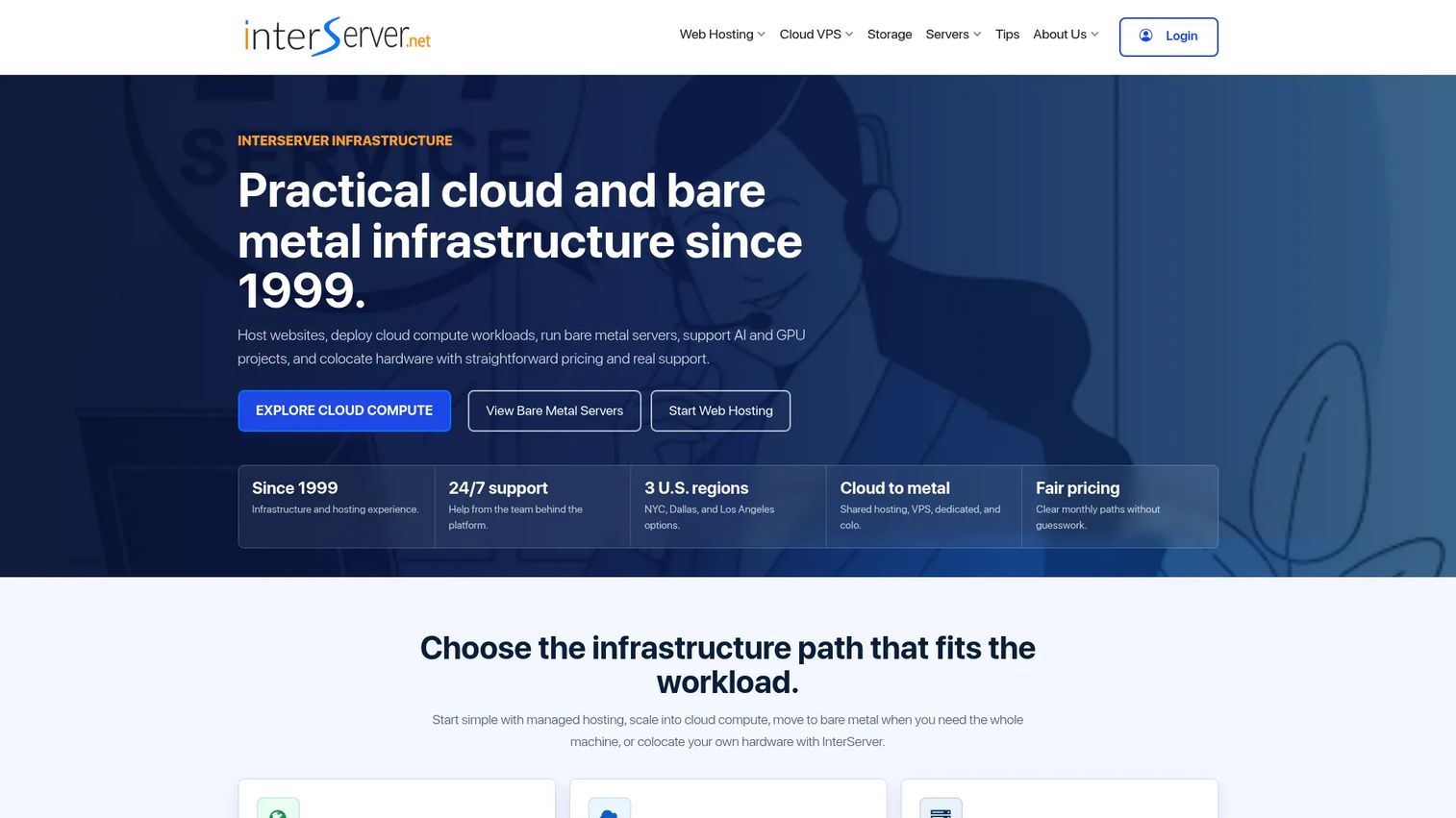
InterServer is a value-focused provider offering shared hosting, VPS, dedicated servers, storage, and colocation. The draw is straightforward, predictable pricing without premium markup, plus practical control over your configuration. For buyers who care more about a clear monthly cost than bundled extras, it's a sensible shortlist entry.
Best for: Businesses that want low-cost hosting with predictable monthly pricing.
Key strengths
- Predictable pricing: A price-lock approach keeps your rate steady rather than spiking at renewal.
- cPanel and generous limits: Shared hosting includes unlimited domains, disk space, transfer, databases, and email.
- Free migration: Free website migration lowers the cost of switching in.
Why choose InterServer: Choose InterServer when straightforward pricing beats premium features for your use case. Configurable dedicated options give you room to scale hardware, and the 30-day money-back guarantee reduces the risk of trying it. It's a practical fit for teams that want control without paying for a heavily managed layer.
InterServer pricing: Shared web hosting starts at $4.95 per month on the monthly plan, dropping to an effective $3.96 per month on a three-year term. Free hosting is available to qualifying nonprofit organizations. Dedicated server pricing is configured separately, so price the specific bare metal server you need for your workload.
7. Hostwinds
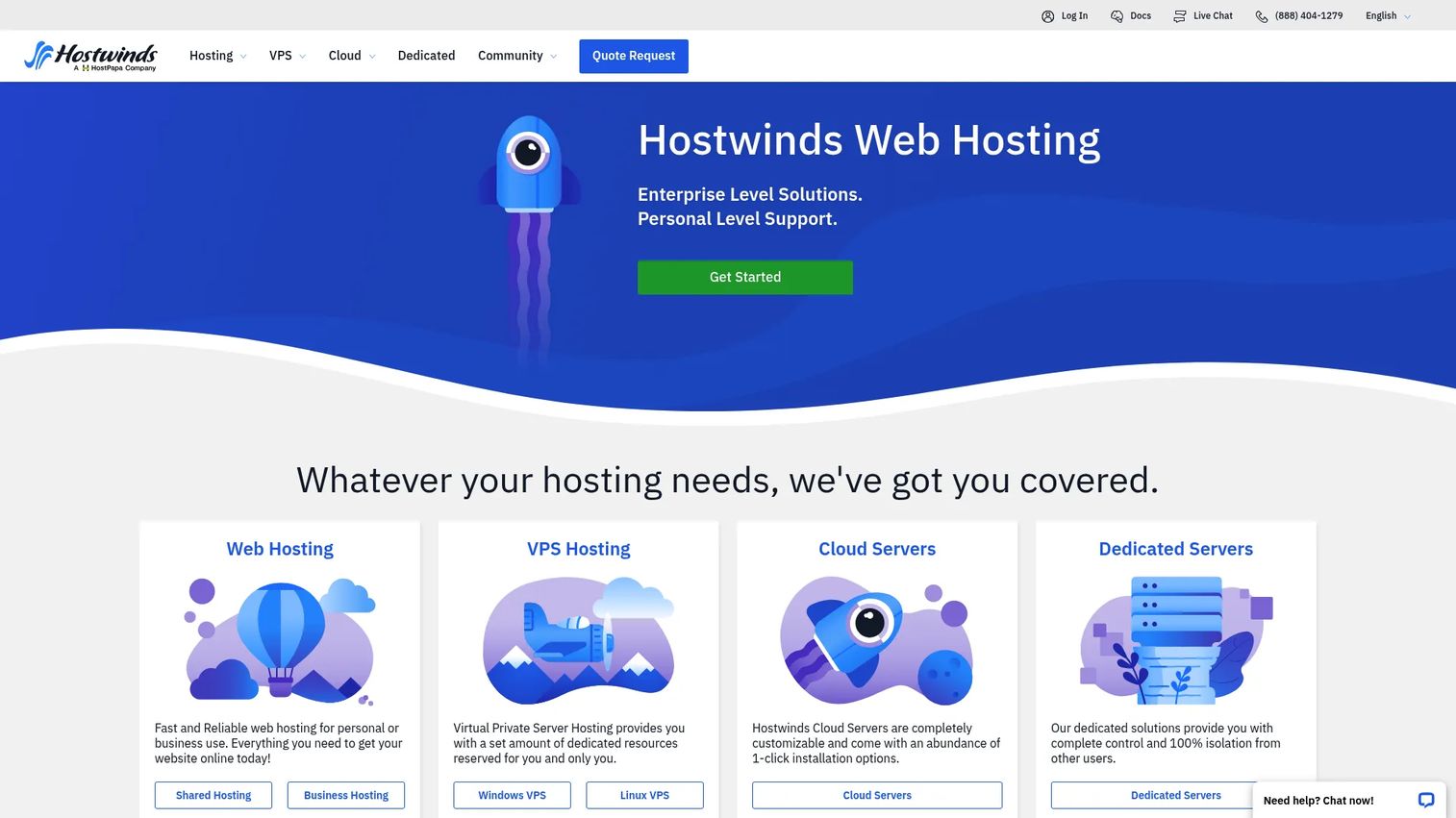
Hostwinds offers shared, business, reseller, VPS, cloud, and dedicated server hosting with a strong emphasis on flexible configurations and control. Managed and unmanaged choices let you decide how much the provider handles, which suits buyers who want to tune the setup to their team's skills. Round-the-clock support backs the whole catalog.
Best for: Businesses that want customizable hosting with responsive support and scalable hosting types.
Key strengths
- 24/7/365 support: Support is available around the clock, which matters for production workloads.
- Nightly backups: Automatic nightly backups reduce data-loss risk without manual scheduling.
- Free SSL certificates: Free SSL ships across plans, simplifying secure setup.
Why choose Hostwinds: The managed-or-unmanaged choice is the reason to shortlist Hostwinds. Teams with in-house server skills can run unmanaged and save, while leaner teams can hand off operations. That flexibility, plus nightly backups and 24/7 support, makes it a comfortable pick for customizable setups across a range of workloads.
Hostwinds pricing: Reseller hosting starts at $6.99 per month for Basic, with Advanced at $8.99 and Ultimate at $10.99, all including unlimited bandwidth and disk space. Dedicated server pricing varies by configuration and management level, so build out the exact spec on the dedicated line before comparing.
8. Hosting.com
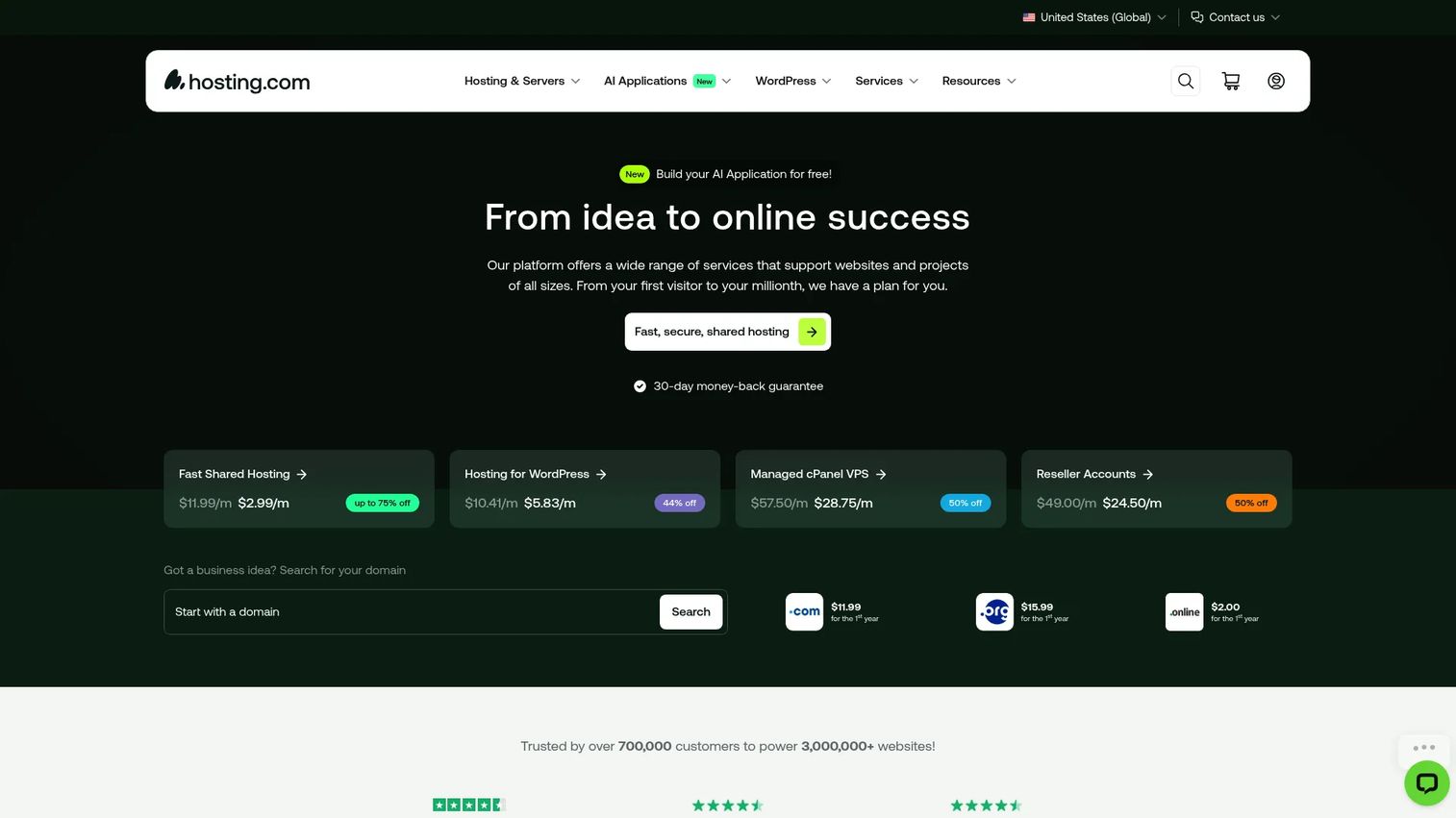
Hosting.com is a web hosting platform covering shared, WordPress, cPanel, and AI application hosting, with a performance-led feature set. The practical appeal is managed value: fast infrastructure and modern extras at an accessible entry price. For buyers who want performance features without a premium tier, it belongs on the list.
Best for: Businesses or developers needing managed web hosting with WordPress and AI app support.
Key strengths
- LiteSpeed performance: LiteSpeed caching speeds up page delivery on supported plans.
- NVMe storage: NVMe storage improves read and write speed for database-heavy sites.
- AI application hosting: Purpose-built hosting for AI apps sits alongside the standard web plans.
Why choose Hosting.com: Hosting.com leans managed and value-first, with LiteSpeed, NVMe, unlimited MariaDB databases, advanced malware protection, and free SSL bundled into shared plans. It fits ecommerce hosting and WordPress projects that want speed and modern tooling without stepping up to enterprise pricing. Free website migration makes the switch low-friction.
Hosting.com pricing: Shared hosting plans start at US$3.99 per month, billed annually, on the Starter tier. Plus, Pro, and Max tiers add more resources, though per-tier prices weren't publicly listed at the time of writing. Confirm the current plan and any dedicated or higher-tier configuration directly on the site before purchase.
Considerations before you buy
The specs matter, but so does how a host runs day to day. Work through this checklist before you commit to any dedicated server hosting provider.
Managed vs unmanaged
Decide who runs the server. A managed dedicated server offloads patching, monitoring, and troubleshooting to the provider, which frees your team but costs more. Unmanaged gives you full root control and a lower price, but you own operations. Match the model to your in-house skills.
Hardware and storage
Check the CPU generation (Intel Xeon or AMD processors), memory ceiling, and whether storage is NVMe, SSD, or spinning disk in RAID. NVMe storage is worth the premium for database-heavy or high-IOPS workloads. For static content, the difference matters less.
Networking and security
Confirm bandwidth policy, private networking availability, extra IP allocation, and whether DDoS protection and firewalls are included or add-ons. IPMI and KVM access matter if you need out-of-band control. These details separate a clean deployment from a frustrating one.
Support and SLA
Read the uptime guarantee and the SLA fine print. A 99.99% uptime number means little without clear remedies when it's missed. Check support hours, channels, and response commitments. Also verify pricing at renewal, since promo rates rarely last.
Conclusion
The right dedicated server hosting comes down to matching the machine to your workload and your team's appetite for operations. For bundled networking and global reach, OVHcloud leads with anti-DDoS and vRack. For network scale and month-to-month flexibility, Leaseweb fits. Namecheap keeps things packaged and approachable, while InMotion Hosting and Liquid Web win on support-led managed hosting.
If value is the priority, InterServer and Hosting.com deliver predictable pricing without premium markup, and Hostwinds gives you the managed-or-unmanaged flexibility to tune costs to your skills.
Start by defining your workload, your isolation and compliance needs, and how much you want to manage yourself. Then price the exact configuration on each shortlisted provider's site and read the SLA before you buy. The best dedicated hosting service is the one that fits your requirements, not the one with the flashiest spec sheet.
FAQs
A dedicated server is a single physical machine reserved entirely for one customer, with no other tenants sharing its CPU, RAM, storage, or bandwidth. That isolation gives you predictable performance and full control over hardware, operating system, and configuration. In most catalogs, a bare metal server means the same thing.
Start with your workload: traffic level, data sensitivity, and performance requirements. Then decide managed versus unmanaged based on your team's server skills. Compare hardware, networking, DDoS protection, support SLAs, and region availability, then price the exact configuration you need rather than the advertised starting tier.
Dedicated servers suit business-critical applications like ecommerce checkouts, production APIs, and databases, plus latency-sensitive workloads such as game servers and streaming. They also fit compliance or isolation-sensitive environments where single-tenant hardware simplifies security reviews. The common thread is a need for predictable performance and control.
Single-tenant hardware removes shared-resource risk, which helps with isolation and privacy. Security still depends on how you configure firewalls, DDoS protection, and access controls, and on the provider's data center practices. For regulated data, verify each vendor's compliance certifications and coverage by region before you commit.
A managed dedicated server has the provider handle patching, monitoring, and troubleshooting, which frees your team but raises the price. Unmanaged gives you full root or admin access and a lower cost, but you own all operations. Choose based on your in-house skills and how you value engineering time.
A server control panel like cPanel or Plesk simplifies managing sites, email, databases, and security through a graphical interface. If your team prefers command-line administration, you can skip it and save the license cost. For teams that want faster setup and less manual configuration, a panel is worth including.
NVMe storage delivers much faster read and write speeds than SATA SSDs or spinning disks, which matters for database-heavy sites, high-IOPS applications, and busy ecommerce hosting. For mostly static content or low-traffic sites, the premium matters less. Match the storage tier to how IO-intensive your workload actually is.
Look past the headline uptime percentage to the remedies. A 99.99% uptime guarantee should specify credits or compensation when the provider misses it. Check support hours, response commitments, and how downtime is measured. Also confirm pricing at renewal, since promotional rates often rise after the first term.