
Your best content is dying on the vine.
You published a solid piece last week. It got 200 blog views and flatlined. Meanwhile, your competitor's mediocre post is everywhere: LinkedIn feeds, newsletters, syndication partners, paid placements. The problem isn't content quality. It's distribution. Most marketing teams spend roughly 80% of their effort on creation and 20% on distribution, when the data suggests the ratio should be closer to the reverse. Companies that actively distribute content across 3+ channels see 3× more engagement than single-channel publishers (Content Marketing Institute). That's the gap content distribution software closes, and the content distribution platforms that actually solve it are what this article covers.
Below you'll find 15 tools compared by use case, pricing, integrations, and honest trade-offs, so you can narrow to 2-3 finalists in one read. If you're also evaluating tools for the content creation side, check out our guide to the best content creation software tools.
What's inside
- 15 tools organized by use case: social scheduling, multi-channel publishing, paid distribution, content intelligence, and enterprise content ops
- Side-by-side comparison table with pricing, G2 ratings, and key differentiators for every tool
- Honest "when to choose / when NOT to choose" guidance for each tool, including real trade-offs
- A buying framework for matching your channels and team size to the right category
- Selection criteria: tools were evaluated on integration depth, pricing transparency, AI capabilities, G2 ratings, and fit for growth marketing teams at B2B SaaS companies
TL;DR
- Content distribution software automates getting your content to the right channels, audiences, and formats without manual copy-paste workflows
- Top picks by use case: StoryChief for multi-channel publishing, Buffer for social scheduling, Outbrain for paid distribution, HubSpot Content Hub for all-in-one marketing teams already in the HubSpot ecosystem
- Most tools offer free tiers or trials, so testing 2-3 before committing costs nothing but time
- The biggest differentiator between tools is integration depth with your existing CRM and analytics stack, not feature count
- AI-powered distribution and content repurposing are the fastest-growing feature category in 2026; prioritize tools investing here
- If your content includes interactive product experiences like interactive demos, you'll need a complementary tool like Guideflow for that layer
What is content distribution software
Content distribution software is a category of marketing technology that automates the process of publishing, sharing, and promoting content across multiple channels from a single platform.
The category covers three types of digital content distribution:
| Type | Channels | Examples |
|---|---|---|
| Owned | Channels you control | Blog, email list, social accounts, app |
| Earned | Others share your content | PR, syndication, guest posts, organic shares, backlinks |
| Paid | Ad budget amplifies content | Native ads (Outbrain/Taboola), sponsored social, paid syndication |
Content distribution platforms differ from adjacent categories. A CMS manages content creation and storage. A social media management tool covers one channel type. A marketing automation platform focuses on lead nurturing workflows. Content marketing software as a broader category includes creation, strategy, and distribution. Content distribution software specifically focuses on the distribution layer: getting finished content to the right channels efficiently.
Core capabilities include:
- Multi-channel publishing (blog, social, email, syndication)
- Content scheduling and calendar management
- Audience targeting and segmentation
- Performance analytics and attribution
- Content repurposing and format adaptation
- Integration with CRM, analytics, and ad platforms
- AI-powered distribution optimization
When to use content distribution software
Scaling multi-channel content programs
You're publishing to 3+ channels and the manual work of reformatting, scheduling, and posting the same content across platforms takes more time than creating the content itself. If your team spends more than 5 hours per week on distribution logistics, a dedicated tool pays for itself in the first month.
Improving content ROI and attribution
Leadership asks "what's the ROI of content?" and you can't answer because performance data lives in 6 different dashboards: GA4 for web, native analytics for each social platform, your email tool, your ad platform. Content distribution software centralizes this data so you can connect distribution activity to pipeline metrics. Teams investing in marketing analytics software alongside distribution tools get the clearest picture.
Reducing manual distribution overhead
Your team is copy-pasting content into social schedulers, reformatting for email, manually uploading to syndication partners, and updating spreadsheets to track what went where. This is the most common trigger for adopting content distribution software: the manual overhead becomes unsustainable as publishing frequency increases.
Launching paid content distribution campaigns
Organic reach has plateaued. You've maxed out your owned channels and need to amplify content through native advertising or paid syndication. Paid content distribution services require different tooling than organic distribution, specifically tools built for CPC bidding, audience targeting, and performance optimization.
Standardizing distribution for growing teams
New team members join and ask "how do we distribute content here?" and the answer is a messy combination of tribal knowledge, bookmarked tabs, and a half-maintained Notion doc. Content distribution software creates a repeatable, documented process that scales with headcount.
Content distribution software comparison table
These 15 content distribution tools were evaluated based on primary use case fit, integration depth with common B2B SaaS stacks, pricing transparency, G2 ratings (verified at time of publication), and AI capabilities. Pricing reflects publicly available information as of 2026. "Custom pricing" means the vendor requires a sales conversation.
| # | Tool | Best For | Key Differentiator | Starting Price | G2 Rating |
|---|---|---|---|---|---|
| 1 | StoryChief | Multi-channel publishing | Write once, publish to blog + social + syndication in one click | From $200/mo | 4.6/5 |
| 2 | Buffer | Social media scheduling | Simple, focused social scheduling and analytics | Free; from $6/mo/channel | 4.3/5 |
| 3 | Hootsuite | Enterprise social management | Social scheduling + listening + paid social in one dashboard | From $99/mo | 4.2/5 |
| 4 | HubSpot Content Hub | All-in-one content marketing | CRM-integrated content distribution tied to pipeline data | Free; from $20/mo | 4.4/5 |
| 5 | Contently | Enterprise content strategy | Vetted freelance creator network + distribution | Custom pricing | 4.6/5 |
| 6 | CoSchedule | Marketing calendar | Unified calendar across all channels + auto re-sharing | Free; from $29/mo | 4.4/5 |
| 7 | Outbrain | Paid content distribution | Native ads on premium publisher sites (CNN, BBC, etc.) | Performance-based (CPC) | 4.0/5 |
| 8 | Sprinklr Marketing | Enterprise unified CXM | AI-powered multi-brand, multi-region content distribution | Custom pricing | 4.3/5 |
| 9 | Paperflite | Content experience tracking | Individual-level content engagement tracking | From $50/mo/user | 4.7/5 |
| 10 | BuzzSumo | Content research and monitoring | Discover top-performing content and distribution opportunities | From $199/mo | 4.5/5 |
| 11 | Edgar (MeetEdgar) | Automated social recycling | Auto-recycles evergreen content on a rotating schedule | From $29.99/mo | 4.3/5 |
| 12 | Optimizely CMP | Enterprise content operations | End-to-end content lifecycle with approval workflows | Custom pricing | 4.2/5 |
| 13 | Adobe GenStudio | Enterprise AI content at scale | Generative AI for content variations across channels | Custom pricing | 4.1/5 |
| 14 | Lytho | Brand-controlled workflows | Approval workflows and brand compliance enforcement | Custom pricing | 4.3/5 |
| 15 | Templafy | Document and content automation | Template management and brand-compliant document distribution | Custom pricing | 4.4/5 |
Detailed reviews of each tool follow below, including strengths, trade-offs, and when NOT to choose each option.
15 best content distribution software tools reviewed
Each tool is reviewed with the same structure: what it does, who it's best for, key strengths, honest trade-offs, and pricing.
1. StoryChief
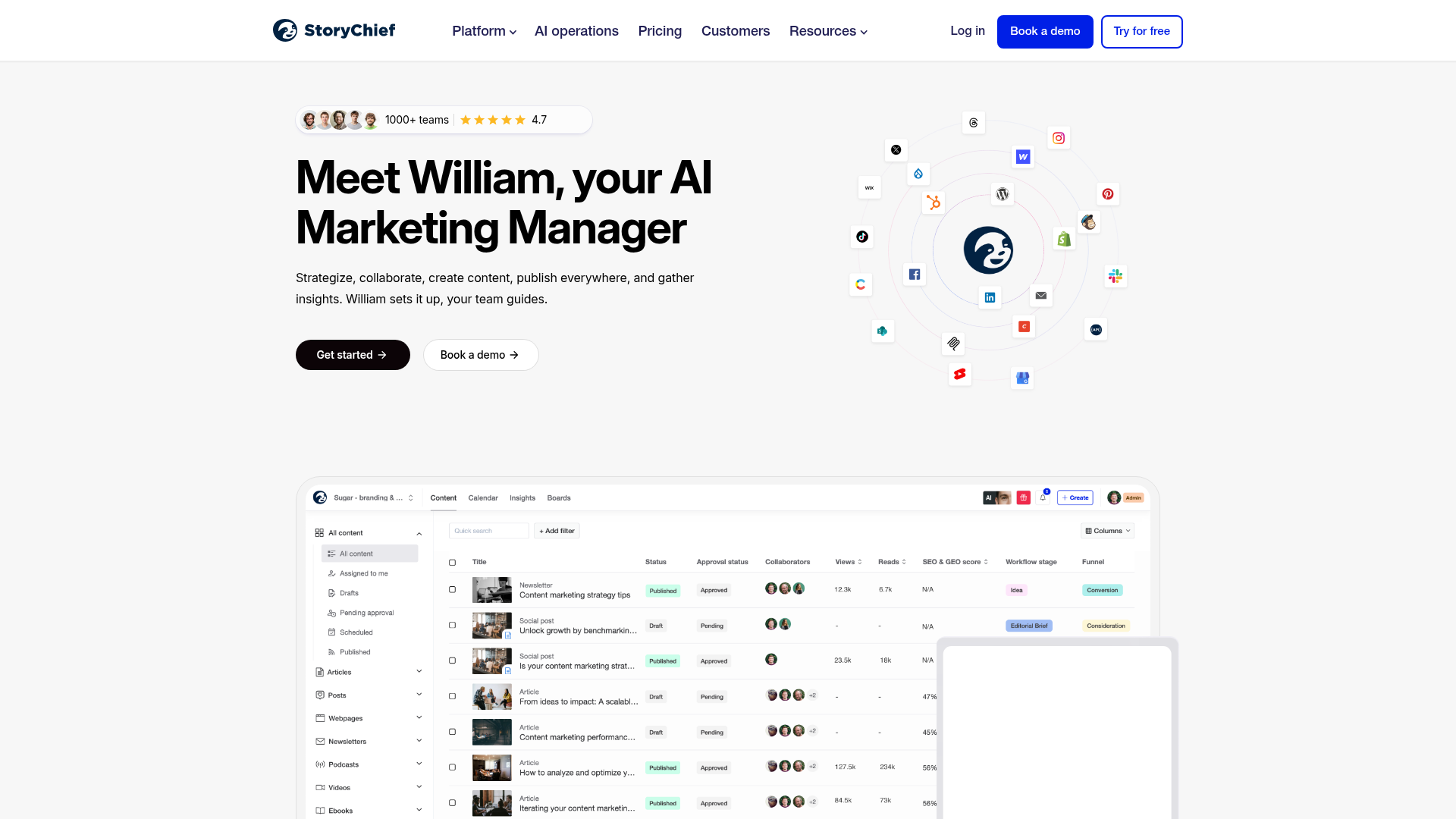
StoryChief is a content distribution platform that lets you write content in a built-in editor, then publish it to your blog (WordPress, Shopify, HubSpot CMS, and others), social media channels, email newsletters, and content syndication partners in a single click. The core value is eliminating the manual workflow of copying content into 5 different tools.
The editor includes an SEO copywriting assistant that scores your content before publishing. The content calendar supports approval workflows for teams, and the employee advocacy module lets team members reshare company content from their personal social accounts. Analytics track performance across all channels in one view.
Best for: Marketing teams at mid-market SaaS companies who publish frequently (3+ times per week) and want to eliminate manual cross-posting.
Key strengths
- One-click publishing to blog, social, email, and syndication
- Built-in SEO copywriting assistant in the editor
- Employee advocacy module for team-driven distribution
- Content calendar with multi-step approval workflows
- Unified analytics dashboard across all distribution channels
When NOT to choose: If you only distribute via social media, StoryChief is overkill. Buffer or Edgar will cost less and do the job. If you need enterprise governance features, StoryChief's approval workflows are lighter than Sprinklr or Optimizely.
Pricing: From $200/month for teams.
2. Buffer

Buffer is a social media distribution platform that has deliberately stayed narrow: plan, schedule, and analyze social media content. It's not a full content distribution platform. For teams where social is the primary distribution channel, it's the simplest and cheapest option.
Buffer's most-cited advantage in reviews is the clean UI. The scheduling queue, analytics dashboard, and Start Page feature (a link-in-bio landing page builder) all follow the same minimal design philosophy. The AI Assistant generates captions, and the platform now supports Mastodon and Bluesky alongside the major networks.
Best for: Small marketing teams (1-3 people) and solo marketers who primarily distribute content through social channels and want simplicity over feature bloat.
Key strengths
- Clean, intuitive UI that requires zero training
- Scheduling queue with optimal timing suggestions
- AI Assistant for generating social captions
- Start Page link-in-bio landing page builder
- Support for newer platforms including Mastodon and Bluesky
When NOT to choose: If you need to distribute to blog, email, and syndication channels alongside social, Buffer won't cover it. You'll need a multi-channel tool like StoryChief or HubSpot Content Hub.
Pricing: Free tier available. Paid plans from $6/month per channel.
3. Hootsuite
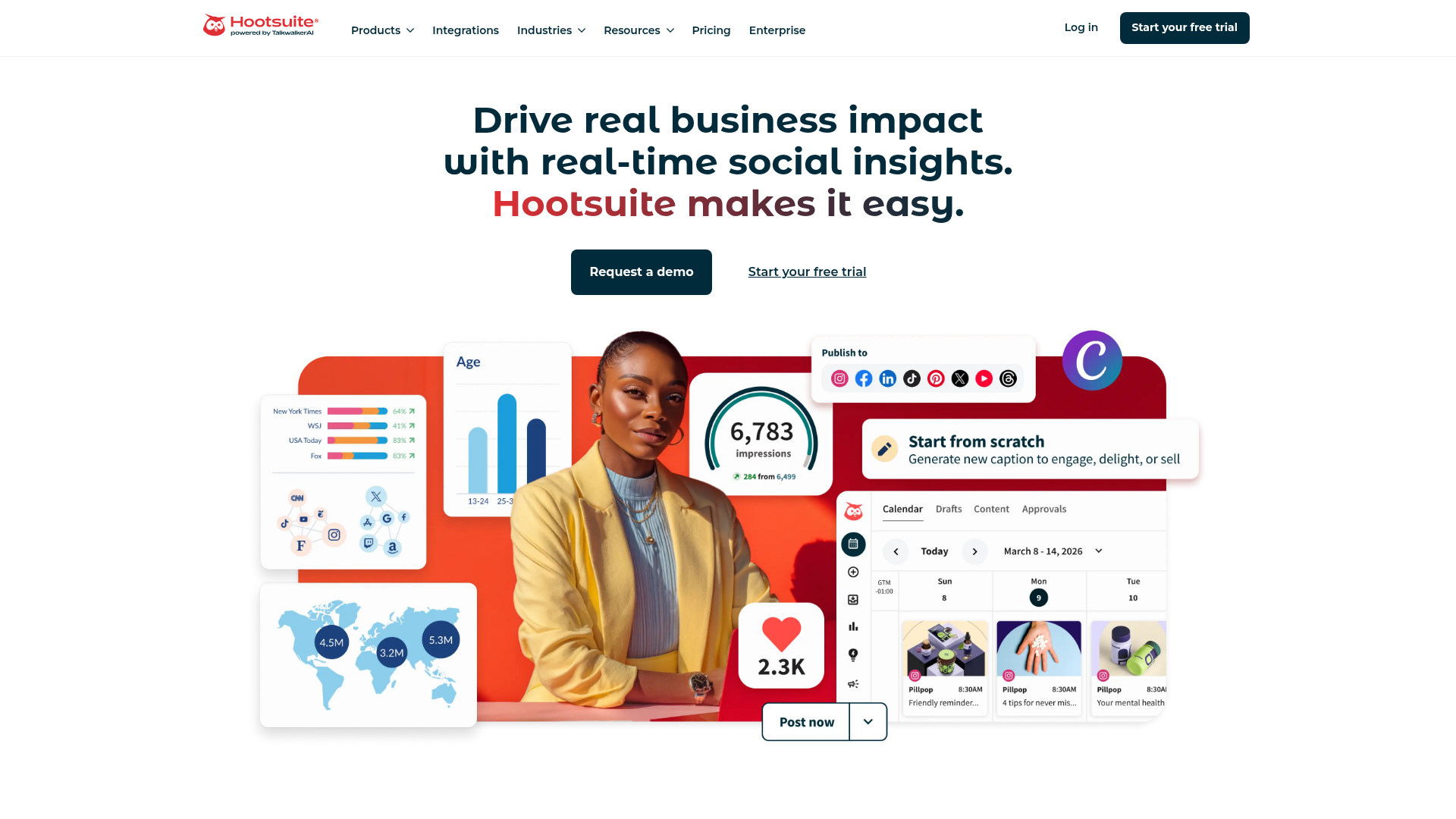
Hootsuite is the enterprise-grade evolution of what Buffer does. It handles scheduling, monitoring, social listening, and paid social management from a single dashboard. The key differentiator from Buffer: team collaboration features, approval workflows, social listening (monitoring brand mentions and industry conversations), and the OwlyWriter AI tool for content generation.
The compliance and governance features matter for regulated industries like finance and healthcare. Hootsuite is more complex and more expensive than Buffer, but it scales better for larger teams managing multiple brands or accounts. For a deeper comparison of tools in this space, see our roundup of the best social media analytics tools.
Best for: Mid-size to enterprise marketing teams managing 5+ social accounts across multiple brands or regions.
Key strengths
- Social listening and brand mention monitoring built in
- OwlyWriter AI for content generation and repurposing
- Paid social ad management alongside organic scheduling
- Team collaboration with approval workflows and permissions
- Compliance features for regulated industries
When NOT to choose: If you're a small team (under 5 people) managing 1-3 social accounts, Hootsuite's complexity and $99/month starting price aren't justified. Buffer or Edgar will serve you better at a fraction of the cost.
Pricing: From $99/month (Professional plan).
4. HubSpot Content Hub

HubSpot Content Hub (formerly CMS Hub) is HubSpot's content creation and distribution tool that plugs directly into the HubSpot CRM. This is a content marketing platform where your distribution is informed by CRM you know who's engaging with what content, and you can trigger distribution based on lifecycle stage, deal stage, or persona. If you're evaluating CRM options alongside your distribution stack, our best CRM software guide covers the landscape.
The content marketing software suite covers blog publishing, landing pages, email distribution, social scheduling, podcast hosting, and an AI-powered content remix feature that takes a blog post and generates social posts, email snippets, and other format variations.
Best for: Marketing teams already in the HubSpot ecosystem who want CRM-integrated content distribution tied to pipeline data.
Key strengths
- CRM-integrated distribution tied to contact and deal data
- AI content remix for multi-format repurposing
- Blog, email, social, and podcast publishing in one platform
- Lifecycle-stage-based content targeting and personalization
- Free tier with meaningful functionality for small teams
When NOT to choose: If you use Salesforce as your CRM and don't plan to switch, the integration story is weaker. If you need deep social listening capabilities, HubSpot's social features are functional but not as deep as Hootsuite's.
Pricing: Free tier available. Paid plans from $20/month (Starter).
5. Contently
Contently is an enterprise content marketing platform that combines creation and distribution. The unique angle: it includes access to a vetted freelance creator network, so enterprise teams can source content and distribute it from the same platform without managing freelancer relationships separately.
The StoryBook analytics module measures content performance and connects it to ROI. The editorial calendar, workflow management, and brand voice enforcement tools round out the content marketing software suite. Contently is built for organizations that invest heavily in content and need both the creation and distribution layers managed in one place.
Best for: Enterprise marketing teams spending $5K+/month on content who need both creator sourcing and distribution in one platform.
Key strengths
- Vetted freelance creator network built into the platform
- StoryBook analytics connecting content to revenue attribution
- Editorial calendar with multi-step workflow management
- Brand voice enforcement across all content types
- Enterprise-grade governance and compliance controls
When NOT to choose: If you're a lean team (under 5 people) or if you already have a reliable content creation process and only need the distribution layer, Contently's enterprise pricing isn't justified.
Pricing: Custom pricing (enterprise-focused).
6. CoSchedule
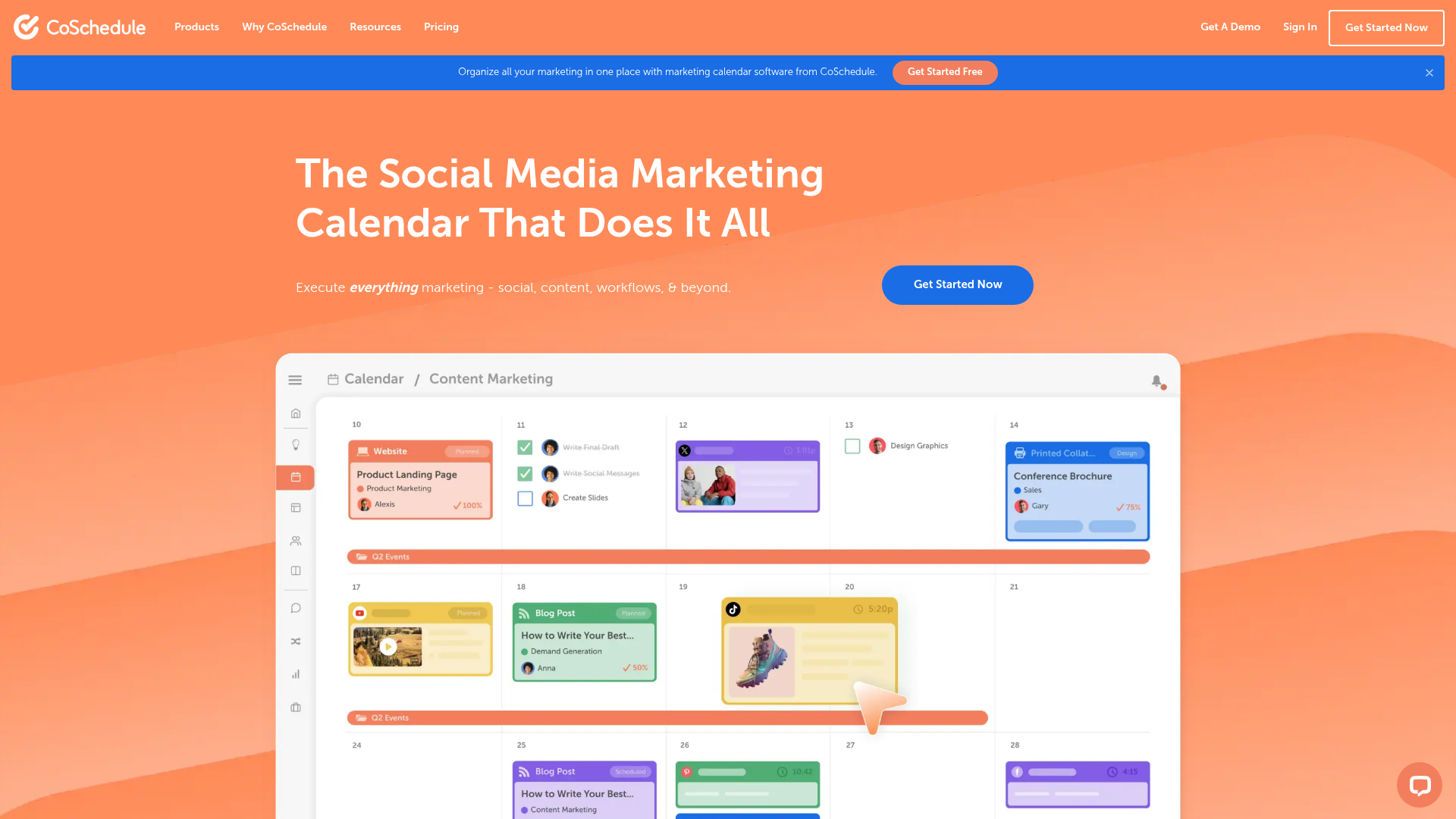
CoSchedule is a marketing calendar and work management platform built around visibility and coordination. It helps teams see what's publishing, when, and on which channel. The standout feature is ReQueue, which automatically re-shares your top-performing social content on a rotating schedule (similar to Edgar's approach but integrated into a broader marketing calendar).
The free Marketing Calendar tier gives small teams a centralized view of all marketing activity. The paid Marketing Suite adds social scheduling, the Headline Analyzer tool, and team workflow features.
Best for: Marketing teams that need a unified calendar view across all channels and want automated re-sharing of top-performing content.
Key strengths
- Unified marketing calendar across all channels and projects
- ReQueue auto-resharing of top-performing social content
- Free Marketing Calendar tier for small teams
- Headline Analyzer tool for optimizing content titles
- Team workflow management with task assignments
When NOT to choose: If you need multi-channel publishing beyond social (blog, email, syndication), CoSchedule's distribution capabilities are primarily social-focused. For full multi-channel distribution, StoryChief or HubSpot Content Hub are better fits.
Pricing: Free Marketing Calendar available. Marketing Suite from $29/month.
7. Outbrain

Outbrain is a different category from the other tools on this list. It's a paid content distribution platform (native advertising network) that places your content as recommended articles on premium publisher sites like CNN, The Washington Post, and BBC. This is specifically for paid amplification, not organic distribution.
Content distribution services like Outbrain work on a CPC bidding model. You set audience targeting (interest, demographics, behavior), the Smartfeed algorithm optimizes recommendations, and you pay per click. Retargeting capabilities let you re-engage users who've already interacted with your content.
Best for: Marketing teams with dedicated ad budget who want to amplify top-of-funnel educational content on premium publisher sites.
Key strengths
- Native ad placements on premium publisher sites globally
- CPC bidding model with audience targeting controls
- Smartfeed algorithm for recommendation optimization
- Retargeting capabilities for re-engaging content viewers
- Performance dashboard with conversion tracking
When NOT to choose: If you don't have ad budget allocated for content promotion, or if your content is primarily bottom-funnel (case studies, pricing pages, product comparisons), native ads perform best with educational, top-of-funnel content.
Pricing: Performance-based (CPC model). Minimum spend varies by campaign.
8. Sprinklr Marketing
Sprinklr is the enterprise heavyweight. It's a unified customer experience management platform that includes content distribution as part of a much broader marketing suite. This enterprise content marketing platform is built for large organizations managing content across dozens of channels, regions, and brands simultaneously.
The content distribution platform covers AI-powered content planning, multi-channel publishing (social, paid, email, web), social listening and sentiment analysis, paid media management, and a unified analytics dashboard with custom reporting. Sprinklr is complex, expensive, and requires significant implementation effort (weeks to months, not days).
Best for: Enterprise organizations (50+ person marketing teams) managing multiple brands or regions who need unified governance across all distribution channels.
Key strengths
- AI-powered content planning and distribution optimization
- Multi-brand, multi-region governance and compliance
- Social listening and sentiment analysis at scale
- Unified analytics across paid, owned, and earned channels
- Paid media management integrated with organic distribution
When NOT to choose: If your team is under 50 people, if you need to be up and running in days rather than months, or if you don't manage multiple brands or regions, Sprinklr's complexity isn't justified.
Pricing: Custom pricing (enterprise-only).
9. Paperflite
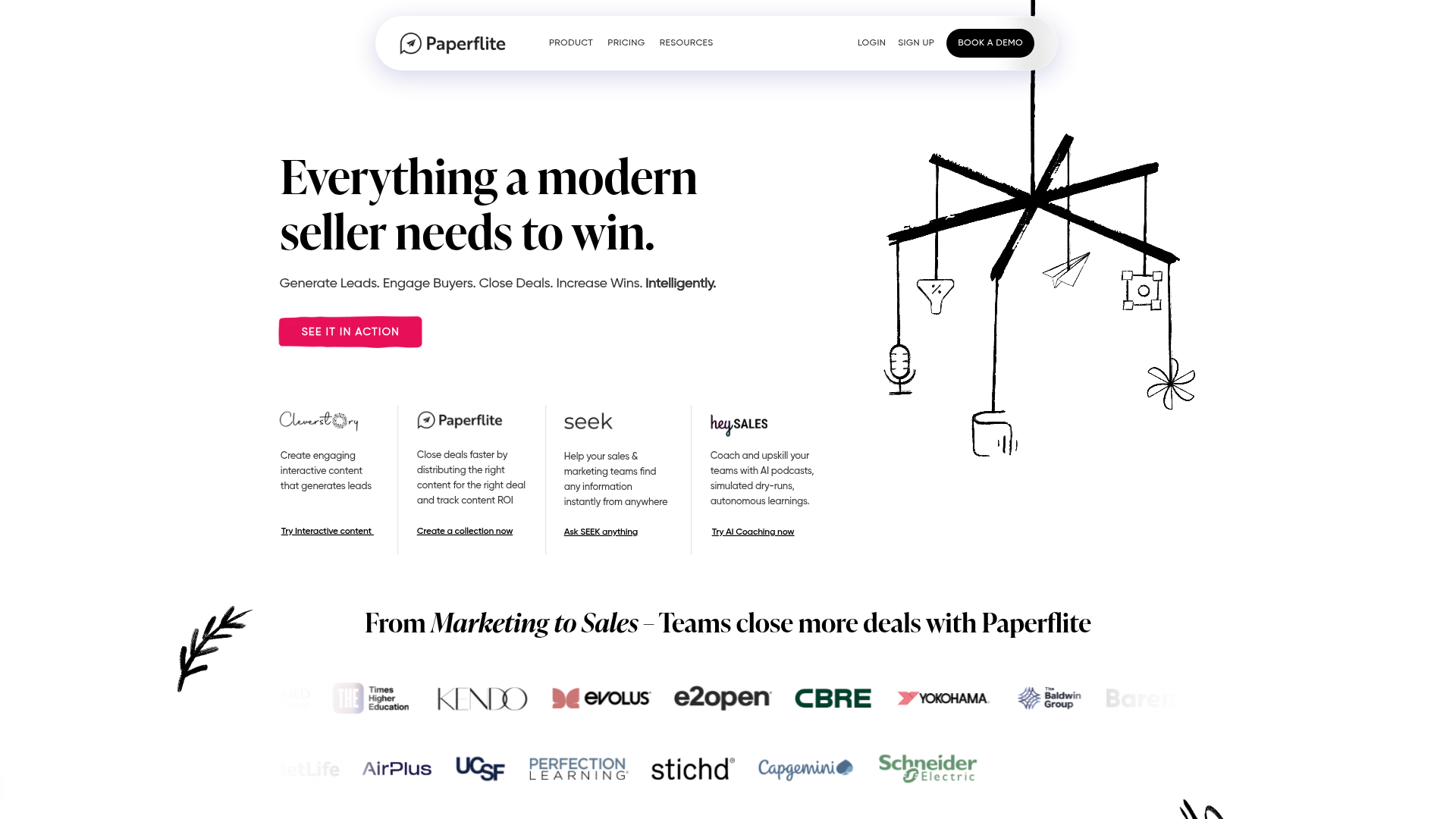
Paperflite has a unique differentiator: individual-level content engagement tracking. While most content distribution tools tell you how many people viewed your content, Paperflite tells you which specific prospect viewed which pages, how long they spent, and whether they shared it internally with colleagues.
This makes it particularly valuable for B2B sales-marketing alignment. The centralized content hub, customizable microsites, real-time engagement notifications, and CRM integrations (Salesforce, HubSpot, Pipedrive) connect content engagement directly to deal activity.
Best for: B2B marketing and sales teams that need prospect-level content engagement tracking tied to CRM deal records.
Key strengths
- Individual prospect-level content engagement tracking
- Real-time notifications when prospects view or share content
- Customizable microsites for personalized content experiences
- CRM integrations with Salesforce, HubSpot, and Pipedrive
- Content performance analytics with ROI attribution
When NOT to choose: If your primary need is social media scheduling or multi-channel publishing, Paperflite doesn't do that. It's focused on the content experience and tracking layer, not the publishing layer. Pair it with a publishing tool like Buffer or StoryChief.
Pricing: From $50/month per user.
10. BuzzSumo
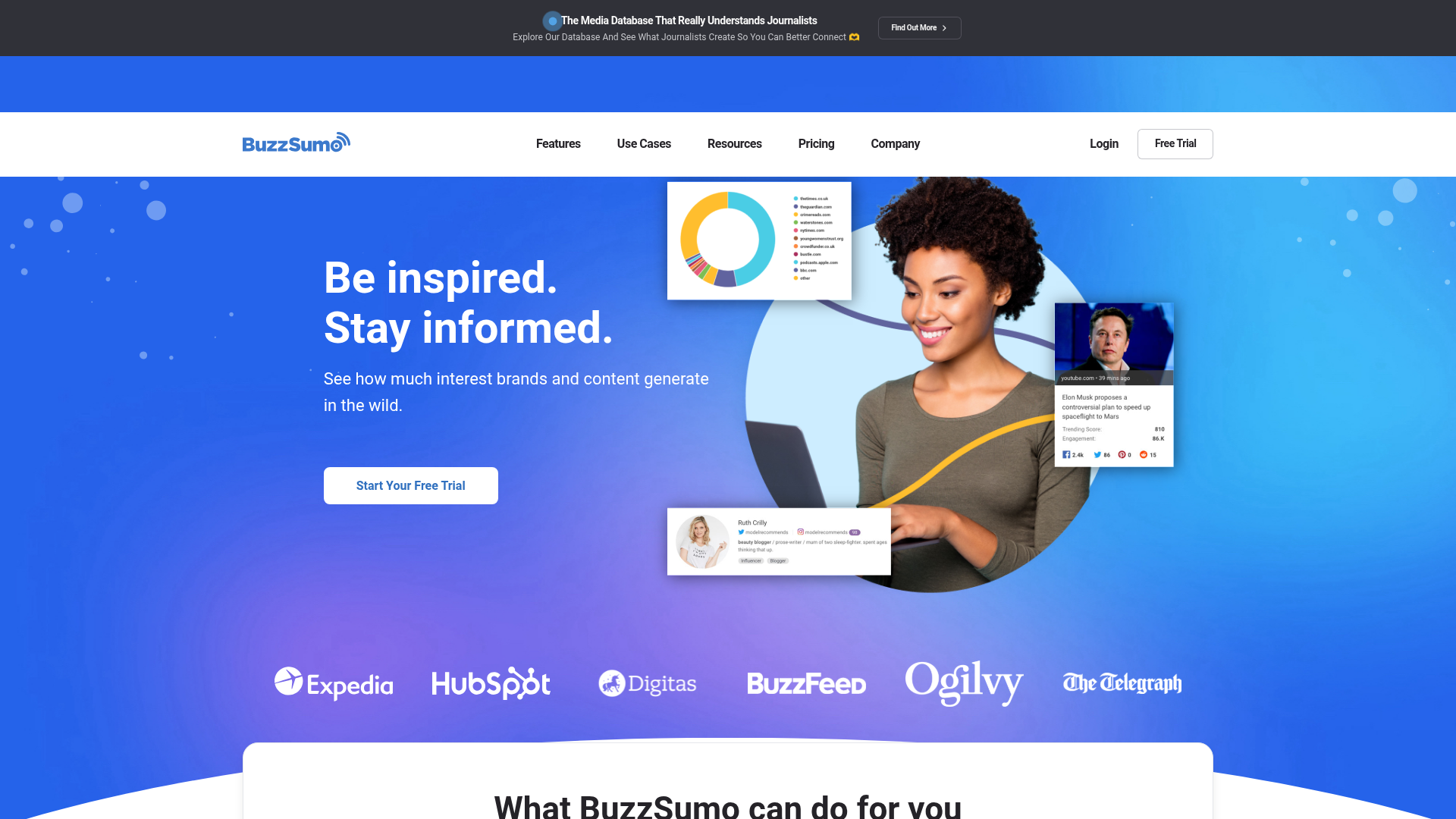
BuzzSumo is a distribution intelligence tool, not a publishing tool. It helps you discover what content performs best in your niche and identify where to distribute for maximum impact. Before you distribute, BuzzSumo tells you what topics are trending, which formats get the most engagement, which influencers are sharing content in your space, and where your competitors' content is getting traction. Teams that also need competitive intelligence tools will find BuzzSumo's competitor analysis features overlap nicely.
Content discovery works by topic, domain, or keyword. Trending topic alerts, influencer identification for earned distribution partnerships, backlink monitoring, and engagement data across Facebook, X, Reddit, and Pinterest round out the research capabilities.
Best for: Content marketers who need data-driven distribution strategy before they publish, not just a tool to schedule posts.
Key strengths
- Content discovery by topic, domain, and keyword performance
- Trending topic alerts and real-time monitoring
- Influencer identification for earned distribution partnerships
- Backlink monitoring and competitor content analysis
- Engagement data across major social platforms
When NOT to choose: If you need a tool that actually publishes and schedules content, BuzzSumo doesn't do that. It informs your distribution strategy but doesn't execute it. Pair it with a publishing tool.
Pricing: From $199/month (Content Creation plan).
11. Edgar (MeetEdgar)
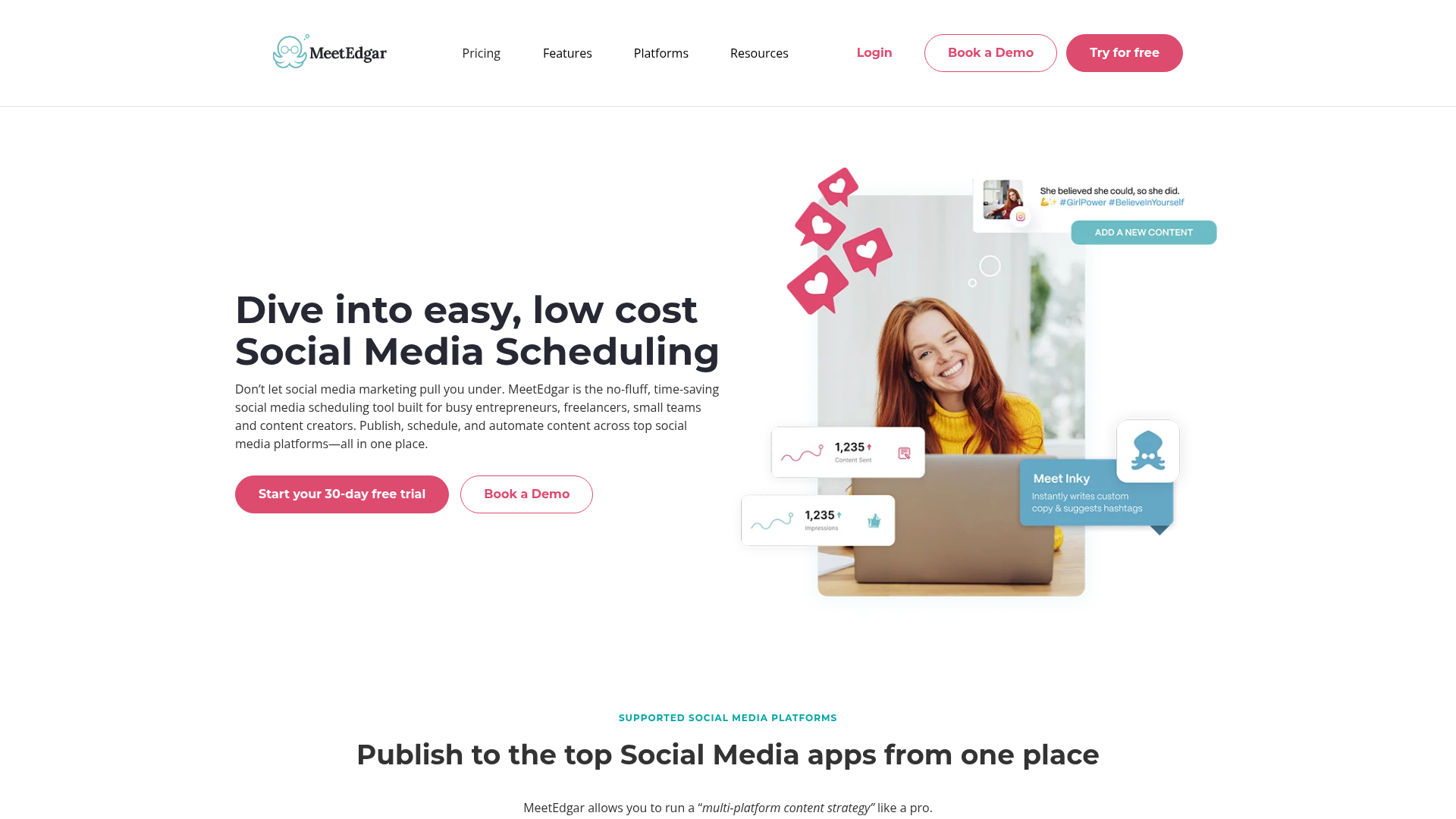
Edgar is built around a single core idea: your evergreen content should keep working for you. Unlike Buffer or Hootsuite where posts publish once and disappear from the queue, Edgar automatically re-queues and re-shares your best content on a rotating schedule.
You build a category-based content library (e.g., "blog posts," "industry tips," "product updates"), and Edgar cycles through them continuously. A/B testing for social post variations and AI-powered content repurposing suggestions help optimize what gets reshared.
Best for: Small teams with a growing library of evergreen content who want automated social recycling without manual re-scheduling.
Key strengths
- Auto-recycling queue for evergreen content on rotation
- Category-based content library for organized scheduling
- A/B testing for social post variations
- AI-powered content repurposing suggestions
- Simple setup with minimal ongoing maintenance
When NOT to choose: If most of your content is time-sensitive (news, event promotions, seasonal campaigns), Edgar's recycling model doesn't fit. It's built for evergreen content libraries. Also, if you need multi-channel distribution beyond social, Edgar is social-only.
Pricing: From $29.99/month (Eddie plan).
12. Optimizely Content Marketing Platform
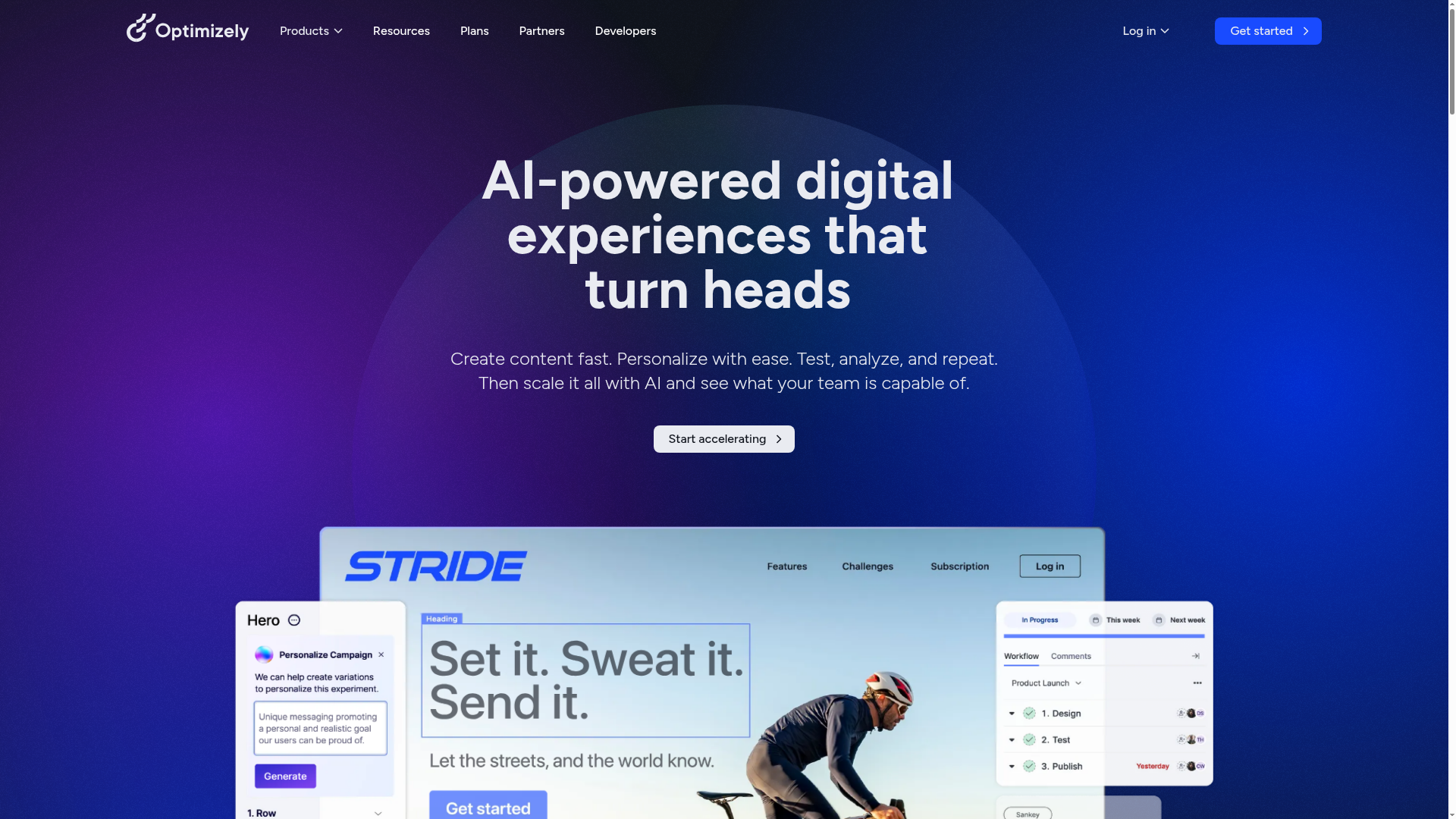
Optimizely CMP (formerly Welcome) is the enterprise content marketing platform for teams with complex workflows. The strength is in managing the full content lifecycle: campaign briefs, content creation assignments, multi-step approval chains, and multi-channel publishing with governance controls.
Campaign management, digital asset management (DAM) built into the platform, workflow automation, and analytics tied to campaign goals make this a content operations hub. It's built for large teams (10+ content contributors) with complex approval processes.
Best for: Enterprise marketing teams with 10+ content contributors who need structured workflows, approval chains, and governance controls.
Key strengths
- End-to-end content lifecycle management from brief to publish
- Built-in digital asset management (DAM)
- Multi-step approval chains with role-based permissions
- Campaign-level analytics tied to business goals
- Workflow automation for recurring content processes
When NOT to choose: If your team is under 10 people, if you don't have multi-step approval requirements, or if you need to move fast without governance overhead, Optimizely CMP will slow you down.
Pricing: Custom pricing (enterprise-focused).
13. Adobe GenStudio
Adobe GenStudio is the AI-first content distribution tool for enterprises already in the Adobe ecosystem. The core capability: create one piece of content and use generative AI to produce variations optimized for different channels, audiences, and formats automatically.
Brand guardrails ensure AI-generated variations stay on-brand. Multi-channel activation covers email, social, web, and paid. Integration with Adobe Experience Manager, Analytics, and Target ties distribution into the broader enterprise content marketing platform.
Best for: Enterprise teams already invested in Adobe Experience Cloud who need AI-powered content variation at scale across channels.
Key strengths
- Generative AI for channel-specific content variations
- Brand guardrails ensuring AI output stays on-brand
- Multi-channel activation across email, social, web, and paid
- Deep integration with Adobe Experience Manager and Analytics
- Enterprise-grade security and governance controls
When NOT to choose: If you're not already using Adobe Experience Cloud products, or if your team is under 20 people, the implementation overhead doesn't justify the investment.
Pricing: Custom pricing (enterprise-only, part of Adobe Experience Cloud).
14. Lytho
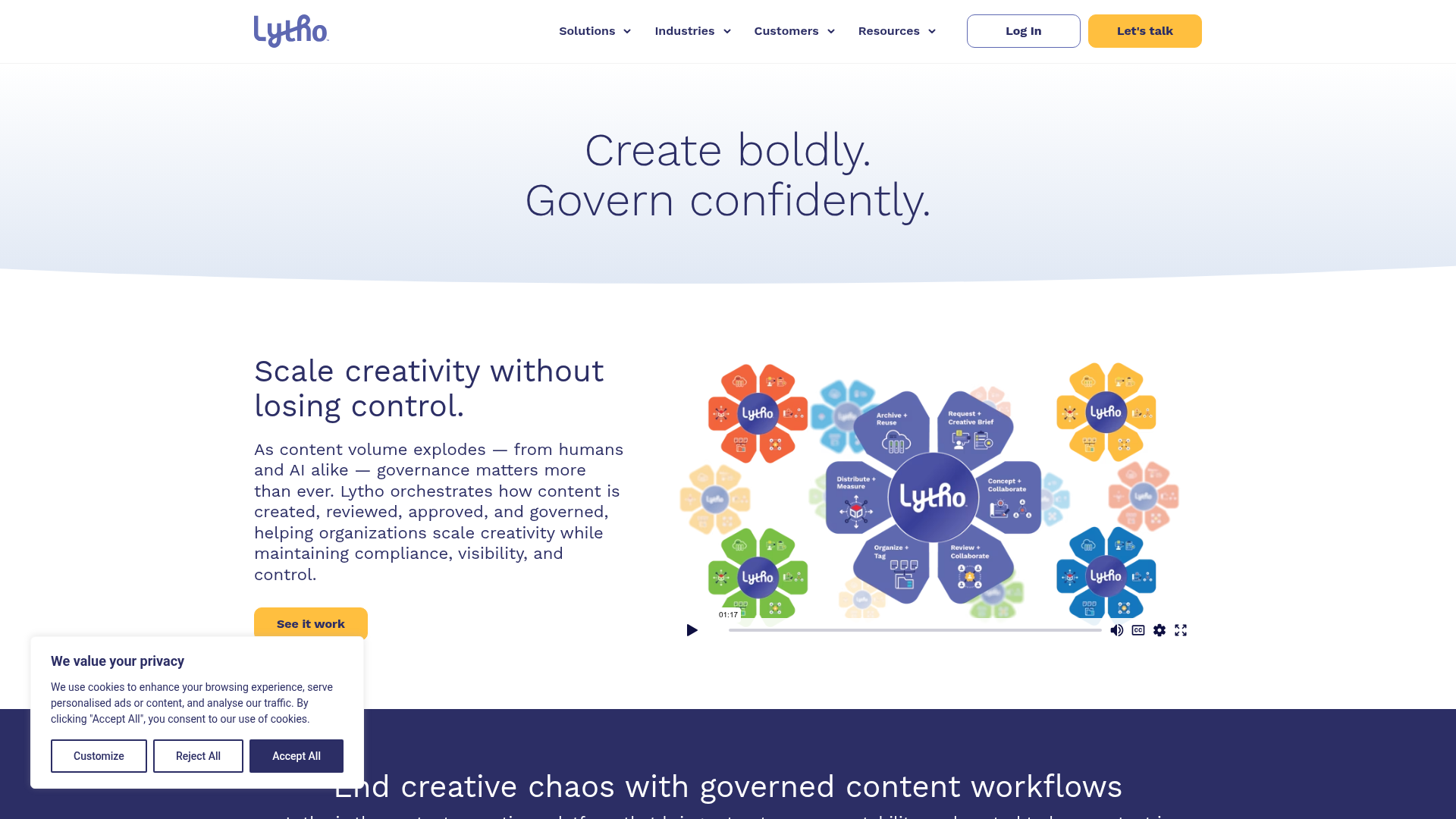
Lytho (formerly Percolate) is the brand compliance and approval workflow specialist. The distribution angle: every piece of content going out the door meets brand guidelines, has been approved by the right stakeholders, and is tracked for performance.
This matters most in regulated industries (finance, healthcare, legal) or brand-sensitive organizations where a rogue social post can create real problems. The visual content calendar, multi-step approval workflows with role-based permissions, brand compliance checking, DAM integration, and multi-channel publishing with performance tracking cover the full governance layer.
Best for: Marketing teams in regulated industries or brand-sensitive organizations that need compliance enforcement on every distributed asset.
Key strengths
- Multi-step approval workflows with role-based permissions
- Brand compliance checking before content goes live
- Visual content calendar with cross-channel visibility
- DAM integration for centralized asset management
- Performance tracking tied to approved content
When NOT to choose: If brand compliance isn't a major concern for your organization, Lytho's approval-heavy workflow will feel like unnecessary friction. Faster, lighter tools like CoSchedule or Buffer will serve you better.
Pricing: Custom pricing.
15. Templafy
Templafy is a different kind of content distribution tool. It focuses on distributing brand-compliant documents, presentations, and sales collateral across enterprise organizations, not on distributing marketing content like blog posts or social media.
The use case: ensuring that every document leaving your organization (sales decks, proposals, one-pagers, email templates) is on-brand and uses the latest approved templates. Deep integration with Microsoft 365 and Google Workspace means distribution happens within the tools employees already use daily.
Best for: Enterprise organizations that need to ensure brand-compliant documents and sales collateral reach employees within their existing workflows.
Key strengths
- Template management for documents, presentations, and email
- Brand compliance automation across all document types
- Deep integration with Microsoft 365 and Google Workspace
- Employee-facing content distribution within existing workflows
- Analytics on template usage and adoption rates
When NOT to choose: If you're looking for a tool to distribute blog posts, social content, or marketing campaigns, Templafy is not that tool. It's for internal document and collateral distribution.
Pricing: Custom pricing (enterprise-focused).
Key features to look for in content distribution software
Multi-channel publishing and automation
Look for native integrations (not just Zapier workarounds) with your blog CMS, social platforms, email tool, and syndication partners. Native integrations are faster, more reliable, and support richer data sync than third-party connectors. The ability to publish to multiple channels from a single workflow is the baseline capability that defines this category.
Content repurposing and AI adaptation
AI features that take one piece of content and generate variations for different channels and formats are the fastest-growing feature category in content distribution software in 2026. Quality varies wildly between tools. Test with your actual content during a trial, not the vendor's demo content.
Analytics, attribution, and ROI tracking
Performance data that goes beyond vanity metrics (views, likes) and connects content distribution to pipeline metrics (MQLs, SQLs, influenced revenue). The key differentiator: integration with your CRM. If the tool can't connect distribution data to your CRM, you'll need a separate attribution tool to prove ROI. For deeper guidance on the analytics layer, explore our list of best product analytics software tools.
Integration depth with your existing stack
The integration categories that matter most for growth marketers: CRM (Salesforce, HubSpot), analytics (GA4, Mixpanel), ad platforms (Google Ads, LinkedIn Ads, Meta), email (Mailchimp, Customer.io), and project management (Asana, Monday). Evaluate what integrations actually do, not just whether they exist on a features page. Content marketing solutions that list 200 integrations but only sync contact names aren't helping you.
Team collaboration and approval workflows
Approval chains, commenting, version history, and role-based permissions. This is critical for teams with 3+ content contributors or regulated industries, but unnecessary overhead for solo marketers or small teams. Match the governance level to your actual needs.
How to choose the right content distribution software
Map your distribution channels first
Before evaluating any tool, list every channel where your content needs to appear. If it's primarily social (3-4 platforms), you don't need Sprinklr or StoryChief. Buffer or Edgar will do. If it's blog + email + social + paid + syndication, you need a multi-channel platform. The channel map determines the tool category.
Evaluate integration depth, not just integration count
Don't just check if an integration exists on the features page. Test what it actually does during a trial. A "Salesforce integration" that only syncs contact names is useless compared to one that tracks content engagement at the contact level and pushes it to the deal record. Ask the vendor for integration documentation before committing.
Test AI features with your actual content
AI-powered distribution and repurposing is the biggest differentiator among content distribution tools in 2026, but quality varies wildly. Run your actual content (not the vendor's demo content) through the AI repurposing features during a free trial. If the AI-generated social posts or email snippets need heavy editing, the time savings disappear.
Consider total cost of ownership, not just subscription price
Factor in implementation time, training, integration setup, and ongoing maintenance. A $200/month tool that takes 2 days to set up may cost less over 12