
Your team probably uses ChatGPT daily. But the AI tools reshaping how companies actually work in 2026 go far beyond chatbots. From autonomous coding agents that ship pull requests to video generators that create localized marketing content in minutes, the landscape has shifted dramatically.
This guide covers 13 emerging AI tools that teams are building real workflows around, with pricing, strengths, and specific use cases for each category.
Guide overview: 13 emerging AI tools by category
Emerging AI tools deliver productivity gains by shifting from simple chatbots to autonomous AI agents. The most impactful tools write code, generate video, clone voices, and automate complex workflows on your behalf. They fall into a few key categories: coding assistants, video generators, voice platforms, research engines, and agentic automation.
This guide covers 13 emerging AI tools that teams actually use in production, not just tools generating buzz on social media.
- Who this is for: GTM teams, product teams, developers, and operations professionals evaluating which new AI tools deserve adoption
- What you'll find: 13 tools with pricing, strengths, and specific use cases, plus a comparison table and evaluation framework
- How tools were selected: Real-world adoption beyond early adopters, quality of output in practical tests, ease of integration, and pricing accessibility
Quick summary: best emerging AI tools by category
- Best for AI-assisted coding: Cursor provides codebase-aware suggestions that understand your entire project context
- Best for video generation: Runway's Gen-3 Alpha model creates the most coherent AI-generated video clips
- Best for voice and audio: ElevenLabs delivers natural-sounding speech without robotic artifacts
- Best for research and knowledge work: Perplexity answers questions with source citations you can verify
- Best for workflow automation: Lindy builds custom AI agents that run continuously without prompting
- Best for building apps without code: Lovable turns plain English descriptions into deployable full-stack applications
What makes an AI tool "emerging" in 2026
The AI tool landscape moves fast in a market projected to reach $2.59 trillion in 2026. What counted as cutting-edge six months ago might already feel dated. So how do you separate tools worth your time from marketing noise?
Beyond the hype cycle
Press coverage and Twitter threads don't predict which tools will actually stick. The better signals are active user growth, enterprise pilots, and integration ecosystems forming around a tool.
A tool with 50,000 daily active users and Salesforce integration tells you more than one with a viral demo video. Look for tools that companies are building workflows around, not just experimenting with.
Production ready versus demo ready
"Production ready" means a tool can run in real workflows without breaking. "Demo ready" means it looks impressive but falls apart under actual use conditions.
The distinction matters because demo-ready tools waste time. You'll spend hours setting them up, hit edge cases, and eventually abandon them.
For teams evaluating demo strategies, understanding live demos helps distinguish between superficial demos and production-grade solutions. Production-ready tools handle the messy reality of real data and real users.
The enterprise readiness test
When evaluating any AI tool for team adoption, check for:
- Security and compliance: SOC 2 certification, data residency options, access controls
- Integration depth: API availability, native connectors to CRM and marketing automation software
- Support and documentation: Response times, onboarding resources, active community
- Pricing transparency: Clear tiers, no surprise costs at scale
AI tool categories worth watching
Before diving into specific tools, here's a quick mental map of where emerging AI tools cluster. Understanding these categories helps you evaluate which emerging AI tools fit your team's needs.
Coding and development
AI coding assistants write, debug, and refactor code based on natural language instructions, and 52% of developers report a positive effect on productivity. Cursor, Replit, and Cognition Devin represent different approaches, from augmenting human developers to operating more autonomously.
Video and visual content
AI video generation tools create video clips from text descriptions or edit existing footage in a $788.5 million in 2025 market. Runway, Synthesia, and HeyGen each target different use cases, from creative work to corporate communications.
Voice and audio
AI voice tools handle text-to-speech, voice cloning, and audio editing. ElevenLabs and Descript lead here, with applications ranging from audiobooks to podcast production.
Research and knowledge
AI research assistants help you find, synthesize, and understand information. Perplexity and NotebookLM take different approaches: one searches the live web, the other works with your uploaded documents.
Automation and AI agents
AI agents execute multi-step tasks autonomously rather than waiting for prompts. Lindy and Sierra build agents for different contexts, from personal productivity to customer experience.
App building without code
No-code AI app builders turn natural language descriptions into working applications. Lovable represents this category, letting non-developers prototype and deploy software.
How these tools were selected
Transparency about selection criteria helps you apply the same framework to emerging AI tools not on this list.
- Real-world adoption: Tools with active users beyond early adopters and tech enthusiasts
- Quality of output: Tested outputs against practical use cases, not just cherry-picked demos
- Ease of integration: How well they connect with existing stacks (CRM, analytics, communication tools)
- Pricing accessibility: Entry points for teams of different sizes, not just enterprise-only pricing
- Update velocity: Active development and recent feature releases indicating ongoing investment
Emerging AI tools comparison
Tool | Category | Best for | Pricing | G2 rating |
|---|---|---|---|---|
Cursor | Coding | AI-native code editing | Free tier, $20/mo Pro | 4.7/5 |
Lovable | No-code | Building apps from prompts | Free tier, $20/mo Starter | 4.6/5 |
Lindy | Automation | Custom AI agents | Free tier, custom pricing | 4.5/5 |
Cognition Devin | Coding | Autonomous software engineering | Waitlist/Enterprise | N/A |
Perplexity | Research | Real-time research answers | Free tier, $20/mo Pro | 4.6/5 |
NotebookLM | Research | Document analysis and synthesis | Free | N/A |
Sierra | Automation | Customer experience AI agents | Enterprise pricing | N/A |
HeyGen | Video | AI avatar videos | Free tier, $24/mo Creator | 4.6/5 |
ElevenLabs | Voice | Voice generation and cloning | Free tier, $5/mo Starter | 4.7/5 |
Runway | Video | AI video generation and editing | Free tier, $15/mo Standard | 4.5/5 |
Replit | Coding | Browser-based AI coding | Free tier, $25/mo Replit Core | 4.4/5 |
Synthesia | Video | AI training and marketing videos | $29/mo Starter | 4.7/5 |
Descript | Audio/Video | Text-based audio and video editing | Free tier, $15/mo Hobbyist | 4.6/5 |
1. Cursor
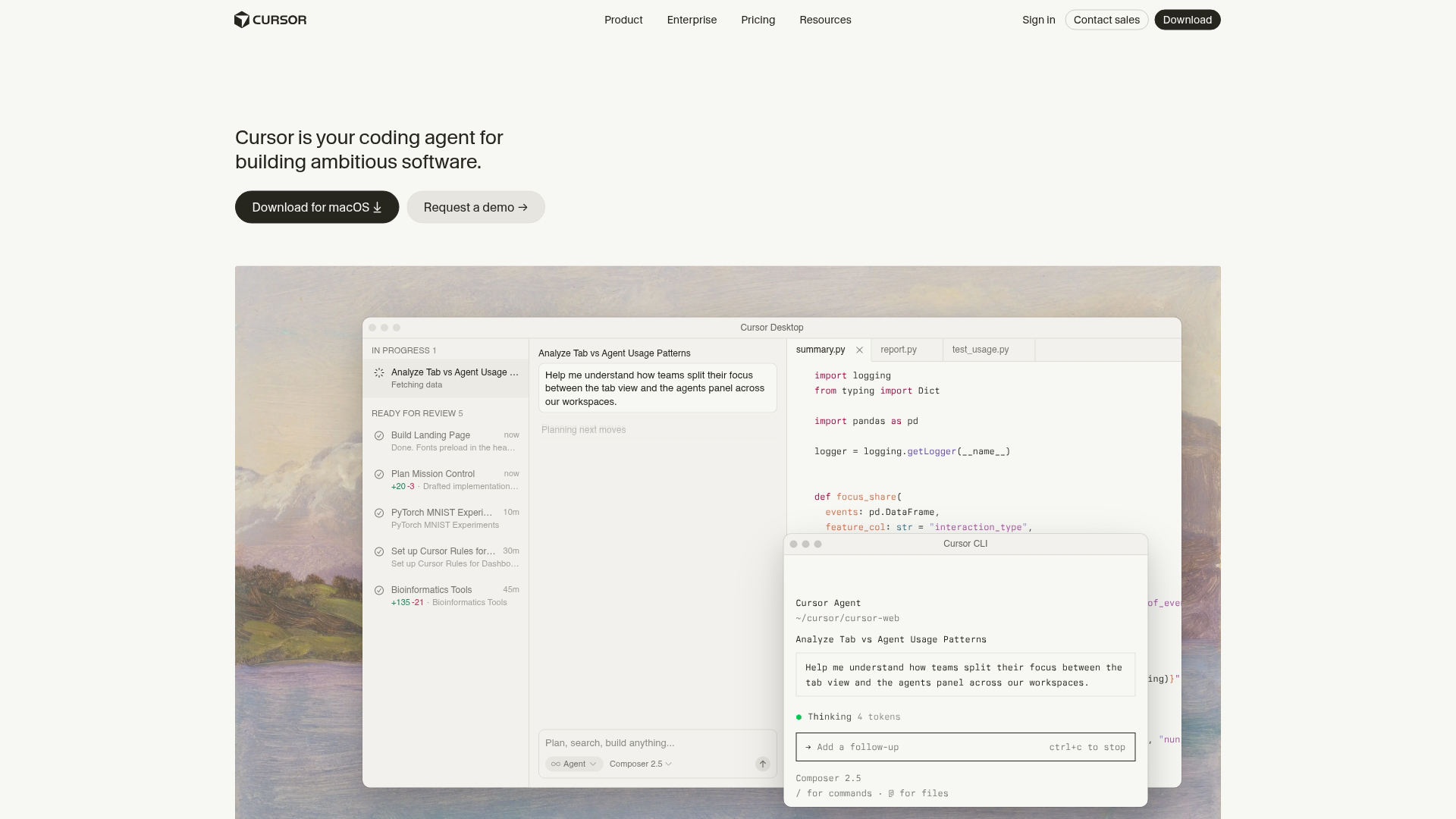
Cursor is an AI-native code editor built on VS Code that understands your entire codebase, not just the file you're working in. Unlike generic AI assistants, Cursor reads your project structure, dependencies, and coding patterns to provide contextually relevant suggestions.
Best for: Developers who want AI pair programming integrated into their existing IDE workflow.
Key strengths
- Codebase awareness: Understands your entire project context, not just the open file, so suggestions fit your architecture
- Tab completion on steroids: Predicts multi-line code changes based on intent, often completing entire functions
- Model flexibility: Switch between different AI models (GPT-4, Claude) based on task complexity
Why choose Cursor: Pick Cursor when you want AI assistance that feels native to your development environment. The learning curve is minimal if you already use VS Code, and the codebase awareness makes suggestions dramatically more useful than generic AI coding tools.
Cursor pricing: Free tier includes 2,000 completions per month. Pro costs $20/month with unlimited completions and access to advanced models. Business tier at $40/user/month adds admin controls and centralized billing.
2. Lovable
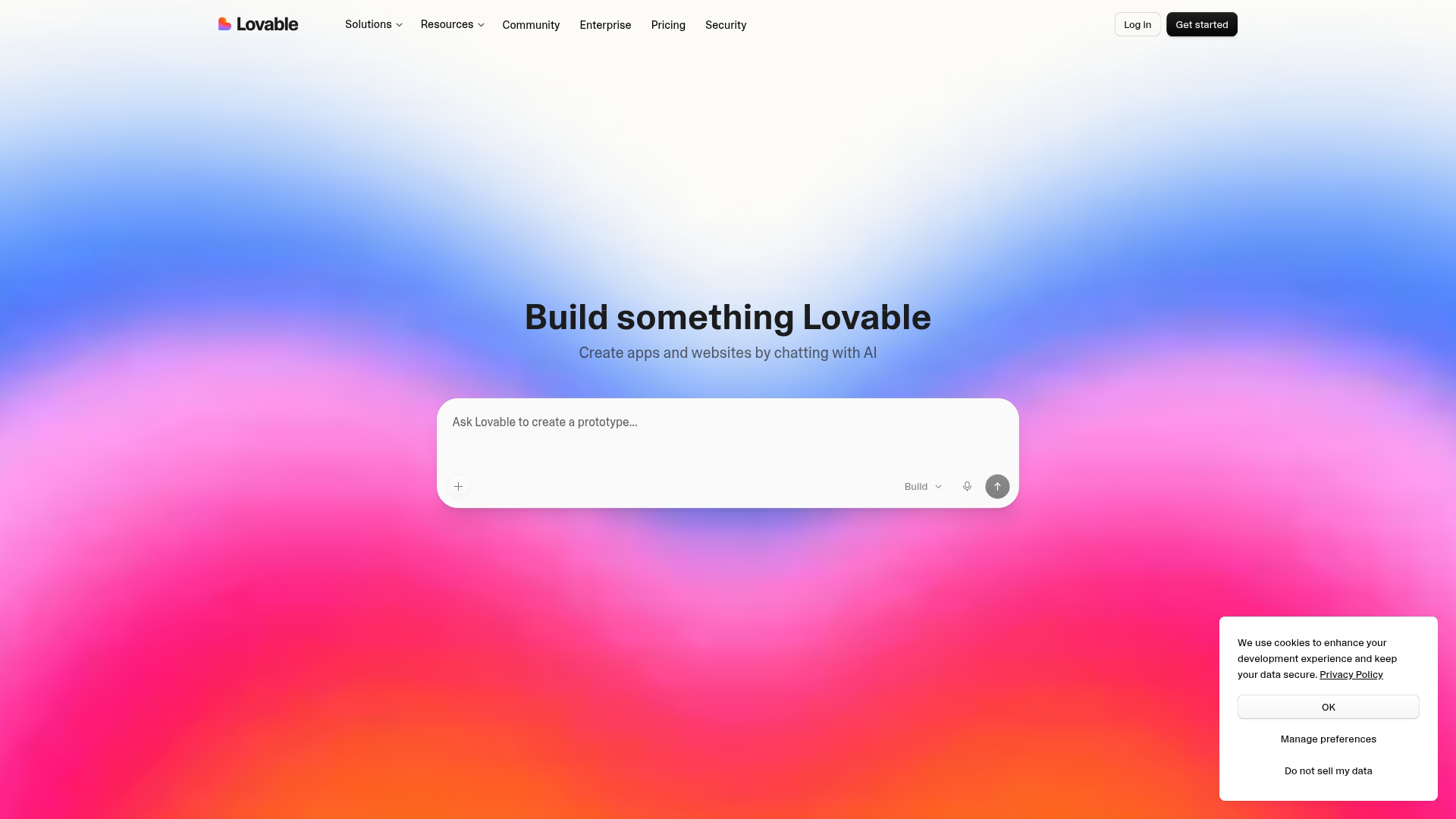
Lovable turns natural language prompts into working full-stack applications. Describe what you want to build in plain English, and Lovable generates frontend, backend, and database schema together.
Best for: Non-technical founders and teams who want to prototype quickly without hiring developers.
Key strengths
- Prompt-to-app: Describe a feature in plain English, get a deployable application with working code
- Full-stack output: Generates frontend, backend, and database schema together, not just UI mockups
- Iteration speed: Refine by chatting with the tool rather than rewriting code manually
Why choose Lovable: This approach works when you have a clear idea but lack coding skills. It also suits teams wanting to validate a concept before investing in custom development. The trade-off is less control over implementation details compared to writing code yourself.
Lovable pricing: Free tier allows limited projects. Starter costs $20/month with more projects and faster generation. Team plans available for collaborative use.
3. Lindy
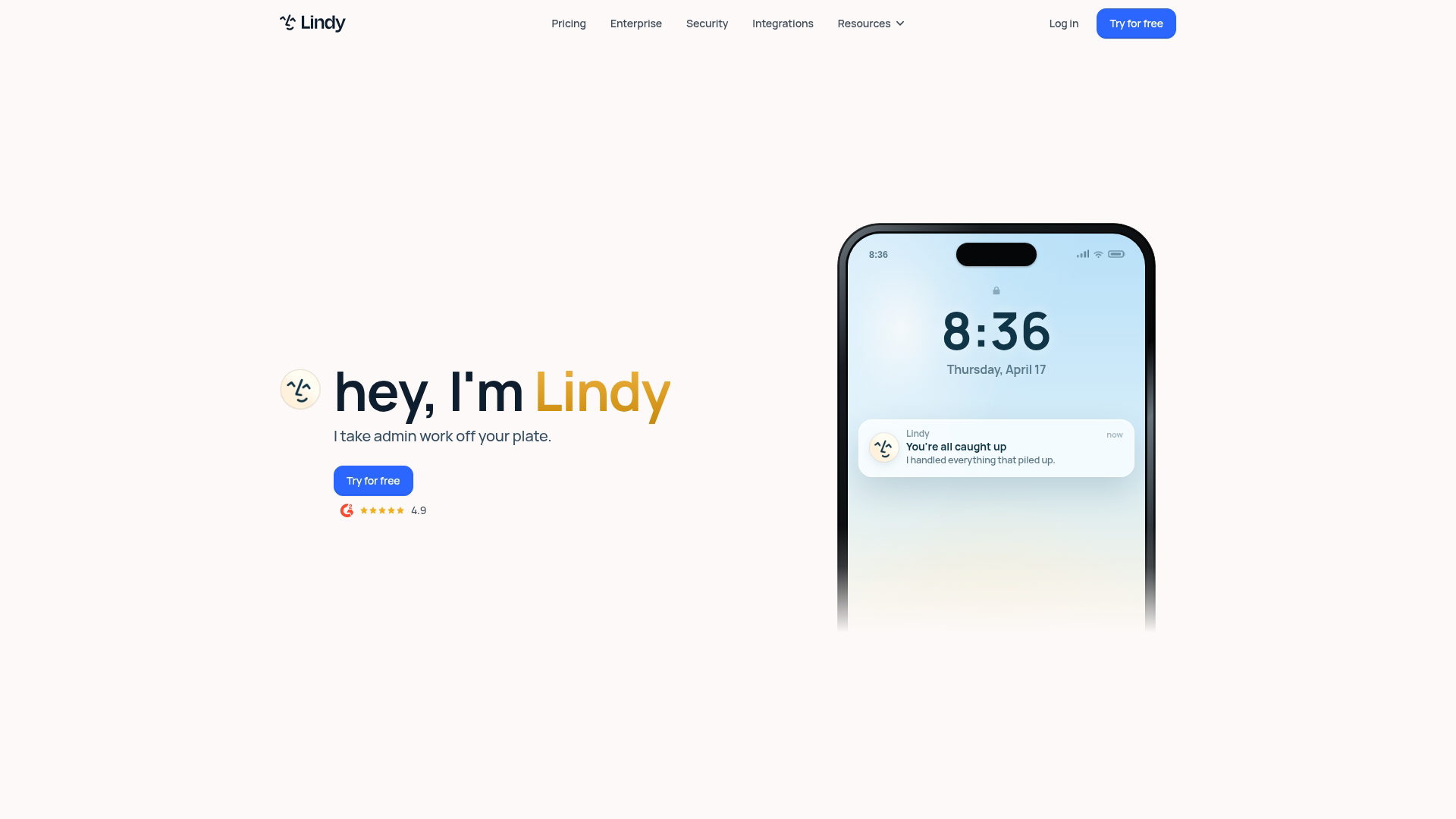
Lindy builds custom AI agents that automate multi-step workflows. Unlike chatbots that wait for prompts, Lindy agents run continuously, handling tasks like email triage, meeting scheduling, and CRM updates.
Best for: Operations teams and individual professionals automating repetitive knowledge work.
Key strengths
- Custom agent creation: Build agents tailored to specific tasks without code, using natural language instructions
- Tool integration: Connects to email, calendar, CRM, and other daily-use tools through native integrations
- Always-on automation: Agents run continuously, not just when you prompt them, handling tasks in the background
Why choose Lindy: The key difference from other automation tools is autonomous execution. Lindy agents don't wait for you to trigger them. They monitor conditions and act when appropriate, which works well for tasks like following up on emails or updating records.
Lindy pricing: Free tier includes basic agents. Paid plans scale based on agent complexity and execution volume.
4. Cognition Devin
Cognition Devin operates as an autonomous AI software engineer. Rather than suggesting code snippets, Devin takes a task description and works through the entire implementation, from planning to pull request.
Best for: Engineering teams who want to delegate entire coding tasks, not just get suggestions.
Key strengths
- End-to-end task completion: Takes a ticket from description to pull request without constant human guidance
- Self-debugging: Identifies and fixes its own errors during execution, reducing back-and-forth
- Environment access: Works in terminals, browsers, and code editors simultaneously, like a human developer would
Why choose Cognition Devin: The distinction from Cursor or Replit is autonomy level. Cursor and Replit augment human developers. Devin operates more independently, which suits well-defined tasks where you want to delegate rather than collaborate.
This autonomous approach mirrors how sandbox demos let prospects explore your product independently.
Cognition Devin pricing: Currently in limited access with enterprise pricing. Waitlist available for teams interested in early access.
5. Perplexity
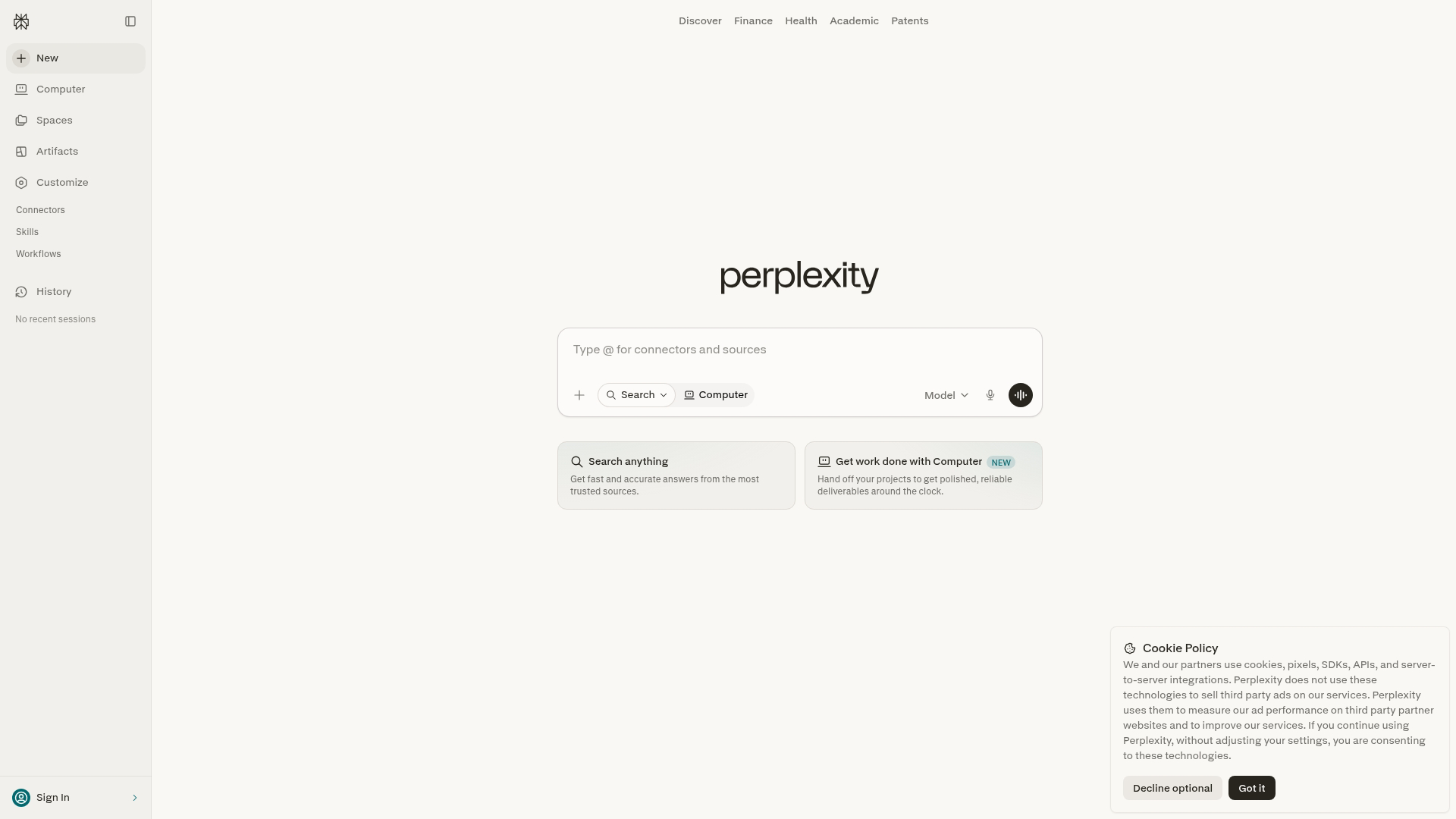
Perplexity functions as an AI-powered research and answer engine that cites sources. Every answer links to original sources, so you can verify claims rather than trusting the AI blindly.
Best for: Researchers, analysts, and anyone who wants fact-checked answers quickly.
Key strengths
- Source citations: Every answer links to original sources for verification, reducing hallucination risk
- Real-time information: Searches the live web, not a static training dataset, so answers reflect current information
- Follow-up threading: Refine queries in conversation without starting over, building on previous context
Why choose Perplexity: The citation approach addresses a core problem with generic chatbots: you can't tell if they're making things up. Perplexity's sources let you verify, which matters for research, competitive analysis, and any work where accuracy counts.
Perplexity pricing: Free tier handles most casual research. Pro costs $20/month with unlimited Pro searches, file uploads, and access to multiple AI models.
6. NotebookLM
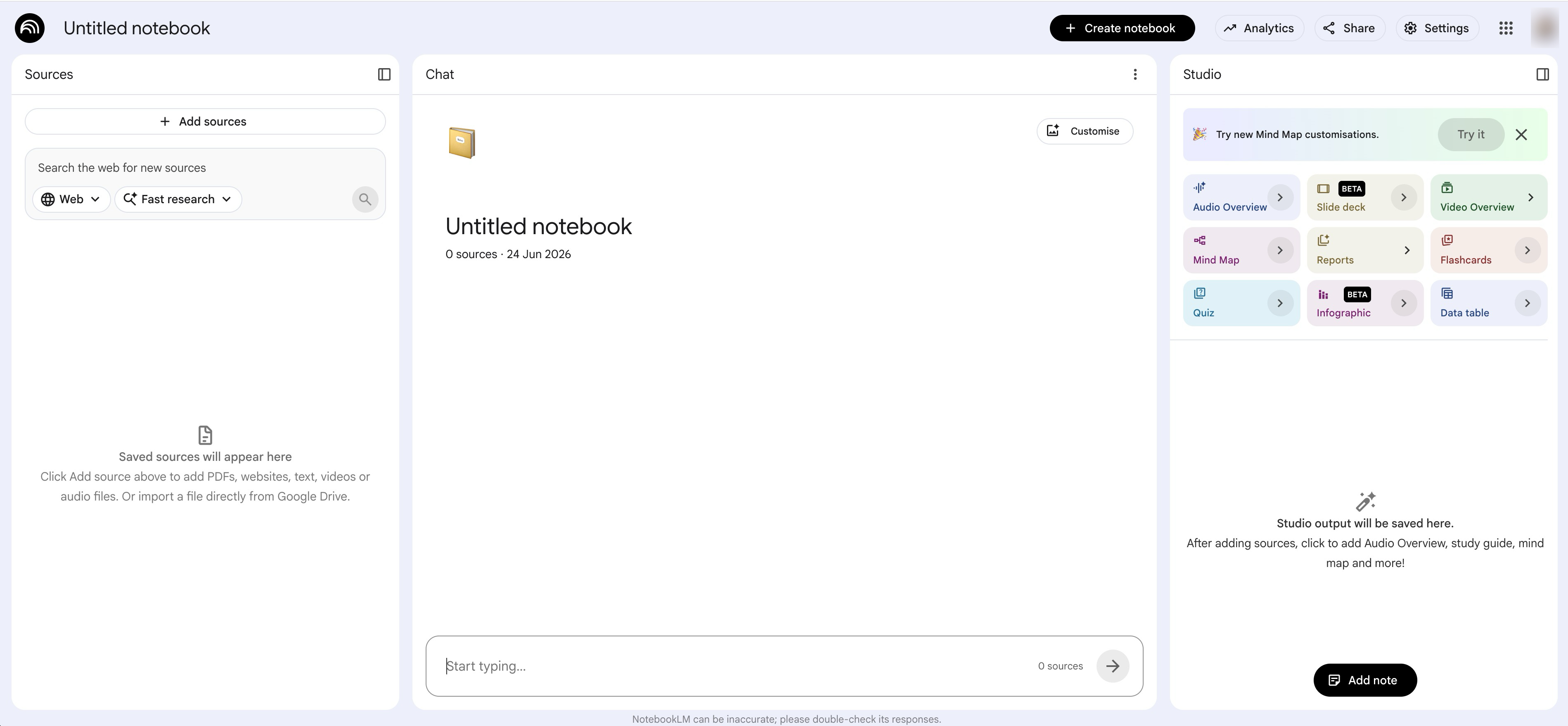
NotebookLM is Google's AI research assistant that works exclusively with your uploaded documents. Unlike Perplexity, which searches the web, NotebookLM only answers based on sources you provide.
Best for: Knowledge workers who want to synthesize information across multiple documents (PDFs, notes, articles).
Key strengths
- Grounded in your sources: Only answers based on documents you upload, dramatically reducing hallucination
- Audio overview generation: Creates podcast-style summaries of your materials, useful for reviewing content on the go
- Cross-document synthesis: Connects insights across multiple files automatically, surfacing relationships you might miss
Why choose NotebookLM: The "grounded" approach works when you have specific source material and want AI help understanding it. Legal documents, research papers, meeting notes, and technical documentation all benefit from this constrained approach.
NotebookLM pricing: Currently free with Google account. Usage limits apply but are generous for most use cases.
7. Sierra

Sierra builds AI agents specifically for customer experience. The platform handles customer inquiries across channels while maintaining brand voice consistency and knowing when to escalate to humans.
Best for: Customer success and support teams at companies wanting AI-powered customer interactions.
Key strengths
- Conversational AI agents: Handles customer inquiries across chat, email, and voice channels
- Brand voice consistency: Trained on your company's tone, policies, and product knowledge
- Escalation intelligence: Knows when to hand off to human agents based on complexity and sentiment
Why choose Sierra: Sierra differs from general-purpose automation (like Lindy) by focusing specifically on customer-facing interactions. The brand training and escalation logic matter when AI represents your company directly to customers. Consider pairing AI agents with interactive guides for customer support to provide both automated and self-service options.
Sierra pricing: Enterprise pricing model. Contact for details based on interaction volume and channel requirements.
8. HeyGen
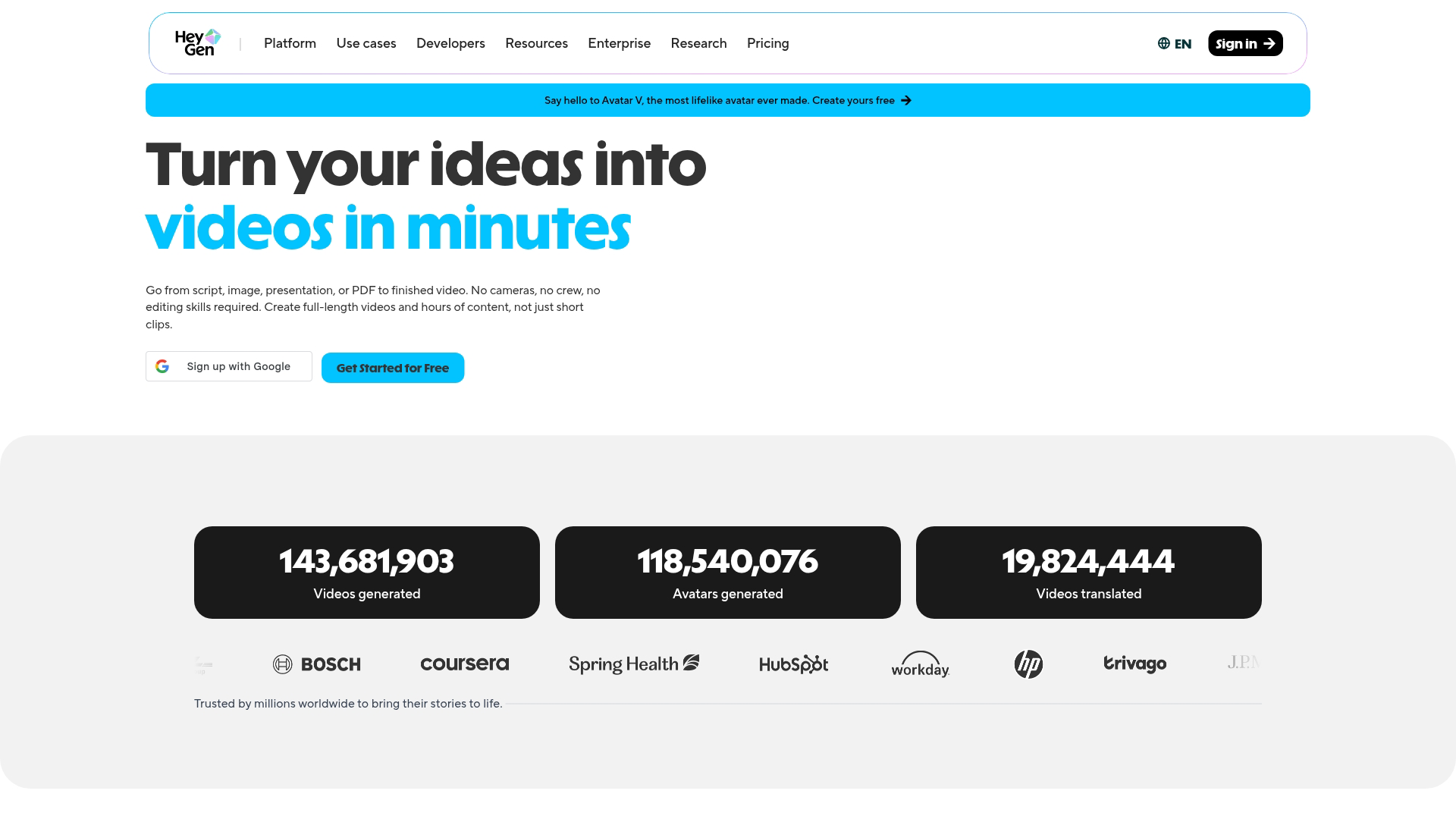
HeyGen creates AI avatar videos for marketing and sales. Choose from stock avatars or create custom ones, then generate videos from scripts in minutes rather than days.
Best for: Marketing teams and sales teams who want personalized video content at scale.
Key strengths
- AI avatar library: Choose from stock avatars or create custom ones from your own footage
- Instant localization: Translate and lip-sync videos into multiple languages without re-recording
- Script-to-video speed: Generate videos in minutes, not the days or weeks traditional video production requires
Why choose HeyGen: The speed advantage matters for personalized outreach. Sales teams can create prospect-specific videos without recording each one manually. Marketing teams can localize campaigns across markets quickly, aligning with interactive marketing strategies that prioritize engagement.
HeyGen pricing: Free tier includes limited credits. Creator costs $24/month with more credits and features. Business and Enterprise tiers available for higher volume.
Tip: Pair AI-generated videos with interactive demos to let prospects experience your product immediately after watching. Video captures attention; demos convert it.
9. ElevenLabs
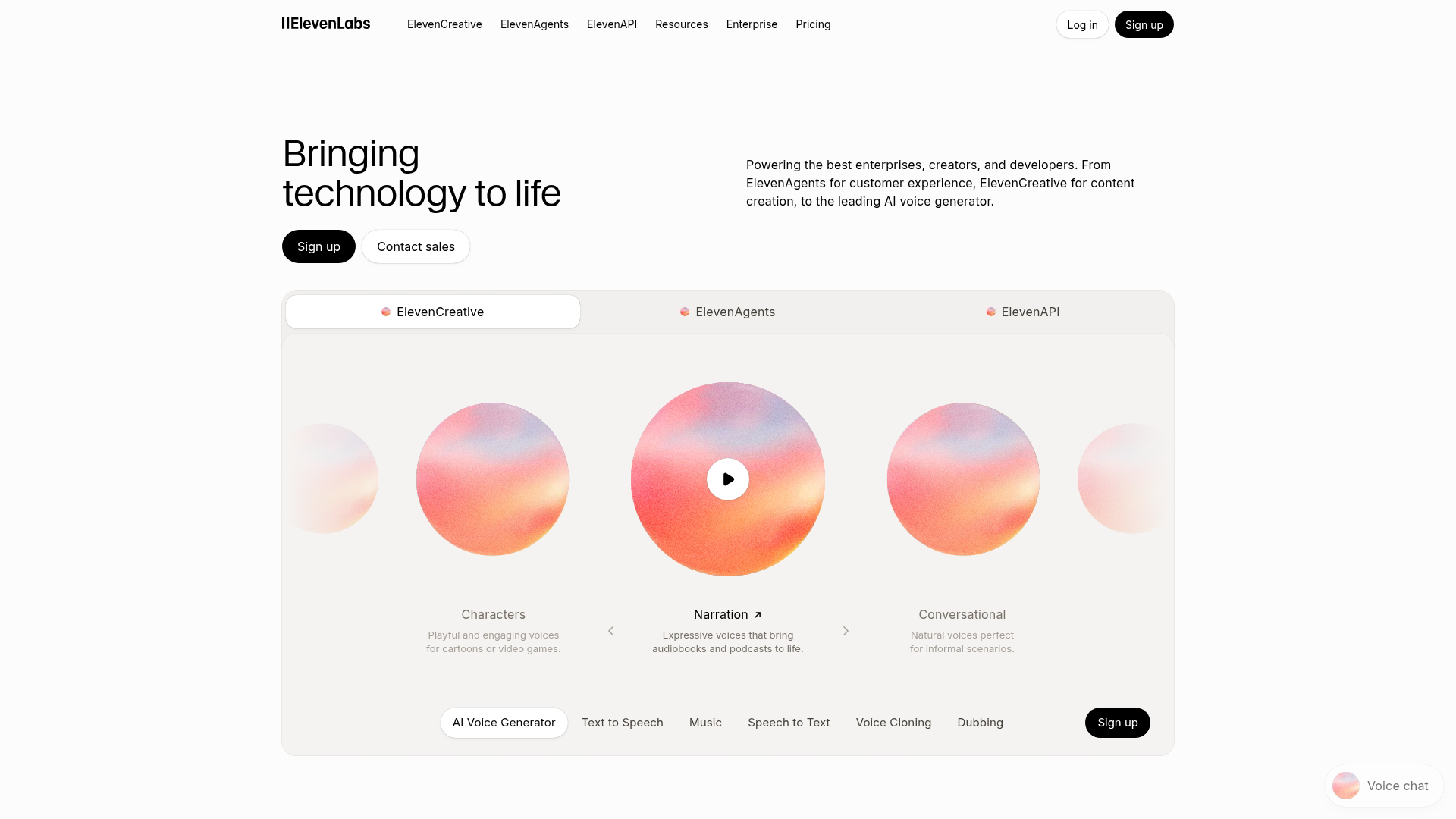
ElevenLabs generates ultra-realistic text-to-speech and powers voice cloning. The quality stands out because voices sound natural rather than robotic, which matters for any audio content people actually listen to.
Best for: Content creators, developers, and teams needing realistic AI-generated voices.
Key strengths
- Voice quality: Natural-sounding speech that avoids the robotic artifacts common in older text-to-speech systems
- Voice cloning: Create custom voices from short audio samples, useful for consistent brand voices
- API-first design: Easy to integrate into apps, products, and workflows through well-documented APIs
Why choose ElevenLabs: Voice quality is the differentiator. If you've tried other text-to-speech tools and found them unusable, ElevenLabs likely clears that bar. Use cases include audiobooks, voiceovers, product interfaces, and accessibility features.
ElevenLabs pricing: Free tier includes limited characters per month. Starter costs $5/month with more characters. Creator, Pro, and Scale tiers available for higher volume.
10. Runway

Runway handles AI video generation and editing for creative professionals. The Gen-3 Alpha model creates video clips from text descriptions with better motion and coherence than earlier generations.
Best for: Creative professionals and marketing teams who want AI-generated video content or advanced editing capabilities. Teams evaluating AI tools should also consider product marketing software tools for their complete marketing stack.
Key strengths
- Text-to-video generation: Create video clips from text descriptions, useful for concepts and prototypes
- Gen-3 Alpha model: Latest generation model with improved motion, coherence, and visual quality
- Creative editing tools: Background removal, inpainting, motion tracking with AI assistance
Why choose Runway: Runway targets creative work rather than corporate communications. If you want to experiment with AI-generated visuals or need advanced editing features, Runway offers more flexibility than avatar-based tools like HeyGen or Synthesia.
Runway pricing: Free tier includes limited credits. Standard costs $15/month with more generation credits. Pro and Unlimited tiers available for heavy users.
11. Replit
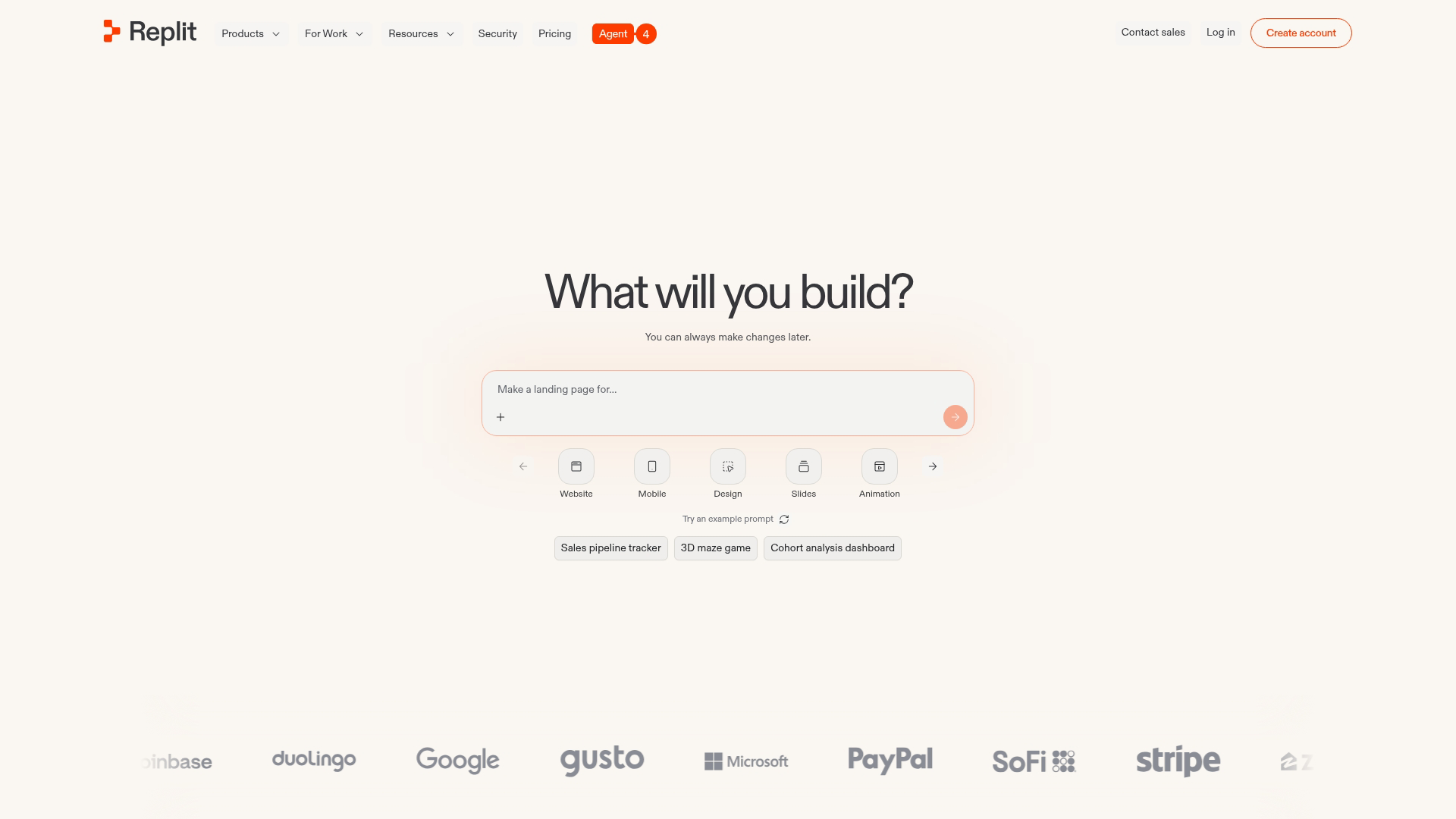
Replit provides a browser-based coding platform with AI assistance. No local setup required, which makes it accessible from any device and removes environment configuration headaches.
Best for: Developers who want to code from anywhere and learners exploring AI-assisted development.
Key strengths
- Browser-native IDE: No local setup required, code from any device with a browser
- Replit Agent: AI that can build and deploy entire applications from prompts, similar to Lovable
- Collaboration built-in: Real-time multiplayer coding for teams, useful for pair programming and teaching
Why choose Replit: The browser-based approach removes friction. You can start coding immediately without installing anything. This accessibility makes Replit popular for learning, quick prototypes, and situations where you can't install software locally.
Replit pricing: Free tier includes basic features. Replit Core costs $25/month with more compute, storage, and AI features. Teams plans available for organizations.
12. Synthesia
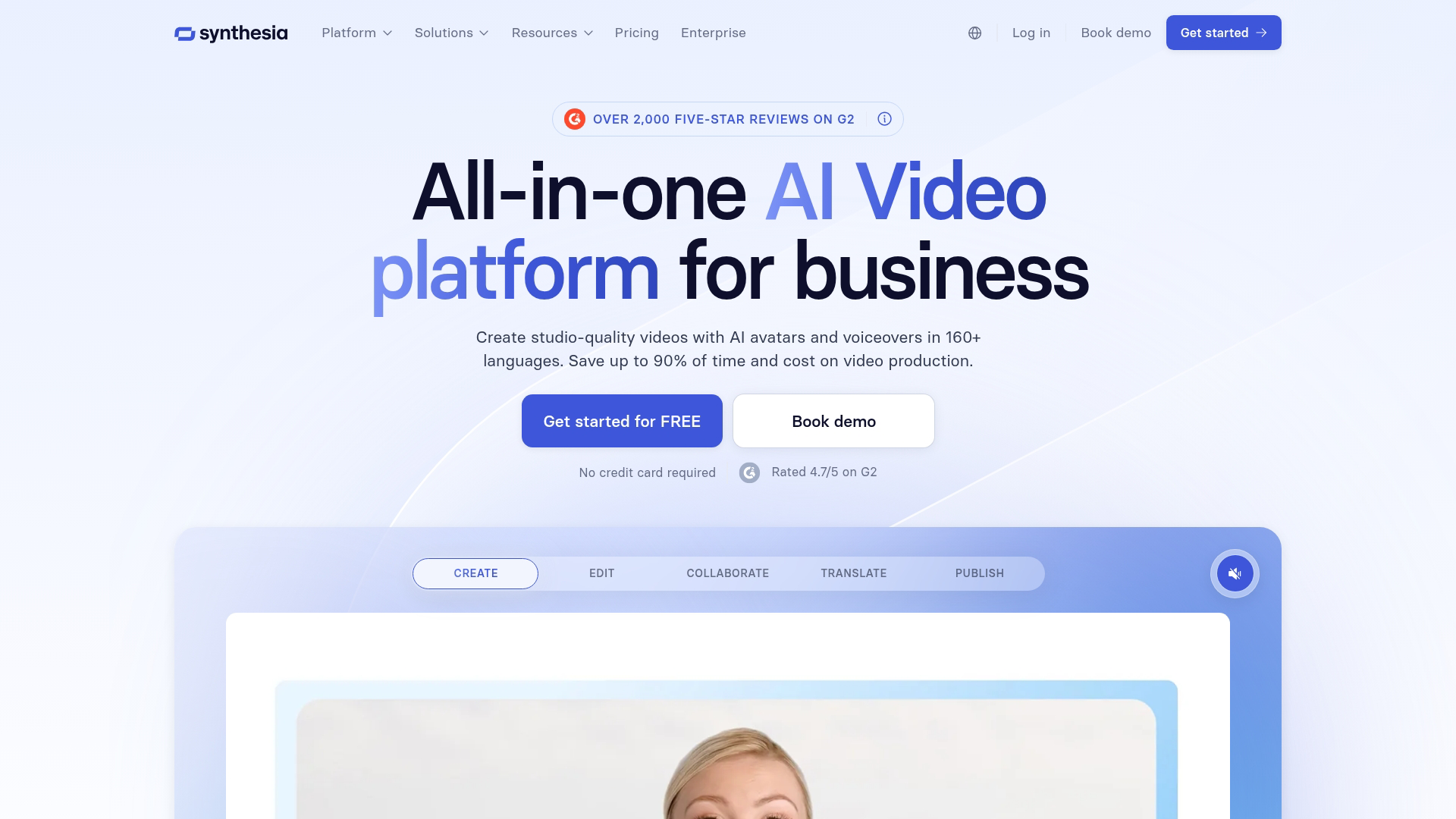
Synthesia creates professional AI avatar videos for business content. The platform targets corporate use cases like training videos, internal communications, and marketing explainers.
Best for: Learning and development teams, corporate communications, and marketing teams creating training or explainer content.
Key strengths
- Enterprise-grade avatars: Professional-looking presenters suitable for business content, not just casual videos
- Template library: Pre-built video templates for common use cases like onboarding, product updates, and announcements
- Multi-language support: Create videos in dozens of languages without re-recording, useful for global teams
Why choose Synthesia: The professional positioning matters for corporate contexts. Training videos, compliance content, and internal communications benefit from polished presentation. Synthesia's templates also speed up production for common formats.
Synthesia pricing: Starter costs $29/month with limited video minutes. Creator and Enterprise tiers available with more minutes and features.
13. Descript

Descript edits audio and video by editing text. The transcription becomes your timeline, so deleting words deletes the corresponding audio or video. This approach dramatically speeds up editing workflows.
Best for: Podcasters, video creators, and marketing teams who want faster editing workflows.
Key strengths
- Edit by editing text: Transcription becomes your timeline; delete words to delete audio/video, making editing intuitive
- Overdub voice cloning: Fix mistakes by typing corrections, and AI speaks in your voice, eliminating re-recording
- Studio Sound: AI-powered audio cleanup and enhancement that fixes room noise and audio quality issues
Why choose Descript: Descript is an editing tool (post-production) rather than a generation tool (HeyGen, Synthesia). If you're creating original content and want to edit it faster, Descript's text-based approach often cuts editing time significantly.
Descript pricing: Free tier includes limited transcription hours. Hobbyist costs $15/month with more hours. Creator and Business tiers available for teams.
What to consider before choosing an AI tool
Beyond the specific tools above, here's a framework for evaluating any AI tool you encounter.
Your team's technical depth
Some tools require coding skills (API integration, custom configurations). Others are fully no-code. Match tool complexity to your team's capability, or you'll end up with shelfware.
A tool that requires a developer to maintain isn't "easy to use" if your team doesn't have developer time available.
Integration with existing workflows
A powerful tool that doesn't connect to your current stack creates silos. Check for native integrations with your CRM, marketing automation tools, and communication platforms before committing.
Pricing at scale versus entry tier
Free tiers and starter plans often have limits that become expensive at scale. Evaluate the pricing tier you'll actually use, not the one you start with.
A tool that costs $20/month for testing might cost $500/month at production volume. Check the pricing page carefully before building workflows around a tool.
Security and compliance requirements
For tools that process customer data or proprietary information, check for SOC 2 certification, GDPR compliance, and data handling policies. Enterprise buyers typically require documentation here, but even smaller teams benefit from knowing where their data goes.
Support and documentation quality
Emerging tools may have thinner support resources than established players. Good documentation, active communities, and responsive support matter when you hit edge cases or need help with implementation.
What's next for AI tools in 2026
Three trends shape where AI tools are heading.
First, agentic AI continues expanding and 23% of organizations are already scaling agentic AI systems. Tools that act autonomously (like Lindy and Devin) rather than waiting for prompts will handle more complex, multi-step tasks. Expect more tools to shift from "assistant" to "agent" positioning.
Second, multimodal capabilities are converging. Text, image, video, and voice in one tool becomes more common. The boundaries between categories blur as models handle multiple input and output types.
Third, deeper integration with enterprise systems accelerates. AI tools that connect natively to CRM, ERP, and data warehouses will outcompete standalone tools that require manual data movement.
For teams evaluating emerging AI tools, the practical advice remains: start with one tool that solves a specific problem, measure the impact, then expand. Trying to adopt everything at once leads to nothing sticking.
Start your journey with Guideflow today!
FAQs about emerging AI tools
What is the difference between AI tools and AI platforms?
AI tools perform specific tasks (generate an image, transcribe audio, write code). AI platforms provide infrastructure to build or deploy multiple AI capabilities. ChatGPT is a tool; OpenAI's API is a platform.
Which emerging AI tools offer free tiers worth using?
NotebookLM, Perplexity, Descript, and Cursor all have functional free tiers that handle real work. NotebookLM is completely free currently. The others have generous limits before requiring payment.
Can non-technical team members use emerging AI tools effectively?
Yes, many tools are designed for non-technical users. Lovable, Synthesia, HeyGen, NotebookLM, and Perplexity all work without coding skills. Look for tools with natural language interfaces and visual editors.
How do emerging AI tools handle data privacy and security?
Varies significantly by tool. Look for SOC 2 certification, clear data retention policies, and enterprise tiers with enhanced security. Some tools (like NotebookLM) process data locally or with stronger privacy guarantees than others.
What happens when AI tools produce errors in production work?
All AI tools make mistakes. Build review workflows into your process rather than trusting output blindly. Tools with edit and correction features (Descript Overdub, Cursor inline edits) make fixing errors faster than starting over.
How can teams measure ROI from AI tool adoption?
Track time saved on specific tasks before and after adoption. Compare output volume and quality.
For demand generation tools, measure pipeline impact. The key is measuring against a baseline, not just assuming value.
Which emerging AI tools integrate with sales and marketing technology stacks?
Lindy, HeyGen, and Synthesia offer CRM and marketing integrations. Integration depth varies, so check specific connectors for your stack. API availability matters for custom integrations.
How frequently do emerging AI tools release significant updates?
Most tools on this list ship updates weekly or monthly. Check changelogs and release notes before committing. Rapid updates indicate active development but also mean features may change.