
A tech finishes a four hour install. The customer signs off on a paper form. That form rides around in a truck for two days, gets coffee on it, and lands on a coordinator's desk who rekeys it into a spreadsheet. By then, the invoice is late, one signature box is blank, and nobody can find the before photos.
That is the tax of paper and disconnected workflows. People in the field capture good data, then lose half its value to manual handoffs, missing context, and lag. The mobile forms automation category exists to close that gap, and it is growing fast. One market estimate puts mobile forms automation software at roughly USD 387.99 million in 2026, climbing to USD 970.69 million by 2035 at a 10.7% CAGR.
Mobile forms software lets teams build forms once, capture data on a phone or tablet (even with no signal), route submissions automatically, and report on everything in one place. If your team works away from a desk, a good mobile forms app turns scattered capture into clean, actionable records. This guide breaks down eight tools worth shortlisting. If your field teams also need guided, on-device experiences, a mobile demo can complement how you train and onboard frontline staff.
What's inside
This guide is built for field and frontline teams: service coordinators, support operations leads, inspectors, and anyone replacing paper, PDFs, and spreadsheets with structured mobile data capture.
We picked tools based on four things that matter most when you work outside the office:
- Offline reliability: capture that holds up with no connection and syncs cleanly later
- Form design depth: no-code builders with rich input types like photos, signatures, GPS, and barcode scanning
- Workflow automation for forms: approvals, routing, and notifications that move data to the right person
- Reporting: dashboards and exports that turn submissions into decisions
We focused on tools used by real field operations, not generic survey makers. Each entry covers what it does, who it fits, key strengths, and pricing where it is public. If you are also evaluating mobile capture for marketing or attribution, our roundup of the best mobile marketing software is a useful companion read.
TL;DR
Short on time? Here are the fast picks.
- Best overall for field service forms: Field2Base, built for dispatch, completion, and offline capture in the field
- Best affordable no-code builder: Zoho Forms, with a free tier and low entry pricing for mobile forms for business
- Best for workflow automation: Forms On Fire, strong on routing paper-to-mobile workflows
- Best for inspections and frontline QA: SafetyCulture, with a free plan for small teams
- Best for enterprise governance: Jotform Enterprise, with admin controls, SSO, and white-labeling
- Best for digitizing existing paper forms: GoFormz, which preserves your current form layouts on mobile
What are mobile forms software, and how do they work
Mobile forms software is a category of tools that lets teams design digital forms, capture data on mobile devices online or offline, automate the follow-up, and report on every submission from a central dashboard.
It replaces paper checklists, PDF attachments, email back-and-forth, and the spreadsheets where field data goes to die. Instead of rekeying a handwritten form, a worker fills it on a phone, hits submit, and the data flows straight into your systems.
Mobile forms software, defined
Think of it as the bridge between the field and your back office. A mobile form builder gives you a no-code way to create custom mobile forms. A capture layer collects responses on iOS, Android, or web, with offline support so a dead zone never stops the work. An automation layer routes submissions, triggers approvals, and sends alerts. A reporting layer turns it all into dashboards and exports.
The point is simple. Capture once, act fast, and never lose data to a manual handoff.
Core capabilities to expect
Most mobile form solutions worth evaluating cover these basics:
- Offline mobile forms software: capture without a connection, then sync automatically when the device reconnects
- No-code form design: drag-and-drop builders, conditional logic, and reusable templates
- Rich mobile data capture: photos, signature capture, GPS tagging, barcode scanning, audio, and calculations
- Workflow automation for forms: approvals, conditional routing, and notifications
- Reporting and form analytics: dashboards, exports, and integrations into your existing stack
Where mobile forms software fits in frontline workflows
The category shines anywhere structured data gets captured away from a desk. Service technicians log work orders and parts used. Inspectors run safety and quality checklists. Support and operations teams handle intake, escalations, and audits. Field reps collect site data, signatures, and photo evidence. For teams that also run on-the-road sales motions, our guide to the best field sales software pairs well with frontline data capture.
For support-adjacent teams, frontline forms also feed cleaner records into the systems that drive resolution. Fewer blank fields and fewer manual handoffs mean faster follow-up.
When to use mobile forms software
You do not need this category for a one-off survey. You need it when capture is recurring, happens in the field, and has to trigger something downstream. Here are the three clearest signals.
Collect data in the field without paper
If your team runs site visits, service calls, inspections, or mobile intake, paper is costing you. Forms get lost, get incomplete, and arrive days late. A mobile forms app puts a structured form on every device, enforces required fields, and timestamps each submission.
The result is data that arrives complete the moment the work is done, not after a coordinator chases down a missing signature.
Route submissions to the right people fast
A submitted form should not sit in an inbox. When a field service form comes in, the right tool can auto-route it for approval, notify a supervisor, escalate an exception, or kick off the next task.
This is where workflow automation earns its keep. It removes the lag between capture and action, which is usually where deals, tickets, and jobs stall.
Capture richer evidence from mobile devices
A signature on paper proves a customer signed. A photo, GPS tag, and timestamp prove what, where, and when. Mobile data capture turns a phone into an evidence tool: signature capture for sign-off, photos for condition reports, GPS tagging for location proof, and barcode scanning for asset tracking. If electronic signatures are central to your workflow, see our list of the best e-signature software.
That richer record cuts disputes, supports compliance, and gives your back office context it never had with paper.
Comparison table
Use this table to narrow the shortlist fast. Tools are ordered by fit for field and frontline teams. Pricing reflects publicly listed entry tiers; ratings reflect current G2 scores where available.
| # | Product | Intent | Key differentiation | Pricing | G2 rating |
|---|---|---|---|---|---|
| 1 | Field2Base | Field service capture | Dispatch and complete forms in the field, offline | From $20/license/mo | Not enough reviews listed |
| 2 | Zoho Forms | Affordable no-code builder | Free tier plus low-cost automation and offline | Free, paid from $12/mo | 4.4/5 |
| 3 | Forms On Fire | Paper-to-mobile automation | No-code builder with strong workflow routing | From $20/user/mo | 4.5/5 |
| 4 | Form.com | Frontline execution | Task management plus image recognition reporting | From $299/mo | 3.8/5 |
| 5 | GoFormz | Digitizing existing forms | Preserves your current paper form layouts | Free trial, paid tiers | 4.7/5 |
| 6 | Jotform Enterprise | Enterprise governance | Admin console, SSO, white-labeling | Custom | 4.7/5 |
| 7 | TrueContext | Complex field workflows | Context-aware forms and guided workflows | From $400/mo | 4.5/5 |
| 8 | SafetyCulture | Inspections and QA | Checklist-first frontline operations platform | Free, Premium from $24/license/mo | 4.6/5 |
1. Field2Base
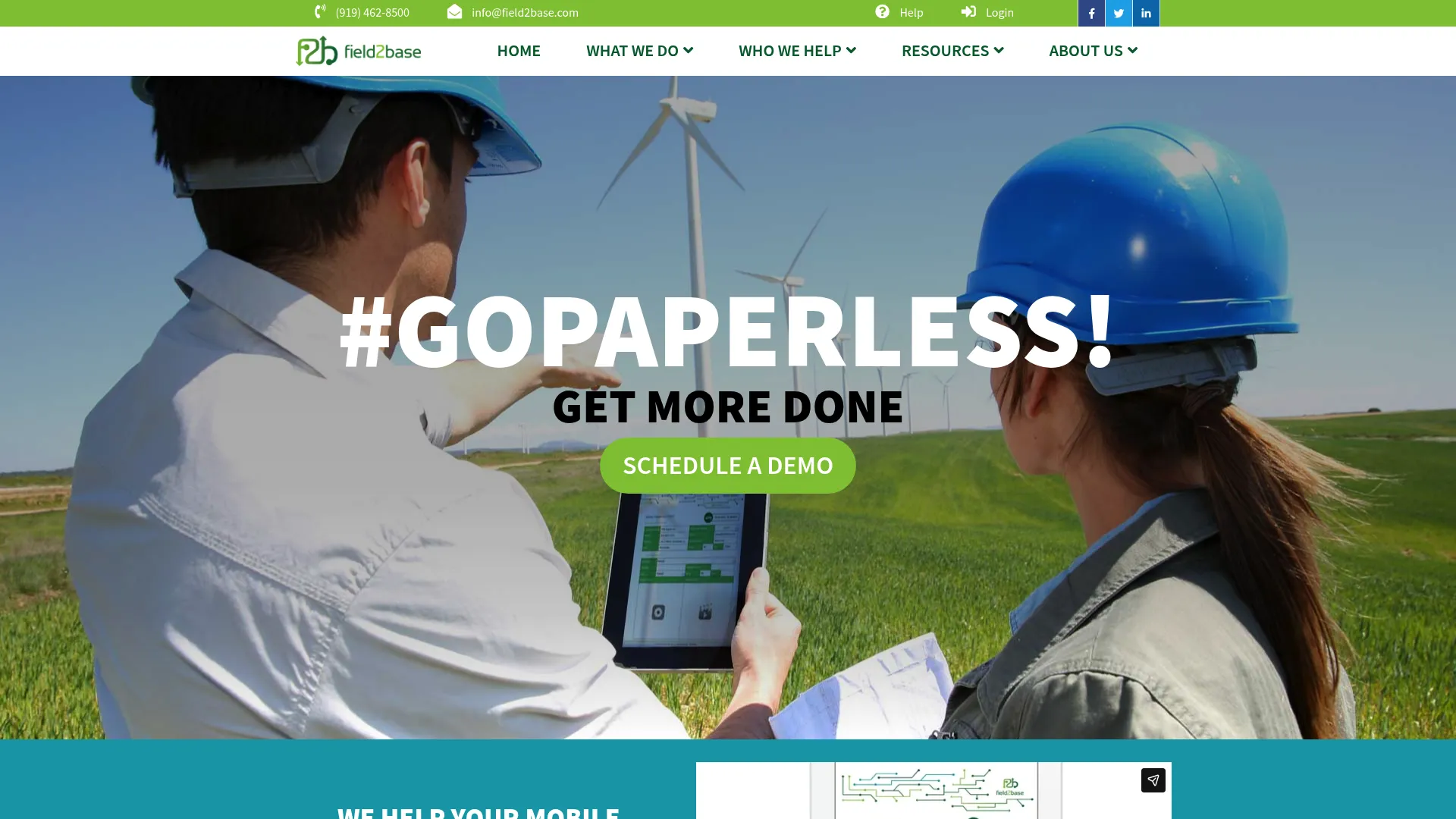
Field2Base is digital forms software built specifically for field service teams to create, dispatch, complete, and manage forms in the field. It is not a general survey tool repurposed for mobile. The product is shaped around the reality of dispatching work to technicians, capturing it on site, and managing the data centrally afterward.
That field-first heritage shows up in the details. You can build unlimited form templates from scratch or rebuild your existing paper forms, then push them to crews on Android, iOS, and web, including offline use. When the work happens in a basement or a remote site with no signal, capture keeps working and syncs when the device reconnects.
Best for: Field service organizations that need customizable mobile forms with dispatch, workflow, and reliable offline field capture.
Key strengths
- Unlimited templates: Build from scratch or convert existing paper forms, so you are not forced into rigid layouts.
- True offline capture: Works across Android, iOS, and web, including offline, so a dead zone never stops a job.
- Admin and workflow layer: Workflow, analytics, integration, and admin portal capabilities help teams manage many users and devices.
Why choose Field2Base: If your core problem is dispatching and completing forms in the field at scale, this is a purpose-built fit. The admin portal matters most for teams managing dozens of technicians and devices, where governance and visibility would otherwise fall apart. It is less of a casual form maker and more of a field operations backbone.
Field2Base pricing: Field2Base lists three tiers on its pricing page. Essentials starts at $20 per license per month, Small Business at $30 per license per month, and Enterprise at $45 per license, with a note to call for customized pricing. There is no free tier, which fits its focus on committed field service teams rather than one-off users.
2. Zoho Forms
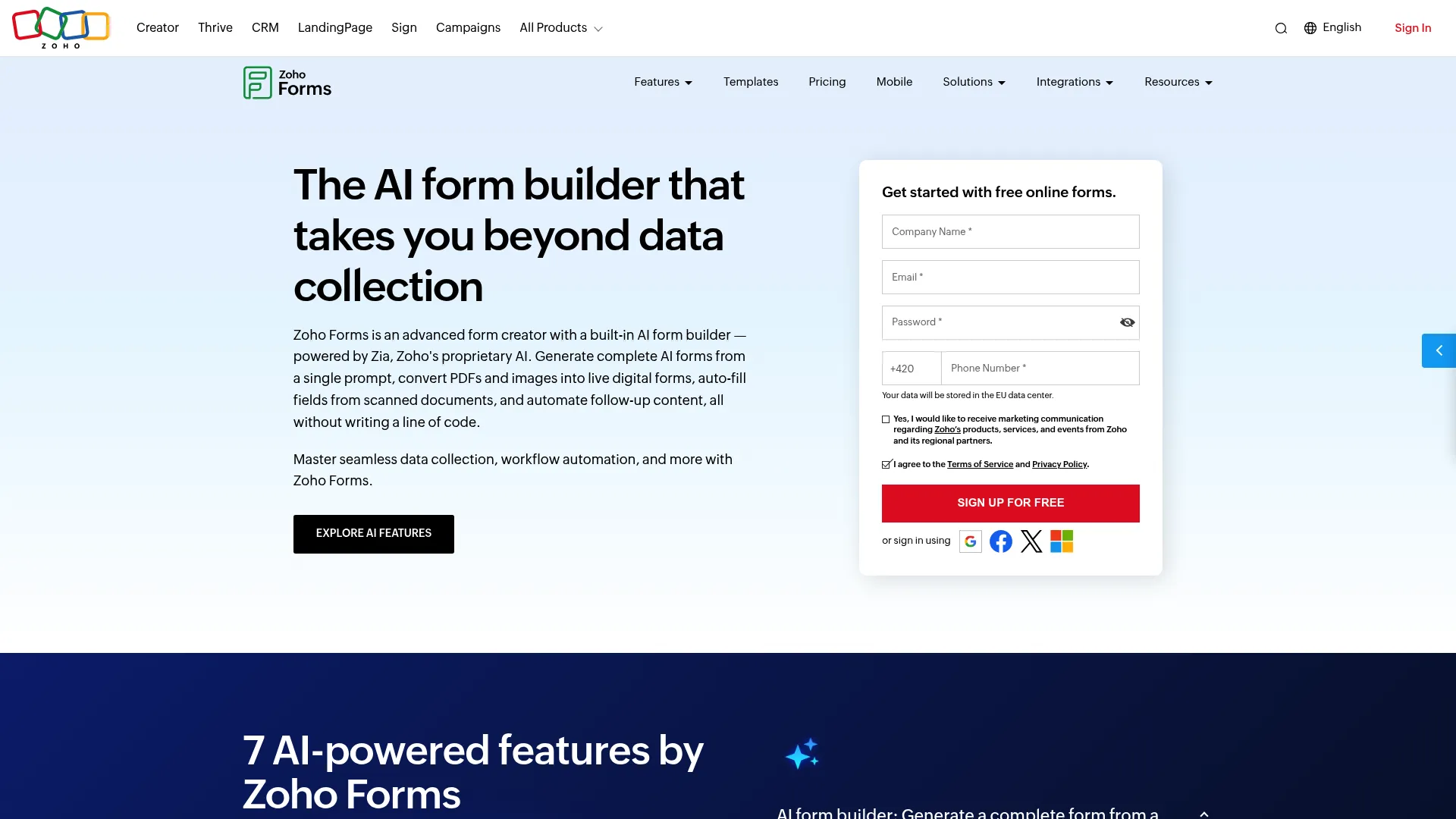
Zoho Forms is an online form builder for creating, sharing, and automating data-collection forms. It is the most accessible entry point on this list for teams that want mobile forms for business without a heavy implementation or a sales call. The drag-and-drop builder is genuinely no-code, so a coordinator can ship a working form in an afternoon. You can also explore an interactive Zoho demo to see how the ecosystem feels in practice.
What makes it more than a basic survey tool is the automation layer. You get offline data collection for field capture, plus multi-level approvals and workflow automation that route submissions to the right reviewers. For teams already inside the Zoho ecosystem, the connection to other Zoho apps is a natural fit.
Best for: Teams that need an affordable, no-code form builder with automation and offline capture.
Key strengths
- No-code drag-and-drop builder: Create custom mobile forms fast without developer help.
- Offline data collection: Capture responses in the field and sync when back online.
- Multi-level approvals: Route submissions through approval chains with workflow automation.
Why choose Zoho Forms: This is the value pick. If you want to move off paper without committing to enterprise pricing, the free tier lets you prove the workflow before you spend anything. It fits smaller field and support teams, and teams already standardized on Zoho who want their forms to live in the same stack.
Zoho Forms pricing: Zoho Forms offers a Free plan that the brand describes as free forever, then paid plans starting at $12 per month, with Standard at $30 and Professional at $60. A Premium tier sits above those. The free tier and low entry price make it one of the easiest mobile form solutions to trial.
3. Forms On Fire
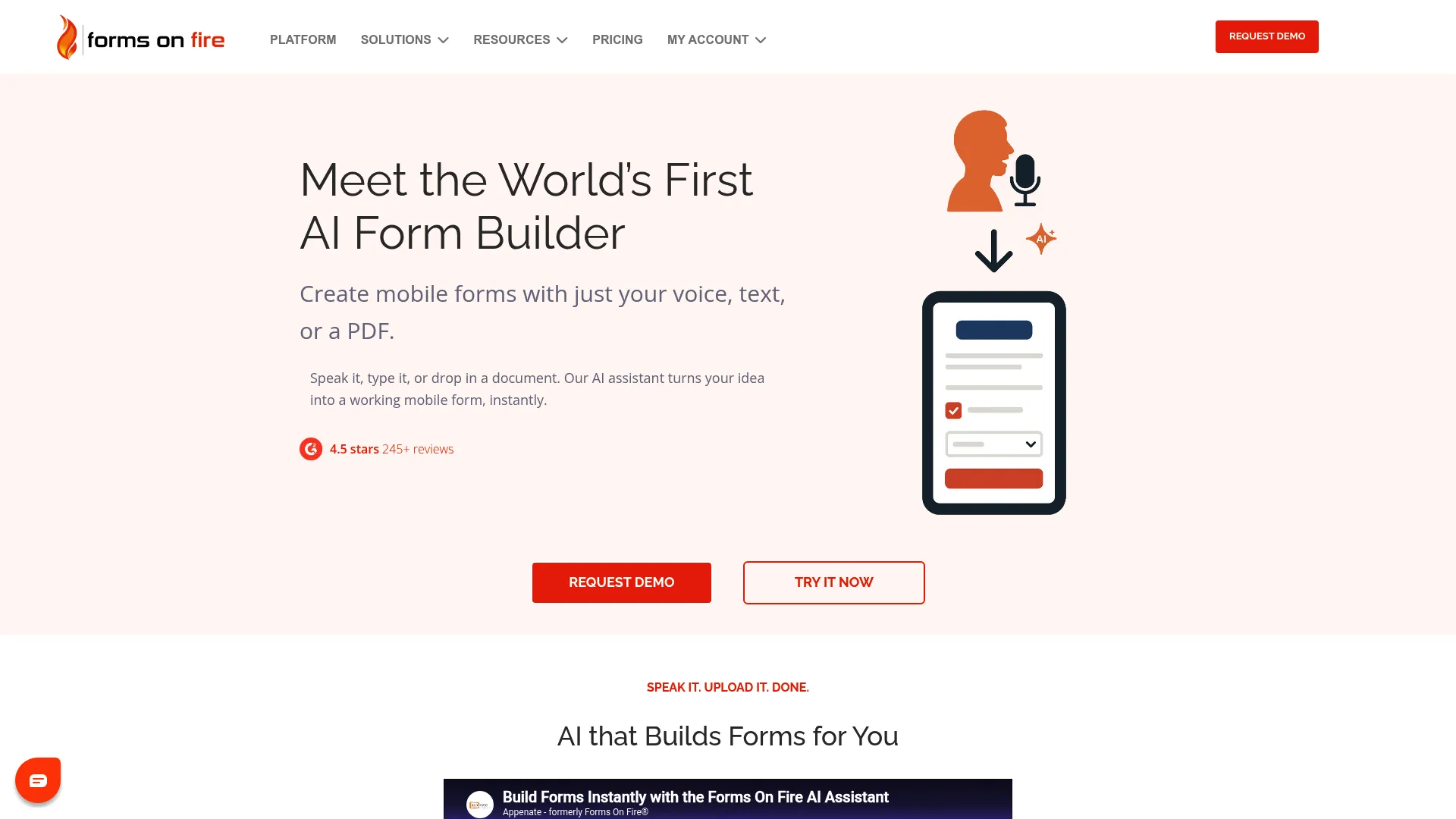
Forms On Fire is a no-code mobile forms and workflow platform for digitizing paper forms and field data collection. It earns a regular spot on mobile forms automation shortlists because it pairs a capable builder with serious workflow routing, not just data capture.
The platform includes an AI form builder to speed up creation, offline mobile forms for field reliability, and a deep set of integrations plus an open API. That API matters when you need submissions to flow into the systems your team already runs, rather than living in a silo.
Best for: Teams replacing paper forms with mobile data capture and workflow automation.
Key strengths
- AI form builder: Generate and refine forms quickly without starting from a blank page.
- Offline mobile forms: Capture in the field with no connection, then sync reliably.
- Integrations and open API: Connect submissions to your existing stack and automate handoffs.
Why choose Forms On Fire: Choose this when routing and approvals are as important as capture. It is built for teams that need a submission to trigger the next step automatically: an approval, an alert, a record update in another system. The open API gives technical teams room to wire it into bespoke workflows.
Forms On Fire pricing: Forms On Fire lists three editions billed per user per month. Standard is $20, Premium is $28, and Enterprise is $36, with yearly billing discounted and a free trial available. Enterprise requires 25 or more users, and custom pricing applies to enterprise add-ons. There is no free tier, but the trial lets you test the workflow first.
4. Form.com
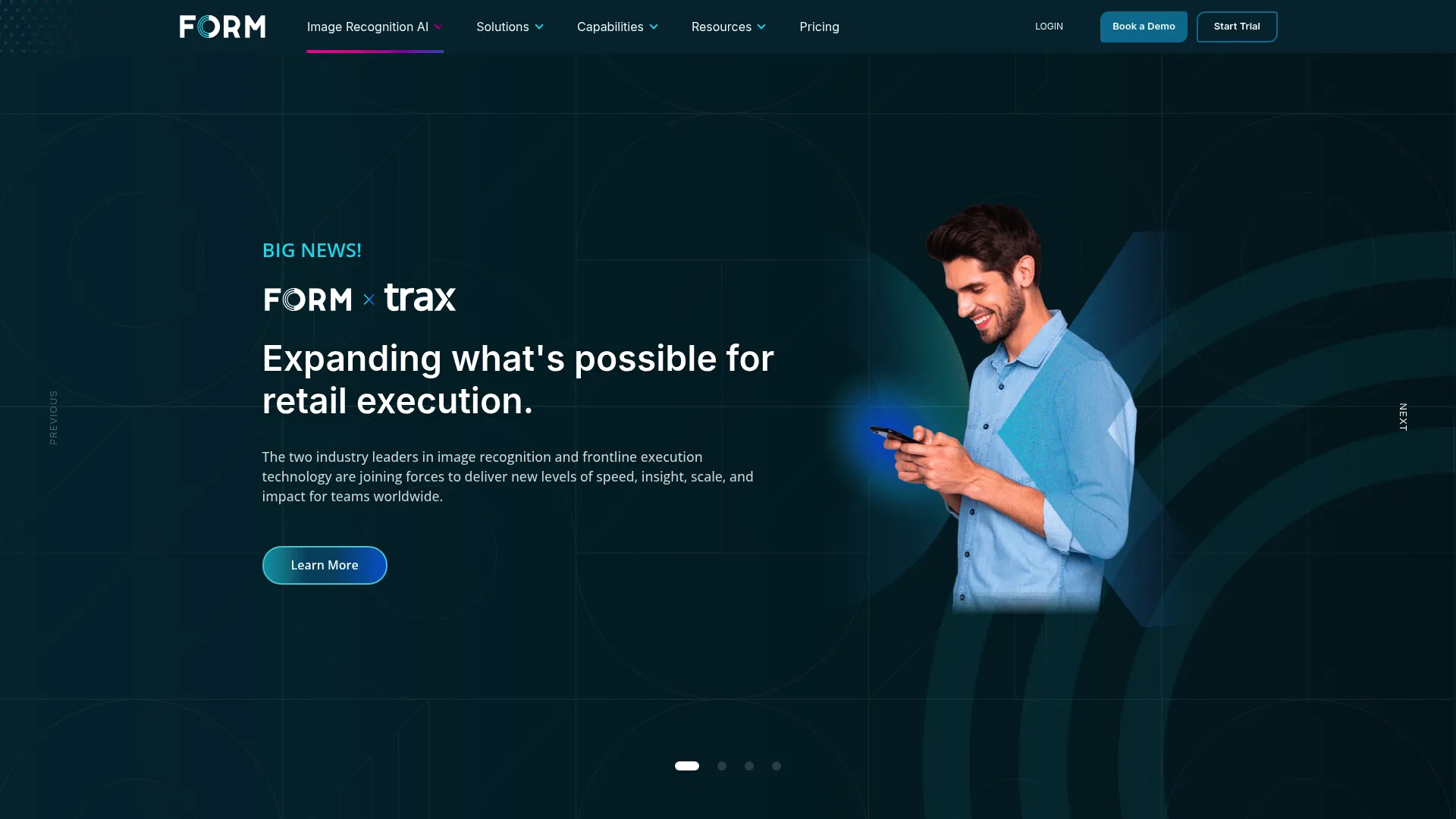
Form.com is frontline execution software for task management, image recognition, photo reporting, insights, surveys, and workflow automation. It sits at the heavier end of this list. This is less a forms tool and more an operations platform that happens to be built on mobile capture.
The standout is image recognition paired with photo reporting, which goes beyond collecting a picture into actually analyzing it. Layered with task management, this turns submitted forms into coordinated frontline work rather than static records. For enterprise teams running audits and inspections across many sites, that operational depth is the draw.
Best for: Enterprise frontline teams that need audits, inspections, task management, and mobile reporting in one place.
Key strengths
- Task management: Turn form submissions into assigned, trackable frontline work.
- Image recognition: Analyze photos automatically, not just store them.
- Photo reporting: Capture visual evidence and tie it into structured reports.
Why choose Form.com: Pick this when data collection is only the starting point and you need to coordinate frontline execution across teams and locations. The image recognition layer is genuinely differentiated for retail audits, merchandising checks, and quality inspections where photos carry the proof.
Form.com pricing: Form.com's FORM OpX product lists Essentials at $299 per month with a 10 user minimum, Pro at $999 per month including 30 users, and Enterprise with custom pricing. There is no free tier. The entry point reflects its enterprise, multi-user positioning rather than individual or small team use.
5. GoFormz
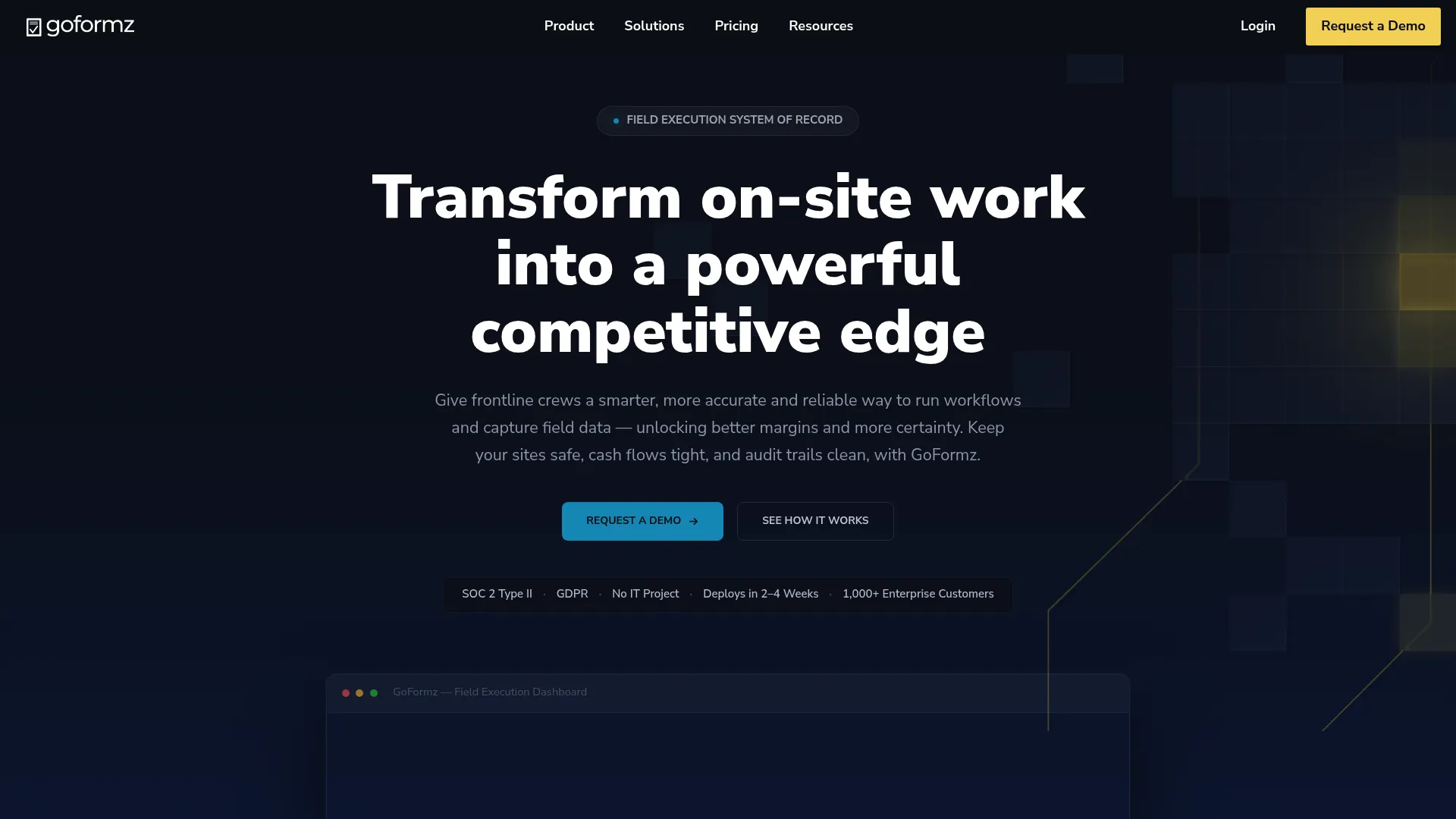
GoFormz is a digital forms and workflow platform for replacing paper forms with mobile and online data collection. Its signature move is preserving the exact look of your existing paper forms in digital form, so the transition feels familiar to crews who have used the same layout for years.
That fidelity removes a common adoption hurdle. Workers do not have to relearn a form, they just fill the same one on a screen. Around that, GoFormz adds an AI-powered form builder, offline mobile forms for field capture, and automations and workflows to move data after submission.
Best for: Teams that need to digitize paper forms and collect field data on mobile devices.
Key strengths
- AI-powered form builder: Build and adapt forms quickly while keeping familiar layouts.
- Offline mobile forms: Capture in the field without a connection and sync later.
- Automations and workflows: Route and process submissions after capture.
Why choose GoFormz: This is the pick when adoption is your biggest risk. If your team is attached to existing paper forms and you want a one-to-one digital version, the layout fidelity smooths the rollout. It fits operations teams digitizing well-established forms rather than designing brand new ones from scratch. Smoothing adoption is also where a strong user onboarding flow makes the difference between a tool that sticks and one that stalls.
GoFormz pricing: GoFormz offers a 14-day free trial of its Advanced plan, and the brand confirms a free Basic plan alongside paid tiers with monthly or annual billing. Public plan prices were not listed on the pages reviewed, so confirm current figures with GoFormz directly. The free trial lets you validate fit before committing.
6. Jotform Enterprise
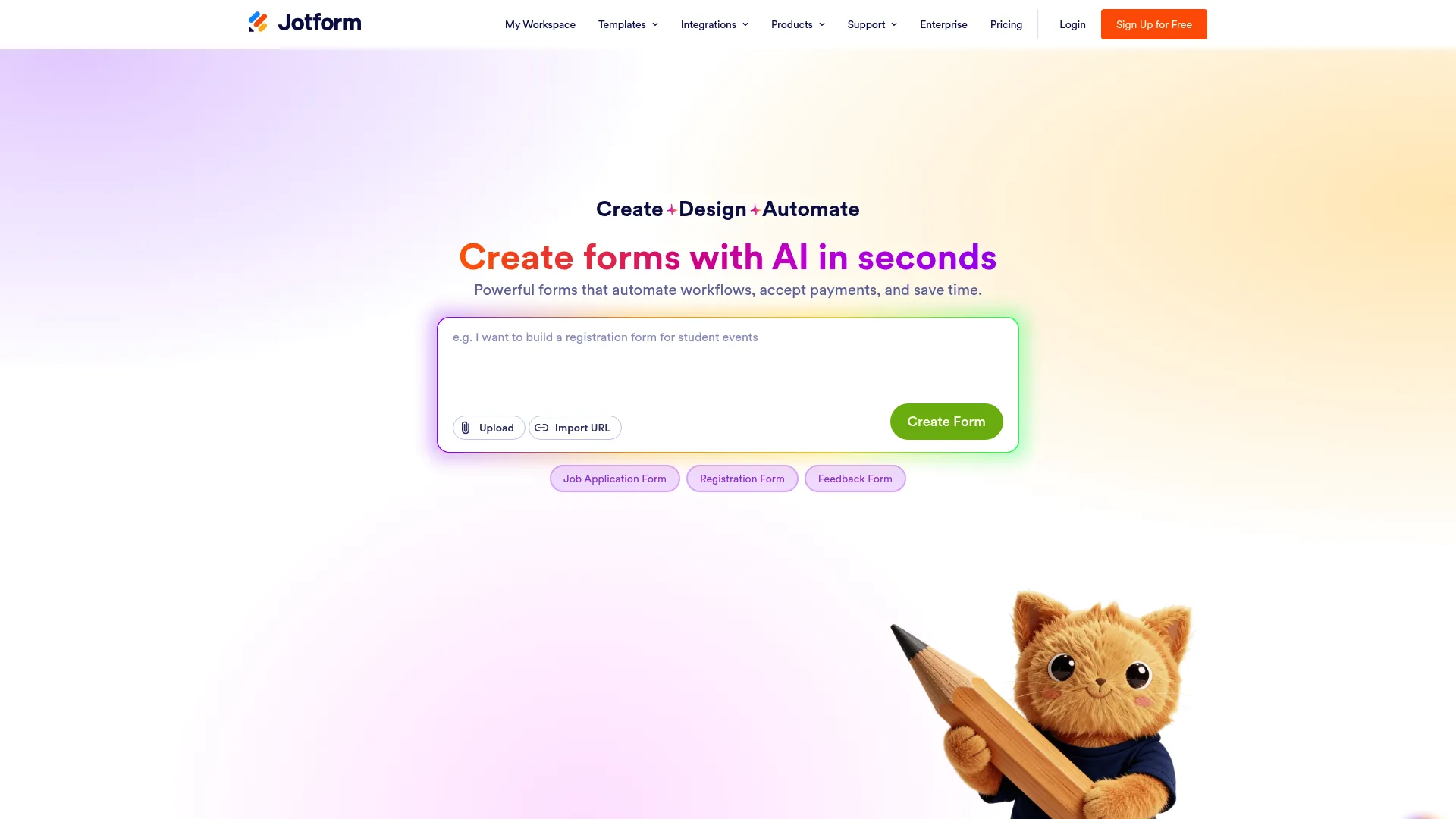
Jotform Enterprise is an enterprise-grade online form and workflow platform with centralized management, security, and branding controls. It takes Jotform's widely used form builder and wraps it in the governance large organizations require. If you already know the consumer product, this is the version built to scale across teams safely. You can also try an interactive Jotform demo to get a feel for the builder.
The enterprise layer is the reason to consider it here. You get workspace and team collaboration, an admin console with role-based access, and white-labeling, SSO, and local data residency. For mobile data capture at scale, that combination of usability and control is hard to match.
Best for: Large organizations that need secure, centralized form and workflow management.
Key strengths
- Admin console: Manage users, permissions, and governance with role-based access.
- Security controls: SSO, white-labeling, and local data residency for compliance needs.
- Team collaboration: Shared workspaces keep distributed teams aligned.
Why choose Jotform Enterprise: Choose this when security, governance, and brand control are non-negotiable. It is a broad forms platform that handles mobile workflows well, rather than a field-service specialist. The fit is strongest for IT-governed organizations rolling forms out across many departments.
Jotform Enterprise pricing: Jotform Enterprise uses custom pricing that requires contacting sales, so no public numeric price is listed. That packaging is typical for enterprise plans bundling SSO, dedicated support, and advanced administration. Expect a sales conversation scoped to seat count and security requirements.
7. TrueContext

TrueContext is a field service workflow platform for connected workers. It is the most technically oriented option on this list, built for organizations whose field processes are complex enough that a simple form will not cut it.
The differentiator is context. TrueContext offers smart, context-aware forms that adapt to the situation, AI-augmented guided workflows that walk technicians through complex tasks, and connected data, reporting, and integrations that feed the rest of the business. When a job has branching logic, conditional steps, and downstream data requirements, this depth pays off. If guided, step-by-step walkthroughs are central to your training, an interactive demo can reinforce those workflows for new technicians.
Best for: Field service organizations digitizing and automating complex technician workflows.
Key strengths
- Context-aware forms: Forms adapt dynamically based on conditions and prior inputs.
- AI-augmented guided workflows: Walk technicians through complicated procedures step by step.
- Connected data and integrations: Push structured field data into reporting and other systems.
Why choose TrueContext: Pick this when your field workflows are intricate and your data has to integrate cleanly across the enterprise. It suits operations-heavy teams with technical resources to configure guided workflows. For straightforward checklists, it may be more capability than you need, but for complex routing it is built for the job.
TrueContext pricing: TrueContext lists three tiers. Digital starts at $400 per month billed annually, while Intelligent and Elite are quote-based with custom pricing through sales. There is no free tier listed. The entry point reflects its focus on established field service operations rather than light users.
8. SafetyCulture
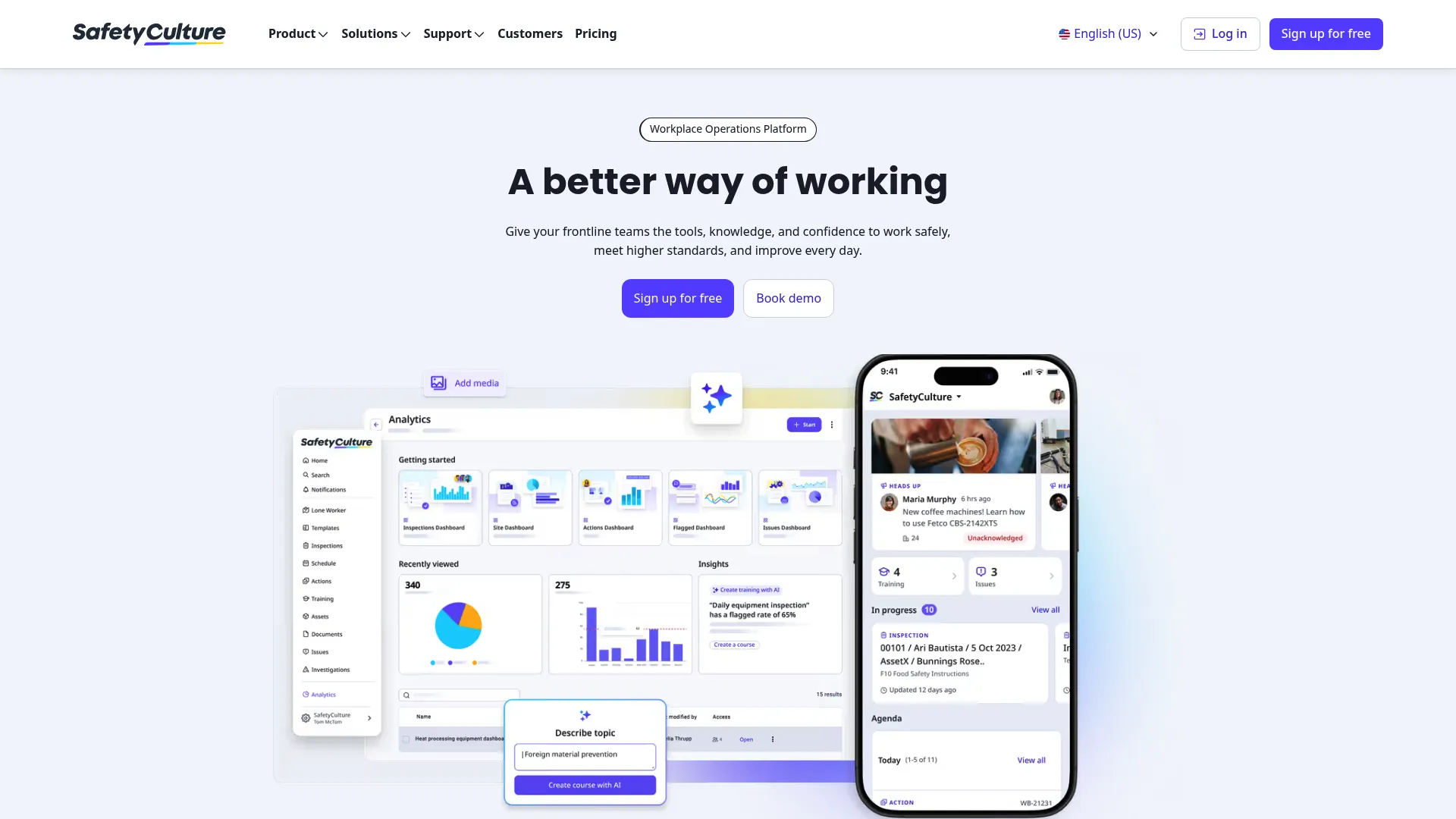
SafetyCulture is a workplace operations platform for inspections, actions, scheduling, training, and related frontline workflows. While it is broader than a pure forms tool, its checklist and inspection capture make it a strong mobile forms option for safety and quality teams.
The platform is built around templates and inspections, with schedules and actions to drive follow-up, plus a wide set of operational modules: issues, investigations, training, assets, analytics, sensors, and more. For frontline QA, the loop from capturing an issue to assigning a corrective action is tight and mobile-first.
Best for: Teams digitizing inspections, safety, and operational workflows across the frontline.
Key strengths
- Templates and inspections: Run structured checklists on mobile with consistent results.
- Schedules and actions: Trigger follow-up tasks and corrective actions from findings.
- Operational breadth: Analytics, assets, training, and issue tracking in one platform.
Why choose SafetyCulture: Choose this when inspections and frontline QA are your primary use case. The free plan makes it easy for small teams to start, and the action workflow turns a flagged issue into an assigned fix rather than a note that gets forgotten. It is inspection-first, so pure data-entry forms are not its center of gravity.
SafetyCulture pricing: SafetyCulture offers a Free plan for up to 10 people, a Premium plan at $24 per license per month billed annually or $29 monthly, and a custom-priced Enterprise tier. The free plan for small teams is one of the most generous starting points among offline mobile forms software options here.
Considerations
Feature lists blur together fast. Before you buy, pressure-test each tool against the realities of how your team actually works. Here is the checklist that matters most for field and frontline operations.
Offline reliability
This is the make-or-break factor for field teams. Ask exactly how capture behaves with no connection and how sync handles a queue of submissions once a device reconnects. Test it in a real dead zone, not a demo. A tool that loses a half-completed form when the signal drops will erode trust faster than any missing feature.
Form design flexibility
Look at the no-code builder and the available field types. You want conditional logic, required fields, and rich inputs like signature capture, GPS tagging, barcode scanning, and photo capture. The faster a non-technical person can build and edit a form, the more your team will actually maintain forms as processes change.
Workflow automation and routing
Capture is only half the job. Check how submissions get routed: can you set approvals, conditional routing, and notifications without writing code? Map your real handoffs and confirm the tool can mirror them. The goal is to remove the lag between a submitted form and the next action.
Reporting and analytics
Evaluate dashboards, export formats, and how data leaves the tool. Can you get clean exports, build the views your team needs, and push data into your existing systems through integrations or an API? Form analytics only help if the people who act on the data can actually see it.
Security and governance
For larger or regulated teams, confirm access controls, role-based permissions, SSO, and any compliance or data residency requirements. Ask how admins manage users and devices at scale. The right governance layer keeps a growing rollout from turning into a sprawl of ungoverned forms.
Conclusion
The right tool depends on your context, not a feature count. For dedicated field service capture with dispatch and offline reliability, Field2Base is the cleanest fit. For an affordable, no-code start, Zoho Forms lets you prove the workflow on a free tier first. Forms On Fire leads when workflow automation and routing matter most.
If inspections and frontline QA are your world, SafetyCulture's checklist-first approach and free plan are hard to beat. Need enterprise governance, SSO, and white-labeling? Jotform Enterprise scales safely. For complex, context-aware technician workflows, TrueContext goes deepest, and GoFormz wins when preserving familiar paper layouts smooths adoption.
Narrow your shortlist to two or three, then run a real offline test in the field with the people who will use it daily. The tool that survives a dead zone and earns frontline adoption is the one worth buying.
FAQs
Mobile forms software is a category of tools that lets teams design digital forms, capture data on phones or tablets online or offline, automate follow-up, and report on submissions from a central dashboard. It replaces paper checklists, PDF attachments, and the spreadsheets where field data usually gets rekeyed. The goal is to capture once and act on the data without manual handoffs.
At minimum, look for offline capture with reliable sync, a no-code form builder, and rich mobile data capture like photos, signature capture, GPS tagging, and barcode scanning. Beyond that, workflow automation for forms (approvals, routing, notifications) and reporting with exports and integrations separate a real platform from a basic survey tool. Match the feature depth to how complex your field workflows actually are.
Yes. Most field-focused tools on this list, including Field2Base, Zoho Forms, Forms On Fire, and GoFormz, offer offline mobile forms software that captures data with no connection and syncs automatically when the device reconnects. This is essential for crews working in basements, remote sites, and dead zones. Always test offline behavior in a real low-signal environment before committing.
There is no single best tool, only the best fit for your use case. Field2Base suits dedicated field service dispatch and capture, SafetyCulture fits inspections and frontline QA, and Zoho Forms is the value pick for smaller teams. Evaluate by your actual workflow, offline needs, and routing requirements rather than popularity or feature count.
For support and frontline teams, mobile forms tools clean up intake, escalations, and audits by enforcing required fields and timestamping every submission. That means fewer incomplete records and fewer manual handoffs, which speeds up resolution. Automated routing also gets a submitted form to the right person immediately, instead of leaving it stuck in an inbox.
Field service forms are heavily used in service and trades, construction, utilities, healthcare, retail audits, manufacturing, and any frontline operation that captures data away from a desk. Inspections, safety checks, work orders, and intake are the most common use cases. If your team regularly fills the same form on site, this category likely applies.
Pricing ranges widely by packaging. Entry no-code tools like Zoho Forms start free or around $12 per month, per-user field tools like Field2Base and Forms On Fire start near $20 per user, and platform-grade options like Form.com start at $299 per month or use custom enterprise pricing. SafetyCulture offers a free plan for up to 10 people, while Jotform Enterprise is quote-based. Confirm current figures on each vendor's pricing page before deciding.
Compare offline support, form design flexibility, workflow automation and routing, reporting and exports, and security or governance controls. Map your real handoffs and confirm the tool can mirror them, then run a live offline test with the people who will use it daily. The best choice is the one that survives a dead zone and earns frontline adoption.