Law firms rarely lose money in ways anyone notices at the time. They lose it in the gaps. A paralegal re-keys a matter into three systems. A billable call goes unlogged because the timer was on the other screen. An invoice sits in draft for six weeks because nobody owned the send. A client emails to ask for a status update that a portal could have answered instantly.
None of these are dramatic. Together they quietly erode realization, cash flow, and the partner's ability to trust that work is moving without them in the loop. That last part matters most. When every case detail, deadline, and dollar routes through one or two key people, the firm cannot scale and cannot survive a bad month cleanly.
The best law practice management software fixes this by turning matter data, documents, deadlines, time entries, and billing into a single operating surface. Instead of stitching together email threads, shared drives, spreadsheets, and a separate billing package, the firm runs on one system that connects front-office work to financial visibility. The market reflects the shift. The global legal practice management software market is projected to reach roughly $3.0 billion in 2026 and expand to $4.66 billion by 2030 at an 11.6% CAGR, according to The Business Research Company (2024). More than 68% of legal firms have already adopted cloud-based platforms, per Demand Pulse (2026).
If you are evaluating tools across a broader operations stack, it helps to see how adjacent categories handle the same consolidation problem. Buyers comparing legal systems often also look at contract lifecycle management software and contract management software for the document-heavy side of the practice, plus audit management software when compliance reporting is a recurring pressure. This guide stays focused on law firm software specifically, ranked by how well each platform reduces operational drag rather than how many features it lists.
What's inside
This is a buyer-oriented shortlist of eight platforms, not a full directory. We selected tools based on the capabilities that actually move firm operations: case and matter management, document handling, time tracking and billing, client communication, cloud architecture and security, reporting, and implementation support. Each tool is ranked by operational fit for real firm workflows, not raw feature count. You will find a comparison table with verified pricing and G2 ratings, a short definition of the category, guidance on when a firm outgrows manual systems, and a per-tool breakdown covering who it fits and where it stands out.
TL;DR
- Best overall for end-to-end legal operations: Clio, for firms that want one connected system across intake, matters, billing, and AI.
- Best for Europe-focused firms and fast setup: Amberlo, a streamlined cloud platform with strong client portal and billing.
- Best for broad practice and finance workflows: LEAP Legal Software, with deep document automation and legal accounting.
- Best for mid-sized firms wanting operational depth: SurePoint, connecting practice, finance, and legal intelligence.
- Best for firms prioritizing client communication: MyCase, built around portal experience and billing simplicity.
- Best for automatic time capture: Smokeball, for firms leaking billable work to untracked activity.
- Best general-purpose platform for small to mid-sized firms: PracticePanther, covering matters, calendaring, and billing.
- Best for document-heavy workflows: NetDocuments, when version control and secure collaboration are the core bottleneck.
What is law practice management software?
Law practice management software is a system that centralizes a firm's cases, documents, deadlines, time tracking, billing, client communication, and reporting into one platform, so the entire operation runs on shared data instead of disconnected tools. It replaces the patchwork of email, shared drives, spreadsheets, and standalone billing that most firms accumulate over time.
The category, sometimes called legal practice management software or law firm management software, breaks down into a set of core capabilities. Understanding these helps you separate genuine platforms from point tools dressed up as suites.
- Case and matter management: A single record for each matter, tying together contacts, deadlines, notes, tasks, documents, and billing history so nothing lives in someone's inbox.
- Document management: Storage, templates, version control, and automation that generate filings and client documents from matter data instead of manual copy-paste.
- Time tracking and billing: Capture of billable hours, expense logging, invoice generation, trust accounting, and online payments, all connected to the matter that produced them.
- Client portals: A secure space where clients view status, documents, invoices, and messages without another phone call to the firm.
- Workflow automation: Rules and templates that move matters through repeatable stages, assign tasks, and trigger reminders without manual chasing.
- Reporting and analytics: Visibility into realization, collections, matter profitability, and staff utilization that partners can read without a spreadsheet export.
- Cloud deployment and security: Browser-based access with encryption, role-based permissions, and compliance controls, so the firm is not tied to a server in a closet.
Cloud-based legal practice management software has become the default. With more than 68% of firms already on cloud platforms (Demand Pulse, 2026), the practical question is no longer whether to move off on-premise, but which cloud system connects front-office work to financial visibility most cleanly.
When to use law practice management software
Not every firm needs a full platform on day one. Three patterns signal that manual systems have become the bottleneck.
Centralize matters and reduce spreadsheet chaos
When matter details live across email threads, a shared drive, a case spreadsheet, and someone's memory, work slows and mistakes multiply. A missed deadline traced back to a calendar nobody updated is the classic symptom. If your firm reconstructs the state of a matter by asking three people, you have outgrown manual tracking. A single matter record ends the reconstruction.
Connect work to billing and collections
The most expensive gap in most firms sits between doing the work and getting paid for it. Unbilled time, invoices that sit in draft, and weak visibility into realization quietly drain revenue. When you cannot answer "how much unbilled work is sitting in the system right now" in under a minute, the disconnect between matter work and billing is costing you. Platforms that tie time capture directly to matters close that gap.
Improve client visibility without more calls
Every "just checking in" call is a tax on billable hours. When clients cannot see status, documents, or invoices on their own, the firm absorbs the cost in interruptions. A client portal turns those calls into self-serve lookups. If your team spends real hours answering status questions that a portal would answer instantly, client transparency is the trigger to move.
Comparison table
Here is the shortlist at a glance. Pricing and G2 ratings reflect verified values at publish time. Several vendors direct buyers to request pricing rather than publish it, which is common in mid-market and enterprise legal software.
| # | Product | Intent | Key use case | Pricing | G2 rating |
|---|---|---|---|---|---|
| 1 | Clio | End-to-end legal operations | Connected intake, matters, billing, and AI | Request pricing; 7-day free trial | 4.6/5 |
| 2 | Amberlo | Streamlined all-in-one, Europe focus | Matter, billing, and time management | From €59/user/month | 4.8/5 |
| 3 | LEAP Legal Software | All-in-one practice and accounting | Document automation and legal accounting | Request pricing | 3.6/5 |
| 4 | SurePoint | Mid-sized firm operations | Practice, finance, and legal intelligence | Request pricing | 3.9/5 |
| 5 | MyCase | Client-relationship-first | Client portal, billing, case management | From $50/user/month | 4.4/5 |
| 6 | Smokeball | Automatic time capture | Billable time and document automation | From $149/month | Not published |
| 7 | PracticePanther | General-purpose management | Matters, calendaring, billing, automation | From $49/user/month | 4.3/5 |
| 8 | NetDocuments | Document management depth | Version control and secure collaboration | Request pricing | 3.8/5 |
1. Clio

Clio is the broad category leader for firms that want a single connected system spanning marketing, legal work, and operations. Its product family covers the full arc of a firm's motion: Clio Grow handles client intake and the front of the funnel, Clio Work manages matters and day-to-day legal work, and Clio Manage runs billing, accounting, and reporting. For a firm trying to reduce founder or partner bottlenecks, that breadth matters because a lead captured in intake flows through to a matter and then to a paid invoice without leaving the system.
Best for: Law firms that want an all-in-one platform connecting intake, case work, billing, and AI in one place.
Key strengths
- End-to-end coverage: Intake, case management, document management, time tracking, and billing live in one connected system, not bolted-together modules.
- Legal AI and payments: Built-in AI assists with routine work while online payments and calendaring keep collections and deadlines moving.
- Secure client communications: A client portal and secure messaging reduce status calls and keep matter conversations in context.
Why choose Clio: Clio fits firms that expect to scale and want the operating system to scale with them. When a founder or managing partner wants marketing, legal work, and finance running on shared data, Clio's ecosystem removes the seams between those functions. It is the strongest choice when your goal is one system of record rather than a collection of tools.
Clio pricing: Clio does not display public plan prices on its pricing page and directs firms to request pricing based on their needs. The site offers a 7-day free trial, so you can evaluate the platform before committing.
2. Amberlo
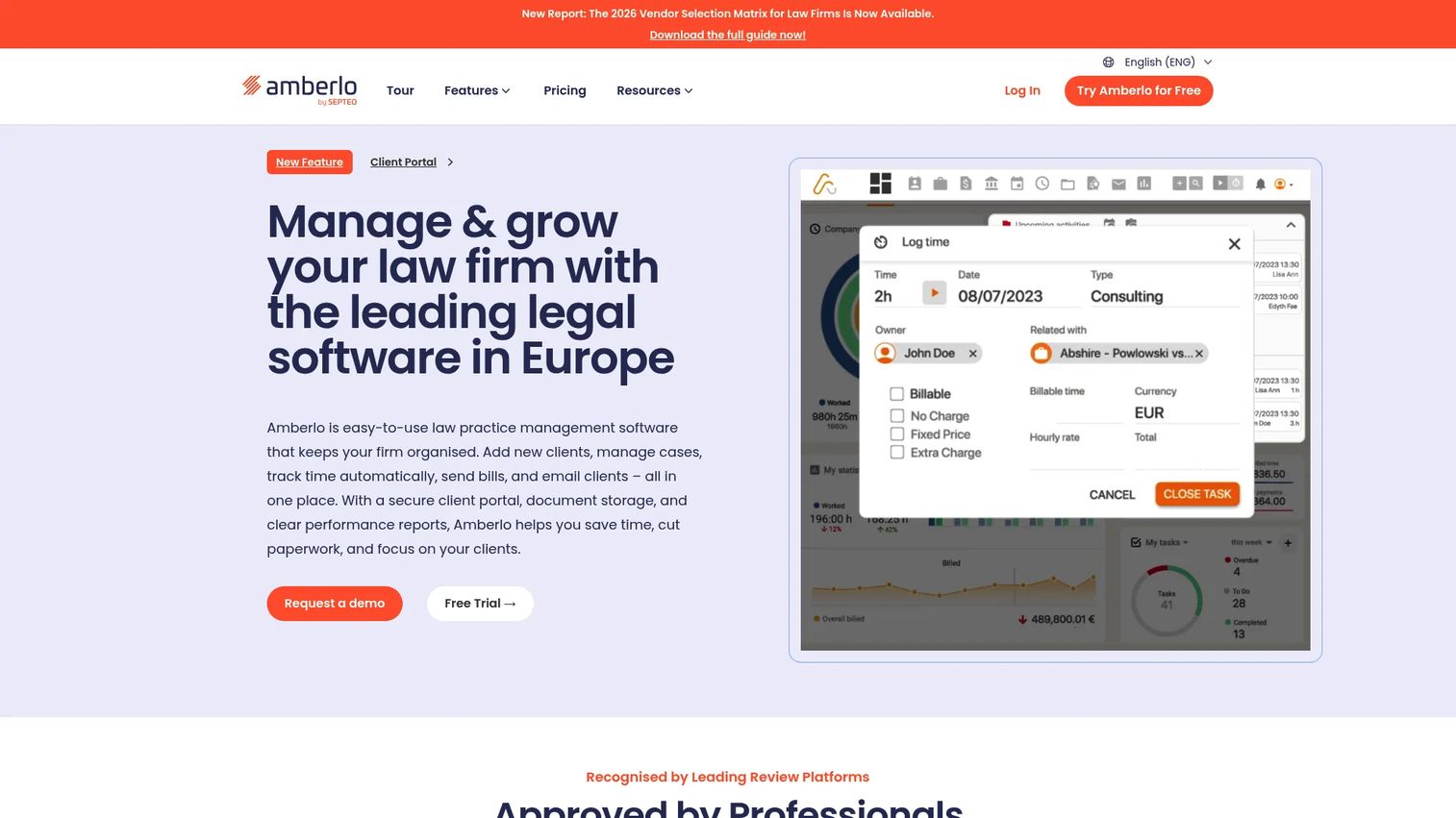
Amberlo is a cloud-based legal practice management platform built for teams that want a streamlined all-in-one system without heavy setup. It is strong in Europe, ships updates frequently, and keeps the daily operational workflow simple: matters, time and expense tracking, billing, and document management in one place, with mobile apps for iOS and Android so work does not stall when someone is out of the office.
Best for: Law firms that need all-in-one case, billing, and time management with fast setup.
Key strengths
- Matter and contract management: A single view of matters and documents keeps case work and contracts organized without duplicate entry.
- Time and billing built in: Time and expense tracking flow directly into legal billing, closing the gap between work done and invoices sent.
- Mobile-first access: Native iOS and Android apps let staff log time and check matters from anywhere.
Why choose Amberlo: Amberlo suits firms that want to be operational quickly rather than run a long implementation. The Europe focus and frequent update cadence make it a natural fit for firms in that market, and the simple workflow means less time spent training the team on the tool and more time spent using it.
Amberlo pricing: Amberlo publishes clear per-user pricing. The Grow plan starts at €59 per user per month and Premium runs €89 per user per month, both billed monthly, with a custom Enterprise tier for larger firms. A 7-day free trial is available.
3. LEAP Legal Software

LEAP Legal Software is an all-in-one cloud platform that pairs practice management with deep document automation and legal accounting. Its strength is workflow depth: matter work connects to templates that generate documents from case data, and billing ties back to the same matters, so the firm avoids the copy-paste between systems that eats junior staff time.
Best for: Law firms wanting an all-in-one legal operations platform with strong document automation.
Key strengths
- Document automation: Templates pull from matter data to draft filings and client documents, cutting manual drafting time.
- Legal accounting and billing: Built-in accounting connects time and expenses to invoices and trust handling in one flow.
- Practice management depth: Matters, contacts, and tasks live in one system with legal AI assisting routine work.
Why choose LEAP: LEAP fits firms where the volume of document production is the pain. When drafting the same letters, filings, and agreements consumes real hours every week, automation that generates them from matter data is where the return shows up. Connecting that automation to accounting keeps the financial picture accurate without a separate reconciliation step.
LEAP pricing: LEAP does not publish public pricing. The company provides quotes based on the firm's needs through a request-pricing flow, and a one-time implementation fee may apply. Talk to sales to get a figure for your firm size.
4. SurePoint
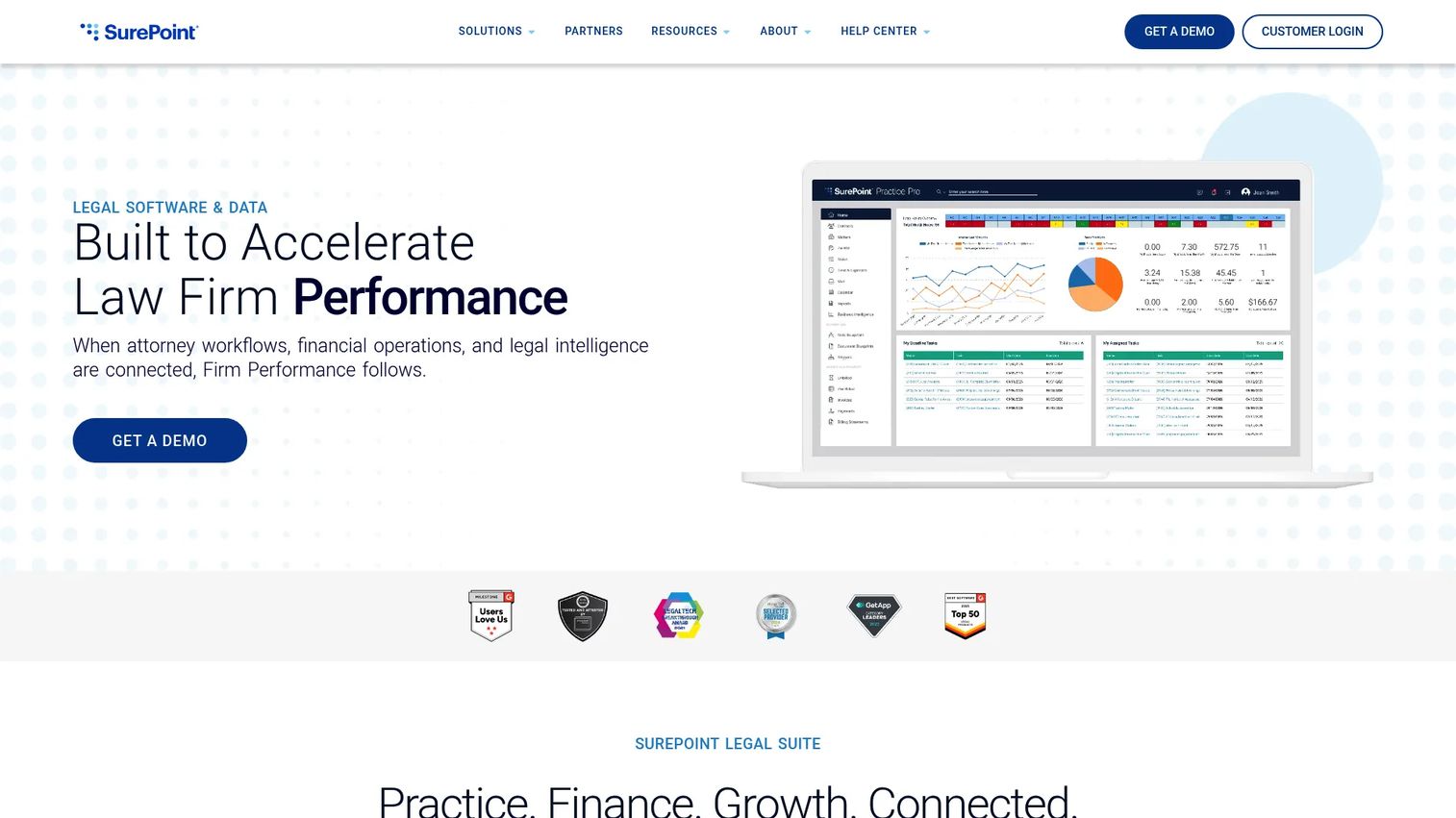
SurePoint is a legal software and data platform built for mid-sized law firms that need connected practice, finance, and growth workflows. Where smaller-firm tools stop at matters and billing, SurePoint adds financial management and embedded legal market intelligence, giving partners operational visibility that survives board-level and ownership scrutiny.
Best for: Mid-sized firms needing connected practice, finance, and legal intelligence tools.
Key strengths
- Practice management with time capture: Matter workflows and integrated time capture keep case work and billable hours connected.
- Financial management: Billing, accounting, and reconciliation live in one system for cleaner collections visibility.
- Legal market intelligence: Embedded benchmarking helps firm leadership see performance against peers, not just internal numbers.
Why choose SurePoint: SurePoint fits the mid-sized firm that has outgrown lightweight tools and needs reporting a managing partner can act on. When the question shifts from "is the work getting done" to "is the firm running efficiently and profitably," the connected practice-and-finance model earns its place. The benchmarking layer is unusual at this tier and useful when leadership wants context for its numbers.
SurePoint pricing: SurePoint does not display public pricing on its website. The site routes firms to request a demo and contact sales for a quote tailored to firm size and needs.
5. MyCase
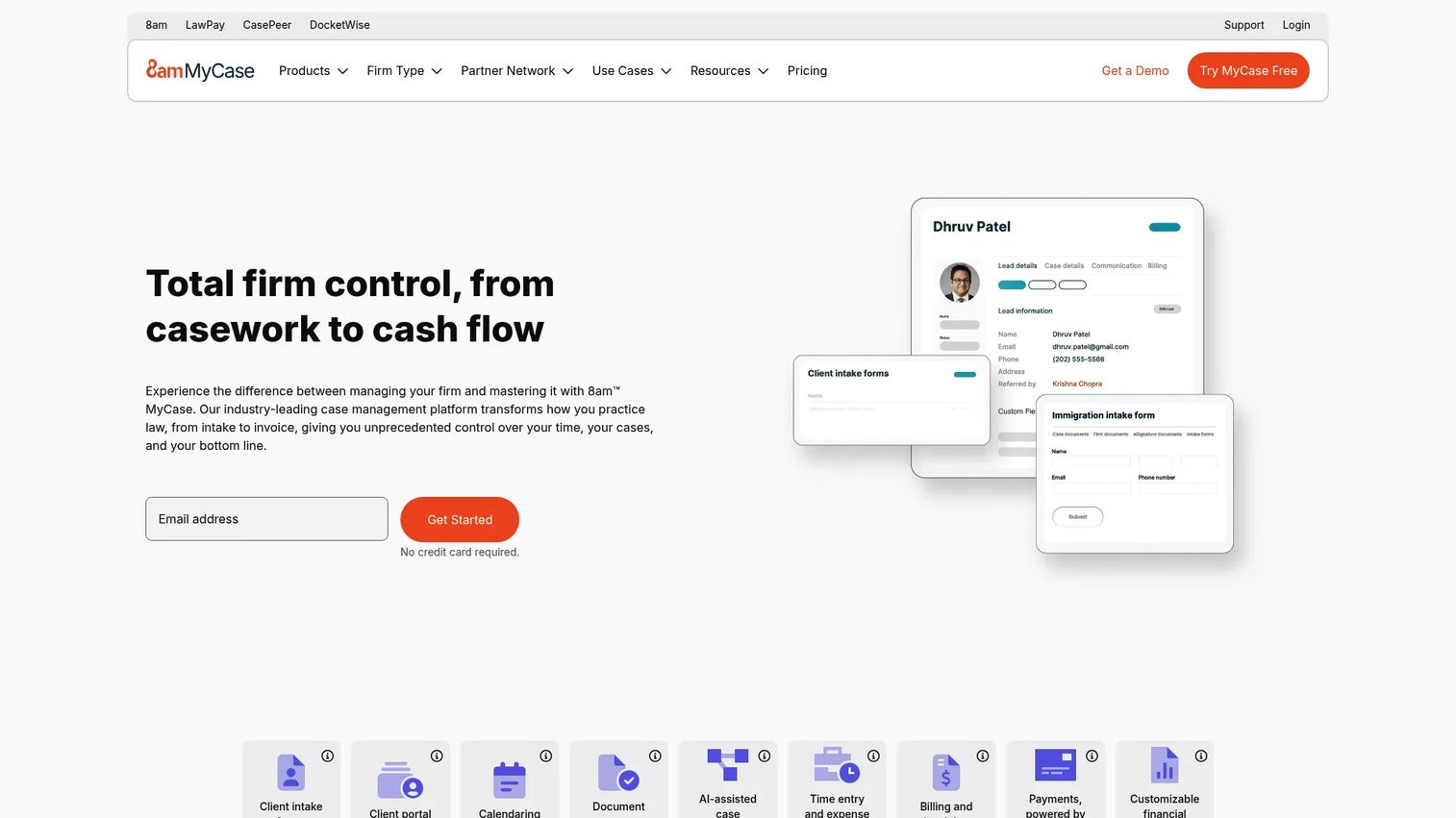
MyCase is legal practice management software built around the client relationship. Where other platforms lead with matters or finance, MyCase leads with communication: a strong client portal, text messaging, and simple billing keep clients informed and paying without adding staff overhead. Day-to-day case and contact management sit underneath, so the firm runs on one system while clients get a cleaner experience.
Best for: Small to mid-sized firms that need billing, client communication, and case management in one system.
Key strengths
- Client portal and messaging: A secure portal plus text messaging cuts status calls and keeps clients current on their matters.
- Billing and payments: Time entry, invoicing, trust accounting, and online payments connect directly to matters.
- Workflow and documents: Workflows, document automation, and eSignature move matters forward with less manual chasing.
Why choose MyCase: MyCase is the client-relationship-first option. When client transparency and painless billing are the levers you want to pull, its portal experience and payment flow do the heavy lifting. Firms that lose hours to status calls and slow-paying clients tend to feel the return quickly here.
MyCase pricing: MyCase publishes three plans. Basic starts at $50 per user per month billed annually, Pro at $100, and Advanced at $130, with higher monthly-billed rates of $60, $120, and $150. A 10-day free trial is available with no credit card required.
6. Smokeball
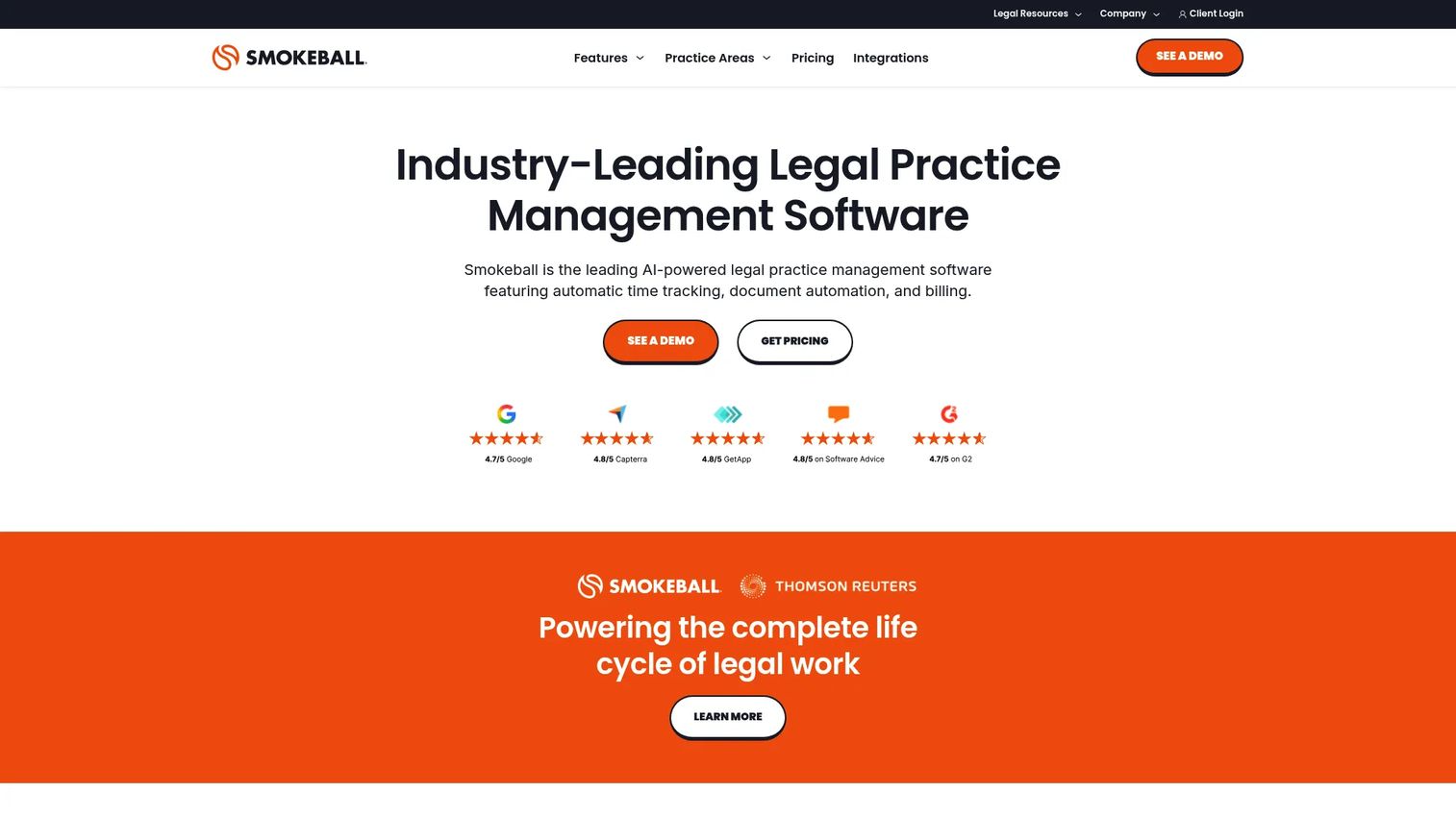
Smokeball is cloud-based legal practice management software built around automatic time capture. Its core promise addresses one of the most persistent leaks in small-firm economics: billable work that never gets logged because someone forgot to start a timer. Smokeball records activity automatically, then pairs it with document automation and a tight Microsoft Word and Outlook integration so the tool lives where the work already happens.
Best for: Law firms that want practice management with billing, automation, and intake workflows without adding admin burden.
Key strengths
- Automatic time tracking: Activity is captured automatically, so billable work stops slipping through untracked gaps.
- Document automation and management: Templates and organized document handling reduce manual drafting and filing.
- Microsoft integration: Native Word and Outlook integration keeps the firm working in familiar tools.
Why choose Smokeball: Smokeball fits firms that suspect they are leaving money on the table in unlogged time. When the goal is to capture more billable work without asking staff to babysit a timer, automatic capture is the direct fix. The Microsoft integration lowers the adoption hurdle because the team keeps working in the applications they already use.
Smokeball pricing: Smokeball offers four plans, Bill, Boost, Grow, and Prosper+, each displayed starting at $149 per month on its pricing page. Contact Smokeball for a quote matched to your firm's plan and size.
7. PracticePanther
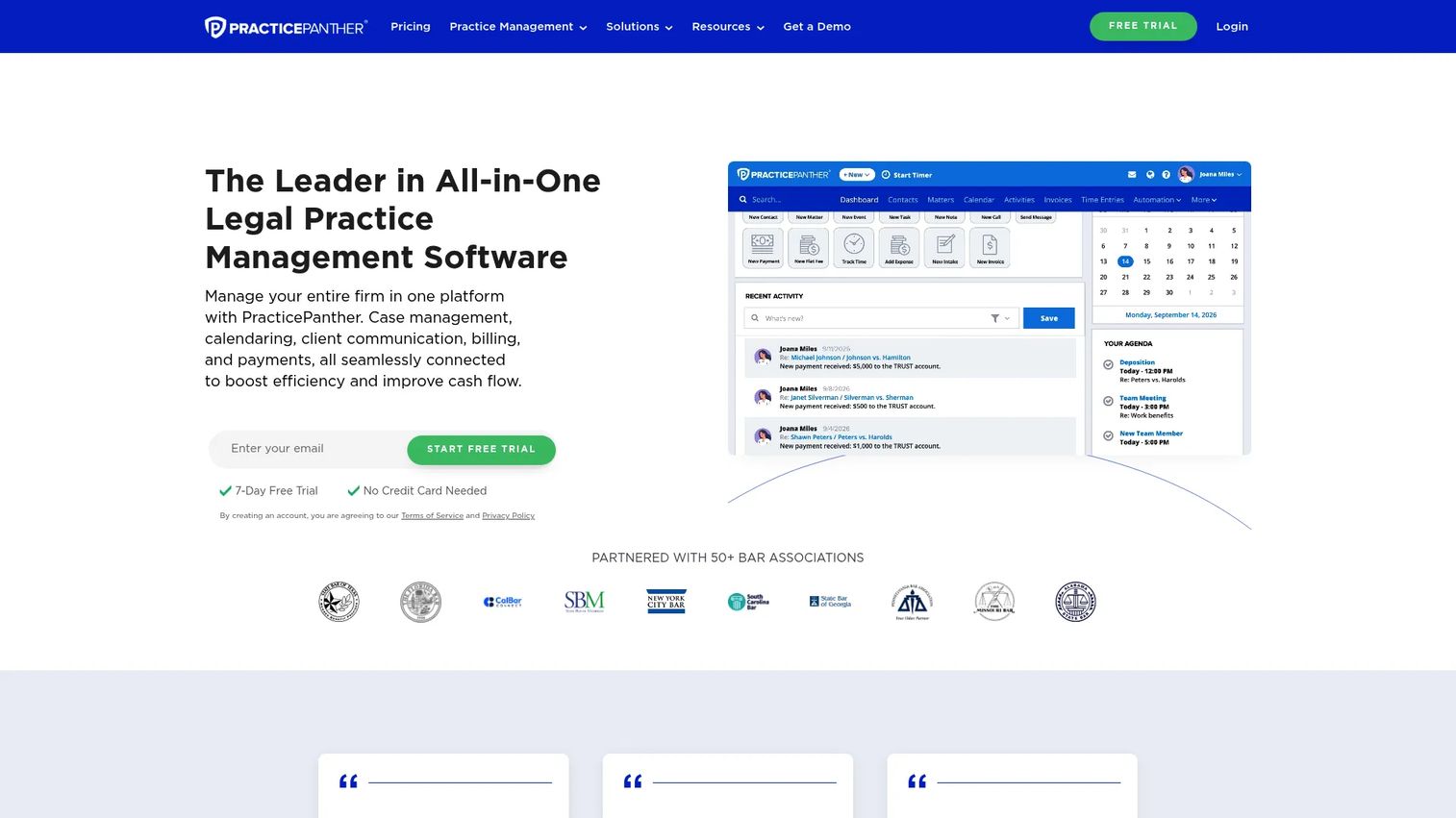
PracticePanther is a cloud-based, general-purpose law practice management platform for solo to mid-sized firms. It covers the fundamentals cleanly: case management, calendaring, billing with trust and operating accounting, document management with eSignature, and workflow automation. For a firm that wants a capable all-in-one without a heavy learning curve, it hits the core needs without overreaching.
Best for: Solo to mid-sized firms needing an all-in-one practice management platform.
Key strengths
- Case management and calendaring: Matters, contacts, and deadlines live in one system with automation to keep tasks moving.
- Billing and accounting: Billing, payments, and trust and operating accounting are built in for cleaner collections.
- Documents and eSignature: Document management with eSignature keeps signing and filing inside the platform.
Why choose PracticePanther: PracticePanther fits firms that want broad coverage without complexity. It is a strong general-purpose choice when no single workflow dominates and the firm simply needs matters, calendaring, billing, and automation working together. The free-for-life solo plan also makes it approachable for very small practices testing the waters.
PracticePanther pricing: PracticePanther lists four per-user plans: Solo at $49, Essential at $69, Business at $89, and Business Pro at $114 per user per month. Annual billing saves $120 per user per year, and a free-for-life solo plan is available after a 7-day trial.
8. NetDocuments
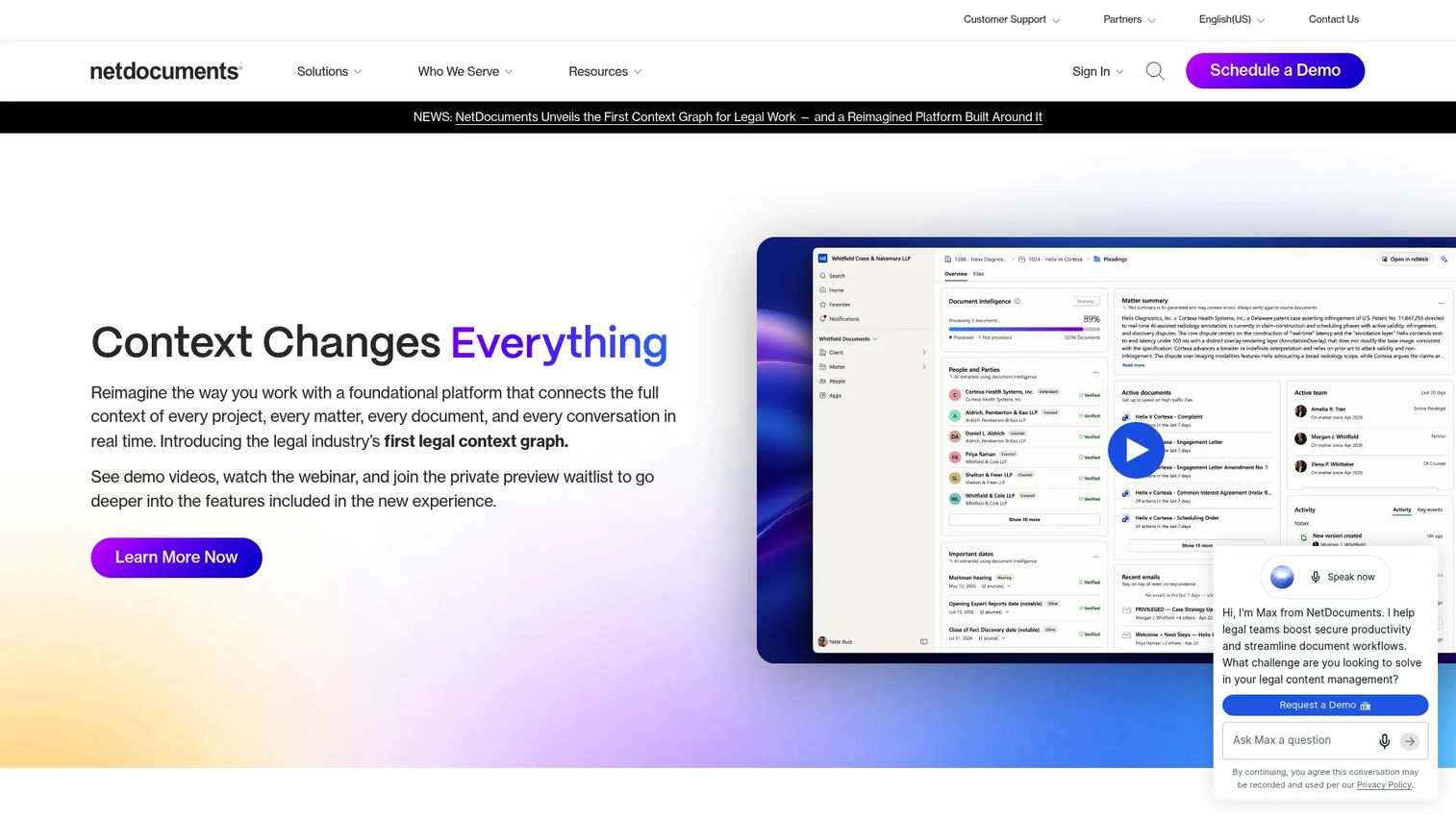
NetDocuments is a cloud-native document and email management platform for legal teams, with AI and workflow automation layered on top. It belongs on this list for a specific profile: firms where knowledge, version control, and secure collaboration are the core bottleneck rather than matter tracking or billing. When document control is the problem, NetDocuments complements a broader practice management system rather than replacing it.
Best for: Law firms, corporate legal teams, and public-sector organizations needing secure document management.
Key strengths
- Document and knowledge management: Centralized storage with version control keeps every document accurate and findable.
- Legal AI and workflows: An AI assistant and automated workflows speed routine document work.
- Microsoft Teams integration: Native Teams integration keeps collaboration inside tools the firm already uses.
Why choose NetDocuments: NetDocuments fits firms where document volume and control are the pressure point. If your practice management platform handles matters and billing well but document versioning, security, and collaboration are still messy, this is the specialist layer that solves it. Larger firms and legal departments with strict compliance needs get the most from its security-first design.
NetDocuments pricing: NetDocuments does not publish public pricing or plan tiers. The site uses a contact-sales flow, so reach out for a quote based on your team size and requirements.
Considerations before you buy
A shortlist gets you halfway. Use this checklist to narrow to two or three tools worth a serious demo.
Match the platform to your firm size
Solo and small firms are wasting money on enterprise depth they will never use, while mid-sized firms outgrow lightweight tools fast. Be honest about where you are and where you will be in two years. PracticePanther and MyCase fit smaller practices; SurePoint and Clio scale further.
Weigh billing and trust complexity
Trust accounting, realization reporting, and collections visibility separate real platforms from basic case trackers. If billing leakage is your main pain, prioritize how directly time capture connects to invoices and how clean the trust accounting is. This is where firms recover the most money.
Test the client portal experience
A client portal is only useful if clients actually use it. Look at how status, documents, invoices, and messages surface to the client, and whether the flow reduces calls rather than adding a login clients ignore. Client transparency is a retention lever, not just a convenience.
Check cloud architecture and security
Cloud-based legal practice management software is the standard, but security controls vary. Verify encryption, role-based permissions, and compliance posture before committing. Your clients' data and your firm's obligations depend on it.
Plan for implementation and adoption
The best platform fails if the team never adopts it. Ask about migration support, training, and how long real onboarding takes. A tool that ships value in the first month beats a more capable system nobody finishes setting up.
Conclusion
The right law firm software depends on your firm's shape and its biggest bottleneck. For end-to-end legal operations across intake, matters, and billing, Clio is the broad category leader. Amberlo suits Europe-focused firms wanting fast setup and a simple all-in-one workflow. LEAP earns its place where document automation and legal accounting are the priority, and SurePoint fits mid-sized firms that need connected practice, finance, and reporting depth.
If client relationships and painless billing drive your decision, MyCase leads with its portal and payment experience. Smokeball is the pick for firms leaking billable time to untracked work. PracticePanther covers the general-purpose small-to-mid-sized firm cleanly, and NetDocuments is the specialist layer when document control is the real problem.
Before you schedule a single demo, do one thing: map your firm's billing, document, and client communication bottlenecks. Know which one is costing you the most, then narrow to the two or three tools that solve it directly. That single step turns a vague vendor search into a focused decision you can defend.
FAQs
Prioritize case and matter management, time tracking and billing, document handling, a client portal, and reporting. The connection between them matters more than any single feature: the value comes from a captured billable hour flowing straight to an invoice, and a matter update surfacing to the client without a call. Judge platforms on how cleanly work connects to money, not on feature count.
For most firms, yes. Cloud platforms remove server maintenance, enable secure remote access, and update automatically, which is why more than 68% of firms have already adopted them (Demand Pulse, 2026). On-premise still appeals to a small number of firms with specific data-residency mandates, but the operational and security trade-offs increasingly favor cloud for firms of every size.
It closes the gap between work done and money collected. Time capture ties billable hours directly to matters, invoicing generates from that data instead of manual entry, and trust accounting keeps client funds compliant. Realization and collections reporting then show partners exactly how much unbilled work sits in the system and where invoices are stalling.
Mid-sized firms should prioritize financial depth, reporting, and scalability. Basic case trackers stop being enough once leadership needs realization data, matter profitability, and staff utilization to make decisions. Look for connected practice and finance workflows, strong trust accounting, and reporting a managing partner can read without exporting to a spreadsheet. SurePoint and Clio are built for this tier.
Very, if status calls and slow payments are eating billable time. A client portal lets clients check matter status, view documents, and pay invoices without calling the firm, which turns interruptions into self-serve lookups. The catch is adoption: a portal only pays off if clients actually use it, so test how intuitive the client-facing flow is before buying.
Yes, mainly by recovering lost revenue and reducing administrative drag. Automatic and connected time capture stops billable work from going unlogged, faster invoicing shortens the cash cycle, and reporting exposes low-realization matters. The gains compound: less unbilled time plus quicker collections plus fewer hours spent on manual admin adds up to measurably higher realization.
Migration difficulty depends on data volume and the vendor's support, not just the software. The main work is mapping matters, contacts, documents, and financial history into the new structure, which most established vendors support with import tools and onboarding help. Ask directly about migration assistance, timeline, and any implementation fee before committing, since a smooth first month drives adoption.
Legal practice management software runs the whole firm: matters, time, billing, client communication, and reporting. Document management software, like NetDocuments, specializes in storing, versioning, and securing documents at depth. Many firms run a practice management platform as the operating system and add a dedicated document system when knowledge control and secure collaboration become the primary bottleneck.