Your queue is climbing faster than your headcount. The same five "how do I export this report?" questions land every morning. Agents type out the same multi-step explanation, ticket after ticket, until the work feels less like support and more like a copy-paste loop.
That pressure is not in your head. Average ticket volume rose about 16% after the pandemic, according to Zendesk's customer service data, and the user base keeps growing while support budgets stay flat. Every repetitive question that reaches a human costs time you do not have.
The right help desk software changes the math. It centralizes channels into one queue, routes tickets automatically, and powers self-service that answers questions before they hit an agent. That is the difference between a team that firefights all day and one that resolves the hard problems while the platform handles the rest.
But "help desk software" covers a wide spread of help desk solutions, from email-first shared inboxes to full ITSM platforms with asset management. A tool built for ecommerce returns looks nothing like one built for IT incident response. Picking wrong means paying for features you ignore or fighting a system that does not fit your motion.
This guide cuts through that. We focus on what frontline SaaS support teams actually measure: deflection rate, first-contact resolution, average handle time, and CSAT. Below you will find 12 help desk tools, each with verified pricing, G2 ratings, and a clear best-for label, so you can shortlist fast and start testing on your highest-volume tickets.
What's inside
This guide is for support leaders and frontline agents at SaaS, ecommerce, and B2B tech companies evaluating or switching their helpdesk system. We picked tools across customer support and IT service desk use cases, not a single category. Teams that pair their support stack with strong self-service often look at knowledge base software to power deflection at scale.
We weighed each helpdesk software option on four criteria that matter for support teams:
- Ticket deflection and self-service strength: knowledge base, portals, and embedded guidance.
- Automation and AI routing: triage, macros, SLA rules, and AI triage.
- Integrations with your stack: CRM, chat, ecommerce, and collaboration tools.
- Pricing transparency and value: free tiers, per-agent costs, and what sits behind enterprise gates.
TL;DR
Short on time? Here are the fast picks by sub-persona:
- Best for omnichannel SaaS support: Zendesk. Deep channel coverage, AI agents, and reporting in one platform.
- Best free tier to start: Freshdesk. A free program for small teams plus AI when you scale.
- Best for ecommerce support: Gorgias. Shopify-native, ticket-based pricing, and revenue attribution.
- Best for CRM-native support: HubSpot Service Hub. Tickets sit on the same record as sales and marketing data.
- Best for IT and internal service desks: Freshservice or Jira Service Management. ITSM, assets, and incident workflows.
- Best for small Gmail-first teams: Hiver. A shared inbox and help desk ticketing system inside Google Workspace.
What help desk software is and how ticket-based support works
Help desk software is a platform that centralizes customer support requests from multiple channels into trackable tickets, so teams can route, prioritize, resolve, and measure them.
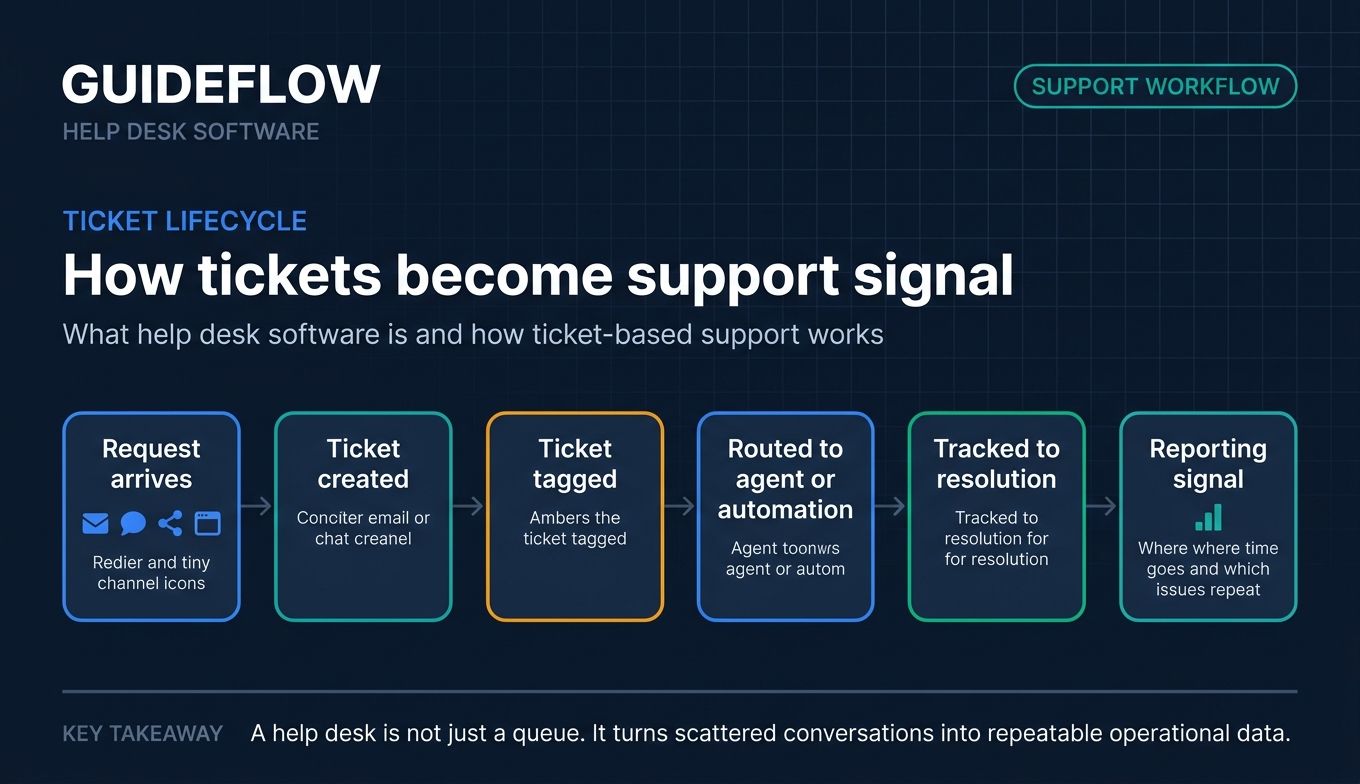
A help desk ticketing system turns scattered conversations into one ordered queue. A request arrives by email, chat, social, or a self-service portal. The system creates a ticket, tags it, assigns it to the right agent or automation, and tracks it until resolution. Reporting then shows you where time goes and which issues repeat.
Core features of most help desk services include:
- Shared inbox: one queue for every channel, so nothing slips through.
- Ticketing and issue tracking: statuses, priorities, tags, and ownership for help desk issue tracking.
- Automation and routing: rules, macros, and AI triage that move tickets without manual sorting.
- Knowledge base and self-service: help center articles, portals, and widgets that answer common questions. Many teams now pair help center articles with interactive walkthroughs, which perform best when embedded directly in help center articles and ticket replies to deflect step-by-step "how do I" questions before they reach an agent.
- Omnichannel support: email, chat, voice, social, and messaging in one view.
- SLAs: response and resolution targets you can track and enforce.
- Reporting: volume, FCR, handle time, CSAT, and deflection metrics.
- Integrations: CRM, ecommerce, and collaboration connections.
It helps to separate three terms. A help desk software solution centers on ticketing and issue resolution. Broader customer service software adds proactive engagement and full CX management. IT service management (ITSM) extends the helpdesk system into asset, incident, change, and problem management for internal and IT support.
When to use help desk software
Not every team needs the same helpdesk system. These three scenarios cover most reasons to buy or switch.
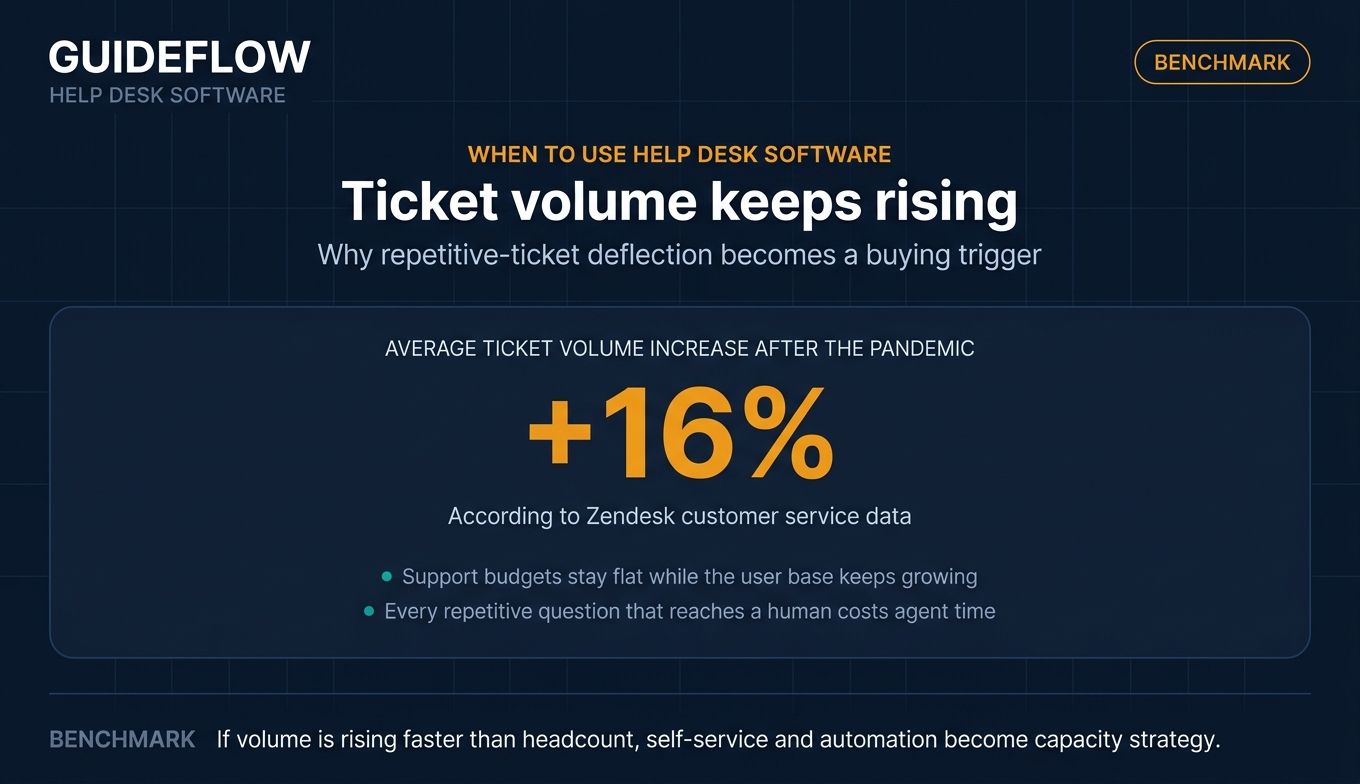
Deflect repetitive "how do I" tickets before they reach the queue
When the same step-by-step questions dominate your queue, self-service is the fix. A strong knowledge base, embeddable widgets, and AI answers let customers resolve issues on their own. Pairing articles with interactive guidance turns multi-step explanations into something users can follow without an agent, which lifts your deflection rate.
Centralize omnichannel tickets in one shared inbox
When email, chat, social, and your portal each live in a different tool, agents lose context and customers repeat themselves. Consolidating every channel into a single queue improves first-contact resolution. One view of the full conversation means faster, more accurate replies and fewer dropped threads.
Run an IT or internal service desk
When the requests come from employees, not customers, you need it help desk software. ITSM platforms handle incident, change, and problem management plus asset tracking and ITIL workflows. This is the right fit for IT teams, internal service desks, and any group managing hardware, software, and service requests at scale.
Comparison table
Here is how the 12 tools compare on intent, key use case, verified pricing, and G2 rating. Pricing and ratings reflect each vendor's live pages as of June 2026. Tools are sorted by relevance to customer support teams.
| # | Product | Intent | Key use case | Pricing | G2 rating |
|---|---|---|---|---|---|
| 1 | Zendesk | Omnichannel support | Scaling SaaS support across channels | From $19/agent/mo (yearly) | 4.4/5 |
| 2 | Freshdesk | AI-assisted support | Growing teams wanting a free start | Free program; from $19/agent/mo | 4.4/5 |
| 3 | Zoho Desk | Value omnichannel | Zoho-stack and budget-conscious teams | Free edition; paid tiers | 4.4/5 |
| 4 | Help Scout | Email-first support | Human, email-led SaaS support | Free; from $25/user/mo | 4.4/5 |
| 5 | Intercom | AI-first support | In-product, conversational support | From $29/seat/mo plus Fin usage | 4.5/5 |
| 6 | Front | Collaborative inbox | Email-heavy, collaborative triage | From $25/seat/mo | 4.7/5 |
| 7 | Gorgias | Ecommerce support | Shopify and DTC support teams | From $10/mo (ticket-based) | 4.6/5 |
| 8 | HubSpot Service Hub | CRM-native support | Support inside your CRM | Free; from $10/seat/mo | 4.4/5 |
| 9 | Freshservice | ITSM | IT and internal service desks | From $19/agent/mo (yearly) | High-rated |
| 10 | Jira Service Management | ITSM | Engineering-integrated service desks | Free; from $20/agent/mo | 4.3/5 |
| 11 | Hiver | Gmail help desk | Google Workspace support teams | Free; from $25/user/mo | 4.6/5 |
| 12 | HelpDesk | Streamlined ticketing | No-frills ticketing teams | From $29/user/mo | 4.6/5 |
1. Zendesk
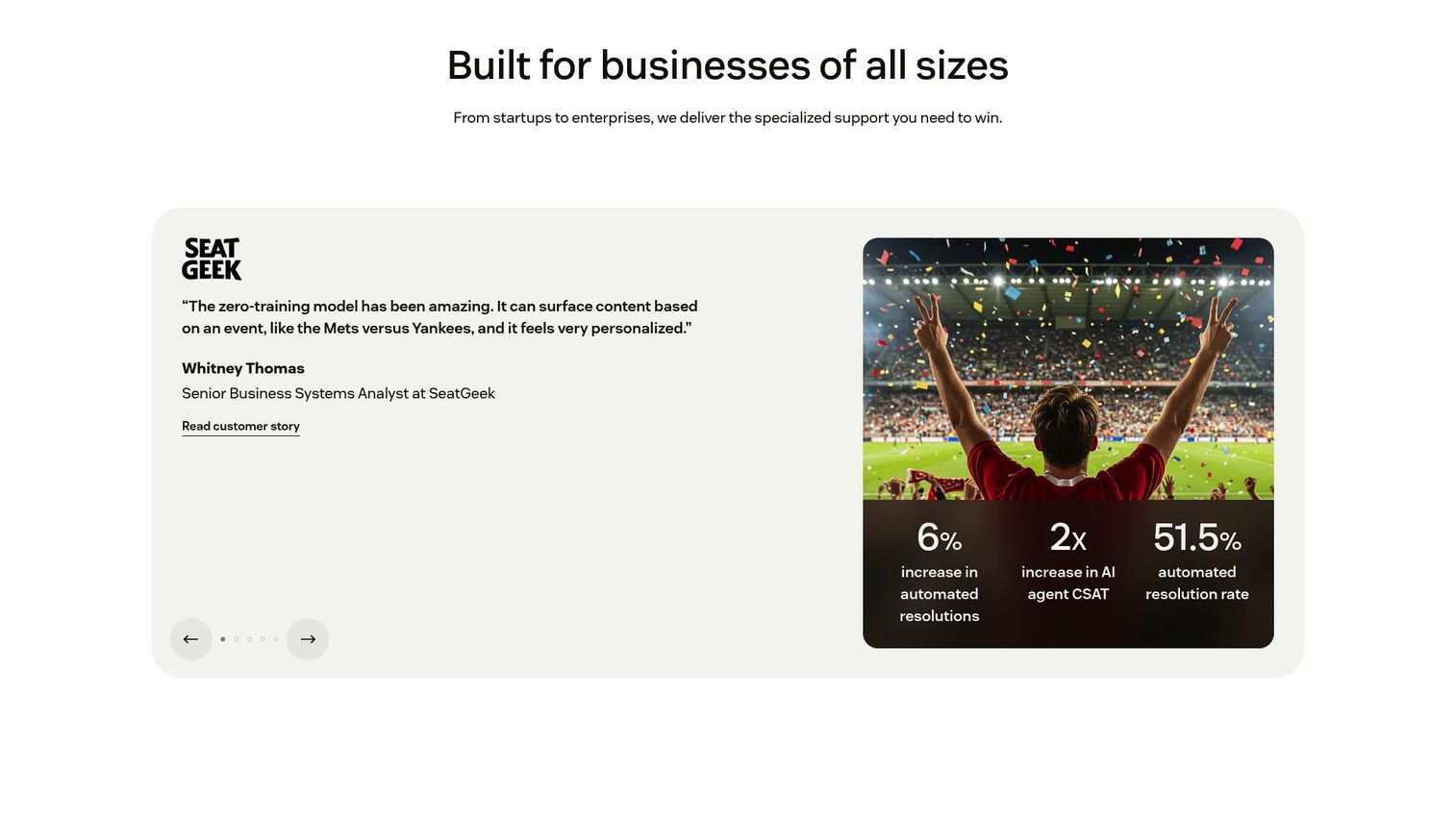
Zendesk is an AI-powered customer service platform for managing support conversations, tickets, automation, knowledge, voice, chat, and reporting. It is the reference point most support leaders compare against when they evaluate help desk solutions. The Agent Workspace pulls every channel into one screen, and AI agents handle repetitive requests so humans focus on the hard ones. You can also explore a Zendesk interactive demo to see how a guided walkthrough surfaces key workflows.
Best for: Customer service teams that need scalable omnichannel support, ticketing, automation, AI agents, and reporting in one platform.
Key strengths
- Omnichannel routing: Email, messaging, live chat, voice, and social land in one queue with smart routing.
- AI Agents: Automated resolution and prebuilt analytics dashboards lift deflection without manual sorting.
- Knowledge base: A built-in help center pairs with automations and triggers to power self-service at scale.
Why choose Zendesk: If your queue spans many channels and your team is growing, Zendesk gives you depth that smaller tools cannot match. The tradeoff is cost: full Suite features sit on higher tiers. It rewards teams ready to use omnichannel routing, AI, and reporting together rather than one feature at a time.
Zendesk pricing: Plans start with Support Team at $19 per agent per month, billed yearly, for core email and ticketing. Suite Team runs $55 per agent per month for unified channels and AI Agents. Suite Professional is $115 per agent per month for advanced automation and AI insights. Suite Enterprise plus Copilot is custom; contact sales. Zendesk offers a free trial but no ongoing free tier.
2. Freshdesk
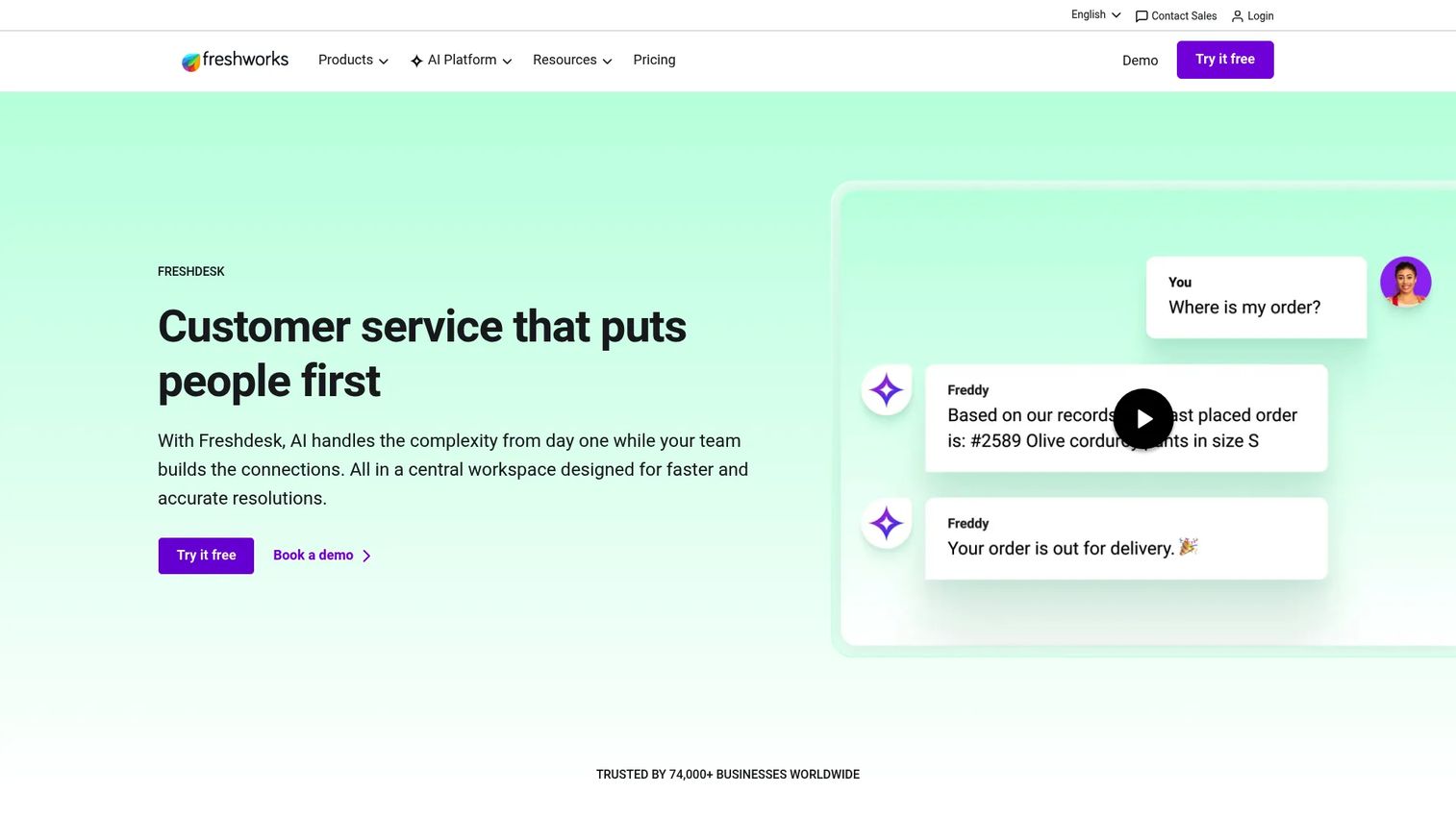
Freshdesk is an AI-powered customer support solution for ticketing, workflow automation, self-service, analytics, routing, SLA management, and security. It is one of the easier helpdesk software tools to set up, which makes it a frequent first choice for teams replacing a shared mailbox.
Best for: Customer support teams that need scalable AI-assisted helpdesk ticketing, self-service, automation, reporting, and SLA-based routing.
Key strengths
- Intelligent ticketing: Shared inboxes, internal threads, task linking, and multilingual support keep agents in context.
- Freddy AI: AI Agent, Copilot, and Insights automate replies and surface trends across the queue.
- Self-service: A knowledge base, customer portal, and routing automation deflect repetitive questions.
Why choose Freshdesk: Freshdesk fits growing teams that want a fast start without a big upfront commitment. The free program lets you prove value before you pay. As volume climbs, Freddy AI and SLA automation scale with you, which suits teams that expect to grow into more advanced workflows.
Freshdesk pricing: A free program covers 1 to 2 agents for 6 months with essential helpdesk features and no credit card. Growth is $19 per agent per month, billed annually. Pro is $55 per agent per month for custom portals, custom objects, and advanced ticketing. Enterprise is $89 per agent per month, adding audit logs, approval workflows, and skills-based assignment.
3. Zoho Desk
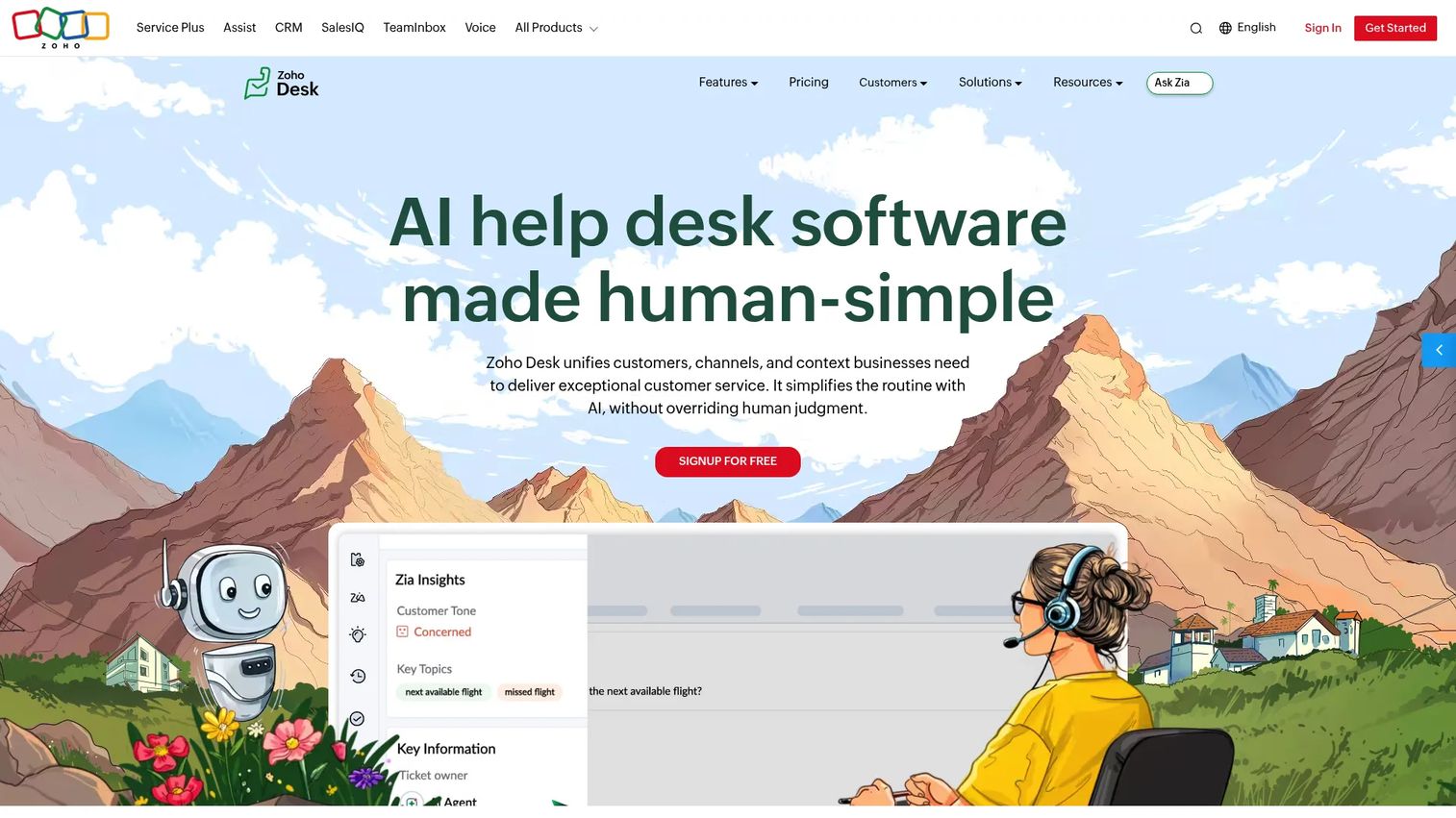
Zoho Desk is customer service help desk software for delivering omnichannel support and faster customer issue resolution. It earns its place for teams that want a capable helpdesk system at a lower price point, especially those already running other Zoho tools.
Best for: Customer support teams that need a lower-cost omnichannel help desk with automation, self-service, reporting, and Zoho ecosystem integrations.
Key strengths
- Omnichannel channels: Email, social media, instant messaging, web forms, and live chat in one workspace.
- Self-service: A knowledge base, help center, community forum, and self-service widgets cut inbound volume.
- Automation and Zia AI: Workflow automation, escalations, and AI-assisted support speed up resolution.
Why choose Zoho Desk: Zoho Desk makes the most sense if you already live in the Zoho ecosystem or you need strong help desk services on a tight budget. The deep ties to Zoho CRM and other apps reduce context-switching. Teams outside that ecosystem still get a solid omnichannel tool at a competitive rate.
Zoho Desk pricing: Zoho Desk offers a Free Edition with email ticketing for up to three user licenses. Paid tiers progress from Express for micro-businesses, to Standard for messaging and community features, to Professional for telephony and advanced ticketing, and Enterprise for AI, live chat, multi-brand help centers, IVR, and sandbox. Check Zoho's pricing page for current rates in your region.
4. Help Scout
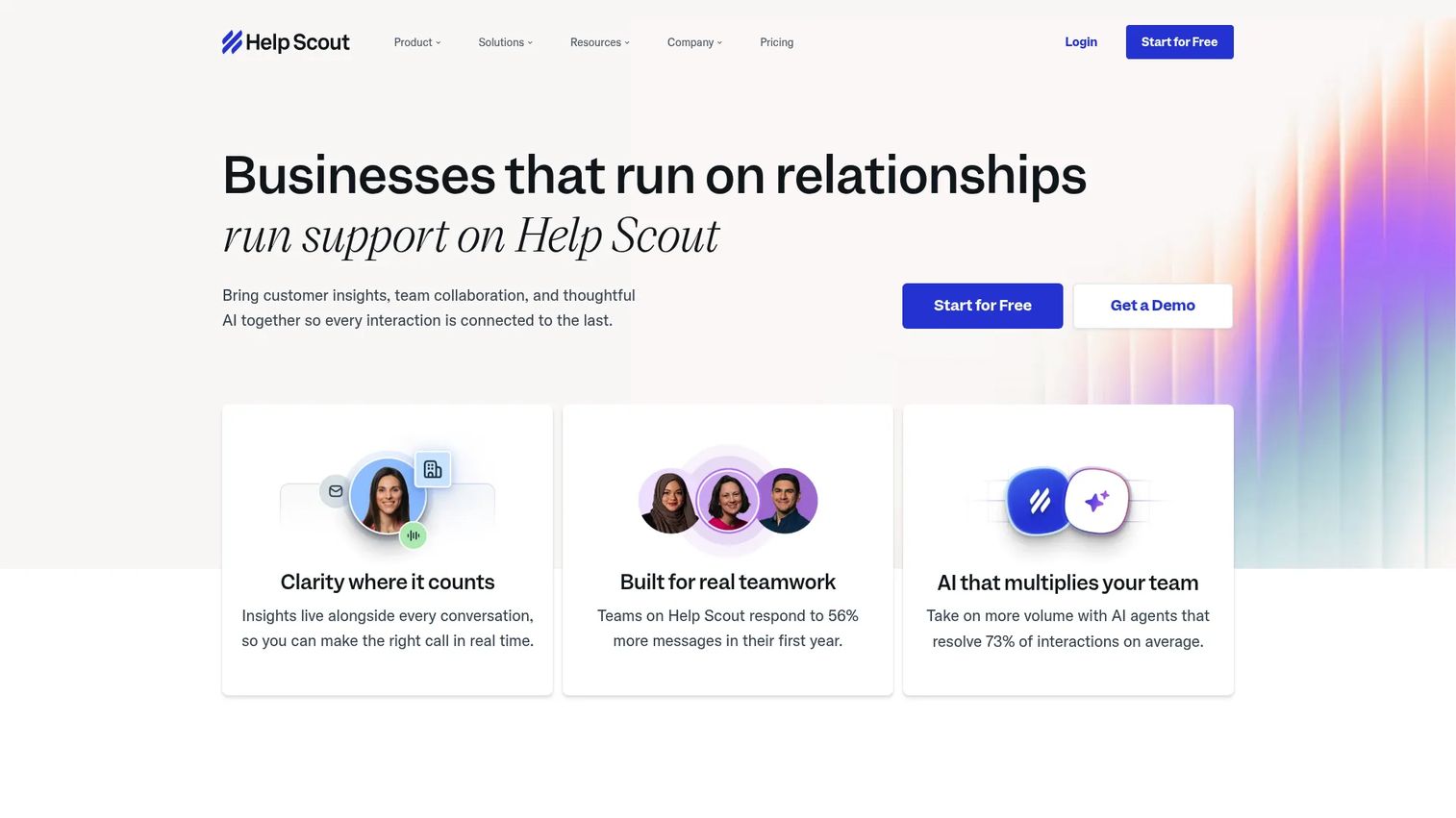
Help Scout is a customer support platform that brings customer insights, team collaboration, and AI together for connected support interactions. It is the go-to for teams that want support to feel human and email-led rather than ticket-heavy.
Best for: Growing support teams that want a shared inbox, knowledge base, live chat and self-service, automation, and AI-assisted customer support.
Key strengths
- Shared inbox: Support conversations across channels stay personal, not transactional.
- AI assistance: AI recaps threads, drafts and translates replies, and helps resolve requests faster.
- Docs and Beacon: A knowledge base plus the Beacon embed deliver in-app self-service and proactive messages.
Why choose Help Scout: Help Scout suits small-to-mid SaaS teams that value simplicity and a warm customer experience. It avoids the heavy configuration of larger platforms. If your brand depends on relationships and clear, human replies, Help Scout fits that motion well.
Help Scout pricing: A Free plan includes 5 users, 1 inbox, and 1 Docs site. Standard is $25 per user per month with multiple inboxes, live chat, and the AI Inbox assistant. Plus is $45 per user per month, adding WhatsApp, advanced workflows, and Salesforce, Jira, and HubSpot integrations. Pro is $75 per user per month with unlimited workflows, SSO/SAML, and HIPAA compliance. AI Answers is an add-on at $0.75 per resolution.
5. Intercom
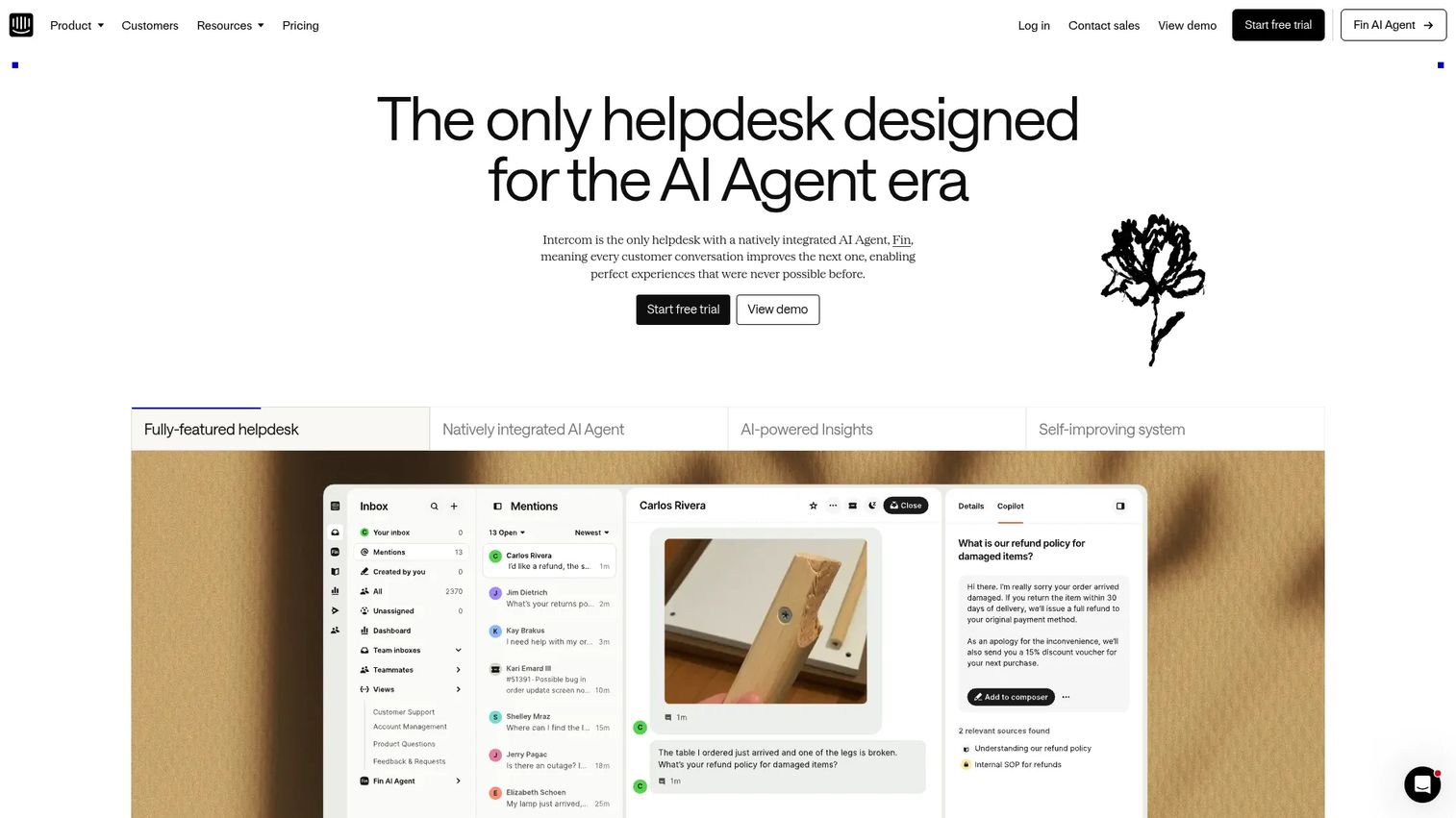
Intercom is an AI-powered customer service platform combining the Fin AI Agent with a helpdesk for AI and human support. It is built for SaaS teams that want support to happen inside the product, where users already are.
Best for: Customer support teams that want an AI-first helpdesk combining automated resolution with human agent workflows.
Key strengths
- Fin AI Agent: Resolves customer questions automatically and hands off cleanly to human agents.
- Omnichannel inbox: Email, chat, phone, WhatsApp, and social apps in a single workspace.
- AI-enhanced ticketing: No-code automations route and resolve requests without manual triage.
Why choose Intercom: Intercom fits teams that want AI-first, in-product support and conversational messaging tied to a help center. Pricing combines seats with per-resolution Fin usage, so it favors teams ready to lean on automation. If in-app messaging is central to your support motion, Intercom is a strong fit.
Intercom pricing: Essential is $29 per seat per month plus $0.99 per Fin outcome, billed annually. Advanced is $85 per seat per month plus Fin usage. Expert is $132 per seat per month plus Fin usage. You can also run the Fin AI Agent against an existing helpdesk at $0.99 per outcome with no seat cost. A 14-day free trial is available, with no ongoing free tier.
6. Front
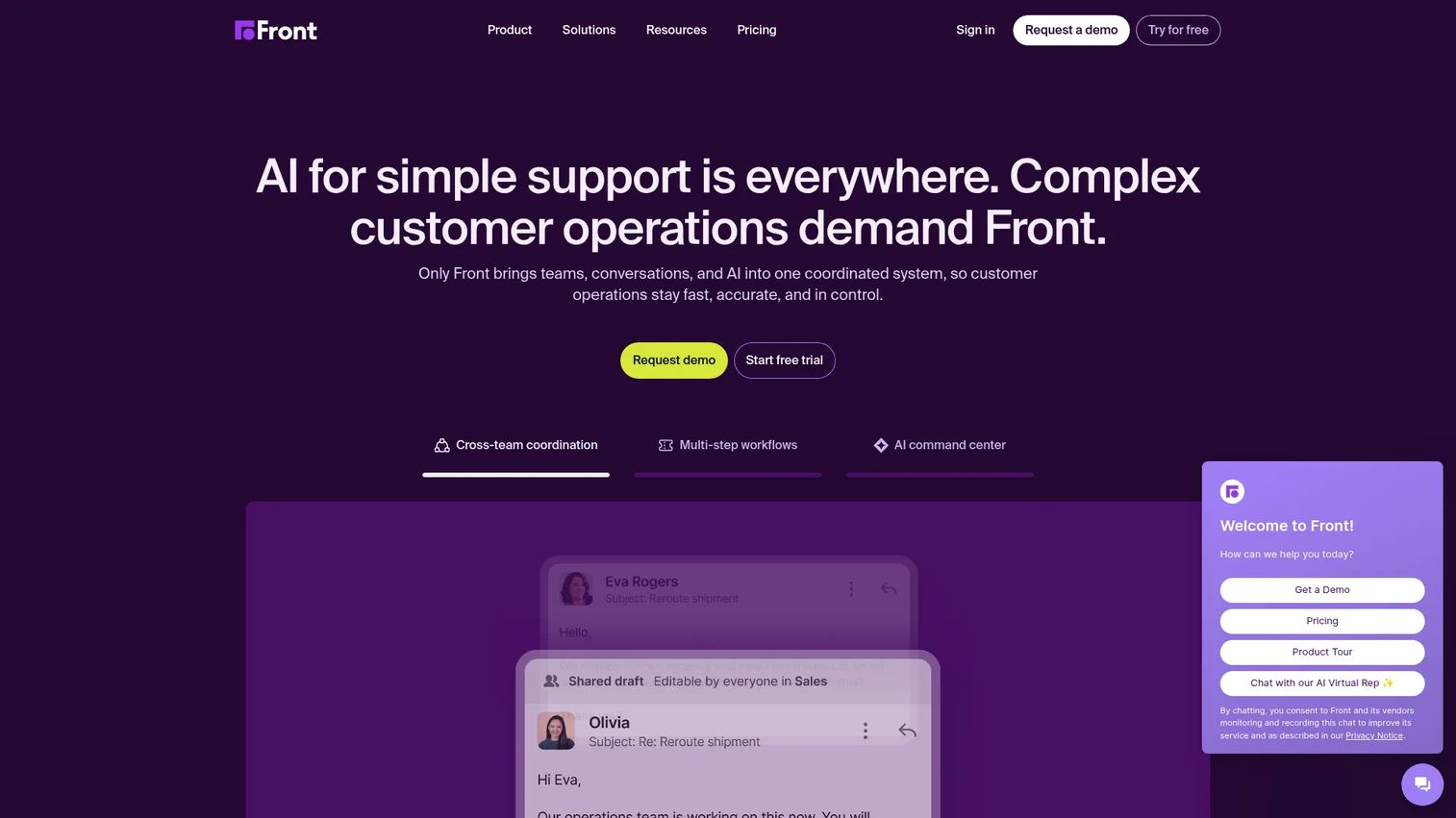
Front is an AI-powered customer service platform for coordinating teams, conversations, and customer operations in one system. It blends the feel of a shared inbox with the structure of a help desk ticketing system, which appeals to teams that collaborate on complex requests.
Best for: Customer support and operations teams that need a collaborative, omnichannel, AI-assisted workspace for complex customer requests.
Key strengths
- Shared inbox and ticketing: Assignments, comments, and internal discussion keep triage collaborative.
- Omnichannel coverage: Email, SMS, social, and WhatsApp in one place reduce channel sprawl.
- AI features: Topics, Copilot, Smart QA, and Smart CSAT support quality and faster replies.
Why choose Front: Front works best for teams that live in email and need to collaborate on tickets without losing the personal touch. The workflow automation and analytics scale as your operation grows. It is a strong pick when account-based or operations-heavy support requires more than a basic queue.
Front pricing: Starter is $25 per seat per month for up to 10 seats, billed annually, with shared inbox, ticketing, and a no-code knowledge base. Professional is $65 per seat per month for up to 50 seats, adding omnichannel support, macros, advanced analytics, and SSO. Enterprise is $105 per seat per month with smart rules, unlimited macros, custom roles, and included AI Copilot, QA, and CSAT. Front offers a free trial.
7. Gorgias
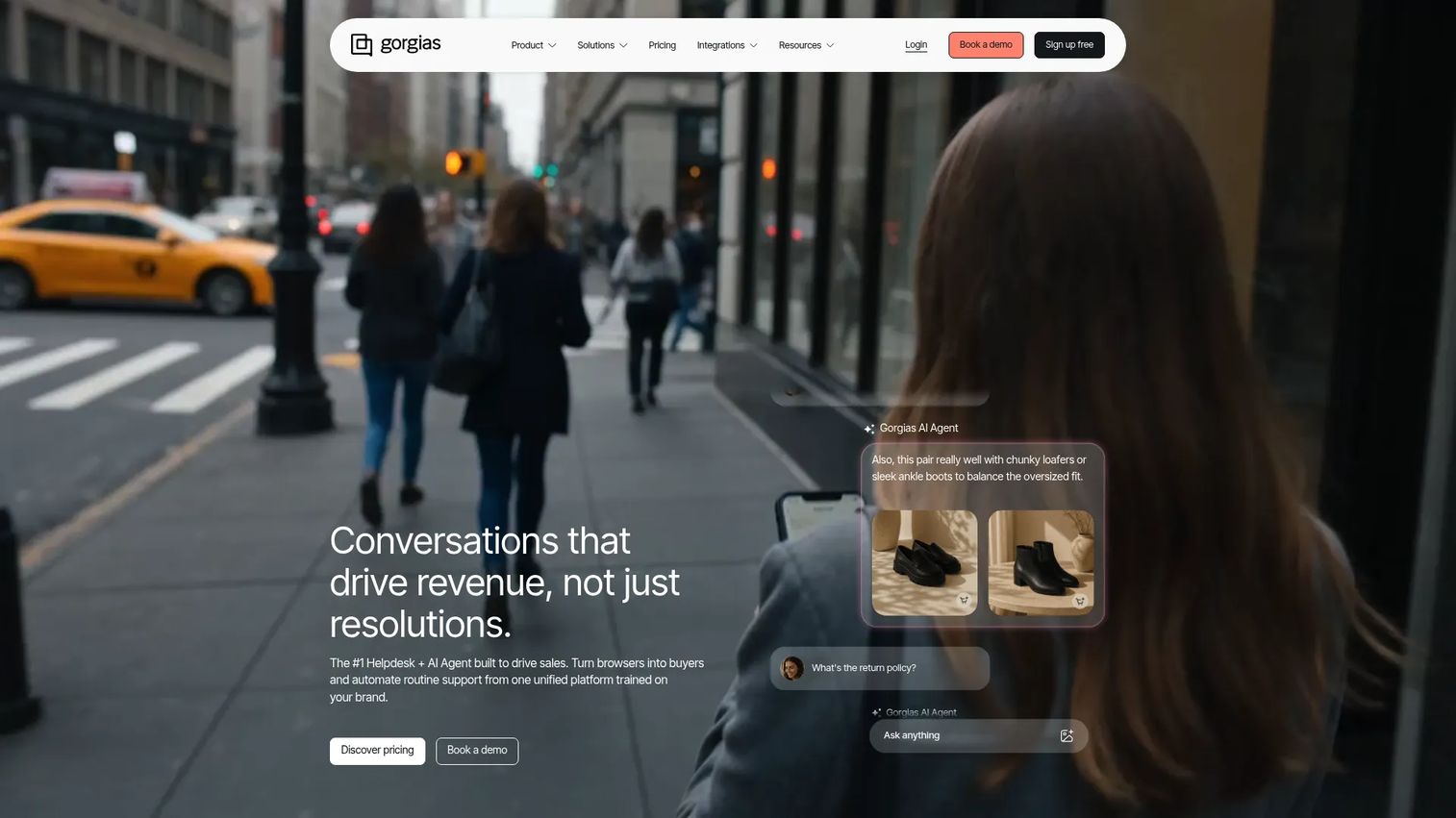
Gorgias is a conversational AI platform for ecommerce that centralizes customer conversations and helps resolve support inquiries. It is purpose-built for online stores, with deep Shopify ties and ticket-based pricing that scales with volume rather than headcount. See how teams like Gorgias use interactive demos to onboard and educate customers faster.
Best for: Ecommerce and Shopify brands that need centralized omnichannel support with ticket-based pricing and AI automation.
Key strengths
- Ecommerce helpdesk: Macros, rules, views, routing, and unlimited help center articles built for retail.
- Omnichannel support: Email, live chat, Facebook, Instagram, TikTok, and WhatsApp, with SMS and voice add-ons.
- AI Agent: Automates FAQs, returns, refunds, order edits, discounts, and product recommendations.
Why choose Gorgias: Gorgias is the clear fit for DTC and ecommerce support teams. Ticket-based pricing with unlimited users means seasonal spikes do not punish you on seat costs. The revenue attribution ties support work directly to sales, which matters when support drives repeat purchases.
Gorgias pricing: Pricing is ticket-based with unlimited users. Starter is $10 per month for 50 tickets. Basic is $50 per month for 300 tickets. Pro is $300 per month for 2,000 tickets. Advanced is $750 per month for 5,000 tickets. Enterprise is priced on demand for higher volumes. AI Agent resolutions and helpdesk overages are charged separately. A free trial is available.
8. HubSpot Service Hub
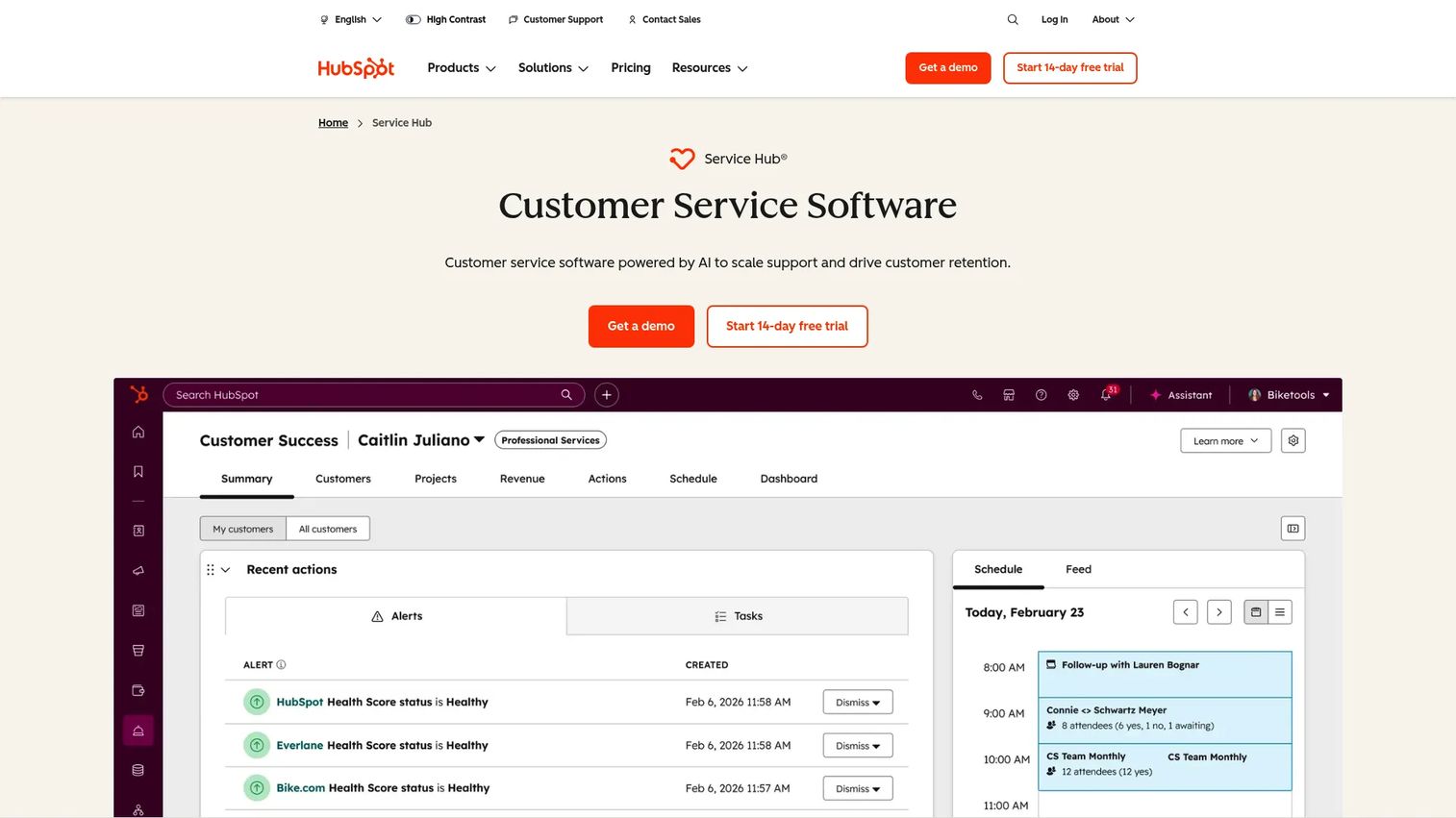
HubSpot Service Hub is customer service software powered by AI to scale support and drive customer retention. Its biggest draw is the CRM: tickets, contacts, and deals share the same record, so support sees the full customer history. If choosing a CRM is part of your decision, our roundup of the best CRM software can help.
Best for: Customer support and success teams that want AI-assisted, CRM-connected service operations across tickets, channels, self-service, and retention workflows.
Key strengths
- AI-powered help desk: A ticketing workspace with omnichannel communication and AI assistance.
- Knowledge base and portal: Self-service content plus a customer portal for status and history.
- Unified CRM data: Tickets sit alongside sales and marketing data for full context.
Why choose HubSpot Service Hub: If your team already runs on HubSpot, Service Hub removes the gap between support and the rest of the customer record. That shared data powers retention and upsell signals. For teams that want support inside their CRM rather than bolted on, it is the natural choice.
HubSpot Service Hub pricing: A Free plan includes contact management, ticketing, and team email. Starter adds ticket automation, multiple pipelines, and live chat on a per-seat basis. Professional is $100 per seat per month with the help desk workspace, customer success workspace, Breeze customer agent, and knowledge base. Enterprise is $150 per seat per month, adding skill-based routing, conditional SLAs, and customer journey analytics.
9. Freshservice
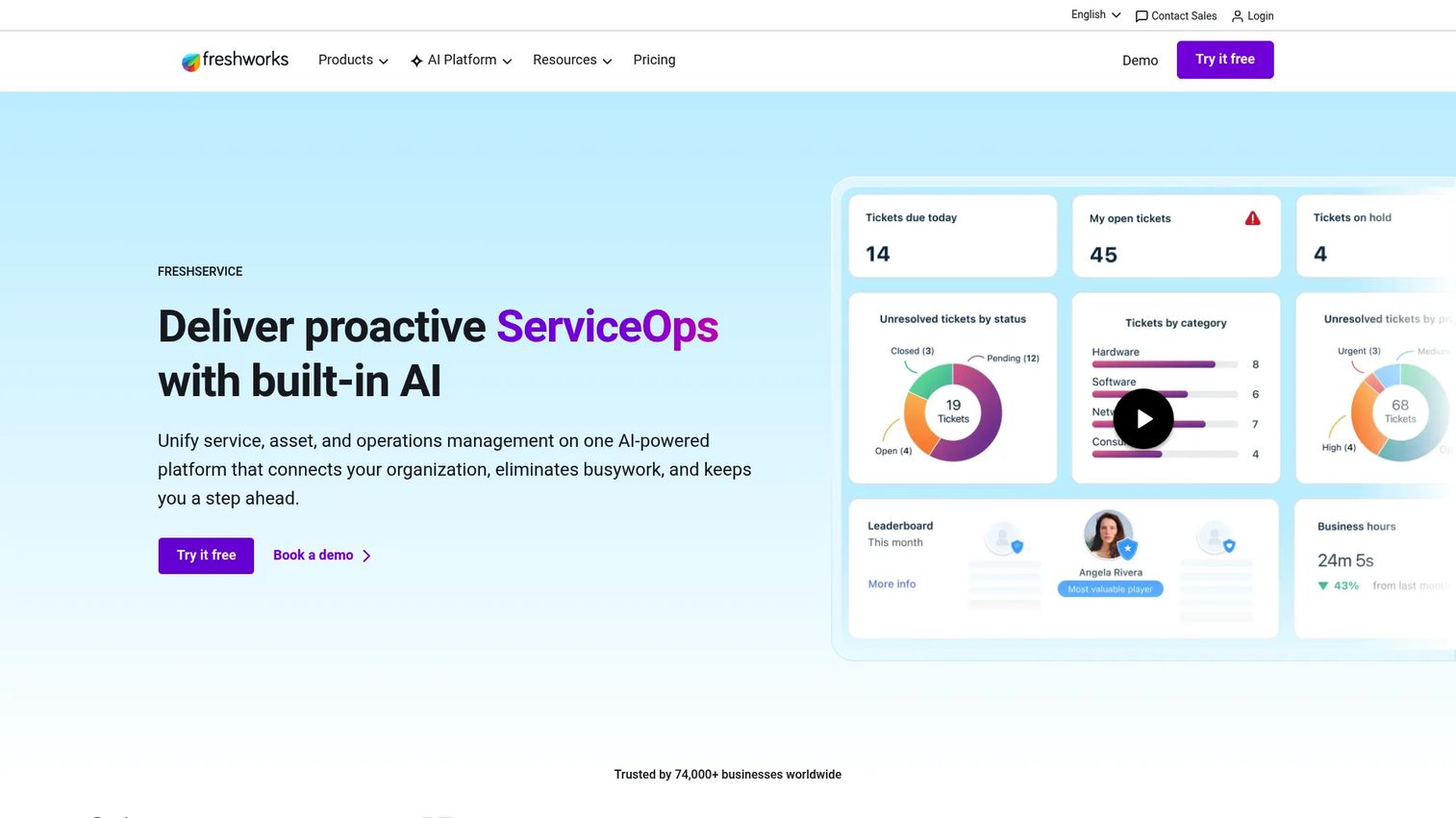
Freshservice is Freshworks' unified, AI-powered IT management solution for IT service management, IT asset management, IT operations management, and enterprise service management. This is the it help desk software pick for teams that support employees rather than customers.
Best for: IT teams and enterprise service teams that need AI-assisted ITSM, ITAM, ITOM, and cross-department service management.
Key strengths
- ITSM: Email, phone, chat, and widget channels with SLA management and ITIL-aligned workflows.
- IT asset management: Advanced discovery, CMDB, dependency mapping, and software and SaaS management.
- IT operations management: Alert and on-call management, major incident handling, and service health monitoring.
Why choose Freshservice: Freshservice fits IT service desks and internal employee support that need more than ticketing. Asset and operations management make it a full ITSM platform, not just a queue. No-code workflows let teams adapt processes without heavy admin overhead.
Freshservice pricing: Starter is $19 per agent per month, billed annually. Growth is $49 per agent per month. Pro is $99 per agent per month. Enterprise is custom with tailored quotes. The pricing page lists a 14-day free trial but no ongoing free plan. Freshservice is well rated by IT teams on review sites.
10. Jira Service Management
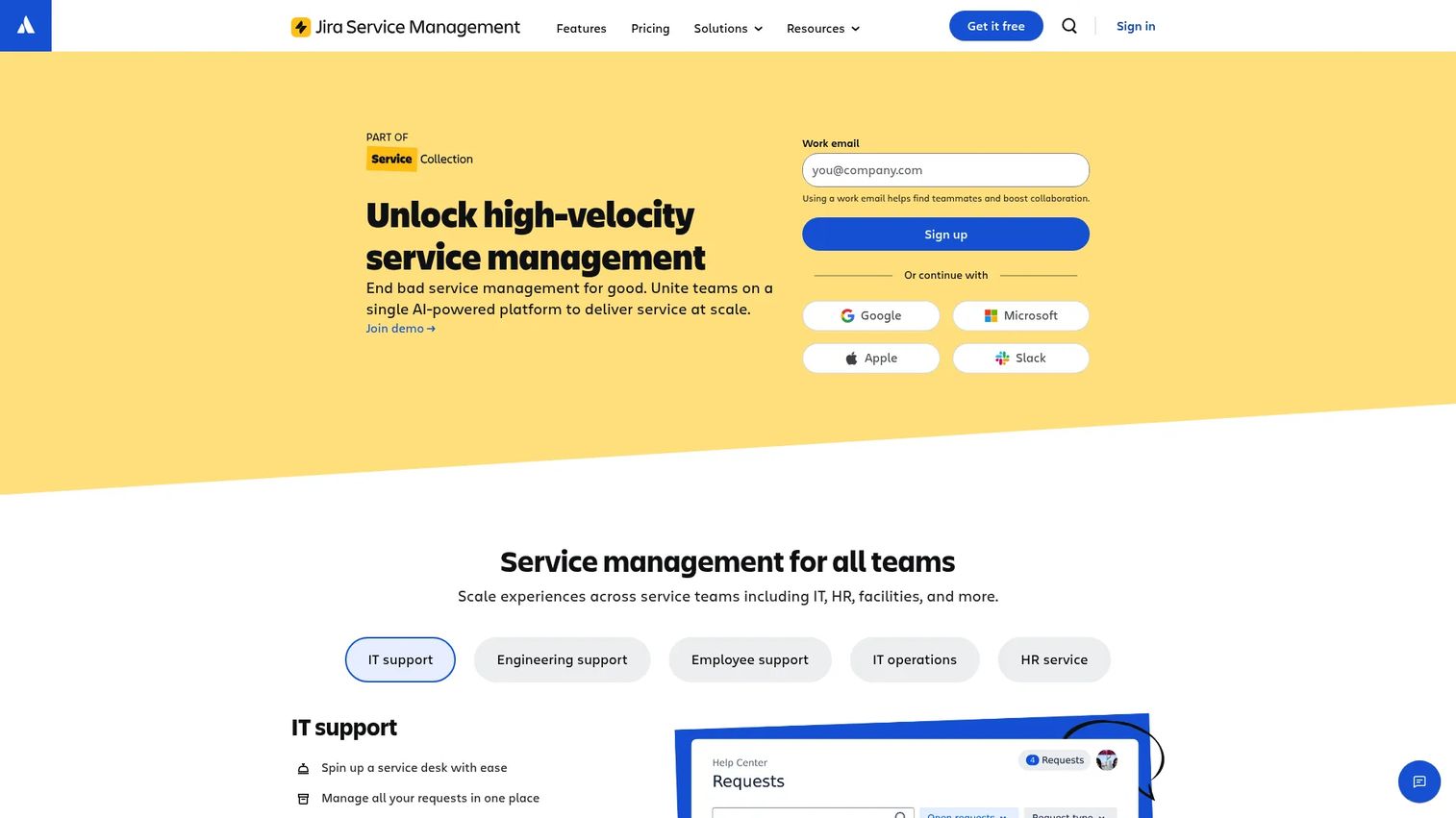
Jira Service Management is Atlassian's service management solution for teams to manage requests, incidents, changes, assets, knowledge, and service workflows. It shines when support sits close to engineering and you already run Jira.
Best for: IT, operations, and business service teams that need scalable ITSM workflows integrated with Atlassian tools.
Key strengths
- Request management: Service requests across IT, ops, and business teams in one system.
- Incident, problem, and change management: Built-in ITSM processes for dev-adjacent teams.
- Asset and configuration management: Track assets and dependencies alongside service workflows.
Why choose Jira Service Management: If your support and engineering teams share tooling, the deep Jira and Atlassian fit removes handoff friction. Incident and change management connect directly to the work developers already track. It is the strongest pick for teams needing engineering-integrated service management.
Jira Service Management pricing: A Free plan supports up to 3 agents. Standard is $20 per agent per month, adding Rovo Agents, asset and configuration management, a custom-branded help center, audit logs, and multi-region data residency. Premium is $51.42 per agent per month with a virtual service agent, advanced AIOps, incident monitoring, and change management. Enterprise is custom; contact sales.
11. Hiver
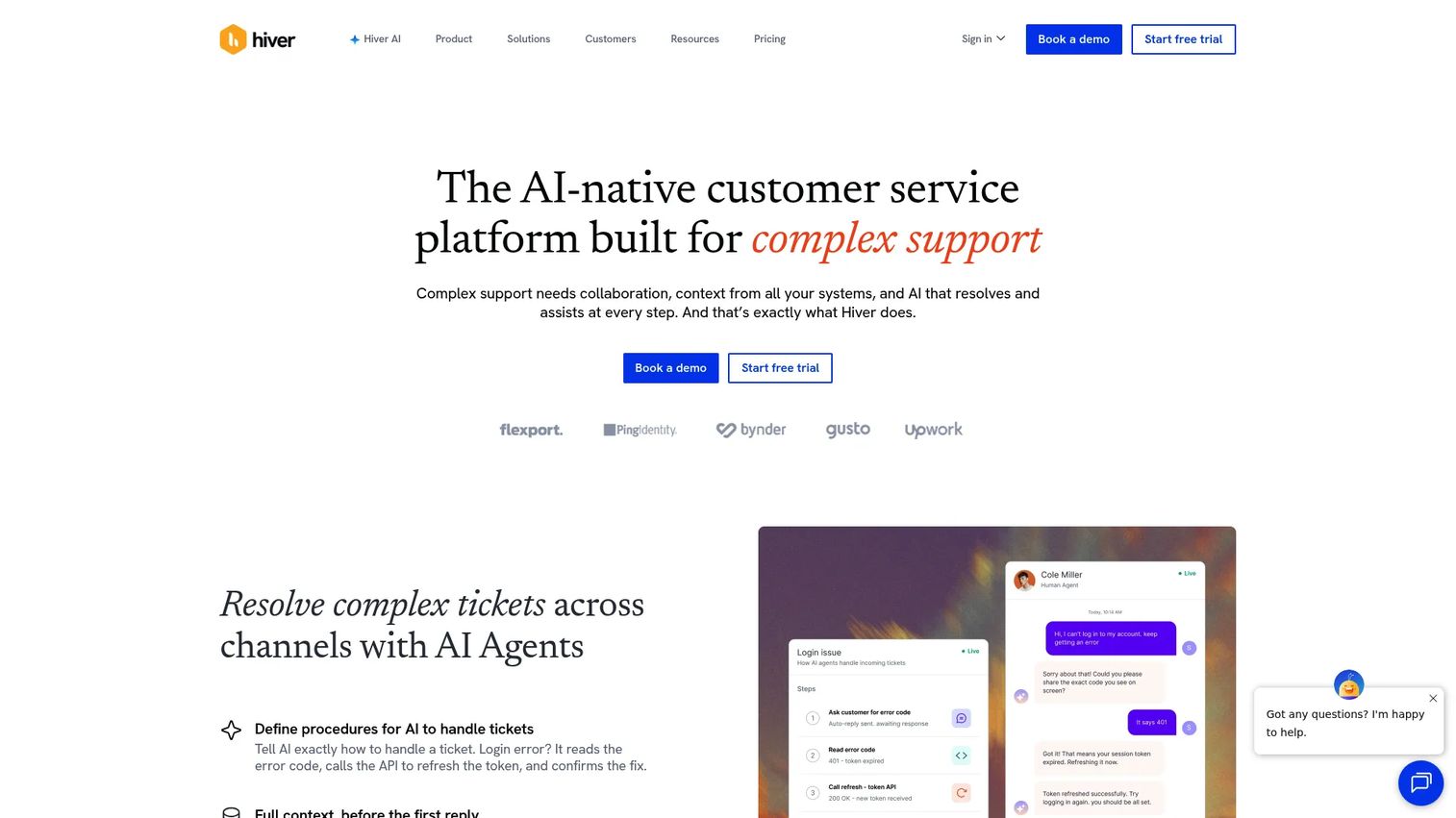
Hiver is an AI-powered customer service platform for managing support across email, chat, voice, and other channels. Its hook is simple: it turns Gmail into a help desk without pulling agents into a separate app.
Best for: Gmail-first support teams that want shared inbox, ticketing, automation, and AI customer-service workflows without leaving Gmail.
Key strengths
- Shared inboxes and ticketing: A help desk ticketing system that lives inside Google Workspace.
- Workflow automation: Automatic assignment and rules route tickets without manual sorting.
- Analytics and reports: CSAT, SLA, and sentiment reporting track performance over time.
Why choose Hiver: Hiver fits small teams that run support from Google Workspace and want minimal change. There is no new interface for agents to learn. For teams that find full platforms heavy, Hiver delivers help desk structure inside the inbox they already use.
Hiver pricing: A Free plan is available forever. Growth is $25 per user per month, billed annually. Pro is $55 per user per month. Elite is $85 per user per month. Monthly billing runs higher at $35, $65, and $95 per user respectively. The lightweight setup means teams can be live quickly.
12. HelpDesk
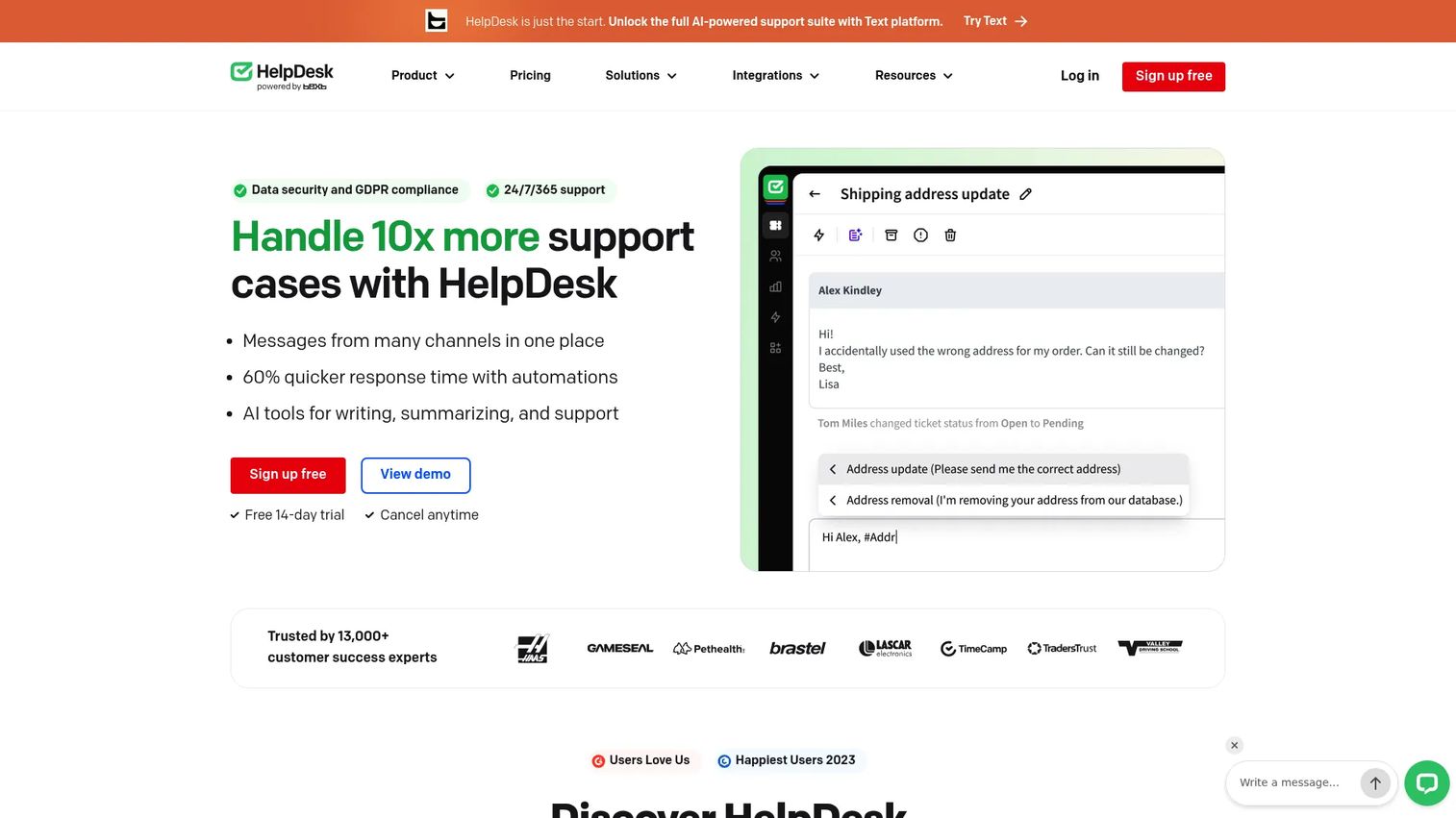
HelpDesk is a browser-based customer support ticketing system for managing customer conversations, automations, and support workflows. It keeps things clean and focused for teams that want ticketing without a sprawling feature set.
Best for: Support teams that need a straightforward email and ticketing help desk with automation and AI-assisted ticket handling.
Key strengths
- Ticket management: Statuses, priorities, tags, and custom fields keep the queue organized.
- Automation rules: Repetitive support processes run without manual steps.
- AI features: Tag suggestions, text enhancements, similar tickets, and ticket summaries speed up handling.
Why choose HelpDesk: HelpDesk suits teams that want a clean, no-frills tool focused on getting tickets resolved. The AI features handle the repetitive parts of ticket triage. For teams that find larger platforms overbuilt, this is a lean software helpdesk option.
HelpDesk pricing: Team is $29 per user per month billed annually, or $34 billed monthly. Business is $50 per user per month billed annually, or $59 monthly, for multi-brand operations. Enterprise runs on an individual contract. HelpDesk offers a 14-day free trial, with no permanent free tier listed.
How to choose the right help desk software
Once you have a shortlist, run each option against these five criteria before you commit.
Deflection and self-service strength
Look at knowledge base quality, embeddable widgets, and AI answers. The faster you can stand up clear, visual guidance for step-by-step questions, the more tickets you deflect. Evaluate how easily you can add interactive walkthroughs alongside articles to handle "how do I" requests.
Automation and AI routing
Test routing rules, macro and canned-response quality, AI triage, and SLA automation. Good automation moves tickets to the right place without an agent touching them. The best help desk service software learns from past tickets to suggest replies and summaries.
Integrations and ecosystem fit
Check native connections to your CRM, chat, ecommerce, and collaboration tools. Slack, Teams, Shopify, Salesforce, and HubSpot integrations reduce context-switching. Each connection that keeps agents in one place saves real handle time across the queue.
Pricing and value at your scale
Compare per-agent against flat or ticket-based pricing. Map which features sit behind enterprise tiers, since AI and advanced routing often do. Free tiers help you validate before you scale, so weigh what each plan actually unlocks.
Security, compliance, and admin controls
Confirm GDPR and SOC 2 coverage, role-based permissions, and data residency options. Most leading vendors document these, but smaller tools vary. Verify the controls your security team will require before you sign.
Conclusion
The right help desk software depends on your motion, not a single ranking. For scaling omnichannel SaaS support, Zendesk gives you the deepest channel and AI coverage. Freshdesk is the safest way to start free and grow into AI. Gorgias owns ecommerce support with ticket-based pricing built for retail spikes.
If you live inside your CRM, HubSpot Service Hub keeps support on the same record as sales. For IT and internal service desks, Freshservice and Jira Service Management bring full ITSM with asset and incident management. Small Gmail-first teams will find Hiver fits without a new interface to learn.
The next step is simple. Shortlist two or three tools that match your channels and scale. Start free trials, then test each on your highest-volume "how do I" tickets. Measure deflection rate, first-contact resolution, and handle time over a couple of weeks. The tool that moves those numbers, not the one with the longest feature list, is the one to buy. As you roll out self-service, consider how user onboarding software and a demo center can centralize guided walkthroughs for both customers and agents.
FAQs
Help desk software is a platform that centralizes customer support requests into trackable tickets across channels. It captures conversations from email, chat, social, and portals, then routes and prioritizes them. Most tools add automation, a knowledge base, and reporting so teams can resolve and measure support work in one place.
A request enters from any channel and the system creates a ticket. Rules or AI categorize and route it to the right agent or automation. The agent resolves it, often using macros or a knowledge base, and the platform tracks the outcome. Reporting then measures volume, resolution time, and CSAT so teams can improve.
Help desk software centers on ticketing and issue resolution: capturing, routing, and closing requests. Customer service software is broader, adding proactive engagement, full CX management, and lifecycle touchpoints. A help desk is the core resolution engine, while customer service software wraps more of the end-to-end experience around it.
Weigh four criteria: deflection and self-service strength, automation and AI routing, integrations with your stack, and pricing at your scale. Tie each to the KPIs you already track, such as first-contact resolution, average handle time, CSAT, and deflection rate. The tool that improves those metrics on your real tickets is the right fit.
Yes, through self-service and automation rather than magic percentages. Knowledge bases, AI answers, and embedded step-by-step guidance let customers resolve common questions on their own. When repetitive "how do I" requests get answered before they reach an agent, the queue shrinks and your team focuses on the harder issues.
CRM integrations like Salesforce and HubSpot give agents full customer context. Ecommerce integrations such as Shopify matter for retail support. Collaboration tools like Slack and Teams keep cross-team handoffs fast. Each connection reduces context-switching, which directly lowers handle time and improves resolution accuracy.
Costs vary by model. Several tools offer free tiers or trials, and paid plans commonly run per agent per month, often from around $19 to over $100 depending on features. Ecommerce tools may price by ticket volume instead of seats. Enterprise plans with advanced AI, security, and routing typically use custom pricing.
Start by exporting your existing tickets, contacts, and macros, then import them into the new platform. Rebuild your knowledge base content and automation rules to match. Train agents on the new workflows before go-live, and run a phased rollout so you can catch issues on a subset of volume before switching the full queue.