You type a sentence, and thirty seconds later you're watching a video that didn't exist before. That's the promise of AI video generators, and in 2026, a market headed for USD 3.44 billion by 2033 finally delivers on it.
The catch: different tools excel at completely different things. Google Veo produces cinematic footage that rivals stock libraries. Invideo AI automates entire marketing workflows.
Synthesia creates avatar presenters for corporate training. This guide ranks 12 AI video generators across real-world testing, with honest breakdowns of what each does best and where each falls short.
What's inside
The best AI video generator depends on what you're trying to create. Google Veo leads for cinematic text-to-video realism. Invideo AI handles full script-to-video workflows for marketing content.
Synthesia and HeyGen dominate avatar-based presenter videos.
This guide covers 12 AI video generators tested across real workflows. You'll find a quick-reference comparison table, individual breakdowns of each tool's strengths and tradeoffs, and guidance on matching the right generator to your specific use case.
TL;DR: Best AI video generators by use case
- Best for cinematic quality: Google Veo, OpenAI Sora
- Best for marketing automation: Invideo AI
- Best for creative control: Runway
- Best for realistic human motion: Kling AI
- Best for avatar-based videos: Synthesia, HeyGen
- Best for fast prototyping: Luma Dream Machine
What is an AI video generator
An AI video generator uses artificial intelligence to create, edit, or enhance video content from text prompts, images, or existing footage. The category breaks into three main types:
- Text-to-video generators: Create 46.3% of AI video from written prompts (Runway, Google Veo, Sora)
- AI video editors: Enhance, cut, or modify existing video using AI (Descript, Adobe Firefly)
- Avatar-based video creators: Generate videos with synthetic human presenters (Synthesia, HeyGen)
Understanding which type fits your workflow narrows the field quickly. A marketing team creating explainer videos has different requirements than a filmmaker prototyping scenes.
How we tested and ranked the best AI video generators
Evaluation criteria we used
Every tool went through the same evaluation process across five dimensions:
- Output quality: Visual fidelity, motion realism, physics accuracy
- Creative control: Camera settings, style customization, editing flexibility
- Ease of use: Learning curve, interface clarity, time to first output
- Pricing and value: Cost relative to output quality and included features
- Commercial licensing: Whether outputs can be used in paid projects
Our testing process
We ran consistent prompts across all tools, testing both simple scenes and complex scenarios with multiple subjects. Generation times, output resolution, and artifact frequency all factored into the final rankings.
Best AI video generators compared at a glance
| # | Product | Best for | Key differentiation | Starting price | G2 rating |
|---|---|---|---|---|---|
| 1 | Runway | Creative control | Frame-by-frame camera control | $15/mo | 4.5/5 |
| 2 | Google Veo | Cinematic realism | 4K output with physics-aware motion | Varies | N/A |
| 3 | HeyGen | Avatar videos | One-click video translation | $29/mo | 4.8/5 |
| 4 | Synthesia | Business videos | Enterprise security compliance | $29/mo | 4.7/5 |
| 5 | Kling AI | Human motion | Advanced skeletal tracking | $5/mo | 4.3/5 |
| 6 | Luma Dream Machine | Fast prototyping | Seconds-fast generation | Free tier | 4.4/5 |
| 7 | OpenAI Sora | Narrative content | Multi-shot character consistency | $20/mo | N/A |
| 8 | Pika | Social media | Dynamic camera effects | Free tier | 4.2/5 |
| 9 | Adobe Firefly | Adobe users | Native Premiere integration | CC subscription | 4.5/5 |
| 10 | Invideo AI | Marketing automation | Script-to-video workflow | Free tier | 4.5/5 |
| 11 | Descript | Transcript editing | Edit video by editing text | $15/mo | 4.6/5 |
| 12 | Pictory | Content repurposing | Blog-to-video automation | $25/mo | 4.4/5 |
12 best AI video generators ranked
1. Runway
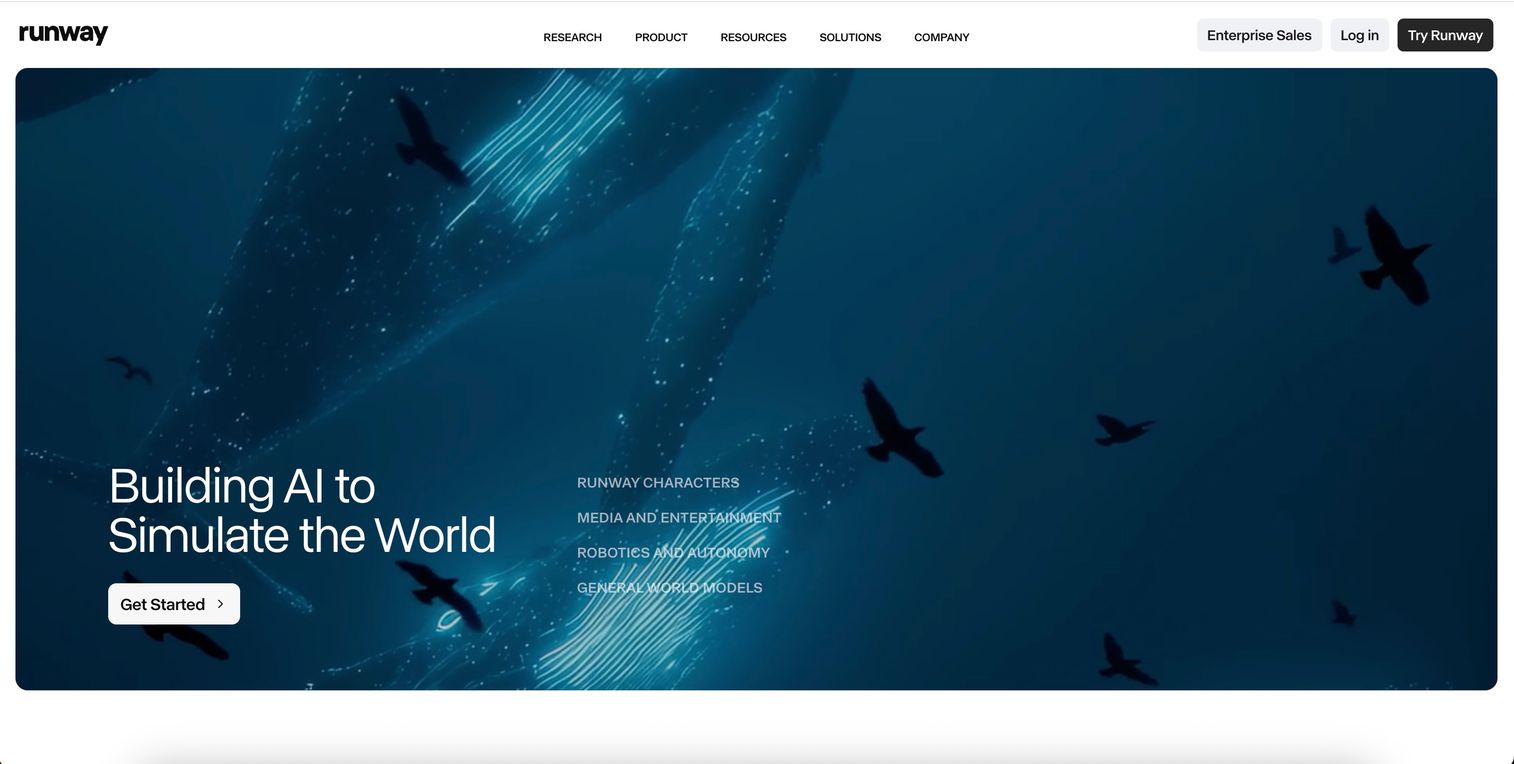
Runway leads for creators who want granular control over generated footage. The platform offers multiple generation models with tools for adjusting camera movements, motion paths, and style parameters.
Best for: Filmmakers and editors who want precision over every frame.
Key strengths
- Frame-by-frame control: Adjust camera movements and motion paths with start and end frame guidance
- Multi-model access: Choose between different generation models based on your project
- Professional editing tools: Motion Brush and advanced VFX features for fine-tuning clips
Why choose Runway
Runway rewards users who invest time learning its interface. Quick social clips are easier elsewhere, but nothing matches Runway for creative professionals who want to shape every aspect of their output.
Runway pricing
Plans start at $15/month for Standard with 625 credits. Pro ($35/month) and Unlimited ($95/month) tiers add more credits and features.
2. Google Veo
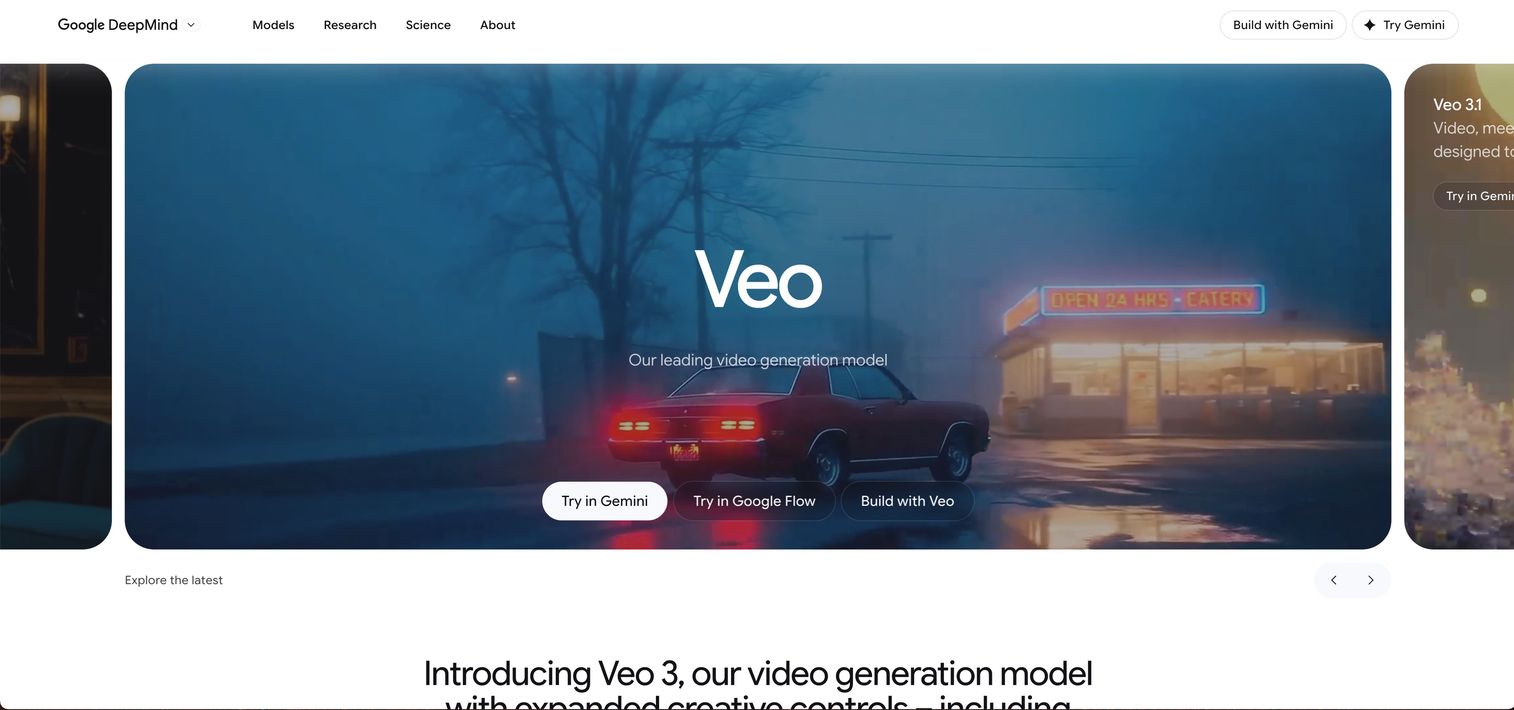
Google Veo represents the current ceiling for raw output quality. The model produces 4K resolution video with physics-aware motion, meaning objects fall, bounce, and interact realistically. Native audio generation adds synchronized sound to outputs.
Best for: Productions requiring broadcast-quality footage without extensive post-processing.
Key strengths
- 4K resolution output: Highest native resolution among current generators
- Physics-accurate motion: Objects move with realistic weight and momentum
- Native audio generation: Synced sound built directly into outputs
Why choose Google Veo
When quality matters more than speed or cost, Veo delivers. Access remains limited through Google AI Studio and select partners like Canva.
Google Veo pricing
Access through Google AI Studio or partner integrations. Pricing varies by access method.
3. HeyGen
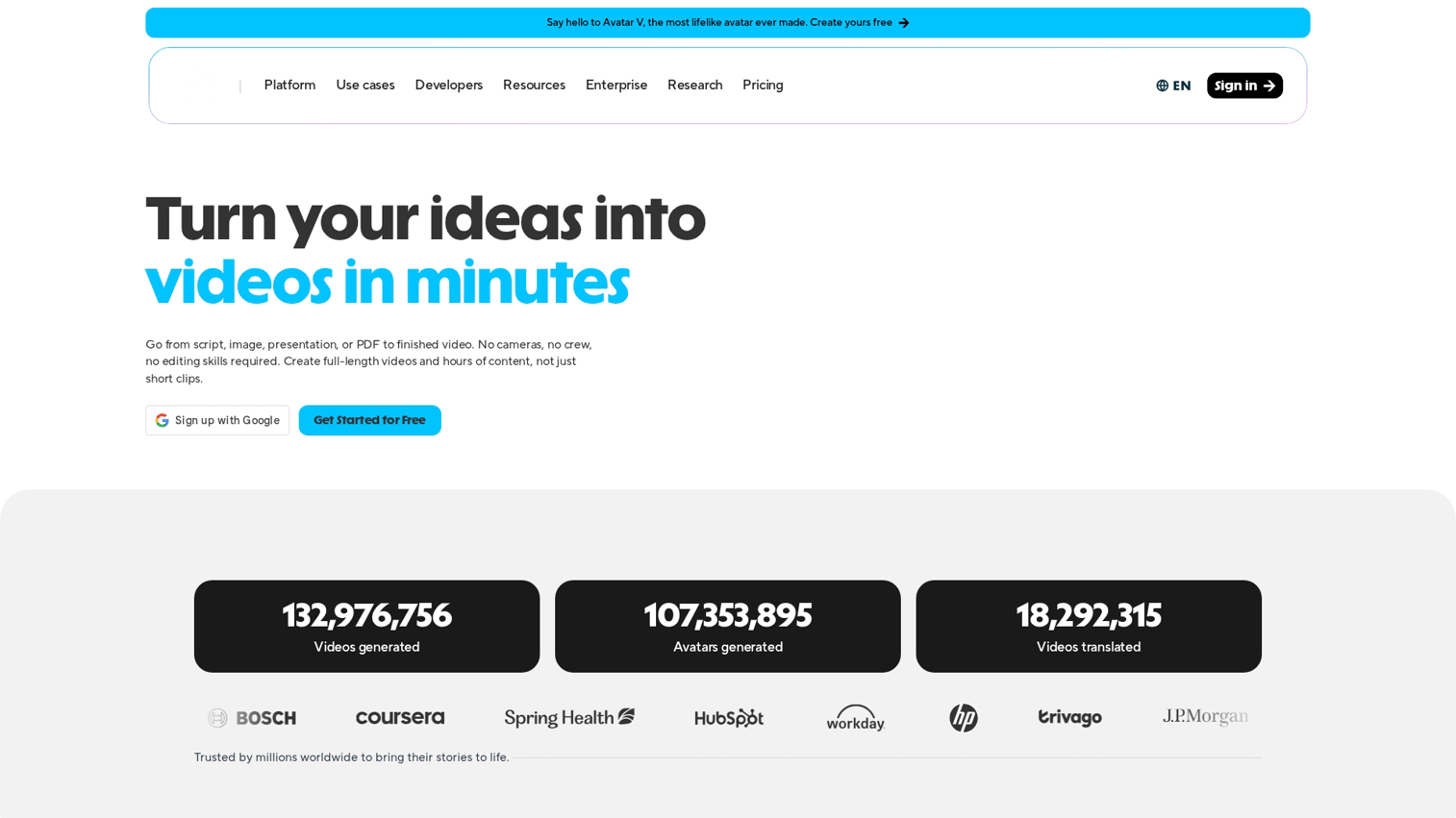
HeyGen specializes in avatar-based videos with a focus on localization. The platform's one-click translation feature redubs videos into multiple languages while matching lip movements to the new audio.
Best for: Marketing teams creating localized video content at scale.
Key strengths
- Realistic avatar lip-sync: Natural mouth movements matched precisely to audio
- One-click video translation: Translate and redub videos into 40+ languages
- Custom avatar creation: Build personalized avatars from user footage
Why choose HeyGen
HeyGen excels at scaling video content across languages and markets. The platform handles localization automatically. For non-avatar content, look elsewhere.
HeyGen pricing
Creator plan starts at $29/month. Business and Enterprise tiers available for teams.
4. Synthesia
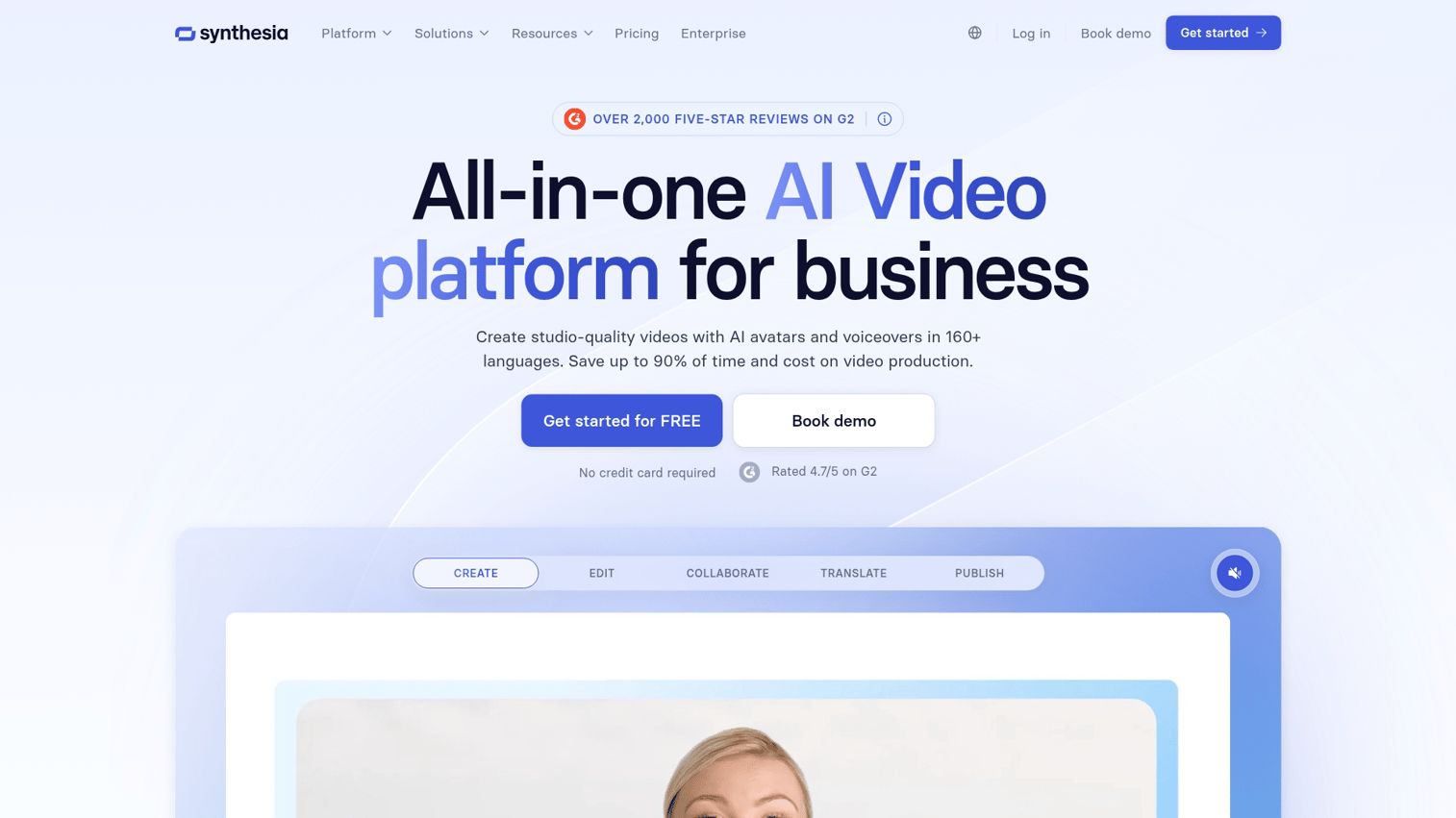
Synthesia targets enterprise video production with a focus on compliance and security. The platform offers SOC 2 certification and GDPR compliance, making it suitable for regulated industries.
Best for: L&D teams, HR departments, and internal communications in enterprise environments.
Key strengths
- Enterprise security: SOC 2 certified, GDPR-ready
- Large avatar library: 230+ diverse AI presenters available
- Script-to-video workflow: Paste text, generate professional video
Why choose Synthesia
The platform works well for standardized corporate content across 60,000 customers globally but lacks creative tools for entertainment or marketing experimentation.
Synthesia pricing
Starter plan at $29/month for individuals. Enterprise pricing available for teams.
5. Kling AI
Kling AI, developed by Chinese tech company Kuaishou, produces some of the most realistic human motion in the industry. The platform's skeletal tracking technology handles complex movements that trip up other generators.
Best for: Creators who need lifelike human movement in generated footage.
Key strengths
- Advanced skeletal tracking: Smooth, natural body movements even in complex scenes
- Complex action handling: Multiple subjects interacting without artifacts
- Competitive pricing: Strong output quality at lower cost than Western alternatives
Why choose Kling AI
Kling offers excellent value for human-centric video. The interface may require adjustment for English speakers.
Kling AI pricing
Plans start at $5/month for basic access. Higher tiers unlock longer generation times and priority processing.
6. Luma Dream Machine
Luma Dream Machine prioritizes speed over maximum fidelity. The platform generates clips in seconds rather than minutes, making it ideal for rapid iteration during creative development.
Best for: Creatives who need fast iterations during concepting and storyboarding.
Key strengths
- Fast generation times: Outputs in seconds, not minutes
- Image-to-video capability: Animate still images into motion
- Cinematic style presets: Built-in looks for professional results
Why choose Luma
When you need to test ten ideas before lunch, Luma delivers. The speed tradeoff means slightly lower fidelity than slower competitors.
Luma pricing
Free tier available with limited generations. Paid plans start at $29.99/month.
7. OpenAI Sora
OpenAI Sora handles narrative content better than any competitor. The model maintains character consistency across multiple shots, a persistent challenge for other generators.
Best for: Narrative content requiring scene-to-scene consistency.
Key strengths
- Multi-shot coherence: Characters and settings remain consistent across cuts
- Story-driven prompting: Understands narrative structure and pacing
- High-fidelity output: Cinematic quality approaching Google Veo
Why choose Sora
Sora works best for story-based content where continuity matters. Access remains limited through ChatGPT Plus and Pro subscriptions.
Sora pricing
Included with ChatGPT Plus ($20/month) with usage limits. ChatGPT Pro ($200/month) offers expanded access.
8. Pika
Pika focuses on fun, shareable content with an approachable interface. The platform's dynamic camera controls and style transfer effects make it popular for social media creators.
Best for: Social media creators and hobbyists experimenting with AI video.
Key strengths
- Dynamic camera controls: Pan, zoom, and rotate effects with simple controls
- Style transfer effects: Apply artistic looks to footage
- Mobile-friendly outputs: Optimized for vertical formats
Why choose Pika
Pika offers a low barrier to entry for AI video experimentation. The platform works well for social content but lacks depth for professional production.
Pika pricing
Free tier with watermarks. Paid plans start at $10/month.
9. Adobe Firefly
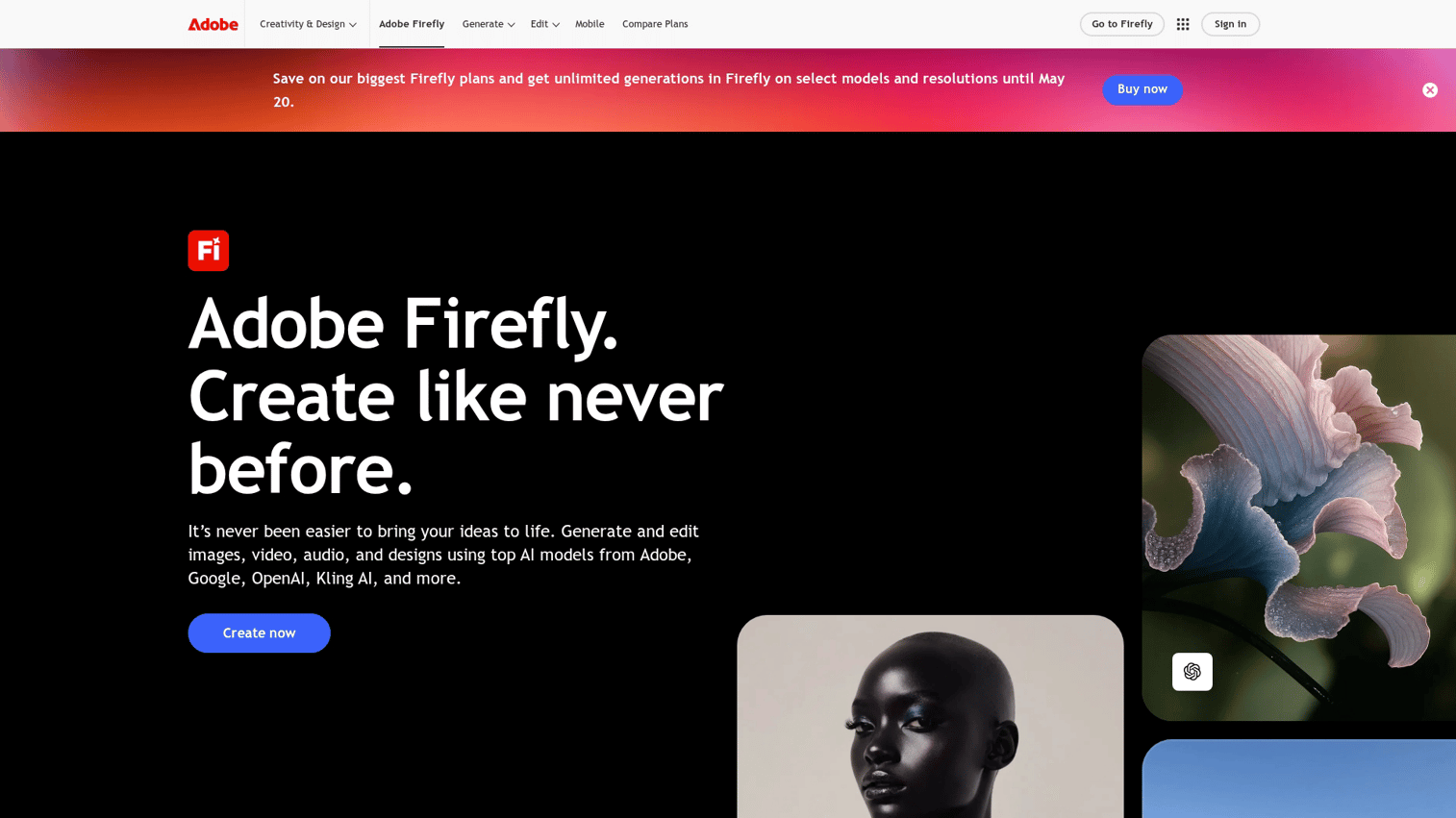
Adobe Firefly integrates AI video generation directly into Premiere Pro and After Effects. For teams already in Adobe's ecosystem, Firefly eliminates the friction of moving between tools.
Best for: Existing Adobe subscribers who want AI capabilities in their current workflow.
Key strengths
- Native Adobe integration: Works inside Premiere Pro and After Effects
- Commercially safe training: Trained on licensed content, reducing legal risk
- Familiar interface: Same UX patterns as other Adobe tools
Why choose Adobe Firefly
Firefly makes sense if you already pay for Creative Cloud. As a standalone tool, the value proposition weakens compared to dedicated generators.
Adobe Firefly pricing
Included with Creative Cloud subscriptions. Standalone access available through Adobe's generative credits system.
10. Invideo AI
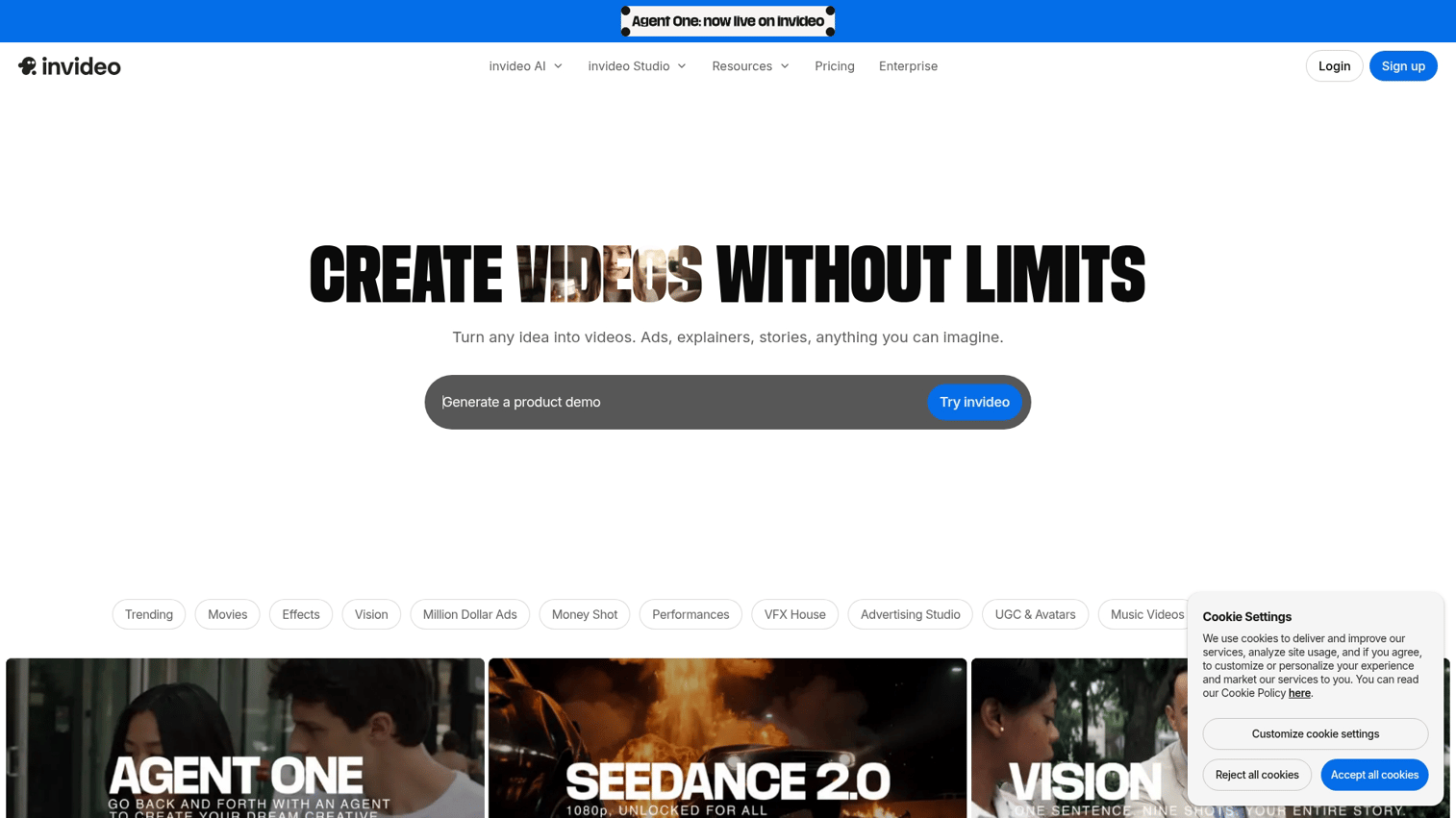
Invideo AI automates the entire video creation process from prompt to published content. Enter a topic, and the platform generates a script, selects footage, adds voiceover, and formats for your target platform.
Best for: Marketers creating platform-ready videos at scale.
Key strengths
- AI script generation: Enter a topic, receive a complete script
- Human-like voiceovers: Natural text-to-speech in multiple languages
- One-click social optimization: Auto-formats for YouTube, TikTok, Instagram
Why choose Invideo AI
Invideo AI offers the fastest path from idea to published video. The tradeoff is limited creative control.
Invideo AI pricing
Free tier with watermarks. Plus plan at $25/month, Max at $60/month.
11. Descript
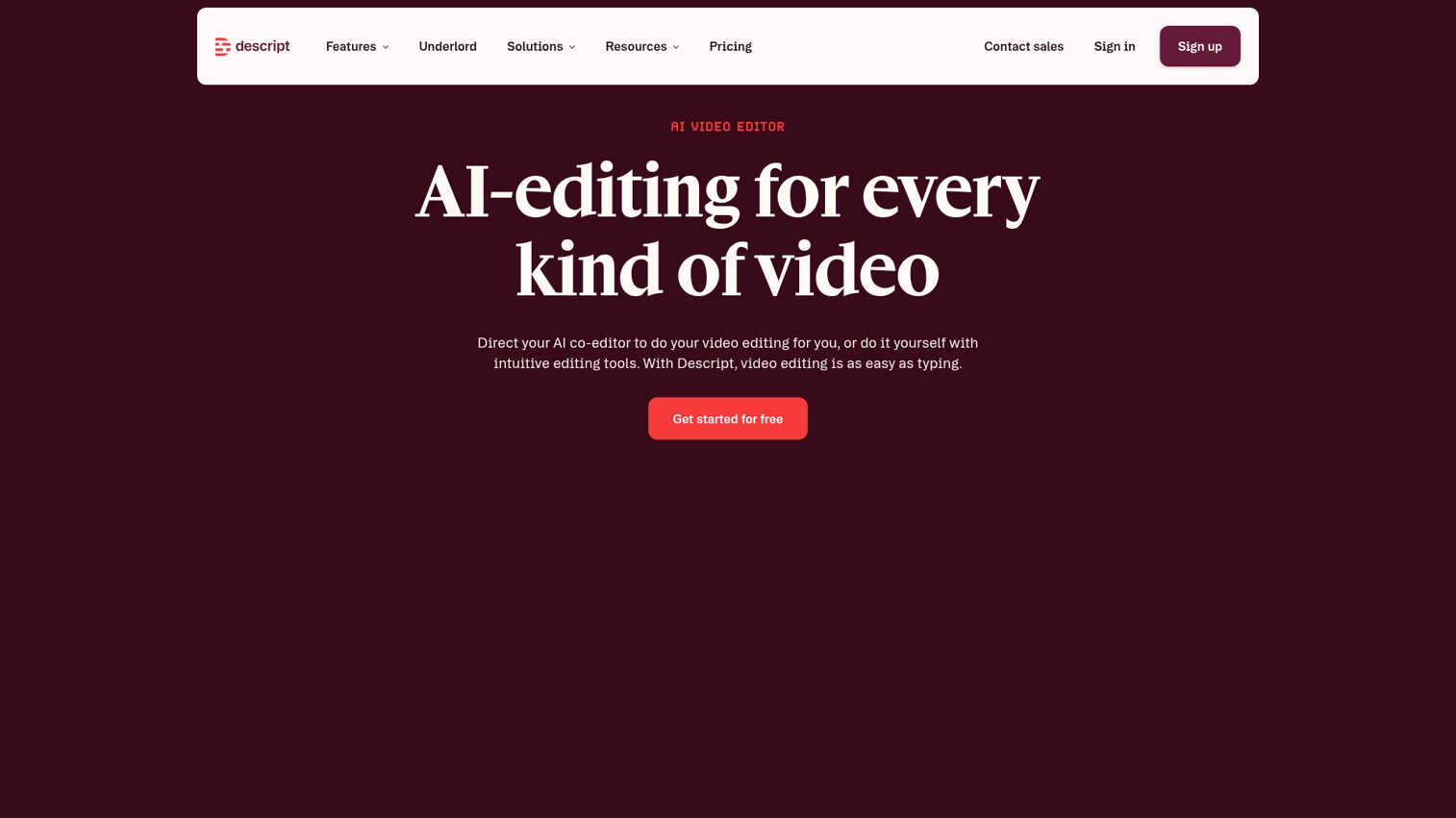
Descript takes a unique approach: edit video by editing text. Delete words from the transcript, and the video cuts automatically.
Descript works particularly well for talk-based content. Similar AI-powered editing capabilities are becoming standard across content creation tools.
Best for: Podcasters, YouTubers, and anyone who edits by transcript.
Key strengths
- Edit video by editing text: Delete words from transcript, video cuts automatically
- AI filler word removal: Clean up "ums" and pauses instantly
- Overdub voice cloning: Fix mistakes by typing corrections
Why choose Descript
Descript excels at editing existing footage, not generating new content. For talk-based videos, nothing matches its efficiency.
Descript pricing
Free tier available. Creator plan at $15/month, Pro at $30/month.
12. Pictory
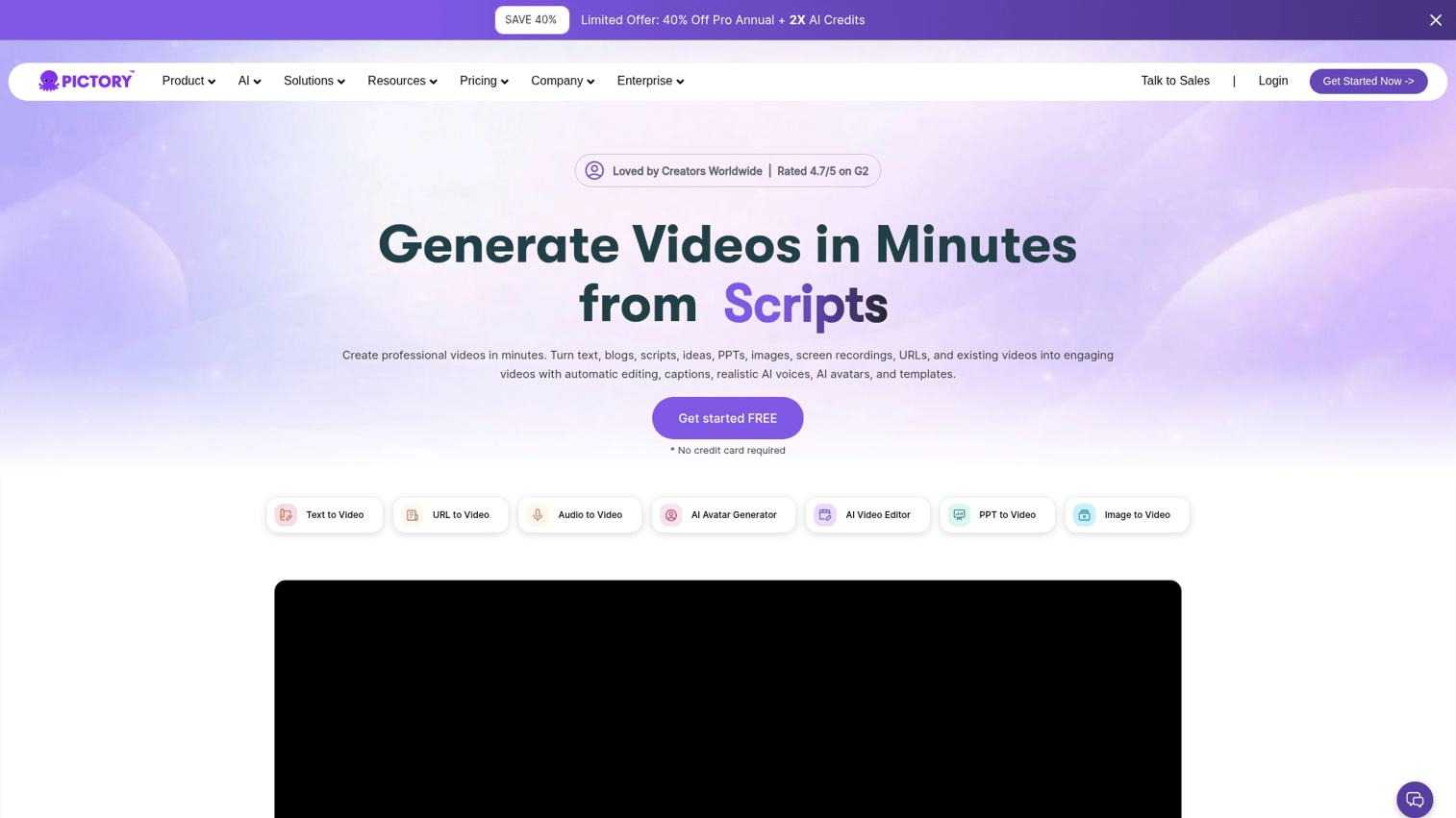
Pictory converts written content into video automatically. Paste a blog post or script, and the platform generates video with relevant stock footage, captions, and branding. For those preferring more hands-on control, you can also make videos directly in Canva.
Best for: Content marketers repurposing written content into video format.
Key strengths
- Script-to-video automation: Paste text, receive video with stock footage
- Auto-captioning: Generate and burn in subtitles automatically
- Brand kit support: Apply consistent colors and logos across videos
Why choose Pictory
Pictory works well for quick content repurposing. The reliance on stock footage means outputs lack the originality of true AI generation.
Pictory pricing
Starter at $25/month, Professional at $49/month, Teams at $99/month.
How to choose from the best AI video generators
Match the tool to your content type
Different tools excel at different content formats:
- Cinematic or narrative films: Google Veo, OpenAI Sora, Runway
- Avatar-based explainers: Synthesia, HeyGen
- Social media clips: Pika, Invideo AI
- Podcast and talking-head edits: Descript
- Content repurposing: Pictory
Set your budget before you browse
The pricing spectrum runs from free tiers with watermarks to enterprise plans exceeding $200/month. Free options work for experimentation, but professional work typically requires paid subscriptions to remove watermarks and access higher resolutions.
Consider your technical comfort level
Some platforms (Runway, Kling) reward users who learn their interfaces deeply. Others (Invideo AI, Pictory) automate decisions and require minimal input. Match tool complexity to your team's capacity.
Verify commercial licensing terms
Before using AI-generated content in ads or client work, check licensing terms. Adobe Firefly explicitly allows commercial use. Other platforms have restrictions that vary by plan tier.
Tip: When AI-generated video drives traffic to your product, interactive demos help convert that interest into qualified leads. Prospects can experience your product immediately rather than waiting for a sales call.
What the best AI video generators still struggle with
Consistent characters across multiple scenes
Maintaining the same face, clothing, and proportions across cuts remains difficult. OpenAI Sora handles multi-shot consistency best, but most tools require manual workarounds or multiple generation attempts.
Realistic hands and on-screen text
Fingers often appear malformed with extra digits or impossible positions. Text in generated video typically comes out garbled or illegible. Add text in post-production rather than relying on generation.
Long-form narrative coherence
Current tools generate clips ranging from a few seconds to a couple minutes. Stitching a full short film requires extensive manual editing and careful prompt engineering.
Top AI video generation companies to watch
The competitive landscape continues shifting as major players invest heavily in video generation:
- OpenAI (Sora): Largest AI lab, focused on narrative consistency
- Google DeepMind (Veo): Pushing 4K resolution and physics simulation
- Runway: Independent startup leading creative tools
- Kuaishou (Kling): Chinese lab excelling at human motion
- Luma Labs (Dream Machine): Speed-focused generation
AI video generator price comparison
| Product | Free tier | Starting paid price | Credit system |
|---|---|---|---|
| Runway | Limited | $15/mo | Yes |
| Google Veo | Varies | Varies | Varies |
| HeyGen | Limited | $29/mo | Yes |
| Synthesia | No | $29/mo | No |
| Kling AI | Limited | $5/mo | Yes |
| Luma Dream Machine | Yes | $29.99/mo | Yes |
| OpenAI Sora | No | $20/mo | Yes |
| Pika | Yes | $10/mo | Yes |
| Adobe Firefly | Limited | CC subscription | Yes |
| Invideo AI | Yes | $25/mo | No |
| Descript | Yes | $15/mo | No |
| Pictory | No | $25/mo | No |
Which of the best AI video generators wins in 2026
The best AI video generator depends entirely on what you're creating.
- Best overall for quality: Google Veo
- Best for creative control: Runway
- Best for marketing automation: Invideo AI
- Best for avatar videos: HeyGen, Synthesia
- Best value: Kling AI
The space evolves quickly. Start with the tool that matches your current workflow, and revisit the landscape quarterly as new models release.
For teams creating product content, AI video generation handles one part of the funnel. Consider how it fits within your broader interactive marketing strategy for maximum impact.
Converting viewers into qualified leads often requires letting prospects experience your product directly. Interactive demos complement video content by giving prospects hands-on access without scheduling a call.
Start your journey with Guideflow today!
FAQs about AI video generators
Licensing varies by tool. Adobe Firefly and Synthesia explicitly allow commercial use. Other platforms require checking terms before monetizing content.
Most tools produce short clips in under two minutes. Luma Dream Machine generates in seconds. Higher resolution outputs increase generation time.
Several tools offer free tiers, but most add watermarks or limit resolution. For professional work, expect to pay for a subscription.
Most tools output 720p or 1080p. Google Veo and select others support 4K, though generation times increase at higher resolutions.
Yes. HeyGen and Invideo AI support 40+ languages with AI-generated voiceovers. Translation features can redub existing videos automatically.
Most tools block or filter copyrighted content. Adobe Firefly trains only on licensed material to reduce infringement risk.
Multi-shot consistency remains a challenge. OpenAI Sora handles character continuity best. Most tools require manual workarounds.
MP4 is the most common export format. Some tools also support MOV, GIF, or direct publishing to social platforms.