You shipped a feature your users asked for. You wrote the changelog entry, sent the email, maybe even posted on LinkedIn. A week later, adoption is flat and support tickets ask when you're going to build the thing you already built.
The problem isn't the feature. It's the announcement.
Most feature updates get ignored because they describe functionality instead of demonstrating it.
This guide covers 12 tools that help product, marketing, and customer success teams communicate updates in ways users actually see and act on, from simple changelog widgets to interactive demos users can click through immediately.
What's inside
This guide covers what feature announcement software actually does, why most announcements fail to drive adoption, and which channels work for different update types. You'll find evaluation criteria, a side-by-side comparison table, and 12 tool recommendations with pricing. The final sections explain how to make announcements interactive and how to measure whether they're working.
TL;DR
- Feature announcement software helps product, marketing, and customer success teams communicate updates through in-app widgets, targeted notifications, changelogs, and email campaigns.
- Most announcements fail because they're buried in email, use passive formats, lack personalization, or don't let users try the feature immediately.
- Interactive announcements outperform static ones because users can experience the feature inside the announcement itself.
- The best tools combine targeting, personalization, multi-channel delivery, and adoption tracking (not just views).
What is feature announcement software
Feature announcement software enables SaaS teams to communicate product updates, boosting adoption and retention through in-app widgets, targeted modals, and changelogs. The category goes beyond static release notes by letting you trigger contextual notifications, segment audiences, and track engagement.
Several tool types fall under this umbrella, and they often overlap:
- Changelogs and release notes: Public pages documenting what shipped, often embedded in-product or linked from help centers
- In-app widgets and notifications: Contextual alerts, banners, modals, and "What's New" feeds that appear inside your product
- Email announcement tools: Targeted campaigns for major releases or re-engaging inactive users
- Feedback loop tools: Platforms that connect announcements to feature request tracking, closing the loop with users who asked for specific functionality
Some tools focus on one category. Others combine multiple capabilities into a single platform. The right choice depends on where your users spend time and how complex your announcement workflow is.
Why users ignore feature announcements
Most feature announcements fail not because the features are bad, but because the delivery creates friction. Understanding failure modes helps you evaluate tools more effectively.
Announcements buried in email noise
Feature emails compete with hundreds of other messages in your users' inboxes. Users trained to ignore promotional patterns often skip product update emails entirely, even when the content is relevant to their workflow.
Passive formats that fail to engage
Static text and screenshots require cognitive effort. Users skim or skip entirely when there's no interactive element. A changelog entry that says "We added bulk editing" tells users what exists but doesn't show them how it works or why it matters.
Generic messaging without user context
One-size-fits-all announcements feel irrelevant. A power user on your enterprise plan doesn't care about features only available on starter tiers. Showing different announcements to different user segments based on plan, role, behavior, or account attributes can lift retention
No path to try the feature immediately
Announcements that describe but don't demonstrate create friction. Users who can't click into the feature right away lose interest. The gap between "I read about this" and "I tried this" is where adoption dies.
Channels that work for feature announcements
Different channels serve different purposes. The right mix depends on your user behavior and the importance of each update.
In-app notifications and widgets
Most effective for active users already engaged with your product. In-app notifications appear contextually when users are in the right mindset to learn about new functionality. Common formats include banners, modals, tooltips, and persistent notification centers.
Email announcement campaigns
Best for major releases and re-engaging inactive users who won't see in-app notifications. Segmentation matters here. New users, power users, and churned users respond to different messaging.
Public changelog and release notes pages
Useful for transparency, SEO, and serving as a permanent reference. Changelog pages work well for prospects evaluating your product and for support teams answering "when did you add this?" questions.
Social media and community channels
Good for building awareness and gathering feedback from prospects and community members who aren't yet in your product. Social channels also help with word-of-mouth when users share updates with their networks.
| Channel | Best for | Engagement level | Setup effort |
|---|---|---|---|
| In-app widget | Active users, contextual updates | High | Medium |
| Email campaigns | Major releases, inactive users | Medium | Low |
| Changelog pages | Transparency, SEO, reference | Low | Low |
| Social/community | Prospects, feedback gathering | Variable | Low |
What to look for in feature announcement tools
Before comparing specific tools, clarify what matters for your team. The criteria below separate basic changelog widgets from platforms that actually drive adoption.
Announcement formats and templates
Look for the range of formats you'll actually use: in-app widgets, modals, banners, tooltips, email templates, and changelog entries. Some tools also support interactive demos embedded directly in announcements, letting users click through the feature without leaving the notification.
User targeting and segmentation
The ability to show different announcements to different user segments based on plan, role, behavior, or account attributes can lift retention up to 3x. Without targeting, you're sending the same message to everyone and hoping it resonates with someone.
Personalization capabilities
Dynamic content that adapts to user context goes beyond basic segmentation and can drive 18% higher adoption. Personalized demos and tailored messaging increase engagement because users see content relevant to their specific situation.
Analytics and adoption tracking
Key metrics include views, clicks, feature adoption post-announcement, and completion rates against a 24.5% adoption benchmark. Distinguish between vanity metrics (views) and adoption metrics (actual feature usage). The best tools connect announcement interaction to downstream product analytics.
Integrations with your existing stack
CRM, marketing automation, analytics, and product analytics connections matter. Integrations let you trigger announcements based on user data and track downstream impact. Look for tools that integrate with HubSpot, Salesforce, and more.
Feature announcement software comparison
| # | Product | Best for | Key differentiator | Pricing | G2 rating |
|---|---|---|---|---|---|
| 1 | Guideflow | Interactive feature demos | Show features via clickable demos | Free tier available | 5.0/5 |
| 2 | AnnounceKit | In-app changelog widgets | Multi-channel delivery | Starts at $79/mo | 4.7/5 |
| 3 | Beamer | SaaS changelog and notifications | NPS and feedback built-in | Starts at $49/mo | 4.7/5 |
| 4 | Canny | Feature request + announcements | Closes feedback loop | Starts at $79/mo | 4.6/5 |
| 5 | Productboard | Product roadmap communication | Roadmap to announcement flow | Custom pricing | 4.3/5 |
| 6 | LaunchNotes | Release communication at scale | Internal + external audiences | Starts at $99/mo | 4.5/5 |
| 7 | Headway | Simple changelog widget | Lightweight setup | Free tier available | 4.6/5 |
| 8 | Changelogfy | Basic changelog pages | Budget-friendly | Starts at $19/mo | 4.4/5 |
| 9 | Productlane | Linear-integrated changelogs | Dev workflow integration | Starts at $29/mo | 4.7/5 |
| 10 | Released | Notion-powered changelogs | Notion as CMS | Starts at $29/mo | 4.5/5 |
| 11 | Notion | DIY changelog pages | Flexible, manual setup | Free tier available | 4.7/5 |
| 12 | Intercom | In-app messaging at scale | Full customer comms platform | Custom pricing |
1. Guideflow
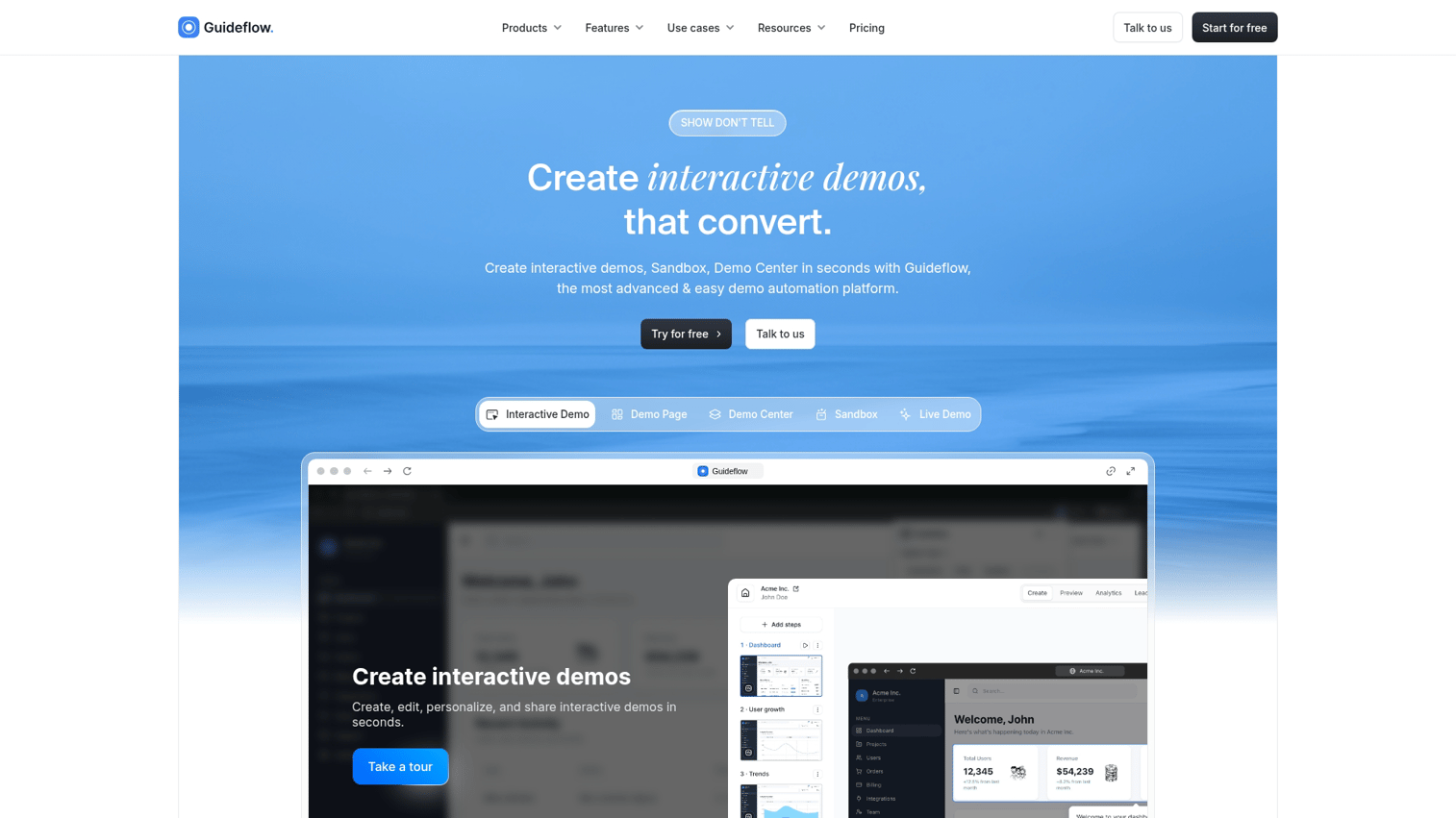
Guideflow takes a different approach to feature announcements. Instead of telling users about new features with text and screenshots, you show them with clickable, step-by-step demos they can experience immediately.
The core idea: capture any workflow via browser extension, turn it into an interactive demo, and embed that demo directly in your changelog, email announcement, or in-app notification. Users click through the feature inside the announcement itself, eliminating the gap between "I read about this" and "I tried this."
Best for: Product marketing, growth, and pre-sales teams who want users to experience new features immediately rather than just read about them.
Key strengths
- Interactive demos in announcements: Embed clickable product walkthroughs directly in feature announcements
- Capture without engineering: Record features via browser extension in minutes
- Personalize for segments: Tailor demo content by user role, plan, or account using dynamic variables
- Track engagement: See which features users explored and where they dropped off
- Multi-channel distribution: Embed demos in email, in-app notifications, changelog pages, or social posts
Why choose Guideflow
Pick Guideflow when your announcements describe complex features that are easier to understand through interaction than explanation. If users read your changelog but don't adopt new features, interactive demos close that gap. The platform works especially well for marketing teams launching features and customer success teams driving adoption.
Pricing
- Free: $0/month (5 guideflows, unlimited viewers, 7-day analytics)
- Solo: $40/month (unlimited guideflows, advanced analytics, lead forms, AI features)
- Growth: $499/month
- Advanced: $1,499/month
- Enterprise: From $2,999/month
Start your journey with Guideflow today!
2. AnnounceKit
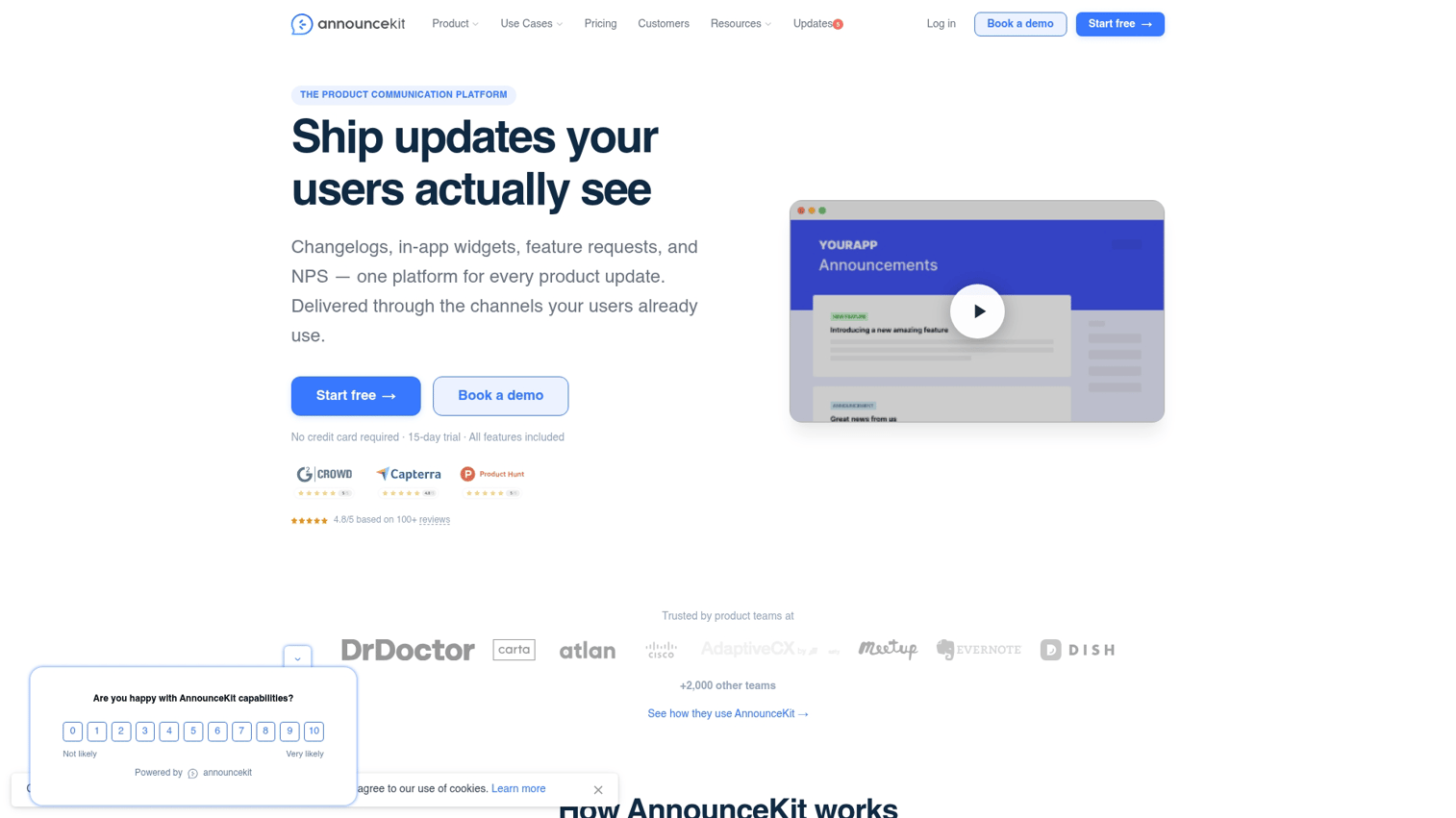
AnnounceKit is a dedicated changelog and in-app notification platform built specifically for product updates. You create announcements in one place and distribute them across multiple channels: in-app widgets, email, Slack, and RSS.
The platform focuses on making announcements visible. Widgets can be customized to match your brand and placed anywhere in your product. Users see a notification badge when new updates are available.
Best for: Product teams wanting a dedicated announcement tool that reaches users across channels without building custom solutions.
Key strengths
- In-app widget customization: Match your brand colors, control placement, and configure notification behavior
- Multi-channel delivery: Publish once and distribute to widget, email, Slack, and RSS from a single post
- User segmentation: Target announcements by user properties or behavior
- Feedback collection: Reactions and comments on announcements help gauge reception
Pricing
Free plan available with limited features. Paid plans start at $79/month.
3. Beamer
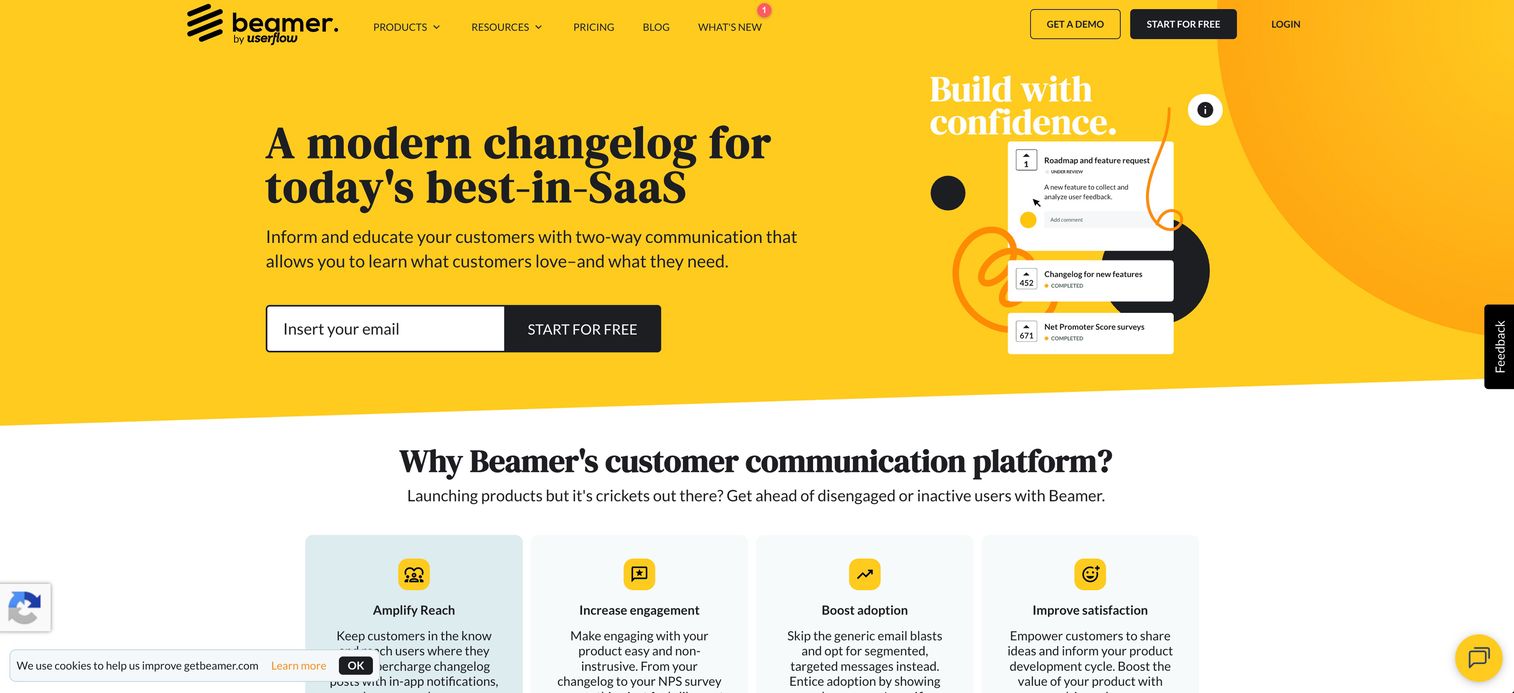
Beamer combines changelog functionality with engagement tools like NPS surveys and feedback collection. The notification feed widget gives users a persistent place to check for updates.
The platform positions itself as more than a changelog. You can run NPS surveys alongside announcements and collect feedback in the same interface where users learn about new features.
Best for: SaaS teams wanting changelog, NPS, and feedback capabilities in one tool.
Key strengths
- Notification feed widget: Persistent in-app feed users can check anytime, with badge notifications for new updates
- NPS surveys: Measure sentiment alongside announcements
- Push notifications: Reach users outside the app
- Segmentation: Filter audiences by attributes to show relevant updates
Pricing
Free tier available. Paid plans start at $49/month.
4. Canny
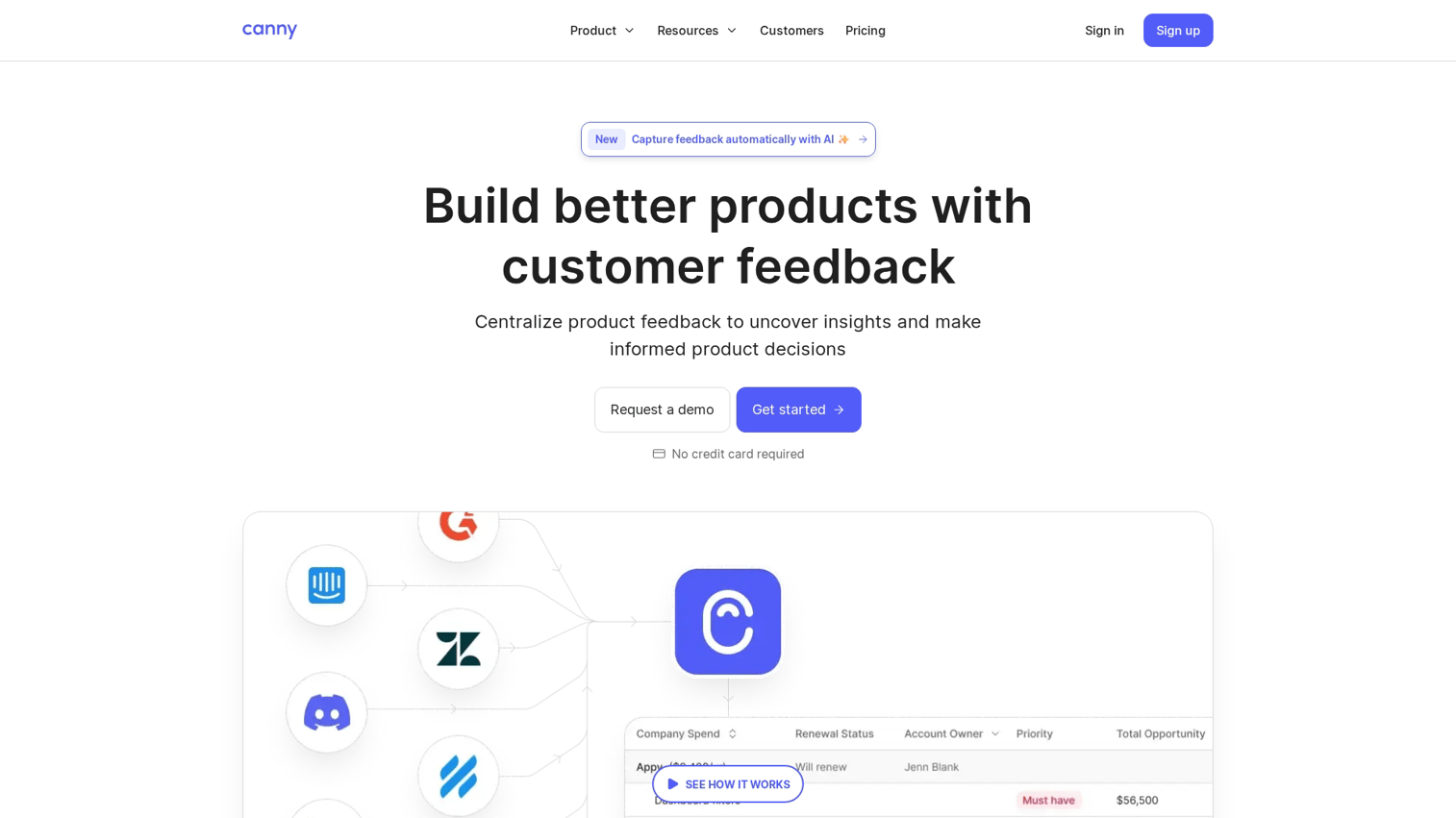
Canny approaches announcements from the feature request side. Users submit and vote on feature requests, you build what matters, and then you announce back to the users who asked for it.
This closed-loop approach means announcements feel more relevant. Users who requested a feature get notified when it ships, creating a direct connection between feedback and delivery.
Best for: Teams with active user feedback channels who want to connect announcements directly to feature requests.
Key strengths
- Feature request tracking: Centralized place for user feedback with voting and prioritization
- Roadmap visibility: Share what's planned so users know what's coming
- Changelog tied to requests: Announce features to the specific users who asked for them
- Voting and prioritization: Let users signal what matters most
Pricing
Free plan with basic features. Paid plans start at $79/month.
5. Productboard
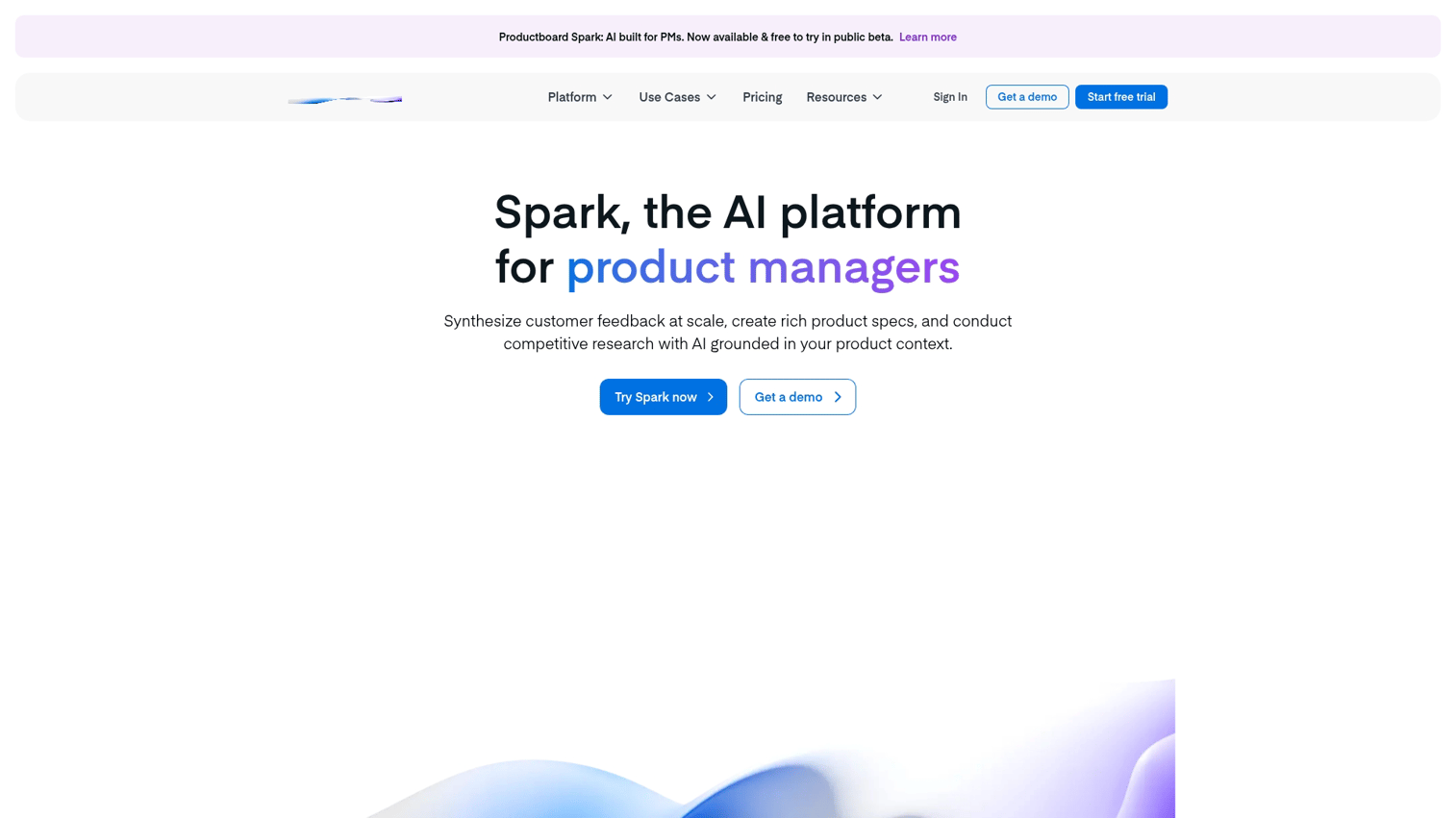
Productboard is a product management platform that includes release communication features. The value is connecting customer insights, roadmaps, and announcements in one system.
If you're already using Productboard for planning, adding announcement capabilities keeps everything in the same place. Release notes tie directly to roadmap items and customer feedback.
Best for: Product-led organizations already using Productboard for planning who want announcement capabilities in the same platform.
Key strengths
- Insights to roadmap: Capture feedback, prioritize features, and plan releases in one workflow
- Release notes: Publish announcements tied directly to roadmap items
- Customer-facing portal: Share what shipped and what's coming
- Integrations: Connects to Jira, Slack, Salesforce
Pricing
Custom pricing based on team size and needs.
6. LaunchNotes
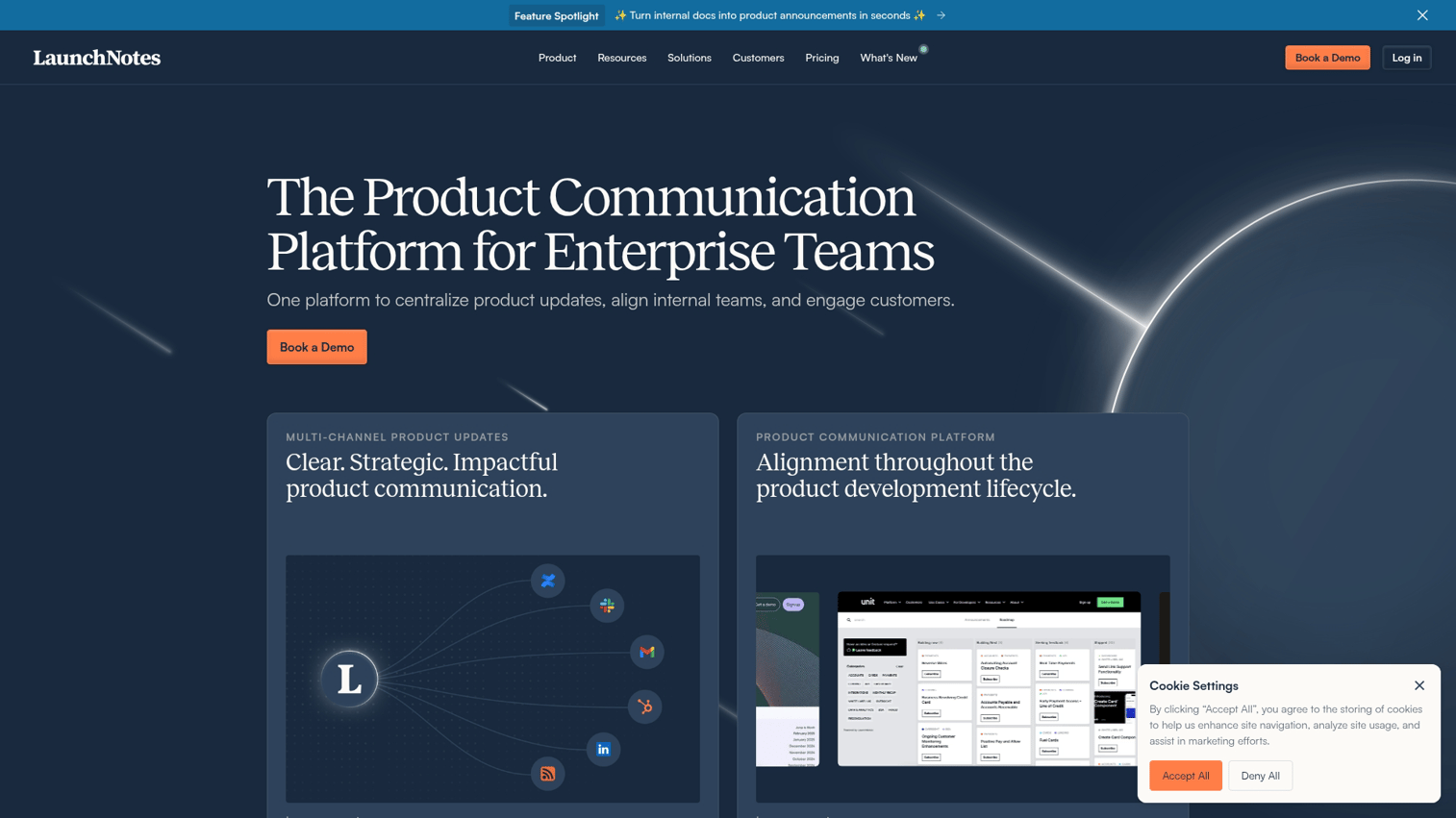
LaunchNotes handles release communication for both internal and external audiences. You can maintain separate views for your team (sales, support, success) and your customers.
The internal coordination angle matters for larger organizations. Sales teams know what's shipping before customers ask. Support teams can prepare for questions about new features.
Best for: Teams coordinating announcements across internal stakeholders and external customers.
Key strengths
- Internal + external pages: Separate views for team members and customers
- Subscriber management: Build and manage audiences for release updates
- Email digests: Automated summary emails for users who prefer periodic updates
- Integrations: Jira, GitHub, Linear connections for automated release tracking
Pricing
Plans start at $99/month.
7. Headway
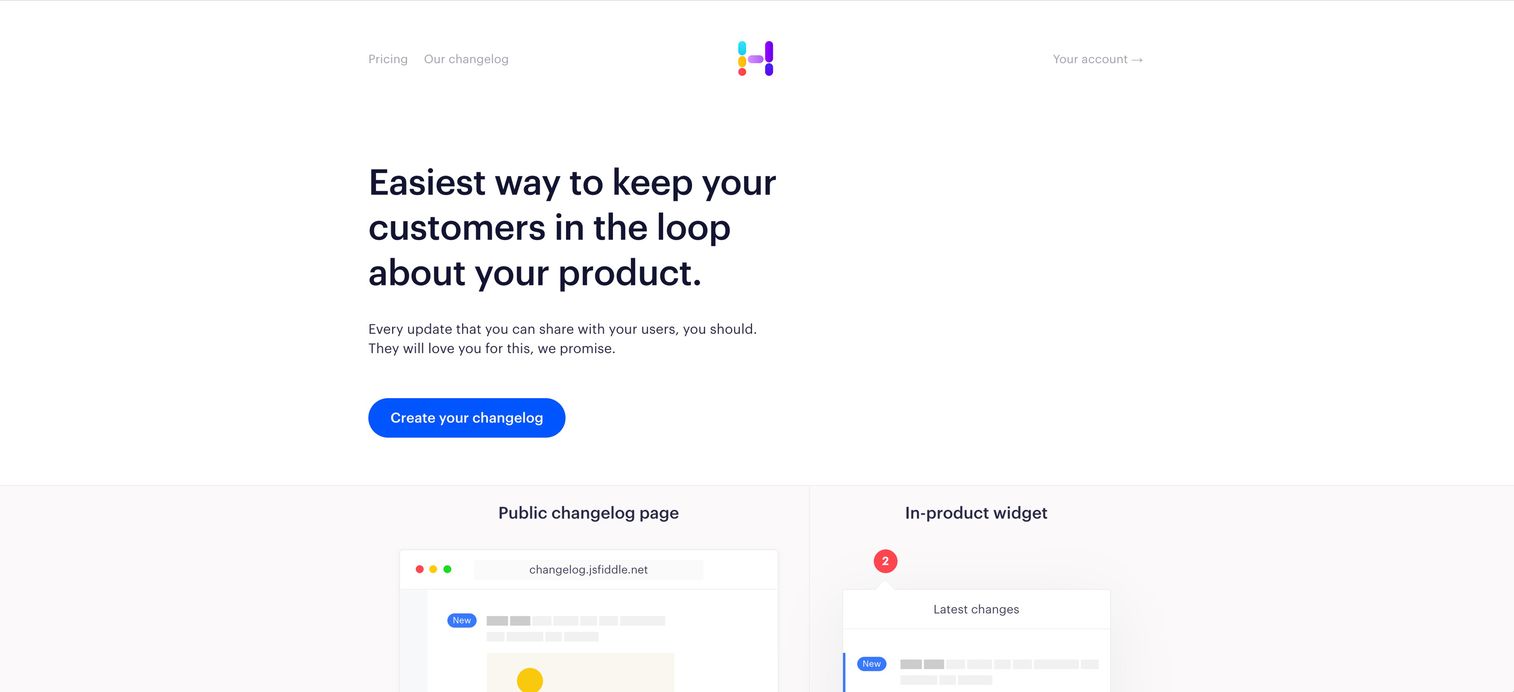
Headway offers a lightweight changelog widget for teams wanting simple setup without complexity. You can add the widget to your product in minutes and start publishing updates immediately.
The simplicity is the point. No elaborate segmentation, no multi-channel orchestration. Just a clean changelog that users can check when they want to see what's new.
Best for: Small teams or early-stage products wanting a changelog without complexity.
Key strengths
- Quick setup: Add the widget in minutes
- Clean changelog UI: Simple, readable format
- Reactions: Users can react to updates
- Custom branding: Match your product's look
Pricing
Free tier available. Paid plans for additional features.
8. Changelogfy
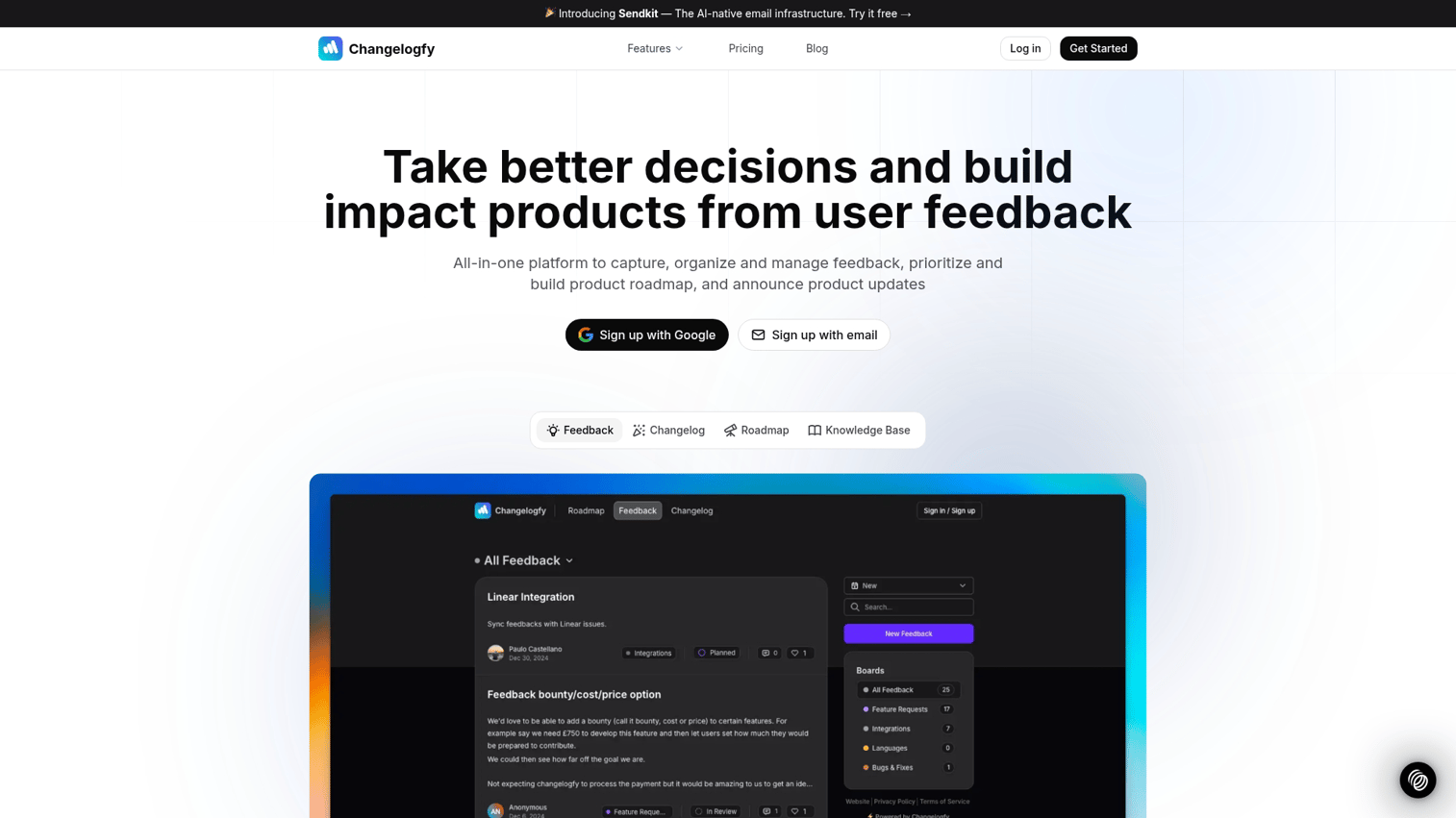
Changelogfy provides basic changelog functionality at a lower price point than most alternatives. For startups and small teams watching costs, it covers the essentials.
Best for: Cost-conscious teams wanting basic changelog functionality.
Key strengths
- Affordable pricing: Lower cost than most alternatives
- Custom domain: Host your changelog on your own domain
- Widget embed: Add to your product with simple code
- Email notifications: Alert users to new posts
Pricing
Plans start at $19/month.
9. Productlane
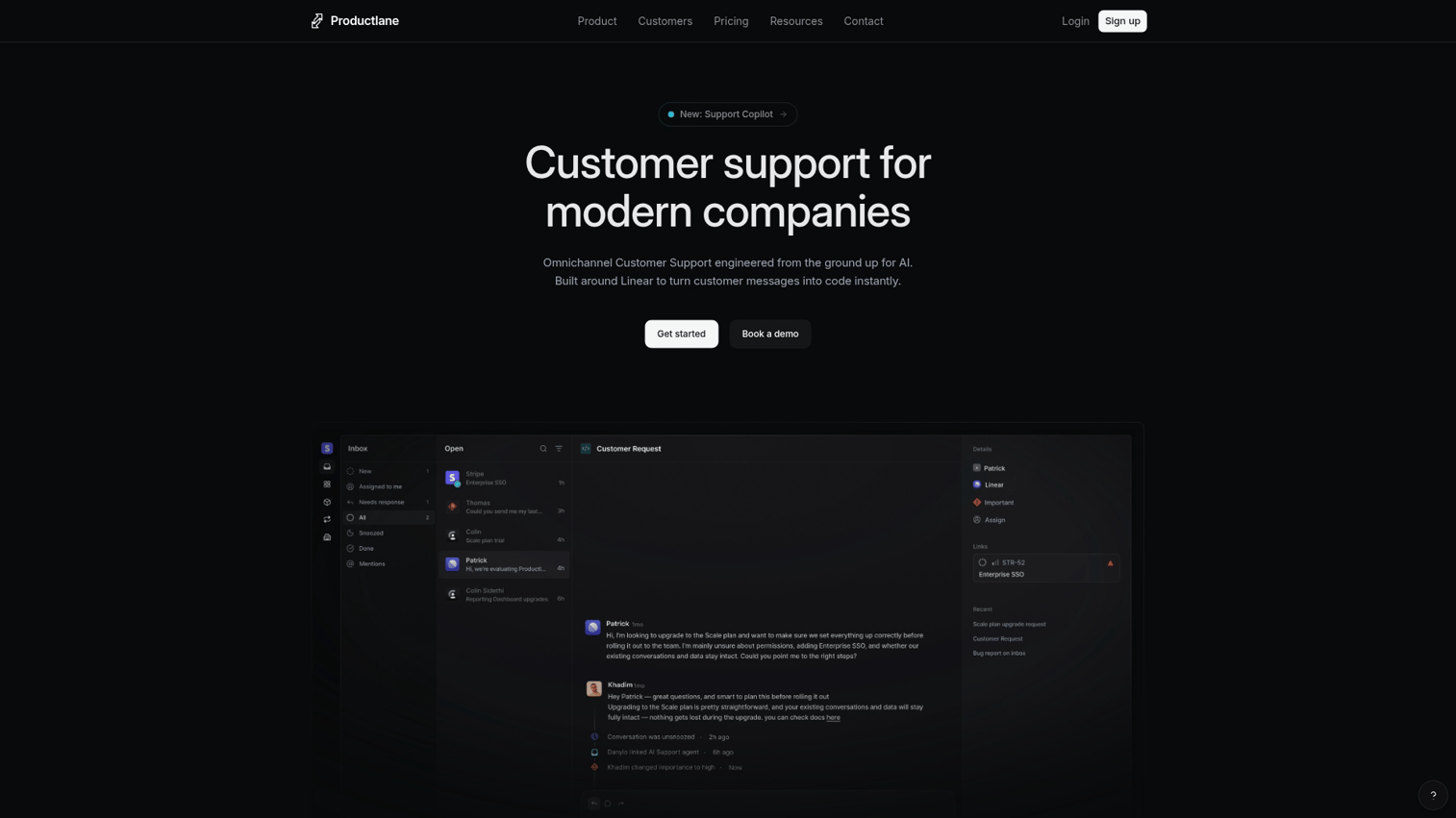
Productlane is built specifically for teams using Linear for issue tracking. Completed Linear issues automatically flow into your changelog, reducing manual work.
Best for: Engineering-led teams using Linear who want automated changelog generation.
Key strengths
- Linear integration: Pull completed issues into your changelog automatically
- Feedback collection: Users can submit requests directly from the changelog
- Public roadmap: Share what's planned alongside what's shipped
- Slack notifications: Alert your team to new feedback
Pricing
Plans start at $29/month.
10. Released
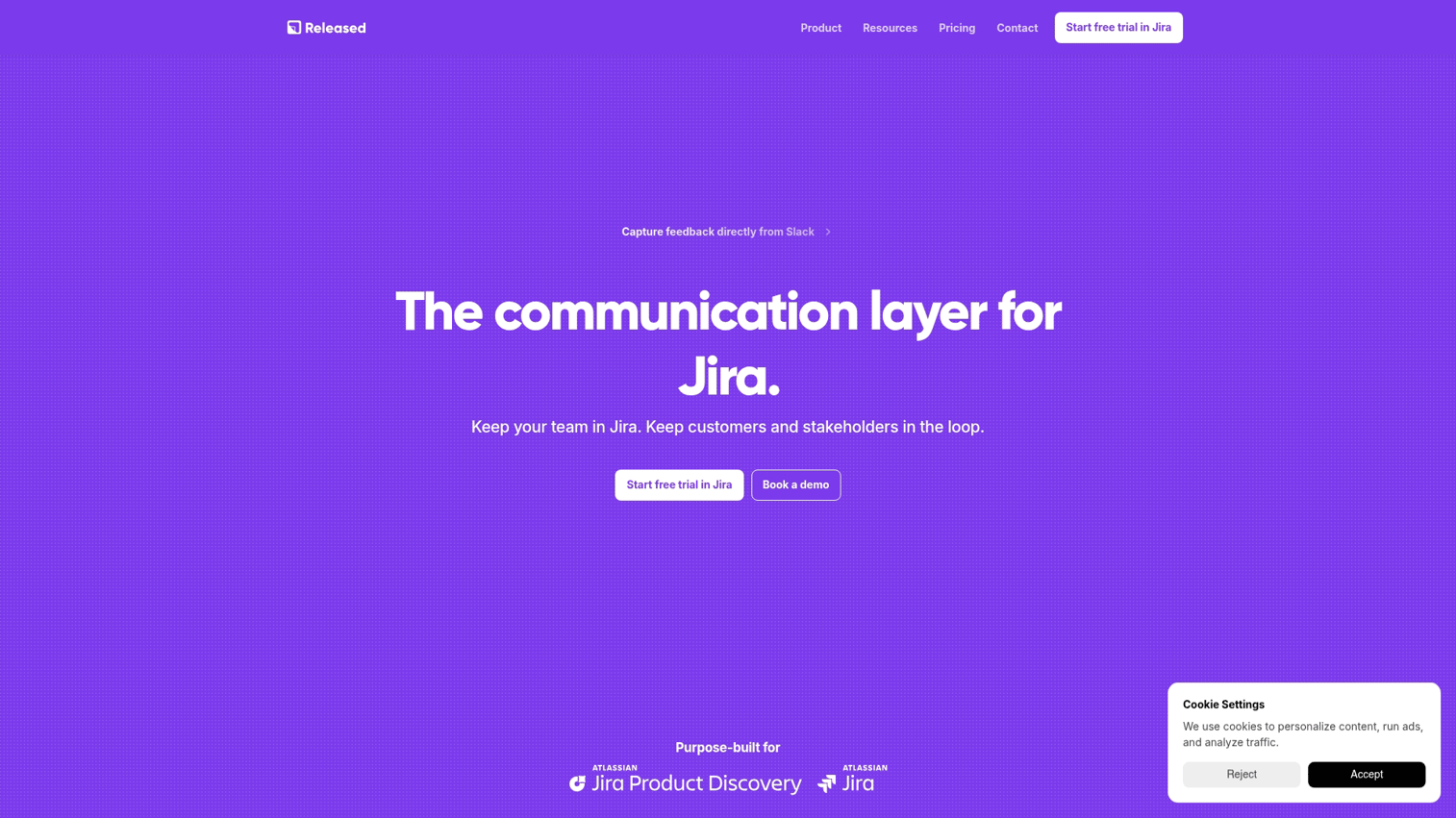
Released uses Notion as the content management system for your changelog. Write release notes in Notion, and they publish to your changelog automatically.
Best for: Teams already using Notion who want to keep content creation in their existing workflow.
Key strengths
- Notion as CMS: Write in Notion, publish to your changelog
- AI writing assist: Help draft release notes faster
- Custom branding: Match your product design
- Widget and page: Embed in your product or host a standalone page
Pricing
Plans start at $29/month.
11. Notion
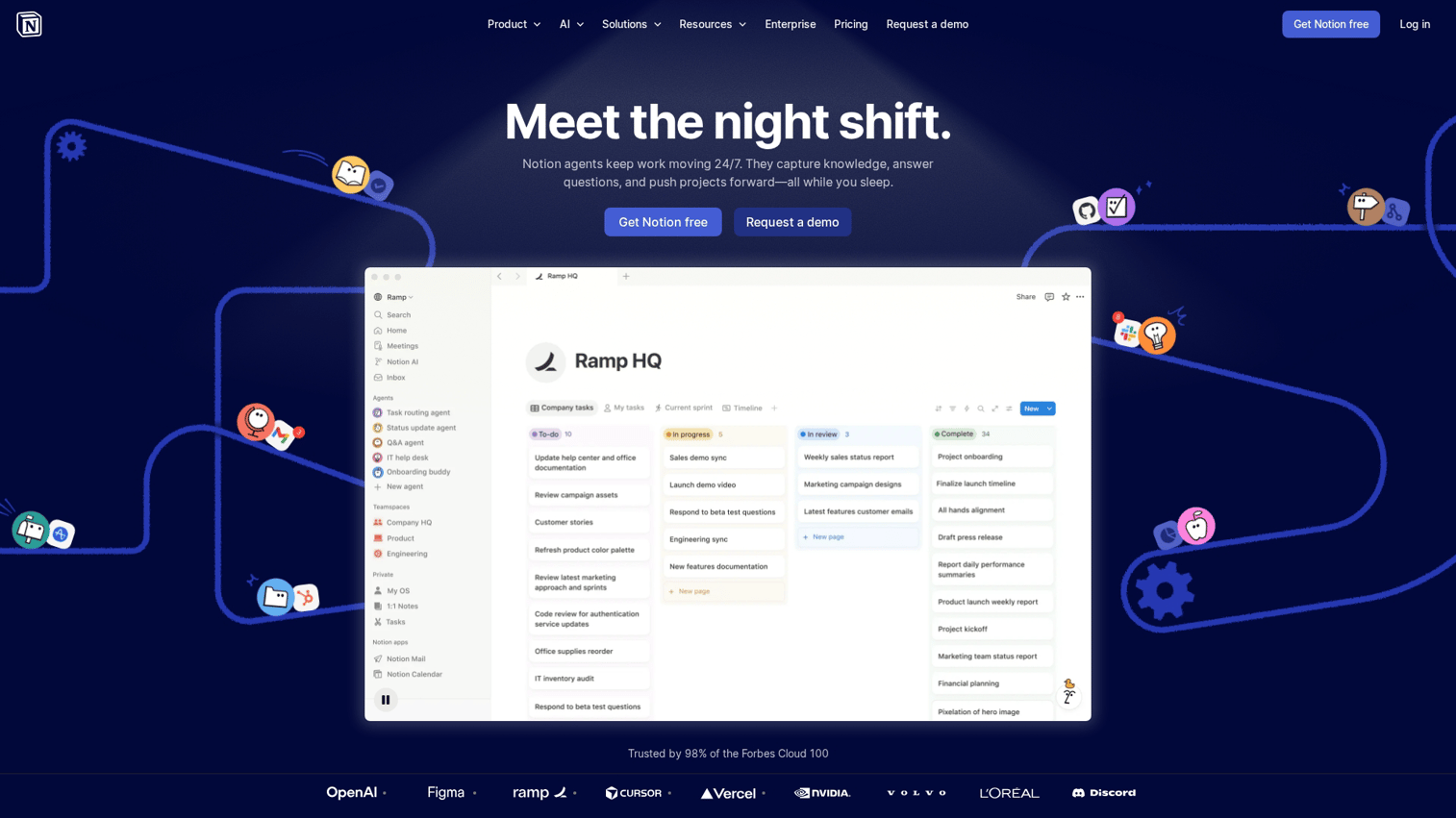
Notion isn't a feature announcement tool, but many teams use it to build DIY changelog pages. You create a database, add entries for each release, and share the page publicly.
Best for: Teams wanting to avoid additional tools and willing to build their own changelog system.
Key strengths
- Flexible structure: Build any format you want
- Free or low cost: Accessible for any team size
- Collaboration: Team members can edit together
- Public pages: Share externally with a link
Pricing
Free tier available. Paid plans for team features.
12. Intercom

Intercom is a customer communication platform that includes announcement capabilities. If you're already using Intercom for support, adding announcements keeps everything in one place.
Best for: Teams already using Intercom for support who want announcement capabilities without adding another tool.
Key strengths
- In-app messaging: Banners, modals, tooltips for contextual announcements
- User targeting: Advanced segmentation based on behavior and attributes
- Full customer platform: Chat, help center, and announcements unified
- Automation: Trigger announcements based on user actions
Pricing
Custom pricing based on usage and features.
How to make feature announcements interactive
Static announcements describe features. Interactive announcements let users experience them. The difference shows up in adoption rates.
When you embed an interactive demo in your announcement, users click through the feature inside the notification itself. They don't read about bulk editing and then navigate to find it. They click through a demo of bulk editing and understand how it works immediately.
Here's how to add interactivity to your announcements:
- Embed interactive demos: Let users click through the feature inside the announcement using tools like Guideflow
- Add contextual CTAs: Point users directly to the feature in-product with deep links
- Use video with chapters: Allow users to jump to relevant sections rather than watching linearly
- Create guided walkthroughs: Step-by-step paths through new functionality that users control
The key insight: users who interact with a feature during the announcement are more likely to adopt it afterward. Passive reading creates awareness. Active exploration creates adoption.
How to measure feature announcement success
Views and clicks tell you announcements are being seen. They don't tell you whether users adopted the feature. The distinction matters for proving ROI and improving future announcements.
Views vs. engagement vs. adoption
- Views: User saw the announcement (low signal). This tells you the announcement was delivered, nothing more.
- Engagement: User clicked, expanded, or interacted with the announcement (medium signal). This indicates interest but not action.
- Adoption: User actually used the feature afterward (high signal) and can lead to a 23% churn drop. This is what you're trying to drive.
Most announcement tools only track views. Better tools track engagement. The best approach connects announcement interaction to downstream feature usage in your product analytics.
Metrics that connect announcements to product usage
Tie announcement data to product analytics by tracking which announcement led to which feature activation. If 500 users saw your bulk editing announcement and 50 used bulk editing within 7 days, you have a 10% announcement-to-adoption rate.
This connection requires either native integration between your announcement tool and product analytics, or manual correlation using timestamps and user IDs.
Considerations before you buy
Before selecting a tool, work through a few questions:
- What formats do you actually use? In-app only, or multi-channel distribution?
- How complex is your segmentation? Simple filters, or advanced behavioral targeting?
- Do you want feedback loops? Connect announcements to feature requests?
- What integrations matter? CRM, product analytics, marketing automation tools?
- What's your budget? Free tiers exist but have limits
- How interactive do announcements need to be? Static text, or clickable demos?
Many teams start with simple changelog tools and later realize they want more sophisticated targeting or interactive formats. Consider where you're headed, not just where you are today.
Start shipping feature announcements that drive adoption
Feature announcement software helps product teams, marketing, and customer success communicate updates in ways users actually see and act on. The shift from static release notes to interactive, targeted announcements is happening because passive formats don't drive adoption.
The tools in this guide range from simple changelog widgets to full customer communication platforms. The right choice depends on your team's workflow, your users' behavior, and how interactive you want announcements to be.
For teams who want users to experience new features immediately rather than just read about them, interactive demos embedded in announcements close the gap between awareness and adoption.
Start your journey with Guideflow today!
FAQs about feature announcement software
Prospects can receive announcements via public changelog pages, social media, email nurture campaigns, or interactive demos embedded on marketing pages. Public changelogs also help with SEO, bringing prospects to your site when they search for specific capabilities.
Changelog tools focus on documenting releases in a public log. Feature announcement software includes in-app notifications, targeting, personalization, and engagement tracking. Many tools combine both, but the distinction matters when evaluating feature sets.
Some tools overlap with onboarding (in-app tooltips, guided tours), but dedicated onboarding platforms offer deeper workflow guidance. Announcement tools focus on communicating what's new rather than teaching users how to get started.
Segmentation and targeting help by only showing relevant announcements to each user segment. Batching minor updates into digest formats reduces notification volume. Reserve prominent in-app notifications for major releases.
The best tools include collaboration features and integrations (Slack, CRM) so teams can review, schedule, and track announcements together. Some platforms like LaunchNotes specifically support internal and external audiences with different views.
Interactive announcements let users experience the feature inside the announcement itself. Instead of reading about a feature and then navigating to find it, users click through a demo and understand how it works immediately. This reduces friction between awareness and adoption.