A single excavator sitting idle on a job site does not just stop working. It stalls a crew, blows a schedule, and eats margin while the meter runs on financing and payroll. That is the real cost of downtime, and it is why heavy equipment software has stopped being a recordkeeping nicety and become an operations problem worth solving.
The numbers back the shift. The heavy equipment maintenance software market was valued at USD 2.08 billion in 2025 and is projected to reach USD 5.15 billion by 2032 at a 13.79% CAGR, according to Research and Markets (2025). Buyers are not spending that money on prettier spreadsheets. They are spending it to keep machines running, to catch failures before they cascade, and to prove ROI to leadership that wants fewer surprises and less waste.
If you own uptime, you already feel the friction. Breakdowns land without warning. Mechanics chase parts that should have been ordered weeks ago. Field teams and shop teams work off different information. And when leadership asks why repair spend jumped, the answer lives in a mechanic's memory or a stack of paper tickets.
The right equipment maintenance software attacks all of that at once: preventive maintenance scheduling, work order software that mechanics actually use, parts and inventory control, and an analytics layer that turns service history into decisions. Get the choice right and downtime drops, spend gets predictable, and maintenance discipline stops depending on one person's habits. This guide compares seven tools that do exactly that, and gives you a framework to pick the one that fits your fleet.
What's inside
This guide compares seven heavy equipment software tools built for maintenance, fleet oversight, inspections, work orders, parts tracking, and ROI reporting. It is written for operations leaders, fleet managers, maintenance managers, and product managers evaluating maintenance management software or an adjacent operational system.
Selections were made on six criteria: uptime and downtime reduction value, preventive maintenance strength, mobile usability in the field, integration and telematics depth, implementation and support quality, and buyer fit across fleet sizes. Every tool below earns its place for a specific type of operation, not for a generic feature checklist.
TL;DR
- Best overall for mixed fleets and shop workflows: HCSS Equipment360, strongest when uptime, inventory, and job-cost integration all matter.
- Best for maintenance analytics and mature CMMS workflows: Fiix, for teams that want structured work orders, asset data, and reporting.
- Best for inspection-first teams: Heavy Vehicle Inspection, for fleets that run maintenance off DVIR compliance and mobile field checks.
- Best for diagnostic and dealer-level work: Diesel Laptops, when diagnostic depth matters more than full CMMS coverage.
- Best for SMB and mobile-first maintenance teams: UpKeep, for quick rollout and simpler operations.
- Best for enterprise operations with process rigor: Maintenance Connection, for larger organizations that need configurable control; ServiceTitan FieldEdge when servicing sits inside a broader field-service motion.
What is heavy equipment software?
Heavy equipment software is software for maintaining, tracking, and optimizing heavy machinery, fleets, and the maintenance workflows around them. It sits between the shop, the field, and leadership, turning scattered service activity into a single system of record that drives uptime and controls cost.
Most tools in this category share a common set of capabilities. The strongest ones do all of these well, not just one:
- Preventive maintenance scheduling: trigger service by hours, mileage, meter readings, or calendar so failures get caught before they happen.
- Work order software: create, assign, and close work orders with labor, parts, and notes attached to each machine.
- Parts and inventory management software: track stock levels, reorder points, and parts usage so mechanics stop waiting on missing components.
- Mobile field use: let technicians log work, capture photos, and complete inspections from a phone or tablet without returning to the shop.
- Analytics and reporting: surface downtime, spend, and reliability trends on an analytics dashboard leadership can act on.
- Integrations and telematics: pull meter and location data from telematics feeds and connect to fleet, accounting, and job-cost systems.
- Compliance and inspection tracking: manage DVIR inspections, corrective actions, and audit-ready records.
This category overlaps heavily with construction equipment maintenance software, fleet maintenance software, and general maintenance management software. The lines blur because the underlying job is the same: keep expensive assets running, keep the record clean, and keep the cost visible. A heavy equipment fleet management software platform simply applies that discipline across many machines at once, tying asset tracking and service history to the wider fleet picture.
When to use heavy equipment software
Not every operation needs a full platform on day one. These three situations are the clearest signals that manual tracking has run out of road.
Reduce unplanned downtime
When breakdowns start disrupting jobs, idling crews, and forcing emergency repairs, reactive maintenance has become the bottleneck. Preventive maintenance software changes the pattern by scheduling service against real usage data instead of hope. If you are losing billable days to failures that a meter reading or inspection would have flagged, the software pays for itself in avoided downtime alone.
Standardize maintenance across field and shop
When mechanics, supervisors, and admins each track work their own way, information gets lost between the truck and the office. A shared work order software layer gives everyone one mechanic workflow: the same forms, the same parts data, the same history on every machine. This matters most for mixed fleets where different equipment types and locations otherwise fragment into separate processes.
Prove ROI and keep leadership aligned
When leadership asks why repair spend rose or whether a machine is worth keeping, you need data, not anecdotes. An analytics dashboard that shows downtime, spend, parts usage, and service trends turns those conversations into decisions. If you are building a budget case for new equipment or a maintenance program, the reporting layer is what justifies it.
Comparison table
Compare these tools by maintenance model, fleet size, field needs, and support expectations. A construction contractor running mixed heavy machinery has different priorities than a diesel shop chasing diagnostic depth or an SMB team that wants fast rollout. Pricing and G2 ratings below reflect verified values at the time of writing; several vendors quote custom pricing only.
| # | Product | Intent | Key use case | Pricing | G2 rating |
|---|---|---|---|---|---|
| 1 | Fiix | Mature CMMS | Work orders, assets, and inventory in one system | Free; Basic from $45/user/mo | 4.6/5 |
| 2 | HCSS Equipment360 | Construction fleet uptime | Shop ops, inventory, and job-cost integration | Custom quote | Not listed |
| 3 | Heavy Vehicle Inspection | Inspection-first maintenance | DVIR inspections and mobile field work | Free trial available | Not listed |
| 4 | Diesel Laptops | Diagnostics | Heavy-duty diagnostic tools and software | Free; Pro from $99/mo | Not listed |
| 5 | UpKeep | Mobile-first CMMS | Work orders and PM on the go | From $24/user/mo | 4.5/5 |
| 6 | Maintenance Connection | Enterprise CMMS | Configurable PM and asset tracking | Custom quote | Not listed |
| 7 | ServiceTitan FieldEdge | Field service | Dispatch, scheduling, and service work orders | Request pricing | 4.0/5 |
1. Fiix
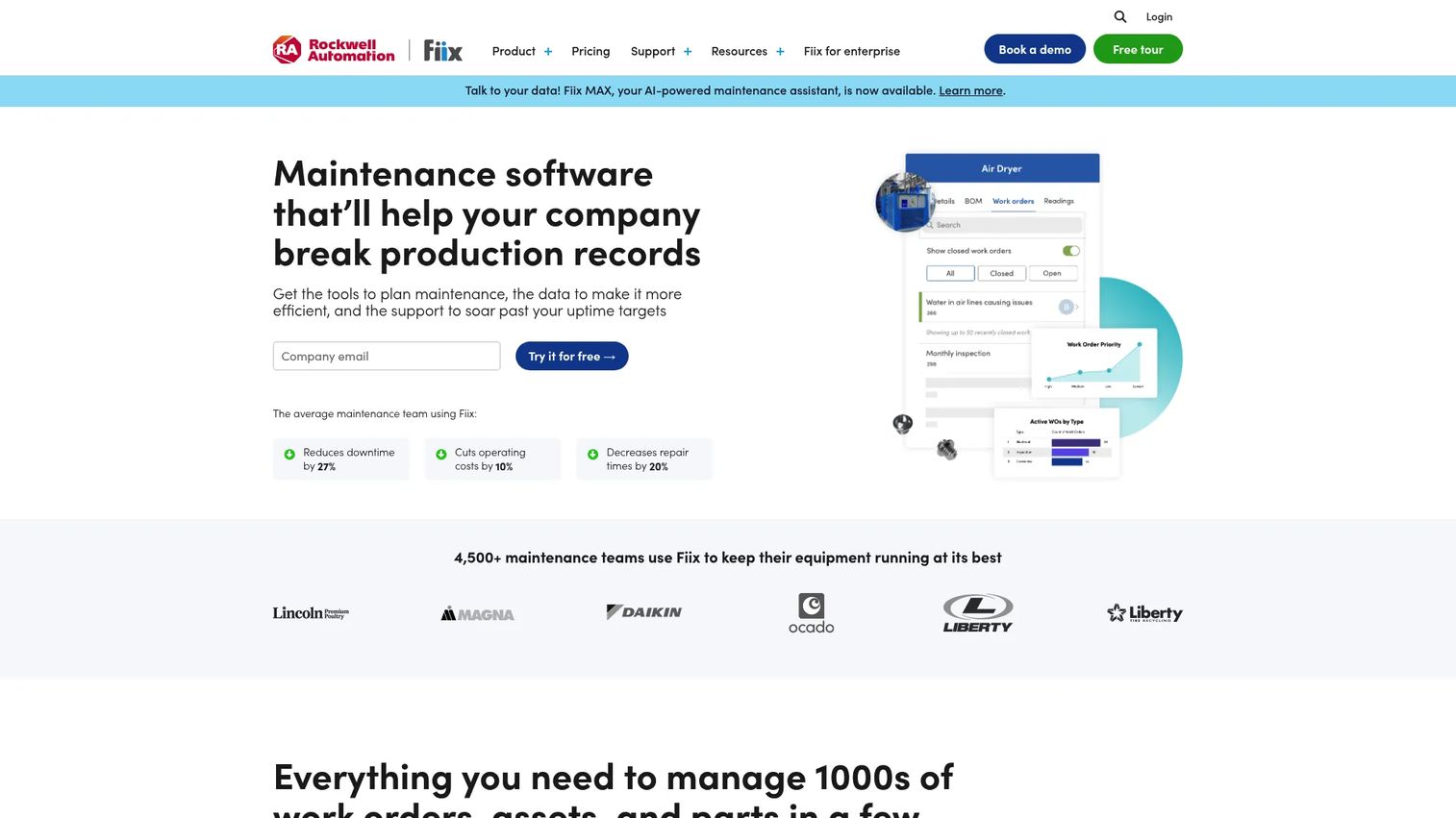
Fiix is a cloud-based CMMS built for maintenance teams that want work orders, assets, and inventory living in one system. For heavy equipment operations, it brings structure to what usually lives in spreadsheets and memory: every machine gets an asset record, every repair gets a work order, and every part gets tracked against usage. It is the option for teams ready to run maintenance as a disciplined program rather than a series of fire drills.
Where Fiix earns attention is the combination of a mature workflow engine and reporting depth. Preventive maintenance triggers off meter readings and schedules, QR codes let mechanics pull up asset history from the shop floor, and the analytics layer turns closed work orders into reliability trends leadership can read. It also connects to fleet and enterprise systems, so meter data and cost information do not stay siloed.
Best for: Maintenance teams that need CMMS work orders, assets, and inventory in one connected system.
Key strengths
- Work order management: Create, assign, and close structured work orders with labor, parts, and history on every machine.
- Asset management: Build a complete record for each piece of equipment so service history and reliability data travel with the asset.
- Inventory management: Track parts, reorder points, and usage so mechanics stop losing time to missing components.
Why choose Fiix: Choose Fiix when your bottleneck is process, not diagnostics. It suits teams that have outgrown manual tracking and want a proven CMMS approach with reporting strong enough to justify maintenance spend. If your fleet is mixed and your maintenance manager wants one system of record across every asset, Fiix fits.
Fiix pricing: Fiix lists four plans. A Free tier starts at $0, Basic runs $45 per user per month, Professional runs $75 per user per month, and Enterprise is a custom quote. The free tier makes it a low-risk way to validate the workflow before committing seats, which matters when you are testing adoption with a small crew first.
2. HCSS Equipment360
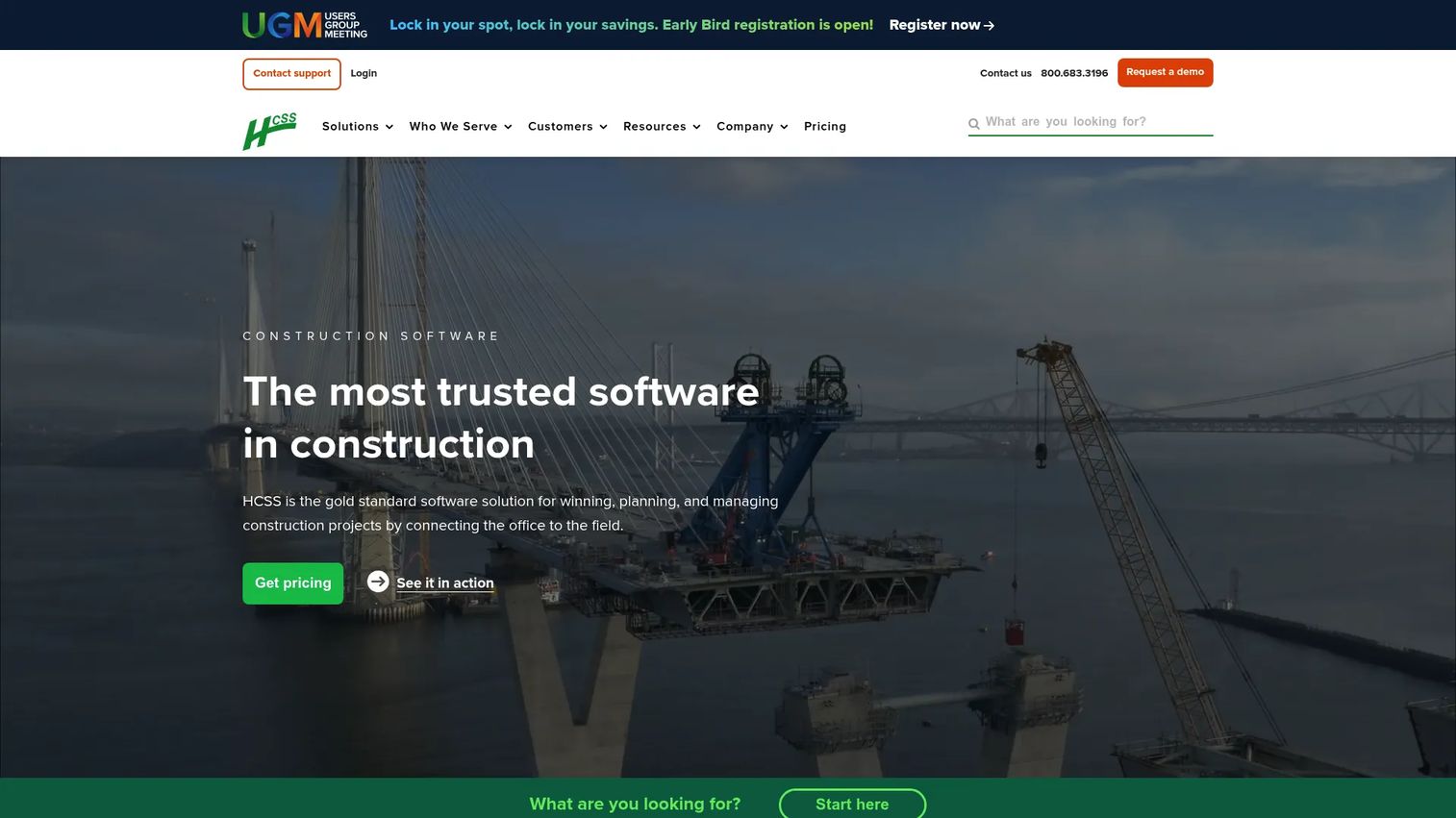
HCSS Equipment360 is fleet maintenance software built specifically for heavy civil contractors. That focus shows. Instead of a generic CMMS bent toward manufacturing, Equipment360 is designed around the way construction fleets actually run: mixed machinery, meter-based service, shop cost management, and a direct line to job costing. For contractors who care as much about where equipment cost lands as about keeping machines running, this is the strongest fit on the list.
The platform handles inspections and automated work orders, preventive maintenance alerts driven by telematics or meter readings, and customizable parts and inventory. Mechanic time tracking rolls into cost management, so labor and parts spend attach to the right equipment and the right job. Its integration with HeavyJob and HeavyBid is the differentiator: maintenance data does not stay trapped in the shop, it flows into the same system estimators and project teams already use.
Best for: Mid-to-large heavy civil contractors managing equipment maintenance and shop operations together.
Key strengths
- Inspections and automated work orders: Turn field inspections into work orders automatically so issues get scheduled, not forgotten.
- Preventive maintenance alerts and scheduling: Trigger service from telematics or meter readings to catch failures before they idle a crew.
- Work orders, inventory management, and maintenance requests: Manage the full shop workflow with parts, requests, and cost tracking in one place.
Why choose HCSS Equipment360: Choose Equipment360 when your operation lives and dies by construction economics. The HeavyJob and HeavyBid integration means uptime, inventory, and job costing sit in one ecosystem instead of three disconnected tools. It rewards contractors who already run, or plan to run, the broader HCSS suite.
HCSS Equipment360 pricing: HCSS uses custom, quote-based pricing. The pricing page asks you to share your needs for a tailored quote rather than publishing a public rate. Expect the vendor to scope pricing around fleet size, users, and which parts of the suite you adopt, so bring your equipment count and integration requirements to the conversation.
3. Heavy Vehicle Inspection
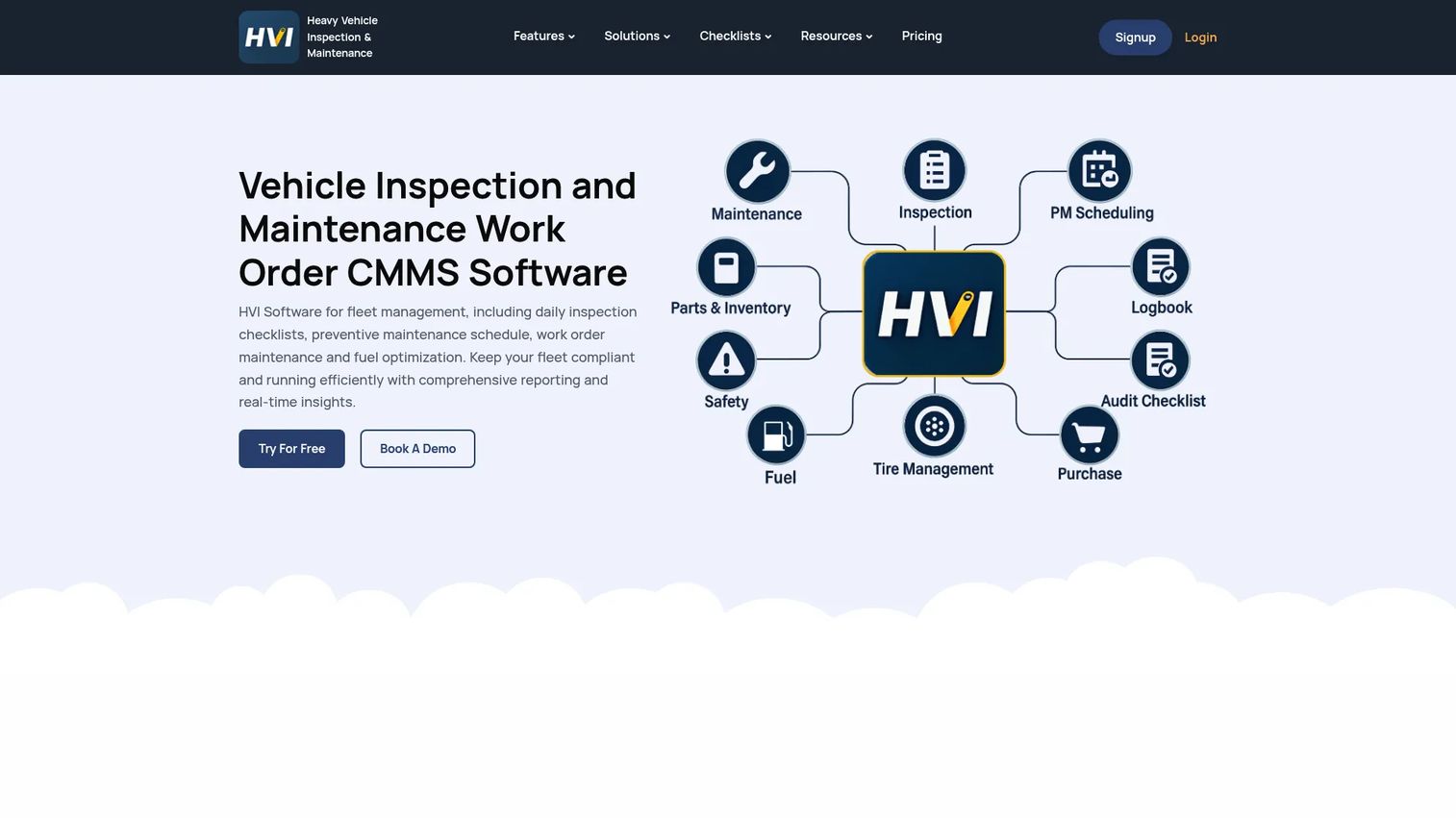
Heavy Vehicle Inspection is fleet inspection and maintenance software built for heavy vehicles and equipment, with inspections as the front door to the whole maintenance process. For teams where compliance and daily checks drive everything, this ordering makes sense: a failed inspection item becomes a corrective action, which becomes a work order, which feeds preventive maintenance planning. The workflow starts where the problem is actually found, in the field.
The platform pairs digital inspection forms and DVIR compliance with maintenance management, work orders, and preventive maintenance. Its offline mobile app is the standout for real field conditions, letting technicians capture photos, signatures, and reports even without a signal, then sync when they reconnect. Parts inventory, corrective actions, and analytics round out a package aimed at fleets that need audit-ready records and mobile execution first.
Best for: Fleets that need mobile inspection and maintenance workflows for heavy vehicles.
Key strengths
- Digital inspection forms and DVIR compliance: Standardize daily checks and keep audit-ready inspection records without paper.
- Maintenance, work orders, and preventive maintenance: Turn inspection findings into scheduled work so compliance and uptime stay linked.
- Offline mobile app: Capture photos, signatures, and reports in the field with no connection, then sync automatically.
Why choose Heavy Vehicle Inspection: Choose this tool when inspections and DVIR compliance are the heartbeat of your operation, not an afterthought. It fits fleets that want field technicians logging real conditions on a mobile maintenance app, with maintenance flowing directly out of what they find. The offline capability matters most for remote or low-signal job sites.
Heavy Vehicle Inspection pricing: The public pricing page lists Inspection, Maintenance, and HVI One plans marked as free to try, plus an Agentic Plan available through sales. A 14-day free trial lets teams validate the inspection-to-maintenance workflow before committing. The free-to-try entry point makes it one of the lowest-friction ways to test inspection-first maintenance software with a crew.
4. Diesel Laptops

Diesel Laptops sits in a different lane than the CMMS tools on this list. It is a diesel diagnostics and repair ecosystem for trucks, fleets, and heavy-duty equipment, built around diagnostic hardware plus its Diesel Explorer software. For shops and owner-operators whose core need is reading fault codes and diagnosing failures deep in the machine, diagnostic depth beats a generic work order layer every time.
The ecosystem covers heavy-duty diagnostic tools and scan devices, on-highway and off-highway vehicle coverage, and dealer-level kits and subscriptions. Diesel Explorer ships in a Basic and a Professional tier, so a single technician can start light and scale into professional-grade coverage. This is the tool you reach for when the question is not "when is this due for service" but "what exactly is wrong with it."
Best for: Diesel shops and owner-operators needing heavy-duty diagnostic hardware and software.
Key strengths
- Heavy-duty diagnostic tools and scan devices: Read and clear fault codes across on-highway and off-highway equipment.
- Diesel Explorer software: Move from a free Basic tier to Professional diagnostics as your shop's needs grow.
- Driver and shop-focused solutions: Match tooling to the user, from owner-operators to full diagnostic shops.
Why choose Diesel Laptops: Choose Diesel Laptops when diagnostics is the job, not scheduling. It is the right call for teams that need to pinpoint failures across diverse diesel platforms rather than run a full maintenance management program. Many operations pair it with a CMMS: diagnostics finds the fault, the CMMS logs and schedules the fix.
Diesel Laptops pricing: Diesel Explorer offers a Basic subscription at $0 per month and a Professional subscription at $99 per month. Diagnostic hardware and other products on the site are priced individually or by quote, so budget separately for scan devices and kits. The free Basic tier lets a shop try the software before investing in professional diagnostics.
5. UpKeep
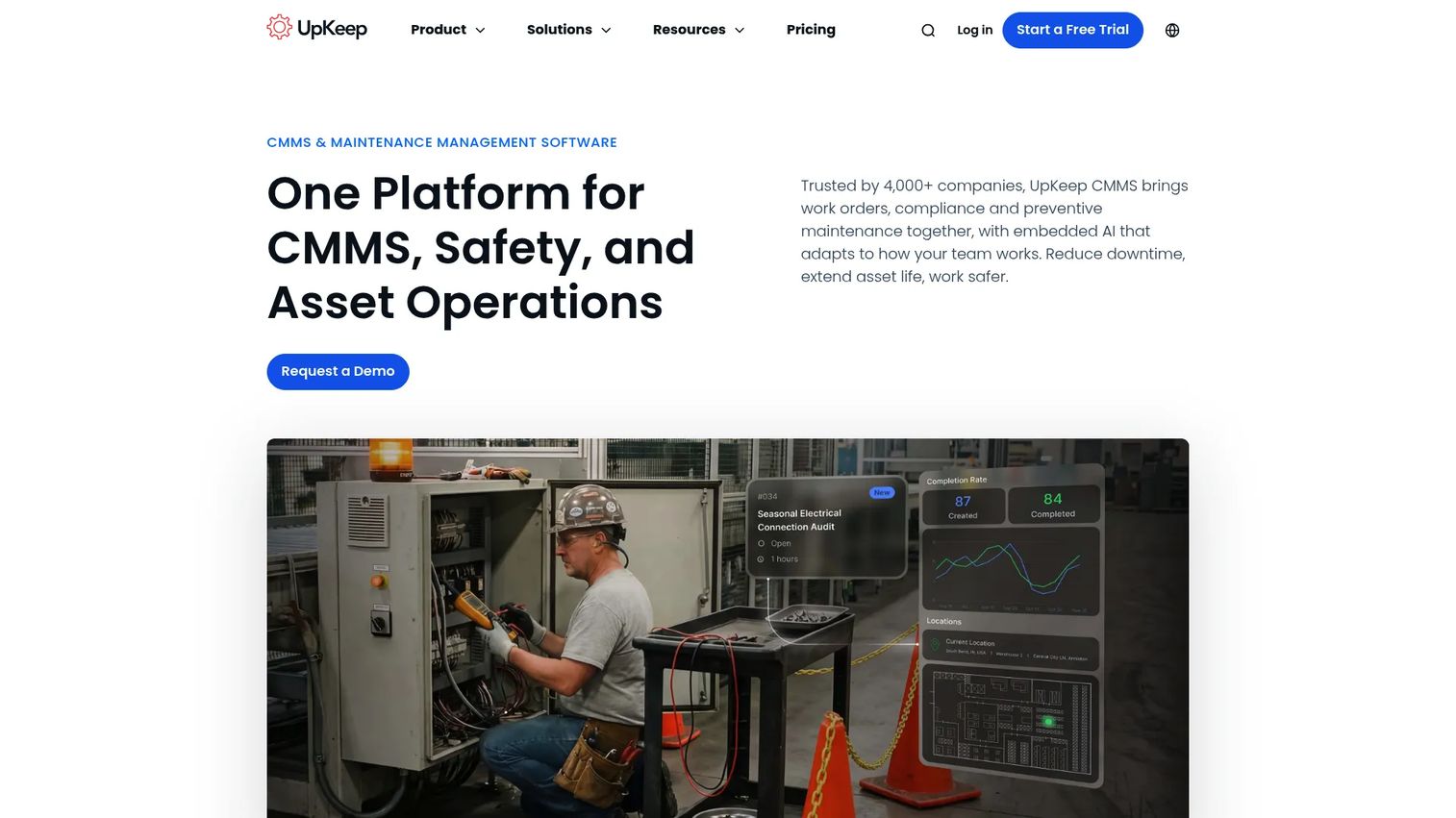
UpKeep is an AI-powered CMMS and asset operations platform built mobile-first, which is exactly why it lands well with smaller and faster-moving maintenance teams. Instead of asking technicians to adapt to a desktop-heavy system, UpKeep puts work orders, assets, and preventive maintenance in a phone-friendly interface that a crew can pick up without weeks of training. For teams that need value fast, that low adoption barrier is the point.
The platform covers work order management, preventive maintenance, and analytics and reporting, wrapped in a workflow designed for speed of rollout. Technicians log work, attach photos, and close jobs from the field, while managers track completion and spend from a reporting view. It is a practical maintenance management option when operational simplicity matters more than deep configurability.
Best for: Maintenance and reliability teams that need a mobile-first CMMS.
Key strengths
- Work order management: Create, assign, and close work orders from any device with parts and labor attached.
- Preventive maintenance: Schedule recurring service so routine upkeep does not slip through the cracks.
- Analytics and reporting: Track completion rates, spend, and asset trends on a reporting dashboard.
Why choose UpKeep: Choose UpKeep when speed to value outranks process depth. It fits SMB teams and growing operations that want technicians productive in days, not months, without a heavy implementation. If your maintenance manager is fighting adoption more than complexity, a mobile-first tool removes the excuse to skip logging work.
UpKeep pricing: UpKeep starts at $24 per user per month for its core Maintenance product, with Premium, Professional, and Enterprise tiers adding advanced capabilities as you scale. All plans include a free trial with no credit card required, which makes it straightforward to test adoption with a real crew before buying seats.
6. Maintenance Connection
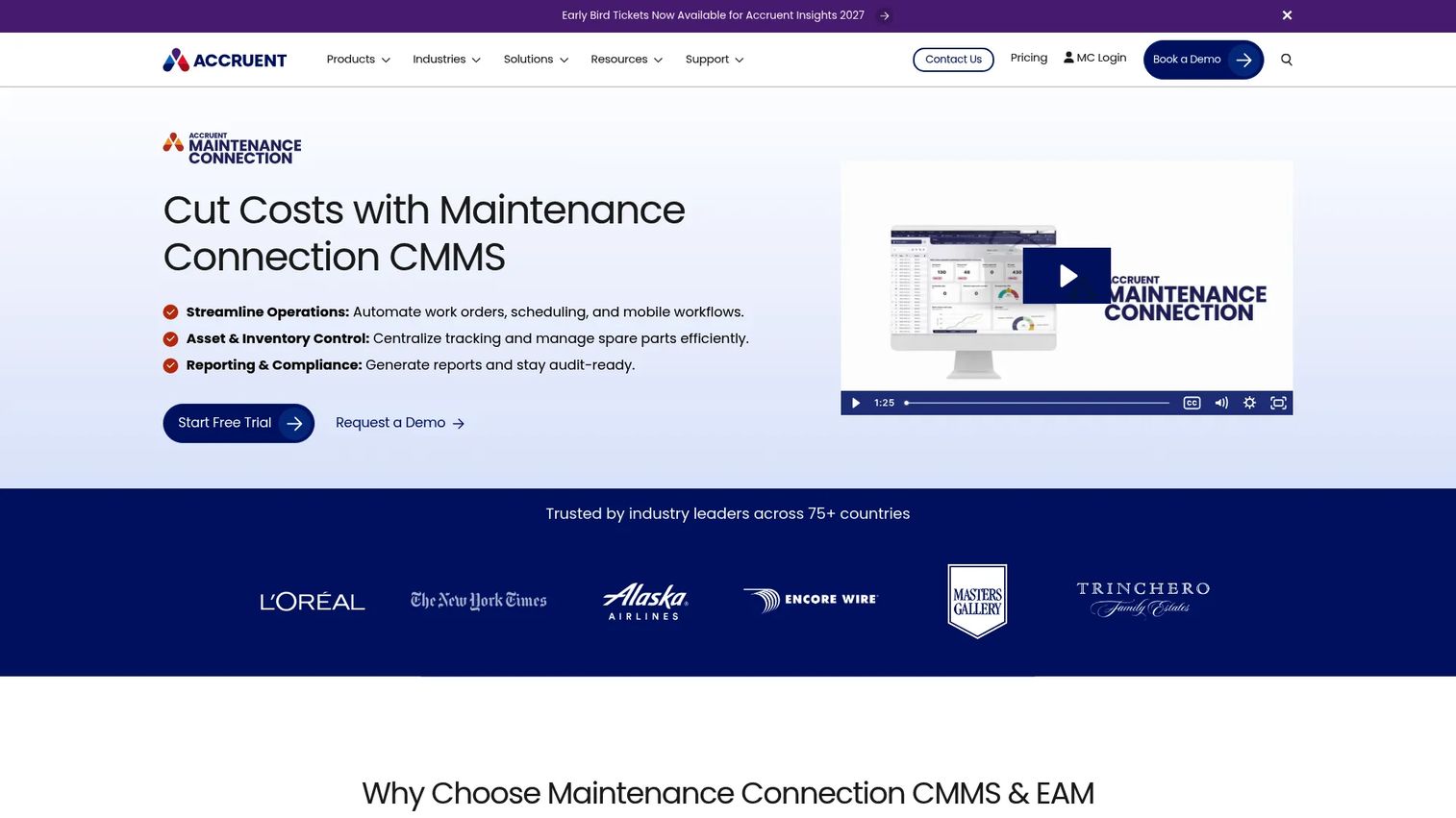
Maintenance Connection is enterprise-grade CMMS and EAM software for maintenance and facility teams that need more structure and configurability than a lightweight tool provides. For larger organizations running heavy equipment alongside other assets, it offers the process rigor that complex operations demand: configurable workflows, detailed asset hierarchies, and reporting built for scale rather than a single shop.
The platform covers work order management, preventive maintenance scheduling, and asset and inventory management, with the depth to model how a large maintenance organization actually operates. It suits teams that have outgrown simpler systems and need control over how work is requested, routed, and reported across sites and equipment classes.
Best for: Organizations needing a configurable CMMS for preventive maintenance and asset tracking at scale.
Key strengths
- Work order management: Route and track work across sites, teams, and equipment classes with configurable workflows.
- Preventive maintenance scheduling: Build detailed PM programs that scale across a large and varied asset base.
- Asset and inventory management: Maintain deep asset hierarchies and inventory control for complex operations.
Why choose Maintenance Connection: Choose Maintenance Connection when your operation needs enterprise control and is willing to invest in configuration to get it. It fits larger organizations with formal maintenance processes, multiple sites, or asset bases too varied for a one-size tool. The trade-off is a heavier setup than a mobile-first CMMS, which pays off when process rigor is the requirement.
Maintenance Connection pricing: Maintenance Connection does not publish public pricing. The vendor provides a proposal covering one-time and recurring costs after a needs assessment. Because pricing is scoped to your deployment, bring your asset count, site structure, and user requirements to the conversation so the quote reflects your actual scale.
7. ServiceTitan FieldEdge
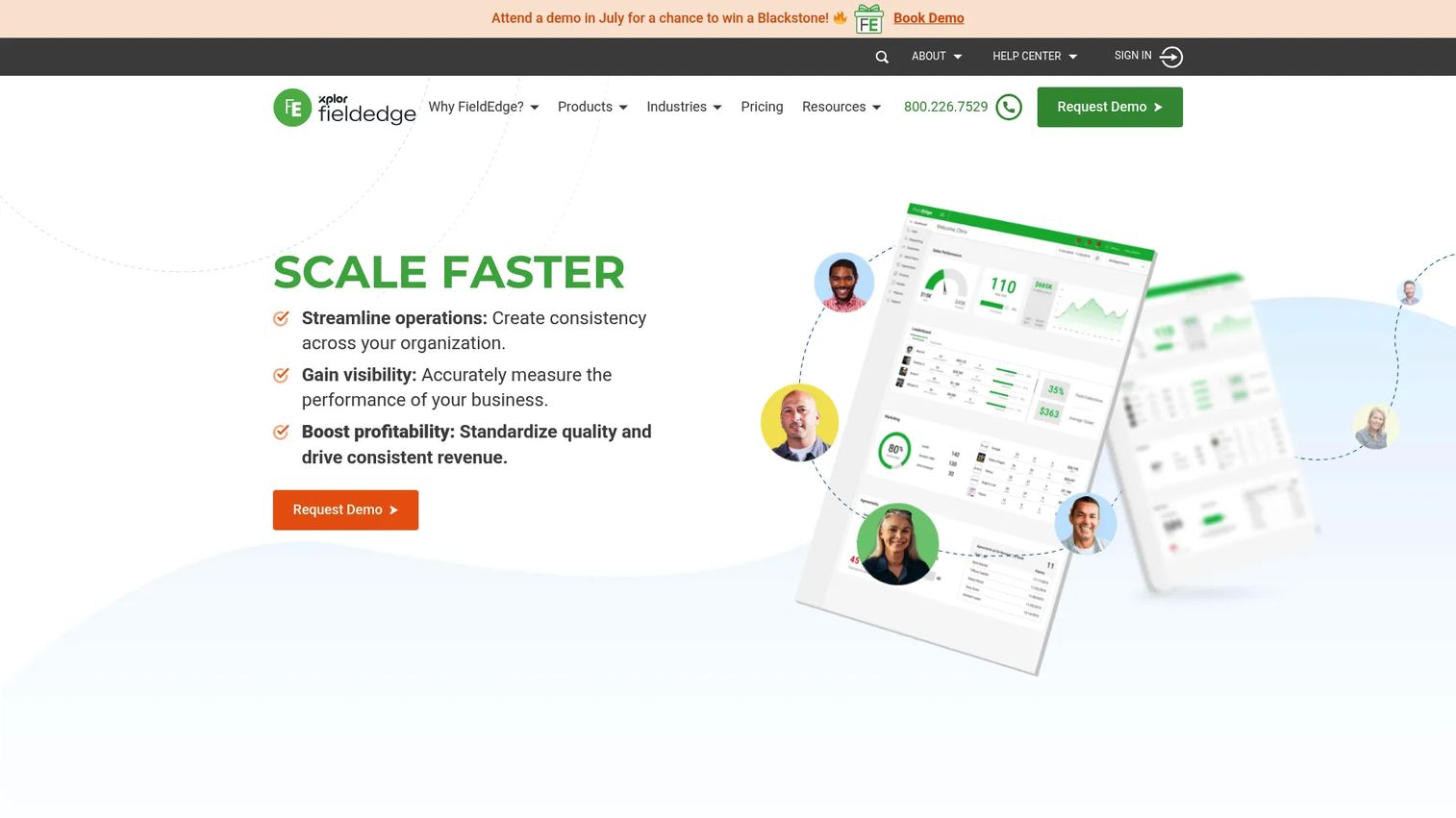
ServiceTitan FieldEdge approaches heavy equipment from the field-service angle rather than the pure CMMS angle. It is field service management software built for multi-truck contractors, strongest when equipment servicing sits inside a broader dispatch and service motion. If your team both maintains equipment and dispatches technicians to service it, FieldEdge keeps scheduling, work orders, and customer records in one operational flow.
The platform handles dispatching and scheduling, customer management and work orders, and quotes, invoices, payments, and QuickBooks integration. That last piece matters for service-heavy organizations that need maintenance work to connect directly to billing. Mobile access lets field technicians see their schedule, complete work orders, and capture what they did on site. It is less a traditional preventive maintenance software engine and more a service operations system that happens to cover equipment work.
Best for: HVAC, plumbing, and electrical contractors, and service-heavy teams managing dispatch, scheduling, and field operations.
Key strengths
- Dispatching and scheduling: Coordinate technicians and jobs in real time so service work moves efficiently.
- Customer management and work orders: Keep service history, work orders, and customer records connected.
- Quotes, invoices, payments, and QuickBooks integration: Tie completed work directly to billing and accounting.
Why choose ServiceTitan FieldEdge: Choose FieldEdge when heavy equipment servicing is one part of a wider field-service business. It fits organizations that dispatch technicians and need scheduling, work orders, and invoicing in one system. If your maintenance overlaps with service calls and billing, that combined workflow is where FieldEdge stands out.
ServiceTitan FieldEdge pricing: FieldEdge lists three plans: Select, Premier, and Elite. Pricing is not published publicly; the pricing page directs you to request a demo and a quote. Because pricing varies by plan and configuration, plan to scope your dispatch volume, technician count, and integration needs during the sales conversation.
Considerations before you buy
The right shortlist depends on how your operation actually runs. Work through these criteria before committing budget.
Maintenance model fit
Decide whether your primary need is preventive maintenance scheduling, diagnostics, inspections, or full service dispatch. A diagnostic-first shop and an inspection-first fleet want different tools. Match the software's core strength to the problem that costs you the most today, not to the longest feature list.
Field and mobile usability
Your mechanics live in the field, so a weak mobile maintenance app kills adoption no matter how strong the back end is. Test the phone and tablet experience with an actual technician. Offline capability matters if your job sites lose signal, and a clean mechanic workflow determines whether work actually gets logged.
Integrations and telematics
Isolated software creates data islands. Check whether the tool ingests telematics and meter data, and whether it connects to your accounting, fleet, or job-cost systems. Integrations are where ROI compounds: meter-triggered preventive maintenance and cost data flowing to the right job are worth more than any single feature.
Inventory and parts control
Downtime often traces back to a missing part, not a missing plan. Evaluate how the tool handles parts tracking, reorder points, and inventory management software basics. Strong parts visibility keeps mechanics working instead of waiting.
Implementation and support
The best platform fails if no one adopts it. Weigh implementation effort, training, and support against your team's capacity. A tool your crew will actually use beats a more powerful one that stalls at rollout.
Conclusion
The best heavy equipment software is the one that matches how your operation runs, not the one with the most features. For mixed construction fleets that need uptime, inventory, and job costing in one ecosystem, HCSS Equipment360 is the strongest overall fit. For teams that want a mature CMMS with deep reporting, Fiix leads. Inspection-first fleets should look hard at Heavy Vehicle Inspection, while diagnostic-heavy shops get more from Diesel Laptops.
Smaller and faster-moving teams that need quick rollout will find UpKeep the most practical starting point. Larger organizations with formal process requirements lean toward Maintenance Connection, and service-heavy operations that dispatch technicians fit ServiceTitan FieldEdge.
Your next step is simple: name the single problem costing you the most, whether that is unplanned downtime, parts chaos, inspection compliance, or diagnostic guesswork, and shortlist the two tools that attack it directly. Run a trial with your actual crew, because adoption in the field is what turns maintenance management software into real downtime reduction and provable ROI.
FAQs
Heavy equipment software is used to maintain, track, and optimize heavy machinery and fleets. It manages preventive maintenance scheduling, work orders, parts and inventory, inspections, and reporting so teams reduce downtime and control repair spend. In practice it becomes the single system of record for everything that happens to a machine.
Start with the problem that costs you the most: unplanned downtime, parts shortages, inspection compliance, or diagnostics. Then evaluate maintenance model fit, mobile usability for field crews, integrations with your fleet and accounting systems, and implementation support. Run a trial with real technicians before committing, because field adoption decides whether the tool delivers ROI.
For construction equipment maintenance software, meter- and telematics-driven preventive maintenance, strong work order software, and parts inventory control matter most. Job-cost integration is a major differentiator because it ties equipment spend to the projects that generate revenue. Mobile field execution ranks high since most work happens away from the shop.
Yes. A capable heavy equipment fleet management software platform handles mixed fleets by giving every asset type its own record, service schedule, and history under one system. This is often the main reason teams adopt software: it replaces separate processes for different equipment classes with one consistent workflow across the whole fleet.
Mobile access is critical. Field technicians work away from any desk, so a strong mobile maintenance app determines whether work actually gets logged. Look for offline capability if your job sites lose signal, plus photo capture, signatures, and a clean mechanic workflow that does not slow the crew down.
For preventive maintenance, look for scheduling that triggers off hours, mileage, meter readings, or telematics data, not just the calendar. For inventory, prioritize reorder points, parts usage tracking, and clear stock visibility. The two work together: preventive maintenance scheduling only holds up when the parts to complete the work are actually in stock.
Integrations are where ROI compounds. When telematics and meter data flow into your maintenance system, preventive maintenance triggers on real usage instead of guesses. When cost and parts data flow to accounting and job-cost systems, spend attaches to the right machine and job. That connected data is what turns better maintenance into provable downtime reduction and lower waste.
CMMS software, or maintenance management software, manages maintenance for any asset type, from facilities to manufacturing lines. Heavy equipment software applies that same discipline specifically to machinery and fleets, often adding telematics, meter-based scheduling, inspections, and job-cost integration built for construction and heavy vehicle operations. Many heavy equipment tools are CMMS platforms tuned for that context.