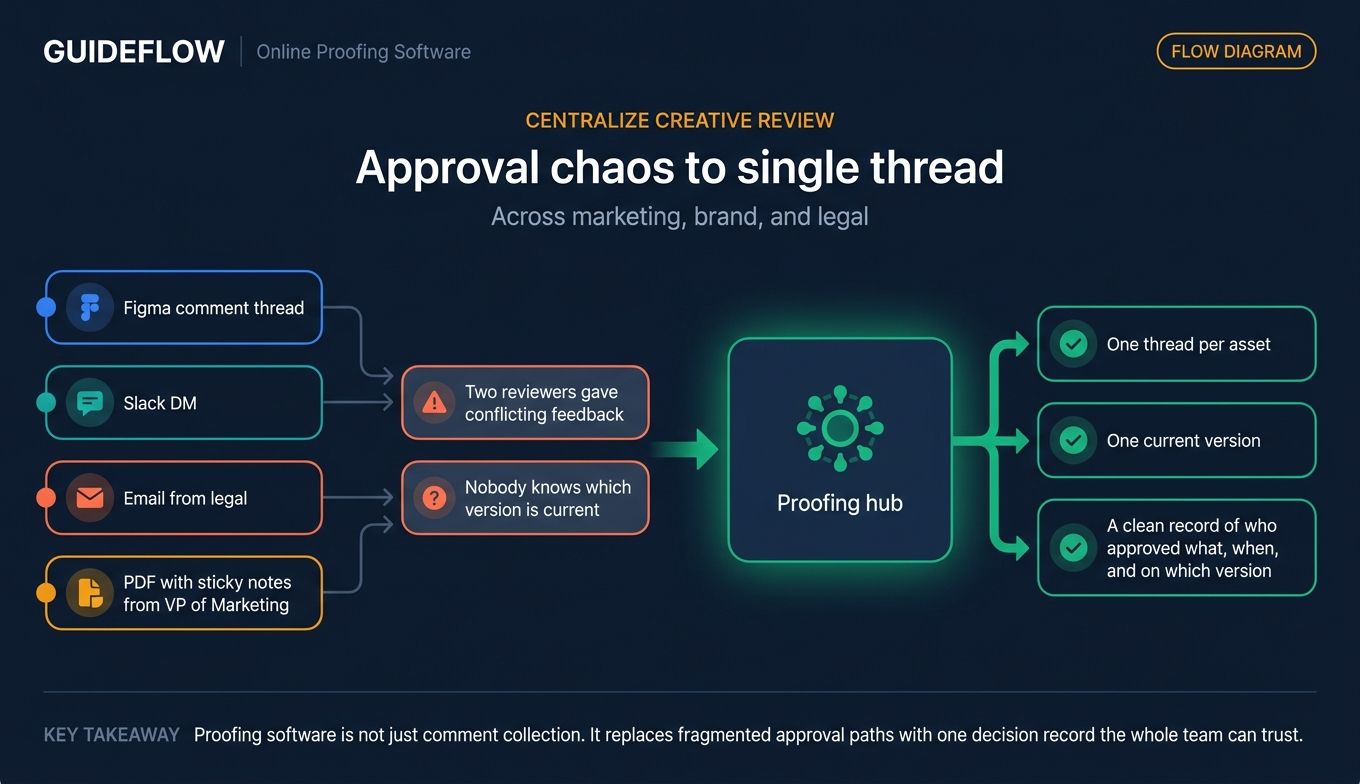
Your brand designer just sent the third revision of the launch banner. It's sitting in a Figma comment thread, a Slack DM, an email from legal, and a PDF with sticky notes from your VP of Marketing. Nobody knows which version is current. Two reviewers gave conflicting feedback. The campaign goes live Thursday.
This is the friction the best online proofing software exists to remove. For a Series B SaaS company, it shows up as a tax on every campaign. Marketing velocity matters when you are proving the GTM motion scales. Founder-in-the-loop approval is a bottleneck nobody wants to admit owning. Compliance and brand consistency get harder the moment you hire your fifth marketer.
According to Aproove's overview of modern proofing platforms, modern online proofing platforms now centralize review across more than 180 media formats, from PDFs to packaged artwork to video, replacing the email-and-sticky-note workflow most teams still tolerate. The category has matured. AI markup, audit trails, and integrations with Adobe Creative Cloud and Slack are no longer enterprise-only. The question is no longer whether to adopt online proofing tools. It is which one fits the team you have today and the team you will have in 18 months.
What's inside
This guide is for marketing leaders, PMMs, creative directors, brand managers, and founders evaluating tools their creative team has flagged as a need. We selected the 9 tools below based on four criteria:
- Depth of review and approval workflow, including versioning, routing, and audit trails
- File type breadth and rendering fidelity across PDFs, video, web, and packaging
- Integration with the creative and GTM stack (Adobe, Figma's design collaboration platform, Slack, project management, CRM)
- Pricing transparency and fit for 30 to 150 person SaaS companies
Every pricing figure was verified against the vendor's live pricing page in June 2026. Where pricing is custom or unpublished, we say so plainly.
TL;DR
- Best for enterprise creative ops: Ziflow
- Best for AI-assisted markup and brand-sensitive review: PageProof
- Best for SaaS marketing teams that need adoption in week one: Filestage
- Best for teams already standardized on Adobe Creative Cloud: Adobe Workfront
- Best for video-first content teams: Wipster
- Best for combined DAM and proofing: Filecamp
- Best for flat-rate, all-in-one PM and proofing: ProofHub
- Best for smaller agencies and creative teams: ReviewStudio
- Best free tier for testing the workflow: WeAproove
What is online proofing software?
Online proofing software is a SaaS tool that lets teams review, mark up, and approve creative assets, including images, videos, PDFs, web pages, and packaging artwork, through a centralized, version-controlled workflow. It replaces the email-and-Slack approval chaos most marketing teams default to with a single source of truth for feedback, decisions, and audit history.
The core capability set across any online proofing platform looks like this:
- Annotation, markup, and contextual commenting tied to specific regions of a file
- Version comparison and revision history so reviewers always see the current cut
- Approval routing with role-based decisions and reminders
- Audit trails and decision records that hold up in regulated reviews
- File format support spanning PDF, video, HTML, image, and native design files
- Integrations with creative tools (Adobe Creative Cloud, Figma) and project management
- Brand and compliance guardrails, including checklists, AI markup, and version locking
The category emerged for a simple reason. Creative volume outpaced manual review capacity. A modern SaaS marketing team ships paid social, landing pages, lifecycle email, packaging, sales collateral, and increasingly interactive product demos every week. Static asset proofing and interactive demo creation are handled in different systems, but the underlying need is the same: get the right eyes on the right work, capture decisions, and ship faster without losing version control. Proof approval software handles the static asset side. Interactive demo platforms handle the live product side. Both feed the same GTM motion. For teams already using content creation tools to build assets at scale, a proofing layer is the natural next step.
That is why online proofing systems went from agency niche to mid-market default in five years. Email-based approvals leak. Slack threads disappear. A proofing system gives marketing leaders something they cannot get any other way: a clean record of who approved what, when, and on which version.
When to use online proofing software
Centralize creative review across marketing, brand, and legal
Use online proofing tools when more than two people need to sign off on the same asset and at least one of them sits outside the marketing team. Launch campaigns, regulated copy, executive-facing decks, and partner co-marketing all fit this pattern. Without a shared review surface, the brand designer ends up reconciling conflicting comments from product marketing, legal, and the CEO. Creative proofing software collapses that into one thread per asset.
Teams running coordinated product launches especially benefit from a single review surface across functions.
Speed up client and stakeholder approvals
Client proofing software earns its place when external reviewers are part of the loop. Agencies use it to manage feedback from clients who do not live in the agency's project management tool. In-house teams use it for the same reason with external counsel, contractors, and channel partners. The reviewer experience matters more than any other factor here. If your client has to create an account to leave a comment, adoption drops to zero. Pair it with e-signature software for the final sign-off step and you remove another bottleneck.
Enforce brand and compliance guardrails at scale
Design proofing software with audit trails and version locking becomes table stakes once you sell into regulated industries or ship packaging across multiple regions. Pharma, fintech, and CPG marketing teams need to prove who saw what version and when. A proofing system records that automatically. So does the workflow check before legal review, the brand asset library, and the AI checks that flag spec violations before a human ever opens the file. For broader brand governance, brand intelligence software complements proofing by monitoring how assets perform after they ship.
Comparison table: online proofing tools at a glance
Below is a side-by-side view of the nine online proofing tools in this guide. Pricing reflects the lowest paid tier listed on each vendor's pricing page in June 2026. G2 ratings are pulled from each tool's current G2's online proofing software category listing, with one exception noted in the row.
| # | Product | Intent | Key differentiation | Pricing | G2 rating |
|---|---|---|---|---|---|
| 1 | Ziflow | Enterprise creative ops | Campaign-level reviews, broad file support, reusable workflows | $199/month (Standard, billed annually); Free tier available | 4.5/5 |
| 2 | PageProof | AI-assisted creative review | AI-powered markup and Smart Compare for brand-sensitive work | $249/month (Team) | 4.8/5 |
| 3 | Filestage | Mid-market SaaS marketing | Clean reviewer UX, AI Review Agents, free tier | $0/month (Free); $199/month (Starter) | 4.6/5 |
| 4 | Adobe Workfront | Enterprise Adobe shops | Native Adobe Creative Cloud fit, governance, work management | Custom (Select, Prime, Ultimate plans) | 4.4/5 (Capterra software review platform) |
| 5 | ReviewStudio | Smaller creative teams and agencies | Per-user pricing, side-by-side compare, white-label portals | Free; $15/user/month (Pro, monthly) | 4.7/5 |
| 6 | Wipster | Video-first creative teams | Frame-accurate video review, Adobe Premiere panel | $9.95/month (Light, billed annually) | 4.8/5 (Capterra) |
| 7 | Filecamp | DAM and proofing hybrid | Unlimited users, asset library plus proofing in one flat fee | $29/month (Basic) | 4.7/5 |
| 8 | ProofHub | All-in-one PM and proofing | Flat-rate, per-organization pricing, PM plus proofing | $45/month (Essential, billed annually) | 4.6/5 |
| 9 | WeAproove | Free tier for category testing | Free entry plan, pay-only-for-what-you-need add-ons | Free; $10/month (Unlock Base Features) | Not rated |
The 9 best online proofing software tools for 2026
1. Ziflow
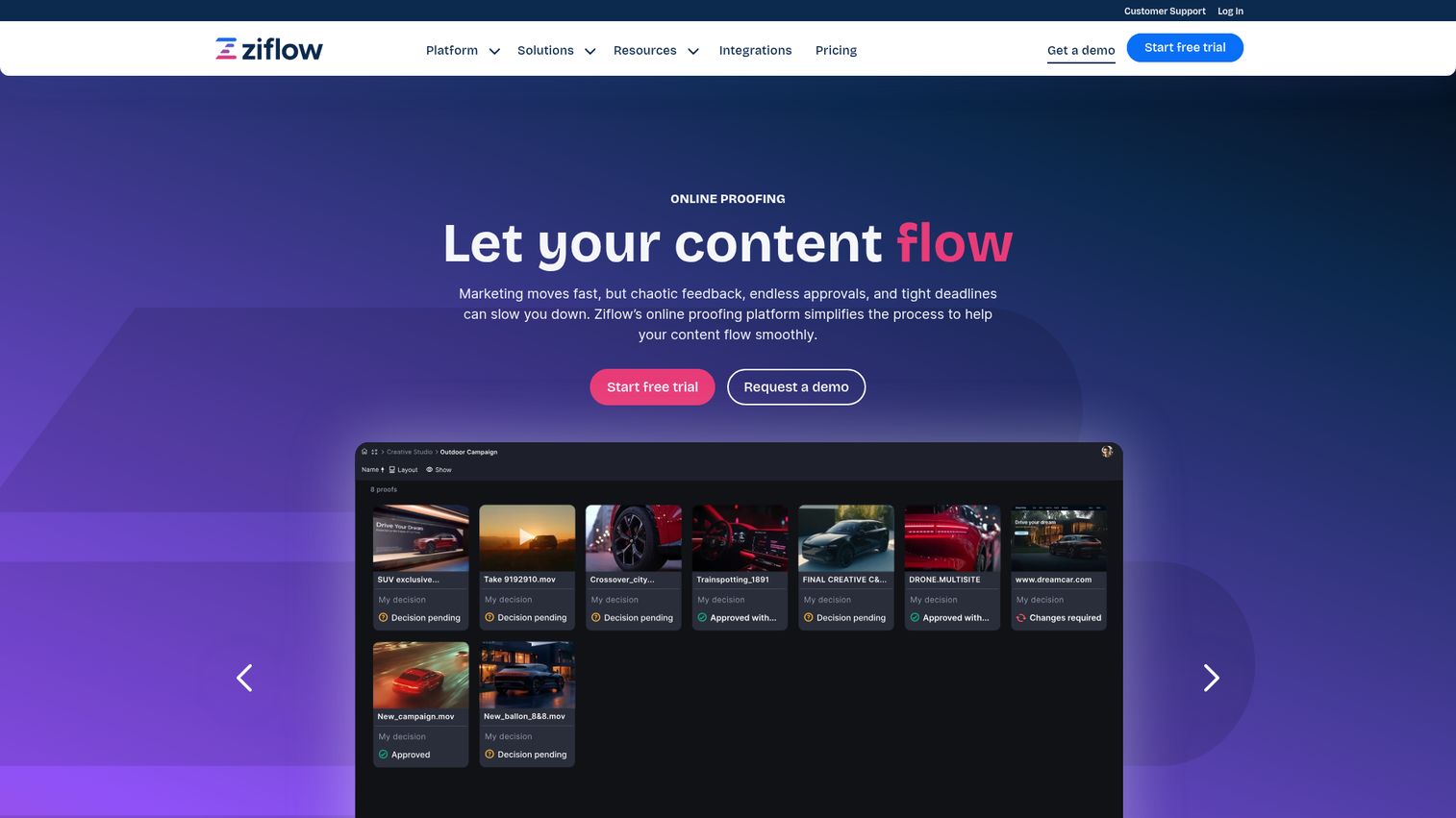
Ziflow is a review and approval platform that helps teams organize files, comments, versions, decisions, and deadlines in one place. It sits at the enterprise end of the online proofing platform market and is built for the kind of creative ops team that runs hundreds of proofs a month across multiple brands and regions.
Best for: Enterprise creative ops teams running high-volume, multi-stakeholder approvals across regulated industries or large brand portfolios.
Key strengths
- Collaborative viewer across formats: Review documents, images, videos, audio, and live websites in a single viewer
- Campaign-level reviews: Bundle cross-channel campaign elements into a single review workflow instead of one proof at a time
- Customized proofing workflows: Reusable templates and automated routing for review stages, reminders, and decision thresholds
Why choose Ziflow: Ziflow is the right call when the team has outgrown ad-hoc review and needs structured workflows with audit trails. Marketing and creative teams that need to coordinate across brand, legal, regional offices, and external agencies use Ziflow to make the process repeatable. If the buying committee includes compliance or legal, Ziflow's workflow depth carries the conversation.
Ziflow pricing: Ziflow lists four plans. Free is $0 forever with foundational feedback tools. Standard is $199 per month billed annually for growing businesses and agencies. Pro is $329 per month billed annually for scaled teams that need advanced collaboration and workflow. Enterprise is custom and requires a sales conversation. Verified on Ziflow's pricing page in June 2026.
2. PageProof
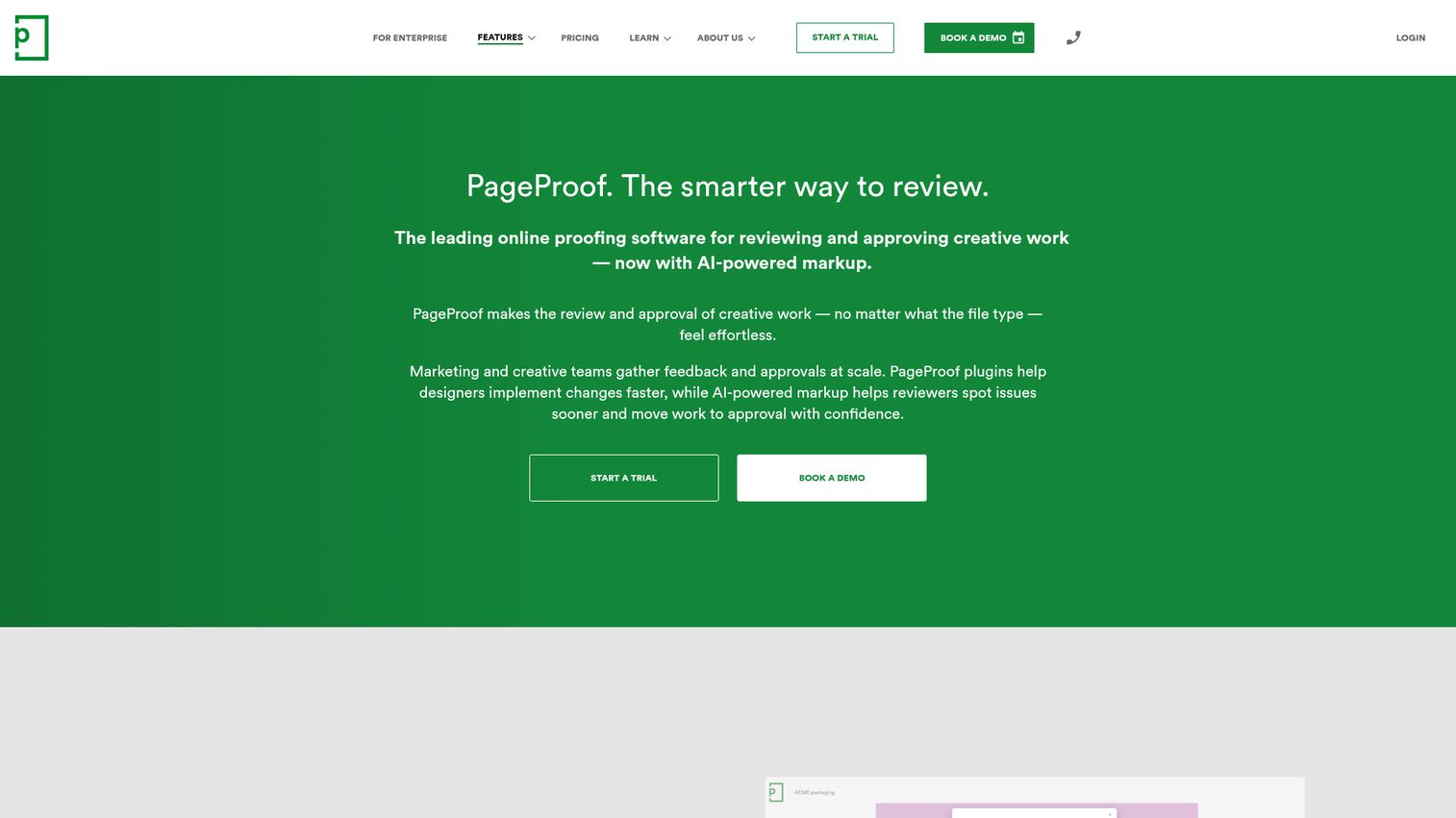
PageProof is an online proofing platform that helps teams review and approve creative work faster, with an emphasis on AI-assisted markup and pixel-level accuracy. It is one of the highest-rated tools in the category on G2 and a frequent pick for brand and packaging teams.
Best for: Brand, packaging, and marketing teams that prioritize rendering accuracy and AI-assisted review for compliance and quality control.
Key strengths
- AI-powered markup: AI analyzes creative and suggests markup directly on the proof, flagging issues before human reviewers see them
- Automated workflows with audit trails: Reminders, routing, and a comprehensive audit trail for every decision
- Smart Compare: Compare mode that surfaces differences between proof versions, useful for catching what reviewers miss
Why choose PageProof: Pick PageProof when rendering accuracy and AI-assisted quality control matter more than work management depth. Teams reviewing packaging, regulated copy, or brand-sensitive launch assets get the most value here. The AI markup is the differentiator: it does work a human reviewer would otherwise have to do every time.
PageProof pricing: PageProof lists three plans, all in USD. Team is $249 per month or $2,499 per year. Team Plus is $399 per month or $3,999 per year. Enterprise is a custom quote. Verified on PageProof's pricing page in June 2026.
3. Filestage
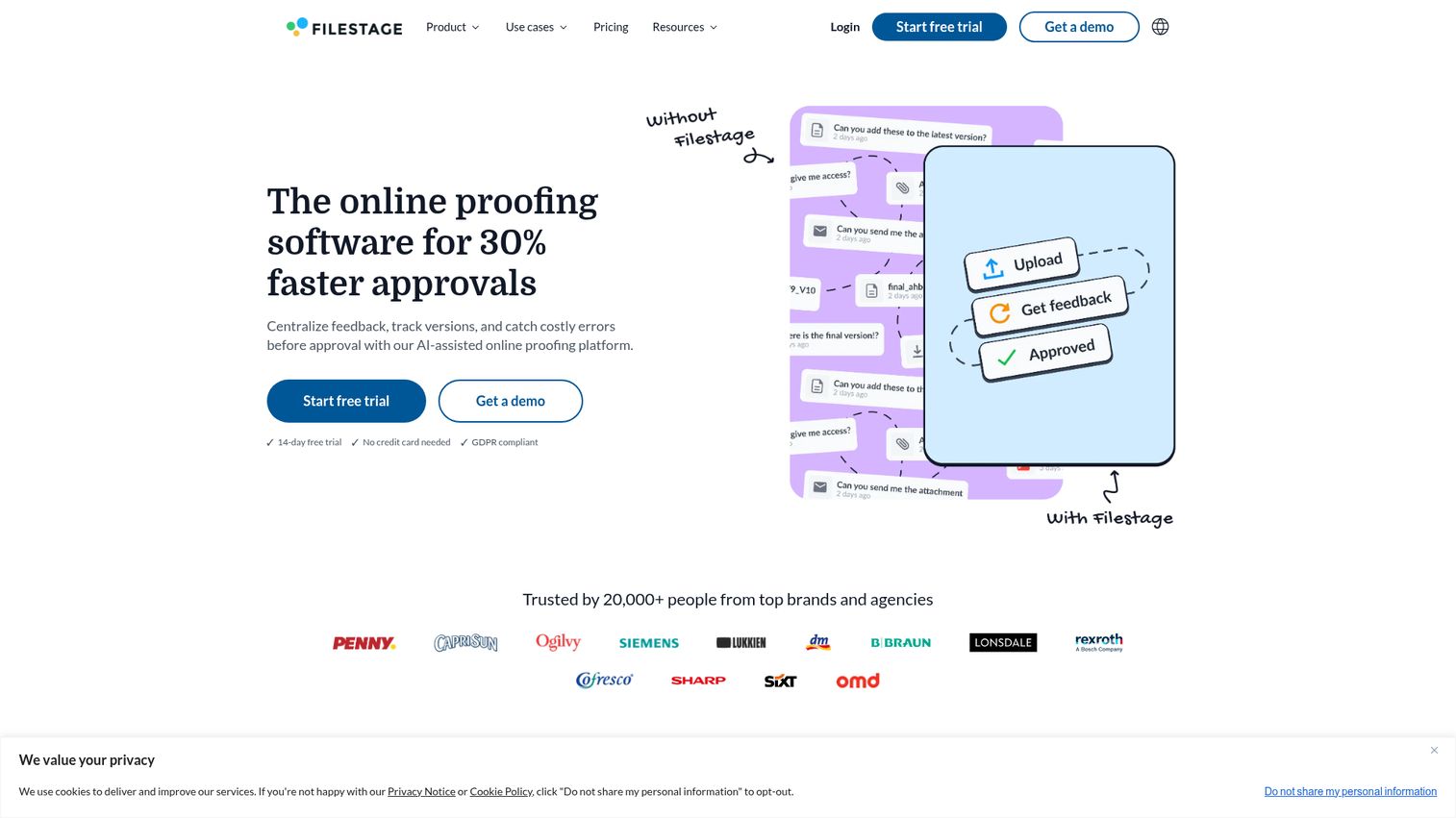
Filestage is AI-assisted online proofing software that centralizes feedback, tracks versions, and catches errors before approval. It is the tool most often picked by Series B SaaS marketing teams because the reviewer experience is clean enough that external stakeholders adopt it without training.
Best for: 20 to 150 person SaaS marketing teams that want a tool the whole team actually uses in week one.
Key strengths
- Review workflows with approval tracking: Approval steps, due date reminders, and a clear view of who is blocking the proof
- File proofing with annotation and version comparison: Annotation tools, side-by-side version compare, and revision history
- Review Agents: Automated brand, compliance, and error checks that run before human review
Why choose Filestage: Filestage is the "first-week setup" tool. It fits the Series B founder evaluation criterion: does the team adopt it without a kickoff plan and a change management memo. The answer is usually yes. The reviewer UX is the reason. External stakeholders, including legal and clients, click a link and start commenting.
Filestage pricing: Filestage offers a Free plan at $0 per month for individuals. Starter is $199 per month for growing teams. Business is $329 per month for scaling teams. Enterprise pricing is tailored and not published. Verified on Filestage's pricing page in June 2026.
4. Adobe Workfront
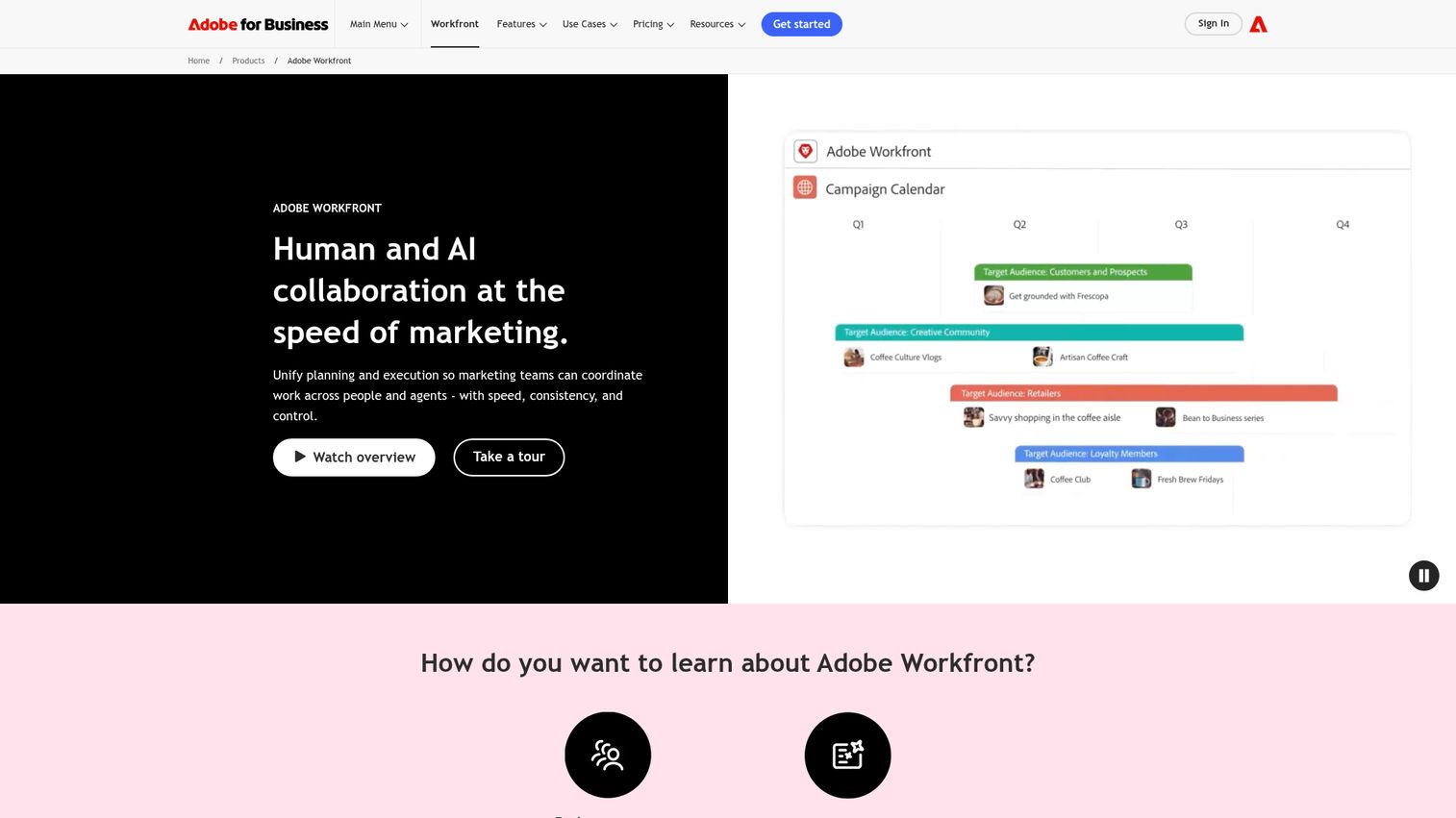
Adobe Workfront is a cloud-based work management solution that helps teams plan, track, and manage their work, with proofing built into the broader platform. It is the right fit when the buying decision is also a consolidation play.
Best for: Enterprise marketing teams already standardized on Adobe Creative Cloud, looking to consolidate work management and proofing under one vendor.
Key strengths
- AI collaborators: Context-driven task execution and governed AI workforce management across creative work
- Workflow automation: Customizable project templates, automated review stages, and low-code process automation
- Visibility and insights: Dashboards, report widgets, and data export to data lakes or BI tools
Why choose Adobe Workfront: Workfront is the right call when procurement has appetite for platform consolidation and the team is already standardized on Creative Cloud. The native Adobe ecosystem fit is the differentiator. If your designers live in Photoshop, InDesign, and Premiere, Workfront removes the context-switching tax that other proofing tools introduce. For teams evaluating broader work management, our roundup of marketing resource management software is a useful companion read.
Adobe Workfront pricing: Adobe lists three named plans on the Workfront pricing page: Select, Prime, and Ultimate. None show public dollar figures. Pricing is provided through a "Get pricing" sales flow, and Adobe also offers targeted add-ons. Verified on Adobe's pricing page in June 2026.
5. ReviewStudio
ReviewStudio is an online proofing platform for gathering and managing feedback, reducing turnaround times, and getting sign-offs faster. It is the lightweight, collaboration-first option for teams that want focused review without enterprise workflow complexity.
Best for: Smaller creative teams and agencies that want focused review and markup with per-user pricing that scales predictably.
Key strengths
- Markup tools for precise feedback: Freehand, shapes, text, and more for annotating any file type
- Version compare: Side-by-side comparison with synced navigation and a difference highlighter
- Automated approval workflows: Move files through review stages without manual chasing
Why choose ReviewStudio: ReviewStudio is the right pick when the team is small enough that workflow automation feels like overkill but real enough that email chains are breaking. The white-label client portal is useful for agencies who want the experience to feel like their brand, not a vendor's. Per-user pricing keeps costs in line with team size.
ReviewStudio pricing: Starter is free. Pro is $15 per user per month billed monthly or $12 per user per month billed annually. Advanced is $25 per user per month billed monthly or $20 per user per month billed annually. Enterprise pricing requires a sales conversation. Verified on ReviewStudio's pricing page in June 2026.
6. Wipster
Wipster is an online video review, approval, and collaboration platform for creative teams. It is video-native, not video-retrofitted, and that shows up in every part of the product.
Best for: Marketing, content, and product teams where video is a significant share of creative output.
Key strengths
- Frame-accurate video review: Comments tied to timecodes and specific frames, not whole files
- Comments become tasks: Reviewers' notes convert into checkable tasks for the editor
- Side-by-side comparison and version control: Track changes across cuts and revisions
Why choose Wipster: Wipster is the right choice when video is a major share of creative output and frame-accurate feedback matters. The Adobe Premiere Pro non-linear editor panel lets editors upload timelines for review without leaving their NLE. For content teams shipping weekly video, this removes a real bottleneck.
Wipster pricing: Light is $9.95 per month billed annually or $11.95 per month billed monthly, aimed at individuals and occasional use. Team is $19.95 per user per month billed annually or $25 per user per month billed monthly. Enterprise is custom. Verified on Wipster's pricing page in June 2026.
7. Filecamp
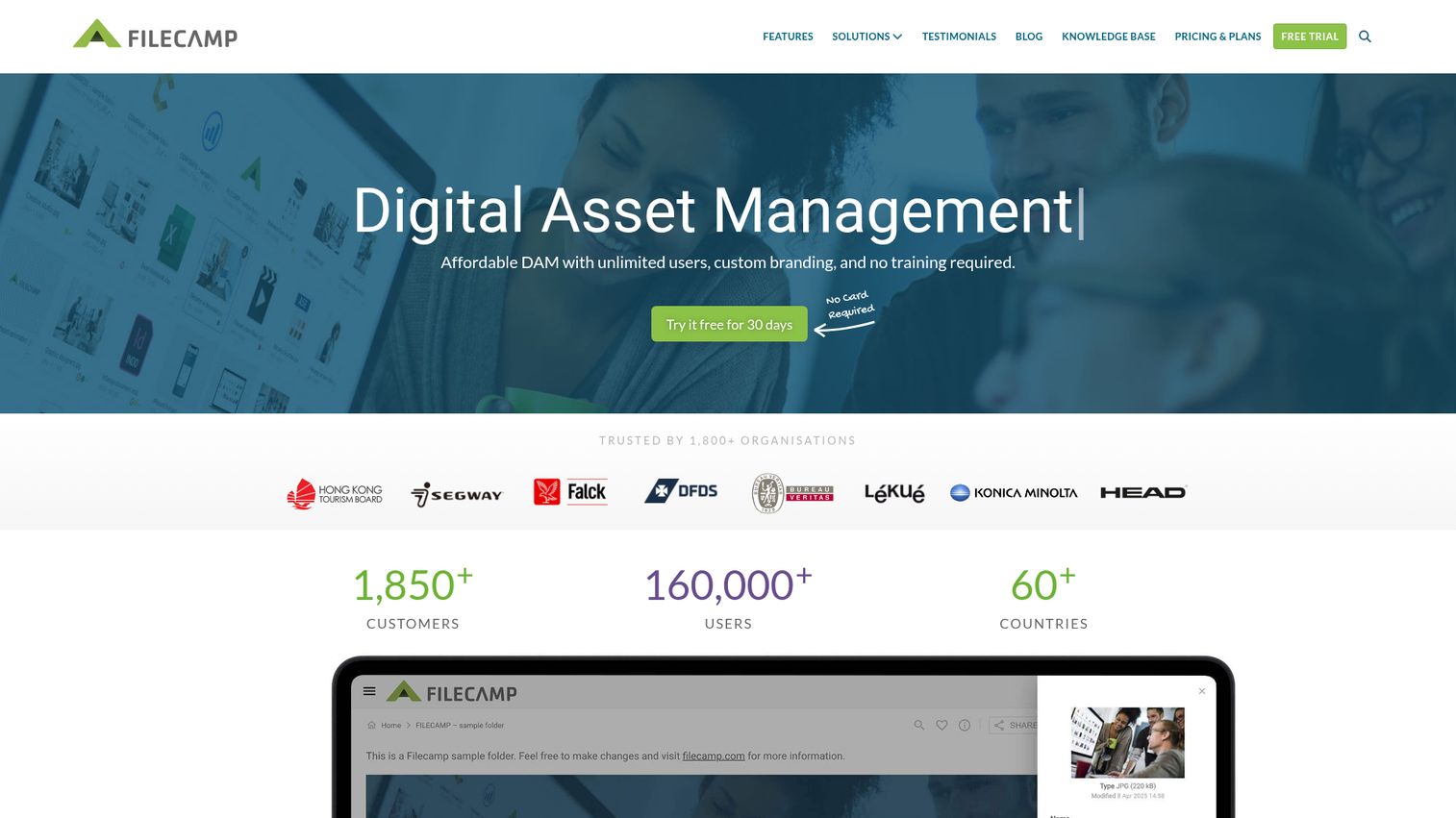
Filecamp is a digital asset management category (DAM) platform that helps marketers organise, find, and share creative files quickly and reliably, with online proofing built in. It is a hybrid play: the asset library and the review surface in one tool.
Best for: Teams that want digital asset management and online proofing in a single platform with unlimited users.
Key strengths
- Granular access controls: Permission management down to the folder and asset level
- Keywords and tags: Fast search across large libraries of brand assets
- Pages: Build branded portals to share assets and proofs with external stakeholders
Why choose Filecamp: Filecamp is the right fit when the asset management need is as real as the proofing need. Marketing teams that have outgrown shared Google Drives but do not need a dedicated enterprise DAM use Filecamp to consolidate both jobs into one tool. Unlimited users is the pricing differentiator: you pay per organization, not per seat.
Filecamp pricing: Basic is $29 per month or $348 per year. Advanced is $59 per month or $708 per year. Professional is $89 per month or $1,068 per year. All plans include unlimited users and a 30-day free Filecamp Pro trial. Verified on Filecamp's pricing page in June 2026.
8. ProofHub
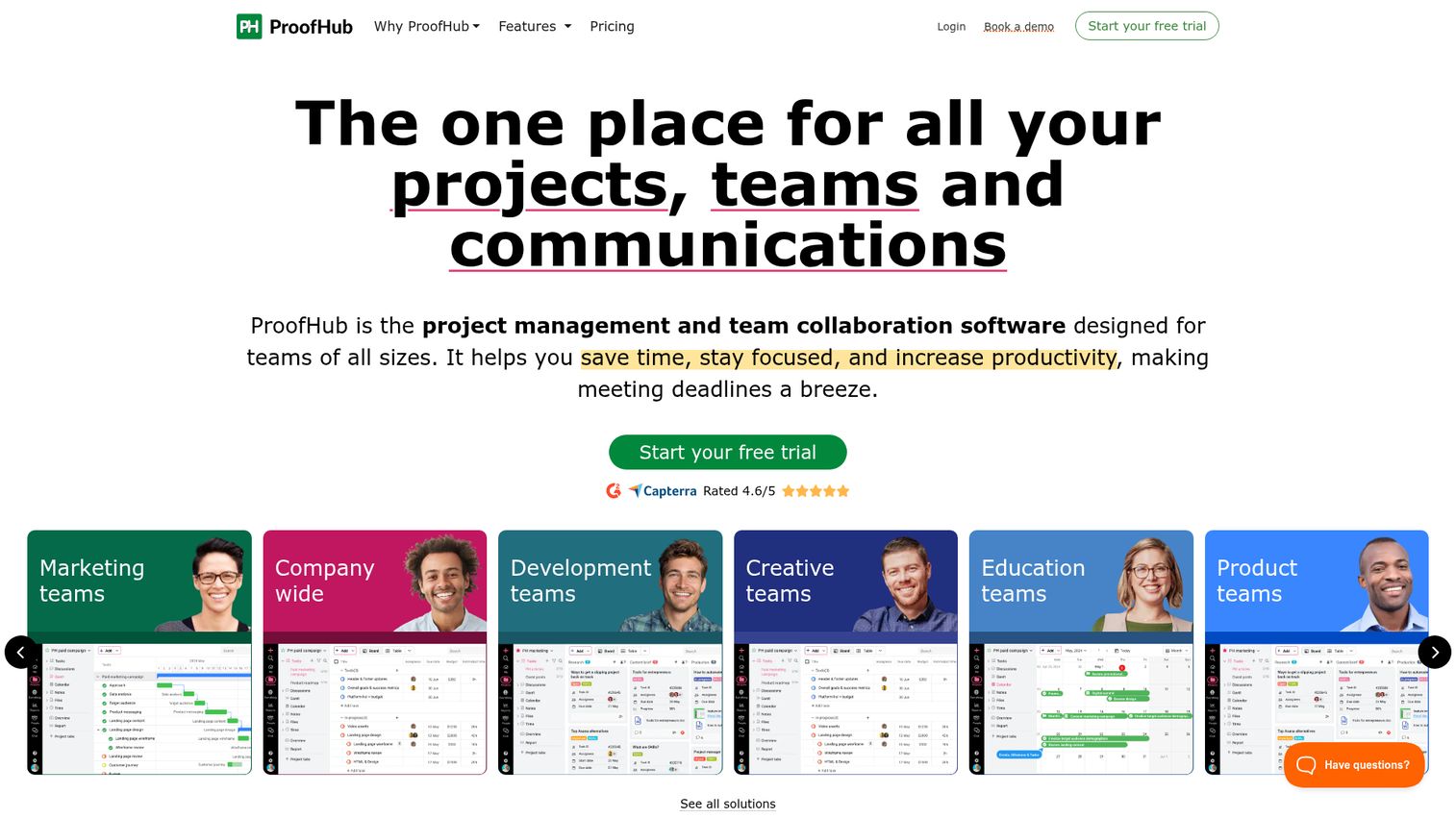
ProofHub is a versatile project management and team collaboration platform with proofing built in. The hook is flat-rate pricing per organization, which makes it predictable as the team grows.
Best for: Small to mid-sized teams that want project management and proofing in one tool with flat, predictable pricing.
Key strengths
- Time tracking: Built-in time tracking tied to tasks and projects
- Workflows: Custom workflows for tasks, projects, and review stages
- Proofing and review: Annotation, version control, and approvals on top of the PM workflow
Why choose ProofHub: ProofHub is compelling when seat-based pricing is a budget concern and the team also needs project management. You pay per organization, not per user, which means a 40-person marketing team and a 4-person team pay the same flat fee. That math gets attractive fast at scale.
ProofHub pricing: Essential is $45 per month billed annually or $50 per month billed monthly. Ultimate Control is listed at $89 per month billed annually or $99 per month billed monthly, with a note on the same pricing page that this is a limited-time discount for the first three months, after which it increases to $135 per month billed annually or $150 per month billed monthly. Verified on ProofHub's pricing page in June 2026.
9. WeAproove
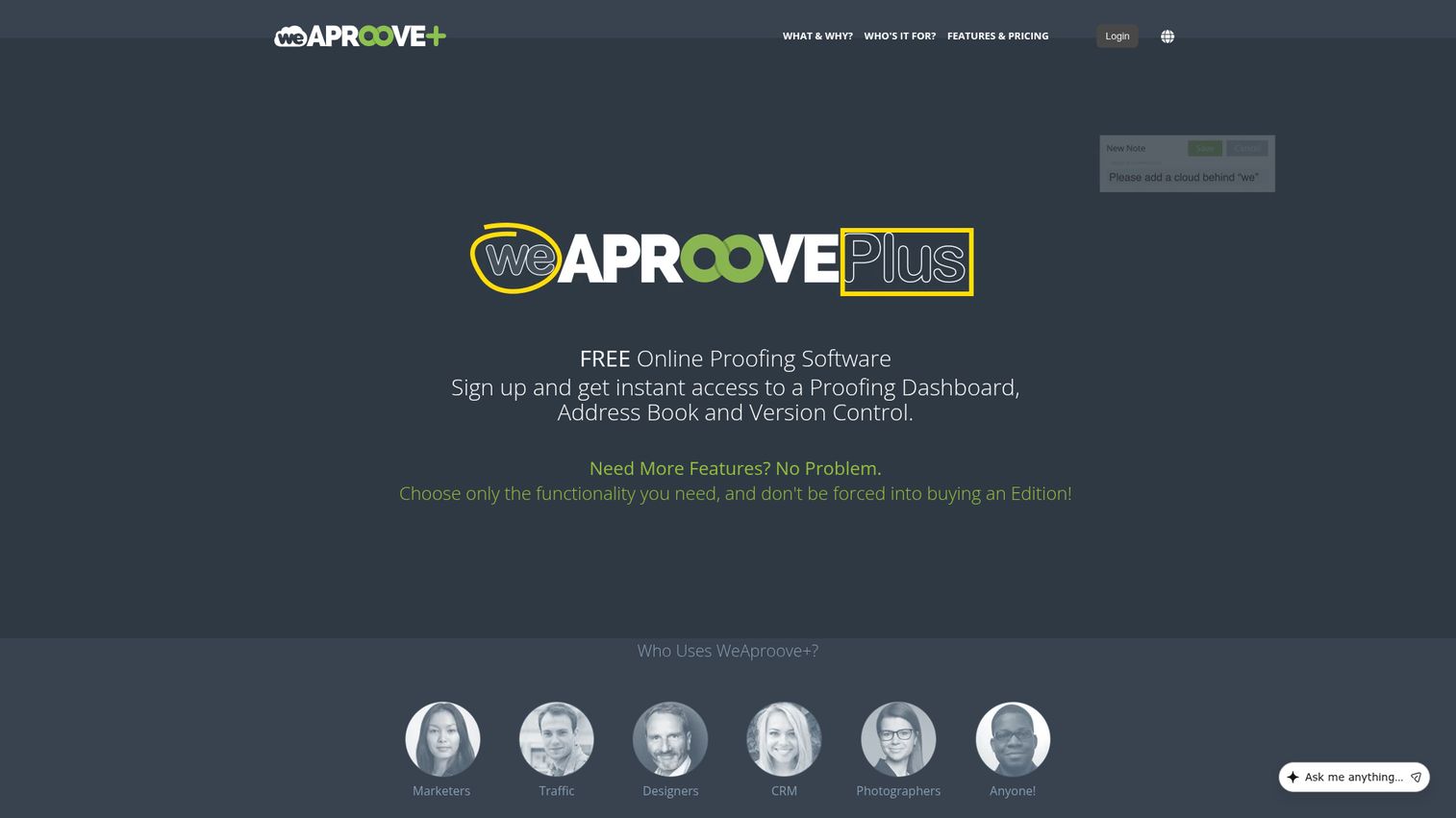
WeAproove is cloud-based online proofing software for centralized review and approval, with a proofing dashboard and version control. It is the most accessible entry point into the category, with a genuinely free plan.
Best for: Solo operators, freelancers, and teams testing the category before investing in a paid platform.
Key strengths
- 180+ supported filetypes: Broad format support across documents, images, video, and packaging
- Proofing dashboard: Centralized view of proofs, versions, and reviewer status
- Annotations and markup tools: Standard review tools across all file types
Why choose WeAproove: WeAproove is the right pick when you need to validate the workflow before buying. The free Get Started Package costs nothing. If the team adopts it and the workflow sticks, you upgrade to Unlock Base Features and add the modules you actually use. Note that WeAproove's first-party pricing page also indicates the product is sunsetting as Aproove focuses on Aproove One and Aproove Enterprise, so factor that into long-term planning.
WeAproove pricing: Get Started Package is free. Unlock Base Features is $10 per month and includes 10GB storage, unlimited proofs, unlimited proof versions, and unlimited guest reviewers. Add-ons include storage at $5 per 5GB per month, users at $7 per user per month, Version Compare Tools at $20 per month, Production/Packaging Tools at $20 per month, Custom Logo at $20 per month, Two Factor Authentication at $20 per month, and Deep Zoom at $10 per month. Verified on WeAproove's pricing page in June 2026.
Considerations: what to evaluate before you buy
Workflow automation vs. manual routing
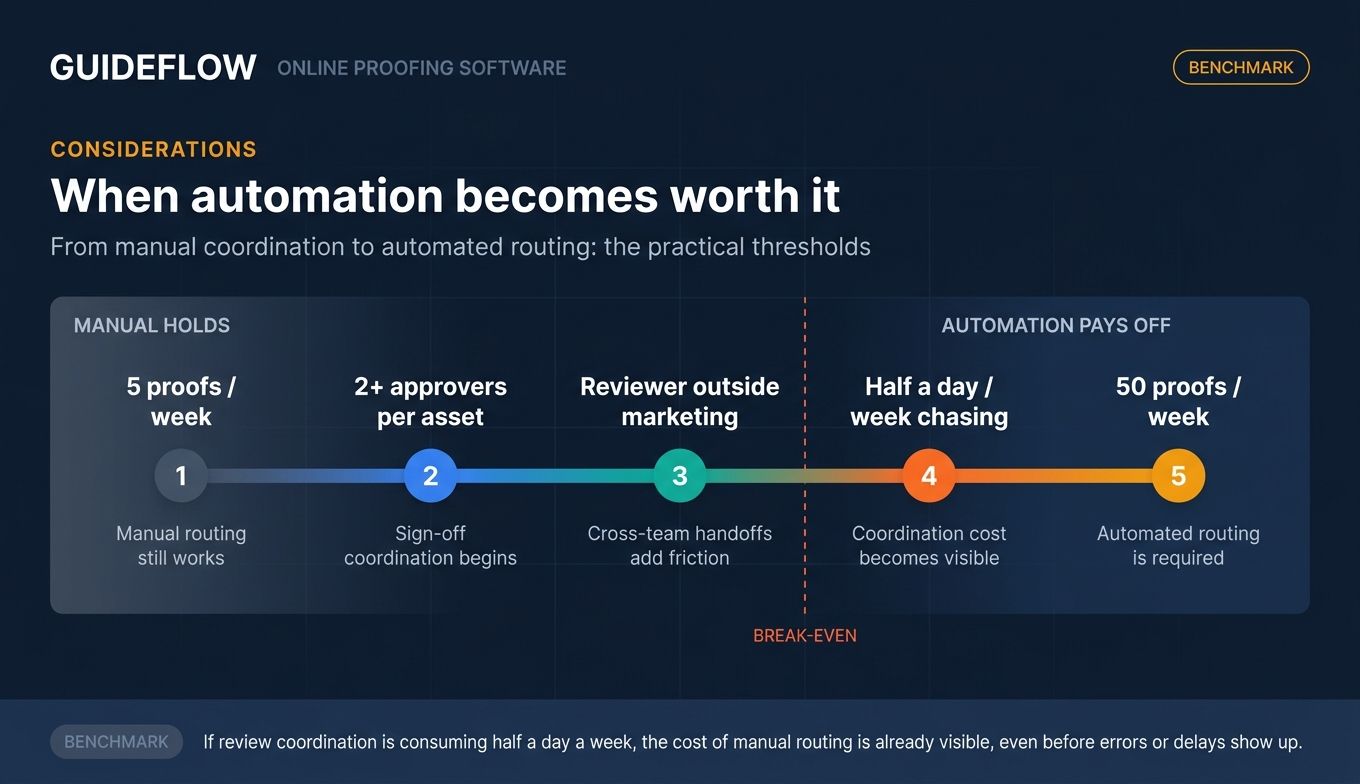
Evaluate whether your review volume justifies workflow automation or whether linear, manual routing will hold. A team running five proofs a week does not need automated routing. A team running 50 does. The break-even is usually around the point where someone on the team spends more than half a day per week chasing reviewers.
File type and rendering accuracy
If you are reviewing packaging, video, or pixel-sensitive design, rendering fidelity matters more than feature breadth. PageProof and Ziflow lead here. For video-heavy teams, Wipster's frame-accurate review is built for the job. For static creative, almost any tool on this list will render accurately enough.
Integration with your existing stack
CRM, project management, Adobe Creative Cloud, Slack, and your DAM are where the proofing tool needs to plug in. Every disconnect adds a manual step. Verify integration depth, not just integration presence. A tool that "integrates with Slack" by sending email notifications is not the same as one with native panel integration in Adobe Premiere. If CRM is part of your stack, our best CRM software roundup pairs naturally with this evaluation.
Reviewer experience for external stakeholders
Clients, legal reviewers, and executives will not adopt tools that require account creation and onboarding. The reviewer experience is the single largest factor in whether the tool actually gets used. Test this in a trial with a real external reviewer. If they get stuck, the tool fails the test regardless of feature depth. The same principle applies to user onboarding software more broadly: friction at the front door kills adoption.
Security and compliance posture
SOC 2 compliance framework, ISO 27001 information security standard, SSO, and SCIM user provisioning standard are widely expected by mid-market and enterprise buyers. If you sell into regulated industries or large enterprises, these become deal-blockers without warning. Verify the tool's certifications, audit trail depth, and data residency options before procurement gets involved.
How to choose the right online proofing software for your team
The right pick depends on team size, content mix, and stack fit. A few honest scenarios:
If you are a Series B SaaS with a 5 to 15 person marketing team, Filestage or ReviewStudio fit well. Filestage wins on adoption speed and reviewer experience. ReviewStudio wins on per-user pricing if the team is small enough that flat-rate plans feel like overpaying.
If you are scaling past 50 marketers with regulated review needs, Ziflow or Adobe Workfront are the strongest candidates. Ziflow if you want a focused proofing platform with deep workflow automation. Workfront if you are already standardized on Adobe Creative Cloud and procurement is open to consolidation.
If video is more than half your creative output, Wipster is the right pick. Frame-accurate video review is a different job, and a video-native tool handles it better than a general-purpose proofing platform.
If you need to combine DAM and proofing, Filecamp is the cleanest hybrid. Unlimited users and flat pricing make it predictable as the team grows.
If you need to validate the workflow before committing budget, WeAproove's free tier lets you do that without a sales conversation. Just verify the product roadmap given the Aproove One transition before signing a longer commitment.
Conclusion
The nine online proofing tools above cover the realistic range for a SaaS marketing team in 2026. Ziflow for enterprise creative ops. PageProof for AI-assisted, brand-sensitive review. Filestage for Series B SaaS marketing teams that need fast adoption. Adobe Workfront for Adobe-standardized enterprises. ReviewStudio for smaller creative teams. Wipster for video-first content teams. Filecamp for DAM plus proofing. ProofHub for flat-rate PM and proofing. WeAproove for free-tier validation.
The next step is not a longer shortlist. It is a shorter one. Pick two or three tools that fit your team size and content mix, request trials, and run them against one real campaign before deciding. Bring a real external reviewer into the trial. Measure cycle time on the same proof, end to end, across both tools. The tool that gets adopted is the one your team and your reviewers actually use without a reminder. If interactive product content is also part of your GTM motion, see how Guideflow's demo showcase complements your static asset workflow.
FAQs
Online proofing software is a SaaS tool that lets teams review, mark up, and approve creative assets through a centralized, version-controlled workflow. It replaces email-and-Slack approval chains with a single source of truth for feedback, decisions, and audit history. Teams use it for images, video, PDFs, web pages, and packaging artwork.
Project management software orchestrates tasks, deadlines, and resourcing. Online proofing software handles the visual review and approval layer of creative work, including annotation, version comparison, and decision capture on the files themselves. Some tools combine both (ProofHub, Adobe Workfront), but most teams use a dedicated proofing tool alongside their PM platform.
WeAproove offers a free Get Started Package with no card required. Ziflow and Filestage both offer free plans with foundational feedback and proofing tools. ReviewStudio's Starter plan is also free. For testing the category before buying, any of these four lets you run real proofs without a sales conversation.
Yes. Wipster is video-native, with frame-accurate comments tied to timecodes and an Adobe Premiere panel for editors. Ziflow and PageProof handle video alongside other formats. For teams where video is the primary content type, a video-first tool will outperform a general-purpose proofing platform on every cycle.
Most leading online proofing tools support PDFs, images, video, audio, HTML and web pages, and native design files like InDesign. Vendors at the enterprise end advertise the broadest support: Aproove markets 180-plus media formats, and Ziflow's marketing references support for an even broader range including packaging artwork and dynamic web banners.
It depends on the tool and the plan. Several platforms support guest reviewer access through a shared link with no full account required, which removes the largest barrier to external stakeholder adoption. Verify this on the specific plan you are evaluating, since some vendors gate guest review behind paid tiers. The same principle applies to sharing interactive content: the fewer steps between reviewer and content, the higher the adoption rate.
Most enterprise-grade tools integrate with Adobe Creative Cloud, typically through panels or plugins that let designers submit proofs directly from Photoshop, InDesign, or Premiere. Ziflow, PageProof, Adobe Workfront, and Wipster all advertise Creative Cloud integration. Verify the depth (panel vs. simple file upload) before assuming it removes the context-switching tax.
Pricing in this category ranges from free tiers (WeAproove, Ziflow Free, Filestage Free, ReviewStudio Starter) to roughly $15 to $30 per user per month for mid-market plans (ReviewStudio, Wipster, Filecamp) to $199 to $329 per month for team plans (Ziflow Standard, Filestage Starter, ProofHub) to custom enterprise pricing (Adobe Workfront, PageProof Enterprise, Ziflow Enterprise). Verified ranges from each vendor's pricing page in June 2026.