
A new hire needs an answer on billing edge cases. They ask in the wrong channel. Two people redirect them. An hour later, they finally find the person who owns it, who left the team three months ago. The org chart said otherwise, because nobody updated it.
This is the quiet tax on scaling a company. Directory data scatters across a spreadsheet, an HRIS, a SharePoint page, and someone's memory. None of them agree. The global employee directory software market reflects the pressure to fix this: it was valued at USD 1.8 billion in 2025 and is forecast to reach USD 3.8 billion by 2034, growing at a 9.2% CAGR, according to MarketIntelo (2025).
For a founder running a 30 to 150 person team, the cost is not the license fee. It is the compounding friction of people who cannot find each other, and the manual upkeep that lands on whoever owns internal tooling. A good online employee directory software fixes both: it makes people search fast and keeps the data fresh without a human babysitting it. This guide compares seven options so you can pick one that fits your stack, not one that adds another silo.
What's inside
This guide is for founders and operator-minded buyers comparing employee directory software for a growing team. We picked tools that solve the core job, keeping people findable and org structure current, without heavy admin.
We evaluated each option on:
- Microsoft ecosystem fit (SharePoint, Teams, Entra sync)
- Search quality and profile depth
- Org chart visibility and people discovery
- Access control, security, and privacy
- Analytics and reporting
- Deployment effort and data freshness
TL;DR
- Best for a SharePoint-native HR bundle: HR365, which pairs directory features with payroll and leave.
- Best for Marketplace deployment: Employee Directory 365, with AI search and privacy controls inside Microsoft 365.
- Best for governance: HR Directory 365, with Entra sync and role-based permissions.
- Best for searchable profiles: GoProfiles, built for people discovery on distributed teams.
- Best for org visibility: Sift, a focused people directory and org chart.
- Best for broader people ops: Workleap, when you want engagement and performance too.
- Best for lightweight adoption: Pingboard, for approachable org browsing.
What is employee directory software
Employee directory software is a company directory software tool that centralizes employee profiles, contact details, and org structure into one searchable place so people can find each other quickly.
It differs from a static employee list in two ways. A spreadsheet goes stale the moment someone changes teams. A corporate directory software tool syncs with your systems of record, so the data stays current. It also differs from a full HR platform: a directory is built for people discovery and visibility, not payroll, benefits, or performance reviews.
Core capabilities of a modern employee directory solution:
- People search: find colleagues by name, team, role, skill, or location
- Rich employee profiles: photos, titles, reporting lines, contact channels, and expertise
- Org chart software views: see reporting structure and team composition at a glance
- Privacy and access control: field-level visibility, role-based permissions, and restricted access
- Analytics and reporting: usage tracking, adoption, and directory health signals
- Directory sync: live connection to your HRIS and Microsoft systems for employee data freshness
Cloud-based deployments now account for 82.1% of global revenue in this category, compared with 17.9% for on-premises, per MarketIntelo (2025). AI-enhanced directory features are the fastest-growing slice, projected to grow at a 14.7% CAGR.
When to use employee directory software
Find people fast across teams
At 30 people, everyone knows everyone. At 120, they do not. The "who handles this?" question starts eating real time, and it routes to the wrong person more often than not. An employee directory app with strong people search collapses that lookup from an hour of Slack pinging to a two-second query. It also surfaces skills and expertise, not just titles, so requests reach the person who can actually answer.
Keep remote and hybrid teams connected
Hybrid work removes the hallway. Nobody bumps into the new designer or overhears which team owns the API. A directory restores that visibility with profiles, availability, and work status, so remote team visibility does not depend on being in the same room. This is where directory data earns its keep: it is the map of a company that no longer shares a floor.
Replace stale spreadsheets and public folders
Spreadsheets and shared folders decay silently. A directory with live directory sync pulls from your HRIS or Microsoft Entra, so a role change updates everywhere at once. That removes the manual upkeep that usually lands on one overloaded ops person, and it keeps employee data freshness high without a recurring chore.
Comparison table
Here is a side-by-side view of the seven tools, sorted by relevance to Microsoft-native buyers first, then broader people platforms. Pricing and ratings reflect each vendor's public pages as of August 2026.
| # | Product | Best for | Key differentiator | Pricing | G2 rating |
|---|---|---|---|---|---|
| 1 | HR365 | SharePoint HR bundles | Directory plus payroll and leave in Microsoft 365 | From Rs.399/month | 4.8/5 |
| 2 | Employee Directory 365 | Marketplace deployment | AI search with privacy controls | $49.99/month | Not listed |
| 3 | HR Directory 365 | Governance and compliance | Entra sync with role-based permissions | Custom quote | 4.7/5 |
| 4 | GoProfiles | Searchable profiles | AI people discovery with recognition | Free; paid from $2/user/month | Not listed |
| 5 | Sift | Org visibility | Focused directory and org chart | From $150/month | 4.8/5 |
| 6 | Workleap | Broader people ops | Engagement and performance in one platform | From $4,999/year | 4.3/5 |
| 7 | Pingboard | Lightweight adoption | Live org charts with auto-updates | Free plan; paid available | Not listed |
1. HR365
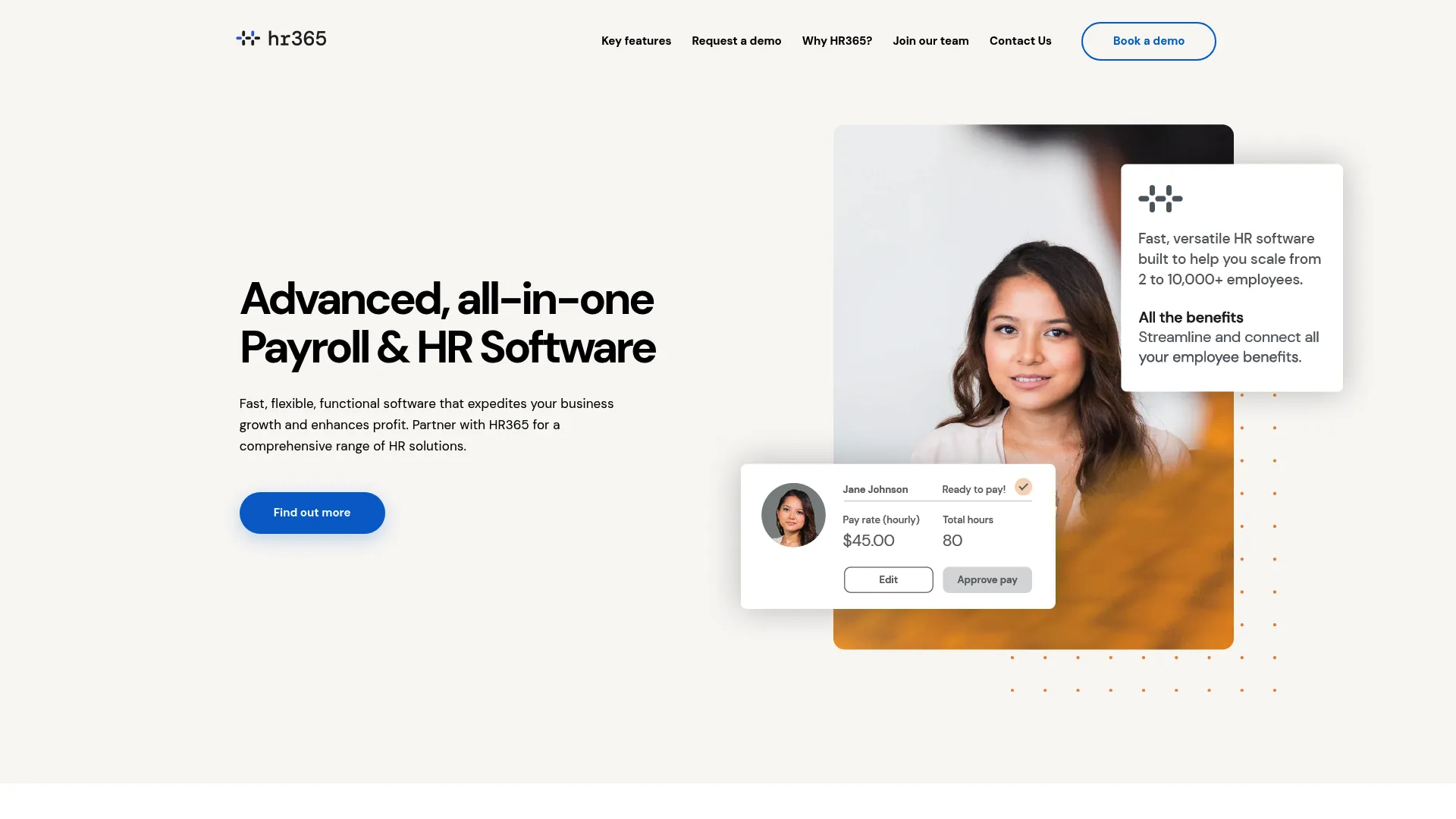
HR365 is an HR and payroll suite built around SharePoint and Microsoft 365, with an employee directory as one piece of a broader people-ops toolset. For a Microsoft Teams employee directory setup where you also want leave tracking, onboarding, and payroll in the same place, HR365 bundles those functions rather than making you stitch separate tools together.
Because it installs into your existing Microsoft 365 tenant, the ecosystem fit is tight: profiles, documents, and workflows sit next to the apps your team already opens daily. That makes it a fit for buyers who want more than a directory but do not want to leave the Microsoft environment to get it.
Best for: organizations that want a SharePoint and Microsoft 365-based HR system with directory features included.
Key features
- Employee directory and profile management
- Payroll management
- Leave and attendance tracking
- Employee onboarding and document management
- Native SharePoint and Microsoft 365 deployment
Why choose HR365: you get directory functionality inside a wider HR bundle, which suits teams consolidating people-ops tools into their Microsoft stack rather than adding a standalone directory.
HR365 pricing: the Booster plan covers up to 10 employees at Rs.399 per month. The Standard plan covers up to 50 employees at Rs.1799 per month plus Rs.35 per employee per month beyond that. A Startup plan is available on request.
2. Employee Directory 365
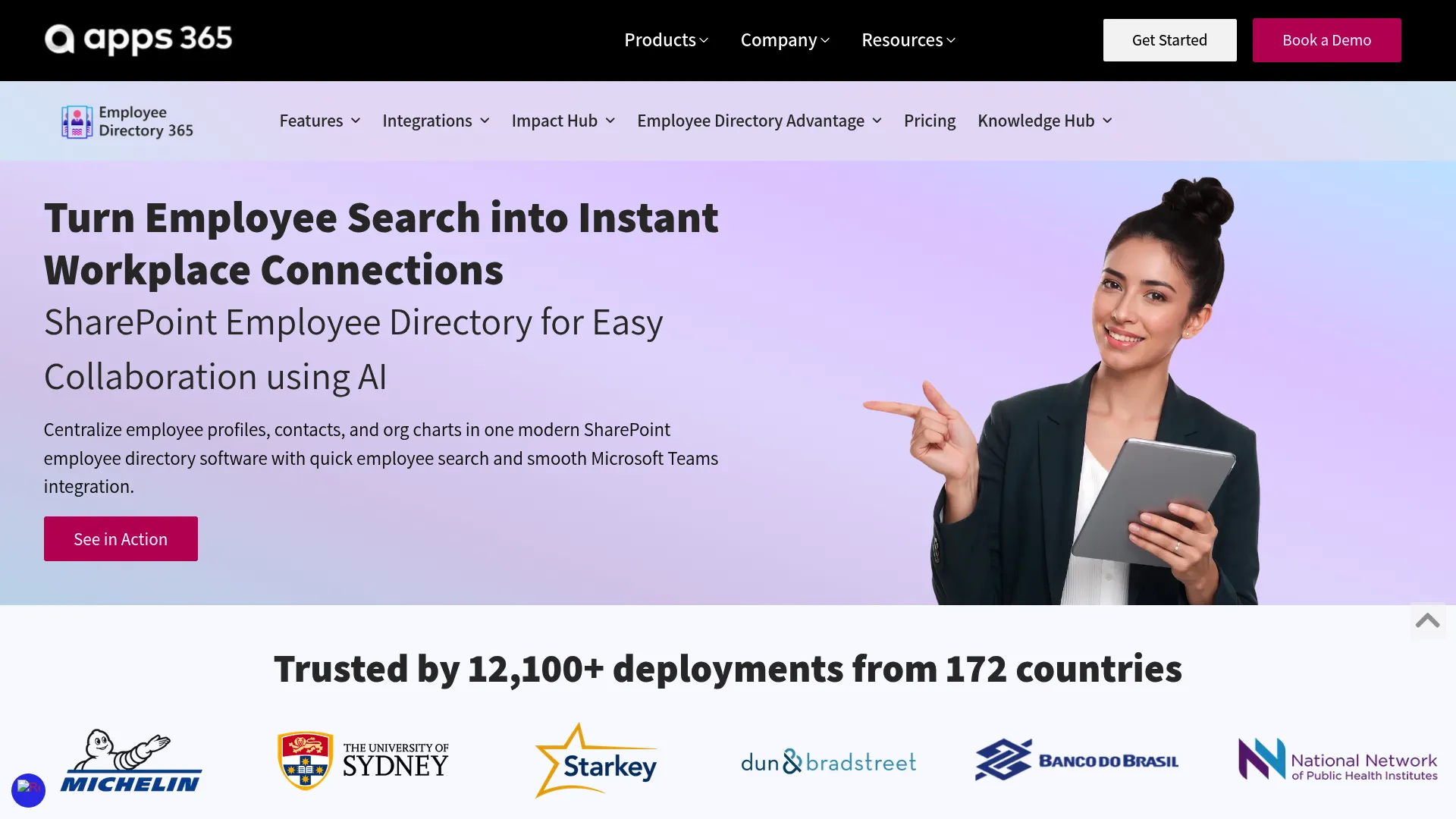
Employee Directory 365 is a Microsoft Marketplace app that layers AI-powered people search, org charts, and profile management onto SharePoint and Teams. It is built for teams that want a polished directory experience inside Microsoft 365 without building one from raw components, and it ships with privacy and restricted-access controls out of the box.
The AI search is the headline: instead of exact-match lookups, employees query naturally and get relevant results. Add multilingual support, a work status indicator, and employee praise features, and it reads as a directory designed for daily use, not just an admin record. Deployment runs through the Microsoft Marketplace, so it sits inside your tenant's governance.
Best for: Microsoft 365 and SharePoint organizations that want an AI-driven directory with strong privacy controls.
Key features
- AI employee search
- Organizational chart
- Employee filtering and multiple viewing options
- Work status indicator and multilingual support
- Privacy and restricted-access settings
Why choose Employee Directory 365: it delivers a ready-made, AI-search directory with access control and privacy framing, so you get depth without engineering a SharePoint page from scratch.
Employee Directory 365 pricing: the app is listed at $49.99 monthly. Custom-quote and contact options are available for larger deployments.
3. HR Directory 365
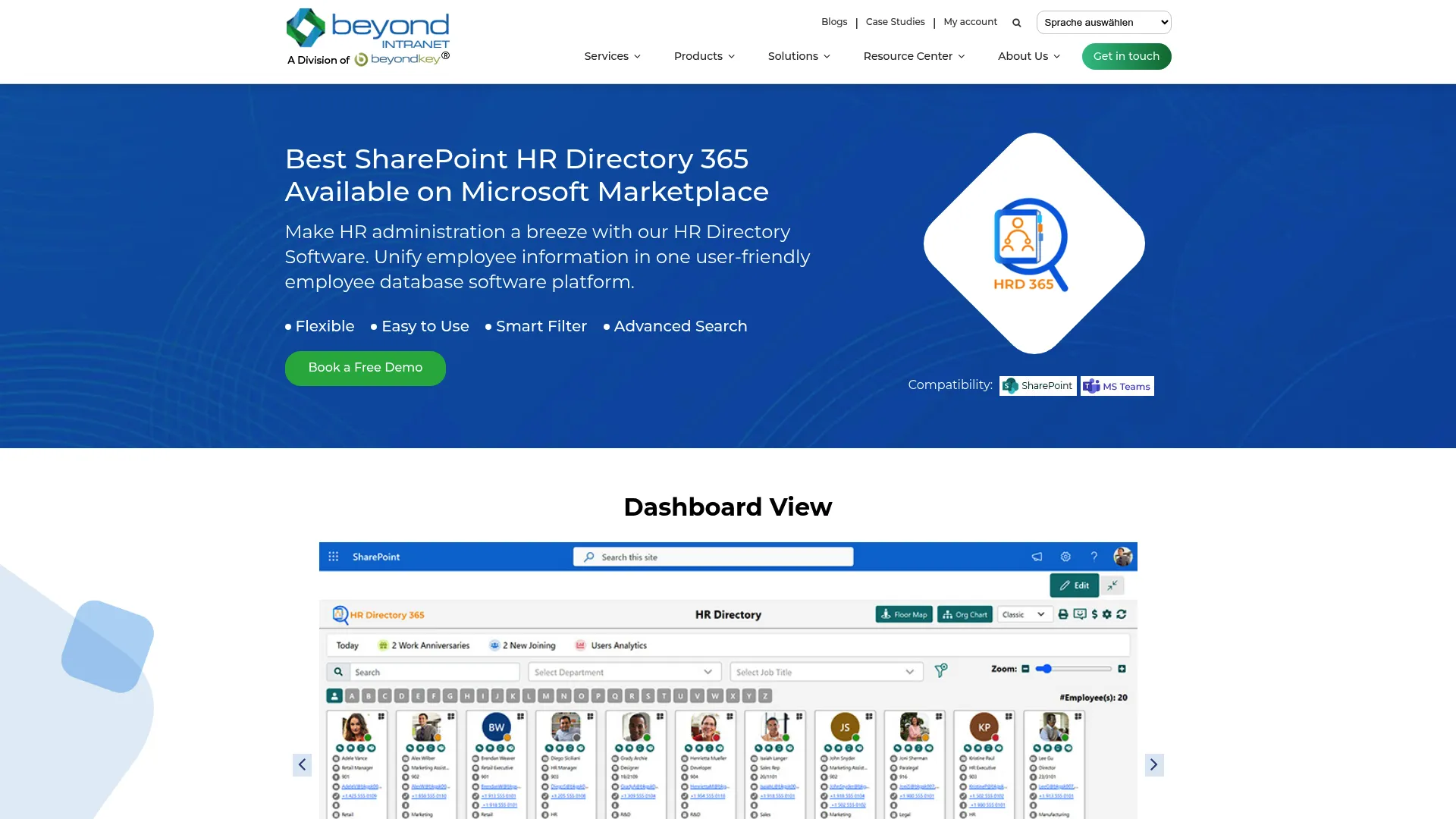
HR Directory 365 from Beyond Intranet is a SharePoint-based directory built with governance in mind. Its differentiator is real-time employee data sync with Microsoft Entra ID, so the directory reflects role and team changes as they happen rather than on a manual refresh cycle. For teams where access control, security, and privacy sit near the top of the buying criteria, that Entra-connected model matters.
Beyond the core directory, it adds org charts, advanced search and filtering, virtual floor maps, and desk booking, which extends it toward broader workplace use. Role-based permissions and custom branding let you control who sees what and keep the directory on-brand across the company.
Best for: Microsoft 365 and SharePoint organizations that need a secure internal directory with strong governance.
Key features
- Real-time sync with Microsoft Entra ID
- Advanced search and filtering
- Org chart and employee profile views
- Virtual floor maps and desk booking
- Role-based permissions and custom branding
Why choose HR Directory 365: the live Entra sync and role-based permissions make it a fit for teams that treat data freshness and access governance as non-negotiable, not nice-to-have.
HR Directory 365 pricing: pricing is not published publicly; the vendor provides a custom quote on request. A 7-day free trial is available.
4. GoProfiles
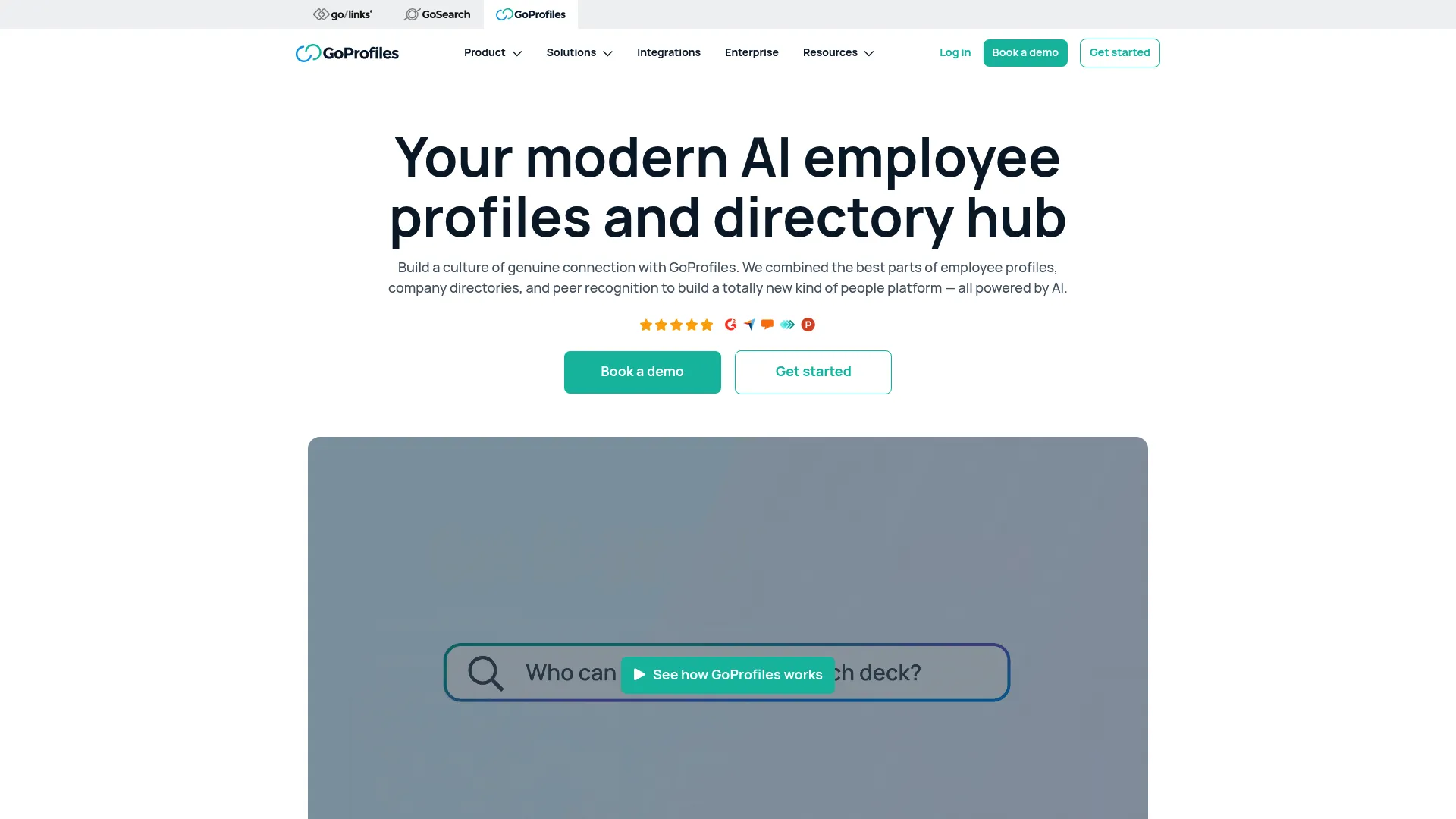
GoProfiles is an AI-powered employee profiles and directory platform built for distributed teams. Where the Microsoft-native options anchor to one ecosystem, GoProfiles centers on people discovery: rich, searchable profiles that surface who does what, plus an employee map and org chart to make a remote company feel navigable.
It also folds in lightweight recognition through Bravos and achievements, so the directory doubles as a place where good work gets visible. For a hybrid or fully remote team that wants employee discovery to feel less like a database lookup and more like getting to know coworkers, that combination fits.
Best for: remote or hybrid teams that want employee discovery and lightweight recognition in one tool.
Key features
- AI employee directory and searchable profiles
- Org chart, employee map, and people directory
- Peer recognition with Bravos and achievements
- Profile depth beyond titles and contact info
- Discovery built for distributed teams
Why choose GoProfiles: it prioritizes people discovery and profile depth over ecosystem lock-in, which suits distributed teams that live across many tools rather than one Microsoft tenant.
GoProfiles pricing: a free tier is available. Basic is $2 per user per month and Pro is $4 per user per month, with annual discounts. Enterprise pricing is available on request.
5. Sift
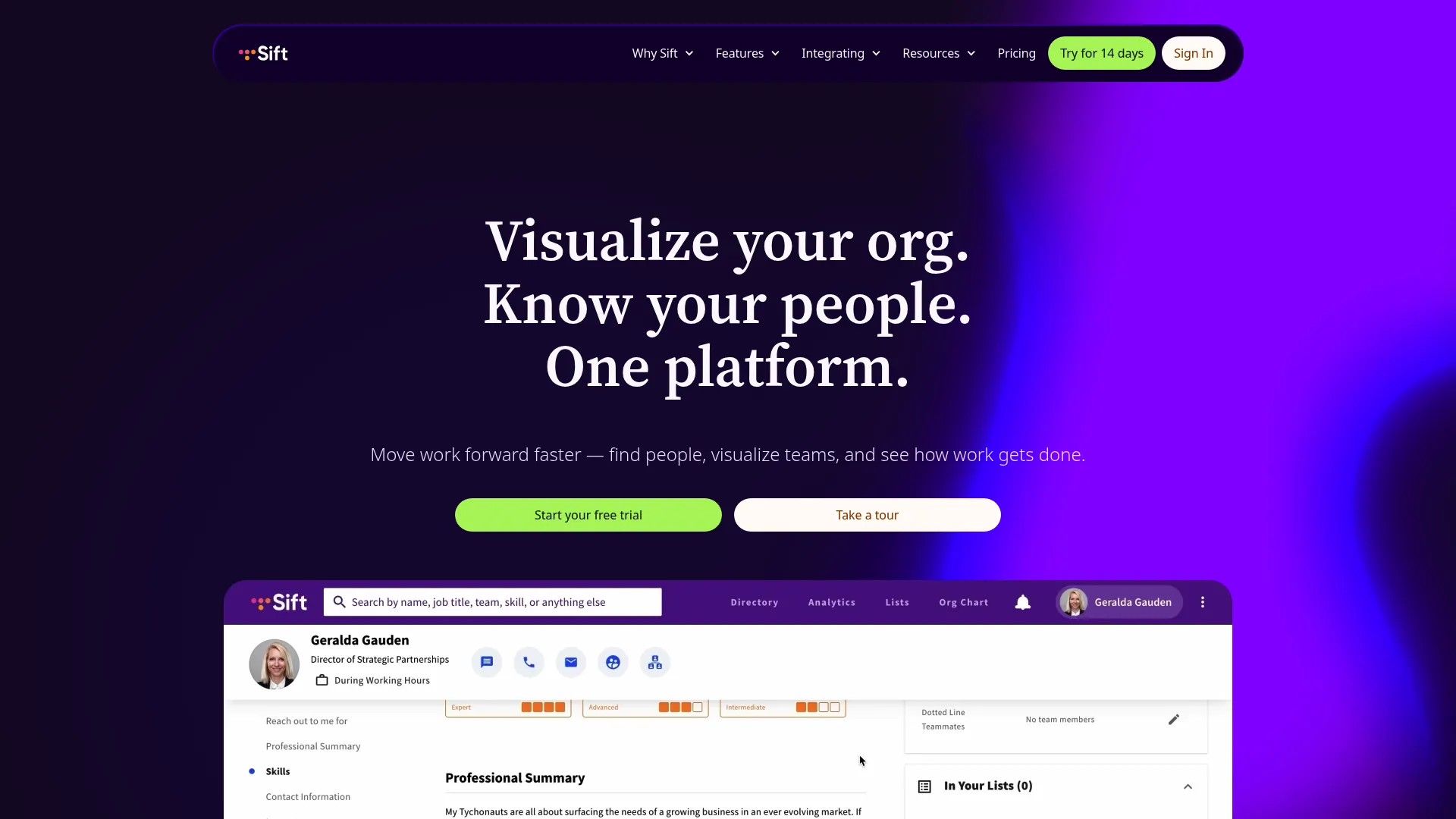
Sift is a focused people directory and org chart tool for finding colleagues, mapping structure, and surfacing employee knowledge. It does not try to be an HR suite. It concentrates on the two jobs a directory needs to nail: fast, custom-profile people search and a clean org chart that shows how the company actually fits together.
Multi-device access means the directory works whether someone is at a desk or on their phone between meetings. Analytics, an API, and integrations let you connect Sift to the rest of your stack and track how the directory gets used. For teams that want org visibility without paying for engagement or performance modules they will not touch, the narrow scope is the point.
Best for: organizations that want a dedicated internal people directory and org-chart tool.
Key features
- Org chart
- Employee profiles and directory search
- Analytics and reporting
- API and integrations
- Multi-device access
Why choose Sift: it stays in its lane. You get a strong directory and org chart without the overhead of a full people-ops platform, which fits teams that want visibility, not a suite.
Sift pricing: plans start at $150 per month for Sift Org Chart, $175 per month for Sift Directory, and $200 per month for Sift Complete, all billed annually. Plans start at 20 users. Sift Enterprise is available on request.
6. Workleap
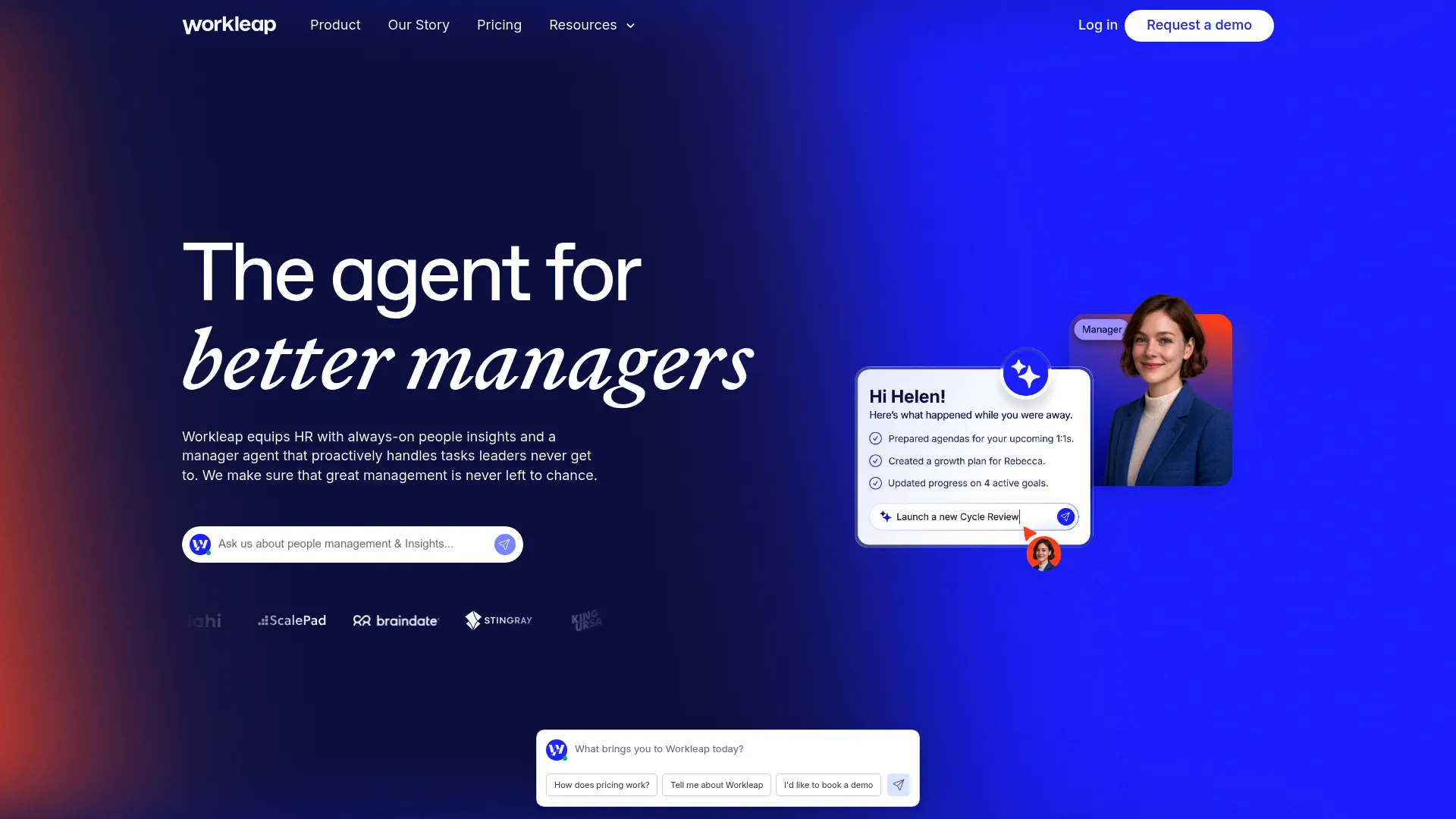
Workleap is a broader people-management platform that spans employee engagement, performance, and compensation, with directory and org visibility as part of the picture. Buyers pick it when a directory alone is not the whole job. If you are also trying to run engagement surveys, performance reviews, and comp planning, Workleap consolidates those into one place rather than a directory plus three other tools.
That makes it a different animal from the focused directory tools on this list. The org visibility is there, but the reason to buy is the wider people-ops footprint. For a scaling company that wants to reduce tool count while adding structure to HR processes, that consolidation can be worth the higher entry price.
Best for: mid-market HR teams needing one platform for engagement, performance, and compensation alongside directory features.
Key features
- Employee engagement surveys and anonymous feedback
- Performance management with goals, reviews, and 360 feedback
- Compensation reviews, pay bands, and benchmarking
- Directory and org visibility
- Workleap AI for summaries, insights, and drafting
Why choose Workleap: choose it when you want more than a directory and are ready to consolidate engagement, performance, and comp into a single platform.
Workleap pricing: the Standard plan starts at $4,999 USD per year and Pro starts at $11,999 USD per year. Enterprise is custom-priced for organizations with more than 250 employees.
7. Pingboard
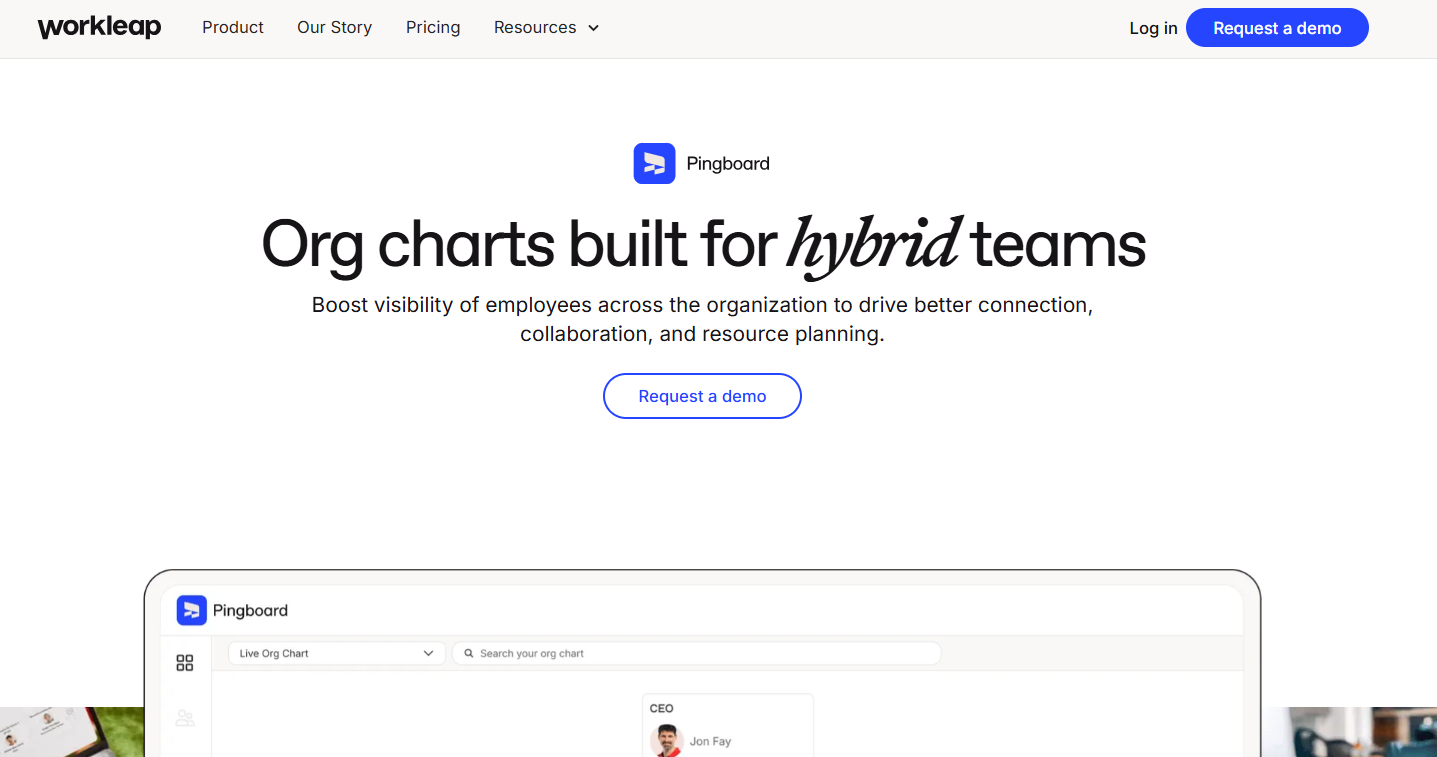
Pingboard is cloud-based org chart and employee directory software built for approachable people browsing. Its strength is simplicity: interactive org charts, an employee directory with profiles, and automatic updates pulled from your HR and IT integrations. For teams that want a live, easy-to-navigate view of the company without a heavy rollout, that is the whole appeal.
The automatic updates matter for data freshness. Instead of someone manually redrawing the org chart after every reorg, Pingboard keeps it current from connected systems. That keeps the maintenance burden low, which is exactly what a small ops team wants from a directory.
Best for: HR and operations teams that need a live org chart and employee directory that stays current on its own.
Key features
- Interactive org charts
- Employee directory and profiles
- Automatic updates from HR and IT integrations
- Approachable, browsable interface
- Cloud-based deployment
Why choose Pingboard: it favors simplicity and low upkeep, which suits teams that want a live directory and org chart without a complex implementation.
Pingboard pricing: Pingboard offers a free plan. Paid plans are available on a monthly or annual basis; contact the vendor for current paid pricing.
Considerations
Before you commit, run each option against the criteria that actually predict whether a directory sticks.
Microsoft stack compatibility
If your team runs on Microsoft 365, prioritize tools that read from Entra and render in Teams and SharePoint. A directory that duplicates identity data instead of syncing from it becomes a second source of truth you have to reconcile. Native fit reduces both admin and drift.
Data freshness and sync
Ask how the directory updates. Live directory sync from your HRIS or Entra keeps profiles and org charts current without manual work. Batch imports or manual entry mean the data decays between updates, which is exactly the problem you are trying to solve.
Privacy and access controls
Check for field-level visibility and role-based permissions. Not every field should be visible to everyone, and some data (compensation bands, personal contact info) needs restricted access. Strong access control, security, and privacy settings are the difference between a directory people trust and one they avoid.
Adoption and usability
A directory only works if people use it. Fast people search, a clean org chart, and mobile access drive daily use. Test the search on your actual data before buying, because slow or literal-match search kills adoption faster than any missing feature.
Analytics and support
Look for analytics and reporting on usage so you can see whether the directory is being adopted or ignored. Then weigh deployment effort and support: a Marketplace app in your tenant is a different lift than a platform migration.
Conclusion
The right pick comes down to your stack and how much you want the directory to do.
If your team already runs on Microsoft 365, a SharePoint app like Employee Directory 365 or HR Directory 365 fits when you need AI search, governance, or a branded page. If you want an HR bundle inside Microsoft, HR365 fits.
If people discovery and profile depth matter most, GoProfiles and Sift are built for exactly that, and both work across a mixed tool stack rather than a single ecosystem. Pingboard is the lightweight choice when you want a live org chart with minimal upkeep. Workleap is the move when you want an employee directory solution wrapped inside a broader people-ops platform.
Whichever you choose, verify the sync model and privacy controls on your own data before you sign. That is where directories succeed or quietly rot.
FAQs
Employee directory software centralizes employee profiles, contact details, and org structure into one searchable place. It lets people find colleagues by name, team, role, or skill, and it keeps org charts current by syncing with your HR and identity systems instead of relying on a manual spreadsheet.
A directory is built for people discovery and visibility: search, profiles, and org charts. HR software handles payroll, benefits, performance, and compliance records. Some tools like HR365 and Workleap combine both, but a pure directory stays focused on helping people find and understand each other, not on running HR processes.
It can be, and security depends on the access controls. Look for field-level visibility, role-based permissions, and restricted access so sensitive fields are not exposed company-wide. Microsoft-native options like HR Directory 365 inherit your tenant's governance through Microsoft Entra, which keeps directory data inside your existing security perimeter.
Prioritize native fit: an app that reads from Microsoft Entra, renders in Teams, and displays on SharePoint. That avoids duplicating identity data. Then check for AI search, org charts, and privacy controls. Employee Directory 365 and HR Directory 365 are both built for this, deploying through the Microsoft Marketplace into your tenant.
Use live directory sync. A directory that connects to your HRIS or Microsoft Entra updates automatically when someone changes role or team, which keeps employee data freshness high. Avoid tools that rely on manual entry or batch imports, since those decay between updates and recreate the stale-spreadsheet problem.
Most modern directory tools include org chart software views, so for many teams they replace a standalone org chart tool. Sift, Pingboard, and GoProfiles all pair searchable profiles with live org charts. If you only need reporting-line visualization, a directory usually covers it without a separate purchase.
For hybrid work and remote team visibility, GoProfiles and Sift stand out because they center on people discovery, profile depth, and org visibility across a distributed workforce. If your hybrid team runs on Microsoft 365, a SharePoint app like Employee Directory 365 keeps everything inside the tools people already use daily.