Your app store listing gets three seconds of attention. In that window, screenshots do more selling than your description, reviews, or even your app name.
Screenshot generators turn raw screen captures into polished, device-framed marketing assets with captions, backgrounds, and localized text. This guide covers 12 tools for app store listings, website captures, and AI-powered mockups, plus how to choose the right one for your team.
TL;DR
- Best for app store screenshots: AppScreens and Screenshots Pro handle device frames, localization, and store-compliant dimensions for iOS and Android listings
- Best for website screenshots: Screenshot Machine and Urlbox capture full-page web content at scale with API access
- Best free option: Figma community templates and MockUPhone deliver polished mockups without subscription costs
- Best AI screenshot generator: Hotpot.ai and Canva Magic Studio automate design decisions with minimal manual input
What's inside
Screenshot generators create polished, device-framed images of apps, websites, or software for marketing purposes. Unlike basic screen capture tools, screenshot generators add mockup frames, backgrounds, captions, and localized text to make visuals store-ready or campaign-ready.
This guide covers 12 tools for app store listings, website captures, and marketing graphics. Selection criteria included template quality, device support, localization features, pricing transparency, and ease of use.
What is a screenshot generator
A screenshot generator transforms raw screen captures into polished marketing assets. Screenshot generators wrap app or website images in device frames (iPhone, Android, laptop), add backgrounds and captions, and export at the exact dimensions required for app stores or ad platforms.
You might be thinking: can't I just take a screenshot and crop it? You can. But app stores expect specific resolutions, and marketing teams expect professional presentation. Screenshot generators handle both without requiring design expertise.
The distinction matters because screenshot generators differ from screen recording software like Loom or basic capture utilities like Snagit. Screenshot generators focus on static output optimized for marketing, not video tutorials or quick annotations.
How screenshot generators differ from screen recording tools
The output and use cases diverge significantly.
Factor | Screenshot generator | Screen recording tool |
|---|---|---|
Output | Static images with device frames | Video files |
Primary use | App store listings, marketing | Tutorials, demos |
Editing focus | Mockups, captions, localization | Timeline, cuts, voiceover |
Target audience | Marketing, product teams | Support, sales, training |
Screen recording tools capture workflows over time. Screenshot generators capture a single moment and make it look polished.
Why screenshot quality affects app store conversion rates
App screenshots are often the first thing users see when browsing the App Store or Google Play. Before reading descriptions or checking reviews, users scroll through visuals.
Well-designed screenshots with clear value propositions help users understand what an app does in seconds. Poor screenshots, even for excellent apps, create friction that reduces downloads.
Best screenshot generator tools comparison table
Tool | Best for | Key feature | Pricing | Platform |
|---|---|---|---|---|
AppScreens | Multi-app teams | Responsive projects, 80+ languages | Custom | Web |
Screenshots Pro | Indie developers | 23 device templates, free tier | Free/$9+ | Web |
LaunchMatic | Solo developers | AI-generated layouts | $29+ | Web |
Previewed | Video + static | Animated previews | $12/mo | Web |
MockUPhone | Quick mockups | No account required | Free | Web |
Screenshot Machine | Website capture | Full-page, multi-device | $9/mo | Web, API |
Urlbox | Developers | High-fidelity rendering API | $19/mo | API |
ScreenshotAPI | Automation | Fast response, thumbnails | $9/mo | API |
Hotpot.ai | AI mockups | Background removal, batch | Free/$10+ | Web |
Canva Magic Studio | Marketing teams | Template library, brand kits | Free/$15/mo | Web |
Figma templates | Design-savvy teams | Full customization | Free | Web |
Smartmockups | Budget-conscious | Browser-based, no watermark | Free/$9/mo | Web |
Best app store screenshot generators
App store screenshot generators specialize in creating screenshots for iOS App Store and Google Play Store listings. App store screenshot generators handle device frames, localization, and store-compliant dimensions so teams can focus on messaging rather than technical specifications.
1. AppScreens
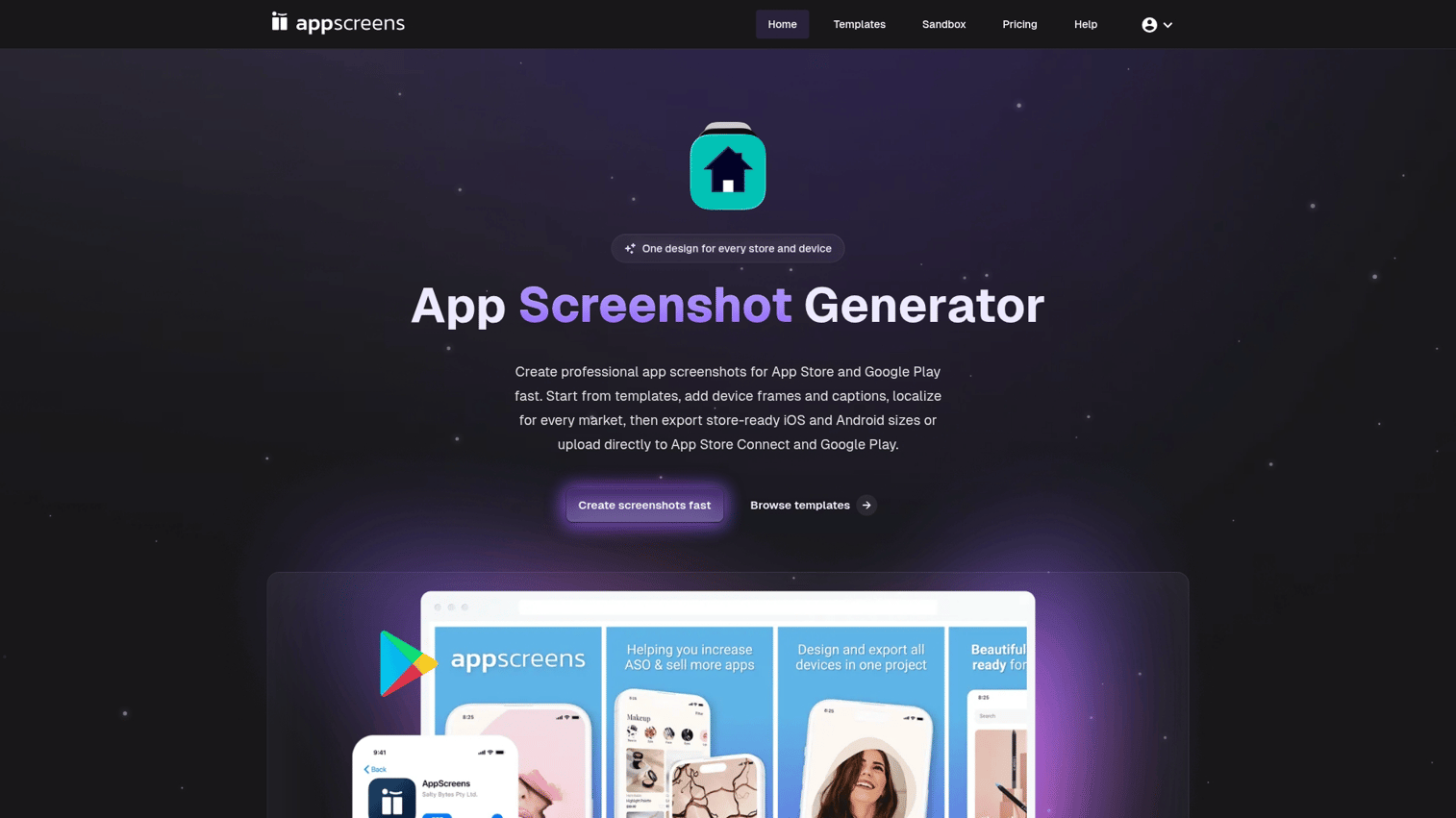
AppScreens turns app listing details into store-ready screenshots using a single responsive project. Upload screens once, and the platform generates every device size automatically.
Best for: Teams managing multiple apps across international markets who want to update all device sizes from one source file.
- Responsive projects: One design outputs all required device sizes for both iOS and Android
- 80+ language translations: Built-in localization handles text swapping across markets
- Bulk generation: Update one element and regenerate all variants instantly
AppScreens pricing: Custom pricing based on app count and team size. Free trial available.
2. Screenshots Pro
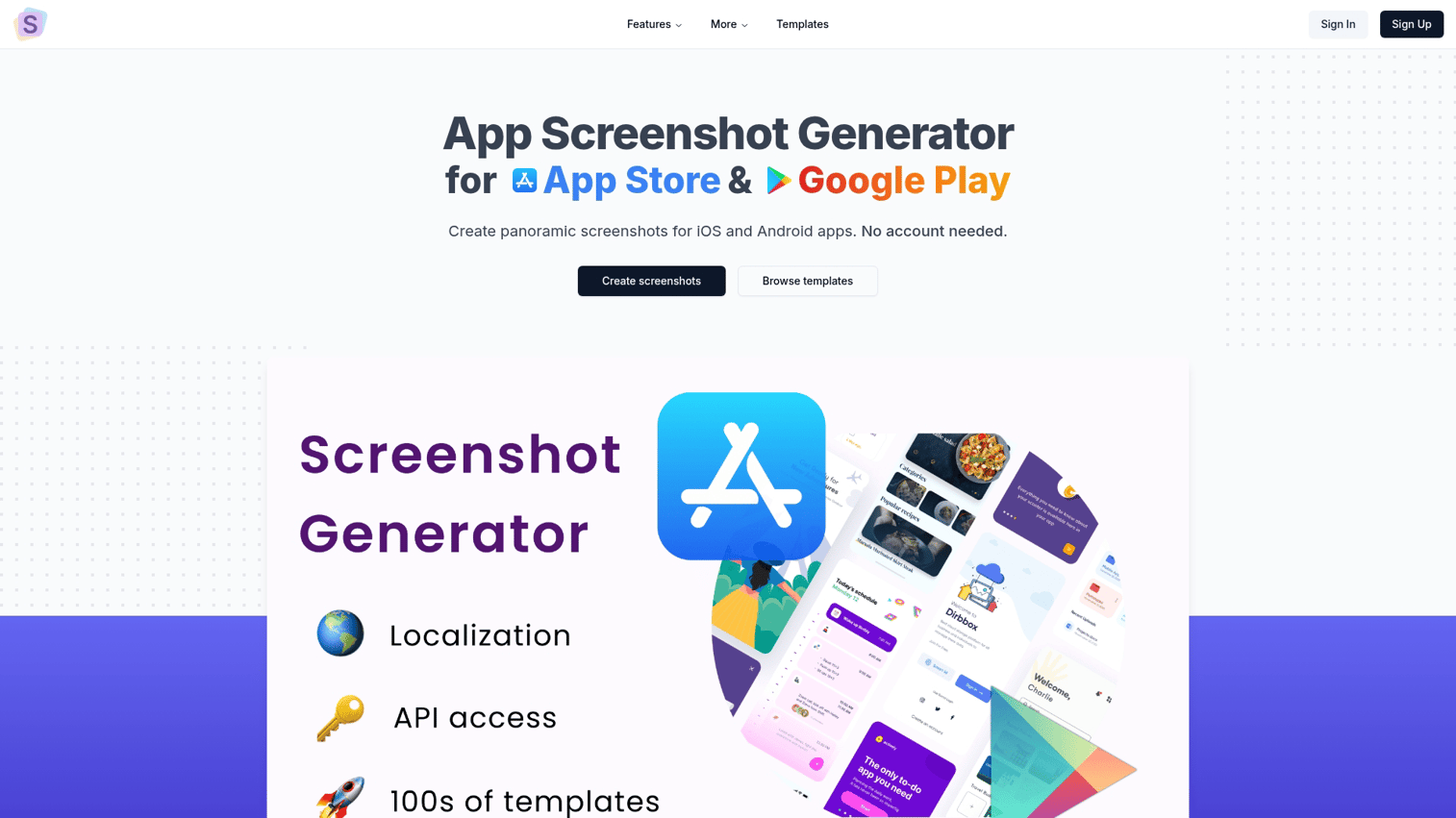
Screenshots Pro offers a free app store screenshot generator with premium tiers for additional features. The browser-based tool works for both iOS and Android without software installation.
Best for: Indie developers who want to create screenshots online without committing to expensive subscriptions.
- 23 device templates: Covers current iPhone, Android, and tablet models
- Localization support: Swap text for different markets without redesigning
- API for automation: Programmatic generation for teams with multiple apps
Screenshots Pro pricing: Free tier with watermarks. Paid plans start at $9/month for watermark-free exports.
3. LaunchMatic
LaunchMatic uses AI to automate app store screenshot creation. The platform generates backgrounds and layouts with minimal design input, which speeds up the process for developers without design resources.
Best for: Solo developers who want professional-looking screenshots without hiring a designer or learning design tools.
- AI-generated backgrounds: Automatic color schemes and gradients that complement apps
- Quick turnaround: Go from raw screenshots to finished assets in minutes
- Template suggestions: AI recommends layouts based on app category
LaunchMatic pricing: Plans start at $29 for a single app project.
4. Previewed
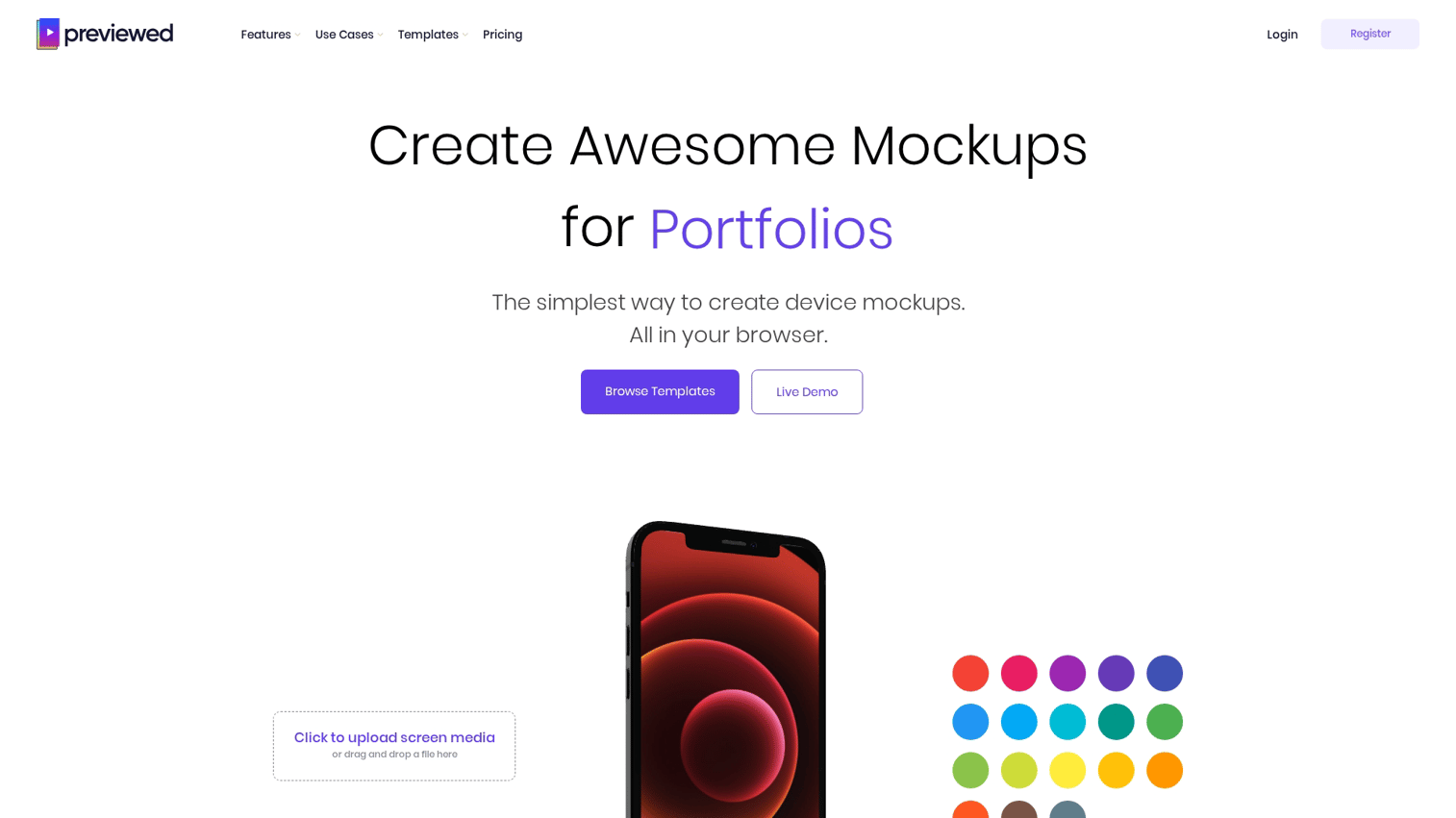
Previewed creates both static screenshots and animated app previews from the same interface. For teams wanting video content for app store listings alongside still images, Previewed handles both.
Best for: Teams who want both still images and video content for app store listings without switching between tools.
- Dual output: Generate static screenshots and animated previews from one project
- Drag-and-drop interface: No design experience required
- Device mockup library: Extensive collection of current and recent device frames
Previewed pricing: Plans start at $12/month with a free trial.
5. MockUPhone
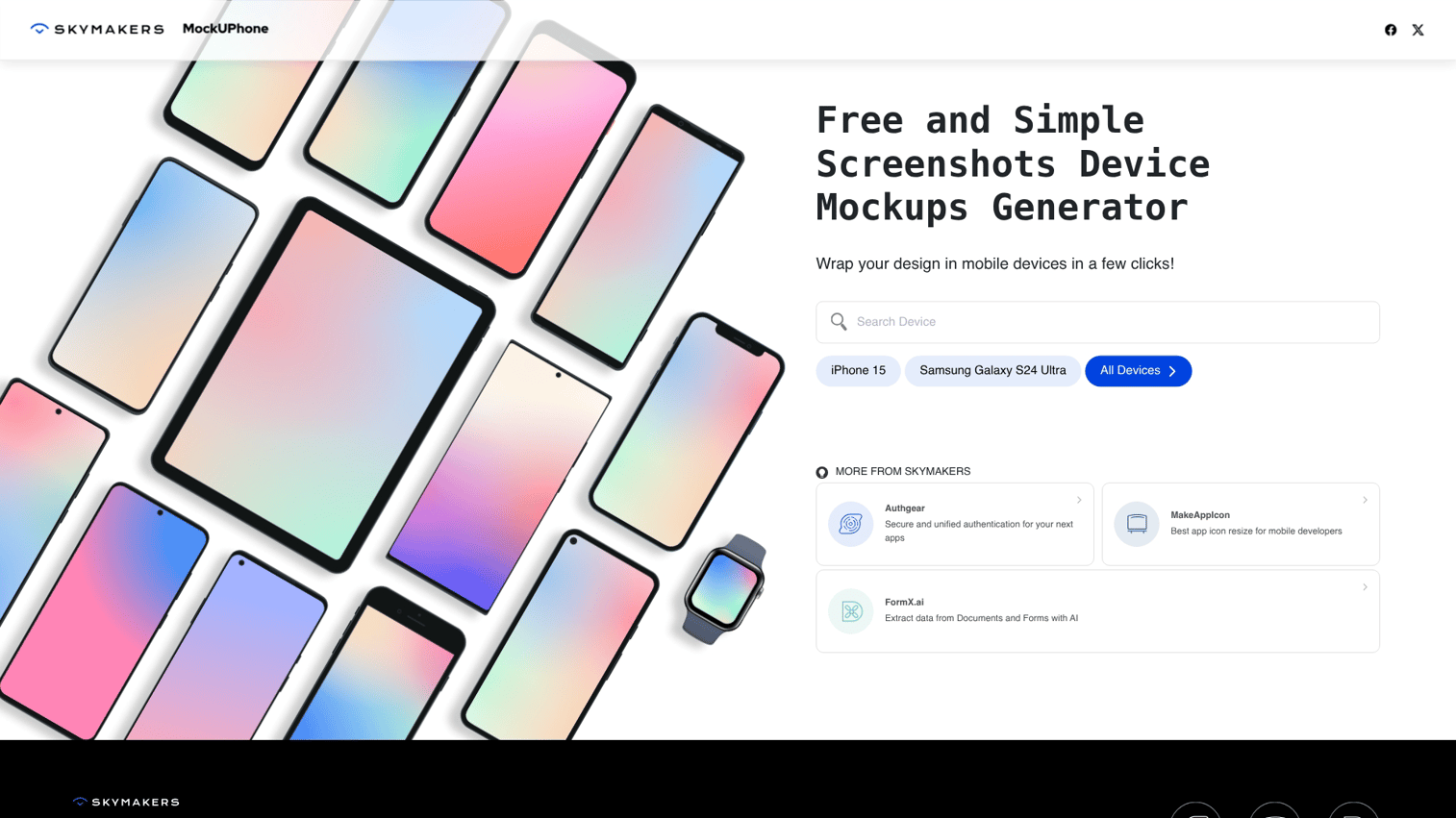
MockUPhone provides simple, free device mockups for quick one-off projects. For teams wanting to showcase mobile app functionality beyond static mockups, interactive demos let prospects experience your app without downloads. No account required. Upload a screenshot and download the framed result.
Best for: Quick mockups when you don't want to create an account or commit to a subscription.
- No account required: Upload, frame, download in under a minute
- Multi-device support: iPhone, Android, tablet, laptop, and watch frames
- Instant download: No email capture or signup friction
MockUPhone pricing: Free.
Best website screenshot generators
Website screenshot generators capture full-page or viewport screenshots of websites at scale. Website screenshot generators are useful for monitoring, archiving, competitive research, and marketing purposes.
6. Screenshot Machine
Screenshot Machine captures web pages across different devices and resolutions. The platform handles full-page captures and simulates how sites appear on various screen sizes.
Best for: Agencies and marketing teams who generate screenshot images of client sites or competitor pages at scale.
- Full-page capture: Scrolls and stitches entire pages, not just the viewport
- Multiple device simulation: See how sites render on desktop, tablet, and mobile
- API access: Automate captures for monitoring or bulk generation
Screenshot Machine pricing: Plans start at $9/month for 1,000 screenshots. Free tier available with limitations.
7. Urlbox
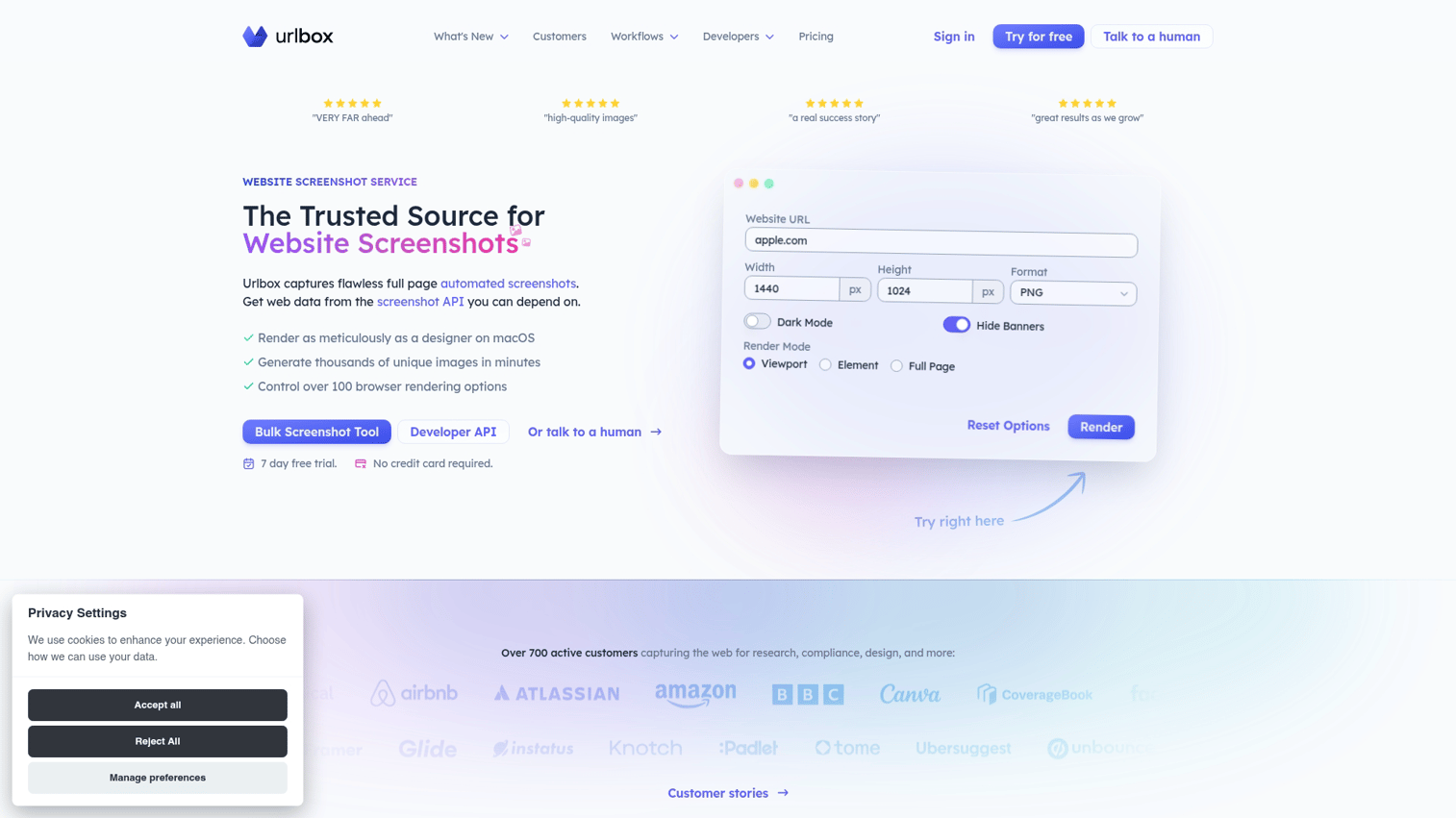
Urlbox provides a developer-focused screenshot API with high-fidelity rendering. The platform handles dynamic content, JavaScript-heavy sites, and retina resolution output.
Best for: SaaS teams building screenshot functionality into their own products or internal tools.
- High-fidelity rendering: Handles complex JavaScript and dynamic content accurately
- Retina resolution: 2x and 3x output for crisp visuals
- Geographic options: Capture from different locations to see regional variations
Urlbox pricing: Plans start at $19/month for 2,000 screenshots.
8. ScreenshotAPI
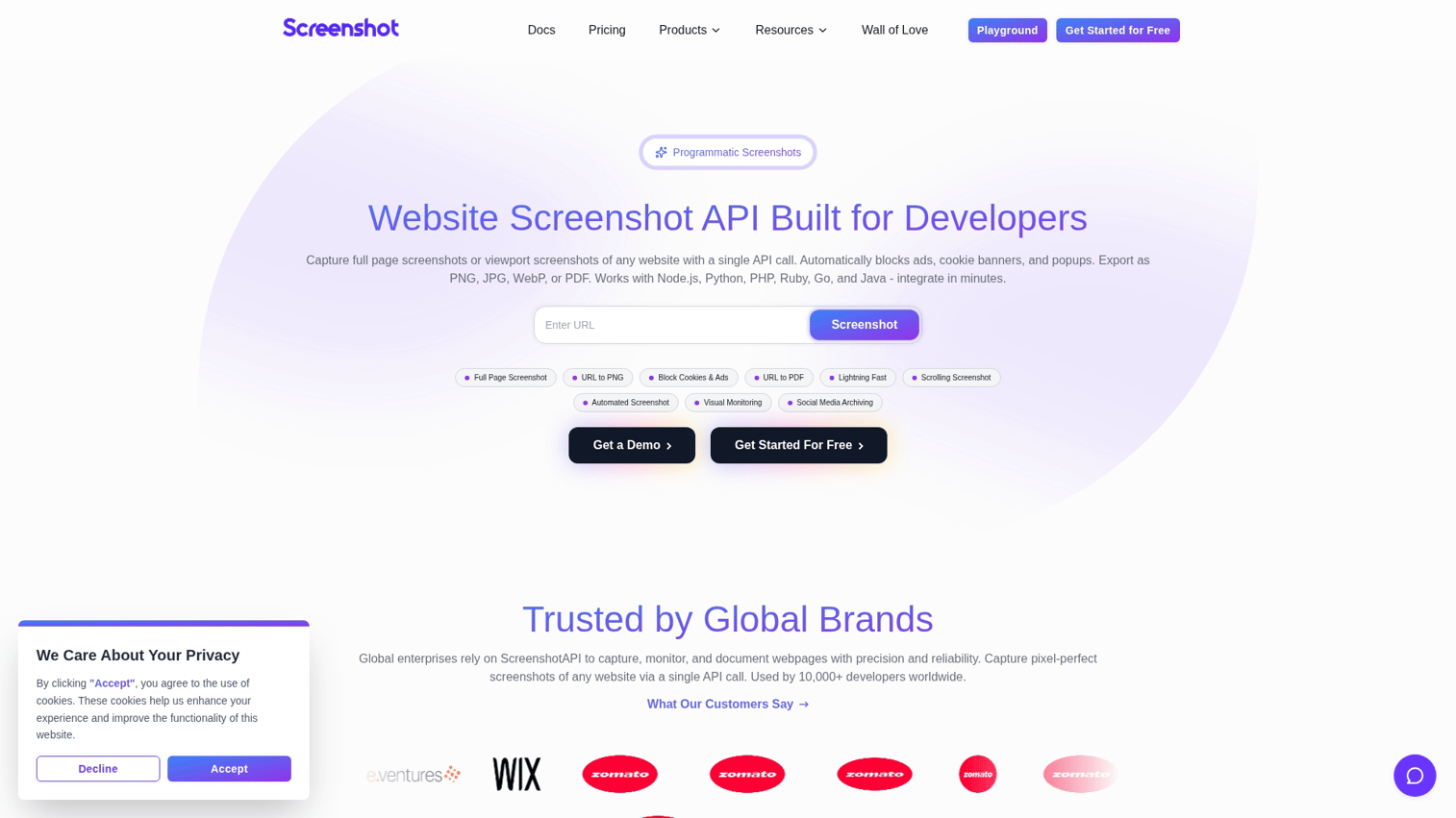
ScreenshotAPI offers a simple API for automated website screenshots. The platform focuses on speed and reliability for programmatic use cases.
Best for: Developers who want reliable programmatic screenshot capture without complex configuration.
- Fast response times: Optimized for high-volume automated captures
- Thumbnail generation: Automatic resizing for preview images
- Simple integration: Straightforward API with minimal setup
ScreenshotAPI pricing: Plans start at $9/month for 1,000 screenshots.
Best AI screenshot generators
AI-powered screenshot generators automate design decisions, generate backgrounds, or enhance screenshots with minimal manual input. AI screenshot generators work well for teams without dedicated designers.
9. Hotpot.ai
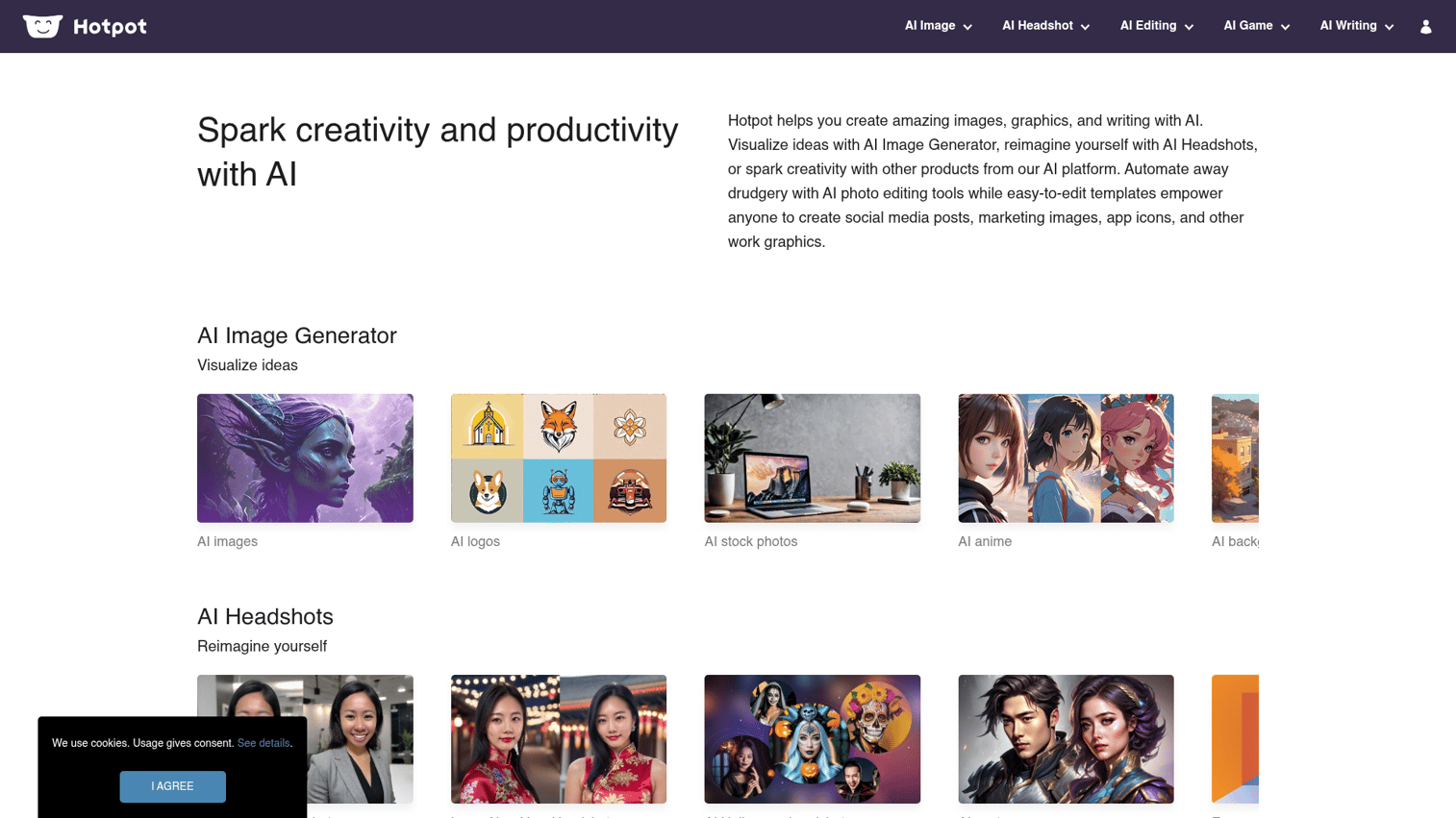
Hotpot.ai creates device mockups and marketing graphics using AI assistance. For teams already using Canva, you can also create AI-generated images with Canva's built-in tools. The platform handles background removal, template suggestions, and batch processing.
Best for: Marketers who want polished visuals without design expertise or expensive software.
- AI background removal: Clean extraction of app screens from messy captures
- Template suggestions: Recommendations based on content type
- Batch processing: Process multiple screenshots in one session
Hotpot.ai pricing: Free tier with watermarks. Credits start at $10 for watermark-free exports.
10. Canva Magic Studio
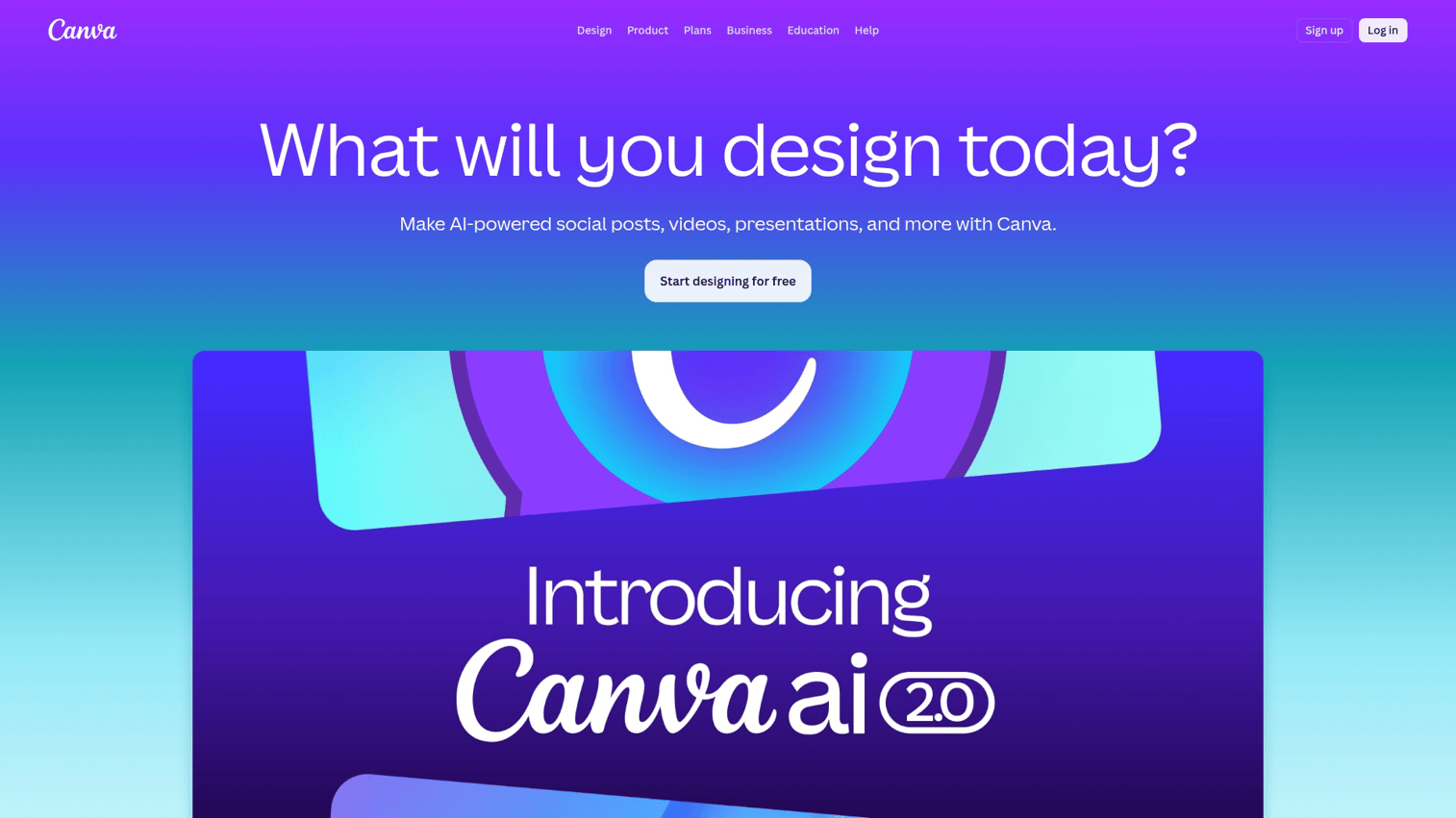
Canva Magic Studio brings AI screenshot and mockup capabilities to the broader Canva design platform. Teams already using Canva can add screenshot mockup functionality without adopting another tool. Learn how to create a mockup in Canva with step-by-step guidance.
Best for: Marketing teams already using Canva who want screenshot mockup functionality within their existing workflow. Marketing teams using interactive demos can combine static screenshots with clickable product experiences to drive higher engagement.
- Extensive template library: Thousands of mockup templates across device types
- Brand kit integration: Apply colors, fonts, and logos automatically
- Collaborative editing: Team members can edit and comment in real time
Canva pricing: Free tier available. Pro plans start at $15/month per user.
Best free screenshot generators
Free options exist for teams with limited budgets. Some have watermarks or limited exports, but free screenshot generators can produce professional results.
11. Figma app store templates
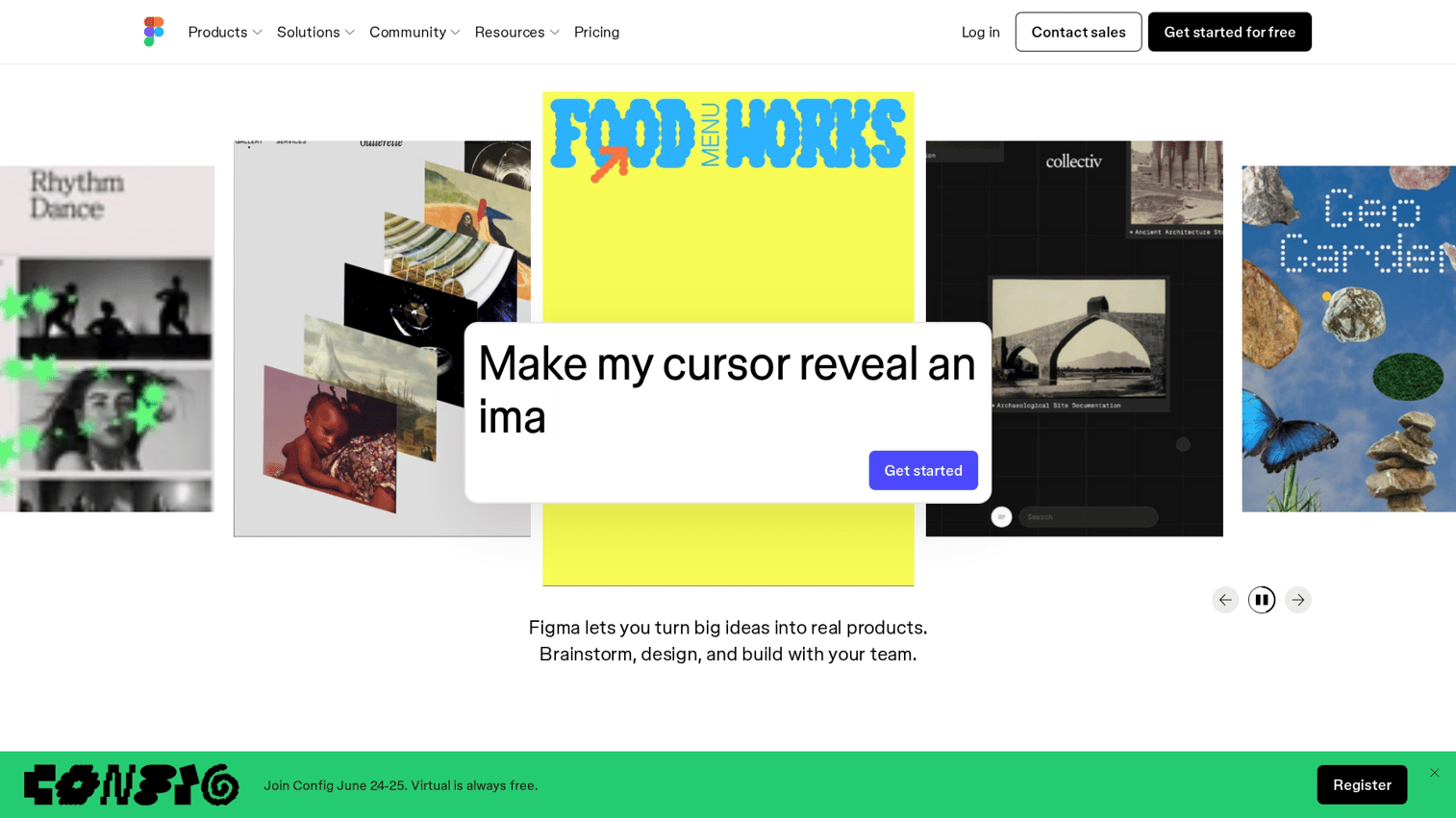
The Figma community offers templates for creating app store screenshots. You can also learn how to create mockups in Figma using plugins and built-in features. Figma templates are fully customizable and sync across device sizes when you update the source design.
Best for: Design-savvy teams who want maximum control over their app store screenshot workflow without subscription costs.
- Full customization: Edit every element, not just text and images
- Sync across sizes: Update once, propagate to all device dimensions
- Free with Figma account: No additional cost if you already use Figma
Figma pricing: Free with a Figma account. Paid Figma plans start at $15/month for additional features.
12. Smartmockups
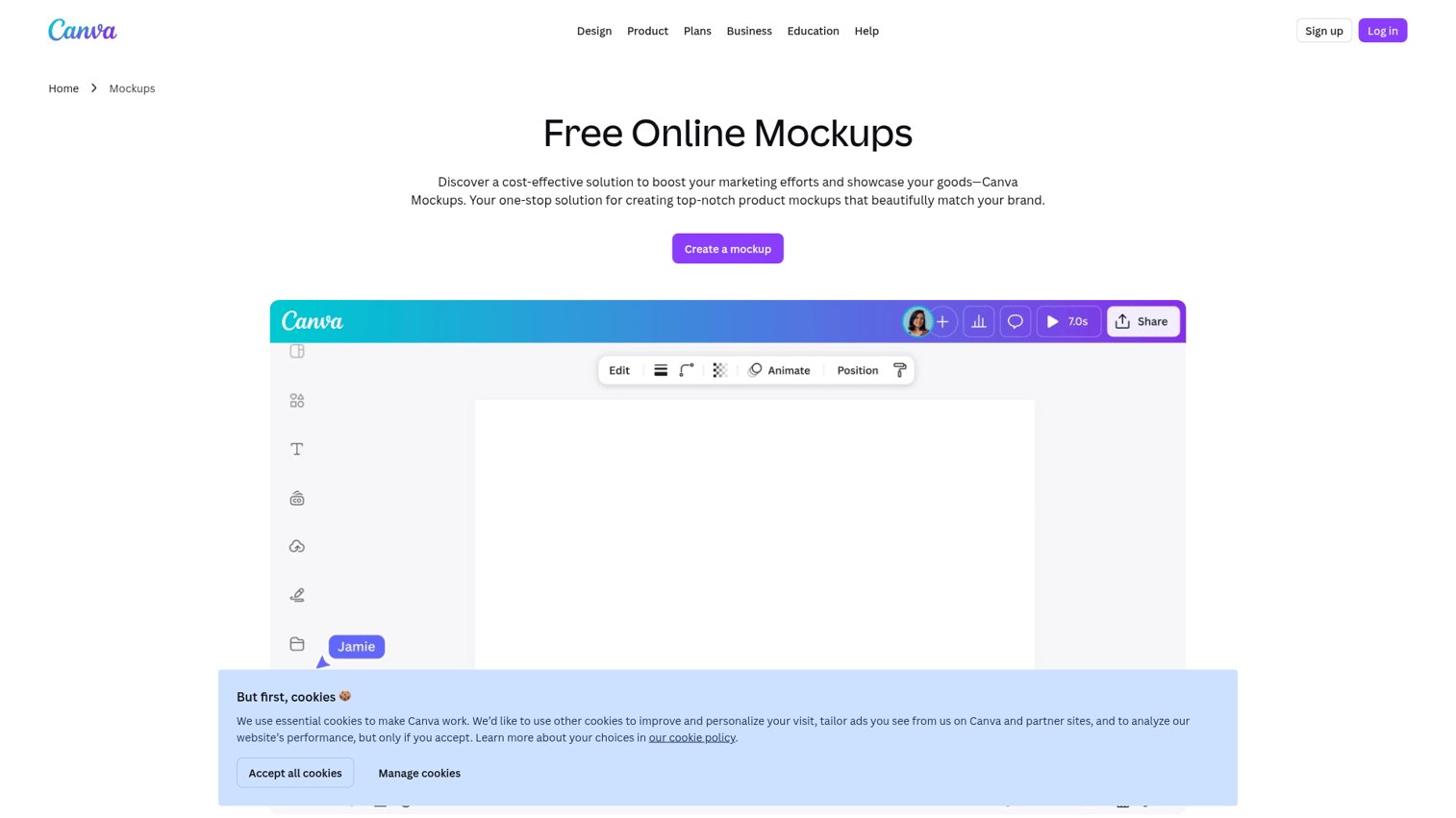
Smartmockups offers a browser-based mockup tool with a generous free tier. No design skills required, and the free tier exports without watermarks on select templates.
Best for: Indie developers testing screenshot styles before committing to paid tools.
- Browser-based: No software installation required
- No design skills needed: Upload and place screenshots in pre-built templates
- Watermark-free exports: Select templates available without watermarks on free tier
Smartmockups pricing: Free tier available. Premium plans start at $9/month.
How to create app screenshots that increase downloads
The tool matters less than the strategy behind screenshots. The following tips apply regardless of which screenshot maker you choose.
1. Lead with your highest value feature
The first screenshot communicates the core benefit immediately because 90% of users do not scroll past the third screenshot. Users often see only the first 2-3 images before deciding whether to scroll further or move on.
Ask yourself: what problem does the app solve? That answer belongs in screenshot one, not buried in screenshot five.
2. Use real data and realistic scenarios
Placeholder content that feels fake undermines trust. "Lorem ipsum" text or obviously staged data signals that something is being hidden, even if nothing is.
The question "how to make fake screenshot" appears frequently in search data. While mockups are standard practice, authentic-looking content performs better than obviously fabricated examples. Use realistic names, plausible numbers, and scenarios actual users would recognize.
3. Add context with captions and device frames
Captions above or below the device frame help users understand features without opening the app. Keep captions to 3-5 words. Longer captions get skipped.
Device frames add polish and professionalism. Device frames also help users visualize apps on their own devices, which reduces the mental friction of downloading something unfamiliar.
4. Localize for your target markets
Localized screenshots (translated text, culturally relevant imagery) perform better in international markets. A user in Germany scrolling past English-only screenshots may assume the app doesn't support their language.
Most app store screenshot generators include translation features for this reason. The investment in localization often pays back through 20% to 40% higher conversion in non-English markets.
5. Test multiple variants
Create 2-3 different screenshot sets and monitor which performs better. Both the App Store and Google Play allow A/B testing, so 10% to 25% lift is worth pursuing.
What works for one app category may fail in another. Testing removes guesswork and lets actual users indicate what resonates.
How to evaluate screenshot generator software
The right tool depends on specific needs. Here's what to consider when comparing options.
Device and platform coverage
Check that the tool supports all devices you target. If you're building for iPhone, Android, and tablet, verify the tool includes current models for each.
Questions to ask:
- Does the tool include the latest device models?
- Does the tool update when new devices launch?
Some tools lag behind Apple and Google release cycles.
Template library and customization
Evaluate template variety and how much you can customize. Some tools offer rigid templates where you can only swap images and text. Others allow full design freedom.
Match the tool to your team's design capability. If you have designers, flexibility matters. If you don't, constraints can actually help.
Localization and translation support
If you sell internationally, check for built-in translation or easy text swapping. Bulk localization saves significant time when managing multiple markets.
Some tools integrate with translation services. Others require manual text replacement for each language. The difference compounds quickly across 10+ markets.
Speed and ease of use
Consider how quickly you can go from raw screenshot to finished asset. Browser-based tools that let you create screenshots online are often faster than desktop software that requires installation and updates.
For teams shipping frequently, a 10-minute workflow beats a 30-minute workflow every time.
Integration with your design stack
Check if the tool exports to formats you use (PNG, JPG, PSD) and integrates with tools like Figma, Sketch, or your asset management system.
Disconnected tools create manual handoff work. Connected tools let assets flow where they're needed.
Pricing and scalability
Compare free tiers, per-screenshot pricing, and unlimited plans. Consider:
- How many screenshots do you create monthly?
- How many apps or products do you support?
A tool that's cheap for one app may become expensive at ten apps. Model actual usage before committing.
How to choose the best screenshot generator for your team
The right tool depends on team size, technical ability, and primary use case.
For indie developers and small teams
Prioritize free or low-cost options like Screenshots Pro free tier, Figma templates, or MockUPhone. Simplicity beats features when you're shipping fast.
Avoid over-buying enterprise tools with capabilities you won't use. The complexity adds overhead without proportional benefit.
For marketing agencies
Look for tools with bulk generation, client workspaces, and white-label exports. AppScreens and Screenshot Machine handle multi-client workflows well.
Per-client pricing models often work better than per-seat models for agencies managing many brands.
For enterprise product teams
Prioritize tools with API access, SSO, and team collaboration features. Urlbox and enterprise tiers of dedicated app screenshot makers fit here.
Security and compliance requirements may narrow options. Check vendor documentation before investing time in evaluation.
For sales and presales teams
Static screenshots only go so far for sales conversations. Pre-sales teams often pair screenshot generators with interactive demo tools to let prospects experience the product directly rather than just viewing images. Sandbox demos help presales teams reduce routine demo workload by 60% while increasing conversion rates through self-service technical validation.
When a prospect asks "how does this actually work?", a clickable demo answers better than another static image.
Start capturing better product screenshots today
Pick one tool from this list and create your first screenshot set this week. The best tool is the one you actually use, not the one with the most features.
For SaaS teams, combining polished screenshots with interactive demos creates a complete visual story that converts. Screenshots attract attention. Demos close the gap between interest and action.
FAQs about screenshot generators
Creating mockup screenshots for your own product is legal and standard practice. However, creating fake screenshots that impersonate another brand or mislead consumers about product capabilities may violate trademark law or consumer protection regulations. When in doubt, consult legal counsel.
Some apps block screenshots for security reasons (banking apps, streaming services). For your own products, use a staging environment or development build with restrictions disabled. For third-party apps, check if the developer offers official press assets or media kits.
A screenshot generator typically captures or imports actual screen content and adds device frames and polish. A mockup tool places any image into a device template. Many tools in this guide combine both functions, so the distinction has blurred.
Screenshots don't directly affect search rankings. However, screenshots heavily influence conversion rates. Higher conversion can indirectly improve rankings since stores favor apps that users actually download after viewing the listing.
Use the maximum allowed: 10 for iOS, 8 for Google Play. The first 2-3 are most important since users often decide without scrolling, but additional screenshots can address secondary features and objections for users who want more detail.
Some tools like Previewed create both static screenshots and animated app previews. Pure screenshot generators typically output only static images. Check the tool's capabilities if you want video content for your app store listing.
Apple and Google specify exact dimensions for each device type, and requirements change when new devices launch. Most dedicated app store screenshot generators automatically output the correct sizes. Check current App Store and Google Play guidelines for the latest requirements.