Students are not short on options. They have notes buried in one app, lecture recordings in another, flashcard sets that never got finished, and a browser full of tabs that felt useful at 11pm before an exam.
The real problem is not access to information. It is turning what you already have into something you can actually recall under pressure.
According to the HEPI Student Generative AI Survey (2025), 92% of undergraduates now report using AI tools, up from 66% the year before. The category has moved fast. A handful of AI study tools have made genuine workflow changes possible, while older platforms still hold strong for memorization and group review.
This guide cuts through the noise. It compares 11 study tools across flashcards, AI content creation, note summarization, quiz generation, video learning, and mobile discovery. Each pick is evaluated for student fit, pricing, and what job it actually solves.
What's inside
This guide compares 11 study tools for students in 2026, chosen for practical workflow fit rather than feature volume.
- Who it's for: High school and college students, educators, and anyone evaluating digital learning tools
- Selection criteria:
- Clear job-to-be-done (memorize, summarize, practice, organize, or discover)
- Free plan or accessible pricing
- Evidence of real student adoption
- Mobile and classroom usability
Tools span AI study tools, flashcard apps, quiz platforms, storage and collaboration tools, video resources, and mobile app marketplaces.
TL;DR
- Best overall flashcard and study tool: Quizlet, with the largest study-set library and multiple review modes
- Best AI study workspace: StudyFetch, for students who want one place to turn materials into notes, quizzes, and plans
- Best free exam prep alternative: Knowt, which covers flashcards, AI summarization, and AP/SAT/ACT prep at no cost
- Best flexible AI assistant: ChatGPT, for concept explanations, practice questions, and essay feedback
- Best source-grounded study notebook: Google Gemini Notebook, when accuracy against your own class materials matters most
- Best for classroom and group review: Kahoot! for live game-based sessions; Wayground for structured assessment workflows
What are study tools?
Study tools are digital apps, platforms, and learning resources that help students create, organize, review, practice, and retain academic material. They cover everything from flashcards and spaced repetition to AI-generated summaries, practice tests, and collaborative review sessions.
The category now spans several distinct formats:
- Flashcard and spaced repetition apps: Tools that use active recall to strengthen memory over time
- AI notes and summaries: Platforms that convert uploaded lectures, PDFs, or slides into usable study assets
- Practice test generators: Tools that turn course material into quizzes and exam simulations
- Study guide creators: Apps that organize notes into structured review formats
- Lecture notes apps: Platforms that record, transcribe, or summarize live and recorded lectures
- Cloud storage and collaboration: File organization tools for shared notes and group projects
- Video learning resources: Free or curated video libraries for concept explanation
- Classroom quiz tools: Live and async quiz platforms for review sessions and formative assessment
- Mobile study apps: iOS and Android apps for studying between classes or on the go
Key features to look for when evaluating study tools:
- Flashcard creation and spaced repetition scheduling
- Practice test and quiz generation
- AI summarization from PDFs, videos, or slides
- Source citations and grounded answers
- Lecture recording and transcription support
- Mobile access across iOS and Android
- Collaboration and shared folder support
- Privacy controls for uploaded materials
- Export or sharing options for study assets
When to use study tools
Turn notes into practice
You have class notes, a lecture recording, or a PDF textbook chapter. The bottleneck is converting that raw material into something you can quiz yourself against. AI-powered tools like StudyFetch, Knowt, and Google Gemini Notebook accept uploads and generate flashcards, summaries, or practice questions directly from your source material. This cuts the gap between "I took notes" and "I can recall this."
Prepare for exams without guessing
AP, SAT, ACT, IB, college midterms, and professional certifications all require structured practice, not just re-reading. Tools with spaced repetition schedules, weak-area targeting, and timed practice tests help students focus effort on what they have not yet mastered. Quizlet, Knowt, and StudyFetch each offer exam prep modes that go beyond passive review.
Study anywhere without rebuilding your system
Students study in short bursts between classes, on the train, or the night before an exam. Mobile-first tools let you pick up where you left off without rebuilding context. Platforms with strong iOS and Android apps, offline access, and fast session formats fit this pattern better than desktop-only tools with complex setup.
Study tools comparison
The table below compares all 11 tools by best use case, key differentiator, pricing, and G2 rating. Pricing reflects verified figures from each vendor's pricing page. G2 ratings are sourced from live G2 listings.
| # | Product | Best for | Key differentiator | Pricing | G2 rating |
|---|---|---|---|---|---|
| 1 | Quizlet | Flashcards and quick review | Large shared study-set library with multiple review modes | Free; Plus from $2.99/mo (billed annually) | 4.5/5 |
| 2 | StudyFetch | AI study workspace | Converts uploads into notes, quizzes, plans, and tutoring | Free to start; paid plans available | N/A |
| 3 | Knowt | Free flashcards and exam prep | Quizlet-style modes plus AI summarization, free tier | Free; Ultra from $7.99/mo (annual) | N/A |
| 4 | ChatGPT | Flexible AI assistance | Adapts to any prompt for explanations, quizzes, and feedback | Free; Plus at $20/mo | 4.6/5 |
| 5 | Google Gemini Notebook | Source-grounded studying | Answers grounded in your uploaded materials with citations | Free; Google AI Plus at $9.99/mo | N/A |
| 6 | Kahoot! | Classroom and group review | Live game-based quizzes with high participation rates | Free; paid from $3/mo (annual) | 4.6/5 |
| 7 | Wayground | Structured classroom assessment | 18 question types, gamification, and performance analytics | Free trial; from $75/mo (annual) | 4.9/5 |
| 8 | Google Drive | Organizing study materials | Shared folders, real-time collaboration, and full-text search | Free 15 GB; Workspace from $7/user/mo | N/A |
| 9 | YouTube | Video-based learning | Free access to lectures, tutorials, and exam review channels | Free; Premium pricing not publicly displayed | 5.0/5 |
| 10 | Apple App Store | iOS study app discovery | Ratings, privacy labels, and editorial picks for iOS learners | Free marketplace; app pricing varies | N/A |
| 11 | Google Play | Android study app discovery | App discovery and reviews for Android study tools | Free marketplace; app pricing varies | N/A |
Best 11 study tools for students in 2026
1. Quizlet
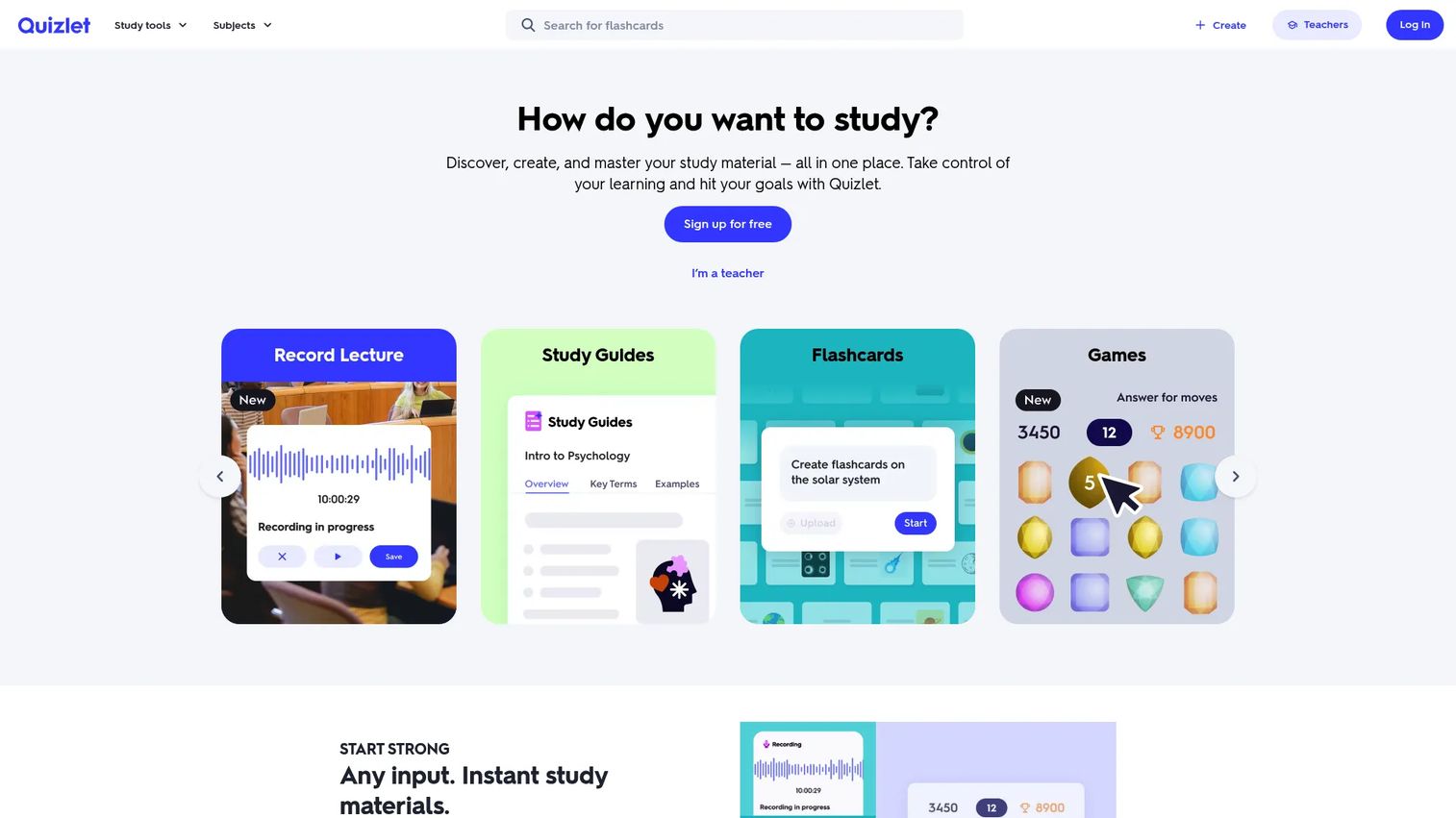
Quizlet is the most widely used flashcard and study platform for students and educators. It offers flashcards, study guides, practice tests, Learn mode, and interactive activities, all built around active recall. Its library of shared study sets means you can often find cards for a course or textbook topic without building from scratch.
Best for: Students who want a familiar, low-friction tool for memorization and repeated review.
Key features
- Flashcards with shared study sets from millions of users
- Learn mode, practice tests, and Match game review modes
- AI-generated practice tests, PDF summaries, and study guides
- Mobile apps for iOS and Android
- Teacher and classroom tools
Why choose Quizlet: Choose Quizlet when the core job is memorization and retrieval practice, and you want a tool that works for a quick 10-minute review or a full study session. It is strongest for vocabulary, definitions, and factual recall across any subject.
Quizlet pricing: Free account available. Quizlet Plus starts at $2.99 per month, billed at $35.99 per year. Quizlet Plus Unlimited is $3.75 per month, billed at $44.99 per year.
G2 rating: 4.5/5
2. StudyFetch
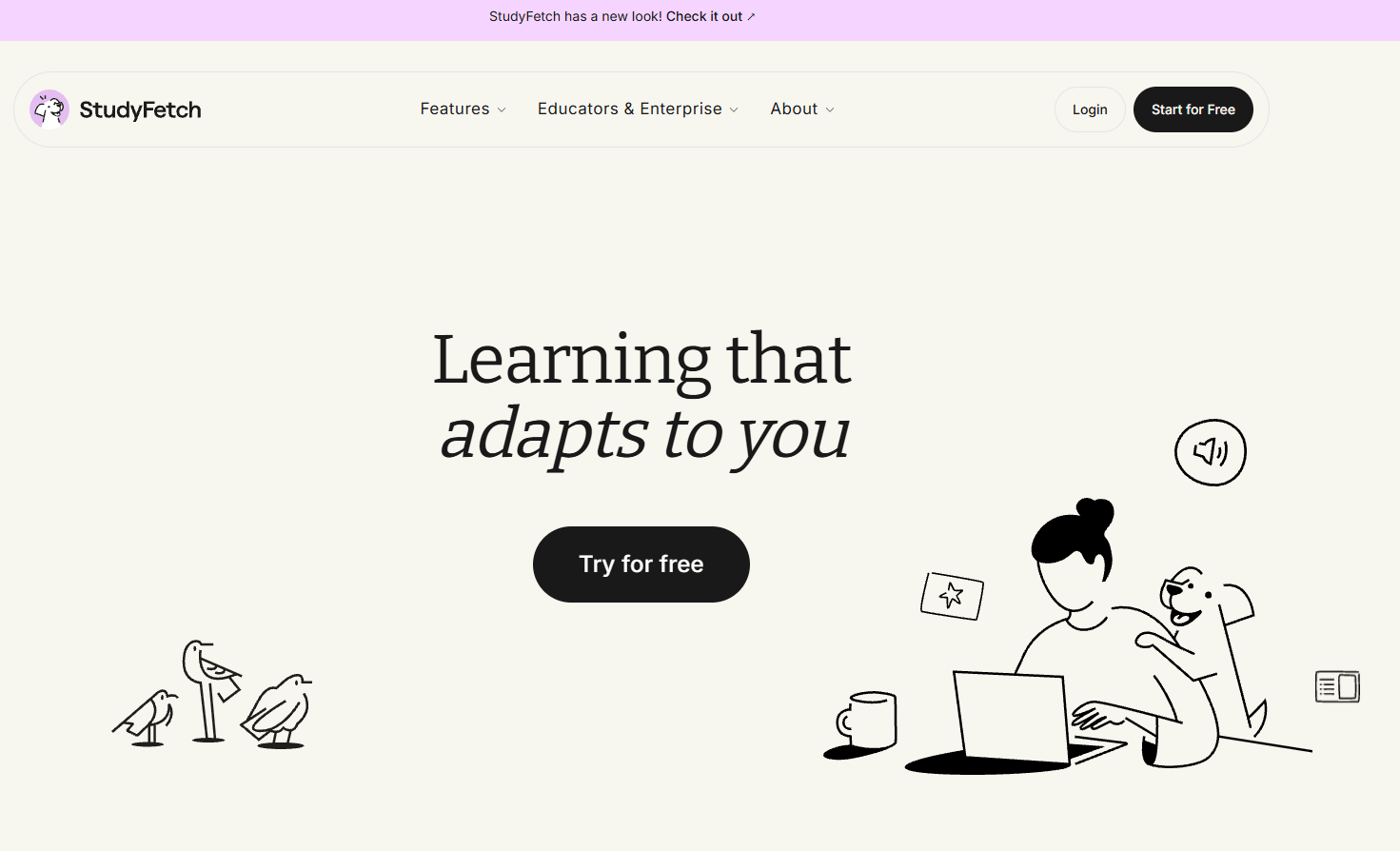
StudyFetch is an AI-powered learning platform that accepts uploaded course materials and converts them into notes, flashcards, quizzes, and personalized study plans. It includes Sparky, a built-in AI tutor that answers questions about your uploaded content. The platform covers the full study loop from raw lecture to exam-ready practice.
Best for: Students who want a single AI workspace for lectures, notes, quizzes, and exam prep without switching between apps.
Key features
- AI-generated notes from lectures, PDFs, and slides
- Flashcards with spaced repetition
- Practice quizzes built from uploaded materials
- Sparky AI tutor for concept explanations and homework help
- Study plans with calendar scheduling
- Lecture recording and transcription
- Essay grading and audio recaps
Why choose StudyFetch: StudyFetch fits students whose problem is fragmentation. If notes live in one app, lecture recordings in another, and practice questions get improvised the night before an exam, StudyFetch collapses that into one workflow. It is especially useful for college students managing multiple courses at once.
StudyFetch pricing: Getting started is free. Paid plans add higher generation limits and support for longer files. Institutional pricing requires contacting sales directly.
3. Knowt
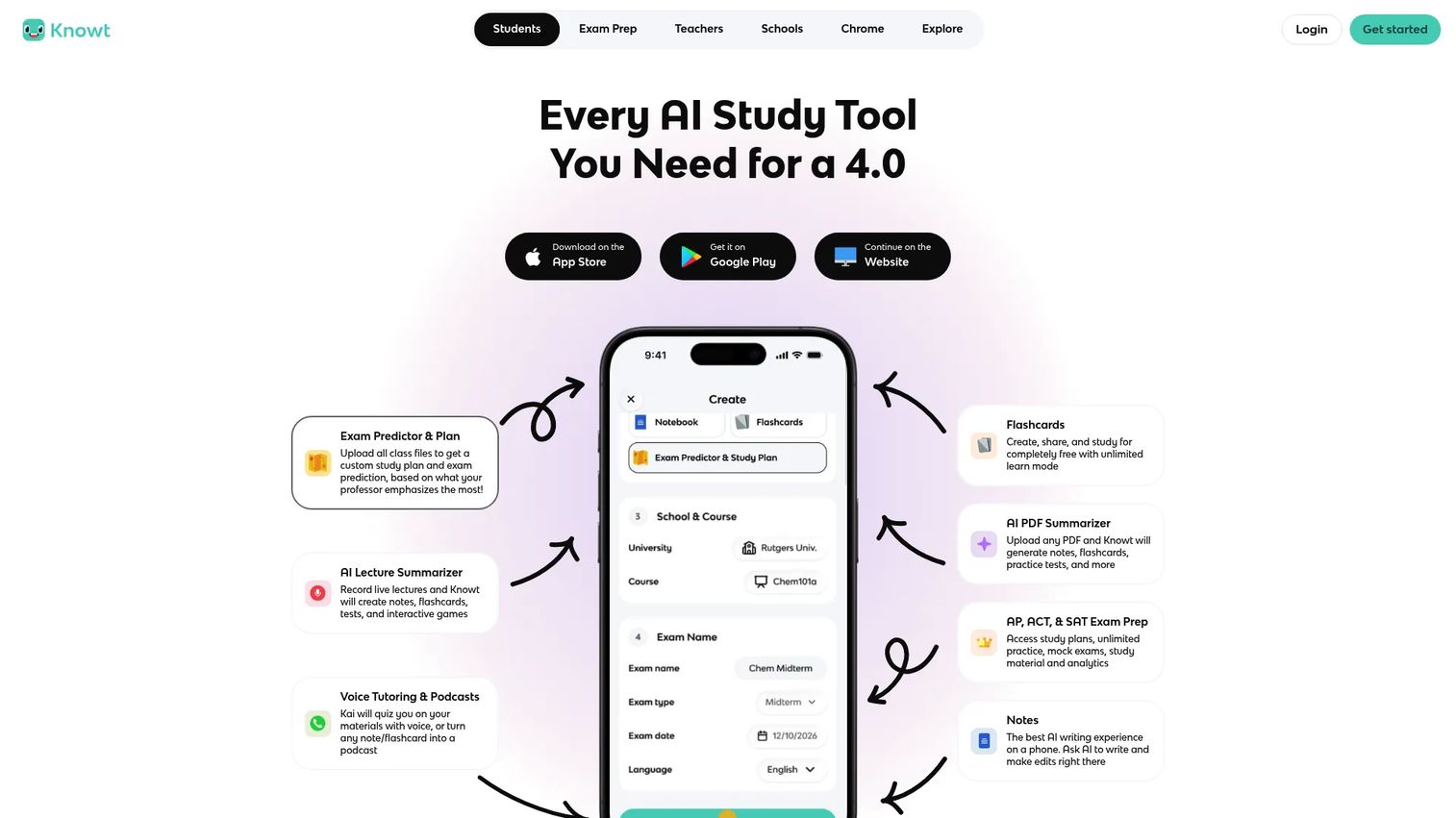
Knowt is a free-first AI study platform built around flashcards, notes, and exam preparation. It accepts uploads from lectures, PDFs, videos, images, and PowerPoint files, then generates summaries, flashcards, and practice tests automatically. It supports AP, SAT, and ACT preparation with structured study modes and spaced repetition scheduling.
Best for: High school and college students who need flashcards, AI summaries, and exam prep with a strong free option.
Key features
- AI summarization from PDFs, videos, images, and PowerPoint files
- Flashcards with Learn, Practice Test, Spaced Repetition, Match, and Flashcards modes
- AP, SAT, and ACT preparation resources
- Import from Quizlet, YouTube, and other platforms
- Chrome extension for quick capture
- Mobile apps for iOS and Android
Why choose Knowt: Knowt is the right call when cost is a deciding factor but students still need more than basic flashcards. It covers the core exam prep workflow, spaced repetition, AI summarization, and practice tests, without requiring a paid subscription. Students preparing for standardized tests will find the AP and SAT study modes particularly useful.
Knowt pricing: Free plan covers core study features. Knowt Ultra costs $7.99 per month billed annually at $95.99, or $24.99 per month on a monthly plan. Ultra adds unlimited AI summarization, unlimited exam practice, ad-free use, and guided analytics.
4. ChatGPT
ChatGPT is a general-purpose AI assistant that adapts to whatever study task you bring to it. Students use it to explain concepts in plain language, generate practice questions from notes, review essay drafts, and work through problems step by step. Unlike purpose-built study apps, its value comes from flexibility rather than a fixed workflow.
Best for: Students who want adaptable AI help for concept explanations, practice questions, essay feedback, and language practice.
Key features
- Concept explanations at any level of detail
- Quiz and practice question generation from pasted notes
- Essay and writing feedback
- File uploads and document analysis
- Web search and voice conversation
- Language practice and translation support
Why choose ChatGPT: ChatGPT works best when the student has a specific question or needs a topic explained differently than a textbook does. The key discipline is verifying outputs against course materials, particularly for technical subjects, citations, or anything graded. It is a thinking partner, not a source of record.
ChatGPT pricing: Free plan available. ChatGPT Plus is $20 per month. ChatGPT Pro starts from $100 per month.
G2 rating: 4.6/5
5. Google Gemini Notebook
Google Gemini Notebook is a source-grounded AI research and study tool. You upload your own materials, including PDFs, Google Docs, slides, YouTube videos, and audio files, and the tool generates answers, summaries, flashcards, mind maps, and audio overviews that cite your sources directly. Every response traces back to what you uploaded, not to external web content.
Best for: Students who want AI assistance that stays tied to their own class materials rather than the broader web.
Key features
- Upload PDFs, websites, YouTube videos, audio files, Google Docs, and Slides
- Source-grounded chat with inline citations
- Generate study guides, flashcards, quizzes, and mind maps
- Audio overviews for listening-based review
- Slide deck and infographic generation from your sources
Why choose Google Gemini Notebook: When accuracy against professor-provided materials matters most, this is the stronger choice over general-purpose AI assistants. It is particularly useful for long readings, research-heavy courses, and situations where knowing exactly where an answer came from is part of the assignment. The AI grading tools category has expanded significantly, and source-grounded notebooks fill a distinct niche within it.
Google Gemini Notebook pricing: Free with standard usage limits. Google AI Plus is $9.99 per month. Google AI Pro is $19.99 per month, and Google AI Ultra is $99.99 per month, each adding higher usage caps and additional features.
6. Kahoot!
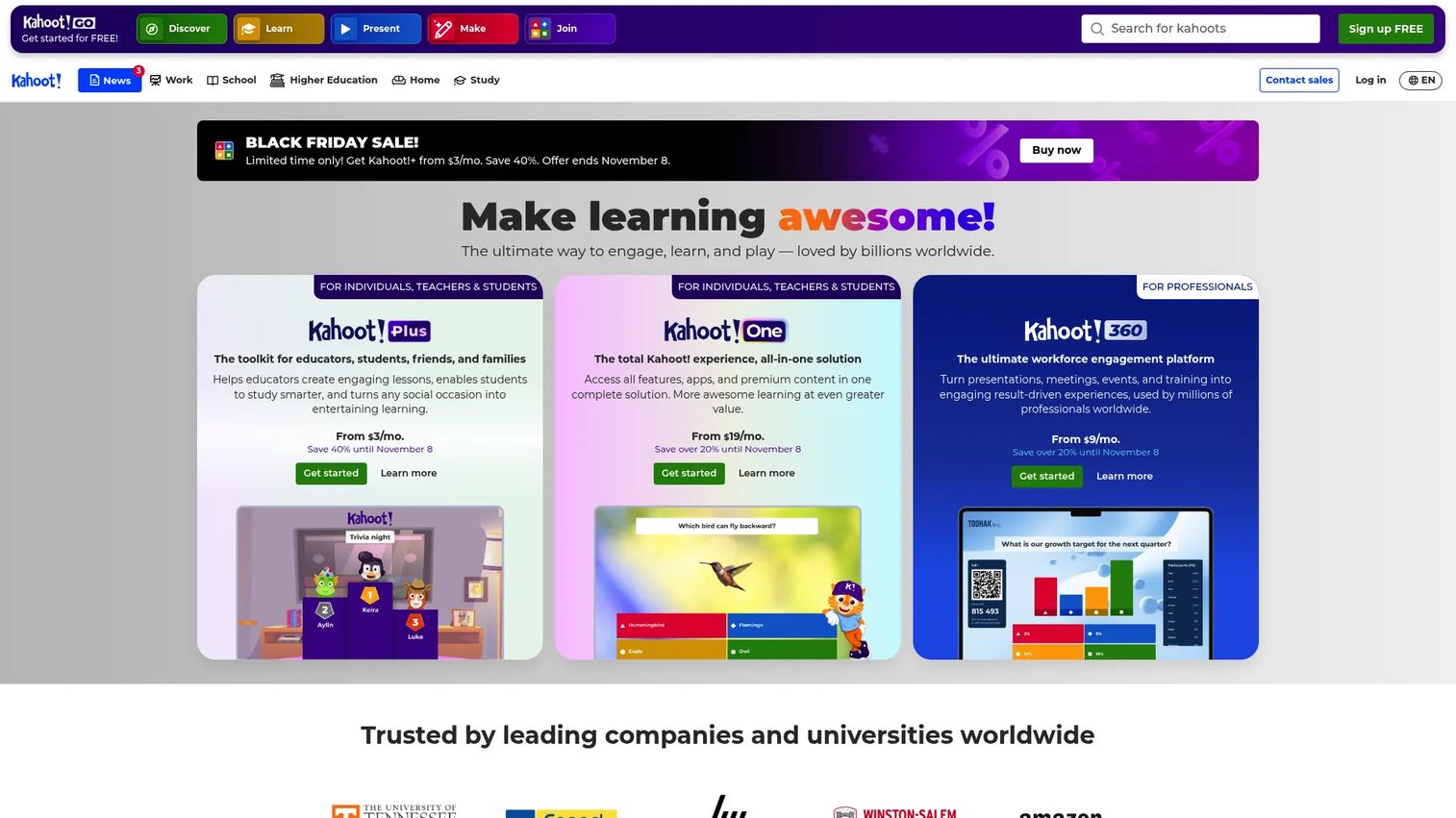
Kahoot! is a game-based learning platform for creating and hosting live quizzes, presentations, and review sessions. Teachers and tutors build question sets, then students join from any device and compete in real time. It is built for group settings: Classroom review days, tutoring sessions, and study group competitions.
Best for: Teachers, tutors, and study groups that want live, game-based review with high participation.
Key features
- Live interactive quizzes with leaderboards
- Multiple question types and polls
- AI-assisted content creation
- Ready-made premium content libraries
- Reports and learning analytics
Why choose Kahoot!: Kahoot! is the right tool when motivation and group energy are the problem. It converts a dull review session into something students want to participate in. Use it for end-of-unit review, test prep days, or any group setting where low engagement is the main barrier to learning.
Kahoot! pricing: Kahoot! Go is free. Paid plans start at $3 per month (Kahoot!+ Bronze) billed at $36 annually. Silver is $7 per month ($84/year), Gold is $12 per month ($144/year), and Kahoot! One is $19 per month ($228/year).
G2 rating: 4.6/5
7. Wayground
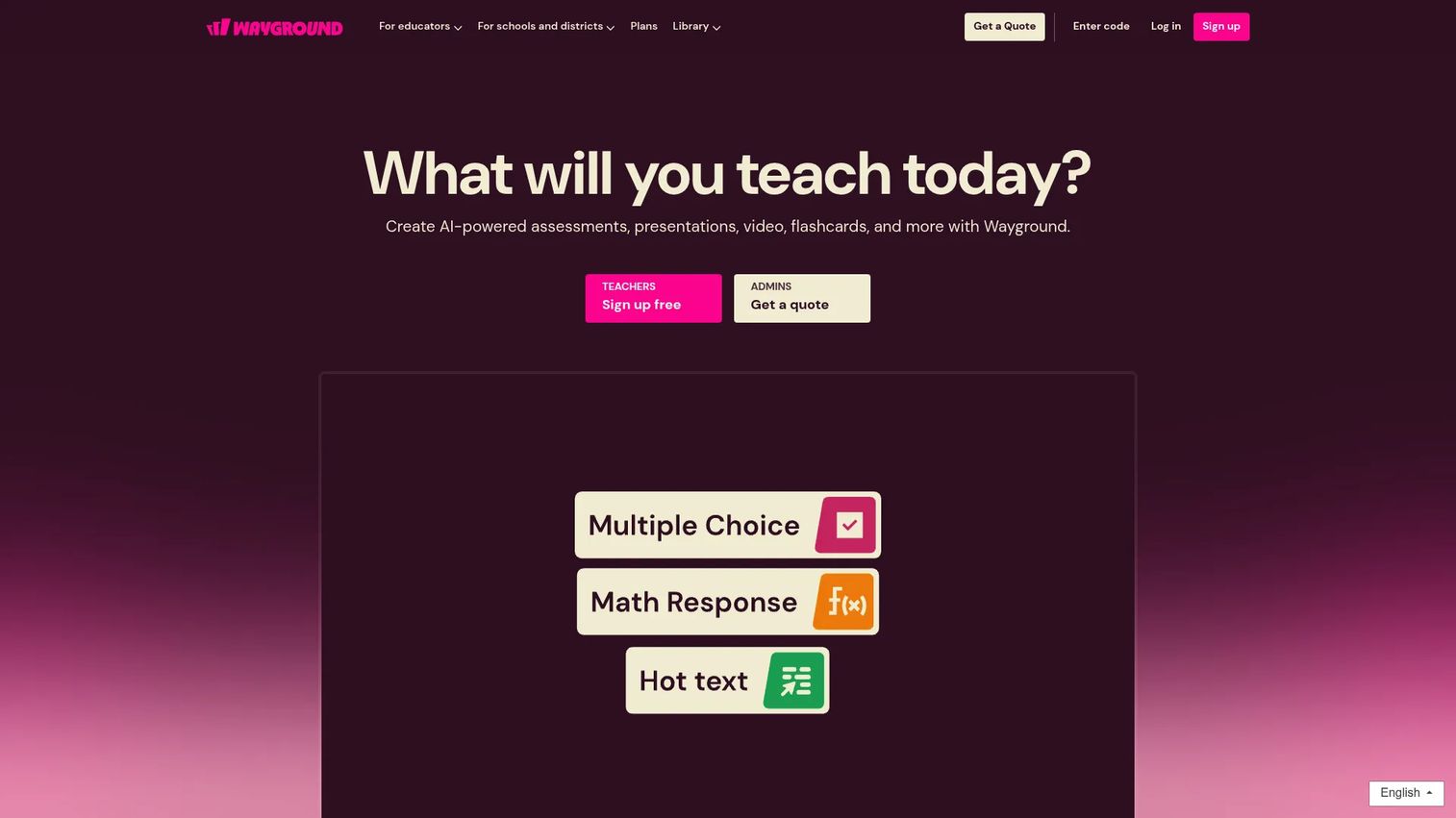
Wayground is a gamified assessment and learning platform for educators, schools, and business trainers. It supports 18 question types across live and asynchronous sessions, with AI-powered question creation, leaderboards, power-ups, and performance analytics. It is built to structure assessment workflows, not just host casual review games.
Best for: Educators and classrooms that need structured quiz practice, formative assessment, and student performance tracking.
Key features
- 18 interactive question types
- Live and self-paced learning sessions
- AI-powered question creation and enhancement
- Gamification with leaderboards and power-ups
- Performance reports and analytics
Why choose Wayground: Choose Wayground when the study workflow is teacher-led and needs measurable outcomes. The analytics layer helps instructors identify where students consistently struggle, turning classroom review into actionable data. For self-directed studying, the other tools in this list fit better.
Wayground pricing: 14-day free trial available. Business plans start at $75 per month on an annual commitment ($900/year for the Essential plan) or $125 per month on a monthly basis. Pro starts at $125 per month billed annually with a minimum of five seats. Education plan pricing was not publicly displayed.
G2 rating: 4.9/5
8. Google Drive
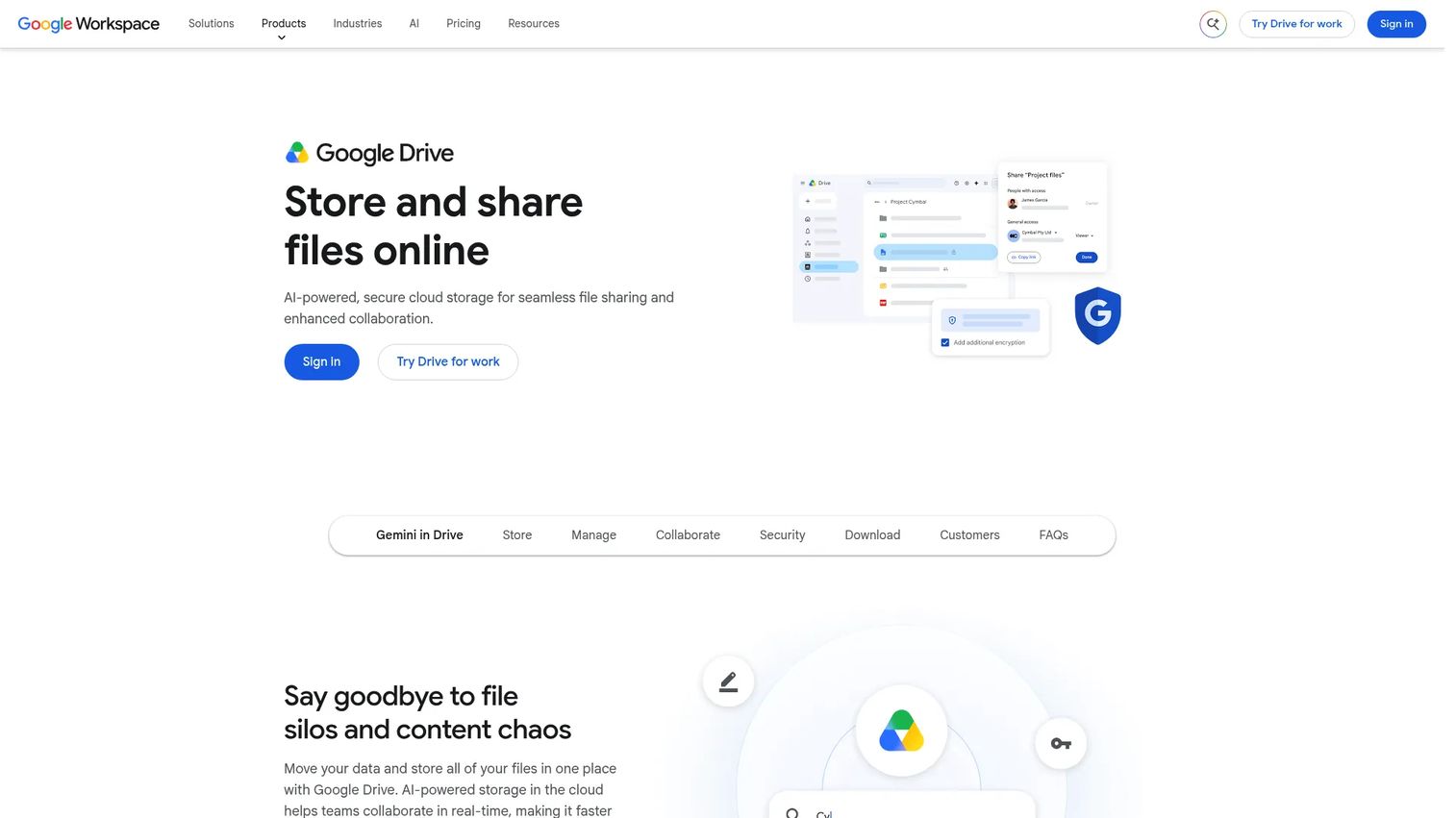
Google Drive is not a study tool in the flashcard or quiz sense. It is the organizational layer that keeps study materials from becoming chaos. Notes, PDFs, slides, lecture recordings, group project files, and research sources all live here, shareable with a link and accessible on any device.
Best for: Students and groups that need shared access to class notes, documents, and uploaded course files.
Key features
- Cloud file storage with 15 GB free
- Shared folders with permission controls
- Real-time collaboration via Google Docs, Sheets, and Slides
- Full-text file search
- Offline access and desktop sync
Why choose Google Drive: Google Drive earns its place in a study stack as the central file system. When AI tools need a source document, when group projects require shared files, or when switching devices between home and campus, Drive handles it without friction. It is the prerequisite for most of the other workflows in this article.
Google Drive pricing: Free with 15 GB of storage. Google Workspace Business Starter starts at $7 per user per month on an annual commitment, or $8.40 per month on a flexible monthly plan.
9. YouTube
YouTube is a free video platform with a vast library of lectures, explainers, tutorials, and exam review content from educators, universities, and independent creators. For topics where hearing a concept explained or watching a worked example matters more than text, YouTube has depth no flashcard app can match.
Best for: Students who learn best from visual explanations, worked examples, and lecture-style instruction.
Key features
- Free access to educational channels and lecture playlists
- Closed captions and transcript access
- Playback speed controls for faster or slower review
- Offline viewing with YouTube Premium
- Search by topic, channel, or course keyword
Why choose YouTube: Use YouTube when a textbook explanation is not clicking, or when you want a different instructor's framing before an exam. The important caveat is that watching is passive. Pair YouTube with a flashcard or quiz tool so video time converts into something testable. The best AI video generators space has expanded alongside YouTube's reach, and educators now produce high-quality study content at scale.
YouTube pricing: YouTube is free with ads. YouTube Premium removes ads and enables offline viewing; a numeric subscription price was not publicly displayed on the official pricing page at time of writing.
G2 rating: 5.0/5
10. Apple App Store
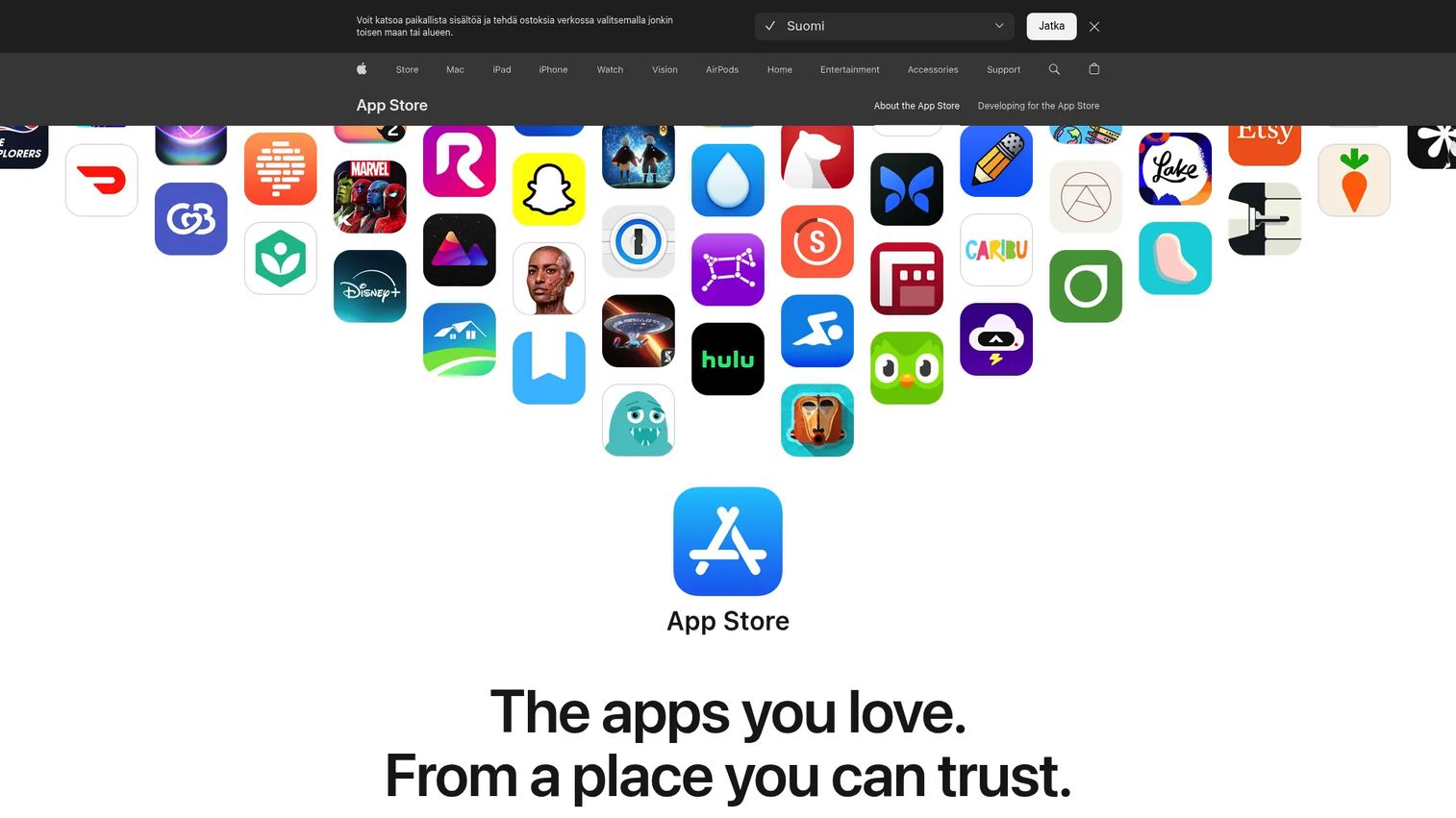
Apple App Store is the discovery layer for iOS and iPadOS study tools. It is not a study app itself, but for students on iPhone or iPad, it is where every flashcard app, AI tutor, and note-taking tool gets evaluated before installation.
Best for: iPhone and iPad users researching and comparing mobile study apps.
Key features
- App search across education categories
- User ratings, reviews, and privacy labels
- Editorial picks and curated education collections
- In-app subscription and one-time purchase options
- Family Sharing for shared app purchases
Why choose Apple App Store: Use the App Store when mobile fit is the deciding factor. Before installing any study app, check the most recent reviews, the privacy label (what data the app collects), when it was last updated, and what the subscription terms are. Many apps show a free download but require a subscription within days.
Apple App Store pricing: Browsing the marketplace is free. Individual app pricing is set by each developer and varies widely.
11. Google Play
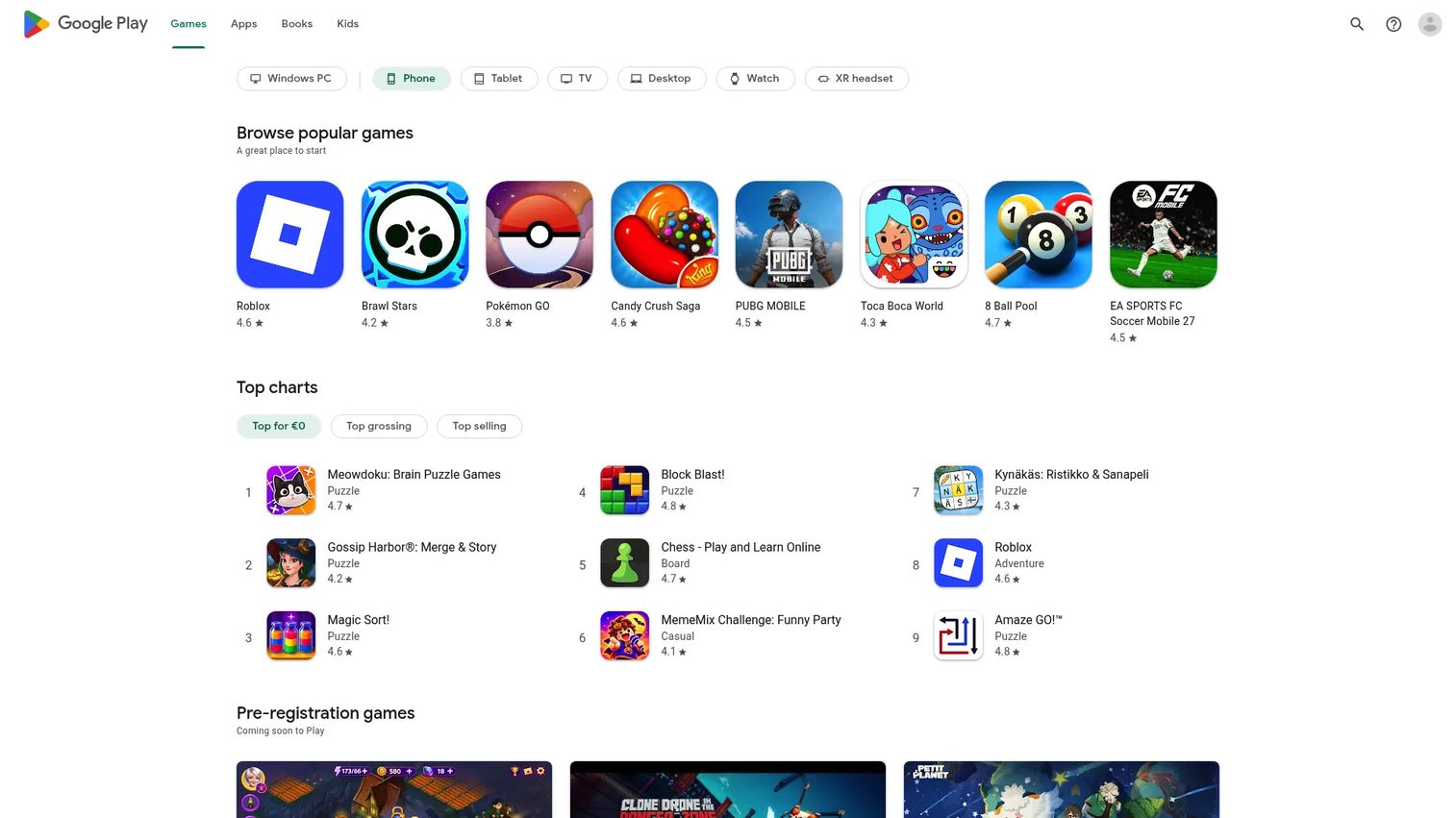
Google Play serves the same discovery function for Android users that the App Store serves for iOS. Students on Android phones and tablets use it to find, evaluate, and install study apps, flashcard tools, AI tutors, and quiz generators.
Best for: Android users comparing mobile study tools, flashcard apps, and AI-powered learning apps.
Key features
- Browse and download Android apps and games
- User reviews, ratings, and permission disclosures
- Subscriptions and one-time purchase support
- Compatibility across phones, tablets, Chromebooks, and other Android devices
- Books and educational content alongside apps
Why choose Google Play: For Android students, Google Play is the starting point for any mobile study workflow. Apply the same evaluation discipline as the App Store: Recent reviews, permission disclosures, update frequency, and whether the app works offline. Free installs with aggressive upsells are common in the education app category.
Google Play pricing: Browsing the marketplace is free. Individual app pricing is set by each developer.
Considerations
Choosing a study tool is a faster decision than most students realize, once you identify the actual bottleneck.
Match the tool to the job
A flashcard app solves memorization. An AI summarizer solves note processing. A quiz platform solves retrieval practice. A storage tool solves organization. Identify which step is slowing you down before comparing features.
Check how the tool handles your source material
Some tools work from uploaded notes, PDFs, or lecture recordings. Others require manual input or only accept text prompts. Choose based on where your course materials already live. If your professor posts slides and recordings, source-grounded tools will serve you better than general AI assistants.
Look at pricing before building a habit
Many study tools start free and hit limits quickly. Unlimited AI summarization, advanced practice modes, and spaced repetition scheduling often sit behind a paywall. Check the free tier limits, the annual versus monthly pricing gap, and whether a student discount exists before committing.
Verify AI outputs before trusting them
According to the Digital Education Council Global AI Student Survey (2024), 86% of students across 16 countries report using AI in their studies. Widespread adoption does not mean uncritical adoption. AI-generated summaries, flashcards, and practice questions can contain errors, particularly in technical subjects, so compare outputs against course materials before treating them as reliable.
Prioritize tools you will actually keep using
A powerful tool you abandon after one week produces worse results than a simple tool you use every day. Mobile access, fast session formats, and easy import matter more than feature lists when the exam is next week.
Conclusion
The best study tools for 2026 are not interchangeable. Each solves a different job in the student workflow.
Quizlet handles flashcards and memorization for students who want something familiar and fast. StudyFetch works for students who want AI to run the full study loop from upload to exam practice. Knowt delivers a free-first alternative with strong exam prep coverage for high school and college students. ChatGPT fits students who need a flexible thinking partner for explanations and practice questions. Google Gemini Notebook is the right tool when source accuracy matters most.
For group review, Kahoot! brings energy and participation. Wayground adds structure and analytics for teachers running formative assessments. Google Drive anchors the whole stack as the shared file layer. YouTube fills gaps where visual explanation beats text. The App Store and Google Play close the loop for students who need mobile-first access to any of the above.
The practical next step is simple: Identify the one part of your study workflow that is breaking down right now, pick the tool that addresses it, and use it consistently for two weeks before adding anything else.
For product and growth teams building in the education space, tools like these also illustrate how digital adoption has shifted. The best active learning tools are winning because they convert passive content into measurable practice, and that same principle drives effective product onboarding and customer education at scale.
Start your journey with Guideflow today!
FAQs
The best study tools depend on what part of the workflow is breaking down. For memorization, Quizlet and Knowt cover flashcards and spaced repetition. For AI-generated summaries and practice tests, StudyFetch and Google Gemini Notebook turn uploaded materials into usable review assets. For flexible concept help, ChatGPT adapts to whatever the student needs. Most students benefit from a small stack rather than a single tool.
Quizlet and Knowt both have strong free tiers for flashcards and exam prep. YouTube is entirely free for video-based learning. Google Drive provides 15 GB of free storage for organizing class materials. ChatGPT's free plan covers basic concept help and quiz generation. Check each tool's free tier limits on flashcard counts, AI usage, and storage before deciding which fits your workflow.
AI tools can summarize, explain, and quiz effectively, but accuracy is not guaranteed. Tools like Google Gemini Notebook that answer from your uploaded sources and cite them inline are more reliable for course-specific content than general AI assistants. For technical subjects, math, or anything that will be graded, compare AI outputs against textbooks or professor materials before treating them as correct.
Quizlet and Knowt are the primary flashcard-focused tools in this list. Both support spaced repetition, which schedules card reviews based on how well you know each item, so you spend more time on weak spots and less on what you already know. Active recall, the act of retrieving information rather than re-reading it, is the mechanism that makes flashcards effective for long-term retention.
StudyFetch, Knowt, and Quizlet all offer practice test modes with weak-area targeting. ChatGPT can generate custom quiz questions from pasted notes. Google Gemini Notebook builds quizzes from your uploaded course materials with source citations. For AP, SAT, and ACT prep specifically, Knowt has structured study modes and preparation resources built around those exams.
StudyFetch and Google Gemini Notebook accept lecture recordings and uploaded slides, then generate notes, summaries, and flashcards from them. Knowt also processes uploaded videos and PDFs into study assets. For students who prefer storing raw notes without AI processing, Google Drive keeps everything organized and accessible across devices.
Kahoot! and Wayground are purpose-built for group and classroom review, with live quiz formats that work well for study groups meeting before an exam. Google Drive makes it straightforward to share notes and collaborative documents across a group. Quizlet allows multiple students to study from shared sets. The most effective group study sessions combine a live quiz format with individual flashcard review before and after.
A practical study stack typically involves two or three tools rather than one. A common combination: Google Drive for organizing materials, Knowt or Quizlet for flashcard review, and either StudyFetch or ChatGPT for AI-powered note processing and practice questions. Adding tools beyond three creates coordination overhead that eats into actual study time. The goal is covering the key jobs, memorization, understanding, and practice, without duplicating effort across apps that do the same thing. For educators building similar stacks for their students, the after-school software category has also expanded to support structured learning outside the classroom.