You just got the request: launch the new campaign in six languages, by end of month, with no budget for a full agency cycle. The landing page, the nurture emails, the ad copy, the in-product walkthrough. All of it, localized, on a timeline that assumes you already have a system.
Most teams don't. They have a free web translator open in one tab, a vendor quote they can't justify in another, and a vague worry that whatever they paste into a public tool might end up training someone else's model.
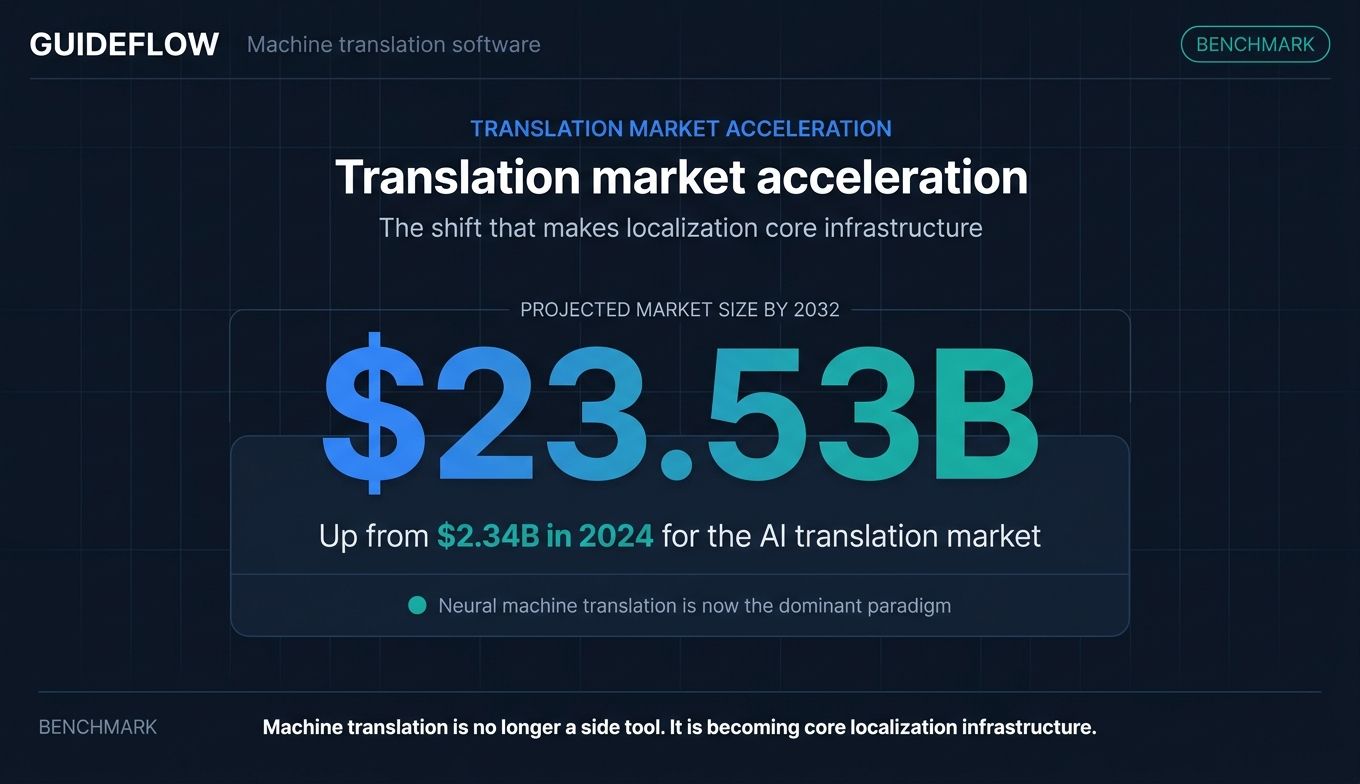
That worry is fair, and the stakes are rising. The AI translation market was valued at $2.34 billion in 2024, and the broader machine translation market is projected to reach $23.53 billion by 2032, according to Sonix (2024). Neural machine translation has become the default approach, displacing older rule-based and statistical methods.
Stat callout: The machine translation market is projected to reach $23.53 billion by 2032 (Sonix, 2024), with neural machine translation now the dominant paradigm.
The catch for a marketer is that "machine translation software" is not one thing. It spans free consumer apps, per-character translation APIs, adaptive engines that learn from corrections, and full localization platforms. Picking the wrong one means paying for capacity you don't use, or wiring up an engine that your CMS can't talk to. This guide breaks down the machine translation tools that actually fit a modern marketing and localization workflow, and tells you what each one replaces. If your localization push also includes translating in-product onboarding, an interactive product demo is one of the highest-engagement assets to localize.
What's inside
This guide is for digital and growth marketers, localization leads, and SaaS teams expanding into new markets. If you are evaluating machine translation services and asking "does this replace something we already pay for," start here.
We selected and ranked the 10 tools below on four criteria that matter most to a buyer watching both quality and budget:
- Translation quality: accuracy and tone across the language pairs you actually need.
- Language coverage: how many languages and pairs the engine supports.
- Privacy and data protection: data residency, retention, and GDPR posture.
- Pricing and workflow fit: cost per unit of output, plus API, CAT tool, and TMS integration.
TL;DR
Short on time? Here are the decision shortcuts.
- Best for nuance and tone: DeepL Translator, especially for European and major business languages.
- Best for broad language coverage: Google Translate via the Cloud Translation API, with 189 languages.
- Best for Microsoft ecosystem teams: Microsoft Translator (Azure AI Translator).
- Best for AWS-native engineering teams: Amazon Translate.
- Best for localization workflows that improve over time: ModernMT.
- Best translation management hub: Crowdin, when you want one layer over multiple engines.
- Best free secure option for eligible EU users: eTranslation from the European Commission.
What is machine translation software
Machine translation software is a program that automatically converts text or speech from one language into another using artificial intelligence, without a human translating word by word. Modern tools use neural machine translation (NMT), a neural machine translation deep learning method that translates whole sentences in context rather than swapping words one at a time.
The newest generation of AI translation goes further. Adaptive MT learns from human corrections in real time, so the engine improves on your terminology as you use it. Some tools now blend NMT with large language models for more natural phrasing, which is why "AI translator" and "neural machine translation" increasingly describe the same underlying technology.
These automatic translation software tools range from free consumer apps to enterprise-grade artificial intelligence translation tool platforms with private deployment. What they share is the goal: more languages, faster, at a lower cost than manual translation alone.
Core capabilities to expect from AI powered translation services:
- Language pairs: the source and target languages the engine supports, from a few dozen to 189-plus.
- Glossaries and custom terminology: lock brand terms and preferred translations so output stays on-message.
- Document translation: translate DOCX, PPTX, and PDF files while preserving layout.
- API access: programmatic translation you can wire into a CMS, app, or helpdesk.
- Privacy controls: data retention settings, private deployment, and GDPR-aligned hosting.
- CAT and TMS integration: connect to computer-assisted translation tools and translation management software for post-editing.
When to use machine translation software
Machine translation programs are not a single use case. Here is where they earn their keep.
Localize marketing content and campaigns at scale
Translating landing pages, ads, nurture emails, and product copy for a new market used to mean a full agency cycle. Machine translation services compress that to hours, then let a human reviewer polish the high-visibility pieces.
The same logic applies to product experiences. If you localize interactive product demos or onboarding flows, translating the step text and voiceovers is a high-engagement way to let global audiences experience your product in their own language. For a wider view of the localization stack, our guide to marketing automation software tools covers the systems these translations plug into. If you are building those flows from scratch, our roundup of user onboarding software tools is a useful companion.
Speed up professional localization workflows
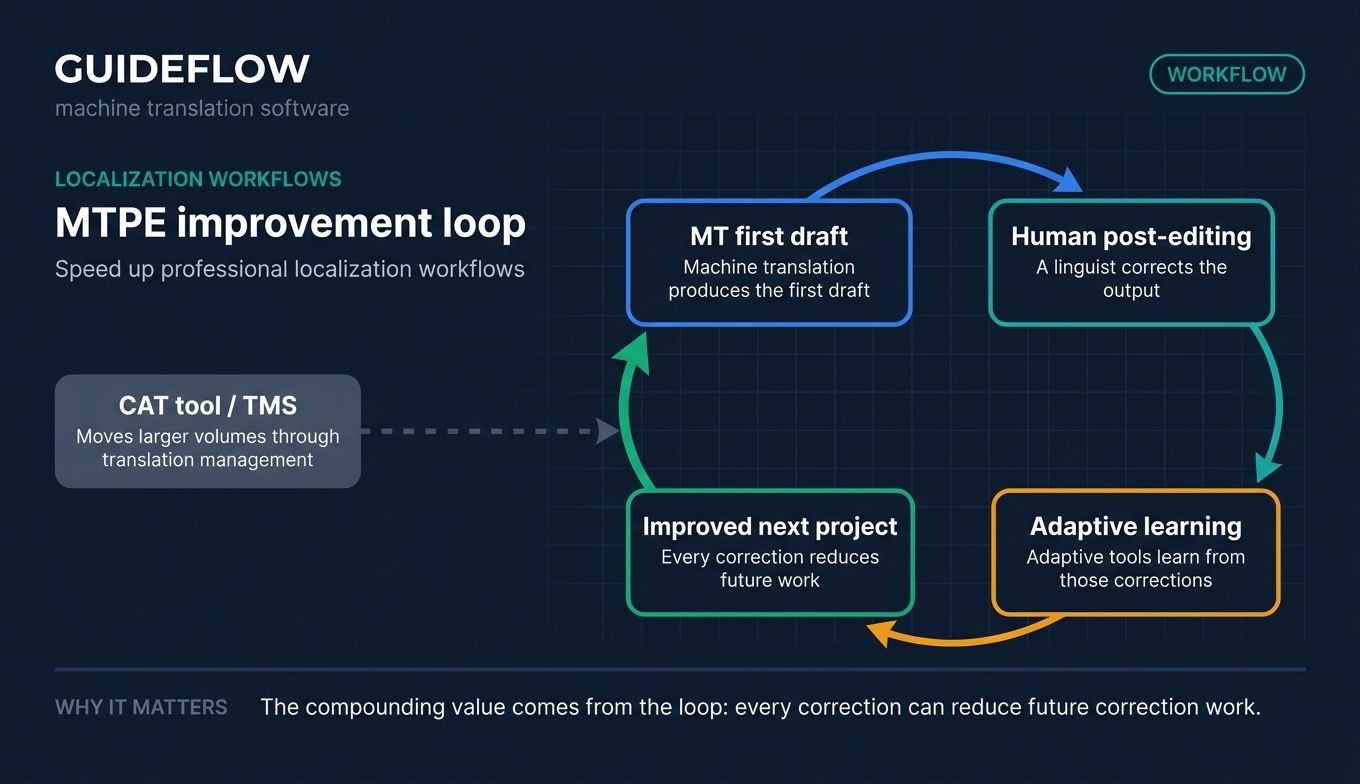
For localization teams, the standard play is MT plus human post-editing (MTPE). The engine produces a first draft, a linguist corrects it, and adaptive tools learn from those corrections for next time. Paired with a CAT tool or TMS, this moves large volumes through translation management without sacrificing quality control on the parts that matter. Translating multilingual help content also pairs well with the right knowledge base software.
Enable real-time and self-serve translation
Some moments need speed over polish. Live conversation translation, on-the-fly document review, and multilingual support replies all benefit from instant MT. A support agent answering a ticket in a customer's language, or a sales rep reading a foreign contract draft, needs "good enough, right now" far more than perfect prose. For self-serve product experiences, our guide on how to build self-service experiences goes deeper.
Best machine translation software compared
The table below ranks the 10 tools by relevance to a marketing and localization buyer. Pricing reflects each vendor's published rates, and G2 ratings reflect current listings where available. Use it as a shortlist, then dig into the sections that fit your stack.
| # | Product | Intent | Key use case | Pricing | G2 rating |
|---|---|---|---|---|---|
| 1 | DeepL Translator | Quality-first translation | Nuanced text and document translation for business | Free tier; paid Pro and API plans | 4.6/5 |
| 2 | Google Translate (Cloud Translation API) | Broadest coverage | API translation across 189 languages | Free consumer app; API from $20 per million characters | 4.4/5 |
| 3 | Microsoft Translator (Azure AI Translator) | Ecosystem-native | Translation inside Microsoft 365 and apps | Free tier (2M chars/mo); S1 from $10 per million characters | 4.3/5 |
| 4 | Amazon Translate | AWS-native scale | Real-time and batch API translation | Free tier; from $15 per million characters | 4.4/5 |
| 5 | ModernMT | Adaptive learning | MT that improves from corrections for MTPE | From $15 per million characters | Not listed |
| 6 | SYSTRAN Translate Pro | Secure enterprise MT | Private, secure translation for professionals | From $18.99/user/month | 4.8/5 |
| 7 | PONS Translator | Dictionary-grade accuracy | European-language text and document translation | Free tier; Pro from EUR 7.95/month | Not listed |
| 8 | Crowdin | Localization management | One hub over multiple MT engines | Free to start; paid Team and Enterprise | 4.4/5 |
| 9 | KantanMT | Custom enterprise engines | Building MT engines on client data for LSPs | Custom (subscription, pay-as-you-go) | 4.5/5 |
| 10 | eTranslation (European Commission) | Free secure EU option | Official secure NMT for eligible EU users | Free for eligible users | Not listed |
The 10 best machine translation software tools for 2026
1. DeepL Translator
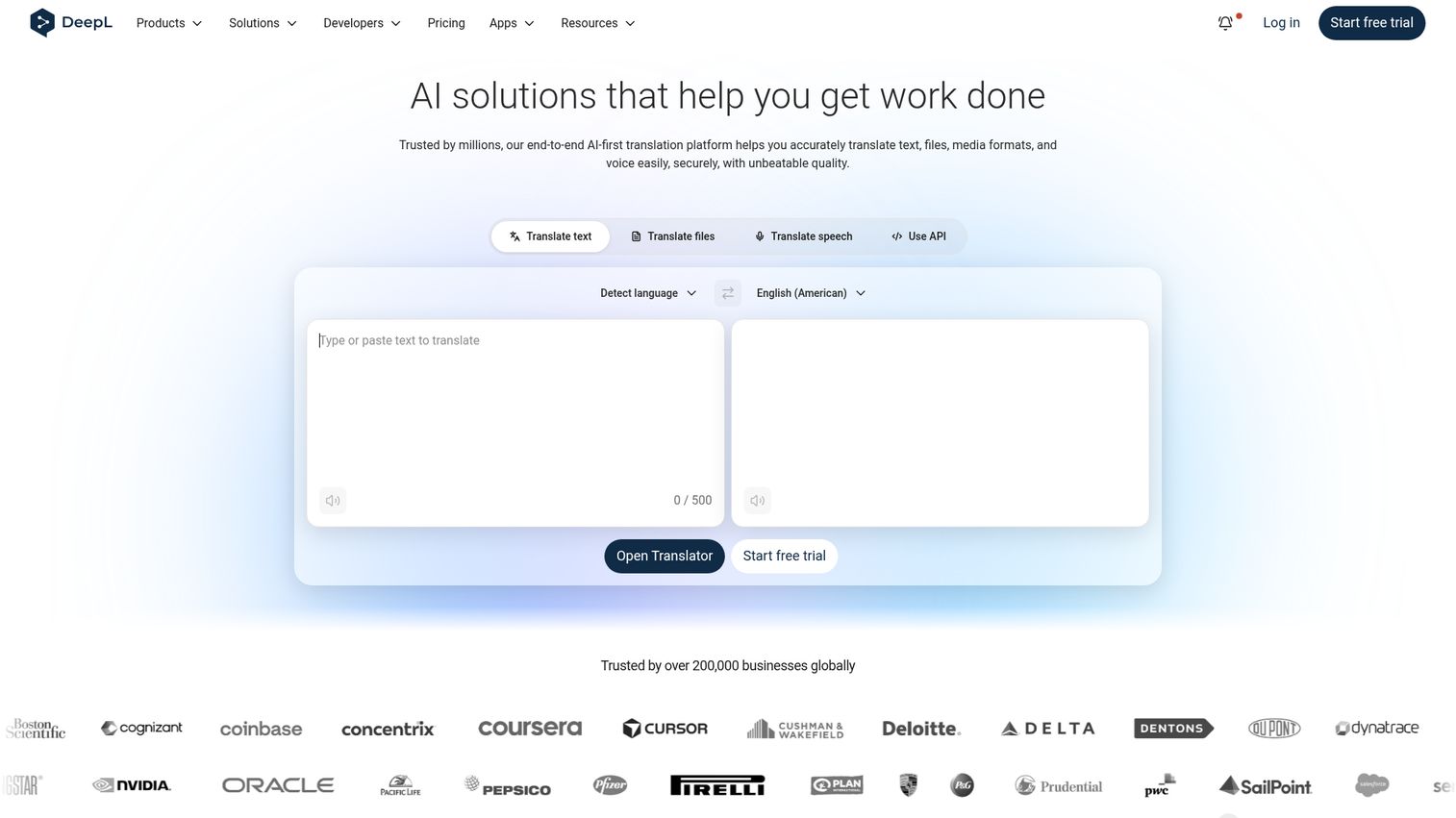
DeepL Translator is an AI translation platform for translating text, files, speech, and business content across languages. It built its reputation on output that reads more naturally than older engines, particularly in European and major business languages. For marketers, that means less post-editing on the copy your audience actually sees.
Best for: teams that prioritize translation quality and tone over maximum language count.
Key strengths
- Natural output: DeepL is widely cited for nuanced, fluent translations in its strongest language pairs.
- Glossaries and document translation: lock terminology and translate PDF, Word (.docx), and PowerPoint (.pptx) files with formatting intact.
- Business workflow tools: rules, clarify, apps, integrations, and an API support real translation workflows, not just one-off lookups.
Why choose DeepL: When the words your prospects read carry the brand, output quality and tone beat raw language breadth. DeepL fits marketing and content teams localizing high-visibility assets where a clunky machine translation would undercut trust. It is less about translating every obscure language pair and more about getting the important ones right.
DeepL pricing: DeepL offers a free tier with usage caps, paid Pro subscription plans, and a separate API for programmatic translation. The Pro plans and API are priced for individuals through to business teams. Check the DeepL Pro page for current tier inclusions before you commit, since the structure spans personal and team use. DeepL holds a 4.6/5 rating on G2.
2. Google Translate (Cloud Translation API)
Google Translate is the consumer app everyone knows, but the Cloud Translation API is the part marketers should care about. It lets developers translate text, documents, websites, apps, and media programmatically using Google's pre-trained, custom, and LLM-based models. The headline is reach: 189 languages.
Best for: teams needing the widest language coverage and easy API access.
Key strengths
- 189 languages: among the broadest coverage of any machine translation tool, which matters for long-tail markets.
- Basic and Advanced editions: Advanced adds glossaries, custom models, document and batch translation, and Adaptive Translation.
- Real-time and scalable: the API handles both on-the-fly and high-volume jobs without you managing infrastructure.
Why choose Google: When you are entering markets where niche languages matter, breadth wins. The consumer app is free for quick checks, while the API gives engineering a clean way to wire translation into your CMS or product. It replaces the manual copy-paste loop with something you can automate.
Google Cloud Translation pricing: Usage is metered in USD. Basic and Advanced both include the first 500,000 characters per month free as a monthly credit. Beyond that, NMT text translation is $20 per million characters. Document translation runs $0.08 per page, custom models start at $80 per million characters, and the Translation LLM is $10 per million characters input and output. See the Cloud Translation pricing page for the full table. The API holds a 4.4/5 rating on G2.
3. Microsoft Translator (Azure AI Translator)
Microsoft Translator, delivered as Azure AI Translator, is Microsoft's cloud-based neural machine translation service for building multilingual applications via APIs. If your org already runs on Microsoft 365, translation shows up where your team already works: Word, Outlook, Teams, and beyond.
Best for: organizations standardized on the Microsoft and Azure ecosystem.
Key strengths
- Real-time text translation: translate between supported source and target languages instantly, including conversation scenarios.
- Document translation: batch or single-file workflows that preserve structure and format.
- Custom Translator: adaptive, domain-specific tuning for your terminology, style, and bilingual content.
Why choose Microsoft: When your stack is Azure, this is the path of least resistance. It inherits Azure's security and compliance posture, which matters for regulated teams, and it removes the friction of bolting a third-party engine onto Microsoft tools. The win is consolidation: fewer vendors, one billing relationship.
Azure AI Translator pricing: The F0 free tier includes 2 million characters per month across standard and custom training. The S1 pay-as-you-go plan lists standard text translation at $10 per million characters, document translation at $15 per million characters, and custom translation at $40 per million characters. Commitment tiers, such as $2,055 per 250 million characters per month, suit higher volumes. See the Azure Translator pricing page. It holds a 4.3/5 rating on G2.
4. Amazon Translate
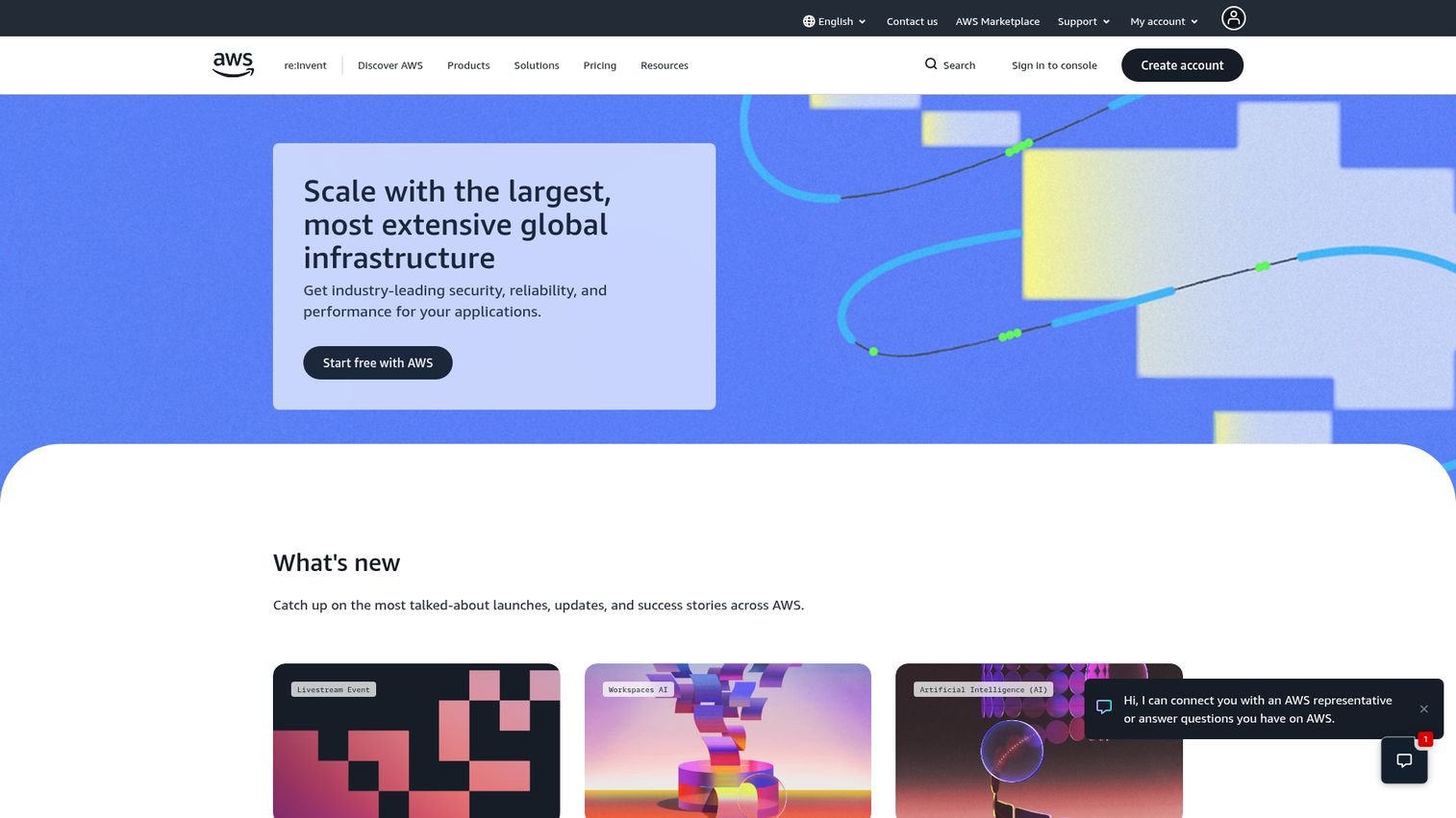
Amazon Translate is an AWS neural machine translation service for fast, customizable language translation. For engineering-led teams already on AWS, it slots into existing infrastructure with familiar billing and IAM controls.
Best for: engineering-led teams already building on AWS.
Key strengths
- 75 languages, real-time: synchronous API translation for in-app and live use cases.
- Batch document translation: handles Txt, HTML, DOCx, PPTx, XLSx, and Xliff files for high-volume jobs.
- Active Custom Translation: customize output using parallel data, so the engine reflects your domain.
Why choose Amazon: When your product and data already live in AWS, Amazon Translate avoids a new vendor relationship and a new security review. Pay-as-you-go means you only pay for what you translate, which suits unpredictable or spiky volumes. It replaces ad hoc translation scripts with a managed, scalable service.
Amazon Translate pricing: Pricing is pay-as-you-go in USD. Standard text translation, batch document translation, and real-time text and HTML translation all run $15.00 per million characters. Real-time DOCx translation is $30.00 per million characters, and Active Custom Translation is $60.00 per million characters. A free tier covers up to 2 million characters monthly for 12 months on some services. See the Amazon Translate pricing page. It holds a 4.4/5 rating on G2.
5. ModernMT
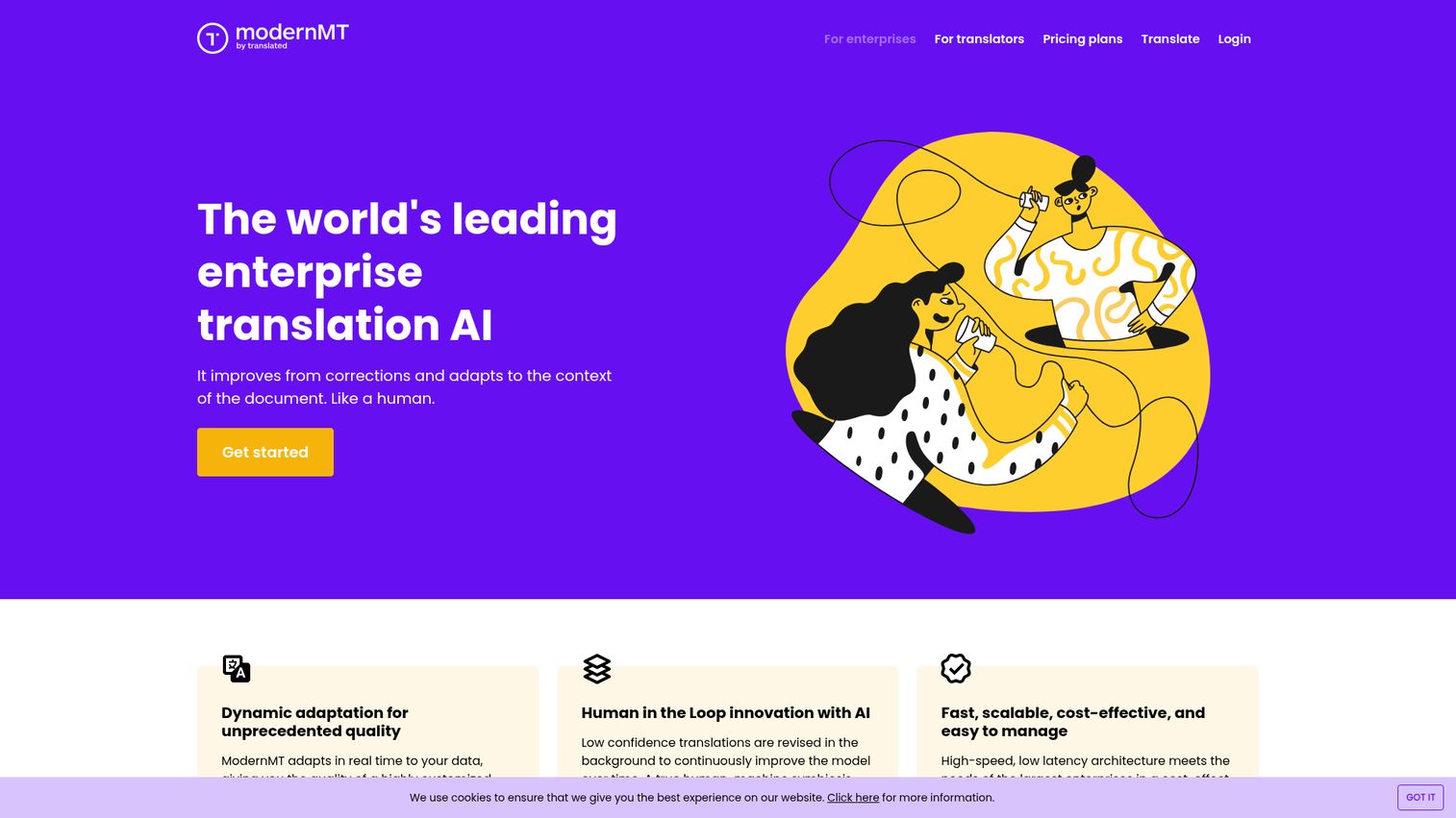
ModernMT is an adaptive machine translation service for enterprises, LSPs, localization teams, and professional translators, available via API and CAT-tool plugins. Its angle is learning: the engine improves in real time as humans correct it.
Best for: localization teams that want an engine that gets better with use.
Key strengths
- Real-time adaptation: learns from human corrections as you post-edit, so quality compounds over time.
- Document-level context: uses up to 100,000 words of context for more coherent, context-aware output.
- Simple API: translation, language identification, and quality estimation in one interface.
Why choose ModernMT: When your team runs an MTPE workflow, an engine that learns from your corrections cuts editing time on every subsequent project. It fits localization teams who translate continuously and want the system to absorb their terminology rather than fighting it each time. The trade-off versus the hyperscaler APIs is fewer raw languages, but smarter adaptation.
ModernMT pricing: ModernMT prices in USD per million characters. The Human in the Loop and Adaptive plans start from $15 per million characters, the Localization Teams plan is $100 per million characters, and there is an Individual Translator plan at $25 per month. The pricing page notes a free month trial on listed plans, though no permanent free tier. See the ModernMT pricing page.
6. SYSTRAN Translate Pro
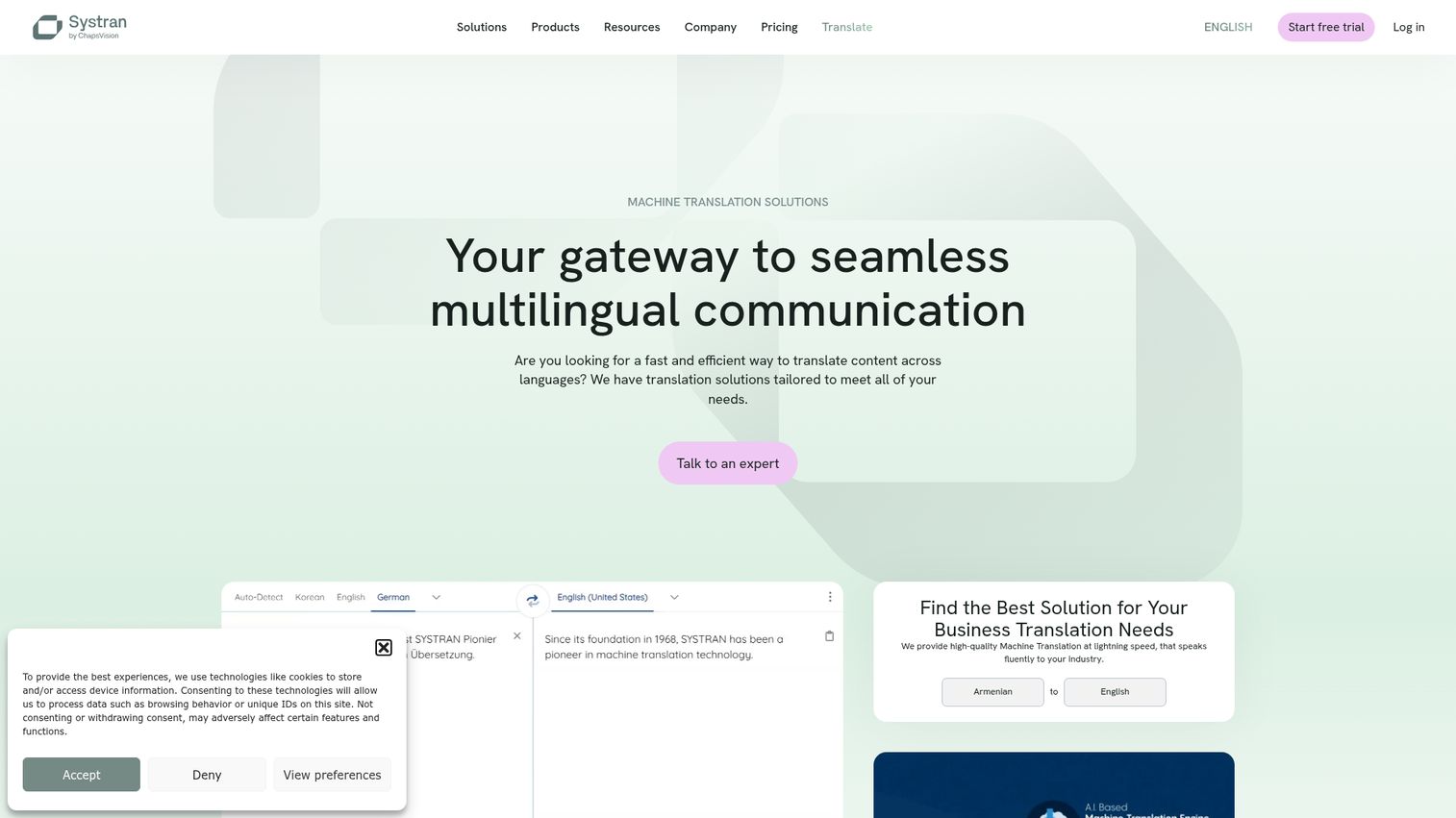
SYSTRAN Translate Pro is a secure online translation tool for professionals and small businesses, supporting text, document, PDF, web page, glossary, and translation-memory workflows. SYSTRAN is one of the longest-standing names in the category, with a strong security and data-privacy story.
Best for: professionals and small teams that need secure, browser-based translation with strict data privacy.
Key strengths
- 55-plus languages: broad text and document translation coverage.
- Layout-preserving file translation: translate Word, PowerPoint, Excel, and PDF files without breaking formatting.
- Custom glossaries and translation memories: advanced user dictionaries keep terminology consistent.
Why choose SYSTRAN: When data confidentiality is a hard requirement, SYSTRAN's privacy posture and enterprise heritage make it a safer pick than free public tools. The Office 365 add-in and CAT/TMS connectors mean it fits into existing professional workflows. It replaces insecure paste-into-a-browser habits with a controlled, private environment.
SYSTRAN Translate Pro pricing: Pricing is per user in USD with no commitment. Pro Plus starts at $18.99 a month per user and includes unlimited advanced text translation, file translation, around 600 pages per user monthly, 55 languages, PDF translation, full data privacy, and the Office 365 add-in for up to 10 users. Pro Premium runs from $34.99 a month per user and adds around 2,000 pages monthly plus CAT/TMS connectors. A 14-day free trial is available. See the Translate Pro pricing page. It holds a 4.8/5 rating on G2.
7. PONS Translator
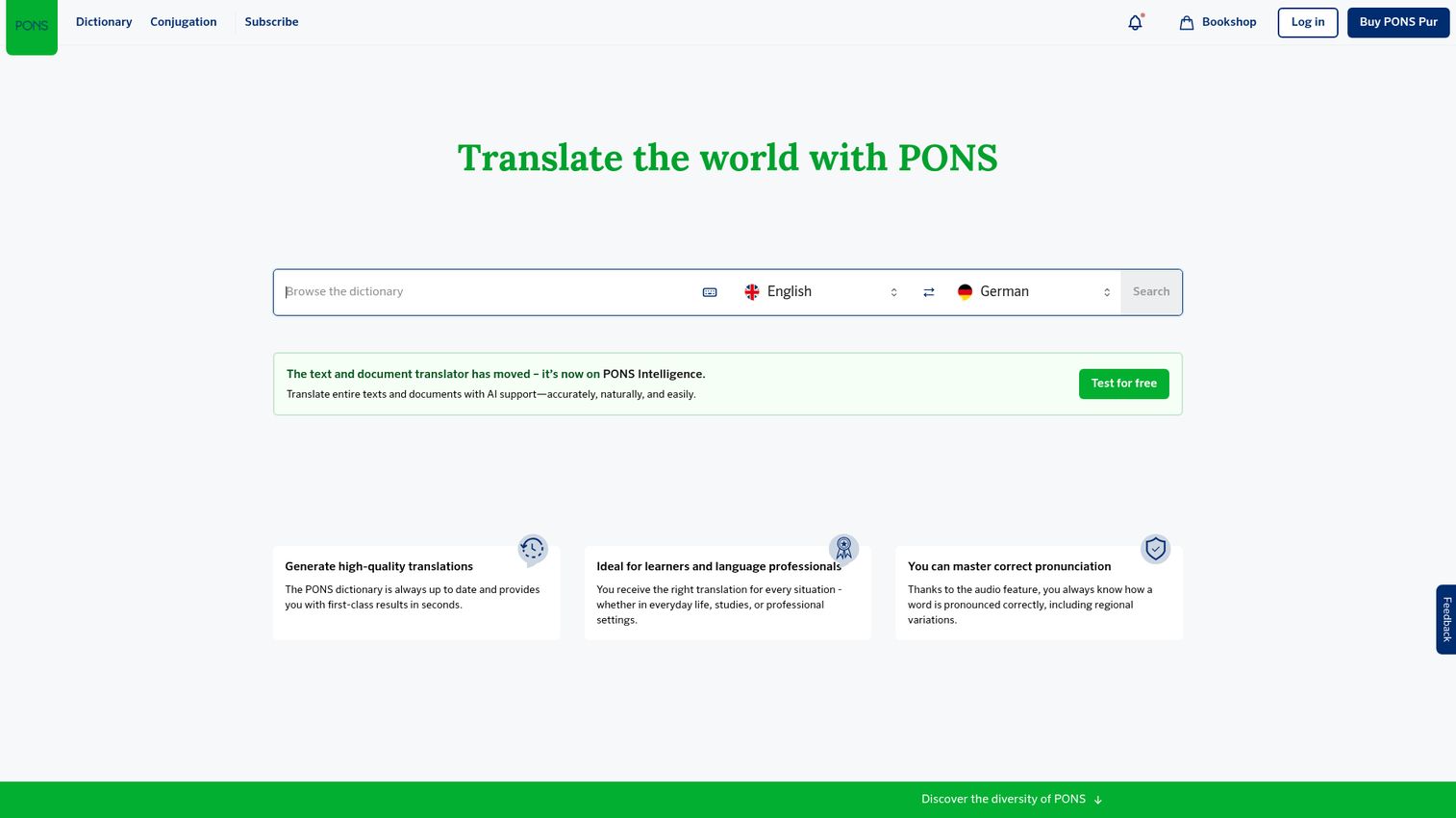
PONS Translator combines machine translation with PONS online dictionaries for text and document translation across more than 40 languages. The dictionary backing gives it an edge on vocabulary accuracy for common European language pairs.
Best for: professionals who want ad-free, dictionary-backed translation on everyday language pairs.
Key strengths
- Dictionary-backed terminology: PONS's curated dictionaries inform translations for reliable word choice.
- Formal and informal options: choose the register your audience expects.
- Document translation: translate text files, PowerPoint, and Word documents, plus an online glossary for consistency.
Why choose PONS: When your needs center on European languages and you value dictionary-grade word accuracy, PONS hits a sweet spot for SMBs and professionals. It is lighter than an enterprise localization platform but more dependable than a generic free tool for the languages it covers. The ad-free Pro experience suits anyone translating regularly without enterprise-scale volume.
PONS Translator pricing: PONS offers a free tier alongside PONS Translate Pro and a Business plan. Pro is priced in EUR, starting from EUR 7.95 per month with yearly billing (listed at EUR 9.95 monthly), and includes full text translation, document translation, glossary features, and ad-free use. A 7-day free trial is available. See the PONS plans and pricing page.
8. Crowdin
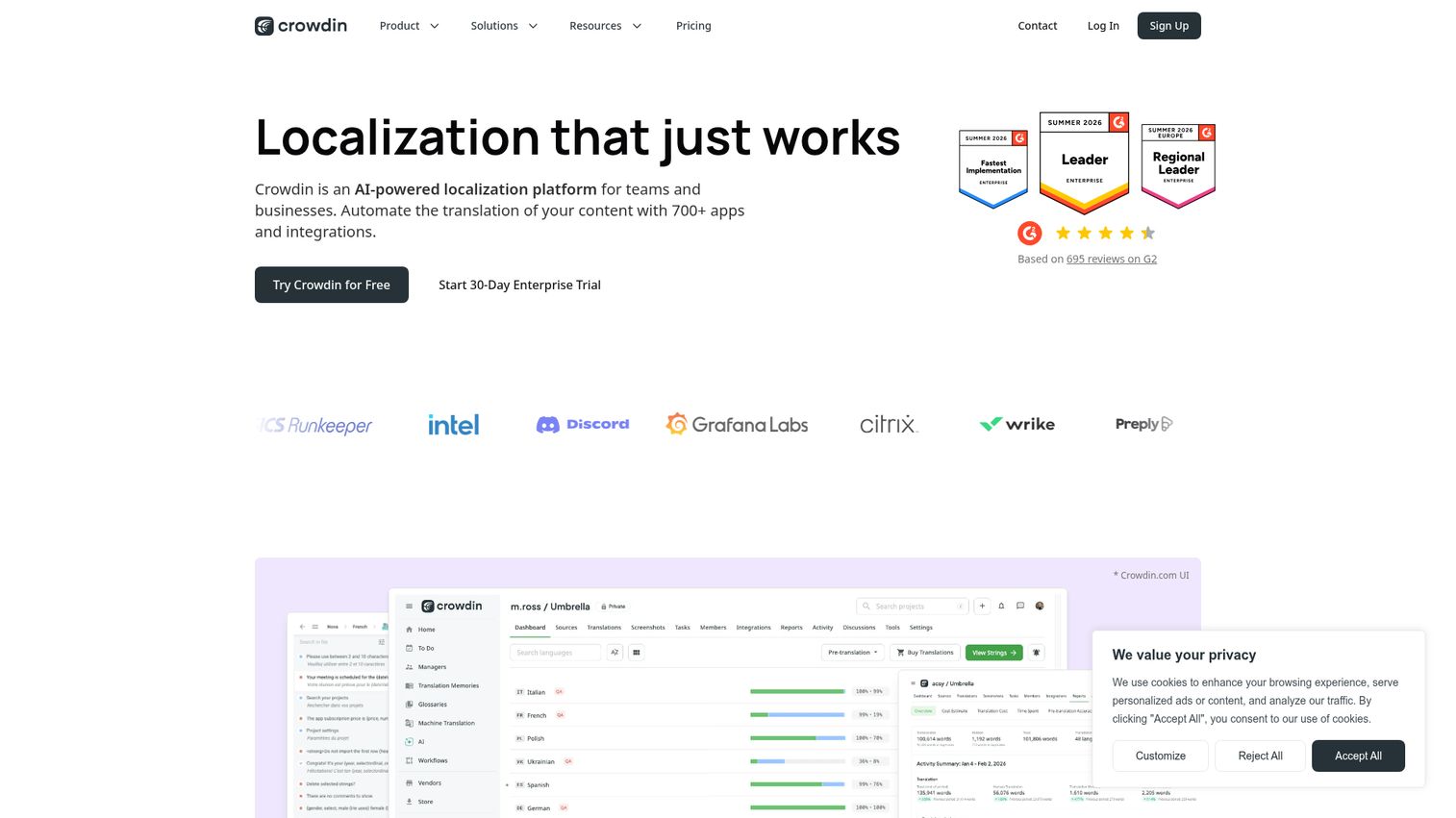
Crowdin is an AI-powered localization platform that automates translation with apps and integrations. Rather than being a single engine, it acts as a translation management layer that plugs into multiple MT engines and orchestrates the whole workflow. This makes it the best translation management software pick on this list.
Best for: software, product, and content teams that want one hub over multiple engines and a full localization workflow.
Key strengths
- Engine-agnostic management: connect multiple MT engines and AI pre-translation under one roof.
- 700-plus integrations: automate localization across code repos, CMS, and design tools.
- Translation memory, glossaries, and QA: an online editor with collaborative editing, smart suggestions, AI proofreading, and automatic quality checks.
Why choose Crowdin: When your problem is workflow chaos rather than raw translation, Crowdin consolidates scattered engines, files, and reviewers into one system. It replaces the patchwork of spreadsheets, email threads, and disconnected tools that localization sprawl creates. For teams managing continuous localization across products, the management layer is the point.
Crowdin pricing: Crowdin lets you start free and scale up, with monthly and annual billing for individuals and teams, annual billing for organizations, a 14-day Team trial, and a 30-day Crowdin Enterprise trial. Public numeric plan prices were not exposed on the readable pricing page, so confirm current figures on the Crowdin pricing page before buying. It holds a 4.4/5 rating on G2.
9. KantanMT

KantanMT is a cloud-based neural machine translation platform for building, improving, and deploying customized machine translation engines. It is built for language service providers and enterprises that want engines trained on their own data.
Best for: localization teams and LSPs that need customizable neural machine translation at scale.
Key strengths
- Custom engines on your data: build NMT engines using company assets like TMX and TBX files.
- Quality analytics: measure engine fluency and precision with KantanBuildAnalytics and customized quality reports.
- Deployment and integration: run translation jobs in-platform, connect to CAT tools, and manage capacity through KantanAPI.
Why choose KantanMT: When generic MT will not cut it for your domain, KantanMT lets you train and measure engines tuned to your content. That control is what LSPs and enterprises with specialized terminology pay for. It replaces the guesswork of one-size-fits-all engines with measurable, customized quality.
KantanMT pricing: KantanMT is described as a cloud-based subscription service with pay-as-you-go billing and no upfront fees or commissioning charges. Public plan names and numeric prices are not listed, so treat pricing as custom and request a quote directly. It holds a 4.5/5 rating on G2.
10. eTranslation (European Commission)
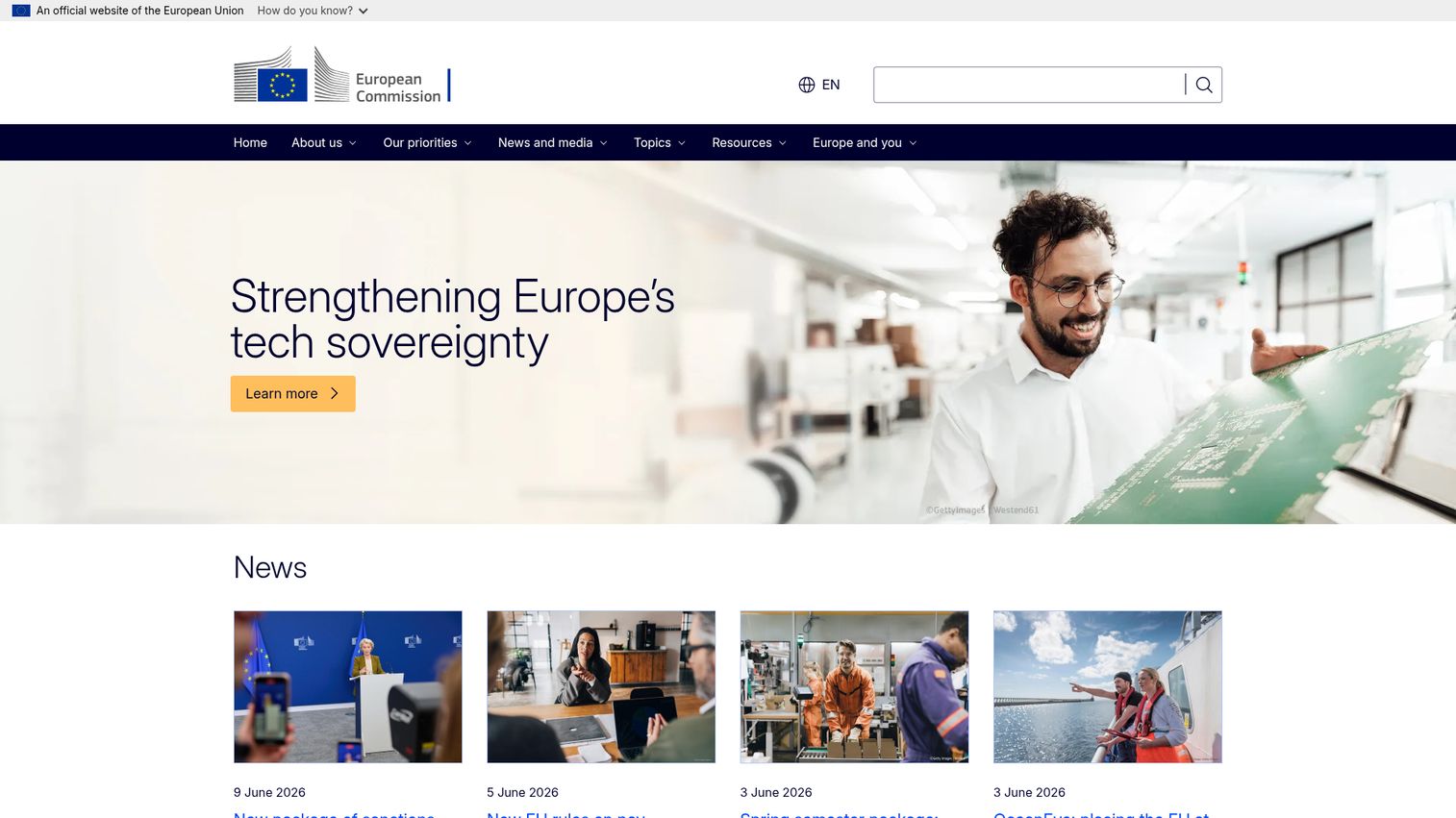
eTranslation is the European Commission's free and secure neural machine translation tool for eligible EU-based users and organisations. It is purpose-built for public administrations, small businesses, academia, NGOs, and similar eligible groups that need secure translation without a vendor bill.
Best for: eligible EU public-sector users and organizations needing a free, secure, official option.
Key strengths
- All EU official languages: plus some additional languages, with neural machine translation for common formats.
- Free and secure: no usage fee for eligible users, with strong EU data protection alignment.
- APIs for integration: connect translation into apps, websites, and systems.
Why choose eTranslation: When you are an eligible EU organization with strict data-residency needs, eTranslation gives you secure, official translation at zero cost. It removes both the budget objection and the data-sovereignty objection in one move. The trade-off is eligibility: this is not a general-public tool, and access requires EU Login registration.
eTranslation pricing: eTranslation is free for eligible users, including eligible public administrations, small businesses, academia, NGOs, Digital Europe Programme projects, and others. Access requires registration via EU Login. See the European Commission AI translation tools page for eligibility details.
How to choose machine translation software
The right pick depends on your content, your stack, and your tolerance for risk. Run every candidate through this checklist before you sign.
Translation quality and domain accuracy
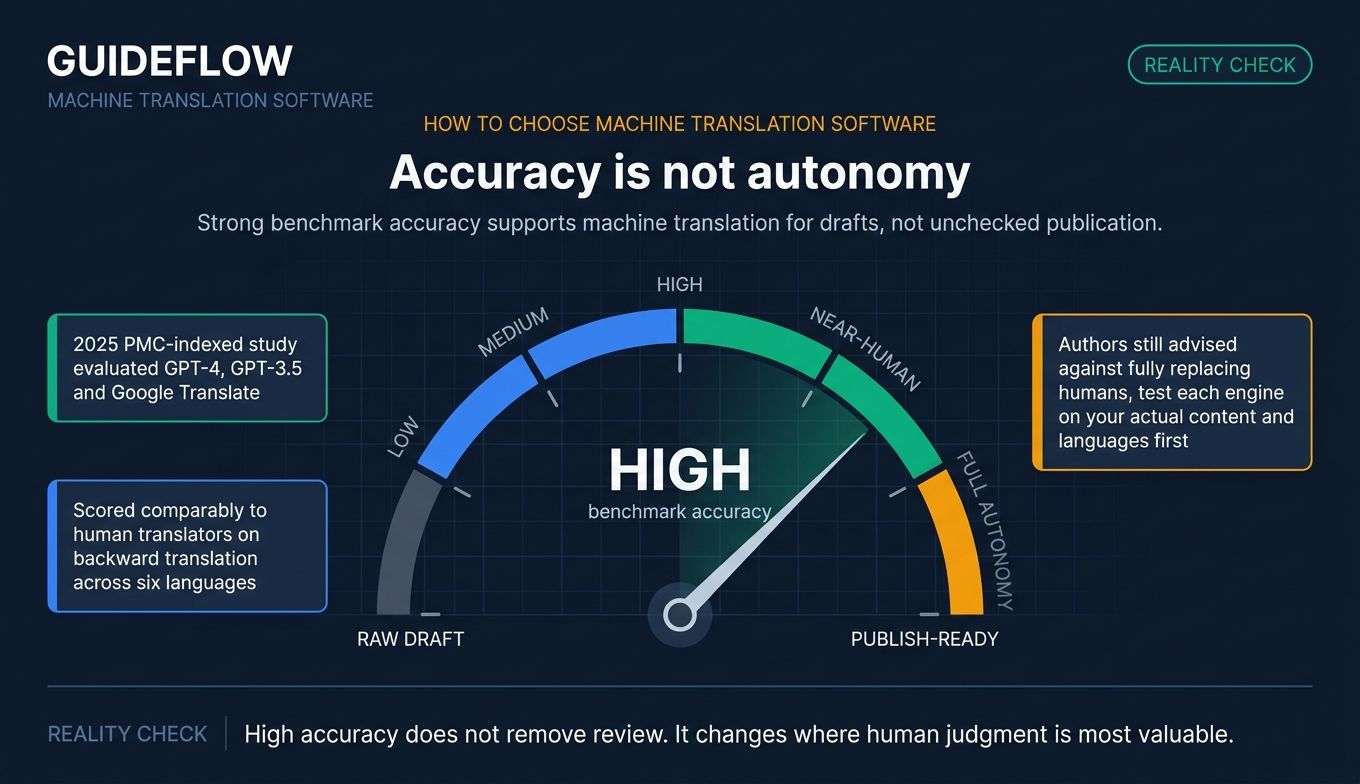
Quality varies sharply by language pair and subject. A 2025 study in the journal indexed by PMC found GPT-4, GPT-3.5, and Google Translate scored comparably to human translators on backward translation across six languages, yet the authors still advised against fully replacing humans. Test each engine on your actual content, in your actual languages, before you trust it.
Language coverage and language pairs
Count the languages you need today and the ones you will need next year. Google's API covers 189, while specialist engines cover fewer but may handle your priority pairs better. Coverage breadth and pair quality are different things, so weigh both.
Privacy, data residency, and compliance (GDPR)
Many free public tools reserve the right to log and process your inputs. For confidential or regulated content, that is a problem. Enterprise and private-deployment options like SYSTRAN, plus EU-hosted eTranslation, give you control over where data lives and whether it is retained. Read each vendor's privacy policy, not its marketing page. For confidential or regulated content, understanding GDPR data protection requirements is essential. If compliance is central to your evaluation, Guideflow's own approach to security and compliance is a useful reference point for what to ask vendors.
Pricing model and cost per word or character
Consumer apps are free. API engines bill per character, usually per million. Enterprise and TMS tiers run on subscription or custom contracts. Model your real monthly volume against each pricing structure, because a per-character rate that looks cheap can balloon at scale.
Integration and workflow fit (APIs, CAT tools, TMS)
The best engine is useless if it cannot talk to your CMS, helpdesk, or CAT tool. Check for the specific connectors you need, and confirm whether you can wire it up without burning engineering cycles. This is where consolidation pays off: the right tool replaces a manual process rather than adding a tab. Many of the content creation software tools you already use will need to talk to your chosen MT engine, so map those dependencies early.
Conclusion
There is no single best translation software, only the best fit for your priority. For nuance and tone in business languages, DeepL leads. For the widest language coverage and clean API access, Google Translate's Cloud Translation API is hard to beat. Microsoft Translator and Amazon Translate are the natural picks if you already live in Azure or AWS. ModernMT shines for adaptive MTPE workflows, Crowdin is the hub when you want to manage multiple engines, and eTranslation is the free, secure choice for eligible EU users.
Your next step is concrete. Shortlist two or three engines from this list, run the same sample of your real content through each, and compare both output quality and projected cost against your actual monthly volume. If data privacy is a hard requirement, narrow to SYSTRAN or eTranslation first.
In 2026, the question is no longer whether machine translation is good enough to use. It is which tool fits your content, your stack, and your compliance posture, so you can localize faster without adding cost or risk you cannot defend.
FAQ
It depends on your priority. For nuance and natural tone in major business languages, DeepL is the strongest pick, while Google Translate's Cloud Translation API leads on raw language breadth with 189 languages. The best machine translation tool for you is the one that handles your specific languages and content type best, so test before you commit.
Both rely on deep learning. Neural machine translation (NMT) translates whole sentences in context and has been the dominant approach for years. The term AI translation, and a modern AI translator, increasingly describes systems that blend NMT with large language models for more natural phrasing. In practice the lines have blurred, and most current machine translation services use AI under the hood.
Accuracy is high for common language pairs and general content, and a 2025 study found GPT-4, GPT-3.5, and Google Translate scored comparably to human translators on several languages. It drops for low-resource languages and specialized jargon. For legal, medical, or marketing-critical content, human post-editing is recommended rather than relying on raw machine output.
Consumer apps like Google Translate and Microsoft Translator are free. API engines bill per character, often around $10 to $20 per million characters, with custom models costing more. Enterprise and translation management software tiers run on subscription or custom contracts. Your real cost depends on monthly volume, so model it against each pricing structure.
It varies. Many free public tools may log and process your inputs, which can conflict with confidentiality requirements. Enterprise and private-deployment options like SYSTRAN, plus EU-hosted eTranslation, address data residency and GDPR concerns directly. Always read the vendor's privacy policy and confirm data retention and hosting before sending sensitive content.
Yes, most professional machine translation tools offer API access plus connectors for CAT tools, TMS platforms, CMS systems, and helpdesks. Crowdin alone lists 700-plus integrations, and the hyperscaler APIs slot into custom apps. Check for the specific connectors your stack needs before buying, since integration depth differs widely between tools.
For general use, the Google Translate app and the Microsoft Translator app are both free and broadly capable. For eligible EU public administrations, businesses, academia, and NGOs, eTranslation offers free, secure neural machine translation with EU data protection. DeepL and PONS also offer free tiers with usage caps for lighter needs.
For high-stakes content, yes. The standard workflow is machine translation plus human post-editing (MTPE), where the engine produces a fast first draft and a linguist corrects it. This combines MT speed with human quality control, and it remains the recommended approach for legal, medical, and brand-critical marketing material.