The grading backlog rarely comes from one hard paper. It comes from 90 papers that each need a consistent score, useful feedback, and enough teacher attention to feel fair.
AI grading tools can help. They apply rubrics, suggest scores, draft feedback, and surface class-level patterns. According to a 2025 Walton Family Foundation and Gallup survey, 60% of U.S. public K-12 teachers used an AI tool for work during the 2024-25 school year, and 16% used AI specifically for grading or giving feedback at least monthly. Adoption is moving fast, but the tools vary widely by assignment type, LMS fit, teacher review workflow, and institutional buying model.
One thing should stay constant across every implementation: Teacher approval before grades reach students. AI grader software works best as a first-pass assistant, not a final authority. The right tool speeds up rubric application and feedback drafting while keeping educators in control of every score that matters.
This guide helps teachers, department heads, and education leaders find the right AI grading software for their context.
What's inside
- The seven AI grading tools ranked by primary workflow fit
- What to evaluate across rubric support, LMS integrations, feedback editing, and academic integrity
- How free plans and paid tiers differ across each tool
- A buying checklist for teachers, schools, and education decision-makers
Criteria used for selection: Assignment-type coverage, teacher review controls, LMS and grade-passback support, privacy documentation, and verified pricing as of October 2026.
TL;DR
- Best overall for rubric-based teacher grading: CoGrader, with a free tier and Google Classroom, Canvas, and Schoology integrations
- Best for higher education and STEM assessments: Gradescope, built for grouped answer workflows and handwritten exams
- Best for focused essay feedback: EssayGrader.ai, with rubric-aligned scoring and bulk upload support
- Best for rubric and assessment preparation: MagicSchool AI, with 80+ teacher tools and a generous free plan starting at $0
- Best for academic integrity at institutional scale: Turnitin, with similarity checking and AI-writing detection built into a single workflow
- Best AI-writing detection signal for individual educators: GPTZero, with a free tier and Canvas and Google Classroom integrations
- Best for course-based assessment workflows: Coursebox, for L&D teams connecting course creation to grading in one system
What are AI grading tools?
AI grading tools are software platforms that use machine learning or generative AI to help educators score student work, apply rubrics, draft feedback, and organize assessment data.
These platforms sit between a teacher's rubric and a gradebook. They do not replace teacher judgment. They reduce the repetitive work of applying the same criteria across dozens or hundreds of submissions.
What AI grading tools can do
- Apply teacher-defined rubrics to written submissions
- Suggest scores with score rationale for each criterion
- Draft personalized feedback tied to rubric performance
- Group similar responses for batch review
- Grade objective questions automatically
- Export grades to connected LMS systems via grade passback
- Flag possible AI-writing or originality concerns
- Surface class-level learning gaps through analytics
What they should not decide alone
Subjective writing, creative assignments, culturally contextual work, and high-stakes assessments all need teacher review before grades are released. Calibration matters: Run a representative sample through the tool, compare AI-suggested scores against your own, and adjust the rubric where variance clusters. Transparency with students about how AI assists grading is also worth building into classroom policy from the start.
Core capabilities to compare
| Capability | What to look for |
|---|---|
| Rubric support | Custom rubrics, standards alignment, criterion-level scoring |
| Assignment-type coverage | Essays, short answers, handwritten work, objective questions |
| Feedback editing | Editable drafts, teacher override, tone controls |
| LMS integration | Roster sync, grade passback, assignment import |
| Privacy controls | Data processing terms, student data retention, model-training policy |
| Academic-integrity workflow | Similarity checking, AI-writing indicators, review workflow |
| Reporting | Class analytics, individual progress, export options |
| Pricing and procurement | Free tiers, school plans, data agreements |
AI-assisted grading vs. fully automated final grading
| Approach | Role of teacher | When it fits |
|---|---|---|
| AI-assisted grading | Reviews scores, edits feedback, approves release | Most written assignments |
| Fully automated final grading | Minimal or none | Objective questions only |
This guide recommends the first model. Every tool below includes teacher review controls as part of the evaluation.
When to use AI grading tools
Grade high-volume essays and short responses
When a class submits 80 to 120 short answers or essays, AI can provide a first scoring pass and draft feedback for each. Teachers review AI-suggested scores, edit where needed, and release grades. Consistency across submissions improves when the same rubric is applied uniformly before any manual review begins.
Standardize rubric use across sections
Shared rubrics reduce scoring drift between instructors or teaching assistants covering the same course. Before using a rubric at scale, run a calibration round: Score 10 to 15 submissions manually, compare against AI output, and revise criteria where disagreement clusters. This step catches rubric ambiguity before it affects student records.
Speed up formative feedback without reducing quality
Rapid feedback helps students revise before summative assessment. AI can draft targeted notes tied to specific rubric criteria, which teachers then refine and release. Feedback quality matters more than raw speed. A well-edited AI draft often delivers clearer, more consistent student guidance than a rushed manual comment under time pressure.
AI grading tools comparison
The table below ranks tools by primary grading workflow. Tools differ materially by assignment type, LMS fit, and institutional buying model. Use the table to narrow your shortlist, then verify pricing and LMS support for your specific plan before committing.
| # | Product | Best for | Key differentiator | Pricing | G2 rating |
|---|---|---|---|---|---|
| 1 | CoGrader | K-12 rubric-based essay grading | Teacher-reviewed scoring with LMS integrations | Free; from $15/mo | 4.6/5 |
| 2 | Gradescope | Higher education, STEM, handwritten work | Grouped answer grading and multi-format assessments | Contact for pricing | 4.2/5 |
| 3 | EssayGrader.ai | Focused essay feedback | Rubric-aligned feedback with bulk upload | Free; from $6.99/mo | 4.9/5 |
| 4 | MagicSchool AI | Rubric and assessment preparation | 80+ teacher tools with standards alignment | Free; from $8.33/mo | N/A |
| 5 | Turnitin | Institutional academic integrity | Similarity checking plus AI-writing detection | Contact for pricing | 4.2/5 |
| 6 | GPTZero | AI-writing review signals | AI-writing detection with educator workflow | Free; paid plans available | N/A |
| 7 | Coursebox | Course-based assessment workflows | AI course creation plus embedded grading | Free; paid plans available | N/A |
Best 7 AI grading tools for 2026
1. CoGrader
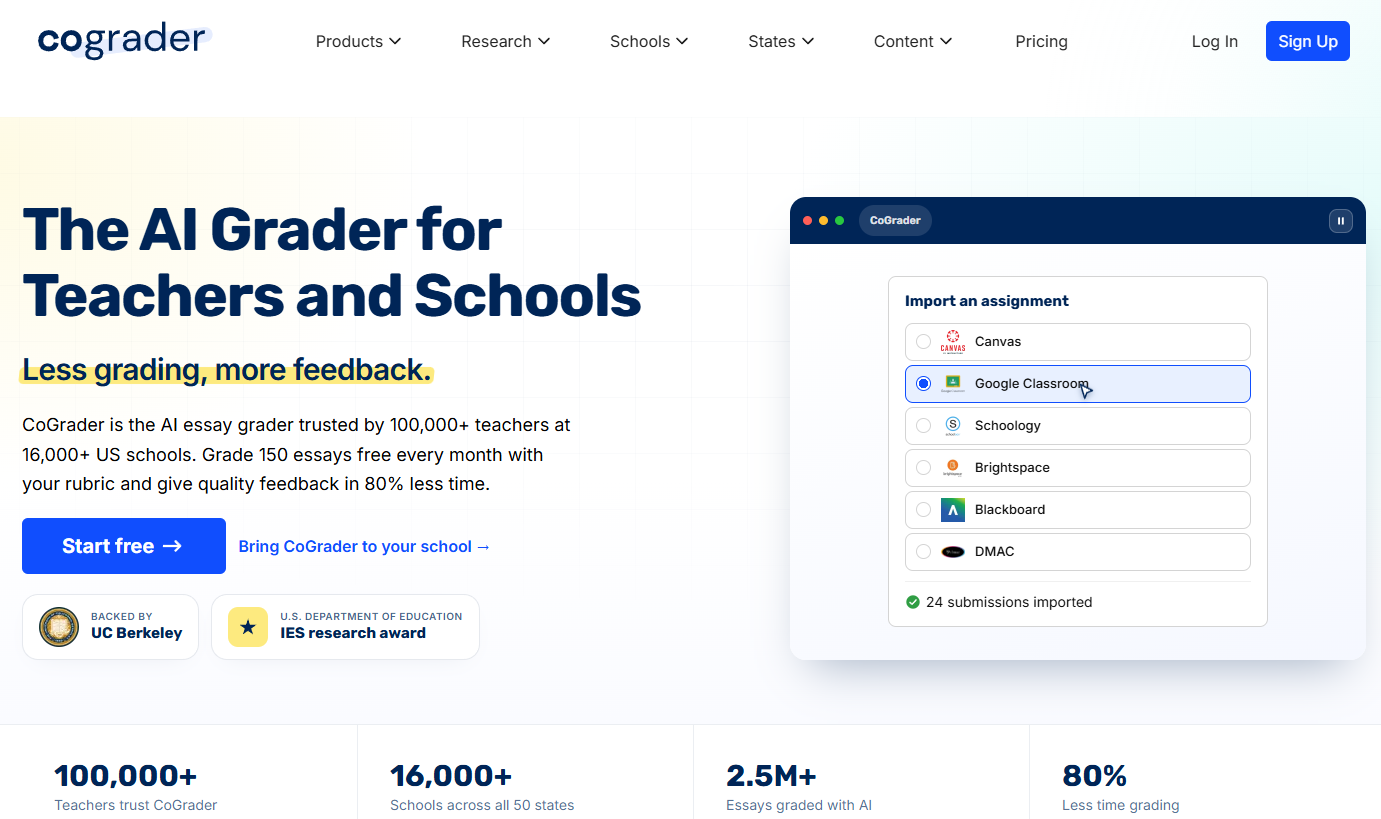
CoGrader is an AI-powered grading and feedback platform built around rubric-based assessment for written assignments. Teachers upload assignments, define or upload rubrics, and CoGrader generates scores and draft feedback for each submission. Teachers review AI suggestions, edit as needed, and release to students. The platform integrates directly with Google Classroom, Canvas, and Schoology, keeping grading inside existing workflows rather than requiring a separate system.
Best for: K-12 teachers and schools grading essays or short answers with custom or standards-aligned rubrics.
Key features
- Rubric-based AI scoring with criterion-level rationale
- Teacher review, score edits, and feedback editing before release
- Google Classroom, Canvas, and Schoology integrations
- Grammar, AI-writing, and plagiarism detection built in
- Class performance dashboards and analytics
Why choose CoGrader: CoGrader fits teachers who want AI embedded in their existing workflow rather than a separate tool. Its classroom integrations and teacher review controls make it the most practical starting point for K-12 essay grading at scale.
CoGrader pricing: The Starter plan is free and includes 150 submissions per month. The Individual plan costs $15 per month (billed annually) and adds 350 submissions, additional detection features, and analytics. School, district, and higher education plans use custom pricing based on institution size.
G2 rating: 4.6/5
2. Gradescope
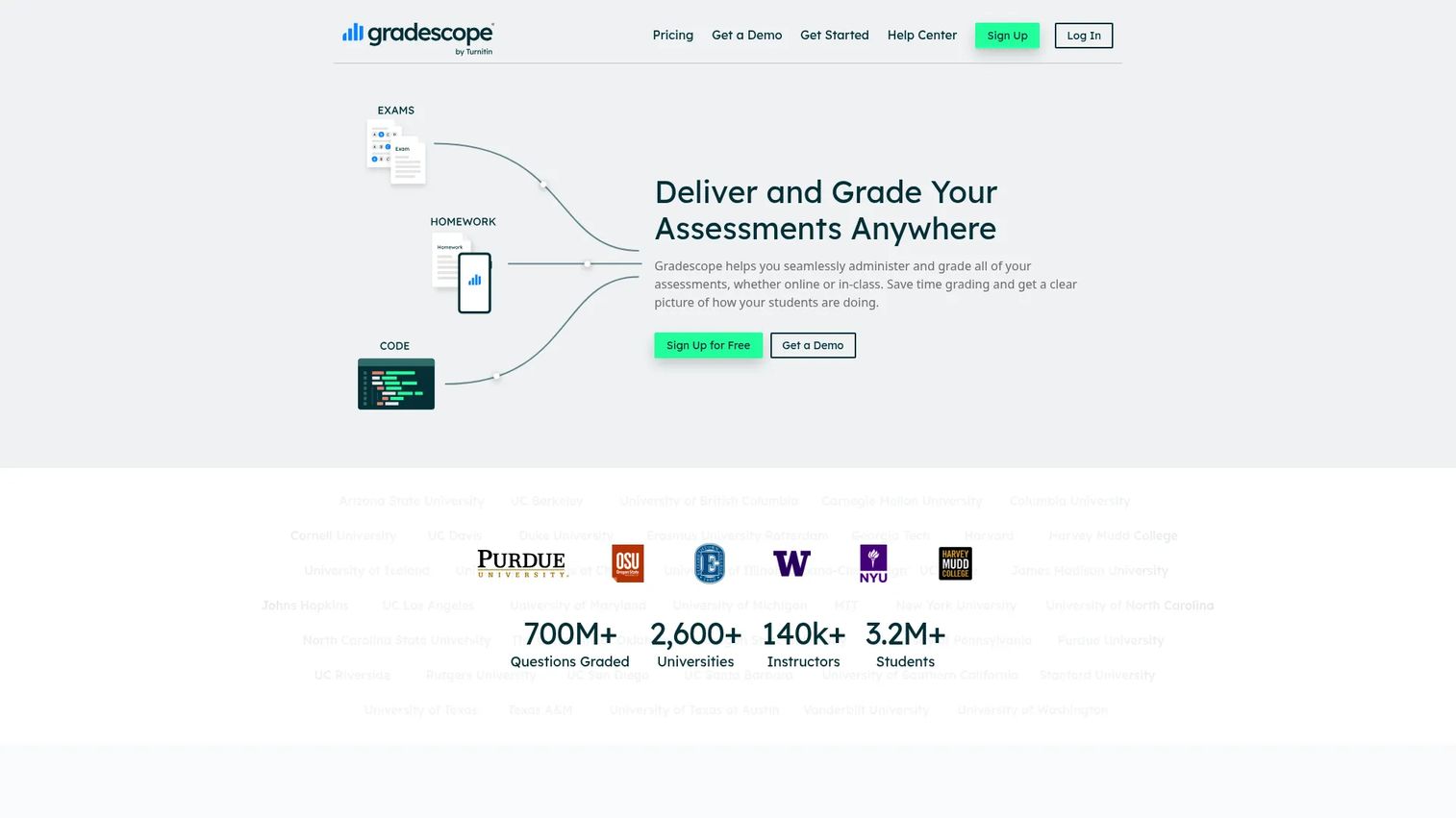
Gradescope handles grading across paper-based, digital, coding, and bubble-sheet assessments. Its grouped-answer workflow lets instructors grade all similar responses together by applying a rubric decision once across a cluster. This is particularly valuable for large enrollment courses where consistency across multiple graders and teaching assistants is the primary challenge. Regrade request workflows and question-level statistics round out the platform for higher education contexts.
Best for: University courses and departments managing high-volume exams, problem sets, handwritten STEM submissions, or multi-grader grading workflows.
Key features
- Paper, digital, code, and bubble-sheet assessment support
- Grouped answer grading for faster rubric application
- Handwritten submission scanning and review
- Shared rubrics and regrade request workflows
- Question-level and rubric-level statistics with export
Why choose Gradescope: No other tool on this list handles the breadth of assessment formats Gradescope supports. If your context includes handwritten STEM exams, programming assignments, or large TA-managed courses, it deserves the first serious evaluation.
Gradescope pricing: Gradescope does not display public pricing. Contact the Gradescope team directly for institutional licensing terms, campus-wide agreements, and any current trial or free-access options. Pricing is typically structured per institution.
G2 rating: 4.2/5
3. EssayGrader.ai
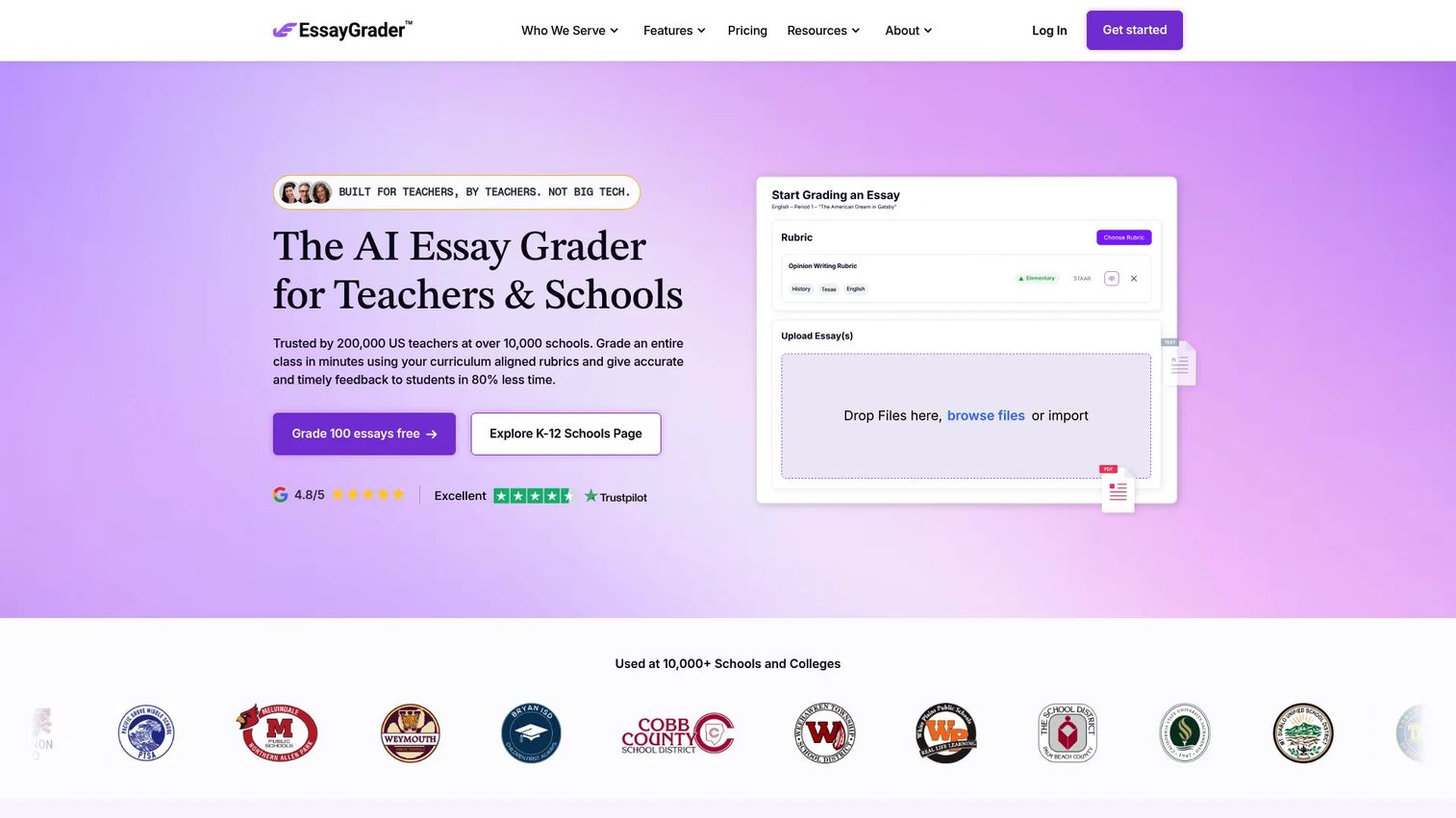
EssayGrader.ai is a dedicated AI essay grader built for teachers who need faster writing feedback without switching to a full assessment platform. Upload essays individually or in bulk, apply a rubric or select from existing standards-aligned options, and receive scored feedback drafts per submission. The platform includes AI-writing and plagiarism detection, LMS integrations with Google Classroom, Canvas, and Schoology, and analytics tracking student writing growth over time. Handwritten essay scanning is also supported.
Best for: K-12 and higher-education educators who primarily grade written assignments and want rubric-aligned essay feedback without a full assessment suite.
Key features
- Rubric-based and standards-aligned essay scoring
- Bulk upload and LMS integrations with Google Classroom and Canvas
- AI-writing and plagiarism detection
- Handwritten essay scanning and grading
- Student writing growth analytics
Why choose EssayGrader.ai: For teachers whose core need is essay feedback, EssayGrader.ai is more focused than a general-purpose AI toolkit. Test its output against 10 to 15 of your own essays before rolling out to a full class, and verify that feedback edits feel natural before releasing AI-generated comments to students.
EssayGrader.ai pricing: The Basic plan is free and includes 100 essay gradings per month. The Lite plan costs $6.99 per month. The Pro plan is $14.99 per month, and Premium is $34.99 per month. Each tier adds higher essay volume, longer word limits, and additional features including detection and analytics. School and district plans use custom pricing.
G2 rating: 4.9/5
4. MagicSchool AI
MagicSchool AI is a broad AI platform for educators covering lesson planning, rubric generation, quiz creation, IEPs, differentiation, student communication, and classroom management. Its value in an assessment workflow is strongest at the preparation stage. Teachers use MagicSchool AI to generate clear rubrics, build assessment items, align to standards, and draft feedback prompts before grading begins. A well-constructed rubric makes every downstream grading workflow more consistent, whether automated or manual.
Best for: Educators, schools, and districts who need AI-assisted rubric creation and assessment planning alongside broader classroom preparation tools.
Key features
- AI rubric generator with standards alignment support
- 80+ teacher tools for lesson plans, quizzes, worksheets, and IEPs
- Student writing feedback and tutoring tools in Student Rooms
- District SSO, SIS/LMS integrations, and governance controls
- Built-in compliance claims for FERPA, COPPA, SOC 2, and GDPR
Why choose MagicSchool AI: If the biggest gap in your grading workflow is rubric quality rather than scoring speed, MagicSchool AI addresses the upstream problem. Pair it with a dedicated essay grader for the scoring step, and treat any AI-generated rubric as a draft to review before classroom rollout.
MagicSchool AI pricing: The free plan covers core teacher and student tools with no time limit. The Plus plan costs $8.33 per user per month billed annually, or $12.99 per month billed monthly, adding unlimited generations, expanded student tools, and learning insights. Enterprise plans for districts include SSO, custom integrations, and dedicated support; contact sales for pricing.
5. Turnitin
Turnitin is an institutional platform that combines similarity checking, AI-writing detection, grading tools, and feedback workflows under a single system. Its Similarity product checks submitted writing against student papers, scholarly publications, and web content. The Originality product adds AI-writing and AI-paraphrasing detection indicators. Feedback Studio provides rubrics, QuickMarks, pinned comments, and media comments for instructor-led written feedback. Turnitin sells through institutions rather than individual educators, so procurement goes through your school or university.
Best for: Schools and universities that need formal academic-integrity processes integrated with grading and written feedback at institutional scale.
Key features
- Similarity checking across student papers, scholarly publications, and web content
- AI-writing and AI-paraphrasing detection via Originality
- Rubrics, QuickMarks, and media comments in Feedback Studio
- LMS integrations for institutional deployment
- Reporting and policy-support documentation
Why choose Turnitin: Turnitin fits institutions that need a documented, policy-aligned integrity workflow rather than a single detection tool. Similarity scores and AI-writing indicators are data points that should inform instructor review and conversation, not determine academic sanctions alone. Build due-process steps into any workflow before acting on detection outputs.
Turnitin pricing: Turnitin does not publish individual subscription pricing. Contact the Turnitin sales team for institutional quotes; pricing is customized by institution size and the product modules required.
G2 rating: 4.2/5
6. GPTZero
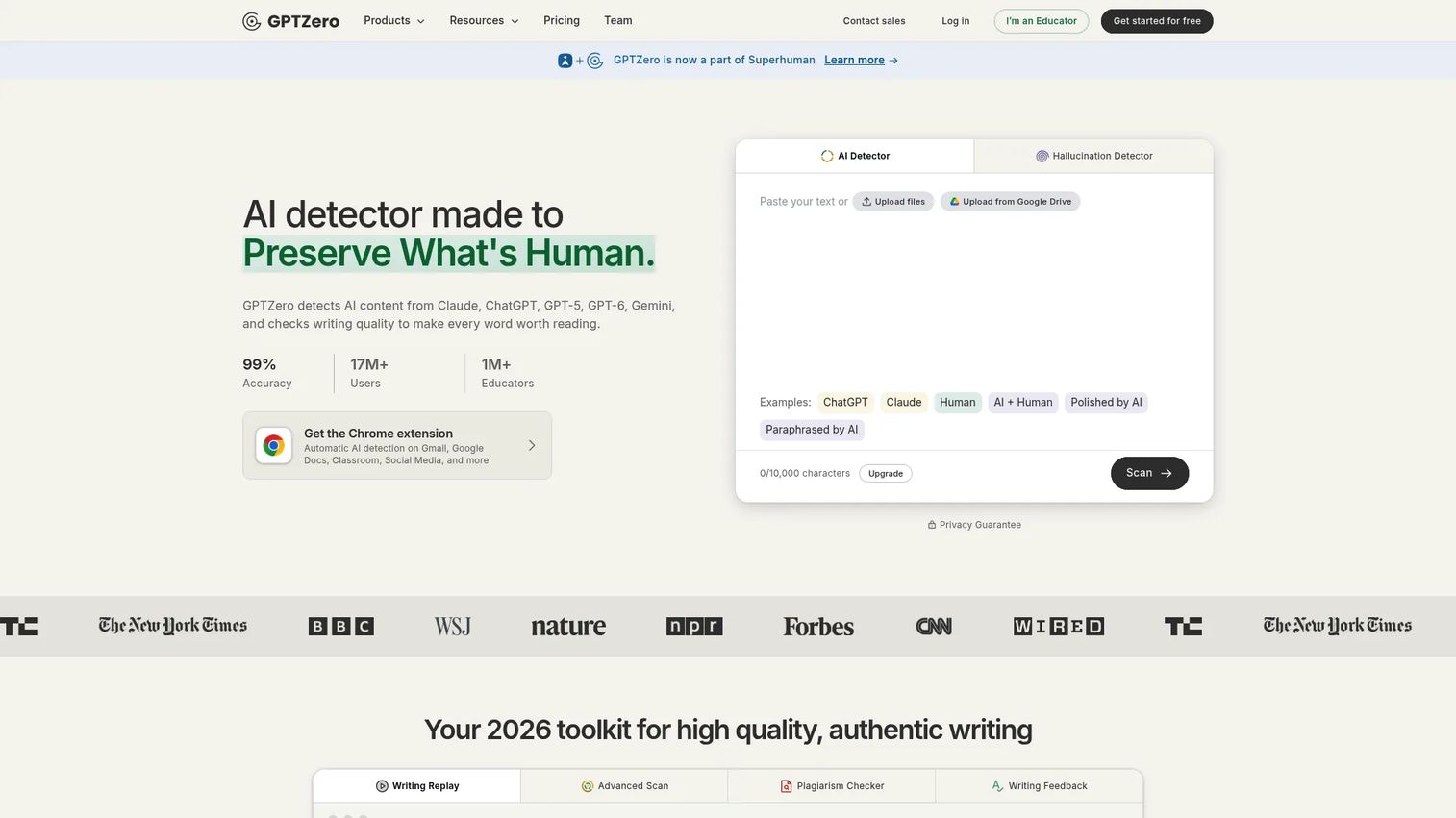
GPTZero identifies AI-generated text across major language models and provides sentence-level explanations of AI-writing patterns. Its Advanced Scan gives educators a detailed report on where AI involvement is most likely within a submitted document. Writing Replay adds authorship verification by showing how a document was composed over time. Canvas and Google Classroom integrations allow educators to check submissions without leaving their LMS. GPTZero is positioned as a review support tool, not an enforcement mechanism. Detection outputs are probabilistic and should always lead to a conversation rather than an automatic grade penalty.
Best for: Individual educators and academic-integrity teams that need a consistent first-pass review signal for suspected AI-generated writing.
Key features
- AI-writing detection across major language models
- Advanced Scan with sentence-level pattern explanations
- Writing Replay for authorship verification
- Plagiarism checking
- Canvas and Google Classroom integrations
Why choose GPTZero: GPTZero works well as one signal inside a broader integrity review process. It fits educators who want a lightweight, accessible detection step before escalating to a formal conversation. Do not treat any detection score as conclusive proof of misconduct; use it to inform the investigation, not to conclude it.
GPTZero pricing: A free plan is available at $0 per month. Professional and Team plans add higher document scanning limits, advanced features, and shared team credits; visit the GPTZero pricing page for current rates, as paid-plan amounts were not publicly rendered at time of verification.
7. Coursebox
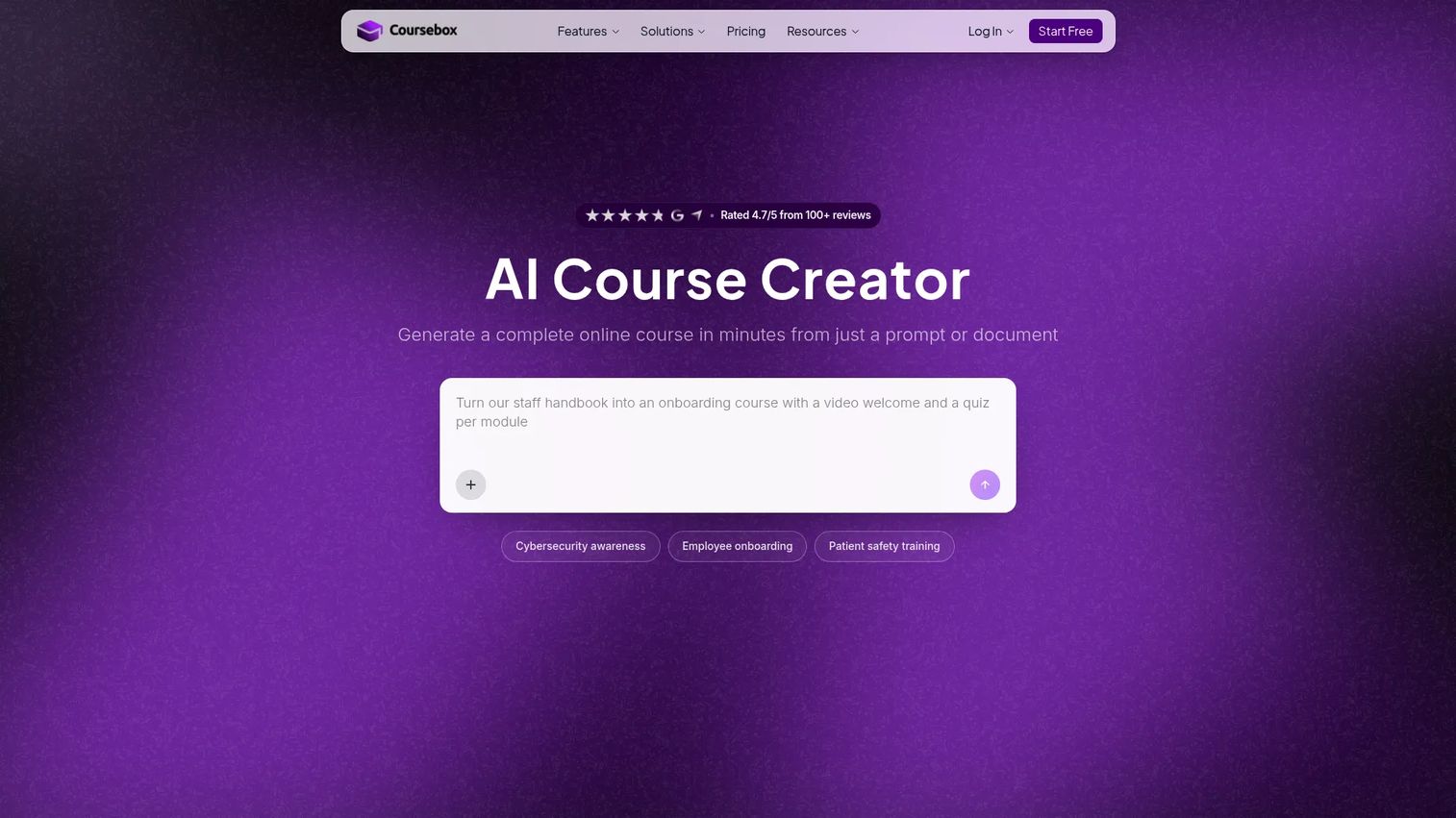
Coursebox is an AI course creation and learning management platform that generates online courses from prompts or uploaded documents, then embeds AI-generated quizzes, assessments, and grading into the same environment. For learning and development teams and training businesses, this matters because assessment is rarely a standalone activity. It sits inside a course program with progression tracking, certificates, and reporting. Coursebox handles that full workflow rather than plugging into a separate gradebook. SCORM and LTI export extend reach into existing LMS environments.
Best for: Corporate learning teams, training businesses, and educators whose assessment process lives inside an online course program rather than a standalone classroom gradebook.
Key features
- AI course generation from prompts or uploaded documents
- AI-generated quizzes, assessments, and grading
- Learner progress tracking with certificates and reporting
- SCORM and LTI export for LMS compatibility
- Branded LMS with custom domain option on Pro plan
Why choose Coursebox: When course creation, delivery, and assessment all need to connect without stitching together separate tools, Coursebox earns its place. It is less suited to traditional K-12 gradebook workflows or institutions that need a dedicated essay grader feeding into an existing SIS.
Coursebox pricing: The Free plan includes limited course creation and AI credits. Creator, Pro, and Enterprise plans add branded LMS capabilities, expanded AI capacity, SCORM export, LTI support, API access, and SSO. Visit the Coursebox pricing page for current tier amounts, as Creator and Pro plan prices were not publicly rendered at time of verification.
Considerations when choosing AI grading tools
Start with the assignment type
Essays, short answers, handwritten STEM work, and objective questions each require a different workflow. A tool that demos well on five-paragraph essays may not handle calculus problem sets or scanned paper exams. Match the tool to the assignment format your teachers grade most, not the format that looks best in a product demo.
Test the rubric before deploying widely
Score a representative sample of 10 to 15 submissions manually before using any AI grader at scale. Compare AI-suggested scores against your own, inspect the score rationale, and revise rubric criteria where disagreement clusters. This step catches ambiguity early and builds teacher confidence in the output before it touches student records.
Protect teacher control in the workflow
Choose platforms that let teachers edit AI-generated feedback, override individual scores, review class-level patterns, and control when grades are released to students. A tool that pushes grades directly to the gradebook without a teacher review step is not suited for written assessment.
Check LMS and gradebook fit before committing
Verify roster sync, assignment import, grade export format, and grade-passback support for your specific LMS and your specific pricing plan. A useful AI grader that creates manual copy-paste work between systems will not achieve adoption across a department.
Review privacy and procurement evidence
Ask vendors for data-processing agreements, student-data retention policies, model-training documentation, encryption standards, and access controls. Do not treat marketing claims as a substitute for your own policy review. Route final decisions through your institution's privacy and procurement process, particularly for any tool that will handle student writing at scale.
How to choose the right AI grading tool
If you grade essays every week
Start with CoGrader or EssayGrader.ai. CoGrader fits teachers who want classroom integration and class-level analytics alongside rubric scoring. EssayGrader.ai fits teachers who primarily need focused essay feedback without a broader platform.
If you manage large university assessments
Prioritize Gradescope. Its grouped-answer workflow and multi-grader consistency controls carry extra weight in large enrollment courses where TAs handle most grading. Handwritten STEM exam support is a meaningful differentiator that few other tools match.
If academic integrity is the primary concern
Evaluate Turnitin and GPTZero as review layers, not replacement workflows. Turnitin fits institutions with formal policy frameworks and LMS-integrated integrity processes. GPTZero fits individual educators who need an accessible first-pass detection step. Build a human review process around any AI-writing or similarity signal before drawing conclusions.
If assessment lives inside your course operation
Evaluate Coursebox when course creation, learner progress, and assessment all need to connect. Use MagicSchool AI when the bigger gap is rubric quality and assessment planning rather than automated scoring. A stronger rubric upstream produces better grading output downstream, regardless of which scoring tool you use.
Conclusion
The right AI grading tool depends on your assignment type and operational context. CoGrader handles rubric-based essay workflows for K-12 classrooms with LMS integration and a free entry point. Gradescope covers higher-education assessment breadth, particularly handwritten and multi-grader contexts. EssayGrader.ai focuses on essay feedback at an accessible price point. MagicSchool AI improves the rubric and assessment preparation that makes every downstream grading step more consistent. Turnitin and GPTZero support academic-integrity review workflows at institutional and individual scales respectively. Coursebox connects assessment to course creation for L&D teams and training organizations.
Before deploying any of these tools across a department or school, shortlist two options and run the same representative assignment through each. Compare teacher edits required, scoring variance against your own judgment, and feedback quality. Then confirm LMS fit and data-processing terms for your institution.
One principle cuts across all seven: Teacher review before grade release. AI grading tools do their best work as a first pass, not a final authority.
Start your journey with Guideflow today!
FAQs about AI grading tools
An AI grading tool is a software platform that helps educators apply rubrics, suggest scores, draft feedback, group similar responses, and review assessment patterns across student submissions. Educators retain responsibility for final grading decisions. AI assists the repetitive steps; teachers handle judgment calls and approvals before grades reach students.
They can support first-pass scoring and feedback when the rubric is clear and specific. Teachers should validate performance by scoring a representative sample manually, comparing it against AI output, and reviewing score rationale before releasing grades. Accuracy varies by rubric quality, assignment type, and writing style. Subjective or creative writing needs more teacher review than structured analytical essays.
Many tools support integrations with Google Classroom and Canvas, but depth varies by plan. CoGrader and EssayGrader.ai list both integrations. Gradescope, Turnitin, and GPTZero also support LMS connectivity. Verify roster sync, grade-passback behavior, and assignment import for your specific plan before committing. Features available on a free tier often differ from those on paid or institutional plans.
Some platforms support scanned handwritten work. Gradescope is the most mature option for handwritten STEM exams and structured-response submissions. CoGrader and EssayGrader.ai also list handwritten essay support. Test recognition quality with your own scan setup and student handwriting samples before using it at scale. Poor scan quality reduces accuracy regardless of the underlying model.
Yes. CoGrader offers a free Starter plan with 150 submissions per month. EssayGrader.ai offers a free Basic plan with 100 essays per month. MagicSchool AI has a free plan with core teacher and student tools. GPTZero offers a free tier for individual educators. Free plans typically limit submission volume, essay length, LMS integrations, or analytics depth. Review what each tier actually includes before assuming the free version covers your workflow.
No. AI graders reduce the repetitive work of applying rubrics and drafting feedback across large submission sets. Teachers still design rubrics, review AI-suggested scores, edit feedback, approve releases, and make final grading decisions. Any AI grading workflow that removes the teacher review step from written assessment creates accuracy, fairness, and accountability risks that outweigh the time savings.
Some platforms provide similarity reports or AI-writing signals. Turnitin and EssayGrader.ai include similarity checking. Turnitin and GPTZero provide AI-writing detection indicators. These outputs are probabilistic signals that should trigger investigation and conversation, not automatic grade penalties. A high similarity score or AI-writing indicator means a closer look is warranted, not that misconduct is confirmed.
Review the vendor's data-processing agreement, student-data retention terms, model-training policy, encryption standards, and access controls before deploying at scale. Ask whether student writing is used to train AI models and under what conditions. Do not rely on marketing claims or compliance badges alone. FERPA, COPPA, and state-level privacy requirements vary by institution type, so route final decisions through your institution's legal and procurement process.
Rubric-based grading evaluates the quality of student work against defined criteria. AI-writing detection assesses whether a submission was likely generated by an AI model. They address different questions. A submission can score poorly on a rubric while showing no AI involvement, and vice versa. Most teachers need both capabilities but at different moments in the assessment workflow.