Your delivery team is busy. Projects are moving. And yet, at the end of the month, you're still staring at a spreadsheet trying to figure out which engagements actually made money.
That's the gap project profitability software closes. Work progress and financial performance live in different systems for most service businesses, and by the time the two get reconciled, the margin has already leaked. According to SNS Insider (2026), the professional services automation software market reached USD 12.15 billion in 2024 and is forecast to hit USD 33.76 billion by 2032, reflecting how fast teams are moving away from manual reconciliation toward real-time financial visibility.
The tools in this guide are built for founders and operations leaders who need to see actuals vs forecast before the invoice goes out, not after the quarter closes.
What's inside
This guide covers seven project profitability software tools evaluated for 2026. It's written for agency founders, consultancy operators, and professional services leaders who need live margin data, not end-of-month summaries.
Tools were selected based on four criteria:
- Live profitability visibility: Budget vs actuals updated in real time, not on export
- Time and expense tracking: Native capture of billable hours and project costs
- Quote-to-invoice workflow: Quoting, billing, and invoicing connected in one flow
- Accounting integrations: Clean sync with Xero, QuickBooks, or native accounting modules
TL;DR
- Best overall for client services teams: Teamwork.com combines project delivery and profitability reporting in one platform built for billable work
- Best for PSA depth: Scoro covers the full quote-to-cash cycle with resource planning and margin forecasting
- Best for agencies needing planning plus margins: Productive brings budgeting, resource scheduling, and revenue forecasting into one view
- Best for financial project control: BigTime suits professional services firms that need stronger billing workflows and project accounting
- Best for accounting-first operations: Zoho Books connects project tracking to a full accounting layer with invoicing and expense management
- Best for broad work management with financial context: Monday.com gives teams a flexible foundation with project visibility and basic cost tracking
- Best for lightweight time and billing: Harvest works for smaller teams that want simple time capture, invoicing, and basic profitability insight
What is project profitability software
Project profitability software is a category of tool that connects project revenue, labor costs, time, expenses, and billing into a single reporting layer so teams can see whether individual projects are making money in real time.
Unlike general project management tools that track task completion, project profitability software answers a different question: After accounting for hours worked, expenses incurred, and revenue billed, what margin did this project actually generate?
Core capabilities typically include:
- Budget vs actuals tracking: Compare planned costs and hours against what was actually spent
- Margin reporting: Calculate gross margin per project, client, or service line
- Time capture: Log billable and non-billable hours tied directly to projects and tasks
- Expense allocation: Assign vendor costs, software fees, and out-of-pocket expenses to specific projects
- Revenue forecasting: Project future billing based on current resource plans and pipeline
- Accounting sync: Push invoices and financial data to accounting platforms like QuickBooks or Xero
The tools in this category range from lightweight time-tracking apps with basic invoicing to full professional services automation (PSA) platforms that manage the entire quote-to-cash cycle. Choosing the right level of depth depends on your billing model complexity, team size, and how much financial control your finance or RevOps function needs.
When to use project profitability software
Spot margin leaks before month end
Most service businesses discover their worst-performing projects at month close, when it's too late to course-correct. Project profitability software gives you a live view of budget burn so you can catch scope creep, unauthorized hours, or underquoted work early. A project running 20% over budget in week two is fixable. The same overrun discovered at invoice time is just a write-off.
Tie quotes, time, and invoices together
One of the most common margin killers is a broken handoff between sales quoting and project delivery. The estimate gets built in one spreadsheet, hours get logged in another, and the invoice goes out from a third system. Project profitability tools that support a quote-to-invoice workflow let you trace every billed dollar back to the original estimate, so you know whether your pricing assumptions were realistic.
Give finance and delivery one source of truth
Founders preparing for board meetings or fundraising often spend days pulling data from disconnected tools. Project profitability software that integrates with your accounting system creates a shared financial layer that delivery and finance teams both trust. Margin by client, utilization by practice area, actuals vs plan by project: These numbers become available on demand rather than through weekly reconciliation.
Project profitability software comparison
The table below summarizes all seven tools by their primary fit, key differentiator, starting price, and G2 rating. Pricing reflects verified figures from each vendor's pricing page as of August 2026.
| # | Product | Best for | Key differentiator | Pricing | G2 rating |
|---|---|---|---|---|---|
| 1 | Teamwork.com | Client-service teams | Project delivery plus profitability reporting combined | From $9.99/user/month | 4.4/5 |
| 2 | Scoro | Full PSA with margin forecasting | Quote-to-cash across delivery and finance | From $19.90/user/month | 4.5/5 |
| 3 | Productive | Agency resource and margin planning | Budgeting, scheduling, and revenue forecasting together | From $10/month | 4.6/5 |
| 4 | BigTime | Professional services billing control | Project accounting with billing workflows and forecasting | From $20/user/month | 4.5/5 |
| 5 | Zoho Books | Accounting-first project tracking | Full accounting layer with project and time modules | Free plan available | 4.4/5 |
| 6 | Monday.com | Work management with financial context | Flexible boards with cost tracking and dashboards | Free plan available | 4.7/5 |
| 7 | Harvest | Lightweight time and billing | Simple time capture, invoicing, and project reports | Free plan available | 4.3/5 |
Best project profitability software for 2026
1. Teamwork.com
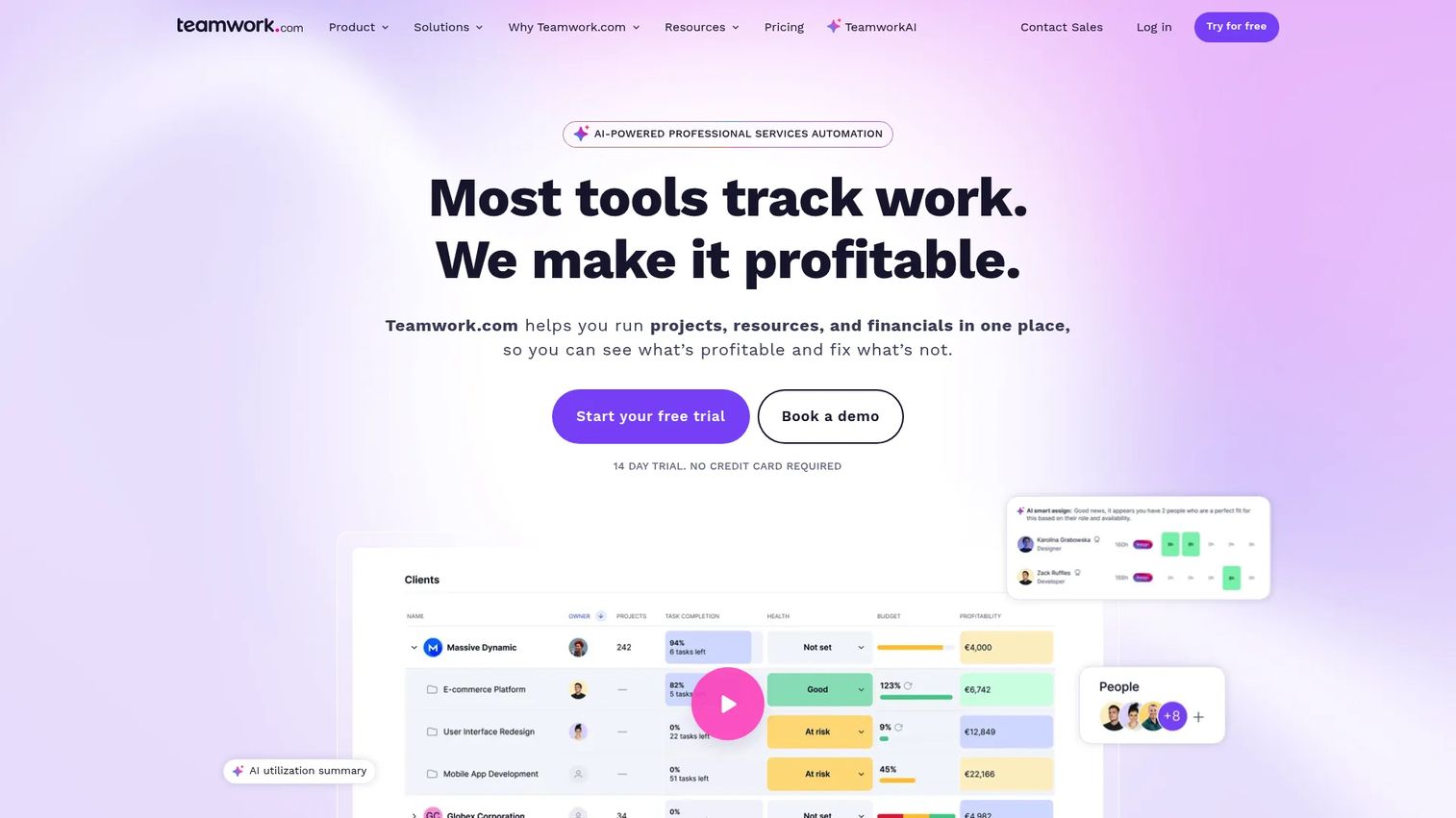
Teamwork.com is a project and work management platform built specifically for client-service teams, covering agencies, consultancies, and professional services firms that bill time and manage deliverables across multiple clients. It combines task management, time tracking, budgeting, and profitability reporting in a single product, so delivery teams and finance leaders look at the same numbers without an export step.
The platform supports multiple project views (List, Board, Table, and Gantt), which matters for teams that manage both structured deliverables and fluid client requests. Profitability reports show revenue, costs, and margin per project in real time, with budget alerts that flag overruns before they compound.
Best for: Agencies and client services teams that need project delivery and profitability tracking in one place.
Key features
- Profitability reports with live budget vs actuals per project
- Time tracking tied directly to tasks and billable rates
- Budget alerts that trigger on threshold breaches
- Resource management with workload and capacity planning
- Quotes and invoicing connected to project data
Why choose Teamwork.com: If your team runs client work across multiple projects and you need margin visibility without switching between delivery and finance tools, Teamwork.com is the most direct fit on this list. It's built around the client-services workflow, not adapted from a generic task manager.
Teamwork.com pricing: Plans start at $9.99/user/month (Basics, billed yearly). The Accelerate plan is $24.99/user/month billed yearly. Optimize and Enterprise tiers require a demo call for pricing. A 30-day free trial is available; no permanent free tier exists.
Teamwork.com on G2: Rated 4.4/5 on G2.
2. Scoro
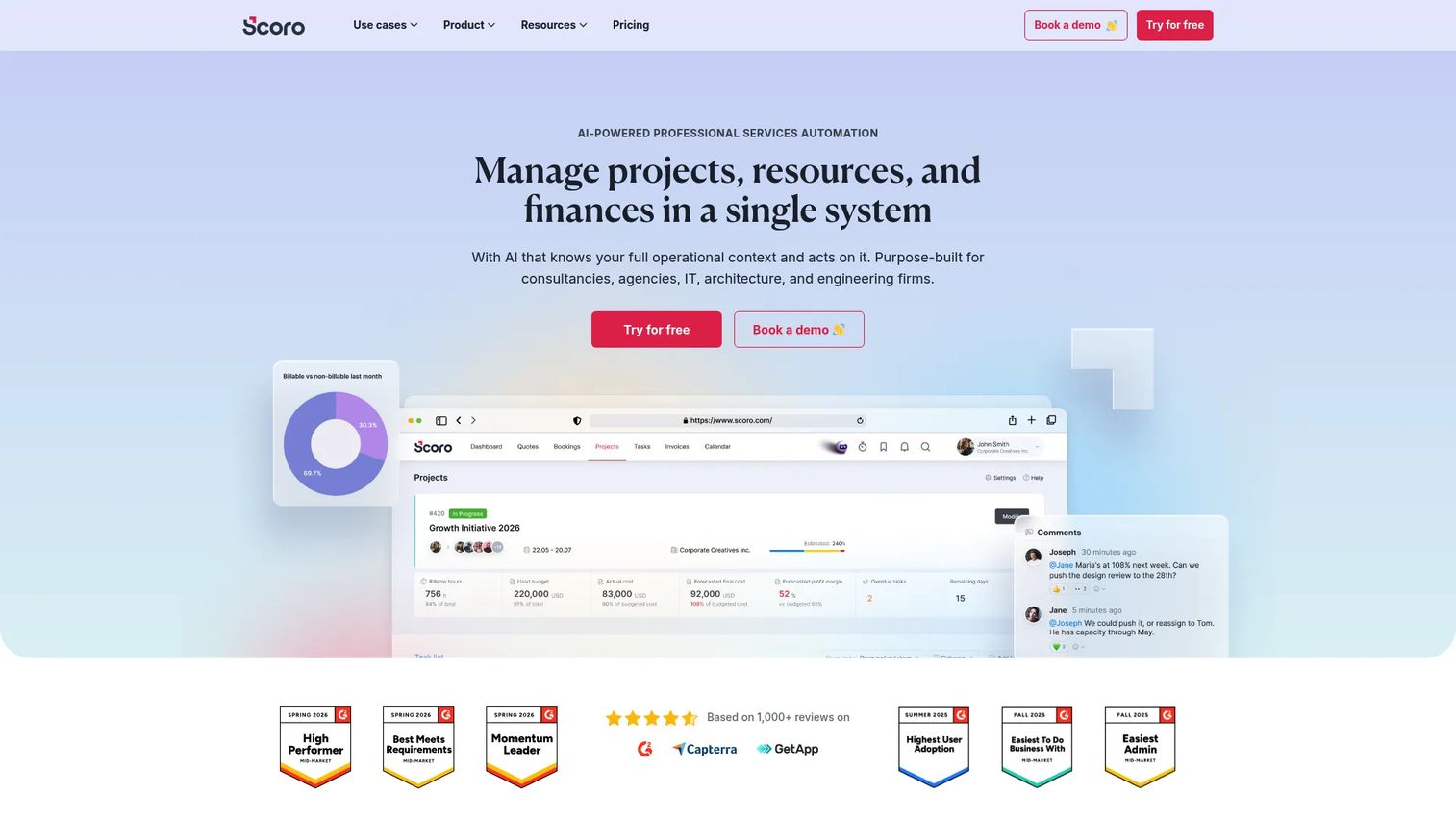
Scoro is a professional services automation platform that covers the full operating cycle for service businesses: Quoting and proposals, project and task management, resource planning, time tracking, invoicing, and financial reporting. Rather than connecting separate tools, Scoro runs the entire workflow in one system, from the moment a quote is accepted through to payment.
For founders who've felt the pain of reconciling project delivery data with finance data, Scoro removes the gap by design. Margin forecasting, budget tracking, and utilization reporting pull from the same data layer that drives task assignments and billing.
Best for: Agencies and professional services firms that want a single operating system across sales, delivery, and finance, including PSA depth with margin forecasting.
Key features
- Full project lifecycle management from quote to invoice
- Resource planning with capacity forecasting
- Real-time budget vs actuals with margin reporting
- Quoting, retainers, and invoicing in one flow
- Financial dashboards across projects, clients, and teams
Why choose Scoro: Choose Scoro when you need more than project management with a billing tab. It suits teams that have outgrown patched-together stacks and want a single source of truth for operations and finance. The minimum seat count of five makes it a better fit for teams than solo operators.
Scoro pricing: Core plan starts at $19.90/user/month (billed monthly). Growth is $32.90/user/month, Performance is $49.90/user/month, and Enterprise is custom pricing. A 14-day free trial is available; minimum five user seats apply across plans.
Scoro on G2: Rated 4.5/5 on G2.
3. Productive
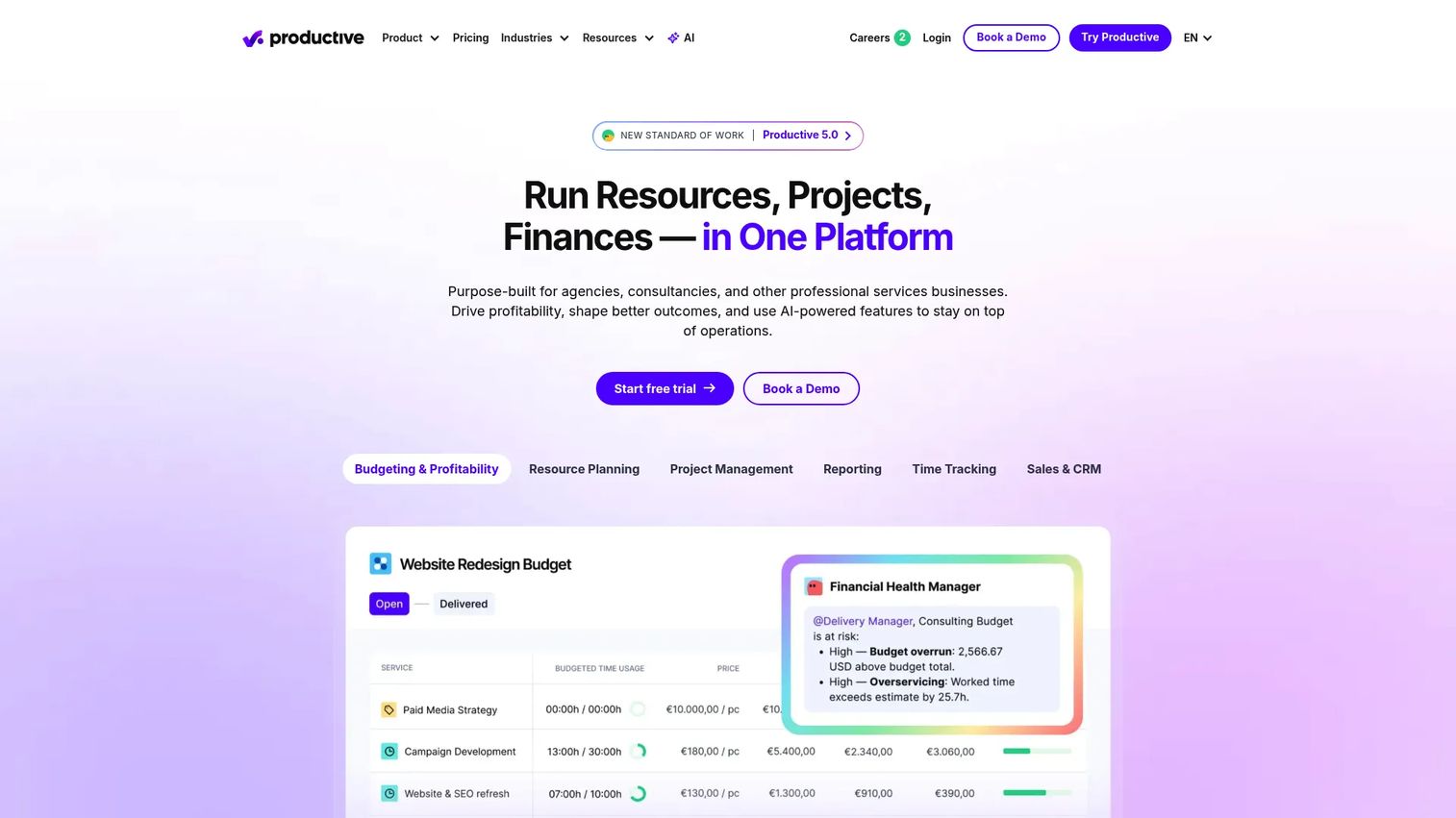
Productive is an all-in-one professional services platform designed for agencies that need to manage projects, plan resources, track budgets, and forecast revenue from a single view. Its financial module sits inside the same workspace as task management and scheduling, which means project margin data updates as hours get logged, not when someone runs a report.
Revenue forecasting in Productive shows projected billing based on active resource plans, letting operations leads and founders see where margin pressure is building before it shows up in actuals. The platform also supports service catalog pricing, retainer management, and invoicing connected directly to project data.
Best for: Agencies and service businesses that need resource planning and project-level margin analysis working together without a manual sync step.
Key features
- Project budgeting with live actuals and margin tracking
- Resource scheduling with capacity and utilization views
- Revenue forecasting from resource plans
- Invoicing and billing tied to project data
- Reporting across projects, teams, and service lines
Why choose Productive: Productive works well for growing agencies (roughly 20 to 200 people) where the planning and finance gap is the main operational friction. If your current setup has resource scheduling in one tool and project financials in another, Productive's integrated view addresses that directly.
Productive pricing: Essential plan starts at $10/month (billed monthly) or $9/month billed annually. Professional is $25/month billed monthly. Ultimate requires contact with sales. A 14-day free trial is available.
Productive on G2: Rated 4.6/5 on G2.
4. BigTime
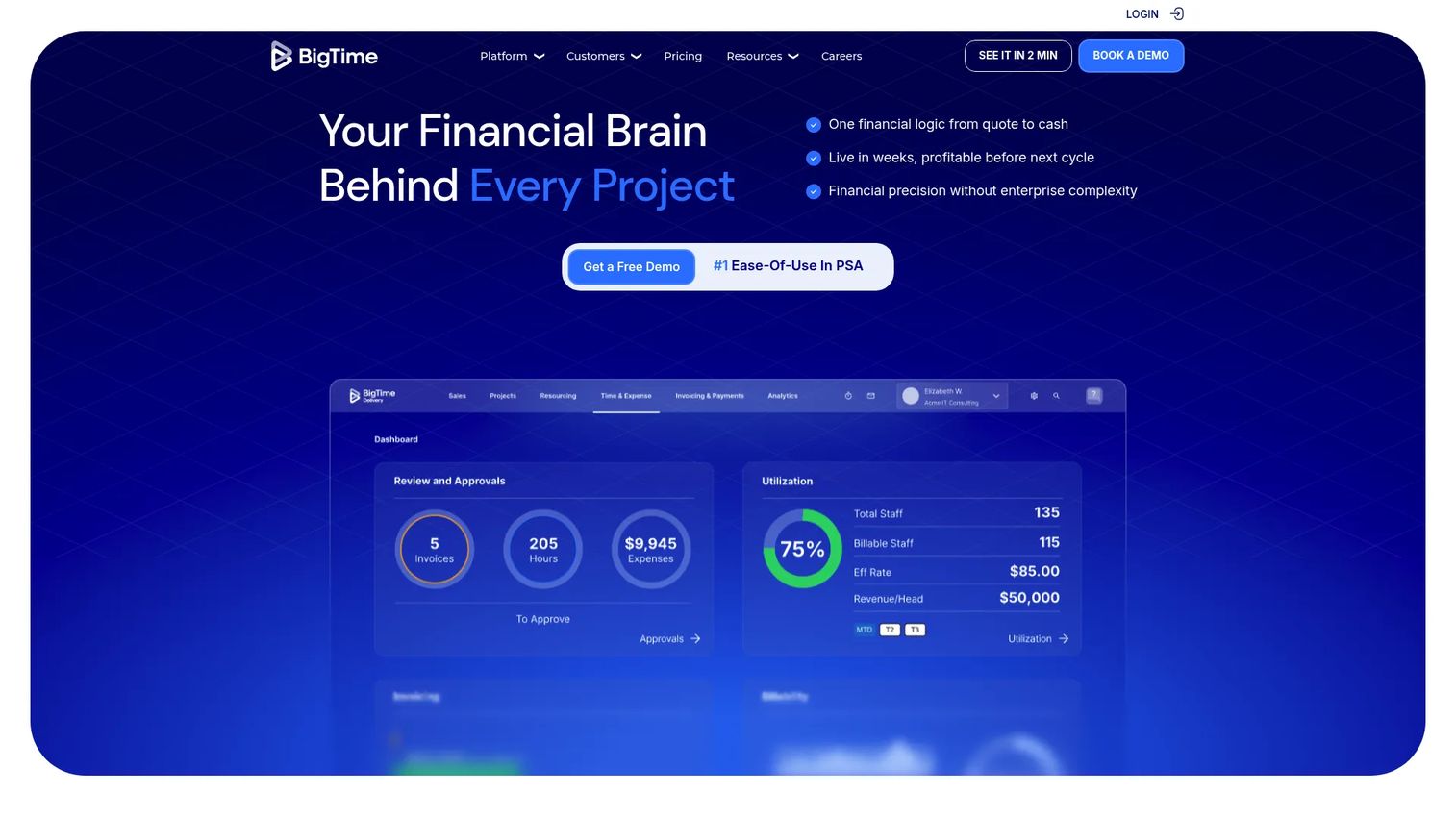
BigTime is a professional services platform focused on time tracking, billing workflows, invoicing, and project financial visibility. It targets firms in accounting, consulting, engineering, and legal services that need rigorous control over how time gets billed, how expenses get allocated, and how project profitability gets reported across a portfolio of engagements.
The billing workflow in BigTime handles multiple fee structures, including fixed fee, time and materials, and milestone billing, with approval workflows and invoice customization built in. Project profitability reporting shows margin at the project, client, and practice-area level, and the higher-tier BigTime Foresight plan adds forecasting and resource management capabilities.
Best for: Professional services firms that need strong billing control, project accounting, and profitability reporting, particularly those with complex fee arrangements or multi-entity structures.
Key features
- Time tracking with approval and billing workflows
- Invoicing across fixed fee, T&M, and milestone structures
- Project profitability reports with cost and margin breakdowns
- Expense management tied to project budgets
- Resource management and utilization reporting
Why choose BigTime: BigTime earns its place when billing accuracy and financial governance matter more than task management depth. Firms running complex fee structures across many client engagements will find its billing workflow more purpose-built than general project management tools adapted for services work.
BigTime pricing: Essentials starts at $20/user/month (billed monthly). Advanced is $35/user/month and Premier is $45/user/month, both billed monthly. The BigTime Foresight tier for forecasting and advanced resource management requires direct contact for pricing.
BigTime on G2: Rated 4.5/5 on G2.
5. Zoho Books
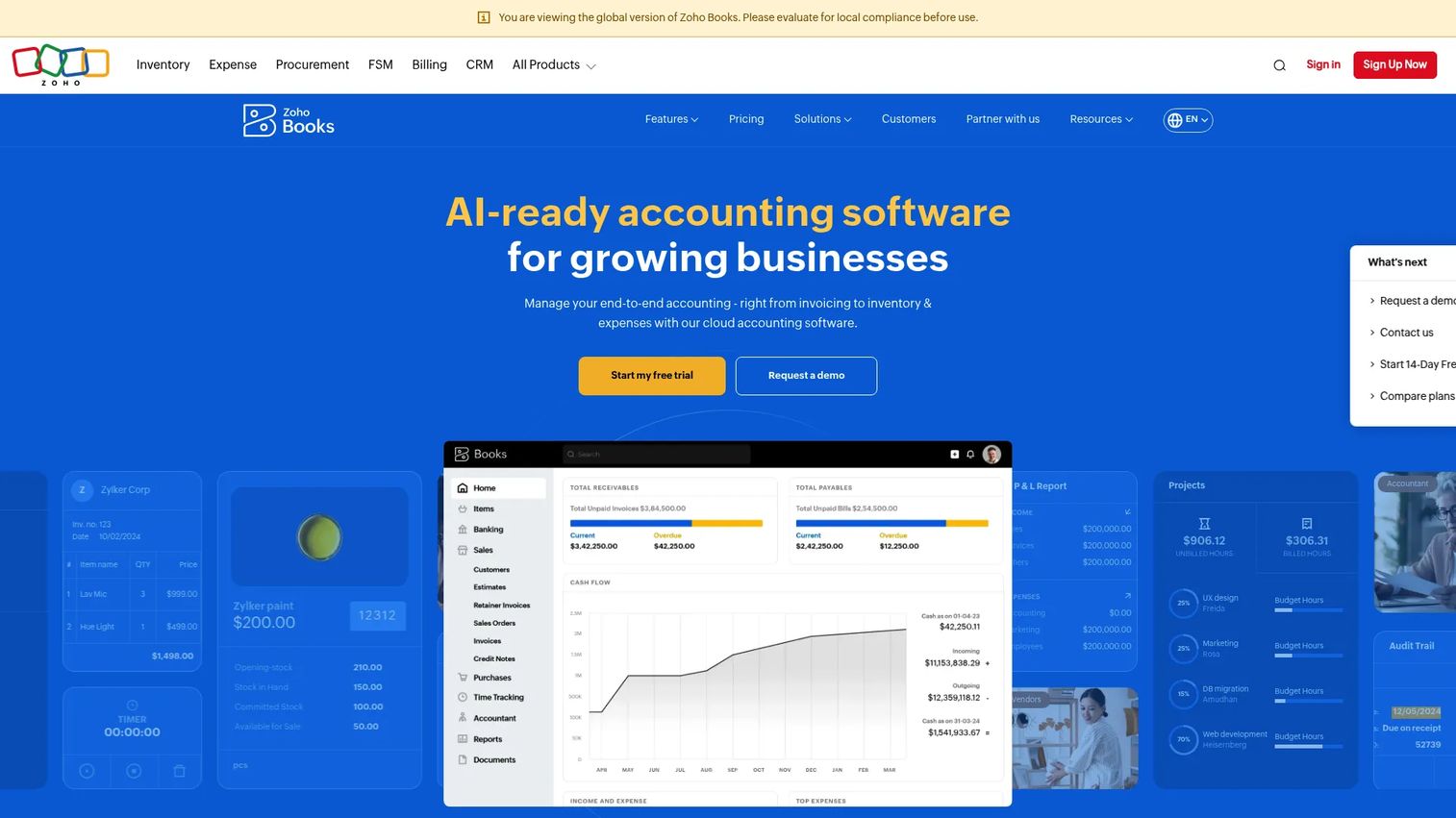
Zoho Books is cloud accounting software with built-in project tracking, time logging, expense management, and invoicing. It sits within the broader Zoho ecosystem, which includes CRM, inventory, payroll, and analytics, making it a practical option for teams already running other Zoho products or for operations where accounting is the primary workflow.
The project module inside Zoho Books lets you log time against specific tasks, allocate expenses to projects, and invoice directly from project data. Retainer invoicing, recurring billing, and client portal access are included, and the AI assistant (Ask Zia) supports anomaly detection and automated categorization.
Best for: Small to midsize businesses on the Zoho platform, or accounting-first operations that want project cost tracking inside their accounting system rather than alongside it.
Key features
- Project time tracking and expense allocation tied to accounting
- Invoicing from project data with retainer and recurring billing
- Client portal for invoice review and payment
- AI-assisted accounting with anomaly detection
- Integration across the Zoho suite (CRM, Inventory, Analytics)
Why choose Zoho Books: Choose Zoho Books when you want project profitability inside your accounting system, not in a separate tool that syncs to it. If your team already uses Zoho CRM or Zoho Projects, the connected data flow removes significant reconciliation work.
Zoho Books pricing: A Free plan is available for businesses under a certain annual revenue threshold. Paid plans include Standard, Professional, Premium, Elite, and Ultimate. Exact per-plan pricing was not readable from the pricing page at time of writing; check the Zoho Books pricing page directly for current figures. G2 reviewers report paid plans starting from around $15/month for small teams.
Zoho Books on G2: Rated 4.4/5 on G2.
6. Monday.com
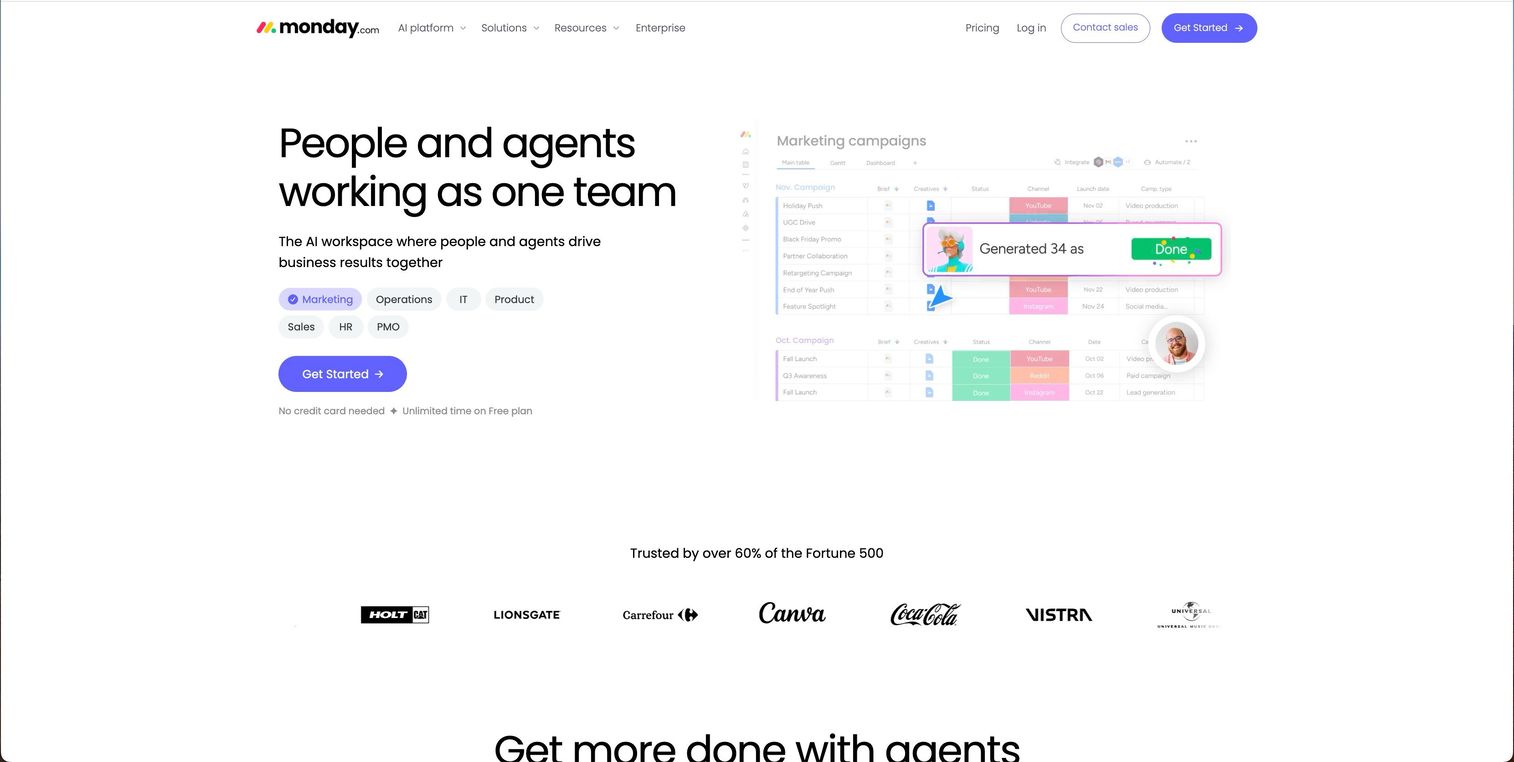
Monday.com is a work management platform that gives teams highly configurable boards, dashboards, automations, and reporting across projects and workflows. It's not a purpose-built PSA or project accounting tool, but it covers project visibility, task tracking, budget columns, and financial dashboards well enough for teams that need operational coordination more than deep billing workflows.
For founders at earlier stages who haven't yet standardized on a PSA, Monday.com can serve as a flexible foundation that grows with the team. Custom automations handle status updates, deadline alerts, and cross-board aggregations. Financial tracking is possible through formula columns and dashboard widgets, but it requires setup and won't replace dedicated invoicing or accounting integrations without additional configuration.
Best for: Teams that need flexible project management with basic financial visibility and aren't yet ready for a full PSA commitment.
Key features
- Customizable project boards with multiple views
- Dashboard reporting across projects and portfolios
- Automations for status updates and deadline management
- AI features across paid plans
- Integrations with accounting tools and CRM
Why choose Monday.com: Monday.com fits teams where project coordination is the primary problem and financial tracking is a secondary need. It's the most flexible option on this list, which is both its strength and its main limitation for margin management, since deeper profitability reporting requires additional configuration or connected tools.
Monday.com pricing: Free plan available for up to two seats. Basic is $9/seat/month billed annually, Standard is $12/seat/month, and Pro is $19/seat/month. Ultimate requires a custom quote. Annual billing applies to all paid plan prices shown.
Monday.com on G2: Rated 4.7/5 on G2.
7. Harvest
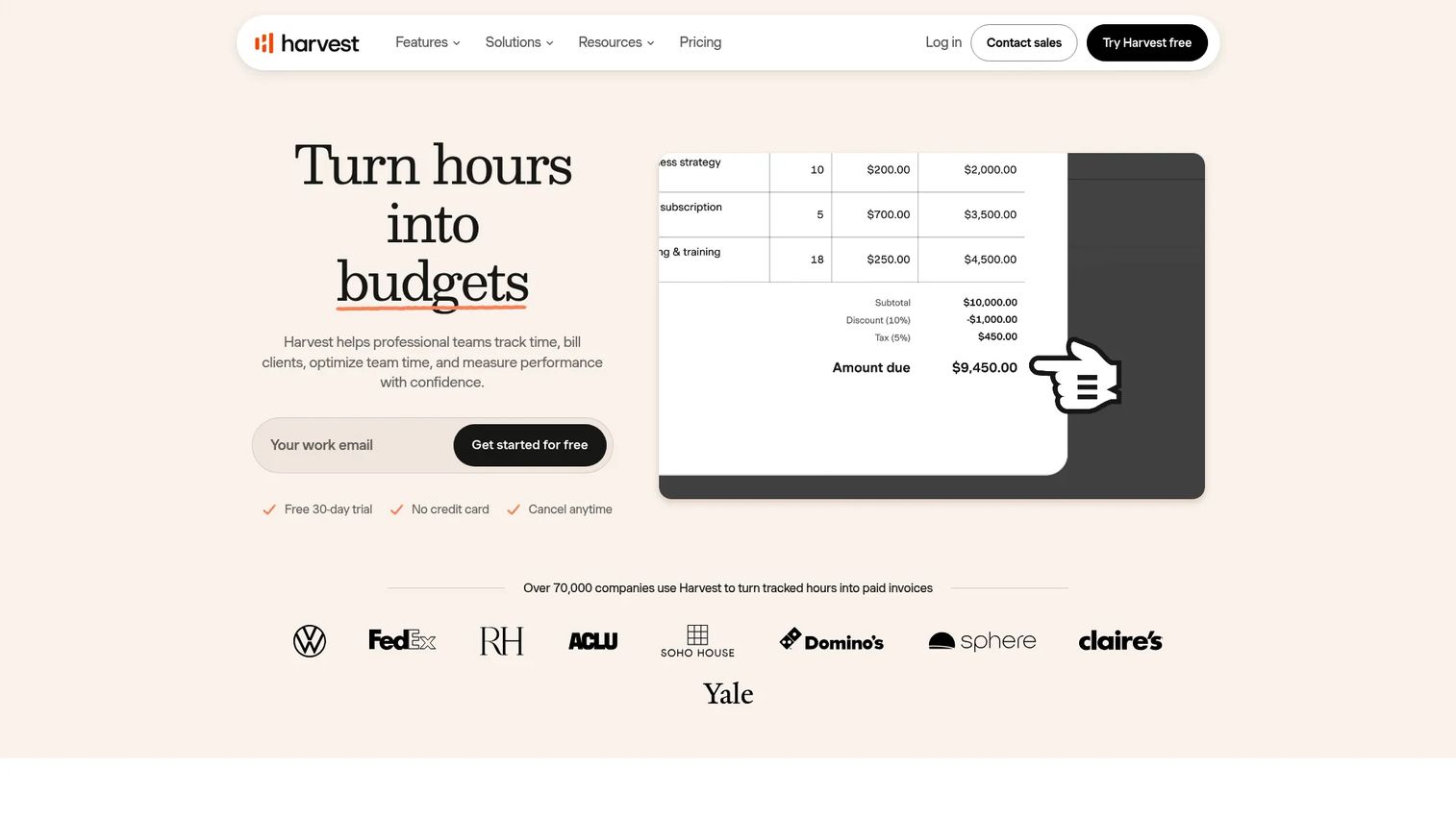
Harvest is time tracking, invoicing, and reporting software designed for freelancers and small teams who bill by the hour or project. It captures time across web, desktop, and mobile, connects time to project budgets, and generates invoices and reports directly from logged hours. Expense tracking rounds out the financial picture at the project level.
Harvest doesn't carry the PSA depth of Scoro or the project management breadth of Monday.com. What it does well is remove friction from the time-to-invoice cycle for smaller teams: Log hours, review budget status, send invoice. Native integrations with QuickBooks Online, Xero, Stripe, and Asana make it easy to plug into an existing stack without heavy configuration.
Best for: Small teams and freelancers who need reliable time tracking, clean invoicing, and basic project profitability insight without a complex setup.
Key features
- Time tracking across web, desktop, and mobile apps
- Project budget tracking with overage alerts
- Invoicing and online payments from tracked time
- Expense tracking at the project level
- Integrations with QuickBooks Online, Xero, Stripe, Slack, and Asana
Why choose Harvest: Harvest earns its place for teams where the bottleneck is capturing time accurately and getting invoices out on time, not building a financial operating system. If you're running five to fifteen people doing client work and you want to add revenue visibility without a long implementation, Harvest is a solid starting point.
Harvest pricing: Free plan available (permanent, with limited projects and one seat). Teams plan is $9/seat/month billed monthly. Enterprise is $14/seat/month. Enterprise Plus carries custom pricing. Annual billing saves 20% across paid plans.
Harvest on G2: Rated 4.3/5 on G2.
Considerations
Before committing to a tool, work through these four evaluation criteria. Each one narrows the shortlist in a different direction.
Match the tool to your billing model
Fixed fee, time and materials, retainers, and milestone billing each create different data requirements. Harvest and Monday.com handle straightforward T&M well. Scoro, BigTime, and Teamwork.com support multiple billing structures natively. If your billing mix is complex or changes by client, check that the tool supports your actual fee arrangements before signing up.
Decide how much financial depth you actually need
There's a real difference between "project cost visibility" and "full project accounting." Harvest gives you the former. BigTime and Scoro give you the latter. Most teams at the 20 to 50 person stage need more than a spreadsheet but less than a full accounting replacement. Be honest about which category you're in before evaluating PSA depth.
Check accounting and invoicing integrations
A profitability tool that doesn't sync cleanly with your accounting system creates a second reconciliation problem. Verify that your shortlisted tool connects to QuickBooks Online or Xero with a two-way sync, not just a one-way export. For teams already in the Zoho ecosystem, Zoho Books removes the integration question entirely.
Make sure your team will log time
Every project profitability tool in this list is only as accurate as the hours that get captured. Bad input produces bad margin numbers. Before choosing a tool based on its reporting features, evaluate how easy it is for non-finance people to log time in their daily workflow. Harvest and Monday.com tend to have lower adoption friction; Scoro and BigTime require more structured habits.
Confirm reporting answers board-level questions
For founders preparing for board meetings or fundraising, the output matters as much as the input. Check that the tool can surface margin by client, actuals vs plan by project, and utilization by team or service line. These are the numbers that show operating discipline. If the tool requires a custom export to answer basic margin questions, that's friction you'll feel every reporting cycle.
Conclusion
The right project profitability software depends on two variables: How complex your billing model is, and how deep you need financial reporting to go.
For most client-services teams at the 20 to 100 person stage, Teamwork.com delivers the most direct combination of project delivery and profitability tracking without requiring a full PSA implementation. Scoro and Productive are the right step up when resource planning and margin forecasting need to work together in one system. BigTime fits firms where billing governance and project accounting are the primary concern.
Monday.com and Harvest make sense when you're earlier in the operational maturity curve and need traction before complexity. Zoho Books is the right call when your accounting system should be the source of truth and project tracking should live inside it.
Whichever tool you shortlist, start by mapping your current billing model to the tool's fee structure support. That single check eliminates most poor fits before you spend time on demos or trials.
Start your journey with Guideflow today!
FAQs
Project profitability software connects project revenue, labor costs, time, expenses, and billing into a reporting layer that shows whether individual projects are generating margin. It differs from general project management by tracking financial outcomes rather than task completion. The category ranges from lightweight time-tracking tools with invoicing to full PSA platforms that manage the entire quote-to-cash cycle.
Project profitability is typically calculated as revenue billed minus total project costs, where costs include direct labor (hours times billing or cost rate), allocated expenses, and any vendor or subcontractor fees. Gross margin percentage is then revenue minus costs divided by revenue. Most project profitability tools automate this calculation from logged time and entered expenses, updating the figure in real time as work progresses.
Project accounting software focuses on the financial ledger: Recognizing revenue, managing costs across accounting periods, and producing financial statements at the project level. Project profitability software focuses on operational visibility: Showing margin, budget burn, and actuals vs forecast during project execution. Tools like BigTime and Scoro cross into both categories, while Harvest sits firmly in operational visibility and Zoho Books sits in accounting.
Teamwork.com, Scoro, and Productive are the strongest options for agencies. Teamwork.com suits agencies that want delivery and profitability in one tool without a long setup. Scoro fits agencies ready to standardize their entire operating cycle from quoting through invoicing. Productive is the best fit when resource planning and margin forecasting need to work together in a single view.
Harvest has native integrations with both QuickBooks Online and Xero, making it a practical choice for teams that want to keep their existing accounting setup. Teamwork.com and BigTime also connect to both platforms. Monday.com supports integrations through its marketplace. If your accounting system is a Zoho product, Zoho Books removes the integration question entirely.
For teams running more than a handful of active projects, yes. The main advantage over spreadsheets is that data updates automatically as hours get logged and expenses get recorded, rather than requiring a manual data pull. The practical caveat is that the tool only replaces spreadsheets if your team adopts time logging consistently. A profitability platform with 60% time-capture compliance produces numbers that are harder to trust than a well-maintained spreadsheet.
A project is profitable if the revenue billed exceeds the total cost of delivery, including loaded labor costs and direct expenses. Project profitability software surfaces this by comparing your planned budget against logged actuals in real time. Warning signs worth monitoring include: Hours logged exceeding quoted scope before a milestone, expenses allocated to a project approaching their budget threshold, and utilization rates on key team members that imply cost overruns relative to fixed-fee billing.
The four metrics that matter most are: Gross margin per project (revenue minus costs divided by revenue), budget variance (planned versus actual spend at any point in the project), utilization rate (billable hours as a percentage of available hours per team member), and time-to-invoice (days between project completion and invoice sent). For board reporting, add margin by client, actuals vs forecast for the current quarter, and revenue per employee across the delivery team.