A single bus route changes on a Tuesday. A family moves. A new stop gets added. A driver calls in sick. By 7 a.m. the next morning, your phone is ringing, three parents want to know where the bus is, and someone in the office is re-drawing a route by hand in a spreadsheet that already disagrees with your student information system.
That is the daily reality for most transportation directors, and it is expensive. The global school bus routing software market sat at roughly $0.8 billion in 2025 and is projected to reach $1.8 billion by 2034, a 9.2% compound annual growth rate, according to MarketIntelo (2026). North America drives 42% of that spending, and route optimization alone accounts for 32.5% of the functional market. Districts are not buying software to make prettier maps. They are buying it to stop rebuilding routes from scratch, connect routing to live tracking, and cut the volume of parent calls.
The problem with manual routing is not the routing. It is everything routing touches: GPS visibility, parent communication, driver workflows, and the SIS data feed that never stays clean for long. Good school transportation software treats routing as one part of a connected operation, not a standalone task.
What's inside
This guide is for transportation directors, operations managers, district administrators, and bus contractors comparing school bus management software in 2026. We looked at platforms that handle routing plus the operations around it, not point tools that only draw lines on a map.
We evaluated each option on four criteria:
- Routing workflow: how you build, edit, and re-optimize routes as data changes
- GPS and visibility: live vehicle tracking and real-time visibility for staff and families
- Parent and driver communication: apps, alerts, and two-way driver communication
- Integration depth: SIS integration, student data imports, and SFTP/API connectivity
TL;DR
- Best overall for small-to-mid districts: School Bus Manager, a web-based platform that pairs route building from imported data with GPS, a parent app, and a driver console without heavy installation.
- Best for broader transportation suites: Tyler's Student Transportation, which ties routing to fleet maintenance, onboard tablets, and centralized district data.
- Best for parent and driver visibility: Transfinder, whose Routefinder PLUS, Stopfinder, and Wayfinder apps connect routing with families and drivers in the field.
- Best for operations-heavy teams: BusBoss, the most module-rich option, covering routing, dispatch, real-time GPS, and reporting for larger fleets.
Real-time visibility is the common thread. The right pick depends on whether you prioritize fast routing, full transportation operations, or stronger communication workflows.
What is school bus routing software?
School bus routing software is a platform that plans, optimizes, and manages school bus routes, then connects those routes to GPS tracking, parent communication, and driver tools so a transportation team can run daily operations from one system.
The category has widened well past route planning. In 2026, buyers expect a platform to cover the full operational loop, from importing student data to notifying a parent that the bus is two stops away.
Core capabilities buyers expect in 2026:
- Route planning and optimization: build routes from imported student and address data, then run route optimization for load balancing and route overlap analysis
- GPS tracking for school buses: live vehicle tracking with real-time visibility for dispatchers and staff
- Parent communication: a parent communication app or portal with ETA notifications and stop alerts
- Driver tools: a driver app with turn-by-turn directions, attendance taking, and two-way driver communication
- Field trip management: scheduling and tracking for activity and athletic trips beyond daily routes
- Integrations: SIS integration, student data imports, and SFTP/API connectivity
- Reporting: operational visibility across routes, ridership, and fleet
- Annual rollover: carrying routes and student data forward at the start of each school year
Most modern student transportation software is cloud-based and web-based, which removes the desktop install and keeps route data accessible from any office or device.
When to use school bus routing software
Reduce manual route planning
You know you have outgrown spreadsheets when a single address change means an hour of manual edits and a second hour reconciling it against your SIS. Bus routing software lets you import student data, generate routes, and re-run optimization when something changes. Load balancing and route overlap analysis surface inefficiencies a human eye misses across dozens of routes.
Improve rider visibility and communication
When a route shifts and the office phone starts ringing, the problem is not the route. It is the lack of transparency. A parent communication app with live vehicle tracking and ETA notifications lets families see where the bus is instead of calling to ask. That single shift cuts inbound call volume and gives dispatchers time back.
Coordinate routing with daily operations
Routing rarely lives alone. It connects to field trip management, fleet maintenance, driver timekeeping, attendance taking, and reporting. When those workflows sit in separate tools, data drifts and staff double-enter. A connected platform keeps routing, dispatch, and reporting in sync so the numbers agree.
Comparison table
This is a shortlist for districts comparing routing and transportation operations platforms side by side. Pricing and ratings reflect what each vendor publishes; some suites quote pricing on request.
| # | Product | Intent | Key use case | Pricing | G2 rating |
|---|---|---|---|---|---|
| 1 | School Bus Manager | Web-based routing plus communication for small-to-mid districts | Route building from imported data with GPS and parent app | From $990/year | Not rated |
| 2 | Tyler's Student Transportation | Broad student transportation suite | Routing tied to fleet, onboard tablets, and district data | Quote-based | 4.5/5 |
| 3 | Transfinder | Routing with strong parent and driver apps | Routefinder PLUS, Stopfinder, and Wayfinder ecosystem | Wayfinder Tier 1 free; suite quote-based | 4.0/5 |
| 4 | BusBoss | Operations-heavy transportation management | Routing, dispatch, GPS, and reporting for larger fleets | From $3,840/year | Not rated |
Best 4 school bus routing software for 2026
1. School Bus Manager
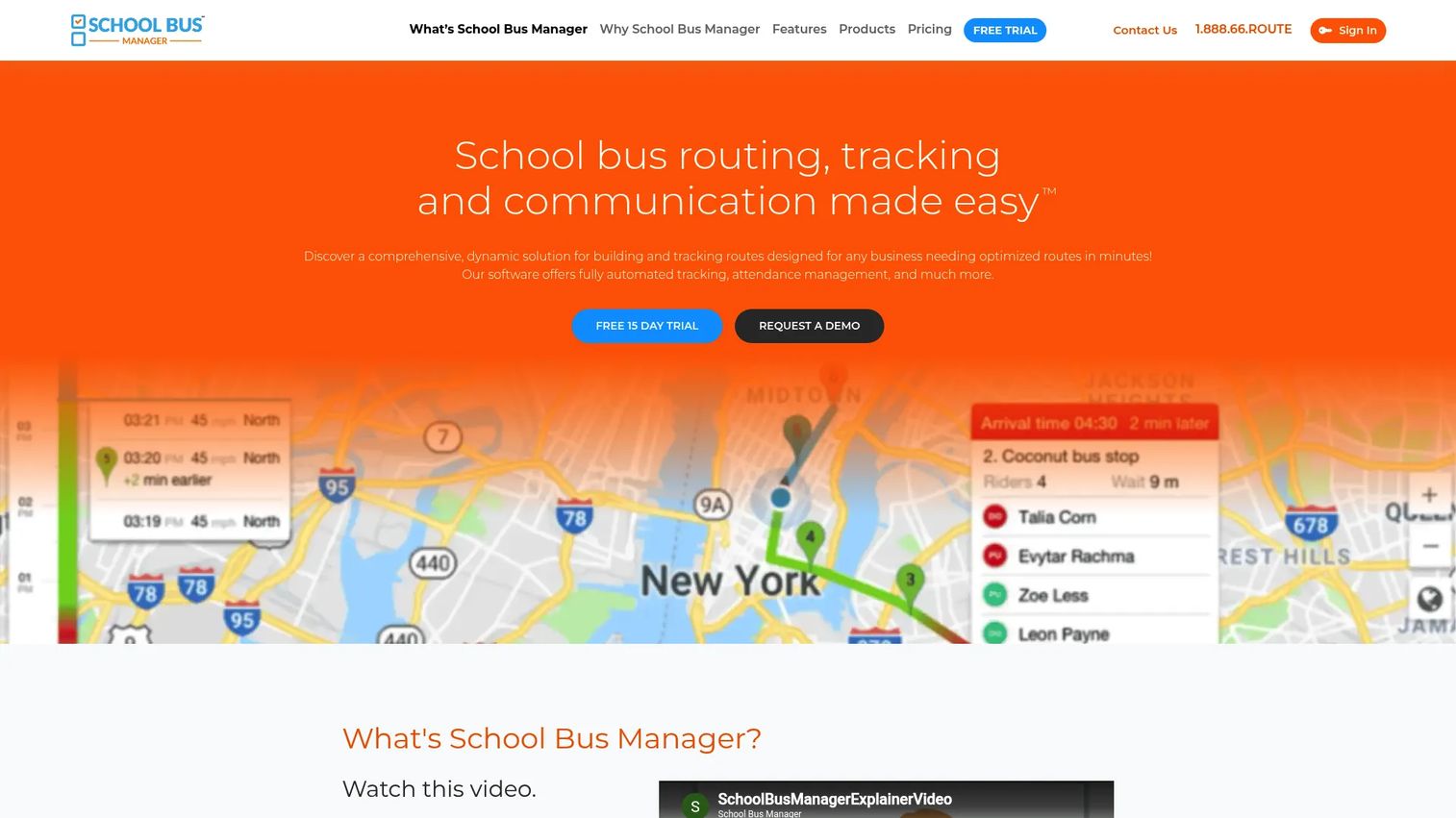
School Bus Manager is a web-based platform for school bus routing, tracking, and communication. It is built for teams that want to move fast without a desktop install or a long IT project. You import student and address data, build routes with turn-by-turn directions, and layer GPS and parent communication on top of the same system.
Best for: K-12 districts and bus contractors that need route optimization and rider tracking without heavy setup.
Key strengths
- Route planning with turn-by-turn directions
- Attendance tracking
- GPS tracking and parent communications
Because it runs in the browser, the barrier to getting started is low. You can build routes from imported CSV or XLSX data, keep them current as families move, and give drivers a console with directions while parents get visibility into where the bus is. SFTP and API connectivity handle the student data feed so routing stays aligned with your SIS.
Why choose School Bus Manager: If you run a small-to-mid district and want routing plus communication in one web-based tool, this hits the sweet spot. It favors speed and ease over the sprawling module count of enterprise suites, which is exactly what a lean transportation office usually needs.
School Bus Manager pricing: Published plans are Lite at $990/year, Plus at $1,790/year, and Standard at $3,990/year, all billed annually with a one-time first-year startup fee. Districts with more than 2,500 riders contact the vendor for enterprise pricing. A 15-day risk-free trial is available.
2. Tyler's Student Transportation
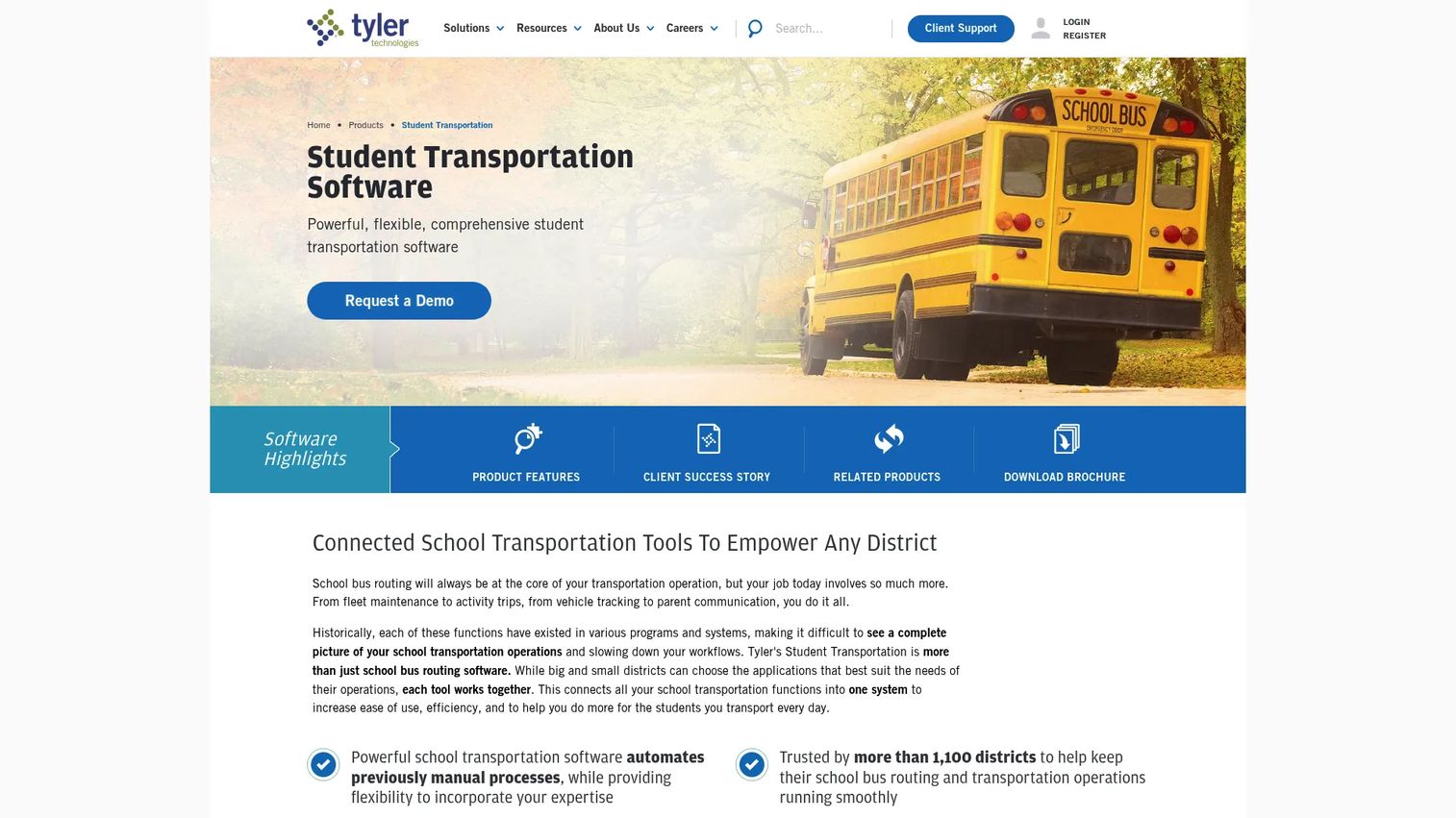
Tyler's Student Transportation is a K-12 transportation management suite that positions routing as one piece of a wider operation. It connects bus routing, boundary planning, and mapping with fleet maintenance, GPS tracking, onboard tablets, and parent communication. For districts that want centralized data across the whole transportation function, this is the broad-platform option.
Best for: School districts and contractors that want an integrated platform spanning routing, fleet, and onboard driver tools.
Key strengths
- Bus routing, boundary planning, and mapping
- Fleet maintenance and work order management
- Parent communication and rider visibility
The onboard tablet software brings turn-by-turn navigation with automatic rerouting, student ridership at the stop level, and pre- and post-trip inspections with driver timekeeping. That ties the driver's day directly to the routing and student data in the back office. When a district runs at scale, keeping routing, fleet, and ridership in one system reduces the reconciliation work that eats staff time.
Why choose Tyler's Student Transportation: Pick this when routing needs to sit inside a fuller transportation stack, not stand alone. The fleet maintenance and onboard tools matter most for districts managing many vehicles and drivers who want a single source of truth.
Tyler's Student Transportation pricing: Tyler does not publish public pricing for the suite; it is quote-based and varies by district size and modules. Its Versatrans routing product carries a 4.5/5 rating on G2.
3. Transfinder
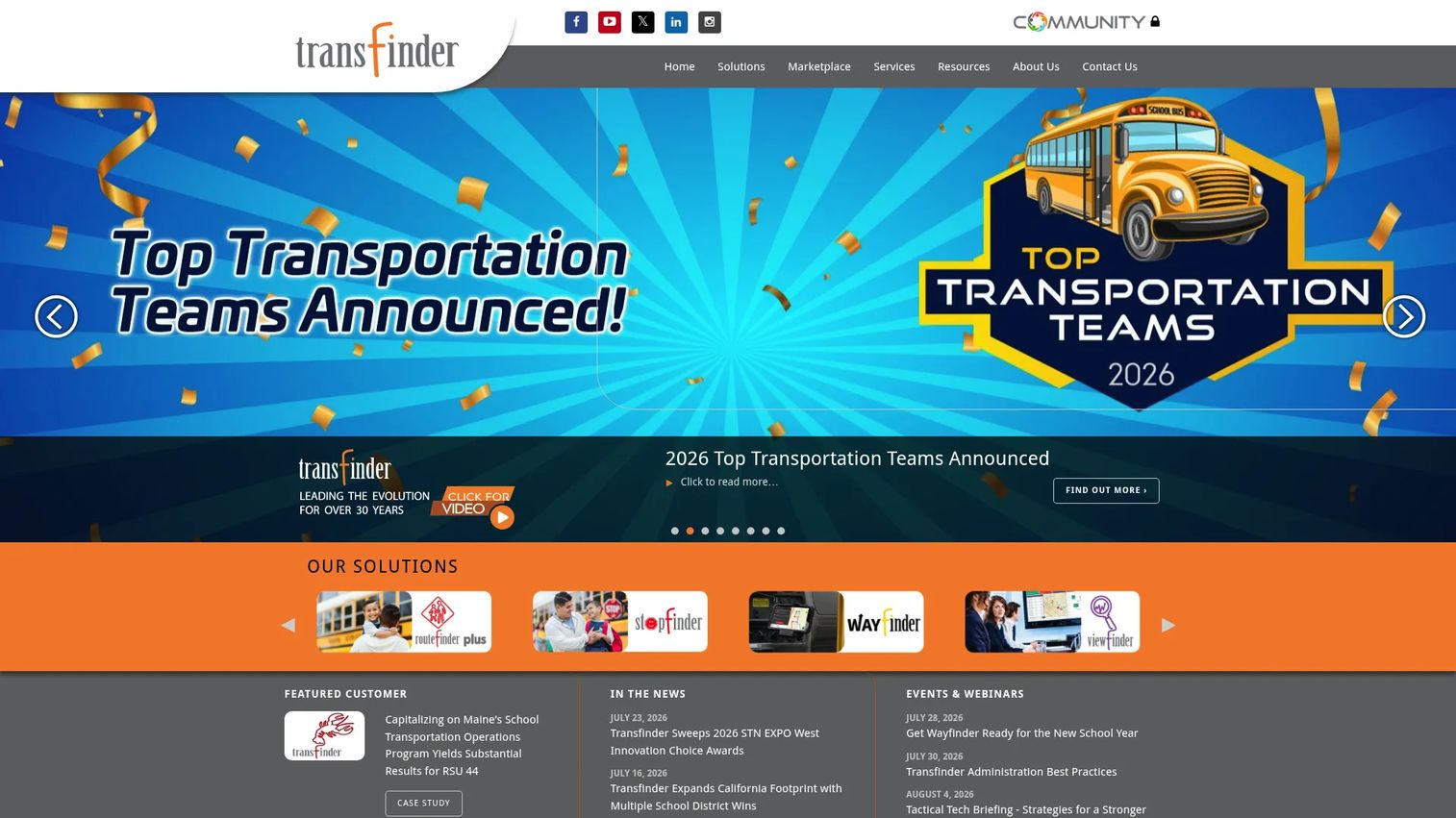
Transfinder is a school transportation logistics provider whose strength is its connected app ecosystem. Routefinder PLUS handles routing and scheduling, Stopfinder serves as the parent communication app, and Wayfinder gives drivers navigation and student attendance in the field. Together they link the back office, families, and drivers around the same route data.
Best for: K-12 transportation teams that want routing paired with strong parent and driver communication apps.
Key strengths
- Routefinder PLUS school bus routing
- Wayfinder driver navigation and student attendance
- Stopfinder parent communication
The modular design lets districts adopt the pieces they need and add more over time. Redistricting and boundary support help when enrollment shifts, fleet management extends operational oversight, and the communication layer keeps parents informed with real-time visibility. Because the apps are purpose-built for each audience, drivers, parents, and dispatchers each get a tool shaped for their job rather than one crowded interface.
Why choose Transfinder: Choose Transfinder when parent and driver communication is a priority and you want dedicated apps for each rather than a bolt-on. The ecosystem approach suits districts that plan to expand their toolset in stages.
Transfinder pricing: The core suite is quote-based; public pricing is not listed. Wayfinder is publicly tiered, with Tier 1 offered free and higher tiers adding navigation and attendance features. Transfinder holds a 4.0/5 rating on G2.
4. BusBoss
BusBoss is student transportation management software built for districts and contractors that need operational depth. It is the most module-rich option on this shortlist, covering route planning and optimization, real-time GPS bus tracking, dispatch, and reporting. If your team runs a larger fleet and lives inside routing, tracking, and reporting all day, this leans into that reality.
Best for: School districts and transportation contractors needing routing, tracking, and dispatch tools for larger operations.
Key strengths
- Route planning and optimization
- Real-time GPS bus tracking
- Parent notifications and visibility
The platform packages routing with safety, reporting, integrations, and training, and extends to field trip management alongside daily routes. That breadth gives operations-heavy teams visibility across routing, dispatch, and reporting from one place. Real-time GPS tracking keeps dispatchers informed, and parent notifications keep families in the loop, so the office is not the switchboard for every "where is the bus" question.
Why choose BusBoss: Reach for BusBoss when your operation is complex enough that reporting and dispatch matter as much as routing itself. It rewards teams that want a fuller operational picture rather than a lightweight router.
BusBoss pricing: BusBoss publishes packages including Express, Professional, SaaS, Enterprise, and Complete Solution. Per-year pricing starts around $3,840 for smaller districts, with per-vehicle pricing reported at $50 to $100 per vehicle per year for smaller fleets.
Considerations before you buy
Use this checklist to test each platform against your operational reality, not the vendor's landing page.
Routing workflow fit
Look at how you build and edit routes as data changes, not just how the demo route looks. Test importing your own student data and re-running optimization. Load balancing and route overlap analysis only help if they fit the way your district actually assigns stops and schools.
GPS and parent communication depth
Confirm that live vehicle tracking updates frequently enough to be useful, and that ETA notifications reach parents through the channels they use. A parent communication app that families ignore does not reduce call volume. Ask how alerts trigger and whether parents can subscribe per student.
Driver-facing usability
The driver app is where routing meets the road. Check turn-by-turn directions, attendance taking, and two-way driver communication on the actual device your drivers will carry. If the interface fights the driver, adoption stalls and your route data goes stale.
SIS and data integration
Routing lives or dies on clean student data. Verify SIS integration, student data imports, and SFTP or API connectivity against your specific SIS. Ask how annual rollover works so you are not rebuilding routes every August.
Reporting and operational visibility
Decide which reports leadership and your board actually need, then confirm the platform produces them without manual export gymnastics. Real-time visibility across routing, dispatch, and reporting is worth more than a long feature list you will never open.
Conclusion
The right school bus routing software depends on what your district prioritizes. If you run a small-to-mid operation and want routing plus communication in one web-based tool, School Bus Manager is the fastest path to value. If routing needs to sit inside a broader student transportation software suite with fleet maintenance and onboard tablets, Tyler's Student Transportation fits. If parent and driver communication is your pressure point, Transfinder's Routefinder PLUS, Stopfinder, and Wayfinder ecosystem earns a close look. And if your operation is complex enough that dispatch and reporting matter as much as routing, BusBoss brings the most module depth.
Real-time visibility ties all four together. Before you commit, run your own student data through a trial or demo and test the routing, GPS tracking for school buses, and parent communication against your live operational needs. The platform that fits your workflow, not the one with the longest feature list, is the one that will actually reduce the Tuesday-morning chaos.
FAQs
It plans and optimizes bus routes from student and address data, assigns stops, and balances loads across vehicles. Most platforms then connect those routes to GPS tracking, parent notifications, and driver tools so the whole daily operation runs from one system. The goal is to cut manual route building and keep routing aligned with live changes.
Many platforms include GPS tracking for school buses, but it is not universal, so confirm it during evaluation. School Bus Manager, Tyler's Student Transportation, Transfinder, and BusBoss all offer live vehicle tracking. Check how frequently the location updates and whether both dispatchers and parents can see it.
Yes, many tools support parent notifications and ETA notifications through a parent communication app, a web portal, or text messaging. Transfinder's Stopfinder and the parent apps in the other platforms are built for this. Verify which channels families use and whether alerts can be set per student and per stop.
SIS integration is the most important, since routing depends on clean student data. Look for student data imports plus SFTP or API connectivity so the feed stays current without manual re-entry. Communication systems and reporting tools are secondary but worth confirming against your existing stack.
Web-based and cloud-based platforms remove the desktop install, stay accessible from any office or device, and shift maintenance and updates to the vendor. Installed desktop software can suit districts with specific offline or on-premise requirements. For most teams in 2026, web-based deployment reduces IT overhead and keeps route data reachable from anywhere.
Some platforms extend beyond daily routes to field trip management for athletic and activity trips. BusBoss and Tyler's Student Transportation include trip workflows alongside routing. If activity trips are a big part of your operation, make it a specific evaluation criterion rather than assuming it is covered.
Focus on data migration, training, parent communication continuity, and reporting. Test importing your own student data and running annual rollover so August does not become a rebuild. Confirm driver adoption on real devices, and make sure the reports leadership needs come out cleanly before you sign.