You open a tab, type your role and city, and get 400 listings. Half are duplicates. A third are reposts from three months ago. Two look promising, but you have no idea what the company actually pays or whether people there stay past a year. That is the real job search problem in 2026: not a shortage of listings, but a shortage of signal.
The global job search site market hit $21.6 billion in 2024 and is projected to reach $22.9 billion in 2025, according to WiseGuyReports. In the US alone, IBISWorld pegs the online recruitment sites market at $18.8 billion for 2025, up 6.4% year over year. More platforms, more listings, more noise. Volume is not the constraint anymore. Finding the site that matches how you actually search is.
Here is the thing most roundups miss: the best job search sites are not trying to do the same job. Some win on raw inventory. Some win on filtering and salary data. Some win on employer research. Some win on local, in-person support. Picking one because it is "the biggest" is how people waste weeks scrolling through listings that were never a fit. The smarter move is to match the tool to the way you search, then combine two or three so the gaps cancel out.
If you build systems for a living, think of your job search the same way you would think about a tool stack: one broad engine for coverage, one research layer for employer fit, one niche or local source for the roles the big aggregators miss. That is the framework this guide is built around.
What's inside
This guide covers seven real job search sites, chosen on five criteria that actually change your outcome: inventory size, search and filter quality, application flow, employer research depth, and support for location-based or remote searches. We skipped the sites that only repackage listings from somewhere else and focused on platforms that own a distinct job in the search. Each entry tells you who it is best for, where it is strong, and when to reach for something else instead. No filler, no "just apply everywhere" advice.
TL;DR
- Best overall for scale and breadth: Indeed, the default starting point for most searches because of sheer inventory.
- Best for one-search filtering and salary context: SimplyHired, if you want clean filters without clutter.
- Best for visibility and faster employer response: ZipRecruiter, built around getting your application seen first.
- Best for local support and job-finding resources: Jobs4TN.gov, the model for state workforce portals with in-person help.
- Best for company research and employer reviews: Glassdoor, where you check pay and culture before you apply.
- Best for networking plus search in one place: LinkedIn Jobs, where referrals and profile visibility do work for you.
- Best for broad legacy inventory and alerts: Monster, still useful for casting a wide net with a free resume builder attached.
Most people should not pick one. Run a broad engine, a research site, and one local or niche source in parallel.
What is a job search site?
A job search site is an online platform where people find, research, and apply to open roles, and where employers post and distribute those roles to reach candidates. Some function as a job search engine that aggregates listings from across the web. Others are full job boards with built-in application workflows, resume storage, and messaging. A few pair listings with employer research or professional networking, and some are public workforce portals that add in-person support to the listings.
The category breaks into four practical types:
- Search engines that aggregate listings. These crawl company career pages and other boards to surface the largest possible inventory in one search.
- Job boards with application workflows. These host the listing and the apply flow, so you submit, track, and message without leaving the site.
- Local and government resources. State and regional portals list nearby roles and layer on resume help, job fairs, and workforce assistance.
- Platforms that combine jobs with research or networking. These add company reviews, salary information, or professional connections on top of the listings.
What most people actually need from any of these, regardless of type:
- Large inventory so you are not missing openings that never made it to your one favorite site.
- Location and remote filters so "jobs near you" and remote jobs both surface cleanly.
- Resume support, including resume upload and reusable profiles that speed up every application.
- Application shortcuts like quick apply so a single role does not eat 20 minutes.
- Employer research, meaning company reviews and salary information before you commit.
- Alerts and personalization so new matches come to you instead of you re-running the same search daily.
The best job search sites do two or three of these exceptionally well. None does all six at the top of its class, which is exactly why a small stack beats a single tool.
When to use each type
Use a job search engine when you need volume fast
When you are early in a search and want to see the full landscape, reach for the largest aggregators first. A job search engine that crawls thousands of sources gives you breadth in a single query, which matters most when you are still calibrating on titles, locations, and pay. Scan fast, save the ones worth a closer look, and set alerts so the volume keeps coming to you. This is the coverage layer of your stack.
Use a site with company research when employer fit matters
Volume gets you options. Research tells you which options are worth your time. When you are weighing two offers, or deciding whether to even apply, review-heavy platforms let you compare culture, pay ranges, interview difficulty, and manager quality before you spend an hour on an application. This layer is about avoiding the roles that look fine in the listing and turn out wrong six weeks in.
Use a local or government resource when geography matters
When the role has to be nearby, or you want hands-on help, state and regional workforce portals earn their place. They surface local jobs the national aggregators sometimes bury, and they add resources the commercial sites do not: resume workshops, job fairs, and in-person career centers. For public-sector roles and locally rooted searches, this is where the signal is highest.
Comparison table
Seven sites, sorted by relevance to a general job search. Ratings are pulled from G2 where publicly available; some platforms do not carry a verified rating, and those are marked accordingly. Pricing here reflects each site's employer-side posting cost, since job seekers use all of these for free.
| # | Product | Intent | Key use case | Pricing (employer side) | G2 rating |
|---|---|---|---|---|---|
| 1 | Indeed | Broad job search engine | Widest inventory and personalized recommendations | Free postings; Sponsored Jobs from $5/day or $150/month | 4.3/5 |
| 2 | SimplyHired | Job search engine | One-search filtering with salary context | Free postings via Indeed; sponsored available | 3.4/5 |
| 3 | ZipRecruiter | Job board and hiring marketplace | Visibility and faster employer response | Standard, Premium, Pro (contact for pricing) | 4.8/5 |
| 4 | Jobs4TN.gov | Government workforce portal | Local roles plus in-person support | Free | Not publicly rated |
| 5 | Monster | Legacy job board | Wide-net search with free resume builder | Free posting every 30 days; Standard $18/day; Pro $299/month | 4.1/5 |
| 6 | Glassdoor | Jobs plus employer research | Company reviews and salary transparency | Free employer profile; paid branding (contact sales) | Not publicly rated |
| 7 | LinkedIn Jobs | Jobs plus professional network | Networking and referrals alongside search | Free postings; promoted jobs (budget-based) | 4.5/5 |
1. Indeed
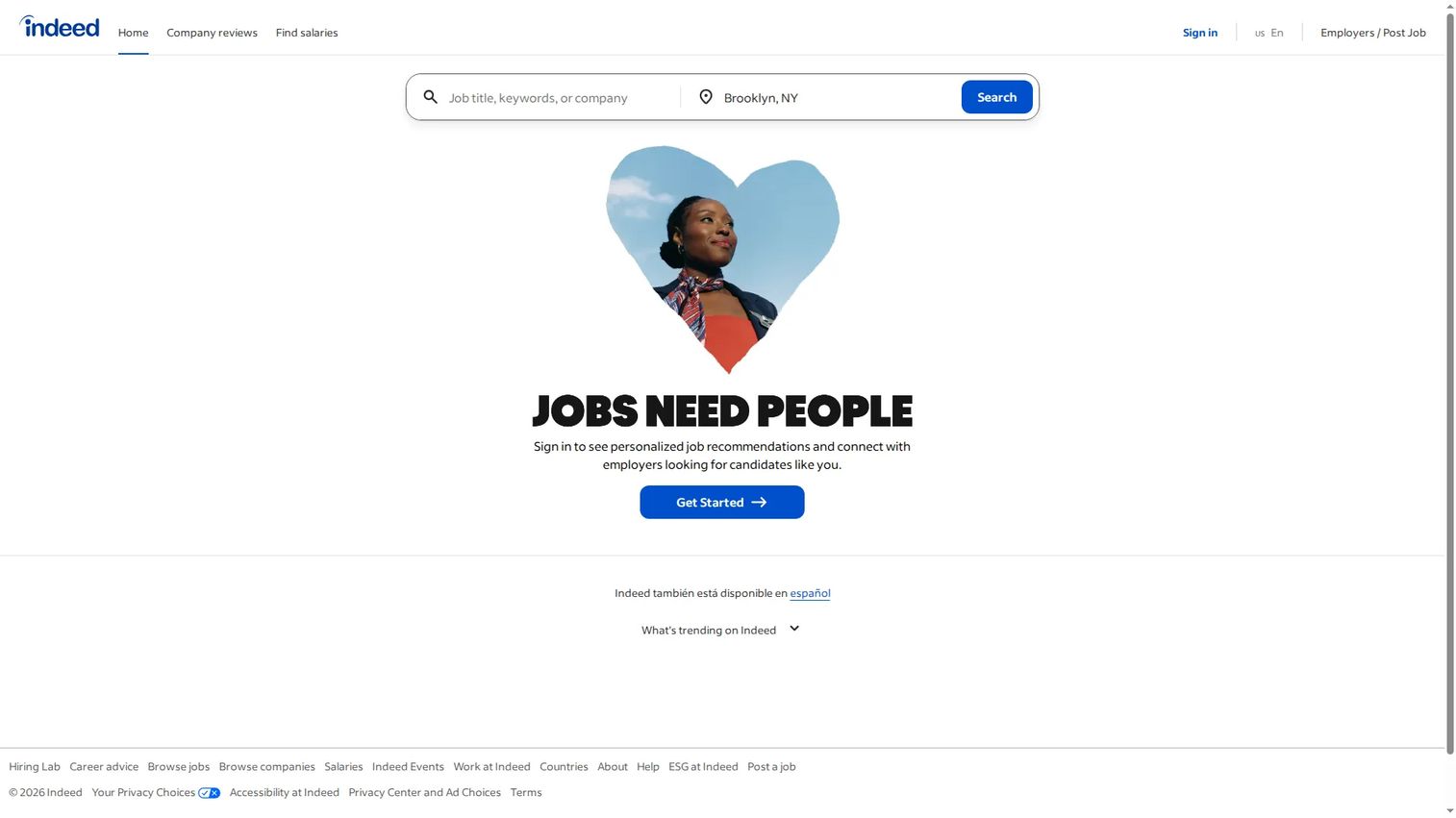
Indeed is the default starting point for most job searches, and that is not marketing, it is math. The platform aggregates listings from company career pages, staffing firms, and other boards into one of the largest inventories anywhere. When you want to see the full landscape before narrowing, this is the widest lens. Trending searches, trending jobs, and company discovery help you calibrate fast on what titles and locations are actually hiring right now.
Sign in and Indeed layers personalization on top of the volume: personalized job recommendations, saved searches, and alerts so new matches arrive without you re-running the same query. Its resume tools support resume upload and one-click job application flows, and multilingual support (including Spanish locale) widens access for a broad US workforce.
Best for: Anyone at the start of a search who wants maximum coverage before filtering down.
Key strengths
- Inventory scale: Aggregates from thousands of sources, so few openings escape a well-built search.
- Personalization: Signed-in recommendations, saved searches, and alerts keep matches flowing to you.
- Application flow: Resume upload plus quick apply reduces per-role friction on jobs hiring now.
Why choose Indeed: If you only open one site, open this one first. The breadth means you are unlikely to miss a listing, and the personalization improves the more you use it. The tradeoff is noise, duplicate and stale listings do show up, which is why pairing it with a research site is the smart play.
Indeed pricing: For job seekers, Indeed is free. On the employer side, many jobs can be posted for free, with Sponsored Jobs starting at $5/day or $150/month for wider reach. Premium Sponsored Jobs add advanced matching, location targeting, and AI features on dynamic pricing that is not publicly listed. Indeed carries a 4.3/5 rating on G2.
2. SimplyHired
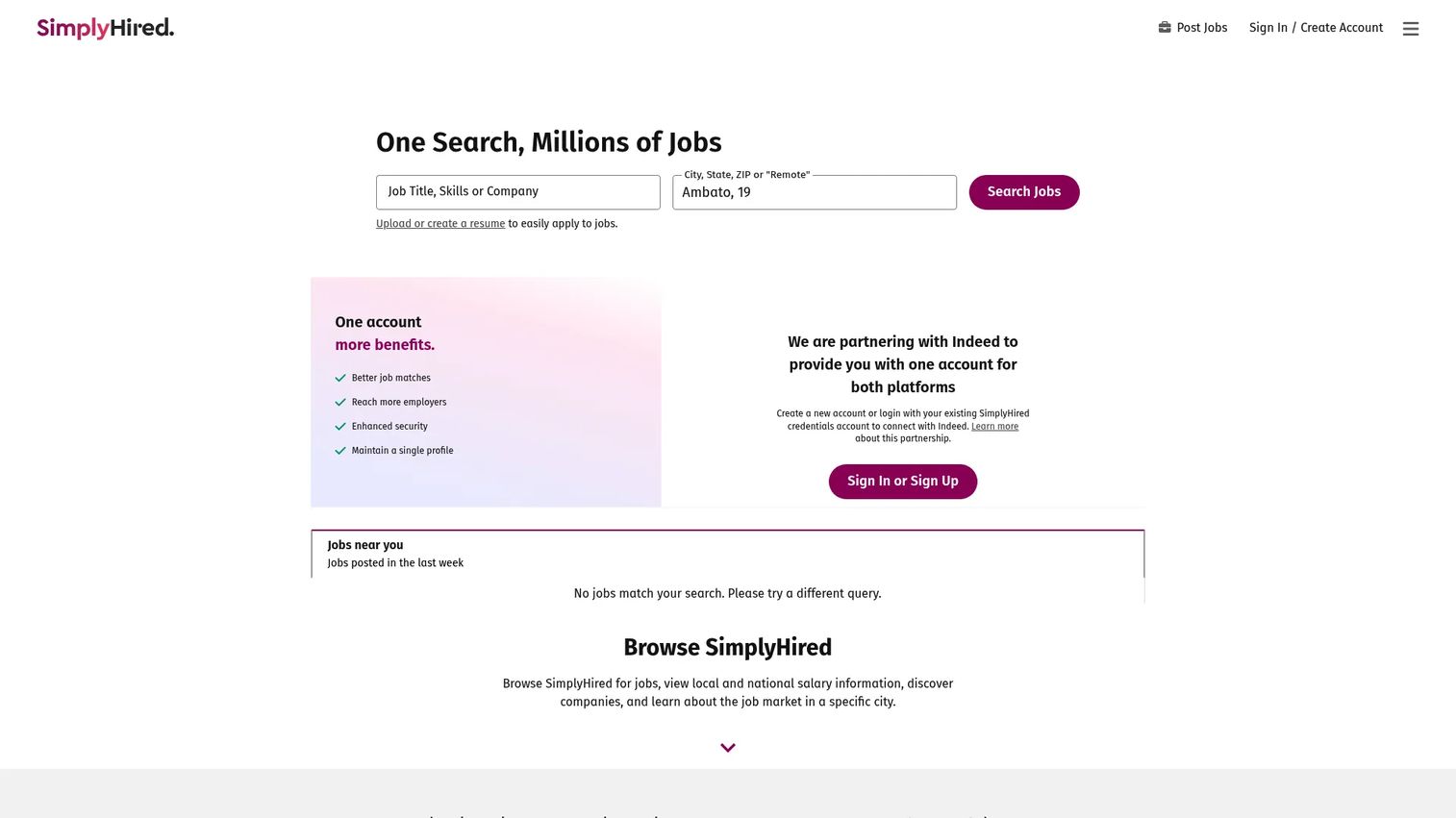
SimplyHired is a job search engine built around a clean, one-search experience. You enter title, skills, company, and location, and the results come back filterable without the clutter that buries some of the bigger sites. If Indeed is the firehose, SimplyHired is the same water through a narrower, more controllable tap. That appeals to searchers who know roughly what they want and would rather refine than wade.
The browse modules make categories easy to navigate: remote jobs, part-time roles, and company pages all have dedicated paths. Salary information and salary calculators sit close to the listings, so you get pay context without leaving the search. Resume upload and application support round out the flow, keeping you moving from find to apply.
Best for: Searchers who want strong filters and salary context without a cluttered interface.
Key strengths
- One-search filtering: Title, skills, company, and location filters in a single clean query.
- Salary context: Pay ranges and a salary calculator surface next to listings.
- Browse modules: Dedicated paths for remote jobs, part-time work, and company research.
Why choose SimplyHired: Choose it when clarity beats volume for you. The interface stays out of the way, and the salary data helps you self-select before you apply. Because it aggregates and integrates with Indeed's posting flow, inventory overlaps, so treat SimplyHired as a cleaner window into a similar pool rather than a wholly separate source.
SimplyHired pricing: Free for job seekers. Employers can create free job postings through the Indeed integration, with sponsored options available on a pay-as-you-go basis; no fixed public price is listed for sponsored posts. SimplyHired holds a 3.4/5 rating on G2.
3. ZipRecruiter
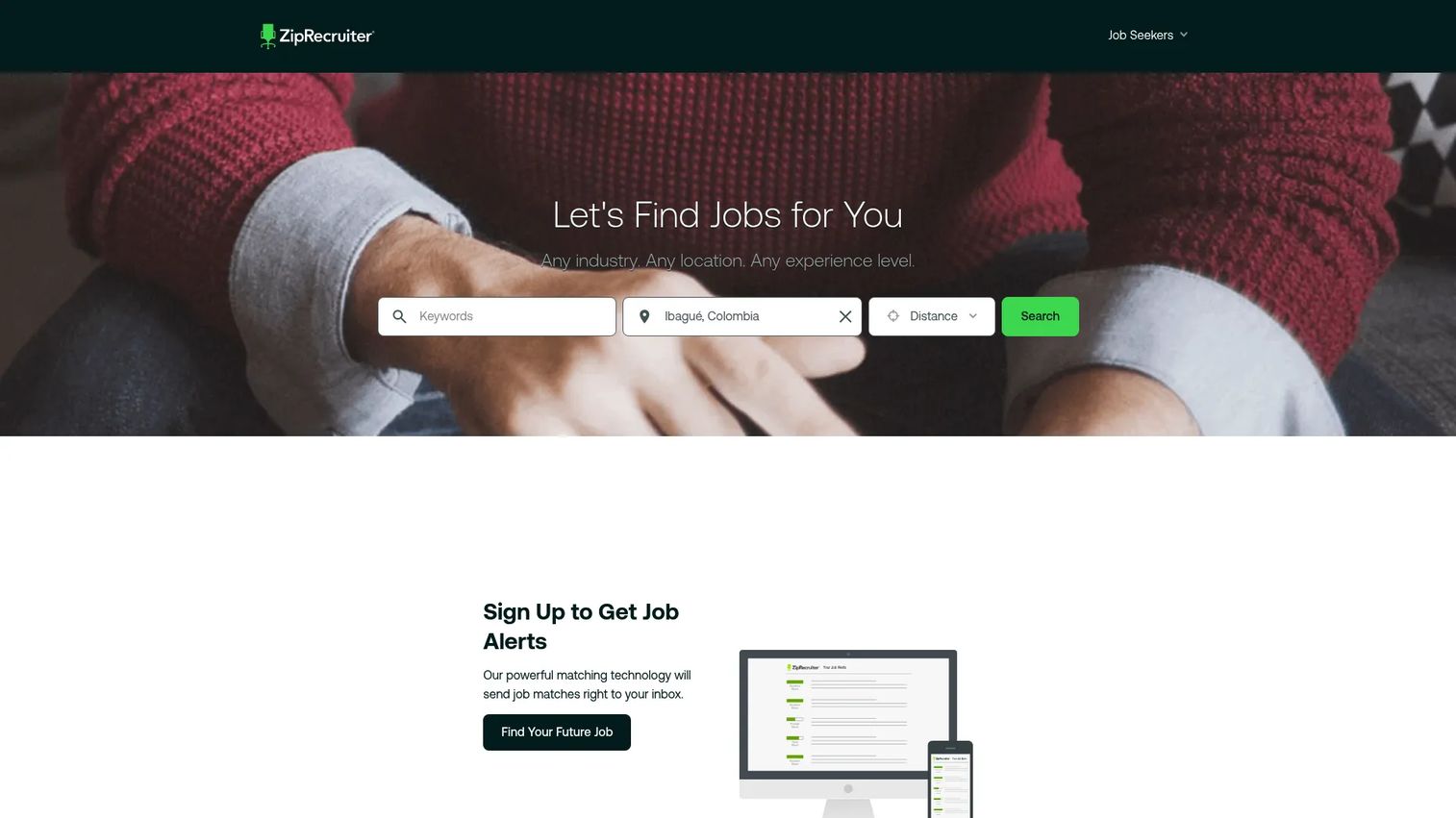
ZipRecruiter is built around one idea: get seen first. Where other sites emphasize how many listings they hold, ZipRecruiter emphasizes how quickly your application reaches a real employer. Its AI matching proactively surfaces your profile to companies hiring now, and the "jobs hiring" positioning keeps the focus on active, responsive listings rather than a wall of every role ever posted.
Account creation is prominent because the platform does more once it knows your profile. It can then match you, alert you, and improve your contact likelihood with employers. The application flow is deliberately fast, and trust signals like employer response indicators help you spend energy on the listings most likely to reply. For a job seeker who values momentum, that is the whole point.
Best for: Searchers who want visibility and fast application momentum over raw listing counts.
Key strengths
- Be seen first: AI matching pushes your profile toward employers actively hiring.
- Fast application flow: Streamlined apply steps built for quick apply momentum.
- Response signals: Indicators that help you prioritize employers likely to respond.
Why choose ZipRecruiter: Pick it when you want the platform working on your behalf, not just a search box. The matching engine and response-likelihood signals shift effort toward roles that actually reply. It leans on your profile, so the more complete your account, the better it performs.
ZipRecruiter pricing: Free for job seekers. Employer plans are Standard, Premium, and Pro, with free-trial options; ZipRecruiter routes pricing conversations through sales rather than listing public numbers. The platform holds a strong 4.8/5 rating on G2, among the highest in this list.
4. Jobs4TN.gov
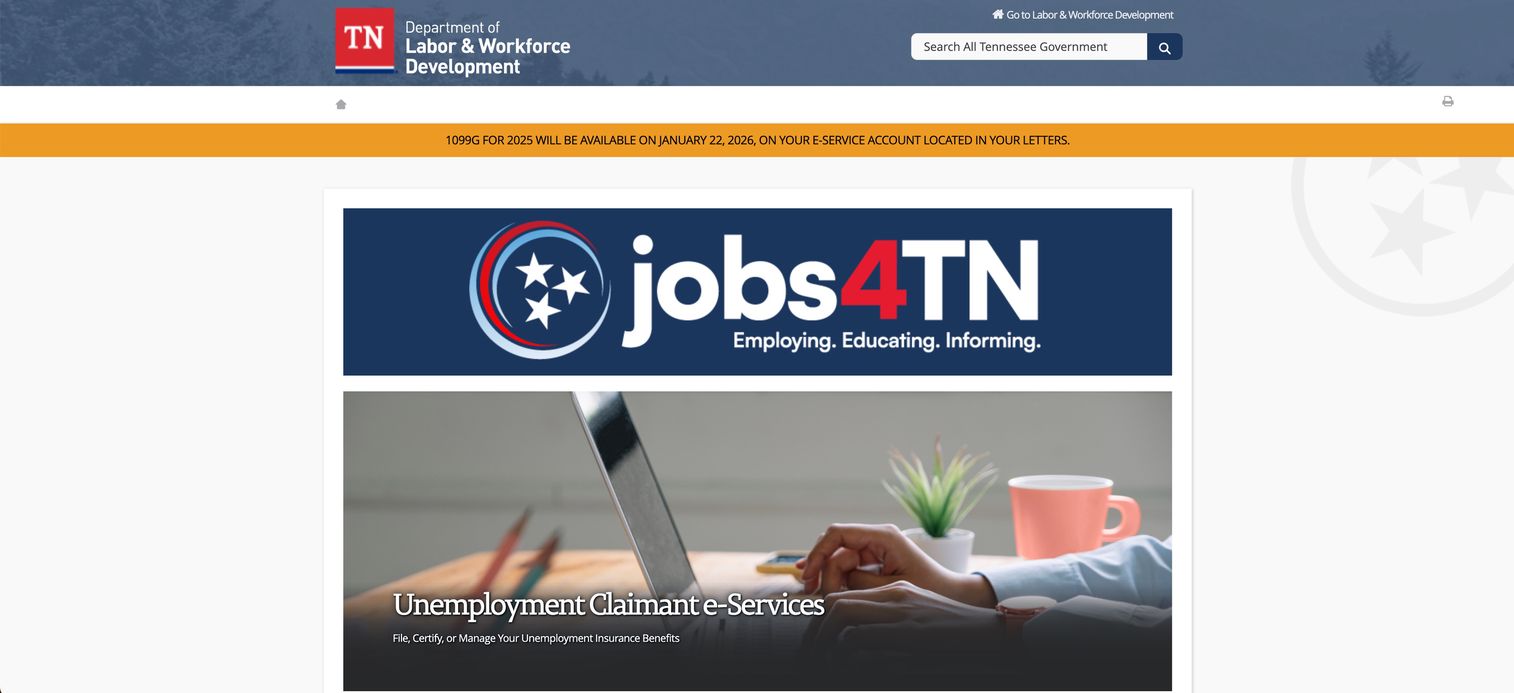
Jobs4TN.gov is Tennessee's state workforce portal, and it stands in here as the model for what a government job resource does that commercial boards do not. It combines local job search with real, in-person support. You can search for a new job, post a resume, and browse openings, but the value sits in the surrounding services: labor market information, training resources, and connections to American Job Centers where a person can actually help you.
This matters for searchers whose geography or situation calls for more than a listing feed. Public-sector roles, locally rooted searches, and job seekers who benefit from face-to-face guidance all find something here that Indeed or ZipRecruiter do not provide. Job fairs and hiring events add in-person momentum, and mobile support keeps the portal usable on the go.
Best for: Local job seekers who want in-person support, resources, and public-sector access, not just listings.
Key strengths
- Local plus support: Nearby roles paired with American Job Center assistance.
- Labor market data: Regional wage and demand information to guide your search.
- In-person events: Job fairs and hiring events that create real momentum.
Why choose Jobs4TN.gov: Choose a state workforce portal when you need direct help, not just a bigger feed. Most states run an equivalent, so if you are outside Tennessee, search your own state's workforce portal. The support depth is the differentiator, and it is free.
Jobs4TN.gov pricing: Free. It is a public workforce service funded to help residents find work, so there is no cost to job seekers or a paid tier to evaluate.
5. Monster
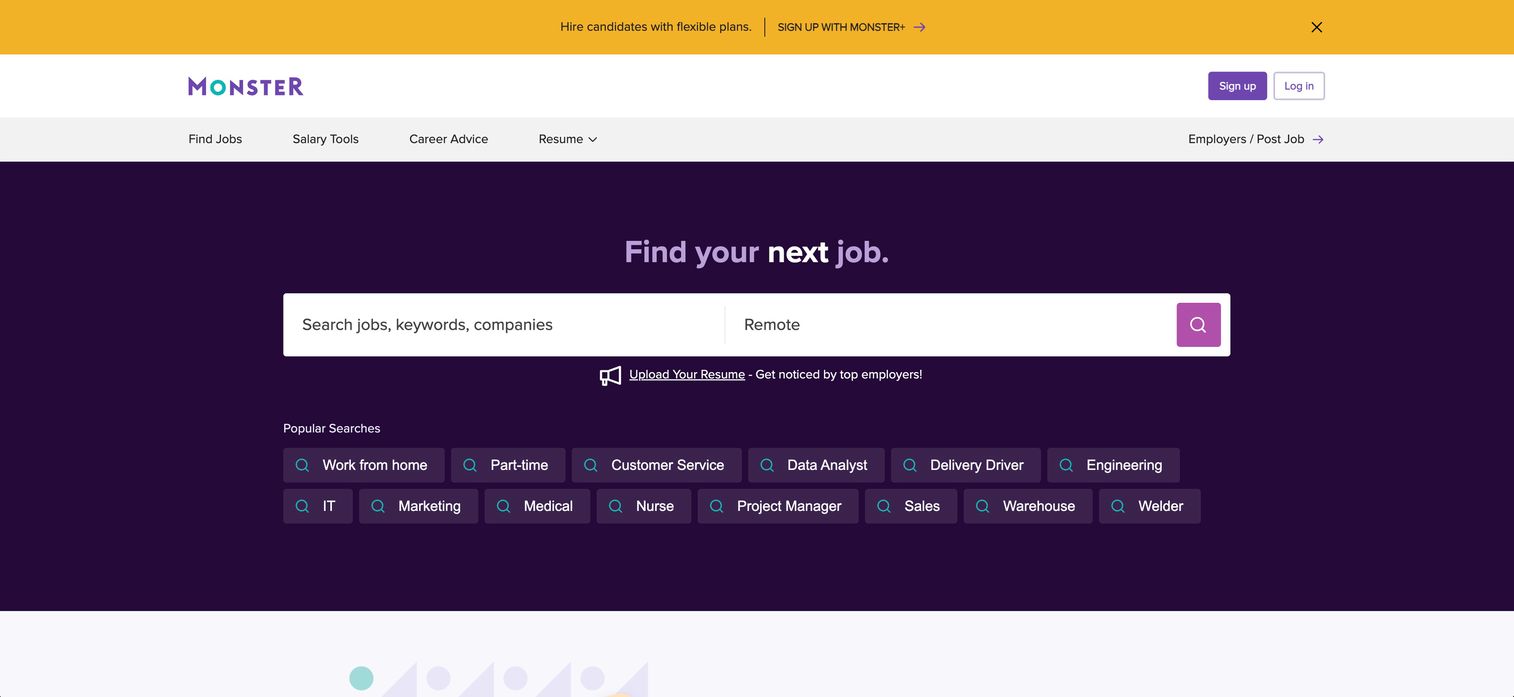
Monster is one of the original job boards, and its longevity still buys it a spot for searchers casting a wide net. The inventory is broad, the search is flexible, and job alerts keep new roles arriving without repeat effort. For a candidate who wants to spread applications across a large surface area, Monster's legacy reach remains useful in 2026.
What sets it apart today is the free AI resume builder. Monster gives job seekers ATS-friendly templates and downloads at no cost, which turns the platform into more than a listing feed, it becomes part of your application prep. Resume search and candidate messaging exist on the employer side, and employer discovery helps you research where you are applying. It is a broad, general-purpose tool rather than a specialist.
Best for: Job seekers casting a wide net who also want free resume-building help.
Key strengths
- Free resume builder: ATS-friendly templates and downloads at no cost to job seekers.
- Flexible search and alerts: Broad inventory with customizable job alerts.
- Employer discovery: Company research paths to inform where you apply.
Why choose Monster: Reach for it when volume and application prep matter together. The free resume builder is a genuine reason to create an account even if you find the role elsewhere. Inventory overlaps with the larger aggregators, so use Monster as one more net in the water rather than your only line.
Monster pricing: Free for job seekers, including the resume builder. On the employer side, Monster Free includes one job posting every 30 days, Monster Standard starts at $18/day, and Monster Pro is $299/month. Monster carries a 4.1/5 rating on G2.
6. Glassdoor

Glassdoor earns its place on a different axis than the rest of this list. Its core value is company reviews, the anonymous employee reporting on culture, management, and day-to-day reality that you cannot get from a job listing. When employer fit is the question, this is where you go before you apply, not after you get an offer.
Salary transparency is the second pillar. Glassdoor surfaces reported pay ranges by role and company, so you walk into a negotiation with data instead of a guess. Jobs sit alongside all of this, which means you can research an employer and apply in the same place. For a searcher weighing multiple companies, the ability to compare culture, pay, and interview difficulty side by side is the whole reason to use it.
Best for: Searchers comparing multiple employers who care about culture, pay, and role fit before applying.
Key strengths
- Company reviews: Anonymous employee insight on culture and management.
- Salary transparency: Reported pay ranges by role and company for negotiation leverage.
- Research plus apply: Employer research and job listings in one destination.
Why choose Glassdoor: Use it as the research layer of your stack, not the volume layer. It will not surface as many raw listings as the big aggregators, and that is fine, its job is to tell you which listings are worth pursuing. Pair it with Indeed or LinkedIn Jobs for coverage, and let Glassdoor be the filter that saves you from a bad fit.
Glassdoor pricing: Free for job seekers researching companies and salaries. Employers get a free profile, with a paid employer branding offering that routes through sales rather than public pricing. Glassdoor does not carry a publicly verified G2 rating.
7. LinkedIn Jobs
LinkedIn Jobs is the only site here where your profile does work for you while you sleep. Search and application sit on top of a professional network, which changes the math: your existing connections, your visibility to recruiters, and your ability to see who you know at a target company all feed the search. For roles where referrals and reputation matter, that is a real edge no standalone board can match.
Application flows are fast because your profile already holds the data, so quick apply is genuinely quick. Employer discovery runs through company pages and your network, letting you research a firm and spot a mutual connection in the same view. Job recommendations and alerts keep matches flowing, and because recruiters actively source here, being findable can matter as much as actively applying.
Best for: Searchers in roles where networking, referrals, and recruiter visibility drive outcomes.
Key strengths
- Network-driven search: Connections and referrals surface alongside listings.
- Fast profile apply: Stored profile data powers quick applications.
- Recruiter visibility: Being findable brings roles to you, not just the reverse.
Why choose LinkedIn Jobs: Choose it when relationships shape hiring in your field, which is most professional and knowledge work. The networking layer turns passive presence into inbound opportunity. It rewards a well-kept profile, so the investment in keeping yours current pays back across every search.
LinkedIn Jobs pricing: Free for job seekers to search, apply, and be discovered. Employers can post free jobs or promote a role with a daily or total budget; LinkedIn does not list a fixed public price for promoted jobs. LinkedIn Jobs holds a 4.5/5 rating on G2.
What to look for when choosing a job search site
Before you commit your time to any platform, run it through these criteria. The right site depends on how you search, not on which brand is loudest.
Inventory and freshness
Bigger is not automatically better if half the listings are stale. Check whether the site aggregates broadly and how often listings refresh. The largest aggregators surface the most roles, but you want depth in your specific field and location, not just a big global number.
Filters and search quality
Good filters save hours. Look for location and remote toggles, salary ranges, job type, and the ability to exclude what you do not want. A job finder that lets you narrow precisely beats one that returns thousands of loosely matched results you have to sort by hand.
Application flow and resume support
Every extra step in an application is a place people quit. Prioritize sites with resume upload, reusable profiles, and quick apply. If a platform also helps you build an ATS-friendly resume, that is time saved on prep, not just submission.
Employer research depth
Listings tell you the role exists. Company reviews and salary information tell you whether it is worth pursuing. If employer fit matters to you, weight platforms that pair jobs with research, so you are not applying blind.
Alerts, personalization, and support
The best searches run partly on autopilot. Alerts and personalized job recommendations bring matches to you. And if your situation calls for hands-on help, local and government resources add support that no commercial feed replicates.
Which job search site should you use?
Match the tool to the job, then combine.
- Use Indeed when you want the broadest starting point and the widest inventory in a single search.
- Use SimplyHired when clean filtering and salary context matter more than raw volume.
- Use ZipRecruiter when you want visibility and fast employer response over listing counts.
- Use Jobs4TN.gov or your own state's workforce portal when you need local roles and in-person support.
- Use Glassdoor when employer research, culture, and pay transparency are the priority.
- Use LinkedIn Jobs when networking, referrals, and recruiter visibility drive your field.
- Use Monster when you are casting a wide net and want a free resume builder in the same place.
The single best move for most people is not choosing one. Run one broad engine for coverage, one research site to filter for fit, and one local or niche source for the roles the big aggregators miss. That three-part stack surfaces more of the right roles and fewer of the wrong ones than any single platform can. Start with the broad engine today, add the research layer this week, and let alerts do the rest.
FAQs
It depends on what you prioritize: volume, filtering, salary research, or employer reviews. For raw coverage, Indeed is the usual default. For research before applying, Glassdoor leads. Most people get the best results using more than one site rather than betting everything on a single platform.
The largest aggregators, led by Indeed, generally surface the biggest inventories because they crawl thousands of sources. That said, the site with the most listings overall is not always the best for your specific role or location. A niche or local source can hold more of the roles you actually want.
Remote results come down to filters and dedicated browse paths more than brand. Sites with clear remote toggles and remote-specific pages, including SimplyHired and Indeed, make remote jobs easy to isolate. Use the remote filter early so you are not scrolling past on-site roles.
Glassdoor is the standard for company reviews, with anonymous employee reporting on culture, management, and interview difficulty. It also surfaces reported salary information, so you can compare pay across employers before you apply. That research depth is exactly why it belongs alongside a high-volume site, not instead of one.
Yes, especially for local roles, public-sector positions, and hands-on help. Portals like Jobs4TN.gov add resume support, labor market data, job fairs, and in-person career centers that commercial sites do not offer. If your search is geographically anchored or you want direct assistance, start with your state's workforce portal.
Yes. Different sites surface different listings and different types of information. A broad engine gives you coverage, a research site tells you which roles are worth pursuing, and a local or niche source catches what the big aggregators miss. The combination beats any single tool.
Weigh inventory size, filter quality, application flow, employer research, alerts and personalization, and support resources. No single site tops every category, so pick based on the one or two factors that most shape your search, then fill the gaps with a second platform.