You dispatched three trucks this morning. One driver texted the office for the next address. Another finished early and sat idle because nobody rerouted him. The third pumped a tank, forgot to log the compliance manifest, and now you are chasing paperwork a state inspector will ask for in ninety days. Meanwhile, an invoice from Tuesday still hasn't gone out, and a recurring customer you should have reminded three weeks ago just called a competitor.
That is the real cost of running a septic operation on spreadsheets, a whiteboard, and a shared inbox. Not one dramatic failure, but a hundred small leaks in the day that add up to slow cash, missed routes, and a business that only works when the owner is in the room.
The category is worth getting right. The U.S. septic, drain, and sewer cleaning services industry is estimated at USD 8.7 billion in 2026, according to IBISWorld, and roughly one in five American households, about 26 million homes, rely on a septic system, per EPA data cited by ServiceBusinessAcademy in 2026. Demand is steady and recurring. The margin killer is admin overhead, not lack of work.
Good septic business software takes the coordination out of your head and puts it into a system: scheduling, dispatch, route optimization, recurring reminders, mobile field capture, billing, and audit-ready compliance records, all connected. This guide ranks seven septic service software platforms for 2026 so you can shortlist fast and pick the one that fits how your trucks actually run.
What's inside
This guide is built for owners and operators of septic pumping and septic tank cleaning businesses who want to stop running operations by memory. It covers seven septic service software platforms, from tools built specifically for pumping and portable sanitation to broader field service platforms that handle septic workflows well.
We ranked each tool on the criteria that decide whether software earns its place in your stack:
- Septic-specific workflow fit (pumping cycles, manifests, tank records)
- Scheduling, dispatching, and route optimization
- Billing, invoicing, and payments
- Mobile field tools for drivers and technicians
- Compliance reporting and service history
- QuickBooks integration and accounting fit
General field service platforms appear only where they genuinely support septic operations, not just because they exist.
TL;DR
- Best septic-native tool for pumping and portable operators: Tank Track, purpose-built for septic, grease, and portable sanitation with reminders, routing, and compliance reports.
- Best all-in-one for portable and septic operations: ServiceCore, strong on scheduling, routing, mobile, inventory, and customer portals.
- Best for teams wanting septic inside a wider platform: FieldPulse, flexible FSM with customizable workflows and QuickBooks integration.
- Best for larger or expanding operators: ServiceTitan, enterprise-grade breadth across CRM, dispatch, invoicing, and reporting.
- Best value for small pumping fleets: PumpDocket, dispatch plus compliance trip tickets starting at $99/mo with a free first month.
- Best for small home service crews: Jobber, clean scheduling, quoting, and payments starting at $49/mo.
- Best for simplicity and speed: Housecall Pro, easy-to-use FSM with booking, invoicing, and payments.
The right septic company software depends on how many trucks you run and how strict your state's compliance requirements are.
What is septic pumping software?
Septic pumping software is a field service management platform built to run the day-to-day operations of a septic pumping or septic tank cleaning business, from scheduling and dispatch to billing and compliance recordkeeping.
Unlike generic office tools, septic service management software connects the field and the office so a job flows from booking to completed manifest to paid invoice without manual re-entry. The strongest platforms combine these core capabilities:
- Scheduling and dispatch: Assign jobs to trucks and drivers, adjust in real time, and see the whole day on one board.
- Recurring service reminders: Automatically flag customers due for their next pump based on tank size, usage, or cycle length.
- Billing and payments: Generate invoices in the field or office, take card payments, and reduce the lag between service and cash.
- Customer records and service history: Keep every tank, address, and past job in one place so any dispatcher can answer a call.
- Mobile field tools: Give drivers work orders, directions, digital forms, and technician invoicing on their phones.
- Compliance reporting: Capture manifests, disposal records, and audit-ready documentation state inspectors require.
- QuickBooks integration: Sync invoices and payments to accounting so books stay clean without double entry.
- Route optimization: Sequence stops to cut windshield time, especially across spread-out rural routes.
Together, these features turn a fragmented workday into a repeatable system, which is exactly what an operator needs to reduce owner dependence and standardize field execution.
When to use septic scheduling software
Not every operation feels the same pain first. Here is how to know the moment septic dispatching software starts paying for itself.
Reduce office back-and-forth on recurring pumping cycles
If your team tracks who is due for a pump on a spreadsheet or in someone's head, you are leaving revenue on the table. Recurring service reminders automatically surface customers due for their next cycle, so you rebook them before they call a competitor. That single feature protects the recurring base most septic businesses actually run on.
Keep trucks moving on rural routes
Septic customers are rarely clustered. When a driver zigzags across a county because stops were assigned by hand, you burn fuel and daylight. Route optimization sequences stops geographically, which matters most for rural route scheduling where a bad order can add an hour to every truck. Fewer miles per job means more jobs per day.
Standardize compliance and invoicing
State regulators expect proof of proper waste disposal, and a missing manifest can mean fines. Software that captures compliance reporting in the field, then feeds it into service history, keeps you audit-ready without a filing cabinet. Pair that with septic billing software that invoices the moment a job closes, and cash moves faster while your records stay clean.
Comparison table
Use this table to shortlist two or three tools, then read the full sections below. Pricing and ratings reflect verified vendor and G2 sources as of mid-2026. Where a vendor gates pricing behind a demo, we note that rather than guess.
| # | Product | Intent | Key use case | Pricing | G2 rating |
|---|---|---|---|---|---|
| 1 | Tank Track | Septic-native operations | Septic, grease, and portable operators wanting compliance and reminders | $149/mo first truck | Not available |
| 2 | ServiceCore | All-in-one field ops | Portable, septic, and dumpster operators wanting routing and portals | Demo-based | Not available |
| 3 | FieldPulse | Flexible FSM | Trades teams wanting customizable septic workflows | Quote-based | Not available |
| 4 | ServiceTitan | Enterprise FSM | Larger or expanding contractors needing full breadth | Request pricing | 4.5/5 |
| 5 | PumpDocket | Pumping dispatch and compliance | Small to mid fleets needing dispatch and trip tickets | $99/mo | Not available |
| 6 | Jobber | Home service FSM | Small crews needing scheduling and payments | $49/mo | 4.6/5 |
| 7 | Housecall Pro | Simple FSM | Teams prioritizing ease of use and speed | $59/mo | 4.3/5 |
1. Tank Track
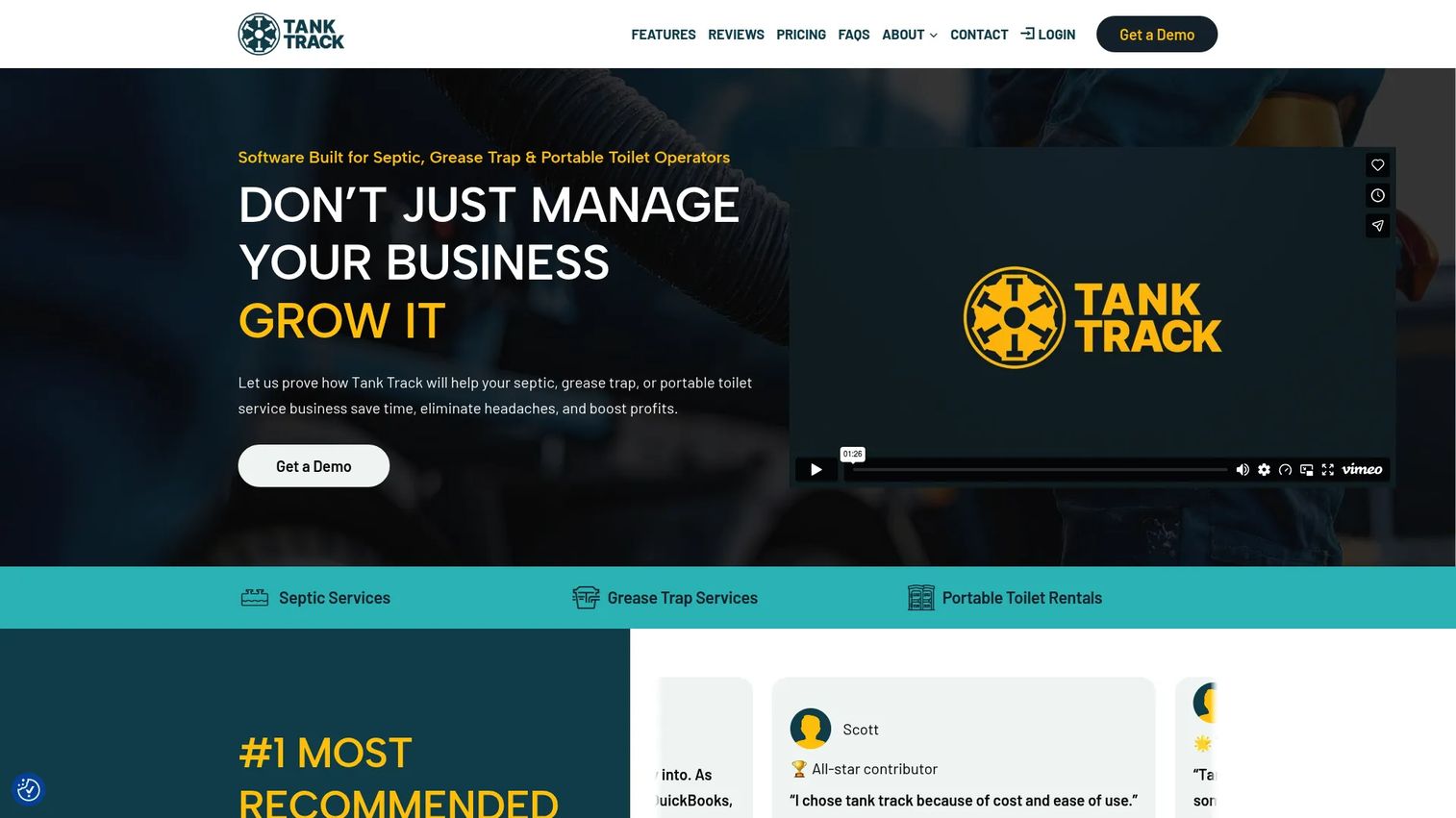
Tank Track is built specifically for septic, grease trap, and portable toilet operators, which is exactly why it sits at the top of this list for owners who want a septic-native tool rather than a general platform bent to fit. Everything in it assumes you pump tanks, run routes, and answer to compliance rules, so you spend less time working around software that was designed for a different trade.
The value shows up in the recurring revenue mechanics. Automatic service reminders flag customers due for their next pump, which turns your existing customer base into predictable, rebookable work instead of a list you hope someone remembers to call.
Best for: Septic, grease trap, and portable sanitation businesses that want operations and compliance software built for their exact workflow.
Key strengths
- Automatic service reminders: Surface customers due for their next pump so recurring work rebooks itself.
- Customer management: Keep tanks, addresses, and full service history in one searchable place.
- Scheduling and dispatch: Assign jobs to trucks and adjust the day without a whiteboard.
Why choose Tank Track: If your business is genuinely septic-first, a purpose-built tool removes the friction of adapting generic FSM software to manifests, pumping cycles, and compliance reports. Operators who value vertical fit over broad feature sprawl land here.
Tank Track pricing is refreshingly public. It runs $149/month for your first truck and $125/month for each additional truck, with annual billing saving 10%. There is no free tier, but the flat per-truck model makes it easy to forecast cost as your fleet grows.
2. ServiceCore
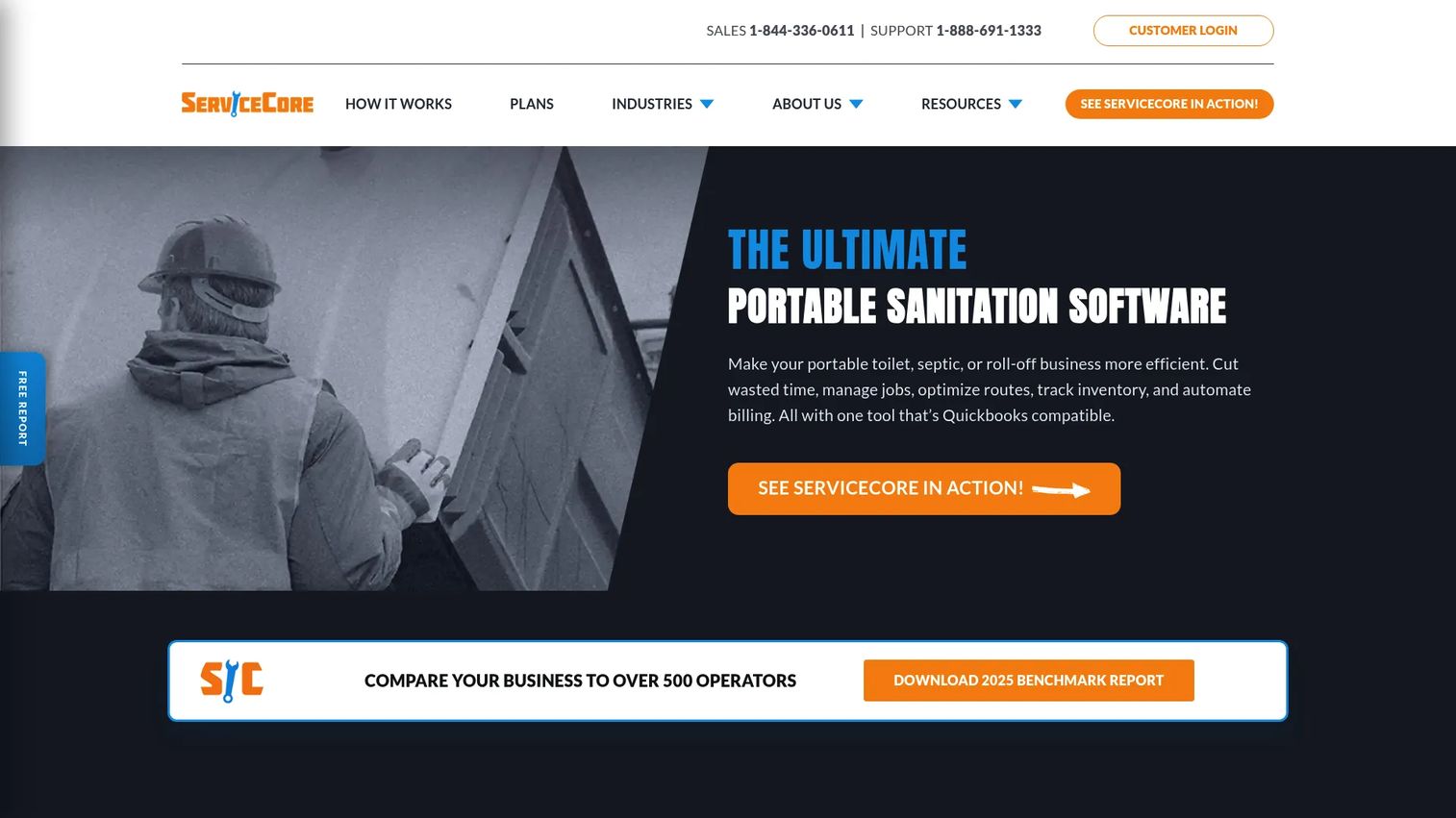
ServiceCore is an all-in-one operations platform for portable toilet, septic, and dumpster rental businesses. It covers the full loop from the office to the truck and back, which makes it a strong fit for operators who want scheduling, routing, billing, and field work managed in one system rather than stitched across tools.
The routing and mobile combination is where it earns its keep. Dispatchers build and optimize routes, drivers get the day on a mobile app, and jobs close out in the field so the office is not re-keying paperwork after every run.
Best for: Portable sanitation, septic, and dumpster operators that want an all-in-one platform covering field and office.
Key strengths
- Scheduling, routing, and dispatching: Build optimized routes and adjust assignments across your fleet in real time.
- Mobile app and customer portal: Give drivers work orders on their phones and give customers self-serve access.
- Pro reports and inventory management: Track compliance-relevant reporting and keep tabs on equipment and stock.
Why choose ServiceCore: Operators running mixed portable and septic fleets benefit from a platform that handles both without compromise. The quick field-to-office handoff and recurring job support reduce the manual coordination that eats an owner's day.
ServiceCore lists two plans, START and Pro, both billed monthly on an annual contract. Public numeric pricing is not shown on the site; ServiceCore asks you to schedule a personalized demo to see pricing for your business size. That means you will want to budget a short call before comparing it dollar-for-dollar against tools with published rates.
3. FieldPulse
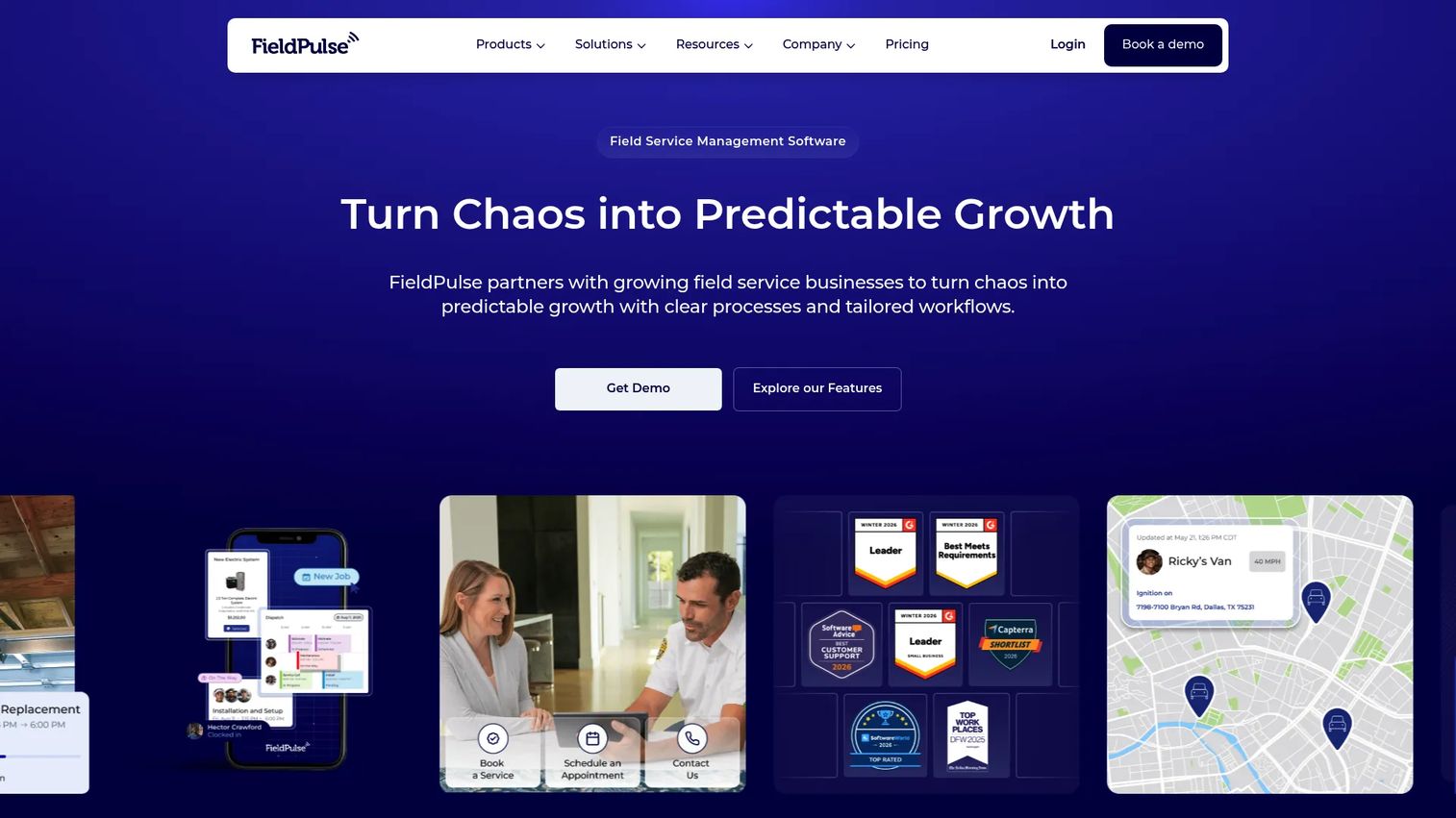
FieldPulse is a broad field service management platform that handles scheduling, dispatching, estimates, invoicing, and CRM across many trades, with the flexibility to configure septic workflows inside it. It fits teams that want septic support without locking themselves into a single-vertical tool, especially if they run adjacent service lines.
Its strength is customization. Because the workflows are configurable rather than fixed, you can shape work orders, digital forms, and job stages around how your pumping business actually operates, then layer in QuickBooks integration to keep accounting synced.
Best for: Trades and field service teams that want customizable FSM workflows and quote-based pricing.
Key strengths
- Scheduling and dispatching: Coordinate jobs and crews across service lines from one board.
- Estimates and invoices: Quote in the field, convert to invoices, and collect payment without re-entry.
- Customer and booking portal: Let customers book and self-serve, reducing inbound office calls.
Why choose FieldPulse: If your operation spans more than septic, or you expect it to, a flexible platform means one system instead of several. The tradeoff versus a septic-native tool is that you configure the vertical fit yourself rather than getting it out of the box.
FieldPulse uses seat-based, customized pricing across Essentials, Professional, and Enterprise tiers. Public numeric prices are not listed; the company asks prospects to request a custom quote. Ask specifically what septic-relevant features sit in each tier so you can compare fairly.
4. ServiceTitan
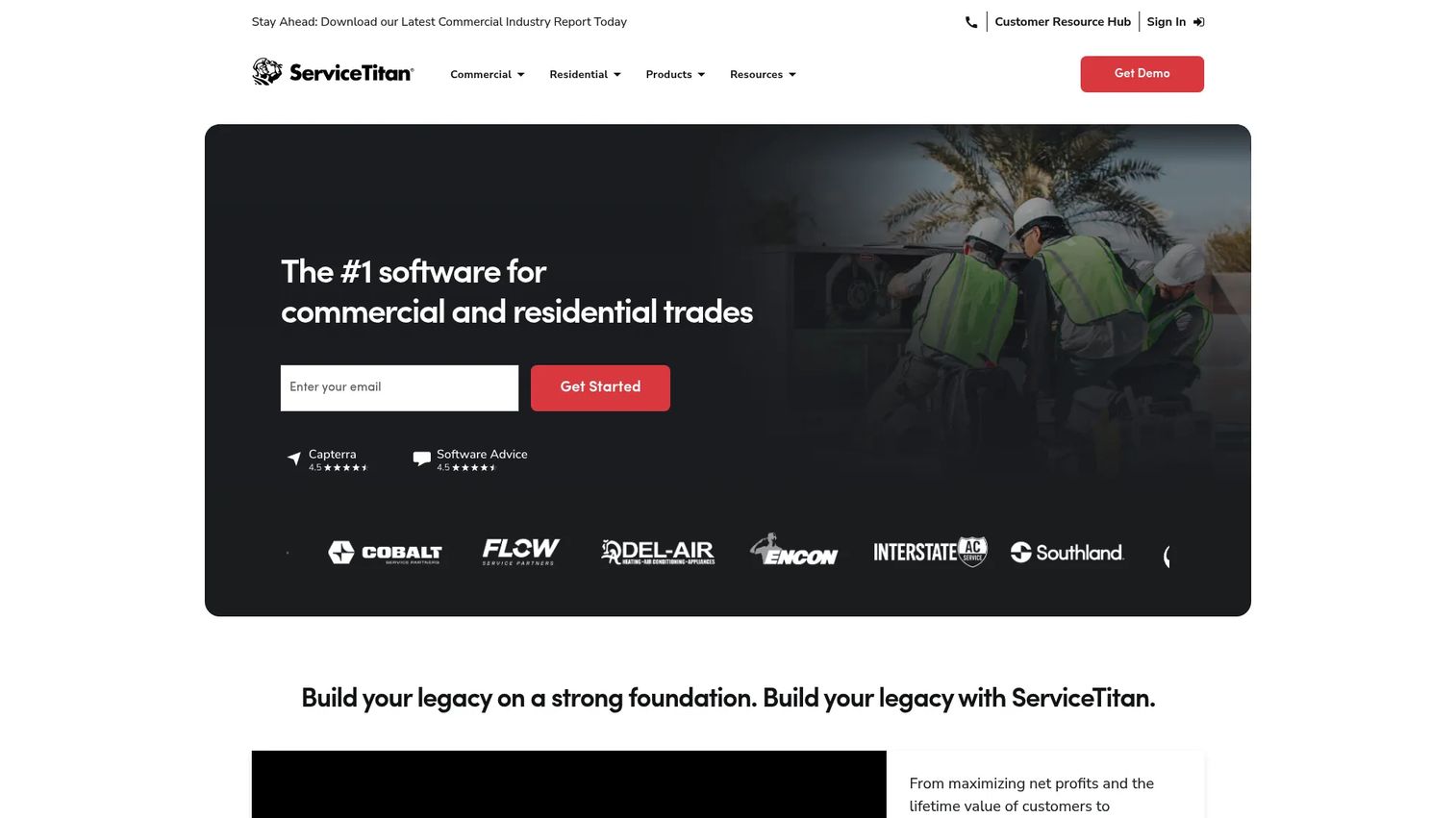
ServiceTitan is an enterprise-grade cloud platform for contractors and service businesses, spanning dispatching, invoicing, CRM, sales management, field operations, and deep reporting. For a larger or fast-growing septic operator, it offers the breadth to run a substantial fleet with the kind of dashboards and API integrations a scaling business needs.
Where it stands out is operational depth. Job costing, service agreements, reporting, and a full mobile field app give you the visibility to manage margins across trucks, not just keep the schedule moving.
Best for: Residential and commercial contractors that need an all-in-one field service management platform with room to scale.
Key strengths
- Dispatching and scheduling: Coordinate large fleets with real-time visibility across the board.
- CRM and sales management: Track customers, agreements, and revenue in one connected system.
- Reporting, dashboards, and API integrations: Get the operational and financial visibility a scaling business needs.
Why choose ServiceTitan: Operators expanding beyond a handful of trucks, or running multiple service lines, get enterprise depth here. The fit caveat is that ServiceTitan is trades-broad rather than septic-specific, so you gain breadth and give up some of the out-of-the-box vertical language a pumping-only tool provides.
ServiceTitan does not publish public pricing. The site lists three per-technician packages, Starter, Essentials, and The Works, each requiring a pricing request. It holds a 4.5/5 rating on G2, reflecting strong reviewer sentiment on breadth and capability. Expect a sales conversation and a rollout plan given the platform's depth.
5. PumpDocket
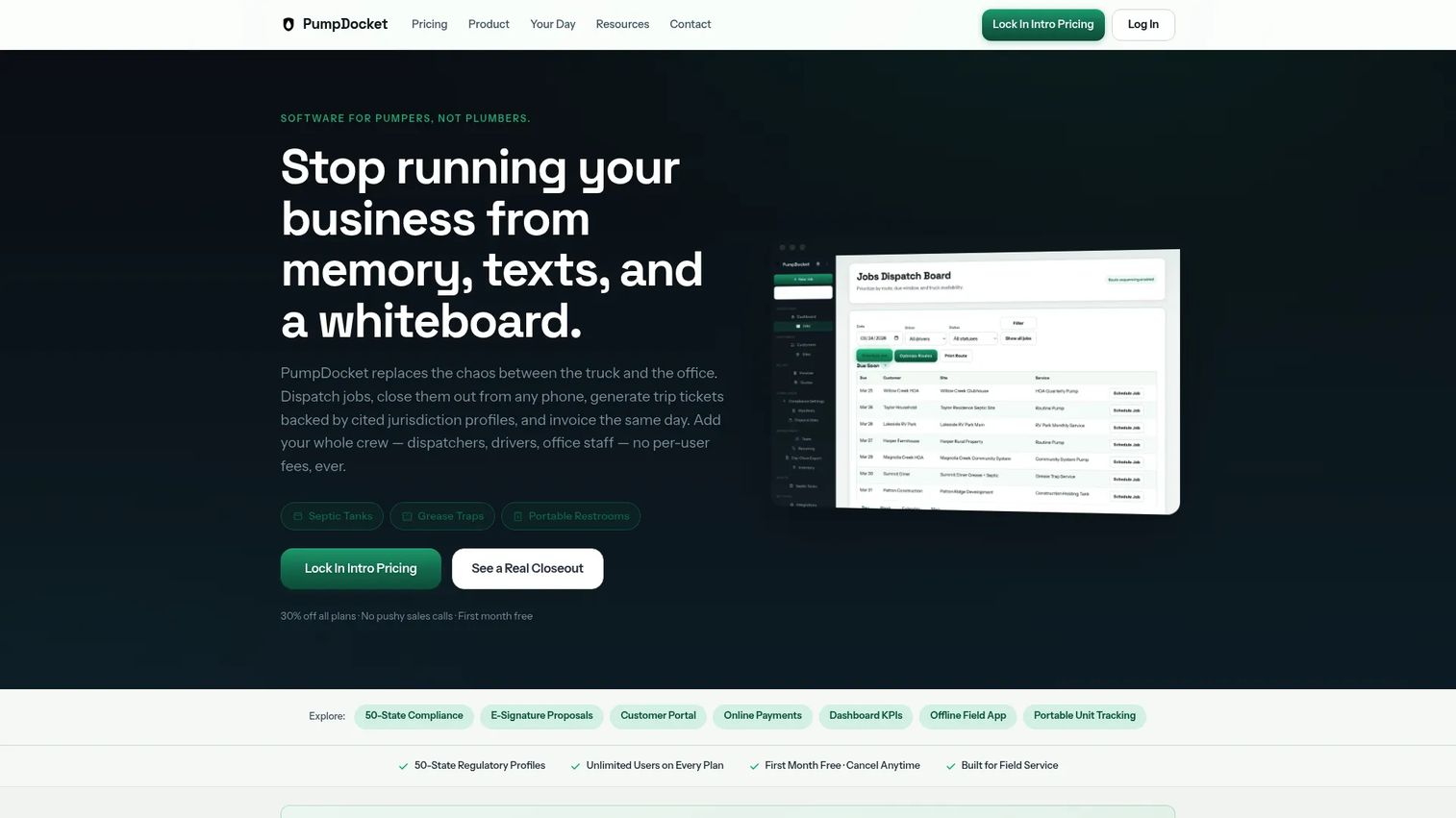
PumpDocket is dispatch and compliance software built for pumping companies that service septic tanks, grease traps, and portable restrooms. It targets small to mid-sized operations that want the essentials, dispatch, field closeout, compliance, and invoicing, without paying for enterprise scope they will not use.
The compliance angle is its clearest differentiator. Recurring scheduling paired with compliance trip tickets means the paperwork inspectors ask for is generated as part of the job, not reconstructed afterward, and QuickBooks sync keeps the accounting side clean.
Best for: Small to mid-sized pumping operations needing dispatch, invoicing, and compliance workflows.
Key strengths
- Dispatch and field closeout: Assign work and close jobs in the field without office re-entry.
- Recurring scheduling and compliance trip tickets: Automate rebooking and generate audit-ready records per job.
- QuickBooks sync and customer portal: Keep books synced and give customers self-serve access.
Why choose PumpDocket: For a small fleet, this is the value pick. You get septic-relevant dispatch and compliance workflows at a transparent, affordable price, without the overhead of a broad platform.
PumpDocket pricing is public and tiered by fleet size: Starter at $99/mo for one to three trucks, Team at $230/mo for four to ten trucks, and Fleet at $454/mo for eleven or more. All plans include dispatch, invoicing, online payments, a customer portal, unlimited team members, and a free first month, which makes it low-risk to trial against your real routes.
6. Jobber
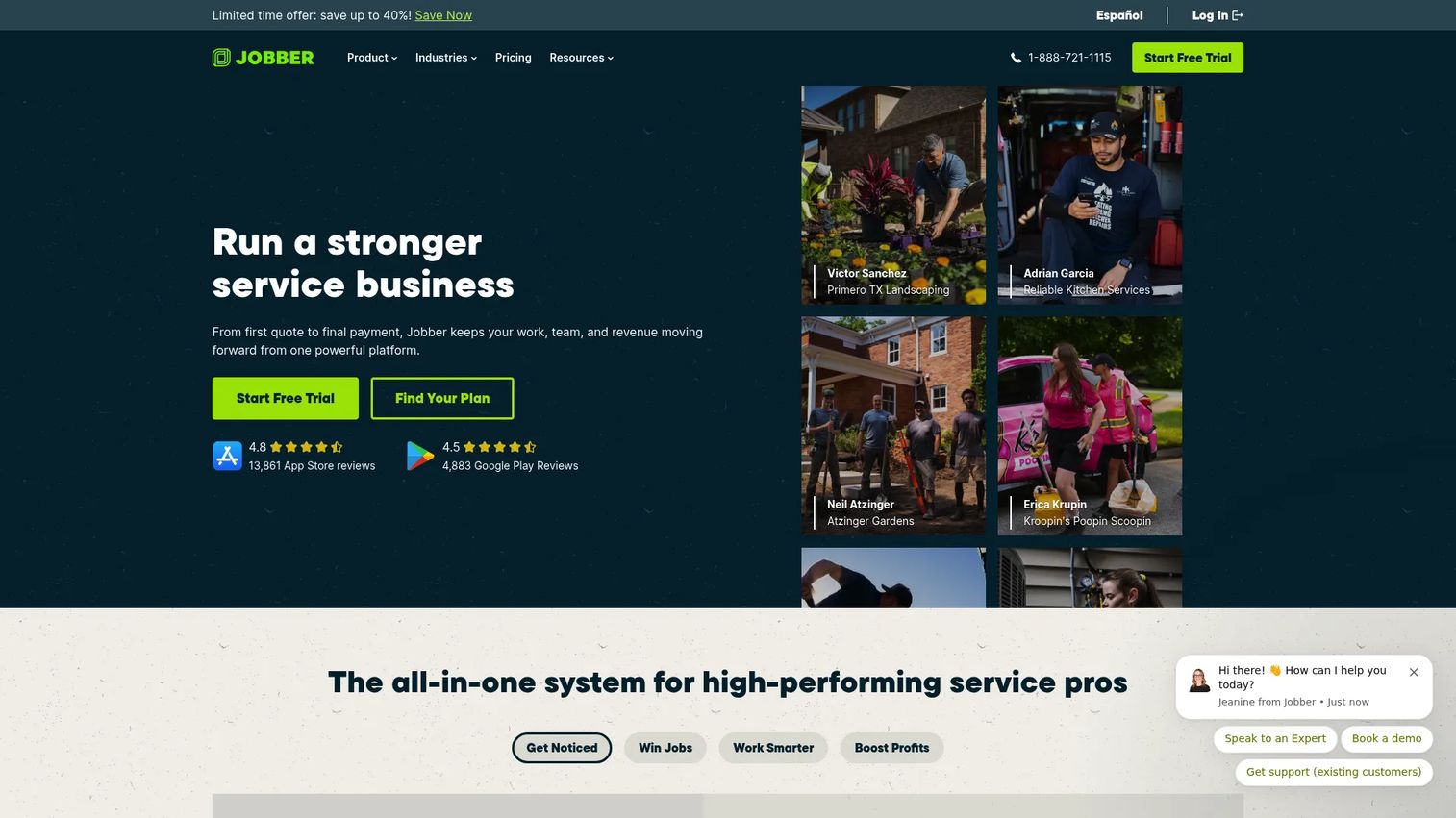
Jobber is field service management software for home and commercial service businesses, covering scheduling, dispatching, quoting, invoicing, online payments, and client management. Small to mid-sized septic operators sometimes choose it for its clean interface and straightforward setup when they do not need deep septic specialization.
Its strength is the money side of the workflow. Quoting, invoicing, and online payments flow together with a client hub, so customers can approve quotes and pay online while the office spends less time chasing paper.
Best for: Home and commercial service contractors needing scheduling, quoting, invoicing, and payments in one system.
Key strengths
- Scheduling and dispatching: Assign and adjust jobs across your team from one calendar.
- Quoting, invoicing, and online payments: Turn approved quotes into paid invoices with less office effort.
- Client management and client hub: Give customers self-serve access to quotes, invoices, and requests.
Why choose Jobber: If your operation is small and general service alongside septic work, Jobber's simplicity and pricing are attractive. The fit note for pumping is honest: it lacks septic-specific compliance manifests and pumping-cycle logic, so heavily regulated operators may need workarounds.
Jobber publishes four plans: Core at $49/mo, Connect at $139/mo, Grow at $199/mo, and Plus at $499/mo, with monthly, one-year, and annual billing options. A 14-day free trial includes full access to the Grow plan. It holds a 4.6/5 rating on G2, among the strongest in this list.
7. Housecall Pro
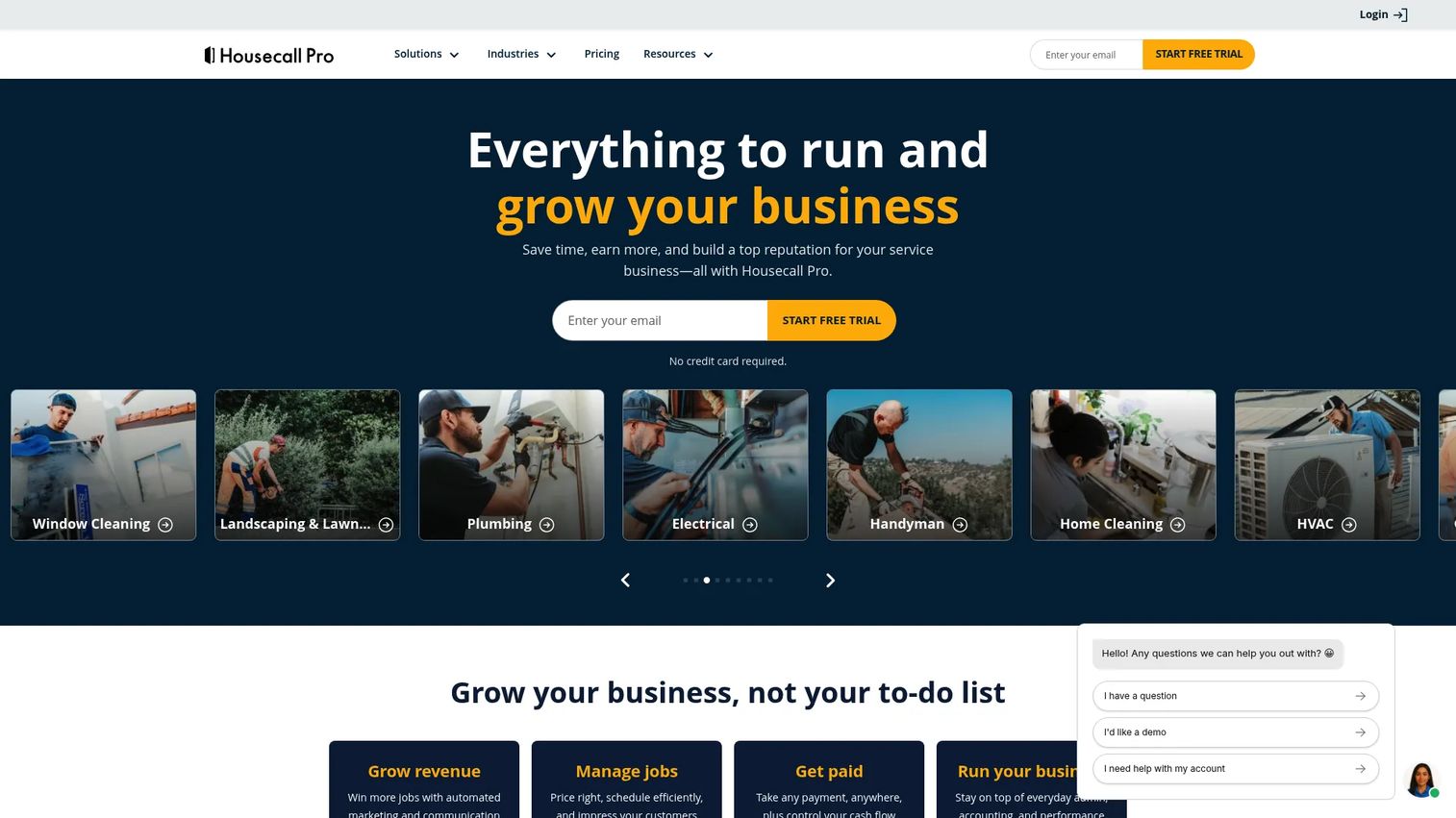
Housecall Pro is field service management software for home service businesses, built around online booking, scheduling, dispatching, invoicing, and payments with an emphasis on ease of use. Teams that prioritize speed and a low learning curve over vertical depth often land here.
Its strength is usability. Recurring service scheduling, mobile operations, and customer communication are packaged so a small team can get running quickly without a heavy rollout, which matters when the owner is also the dispatcher and the estimator.
Best for: Home service teams that want an all-in-one scheduling, invoicing, and dispatch platform that is fast to adopt.
Key strengths
- Online booking and scheduling: Let customers book online and manage the calendar without phone tag.
- Invoices and payments: Invoice and collect payment quickly to shorten the time to cash.
- Recurring service scheduling: Set up repeat jobs so recurring customers rebook automatically.
Why choose Housecall Pro: For teams that value speed and simplicity, this is a strong broad FSM option. The septic fit note matters: as a general home service tool, it does not carry native septic compliance manifests or pumping-cycle tracking, so operators with strict state requirements should confirm those workflows fit before committing.
Housecall Pro offers three paid plans billed annually: Basic at $59/mo, Essentials at $149/mo, and Max at $299/mo, plus a 14-day free trial. There is no permanent free tier, and extra users or add-ons may raise the cost. It holds a 4.3/5 rating on G2.
Considerations before you buy
Shortlisting is easy. Choosing well means checking the details that only matter once you are live. Run every finalist against these criteria.
Septic-specific compliance fit
Confirm the tool captures the manifests, disposal records, and trip tickets your state requires, and that it stores them in service history you can pull during an audit. A general FSM tool without native compliance reporting can force manual workarounds that defeat the purpose.
Route optimization for your geography
If your customers are spread across rural counties, route optimization is not a nice-to-have. Ask how the tool sequences stops, whether drivers can reroute on the fly, and how it handles multi-truck days. Windshield time is pure margin loss.
Billing and QuickBooks integration
Check that invoicing and payments happen where your team works, in the field or the office, and that QuickBooks integration syncs cleanly without double entry. Slow, manual billing is the quietest cash-flow killer in the trade.
Mobile field usability
Your drivers will live in the mobile app. Test whether they can see work orders, get directions, complete digital forms, and handle technician invoicing without calling the office. If the mobile experience is clumsy, adoption stalls.
Recurring service mechanics
The recurring base is where septic profitability lives. Verify the tool automatically flags customers due for their next pump and makes rebooking a click, not a research project.
Conclusion
For a septic-first operation, the septic-native tools do the heavy lifting with less configuration: Tank Track for operators who want purpose-built reminders, routing, and compliance; ServiceCore for mixed portable and septic fleets that want everything in one platform; and PumpDocket for small fleets that want dispatch and compliance trip tickets at a transparent price. If you need septic inside a broader stack, FieldPulse offers configurable flexibility, while ServiceTitan brings enterprise depth for operators scaling past a handful of trucks. Jobber and Housecall Pro fit smaller crews that value simplicity and fast setup over deep septic specialization.
Whichever way you lean, weigh the same criteria: dispatch, compliance readiness, billing, route optimization, and service history. Those five decide whether software runs your operation or just sits on top of it.
Next step: shortlist two or three tools, book demos or trials, and run them against your actual routes and manifests for a week. Real workflows, not feature lists, will tell you which one earns its place.
FAQs
Septic pumping software is a field service management platform built to run the operations of a septic pumping or septic tank cleaning business. It typically combines scheduling, dispatch, route optimization, recurring reminders, mobile field tools, billing, and compliance reporting so a job flows from booking to paid invoice to filed manifest in one connected system.
The highest-impact features are scheduling and dispatch, route optimization for spread-out customers, recurring service reminders that protect your repeat base, mobile field tools for drivers, compliance reporting for state audits, and billing with QuickBooks integration. Prioritize the ones that map to your biggest daily bottleneck, whether that is missed routes, slow invoicing, or compliance paperwork.
Yes. Most septic-specific tools, including Tank Track, ServiceCore, and PumpDocket, automatically flag customers due for their next pump based on tank size, usage, or cycle length. Recurring service reminders turn your existing customer base into predictable, rebookable work instead of a list someone has to remember to call.
Many do. Tools like FieldPulse and PumpDocket offer QuickBooks integration that syncs invoices and payments to your accounting system, which removes double entry and keeps your books clean. Always confirm the direction and depth of the sync, since some integrations push invoices only while others sync payments and customers too.
Septic-native and all-in-one platforms with built-in routing tend to perform best for rural route scheduling. ServiceCore and Tank Track are designed around pumping routes, and PumpDocket includes dispatch built for pumping fleets. Look for the ability to sequence stops geographically and let drivers reroute on the fly.
It depends on your compliance load and service mix. If your state requires manifests and disposal records and you run pumping cycles, a septic-specific tool like Tank Track or PumpDocket saves configuration and reduces manual workarounds. General field service software like Jobber or Housecall Pro can work for smaller, less regulated operations, but confirm it supports compliance reporting and pumping-cycle logic before committing.
Track every tank's location and size, service dates, pumped volume, disposal site and manifest number, technician notes, and the next recommended pump date. For compliance reporting, keep audit-ready documentation of proper waste disposal, since state inspectors can request it long after the job. Storing all of this in service history means any dispatcher can answer a customer call and any audit can be met without a filing-cabinet search.