



You drew the storyboard. It reads fine on paper. Then someone asks how long the second shot holds, whether the voiceover lands before the cut, and if the pacing feels rushed.
A static board can't answer any of that.
That gap is why animatic software exists. It takes your storyboard frames, adds timing, sound, and playback, and turns a stack of drawings into something a team can actually review. The animation software market hit USD 150.04B in 2024 and is projected to reach USD 226.84B by 2033, per SkyQuest (2025), and animatic tools sit right at the front of that pipeline.
If you run creative campaigns and need to test pacing before committing budget to full production, this guide is for you. It covers what an animatic maker does, how the leading tools compare, and which one fits your workflow.
What's inside
This guide covers seven animatic software picks for 2026, how they stack up, and what to weigh before you commit.
We chose tools against four criteria that decide real workflow speed:
- Storyboard import and frame sequencing: How fast you get from drawings to a timed sequence
- Timing and pacing controls: Frame duration, playback, and how easily you adjust rhythm
- Audio integration and captions: Voiceover, music, and subtitle support for dialogue timing
- Export and collaboration: MP4 export, review links, comments, and team feedback loops
Everything here is framed for people who need to iterate fast and share a rough cut without a rebuild.
TL;DR
- Best for collaborative web-based workflows: Krock.io, storyboard-to-animatic conversion with comments, subtitles, and MP4 export in the browser
- Best mobile and iPad-first option: Animatic, hand-drawn frames with onion skinning and PSD export on iPhone or iPad
- Best classic desktop editing environment: Adobe After Effects, timeline precision if your team already runs Adobe
- Best pre-production storyboard depth: Storyboard Pro, animatic editing built for animation studios
- Best for storyboard-first teams: MakeStoryboard, frame sequencing with subtitle timing and secure sharing
- Best browser-based video maker: Moovly, drag-and-drop sequences with a free tier
What is animatic software
Animatic software turns a storyboard into a timed, reviewable sequence with pacing, sound, and playback, so a team can judge how a scene actually flows before production starts.
An animatic sits between the storyboard and the finished edit. The storyboard shows what happens. The animatic shows when it happens, how long each beat holds, and whether the dialogue and cuts line up. That storyboard-to-animatic step is where pacing problems surface early, while they're cheap to fix.
Core capabilities to expect from an animatic maker:
- Frame sequencing: Arrange storyboard frames in shot order
- Timing controls: Set frame duration and adjust playback speed
- Audio tracks: Add voiceover, scratch dialogue, and music for timing
- Captions and subtitles: Sync on-screen text to spoken lines
- Collaboration: Share, comment, and gather feedback in one place
- Export formats: MP4 export, video, and often PSD or image sequences
Here's the distinction that trips people up. Storyboard animation and full animation software are not the same job. An animatic app assembles existing drawings into a timed cut for review. Animation software builds the finished motion frame by frame. You use the animatic to lock timing and pacing, then hand off to production with the guesswork removed.
For a growth marketer briefing a video for a campaign, this matters. An animatic lets you test the story with stakeholders before you spend on animators, so you approve pacing on a rough cut instead of paying to redo a finished asset. That's the difference between one review round and three.
When to use animatic software
Pre-visualize a scene before production
You have a concept and a storyboard, but no sense of whether it holds attention. An animatic lets you sequence the frames and set frame duration, so you see the scene move at real speed. If a shot drags or a transition feels off, you catch it now. Success looks like a pacing decision made before a single animator opens a file.
Review pacing and dialogue timing with a team
Timing and pacing are hard to argue about in the abstract. Drop in scratch audio, sync the captions, and play it back. Now the team is reacting to a real rhythm, not a hypothetical one. This is where dialogue timing gets fixed, because everyone hears the same cut and sees where the voiceover lands.
Share a rough cut with stakeholders before animation begins
Stakeholders approve concepts they can watch, not decks they have to imagine. Export an MP4 or send a review link, and let them respond with comments tied to specific frames. You get sign-off on the story before committing production budget, which keeps late-stage change requests from blowing up your timeline.
Comparison table
Read this table top to bottom by workflow. If you need browser-based collaboration, start at the top. If you already live in Adobe or run an animation studio, the desktop tools further down fit better. Pricing and ratings below reflect each vendor's current listing.
| # | Product | Best for | Key differentiator | Pricing | G2 rating |
|---|---|---|---|---|---|
| 1 | Animatic | iPad-first hand-drawn animatics | Onion skinning with PSD export | Free app, subscription from $0.99/mo | N/A |
| 2 | Krock.io | Collaborative web-based review | Storyboard-to-animatic with comments and MP4 export | Free, Pro $10/user/mo | 4.8/5 |
| 3 | MakeStoryboard | Storyboard-first teams and agencies | Subtitle timing and secure sharing | Free tier, Individual $12/mo | 5.0/5 |
| 4 | Adobe After Effects | Desktop timeline precision | Editorial control inside Creative Cloud | From $22.99/mo | 4.6/5 |
| 5 | Storyboard Pro | Animation studio pre-production | Animatic editing with 3D asset import | From $10.75/mo | 4.7/5 |
| 6 | Toonly | Quick animated explainers | Drag-and-drop character scenes | Paid plans (see pricing) | N/A |
| 7 | Moovly | Browser-based video sequences | Cloud editing with AI subtitles | Free, subscription $99/mo | 4.5/5 |
Best animatic software for 2026
1. Animatic
Animatic is a hand-drawn animation app for iPhone and iPad. You draw and edit frames directly on the device, use flexible onion skinning to track motion between frames, and export to GIF, video, or PSD when you're ready to move on. It's built for the person who wants to sketch a sequence by hand rather than assemble one from imported boards.
Best for: Mobile creators making simple hand-drawn animatics on an iPad or iPhone.
Key features
- Frame editor for drawing directly on device
- Flexible onion skinning for motion reference
- Export to GIF, video, and PSD
- Free app with in-app purchases
Why choose Animatic: If your workflow is iPad-first and you sketch frames by hand, this app keeps the whole loop on one device. Teams that need deep timeline editing or web collaboration will want more depth elsewhere.
Animatic pricing: The app is free to download with in-app purchases. A premium subscription runs $0.99/month or $6.99/year and unlocks additional features.
2. Krock.io
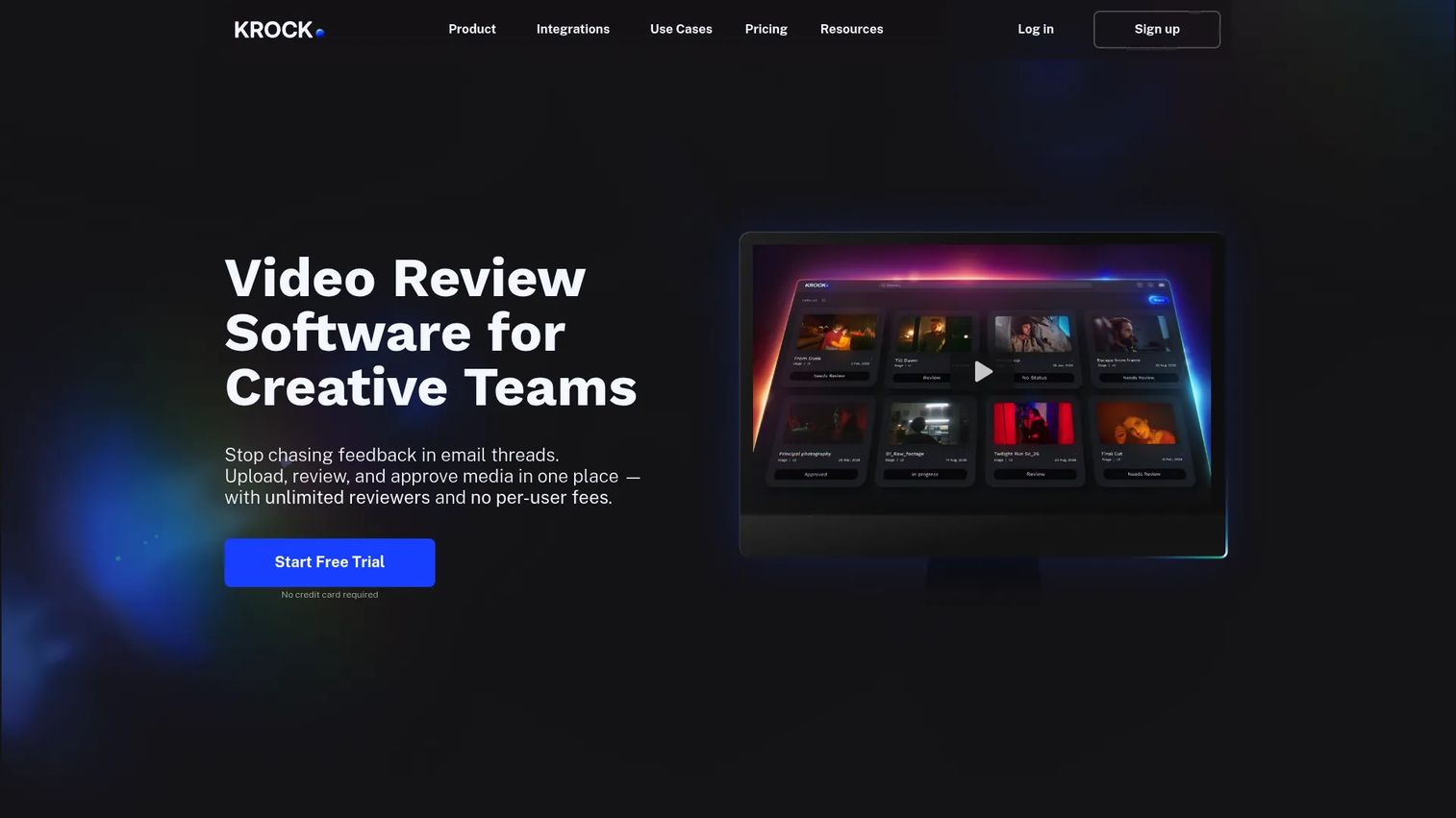
Krock.io is media review and creative project management software that handles the storyboard-to-animatic step in the browser. You convert storyboard frames into a timed sequence, add subtitles and audio, leave private comments on specific frames, and export to MP4. It also carries project management around the creative work, so review and workload tracking live in one place.
Best for: Creative teams that want storyboard, animatic review, and project management in a single web-based tool.
Key features
- Storyboard tool with drawing on media
- Private comments for frame feedback
- Subtitles and audio for timing
- MP4 export and review links
- Integrations: Google Drive, Slack, Zoom, Jitsi
Why choose Krock.io: For distributed teams reviewing pacing together, the browser workflow and comment threads remove the file-shuffling that slows feedback. Solo creators who only draw frames may not need the project management layer.
Krock.io pricing: A free plan is available. Pro runs $10 per user per month, and the Unlimited enterprise plan starts from $400/month with 100 users included. Every plan includes unlimited reviewers.
Krock.io holds a 4.8/5 rating on G2.
3. MakeStoryboard
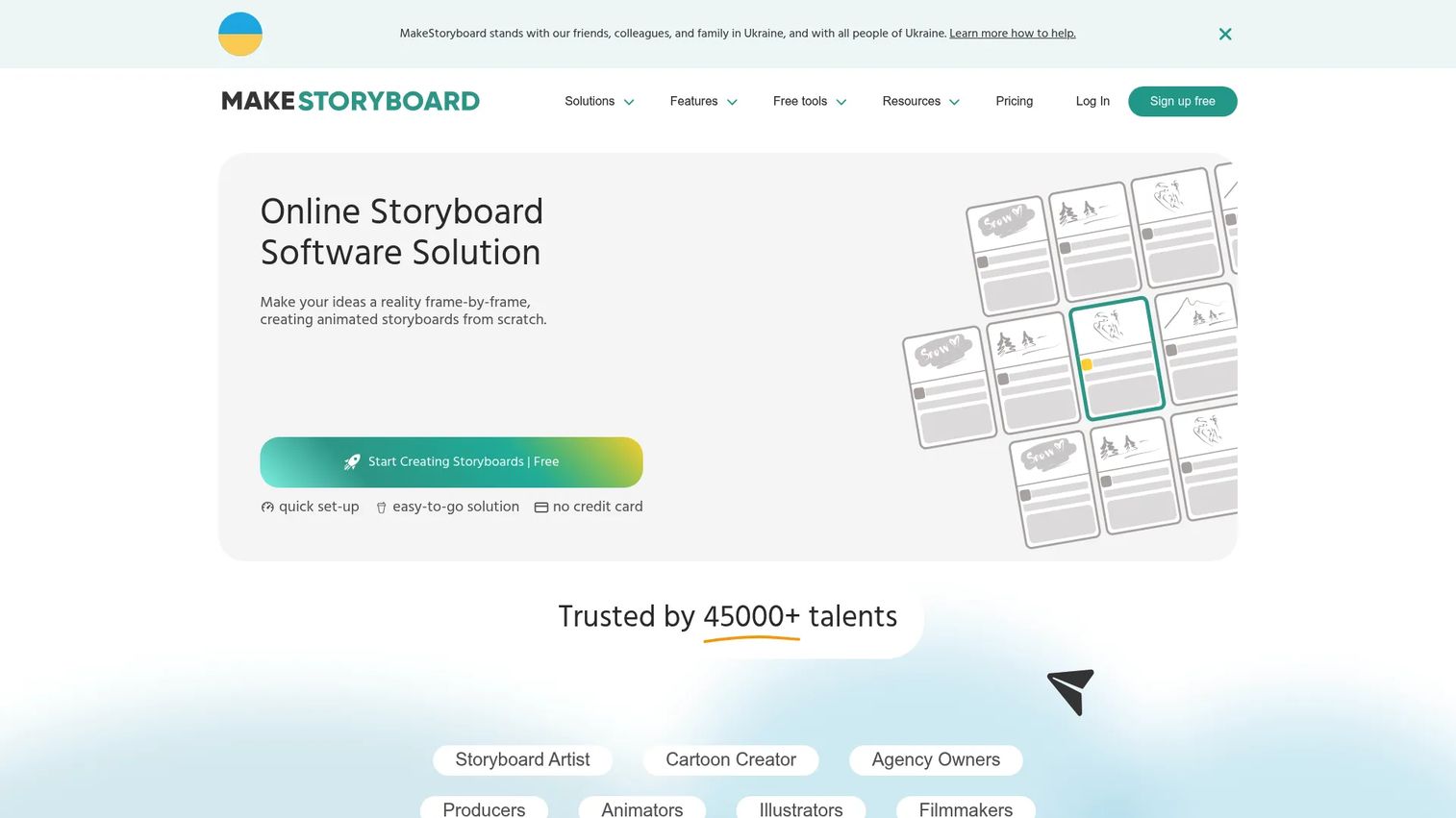
MakeStoryboard is online storyboarding software with an animatic workflow built on top. You sequence frames with drag-and-drop, set duration on each, time subtitles to the action, upload audio, and share securely for review. It sits inside a broader storyboard ecosystem, so the jump from board to timed sequence stays in one tool.
Best for: Freelancers, small teams, and agencies making storyboards and animatics for video or pre-production.
Key features
- Drag-and-drop storyboard editing
- Sketching tool and image upload
- Subtitle timing and duration controls
- Collaboration with comments and annotations
- Secure sharing for review
Why choose MakeStoryboard: If your process starts with storyboards and grows into animatics, keeping both in one place cuts the handoff. Teams needing heavy motion editing or effects will outgrow it.
MakeStoryboard pricing: A free sign-up is available with no credit card required. The Individual plan is $12/month, and the Team plan is $48/month.
MakeStoryboard holds a 5.0/5 rating on G2.
4. Adobe After Effects
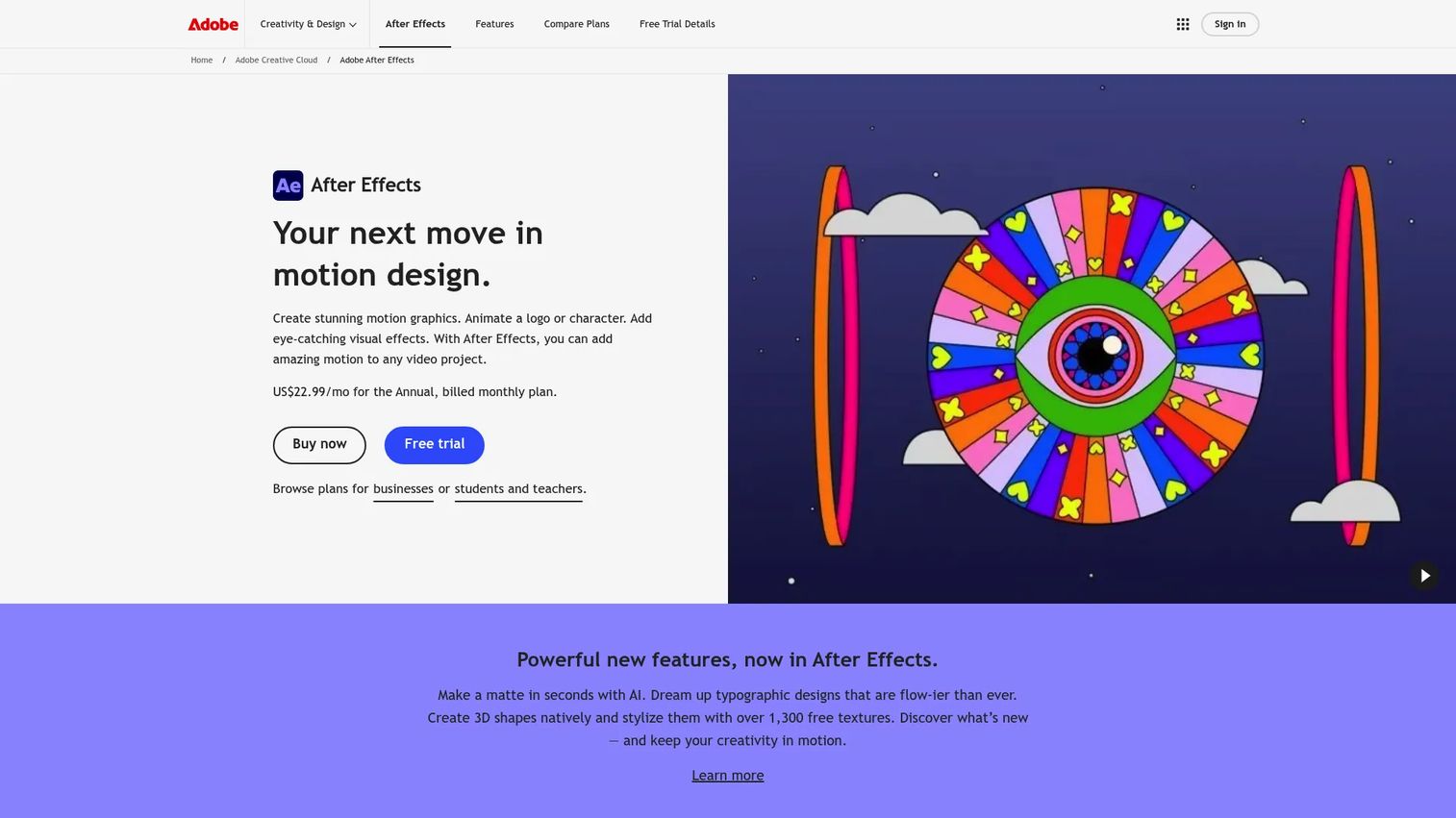
Adobe After Effects is Adobe's motion graphics and visual effects software, and its timeline makes it a strong animatic tool for teams already inside Creative Cloud. You import boards, control frame timing on a precise timeline, layer overlays and audio, and keep full editorial flexibility. It's overkill for a quick pacing pass, but hard to beat when you want production-grade control.
Best for: Motion designers and teams that already run Adobe and want timeline precision for animatics.
Key features
- Precise timeline for frame timing
- Motion graphics for text and logos
- Visual effects and compositing
- Overlays and layered audio
- 3D workspace for animation
Why choose Adobe After Effects: If your stack is already Adobe, the animatic lives beside the rest of your creative work with no new vendor. If you want a fast, no-learning-curve animatic maker, the depth here works against you.
Adobe After Effects pricing: The standalone plan is US$22.99/month, billed annually. After Effects for teams is US$37.99/month per license, and a seven-day free trial is available.
Adobe After Effects holds a 4.6/5 rating on G2.
5. Storyboard Pro
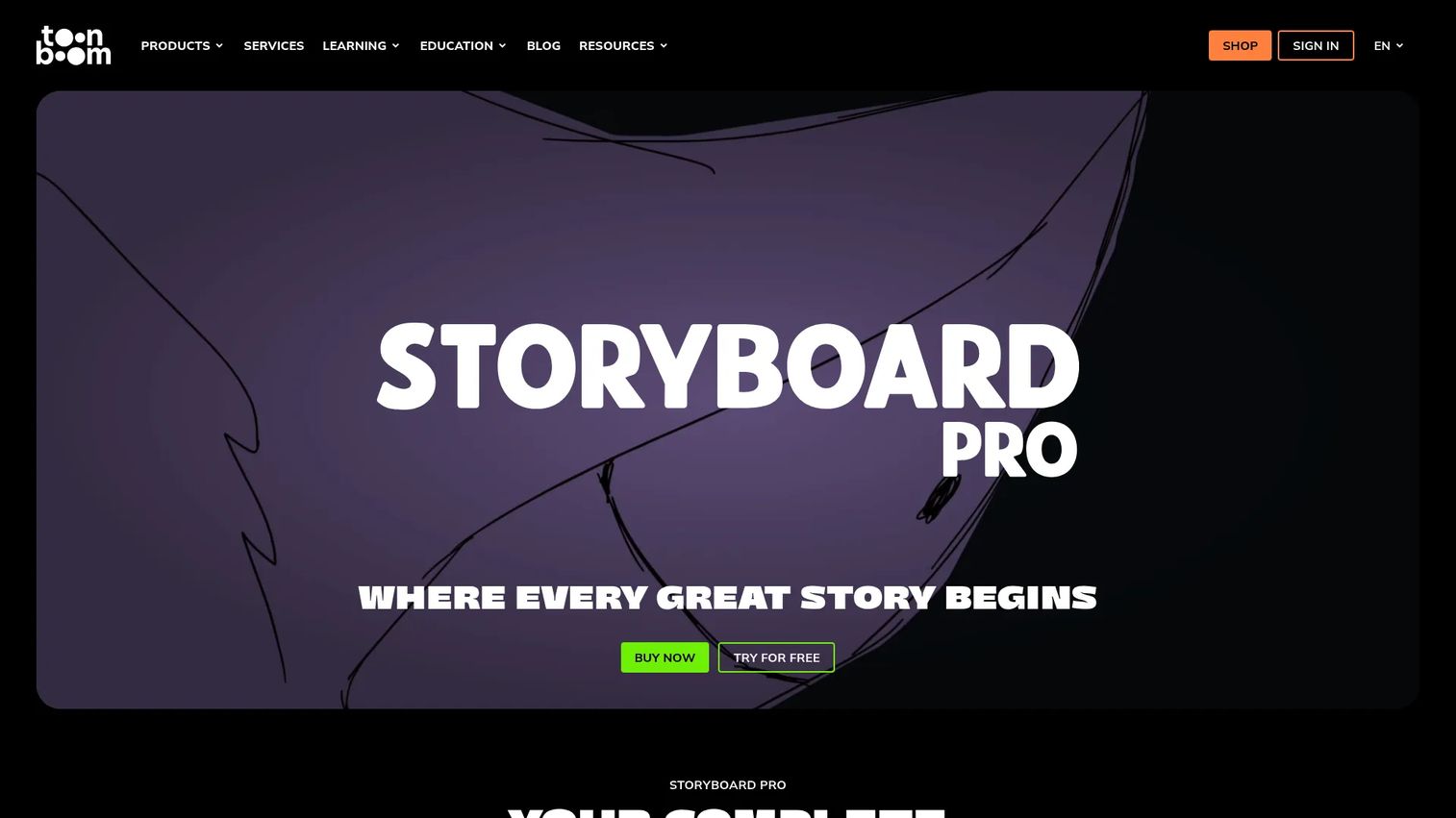
Storyboard Pro is Toon Boom's professional storyboard and animatic creation software, built for the pre-production stage of animation. You draw with vector and bitmap tools, work with 2D and 3D camera moves, then edit the animatic with effects, transitions, sound tracks, and imported 3D assets. It's the established desktop environment animation teams reach for.
Best for: Storyboard artists, directors, and studios needing pre-production storyboard and animatic tools.
Key features
- Vector and bitmap drawing tools
- 2D and 3D camera and environment tools
- Animatic editing with effects and transitions
- Sound track support for timing
- 3D asset import
Why choose Storyboard Pro: For animation studios that want board creation and animatic editing in one desktop app, the depth pays off. Marketing teams making one explainer will find it heavier than the job requires.
Storyboard Pro pricing: Plans start at USD $10.75/month, or USD $87.00/year, with student pricing at the same rates and a 14-day free trial.
Toon Boom holds a 4.7/5 seller rating on G2.
6. Toonly
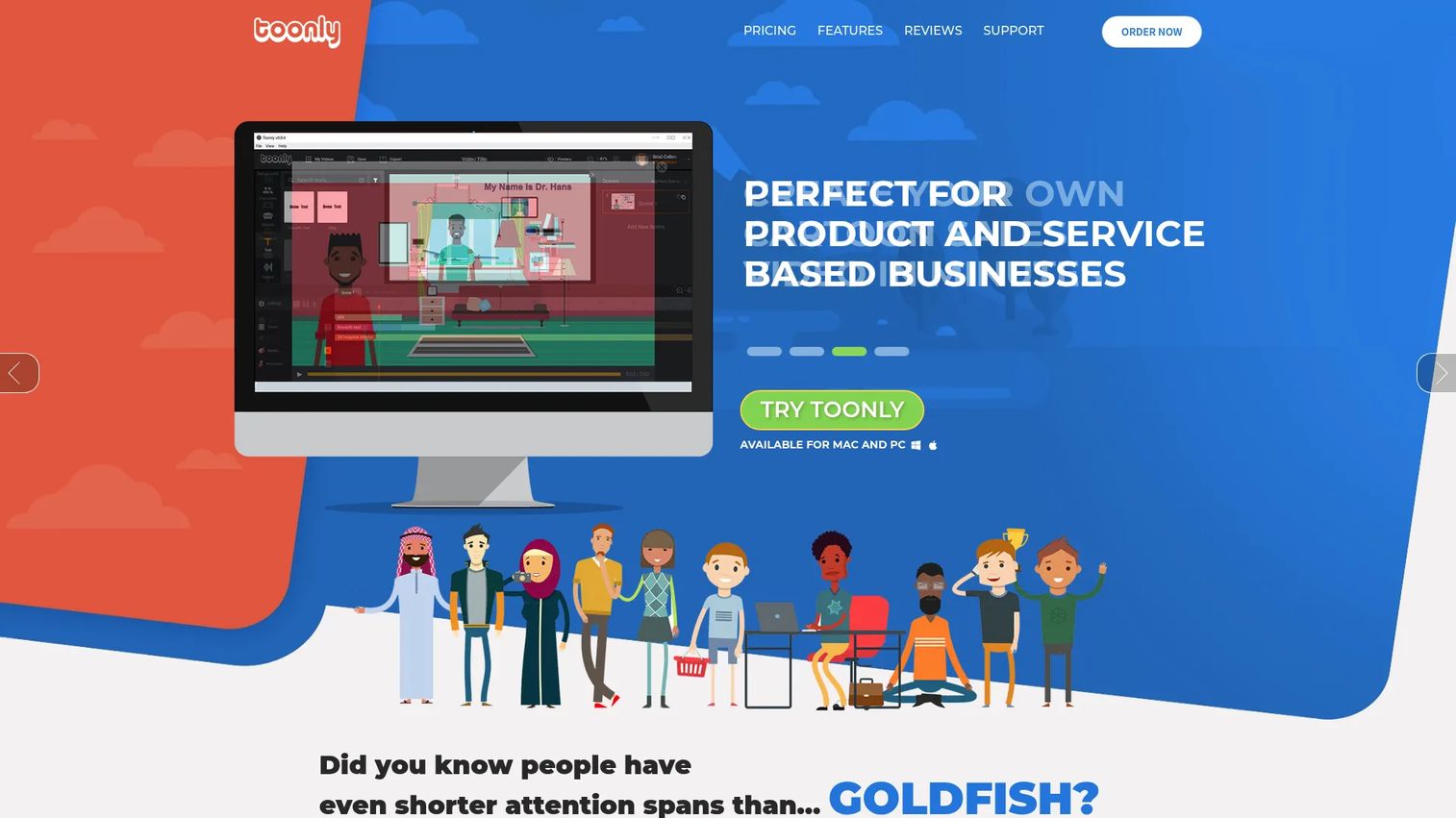
Toonly is a drag-and-drop animated explainer maker for people who want quick animated storytelling without granular production controls. You pull characters and scenes onto a canvas, sequence them, and produce a simple animated clip fast. It leans toward finished explainers rather than rough animatics, so treat it as a lighter option when speed beats precision.
Best for: Marketers and creators who want fast animated explainers over detailed pacing control.
Key features
- Drag-and-drop scene builder
- Character and prop library
- Simple sequencing for quick clips
- Explainer-focused templates
Why choose Toonly: When you need a rough animated story fast and don't need frame-level timing, the drag-and-drop approach saves time. Teams that need precise frame duration control will find it limiting.
Toonly pricing: Toonly sells paid plans through its own checkout; confirm the current tier and price on the Toonly pricing page before you buy, as public rates shift with promotions.
7. Moovly
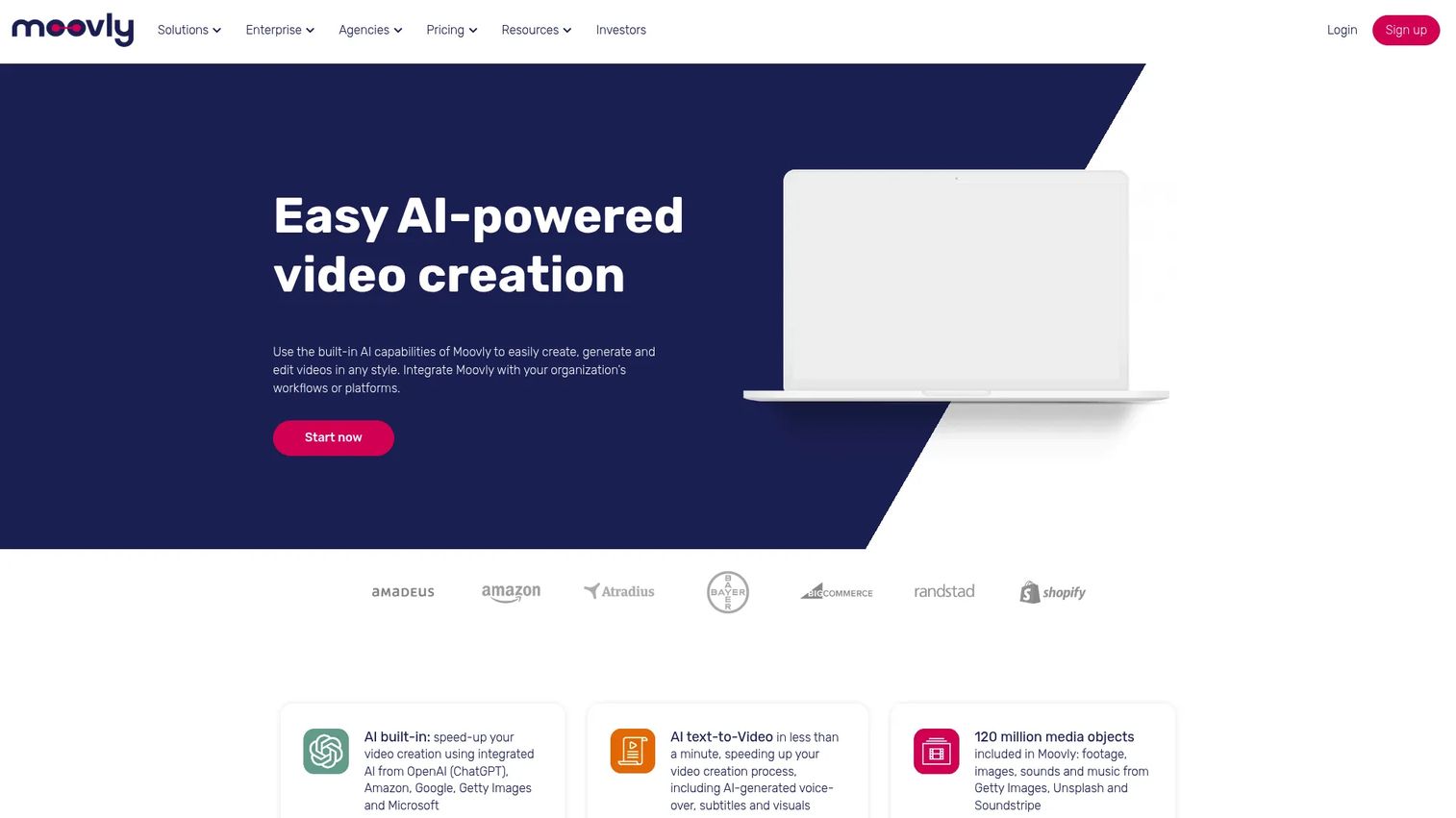
Moovly is a browser-based video creation platform with drag-and-drop editing in the cloud. You assemble a visual sequence from media, add AI-generated subtitles, collaborate through shared group libraries, and export the result. For teams that want a simple animatic-style sequence they can build and share online, it covers the basics without a desktop install.
Best for: Teams needing a browser-based video maker with templates and collaboration for branded content.
Key features
- Drag-and-drop cloud video editing
- AI video generation and AI subtitles
- Shared group libraries for collaboration
- White-label and customized setups
- Video export
Why choose Moovly: If your team works in the browser and needs to build and share sequences without new software, Moovly fits. Studios needing frame-precise animatic tools will want a dedicated pre-production app.
Moovly pricing: A free plan is available. Pay as you go runs $25 per video, the subscription is $99 per month, and enterprise volume pricing is available on request.
Moovly holds a 4.5/5 rating on G2.
Considerations
Timing and frame control
The whole point of an animatic is pacing, so check how granular the frame duration controls are. Some tools let you set exact durations per frame; others only offer rough playback speed. If dialogue timing matters to your project, insist on precise timeline control.
Audio and subtitle support
Scratch audio and synced captions are what make a pacing review honest. Confirm the tool imports voiceover and music, and that subtitle timing snaps to the action. A tool without audio integration forces you to review silent sequences, which hides half the timing problems.
Export formats and handoff needs
Your animatic has to leave the tool cleanly. MP4 export covers stakeholder review, while PSD or image sequences matter for handoff to animators. Match the export list to who receives the file next, not just to what plays in a browser.
Collaboration and feedback loops
Frame-anchored comments beat a thread of "the shot around 12 seconds." Look for review links, per-frame comments, and shared libraries if your team is distributed. Cleaner feedback loops mean fewer review rounds, which is where you actually save time.
Learning curve and production speed
A powerful desktop tool that takes a week to learn can be slower than a simple web app for a one-off video. Weigh depth against how fast your team needs to ship. For a marketer testing pacing on a campaign, time-to-value usually wins over granular control.
Conclusion
Pick by workflow, not by feature count. For collaborative web-based review with comments and MP4 export, Krock.io is the fast path. For iPad-first hand-drawn work, Animatic keeps everything on one device. If you already run Adobe, After Effects gives you timeline precision without adding a vendor, and Storyboard Pro remains the desktop standard for animation studios doing full pre-production.
MakeStoryboard fits storyboard-first teams that grow into animatics, while Moovly and Toonly serve teams that want a quick browser-based sequence over granular controls.
Start with the tool that matches how your team already works, run one real project through it, and measure whether it cuts your review rounds. That's the number that tells you if it earned its place in the stack.
Start your journey with Guideflow today!
FAQs
A storyboard is a static sequence of frames showing what happens in each shot. An animatic adds timing, sound, and playback, so you see how long each shot holds and how the scene flows. The storyboard shows the plan; the animatic shows the rhythm.
Animation studios often use Storyboard Pro for pre-production, and motion teams inside Adobe reach for After Effects. For web-based collaboration, teams use Krock.io or MakeStoryboard. The right pick depends on whether you need desktop depth or browser-based review.
Yes. The Animatic app is built for iPhone and iPad, with a frame editor, onion skinning, and export to GIF, video, or PSD. It's a good fit if you sketch frames by hand and want the whole workflow on one device.
Most animatic tools support audio integration for voiceover, scratch dialogue, and music. Krock.io, MakeStoryboard, and Storyboard Pro all handle sound tracks so you can review dialogue timing. Audio is essential for judging pacing honestly, since silent sequences hide timing problems.
MP4 export is the baseline for stakeholder review and sharing. For handoff to animators, look for PSD or image-sequence export. Match the format to who receives the file next, so your animatic moves cleanly to the next stage.
No. Animatic software assembles storyboard frames into a timed sequence for review. Animation software builds the finished motion frame by frame. You use an animatic to lock pacing before production, then hand off to animation tools for the final asset.
Start from an existing storyboard so you skip fresh drawing, then use a tool with drag-and-drop sequencing and quick frame duration controls. Add scratch audio early to test timing, and use frame-anchored comments to cut review rounds. Fewer handoffs mean faster iteration.
For iPad-first sketching, the Animatic app has a low learning curve. For browser-based work with a free tier, MakeStoryboard and Moovly are approachable. Beginners should favor a simple animatic maker over a heavy desktop tool until frame-level control becomes necessary.










