A prospect replies to your follow-up on WhatsApp. Someone on your team answers the same question over email two hours later, without knowing the WhatsApp thread exists. The prospect gets two different answers. Momentum stalls. The deal slips a week.
That is what fragmented customer conversations cost. Not a dramatic failure, just slow leaks: missed replies, duplicated work, context lost between sales, presales, and support. And it is getting harder to ignore. By 2025, 97.7% of business messaging traffic came from organizations using multiple communication channels rather than a single one, according to Infobip's messaging trends via Oracle (2026). Buyers are spread across SMS, email, chat, and social. Your team either sees all of it in one place or it does not.
Customer messaging software is the fix. The best tools give you a unified inbox, add automation and AI handoff where it helps, and keep human context intact when a person needs to take over. For presales and sales engineering teams, the stakes are specific: a technical validation cycle depends on clean handoffs, fast response time, and shared visibility into what a prospect asked three touches ago. Lose that thread and you lose deal momentum.
If your evaluation motion also depends on showing the product, not just talking about it, interactive demos solve a parallel problem. And if you are weighing where AI fits, our roundups of ai customer service software and the best ai customer service agents go deeper on the automation layer. This guide stays focused on the messaging platforms themselves.
What's inside
This guide covers seven customer messaging platforms: unified inbox tools, omnichannel messaging systems, AI-assisted routing, and SMS-first options. We picked tools that presales-adjacent teams can actually live in, not just support desks.
Each tool was evaluated on four criteria that matter for cross-functional work:
- Workflow fit and shared inbox collaboration
- Channel coverage and omnichannel messaging depth
- Automation, AI handoff, and human handoff quality
- Integrations, compliance, and response-time impact
Pricing and G2 ratings are pulled from first-party pricing pages and live G2 listings.
TL;DR
- Best overall for cross-functional teams: Front. The strongest unified inbox for shared visibility, omnichannel messaging, and clean handoffs across sales, presales, and support.
- Best low-cost team inbox: Missive. Lightweight team collaboration inside email and chat, with per-seat pricing that stays affordable for small teams.
- Best AI-heavy option: Tidio. Its Lyro AI agent handles first-touch replies and triage, with fast deployment across chat, email, and social.
- Best enterprise option: Zendesk. Deep routing, AI agents, compliance controls, and governance for larger support and operations teams.
- Best SMS-first choice: Avochato. Shared SMS inbox, broadcasts, and CRM integrations for teams that run high-volume texting and lead follow-up.
- Best AI plus ticketing hybrid: Kommunicate. No-code AI agents with human handoff across web, WhatsApp, and email.
What is customer messaging software?
Customer messaging software centralizes conversations from multiple channels into one shared workspace, then adds routing, automation, and collaboration so teams reply faster and never lose context. It sits at the intersection of a unified inbox, omnichannel messaging, and workflow routing.
It is easy to confuse with adjacent categories, so here is the distinction. Live chat software handles real-time website conversations but often stops there. Helpdesk software is built around structured tickets, SLAs, and case management. Generic SMS tools send and receive texts without the shared inbox, assignment, or cross-channel view. Customer messaging software overlaps with all three but its center of gravity is conversation, across every channel, visible to the whole team.
The core capabilities to expect:
- Unified inbox: Email, SMS, web chat, WhatsApp, Messenger, and Instagram in one view
- Two-way messaging: Real, threaded conversations, not one-directional blasts
- Automation: Rules, triggers, and macros that triage and route without manual sorting
- Workflow routing: Assign conversations to the right person or team automatically
- AI handoff: AI answers first-touch questions, then hands off to a human with full context
- Human handoff: Seamless takeover so nuance and objection handling stay with people
- Analytics: Response time, resolution rate, volume, and CSAT reporting
- CRM integrations: Sync conversation data with your system of record
For presales teams, that last point matters more than it looks. Conversation history tied to a CRM record means the next person to touch a deal sees the whole thread, not a cold start. That is the difference between a clean handoff and a lost requirement. The customer messaging category is growing fast, too: the global customer service software market is projected to grow from $10.95B in 2025 to $26.3B in 2030, a 19.1% CAGR, per The Business Research Company (2026).
When to use customer messaging software
Not every team needs a full omnichannel platform on day one. Here is how to pattern-match your situation.
Centralize fast-moving customer conversations
When sales, presales, and support all touch the same prospects, a single shared inbox stops the duplication. You get visibility into who is handling what, assignment so nothing falls through, and a shared record of every reply. If your team is currently reconstructing conversations across three tools, this is the trigger. The payoff is fewer missed messages and faster deal momentum.
Add automation without losing the human handoff
When repetitive first-touch questions eat your team's time, automation and AI should handle triage and routing. Let rules qualify and sort. Let an AI agent answer the "how do I" questions. Then hand off to a human for the nuanced conversations, the technical validation, the objection that needs judgment. The best AI handoff keeps full context, so the person who takes over is not starting from scratch.
Improve response speed across channels
When response time depends on which channel a customer picked, you have a silo problem. Email gets answered same-day, but the WhatsApp message sits for two days because nobody owns that inbox. Omnichannel messaging fixes this by managing every channel in one queue. Response speed becomes a team metric, not a channel accident.
Comparison table
Use this table to quickly screen for fit. Rows are ordered by relevance to presales and cross-functional messaging workflows. Pricing and ratings reflect current first-party and G2 values at time of writing.
| # | Product | Intent | Key differentiation | Pricing | G2 rating |
|---|---|---|---|---|---|
| 1 | Front | Shared inbox for cross-functional teams | Collaborative unified inbox with AI Copilot and omnichannel support | From $25/seat/mo (billed annually) | 4.7/5 |
| 2 | Missive | Lightweight team collaboration | Shared inbox with internal threads and collaborative drafting | From $14/user/mo (billed yearly) | 4.7/5 |
| 3 | Tidio | AI-first support messaging | Lyro AI agent with live chat and multichannel messaging | Free plan; paid from $24.17/mo | 4.6/5 |
| 4 | Crisp | Omnichannel support for smaller teams | All-in-one inbox with chat widget and knowledge base | Free plan; paid from $45/mo per workspace | 4.4/5 |
| 5 | Zendesk | Enterprise support and service | Deep routing, AI agents, and enterprise governance | From $19/agent/mo (paid yearly) | High-rated on G2 |
| 6 | Avochato | SMS-first business messaging | Shared SMS inbox with broadcasts and voice | Pay as you Go $0/mo; Standard $210/mo | 4.4/5 |
| 7 | Kommunicate | AI plus human customer service | No-code AI agent builder with human handoff | Free tier; Lite from $83.33/mo (annual) | 4.8/5 |
1. Front
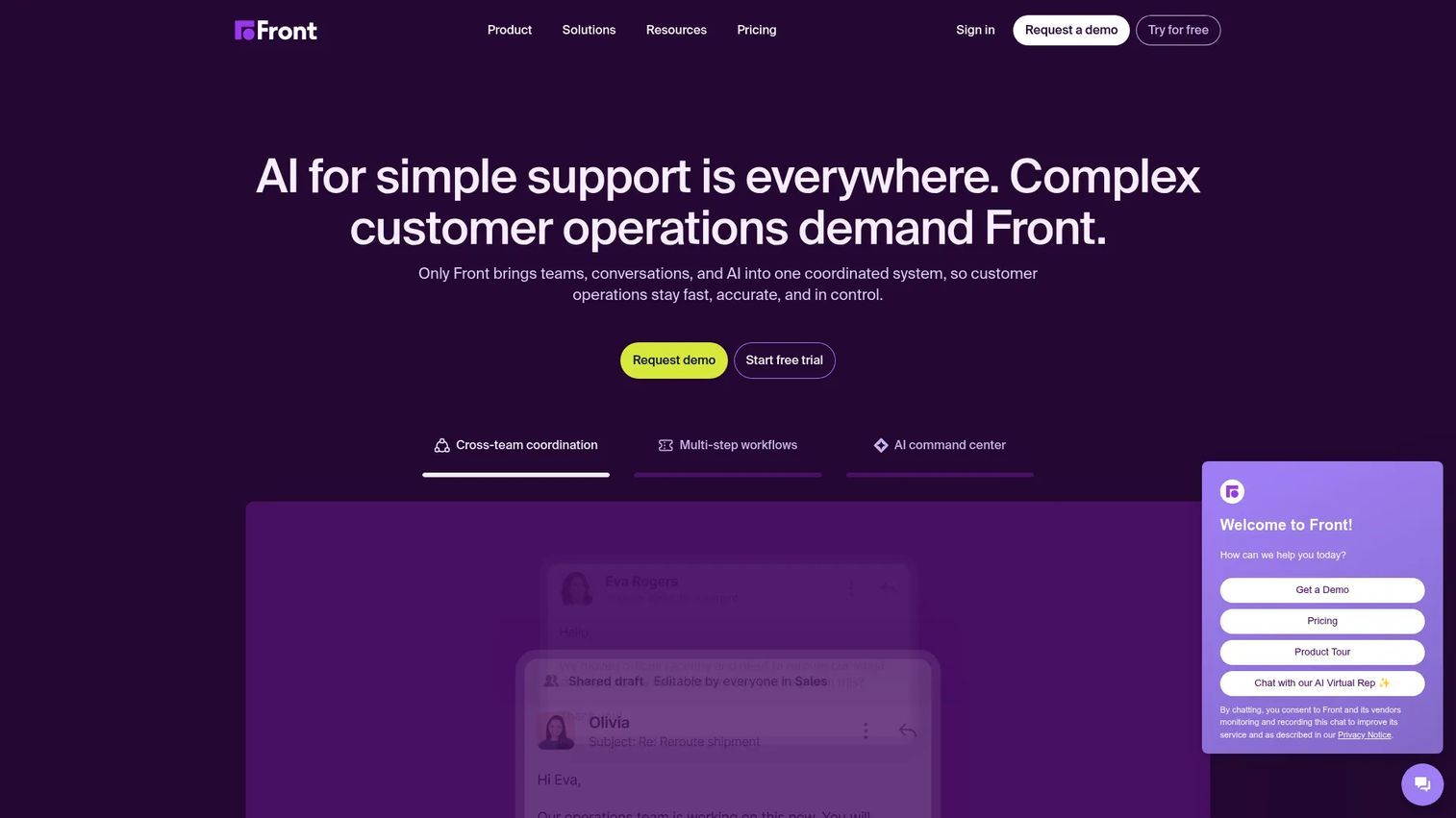
Front is a shared inbox and customer service platform built for team communication and support. It brings email, SMS, social, and WhatsApp into one collaborative workspace where sales, presales, and support can all work the same conversations. The differentiator is how it blends the familiarity of email with real shared-inbox collaboration: internal comments, assignments, and shared drafts sit right next to the customer thread. Layer in ticketing, automation rules, analytics, and a knowledge base, and it works as a full omnichannel messaging system rather than a bolt-on.
Best for: Teams that need a collaborative shared inbox with customer support workflows and AI automation across sales, presales, and support.
Key strengths
- Collaborative shared inbox: Internal comments and assignments keep handoffs clean, so the next person sees the full thread.
- Omnichannel coverage: Email, SMS, social, and WhatsApp in one view means response time stops depending on the channel.
- AI features: Copilot, Smart QA, Smart CSAT, and Autopilot handle drafting, quality checks, and first-touch replies.
Why choose Front: For presales teams, the win is context. When a conversation moves from an AE to a solutions engineer, Front keeps the entire history visible, so nobody re-asks a question the prospect already answered. That handoff clarity is exactly what keeps a technical validation cycle moving. It fits teams that want collaboration and support workflows in one place without stitching together separate tools.
Front pricing: Front uses three seat-based plans, all billed annually. Starter is $25/seat/mo and covers essential single-channel support. Professional is $65/seat/mo and adds omnichannel, advanced analytics, and SSO/SCIM. Enterprise is $105/seat/mo with unlimited rules and macros, a multi-language knowledge base, custom roles, and AI Copilot, QA, and CSAT included. There is no permanent free tier, but a 14-day free trial is available.
2. Missive
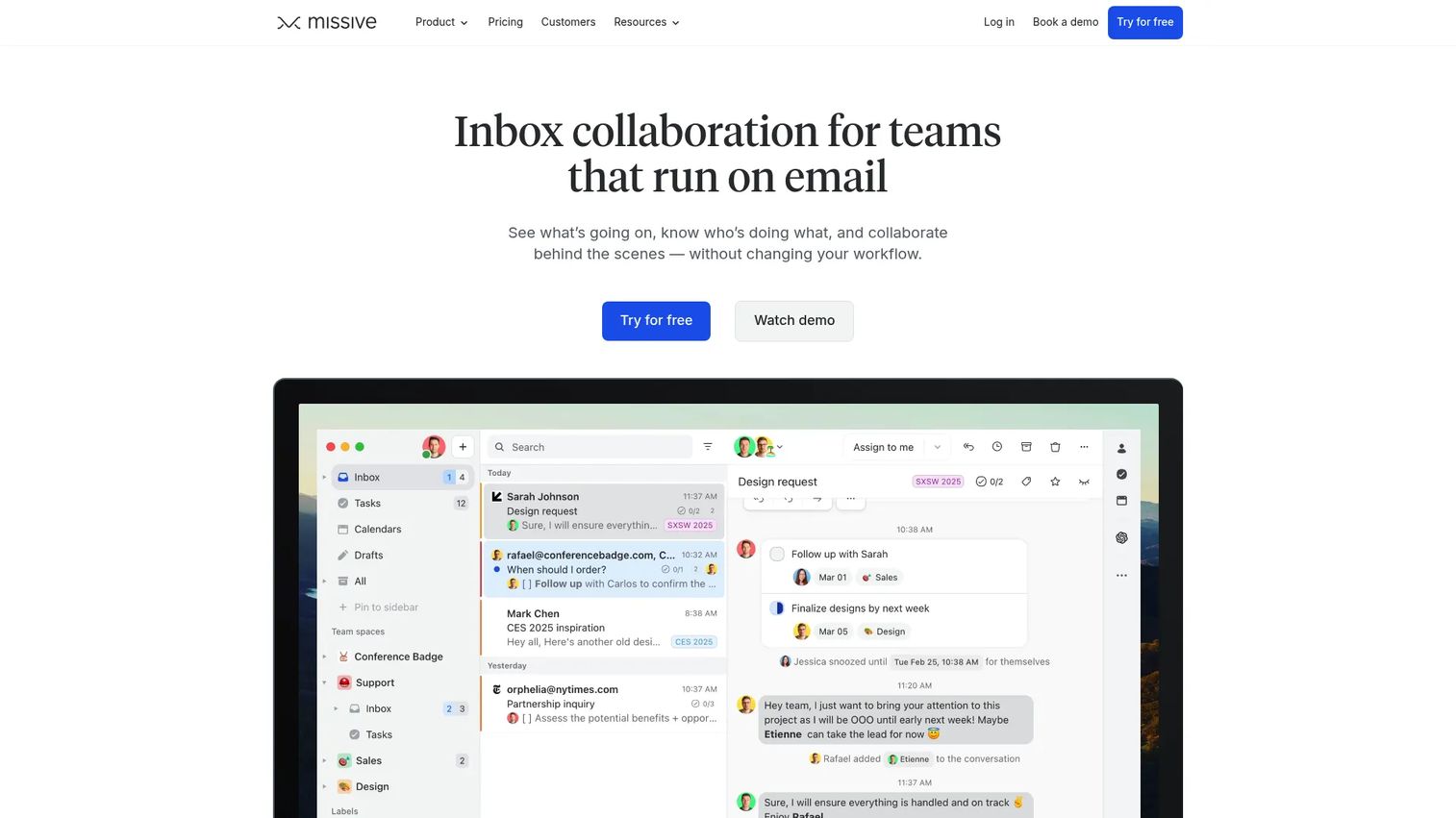
Missive is a collaborative email client that gives teams shared inboxes, chat, tasks, and automation in one app. It leans into team collaboration inside email: internal threads, collaborative drafting, and live editing mean two people can shape a reply together before it goes out. For teams that want shared-inbox behavior without adopting a heavier support platform, it hits a practical middle ground.
Best for: Smaller teams that need a shared inbox with internal collaboration and workflow automation, without a full helpdesk stack.
Key strengths
- Internal threads: Discuss a conversation privately alongside the customer thread, no separate Slack tab needed.
- Collaborative drafting: Live editing lets teammates co-write replies in real time before sending.
- Rules and automation: Route, assign, and triage with automation rules plus AI assistance.
Why choose Missive: Missive fits teams that value lightweight team collaboration over deep ticketing. If your workflow is mostly email and chat with occasional handoffs, and you want to add shared visibility without a heavy rollout, it is a strong lead-follow-up and coordination hub. Presales pods that operate as small units, rather than large support queues, tend to adopt it fast.
Missive pricing: Missive offers a 30-day free plan with no credit card required, then three paid tiers. Starter is $14/user/mo, Productive is $24/user/mo, and Business is $36/user/mo, all shown at yearly billing (20% off versus monthly). Monthly billing is also available.
3. Tidio
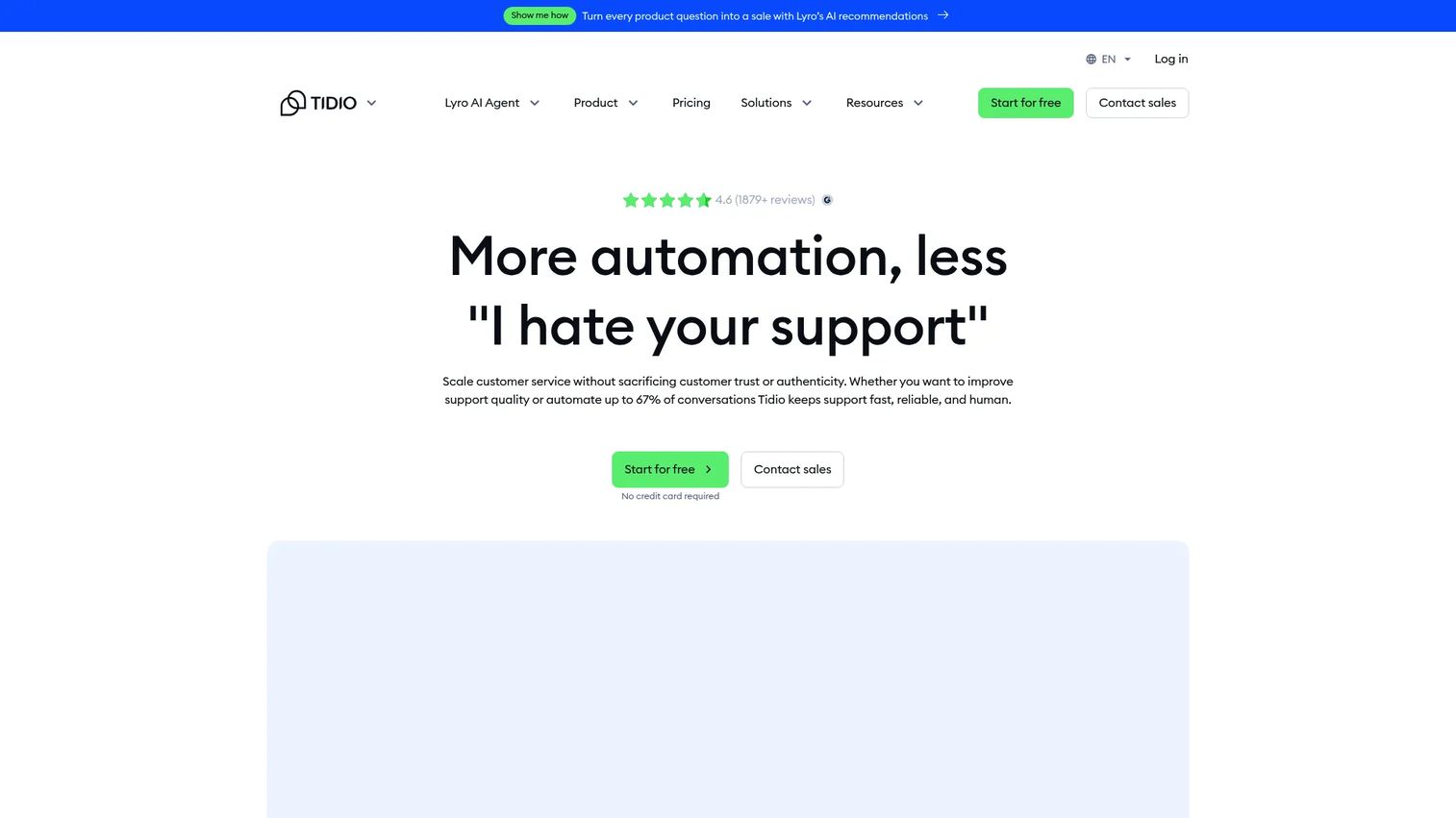
Tidio is AI customer service software combining live chat, a help desk, and automation. Its standout is Lyro, an AI agent that handles first-touch conversations across chat, email, and social, then hands off to a human when a query needs judgment. Deployment is fast, which makes it approachable for teams that want AI plus multichannel support without a long implementation.
Best for: Small to mid-sized teams that want AI chat support and automation running quickly.
Key strengths
- Lyro AI agent: Answers common questions automatically and escalates with context for a clean human handoff.
- Flows automation: Visual builder for triage, routing, and repetitive workflows.
- Multichannel messaging: Live chat, email, and social channels in a single support inbox.
Why choose Tidio: Tidio makes sense when AI handoff is a priority and you want it live fast. The AI agent absorbs the repetitive volume so your team spends time on the conversations that need a person. For teams testing how much automation can carry before a human steps in, it is a low-friction place to start. Our guide to the best ai customer service agents covers how these agents compare more broadly.
Tidio pricing: Tidio has a Free plan at $0. Paid plans include Starter around $24.17/mo and Growth around $49.17/mo at yearly billing, Plus starting at $749/mo, and a Premium tier with custom pricing. The free plan makes it easy to trial before committing.
4. Crisp
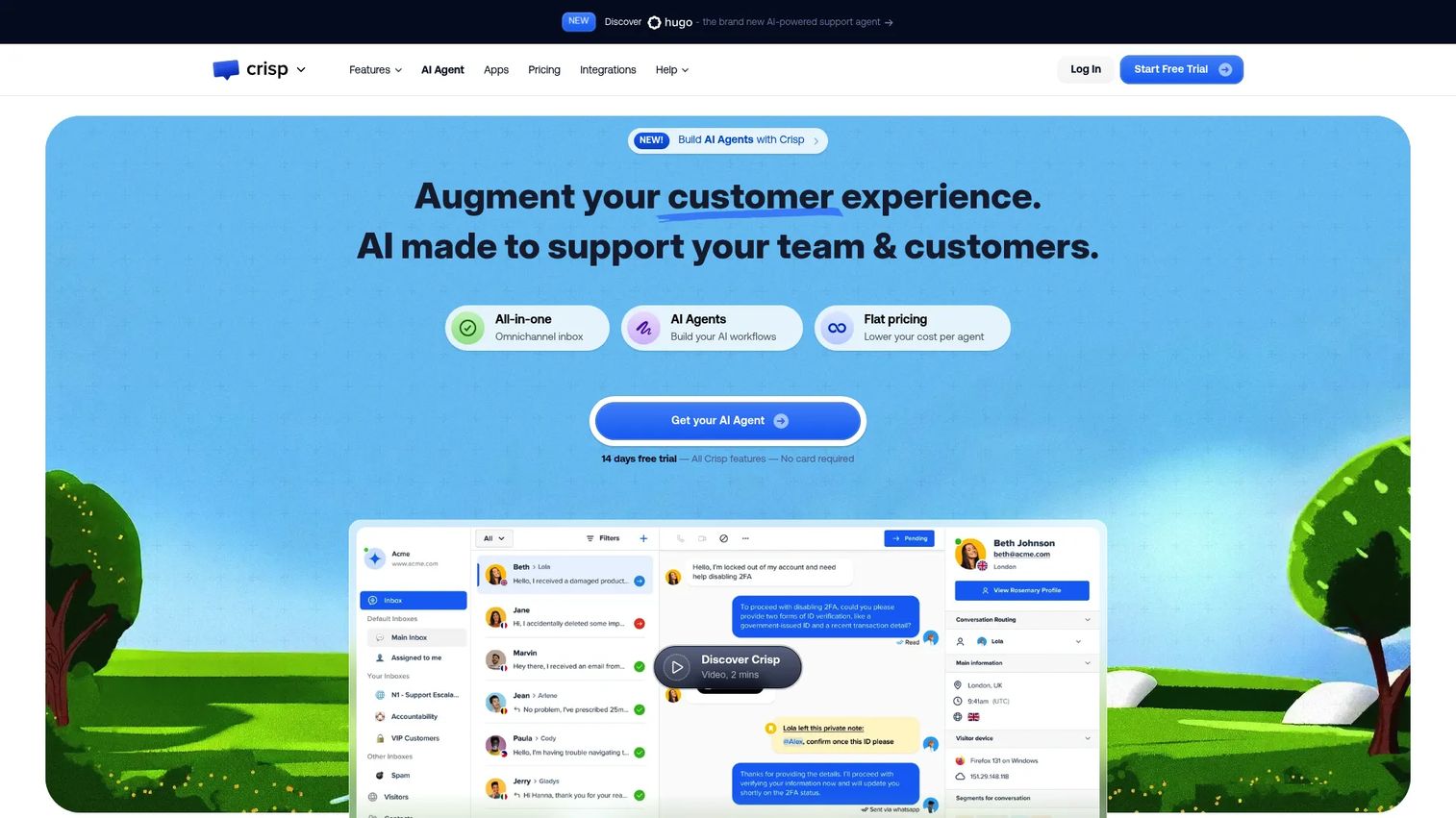
Crisp is an AI customer support platform that bundles a shared inbox, live chat, omnichannel messaging, and a knowledge base into one workspace. It leans toward value and transparency, with a workflow automation builder and AI chatbots included. For smaller teams that want omnichannel support without enterprise pricing, it is a practical option.
Best for: Teams wanting an all-in-one customer support inbox with live chat and omnichannel messaging at an accessible price.
Key strengths
- Website chat widget: A polished chat entry point that feeds directly into the shared inbox.
- Omnichannel inbox: Consolidates social messaging, chat, and email in one queue.
- Workflow automation builder: Build triage and routing logic plus AI chatbots without code.
Why choose Crisp: Crisp fits teams that want a full omnichannel support platform but need clear, predictable pricing. The workspace-based plans mean cost does not scale linearly with every new agent, which helps smaller teams that add people in bursts. It covers the essentials, chat, social messaging, knowledge base, and CRM, without overwhelming a lean team.
Crisp pricing: Crisp has a Free forever plan at $0. Paid plans are billed per workspace: Mini at $45/mo, Essentials at $95/mo, and Plus at $295/mo. The workspace model, rather than strict per-seat billing, is the notable difference from most tools on this list.
5. Zendesk
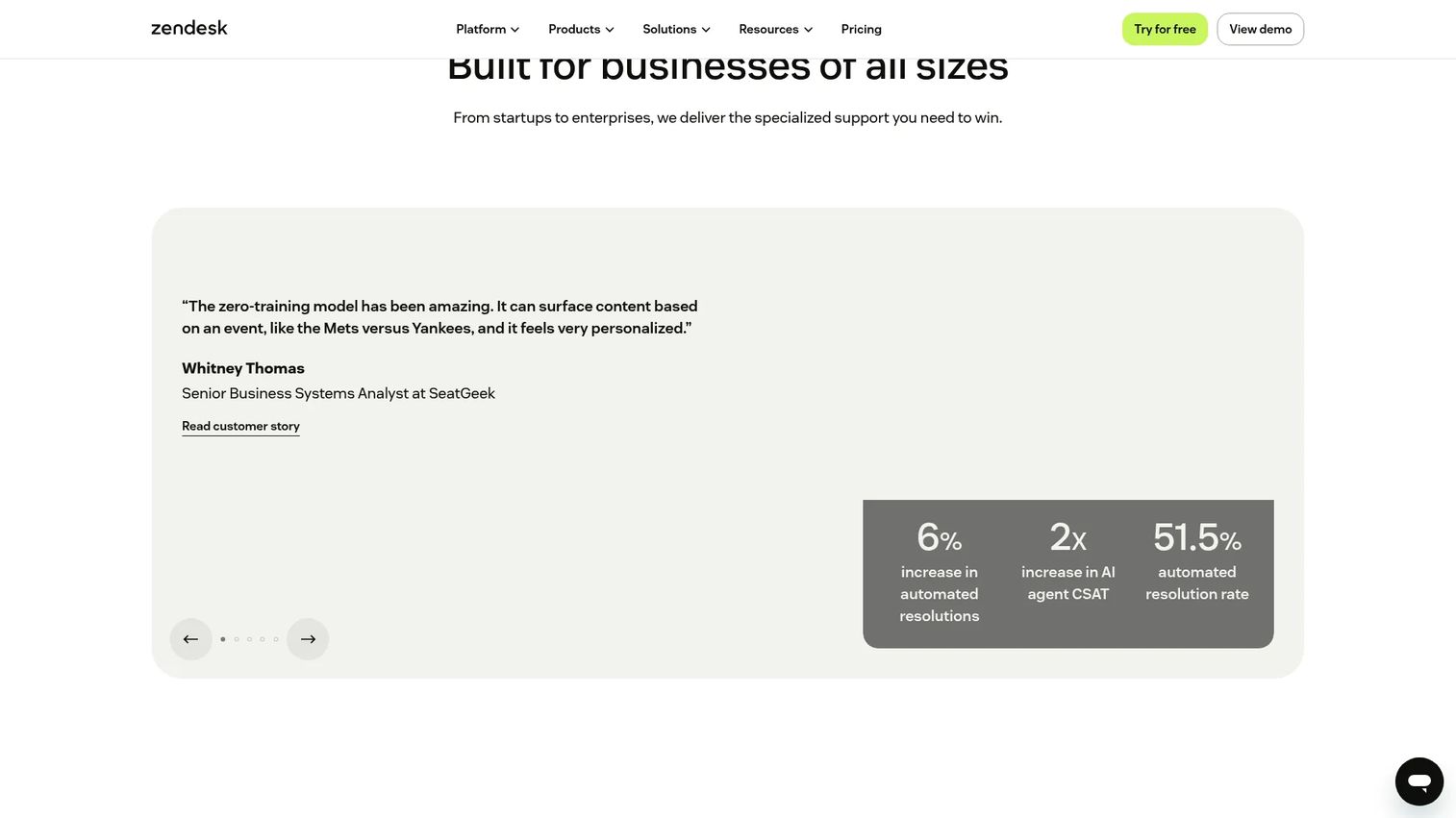
Zendesk is AI-first customer service and employee service software built for scale. It brings omnichannel messaging, AI agents, and routing into a unified agent workspace, with the compliance controls, custom roles, and governance that larger organizations require. For support or operations teams that need enterprise-grade structure, it is the most complete option here.
Best for: Support and service teams needing a unified help desk with AI automation, routing, and enterprise governance.
Key strengths
- Omnichannel routing: Route conversations across channels with rules built for high volume.
- AI agents and Copilot: Automate first-touch replies and assist agents with suggested responses.
- Ticketing and case management: Structured case handling with the compliance and audit controls enterprises expect.
Why choose Zendesk: Zendesk is the pick when governance and scale matter more than simplicity. Role-based permissions, compliance controls, and deep analytics make it fit for regulated or large teams. For presales-adjacent groups inside a bigger org, it plugs into an existing service operation and inherits its CRM integrations and security posture, which shortens security review.
Zendesk pricing: Zendesk uses seat-based pricing paid yearly. Support Team starts at $19/agent/mo. For the broader suite, Suite Team is $55/agent/mo and Suite Professional is $115/agent/mo. Suite Enterprise with Copilot is quote-based via sales. A 14-day free trial is available to test before buying.
6. Avochato
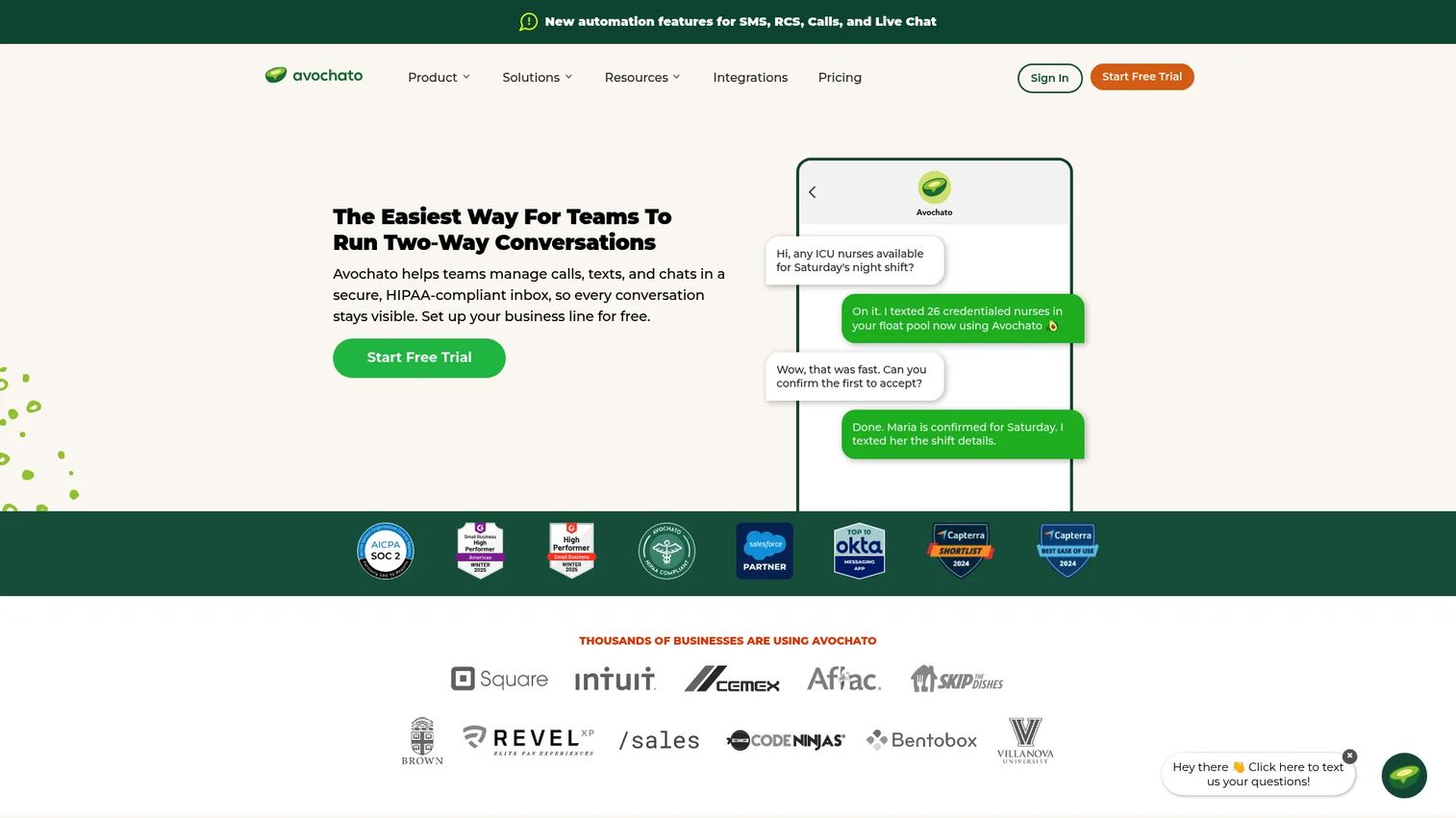
Avochato is business text messaging software that lets teams manage two-way calls, texts, chats, and shared inbox workflows in one place. It is SMS-first, with a shared inbox so conversations stay visible to the whole team, plus broadcast SMS and MMS for outreach. For teams running high-volume texting alongside sales and support, it pairs reach with operational control.
Best for: Teams that need a shared SMS and call inbox with broadcast messaging and usage-based pricing.
Key strengths
- Shared inbox: Team-visible SMS conversations so nothing gets siloed on one rep's phone.
- Broadcast SMS and MMS: Send targeted broadcasts for lead follow-up and campaigns.
- Voice: Manage calls and texts in the same workspace.
Why choose Avochato: Avochato fits sales, support, and customer operations teams that live in text. High-volume lead follow-up, appointment workflows, and time-sensitive outreach are where SMS-first tools earn their place. Compliance features and CRM integrations mean it holds up in more regulated or operationally strict environments, not just casual texting.
Avochato pricing: Avochato uses a usage-based model. Pay as you Go has a $0/mo platform fee, Standard is $210/mo, and Custom requires contacting sales. Both self-serve plans layer usage-based messaging and call costs on top of the platform fee, so total cost scales with volume.
7. Kommunicate
Kommunicate is an AI plus human customer service automation platform for support teams. Its core is a no-code AI agent builder that handles omnichannel engagement across web, WhatsApp, email, and apps, then routes to a live agent when human judgment is needed. It blends AI-driven messaging with ticketing and routing in one system.
Best for: Teams wanting AI-assisted customer support with human escalation across multiple channels.
Key strengths
- No-code AI agent builder: Build and deploy AI agents without engineering support.
- Omnichannel support: Cover web, WhatsApp, email, and in-app messaging from one platform.
- Human handoff: Live chat, workflow routing, and analytics keep escalations smooth and measurable.
Why choose Kommunicate: Kommunicate competes well on support automation for teams that want AI to carry the front line while humans handle escalations. The no-code builder lowers the barrier to deploying AI agents, and the ticketing plus routing layer keeps the human handoff structured. It suits teams standardizing on AI-first support without giving up human oversight. For a wider look at this space, see our roundup of agentic ai platforms.
Kommunicate pricing: Kommunicate has a free tier plus paid plans. Lite is $83.33/mo billed annually (2 seats) or $100/mo monthly. Advanced is $166.66/mo billed annually (5 seats) or $200/mo monthly. Enterprise is custom pricing via sales.
Considerations before you buy
The comparison table narrows the field. This checklist helps you choose the right fit for your team's channel mix, size, and automation needs.
Channel coverage
Map the channels your customers actually use, then check each tool covers them. An SMS-first team and an omnichannel support team need different things. Confirm the platform supports SMS support, web chat, email, WhatsApp, and social messaging where relevant, not just the channels that look good in a demo.
Automation and AI handoff
Automation should triage and route, not replace complex conversations. Evaluate how the AI handoff works in practice: does the human agent inherit the full conversation context, or start cold? The best tools make the transition invisible to the customer.
CRM integrations and workflow fit
For presales-adjacent teams, conversation data tied to a CRM record is non-negotiable. Verify native CRM integrations, not just Zapier workarounds. The tool should live inside your existing workflow, not create another silo your team forgets to check.
Compliance and governance
If you operate in a regulated space, prioritize compliance from the start. Look for SSO, SCIM, role-based permissions, audit logs, and HIPAA support where relevant. Enterprise messaging environments need governance that survives a security review, not features bolted on later.
Response time and reporting
Tie the decision to outcomes. Does the tool report response time, resolution rate, and volume in a way your team will act on? A unified inbox only pays off if you can measure whether it actually sped up replies and cut missed messages.
Conclusion
The right customer messaging software depends on your channel mix, team size, and how much you want AI to carry. Here is the short version.
Front is the strongest all-around pick for teams that need a shared inbox with omnichannel collaboration and clean handoffs, which is exactly what presales and cross-functional groups run on. Missive is the lightweight choice for small teams that want shared-inbox coordination without a heavy platform. Zendesk wins for enterprise governance, compliance, and scale. Avochato is the SMS-first pick for teams built around high-volume texting and lead follow-up. Tidio and Kommunicate lead if AI handoff and support automation are your priority, while Crisp offers omnichannel support at accessible pricing.
Start with your current reality: which channels your customers use, how your team hands off conversations, and where response time breaks down today. Pick the tool that closes those specific gaps. If part of your evaluation motion is also showing the product, not just talking about it, Guideflow pairs naturally with your messaging stack.
Start your journey with Guideflow today!
FAQs
In many workflows, yes. Modern messaging platforms include shared inboxes, ticketing, and routing that cover what smaller support teams need. But for structured support operations with strict SLAs, deep case management, and complex escalation trees, a dedicated helpdesk still offers more depth. The overlap is real, so evaluate based on your ticket complexity, not the category label.
For small teams, lightweight shared inbox tools usually win over full omnichannel systems. Missive is a strong fit for teams that want collaboration inside email and chat without a heavy rollout. Crisp works well if you need omnichannel support at accessible pricing. Simplicity matters more than feature depth when your team is small and every hour counts.
Zendesk is the strongest enterprise messaging option here. It offers deep routing, AI agents, role-based permissions, audit controls, and the analytics depth larger organizations require. When governance, compliance, and scale matter more than simplicity, prioritize the platform that survives a security review and integrates with your existing service operation.
Channel coverage varies by platform. Avochato is SMS-first with voice and broadcast support. Front, Crisp, Tidio, and Kommunicate cover a broader omnichannel mix including web chat, email, WhatsApp, Messenger, and Instagram. Not every tool supports the same channels, so confirm your specific mix, especially SMS support and social messaging, before committing.
AI handoff works by letting an AI agent handle first-touch conversations, triage, and routing, then escalating to a human when the query needs judgment. The critical detail is context: strong tools pass the full conversation history to the human agent, so the person taking over never starts cold. Automation should triage, not replace, complex human conversations.
For regulated or enterprise environments, prioritize SSO, SCIM provisioning, role-based access controls, audit logs, and HIPAA support where healthcare data is involved. Enterprise permissions and data governance should be built in, not add-ons. If you handle sensitive financial or health data, treat compliance as a first-round filter rather than a later consideration.
Tie ROI to concrete outcomes: faster response time, fewer missed messages, higher conversion from quicker follow-up, and less manual work chasing conversations across tools. Track response time and resolution rate before and after adoption. A unified inbox pays off when it measurably reduces the leaks fragmented communication creates.
SMS-first tools like Avochato perform best for high-volume texting workflows, lead follow-up, and time-sensitive outreach. Omnichannel platforms fit teams whose customers spread across web chat, email, WhatsApp, and social. Map where your conversations actually happen. If most of your volume is text, go SMS-first. If it is mixed, choose an omnichannel platform with a true unified inbox.