"Where is my refund?" You've answered that ticket 40 times this week. So has every agent on your team.
Refunds are the quietest support tax in ecommerce. A customer files a return. Then they message asking if it arrived. Then they ask when the money hits their card. Then they ask whether they can swap for a different size instead. One return, four tickets, none of them hard, all of them repetitive.
Most teams treat this as a staffing problem. Hire more agents. Write more macros. That solves the symptom, not the cause. The cause is that the refund process lives in a helpdesk instead of a system built to run it.
The returns management software market was worth roughly US$ 3.8B in 2024 and is projected to reach US$ 8.2B by 2034, an 8.1% CAGR, according to Emergen Research (2024). That growth is not about labels. It is about brands realizing that refunds, exchanges, and status updates can run themselves.
This guide compares seven tools that do exactly that.
What's inside
This guide is for customer support leaders, CX managers, and ecommerce operators who want refunds to stop flooding the queue. Here's how we picked the seven tools:
- Automation depth: whether the tool decides refund outcomes by policy, not by hand
- Exchange and store credit support: exchange-first returns that keep revenue instead of refunding cash
- Analytics: refund reasons, exchange conversion, and processing time you can act on
- Integrations and support fit: how the tool connects to Shopify, helpdesks, and carriers to deflect tickets
Every tool here handles a real returns portal and RMA workflow, not just a return label.
TL;DR
Short on time? Here are the fast picks.
- Best for profit protection: ReturnLogic pairs returns automation with analytics and profitability framing
- Best for ecommerce teams on a budget: LateShipment.com bundles returns, tracking, and shipping refunds with a free starter tier
- Best for exchange-first returns: Loop Returns pushes exchanges and store credit to keep the sale
- Best for reverse logistics: ReturnBear runs warehouse coordination and end-to-end return routing
- Best for enterprise post-purchase experience: Narvar extends beyond refunds into branded customer communication
- Best for tracking-heavy support: AfterShip connects returns with strong return status visibility
- Best for a broad operational platform: Pango positions itself as an all-in-one post-purchase layer
What is refund management software?
Refund management software automates returns, refund requests, exchange handling, policy enforcement, and customer notifications so brands process refunds without manual support work on every case.
It differs from a manual refund process in one word: rules. A manual process means an agent reads each request, checks the policy, approves or denies, generates a label, and updates the customer by hand. A refund management system does that with logic. It differs from a simple return label tool too, because a label only moves the box. This software runs the whole decision.
Core capabilities to expect:
- Self-service returns portal: customers file and track returns without a ticket
- RMA workflow automation: return authorizations, routing, and approvals by rule
- Refund, exchange, and store credit rules: outcomes decided by policy, not by agents
- Return status updates: automated notifications that cut "where is my refund" messages
- Helpdesk and ecommerce integrations: connections to Shopify, carriers, and support tools
- Analytics and policy controls: refund analytics on reasons, cost, and processing time
Together these features move refunds out of the ticket queue and into a workflow that runs on refund automation and return policy automation.
When to use refund management software
Not every store needs a dedicated system. Here's when it earns its place.
Deflect repetitive refund tickets
"Where is my refund?" and "can I exchange this?" are the two most common return tickets in ecommerce support. Both are answerable without a human. A returns portal lets customers file, choose an outcome, and track status on their own. Automated status updates close the loop before the customer opens a ticket. That drops ticket volume and shortens average handle time on the tickets that remain.
Automate high-volume ecommerce returns
When return volume outpaces what your team can process by hand, refund automation stops being a nice-to-have. Policy-based routing decides which returns get instant approval, which need review, and which trigger a warning. Label generation happens automatically. Your agents stop copying tracking numbers and start handling the edge cases that actually need judgment.
Protect margin with exchange-first flows
A cash refund is a lost sale. An exchange keeps it. Exchange-first returns present a swap or store credit before offering money back, often sweetened with bonus credit or free return shipping. When a customer wants a different size rather than their money, that is revenue you keep instead of refund. Done well, it lifts retention without hurting the post-purchase experience.
Comparison table
The table below compares all seven tools by fit, differentiator, pricing, and G2 rating. Tools are ordered by relevance to refund management, not alphabetically.
| # | Product | Best for | Key differentiator | Pricing | G2 rating |
|---|---|---|---|---|---|
| 1 | ReturnLogic | Profit protection | Returns automation with profitability analytics | From $299/mo | 4.7/5 |
| 2 | LateShipment.com | Budget ecommerce teams | Post-purchase suite with free starter tier | Free tier available | 4.9/5 |
| 3 | ReturnBear | Reverse logistics | End-to-end return routing and drop-off network | Pay-per-return | 4.3/5 |
| 4 | Pango | Broad operational platform | All-in-one logistics and returns layer | Free to start | Not listed |
| 5 | Narvar | Enterprise post-purchase | Branded returns plus customer communication | Custom | 4.2/5 |
| 6 | Loop Returns | Exchange-first returns | Exchanges and bonus credit to retain revenue | From $155/mo | 4.7/5 |
| 7 | AfterShip | Tracking-heavy support | Returns tied to post-purchase tracking | From $29/mo | Not listed |
The tradeoff is scope. ReturnLogic and Loop Returns lead on refund and exchange depth. LateShipment.com and AfterShip lean into tracking and post-purchase breadth. Narvar and Pango sit at the platform end, best when returns are one piece of a larger operation. ReturnBear is the outlier: it handles the physical reverse logistics most software leaves to you.
Best refund management software tools for 2026
1. ReturnLogic
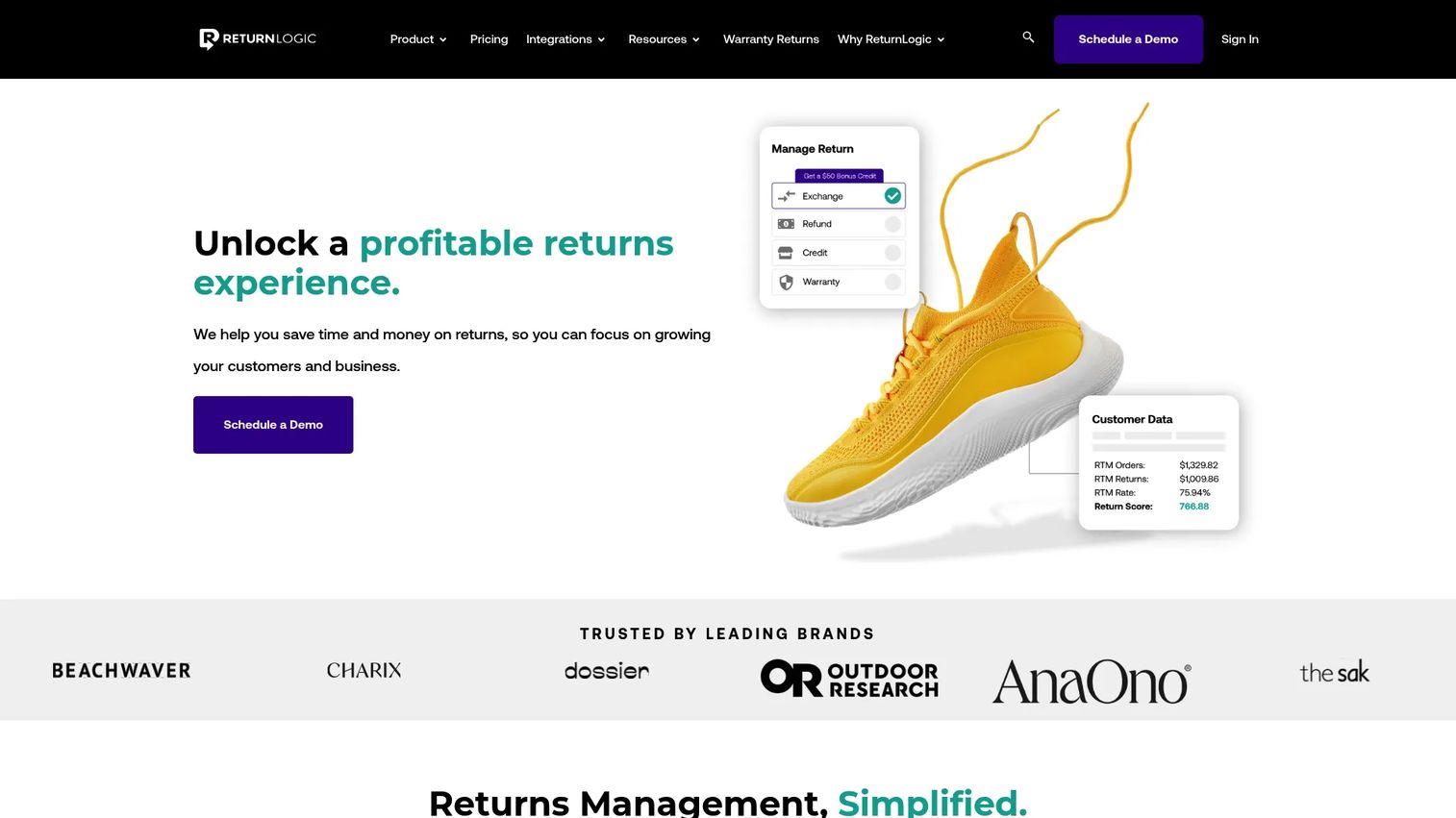
ReturnLogic is returns management software built for ecommerce brands that treat returns as a profit lever, not just a cost. It combines a branded returns center, automated policies, and analytics that frame returns around margin. The platform handles refunds, exchanges, and warranty returns through one workflow, so support teams stop toggling between tools to resolve a single case.
Where ReturnLogic stands out is the analytics layer. Instead of counting returns, it shows you why customers return, what each return costs, and where exchange-first flows recover revenue. For a support leader, that turns refund analytics into a case for policy changes rather than a monthly report nobody reads.
Best for: Ecommerce brands that need both a polished customer experience and operational control over refund outcomes.
Key features
- White-label returns center for a branded returns portal
- Advanced analytics on refund reasons and cost
- Warranty returns support
- Exchange incentives and bonus credits
- Policy-based automation rules
Why choose ReturnLogic: Choose it when your team wants refund and exchange automation paired with reporting that ties returns to margin. It fits brands ready to run returns as a managed workflow rather than a queue of one-off tickets.
ReturnLogic pricing: Starts at $299/month per the vendor. A usage-based plan runs from $3.90 down to $0.25 per return with no platform fee, and an enterprise plan is custom. There is no free trial.
2. LateShipment.com
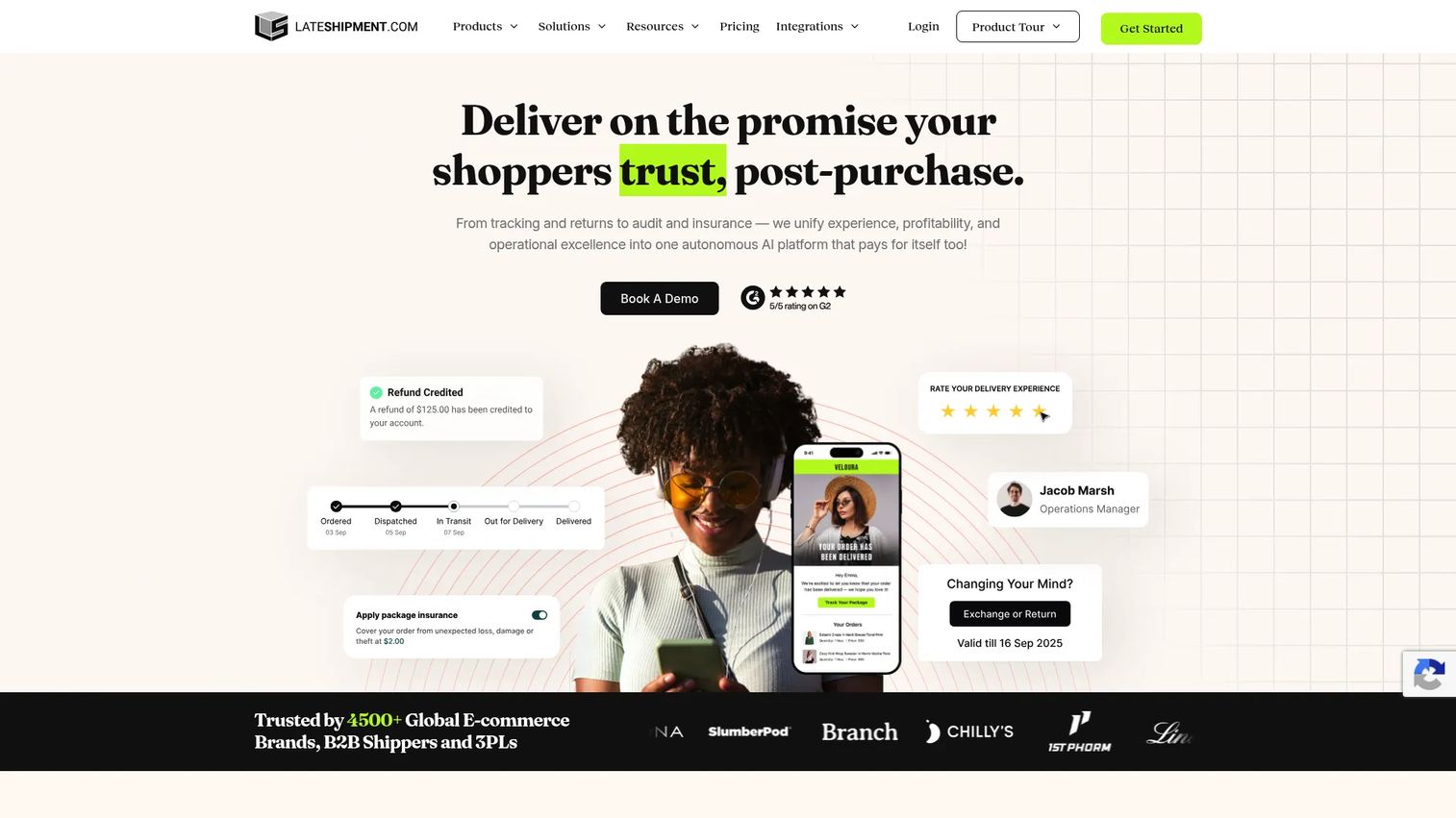
LateShipment.com is a post-purchase platform that covers returns, delivery tracking, shipping refund claims, and shipping insurance in one place. For teams on a budget, the appeal is the free starter tier and pay-as-you-go pricing that scales with volume rather than locking you into a large monthly commitment upfront.
The returns module includes exchange-first flows and return lifecycle visibility, so customers see status without messaging support. Because tracking and returns live together, "where is my order" and "where is my refund" tickets both get deflected by the same branded status pages. That combined view is where its operational payoff shows up for support teams.
Best for: Ecommerce teams that want practical returns tooling plus tracking without a heavy upfront cost.
Key features
- Returns management with exchange-first flows
- Predictive delivery estimates and branded tracking pages
- Automated shipping refund and lost or damaged claims
- Return lifecycle visibility and policy management
- Multi-channel shipping alerts and exception detection
Why choose LateShipment.com: Choose it when you want returns, tracking, and shipping refunds under one roof and value a free entry point. It suits growing brands that want post-purchase breadth without enterprise pricing.
LateShipment.com pricing: A free-forever Starter tier is available. OneTrack Starter is listed at $12.99/month, OneReturn is priced per return, OneAudit takes 35% of refunds recovered, and OneProtect is usage-based at $0.69 per $100 of coverage. Fixed monthly plans are offered through sales.
3. ReturnBear
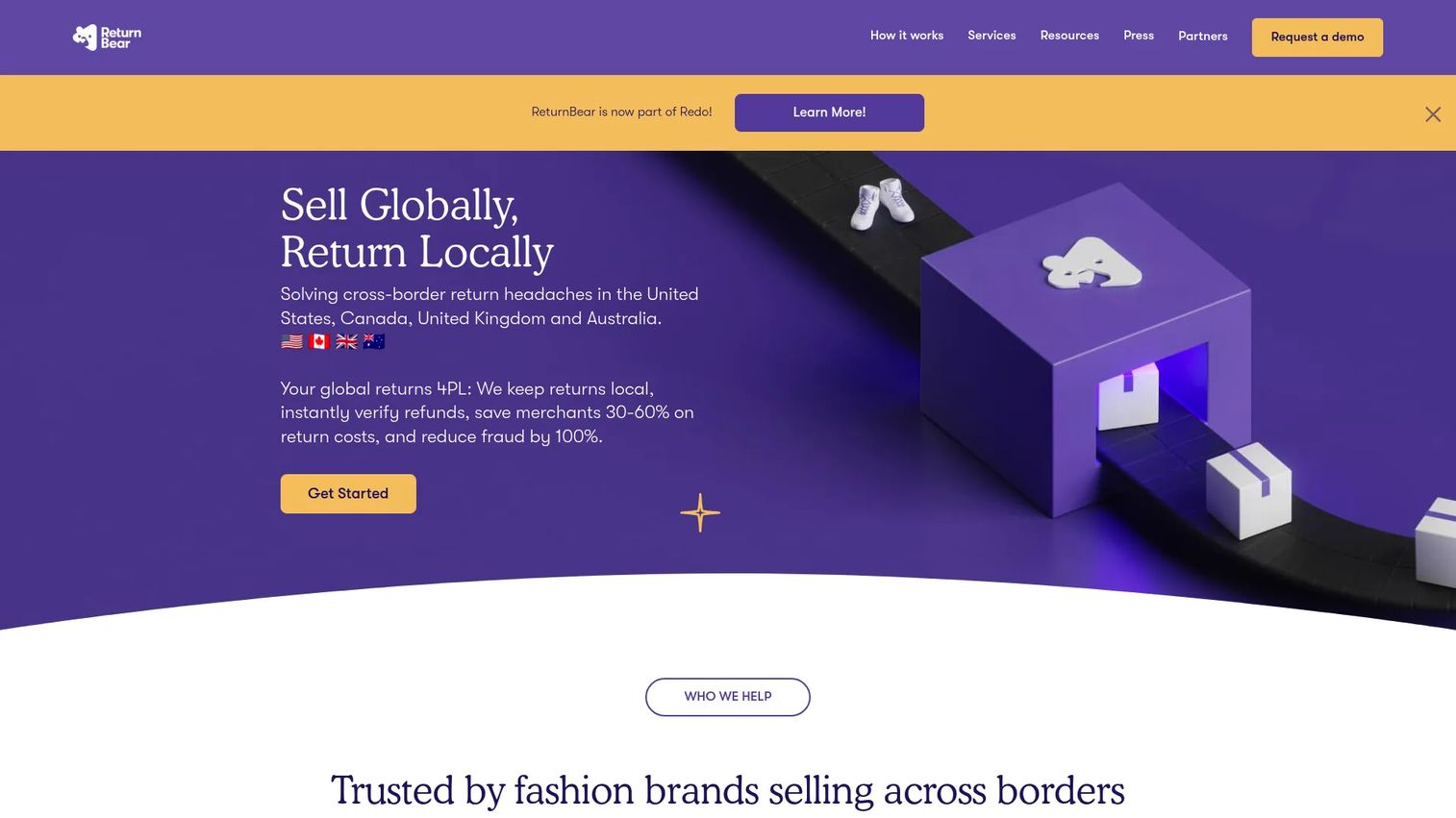
ReturnBear is end-to-end reverse logistics and returns management, not just software. It combines a returns portal and policy automation with a physical drop-off network and micro-fulfillment, so the return process covers both the digital request and the physical box. That makes it distinct from the tools that stop at generating a label.
For teams that care about warehouse coordination, ReturnBear handles the handoff between customer, drop-off point, and processing. Package-free drop-off returns reduce friction for the customer, which cuts the follow-up tickets that come from confusing return steps. The platform also carries a sustainability angle through consolidated shipping and restocking.
Best for: Fashion and ecommerce brands that need localized returns and hands-on reverse logistics, not just a returns portal.
Key features
- Mail-in and package-free drop-off returns
- Return portal with RMA and policy automation
- Micro forward fulfillment and return processing
- End-to-end return routing
- Consolidated reverse logistics handling
Why choose ReturnBear: Choose it when the physical side of returns is your bottleneck and you want a partner to run warehouse coordination end to end. It fits brands where processing speed and restocking, not just refund logic, drive the cost.
ReturnBear pricing: Pricing is pay-per-return with no monthly SaaS fees or minimums. Rates are not listed; the vendor provides a custom quote based on volume.
4. Pango
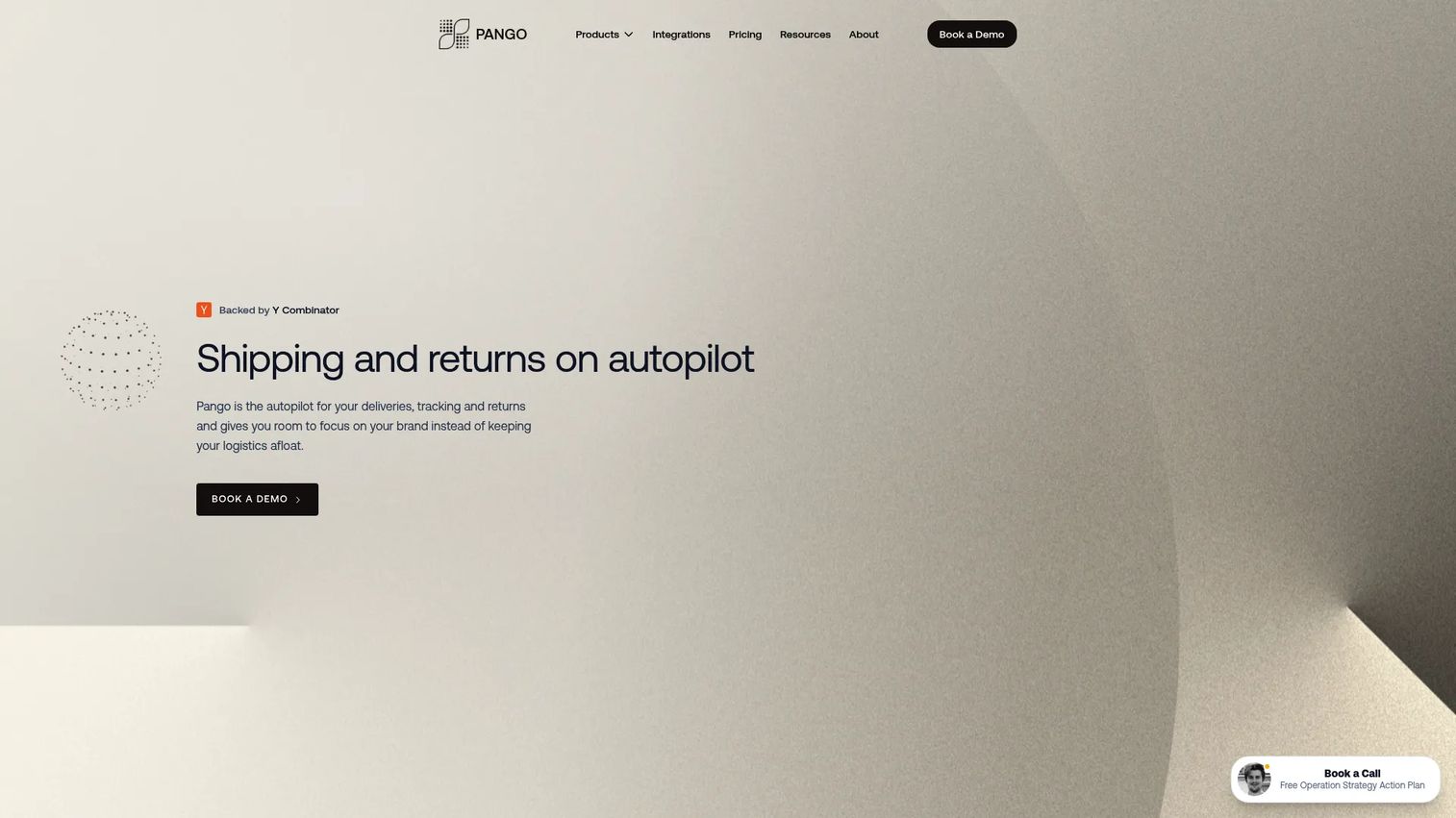
Pango is an AI-powered ecommerce logistics platform spanning shipping, order tracking, returns, and post-purchase operations. Refunds sit inside a broader system here, which suits teams that want tracking, delivery, and returns orchestrated together rather than bolting on a standalone returns tool.
For a support team, the value is a single operational surface. Order tracking and returns share the same data, so agents answer delivery and refund questions from one view instead of two systems. That reduces context-switching and speeds up resolution on the mixed tickets that touch both shipping and returns.
Best for: Mid-market ecommerce brands that want unified logistics, tracking, and returns rather than a refund-only tool.
Key features
- Returns management module
- Delivery management and order tracking
- Post-purchase operational orchestration
- AI-assisted logistics workflows
- Platform breadth across the fulfillment journey
Why choose Pango: Choose it when returns are one part of a larger logistics operation you want to consolidate. It fits teams looking for a broad post-purchase surface, not a dedicated refund engine.
Pango pricing: Starts free, with a Checkout+ tier covering software plus return shipping at no cost. Paid plans scale to order volume and the products used, and an advanced plan is quote-based.
5. Narvar

Narvar is an enterprise post-purchase platform where returns and exchanges sit alongside branded tracking and customer messaging. It is built for larger retailers with complex customer experience needs, so refunds are one thread in a wider post-purchase journey that includes delivery notifications and communication at scale.
For enterprise support organizations, the draw is orchestration. Narvar coordinates returns, tracking, and notifications across email, SMS, and push, so the customer gets consistent status without contacting an agent. That breadth is the point: it handles the entire post-purchase experience rather than the refund step in isolation.
Best for: Enterprise retailers that need a branded post-purchase experience spanning returns, tracking, and messaging.
Key features
- Returns and exchanges management
- Branded shipment tracking
- Delivery notifications via email, SMS, and push
- Enterprise workflow support
- Customer experience orchestration
Why choose Narvar: Choose it when your scale and stakeholder complexity demand more than a refund tool and you want the full post-purchase journey managed together. It fits large brands where consistent customer communication is a priority.
Narvar pricing: Narvar doesn't list its pricing anywhere. You'll need to book a demo with sales to get a quote.
6. Loop Returns
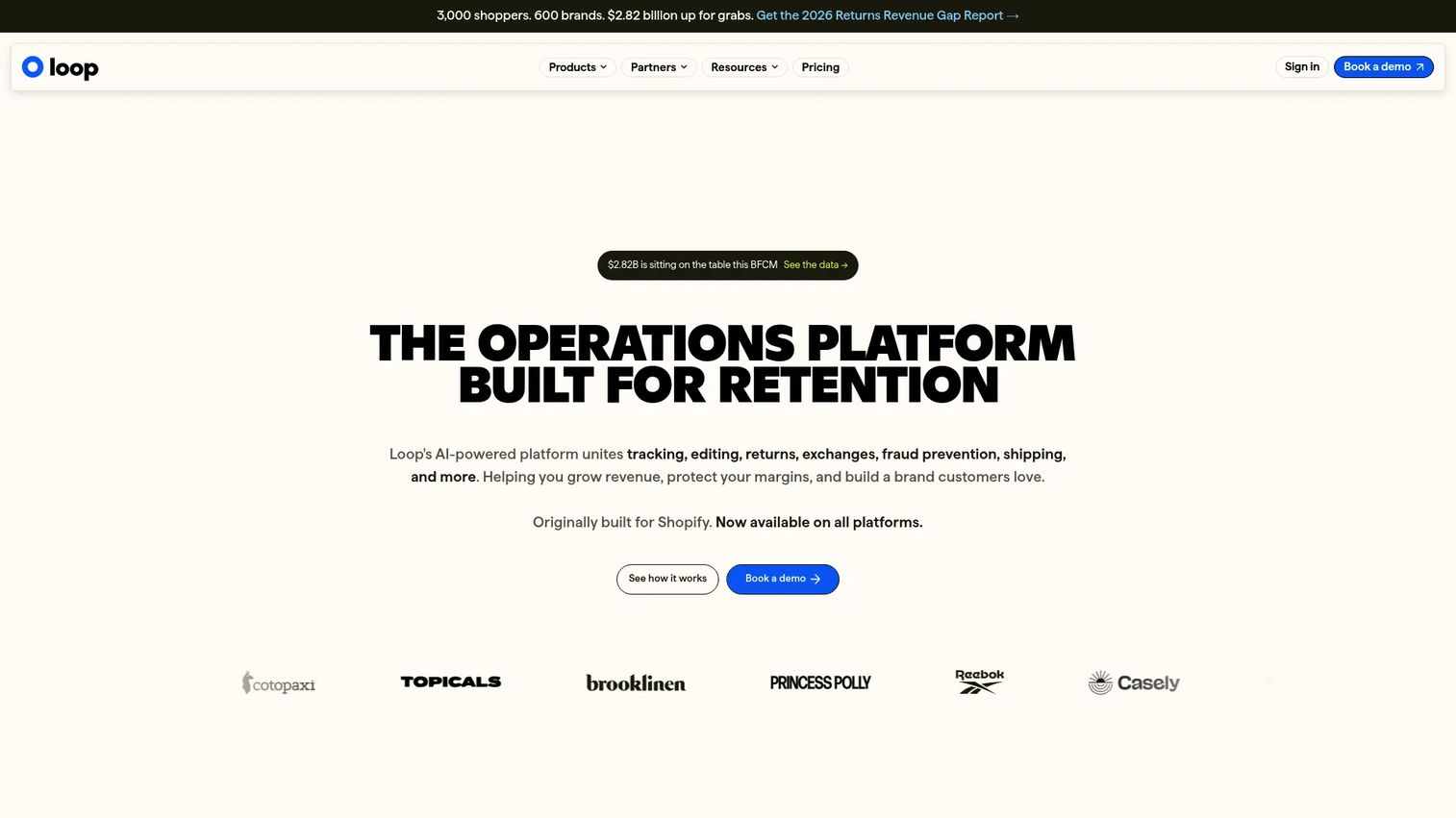
Loop Returns is a post-purchase operations platform built around a simple idea: an exchange beats a refund. It is Shopify-centric and designed to push exchanges, bonus credit, and store credit before cash goes back, so more returns turn into retained revenue instead of lost sales.
For support teams, the exchange-first flow does double duty. It answers the "can I swap this instead" question inside the returns portal without a ticket, and it protects margin at the same time. Loop pairs that with automated returns policies, fraud prevention, and order editing, so the whole return runs on rules rather than agent intervention.
Best for: Shopify-centric brands optimizing returns for exchanges and store credit rather than treating every return as a refund.
Key features
- Exchange-first workflows with bonus credit
- Automated returns policies and rules
- Store credit and revenue retention focus
- Fraud prevention on returns
- Tracking, shipping, and order editing
Why choose Loop Returns: Choose it when your priority is monetizing returns and you run on Shopify. It fits brands that want to keep the sale through exchanges instead of defaulting to a cash refund on every return.
Loop Returns pricing: Essential starts at $155/month and Advanced starts at $272/month. Enterprise is custom. A Checkout+ tier is also listed on the pricing page.
7. AfterShip
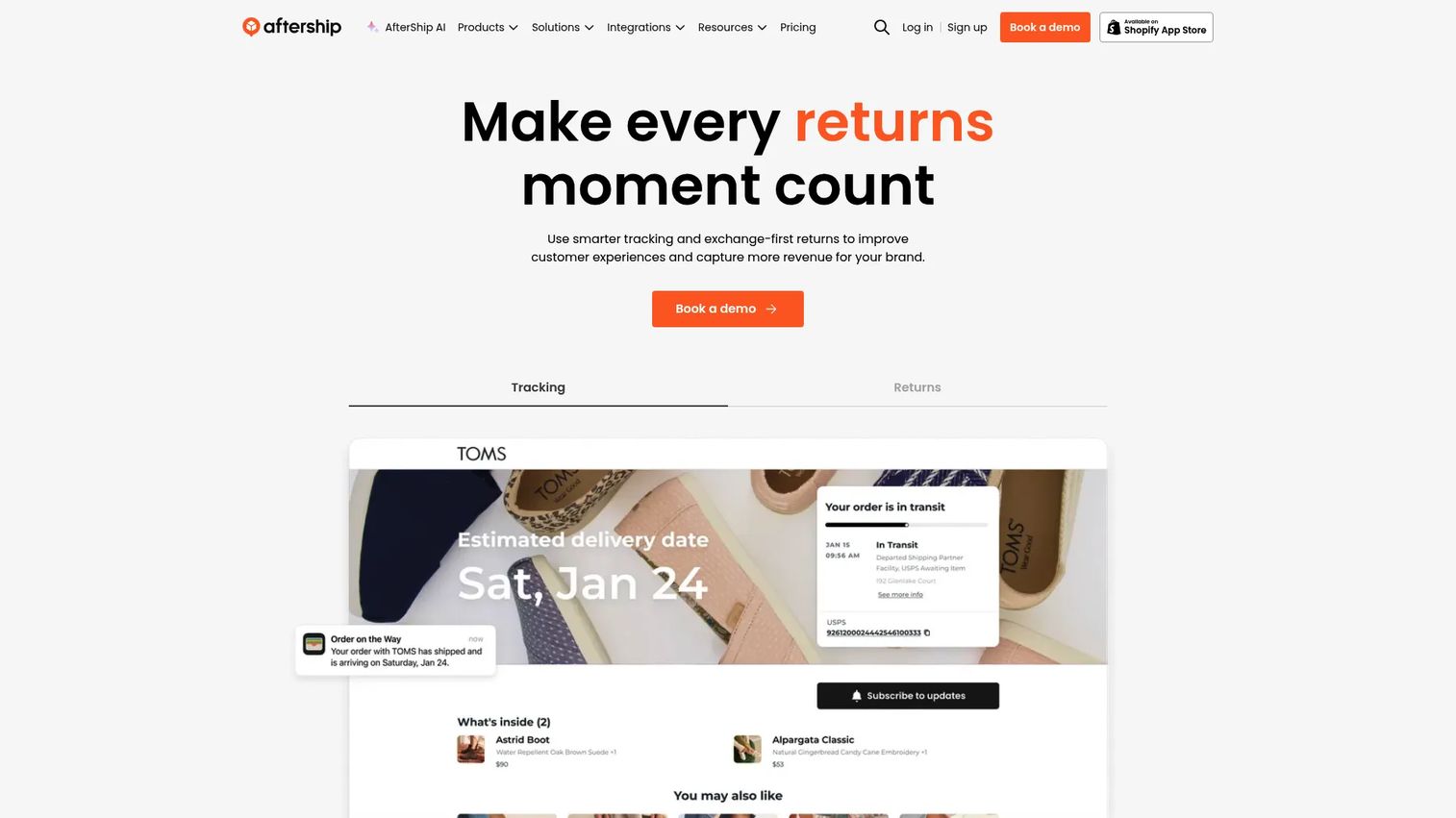
AfterShip is post-purchase software known first for shipment tracking, with returns, warranty, and protection modules built around that core. Its strength is return status visibility: because tracking is the foundation, customers see exactly where their return and refund stand without opening a ticket.
For tracking-heavy support workflows, that matters. Carrier auto-detection and AI-powered data standardization keep status accurate across shippers, and automated customer notifications close the loop on both delivery and refund questions. Returns here work best when tracking and communication matter as much as the refund flow itself.
Best for: Ecommerce brands that want strong shipment tracking with broader post-purchase automation, including returns.
Key features
- Order and shipment tracking
- Carrier auto-detection across shippers
- AI-powered data standardization
- Returns module with customer notifications
- Ecommerce integrations for support deflection
Why choose AfterShip: Choose it when tracking and status visibility are as important as the refund itself. It fits brands whose ticket volume is driven by "where is it" questions across both delivery and returns.
AfterShip pricing: Tracking plans start at Essentials $29/month, Premium $59/month, and a custom Enterprise tier. Annual billing runs 18% off, and a free option is referenced on the pricing page.
What to consider before you buy
The right refund management system depends on where your workload actually sits. Run through these five criteria before you commit.
Automation depth
Check whether the tool truly automates policy decisions or only digitizes the form. A digital form still lands in your queue. Real automation means rule logic: refund triggers, approval thresholds, and exception handling that route cases without an agent. Ask for the exact conditions the tool can act on before you assume it will deflect anything.
Exchange and store credit support
If protecting margin matters, look closely at exchange-first workflows. Assess whether the tool offers bonus credit, free return shipping, and instant exchange options, and how easily a customer picks a swap over a cash refund. The mechanics here decide how much revenue you keep versus refund.
Helpdesk and ecommerce integrations
Confirm the tool connects to your stack: Shopify or BigCommerce, your helpdesk, shipping carriers, and CRM. Helpdesk integration is what turns a returns tool into a deflection tool, because status and refund data reach agents inside the tickets they already work. Inventory sync back to your store matters too, so restocked items reappear for sale.
Analytics and reporting
Compare refund reasons, exchange conversion, ticket deflection, and processing time across tools. Weak analytics count returns. Strong analytics connect them to margin and support performance, so you can change a policy and see the ticket volume drop. Treat reporting as a decision tool, not a monthly export.
Warehouse and inventory coordination
For higher-volume brands, evaluate inventory sync, warehouse handoff, and reverse logistics support. Fulfillment accuracy and operational visibility decide whether a returned item gets restocked fast or sits in limbo. If the physical side is your bottleneck, weight this criterion heavily.
Conclusion
Refunds do not have to own your ticket queue. The right tool turns "where is my refund" from a repeat conversation into an automated status update, and turns a cash refund into an exchange that keeps the sale.
Match the tool to your bottleneck. Pick ReturnLogic when profit protection and refund analytics drive the decision. Pick Loop Returns when exchange-first returns and revenue retention are the priority, especially on Shopify. Pick LateShipment.com when budget and post-purchase breadth matter together. Pick ReturnBear when reverse logistics and warehouse coordination are the real cost. Pick Narvar or Pango when returns are one piece of a broader enterprise post-purchase operation, and AfterShip when tracking and return status visibility dominate your tickets.
Start with the criterion that hurts most today. Then shortlist two tools, run their returns portal against a real returns policy, and watch what your ticket volume does.
Beyond returns, plenty of support teams cut repetitive "how do I" tickets by embedding interactive product walkthroughs into help centers and ticket replies. If that is your next problem to solve, Start your journey with Guideflow today!
FAQs
Refund management software automates returns, refund requests, exchange handling, policy enforcement, and customer notifications. It moves refunds out of the support queue and into a rule-based workflow, so customers self-serve through a returns portal and agents only touch the cases that need judgment.
Refund management is usually a subset or emphasis within broader returns management software. Returns management covers the full lifecycle: the portal, RMA workflow, logistics, and restocking. Refund management centers on the outcome step, deciding and processing refunds, exchanges, or store credit by policy. Most tools do both, but their emphasis differs.
For support teams, the best fit leans on deflection: a self-service returns portal, automated status updates, and policy-driven refund decisions. Tools with strong helpdesk integration and exchange-first flows reduce the most tickets. ReturnLogic and Loop Returns rank well on automation depth, while LateShipment.com and AfterShip help most when tracking questions drive your volume.
Yes, mainly by removing the two most repetitive requests: "where is my refund" and "can I exchange this." A returns portal lets customers file and track on their own, automated notifications close the loop before a ticket opens, and exchange-first flows answer the swap question inline. The size of the drop depends on how many of your tickets are return-related today.
Many tools integrate with Shopify, and some, like Loop Returns, are built primarily around it. BigCommerce and other platforms are commonly supported too. Integration depth varies, so verify each vendor's Shopify features directly before buying, especially for inventory sync and helpdesk connections.
The mechanics that convert a refund into a kept sale: store credit, bonus credit that adds value to a swap, free return shipping, clear policy rules, and instant exchange options that let the replacement ship before the return arrives. Together these make the exchange the easy choice for the customer.
Weigh four things: automation depth, refund analytics, support and ecommerce integration, and warehouse coordination. For a growing brand, prioritize scalability and policy flexibility, so the rules bend as your catalog and return volume change. Start with the bottleneck costing you the most today, then confirm the tool scales past it.
It can be, especially when repetitive refund tickets eat hours your small team cannot spare. If returns are still a handful a week, a manual process may be fine. Once "where is my refund" becomes a daily pattern, a returns portal and automated status updates pay for themselves in deflected tickets and time back.