You spent three hours perfecting a storefront layout. Then the file hit the RIP, the colors shifted, the contour cut missed by a quarter inch, and the whole job went back to the drawing board. Sign work breaks at the seams between design and production, not in the design itself.
The friction is rarely the visual. It is the handoff. A tool that makes a beautiful mockup but exports a file your cutter chokes on has solved the wrong problem. A tool built for production output but with a punishing editor slows everyone down. The right sign making software depends entirely on where your workflow actually breaks: fast template creation, precise vector control, team collaboration, or full print-and-cut production.
This matters more than it used to. The global sign management software market was valued at $3.2 billion in 2025 and is forecast to reach $6.8 billion by 2034 at a 9.8% CAGR, according to MarketIntelo. The broader signage market sat at $37.8 billion in 2025, per Future Market Insights. In the U.S., sign manufacturing revenue hit $16.2 billion in 2022, with the sign and graphics sector growing 4.1% annually between 2018 and 2023, according to Gitnux. More shops, more competition, and more pressure to produce print-ready work without rework.
So the question is not "which sign design software looks nicest." It is which tool keeps your sign production workflow intact from first layout to final output.
What's inside
This guide compares 6 tools for making business signage, banners, storefront graphics, vinyl cuts, and print-ready layouts. Some are beginner-friendly sign making programs anyone can pick up in an afternoon. Others are professional production suites built for sign shops running daily print-and-cut jobs.
We selected these tools on four criteria that matter to real signage work:
- Production workflow fit: how cleanly a design moves to print, cut, or display
- Output quality: export formats, color accuracy, and vector control
- Ease of use: learning curve and speed to a finished layout
- Value: pricing, licensing model, and what you get per tier
The list spans free open-source options through full commercial production stacks.
TL;DR
Short on time? Here are the decision shortcuts:
- Best for beginners and fast layouts: Canva, the easiest sign maker online for non-designers
- Best for professional sign shops: SAi Flexi Complete Software or SignLab, both built for print-and-cut and vinyl cutting software workflows
- Best free, open-source route: Inkscape, full SVG vector control at no cost
- Best for polished vector design: CorelDRAW Graphics Suite or Affinity Designer
- Best all-in-one design suite: Xara Pro X365 for print, web, and layout work
- Best for marketing and web-to-print teams: Canva, with templates, collaboration, and print exports
What sign making software is
Sign making software is a category of design and production tools used to create, prepare, and export signage for print, cut, or digital display. It covers everything from a quick poster in a browser to a full production suite that drives a vinyl cutter and a wide-format printer.
The output types are wide: storefront signs, banners, decals, wayfinding and directional signs, posters, vehicle graphics, trade show displays, and event signage. Each one has different demands. A storefront sign lives or dies on readability from 40 feet. A vehicle wrap needs precise contour cutting. A banner needs correct bleed and resolution at large format.
That is why vector design for signs sits at the center of the category. Vector files scale from a business card to a billboard without losing sharpness, which is non-negotiable when the same logo appears on a decal and a building. Typography control, color management, and export readiness round out what separates a usable file from one that fails at the printer.
Core capabilities to expect
Most sign design software should cover some or all of the following:
- Templates and layout tools for fast starts and consistent sizing
- Typography and readability control for hierarchy and legibility at distance
- Vector editing and shape handling for scalable, crisp artwork
- Export and print-ready file support including PDF, EPS, SVG, and high-resolution formats
- Collaboration and approval workflows for teams and client sign-off
- Optional cutting, RIP, or production features for shops that print and cut in-house
What separates casual design tools from production tools
Not every project needs a production suite. If you are making a poster for an event or a social graphic for a promotion, a template-driven tool gets you there faster and cheaper. Design-only software is enough when the file goes to a third-party printer who handles output.
Production workflow software matters when output accuracy is on you. RIP software controls how the printer interprets color and ink. Contour cut data tells the cutter exactly where to trace. When a shop owns the full path from design to output, a suite that handles all of it in one place removes the file-conversion errors that eat margin. The practical test: are you handing the file off, or are you running the machine?
When to use sign making software
Create storefront and directional signs
Storefront and wayfinding signs succeed on hierarchy and readability, not decoration. A customer reads a directional sign in under two seconds. That means large type, strong contrast, and a layout that guides the eye. Templates speed up repeatable formats, and vector control keeps logos and icons crisp at any size. Speed matters here because these jobs come in volume.
Produce print-ready graphics for events and retail
Banners, posters, trade show graphics, and temporary retail displays live at large format. The stakes are export quality and correct sizing: right bleed, right resolution, right color profile. A file that looks fine on screen can pixelate at 10 feet wide. Print-ready sign design software that manages resolution and export formats keeps these jobs from bouncing back.
Build vinyl, cut, and production files
This is where professional suites earn their price. Vinyl graphics, decals, and cut lettering need cutter-friendly files with accurate contour cut paths. The design has to carry data the cutter can read, and the RIP has to translate color faithfully. Reliability across the design-to-output chain is the whole game. A missed cut line or a color shift is wasted material and a reprinted job.
Comparison table
Here is how the 6 tools compare at a glance. The table sorts by intent, from beginner-friendly sign software to full production suites. Pricing and ratings reflect verified values at the time of writing and should be reconfirmed at purchase.
| # | Product | Intent | Key use case | Pricing | G2 rating |
|---|---|---|---|---|---|
| 1 | Canva | Fast, template-driven design | Quick signs, posters, social graphics, event signage | Free; Pro US$144/year | 4.7/5 |
| 2 | SAi Flexi Complete Software | Full production suite | Design, RIP, print-and-cut, vinyl cutting | $91.99/month or $865.99/year | Not listed |
| 3 | SignLab | Professional signmaking suite | Print-and-cut and vinyl workflows | Not publicly listed | Not listed |
| 4 | CorelDRAW Graphics Suite | Professional vector design | Vector illustration, layout, photo editing | Subscription or one-time | 4.3/5 |
| 5 | Inkscape | Free vector editor | SVG-native vector design for signs | Free, open source | 4.4/5 |
| 6 | Affinity Designer | Polished vector design | Illustration, branding, sign layouts | Not listed | Not listed |
1. Canva
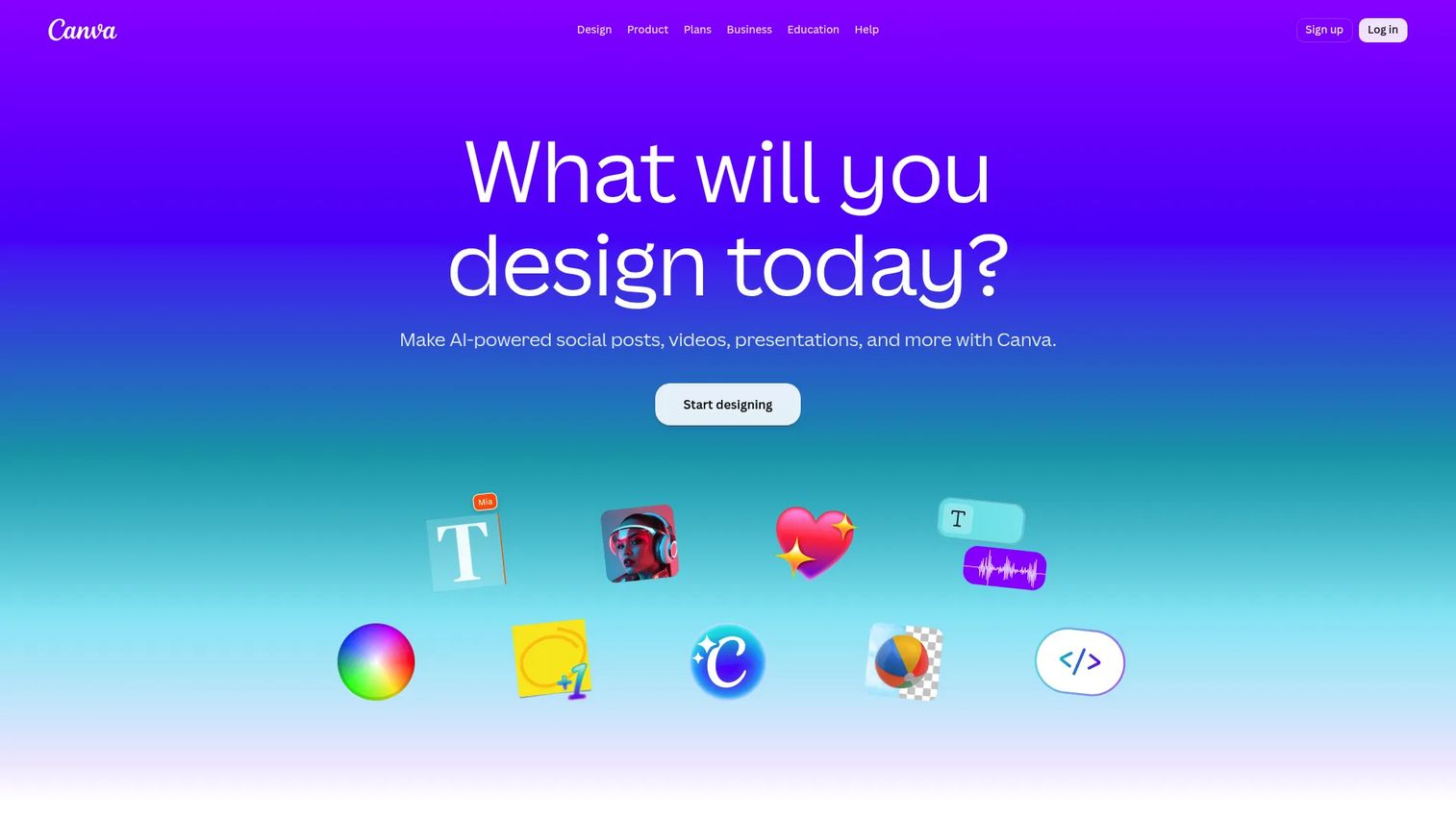
Canva is an online visual design and publishing platform for creating graphics, presentations, videos, and other content. For sign work, it is the easiest entry point available: a drag-and-drop editor, a deep template library, and print-friendly exports that let a non-designer produce a clean sign in minutes. It is the sign maker online that most small business owners reach for first, because there is nothing to install and no vector learning curve to climb.
Where Canva shines is speed and accessibility. If you need a promotional poster, an event banner, a storefront window graphic, or a social announcement, you can start from a template and have a shareable, printable file fast. Team collaboration, shared brand assets, and approval flows make it a natural fit for marketing teams producing signage at volume.
Best for: Teams and individuals who need fast, template-driven design without specialized production tools.
Key strengths
- Drag-and-drop design editor: Build a sign layout with no design background and no software to learn.
- Templates and stock media library: Start from thousands of layouts sized for signs, posters, and banners.
- AI-powered design and editing tools: Generate variations, remove backgrounds, and speed up repetitive edits.
Why choose Canva: Canva is the right pick when speed and ease outrank production depth. It excels at fast, repeatable design and web-to-print output for teams that hand printing to a third party. For shops that run their own vinyl cutter and RIP, a dedicated production suite fits the daily workflow better, but for the bulk of everyday signage, Canva gets you to a finished file first.
Canva pricing: Canva offers a Free plan at US$0/year. Pro runs US$144/year, and Business is US$250/year per person. Enterprise pricing is available on request. The free tier is generous enough for occasional sign creation, while Pro adds brand controls, background removal, and larger storage. G2 reviewers rate Canva 4.7/5.
2. SAi Flexi Complete Software
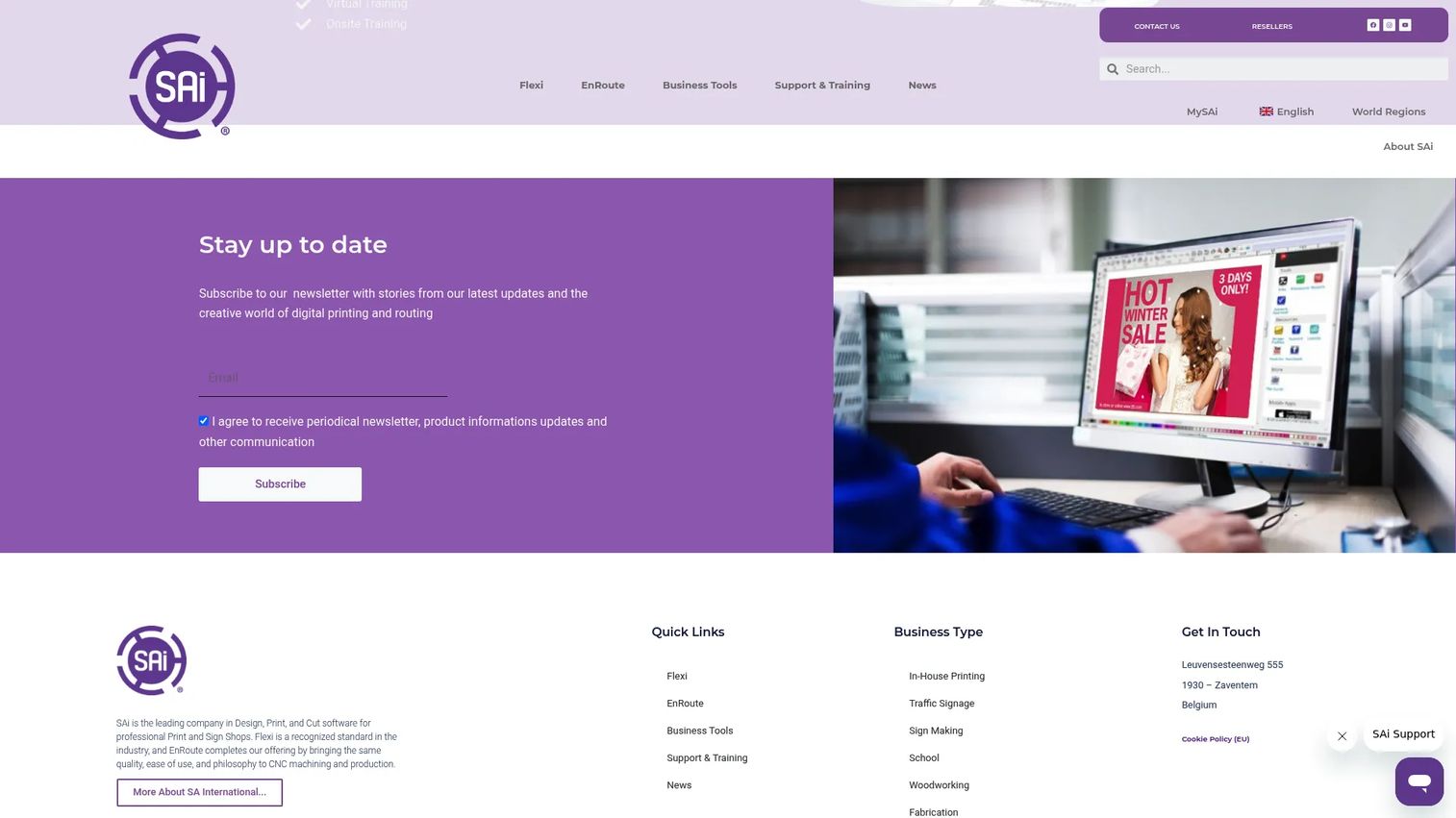
SAi Flexi Complete Software is an all-in-one design, RIP, print-and-cut, and vinyl cutting software built for sign and print providers. This is a production-first suite, not a design app that exports to someone else's printer. It handles the full chain: design the sign, rip the file, print it, and cut it, all from one environment. For a working sign shop, that consolidation removes the file-conversion errors that appear when you bounce between separate design and production tools.
The RIP software is the heart of it. Flexi's 64-bit RIP engine drives color accuracy and print output, while contour cutting handles the cut paths that make decals, lettering, and vinyl graphics land precisely. True Shape Nesting and Tiling squeeze more usable output from each sheet of material, which matters directly to margin on every job.
Best for: Sign and print shops that need integrated design, RIP, print-and-cut, and vinyl cutting tools in one system.
Key strengths
- 64-bit RIP engine: Control color and print output with a purpose-built rasterizing engine.
- Contour cutting: Generate accurate cut paths for decals, lettering, and vinyl graphics.
- True Shape Nesting and Tiling: Fit more output per sheet and split oversized designs across panels.
Why choose SAi Flexi Complete Software: Choose Flexi when output accuracy is your responsibility and reliability across the design-to-output path is what protects your margin. It excels for shops producing business signage daily, where a single integrated workflow beats stitching together a design tool, a separate RIP, and a cutting driver. Designers who only create files for outside printers may find a pure design app lighter, but for in-house production, Flexi is built for the job.
SAi Flexi Complete Software pricing: Flexi Complete is available at $91.99/month or $865.99 billed annually, and includes the full design, print, and cut feature set. A lighter Flexi Design plan runs $46.99/month or $420.99 annually for design-focused work. There is no free tier. Pricing is confirmed from SAi's product page.
3. SignLab
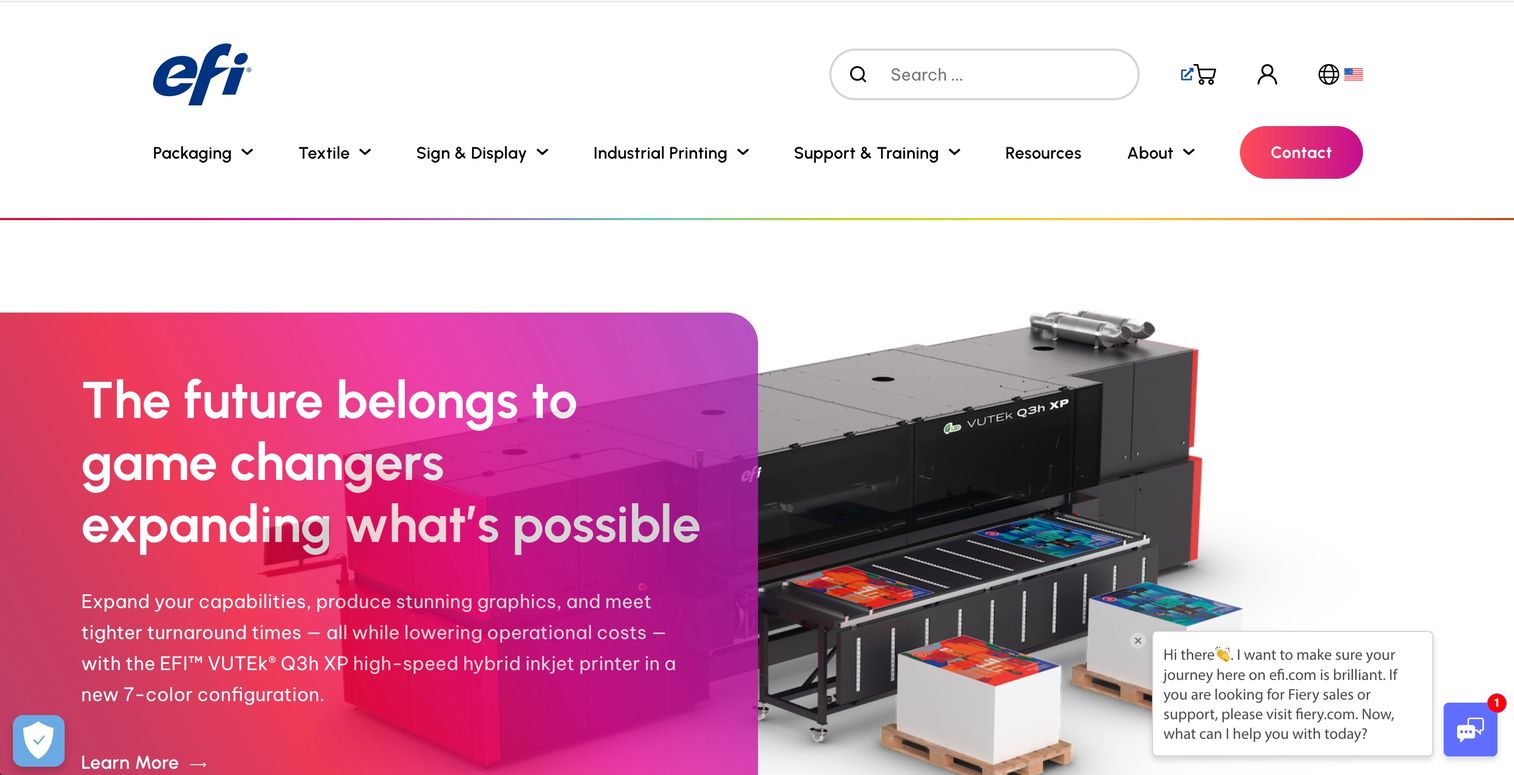
SignLab is a sign and display product in EFI's portfolio, positioned for professional signmaking and print-and-cut work. It sits in the same production-first category as a full sign shop suite: purpose-built for shops that want a dedicated sign tool rather than a general design app repurposed for signage. That distinction matters when your day is print, cut, and output rather than concept design.
SignLab fits shops that run vinyl cutting software and wide-format printing as their core business. The value of a purpose-built sign tool is that its defaults, workflows, and export paths assume you are producing physical signage, not slide decks or web graphics. For a team already committed to an EFI sign-and-display workflow, it slots into the production stack rather than sitting beside it.
Best for: Sign shops that want a purpose-built print-and-cut and vinyl production tool within an EFI workflow.
Key strengths
- Sign-specific design controls: Work in an environment built around signage output rather than general graphics.
- Print-and-cut workflow: Move from layout to printed, cut output within a production-oriented tool.
- EFI portfolio fit: Slot into an existing EFI sign-and-display production stack.
Why choose SignLab: Choose SignLab when you want a production suite designed specifically for signmaking rather than a general graphics tool adapted to the task. It excels for shops that value a sign-first workflow and are already invested in EFI's production ecosystem. Teams that primarily design and hand printing to third parties may prefer a lighter vector app, but for in-house sign production, a purpose-built suite fits the daily reality better.
SignLab pricing: SignLab does not publish a public price on its product page. Sign shops evaluating it should contact EFI directly for current licensing and tier details, and compare the total workflow cost against other production suites before committing.
4. CorelDRAW Graphics Suite
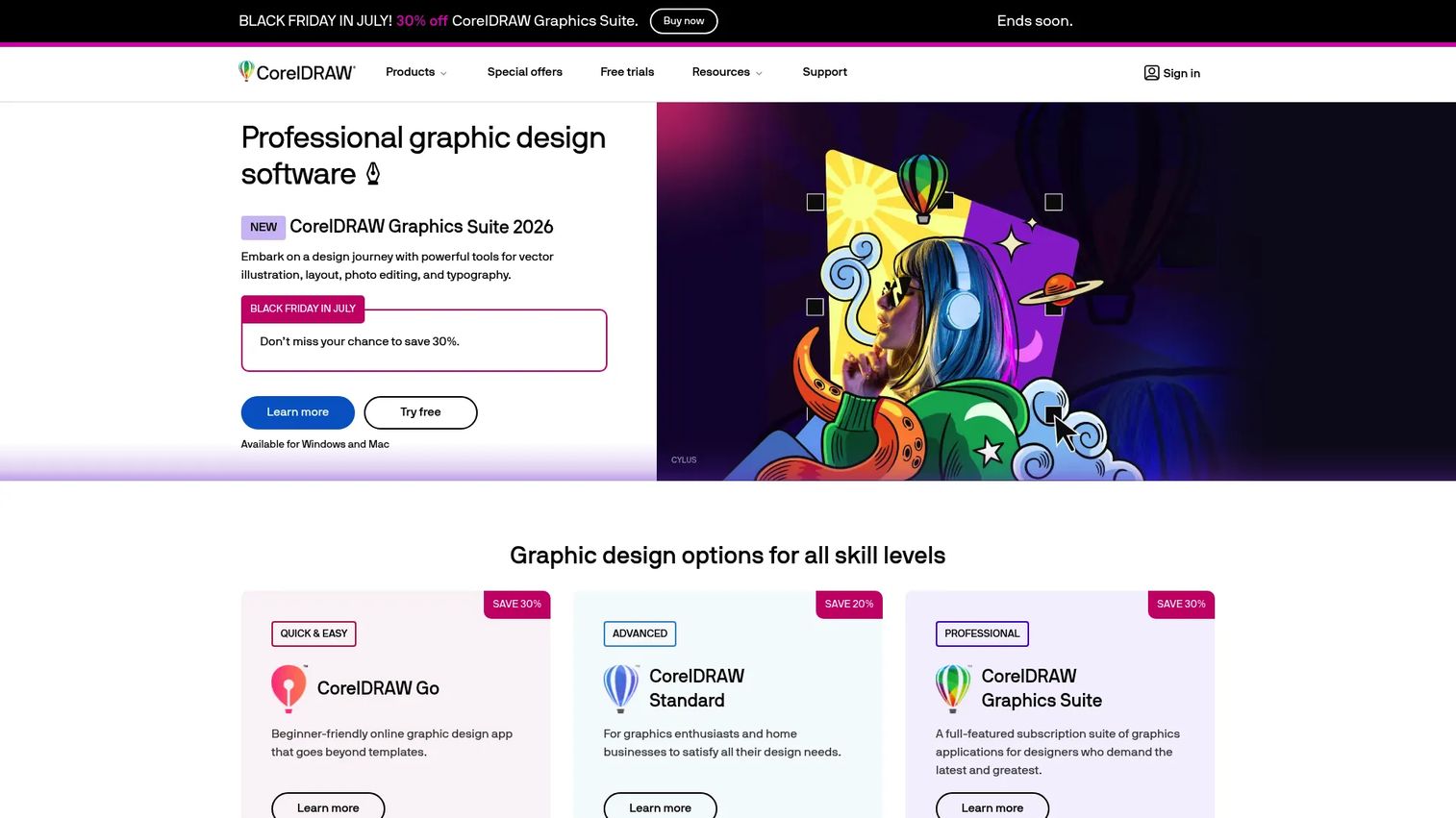
CorelDRAW Graphics Suite is a professional graphic design software suite for Windows, Mac, and web. It is a long-standing favorite in the signage world for a reason: strong vector illustration, precise typography, and page layout in one package, plus wide file compatibility that plays well with production tools downstream. For designers who already work across broader graphic design, CorelDRAW handles sign layouts without forcing a new mental model.
The suite pairs vector design for signs with image editing and pixel-based work, so a single file can carry both crisp lettering and edited photography. CorelDRAW Web extends design to the browser, while AI Generate and AI background removal speed up repetitive prep. Font management and screen capture round out a toolkit that covers most of what a sign designer touches before output.
Best for: Design teams that need vector illustration, layout, and photo editing in one suite.
Key strengths
- Vector illustration and page layout: Build scalable sign artwork and multi-page layouts in one place.
- Image editing and AI tools: Edit photos, generate assets, and remove backgrounds without leaving the suite.
- Wide file compatibility: Export and exchange files that downstream RIP and cutting tools can read.
Why choose CorelDRAW Graphics Suite: Choose CorelDRAW when your team is design-led and wants a versatile vector suite that handles signage alongside branding, layout, and illustration. It excels as the design layer feeding a separate production stack. Shops that need integrated RIP and print-and-cut in one tool may still pair it with, or prefer, a dedicated sign production suite, but as a design engine CorelDRAW is hard to beat. G2 reviewers rate it 4.3/5.
CorelDRAW Graphics Suite pricing: Corel offers subscription, license-with-maintenance, and one-time purchase options. Exact public price figures were not visible at the time of writing, so confirm current pricing on CorelDRAW's comparison page before buying and check which purchase model fits your team's budget cycle.
5. Inkscape
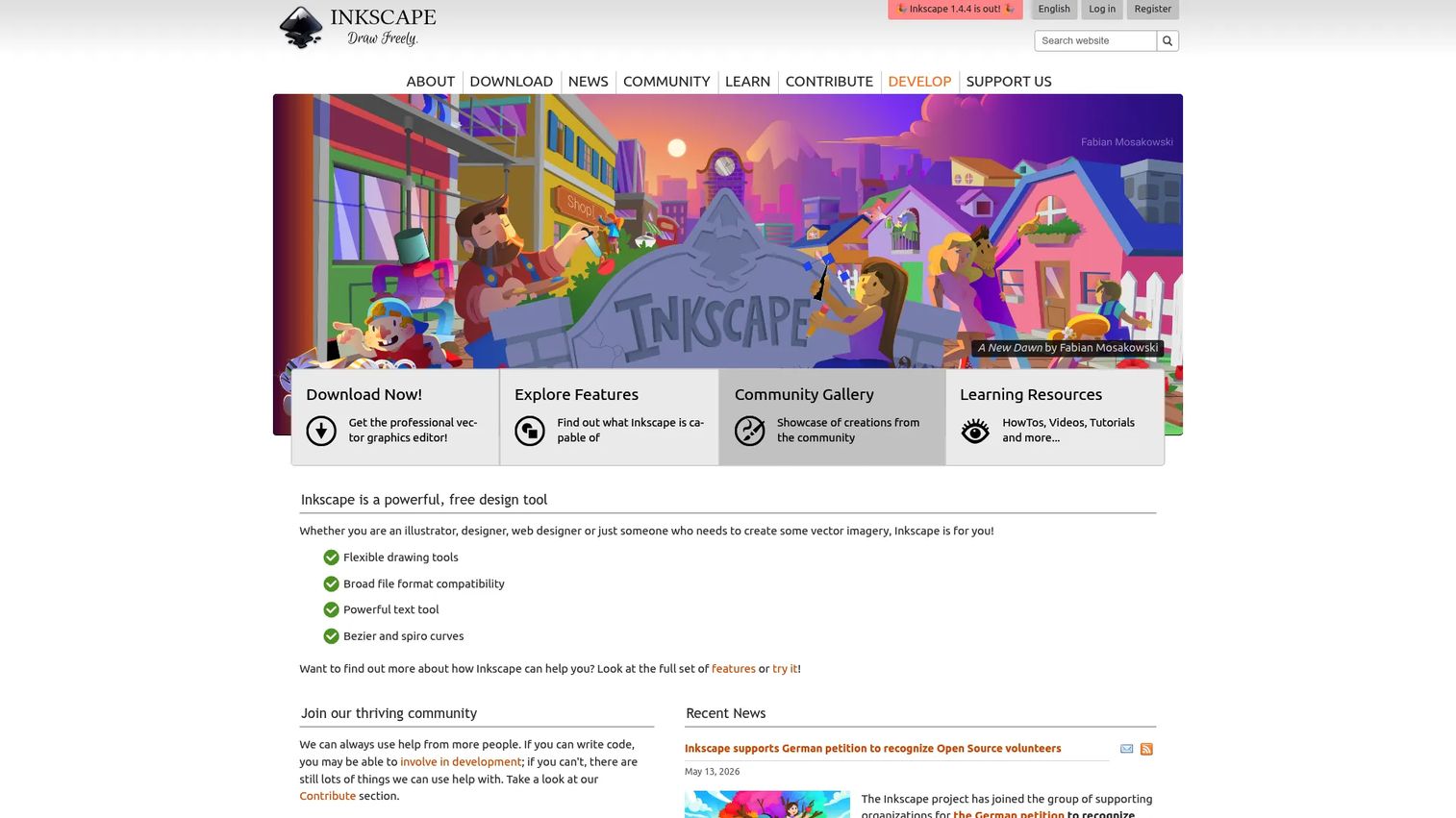
Inkscape is a free and open-source vector graphics editor. For sign work, it is the budget-conscious route to genuine vector control: draw, edit, and export scalable artwork without a subscription. Its SVG-native foundation makes it a natural fit for anyone who wants clean, standards-based vector files that move cleanly into other tools, including many cutter and production workflows.
Inkscape fits makers, small shops, hobbyist signmakers, and technically comfortable teams who would rather invest time than budget. The vector drawing and shape tools cover the core of sign design, and an add-on ecosystem extends it toward specialized tasks. It is best when budget matters more than polished onboarding, and when you have the comfort to configure a workflow yourself rather than expecting turnkey production defaults.
Best for: Individuals and teams who need a capable free vector editor and are comfortable building their own workflow.
Key strengths
- Vector drawing and shape tools: Create and edit scalable sign artwork with a full vector toolkit.
- SVG-native editing: Work in an open standard that imports and exports cleanly across tools.
- Extensible with add-ons: Extend functionality toward specialized production and cutting tasks.
Why choose Inkscape: Choose Inkscape when cost is the deciding factor and you value open-source flexibility. It excels for vector-driven sign design on a zero-software budget, and for teams that prefer to own and customize their toolchain. Shops that want built-in RIP and print-and-cut in a single commercial package will look to a dedicated production suite, but for pure vector design, Inkscape delivers professional capability for free. G2 reviewers rate it 4.4/5.
Inkscape pricing: Inkscape is free and open-source software, available at no charge. There are no paid tiers. The project runs on donations, so there is no license cost to budget for, which makes it a strong starting point for shops testing a vector-first workflow before committing spend elsewhere.
6. Affinity Designer
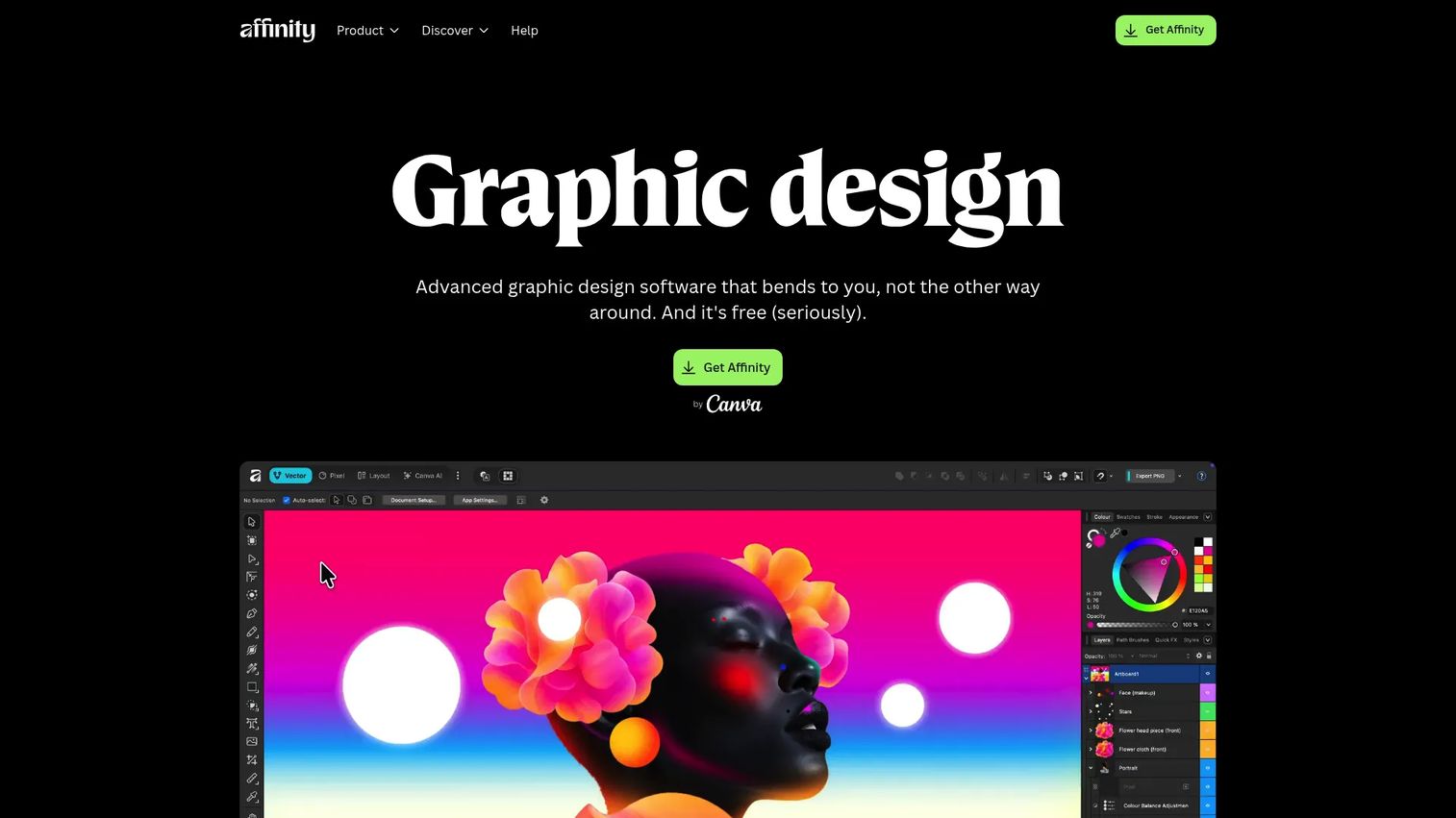
Affinity Designer is vector graphic design software for illustration, branding, and layout work. For signage, it is a polished, precise design environment: clean vector tools, artboard-based layouts, and export workflows that produce production-ready files. Designers who want professional vector capability without a heavyweight suite tend to gravitate here for the balance of power and focus.
Affinity Designer suits designers who value a lighter, focused alternative to larger design suites. Its vector design tools handle sign layouts, logos, and illustration cleanly, and its export workflows support the multiple formats a production handoff needs. It is strongest as a design tool feeding a separate production process, which fits designers and small studios producing files for outside printers or in-house cutting.
Best for: Designers who need professional vector illustration, branding, and logo work.
Key strengths
- Vector design tools: Build crisp, scalable sign artwork with a focused vector toolkit.
- Export workflows for multiple formats: Produce production-ready files across common export types.
- Cross-platform resources: Access learning and support materials across platforms.
Why choose Affinity Designer: Choose Affinity Designer when you want a clean, capable vector tool for sign layout and graphics without the overhead of a full design suite. It excels as a design layer for teams that handle production separately. Shops needing integrated RIP and print-and-cut will pair it with a dedicated production tool, but as a focused design environment it earns its place in a signage workflow.
Affinity Designer pricing: Affinity publishes its current pricing and plan details on its own site. Because plan structure has shifted in recent releases, confirm the current purchase model and price directly with Affinity before buying rather than relying on older figures.
Considerations before you buy
Before you commit to any sign making software, run your actual workflow against these criteria. The right tool is the one that fits how you work, not the one with the longest feature list.
Production readiness
Decide whether you are designing only or producing in-house. If you hand files to a third-party printer, a design tool is enough. If you run your own vinyl cutter and printer, prioritize a suite with built-in RIP software and contour cutting so files do not break between applications.
Export formats and file compatibility
Confirm the tool exports the formats your printer or cutter needs: PDF, EPS, SVG, and high-resolution raster where required. A production-ready file that your output device cannot read creates rework, wasted material, and missed deadlines. Test one real job end to end before you standardize.
Ease of use and learning curve
Match the tool to your team's skill. A template-driven app gets non-designers to a finished sign fast, while a professional vector suite rewards experience with precision and control. Factor in ramp time: a tool nobody wants to learn slows the whole workflow.
Collaboration and approvals
If multiple people touch a sign, or clients need to sign off, look for shared assets, versioning, and approval flows. For solo makers this matters less, but for teams it prevents the message drift and file confusion that eat time across a sign production workflow.
Total cost and licensing model
Weigh subscription against one-time purchase against free. A monthly production suite may pay for itself in a busy shop, while a one-time or open-source tool fits occasional or budget-constrained use. Map the cost to your job volume, not to the sticker price alone.
Conclusion
The best sign making software depends entirely on where your workflow lives. For fast, template-driven design that a non-designer can pick up today, Canva is the easiest entry point. For professional sign shops running daily print-and-cut and vinyl production, SAi Flexi Complete Software or SignLab handle the full design-to-output chain in one place. Inkscape gives you real vector control for free, CorelDRAW Graphics Suite and Affinity Designer deliver polished vector design, and Xara Pro X365 covers print and web in one all-in-one suite.
The right choice comes down to a single question: are you designing files for someone else to print, or are you producing signage in-house? Design-led teams want vector polish and clean exports. Production shops want integrated RIP, contour cutting, and reliability across the chain.
Before you buy, run one real sign job through your top two candidates end to end, from first layout to final output. The tool that carries that job without rework is the one that fits your actual sign production workflow. That single test tells you more than any feature comparison.
FAQs
There is no single best tool; it depends on your workflow. Canva is best for fast, template-driven signs by non-designers, while SAi Flexi Complete Software and SignLab are built for professional print-and-cut production. For vector design, CorelDRAW Graphics Suite, Affinity Designer, and free option Inkscape all deliver strong results.
For reliable vinyl cutting you want vinyl cutting software that generates accurate contour cut paths your cutter can read. Production suites like SAi Flexi Complete Software include contour cutting and RIP software in one workflow. Vector tools such as Inkscape can produce cut-ready files too, though you configure the cutting path yourself.
Vector formats like PDF, EPS, and SVG are best for signs because they scale from a decal to a billboard without losing sharpness. High-resolution raster formats work for photographic elements, but keep type and logos in vector wherever possible. Always confirm the exact format and color profile your printer or cutter requires before exporting.
Yes, for fast and template-driven work. Canva is an accessible sign maker online that lets non-designers produce posters, banners, and storefront graphics quickly, with print-friendly exports and team collaboration. For in-house production that needs integrated RIP and contour cutting, a dedicated production suite fits the daily workflow better.
Graphic design software covers general visual work: logos, layouts, illustration, and web graphics. Sign design software focuses on signage output, and production-grade suites add RIP software, contour cutting, and print-and-cut workflows built specifically for physical signs. Many designers use a general vector tool for design and pair it with a production suite for output.
Yes, within limits. Inkscape is a capable free, open-source vector editor that produces professional-quality vector design for signs and exports cut-ready SVG files. It is strongest for design; shops that need integrated RIP and print-and-cut in one commercial package typically add a dedicated production suite alongside it.
Storefront and wayfinding signs reward readability, hierarchy, and vector precision. Canva works well for quick, template-based storefront graphics, while CorelDRAW Graphics Suite and Affinity Designer give designers tighter typographic and vector control. For shops producing and mounting the physical signs, a production suite that handles output completes the workflow.
Ask whether you hand files off or run the machines yourself. If a third-party printer handles output, a general design tool like CorelDRAW Graphics Suite, Affinity Designer, or Canva is enough. If you print and cut in-house, a production suite with built-in RIP software and contour cutting, such as SAi Flexi Complete Software or SignLab, keeps your sign production workflow intact.