Your POS ends its day with a sales report. Your scheduling tool shows labor hours. Your inventory system flags stock levels. And your accountant sends a P&L three weeks later.
None of those systems talk to each other. So when a strong sales week still produces a thin margin, you are left reconstructing what happened from four different exports.
Restaurant margins leave almost no room for that lag. According to the 2025 Restaurant Technology Outlook, 36% of operators said making data sets actionable is their single biggest challenge when adding a new data source. That is not a data shortage. It is a decision-speed problem.
Restaurant business intelligence software exists to close that gap. The right tool pulls POS, labor, food cost, and delivery data into one view so operators and finance leaders can see what changed, why it changed, and what to fix before the week is already done.
This guide compares 13 restaurant BI tools for 2026, organized by the specific data problem each one solves best.
What's inside
This guide is for multi-location restaurant operators, franchise owners, restaurant CFOs, and operations leaders who need cleaner visibility across their stores. Tools were chosen for:
- Restaurant-specific analytics depth, not generic BI
- Coverage of real restaurant KPIs: Prime cost, CoGS, labor percentage, and sales per labor hour
- Integration with POS, accounting, labor, inventory, and delivery systems
- Verified pricing and G2 ratings at time of publication
We reviewed 13 tools, from full back-office platforms to POS-native reporting to delivery-channel analytics.
TL;DR
- Best overall for multi-location finance and restaurant BI: Restaurant365, the strongest option when accounting and operations need to be a single system
- Best for AI-led forecasting and live P&L visibility: Nory, built for groups that want operational recommendations, not just dashboards
- Best for enterprise workforce and inventory analytics: Fourth, for large groups managing labor, payroll, and inventory at scale
- Best for food-cost and recipe profitability: ApicBase for menu engineering depth; MarketMan for purchasing control
- Best POS-native reporting: Toast, Lightspeed, and TouchBistro, each suited to different restaurant sizes
- Best for frontline execution visibility: Mitti by SafetyCulture, when the data gap is what happens on the floor
What is restaurant business intelligence software?
Restaurant business intelligence software is a reporting and analytics platform that combines data from POS, labor, inventory, accounting, delivery, and guest feedback systems to help operators track performance, forecast demand, and improve profitability.
This category is distinct from a generic BI tool. A generic dashboard can display any data. Restaurant BI is built around restaurant-specific metrics, prime cost, CoGS, labor as a percentage of revenue, food cost variance, covers per labor hour, and menu-level margin. The best platforms do not just show what happened. They help managers understand why it happened and what to change before the next shift.
Key capabilities to look for:
- POS and sales data consolidation across locations
- Labor cost and productivity analytics by shift, daypart, and role
- Food cost, CoGS, and theoretical vs. actual variance reporting
- Sales and demand forecasting by hour or daypart
- Store-level scorecards and multi-location benchmarking
- Automated report delivery to finance and operations leaders
- Integration with accounting, scheduling, delivery, and guest review platforms
- Alerts for labor variance, food-cost drift, and margin softness
- Role-based dashboards for GMs, regional managers, and finance teams
How restaurant BI differs from adjacent categories:
POS reporting covers sales, menu items, and payments, but it usually stops at the four walls of the store. Inventory software tracks stock and waste. Accounting software produces financial outcomes after the fact. Restaurant BI sits above all of these: It ingests data from each system and presents a unified view of operational performance.
The question to ask any vendor is not "can it show dashboards?" It is "can it tell my GM what to change before Friday's schedule is locked?"
For a broader look at business intelligence software across industries, or how analytics platforms drive ROI in practice, those resources offer useful context.
When to use restaurant business intelligence software
Connect POS, labor, and food-cost data in one view
A location can grow revenue while becoming less profitable when labor or food cost moves faster than sales. POS data shows the top line. Only when you layer in actual labor hours and food spend do you see whether the week was genuinely strong. Restaurant BI tools make that connection automatic rather than requiring a manual spreadsheet merge each Monday morning.
Manage multi-location performance without spreadsheet cleanup
Operators running five or more locations often spend half their reporting time cleaning and aligning data from different systems. Restaurant BI replaces that with automated location scorecards, regional benchmarking, and role-based dashboards. A regional manager can open a single view and rank stores by prime cost or food-cost variance without exporting anything.
Forecast demand before the schedule is locked
Labor and food purchasing decisions are made before the week runs, not after. Forecasting tools use historical sales, weather, events, and seasonal patterns to project demand by daypart or hour. Restaurants that schedule to a forecast rather than last week's gut check tend to see tighter labor cost percentages and less overprep waste.
Restaurant business intelligence software comparison
The table below covers all 13 tools in order of relevance to core restaurant BI needs. Pricing and G2 ratings were verified against each vendor's live pricing page and G2 listing.
| # | Product | Best for | Key differentiator | Pricing | G2 rating |
|---|---|---|---|---|---|
| 1 | Restaurant365 | Multi-location finance and restaurant BI | Restaurant accounting, operations, and BI in one platform | Custom pricing | 4.6/5 |
| 2 | Nory | AI-led forecasting and live restaurant performance | Forecasting, P&L visibility, labor, and review intelligence | Custom pricing | 4.7/5 |
| 3 | Fourth | Enterprise workforce, inventory, and operations analytics | BI tied to labor, inventory, HR, payroll, and operations | Custom pricing | 4.2/5 |
| 4 | Mitti by SafetyCulture | Frontline operations and checklist analytics | Operational execution visibility from checklists and inspections | Free; paid from $24/seat/month | 4.6/5 |
| 5 | ApicBase | Recipe, menu, and food-cost analytics | Recipe costing, procurement, inventory, and production analytics | Custom pricing | 4.5/5 |
| 6 | MarketMan | Inventory and purchasing visibility | Inventory, supplier, invoice, and food-cost controls | From $249/month | 4.3/5 |
| 7 | Toast | POS-native restaurant analytics | POS, ordering, payments, and sales analytics in one stack | From $0/month (Starter Kit) | 4.2/5 |
| 8 | Otter | Delivery and order channel analytics | Aggregates online orders, delivery channels, and workflows | From $79/location/month | 3.5/5 |
| 9 | UpMenu | Online ordering and customer analytics | Ordering, loyalty, marketing, and customer performance reporting | From $49/location/month | 4.8/5 |
| 10 | Lightspeed | POS analytics for restaurants and hospitality | POS reporting, menu performance, and multi-location sales visibility | From $69/month | 4.4/5 |
| 11 | Avero | Restaurant revenue and performance analytics | Sales, server, menu, and location benchmarking for operators | Free tier available; paid from $300/location/year | 4.6/5 |
| 12 | TouchBistro | Restaurant POS reporting for independent operators | POS-native reports for sales, staff, menu, and guest trends | From $69/month | 4.1/5 |
| 13 | Tenzo | AI forecasting and restaurant performance reporting | Sales forecasting, labor optimization, and location performance analytics | Custom pricing | N/A |
Best 13 restaurant business intelligence software tools for 2026
1. Restaurant365
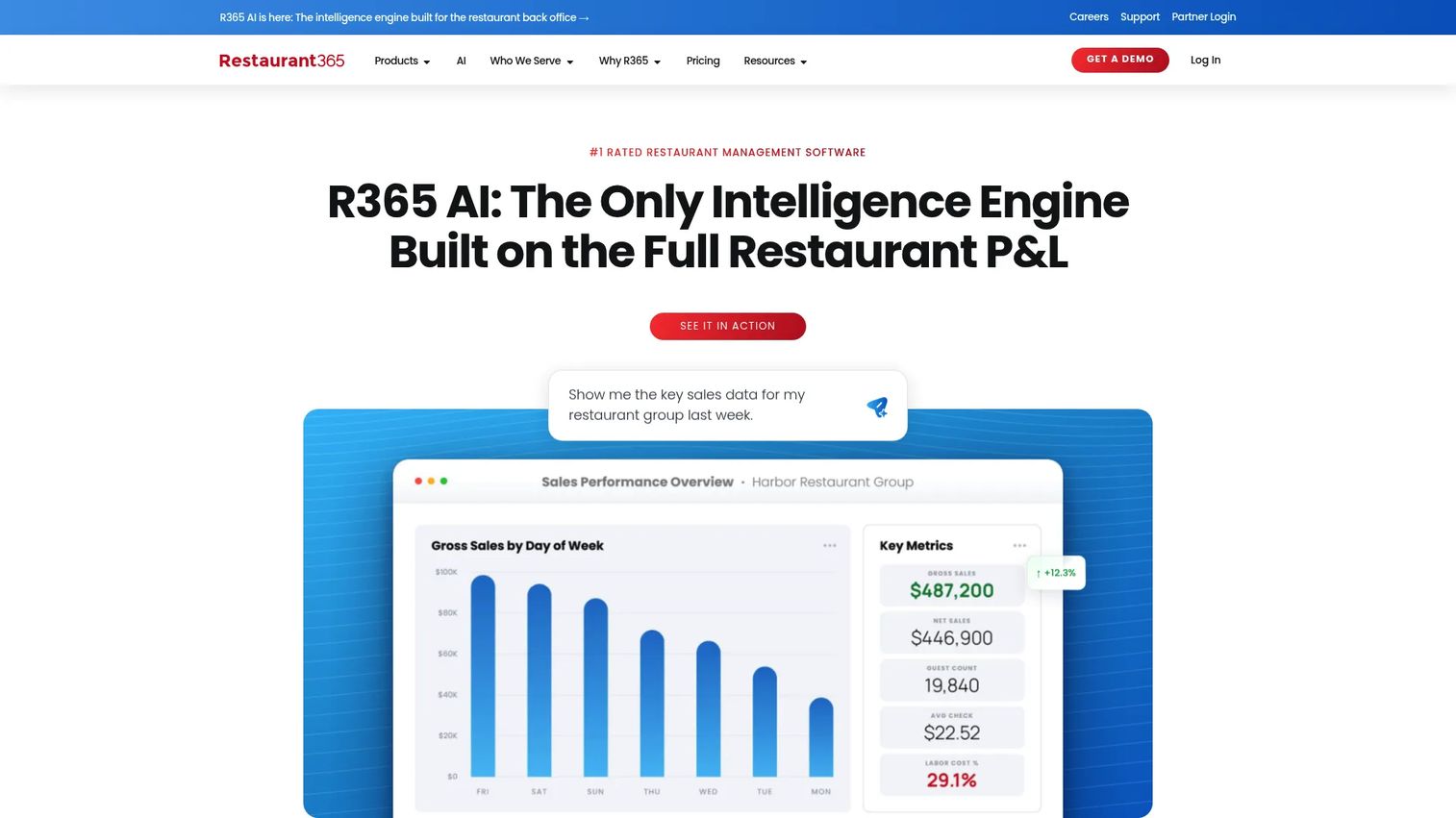
Restaurant365 is an all-in-one restaurant management platform built specifically for the industry, combining accounting, inventory, workforce management, payroll, HR, and operational reporting in a single system. Where most restaurants run finance through a generic accounting package and bolt on reporting separately, Restaurant365 builds both into the same data model. Multi-location operators and franchise groups use it as their operational system of record.
Best for: Multi-location restaurants, franchise groups, and finance-led operators who need restaurant accounting plus BI under one roof.
Key features
- Restaurant accounting and financial reporting tied to operations data
- POS and labor data imports for unified P&L visibility
- Inventory management with recipe costing, purchasing, and receiving
- Multi-location dashboards and CoGS reporting
- Workforce scheduling, time and attendance, and payroll
Why choose Restaurant365: It is the strongest option when the buyer needs BI and accounting to share the same data. Standalone BI tools require a separate accounting sync that creates reconciliation lag. Restaurant365 removes that gap.
Restaurant365 pricing: Restaurant365 directs buyers to a custom quote. Pricing reflects the modules selected, number of locations, and implementation scope. Contact their team to build a quote around your actual location count and feature requirements.
Restaurant365 holds a 4.6/5 rating on G2.
2. Nory
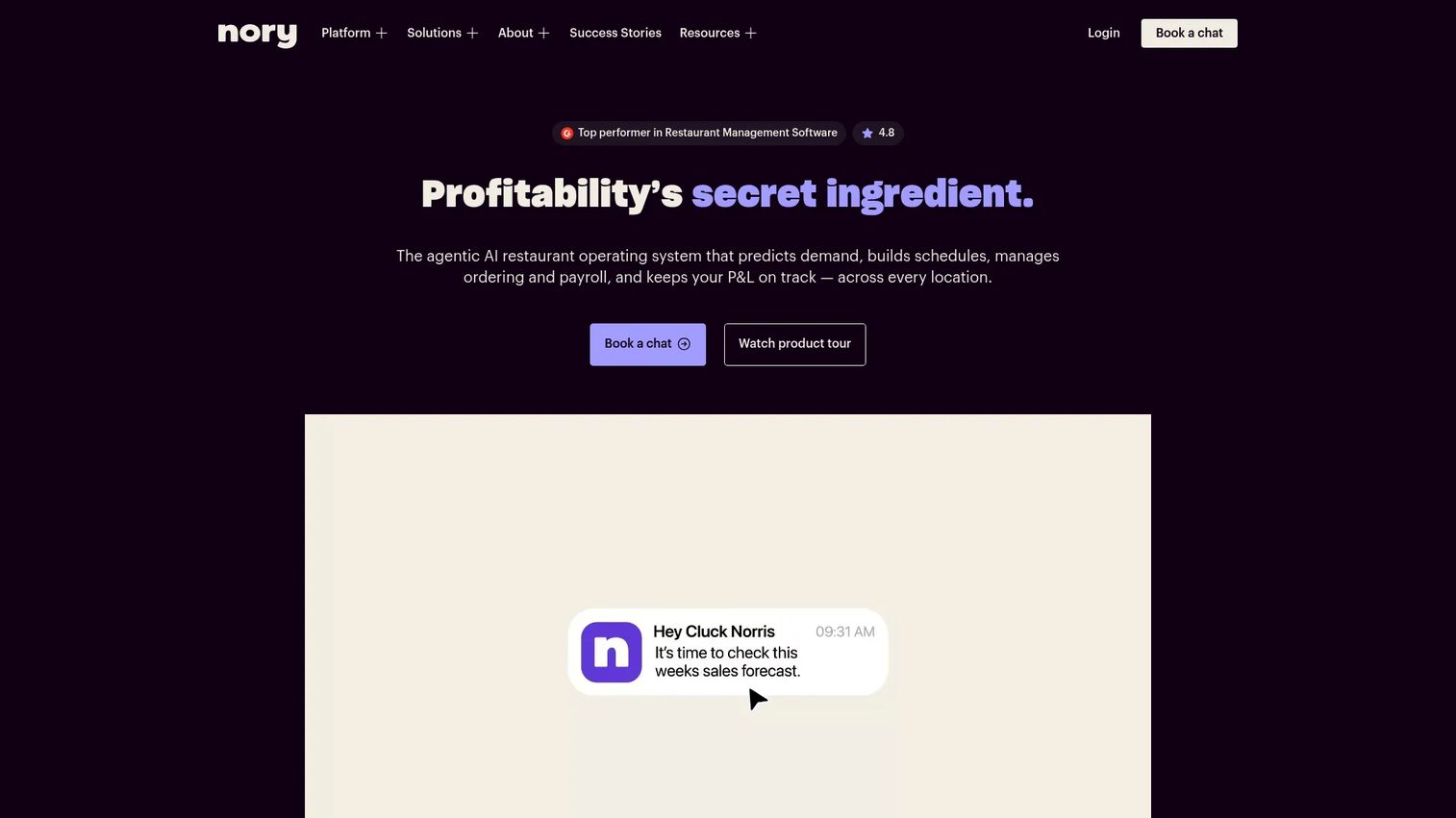
Nory is an AI-powered restaurant operating system for multi-site groups, covering demand forecasting, live business intelligence, inventory management, workforce scheduling, payroll preparation, and customer review analysis. It positions itself explicitly as a system that moves beyond dashboards into operational recommendations, flagging variance and suggesting actions before managers have to ask.
Best for: Restaurant groups that want AI-assisted forecasting and live P&L visibility across sales, labor, food cost, and guest sentiment.
Key features
- AI demand forecasting for sales, labor, and purchasing
- Live P&L visibility and gross profit variance analysis
- Inventory and supply-chain management with forecast-led ordering
- Demand-based workforce scheduling and automated payroll preparation
- Customer review aggregation and AI response drafting
Why choose Nory: Nory fits groups that want the system to surface what needs attention, not just display data. The forecasting engine and live P&L reporting are particularly useful for operators trying to reduce manager guesswork on weekly scheduling and purchasing decisions.
Nory pricing: Nory does not display pricing on its website and directs buyers to a demo. Pricing reflects the number of locations, modules, and data sources in scope. Reach out to their team for a quote.
Nory holds a 4.7/5 rating on G2.
3. Fourth
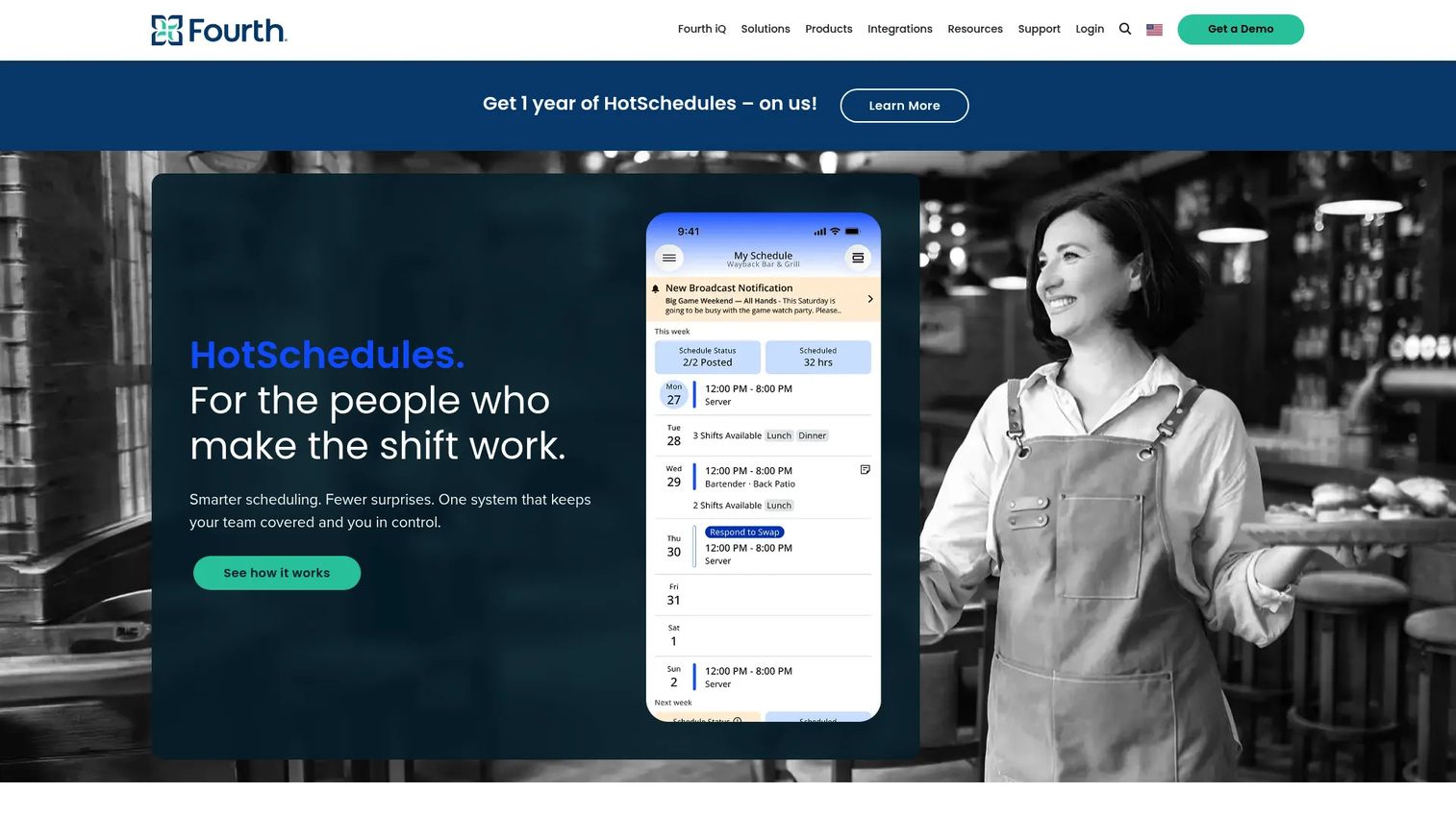
Fourth provides integrated workforce management, human capital management, payroll, inventory, and analytics software for restaurants and hospitality businesses. Its analytics layer, including an AI-powered insights tool called Fourth iQ, sits across workforce, inventory, and operational data. Large restaurant groups use it when the reporting problem spans labor scheduling, payroll accuracy, inventory ordering, and operational compliance simultaneously.
Best for: Large restaurant groups and hospitality operators that need analytics tied to workforce, inventory, and HR operations at scale.
Key features
- Workforce analytics with scheduling, time and attendance, and compliance reporting
- Human capital management including applicant tracking, onboarding, HR, and benefits
- Inventory, procurement, recipe, and menu management with predictive ordering
- Advanced analytics dashboards with POS integration and demand forecasting
- AI-powered operational insights through Fourth iQ
Why choose Fourth: Fourth is the right fit when reporting complexity spans multiple operational departments. A lightweight POS analytics tool cannot address labor compliance, HR data, and inventory variance in the same view. Fourth can.
Fourth pricing: Fourth operates on a sales-led pricing model. Pricing reflects the modules selected, location count, and integration requirements. Request a demo to get a quote for your operating environment.
Fourth holds a 4.2/5 rating on G2.
4. Mitti by SafetyCulture
Mitti by SafetyCulture is an operations platform for frontline inspections, safety, quality, training, issue management, and analytics. For restaurants, it addresses the data gap that POS and accounting tools miss: Whether daily routines actually happened, whether compliance checks passed, and whether issues flagged by staff were resolved. It is not a full financial BI tool, but it gives operators timestamped, auditable evidence of operational execution across locations.
Best for: Operators who need visibility into daily frontline execution, compliance checks, store routines, and inspection outcomes rather than financial analytics.
Key features
- Digital checklists and inspection forms with mobile completion tracking
- Issue reporting, investigations, and corrective action workflows
- Workplace training and certification tracking by employee
- Analytics and operational dashboards across sites
- AI Assistant for issue creation and asset management
Why choose Mitti by SafetyCulture: Choose it when the biggest data gap is whether the floor routine happened at all. It moves managers from "we think the opening checklist was completed" to timestamped confirmation with issue escalation built in.
Mitti pricing: A free plan covers teams of up to 10 users. The Premium plan runs $24 per seat per month billed annually, or $29 per seat per month on a monthly cycle. Enterprise pricing uses site-based rates and requires a quote.
Mitti by SafetyCulture holds a 4.6/5 rating on G2.
5. ApicBase
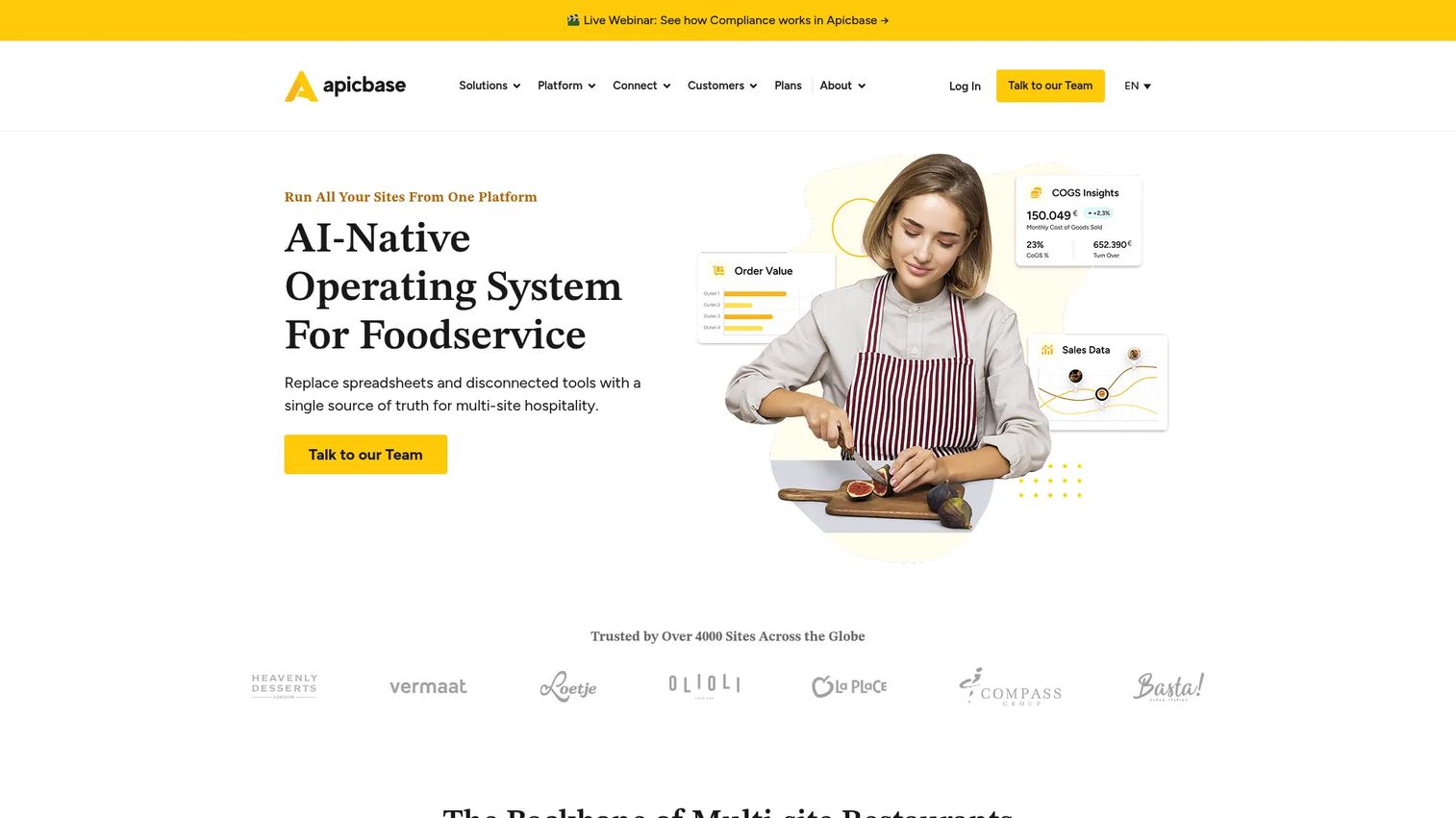
ApicBase is an AI-native back-of-house operating system for multi-site foodservice, built around recipe management, menu engineering, procurement, inventory, and production analytics. It gives finance and operations a detailed view of what each recipe should cost versus what kitchens actually spend, with allergen, nutrition, and dietary data layered in. Hotel groups, restaurant chains, and large catering operations use it as a centralized hub for food management at scale.
Best for: Restaurant groups and foodservice operators where food cost and recipe profitability are board-level problems.
Key features
- Recipe management with costing, allergen, and nutrition data
- Menu engineering and profitability analysis
- Inventory management with waste tracking, barcode scanning, and automatic depletion
- Purchasing and receiving with supplier management and invoice matching
- Demand forecasting, production planning, HACCP, and traceability
Why choose ApicBase: It is the strongest option when food cost is the primary margin lever. The recipe-to-actual reporting gives finance teams a clear number for what kitchens should spend versus what they did spend, with enough granularity to act on the variance.
ApicBase pricing: ApicBase offers Growth, Professional, and Enterprise tiers, all priced by quote. Annual billing is standard; monthly billing adds a 15% fee. Growth applies from 5 outlets upward. Contact ApicBase to scope pricing against your location count and required modules.
ApicBase holds a 4.5/5 rating on G2.
6. MarketMan
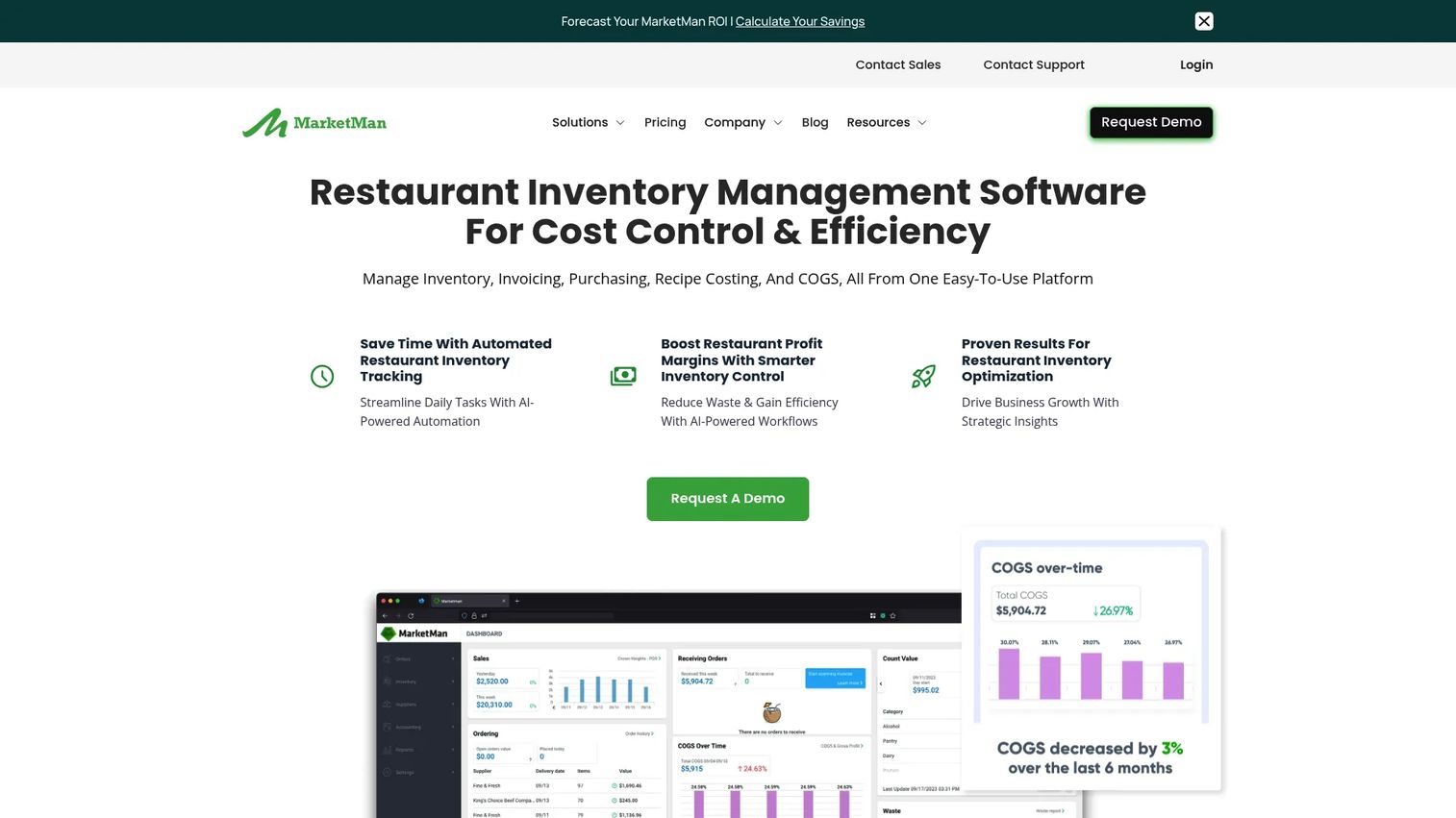
MarketMan is cloud-based restaurant management software built around inventory, purchasing, invoicing, recipe costing, and food-cost control. Restaurants use it to see cost movement at the ingredient level before it becomes a painful month-end accounting result. It connects to POS systems for actual-versus-theoretical reporting and includes supplier price tracking so operators can spot cost creep from vendors before it compounds.
Best for: Restaurants and multi-location foodservice operators that need tighter purchasing discipline and real-time food-cost reporting.
Key features
- Inventory management and counts with waste tracking
- Purchase order management and vendor management
- Real-time recipe costing and menu profitability analysis
- Invoice scanning and expense management
- Actual-versus-theoretical COGS tracking with POS and accounting integrations
Why choose MarketMan: MarketMan is strongest when purchasing control is the clearest path to better margins. It catches supplier price increases and ordering inefficiencies at the transaction level, not after the accounting period closes.
MarketMan pricing: The Starter plan runs $249 per month. Growth adds smart ordering, recipe optimization, and unlimited invoice scanning at $299 per month. The Enterprise plan starts from $449 per month and adds advanced reports and vendor EDI integrations. No free tier is available.
MarketMan holds a 4.3/5 rating on G2.
7. Toast
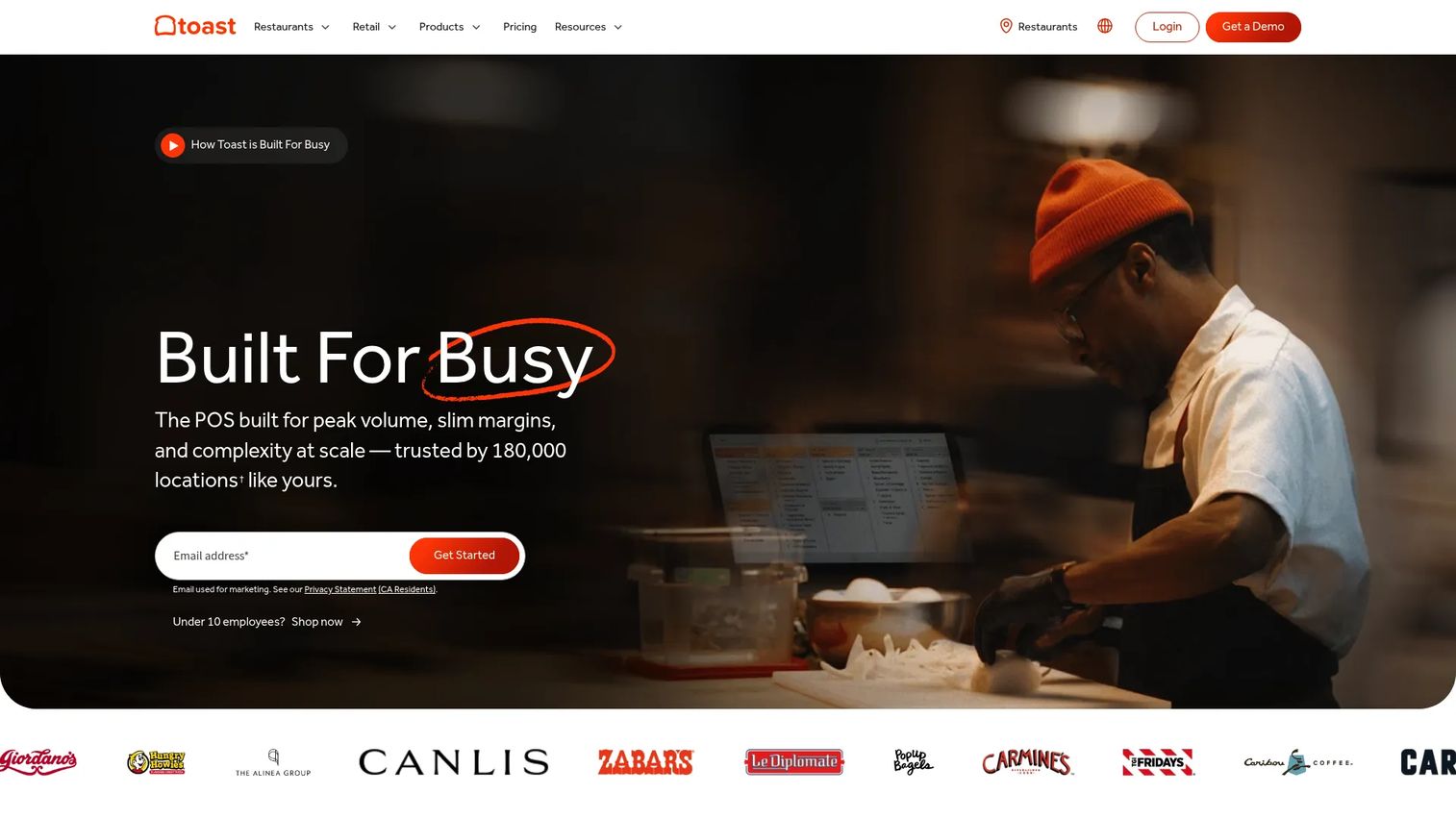
Toast is an all-in-one restaurant technology platform covering point of sale, payments, online ordering, kitchen display systems, payroll, scheduling, inventory, and guest marketing. Its analytics and reporting sit inside the same system that runs transactions, which means sales, menu, and labor data are available without a separate integration. For restaurants that want fewer systems rather than more, Toast is a practical default.
Best for: Restaurants that want operational analytics inside the same stack running their POS, ordering, and payments.
Key features
- POS sales reports with menu performance and daypart breakdowns
- Labor reporting with actual hours and schedule tracking
- Online ordering and delivery data
- Inventory management, invoice automation, and accounting sync
- Guest marketing, loyalty, reservations, and gift card reporting
Why choose Toast: Toast fits restaurants where POS data is the center of gravity for reporting decisions. It is especially practical for operators already running Toast who want to reduce tool switching rather than adding a separate analytics layer.
Toast pricing: The Starter Kit begins at $0 per month for single-location restaurants with limited terminals, though hardware and processing costs apply. The Point of Sale plan starts at $69 per month. The Build Your Own plan carries custom pricing for the full Toast platform. Hardware and payment processing are priced separately.
Toast holds a 4.2/5 rating on G2.
8. Otter
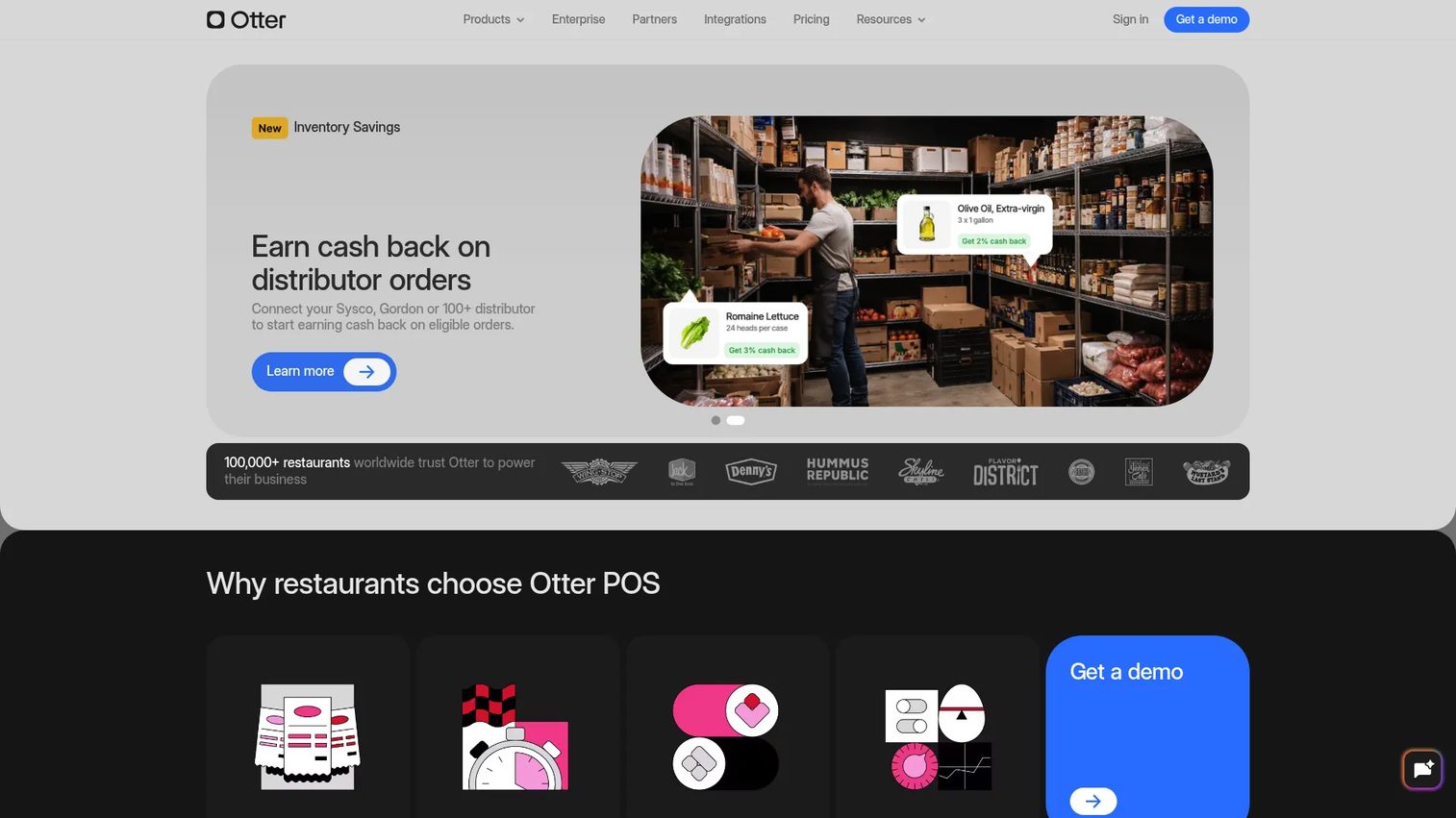
Otter is a restaurant operating system that combines a point of sale with delivery aggregation, online ordering, menu management, analytics, and promotional tools. Its core value for analytics is channel consolidation: Restaurants running orders across DoorDash, Uber Eats, and their own channels can see performance across all of them in one reporting view. For delivery-heavy concepts, that visibility replaces the daily ritual of logging into multiple marketplace dashboards.
Best for: Delivery-heavy restaurants that need consolidated analytics across third-party ordering channels alongside POS reporting.
Key features
- Multi-channel order management and delivery-app aggregation
- Multi-location menu management with real-time item availability controls
- Financial reporting, live monitoring, and performance analytics
- Promotions management and direct online ordering
- POS integrations and virtual brand support
Why choose Otter: Otter solves the delivery channel reporting mess. Operators who run high delivery volume often lose hours reconciling data from each marketplace. Otter puts channel performance in one view alongside in-store sales.
Otter pricing: The Starter plan runs $79 per location per month. Advanced adds order management and delivery aggregation at $178 per location per month. Professional adds website builder and loyalty at $278 per location per month. Hardware leases require a 24-month contract. A $100 per month minimum processing fee applies to locations with under $25,000 in monthly card volume.
Otter holds a 3.5/5 rating on G2.
9. UpMenu
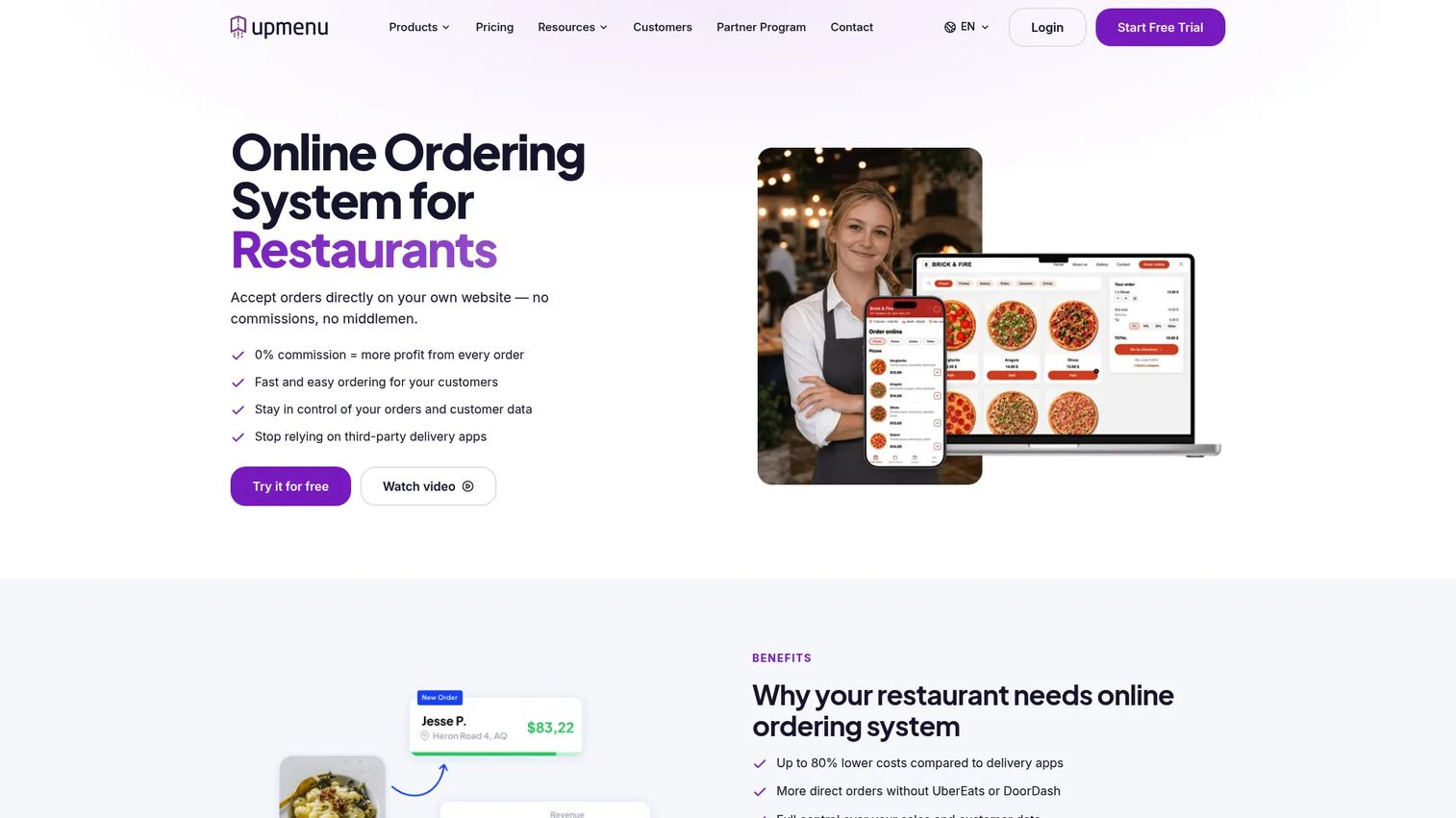
UpMenu is an all-in-one platform for direct online ordering, restaurant websites, branded mobile apps, delivery management, marketing, and customer loyalty. Its analytics focus on direct ordering performance, customer database reporting, and loyalty program outcomes rather than full back-of-house BI. For restaurants focused on growing direct order channels and understanding customer behavior, it covers that lane well.
Best for: Restaurants focused on direct online ordering, customer data, loyalty program performance, and marketing analytics rather than full operational BI.
Key features
- Commission-free online ordering through a restaurant website or branded app
- Customer database reports and loyalty performance tracking
- Marketing campaign reports with promotions and email tools
- Delivery and driver management with dispatch and GPS tracking
- POS, marketplace, payment, and delivery-service integrations
Why choose UpMenu: UpMenu is the practical choice when the operator wants to grow direct orders and reduce marketplace dependency. It should be understood as customer and revenue analytics for the direct channel, not enterprise BI across all operational systems.
UpMenu pricing: Web Ordering Basic starts at $49 per location per month for up to 75 orders. Web Ordering Standard runs $89 per location per month for up to 210 orders. Web Ordering Premium runs $169 per location per month with unlimited orders. Add-ons include Delivery Services at $40 per location, Loyalty Program at $19 per location, and Marketing Tools at $9 per location. A 7-day free trial is available.
UpMenu holds a 4.8/5 rating on G2.
10. Lightspeed
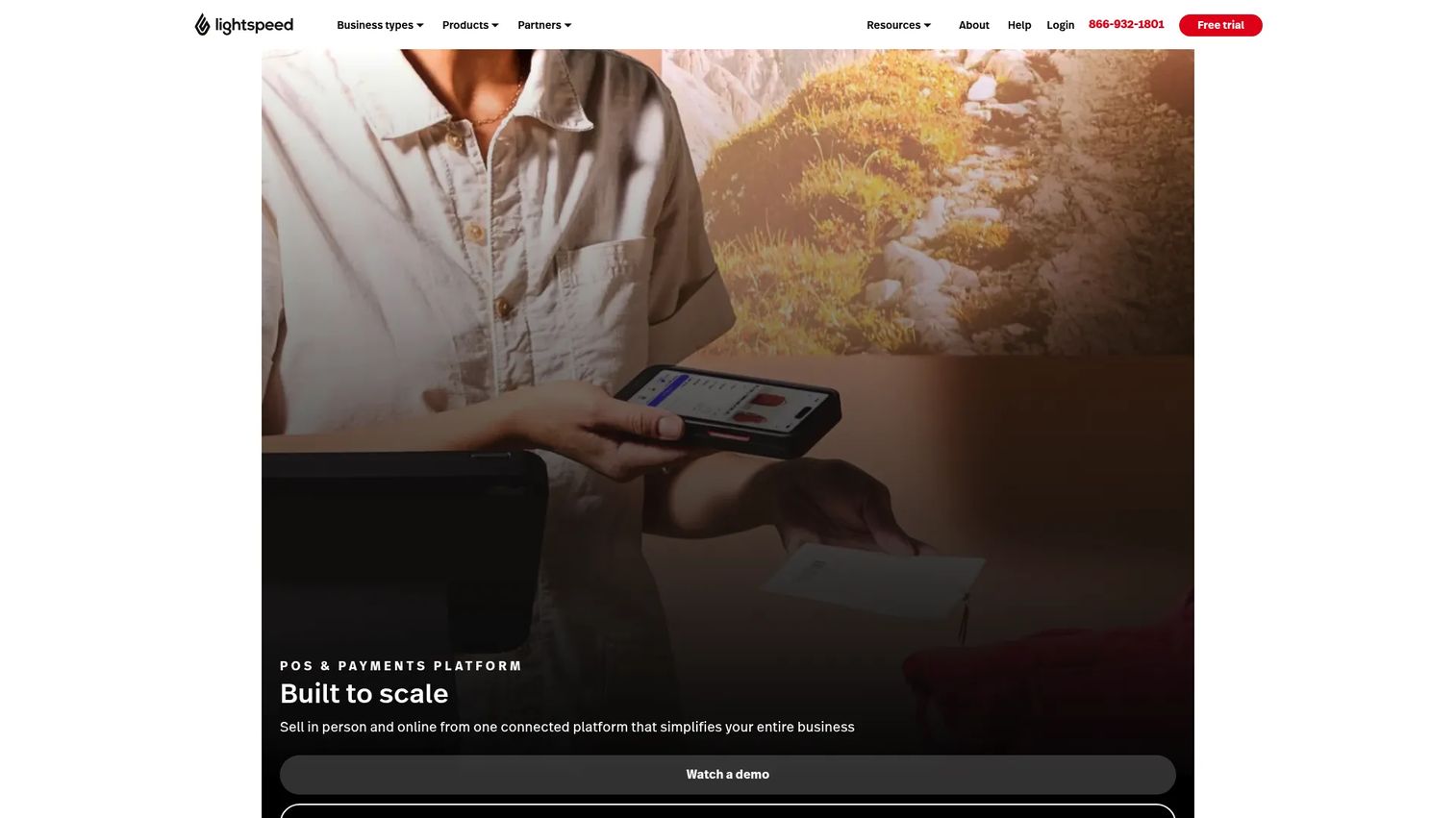
Lightspeed is a POS and payments platform for retail, restaurant, and hospitality businesses. Its restaurant product covers point of sale, integrated payments, inventory management, staff performance reporting, menu analysis, and multi-location sales visibility. It suits operators who want broad restaurant technology coverage with reasonable reporting depth without building a separate analytics stack from scratch.
Best for: Restaurants and hospitality businesses that want POS analytics with operational reporting in a single platform.
Key features
- POS reporting with sales, menu performance, and daypart data
- Staff performance reports and productivity tracking
- Inventory visibility across locations
- Multi-location sales analytics and comparison
- Integrated payments, online ordering, and purchasing sync
Why choose Lightspeed: Lightspeed works well when the buyer wants restaurant analytics anchored in POS workflows and does not yet need the depth of a dedicated restaurant BI platform. It fits mid-size operators looking to consolidate rather than expand their software stack.
Lightspeed pricing: Restaurant Starter runs $69 per month. Restaurant Essential runs $189 per month. Restaurant Premium runs $399 per month. Restaurant Enterprise requires a custom quote. Hardware and processing fees are separate from software pricing.
Lightspeed holds a 4.4/5 rating on G2.
11. Avero
Avero provides cloud-based hospitality business intelligence and restaurant performance software for improving sales, labor, costs, service quality, and multi-location operations. It is used by restaurants, hotels, and casinos to analyze server performance, menu item sales, location benchmarking, promotions, voids, and loss prevention. The tool is designed for operators who need performance analysis presented in an operator-friendly format rather than a finance-first view.
Best for: Restaurant groups, hotels, and multi-location hospitality operators focused on sales performance, benchmarking, and service analytics.
Key features
- Real-time sales and labor insights with a mobile app and cloud-based logbook
- Server performance scorecards and internal contests
- Menu engineering and sales analysis by item and category
- Group analytics across locations and POS systems
- Promos, voids, fraud, and loss-prevention analytics with POS integrations
Why choose Avero: Choose Avero when revenue visibility and location benchmarking drive the decision more than back-office workflow management. It suits leadership teams that need operator-friendly performance analysis they can discuss in a weekly ops meeting.
Avero pricing: The Starter plan is free. Essentials starts at $300 per location per year and adds operational, service, labor, and group insights. Professional starts at $600 per location per year and adds advanced labor, service, promotions, table analytics, and hourly item-sales data. Prices increase with annual sales volume.
Avero holds a 4.6/5 rating on G2.
12. TouchBistro
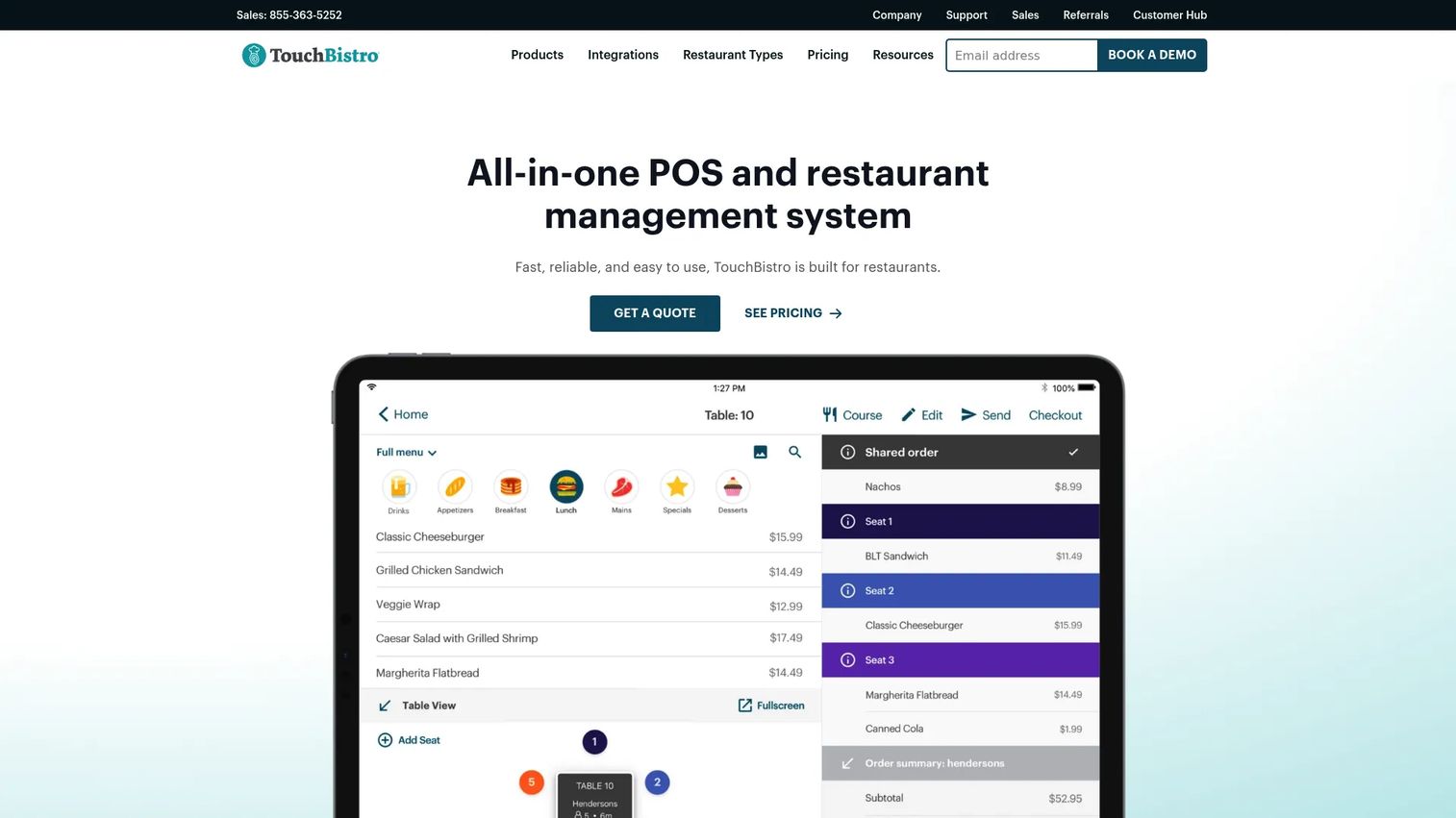
TouchBistro is an all-in-one point-of-sale and restaurant management system built specifically for restaurants. It covers tableside ordering, floor plan management, staff reporting, menu management, inventory tracking, online ordering, reservations, and loyalty. Its reporting gives independent restaurants and smaller groups practical visibility into sales, staff performance, and guest activity without requiring a separate analytics tool.
Best for: Independent restaurants and small restaurant groups that want POS-native reporting without adding a dedicated BI platform to the stack.
Key features
- Sales reports with menu insights and daypart data
- Staff performance reports and labor tracking
- Inventory tracking and menu management
- Guest reporting with reservation and loyalty data
- Kitchen display system and online ordering integration
Why choose TouchBistro: TouchBistro works when the buyer needs restaurant reports built into the POS and does not yet need enterprise-grade analytics depth. It is the right fit for simpler operations that still want better visibility without managing an additional analytics subscription.
TouchBistro pricing: The Point of Sale plan starts at $69 per month. The Essentials Bundle starts at $119 per month. Custom setup and add-ons require a quote. Hardware, payment processing, and other fees apply separately.
TouchBistro holds a 4.1/5 rating on G2.
13. Tenzo
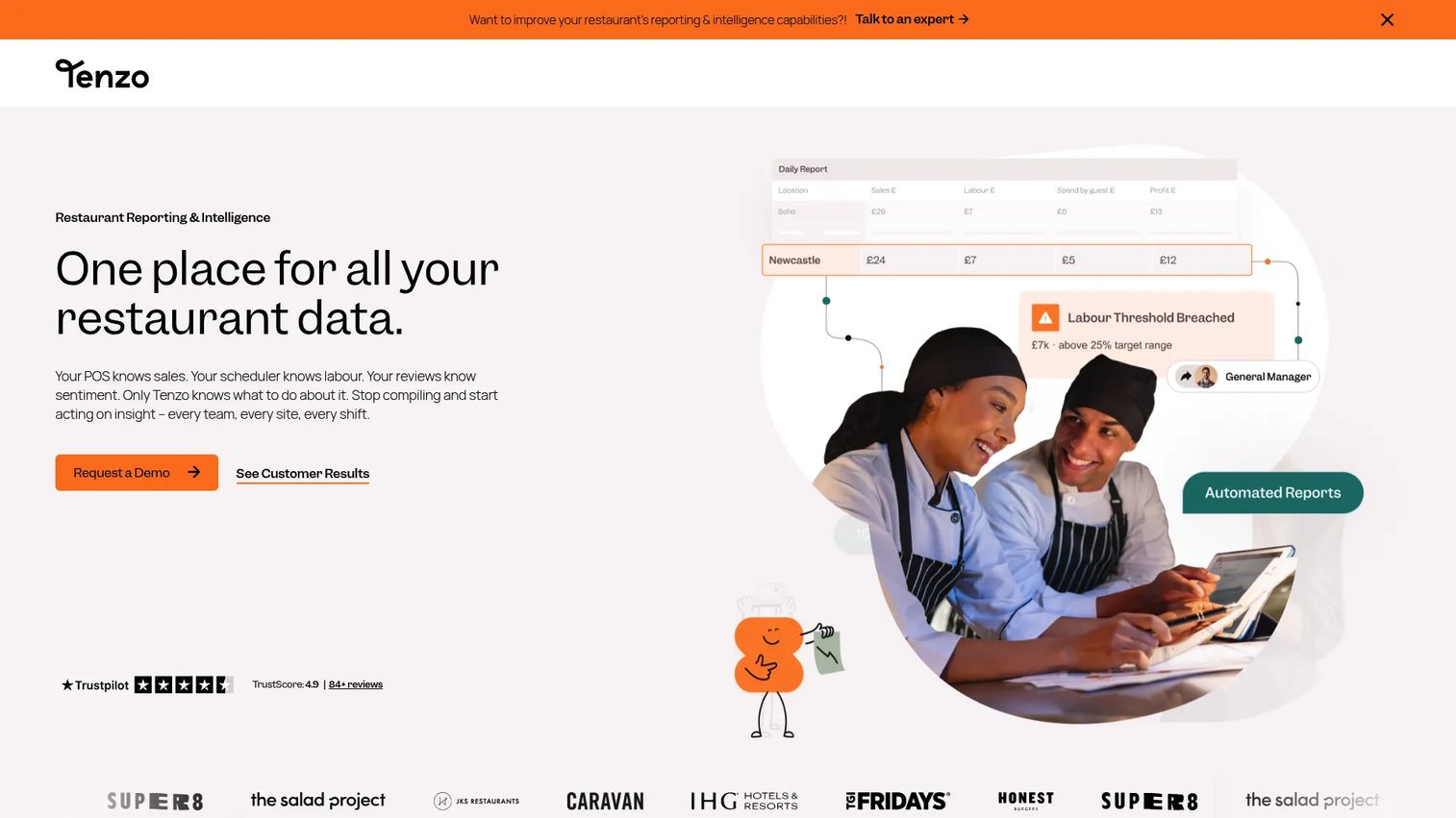
Tenzo is restaurant reporting and intelligence software that connects hospitality data across POS, labour, inventory, reviews, and reservations, then delivers automated reporting, forecasting, and operational insights. Its demand forecasting uses weather, events, holidays, and historical sales data to project needs by daypart or hour. For multi-location restaurant groups that want predictive analytics rather than backward-looking reports, Tenzo is a strong fit.
Best for: Operators who want forecasting-led restaurant intelligence and performance dashboards across POS, labor, and inventory systems.
Key features
- AI sales forecasting using weather, events, and historical data
- Labor optimization with schedule recommendations tied to forecasted demand
- Inventory performance insights and operational nudges
- Automated reports delivered by phone or email with drag-and-drop customization
- Multi-location scorecards, target alerts, and live performance tracking
Why choose Tenzo: Tenzo closes the list because it ties the category back to its most important value: Knowing what is coming before it arrives. Operators using Tenzo can schedule to a forecast rather than a guess, which compresses labor cost variance week over week.
Tenzo pricing: Tenzo uses modular subscription pricing and directs buyers to contact the team for a quote. Pricing reflects the modules selected, number of locations, integrations, and forecast capabilities in scope.
Considerations when choosing restaurant business intelligence software
Start with the data sources you need connected
List every system that feeds decisions affecting margin: POS, labor scheduling, inventory, accounting, delivery apps, reservations, and guest review platforms. The tool that wins is the one that connects to the specific systems driving your cost structure, not the one with the most integrations overall.
Match reporting depth to your operating model
An independent restaurant may need POS reports plus food-cost visibility. A 50-location group needs location benchmarking, role-based dashboards, automated weekly report delivery, and manager scorecards. Buying a full back-office platform for three locations wastes implementation time. Buying a POS-only analytics tool for a franchise group creates reporting gaps at scale.
Check whether the tool explains variance
A dashboard that shows last week's labor percentage is useful. A tool that flags labor variance by daypart, identifies which shift drove it, and projects this week's outcome given the current schedule is what actually changes manager behavior. Ask vendors to demo how they surface the "why," not just the "what."
Verify pricing against your real location count and modules
Restaurant software pricing typically moves with location count, module selection, implementation scope, and integration requirements. A one-location demo price is rarely the number that matters. Request a quote against your actual footprint and bring that number to a final evaluation.
Test adoption with your GMs, not just your finance team
If general managers cannot pull a report without calling the finance office, the system becomes a back-office tool that never reaches the floor. During evaluation, ask the vendor to walk through the exact daily or weekly workflow a GM at a mid-performing store would use. Adoption at that level is what turns BI software into operational leverage.
Conclusion
The restaurant business intelligence software market covers a wide range of needs. Restaurant365 is the natural starting point for finance-led multi-location groups that want accounting and BI in one system. Nory suits groups that want AI-driven forecasting and live operational signals. Fourth fits large operators whose reporting problem spans workforce, payroll, and inventory together.
For food-cost depth, ApicBase and MarketMan are the two strongest options, with ApicBase offering more menu engineering capability and MarketMan focusing on purchasing and supplier control. Toast, Lightspeed, and TouchBistro each provide solid POS-native reporting, suited to restaurants that want analytics built into the same stack running their transactions. Avero and Tenzo serve operators prioritizing performance benchmarking and forecasting, respectively. Otter addresses delivery channel analytics specifically, and UpMenu covers direct ordering and customer data. Mitti rounds out the list for operators whose gap is frontline execution visibility rather than financial reporting.
The practical next step: Shortlist two or three tools based on the data sources you need connected, then schedule an evaluation that includes one finance leader and one operations leader. Both need to find the tool usable on their own terms.
For related reading on best business intelligence software across categories, or location intelligence software for multi-site operators, those guides offer broader category context.
FAQs
Restaurant business intelligence software is a reporting and analytics platform that combines data from restaurant-specific systems, including POS, labor, inventory, accounting, and delivery, to help operators track performance, identify variance, and improve profitability. Unlike generic BI tools, restaurant BI is built around restaurant KPIs such as prime cost, CoGS, labor percentage, and covers per labor hour.
The terms overlap significantly in practice. BI typically implies broader data consolidation, multi-system dashboards, financial reporting, and decision support across the whole business. Analytics can refer to narrower reporting inside a single system such as a POS, inventory tool, or marketing platform. A POS with built-in menu reports is analytics; a platform that connects POS, labor, and accounting into a unified P&L view is closer to full restaurant BI.
The most decision-relevant data sources are POS sales data, labor and scheduling systems, inventory and food-cost tools, accounting software, delivery platforms, and guest review aggregators. Reservations and loyalty data add useful context for guest-behavior analysis. Prioritize the sources tied directly to your margin: POS, labor, and food cost are the core three for most operators.
Multi-location operators should focus on tools with location benchmarking, role-based dashboards, automated report delivery, and manager scorecards. Restaurant365, Fourth, Nory, Avero, and Tenzo are all built with multi-location reporting as a primary use case rather than an add-on. The right choice among them depends on whether the reporting problem is primarily financial, workforce-driven, or forecasting-focused.
ApicBase and MarketMan are the two tools most focused on food-cost analytics. ApicBase centers on recipe costing, menu profitability, and theoretical-versus-actual reporting at the ingredient level. MarketMan focuses on purchasing control, supplier price tracking, and invoice management. Restaurant365 also includes food-cost reporting as part of its broader accounting and operations platform. Nory integrates food-cost variance into its live P&L view.
POS systems can cover sales, menu item performance, and basic staff reporting well. Most fall short on accounting integration, labor cost planning, delivery channel consolidation, inventory variance, and multi-location benchmarking. For a single-location restaurant with simple reporting needs, a POS with built-in analytics may be enough. For groups managing prime cost across multiple locations, a dedicated BI layer typically fills gaps that POS reporting cannot.
Pricing varies based on location count, the modules selected, integration requirements, and implementation scope. Tools like Avero start with a free tier for basic reporting. Platforms like MarketMan publish monthly pricing starting at $249. Back-office platforms such as Restaurant365, Fourth, Nory, ApicBase, and Tenzo operate on custom-quoted pricing where location count and module selection drive the final number. Always request a quote using your actual footprint rather than a single-location estimate.
Test integrations against the systems you already run, not a demo environment. Check how long reports take to populate with real data, whether the tool surfaces variance explanations or only totals, and whether managers at different seniority levels can navigate the dashboards without training. Run one week of real operational data during a pilot if the vendor offers it. The adoption test with a GM, not just a finance lead, is the one most buyers skip and regret.