Your roadmap looked fine in the planning doc. Then engineering hit a dependency nobody flagged, design needed another round of review, and the marketing launch date didn't move even though everything upstream of it did.
A task list won't catch that. A task list shows you that "write launch email" exists and who owns it. It won't tell you that the email can't go out until the pricing page ships, which can't ship until legal signs off, which is sitting in someone's inbox three weeks behind schedule. That's a sequencing problem, and sequencing problems are exactly what project timeline software is built to expose.
According to APMC, 82% of companies now use work and project management software to run their operations, and the category keeps growing because task lists alone don't answer the questions that actually block a release (APMC, 2025). A good timeline should answer three things fast: What has to happen first, who's currently blocked, and which milestone slips if a dependency breaks. This guide compares 23 project timeline software tools against those questions, with a lens on how product managers use them to connect roadmap intent to actual delivery.
What's inside
This guide compares project timeline software for product managers who need to turn a roadmap into a schedule that engineering, design, marketing, and support can all read the same way.
Tools were selected and ranked using four criteria:
- Timeline and Gantt depth, including whether dependencies and milestones are real features or just due dates with a different label
- Roadmap-to-delivery connection, meaning whether strategic items link to the tasks that actually ship them
- Workload and resource visibility across competing initiatives
- Pricing transparency and how far the free tier gets you before timeline features get gated
TL;DR
- Best overall for cross-functional product planning: Asana connects portfolio-level goals to execution with dependencies, milestones, and workload views that hold up across marketing, engineering, and design.
- Best for customizable project timelines: ClickUp lets you configure Gantt, list, and whiteboard views around however your team actually plans.
- Best for flexible product and marketing workflows: Monday.com's board-based model adapts well to teams that mix product delivery with campaign work.
- Best for lightweight visual planning: Trello keeps the barrier to adoption low for smaller launches and discovery backlogs.
- Best for enterprise portfolio visibility: Wrike adds workload charts, approvals, and cross-project reporting for larger programs.
- Best free starting point: ClickUp's Free Forever plan includes Gantt charts and dependencies, which most competitors gate behind a paid tier.
What is project timeline software?
Project timeline software is a planning and tracking application that displays tasks, milestones, dependencies, owners, and deadlines across a shared chronological view.
That's a distinct job from a few adjacent categories you've probably already used:
- Task management software stores individual work items and their status
- Kanban boards show where work sits in a workflow, not when it's due relative to other work
- Gantt charts show duration and sequencing on a horizontal timeline
- Roadmaps communicate strategic direction, often without hard dates or dependencies
- Timeline views connect specific tasks to dates and to the other tasks they depend on
- Project management software often bundles several of these views into one platform
Key capabilities to look for:
- Timeline and Gantt views
- Task dependencies
- Milestones and deadlines
- Owners and assignees
- Custom fields and status tracking
- Workload or capacity planning
- Calendar and list views
- Project dashboards
- Automations and notifications
- Integrations with development and collaboration tools
A board is useful when you want to see the state of work right now. A timeline is useful when you need to understand what happens if one piece moves. Product teams generally need both, which is why most of the tools below ship several views inside one workspace.
That same distinction shows up in how product teams track their own launch deliverables. A go-live milestone might depend on a design sign-off, a security review, and a customer-facing walkthrough marketing needs for launch day. Some teams build that walkthrough by capturing the real product flow, running it through an edit pass, personalizing it for different segments, and reviewing engagement with an analyze step once it's live. None of that work is visible in a task list unless someone builds a dependency chain around it, which is the whole point of a proper timeline.
When to use project timeline software
Coordinate a product launch
A launch touches product development, design, QA, documentation, enablement, and marketing communications at once. A timeline lets you set the ship date as a fixed point and work backward through everything that has to clear before it. Milestone dates expose readiness risk early, before a slipped design review becomes a missed launch. Marketing and enablement teams often need a share-ready customer walkthrough before launch day, and that asset belongs on the same timeline as the code that powers it.
Map dependencies across teams
Engineering work often blocks on design approval, analytics instrumentation, security review, or a customer communication that has to go out first. A dependency-aware timeline shows exactly who is blocked and why, instead of leaving that information buried in Slack threads. Cross-functional teams need a place to collaborate on shared assets and dependencies without duplicating status updates across five tools.
Build and maintain a product roadmap
Roadmap items become real delivery plans once they get dates, assumptions, milestones, and linked tasks. Roadmap software alone communicates direction, but it doesn't replace a delivery schedule with owners and dependencies attached. Product managers who skip this step end up with a roadmap slide that looks confident and a delivery plan that nobody can actually trace back to it.
Plan capacity around release deadlines
Workload views expose competing initiatives, PTO, specialist bottlenecks, and scope tradeoffs before they turn into a missed deadline. This matters most when two releases compete for the same three engineers, and someone has to decide which one waits.
Project timeline software comparison
The table below ranks 23 tools by how well they handle timeline depth, dependencies, roadmap linkage, and workload visibility for product teams. Pricing and G2 ratings were verified against each vendor's live pricing page and G2 listing during research.
| # | Product | Best for | Key differentiator | Pricing | G2 rating |
|---|---|---|---|---|---|
| 1 | Asana | Cross-functional product planning | Portfolios and workload views tied to goals | Free plan; Starter from $10.99/user/mo (annual) | 4.4 |
| 2 | ClickUp | Highly customizable timelines | Gantt, whiteboards, and AI in one workspace | Free Forever plan; Unlimited from $7/user/mo (annual) | 4.6 |
| 3 | Monday.com | Flexible product and marketing workflows | Visual boards with cross-team automations | Free plan; Basic from $9/seat/mo (annual) | 4.7 |
| 4 | Trello | Lightweight visual planning | Power-Ups and Butler automation on simple boards | Free plan; Standard from $5/user/mo (annual) | 4.4 |
| 5 | Wrike | Enterprise portfolio visibility | Workload charts and approval workflows | Free plan; Team from $10/user/mo (annual) | 4.2 |
| 6 | Basecamp | Simple project coordination | Hill Charts for progress at a glance | Free plan; Freelancer from $25/mo flat | 4.1 |
| 7 | Jira | Software delivery timelines | Advanced roadmaps tied to sprints and releases | Free for 10 users; Standard from $7.91/user/mo | 4.3 |
| 8 | Microsoft Planner | Microsoft 365 teams | Native Teams and 365 integration | Included in M365; Plan 1 from $10/user/mo | 4.2 |
| 9 | Microsoft Project | Formal project scheduling | Baselines and critical path analysis | Plan 3 from $30/user/mo; desktop from $679.99 one time | 4.0 |
| 10 | Smartsheet | Spreadsheet-style timeline management | Grid and Gantt hybrid with automation | Pro from $9/member/mo (annual) | 4.4 |
| 11 | Teamwork.com | Client-facing project timelines | Budgeting and profitability tied to the schedule | Free plan; Basics from $9.99/user/mo (annual) | Not listed |
| 12 | Paymo | Timeline planning with time tracking | Gantt view plus built-in invoicing | Free plan; Solo from $5.90/user/mo (promo) | 4.6 |
| 13 | ProjectManager | Combined planning and execution tracking | AI project insights and portfolio dashboards | Team from $13/user/mo | 4.4 |
| 14 | Notion | Roadmap documentation and lightweight timelines | Databases with timeline view tied to docs | Free plan; Plus from €9.50/member/mo | 4.6 |
| 15 | Zoho Projects | Structured planning at low cost | Gantt charts tied to the wider Zoho suite | Free for up to 5 users; paid tiers on request | 4.3 |
| 16 | Airtable | Customizable product operations | Relational database with timeline views | Free plan; Team from $20/user/mo (annual) | 4.6 |
| 17 | Freedcamp | Low-cost timeline management | Unlimited projects and tasks, even on free | Free plan; Pro from $1.49/user/mo (annual) | 4.5 |
| 18 | ProofHub | Timelines with built-in collaboration | Flat-rate pricing regardless of headcount | Essential from $45/mo flat (annual) | 4.6 |
| 19 | ActiveCollab | Task, timeline, and time management | Budgets and invoicing tied to the schedule | Plus from $15/mo flat or Pro from $11/user/mo | 4.2 |
| 20 | Redbooth | Lightweight team task planning | Gantt-style timeline with dependencies | Free plan; Pro from $9/user/mo (annual) | 4.4 |
| 21 | Podio | Customizable workflow-driven projects | No-code custom apps for unique processes | Free plan; paid tiers on request | 4.2 |
| 22 | Hive | Collaborative project planning | Gantt view bundled with an AI assistant | Free plan; Starter from $5/user/mo | 4.6 |
| 23 | Flowlu | All-in-one project and business workflows | Timelines bundled with CRM and invoicing | Free plan; Essential from $9/user/mo (annual) | 4.7 |
Best project timeline software for product managers
1. Asana
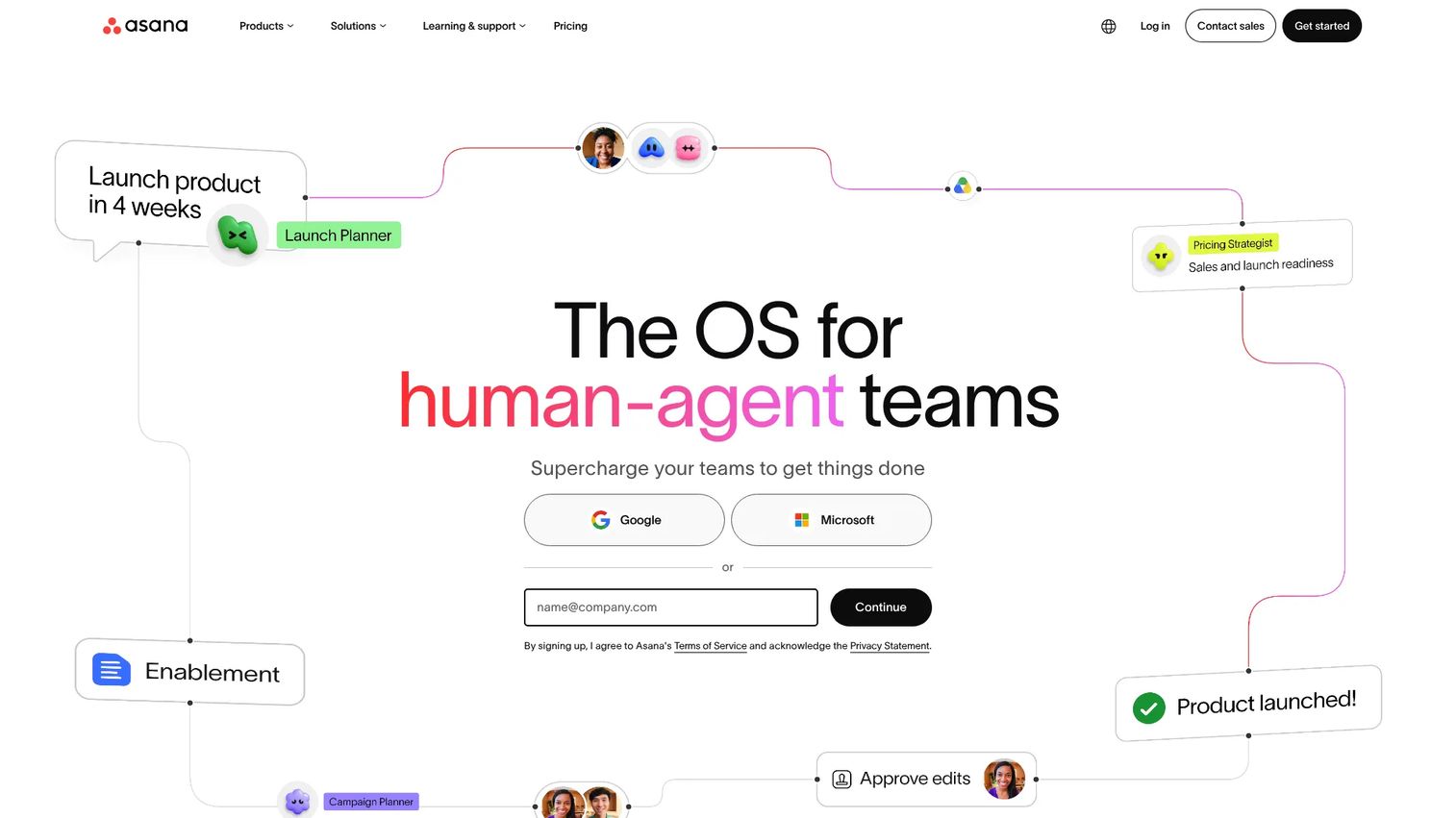
Asana organizes work into projects, portfolios, and goals, with timeline, board, and calendar views that share the same underlying task data. For a product manager, that means a release plan and a marketing campaign can live in separate projects but roll up into one portfolio view for stakeholder updates.
Best for: Product managers coordinating a launch across engineering, design, and marketing who need one shared view without forcing every team into identical workflows.
Key features
- Timeline and Gantt views with drag-to-adjust dependencies
- Milestones tied to project and portfolio goals
- Workload view for spotting overloaded team members
- Forms and intake for requests from other teams
- Status updates that roll up automatically to portfolio dashboards
Why choose Asana: Its portfolio hierarchy gives product managers a way to connect initiative-level goals to the tasks that actually deliver them, which matters more once you're running several releases at once.
Asana pricing: Asana's Personal plan is free forever. Starter costs $10.99 per user per month billed annually, and Advanced runs $24.99 per user per month billed annually. Enterprise and Enterprise+ pricing require a sales conversation, and a separate Timesheets and Budgets add-on costs $5.99 per user per month.
Asana holds a 4.4 rating on G2.
Workload views, portfolios, and advanced reporting sit behind the Advanced tier, so smaller teams evaluating the Starter plan should check which reports they'll actually get access to.
2. ClickUp
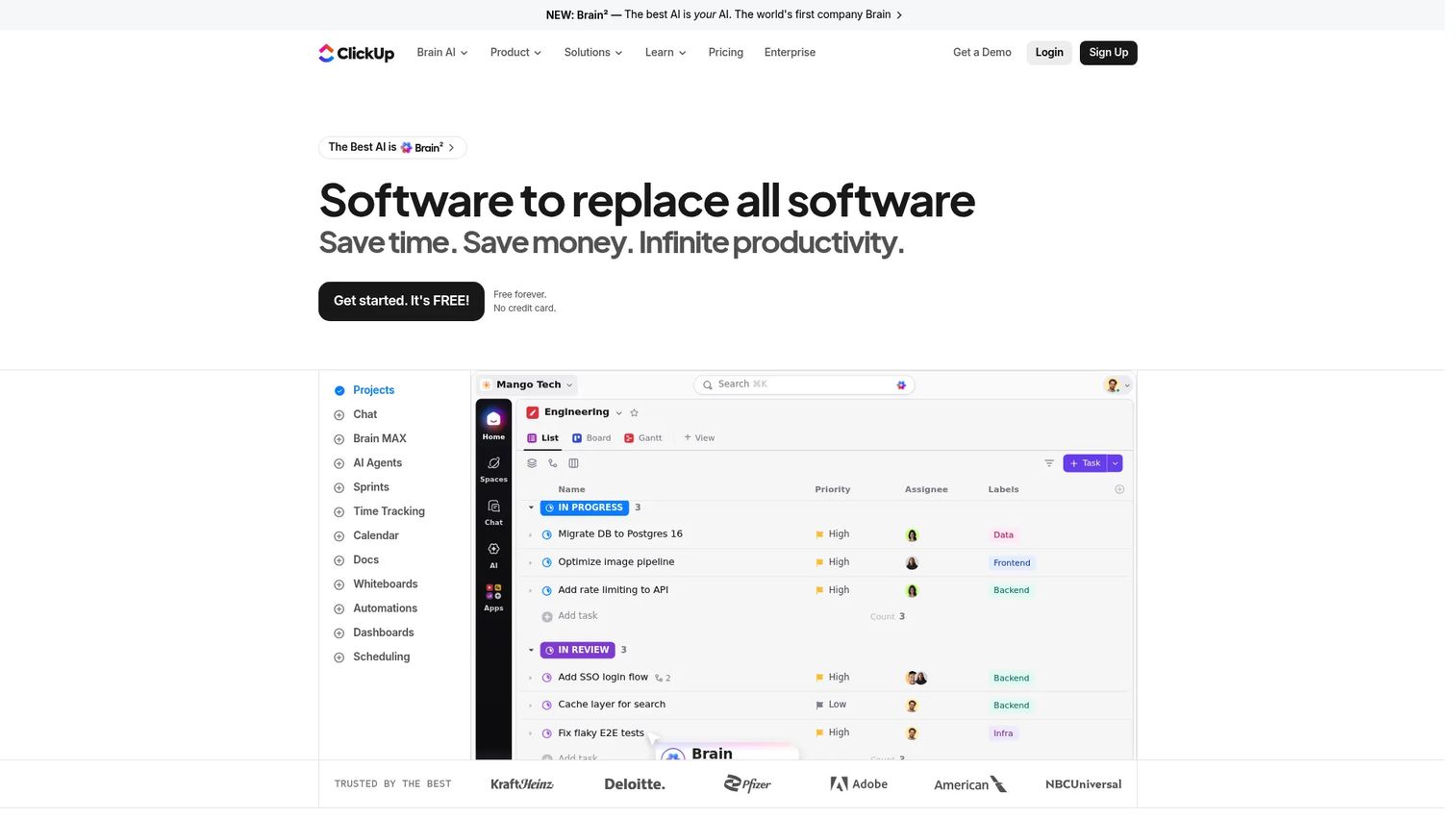
ClickUp packs Gantt charts, whiteboards, docs, and dashboards into one configurable workspace, letting teams build a workflow instead of adapting to one someone else designed.
Best for: Product managers who want to consolidate roadmap planning, delivery tracking, and documentation into a single tool instead of stitching several apps together.
Key features
- Gantt charts with dependency tracking
- Custom fields and statuses per project type
- Workload view for capacity planning
- Goals tied to measurable targets
- Docs and whiteboards for planning sessions
Why choose ClickUp: The configuration range is the appeal and the tradeoff at once. Teams that invest time in setup get a workspace that fits their exact process; teams that don't often end up with an underused mess of custom fields.
ClickUp pricing: Free Forever covers core task and project management. Unlimited starts at $7 per user per month billed yearly, or $10 billed monthly, and includes Gantt charts, unlimited storage, and goals. Business runs $12 per user per month billed yearly, and Enterprise pricing is custom.
ClickUp holds a 4.6 rating on G2.
The free plan already includes Gantt charts and dependencies, which several competitors gate behind a paid tier, but larger teams often need Business for advanced automation and resource management.
3. Monday.com
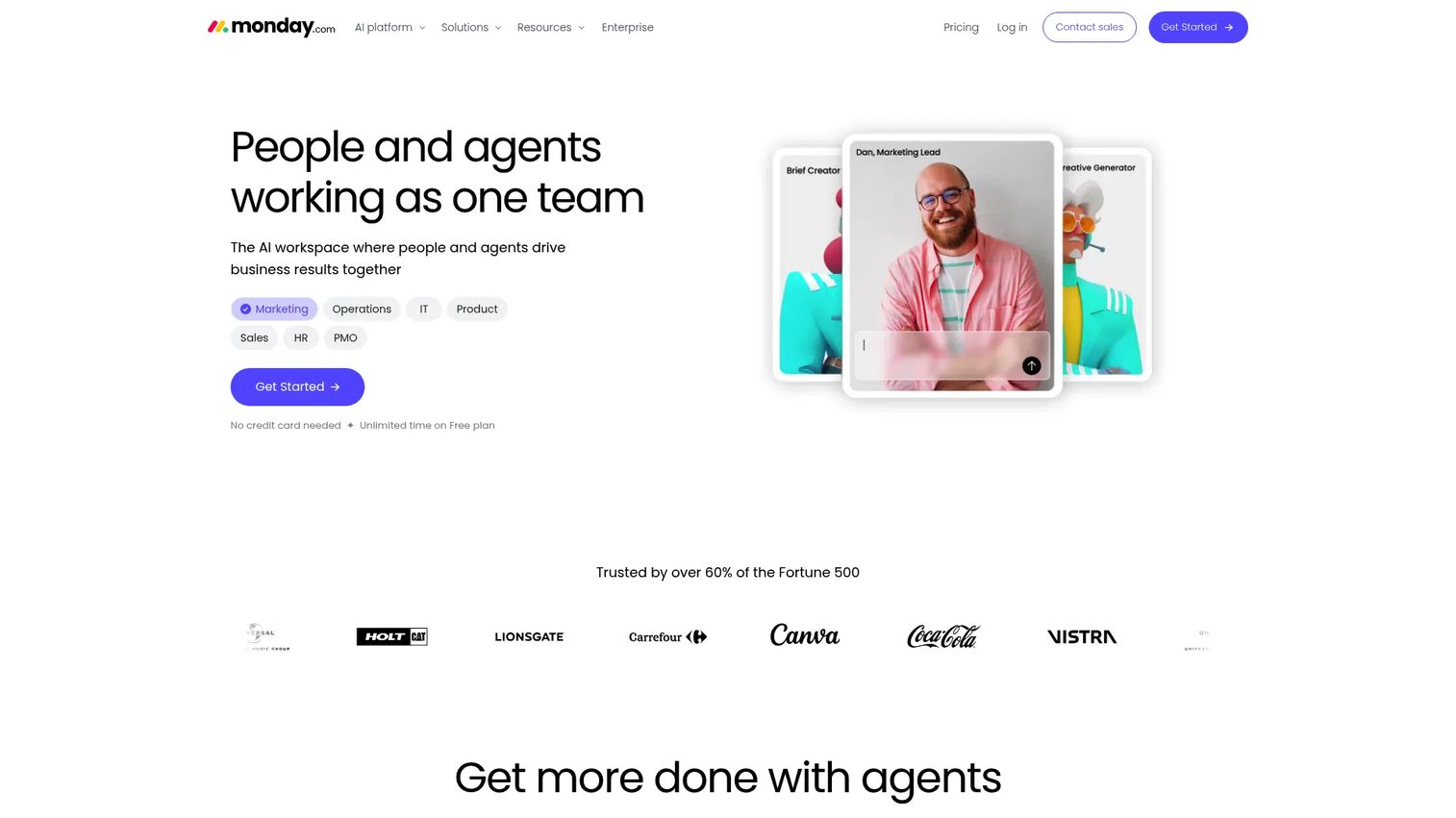
Monday.com builds project tracking around customizable boards, with timeline, Gantt, and workload views layered on top of the same data.
Best for: Product managers whose work mixes structured delivery with more fluid marketing or operations workflows on the same platform.
Key features
- Timeline and Gantt views with milestone markers
- Automations that update status without manual clicks
- Cross-team workspaces for shared visibility
- Forms for intake from other departments
- Workload management to spot overallocation
Why choose Monday.com: The visual board format is approachable for non-technical stakeholders, which helps when a product manager needs marketing or support to update their own tasks without training.
Monday.com pricing: The Free plan works for small teams testing the platform. Basic starts at $9 per seat per month billed annually, Standard runs $12 per seat per month, and Pro costs $19 per seat per month, all billed annually. Enterprise requires a custom quote, and paid plans carry seat minimums worth checking before you commit.
Monday.com's work management holds a 4.7 rating on G2.
4. Trello
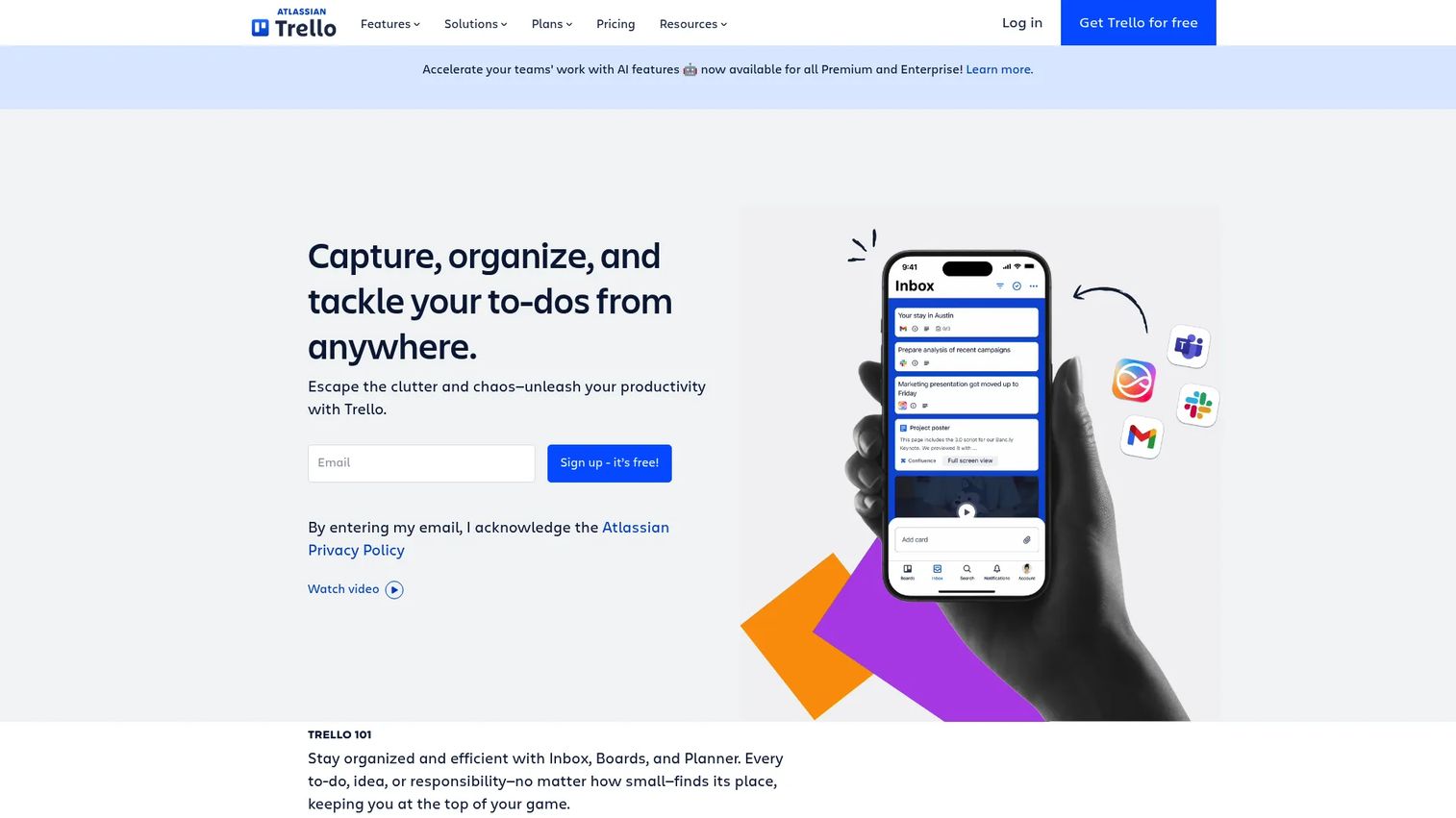
Trello organizes work into boards, lists, and cards, with a Timeline view available for teams that need date-based planning without a full Gantt chart.
Best for: Smaller product initiatives, discovery backlogs, or launch checklists where a full portfolio tool would be overkill.
Key features
- Timeline, Calendar, and Table views alongside boards
- Butler automation for repetitive status changes
- Power-Ups for extending functionality
- Checklists and due dates on cards
- Templates for common project types
Why choose Trello: The low adoption barrier makes it a good fit when you need cross-functional partners to actually use the tool, not just tolerate it.
Trello pricing: Free supports up to 10 collaborators per workspace. Standard costs $5 per user per month billed annually, or $6 billed monthly. Premium runs $10 per user per month annually and adds the Timeline, Calendar, and Dashboard views. Enterprise costs $17.50 per user per month annually.
Trello holds a 4.4 rating on G2.
Timeline and Dashboard views require the Premium plan, so teams testing on Free won't see dependency-aware scheduling until they upgrade.
5. Wrike
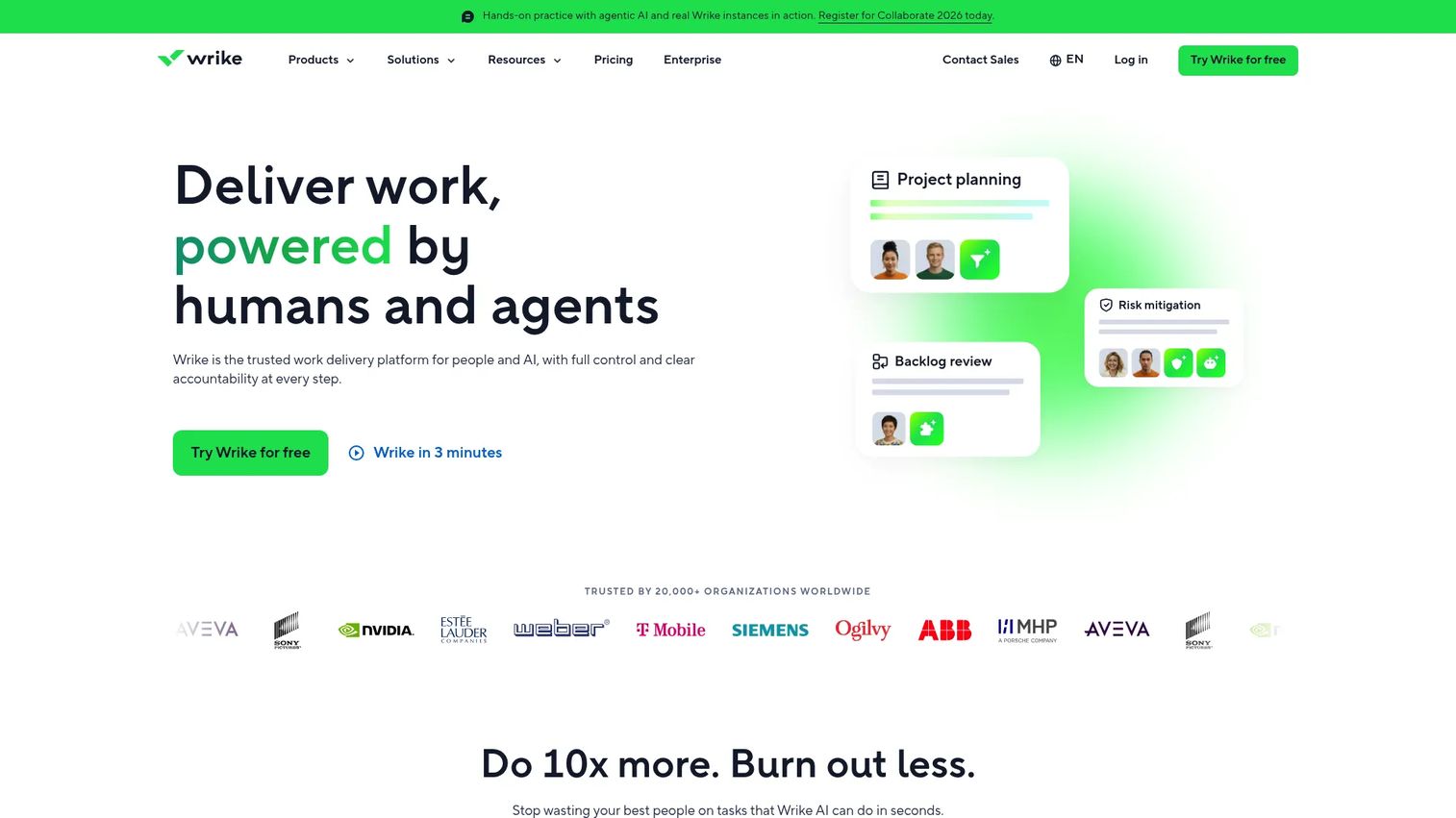
Wrike targets larger programs with interactive Gantt charts, workload charts, and cross-project reporting built for governance at scale.
Best for: Product managers running multi-team programs or launch portfolios that need consistent reporting up to leadership.
Key features
- Interactive Gantt charts with dependency mapping
- Workload charts across projects and teams
- Request forms and approval workflows
- Cross-project dashboards and reporting
- 400+ integrations with existing tools
Why choose Wrike: The reporting depth suits organizations that need to answer "how are we tracking across ten initiatives at once," which smaller tools handle less gracefully.
Wrike pricing: The Free plan works for very small teams. Team costs $10 per user per month billed annually, and Business runs $25 per user per month, also billed annually and requiring an annual subscription. Pinnacle and Apex use custom pricing through sales.
Wrike holds a 4.2 rating on G2.
Business and higher tiers require an annual commitment, which is worth factoring in if your team prefers month-to-month flexibility while evaluating a new process.
6. Basecamp
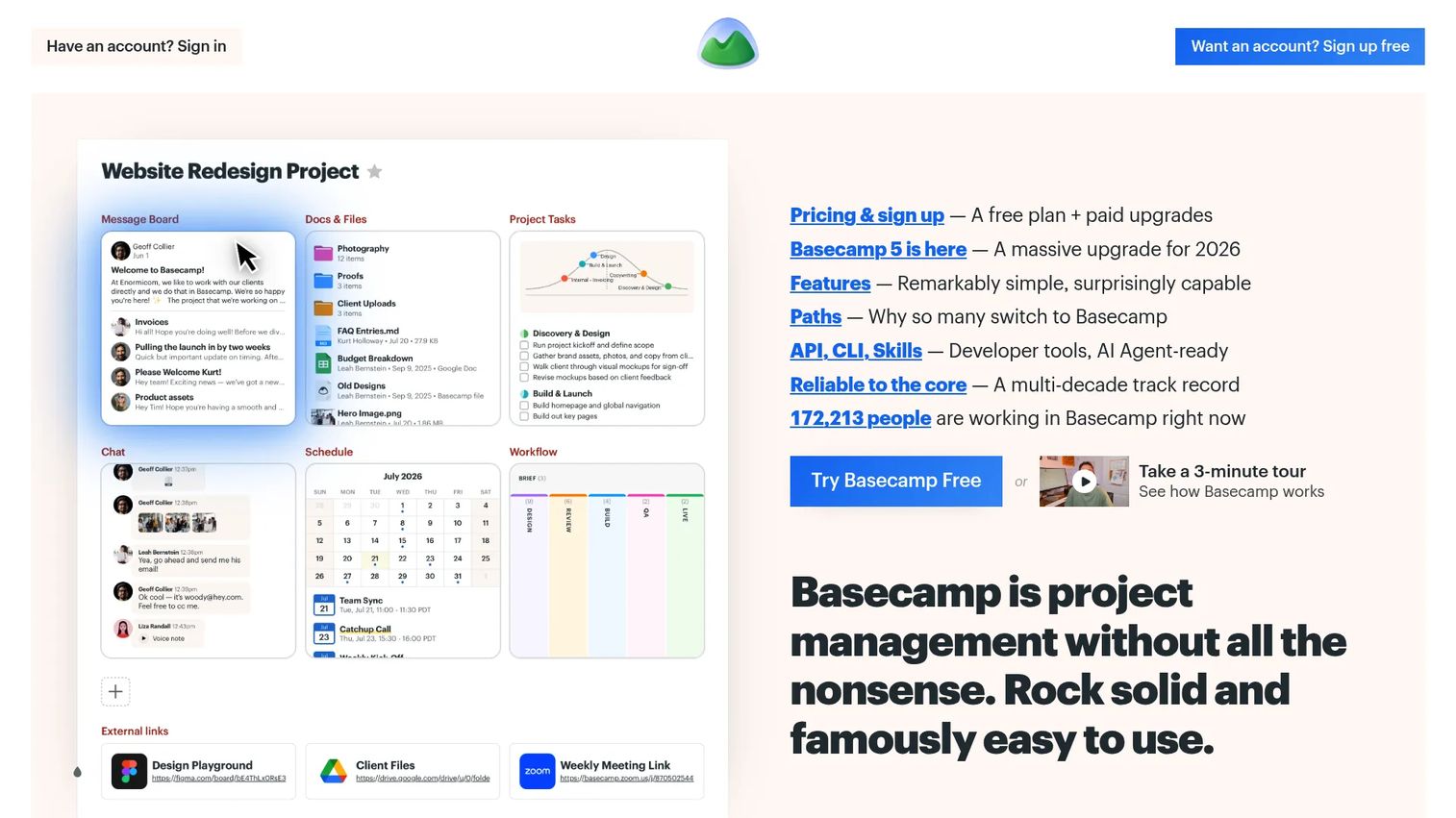
Basecamp keeps project structure deliberately simple: To-dos, schedules, message boards, and Hill Charts instead of a dense portfolio hierarchy.
Best for: Teams that want schedule visibility and clear communication without configuring a heavier platform.
Key features
- Hill Charts for visualizing progress and stalls
- Schedules with milestones and due dates
- Message boards for async discussion
- Automatic check-ins for status updates
- Client access for external stakeholders
Why choose Basecamp: The flat structure reduces setup time, which fits teams that want a working schedule this week rather than a fully modeled portfolio in a month.
Basecamp pricing: A Free plan supports one project. Freelancer costs $25 a month, Studio runs $59 a month, and Unlimited is $299 a month billed annually with 1,000 GB of storage. Basecamp's Pro tier sits between Studio and Unlimited, but its exact monthly figure wasn't listed next to the other tiers when we checked, so confirm it on the pricing page before budgeting.
Basecamp holds a 4.1 rating on G2.
Dependency management and resource-level workload views aren't part of Basecamp's model, so larger cross-functional programs may outgrow it quickly.
7. Jira
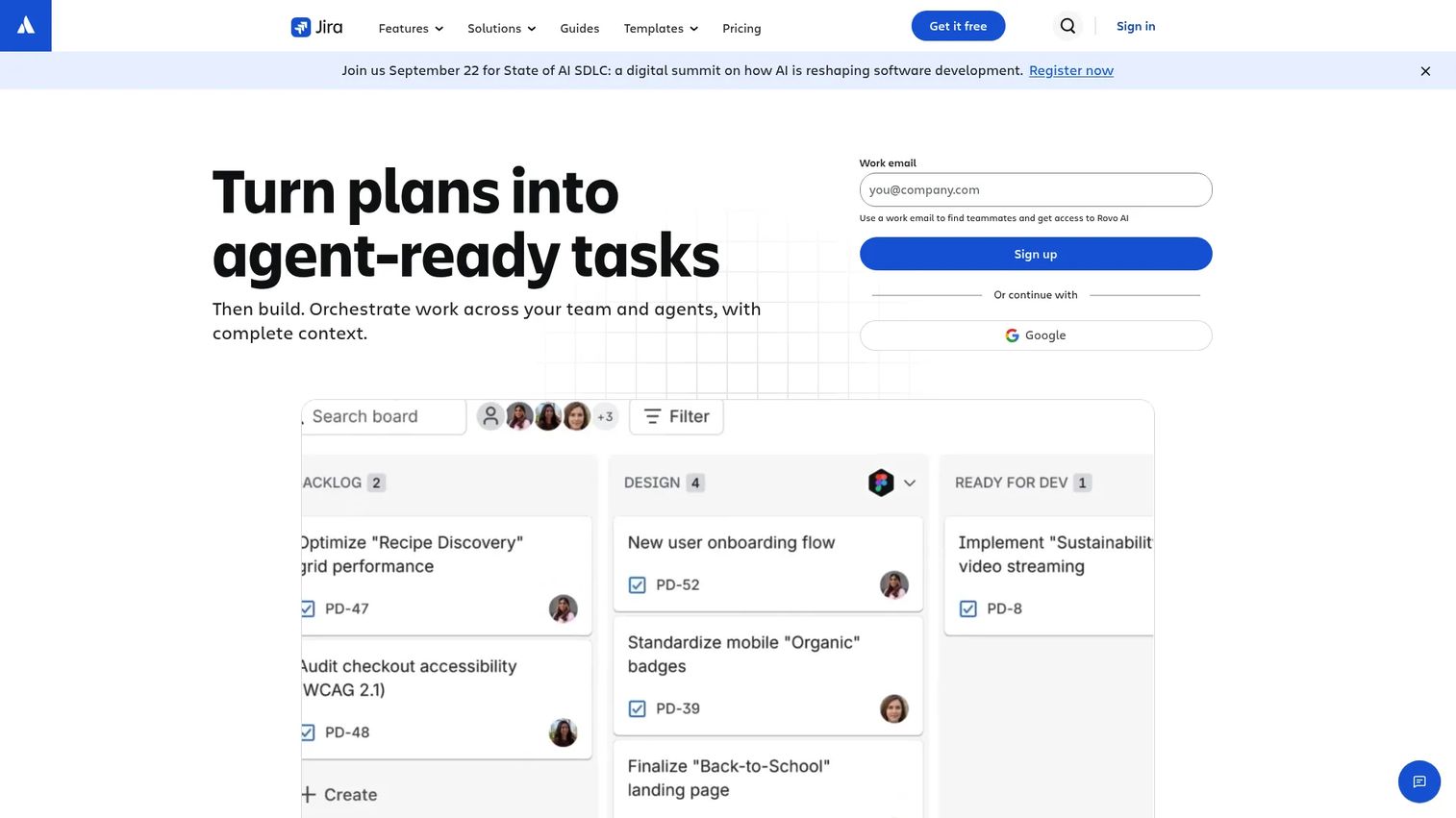
Jira connects roadmap planning directly to sprints, releases, and issue hierarchies, which makes it the default choice for product managers working closely with engineering.
Best for: Product managers whose releases are scoped and tracked through engineering's existing sprint process.
Key features
- Advanced roadmaps with cross-team dependencies
- Release tracking tied to issue status
- Sprint scheduling and backlog grooming
- Issue hierarchy from epics to subtasks
- Reports for velocity and cycle time
Why choose Jira: The tight coupling to engineering's issue tracker means your roadmap and the actual sprint board never drift apart, which is a common failure point in tools built for planning alone.
Jira pricing: Free supports up to 10 users. Standard costs $7.91 per user per month, and Premium runs $14.54 per user per month, both billed monthly. Enterprise pricing goes through sales and includes a higher uptime SLA.
Jira holds a 4.3 rating on G2.
Advanced Roadmaps, the feature most relevant to cross-team timeline planning, requires the Premium tier, not Standard.
8. Microsoft Planner
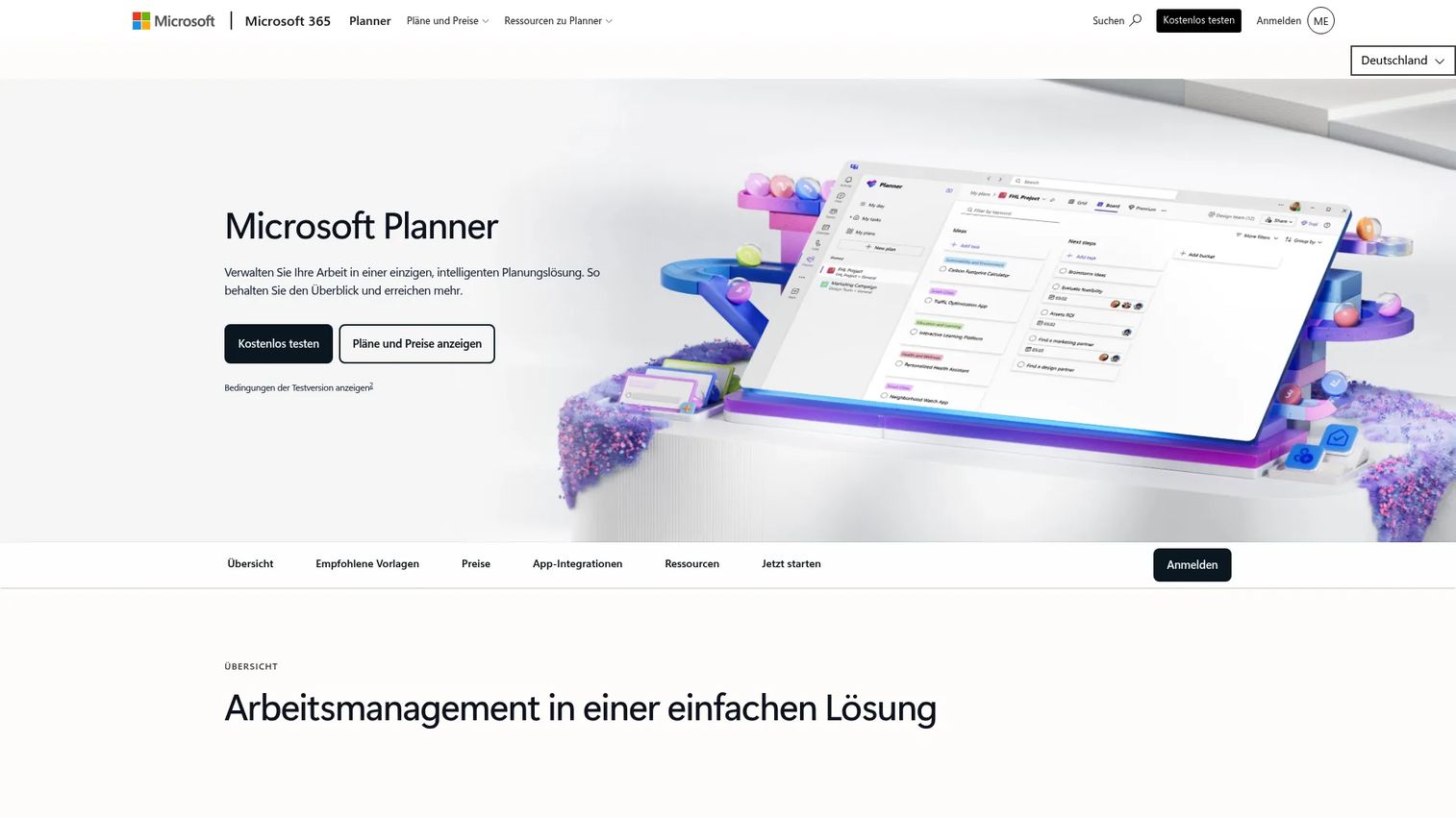
Microsoft Planner bundles list, board, schedule, chart, and timeline views into a task manager built for teams already living inside Microsoft's ecosystem.
Best for: Organizations standardized on Microsoft 365 that want project timelines without adding a separate platform.
Key features
- Grid, Board, Schedule, Chart, and Timeline views
- Task dependencies and backlog planning
- Native integration with Teams
- Templates for recurring project types
- Goals tracking across plans
Why choose Microsoft Planner: Ecosystem fit is the whole argument here. If your organization already pays for Microsoft 365, Planner removes the friction of asking people to check yet another app.
Microsoft Planner pricing: Basic Planner functionality is included with Microsoft 365. Planner Plan 1 costs $10 per user per month paid yearly, Planner and Project Plan 3 runs $30 per user per month, and Plan 5 costs $55 per user per month, all billed annually.
Microsoft Planner holds a 4.2 rating on G2.
The version included free with Microsoft 365 is noticeably lighter than the paid Plan 3 and Plan 5 tiers, which add dependencies, portfolios, and advanced reporting.
9. Microsoft Project
Microsoft Project provides a formal scheduling model with baselines, critical path analysis, and resource-level cost tracking that most lightweight tools skip entirely.
Best for: Structured initiatives with formal delivery baselines, resource constraints, and budgets that need audit-level scheduling controls.
Key features
- Task dependencies with full scheduling logic
- Baselines for tracking schedule drift over time
- Critical path visualization
- Resource allocation and cost tracking
- Portfolio management across multiple projects
Why choose Microsoft Project: Its scheduling engine goes deeper than most product teams need day to day, which is exactly why it fits organizations running formal PMO processes alongside product delivery.
Microsoft Project pricing: Planner and Project Plan 3 costs $30 per user per month paid yearly, and Plan 5 runs $55 per user per month. Standalone desktop licenses are also available: Project Standard 2024 costs $679.99 and Project Professional 2024 costs $1,129.99, both one-time purchases.
Microsoft Project holds a 4.0 rating on G2.
The formal scheduling model carries a real learning curve for teams used to lighter tools, so budget onboarding time before rolling it out broadly.
10. Smartsheet
Smartsheet combines a spreadsheet-style grid with Gantt, card, and calendar views, appealing to teams that think in rows and columns before they think in boards.
Best for: Product managers who want structured scheduling with the familiarity of a spreadsheet interface.
Key features
- Grid, Gantt, card, and calendar views
- Dashboards and automated reports
- Forms for structured task intake
- Workload tracking across sheets
- Automated workflows and document generation
Why choose Smartsheet: The tabular format makes it easy for operationally minded teams to adopt without relearning how they already track work, while still getting a real Gantt view underneath.
Smartsheet pricing: Pro costs $9 per member per month billed yearly and supports 1 to 10 members with unlimited contributors. Business runs $19 per member per month, requires at least 3 members, and adds unlimited guests. Enterprise and Advanced Work Management use custom pricing.
Smartsheet holds a 4.4 rating on G2.
Business is where most cross-functional teams land, since Pro's member cap gets tight fast once marketing and support join the same sheet.
11. Teamwork.com
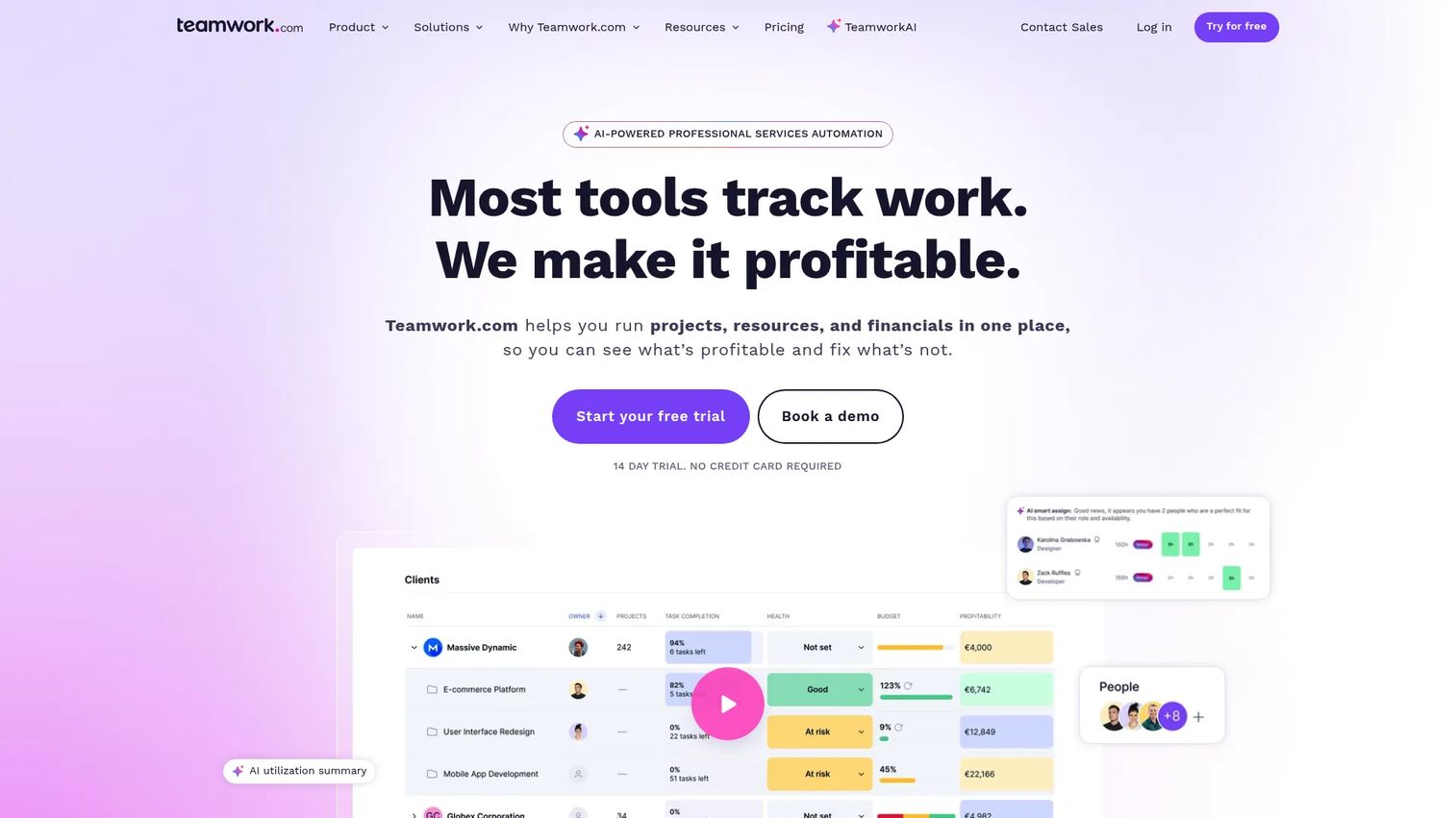
Teamwork.com pairs timeline and Gantt views with budgeting, time tracking, and profitability reporting, built originally for agencies managing client work.
Best for: Product managers working alongside services teams or client delivery groups who need timelines connected to budgets.
Key features
- Gantt and timeline views with dependencies
- Workload planning across projects
- Time tracking tied to budgets
- Client access for external stakeholders
- Profitability and utilization reports
Why choose Teamwork.com: The financial layer sets it apart from pure scheduling tools, which matters if your product work gets billed against a client contract or an internal budget line.
Teamwork.com pricing: The Free plan supports up to 5 users and 5 projects. Basics starts at $9.99 per user per month billed yearly, and Accelerate runs $24.99 per user per month. Optimize and Enterprise both require a sales conversation.
Teamwork.com's G2 listing didn't expose a current numeric rating during this research, though Capterra shows a 4.5 rating, worth checking directly before you shortlist it.
12. Paymo
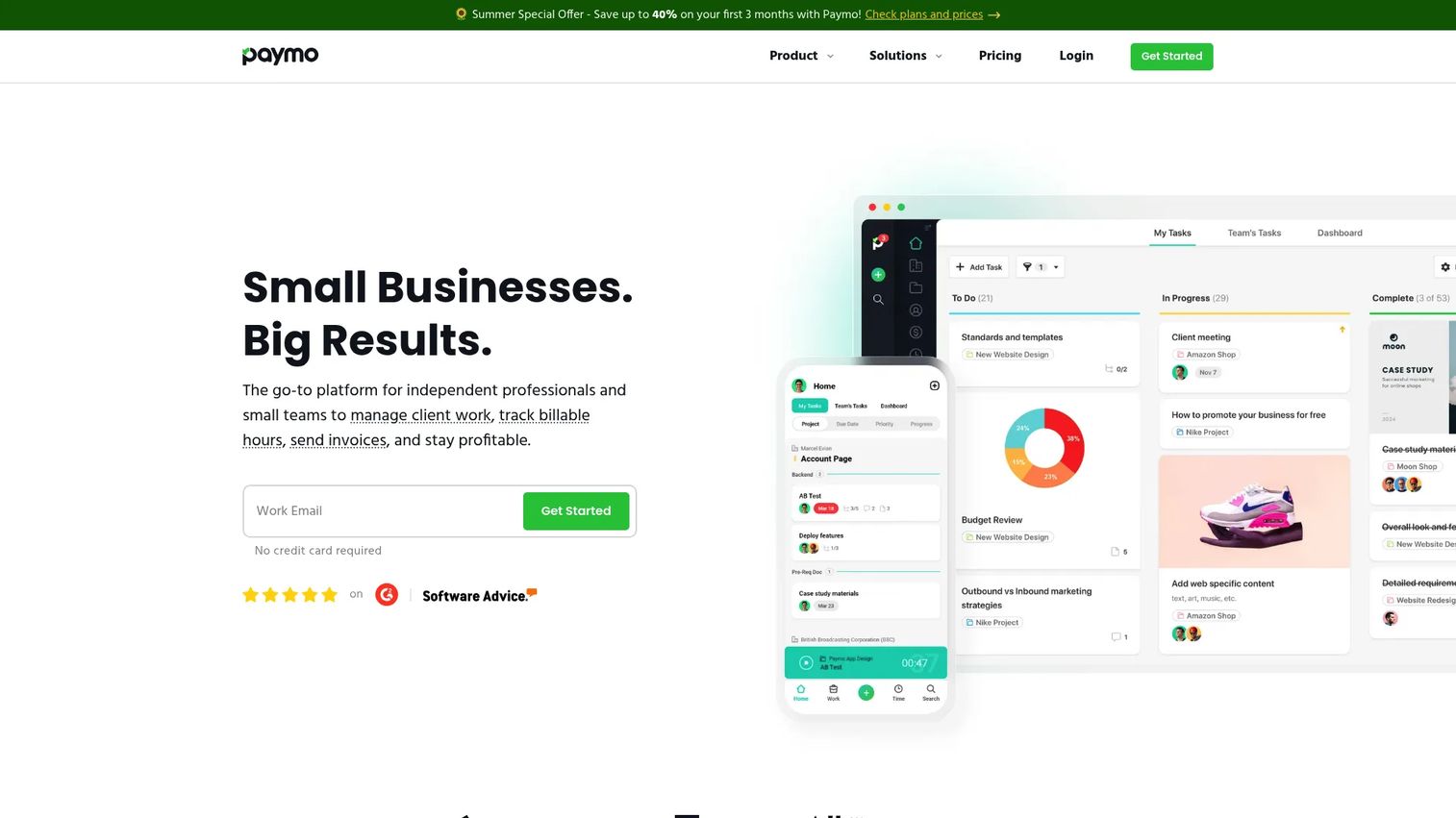
Paymo combines project scheduling with time tracking and invoicing, aimed at independent professionals and small client-service teams.
Best for: Small teams that need a delivery schedule connected to actual hours worked and project economics.
Key features
- Gantt charts with task dependencies
- Time tracking synced to project timelines
- List, calendar, and Kanban views
- Client collaboration and file proofing
- Built-in invoicing and expense tracking
Why choose Paymo: Combining scheduling and time tracking in one tool avoids the common gap where teams plan in one app and log hours in another that never talks to it.
Paymo pricing: Free covers basic use. Solo starts at $5.90 per month for the first three months, rising to $9.90 after, and applies to a single user. Plus runs $10.90 per user per month (then $15.90), and Pro costs $16.90 per user per month (then $23.90). Annual billing brings a discount of up to 40% off these monthly rates.
Paymo holds a 4.6 rating on G2.
The Solo plan is capped at one user, so any team larger than a single freelancer needs Plus or Pro from the start.
13. ProjectManager
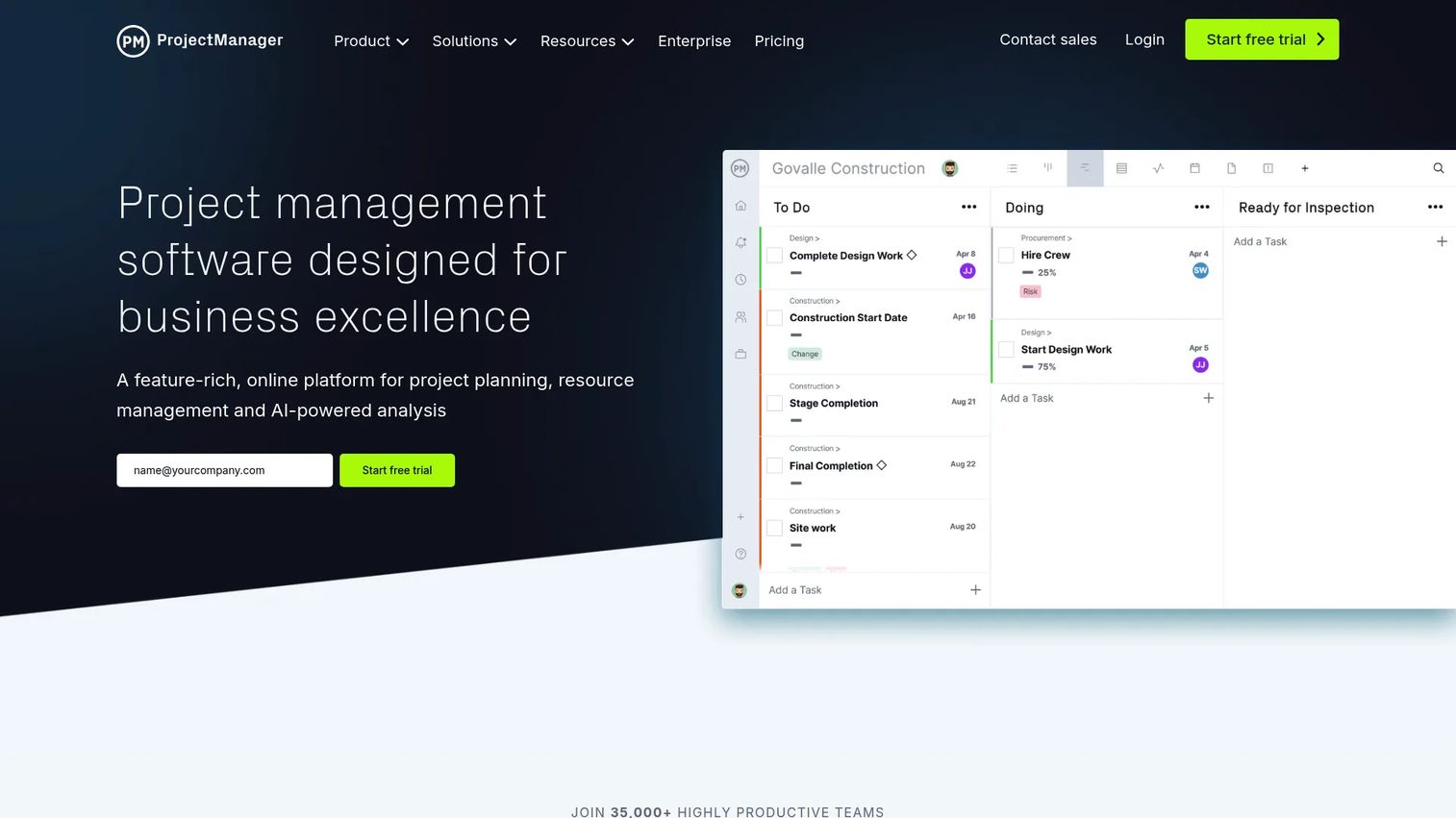
ProjectManager links Gantt-based planning to day-to-day execution tracking, with AI-generated insights layered on top of portfolio dashboards.
Best for: Teams that want one tool spanning high-level timeline planning and the task-level work that fills it in.
Key features
- Gantt, list, sheet, board, and calendar views
- Resource management and workload planning
- Time tracking and timesheets
- AI Project Insights for status summaries
- Portfolio dashboards across projects
Why choose ProjectManager: The mix of planning and execution views in one place cuts down on the constant context-switching between a roadmap tool and a task tracker.
ProjectManager pricing: Team starts at $13 per user per month. Business runs $32 per user per month monthly, or $28 billed annually. Enterprise pricing requires a custom quote. There's no permanent free tier, but a 30-day trial is available.
ProjectManager holds a 4.4 rating on G2.
Resource management, portfolio dashboards, and AI insights sit on the Business tier, so evaluate Team carefully if those features are the reason you're considering this tool.
14. Notion
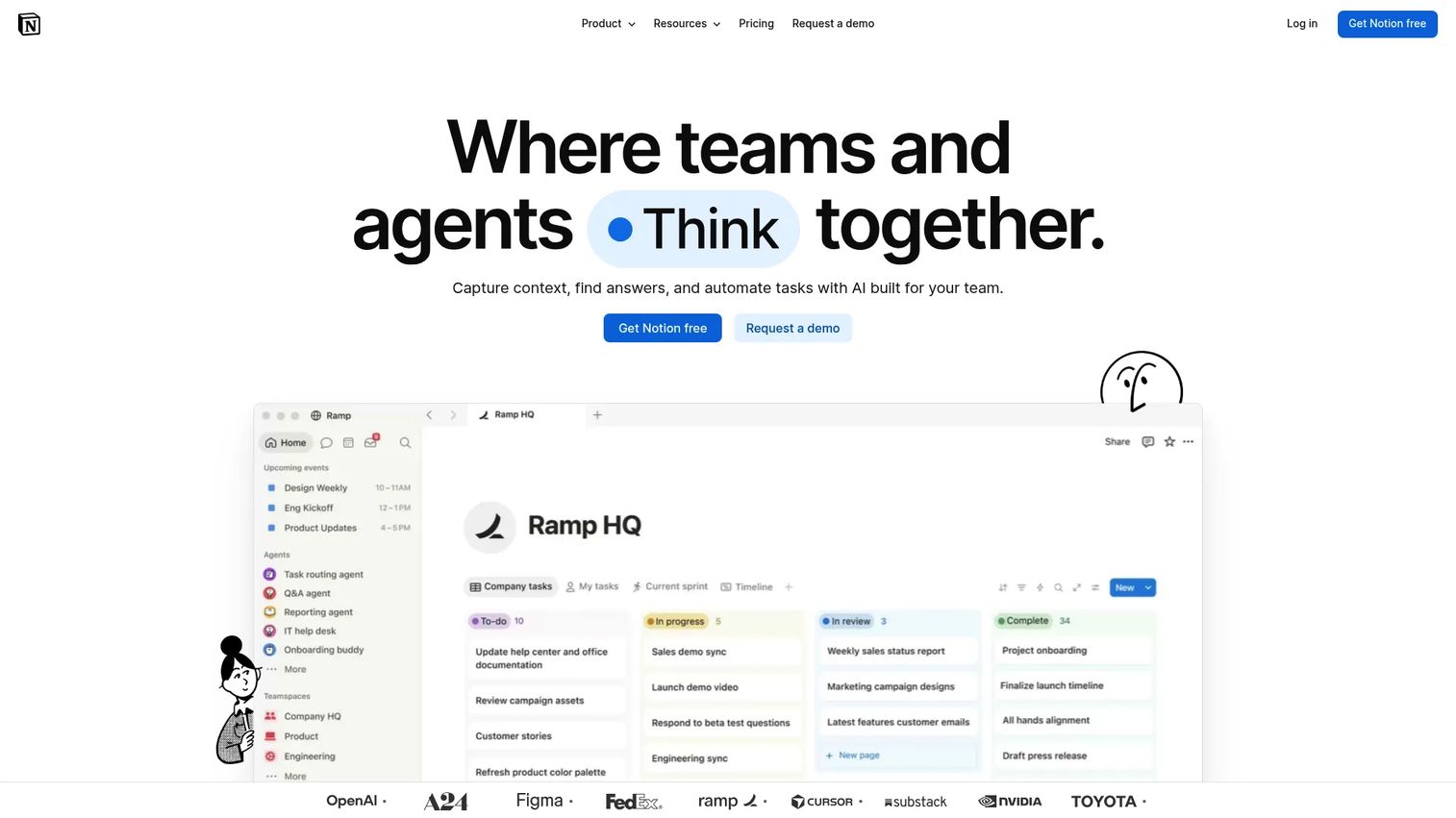
Notion treats a project timeline as one more database view sitting next to your specs, decision logs, and meeting notes.
Best for: Product managers who want roadmap context and delivery dates living in the same workspace as their documentation.
Key features
- Timeline view built on flexible databases
- Dependencies available within database properties
- Docs and wikis alongside project tracking
- Templates for roadmaps and sprint planning
- AI features for drafting and summarizing content
Why choose Notion: Keeping the "why" next to the "when" reduces the amount of context a new team member needs before they can understand a milestone.
Notion pricing: Free covers individuals and small teams. Plus costs €9.50 per member per month, and Business runs €19.50 per member per month, both shown in euros with further savings of up to 20% on annual billing. Enterprise pricing is custom.
Notion holds a 4.6 rating on G2.
Dependency tracking inside Notion's databases is less rigid than a dedicated Gantt tool, so teams with complex critical paths may find it better suited to documentation than to formal scheduling.
15. Zoho Projects
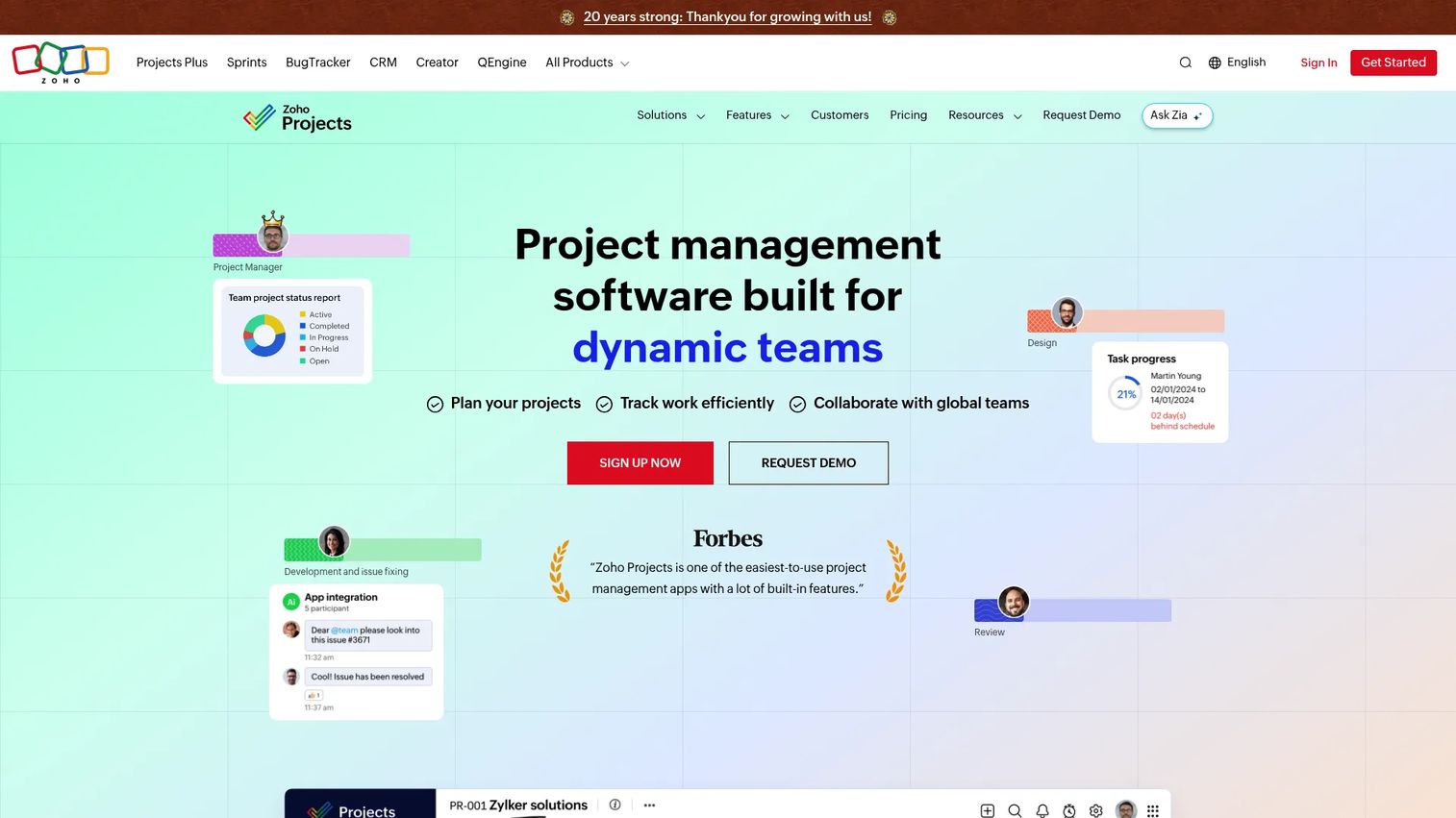
Zoho Projects delivers Gantt charts, dependencies, and time tracking at a lower price point than most competitors, with tight ties into the broader Zoho suite.
Best for: Smaller teams that want formal project scheduling without committing to a larger platform budget.
Key features
- Gantt charts with task dependencies
- Time logs and timesheets
- Custom views, fields, and statuses
- Workflow automation and business rules
- Integrations across Zoho, Google, and Microsoft
Why choose Zoho Projects: The price-to-feature ratio is hard to beat if your team is already in the Zoho ecosystem for CRM or finance tools.
Zoho Projects pricing: The Free plan supports up to 5 users and 3 projects. Premium, Enterprise, and Ultimate plans add unlimited projects, automation, reporting, and AI capabilities, but Zoho doesn't display those figures directly on its pricing page, so you'll need to check current rates with sales.
Zoho Projects holds a 4.3 rating on G2.
The interface feels less polished than some pricier competitors, which is a fair tradeoff for teams prioritizing budget over visual refinement.
16. Airtable
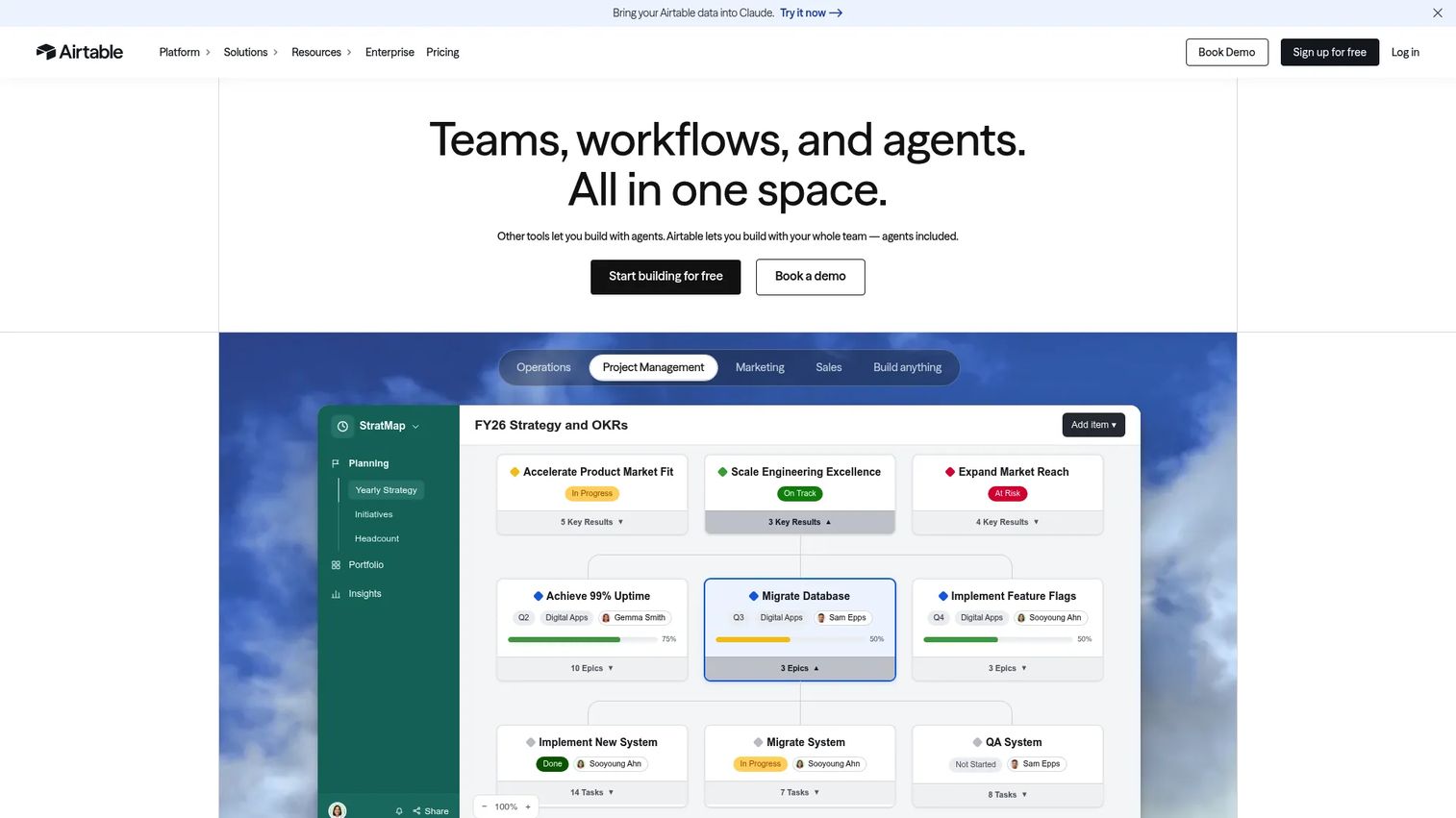
Airtable models projects as relational databases, letting product managers build a custom structure for releases, owners, dependencies, and launch assets instead of adapting to a fixed template.
Best for: Product teams with unusual planning models that don't fit neatly into a standard project template.
Key features
- Timeline views built on relational records
- Custom fields and linked tables
- Interfaces for simplified stakeholder views
- Automations triggered by field changes
- AI app building for custom workflows
Why choose Airtable: The flexibility to model exactly how your team plans, rather than forcing your process into someone else's Gantt chart, is the main draw for teams with bespoke operations.
Airtable pricing: Free works for individuals and small teams. Team costs $20 per user per month billed annually, Business runs $45 per user per month, and Enterprise Scale uses custom pricing.
Airtable holds a 4.6 rating on G2.
The flexibility comes with a setup cost. Someone on your team needs to own the schema, or it drifts into inconsistent field names within a few months.
17. Freedcamp
Freedcamp offers a surprisingly complete feature set at a low price point, including unlimited projects, tasks, and storage even on its free tier.
Best for: Small teams or budget-conscious product managers who need basic scheduling without a large software line item.
Key features
- Milestones and calendar sync
- Time tracking and issue tracking
- Discussions and file storage
- Templates for recurring projects
- Unlimited users on every plan
Why choose Freedcamp: The free tier is genuinely usable rather than a stripped-down trial, which makes it a reasonable long-term option for very small teams.
Freedcamp pricing: Free is free forever with unlimited projects, tasks, and storage. Pro starts at $1.49 per user per month billed annually ($2.49 monthly). Business runs $7.49 per user per month annually, and Enterprise costs $16.99 per user per month annually.
Freedcamp holds a 4.5 rating on G2.
Advanced reporting and portfolio-level views are thinner here than on pricier platforms, so larger cross-functional programs may eventually outgrow it.
18. ProofHub
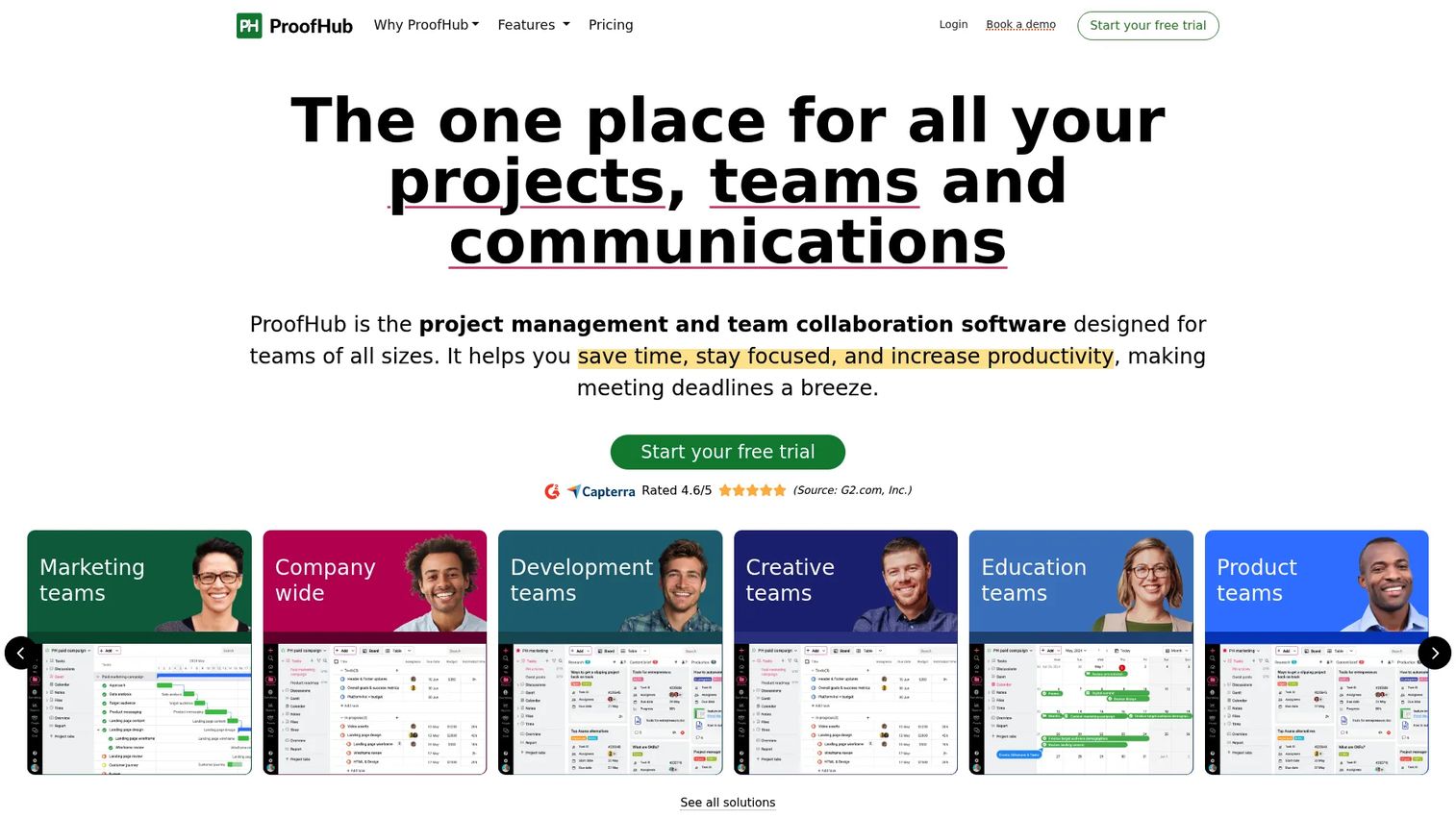
ProofHub charges a flat rate regardless of how many people join, which changes the math for teams that expect to grow.
Best for: Teams that want centralized scheduling, file proofing, and discussion in one workspace without per-seat pricing creeping up as headcount grows.
Key features
- Gantt charts with task dependencies
- File proofing and annotation tools
- Custom roles and permissions
- Table, board, and calendar views
- Built-in discussions and notes
Why choose ProofHub: Flat-rate pricing means adding ten more people to the workspace doesn't change your bill, which is unusual in this category and genuinely useful for growing teams.
ProofHub pricing: Essential costs $45 a month billed annually ($50 monthly) for up to 40 projects and 15GB of storage. Ultimate Control runs $89 a month billed annually ($99 monthly) for unlimited projects and 100GB of storage. A 14-day free trial is available with no credit card required.
ProofHub holds a 4.6 rating on G2.
The unlimited-user model is the headline feature, but it also means ProofHub doesn't offer a free tier for teams that want to test with zero commitment.
19. ActiveCollab
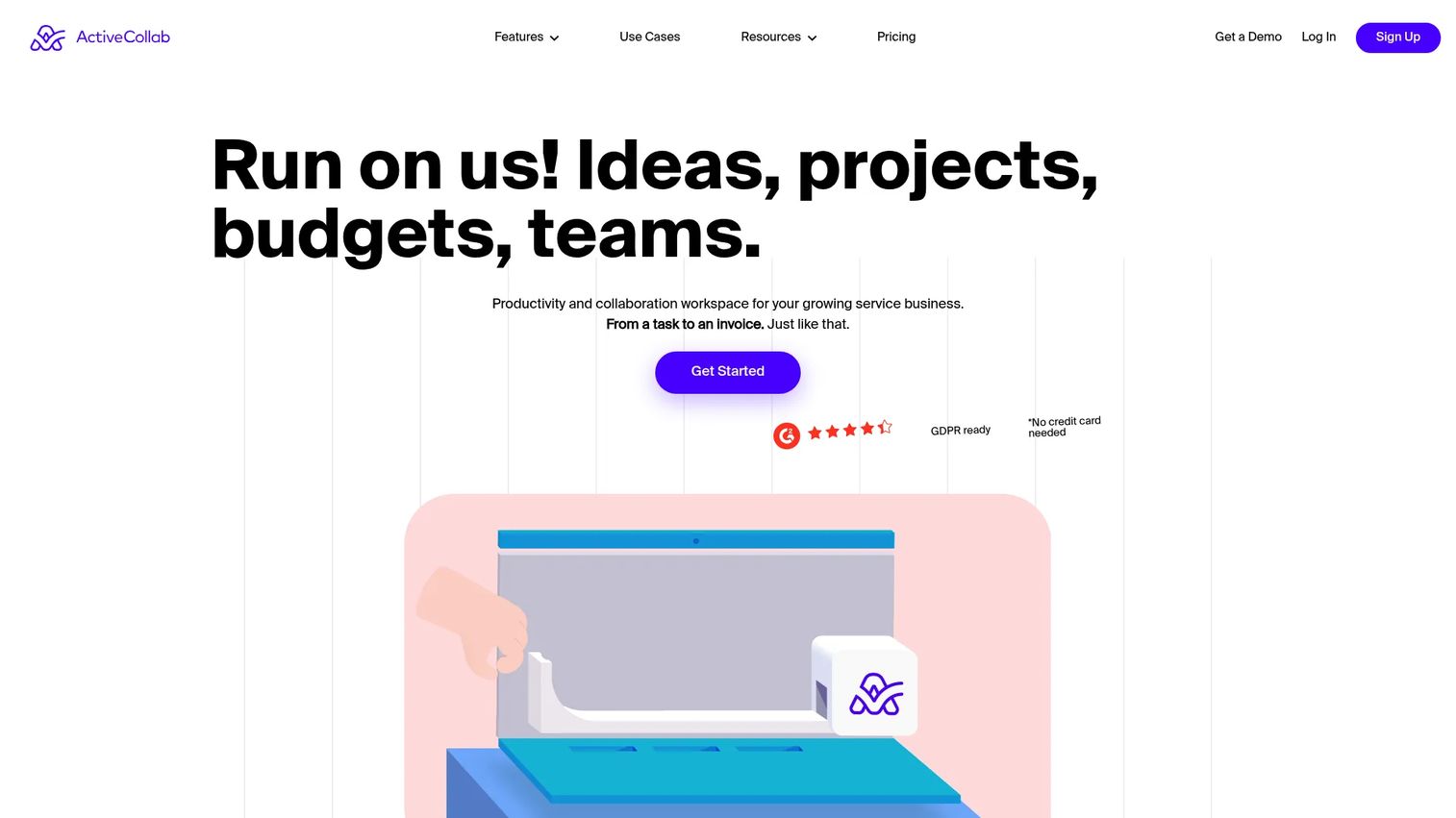
ActiveCollab connects project timelines to time tracking, budgets, and invoicing, aimed at agencies and service teams that bill against delivery.
Best for: Product managers working alongside service delivery teams who need timelines tied to effort and project economics.
Key features
- Gantt charts with milestones and dependencies
- Time tracking synced to budgets
- Client access for external visibility
- Invoicing tied to logged hours
- Workload views across team members
Why choose ActiveCollab: The budget and invoicing layer gives product managers visibility into whether a delivery timeline is also staying inside its financial envelope.
ActiveCollab pricing: Plus costs $15 a month flat ($12.50 billed yearly), aimed at smaller teams. Pro runs $11 per user per month ($10 billed yearly). Teams with 100 or more seats get volume pricing around $3.50 per user per month billed yearly. Every plan includes a fully unlocked 14-day trial, and client access is free and unlimited.
ActiveCollab holds a 4.2 rating on G2.
The flat-rate Plus tier caps out quickly for larger teams, so most cross-functional product groups end up on Pro's per-user pricing instead.
20. Redbooth
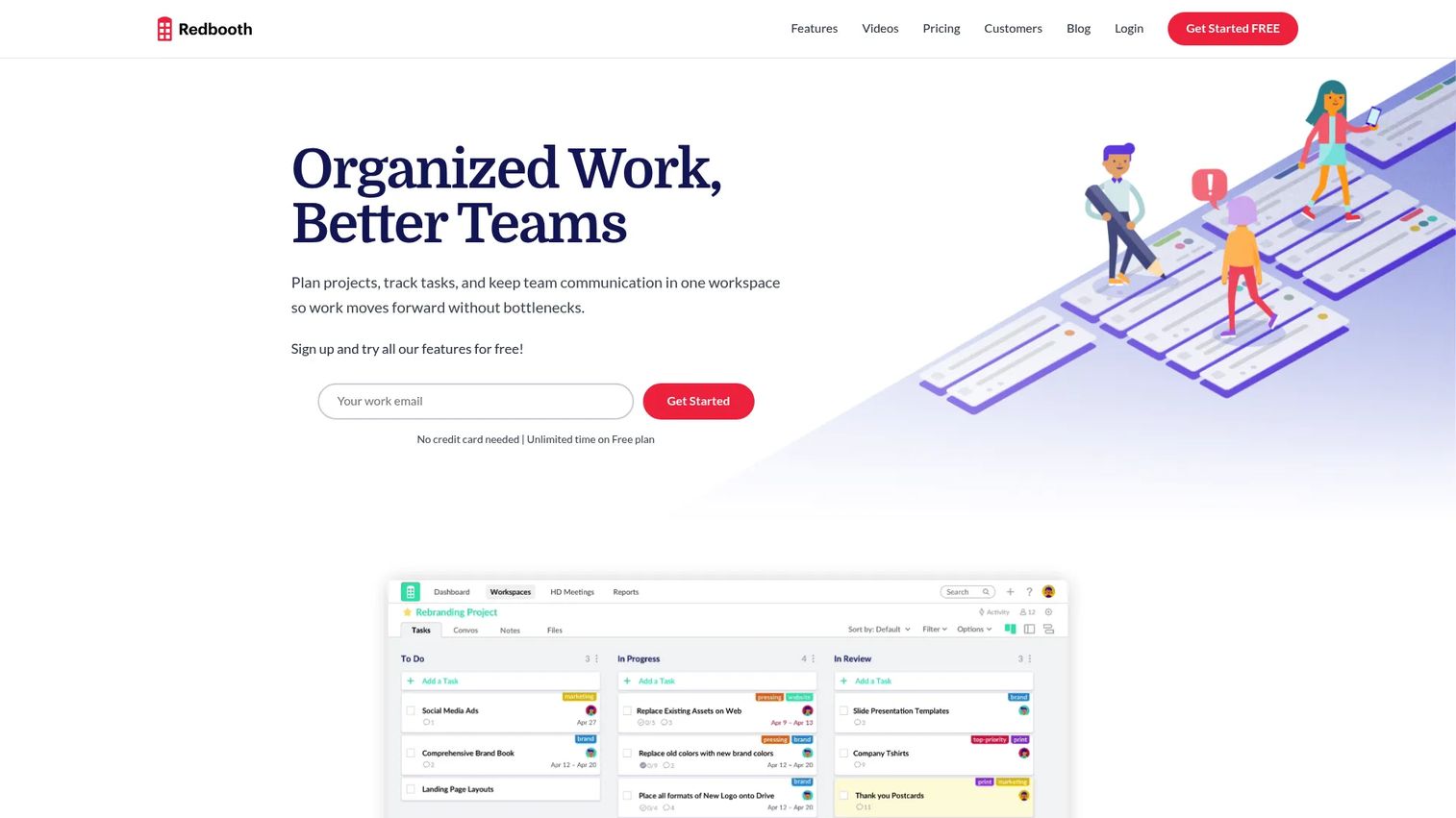
Redbooth keeps its feature set focused on Kanban boards and a Gantt-style Timeline view with dependencies, aimed at teams that don't need a heavier platform.
Best for: Small and midsize teams managing straightforward initiatives without complex portfolio requirements.
Key features
- Timeline view with task dependencies
- Kanban boards for workflow status
- Productivity reports and calendars
- HD video meetings built in
- Mobile apps for iOS and Android
Why choose Redbooth: The combination of a real dependency-aware timeline and built-in video meetings covers a lot of ground for teams that don't want to manage five separate tools.
Redbooth pricing: Free supports 2 users and 2 workspaces. Pro costs $9 per user per month billed annually ($12 monthly) and adds unlimited workspaces and time tracking. Business runs $15 per user per month annually ($18.75 monthly) and adds Outlook integration and Redbooth AI. Enterprise pricing goes through sales.
Redbooth holds a 4.4 rating on G2.
The Free plan's 2-user cap means most product teams will move to Pro almost immediately just to add a design or marketing partner.
21. Podio
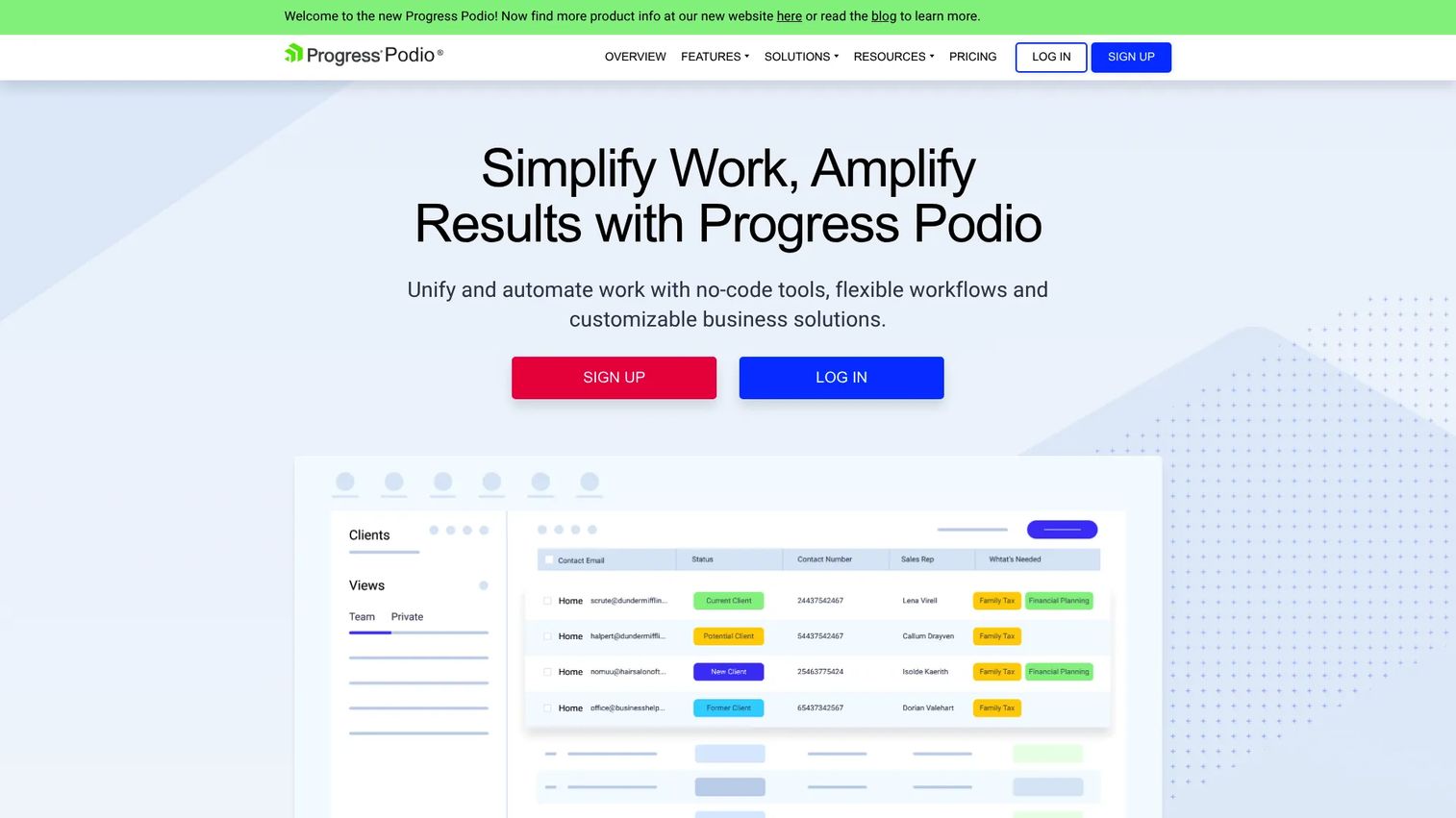
Podio leans into no-code customization, letting teams build custom apps and workflows around processes that don't fit a standard project template.
Best for: Product managers running unusual processes that off-the-shelf project templates don't accommodate well.
Key features
- No-code drag-and-drop app building
- Custom workflows and automation
- Table, calendar, and badge views
- Webforms for external data intake
- Real-time comments and file sharing
Why choose Podio: The customization ceiling is high, which suits teams whose planning process genuinely doesn't map to a standard Gantt chart or Kanban board.
Podio pricing: A free account is available at signup and supports basic use. Podio doesn't display current plan prices for its paid tiers on its site right now, so you'll need to talk to sales for exact figures on Plus, Premium, and Enterprise.
Podio holds a 4.2 rating on G2.
The customization that makes Podio flexible also means someone has to own the app-building work, which adds setup time most other tools on this list don't require.
22. Hive
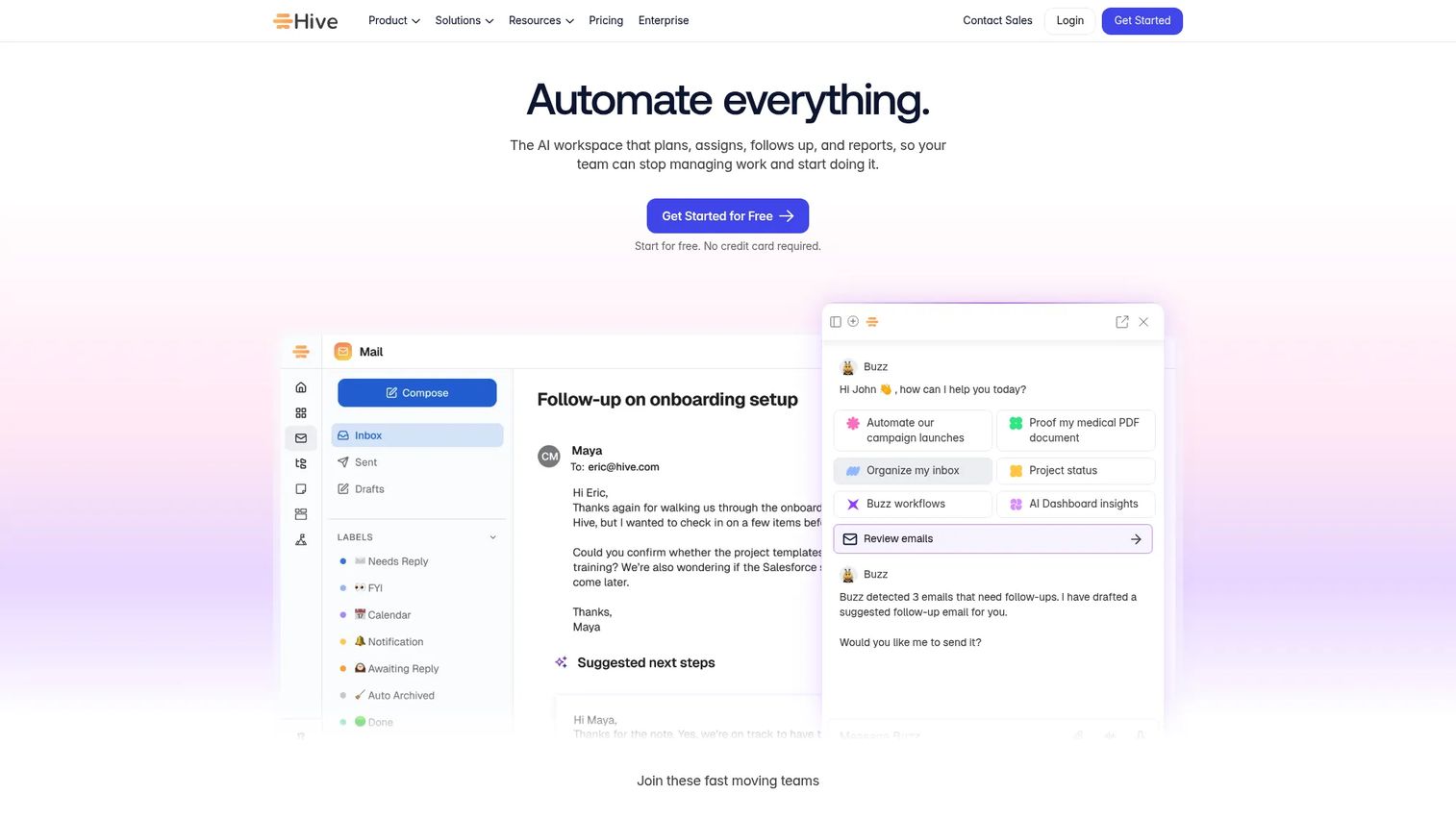
Hive bundles Gantt, Kanban, calendar, and portfolio views with a built-in AI assistant, aimed at teams that want planning and execution handled together.
Best for: Cross-functional product teams coordinating planning, communication, and execution inside one workspace.
Key features
- Gantt and timeline views with dependencies
- Action cards for quick task creation
- AI assistant for summaries and drafting
- Time tracking and resourcing
- Forms and collaborative notes
Why choose Hive: Bundling an AI assistant directly into project views saves a step for teams that already lean on AI tools for status summaries and planning notes.
Hive pricing: Free covers unlimited tasks and collaborative notes. Starter costs $5 per user per month and adds Gantt view, calendar integrations, and the AI Assistant. Teams runs $12 per user per month and adds unlimited members, forms, and time tracking. Enterprise pricing goes through sales.
Hive holds a 4.6 rating on G2.
Gantt view and the AI Assistant require the Starter tier at minimum, so the free plan is really a task-list-only experience.
23. Flowlu
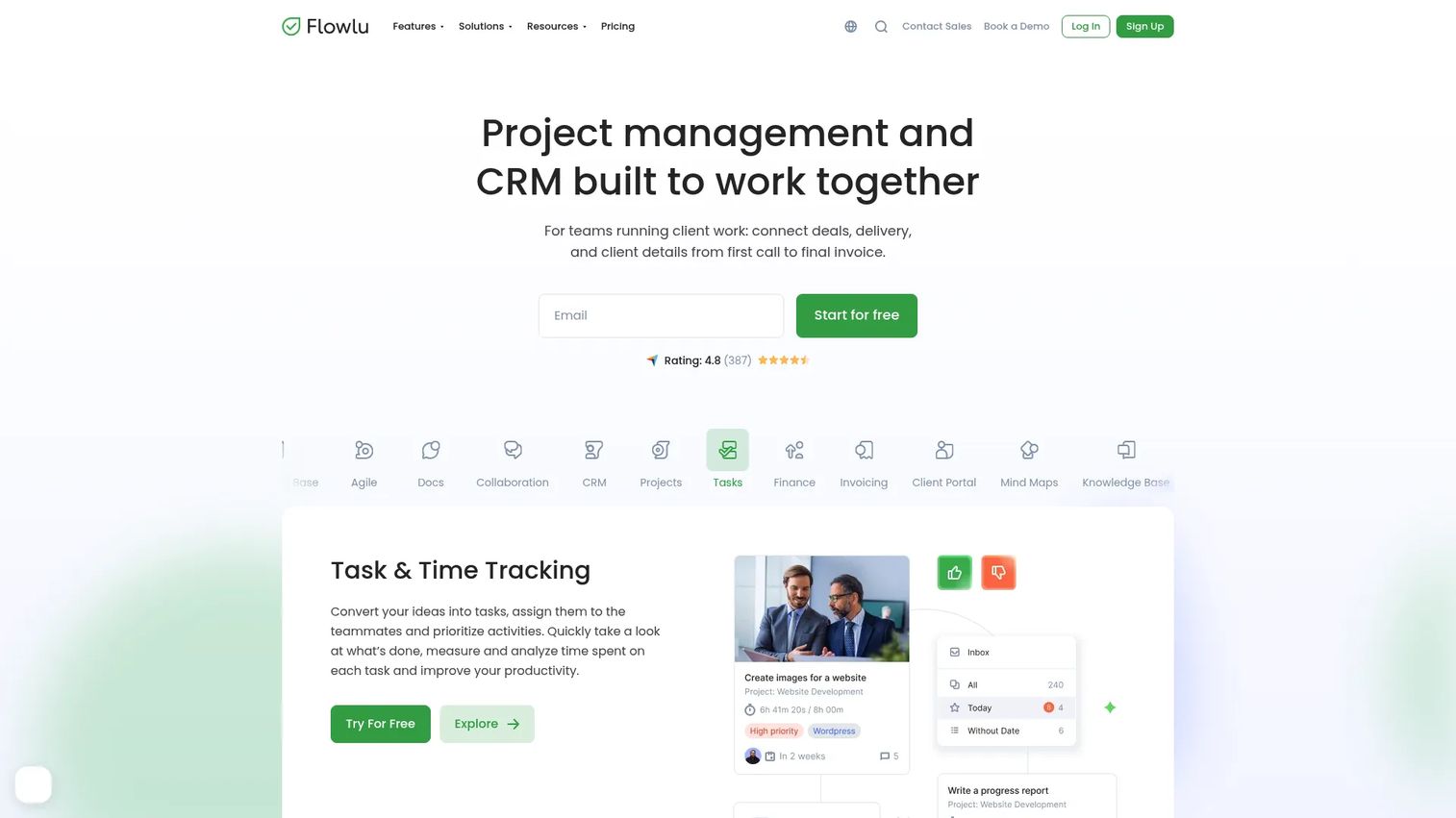
Flowlu bundles project timelines with CRM, invoicing, and a knowledge base, aimed at smaller organizations that want fewer systems to maintain.
Best for: Small teams that want project timelines connected to the CRM and billing systems running the rest of the business.
Key features
- Gantt charts with tasks and milestones
- CRM and sales pipeline tracking
- Financial management and invoicing
- Knowledge base for shared documentation
- Workflow automation across modules
Why choose Flowlu: Consolidating project delivery with CRM and finance reduces the number of subscriptions a small team has to juggle, at the cost of specialization in any single area.
Flowlu pricing: Free supports up to two users. Essential costs $9 per user per month billed yearly ($12 monthly), Advanced runs $17 per user per month yearly ($22 monthly), and Ultimate costs $24 per user per month yearly ($32 monthly).
Flowlu holds a 4.7 rating on G2.
Because it spans CRM, finance, and project management at once, teams that only need timeline features may find some modules going unused.
Considerations
Timeline depth
Check whether a tool supports true dependencies, milestones, date shifts, and baselines, not just due dates with a Gantt-style skin. A calendar with due dates is not the same as a project timeline, and the gap only becomes obvious once a deadline slips and nothing downstream updates automatically.
Roadmap to execution
Evaluate whether strategic roadmap items connect to the delivery tasks, releases, and owners that actually ship them. Product managers need traceability from a stated outcome to the specific work that produces it, or the roadmap becomes a slide deck disconnected from reality.
Workload and resource visibility
Confirm whether the tool shows competing work, specialist bottlenecks, PTO, and capacity constraints, and check whether that view sits behind a higher-priced plan. Wellingtone found that 42% of respondents spend at least a full day manually compiling project reports, which is exactly the kind of manual work a good workload view eliminates (Wellingtone, 2026).
Collaboration and integrations
Verify integrations with development tools, communication platforms, documentation systems, and calendars. Cloud-based platforms now account for 74.2% of project management software revenue, according to Mordor Intelligence, which reflects how much this work now happens across connected tools rather than one closed system (Mordor Intelligence, 2026). The same logic applies to any adjacent tool that needs to integrate with your CRM or analytics stack, including the AI-assisted content tools your marketing team may already use for launch assets.
Maintenance and adoption
Assess how easily your team can update dates, dependencies, and ownership as a release cycle changes. A detailed timeline that nobody maintains becomes stale within a quarter, and a stale timeline is worse than no timeline because people keep trusting dates that no longer hold.
Conclusion
If you're coordinating cross-functional product delivery, Asana gives you the cleanest mix of portfolio structure and execution detail. Teams that want deep configuration should look at ClickUp, and those running mixed product and marketing workflows will likely prefer Monday.com's board-based flexibility. Trello still wins for lightweight coordination, Wrike handles enterprise-scale reporting, Jira remains the standard when engineering's sprint board needs to match the roadmap directly, and Microsoft Planner or Microsoft Project make sense if your organization already runs on Microsoft 365. Smartsheet, Teamwork.com, and Paymo cover spreadsheet-style and client-facing use cases, while Notion and Airtable suit teams that want documentation and delivery dates in the same place.
The market IDC tracks for project and portfolio management software reached $7.46 billion in 2024 and is projected to grow at a 12.8% compound annual rate through 2029, so this list will keep shifting (IDC, 2025). Don't pick based on a feature checklist alone. Define one representative launch or roadmap scenario from your own team, build it in two or three shortlisted tools, and test dependency changes, workload visibility, and reporting under real conditions. The tool that keeps your timeline accurate after the first scope change is the one worth paying for.
FAQs
Project timeline software emphasizes chronological planning, dependencies, milestones, and deadlines above everything else. Project management software often includes those capabilities but bundles them with task communication, documents, time tracking, and broader reporting, so the timeline is one view among several rather than the core focus.
The right answer depends on team size, delivery method, existing integrations, and how deep your dependency chains run. Evaluate Asana, ClickUp, Monday.com, Jira, and Microsoft Project against one representative product initiative before committing, since feature checklists rarely reveal how a tool handles your actual dependencies.
Most platforms in this category include some form of Gantt or timeline view, but depth varies widely. Some tools offer basic date bars with no dependency logic, while others support baselines, critical path calculations, and automatic schedule shifts when an upstream task slips.
Some free plans support basic dependency tracking, while advanced workload planning and portfolio reporting usually require a paid tier. ClickUp's Free Forever plan is one of the more generous options for dependencies at no cost, but verify current plan limits before assuming a feature will still be free by the time you need it.
Product managers use timelines to sequence work across engineering, design, QA, documentation, enablement, marketing, and support around a fixed launch date. Milestones and dependencies expose readiness risk early, showing which team is blocking the launch before the date itself is at risk.
A useful timeline includes tasks, owners, start and end dates, milestones, dependencies, key assumptions, current status, and risk indicators. Include only the level of detail your team will actually keep updated, since an overly granular timeline tends to get abandoned within a few weeks.
Assess timeline depth, dependency handling, roadmap linkage, workload visibility, integrations with your existing stack, adoption effort, and pricing at the seat count you expect to reach. Build a shared test project in your top two or three candidates before signing a contract, since real usage reveals gaps that a demo call won't.
A roadmap communicates strategic direction and expected outcomes, while a timeline maps the actual delivery work to dates and dependencies. Product teams generally need both, connected through shared initiatives, releases, or milestones, since a roadmap without a timeline underneath it is just a set of intentions.