Your head of people just spent three days reconciling open enrollment elections against the payroll run. Two employees got the wrong deduction. One life-event change never made it to the carrier. And your finance lead is asking why the ACA filing is late again.
That is the operational tax of running benefits without the right system. Benefits already account for roughly 32 to 33 percent of total compensation for private industry workers, according to Hyde Park Capital citing U.S. Bureau of Labor Statistics data (2026). When a third of what you spend on people flows through spreadsheets, email threads, and manual carrier updates, the errors compound and the compliance risk grows.
For a founder scaling from 40 to 150 employees, this is not an HR feature-shopping exercise. It is a systems decision. Every manual handoff between HR, payroll, brokers, and carriers is a place where data breaks and someone has to redo the work. The right employee benefits software removes those handoffs, keeps records clean enough to survive an audit, and gives your people team something that scales without adding headcount.
The benefits administration software market reflects that pressure. It reached USD 2.01 billion in 2026 and is projected to hit USD 3.27 billion by 2031 at a 10.23 percent CAGR, per Mordor Intelligence (2026). Cloud deployments held 67.2 percent of that market in 2025, which tells you where the category is heading.
If you also care about how software gets communicated internally, tools that turn dense processes into interactive demos and guided walkthroughs can shorten onboarding and reduce the "how do I enroll" tickets your HR team fields every fall. That is a separate stack decision, but it rhymes with the same goal: less manual explanation, more self-serve clarity.
What's inside
This guide covers seven employee benefits administration software platforms built for companies that need to scale benefits without scaling admin work. Some are full HR and payroll suites. Some are dedicated benefits administration platforms. A few sit in between.
We selected each platform on four criteria that matter most to a growing company: depth of HR, payroll, and benefits integration; compliance coverage for ACA, COBRA, and HIPAA; carrier connectivity through EDI and API feeds; and the quality of employee self-service during open enrollment and life-event changes. Pricing transparency and implementation lift shaped the ranking too.
TL;DR
- Best overall for all-in-one HR plus benefits: ADP, if you want payroll, compliance, and benefits administration under one roof with deep operational control.
- Best for broker-heavy organizations: Employee Navigator, built around the broker and partner ecosystem with strong ACA reporting.
- Best for unified HR and payroll consolidation: Rippling, for companies replacing several systems with one platform.
- Best for enterprise benefits operations with service support: bswift, for teams that want configurable administration plus employee support.
- Best for employee guidance and decision support: Benefitfocus, for a more consultative enrollment experience.
- Best for a benefits-first platform without a full HCM suite: PlanSource, for organizations that want flexible administration and broker workflows.
What is employee benefits software?
Employee benefits software is a platform that manages the enrollment, administration, compliance, and communication of employee benefits like health insurance, retirement plans, and voluntary coverage across an organization. It is often called an employee benefits administration software or a benefits administration platform.
The core job is to remove manual work and error from every stage of the benefits lifecycle. Instead of HR keying elections into carrier portals and payroll systems by hand, a good benefits administration platform automates the flow of data between employees, HR, payroll, brokers, and insurance carriers.
Key capabilities most platforms cover:
- Enrollment: open enrollment and new-hire enrollment through an employee-facing benefits portal.
- Eligibility and life events: rules-based eligibility and self-service life-event changes like marriage, birth, or address updates.
- Payroll sync: automatic deduction updates so benefit elections match every payroll run.
- Compliance reporting: ACA compliance filings, COBRA administration, and HIPAA-aligned data handling.
- Carrier feeds: EDI and API carrier integrations that push elections to insurers without manual re-entry.
- Employee portal: mobile benefits access, plan documents, and decision support tools employees use on their own.
The shift toward cloud and self-service is why the category keeps growing. Large enterprises accounted for 61.7 percent of the market in 2025 per Mordor Intelligence (2026), but the same automation now serves mid-market teams that a few years ago ran benefits on spreadsheets.
When to use employee benefits software
Simplify open enrollment
If your last open enrollment produced a wave of correction requests, missed deadlines, and confused employees emailing HR, you have outgrown manual administration. Benefits enrollment software gives employees a guided portal to compare plans, model costs, and enroll on their own. It cuts the error rate and pulls your people team out of the data-entry loop during the busiest four weeks of their year.
Sync HR, payroll, and benefits data
When you maintain the same employee record in three systems, you will eventually maintain three different versions of it. That mismatch shows up as wrong deductions, eligibility gaps, and reconciliation work no one wants. HR, payroll, and benefits integration means one change updates everywhere. A new hire, a raise, or a termination flows through eligibility, deductions, and carrier feeds without anyone touching a second screen.
Improve compliance reporting
ACA compliance, COBRA compliance, and audit readiness stop being background concerns the moment you cross 50 full-time employees. Manual filings and tracking are where penalties come from. A benefits compliance platform generates the required reports, tracks COBRA events, and keeps a clean audit trail so a due-diligence request or IRS notice does not become a fire drill.
Comparison table
We ranked these seven platforms by how well they serve a scaling company that wants clean data, strong compliance, and low administrative drag. Full HR suites sit alongside dedicated benefits administration tools, so match the "intent" column to how much of your HR stack you want to consolidate. Pricing across this category is largely quote-based, which we have noted honestly rather than guessed.
| # | Product | Intent | Key differentiation | Pricing | G2 rating |
|---|---|---|---|---|---|
| 1 | ADP | All-in-one HR, payroll, and benefits at scale | Deep compliance and payroll depth across company sizes | Quote-based | 4.6/5 |
| 2 | Employee Navigator | Broker-led benefits administration | Broker and partner ecosystem with ACA reporting | Contact sales; 834 EDI feeds from $0.45 PEPM | 4.6/5 |
| 3 | Rippling | Unified HR, IT, and payroll consolidation | One platform across HR, payroll, and device management | Custom quote | 4.8/5 |
| 4 | bswift | Enterprise benefits operations with service | AI-native administration plus employee support | Contact sales | Not listed |
| 5 | Benefitfocus | Employee decision support and guidance | Continuous engagement and consultative enrollment | Contact sales | 4.3/5 |
| 6 | PlanSource | Benefits-first administration platform | Flexible implementation and carrier billing services | Contact sales | 4.0/5 |
| 7 | Paycor | Midsize HR and payroll with benefits | HR generalist-friendly workflows and usability | Custom quote | 4.0/5 |
1. ADP
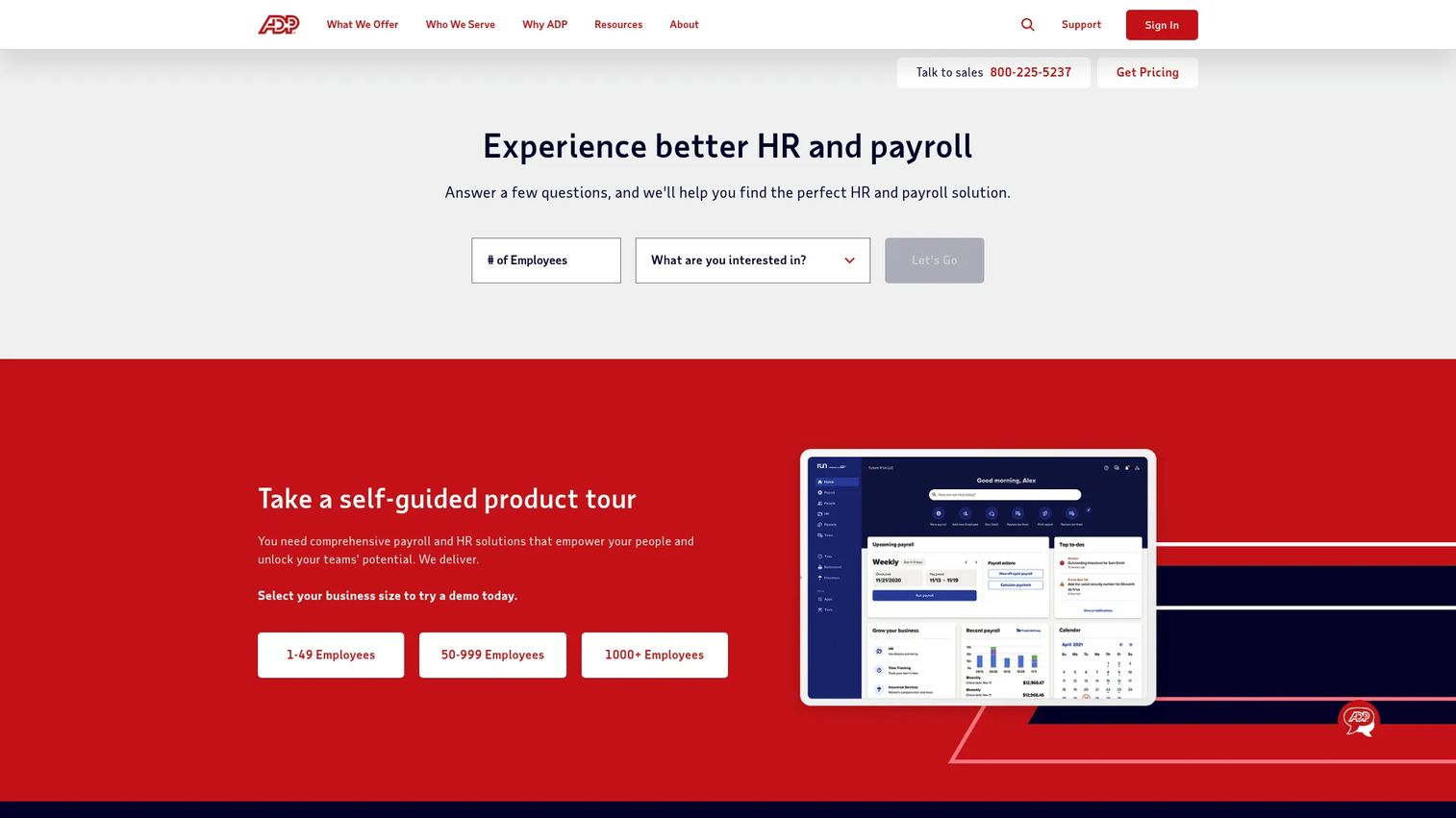
ADP is the default answer when a scaling company wants payroll, HR, and benefits administration in one operationally deep platform. It covers cloud-based HR, payroll, talent, time, tax, and benefits administration across small-business through enterprise scale, which means you rarely outgrow it. For a founder who wants one vendor accountable for compliance and one system of record, that breadth is the point.
The benefits side connects tightly to payroll and tax, so deduction changes and eligibility updates flow without the manual reconciliation that eats HR time. ADP's compliance depth is its signature strength, and it supports carrier integrations and employee self-service for enrollment and life-event changes.
Best for: Businesses that want payroll, HR, and benefits compliance handled by one vendor from small-business through enterprise scale.
Key strengths
- All-in-one HR and payroll: Cloud-based payroll, tax, time, and benefits administration in a single platform.
- Compliance depth: Small-business payroll with tax filing plus broad regulatory support that scales with headcount.
- Global reach: Multi-country payroll for companies hiring across borders.
Why choose ADP: If your board wants clean, defensible people data and you would rather answer to one vendor than stitch together four, ADP earns its place. The trade-off is that it is a large platform, so match the plan tier to your actual size rather than over-buying. ADP has led the HR and payroll category for decades, which shows up in its compliance track record.
ADP pricing: ADP publishes plan names for RUN Powered by ADP, such as Essential Payroll, Enhanced Payroll, Complete Payroll & HR+, and HR Pro Payroll & HR, but no public dollar amounts appear on its first-party pricing pages. Pricing is quote-based. There is no free tier. ADP shows a 4.6/5 rating on its own product pages.
2. Employee Navigator
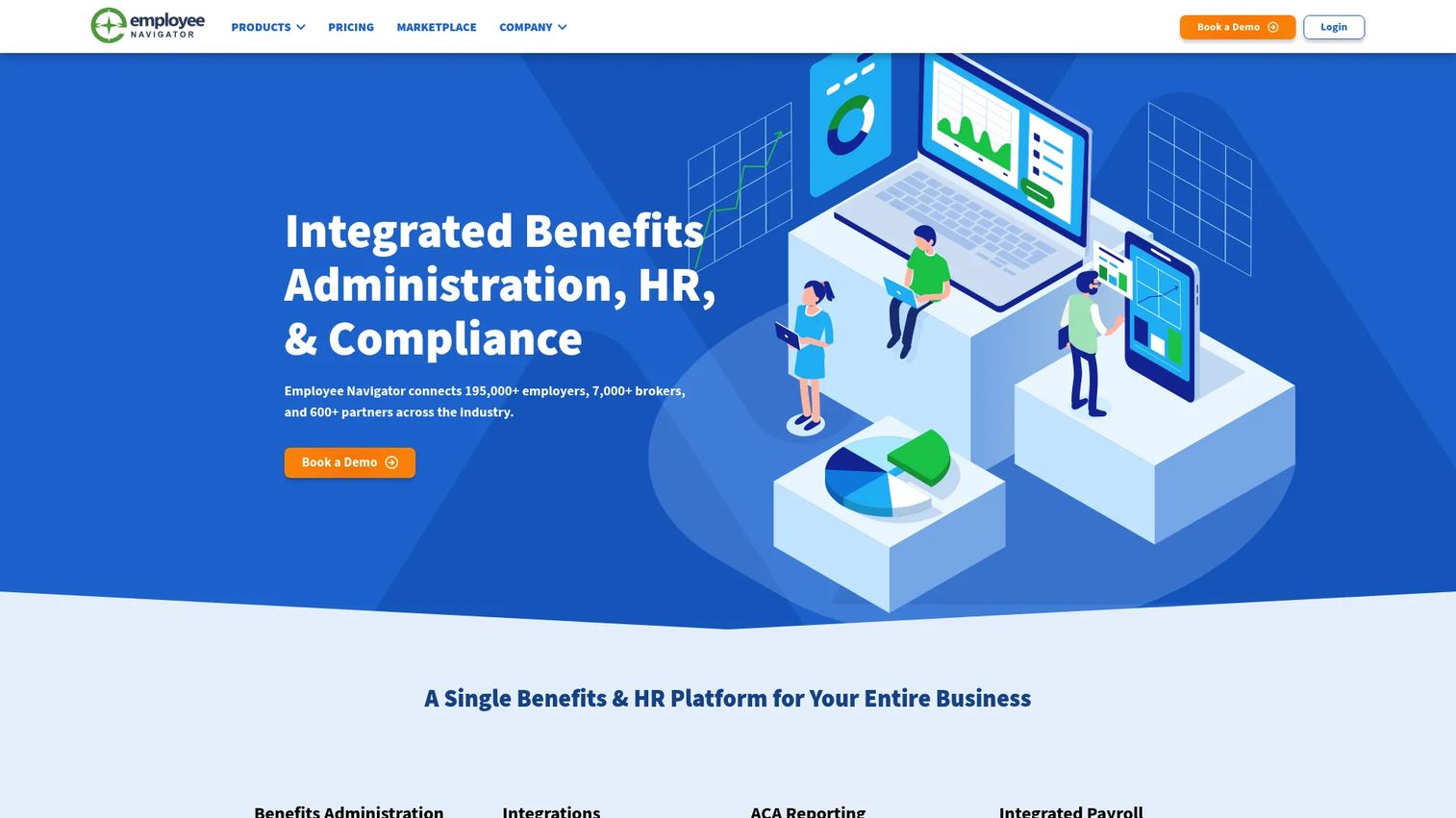
Employee Navigator is a benefits and HR administration platform built around the broker relationship. If your benefits run through a broker, this is often the system they already use and recommend. It handles benefits administration, onboarding, and ACA reporting, and its partner ecosystem connects to hundreds of carriers and payroll systems.
For a company that leans on a broker to design and manage its benefits program, Employee Navigator keeps everyone working in the same system. That reduces the back-and-forth that slows enrollment and creates data mismatches between your HR team and your broker.
Best for: Insurance brokers and the HR teams they support who want benefits administration and enrollment in a shared, integration-heavy platform.
Key strengths
- Broker ecosystem: Deep broker and partner network that makes it the standard in broker-led benefits.
- ACA reporting: Built-in ACA compliance reporting to reduce filing risk.
- Integrations: Wide partner connectivity across carriers and payroll for cleaner data flow.
Why choose Employee Navigator: If your benefits strategy runs through a broker, standardizing on the platform your broker already uses removes friction and keeps records aligned. Choose it when integration breadth and broker collaboration matter more than owning a full HCM suite yourself.
Employee Navigator pricing: The public pricing page lists four plans, Enhanced, Enhanced Plus, Elite, and Platinum, with the plan cards themselves showing "Contact Sales." The page also displays an 834 EDI feeds usage price starting at $0.45 PEPM on certain plans. There is no free tier. Employee Navigator holds a 4.6/5 rating on G2.
3. Rippling
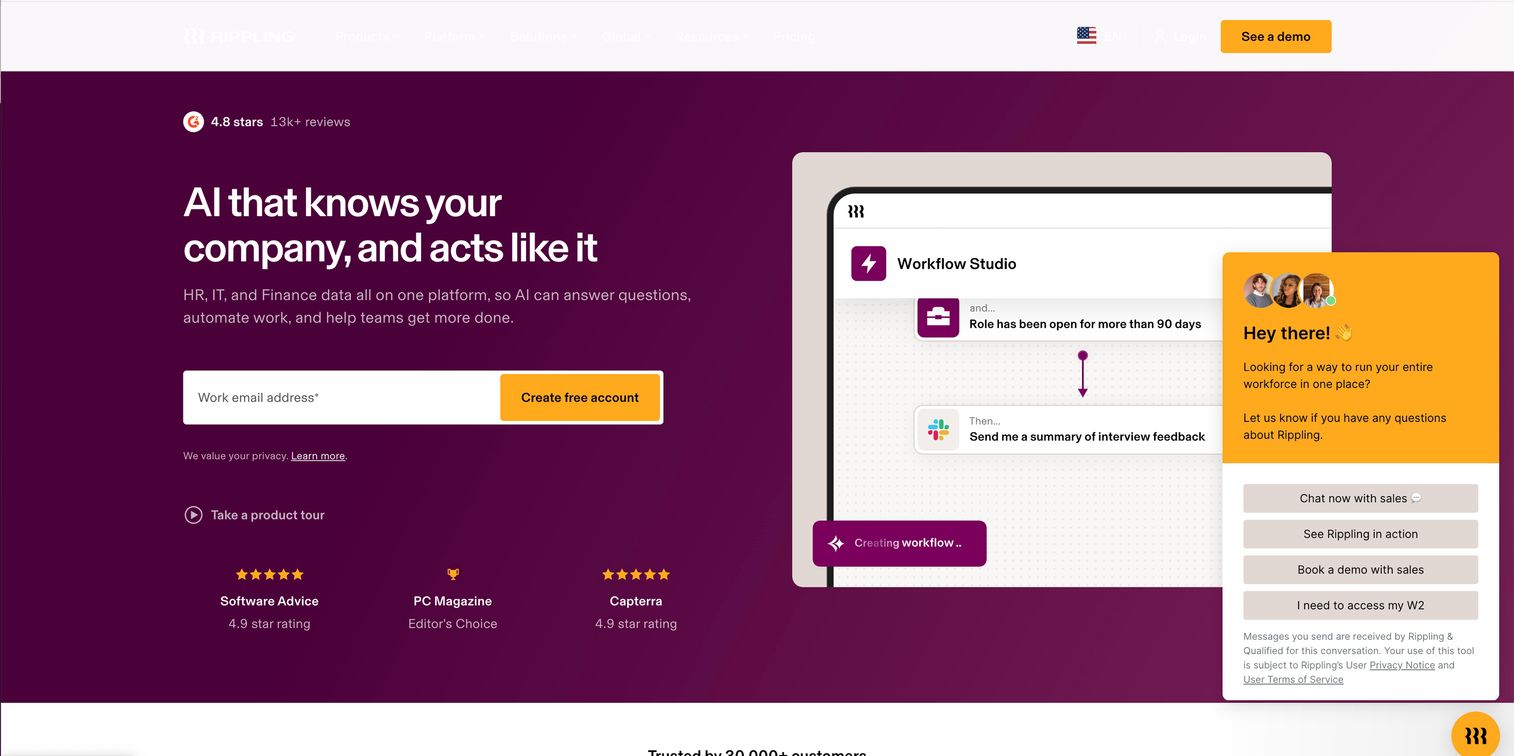
Rippling is an all-in-one platform for HR, IT, payroll, finance, and workforce management. Benefits administration sits inside a broader system that also handles identity, device management, and spend. For a founder trying to reduce the number of tools in the stack, that consolidation is the pitch.
Because HR, payroll, and benefits share one data layer, a single change to an employee record updates deductions, eligibility, and carrier feeds automatically. Rippling supports carrier integrations and strong employee self-service, and its automation reduces the manual steps that usually slow benefits admin during enrollment and life-event changes.
Best for: Companies that want to consolidate HR, IT, payroll, and benefits onto one unified platform.
Key strengths
- Unified data layer: HRIS and benefits administration share one record with payroll and IT.
- Automation: Workflow automation that cuts manual admin across enrollment and offboarding.
- Identity and device control: Access and device management alongside HR, useful for tech-forward teams.
Why choose Rippling: If your stack is fragmented across separate HR, payroll, and IT tools, Rippling replaces several systems at once, which is exactly the consolidation a scaling founder is usually chasing. It fits companies that value one platform and clean handoffs over best-of-breed point tools.
Rippling pricing: Rippling is quote-based and does not publish a numeric starting price. Products are often billed per employee, per month, and can be purchased separately alongside the required core Rippling Platform. There is no free tier. Rippling holds a 4.8/5 rating on G2.
4. bswift
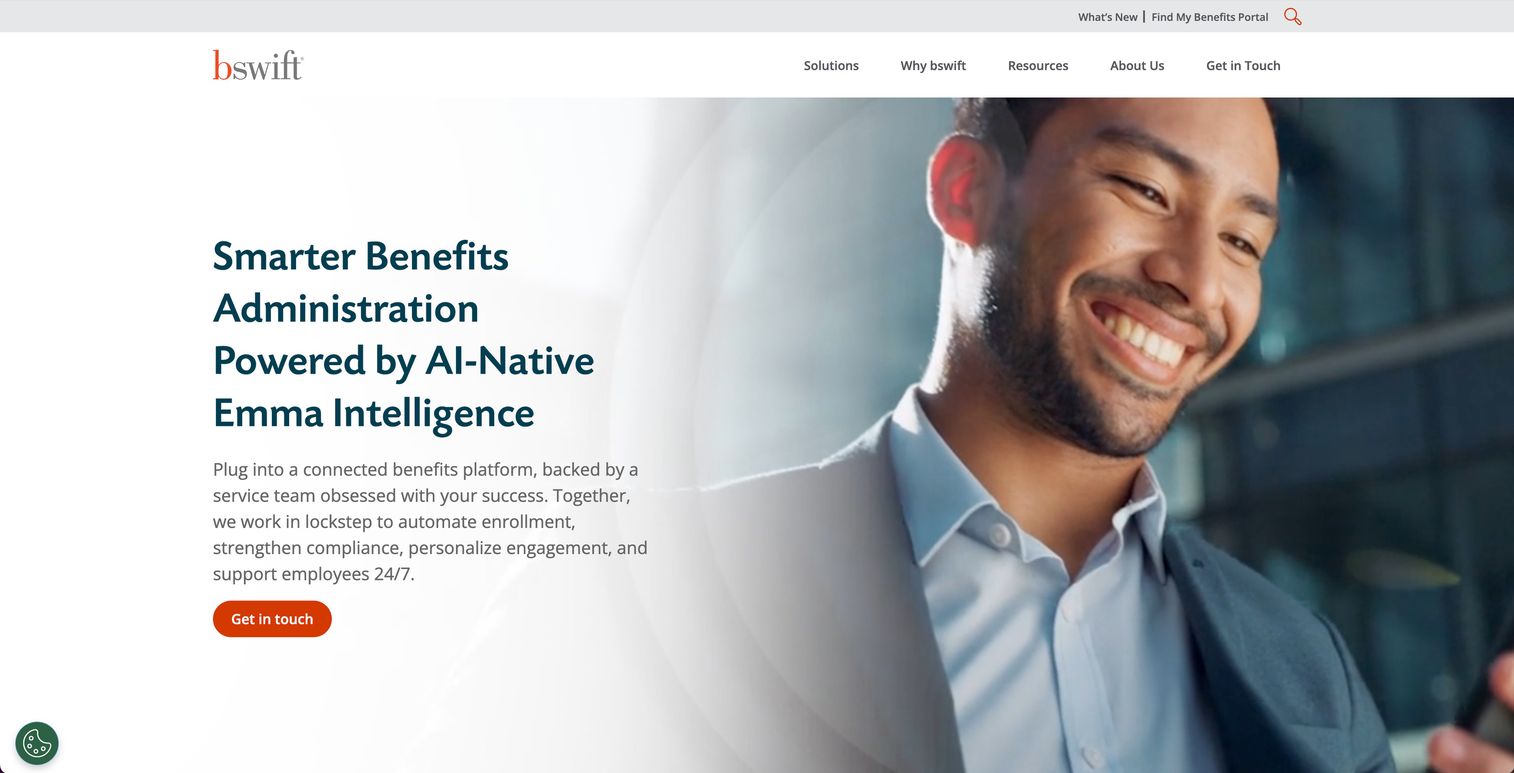
bswift is an AI-native benefits administration and HR services platform aimed at employers and brokers who need configurable administration plus real employee support. Where lighter tools stop at software, bswift pairs the platform with service center support, which matters for larger or more complex benefits operations.
Its capabilities span benefits administration, COBRA, billing, and employee engagement, with personalized communications that help employees actually use the benefits they enroll in. Employers routinely report that staff under-utilize benefits, so the engagement layer is not cosmetic. bswift's connectivity hub uses APIs and integrations to keep carrier and payroll data in sync.
Best for: Employers and brokers who want configurable benefits administration backed by service center support and employee communications.
Key strengths
- AI-native administration: Configurable benefits administration with an AI layer across enrollment and support.
- Employee engagement: Personalized communications that lift benefits utilization.
- Connectivity hub: APIs and integrations that keep carrier and payroll data aligned.
Why choose bswift: If your benefits operation is complex enough that software alone is not enough and you want human support behind it, bswift's service model fits. It suits teams that value a broader benefits operation over a lean self-serve tool.
bswift pricing: bswift does not publish public pricing. The site directs prospects to contact sales for a demo or RFP. Pricing is quote-based, and no free tier is advertised.
5. Benefitfocus
Benefitfocus is benefits administration software and services for employers, health plans, and brokers, with a strong focus on employee guidance. Its differentiation is decision support: helping employees understand and choose the right plan rather than just clicking through enrollment.
The platform covers benefits enrollment and administration, employee communications, a mobile app for mobile benefits access, and data exchange with carriers. With employer health care costs projected to rise 9.5 percent in 2026 and prescription costs climbing sharply in recent years, guiding employees to the right plan is both an experience and a cost issue. Benefitfocus also offers a broad benefit catalog that widens the voluntary coverage employers can offer.
Best for: Large employers and health plans that want an end-to-end, consultative benefits experience with strong decision support.
Key strengths
- Decision support: Plan recommendations and guidance that help employees choose well.
- Mobile access: A mobile app that puts benefits, plan documents, and enrollment in employees' hands.
- Data exchange: Reporting and carrier integrations for end-to-end administration.
Why choose Benefitfocus: If your priority is a benefits experience that guides employees rather than just processes them, Benefitfocus leans consultative. It fits employers who see benefits engagement as a retention and cost lever, not just an admin task.
Benefitfocus pricing: Benefitfocus does not display public pricing on its primary pages. Pricing is demo and contact-sales based. Benefitfocus holds a 4.3/5 rating on G2.
6. PlanSource
PlanSource is a benefits administration software and services platform for employers, carriers, and partners. Unlike the full HCM suites on this list, PlanSource stays focused on benefits, which appeals to organizations that already have payroll and HRIS sorted and want a dedicated benefits layer.
The platform unifies benefits administration with ACA, COBRA, and carrier billing services, plus a wide network of carrier and ecosystem integrations. That focus means implementation and administration workflows are built around benefits and broker needs rather than bolted onto a broader HR product.
Best for: Organizations that want a dedicated benefits administration platform rather than a broad HCM suite.
Key strengths
- Unified benefits platform: Purpose-built benefits administration across enrollment and eligibility.
- Compliance services: ACA, COBRA, and carrier billing handled as services.
- Carrier integrations: A broad carrier and ecosystem network for clean data feeds.
Why choose PlanSource: If you have already invested in payroll and HRIS and do not want to rip them out, a benefits-first platform slots into your stack without forcing a full migration. It fits teams that want depth in benefits specifically. PlanSource is a portfolio company of Vista Equity Partners, which invests exclusively in enterprise software.
PlanSource pricing: PlanSource does not expose public pricing on its site. Pricing appears quote-based. PlanSource holds a 4.0/5 rating on G2.
7. Paycor
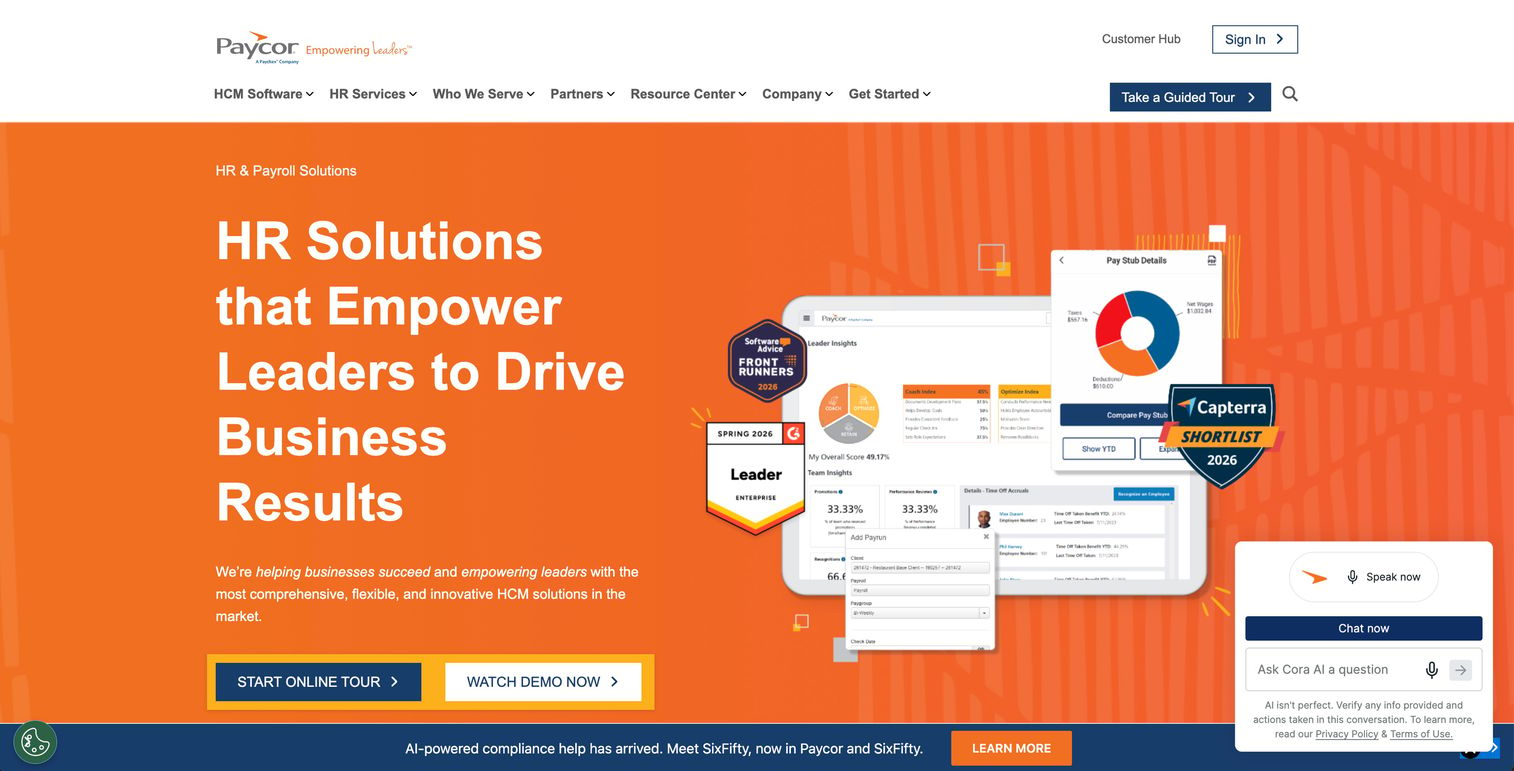
Paycor is cloud-based HCM software for payroll, HR, recruiting, time, and workforce management, with benefits administration folded into the wider suite. Its calling card is usability. For midsize companies where an HR generalist owns benefits alongside a dozen other responsibilities, Paycor's approachable workflows lower the learning curve.
Benefits administration and enrollment flows sit inside the same platform as payroll and onboarding, so deductions and eligibility stay aligned without separate reconciliation. That simplification is the appeal for teams that do not have a dedicated benefits specialist.
Best for: Midsize companies that want HR generalist-friendly workflows across payroll, HR, and benefits in one platform.
Key strengths
- Payroll and HR suite: Payroll, onboarding, and benefits administration in one system.
- Onboarding: Structured onboarding software that ties new hires into benefits enrollment.
- Time and scheduling: Time, attendance, and scheduling alongside HR and payroll.
Why choose Paycor: If your people function is lean and you want a platform an HR generalist can run without deep specialization, Paycor's usability is the draw. It fits midsize teams consolidating HR and payroll rather than enterprises with dedicated benefits operations.
Paycor pricing: Paycor uses a sales-led model. Small businesses answer a few questions to get a custom quote, and no public numeric price appears on the pricing page. Paycor holds a 4.0/5 rating on G2.
Considerations before you buy
Match the platform to your operational reality, not to a feature list. Here is what to verify before signing.
HR, payroll, and benefits integration depth
The single biggest source of benefits admin pain is data living in more than one system. Confirm whether the platform shares one employee record with payroll or syncs to it, and how often that sync runs. A real-time or same-day sync prevents the wrong-deduction problems that create rework and eroded trust.
Compliance coverage
Verify ACA compliance reporting, COBRA administration, and HIPAA-aligned data handling are included, not add-ons. If you are approaching 50 full-time employees, ACA filing becomes mandatory, and a benefits compliance platform should generate those reports without manual assembly. Ask what the audit trail looks like under a due-diligence request.
Carrier integrations and EDI or API feeds
A platform is only as clean as its carrier feeds. Ask which of your specific carriers are supported, whether feeds run over EDI or API, and how long a new carrier connection takes to set up. Broken or slow feeds push you right back into manual entry.
Employee self-service and mobile access
Open enrollment goes smoothly when employees can self-serve. Check the enrollment portal, decision support and plan recommendations, and mobile benefits access. The more employees do on their own, the less your HR team fields the same questions every fall.
Implementation lift and broker support
Ask how long implementation takes, who does the work, and whether your broker is supported natively. For a scaling company, a platform that stands up in weeks and works on day one for a new HR hire beats a marginally cheaper tool that takes a quarter to deploy.
Conclusion
The right pick depends on how much of your HR stack you want to consolidate and where your benefits actually run. ADP is the strongest all-in-one choice for companies that want payroll, HR, and benefits compliance under one vendor. Rippling wins if you are consolidating fragmented HR, IT, and payroll into a single platform. Employee Navigator is the natural fit when your benefits run through a broker.
For deeper benefits operations, bswift pairs configurable administration with service support, Benefitfocus leads on employee decision support, and PlanSource gives you a benefits-first platform that slots beside your existing payroll. Paycor fits midsize teams that want HR generalist-friendly workflows.
For a founder, the decision criterion is simple: pick the platform that removes the most manual coordination and compliance risk from your people function. The best benefits software for growing companies is the one that lets a smaller HR team support more employees with fewer errors. Shortlist two, run a real open-enrollment scenario against each, and choose the one that survives that test.
FAQs
Employee benefit software manages enrollment, administration, compliance, and communication for benefits like health insurance, retirement, and voluntary coverage. It automates the data flow between employees, HR, payroll, brokers, and carriers so your team stops re-keying elections by hand. The goal is fewer errors, lower compliance risk, and a self-serve experience for employees.
The platform syncs benefit elections and deductions to payroll so every paycheck reflects the correct amounts. In an all-in-one suite, HR, payroll, and benefits share one employee record, so a single change updates everywhere. In a benefits-specific tool, an integration or feed pushes deduction data to your payroll system, ideally in real time to prevent mismatches.
At minimum, look for ACA compliance reporting, COBRA administration, and HIPAA-aligned data handling. ACA filing becomes mandatory once you reach 50 full-time employees, and COBRA tracking triggers on qualifying events like terminations. A strong benefits compliance platform generates required reports and keeps an audit trail so a due-diligence request does not become a scramble.
Yes, once manual administration starts consuming HR time and creating errors. Benefits account for roughly a third of total compensation, so the data flowing through the system is significant. The payback shows up as fewer correction requests, cleaner records for board and due-diligence scrutiny, and a people team that can support more employees without adding headcount.
Prioritize HR, payroll, and benefits integration depth, compliance coverage, carrier connectivity, and employee self-service. Also weigh implementation lift and broker support. The right benefits administration platform reduces manual handoffs rather than adding another disconnected system to maintain.
They are central. Carrier integrations over EDI or API are what push employee elections to insurers without manual entry, and broken feeds send you straight back to spreadsheets. Before buying, confirm your specific carriers are supported and ask how long a new carrier connection takes to set up.
An HRIS is the system of record for all employee data, including personal details, roles, and payroll. Benefits administration software focuses specifically on enrollment, eligibility, compliance, and carrier feeds for benefits. Some platforms combine both in an all-in-one suite, while dedicated benefits administration tools integrate with a separate HRIS you already run.
Choose an all-in-one suite when you want to consolidate HR, payroll, and benefits under one vendor and reduce the number of systems your team maintains. Choose a benefits-specific platform when you already have payroll and HRIS you are happy with and want deeper benefits functionality without a full migration. The deciding factor is how much of your stack you want to replace versus extend.