You bought the launch monitor. You built the enclosure. Now you are staring at a checkout page trying to decide which software actually runs the thing, and every option promises the most realistic experience you will ever have indoors.
Here is the part nobody tells you up front: the software decides whether your setup feels like a real round or a spreadsheet with graphics. The U.S. golf simulator market hit roughly USD 2.1 billion in 2025 and is projected to reach USD 4.1 billion by 2033, according to Grand View Research (2026). More than 9 million Americans used a golf simulator in 2025, up about 150% since 2019, per Straits Research citing the Financial Times. The category exploded. The software options multiplied. And most buying guides still bury the two things that actually determine your experience: whether the software talks to your launch monitor, and whether you pay once or pay every year.
So this is not a generic explainer. It is a comparison built around how golfers actually choose the best golf simulator software: course play versus practice, realism, hardware compatibility, swing camera support, and subscription vs lifetime license. Pick wrong on compatibility and none of the other features matter, because the software will not run at all.
What's inside
This guide is for anyone who already owns or is about to buy a launch monitor and needs to choose the golf sim software that sits on top of it. That includes home simulator buyers, prosumers building a garage bay, and shoppers comparing golf simulator programs for family use.
We selected these 11 options based on four criteria that matter most in practice: realism and physics fidelity, course library depth and quality, hardware compatibility with common launch monitors, and licensing model (subscription vs lifetime license). We also flag native software tied to specific hardware versus third-party software that works across brands, plus where each option fits for course play, practice mode, or home entertainment.
TL;DR
- Best overall for serious sim buyers: GSPro, for its massive community course library and broad launch monitor support.
- Best for home setup on a tighter budget: Uneekor Refine or Awesome Golf, both with clear annual and (for Awesome Golf) lifetime pricing.
- Best for casual play and family use: Creative Golf 3D and Awesome Golf, built around games and low-friction fun.
- Best for premium ecosystem users: Trackman TPS and Foresight FSX Play, for owners already inside those hardware ecosystems.
- Best golf simulator for home course play: GSPro and E6 Connect, if realistic rounds matter more than arcade modes.
- Skip as a modern default: TGC 2019, a legacy option worth understanding but not buying new in 2026.
What is golf simulator software?
Golf simulator software is the program that converts launch monitor data (ball speed, launch angle, spin, club path, and more) into simulated ball flight and rendered visuals, so you can play virtual courses or practice indoors. The launch monitor measures. The software interprets and renders.
That single job branches into a few distinct modes and buying factors. Here is what golf simulation software actually delivers:
- Course play: Rendered real or fictional courses you play full rounds on, from tee to green.
- Practice mode: Driving range, dispersion tracking, shot data, and drills for improvement.
- Entertainment mode: Mini-games, closest-to-the-pin, and family-friendly formats for casual sessions.
- Hardware compatibility: Which launch monitors the software supports, native or third-party.
- Course library: How many courses, how realistic, and how consistently they render.
- Subscription vs lifetime license: Whether you pay annually, one time, or a mix, plus how updates are handled.
Two distinctions cut through most confusion. Native software ships with a specific launch monitor brand and is tuned for that hardware. Third-party software works across multiple brands and competes on course quality and physics. And the licensing choice (subscription vs lifetime license) shapes your long-term cost more than the sticker price does, because annual fees compound while lifetime licenses front-load the spend.
When to use each type of golf simulator software
Not every golfer needs the same software. Match the tool to how you actually plan to use the bay.
Choose software for course play
If you want to play rounds, not just hit balls, course play realism is your top filter. This is the golfer who wants to work through Pebble-style layouts, track a scorecard, and feel like they left the garage. Prioritize course library depth, rendering quality, and how faithfully the software translates your launch monitor data into believable ball flight. GSPro and E6 Connect lead here, with large libraries and strong course play.
Choose software for practice and improvement
If your goal is a better swing, practice mode and shot data matter more than course count. Look for dispersion charts, session tracking, drill modes, and swing camera support that syncs video to your shots. Training-first golfers get more from Uneekor Refine, FlightScope, and Trackman TPS, where the data and coaching tools are the point.
Choose software for home entertainment
If the sim is for the whole household, simplicity and fun beat physics precision. You want family-friendly golf software with quick setup, games kids will play, and low-friction sessions that do not require a manual. Creative Golf 3D and Awesome Golf are built for this, with entertainment mode formats and easy on-ramps for guests who have never held a club.
Golf simulator software comparison
Use this table to sort quickly by intent and licensing model before you read the full sections. Pricing reflects the most recent verified first-party figures where available; some vendors do not publish public prices, so those are noted as not publicly listed. Independent product-level G2 ratings were not verified for these consumer titles at the time of writing, so that column is omitted from this golf simulator software comparison.
| # | Product | Intent | Key use case | Pricing |
|---|---|---|---|---|
| 1 | GSPro | Serious course play | Community courses, broad hardware support | $250 / year |
| 2 | E6 Connect | Balanced play and practice | Courses, practice, leagues | Not publicly listed |
| 3 | TruGolf APEX | Modern TruGolf experience | E6 APEX suite, practice range | Not publicly listed |
| 4 | Foresight FSX Play | Ecosystem play (Foresight) | Unity graphics, course play | $500 one-time upgrade |
| 5 | Uneekor Refine | Practice and play | Drills, challenge, stroke play | From $199 / year |
| 6 | Trackman TPS | Premium practice and play | Performance studio, virtual golf | From $700 / year |
| 7 | Garmin Home Tee Hero | Casual home play | 43,000+ courses, tournaments | Membership required |
| 8 | FlightScope | Training and data | Fusion tracking, range and courses | From $4.99 (Badger AI) |
| 9 | Creative Golf 3D | Family and casual | 200+ courses, games | Not publicly listed |
| 10 | Awesome Golf | Entertainment first | Games, stats, cross-hardware | From $14.99 / month |
| 11 | ProTee Labs | Practice and simulation | Training and sim flexibility | Not publicly listed |
1. GSPro
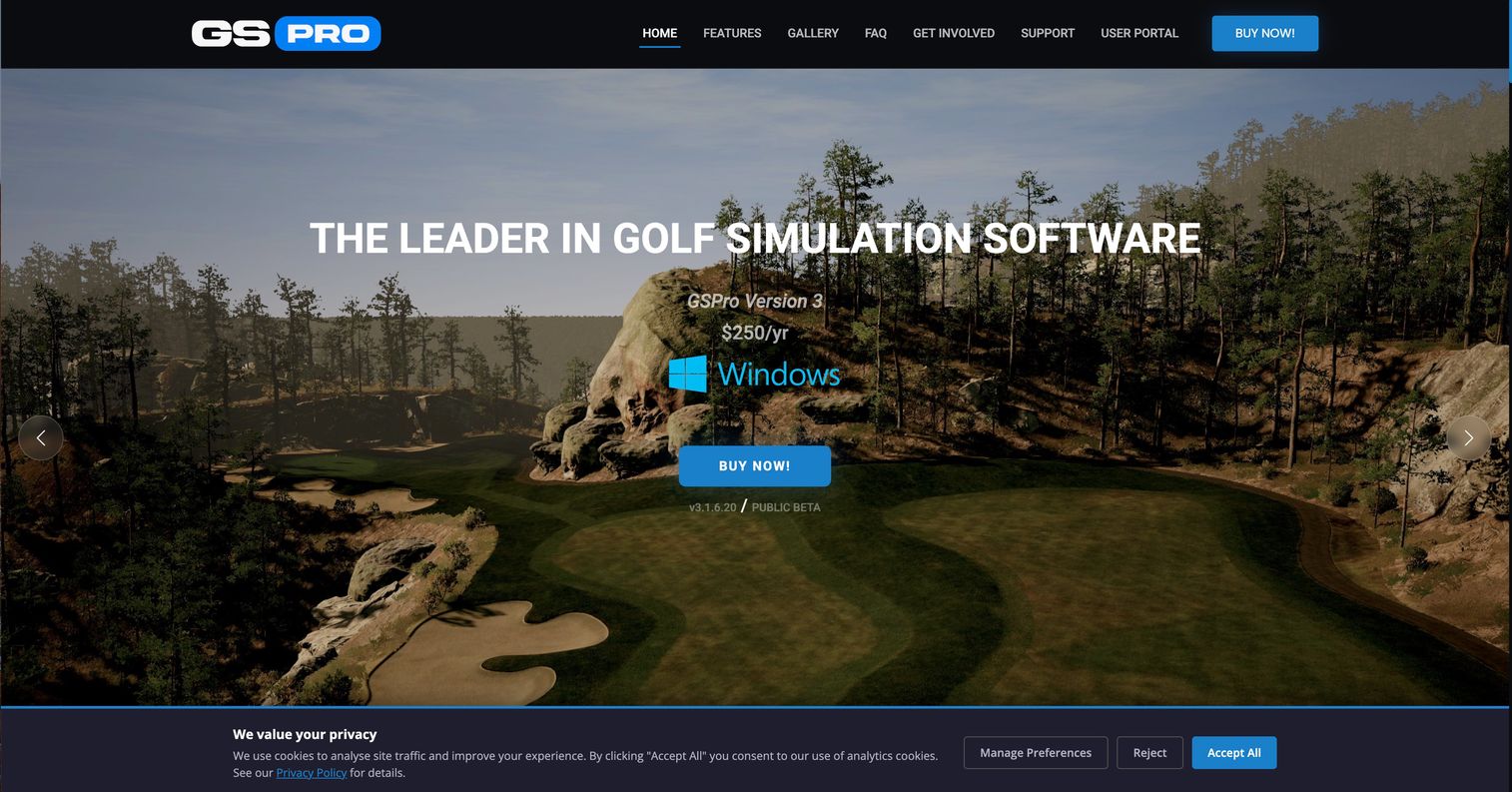
GSPro is the option serious home sim buyers reach for when course play is the priority. Its reputation rests on a community-created course library that dwarfs most competitors, giving you thousands of layouts to play through without waiting on an official release schedule. It supports multiple launch monitors and exposes an open interface for integrations, so it slots into a wide range of setups.
Best for: Indoor golf simulator users who want deep course play with broad launch monitor support.
Key strengths
- Massive course library: More than 2,500 community-created courses, refreshed constantly by an active community.
- Broad hardware compatibility: Official support for multiple launch monitors, so you are not locked to one brand.
- Open integrations: An open API and interface let it connect across a range of simulator hardware.
Why choose GSPro: If you care more about playing realistic rounds than about arcade modes, GSPro is hard to beat. The course volume alone means you will not run out of layouts, and the community keeps adding more. It rewards golfers who treat the sim as a way to play real golf indoors, not as a party game.
GSPro pricing: GSPro runs on a single annual subscription at $250 per year, verified from its first-party site. The previously available lifetime add-on is no longer offered, so plan around the recurring cost. There is no free tier, which fits its serious, course-play-first positioning.
2. E6 Connect
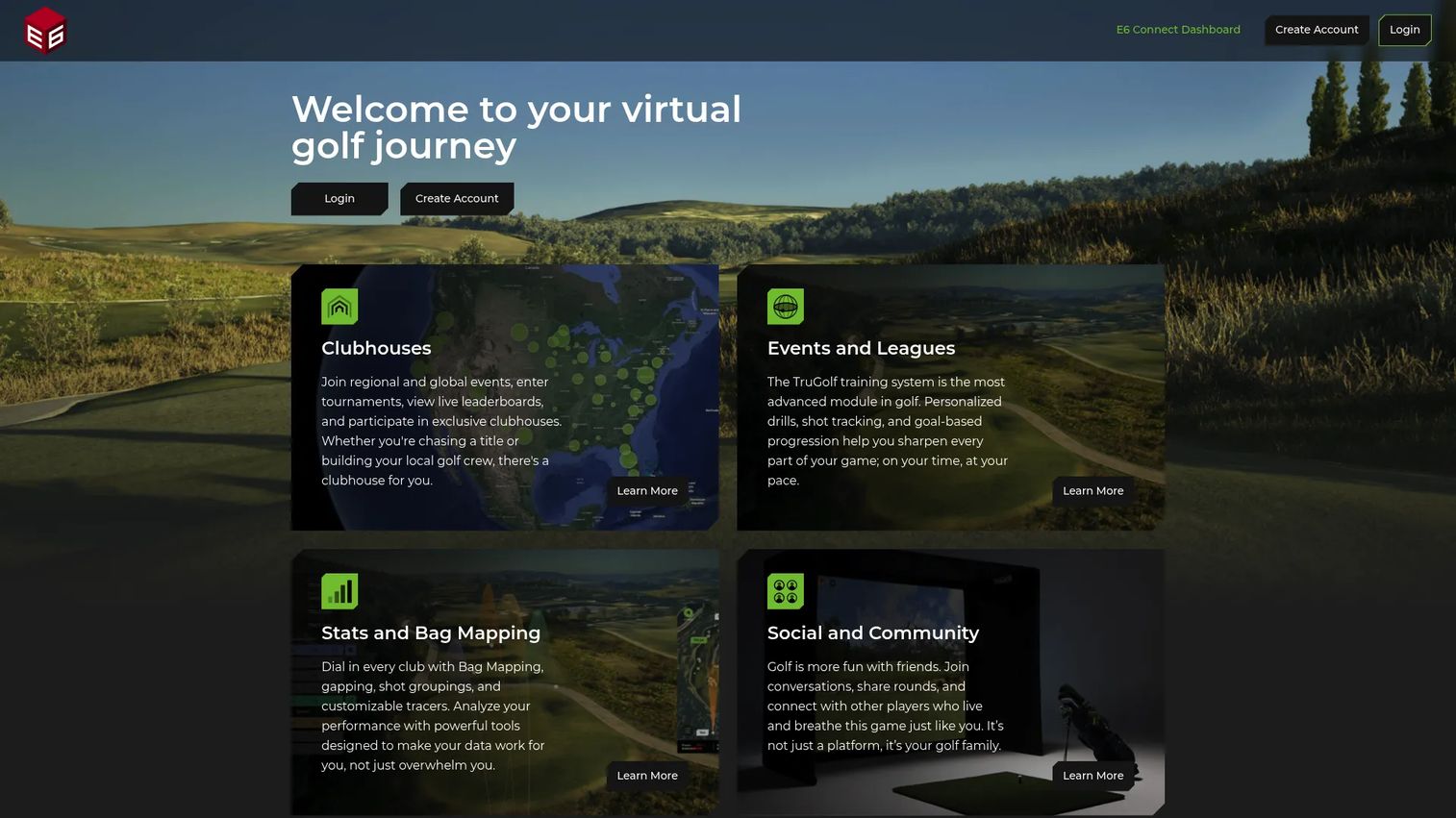
E6 Connect is a longtime shortlist staple because it balances course play, practice, and social features in one package. It runs on PC and iOS, offers traditional rounds alongside mini-games, and includes clubhouse and league management for people who want to run competitions. That mix makes it a common pick for both home bays and commercial venues.
Best for: Golf simulator operators and enthusiasts who need virtual courses, practice, and league tools in one place.
Key strengths
- Cross-platform support: Runs on both PC and iOS, giving setups flexibility beyond a single machine.
- Play plus games: Traditional course play alongside mini-games keeps sessions varied for mixed groups.
- League and analytics tools: Clubhouse and league management plus simulator analytics for organized play.
Why choose E6 Connect: E6 Connect earns its shortlist spot by not forcing a choice between serious rounds and casual fun. If your bay serves a range of players, from a scratch golfer to weekend guests, its blend of modes covers everyone. The league tools also make it a natural fit if you host regular competitions.
E6 Connect pricing: E6 Connect offers Basic and Expanded subscriptions plus a Standard License option, confirmed on its first-party shop. Public prices were not visible on the pages reviewed, so confirm current figures directly with E6 Golf before purchase. The multiple plan types mean you can lean toward subscription vs lifetime license depending on your commitment.
3. TruGolf APEX
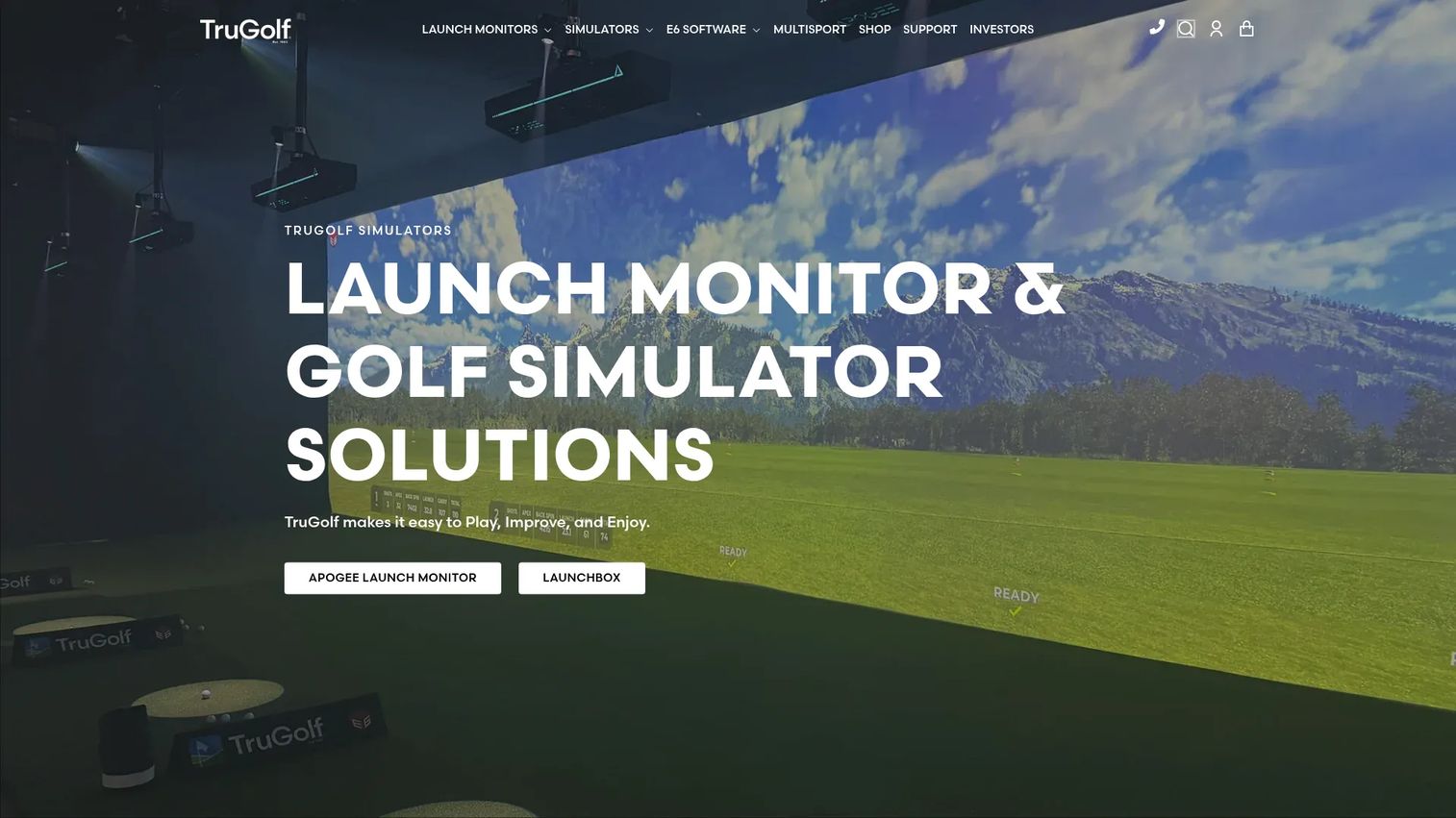
TruGolf APEX is TruGolf's more modern software experience, built around the E6 APEX improvement suite. It pairs course and range play with an improvement-focused layer, plus web-based Clubhouse leaderboards for tracking and light competition. For golfers already looking at TruGolf hardware, APEX is the natural software companion.
Best for: Golf simulator buyers who want TruGolf's APEX software experience with an improvement focus.
Key strengths
- E6 APEX improvement suite: A dedicated improvement layer that goes beyond basic play.
- Practice range: Structured range practice for working on ball striking and dispersion.
- Clubhouse leaderboards: Web-based leaderboards for tracking progress and comparing scores.
Why choose TruGolf APEX: APEX suits golfers who want a current, polished software experience with improvement tools baked in rather than bolted on. If you are drawn to the TruGolf ecosystem or want a practice-oriented layer alongside course play, it fits. The web leaderboards add a light social pull for households or small groups.
TruGolf APEX pricing: TruGolf's site confirms E6 APEX exists and lists features like Practice Range and Clubhouse leaderboards, but a standalone public price for APEX itself was not verified. Pricing appears tied to TruGolf's broader hardware and simulator products, so request a current quote directly. Treat licensing details as something to confirm before you commit.
4. Foresight FSX Play

Foresight FSX Play is the polished native option for owners of Foresight's GC-series launch monitors. Built on the Unity graphics engine, it delivers upgraded visuals and a refreshed interface aimed at golfers who want an integrated, good-looking course play experience without stitching together third-party pieces.
Best for: Foresight launch monitor owners who want upgraded sim visuals and course play in a native package.
Key strengths
- Unity graphics engine: Modern rendering for sharper visuals and a more immersive course play feel.
- Included courses: 25 courses come with the software, so you can play out of the box.
- HD/5K visuals and updated UI: High-resolution features and a cleaner interface across the experience.
Why choose Foresight FSX Play: If you already own Foresight hardware, FSX Play is the path of least resistance to a sharp, integrated setup. The native tuning means the software and launch monitor are designed to work together, and the Unity engine gives it a visual edge. It rewards golfers who value a cohesive ecosystem over mixing and matching.
Foresight FSX Play pricing: Foresight lists the FSX Play software upgrade at $500 as a one-time purchase on its product page, verified first-party. That single, lifetime-style payment appeals to buyers who prefer paying once over an annual subscription. There is no free tier for the upgrade.
5. Uneekor Refine
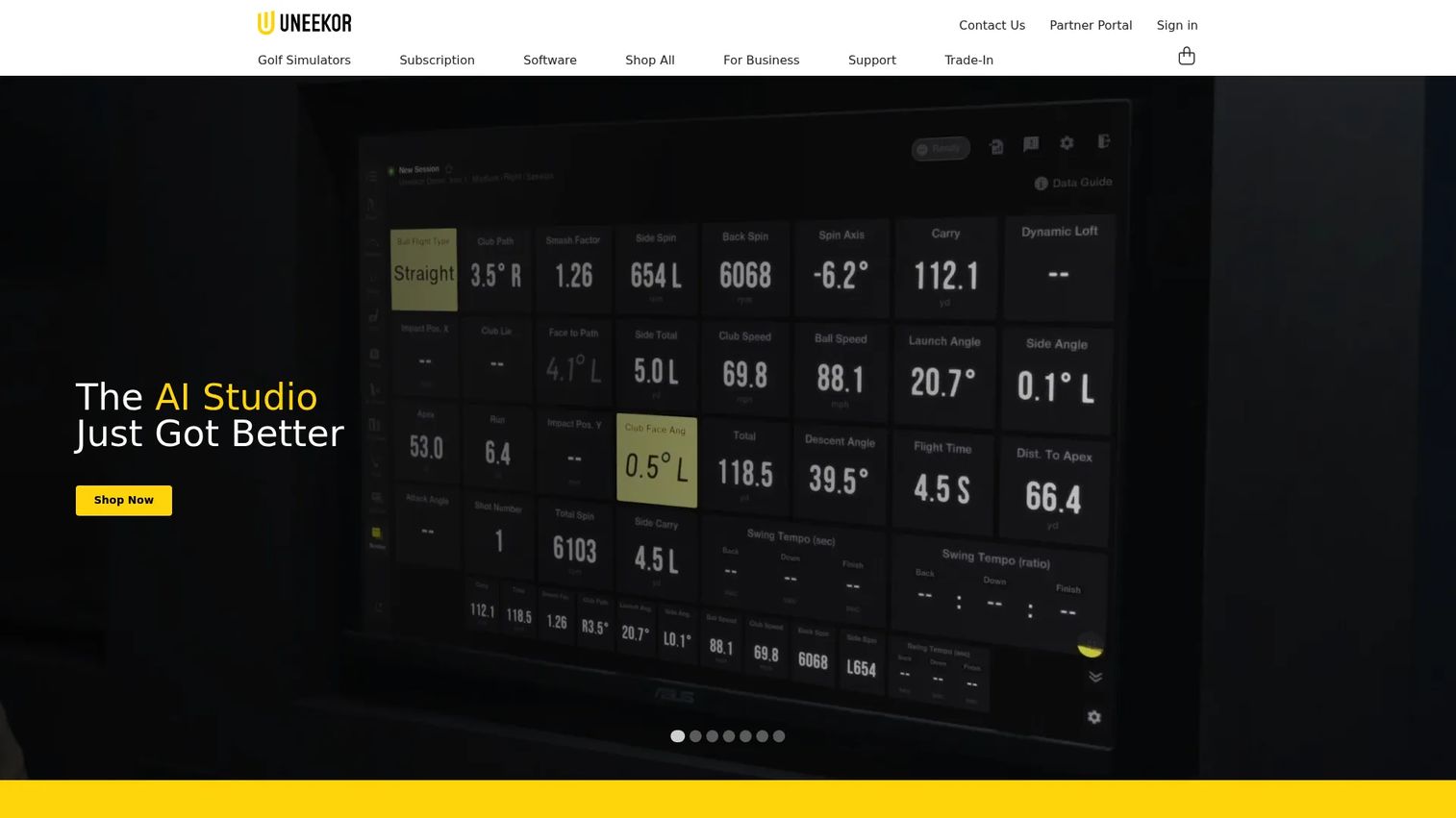
Uneekor Refine is a subscription-based software line that blends practice and course play, aimed at golfers who want both improvement tools and rounds. It covers short game drills, a challenge mode, stroke play, and a driving range, with higher tiers layering in additional training features.
Best for: Golfers and facilities who want indoor practice combined with simulated course play.
Key strengths
- Short game drills: Targeted practice for the parts of the game that lower scores fastest.
- Challenge mode: Structured challenges to keep practice engaging and measurable.
- Stroke play and range: Full stroke play plus a driving range for a complete practice-to-play loop.
Why choose Uneekor Refine: Refine fits golfers who refuse to pick between practicing and playing. The tiered plans let you start with core practice and course play, then step up to added training tools as your commitment grows. That makes it a flexible entry point for a home bay that will evolve over time.
Uneekor Refine pricing: Refine starts at $199 per year for the Pro package, with Champion at $399 per year adding Refine+ and AI Trainer, and Ultimate at $599 per year adding GameDay, all verified first-party. There is no free tier. The clear annual tiers make it easy to match spend to how seriously you plan to use the software.
6. Trackman TPS
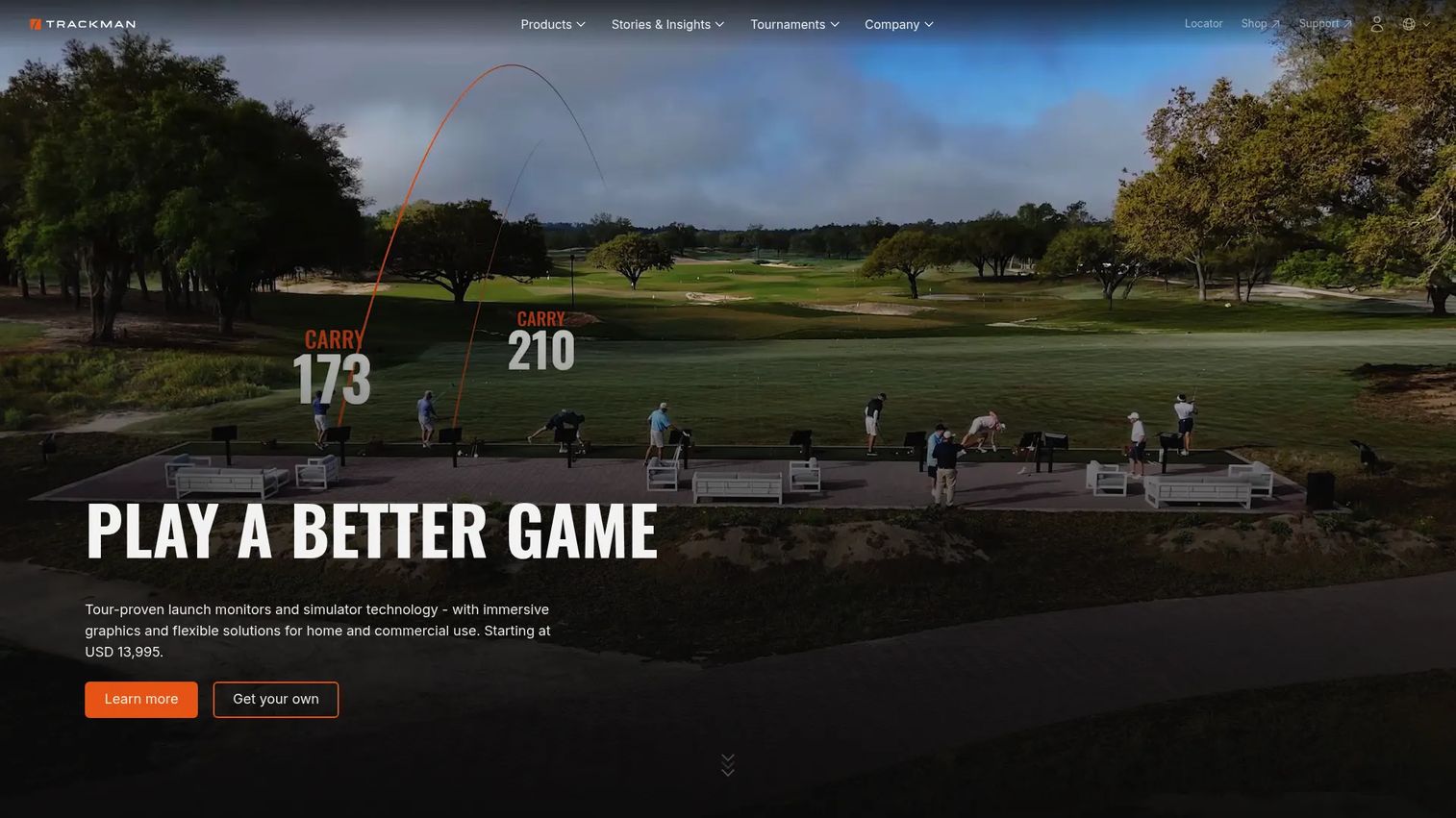
Trackman TPS centers on Trackman Performance Studio, the software behind one of the most respected names in ball tracking. It pairs virtual golf and practice modes with 3D motion analysis, making it a premium choice for golfers who want tour-grade data alongside course play.
Best for: Indoor golf simulators, coaching, and performance analysis for buyers already in the Trackman ecosystem.
Key strengths
- Trackman Performance Studio: The core TPS software trusted by coaches and serious players.
- Virtual golf and practice modes: Course play plus structured practice in one environment.
- 3D motion analysis: Deep swing and ball data for golfers focused on measurable improvement.
Why choose Trackman TPS: Trackman suits buyers who already own or plan to buy Trackman hardware and want the data depth that reputation implies. The software subscription is one line item in a larger premium investment, so it makes most sense when you are committed to the ecosystem. For serious practice and coaching, the analysis tools are the draw.
Trackman TPS pricing: Trackman's home simulator page lists a Home software plan at USD 700 per year and a Home Complete plan at USD 1,100 per year with more courses, games, and club data, verified first-party. Both are annual subscriptions with no free tier. Read those figures in the context of the broader Trackman hardware investment.
7. Garmin Home Tee Hero
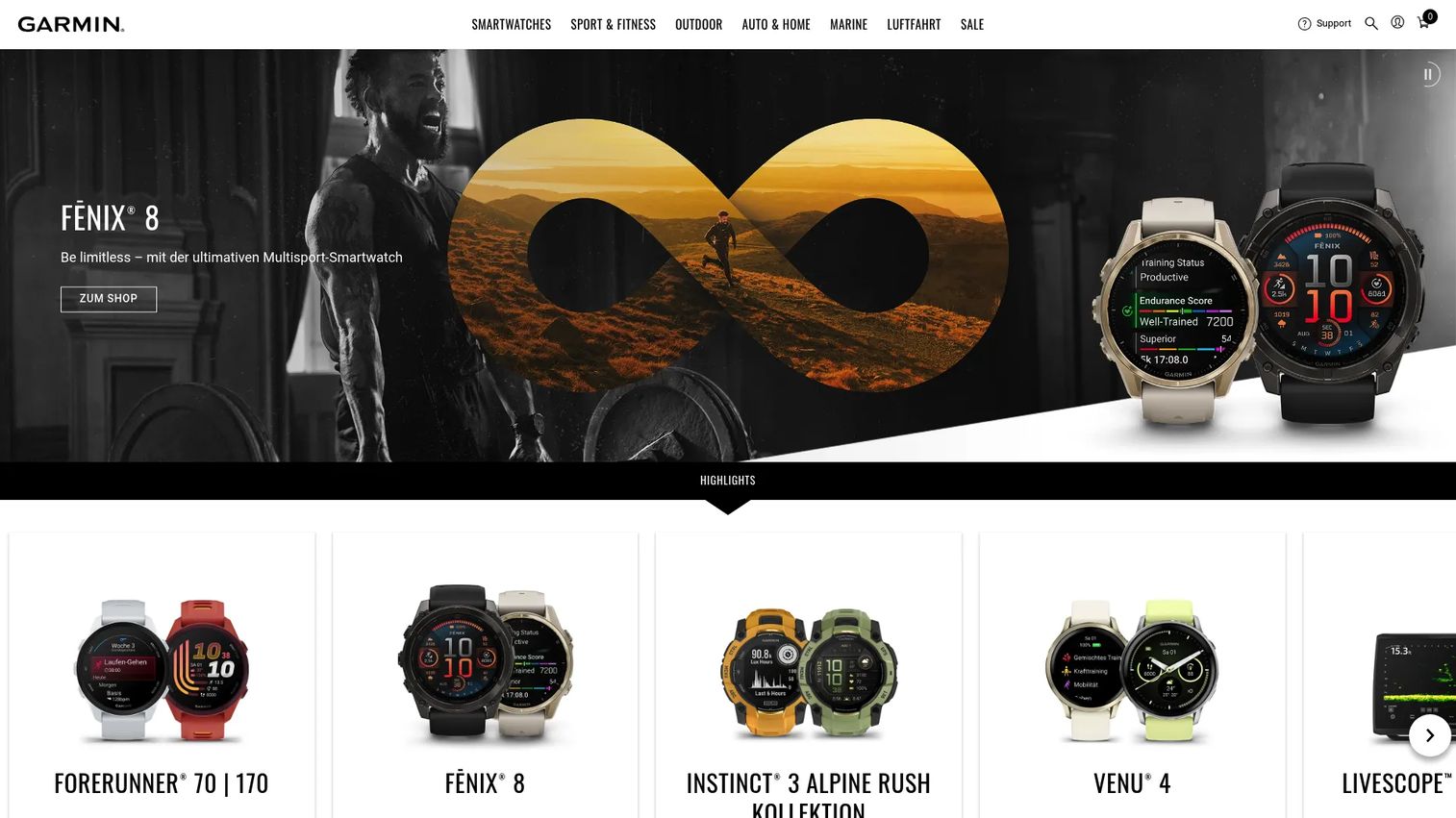
Garmin Home Tee Hero is Garmin's accessible simulator service for owners of compatible Garmin launch monitors, accessed through a Garmin Golf membership. It offers virtual rounds on a huge course count, weekly tournaments, and an on-course practice mode, making it an easy on-ramp for more casual home play.
Best for: Golfers with a compatible Garmin launch monitor who want straightforward simulator play at home.
Key strengths
- Enormous course access: Virtual rounds on 43,000+ courses, one of the largest counts available.
- Weekly tournaments: Built-in weekly events give casual players a reason to keep coming back.
- On-course practice mode: Practice tied to real course layouts, not just a blank range.
Why choose Garmin Home Tee Hero: Home Tee Hero appeals to golfers who value simplicity and breadth over deep customization. If you already own a compatible Garmin device, the membership unlocks a large, approachable experience without a complicated setup. The weekly tournaments add light structure for households and casual competitors.
Garmin Home Tee Hero pricing: Home Tee Hero requires an active Garmin Golf membership, which Garmin offers on monthly and annual plans. Specific price figures were not visible on the pages reviewed, so confirm current membership pricing on Garmin's site before buying. The membership model puts it firmly on the subscription side of the subscription vs lifetime license question.
8. FlightScope
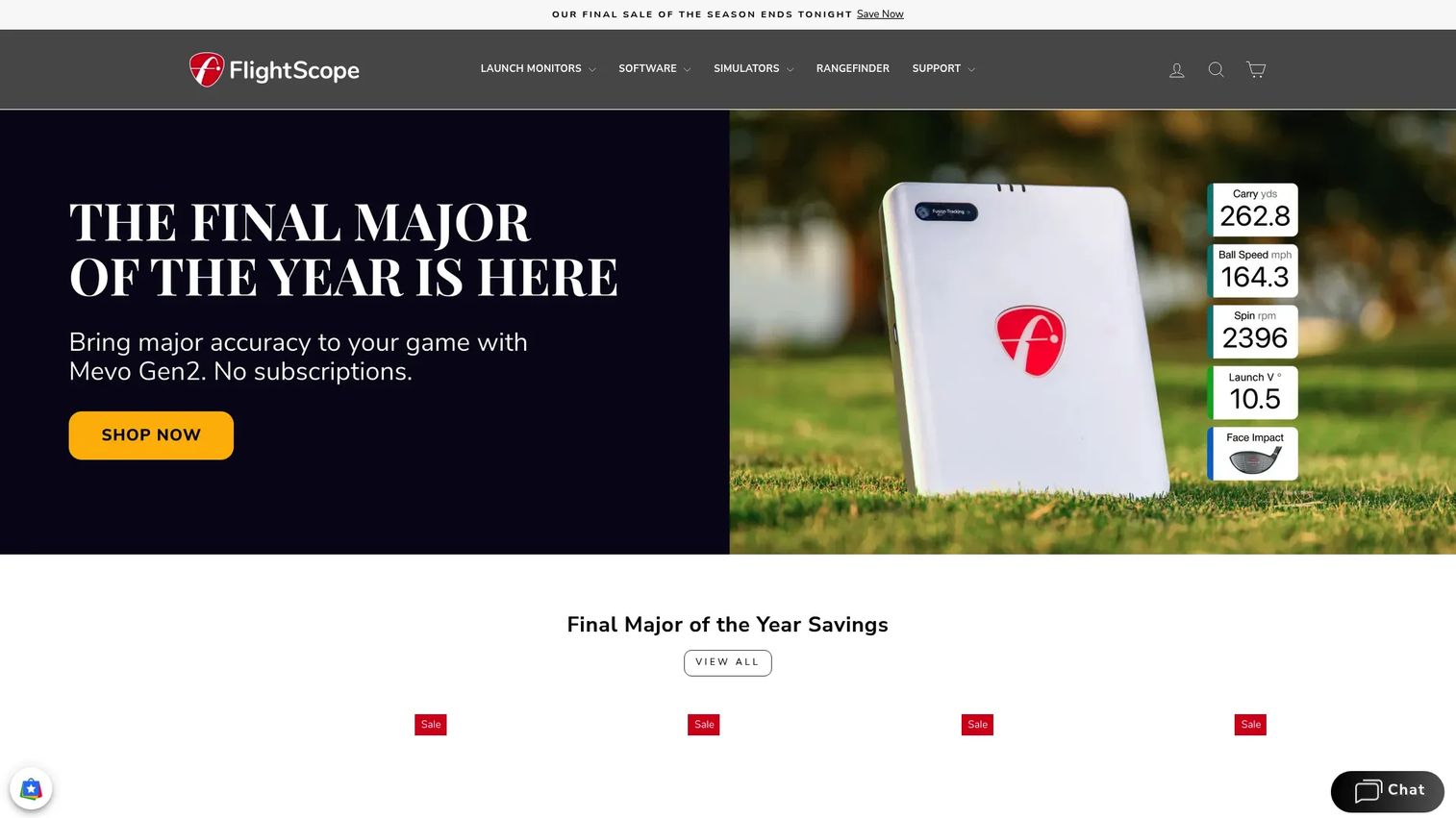
FlightScope is a launch monitor and software ecosystem built around its patented Fusion Tracking technology, serving golfers, coaches, and fitters who care about data. Its FS Golf app handles indoor and outdoor tracking, and E6 Connect course bundles extend it into full course play.
Best for: Golfers, coaches, fitters, and facilities who need launch monitor and ball-tracking tech with a training focus.
Key strengths
- Fusion Tracking technology: Patented tracking that combines methods for reliable indoor and outdoor data.
- Indoor and outdoor use: Works in the bay and on the range, so your data follows you.
- FS Golf app and E6 bundles: Native app plus E6 Connect course bundles for practice and course play.
Why choose FlightScope: FlightScope shines for players who treat data as the point. The training and fitting orientation makes it a strong fit for improvement-focused golfers and coaches, while the E6 Connect bundles cover the course play side. It is a data-first ecosystem that scales from range work to full rounds.
FlightScope pricing: FlightScope's storefront sells individual products rather than a single subscription plan, with items like the Badger AI subscription from $4.99, a $599 Pro Package, and hardware such as the Mevo Gen2 at $1,299, all verified first-party. There is no single SaaS-style plan. Budget by assembling the pieces you need rather than a flat software fee.
9. Creative Golf 3D

Creative Golf 3D is a lighter, family-friendly option that pairs course play with a strong lineup of games. Its Advanced edition includes over 200 real courses, and it supports a wide range of launch monitors, making it a versatile pick for home buyers who want variety and fun over tour-grade precision.
Best for: Golfers and simulator setups that want course play, games, and broad launch monitor support.
Key strengths
- 200+ real courses: Creative Golf Advanced includes a deep library of real layouts.
- Wide hardware compatibility: Supports Foresight, FlightScope, Garmin, SkyTrak, Uneekor, and more.
- Games and tournaments: Course download, filtering, search, and tournament play round out the experience.
Why choose Creative Golf 3D: Creative Golf 3D is the pick for households that want more than straight stroke play. The game modes make it approachable for kids and guests, while the course library keeps serious sessions interesting. Its broad compatibility also means it slots into many existing setups without a hardware change.
Creative Golf 3D pricing: Creative Golf 3D is sold through its e-shop and retailers, with license types that include one-time purchase and annual subscription options. Public price figures were not visible on the pages reviewed, so check the current e-shop listing for your region. The choice between one-time and annual gives you room to weigh subscription vs lifetime license.
10. Awesome Golf
Awesome Golf is entertainment-first golf sim software built for easy, social play across many launch monitors. It supports FlightScope, Foresight Sports, Bushnell, Rapsodo, Garmin, and more, and layers in game modes, stats, leaderboards, and competitions for households and casual players.
Best for: Golfers and indoor facilities looking for launch-monitor-compatible software that prioritizes fun.
Key strengths
- Broad launch monitor support: Works with FlightScope, Foresight, Bushnell, Rapsodo, Garmin, and others.
- Games and competitions: Virtual Golf, Range, and game modes keep casual and family sessions lively.
- Stats and leaderboards: Metrics, leaderboards, and competitions add light structure to fun play.
Why choose Awesome Golf: Awesome Golf is the household favorite when the goal is fun that anyone can pick up. The game modes and leaderboards make it easy for guests and kids, while the stats still give improving golfers something to track. Its wide hardware support also makes it a safe cross-brand choice.
Awesome Golf pricing: Awesome Golf publishes clear tiers: a Monthly Membership at $14.99, an Annual Membership at $159.99, and a Lifetime Membership at $349.99 one-time, all verified first-party, with a 14-day free trial. The lifetime option is a genuine answer to the subscription vs lifetime license debate. That trial also lets you test compatibility before committing.
11. ProTee Labs

ProTee Labs is known among simulator enthusiasts for training and simulation flexibility, aimed at golfers who want to pair structured practice with course play. It fits setups where the goal is a versatile software layer rather than a single fixed experience.
Best for: Golfers who want to combine practice workflows with simulation in one flexible package.
Key strengths
- Practice and simulation blend: Built for golfers who want both training tools and simulated play.
- Setup flexibility: Designed to adapt to a range of simulator configurations.
- Enthusiast focus: Popular with hands-on users who like to tune their environment.
Why choose ProTee Labs: ProTee Labs suits golfers who see their bay as an evolving project and want software that flexes with it. If you value the ability to mix practice and simulation on your own terms, it is worth a look. Confirm the specifics against your exact hardware before buying.
ProTee Labs pricing: First-party pricing and detailed feature lists were not verifiable on the brand site at the time of writing. Check proteelabs.com directly for current plans, licensing, and hardware compatibility before purchase. Treat any third-party pricing claims with caution until confirmed at the source.
What to check before you buy golf simulator software
A short checklist saves you from the most common regret: buying software that does not fully fit your setup.
Hardware compatibility
Confirm the software officially supports your exact launch monitor before anything else. Native software is tuned for one brand, while third-party software spans several, so match the software to the hardware you already own. Compatibility is the constraint that overrides every other feature.
Licensing model
Decide where you land on subscription vs lifetime license. Annual subscriptions like GSPro and Trackman TPS spread cost and bundle updates, while one-time options like Foresight FSX Play or Awesome Golf's lifetime tier front-load the spend. Project three to five years of use to compare true cost.
Course library and realism
Weigh course library depth against realism and physics fidelity. GSPro and Garmin lead on sheer course count, while premium ecosystems emphasize data accuracy. Decide whether variety or precision matters more for how you play.
PC requirements and setup
Check the PC requirements before you buy. Graphics-heavy titles on engines like Unity ask more of your machine than lighter, family-friendly software. Match your hardware to the software's demands so realism does not come at the cost of stutter.
Swing camera support
If you plan to review your swing, verify swing camera support and that video syncs cleanly to your shot data. Training-focused options tend to handle this best. Confirm it works with your camera and capture setup.
Choosing the best home golf simulator software for your setup
The best golf simulator software is the one that fits your hardware, budget, and how you actually play, not the one with the loudest reputation. Here is the short version by buyer type.
For the serious course-play buyer, GSPro is the default, with its enormous community course library and broad launch monitor support. For the home-use buyer who wants realistic rounds without overbuying, E6 Connect and Uneekor Refine balance play and practice well. For ecosystem-first buyers already committed to premium hardware, Trackman TPS and Foresight FSX Play deliver integrated, polished experiences. For casual and family use, Creative Golf 3D and Awesome Golf make fun the priority, with Awesome Golf offering a genuine lifetime option.
Your next step is simple: confirm your launch monitor, check your PC against the software's requirements, and decide how you weigh subscription vs lifetime license before you pay. Do that, and the best home golf simulator software choice gets obvious fast. Choose on fit, not on brand popularity, and your indoor bay will feel like real golf instead of a graphics demo.
FAQs
It depends on how you play. For serious course play at home, GSPro leads on library and compatibility. For casual and family use, Creative Golf 3D and Awesome Golf are more approachable, and Awesome Golf's lifetime membership makes it budget-friendly over time. Match the software to your launch monitor first, then to your play style.
For raw course count, Garmin Home Tee Hero advertises 43,000+ courses, and GSPro offers more than 2,500 community-created layouts refreshed constantly. Premium ecosystems tend to prioritize rendering consistency and physics accuracy over sheer volume. If library depth is your deciding factor, GSPro and Garmin are the strongest starting points among these golf simulator programs.
Not always. Graphics-heavy titles built on modern engines, like Foresight FSX Play on Unity, benefit from a stronger GPU and meeting the stated PC requirements. Lighter, family-friendly software runs comfortably on more modest machines. Check each title's system requirements against your hardware before buying, since a mismatch shows up as stutter rather than realism.
A subscription (like GSPro at $250 per year or Trackman TPS from $700 per year) spreads cost over time and usually bundles ongoing updates. A lifetime license (like Foresight FSX Play's $500 upgrade or Awesome Golf's $349.99 lifetime tier) is a larger one-time payment with no recurring fee. Project three to five years of use to see which subscription vs lifetime license path costs less for you.
No, and this is the most important buying constraint. Native software is built for a specific brand, while third-party software supports several. Titles like Creative Golf 3D and Awesome Golf list broad compatibility across FlightScope, Foresight, Garmin, and others, but always confirm your exact launch monitor is officially supported before you pay.
Neither is universally better. Native software is tuned for one hardware ecosystem and tends to integrate cleanly, which suits ecosystem-first buyers. Third-party golf simulation software competes on course quality and cross-brand flexibility, which suits buyers who want choice or who mix hardware. Pick based on whether integration or flexibility matters more for your setup.
For practice and improvement, training-first options like Uneekor Refine, FlightScope, and Trackman TPS emphasize shot data, drills, and swing camera support. For playing full rounds, course-first options like GSPro and E6 Connect emphasize library depth and course play realism. Many golfers want both, so options that blend practice mode and course play, like Uneekor Refine, are a practical middle ground.