You open your phone to jot a thought before it disappears. The app you picked six months ago won't sync to your laptop, the entry you wrote on vacation is locked behind a tier you didn't buy, and you've stopped writing entirely.
That's the quiet failure mode of journaling software. Most apps look identical on the App Store screenshot. The difference shows up on day thirty, when you actually want the habit to hold across every device you own, keep private entries private, and revisit what you wrote a month ago.
The real decision isn't features. It's a tradeoff between low-friction capture, privacy you can trust, reminders that keep the habit alive, and reviewability that makes old entries useful.
The digital journal apps market reached USD 6.34 billion in 2026 and is projected to hit USD 15.15 billion by 2034, per Straits Research (2026). More options means more noise. This guide cuts through it.
What's inside
This guide is for anyone choosing a journaling app they'll actually stick with, whether you write on an iPhone at night, a Mac at your desk, or across a mix of devices. We looked at seven journaling apps and ranked them on the factors that decide whether a habit survives.
We chose each tool against four criteria:
- Cross-platform support: Does it sync cleanly across iPhone, Android, Mac, Windows, and web
- Privacy and ownership: Encryption, locked entries, and whether you can export your data
- Pricing clarity: Free tier limits versus what a paid plan actually adds
- Daily writing experience: Prompts, reminders, media, and how fast entry feels
TL;DR
- Best overall: Day One, for a privacy-focused journal app with encrypted sync, media, and AI-assisted reflection
- Best for Apple users: Apple Journal, a free, built-in journaling app with smart suggestions on iPhone
- Best for prompts and reflection: Reflection, an AI journaling app built around guided self-reflection
- Best free journal app: Diarium, a private cross-platform journal with a genuinely usable free version
- Best for desktop-first writing: Diarly, a clean Markdown editor made for Mac and Apple devices
- Best for private diary writing: Penzu, a locked, encrypted online diary focused on privacy
- Best for cross-platform sync: Journey, a cross-platform journaling app with cloud sync and shared journals
What is journaling software?
Journaling software is a digital journal app that lets you write, store, and revisit personal entries across your devices, usually with private or locked entries, prompts, and search.
Think of it as a private notebook that never runs out of pages, follows you between your phone and laptop, and reminds you to write. A good digital journal app protects what you write, makes old entries easy to find, and lowers the friction of starting an entry to almost nothing.
Here are the core features to expect when you evaluate any journal app:
- Cross-platform sync: Write on one device, pick up on another, with entries in sync
- Private or locked entries: Passcode, Face ID, or encryption to keep entries yours
- Writing prompts and reminders: Suggestions and nudges that keep the habit going
- Media support: Attach photos, audio, video, and location to an entry
- Export options: Get your entries out as PDF, plain text, or another portable format
- Search and memories: Find old entries fast and resurface past days
- Templates or guided reflection: Structured prompts for weekly or yearly review
Cross-platform journaling software matters more than most feature lists admit. A journal you can only open on one device is a journal you forget. Privacy-first journaling apps matter for the same reason a diary has a lock: You write more honestly when you trust that nobody else reads it.
The category splits roughly three ways. Some apps optimize for the polished daily writing experience. Some optimize for privacy and data ownership. Some optimize for guided reflection through prompts and AI. The right pick depends on which of those you weight highest, and whether the free journal app tier covers what you need before you pay.
When to use journaling software
Capture thoughts across devices
You get an idea on the train, a note in a meeting, a reflection before bed. Paper can't be in three places at once. Digital journaling wins when you want to write wherever the thought hits, on phone, desktop, or watch, and have it all land in one place. Cross-platform sync is what makes that possible without copy-pasting between apps.
Keep a private habit alive
The hardest part of journaling isn't writing. It's writing again tomorrow. Prompts, reminders, and low-friction entry matter most when motivation dips. Offline journaling helps here too: If the app works without a connection, you never lose an entry because the wifi dropped. The apps that keep habits alive remove every excuse not to start.
Review patterns over time
An entry you never reread is just storage. The payoff comes from spotting patterns, in mood, in decisions, in what actually mattered. When weekly, monthly, or yearly review matters more to you than raw capture, prioritize apps with strong search, "on this day" memories, and reflection features over apps that only log text.
Journaling software comparison table
The list below balances privacy, platform support, and writing experience. Some picks lean Apple-native, some go fully cross-platform, and some trade breadth for a cleaner private writing space. Pricing and ratings reflect each vendor's current listing as of August 2026.
| # | Product | Best for | Key differentiator | Pricing |
|---|---|---|---|---|
| 1 | Day One | Privacy-focused all-around journaling | Encrypted sync with media and AI reflection | Free; Silver $49.99/yr; Gold $74.99/yr |
| 2 | Apple Journal | iPhone-first daily writing | Native on-device suggestions, no cost | Free |
| 3 | Reflection | Prompts and guided reflection | AI coach with guided journaling prompts | Free; Premium $8/mo |
| 4 | Diarly | Mac-first, tidy writing | Markdown editor built for Apple devices | Free; Premium under $2/mo |
| 5 | Journey | Cross-platform sync | Shared journals across every device | Free; Membership $4.17/mo annual |
| 6 | Penzu | Private diary writing | Locked, encrypted online diary | Free; Pro $19.99/yr |
| 7 | Diarium | Feature-rich free journaling | Broad platform support with own-storage sync | Free; Pro one-time per platform |
Best journaling software for 2026
1. Day One
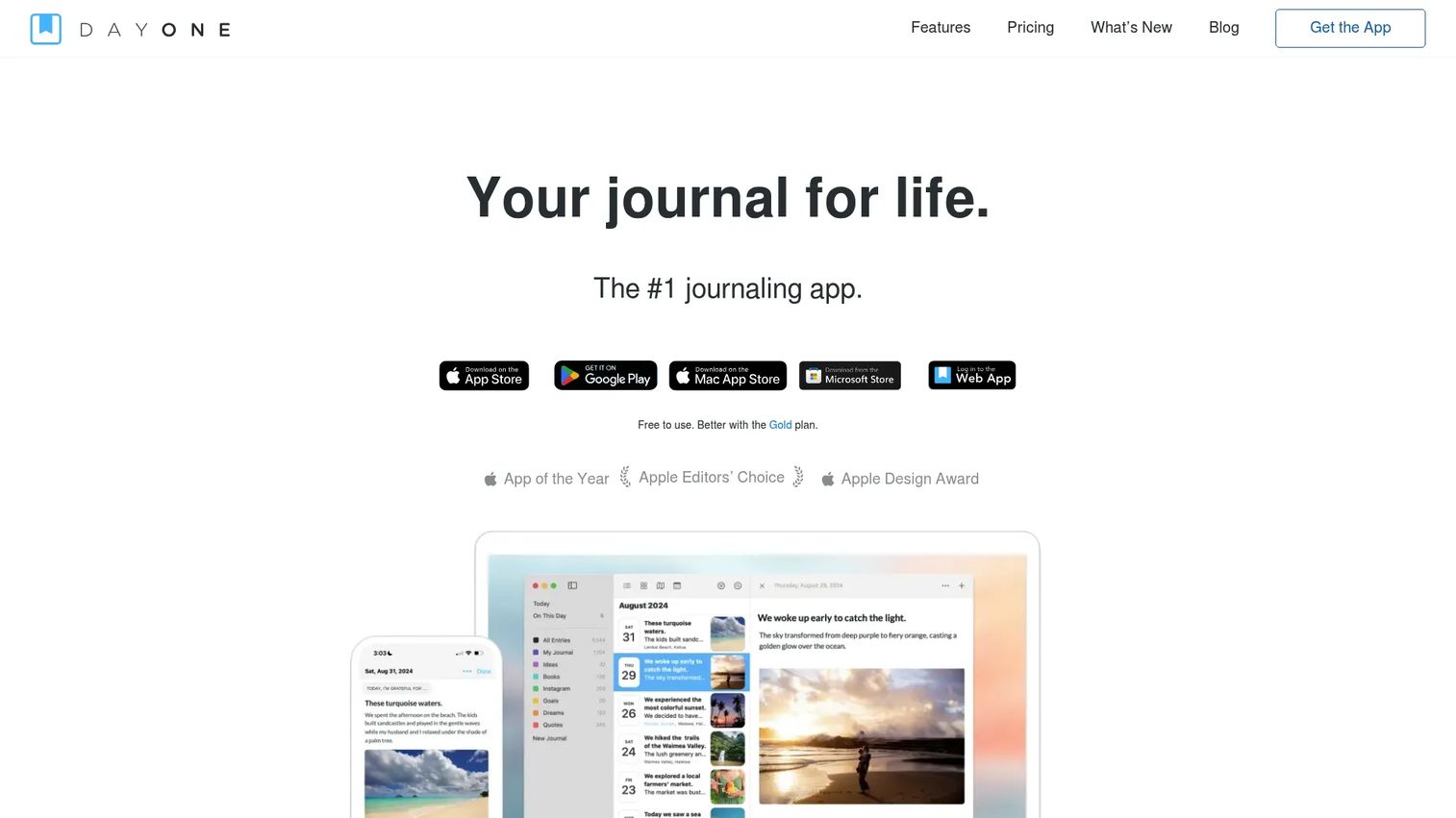
Day One is the closest thing this category has to a default pick. It runs across iPhone, iPad, Mac, Android, and web, syncs with end-to-end encryption, and handles media-rich entries without slowing down. If you skim reviews and want one journal app that does most things well, this is where most people land.
Best for: People who want a privacy-focused journal with encrypted sync, media, and AI-assisted reflection.
Key features
- End-to-end encryption and sync across devices
- Unlimited journals and entries
- On This Day memories resurface past entries
- Photos, video, audio, and location per entry
- AI journaling tools in Day One Labs
Why choose Day One: If you want a polished daily writing habit and don't want to think about whether your entries are private, Day One covers both. The tradeoff is that its strongest features sit behind a paid annual tier.
Day One pricing: Basic is free. Silver runs $49.99 per year for sync, media, and integrations. Gold runs $74.99 per year and adds AI features and Day One Labs.
Day One holds a 5.0 rating on G2, though from a small review count, so treat it as directional rather than a large sample.
2. Apple Journal
Apple Journal is Apple's built-in journaling app for iPhone, iPad, and Mac. It leans on on-device intelligence to suggest moments worth writing about, pulling from photos, workouts, and places you've been. For anyone already living inside Apple's services, it's the lowest-friction start there is.
Best for: iPhone users who want a private, built-in journal app with smart prompts and zero setup.
Key features
- Journaling suggestions from on-device intelligence
- Add photos, video, audio, and location
- Log state of mind per entry
- Lock entries with passcode, Touch ID, or Face ID
- Built into iOS with nothing to install
Why choose Apple Journal: If your whole life already runs on Apple hardware and you want a free journal app with no learning curve, this is the obvious first test. The catch is it stays inside the Apple ecosystem, so cross-platform users will feel boxed in.
Apple Journal pricing: Free on the App Store, with no paid tiers.
No verified G2 rating exists for Apple Journal specifically, so we're not assigning one.
3. Reflection
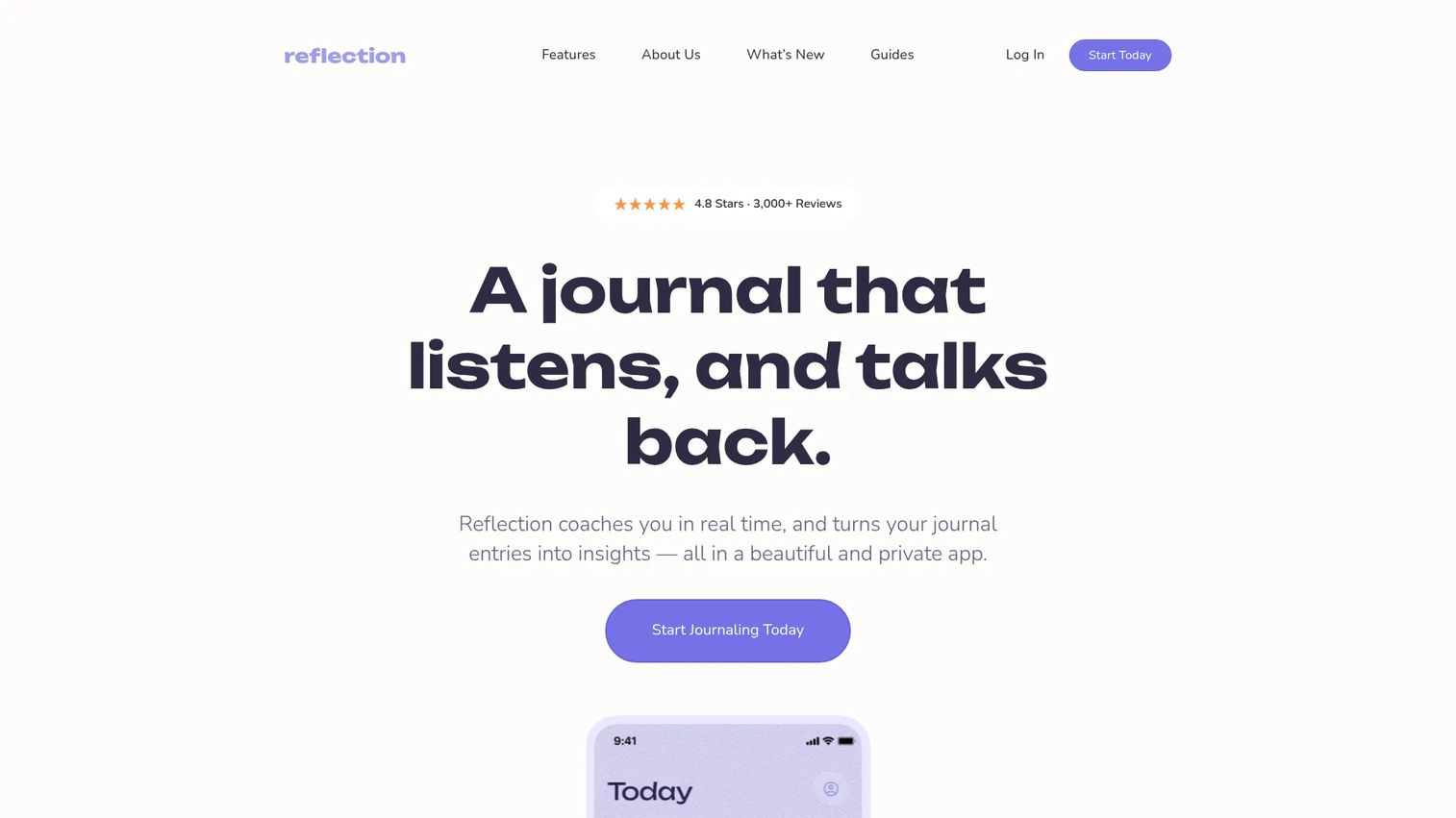
Reflection is an AI journaling app built around guided self-reflection rather than blank-page capture. It pairs writing prompts with an AI coach that surfaces personalized insights, plus expert-led guides. It syncs across iOS, Android, macOS, and web, so the reflection habit follows you.
Best for: People who want an AI-assisted private journaling app that nudges deeper self-reflection.
Key features
- AI coach with personalized insights
- Guided journaling prompts
- Expert-led reflection guides
- Cross-device sync on iOS, Android, macOS, web
- Private journaling by design
Why choose Reflection: If a blank page stalls you and structured prompts get you writing, Reflection's guided approach fits better than a plain diary app. The tradeoff is that heavy prompt-and-coach features are the point, so minimalists may find it more than they want.
Reflection pricing: Free Forever plan available. Premium is $8 per month, or $5.75 per month billed annually, after a 7-day free trial. Lifetime Premium is $250 as a one-time purchase.
No current third-party rating was verified for Reflection from a primary source, so we've left the rating out.
4. Diarly
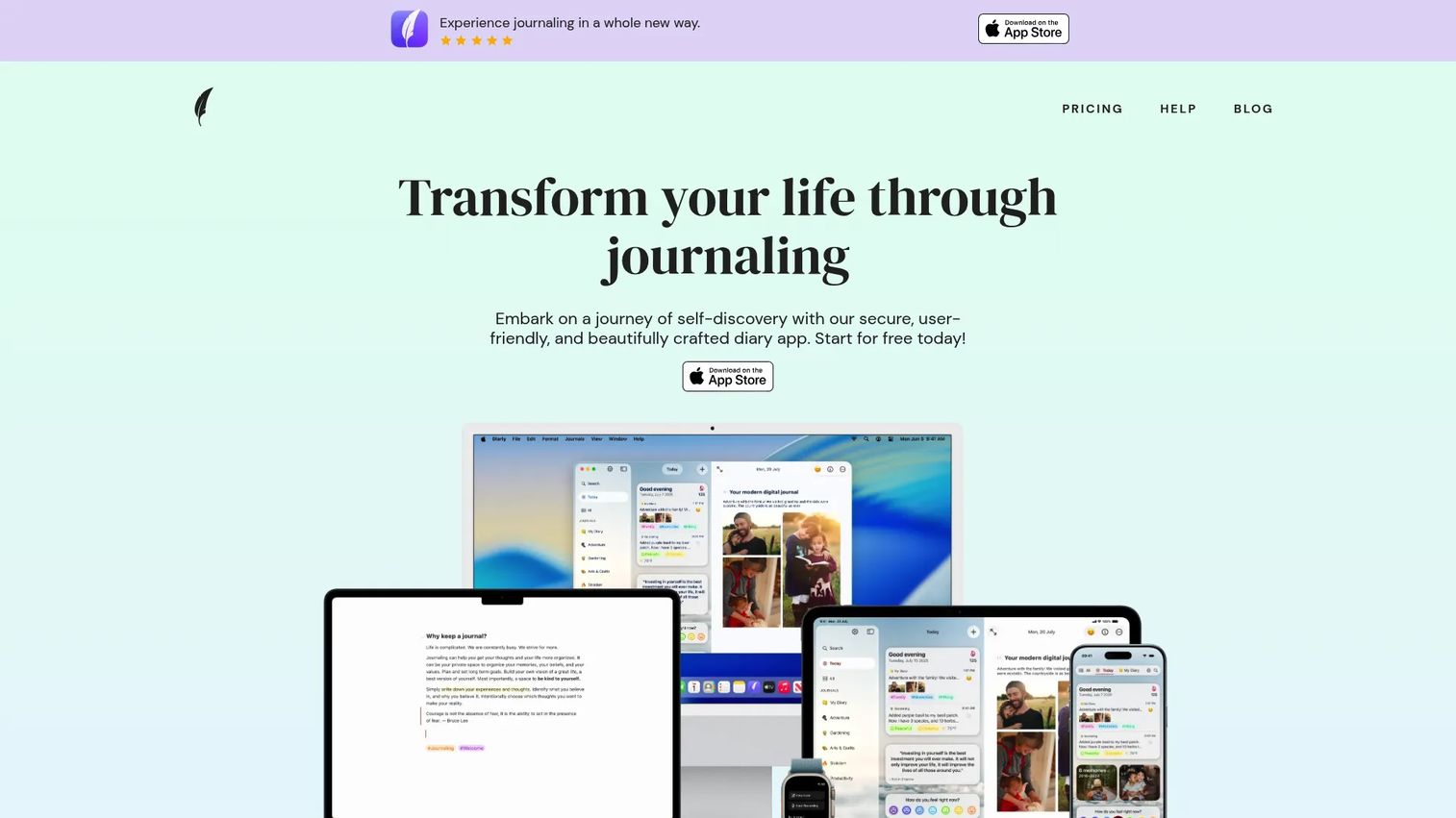
Diarly is a private journaling app made for Apple devices, with a clean Markdown editor and offline-first storage. It covers Mac, iPhone, iPad, and Apple Watch, syncs through iCloud, and packs in mood tracking, tags, and multiple journals without cluttering the writing view.
Best for: Apple-device users who want a tidy, private, feature-rich journaling app for desktop-first writing.
Key features
- Mac, iPhone, iPad, and Apple Watch support
- Markdown editor with rich formatting
- Password protection, encryption, biometric unlock
- iCloud sync plus import and export tools
- Mood tracking, goals, insights, tags
Why choose Diarly: If you write mostly at a desk and care about a distraction-free, well-organized archive, Diarly's Mac-first design fits. The tradeoff is that it's built for Apple, so it's not the pick for anyone on Windows or Android.
Diarly pricing: Free forever plan with unlimited entries and media in one journal. Premium costs under $2 per month after a 7-day free trial, adding password protection, sync, encryption, and multiple journals.
No current third-party rating was verified for Diarly from an accessible primary source, so we've left the rating out.
5. Journey
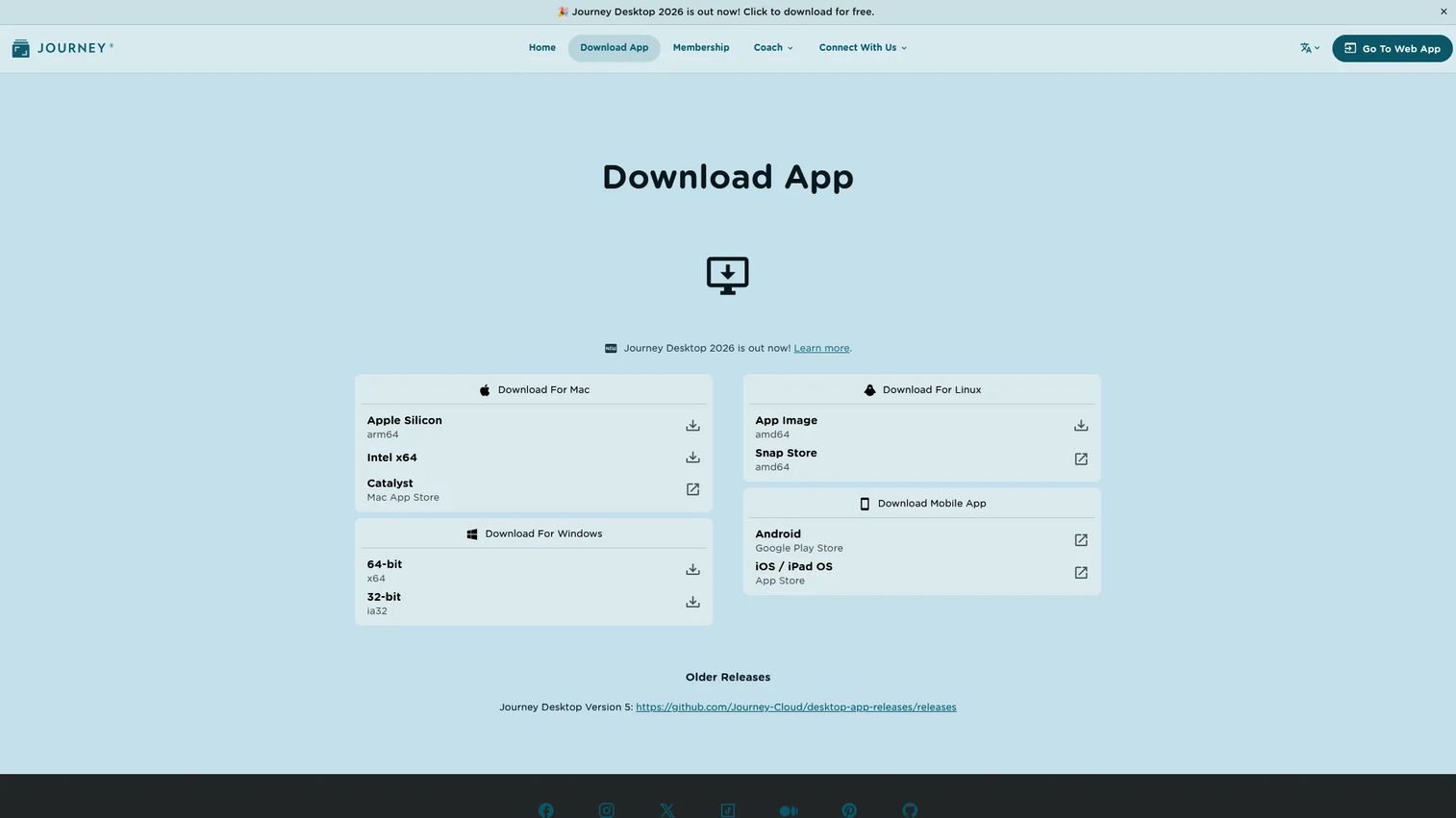
Journey is a cross-platform journaling app built for people who bounce between operating systems. It syncs across devices with end-to-end encryption and adds shared journals and shared web links, so you can open your journal on nearly anything and keep it consistent.
Best for: People who want a private, cross-platform digital journal app with reliable cloud sync.
Key features
- Cross-platform sync across devices
- End-to-end encryption
- Shared journals with others
- Shared web links for entries
- Cloud syncing built in
Why choose Journey: If you mix an Android phone with a Mac or Windows machine, Journey's broad reach beats Apple-only apps. The tradeoff is that its deeper membership features and expanded storage sit behind paid plans.
Journey pricing: A free version is available. Membership runs $4.17 per month billed annually, with Monthly, Lifetime, and Signature options for expanded storage.
No current third-party rating was verified for Journey from a readable primary source, so we've left the rating out.
6. Penzu

Penzu is an online diary that puts privacy first. It's a simple, diary-style writing space with journal locking and encryption on paid plans, plus custom covers, prompts, and tagging. If you want a private place to write and don't need media-heavy extras, Penzu keeps it focused.
Best for: Individuals who want a private, encrypted online journal for straightforward diary writing.
Key features
- Unlimited entries and basic journaling
- Journal locking with encryption on paid plans
- Custom covers, fonts, and colors
- Writing prompts and tagging
- Email entry submission
Why choose Penzu: If a private, uncomplicated diary matters more to you than advanced features, Penzu is the lean, privacy-first journaling app pick. The tradeoff is that encryption and locking live on paid plans, and it's lighter on cross-platform polish than others here.
Penzu pricing: Penzu is free to start. Penzu Pro is $19.99 per year, Pro+ is $49.99 per year, and Pro+ Lifetime is a one-time $199.99.
No current third-party rating was verified for Penzu from a primary source, so we've left the rating out.
7. Diarium
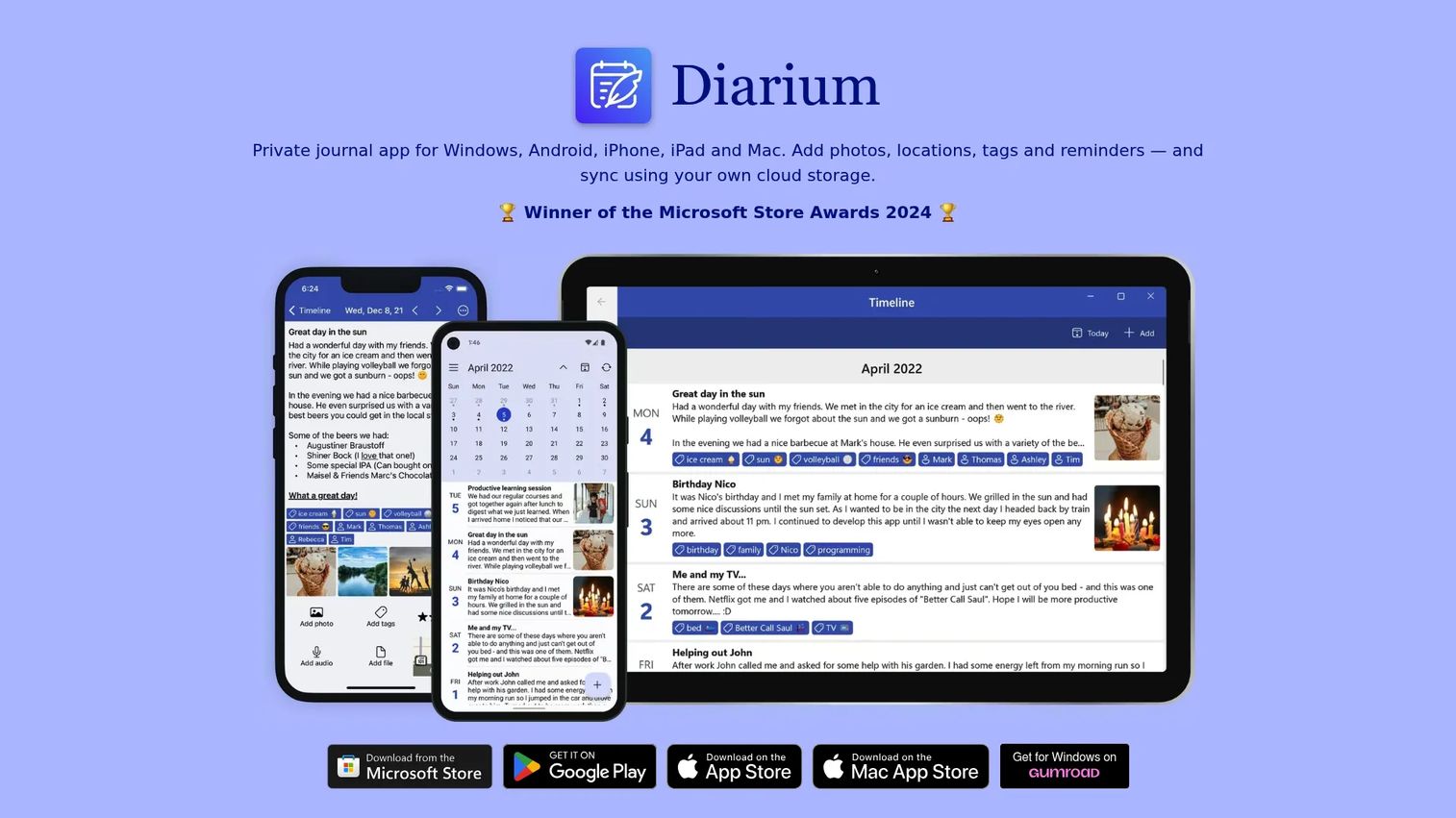
Diarium is a private cross-platform journal that runs on Windows, Android, iPhone, iPad, and Mac. It needs no account, offers optional cloud sync through your own storage, and supports rich text, attachments, tags, and reminders. It's the most platform-agnostic pick on this list.
Best for: People who want a private, native journal with optional cross-device sync and no account requirement.
Key features
- Runs on Windows, Android, iPhone, iPad, Mac
- No account required to start
- Optional cloud sync via your own storage
- Rich text, attachments, tags, reminders
- Strong organization and history features
Why choose Diarium: If you want the widest platform coverage and prefer holding your own data over a vendor cloud, Diarium fits. The tradeoff is that Pro pricing is a one-time purchase per platform, so covering several devices costs more than one subscription.
Diarium pricing: Free to use on most platforms. Pro is a one-time purchase per platform, and the Windows app is paid and includes Pro. Current prices show in the app or Microsoft Store.
No current third-party rating was verified for Diarium from a primary source, so we've left the rating out.
Considerations
Before you commit to any journaling app, run through this checklist. The wrong pick isn't broken, it just quietly fails to fit your life until you stop using it.
Check the platforms you actually use
List every device you'd write on: IPhone, Android, Mac, Windows, web, watch. Then confirm the app runs on all of them and syncs between them. An Apple-only app like Diarly or Apple Journal is great if you're all-Apple, and a dead end if you carry an Android phone.
Decide how private the journal needs to be
Some apps lock entries with biometrics, some encrypt end-to-end, and some put both behind a paid tier. Decide what "private" means for you before you write anything sensitive. If encryption matters, verify it's on the plan you'll actually use, not just the enterprise-priced top tier.
Compare free plans against paid limits
A free journal app is only useful if its free tier covers your real usage. Check the ceiling: Single journal, no sync, no encryption, capped media. Then weigh the paid jump. Sometimes a one-time purchase like Diarium beats a recurring subscription over a few years.
Decide whether prompts or blank pages fit you better
If a blank page stalls you, guided writing prompts from Reflection or Apple Journal keep you moving. If prompts feel like homework, a clean editor like Diarly serves you better. Match the app to how you actually start writing, not how you wish you did.
Verify export and ownership before you commit
You'll want to export notes eventually, whether to back up, switch apps, or just own your history. Confirm the app lets you export entries as PDF, plain text, or a portable format. If exporting is hard or missing, you're renting your journal, not keeping it.
Conclusion
The best app for journaling depends entirely on what you weight highest. If you want one journal that does most things well with encrypted sync, start with Day One. If your life runs on Apple and you want zero setup, test Apple Journal first. If a blank page stops you cold, Reflection's prompts get you writing. If you want the widest platform reach or a free journal app that's genuinely usable, look at Diarium and Journey. For a private, desktop-first writing space, Diarly holds up, and for a locked, no-frills diary, Penzu does the job.
Here's the move: Pick one, not three. Install it today, write for seven straight days, and see if the habit holds. The app that survives a week is the app worth paying for. Everything on this list has a free tier or trial, so the test costs you nothing but the writing itself.
Start your journey with Guideflow today!
FAQs
Apple Journal is the strongest starting point for iPhone-first writers, since it's free, built into iOS, and uses on-device suggestions to prompt entries. If you want encrypted sync and richer media across more devices, Day One is the better all-around iPhone journal app.
Diarium and Journey both offer usable free versions across multiple platforms, and Apple Journal is entirely free on iPhone. Diarly and Day One also include free tiers, though their strongest features sit on paid plans. Test the free version against your real usage before paying.
Day One and Journey both offer end-to-end encryption, and Diarly adds password protection with biometric unlock. Penzu encrypts and locks journals on its paid plans. If privacy is your top filter, confirm encryption is included on the specific plan you'll use, not just the highest tier.
Yes, most modern journaling apps sync across devices. Day One, Journey, and Reflection cover iOS, Android, desktop, and web. Diarly and Apple Journal sync within Apple's ecosystem, and Diarium offers optional cloud sync through your own storage. Confirm the specific platforms you use are all supported.
Many do. Day One, Apple Journal, and Diarium let you attach photos, video, and audio to entries, and Day One adds location too. If media-rich journaling matters to you, check that attachments are available on the free tier, since some apps cap media on lower plans.
It depends on what you value. Digital journaling wins on cross-device capture, search, reminders, and backups, so entries are harder to lose and easier to revisit. Paper wins on simplicity and zero distraction. If you want to review patterns over time or write across devices, software is the stronger fit.
Prioritize cross-platform sync, private or locked entries, and export options first, since those decide whether the app fits your life long term. Then weigh writing prompts, reminders, media support, and search based on how you actually write. Match the app to your habit, not to the longest feature list.
Most journaling apps let you export notes, commonly as PDF or plain text. Day One, Diarly, and Diarium all include export and import tools. Before you commit, confirm the export format works for your needs, because an app without clean export locks your history inside it.