


Your legal team is tracking active matters across a spreadsheet, three inboxes, a shared drive, and a Slack channel nobody archives. It worked when you had a dozen matters. Now you have two hundred, four stakeholders per matter, and a board member asking for a spend report by Friday.
The spreadsheet cannot answer that question. Neither can the inbox.
The matter management software market reached an estimated USD 2.31 billion in 2025 and is projected to hit USD 2.58 billion in 2026, growing at an 11.67% CAGR through 2031, according to Mordor Intelligence (2026). That growth is not vanity. It reflects a specific shift: in-house legal teams are being asked to run like an operations function, with visibility, reporting, and repeatable process that email threads cannot produce.
Centralized matter management is what closes that gap. It turns scattered legal work into a single system of record your team, your finance partner, and your board can all read from.
What's inside
This guide is for in-house legal leaders, legal ops managers, and corporate legal department stakeholders evaluating a matter management system to replace spreadsheets, email, and disconnected trackers.
We selected and ranked tools against the criteria that actually determine fit for a legal department:
- Workflow automation: structured intake, triage, and task routing
- Collaboration and access control: secure sharing across internal and outside counsel
- Document management and search: fast retrieval of matter history
- Reporting and oversight: dashboards leadership will use
- Legal ops fit: how well the platform serves corporate legal at scale
Each tool below is assessed on capability, honest fit, and pricing context.
TL;DR
- Best overall for enterprise legal ops: TeamConnect, deep matter and eBilling control with heavy configurability
- Best for modern shared legal workspaces: LawVu Legal Workspace, unified intake, matters, and contracts in one place
- Best for teams already in a legal ops suite: Thomson Reuters Legal Tracker, matter and spend management with strong analytics
- Best for spend visibility and matter control: Brightflag, AI-driven invoice review and outside counsel spend
- Best for document-centric collaboration: HighQ, secure client portals and legal project management
- Best for integrated enterprise legal management: OnitX Enterprise Legal Management (ELM), governed workflows across matters, vendors, and reporting
- Best for smaller legal teams needing structure: Legal Files, customizable matter and case tracking without enterprise overhead
What is matter management software?
Matter management software is a centralized system that lets legal teams intake, track, collaborate on, document, and report on every legal matter from a single place. It acts as the operational backbone for legal operations, not just a task list.
The difference matters. A task tracker tells you what is due. A matter management system tells you the full story of a matter: who requested it, how it was triaged, which documents belong to it, what outside counsel is spending, and where it stands right now.
Core capabilities of legal matter management systems include:
- Intake and triage: structured request forms that route work by type and priority
- Status updates and task tracking: live matter status across the team
- Secure collaboration: controlled access for internal stakeholders and outside counsel
- Document storage and retrieval: matter-linked files with fast search
- Reporting and dashboards: spend, volume, and cycle-time visibility for leadership
- Integrations: connections to eBilling, contract, and document workflows
Compare that to a spreadsheet. A spreadsheet has no intake logic, no access control, no audit trail, and no way to tie a document to a matter. It works until it does not, and it fails quietly, right when reporting becomes board-visible.
When to use matter management software
Replace spreadsheet-based matter tracking
Spreadsheets break under three pressures: volume, stakeholders, and reporting. When you cross a few hundred active matters, or when finance and the board start asking for spend and cycle-time data, a spreadsheet cannot keep up. A matter management system for legal departments gives you a live source of truth instead of a file someone forgot to update.
Standardize intake and triage
Legal work arrives from everywhere: Slack, email, hallway conversations. Without structure, urgent matters get buried and low-priority requests jump the queue. Structured intake flows force every request through the same front door, so your team prioritizes by rule, not by whoever shouted loudest. That single change often does more for capacity than any headcount hire.
Centralize records and visibility
Matter history, documents, and status need one home. When they live across drives and inboxes, every handoff loses context and every audit becomes a scavenger hunt. Centralizing records means a new team member, or an auditor, can reconstruct a matter in minutes instead of days.
Comparison table
The tools below are sorted by relevance to in-house and corporate legal departments. Most vendors in this category price by capability and user count and direct buyers to a quote, so pricing reflects that reality. G2 ratings are drawn from each product's current listing.
| # | Product | Best for | Key differentiator | Pricing | G2 rating |
|---|---|---|---|---|---|
| 1 | TeamConnect | Enterprise legal ops | Configurable matter and eBilling control | Quote-based | 4.7/5 |
| 2 | LawVu Legal Workspace | Modern shared legal workspaces | Unified matters, intake, and contracts | Quote-based | 4.5/5 |
| 3 | Thomson Reuters Legal Tracker | Legal ops suite users | Matter and spend management with analytics | Quote-based | 4.6/5 |
| 4 | Brightflag | Spend visibility and matter control | AI invoice review and spend analytics | Quote-based | 4.6/5 |
| 5 | HighQ | Document-centric collaboration | Secure portals and legal project management | Quote-based | Not listed |
| 6 | OnitX Enterprise Legal Management (ELM) | Integrated enterprise legal management | Governed multi-currency workflows | Quote-based | 3.8/5 |
| 7 | Legal Files | Smaller legal teams needing structure | Customizable matter and case management | Quote-based | 3.3/5 |
Best matter management software for 2026
1. TeamConnect

TeamConnect is an enterprise legal management platform for managing matters, spend, documents, workflows, and compliance. It is built for legal departments that need to configure the system around their own processes rather than bend their processes to fit the tool. Matter management and eBilling sit at the core, wrapped in dashboards and reporting that give leadership real spend visibility.
Best for: In-house legal teams that need configurable enterprise legal management with tight matter-to-spend control.
Key strengths
- Matter management and eBilling in one platform
- Customizable workflows, dashboards, and reporting
- Integrations with systems like Outlook and Salesforce
- Governance and compliance controls for enterprise use
- Spend visibility across outside counsel
Why choose TeamConnect: If your legal department is large enough that no two teams work the same way, TeamConnect's configurability is the draw. It rewards teams with the legal ops maturity to design their own workflows, and it ties matter data directly to spend so finance and legal read from the same numbers.
Pricing: Mitratech does not publish public pricing for TeamConnect. The product pages direct prospects to request a demo or talk to sales, and pricing is quote-based by deployment and user count.
2. LawVu Legal Workspace
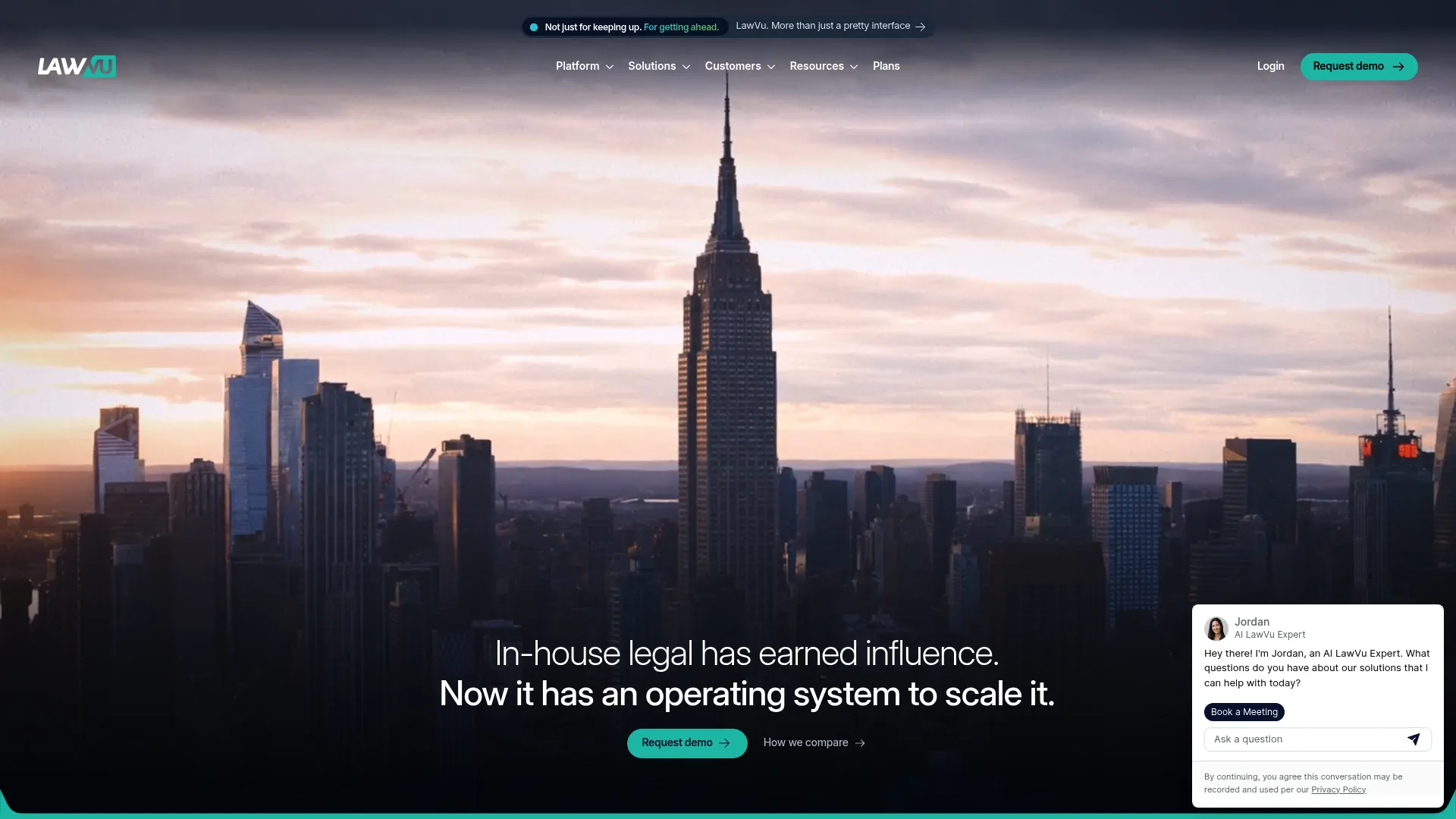
LawVu Legal Workspace positions itself as a legal operating system for in-house teams, pulling matters, contracts, intake, spend, and reporting into one workspace. Instead of stitching together separate tools for each function, LawVu treats matter management as the hub everything else connects to. That framing fits teams that want one place their whole department lives in.
Best for: In-house legal teams that want a unified legal operations platform rather than a collection of point tools.
Key strengths
- Matter management across the full lifecycle
- Contract management in the same workspace
- AI-powered intake and triage
- Document and knowledge management
- Spend management, e-billing, and reporting dashboards
Why choose LawVu: LawVu suits teams building their legal ops function from the ground up and wanting a single workspace instead of integrations across five vendors. The unified model reduces context-switching and keeps matter history, contracts, and spend readable in one view.
Pricing: LawVu prices by the capabilities you select plus number of users, structured across LegalOS tiers. quote or demo. LawVu doesn't display any actual pricing numbers. You'll need to request a quote or demo to find out.
3. Thomson Reuters Legal Tracker
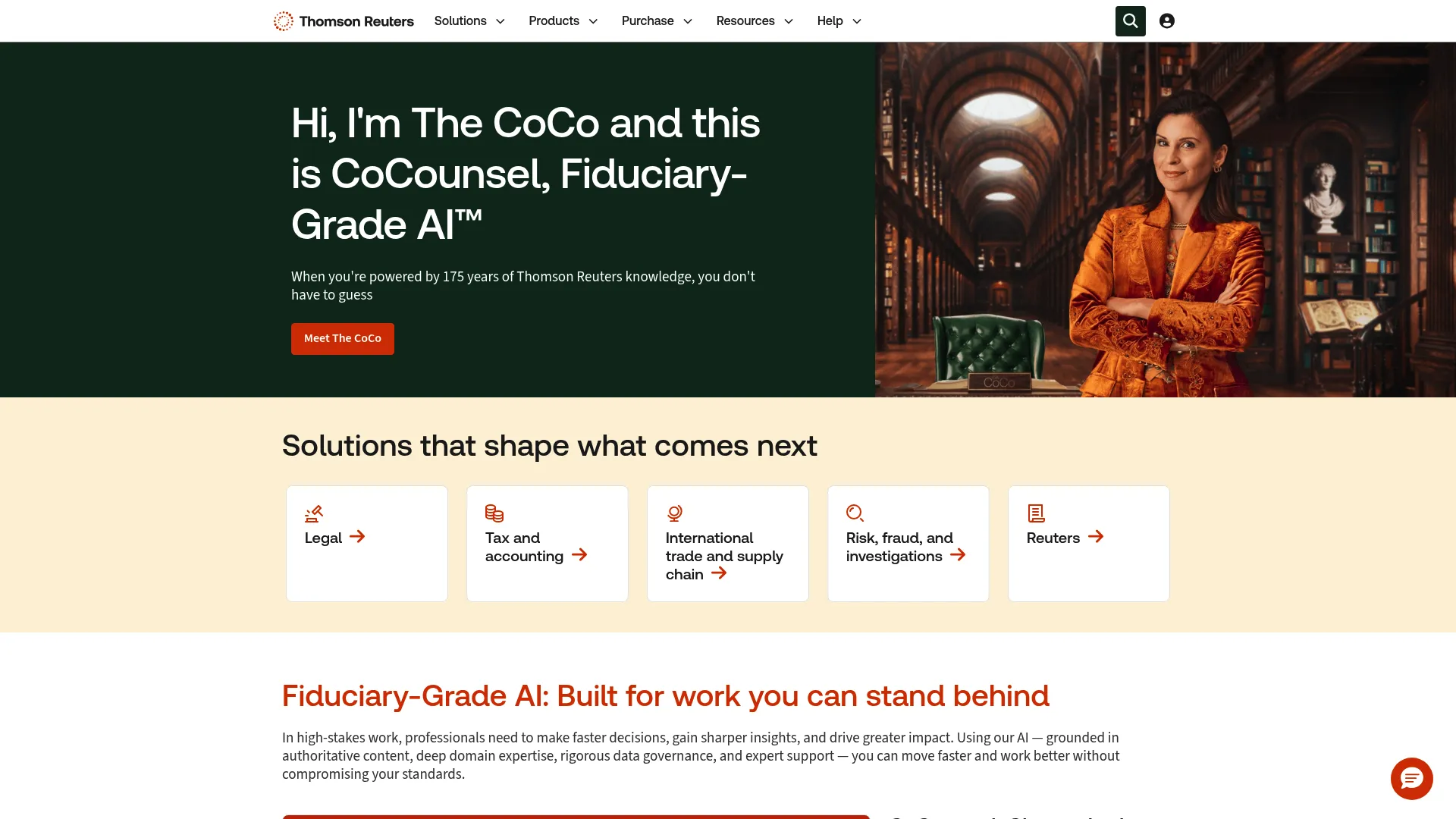
Thomson Reuters Legal Tracker is a corporate legal spend, matter management, and e-billing platform. It is a strong fit for departments already invested in the broader Thomson Reuters legal ecosystem, where matter and spend data flows into reporting and analytics that leadership can act on. The platform leans hard into enterprise process control.
Best for: Corporate legal departments that need matter management, e-billing, and spend analytics in one established platform.
Key strengths
- Electronic billing and invoice management
- Matter management across the department
- Reporting and analytics for spend and volume
- Enterprise process control at scale
- Fit with adjacent Thomson Reuters legal tools
Why choose Thomson Reuters Legal Tracker: For teams that want spend analytics baked into matter management from a vendor with deep legal ops roots, Legal Tracker is a safe, established choice. It performs best where e-billing volume and outside counsel spend reporting are top priorities.
Pricing: Thomson Reuters doesn't list pricing for Legal Tracker. You'll need to contact sales or request a demo, and they'll work out a quote from there.
4. Brightflag
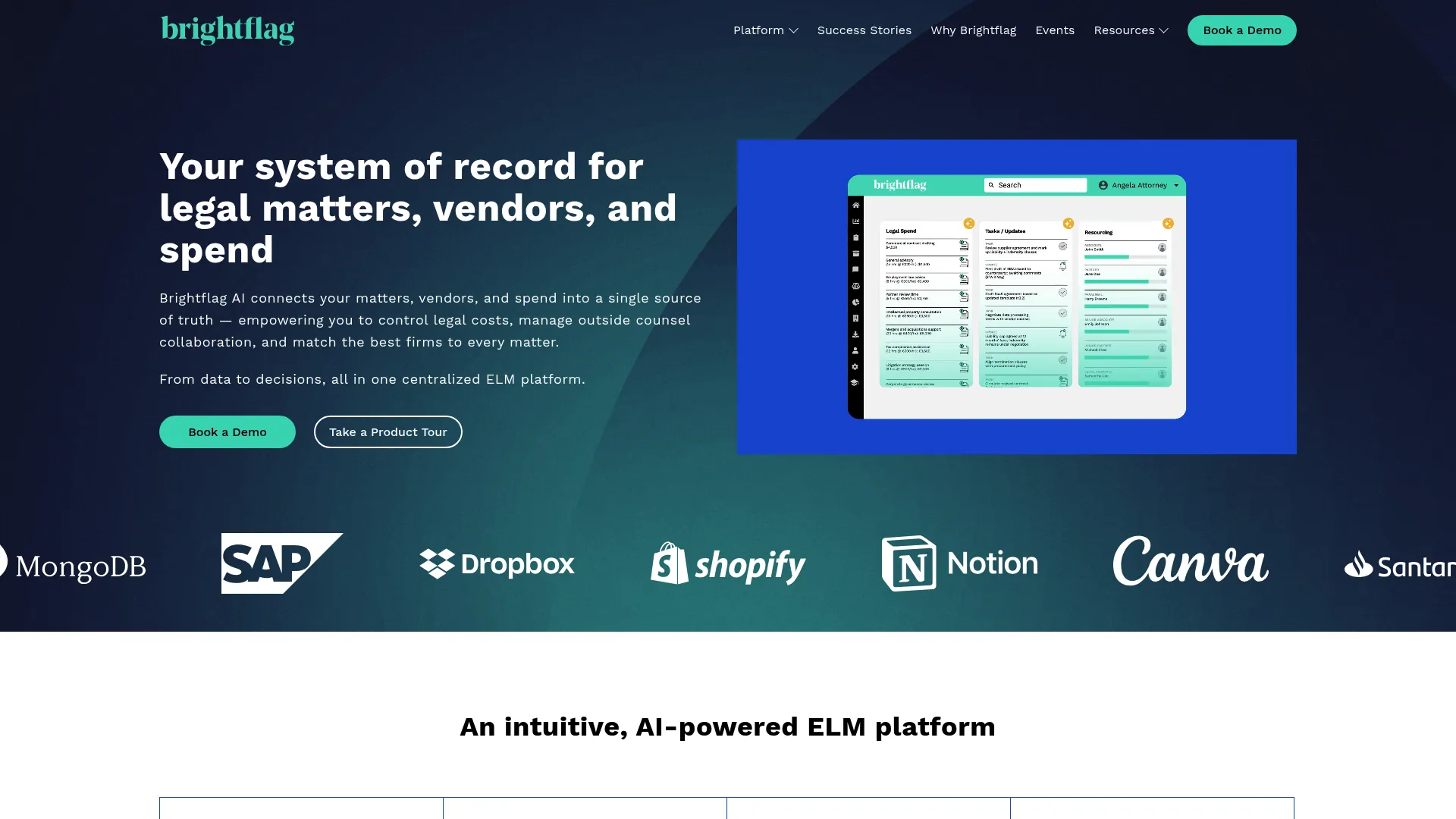
Brightflag is AI-powered enterprise legal management software built for in-house teams, with a clear focus on legal spend and matter control. Its AI reviews invoices line by line, flags issues, and surfaces spend patterns that manual review would miss. For legal departments where outside counsel spend is the number the CFO watches, that focus is the selling point.
Best for: In-house legal teams that need AI-driven visibility into legal spend alongside matter management.
Key strengths
- e-billing with AI-driven invoice review
- Matter management for in-house teams
- Vendor management and spend analytics
- Shared workspaces for legal work
- Access control across stakeholders
Why choose Brightflag: Brightflag earns its place when spend control is the primary mandate. The AI invoice review reduces the manual grind of checking outside counsel bills, and the spend analytics give legal and finance a shared view of where money goes.
Pricing: Brightflag pricing is quote-based, combining a fixed one-time implementation fee with an annual subscription tied to your annual outside counsel spend. Public numeric pricing is not displayed; contact Brightflag for a quote.
5. HighQ
HighQ is Thomson Reuters' cloud-based legal collaboration and workflow platform, used by law firms, corporate legal departments, and government organizations. Where other tools lead with spend, HighQ leads with document-centric collaboration and secure knowledge handling. It fits teams whose matters revolve around heavy document exchange and cross-party work.
Best for: Legal teams that need secure collaboration, matter management, and client portals built around documents.
Key strengths
- Secure client portals and collaboration
- Virtual data rooms and document sharing
- Workflow automation and document automation
- Legal project management
- Enterprise-grade knowledge handling
Why choose HighQ: HighQ is the pick when your matters are document-heavy and involve multiple parties who need controlled, secure access. The collaboration and project management layer makes it strong for complex work that spans internal teams and outside counsel.
Pricing:HighQ doesn't display its pricing. You'll need to request a demo or contact sales, and they'll put together a quote based on what you need.
6. OnitX Enterprise Legal Management (ELM)
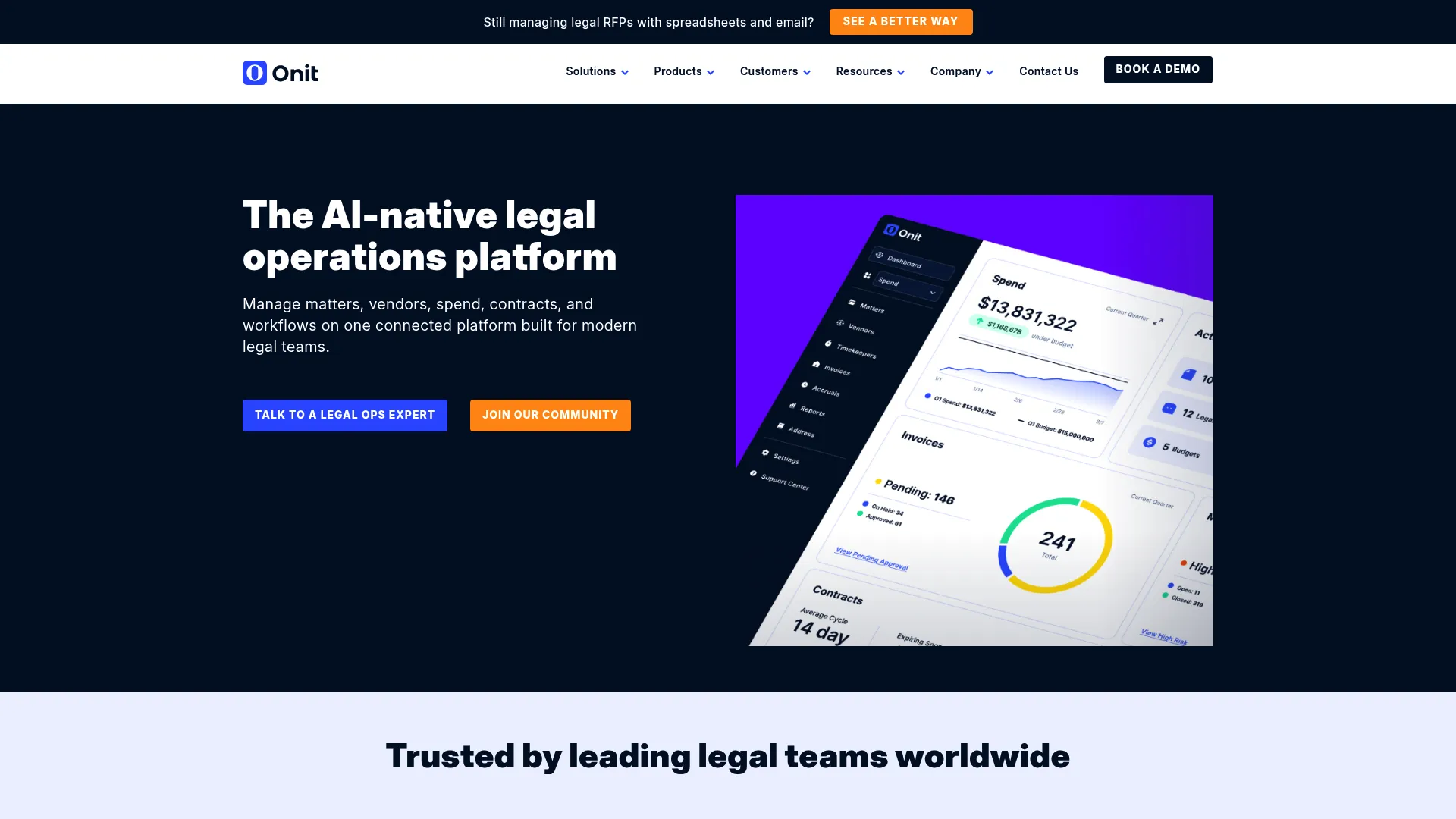
OnitX Enterprise Legal Management (ELM) is enterprise legal management software built for legal spend, vendor, workflow, and reporting control. It targets global legal departments that need governed processes across currencies and languages, with configurable billing rules and budgets. This is enterprise legal ops with the controls a multinational team expects.
Best for: Global legal departments that need governed enterprise legal management with strong spend and vendor controls.
Key strengths
- Matter, invoice, vendor, document, workflow, and reporting management
- Configurable billing rules, budgets, and alternative fee arrangements
- Multi-currency and multi-language support
- VAT-compliant workflows
- Governance across the legal ops process
Why choose OnitX ELM: OnitX ELM fits organizations operating across borders that need consistent, governed legal ops at scale. The multi-currency and VAT-compliant workflows make it well suited to enterprises where legal spend spans multiple jurisdictions.
Pricing: OnitX ELM pricing isn't shown on the site, it's all contract based. Onit works out the actual pricing in your order form, so you'll need to get a quote based on your requirements.
7. Legal Files
Legal Files is a browser-based legal case and matter management platform used by law firms, corporate legal departments, government agencies, universities, and similar organizations. It emphasizes customizable matter tracking without the weight of a full enterprise suite, which makes it accessible to smaller legal teams that still need real structure.
Best for: Organizations, including smaller legal teams, that need customizable matter and case management without enterprise overhead.
Key strengths
- Case and matter management
- Document, email, and contact management
- Automated workflows and reporting
- Browser-based access
- Customization for different organization types
Why choose Legal Files: Legal Files suits teams that want structured matter tracking they can shape to their own process, without committing to the scale and cost of an enterprise platform. It is a practical legal department management option for leaner teams.
Pricing: Legal Files doesn't list its pricing anywhere. You'll need to contact them directly to get a quote.
Considerations
Feature lists rarely predict fit. These criteria do a better job of telling you whether a matter management platform will actually work for your legal department.
How easily can legal intake be configured?
Intake is where your process either gets standardized or stays chaotic. Look at how quickly you can build request forms, route by matter type, and set priority rules without vendor services. If configuring intake requires a professional services engagement every time, adoption will stall.
Does it support secure collaboration and access control?
Legal work involves sensitive information and outside counsel. You need granular permissions: who sees which matter, which document, which spend detail. Check whether access control is per-matter and per-role, and whether external collaborators can be given scoped, secure access without exposing everything.
Can you search and retrieve matter history fast?
The value of centralization is retrieval. Test how fast you can find a matter, its documents, and its full history. If search is slow or shallow, your single source of truth becomes another place things get lost.
How useful are reporting and dashboards to leadership?
Reporting is what makes matter management visible to the board and finance. Evaluate whether dashboards surface spend, matter volume, and cycle time in a form leadership will actually read, and whether you can build reports yourself without waiting on the vendor.
Does it integrate with your legal ops stack?
A matter management system should connect to your eBilling, contract, and document tools. Check integrations with the systems you already run, from Outlook to your finance platform. The fewer manual re-entries between systems, the more the platform earns its place.
Conclusion
The right matter management system depends on what your legal department needs most. If you need deep enterprise governance and configurability, TeamConnect and OnitX ELM are built for that scale. If you want a modern unified workspace, LawVu Legal Workspace brings matters, contracts, and intake into one place. When spend visibility is the mandate, Brightflag and Thomson Reuters Legal Tracker lead on analytics. For document-heavy collaboration, HighQ fits, and Legal Files gives smaller teams real structure without enterprise overhead.
Start with the criteria in this guide, not the feature lists. Map your top two needs, whether that is spend control, collaboration, governance, or simple structure, then shortlist two or three tools and run a real evaluation against your own matters. The best legal matter management software is the one your team will actually use every day.
FAQs
It centralizes the intake, tracking, collaboration, documentation, and reporting of legal matters in one system. Instead of scattered spreadsheets and inboxes, legal teams get a single source of truth for every matter's status, history, documents, and spend. That visibility is what lets legal operate as a measurable function.
Matter management is broader and built for in-house and corporate legal departments managing all types of legal work, from contracts to disputes to compliance. Case management often refers to litigation-specific tracking. A matter management system covers the full range of legal work a department handles, not just active cases.
Configurable intake, secure collaboration and access control, fast document search, and reporting leadership will use. Integrations with your eBilling, contract, and document tools matter too. Prioritize the two or three capabilities tied to your biggest pain, rather than chasing the longest feature list.
Spreadsheets break under volume, stakeholder count, and reporting demands. They have no intake logic, no access control, no audit trail, and no way to link documents to matters. Once matters multiply and the board wants spend data, a spreadsheet fails quietly, right when accuracy matters most.
Focus on operational fit over feature count: how easily intake configures, how granular access control is, how fast search retrieves matter history, how useful reporting is to leadership, and how well it integrates with your legal ops stack. Run a real evaluation against your own matters before committing.
Yes. Most legal matter management systems include dashboards for matter volume, cycle time, and outside counsel spend. Tools like Brightflag and Thomson Reuters Legal Tracker lead on spend analytics, while platforms like TeamConnect tie matter data directly to eBilling so legal and finance read from the same numbers.
No. While enterprise platforms like TeamConnect and OnitX ELM target large, global teams, options like Legal Files give smaller legal departments real structure without enterprise overhead. The right fit depends on your matter volume, reporting needs, and legal ops maturity, not just headcount.







.avif)

