Your data retention problem is no longer just email. A legal request today can touch Slack messages, Zoom transcripts, CRM activity, voice recordings, files in SharePoint, and AI-generated content, all living in separate systems with separate owners. When a regulator or opposing counsel asks for records, every disconnected silo becomes an audit scramble and an engineering interrupt.
The global enterprise information archiving market is projected to reach $10.31 billion in 2026, growing at 11.41% annually through 2031, according to Mordor Intelligence. Cloud deployment already accounts for 69.4% of market revenue, per The Business Research Company (2025), which tells you where the buying pressure is coming from.
For product managers, this matters beyond legal. Archive decisions affect your product's data model, customer privacy workflows, enterprise sales readiness, and the ongoing engineering cost of retrieving records on demand. A brittle archive process becomes roadmap drag, every quarter.
This guide cuts through 15 enterprise archiving platforms to help you pick the right one for your records, your stack, and your compliance reality.
What's inside
This guide is for IT leaders, legal and compliance teams, records managers, and product leaders evaluating enterprise archiving platforms. Tools were selected based on:
- Coverage across communication channels and data types
- Governance controls for retention, legal hold, and eDiscovery
- Search, retrieval, and export capabilities
- Integration fit and migration support
- Verified G2 ratings and pricing (or confirmed quote-only models)
Guideflow is not in this category and does not appear in the list or comparison table. Platforms are sorted by use-case fit rather than alphabetical order.
TL;DR
- Best for contact-center and communications replay: Wilmac Continuity Replay
- Best for regulated communications supervision: Smarsh or Global Relay
- Best for collaboration and meeting governance: Theta Lake
- Best for email security plus archiving: Proofpoint or Mimecast
- Best for legacy archive migration: Archive360 or Arctera Enterprise Vault
- Best for application decommissioning: OpenText InfoArchive or Archon Suite
- Best for Microsoft-centered governance: Microsoft Purview or Collabware
What is enterprise information archiving software?
Enterprise information archiving software captures, stores, indexes, governs, and retrieves business records across enterprise systems so organizations can meet retention, compliance, legal, and operational requirements.
The category covers a wide set of data sources and use cases. Core capabilities you should expect:
- Multi-channel capture: Email, chat, SMS, voice, video, meetings, files, structured application data, and AI interactions
- Retention schedules: Policy-based rules for how long records are kept before deletion or disposition
- Legal holds: Suspension of normal deletion for records relevant to active matters, audits, or investigations
- eDiscovery: Search, collection, review, and export of records for legal proceedings
- Immutable storage and WORM controls: Write-once, read-many storage that prevents tampering after capture
- Encryption and access controls: Role-based access, customer-managed keys, and audit trails
- Supervision and policy review: Sampling and reviewing communications for regulatory compliance
- Search and export: Full-text indexing, metadata filters, and defensible export formats
- Deployment options: Cloud, hybrid, and on-premises
Enterprise information archiving versus enterprise data archiving
These terms are often used interchangeably, but they describe different priorities:
| Category | Primary focus |
|---|---|
| Enterprise information archiving | Business communications, records, retention, eDiscovery, supervision |
| Enterprise data archiving | Structured application data, databases, ERP records, application decommissioning |
| Backup | Operational recovery, short-term restore |
| Records retention | Policy-driven classification and disposition of business records |
Many buyers need both. A regulated financial firm needs communications archiving for supervision and data archiving for application retirement. The tools are not always the same platform. When evaluating vendors, map your record types first, then match the platform to what your data actually looks like.
When to use enterprise information archiving software
Preserve regulated communications
Financial services, healthcare, government, and legal teams operate under strict rules about what communications must be retained and for how long. Email, chat, mobile messages, voice calls, and meeting recordings all count as business records under SEC Rule 17a-4, FINRA requirements, HIPAA, or similar frameworks. An archive platform that captures and retains those records removes the operational risk of relying on individual email inboxes or personal devices. PMs supporting enterprise sales should check whether their product's collaboration output, support threads, and customer-facing AI interactions fall inside these requirements.
Respond to legal and audit requests faster
Legal holds and eDiscovery workflows consume engineering time, support capacity, and legal budget when your records are fragmented across systems. A centralized archive with defensible search, chain-of-custody controls, and export formats built for litigation reduces the cost of each request. For product teams, faster retrieval means fewer engineering interrupts per matter. That difference compounds quickly when you are fielding several requests per quarter.
Modernize legacy archives and reduce platform sprawl
Many organizations are still running aging on-premises archives alongside newer cloud collaboration tools, creating two separate retrieval workflows for a single legal request. Archive migration platforms help consolidate legacy data, retire expensive old systems, and reduce the administrative overhead of maintaining multiple storage environments. Application decommissioning tools address a related problem: Retiring old software while preserving the structured data inside it for search and legal access.
Enterprise information archiving software comparison
The table below covers the 15 platforms in this guide. Pricing is listed where verified against vendor pricing pages at publication; custom pricing indicates quote-only models. G2 ratings are sourced from live G2 listings.
| # | Product | Best for | Key differentiator | Pricing | G2 rating |
|---|---|---|---|---|---|
| 1 | Wilmac Continuity Replay | Contact-center and voice archive replay | Omnichannel replay with Archie AI agent | Custom pricing | 5.0/5 |
| 2 | Smarsh | Regulated communications supervision | Cloud-native capture across email, mobile, voice, and AI channels | Custom pricing | 4.3/5 |
| 3 | Global Relay | Financial services archiving | Communications governance with surveillance and eDiscovery | Custom pricing | 3.6/5 |
| 4 | Theta Lake | Collaboration and meeting governance | AI-native compliance for unified communications and AI interactions | Custom pricing | 5.0/5 |
| 5 | Proofpoint | Email security plus archiving | Security-led archive combining email threat protection and compliance | From $1.65/user/month | 4.5/5 |
| 6 | Mimecast | Cloud email archiving | Email continuity, archiving, and risk management in one platform | Custom pricing | 4.3/5 |
| 7 | Archive360 | Legacy archive migration and data governance | Unified governance of communications, content, and AI interactions | Custom pricing | 4.3/5 |
| 8 | Arctera Enterprise Vault | Large legacy archive estates | Established email and records archiving for mature environments | Custom pricing | 4.2/5 |
| 9 | OpenText InfoArchive | Application decommissioning | Structured and unstructured application data archiving | From $88,802 (perpetual license) | 4.5/5 |
| 10 | IBM Information Lifecycle Governance | Enterprise governance at scale | Policy-driven governance covering eDiscovery, records, and disposal | Custom pricing | 4.0/5 |
| 11 | Archon Suite | Enterprise data archiving | Application decommissioning with long-term searchable access | Custom pricing | N/A |
| 12 | Collabware | Microsoft 365 records management | Records management, archival, and discovery across SharePoint and email | From $48/user/year | 3.5/5 |
| 13 | NICE | Contact-center recording archives | AI-powered CXone platform with interaction archiving and analytics | From $110/agent/month | 4.3/5 |
| 14 | Verint | Workforce and contact-center compliance | CX data management with interaction recording and quality workflows | Custom pricing | 4.4/5 |
| 15 | Microsoft Purview | Microsoft-centered information governance | Native compliance, eDiscovery, and audit across Microsoft 365 | From $12.00/user/month | 4.3/5 |
Best 15 enterprise information archiving software for 2026
1. Wilmac Continuity Replay
Wilmac Continuity Replay is an AI-powered, vendor-neutral interaction archive built for contact centers and trading floors. It captures calls, emails, chats, SMS, screen recordings, and video into a single searchable archive with on-demand transcription and replay. The platform includes Archie, an AI compliance agent that handles monitoring, investigation, transcription, summaries, and report generation. Legacy data extraction and migration are built in, so teams consolidating older recording systems do not need separate tooling.
Best for: Regulated contact centers, financial services teams, and enterprises where the archive record is a conversation, not just a file.
Key features
- Centralized archive for voice, chat, email, SMS, and screen recordings
- Advanced search and replay with on-demand transcription
- Archie AI agent for compliance monitoring and investigation reports
- Customer-managed encryption
- Legacy data extraction and migration support
Why choose Wilmac Continuity Replay: Choose it when the archive use case centers on reconstructing customer interactions in full. PMs evaluating this for support or sales operations should assess how the platform handles multi-channel sessions where a single interaction spans voice, chat, and screen at once.
Wilmac Continuity Replay pricing: Pricing is custom, based on the number of files, database size, and configuration. The package includes onboarding, migration, integrations, retention configuration, support, and updates. Contact Wilmac's sales team for a quote.
G2 rating: 5.0/5
2. Smarsh
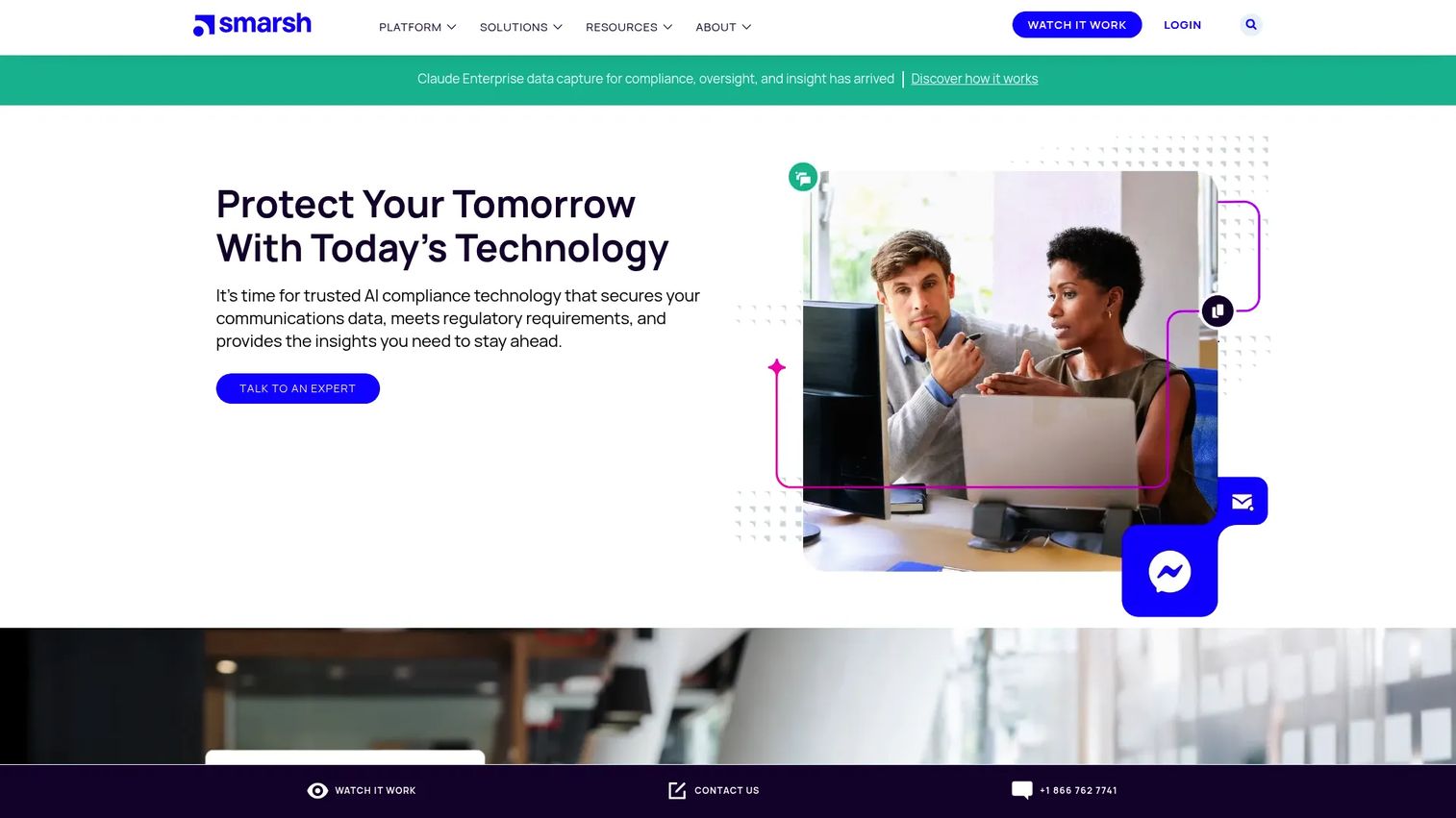
Smarsh is a cloud-native digital communications compliance platform used by financial services, government, and regulated enterprises. It captures and unifies communications across email, mobile messaging, social media, voice, instant messaging, collaboration apps, web content, and generative AI channels. AI-powered surveillance, risk detection, and legal discovery sit on top of a contextualized, indexed archive. For product and compliance teams, the breadth of channel coverage is the key differentiator, with AI channels joining the capture scope in 2026.
Best for: Regulated enterprises that need broad capture coverage, supervision workflows, and AI-assisted discovery across modern communications.
Key features
- Capture across email, mobile, social, voice, chat, collaboration, and AI channels
- Cloud-native archive with contextual indexing and enriched data
- AI-powered surveillance and risk detection
- eDiscovery search and legal hold workflows
- Retention policy management
Why choose Smarsh: Choose Smarsh when compliance teams need a mature supervision layer alongside archiving. Product teams should verify channel coverage against the exact collaboration apps, mobile platforms, and AI tools in their environment before committing.
Smarsh pricing: Smarsh directs all prospective customers to contact sales for pricing. Cost factors include user count, the number of channels captured, storage volume, supervision requirements, and retention period.
G2 rating: 4.3/5
3. Global Relay
Global Relay provides communications governance, compliant messaging, archiving, surveillance, eDiscovery, and AI governance for regulated organizations. The platform covers text, voice, WhatsApp, and instant messaging with cloud archiving, full-text search, retention controls, and data governance. Surveillance capabilities include transcription, translation, OCR, sentiment analysis, and risk identification. For financial services teams, Global Relay is a recognized name in regulatory supervision, particularly for firms under SEC and FINRA oversight.
Best for: Financial services firms and highly regulated enterprises managing high-volume communications under strict supervision requirements.
Key features
- Multi-channel communications capture including WhatsApp and instant messaging
- Cloud archive with eDiscovery, retention, and data governance
- Surveillance with transcription, translation, OCR, and risk identification
- Legal hold support
- Mobile message capture
Why choose Global Relay: Choose it when communication governance and regulatory supervision are the primary requirements. PMs should assess how quickly legal and compliance teams can retrieve and export records without needing engineering support for each request.
Global Relay pricing: The main products are Global Relay Archive, Global Relay App, Global Relay Connectors, and Global Relay Surveillance. Contact the sales team for current pricing.
G2 rating: 3.6/5
4. Theta Lake
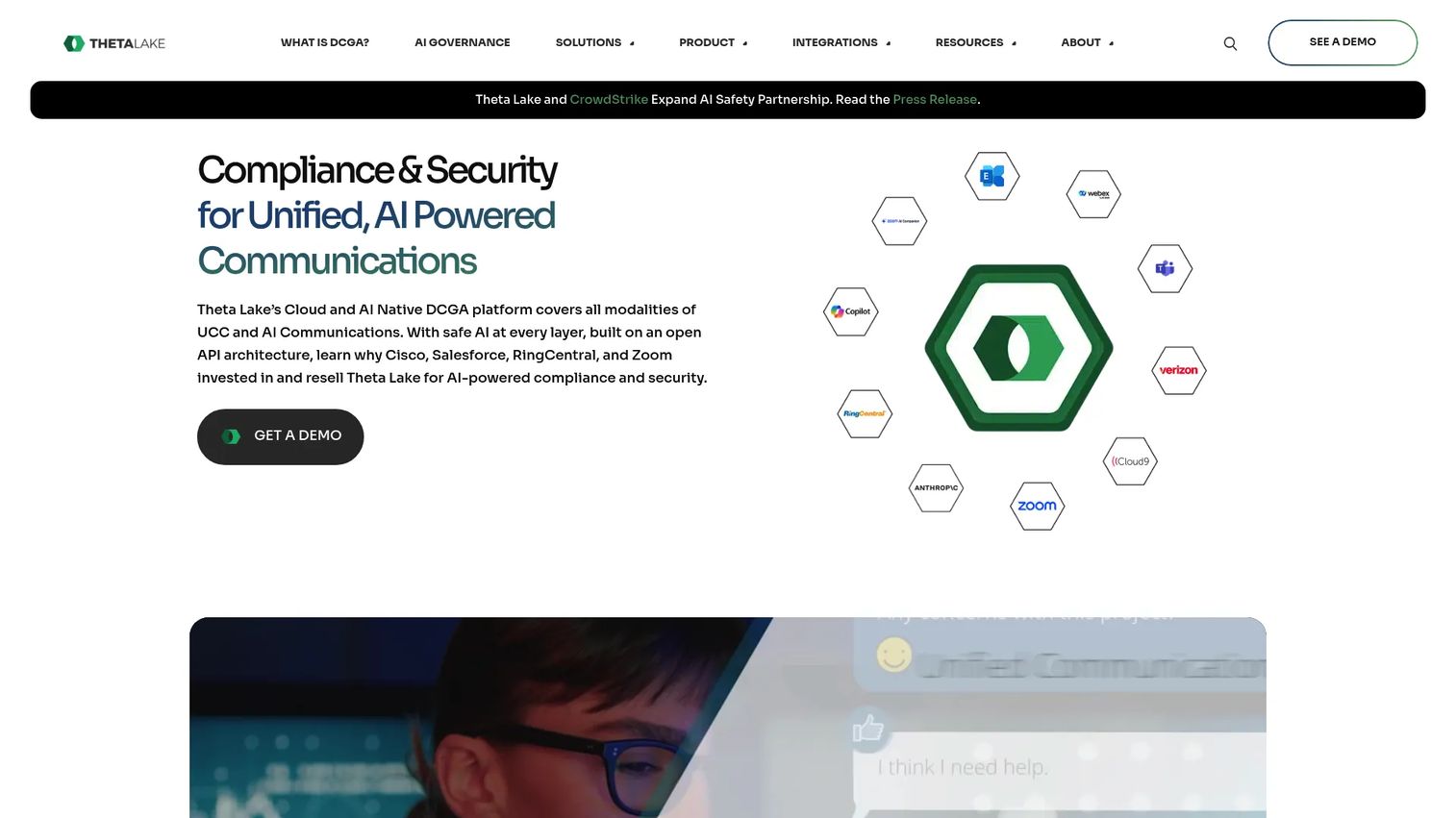
Theta Lake is a cloud and AI-native digital communications governance platform focused on compliance for unified communications and AI interactions. It captures and archives across email, chat, voice, video, files, images, and AI-generated content through a broad set of connector integrations. Unified search, conversation timelines, replay, and AI-assisted risk detection cover conduct, privacy, security, and data-protection risks. For product managers, Theta Lake is the right fit when records live inside collaboration tools like Zoom, Microsoft Teams, or Webex, and AI channel governance is on the roadmap.
Best for: Enterprises governing meeting recordings, collaboration messages, voice, and AI-generated content across modern communication platforms.
Key features
- Unified capture across email, chat, voice, video, files, images, and AI interactions
- Conversation timeline search and replay
- AI and machine-learning risk detection for compliance and conduct
- Legal hold support
- Connector integrations for major unified communications platforms
Why choose Theta Lake: Choose Theta Lake when business records live inside collaboration and meeting workflows that generic email archives miss. Product, CS, and sales conversations in Zoom or Teams qualify as business records in regulated industries, so this matters for enterprise readiness.
Theta Lake pricing: Pricing is quote-based and depends on captured channels, user volumes, storage, and compliance modules. Contact Theta Lake directly for current pricing.
G2 rating: 5.0/5
5. Proofpoint
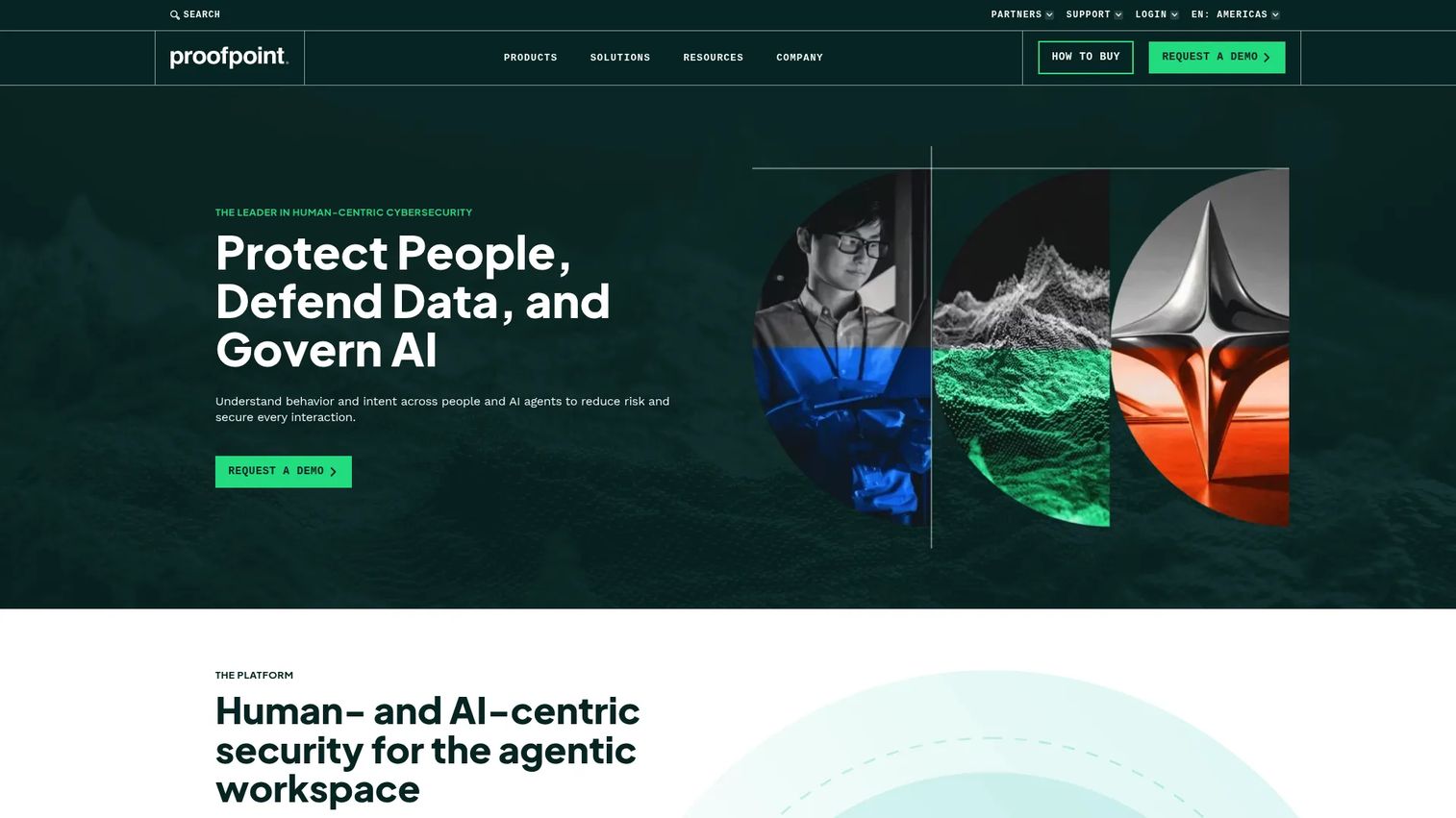
Proofpoint is a human- and AI-centric cybersecurity platform that covers email threat protection, data security, compliance, and digital communications governance. The archiving and compliance capabilities sit alongside email security and information protection in a unified product stack, which suits organizations that want one vendor managing email risk end to end. Legal hold workflows, eDiscovery search, retention policy controls, and information protection integrations are included in the compliance tier.
Best for: Enterprises that want email threat protection and archiving managed by one security-focused vendor.
Key features
- AI-powered email threat protection
- Digital communications capture, retention, and supervision
- Legal hold and eDiscovery search
- Data security and governance across email, cloud, and endpoints
- Retention policy controls
Why choose Proofpoint: Choose Proofpoint when archiving sits close to email security, data loss prevention, and information protection in your security budget. PMs should verify whether the archive tier supports product support investigations and compliance evidence requests at the volume your team generates.
Proofpoint pricing: Broader archiving and enterprise compliance packaging is quote-based. Contact Proofpoint for a current enterprise quote.
G2 rating: 4.5/5
6. Mimecast
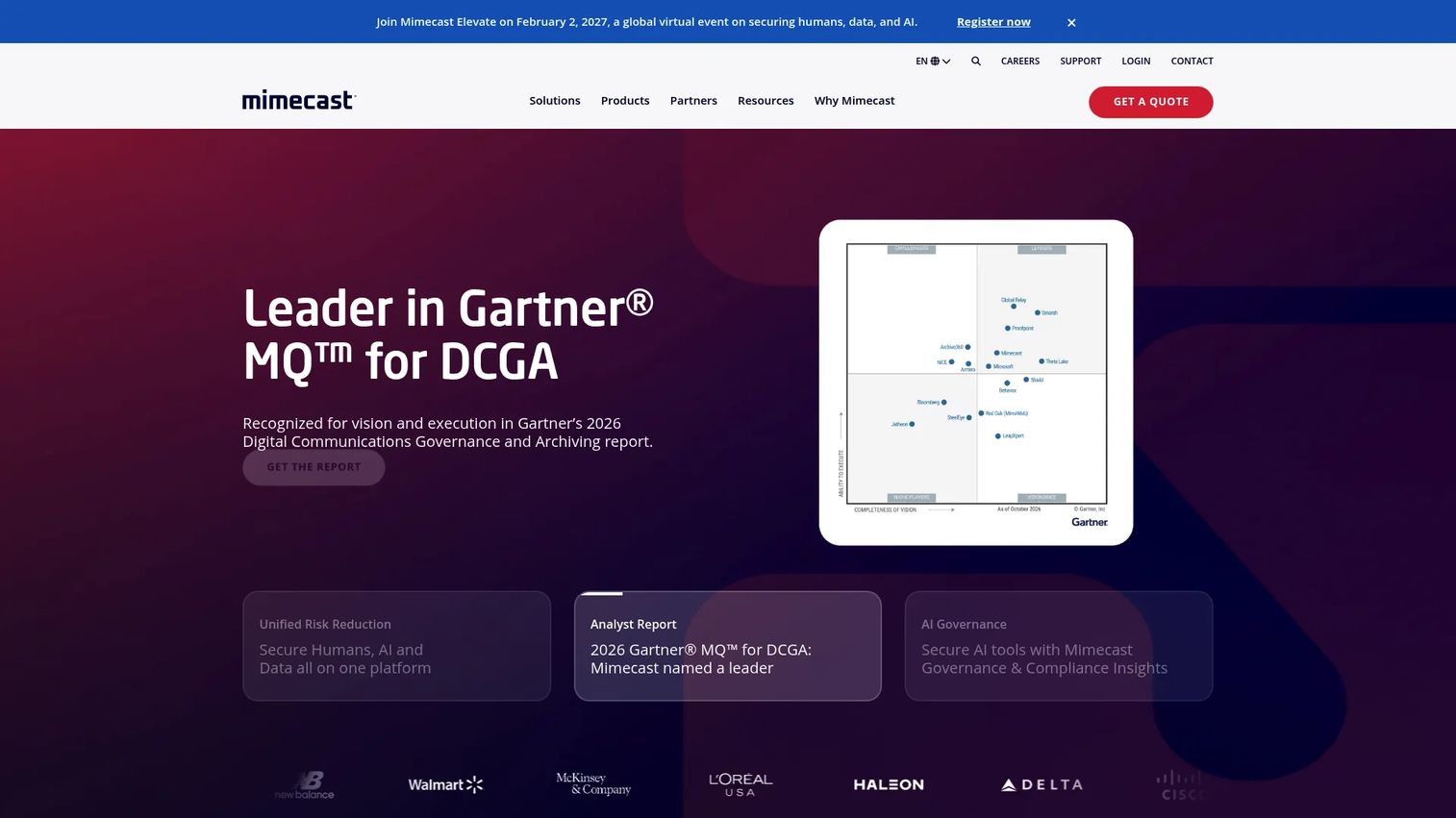
Mimecast is a cybersecurity company providing cloud-based email security, archiving, risk management, and data protection. The platform offers three named plans, Critical, Advanced, and Premium, covering email continuity, backup and recovery, secure large-file sending, archiving, and DMARC analysis. For organizations where email is still the primary archive system, Mimecast covers mailbox search, deleted email recovery, retention management, and eDiscovery support in a cloud-hosted package. Insider risk management and security awareness training are available in higher tiers.
Best for: Organizations prioritizing cloud email archiving, mailbox search, and email continuity under a single vendor.
Key features
- Cloud email archive with mailbox search
- Deleted email recovery
- Retention management and eDiscovery support
- Email continuity and backup and recovery
- Insider risk management and security awareness training
Why choose Mimecast: Choose Mimecast when email is the core archive system and the team needs fast, non-technical mailbox search. PMs should evaluate whether its coverage extends to collaboration platforms, support ticket threads, and customer-facing communications channels.
Mimecast pricing: Contact Mimecast sales for current plan pricing.
G2 rating: 4.3/5
7. Archive360
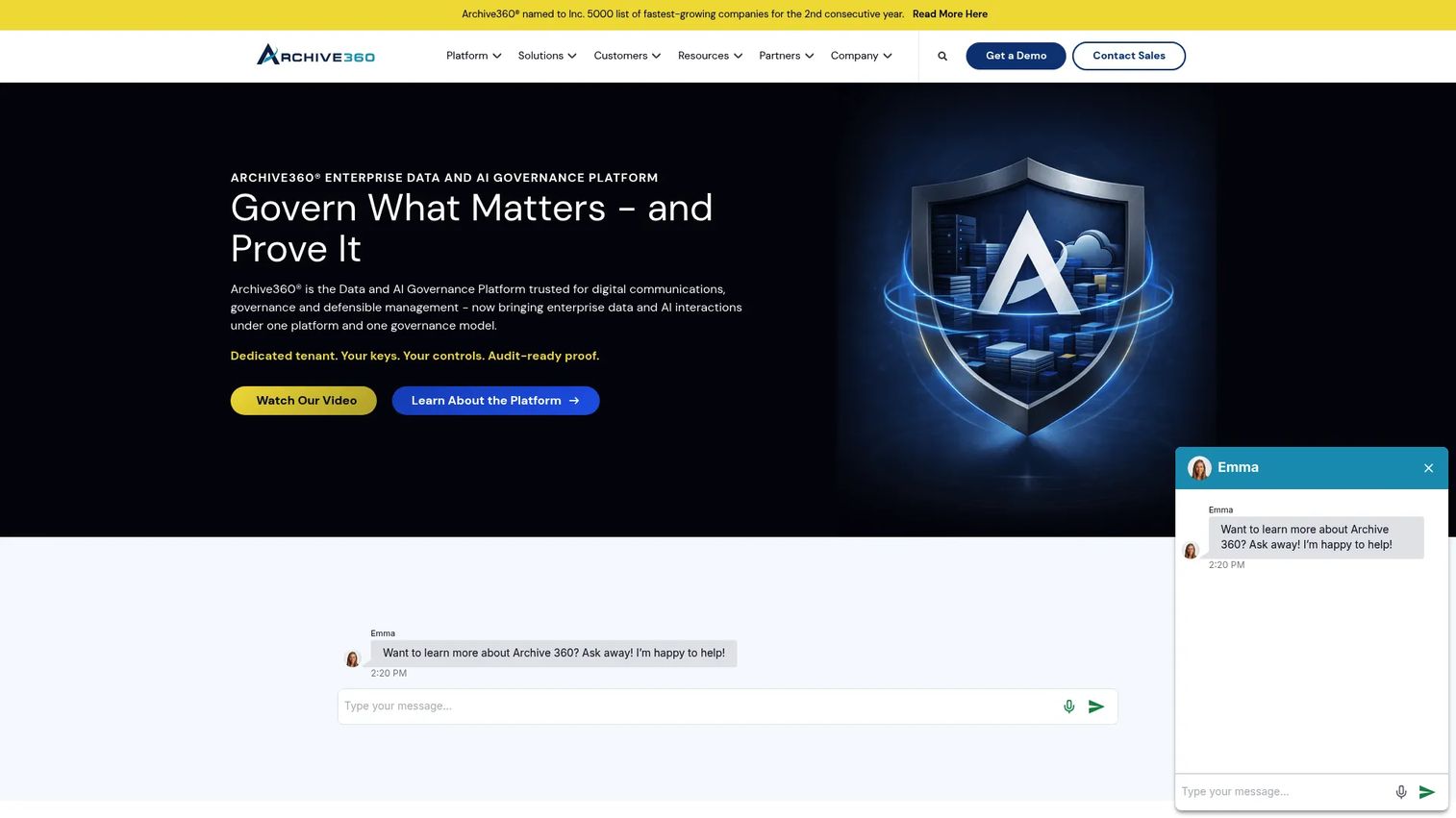
Archive360 is an enterprise data and AI governance platform for regulated organizations. It covers governance of digital communications, enterprise content, application data, and AI interactions, with retention, legal hold, access controls, classification, and audit trails built in. AI-assisted eDiscovery provides traceable links from search summaries to source items. The platform is particularly strong for teams migrating away from legacy archives, consolidating multiple archive systems, or establishing governance over AI-generated content.
Best for: Regulated enterprises migrating legacy archives into modern cloud data environments and teams extending governance to AI interactions.
Key features
- Governance across communications, enterprise content, application data, and AI interactions
- Retention, legal hold, access controls, classification, and audit trails
- AI-assisted eDiscovery with traceable source links
- Legacy archive migration support
- Cloud archive modernization
Why choose Archive360: Choose Archive360 when migration risk is the main evaluation criterion. PMs should check connector availability, metadata preservation quality, and migration validation workflows before committing to a migration project.
Archive360 pricing: Cost factors include archive volume, migration complexity, the number of connectors, and storage architecture. Contact Archive360 for a project-specific quote.
G2 rating: 4.3/5
8. Arctera Enterprise Vault
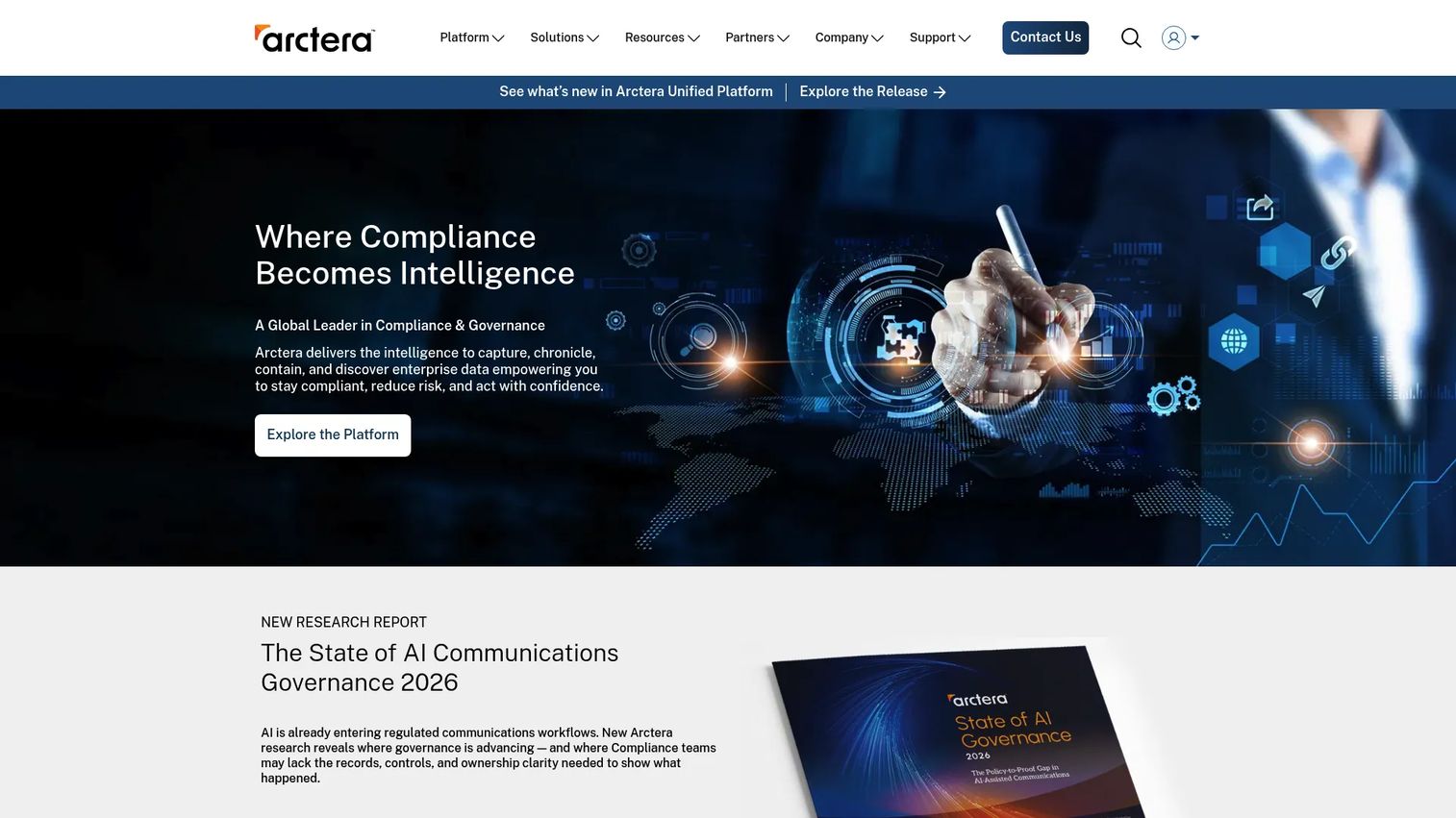
Arctera Enterprise Vault is an established enterprise information archiving platform with a long history in email and records archiving for large organizations. It covers mailbox archiving for Exchange and Domino, journaling, file system and SharePoint archiving, PST and NSF migration, and eDiscovery through its Discovery Accelerator and Compliance Accelerator tools. Enterprise Vault Search and email classification with retention plans are core capabilities. This is the right fit for organizations already running Enterprise Vault that need continuity or for those with large legacy email estates.
Best for: Large enterprises with mature email and records archive environments needing compliance, retention, and discovery support.
Key features
- Mailbox archiving for Exchange and Domino
- File system and SharePoint archiving
- Discovery Accelerator and Compliance Accelerator for eDiscovery
- PST and NSF migration
- Email and file classification with retention plans
Why choose Arctera Enterprise Vault: Choose Enterprise Vault when the organization already runs it at scale or needs a proven archive platform for large legacy email estates. PMs should evaluate the modernization path and administrative overhead before committing to a long-term estate on this platform.
Arctera Enterprise Vault pricing: Arctera offers both perpetual and subscription licensing, with pricing that may be based on user count or file terabytes. Contact Arctera or an authorized partner for current licensing terms.
G2 rating: 4.2/5
9. OpenText InfoArchive
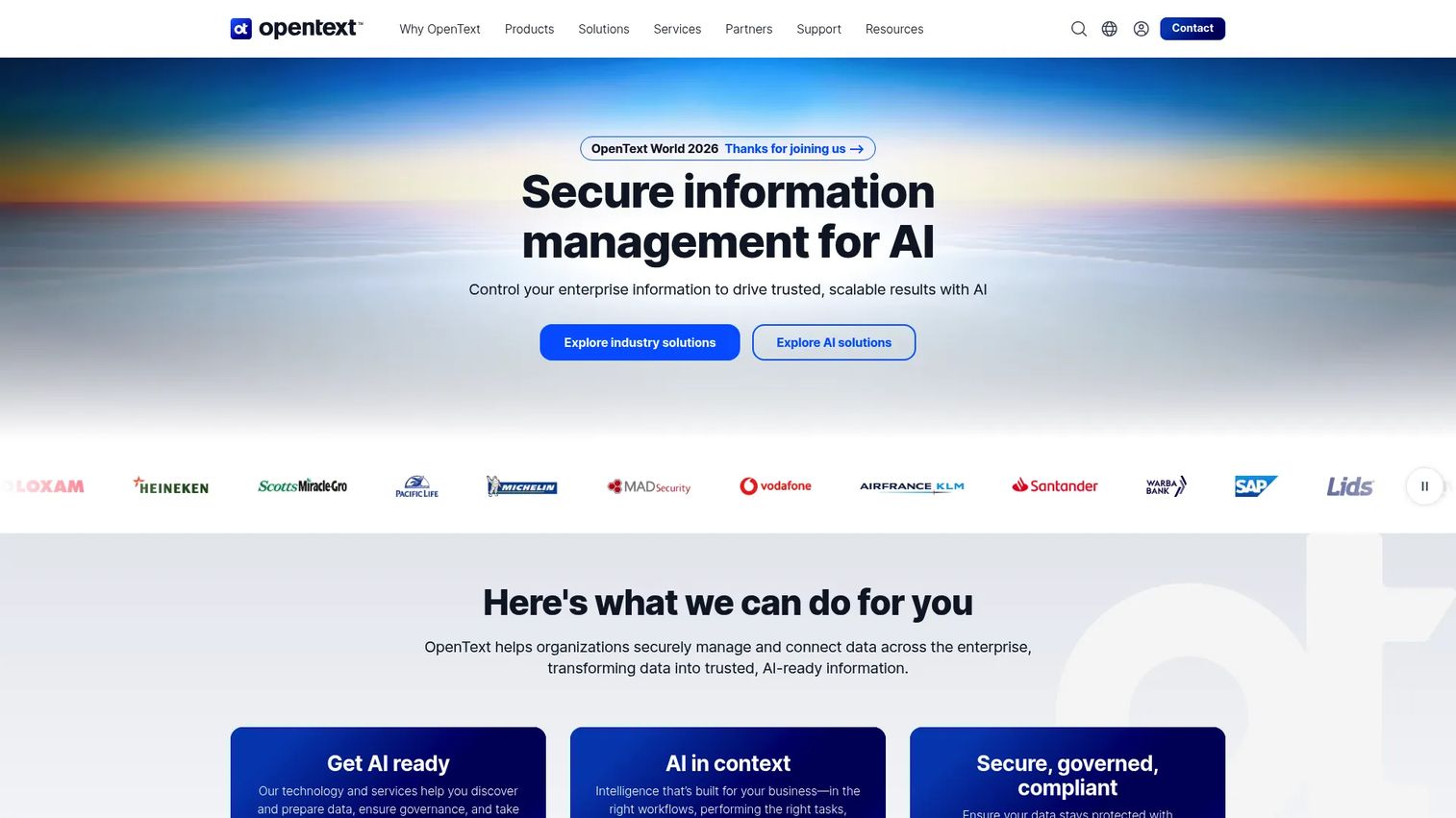
OpenText InfoArchive is enterprise archiving software built for preserving structured and unstructured information from legacy applications. It handles retention, compliance management, full-text indexing across more than 1,500 file formats, and integration with OpenText Content Management and Documentum. Application decommissioning support is a primary use case: Retire old software while preserving the data inside it for search and legal access. For product managers, this matters when the team is retiring a legacy CRM, ERP, or customer platform and must preserve records for years after shutdown.
Best for: Large organizations archiving application data and decommissioning legacy platforms while maintaining search and compliance access.
Key features
- Structured and unstructured information archiving
- Retention and compliance management
- Full-text indexing supporting over 1,500 file formats
- Integration with OpenText Content Management and Documentum
- Legacy application decommissioning support
Why choose OpenText InfoArchive: Choose it when the archive contains application data rather than communications. PMs should evaluate how well the platform preserves metadata, context, and user access after application shutdown.
OpenText InfoArchive pricing: A first-party OpenText price list publicly shows a perpetual InfoArchive license at $88,802. This figure comes from an OpenText public-sector contract price list and may differ from commercial pricing. Contact OpenText for current subscription or enterprise licensing terms.
G2 rating: 4.5/5
10. IBM Information Lifecycle Governance
IBM Information Lifecycle Governance is a portfolio for governing information through retention, records management, archiving, eDiscovery, and defensible disposal. Core capabilities cover eDiscovery management, records and retention management, smart archiving, and defensible disposition. For large enterprises standardizing governance policies across content systems, the platform provides a policy-driven layer rather than a single repository. PMs supporting enterprise customers with IBM content, analytics, or governance investments should evaluate how this portfolio fits alongside existing IBM infrastructure.
Best for: Large enterprises with complex governance requirements across data and content systems, particularly those with existing IBM platform investments.
Key features
- eDiscovery management
- Records and retention management
- Smart archiving
- Defensible disposition
- Information lifecycle policy controls
Why choose IBM Information Lifecycle Governance: Choose IBM when lifecycle governance across content systems matters more than a point archive solution. PMs should assess fit with existing IBM analytics, content management, and governance platforms before budgeting for integration work.
IBM Information Lifecycle Governance pricing: Contact IBM or an IBM Business Partner for current packaging and pricing.
G2 rating: 4.0/5
11. Archon Suite
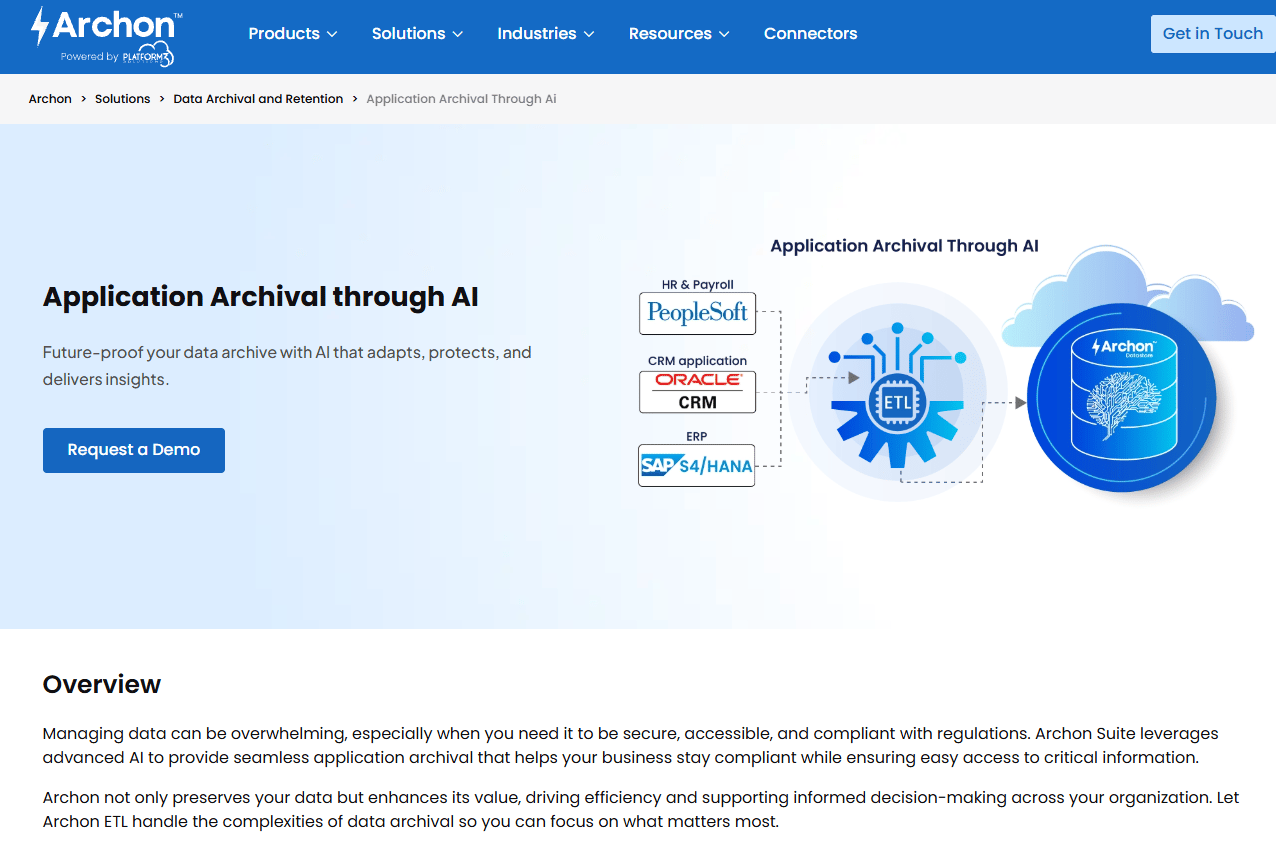
Archon Suite focuses on enterprise data archiving and legacy application decommissioning. It supports data extraction workflows, long-term archive access, and enterprise search after application retirement. For product managers running or retiring older platforms, the core value proposition is preserving searchable, accessible data from decommissioned systems without keeping the original application running. Note that Archon's website was not accessible for verification at the time of publication, so feature details above reflect the platform's known positioning and no first-party pricing or G2 rating was confirmed.
Best for: Enterprises retiring legacy applications and preserving searchable business data for long-term compliance and legal access.
Key features
- Application decommissioning workflows
- Data extraction and transformation
- Long-term archive access
- Enterprise search after decommissioning
- Archive modernization support
Why choose Archon Suite: Choose Archon when maintaining expensive legacy systems just to satisfy data retention is draining your infrastructure budget. PMs should validate data integrity, user access patterns, and reporting capabilities after decommissioning before committing.
Archon Suite pricing: Contact Archon directly for current pricing. Cost factors typically include source systems, data volume, transformation complexity, retention needs, and deployment model.
12. Collabware
Collabware provides records management, archival, discovery, and content lifecycle software for SharePoint, cloud repositories, email, and other content sources. Three products cover different needs: Collabspace for content lifecycle automation, Collabware CLM for records management, and Collabmail for email archiving. Cross-source search, WORM storage support, permission-based access, and legal hold workflows are part of the platform. For Microsoft-centric organizations, Collabware is a strong fit because it was built to work inside SharePoint rather than alongside it.
Best for: Teams needing records management and archive controls inside Microsoft-centered environments.
Key features
- Electronic and physical records management
- Content lifecycle workflow automation
- Cross-source search, archiving, and discovery
- WORM storage support
- Legal hold and permission-based access
Why choose Collabware: Choose Collabware when records management and archive search need to work together inside a Microsoft 365 environment. PMs should assess how it handles product-adjacent evidence, customer communications, and audit exports against your specific retention schedule.
Collabware pricing: Collabmail starts at $48 per user per year, billed annually with a minimum of 100 users. Collabware CLM is $192 per user per year on the same terms. Collabspace pricing requires contacting sales.
G2 rating: 3.5/5
13. NICE
NICE CXone is a CX AI platform that runs AI across the full customer experience, covering omnichannel routing, interaction recording, workforce management, analytics, and quality management. The archiving and compliance recording capabilities are part of a broader contact-center platform rather than a standalone archive product. For organizations where the compliance record is primarily a customer interaction, NICE provides call recording archives, interaction capture, compliance retention, quality review workflows, and searchable customer interaction libraries. This is not a general-purpose enterprise archive for all data types.
Best for: Contact centers needing compliant interaction recording, archiving, and AI-powered analytics as part of a unified CX platform.
Key features
- Omnichannel interaction recording and archiving
- Compliance retention controls
- Quality review and workforce management workflows
- AI agents for self-service and automation
- Searchable customer interaction library
Why choose NICE: Choose NICE when customer conversations are the compliance record that matters most and you need that archive inside a full contact-center platform. PMs should verify whether support, success, and product feedback workflows can access archived interactions without creating privacy or access control issues.
NICE pricing: CXone plans start at $110 per agent per month for the Omnichannel Suite. The Essential Suite is $135, Core Suite $169, Complete Suite $209, and Ultimate Suite $249 per agent per month (or $0.25 per session).
G2 rating: 4.3/5
14. Verint
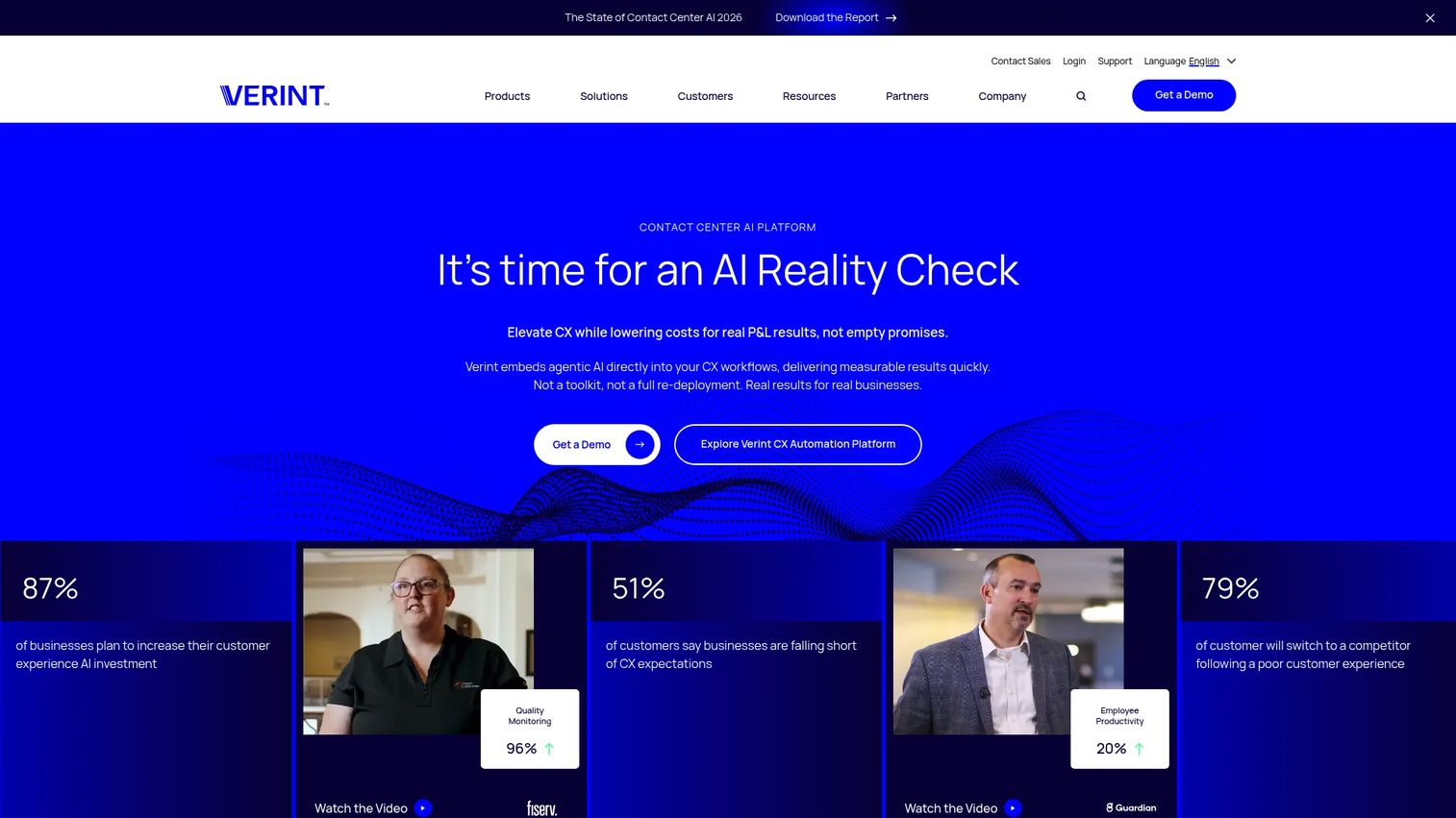
Verint provides AI-powered customer experience automation across workforce engagement, AI agents and agent assist, CX analytics, and CX data management. Interaction recording, automated quality management, and voice of the customer analytics are core capabilities. The CX Data Hub handles enterprise engagement data management. For compliance purposes, Verint covers interaction capture, compliance archive, voice capture, and analytics workflows. Like NICE, the platform is positioned around contact-center operations and workforce intelligence rather than general enterprise records management.
Best for: Enterprise contact centers needing compliant interaction capture, workforce analytics, and AI-driven customer experience management.
Key features
- Interaction recording and compliance archive
- Automated quality management
- CX analytics and voice of the customer
- CX Data Hub for engagement data management
- AI agents and agent assist
Why choose Verint: Choose Verint when archive requirements overlap with contact-center operations and workforce intelligence. PMs should evaluate access controls, data retention periods, and how customer-facing interaction data connects to your broader analytics and privacy stack.
Verint pricing: The Community product pricing is quote-based, with named-user licensing for private communities requiring a minimum 300-user block. Contact Verint sales for current platform pricing.
G2 rating: 4.4/5
15. Microsoft Purview
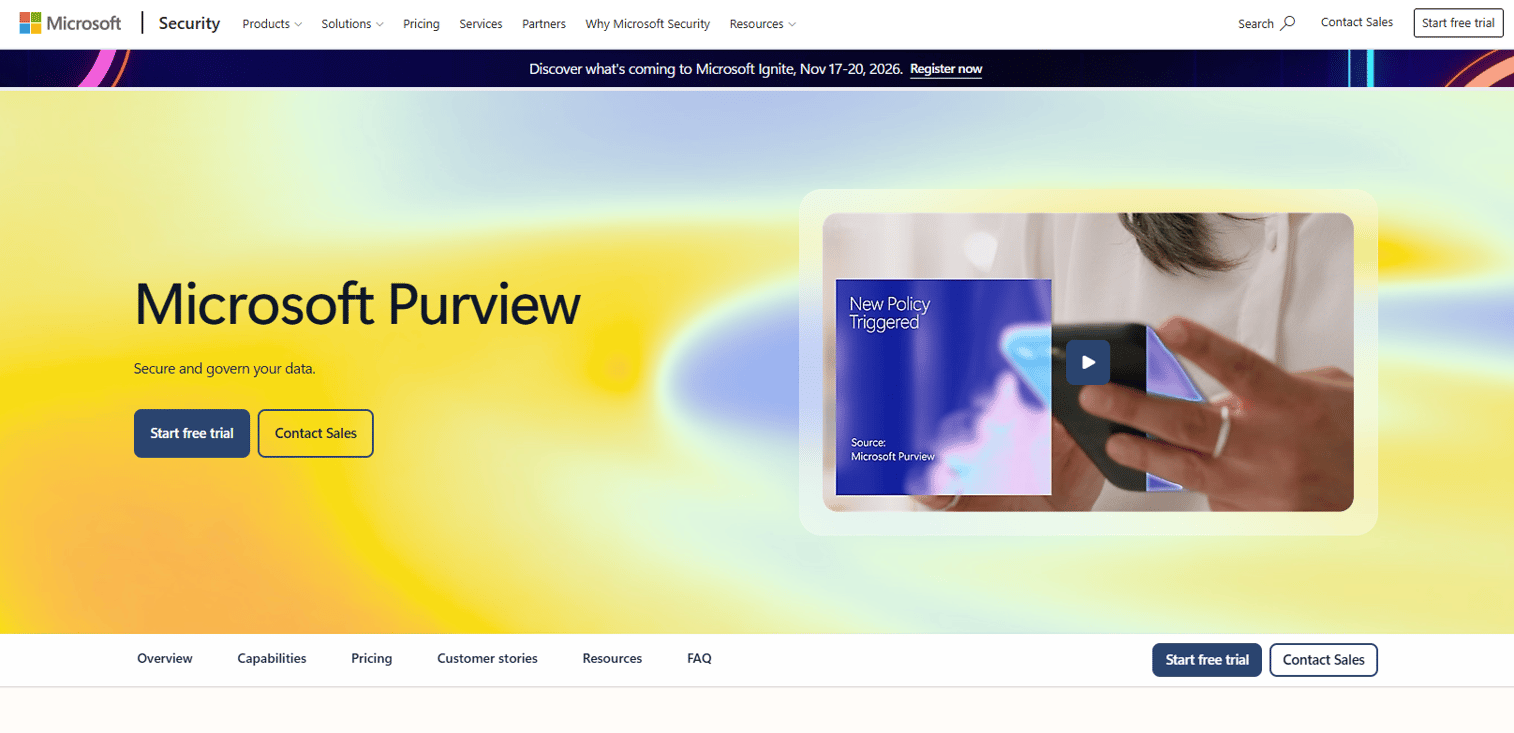
Microsoft Purview provides integrated data security, governance, risk, and compliance capabilities for organizations running Microsoft 365. Core capabilities cover data loss prevention, information protection, insider risk management, audit and eDiscovery, communication compliance, data lifecycle and records management, and Compliance Manager. Retention labels, eDiscovery workflows, and audit logging are native to the Microsoft 365 tenant, which removes the integration overhead that third-party tools carry. For product teams building on Microsoft infrastructure, Purview is the natural governance layer.
Best for: Microsoft 365-heavy enterprises standardizing retention, eDiscovery, and compliance workflows inside their existing tenant.
Key features
- Retention labels and data lifecycle management
- eDiscovery workflows and audit logging
- Data loss prevention and information protection
- Communication compliance
- Protection for Microsoft 365 Copilot data
Why choose Microsoft Purview: Choose Purview when most records live in Microsoft 365 and you want governance to stay inside the tenant with minimal integration work. PMs should check whether non-Microsoft systems, voice data, legacy archives, and application records need specialist tools alongside Purview.
Microsoft Purview pricing: The Purview Suite is $12.00 per user per month, paid yearly, as an add-on requiring Microsoft 365 E3 or equivalent. Additional Purview capabilities for data governance, data security, and data compliance are available through Azure pay-as-you-go.
G2 rating: 4.3/5
Considerations when choosing enterprise information archiving software
Capture coverage across real work channels
Start by listing every system where business decisions happen in your organization. Email and file storage are obvious, but Slack, Zoom, Webex, SMS, voice lines, CRM notes, support tickets, and AI-generated outputs are all business records in regulated environments. A platform that misses one high-risk channel creates a retrieval gap that legal and IT will need to close manually every time a request comes in.
Retention, legal hold, and deletion rules
Retention is a policy problem before it is a storage problem. Buyers need lifecycle rules that match legal, compliance, privacy, and data minimization requirements simultaneously, and those requirements sometimes conflict. Evaluate whether the platform supports granular retention schedules by data type, allows holds to override deletion rules without manual intervention, and provides auditable proof of disposition.
Search, retrieval, and export speed
Legal and audit management requests become expensive when search requires specialist administrators or engineering help for each matter. Evaluate natural-language search, metadata filters, export formats accepted by litigation review tools, and chain-of-custody controls. For product teams, the operational question is simpler: How much engineering time does each legal request consume today, and does this platform reduce that number to something the team can sustain?
Security, immutability, and auditability
Look for encryption at rest and in transit, role-based access controls, customer-managed key options, WORM storage for tamper-proof records, audit trails for all access and export events, and trusted timestamps. No archive platform makes you compliant. What it does is support the workflows and controls your compliance posture requires.
Migration and long-term maintainability
Every archive platform you adopt becomes an operational dependency. Evaluate the connector set for your current sources, migration validation quality, metadata preservation accuracy, the admin experience for day-to-day management, API access for integration with enterprise search and ticketing systems, and the vendor's upgrade cadence. For PMs, the honest question is this: Will this archive require engineering attention every quarter, or can compliance and IT own it independently?
Conclusion
Enterprise information archiving does not have one universal winner. The right platform depends on your record types, your regulatory environment, and how much integration work your team can absorb.
For regulated communications and supervision, Smarsh and Global Relay are the established names in financial services. Theta Lake covers the same territory for collaboration and AI interactions.
For email-first archiving, Mimecast and Proofpoint both deliver cloud email archives with compliance controls, and Proofpoint adds a security bundle if email threat protection is a parallel requirement.
For legacy archive migration and application decommissioning, Archive360 and Arctera Enterprise Vault handle migration from aging archive estates. OpenText InfoArchive and Archon Suite focus on structured application data and system retirement.
For contact-center records, Wilmac Continuity Replay provides the deepest interaction archive with AI-assisted compliance monitoring. NICE and Verint cover contact-center compliance as part of broader CX platforms.
For Microsoft-centered governance, Microsoft Purview is the native choice for 365-heavy organizations. Collabware adds records management depth for teams that need SharePoint-native controls alongside email archiving.
Pick by record type first, then evaluate vendor fit, integration cost, and admin ownership. The platforms that reduce engineering interrupts per legal request are worth more than those with the longest feature list.
For teams building enterprise readiness into their products, understanding how compliance, AI governance, and application portfolio management decisions intersect with archiving is part of the work. Use this guide as a starting framework, then verify pricing and feature coverage directly with each vendor before shortlisting.
FAQs about enterprise information archiving software
Enterprise information archiving software captures, stores, indexes, governs, and retrieves business records across email, communications, files, application data, and other enterprise systems. It supports compliance with retention requirements, legal holds for active matters, eDiscovery for litigation, supervision for regulated industries, and long-term access to records after the original systems are retired.
Enterprise information archiving typically covers business communications, email, collaboration records, voice, and digital records managed for compliance and discovery. Enterprise data archiving covers structured application data, databases, ERP records, and application decommissioning. Many organizations need both, especially those retiring legacy platforms while maintaining supervision obligations for communications. The two categories often require different platforms with different integration models.
No. Backup is designed for operational recovery, restoring systems or files to a previous state after a failure. Archiving is designed for long-term retention, governance, legal discovery, and compliance evidence. Backup systems typically overwrite older data on a rotation schedule. Archives preserve records with tamper-proof controls and retention policies that cannot be overridden by routine deletion. Using backup as an archive is a common source of eDiscovery failure.
Microsoft Purview is the native choice for organizations running Microsoft 365, with retention labels, eDiscovery, audit logging, and communication compliance built into the tenant. Collabware is worth evaluating for teams that need deeper records management controls inside SharePoint. For organizations also archiving voice data, legacy systems, or non-Microsoft collaboration tools, a specialist platform alongside Purview may be necessary.
The most important capabilities are capture coverage across all relevant channels, retention lifecycle management with legal hold override, eDiscovery search with chain-of-custody controls, immutable or WORM storage for tamper-proof records, role-based access and audit trails, defensible export formats, and admin tools that keep compliance teams independent from engineering for routine requests.
Pricing across this category is mostly quote-based. The main cost factors are user count, the number of channels or data sources captured, storage volume, retention period, supervision modules, deployment model, and migration complexity. Where published pricing exists, Microsoft Purview Suite starts at $12.00 per user per month (paid yearly), Collabmail starts at $48 per user per year, NICE CXone starts at $110 per agent per month, and OpenText InfoArchive shows a perpetual license at $88,802 on a public-sector price list. For platforms without public pricing, expect sales conversations to focus on these same cost factors.
A legal hold suspends the normal deletion lifecycle for records that are relevant to an active matter, audit, or regulatory investigation. When a hold is applied, the archive preserves those records regardless of their standard retention schedule until the hold is released. Good archive platforms maintain chain-of-custody records showing who applied the hold, when, and what records were preserved. Audit trails for all subsequent access and export events are essential for defensible production in litigation.
Start by mapping the data sources that contain business records relevant to legal, compliance, privacy, and customer commitments. Then evaluate how each platform integrates with those sources, what the retrieval workflow looks like for legal and compliance teams without engineering involvement, how retention rules interact with your privacy obligations, and what the ongoing administrative load looks like across release cycles. The right platform reduces engineering interrupts per compliance request while giving legal and IT independent control over the archive. Also review AI legal assistant software options if your team handles high volumes of legal review work, since AI-assisted review workflows often pair with archiving platforms to reduce per-matter cost.