Your crews are texting job updates from three different threads. An invoice went out four days late because the office manager was chasing a signature. Two trucks drove past the same neighborhood on separate routes this morning, and nobody caught it until the fuel card statement landed. That is what running lawn care on spreadsheets, group chats, and callbacks actually costs you every single week.
The U.S. lawn care market reached roughly $60 billion in 2025 and is projected to hit $79.68 billion by 2031 at a 4.85% CAGR, according to Mordor Intelligence (2025). More competition, tighter margins, and rising labor costs mean the businesses that win are the ones that remove manual handoffs from their operation. Picking lawn care software is not a shopping decision. It is a systems decision about how repeatable your business becomes when you stop touching every job yourself.
That is the lens this guide uses. Not "which tool has the most features," but "which lawn care business software removes the most manual work for the way I actually run crews." Whether you are replacing spreadsheets, tightening routes, or just trying to get paid faster, the right platform should earn its place in your stack inside the first billing cycle. In 2026, with more owners running lean and hiring cautiously, that operational payback matters more than any feature checklist.
What's inside
This guide is built for owners, ops leaders, and office managers at lawn care and landscaping companies who want fewer manual handoffs and cleaner operations. We evaluated each tool on five things that actually change how a business runs: workflow depth (scheduling, dispatch, recurring service), route optimization, billing strength (estimates, invoicing, recurring payments), mobile execution in the field, and integration fit with tools you already use like QuickBooks. Pricing and G2 ratings reflect what was publicly verifiable at the time of writing. We prioritized tools that reduce office admin, not ones that add another dashboard to check.
TL;DR
- Best all-around office-to-field workflow: Jobber. Polished quoting, scheduling, payments, and a strong mobile app for service businesses that want repeatable operations without heavy setup.
- Best free starting point: Yardbook. A genuinely usable free tier with CRM, scheduling, estimates, and invoicing, so small operators can leave spreadsheets behind at zero cost.
- Best for lawn-care-specific simplicity: LawnPro. Purpose-built for small to mid-size lawn care businesses with a free forever Solo plan and AI route optimization.
- Best for operational depth at scale: WorkWave. Field service software with deep routing, dispatch, and payments for larger multi-crew operations.
- Best for margins and estimating: LMN. Built for landscaping business software buyers who care about production tracking and job costing, not just scheduling.
- Best for automation and systems thinking: Service Autopilot. Heavy on workflow automation and recurring service management for operators who want processes to run themselves.
What is lawn care software?
Lawn care software is a field service platform that helps lawn and landscape businesses schedule jobs, dispatch and route crews, invoice customers, collect payments, and manage client communication from one system instead of scattered spreadsheets and texts. It replaces the manual coordination that breaks down the moment you run more than a couple of crews.
The core jobs a strong lawn care company software should handle:
- Scheduling and recurring service: Book one-off and repeating jobs, handle seasonal cycles, and avoid double-booking crews.
- Dispatching and crew management: Assign work to the right crew and see who is where in real time.
- Route optimization: Sequence stops to cut windshield time and fuel, especially as job density grows.
- Estimates and invoicing: Send professional quotes, convert them to jobs, and bill without re-entering data.
- Payments: Take card and ACH payments, run recurring billing, and shorten the time between finished work and cash in the bank.
- Customer communication: Automated reminders, two-way texting, and a customer portal for approvals and payments.
- Mobile execution: A mobile app so crews see their day, log time, capture job completion, and update status from the truck.
- Accounting sync: QuickBooks integration so financials flow without double entry.
The best lawn care scheduling software connects all of these so a completed job automatically triggers an invoice, a payment reminder, and a review request without anyone touching a spreadsheet. That is the difference between software that logs work and software that removes it.
When to use lawn care software
Replace spreadsheets and group texts
Manual coordination works until it doesn't. The break point usually arrives around the second or third crew, when the owner can no longer hold the whole schedule in their head. You start seeing missed jobs, double-bookings, and customers calling to ask why nobody showed. Payment follow-up slips because invoicing lives in a spreadsheet nobody updates on Fridays. If you are reconstructing what happened yesterday instead of planning tomorrow, you have outgrown manual tools.
Tighten route efficiency and crew accountability
Once you have crews on the road, route planning and GPS tracking stop being nice-to-haves. Lawn care routing software sequences stops to cut mileage and fuel, and GPS gives you field visibility into where trucks actually are versus where the schedule says they should be. Job completion proof, photos, and time tracking close the accountability gap between "the crew said it's done" and "here is what was actually done." At scale, a few minutes saved per stop compounds into real payroll and fuel savings.
Get paid faster and reduce office admin
Cash flow is the quiet killer for owner-operators. Estimates that convert to jobs in one click, invoices that fire automatically on completion, payment links customers can tap from their phone, and recurring billing for maintenance contracts all shorten the gap between work done and money in. Every hour your office manager spends chasing signatures or re-keying invoices is an hour not spent selling or scheduling. Invoicing and payments automation is where most operators see the fastest, clearest payback.
Comparison table
Here is how the seven tools compare on intent, differentiation, pricing, and rating. Use it to shortlist two or three, then read the full sections. All figures reflect what was publicly verifiable at the time of writing.
| # | Product | Intent | Key differentiation | Pricing | G2 rating |
|---|---|---|---|---|---|
| 1 | Jobber | All-around office-to-field workflow | Polished quoting, scheduling, payments, and mobile app | From $21/mo | 4.6/5 |
| 2 | Yardbook | Free all-in-one for small operators | Genuinely free tier with CRM, routing, invoicing | Free; Business $34.99/mo | 4.4/5 |
| 3 | LawnPro | Lawn-care-specific simplicity | Free forever Solo plan, AI route optimization | Free Solo plan | 3.8/5 |
| 4 | WorkWave | Operational depth at scale | Multi-vertical field service, deep routing and payments | Contact sales | 4.1/5 |
| 5 | Connecteam | Crew coordination and labor visibility | Scheduling, time tracking, and team communication in one app | Free; Basic $29/mo | 4.6/5 |
| 6 | LMN | Margins, estimating, production | Budgeting and job costing built for landscapers | From $297/mo | 3.7/5 |
| 7 | Service Autopilot | Automation and recurring service | Workflow automation and route management | From $49/mo | 3.7/5 |
1. Jobber
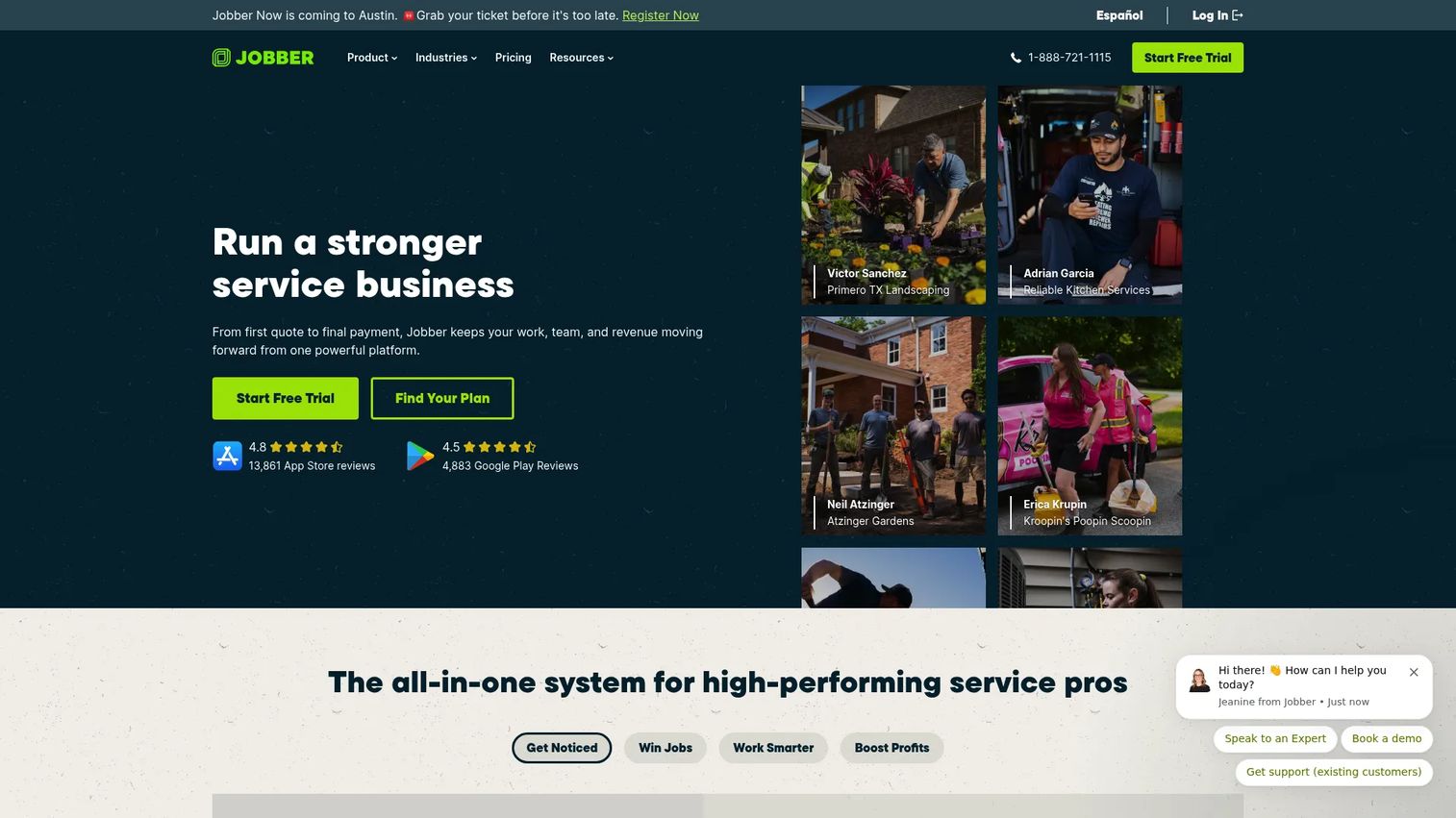
Jobber is field service management software for home and commercial service businesses, and it is one of the most polished office-to-field workflows a lawn care operator can buy. It covers scheduling, job management, quoting, invoicing, online payments, and client communications in one platform, with a mobile app crews actually use in the field. It appears in nearly every lawn care evaluation even though it serves plumbers, cleaners, and HVAC too, because the underlying workflow (quote, schedule, do the work, invoice, get paid) is identical.
Best for: Lawn care and home service businesses that want a repeatable office-to-field system without a heavy implementation.
Key strengths
- Quoting to invoicing flow: Turn a quote into a scheduled job and then an invoice without re-entering data.
- Client communication: Automated reminders and follow-ups reduce no-shows and payment delays.
- Mobile app: Crews see their day, log details, and capture job info from the truck.
Why choose Jobber: If you want the fewest surprises and the shortest learning curve, Jobber is the safe, strong default. It is broader than lawn-care-only tools, which is exactly why it scales cleanly as you add services or crews. For an owner trying to build a system that runs without them in every job, the polish and reliability earn their keep fast.
Jobber pricing: Jobber's Core plan starts at $21/mo, with Connect at $70/mo, Grow at $105/mo, and Plus at $280/mo. Prices are in USD and annual options are billed annually. There is no free tier, but the entry price is accessible for a solo operator or small crew. It carries a 4.6/5 rating on G2.
2. Yardbook
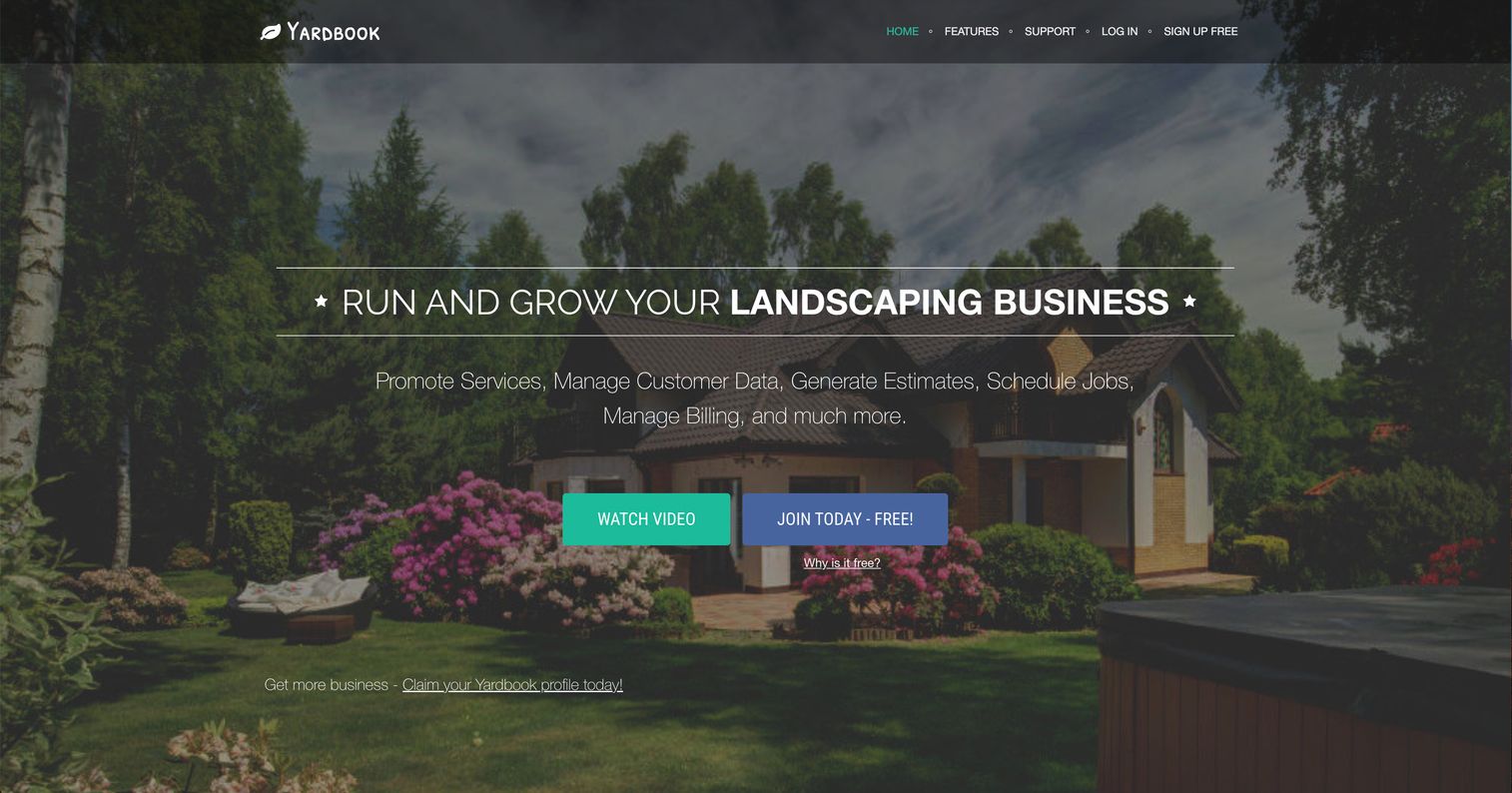
Yardbook is landscaping and lawn care business software that stands out for one reason: its Starter tier is genuinely free. It covers customer management, jobs and scheduling, estimates, invoices, GPS tracking, routing, bulk email and text messaging, property measurement, chemical programs, a time clock, and QuickBooks sync on paid tiers. For a small operator leaving spreadsheets behind at zero cost, that is a lot of back-office depth without a credit card.
Best for: Small landscaping and lawn care businesses that want an all-in-one operations tool starting free.
Key strengths
- Free Starter tier: Full CRM, scheduling, estimates, and invoicing at no cost.
- Back-office depth: Chemical programs, property measurement, and a time clock beyond basic dispatch.
- Routing and GPS: Route planning and GPS tracking to tighten field operations.
Why choose Yardbook: The free tier lowers the risk of committing to your first real system to almost nothing. If your operation is small and you want to prove the value of software before paying, Yardbook lets you run real jobs, real invoices, and real routes without a spend decision. The paid Business ($34.99/mo) and Enterprise ($49.99/mo) tiers add bulk messaging, GPS, reminders, QuickBooks sync, and a branded portal as you grow.
Yardbook pricing: Starter is free. Business is $34.99/month and adds bulk emails and texts, GPS tracking, backup, reminders, chemical programs, and lead capture. Enterprise is $49.99/month and adds QuickBooks integration and a branded company portal. It holds a 4.4/5 rating on G2.
3. LawnPro
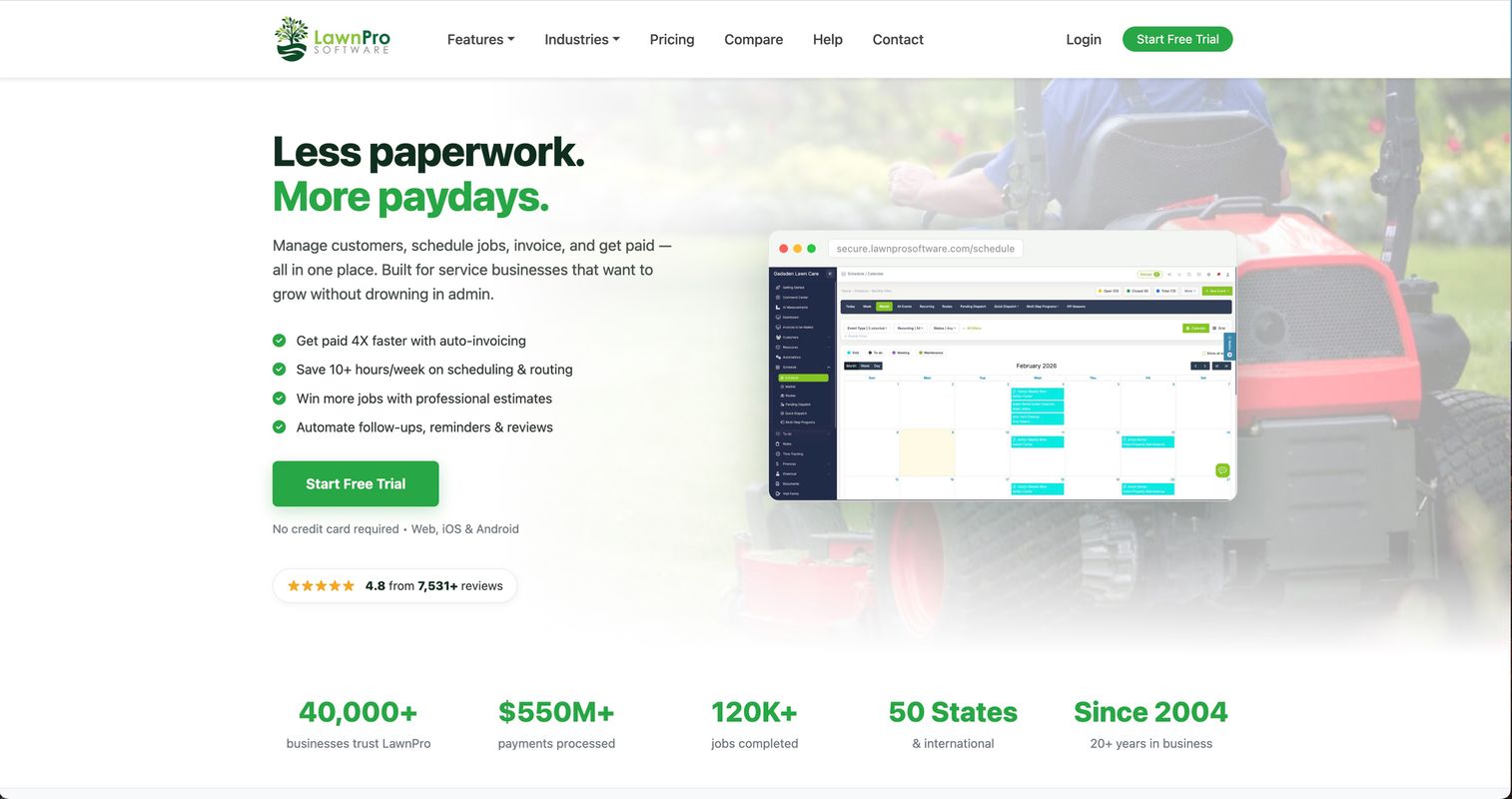
LawnPro is all-in-one lawn care and field service software purpose-built for managing customers, scheduling, invoicing, payments, and estimates. Where broader tools serve many trades, LawnPro is squarely aimed at lawn care, which shows in features like AI route optimization and a free forever Solo plan. It covers a customer CRM, client portal, scheduling and routing, invoicing and online payments, estimates with optional items, QuickBooks sync, time tracking, workflow automations, and two-way text messaging.
Best for: Small to mid-size lawn care and field service businesses that want estimating, scheduling, invoicing, and client communication in one lawn-care-focused tool.
Key strengths
- AI route optimization: Sequences stops automatically to cut windshield time and fuel.
- Free forever Solo plan: A no-cost starting point for owner-operators with upgrade paths.
- Two-way texting and client portal: Customers approve, communicate, and pay without phone tag.
Why choose LawnPro: If you want software that speaks your trade rather than a generic field service tool, LawnPro's lawn-care focus reduces the setup guesswork. The free Solo plan makes it a low-risk first system, and the workflow automations start removing manual steps as soon as you turn them on.
LawnPro pricing: LawnPro offers a free forever Solo plan and lets you upgrade anytime. Public paid pricing was not listed on the pages reviewed, so confirm current tier costs directly with LawnPro before committing. It carries a 3.8/5 rating on G2 from a small number of reviews, so weigh that alongside a hands-on trial.
4. WorkWave
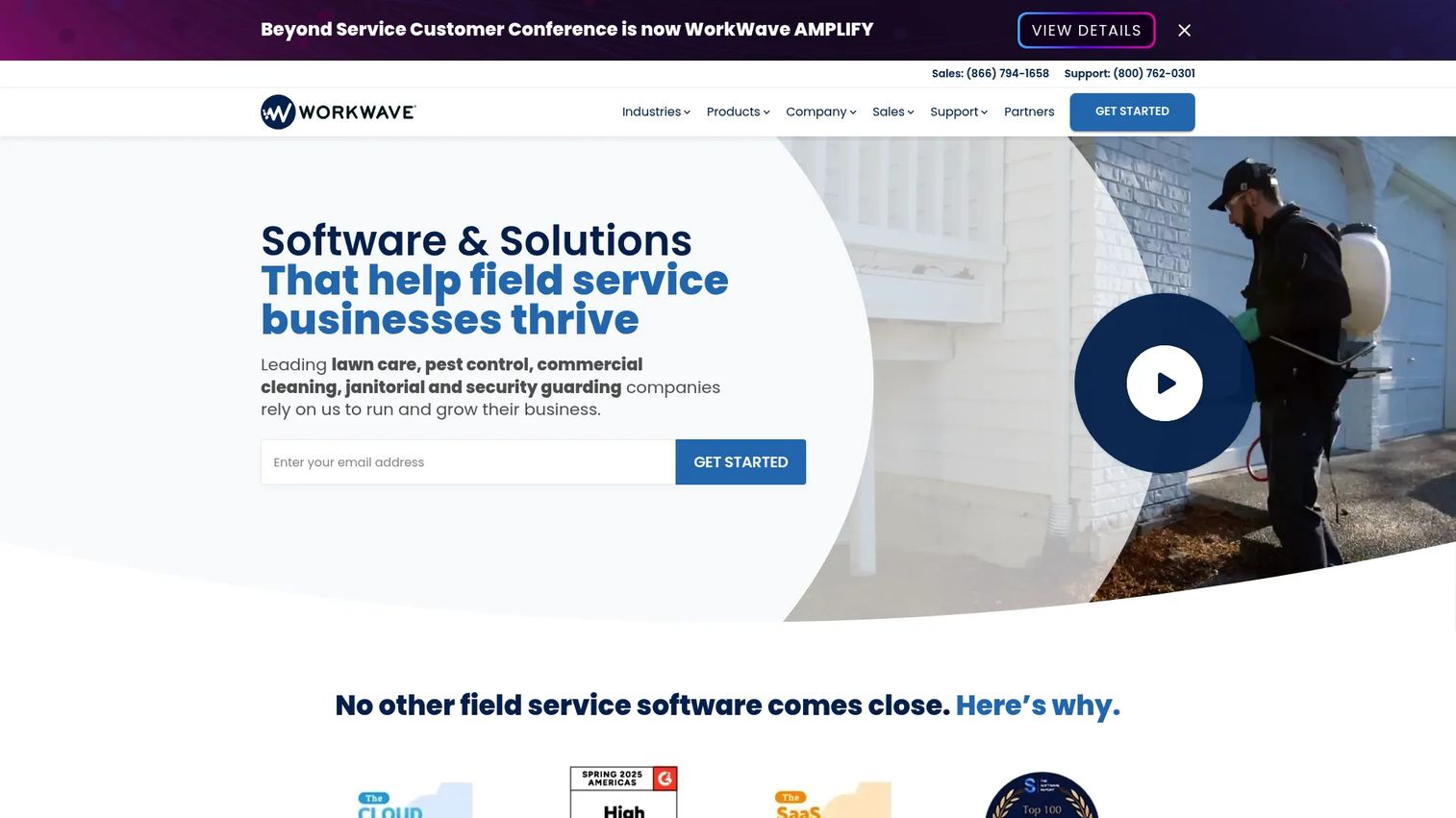
WorkWave builds vertical software and payments solutions for field service, delivery, and workforce businesses, including lawn care through products like RealGreen and RouteManager. This is the option for operational depth at scale. It covers scheduling, dispatching, routing, reporting, and payments, with a customer portal, mobile app, and integrations including QuickBooks. If you run multiple crews and need serious routing and dispatch muscle, WorkWave is built for that complexity.
Best for: Multi-crew field service and lawn care operations that need integrated, scalable operational software.
Key strengths
- Deep route optimization: Purpose-built routing for high job density across many crews.
- Dispatch and reporting: Operational visibility and reporting for larger teams.
- Payments and portal: Integrated payments plus a customer portal for self-service.
Why choose WorkWave: As your operation grows past what a simple scheduling tool handles, WorkWave's depth in routing, dispatch, and reporting pays off. It is more platform than app, which suits owners who have moved from "keep the trucks busy" to "optimize every mile and margin." Smaller operators may find a lighter tool faster to adopt.
WorkWave pricing: WorkWave does not publish numeric pricing for its core products; access is contact-us and trial based, and the company documents a free trial agreement. Reach out for a quote sized to your crew count and product mix. It holds a 4.1/5 seller rating on G2.
5. Connecteam
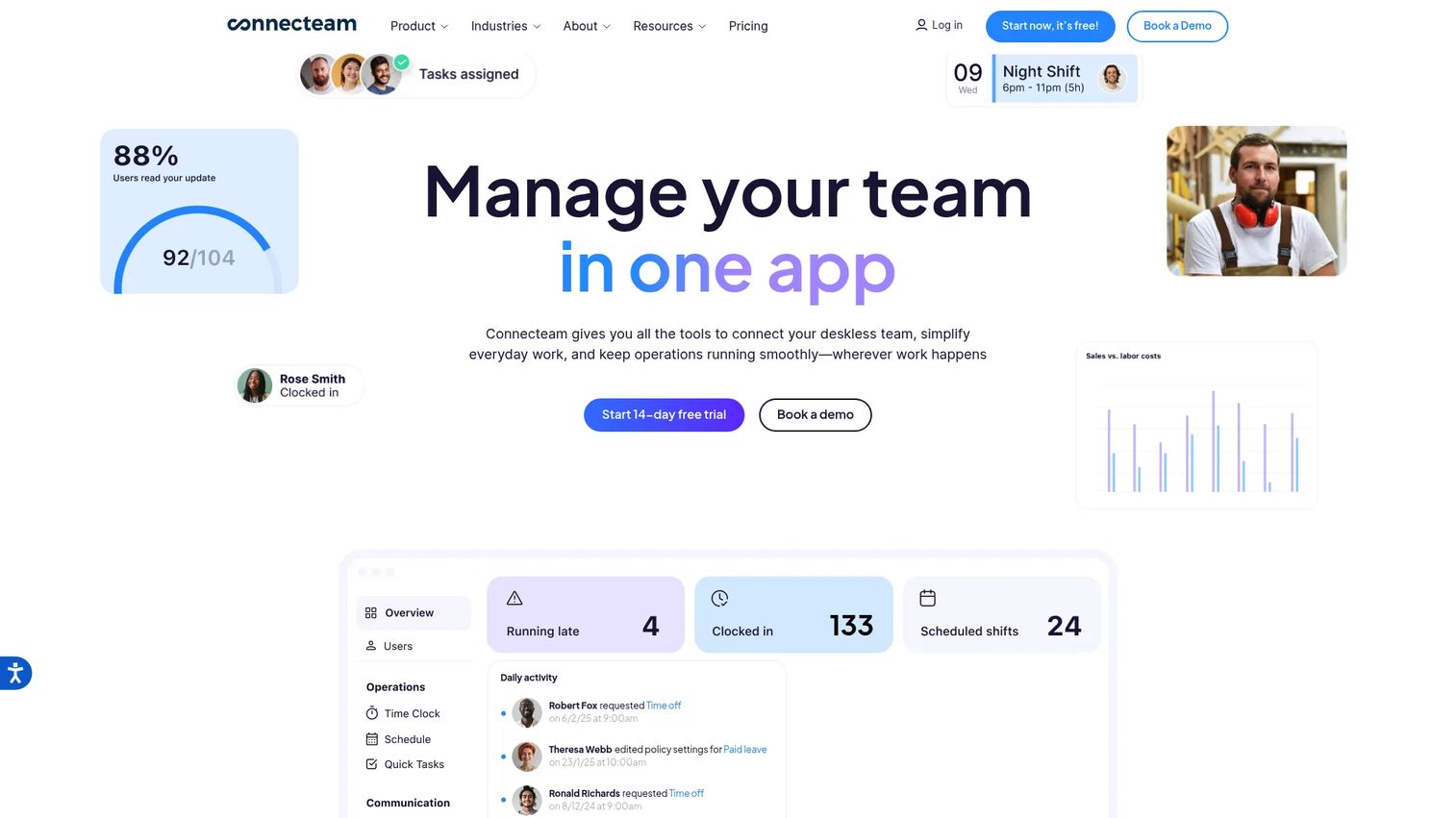
Connecteam is workforce management software for deskless and frontline teams, and it earns a spot here as the crew-coordination-first option. It covers scheduling and shift management, time clock with geofenced time tracking, plus forms, chat, updates, and a knowledge base. It is not a lawn-care-specific billing platform, but if your biggest pain is labor coordination and accountability rather than invoicing, it handles that job exceptionally well.
Best for: Lawn care teams whose top priority is crew scheduling, time tracking, and team communication in one mobile app.
Key strengths
- Geofenced time tracking: Verify crews clock in on-site, not from the parking lot down the street.
- Scheduling and shift management: Build and adjust crew schedules and push them to phones instantly.
- Team communication: Chat, forms, and updates keep the whole crew on the same page.
Why choose Connecteam: If your operation already handles billing elsewhere but struggles with labor visibility, Connecteam solves the crew management problem directly. The geofenced time clock alone can tighten payroll accuracy. Pair it with a billing-focused tool if you need full estimating and invoicing depth.
Connecteam pricing: Connecteam offers a free Small Business plan for up to 10 users. Paid tiers include Basic at $29/month, Advanced at $49/month, and Expert at $99/month, each covering the first 30 users. Yearly plans are billed in advance. It carries a strong 4.6/5 rating on G2.
6. LMN
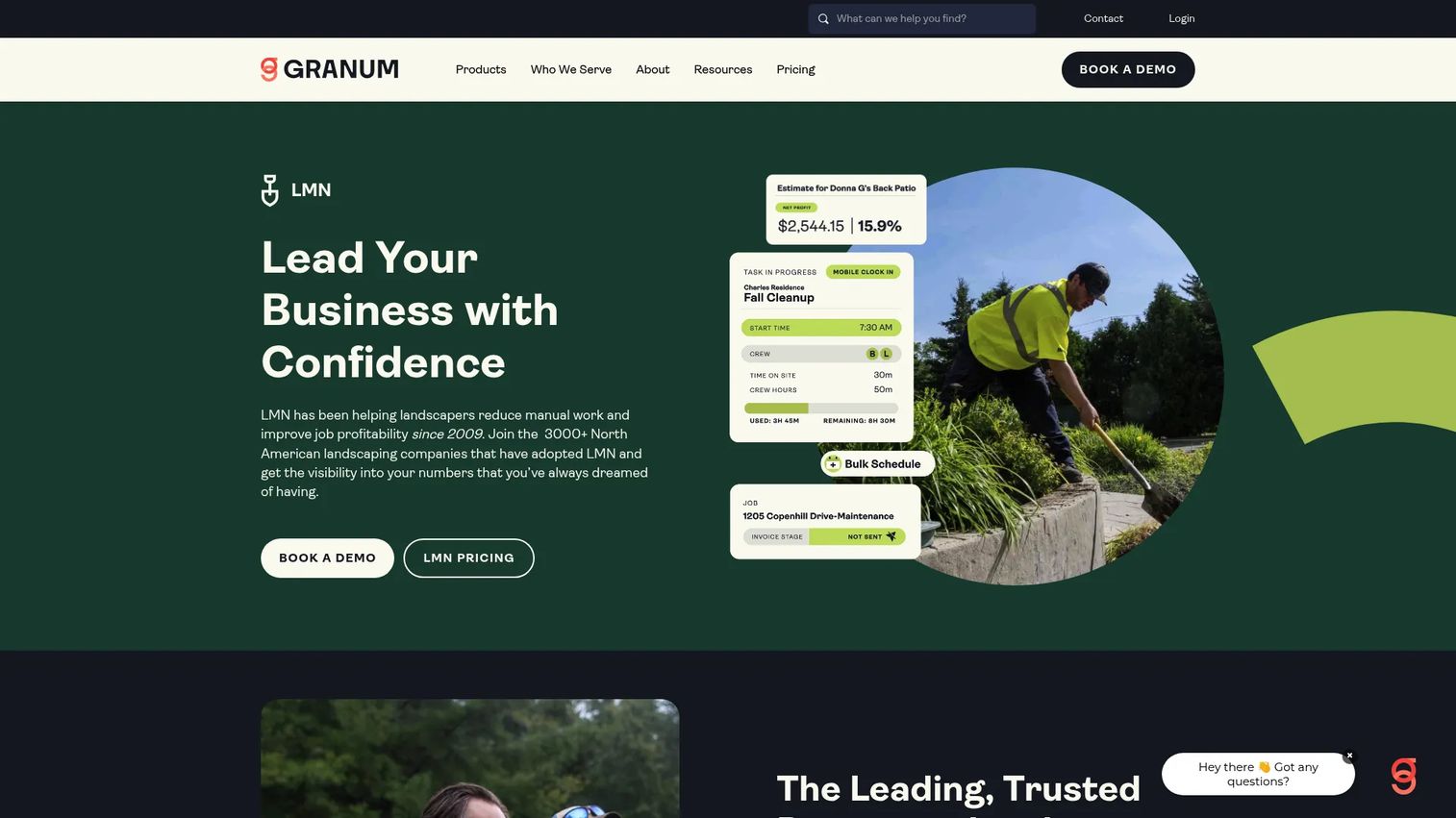
LMN is landscape business management software for estimating, scheduling, job tracking, invoicing, and reporting, and it is the pick for operators who care about margins. Where most tools focus on keeping crews busy, LMN focuses on whether the work is profitable. It covers budgeting and estimating, automated scheduling, and job and time tracking, with real-time job costing on higher tiers. For landscaping and lawn maintenance businesses moving beyond simple job scheduling, that production and costing depth is the draw.
Best for: Landscaping and snow removal companies that need estimating, budgeting, and production tracking, not just scheduling.
Key strengths
- Budgeting and estimating: Price jobs against a real budget so bids protect your margin.
- Real-time job costing: See profitability as work happens, not months later.
- Production and time tracking: Track crew output against estimates to catch overruns.
Why choose LMN: If you have outgrown "are we busy" and started asking "are we actually making money on each job," LMN is built for that question. It suits teams ready to run their business like a numbers operation. It is a heavier, pricier platform than a simple scheduler, so it fits operators committed to the estimating and costing workflow.
LMN pricing: LMN Starter is $297/month and includes budgeting, estimating, scheduling, LMN Crew, and invoicing and payments. Professional is $648/month and adds real-time job costing, Zapier integrations, files and photos on documents, and equipment and material costing. Enterprise is contact-sales and includes multi-location management. There is no free tier. It holds a 3.7/5 rating on G2.
7. Service Autopilot
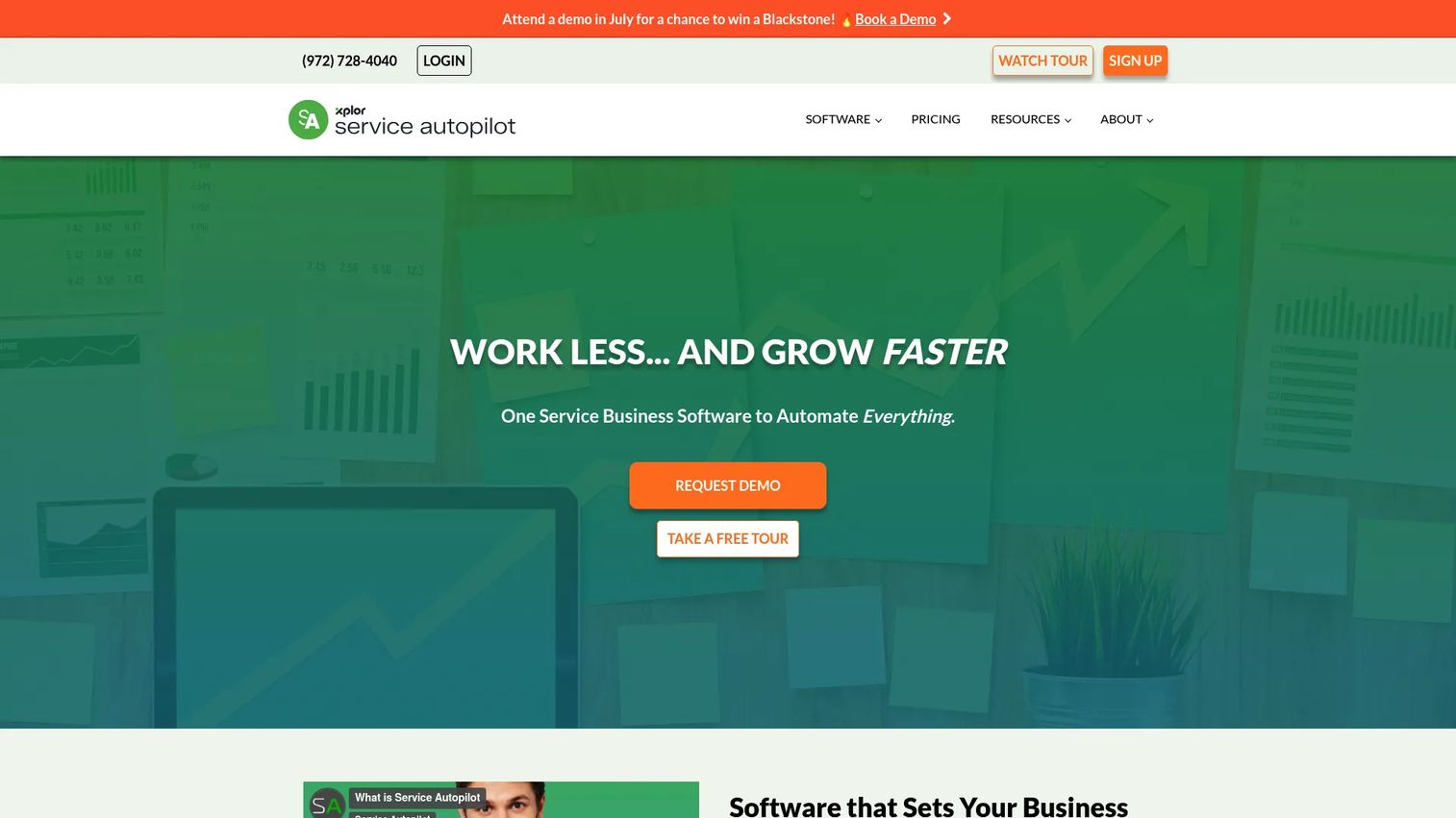
Service Autopilot is service business software for scheduling, dispatching, routing, billing, and automation, and it is the most systems-driven option on this list. Its signature strength is workflow automation: recurring services, follow-ups, and routine office tasks that run themselves once configured. It covers scheduling and dispatching, route optimization, and automations and workflows for lawn care, cleaning, snow, and landscaping businesses.
Best for: Lawn care and service operators who want to automate recurring work and standardize processes across the business.
Key strengths
- Workflow automation: Automate recurring services, reminders, and repetitive office tasks.
- Route optimization: Sequence stops and manage routes across crews.
- Recurring service management: Handle maintenance contracts and repeat billing systematically.
Why choose Service Autopilot: If you think in systems and want processes that run without manual triggering, Service Autopilot rewards that mindset. The automation depth is its differentiator. It is a more involved tool to set up than a simple scheduler, so it suits operators ready to invest in configuration for long-term leverage; owners who want something lighter may prefer a simpler pick.
Service Autopilot pricing: Startup is $49/month, Pro is $199/month, and Pro Plus is $499/month, all based on annual subscription rates. The Elite tier is contact-for-pricing. There is no free tier. It carries a 3.7/5 rating on G2.
Considerations before you buy
Workflow depth vs. simplicity
Match the tool to your operational maturity, not your ambitions. A solo operator drowns in a platform built for 20 crews, and a 15-truck business outgrows a basic scheduler fast. Be honest about where you are now and where you will be in 12 months.
Route optimization and GPS tracking
If windshield time and fuel are eating margin, route optimization and GPS tracking should be non-negotiable. Verify how the tool sequences stops, whether it handles recurring routes, and whether GPS gives you live crew location, not just after-the-fact logs.
Billing, payments, and QuickBooks integration
Look at how fast a completed job becomes a paid invoice. Check for recurring billing, card and ACH payments, tap-to-pay links, and native QuickBooks integration so your books stay clean without double entry. This is usually where payback is fastest.
Mobile app and field execution
Your crews live on their phones, not at a desk. Test the mobile app the way a crew would: view the day, log time, capture completion photos, and update status offline. If the field experience is clumsy, adoption stalls no matter how good the office side looks.
Total cost against your stage
Weigh price against what it replaces. A tool that consolidates scheduling, invoicing, payments, and communication can retire three subscriptions and hours of manual work. Judge cost by payback, not sticker price.
Conclusion
There is no single winner here, only the right fit for how you run. For a polished, all-around office-to-field system that scales cleanly, Jobber is the strong default. If you want to leave spreadsheets behind at zero cost, Yardbook's free tier is hard to beat, and LawnPro gives you the same low-risk entry with a lawn-care-specific focus. For operational depth across many crews, WorkWave is built for the complexity. If labor coordination is your real bottleneck, Connecteam solves crew management directly. And if you run your business by the numbers, LMN's estimating and job costing or Service Autopilot's automation will earn their place in your stack.
The next step is simple: shortlist two tools that match your size and biggest pain, then run a real week of jobs through each trial before you commit. Software that removes manual work should prove it inside the first billing cycle, not require a leap of faith. Pick the one that gets you out of the weeds and back to growing the business.
FAQs
For most small lawn care teams, Jobber offers the best all-around balance of scheduling, quoting, invoicing, and a strong mobile app with a low entry price. If cost is the primary concern, Yardbook's free Starter tier or LawnPro's free Solo plan let small operators run real jobs and invoices without a spend decision. The best pick depends on whether you prioritize polish, price, or lawn-care-specific features.
WorkWave is built for deep route optimization across many crews, which makes it strong for high job density. LawnPro includes AI route optimization aimed specifically at lawn care operators, and Service Autopilot pairs route management with heavy workflow automation. If cutting windshield time and fuel is your main goal, shortlist these three and test how each sequences your actual recurring routes.
Yes. A mobile app is now standard, and it is one of the most important features to test before buying. Jobber, WorkWave, Connecteam, and Service Autopilot all give crews a phone-based way to see their day, log time, and capture job completion. Test the field experience directly, because clumsy mobile execution stalls crew adoption no matter how good the office side looks.
Several tools offer native QuickBooks integration to keep your books clean without double entry. LawnPro and WorkWave include QuickBooks sync, Yardbook adds it on its Enterprise tier, and Jobber connects to QuickBooks Online. Confirm which QuickBooks version each tool supports and whether the sync covers invoices, payments, and customers before committing.
Yes, and this is where most operators see the fastest payback. Tools like Jobber, LawnPro, Yardbook, and LMN let you send estimates, convert them to jobs, and set up recurring billing for maintenance contracts. Automated invoicing and payments shorten the gap between finished work and cash in the bank, which matters most for owner-operators managing cash flow.
Yes. Yardbook's Starter tier is genuinely free and includes CRM, scheduling, estimates, and invoicing. LawnPro offers a free forever Solo plan, and Connecteam has a free Small Business plan for up to 10 users. These are real starting points for small operators leaving spreadsheets behind, with clear upgrade paths as you add crews.
Prioritize the workflow that removes the most manual work for your operation: scheduling and dispatch, route optimization, invoicing and payments, a solid mobile app, and QuickBooks integration. Match the tool to your current operational maturity, not just your ambitions, and judge cost by what it replaces rather than sticker price. Run a real week of jobs through a trial before you commit.
Choose a lawn-care-specific tool like LawnPro when you want features built for your trade with less setup guesswork. Choose broader field service software like Jobber or WorkWave when you run multiple service lines or expect to scale past what a simple scheduler handles. The deciding factor is operational complexity: pick lawn-care-focused for simplicity, broader field service for depth and room to grow.