You finished a walkthrough of a 40,000 square foot warehouse an hour ago. Now you're at your desk, retyping notes from a clipboard, matching photos to rooms from memory, and rebuilding a report you already assembled in your head on site. Two of the photos are missing. One note is illegible. The client wanted the condition report yesterday.
That gap between the site visit and the finished deliverable is where commercial inspection teams lose the most time. And it compounds across every property in a portfolio.
The category exists to close that gap. The property inspection software market was valued at USD 9.20B in 2024 and is projected to reach USD 18.86B by 2030 at a 13.2% CAGR, according to Grand View Research (2025). That growth tracks a simple shift: teams are moving field capture, reporting, and issue tracking off paper and into software that talks to itself.
This guide ranks seven commercial property inspection software tools for 2026. We look at how each one handles mobile capture, report quality, checklist depth, collaboration, and portfolio oversight, the five things that actually decide whether a tool survives contact with real field work.
What's inside
This guide is built for commercial inspectors, property managers, facilities teams, and asset managers comparing inspection reporting software for multi-site work.
We ranked the tools against the criteria that matter once a tool leaves the demo and hits the field:
- Mobile capture quality, including offline support and photo handling
- Report generation, branding, and condition report layout
- Checklist and template flexibility across property types
- Issue tracking and cross-team collaboration after the visit
- Portfolio visibility for teams running inspections across many sites
TL;DR
- Best overall for structured commercial inspections: Property Inspect, for portfolio teams that need consistent workflows and audit trails.
- Best for mobile reporting workflows: SnapInspect, for teams that want fast field capture and branded deliverables.
- Best for template-led inspection teams: Spectora, for businesses that want a polished, report-first experience.
- Best for forms, checklists, and corrective actions: GoAudits, for teams standardizing audits across sites.
- Best for AI-assisted reporting: Inspect AI, for inspectors cutting manual report writing.
- Best for field-service style inspections: ProntoForms (now TrueContext), for teams needing structured mobile forms and workflow automation.
What is commercial property inspection software
Commercial property inspection software is a mobile-first platform that helps teams capture on-site findings, standardize checklists, generate condition reports, and track issues to resolution across a property portfolio.
It replaces the clipboard-and-spreadsheet workflow with a single system that connects field capture to the finished report. An inspector walks a site with a phone or tablet, logs findings against a template, attaches photos, and produces a branded report without retyping anything back at the office.
Core capabilities to expect from commercial building inspection software:
- Mobile photo capture: log findings and images on site, often offline
- Custom checklists: reusable templates for different property types and standards
- Branded report generation: condition reports and PDFs clients can use directly
- Issue assignment and follow-up: turn findings into tracked, resolvable actions
- Portfolio oversight and analytics: trends and status across multiple properties
The category overlaps with facilities management and property management inspection software, but the defining job is the same: get accurate findings off the site and into a usable report fast, then track what happens next.
When to use commercial property inspection software
Standardize inspections across multiple sites
Portfolio teams live or die on consistency. When one inspector uses a different checklist than the next, your condition reports stop being comparable, and trend analysis across sites becomes guesswork.
A property inspection app fixes this with shared templates and repeatable workflows. Every inspector at every property runs the same structured process, and every report lands in one central place. That consistency is what lets an asset manager compare a retail unit in one city against a warehouse in another without translating two different formats.
Replace paper checklists and manual report writing
The old workflow doubles your work. You capture findings once on paper, then rebuild them again as a report. Photos get separated from notes. Details get lost between the site and the desk.
A mobile inspection app collapses that into a single pass. You capture the finding, the photo, and the note together, in context, on site. The report generates from that data instead of from memory. Turnaround drops from days to hours, and missing photos stop being a recurring problem.
Track issues from inspection to resolution
An inspection that ends at the report is only half the job. The finding that matters is the roof leak that needs a contractor, the fire door that failed, the HVAC unit flagged for service.
Issue tracking turns those findings into assigned, dated actions. Operations sees what needs fixing, property stakeholders see status, and nothing falls through the cracks between the visit and the repair. That handoff from inspection to operations is where cross-team visibility earns its keep.
Comparison table
The tools below are sorted by relevance to commercial inspection workflows, from portfolio-first platforms to field-service forms. Pricing and ratings reflect verified values at the time of writing.
| # | Product | Best for | Key differentiator | Pricing | G2 rating |
|---|---|---|---|---|---|
| 1 | Property Inspect | Structured multi-site inspections | Actions board plus audit trail for compliance | From $49/month | Not listed |
| 2 | SnapInspect | Mobile reporting workflows | Fast photo capture with branded reports | See pricing | Not listed |
| 3 | Spectora | Template-led reporting teams | AI report writing plus business tools | From $109/month | 2.8/5 |
| 4 | GoAudits | Checklists and corrective actions | Custom form builder with action tracking | From $10/user/month | 4.6/5 |
| 5 | Inspect AI | AI-assisted report writing | AI report summaries plus client portal | From $39.99/month | Not listed |
| 6 | ProntoForms (TrueContext) | Field-service style inspections | Low-code forms with conditional logic | From $400/month | 4.5/5 |
| 7 | Hyponet | Operational oversight | Workflow and reporting focus | Not listed | Not listed |
A note on the table: pricing structures vary widely, from per-user monthly plans to per-inspection charges to flat team pricing. Match the model to how your team actually works before you compare headline numbers.
Best commercial property inspection software for 2026
1. Property Inspect
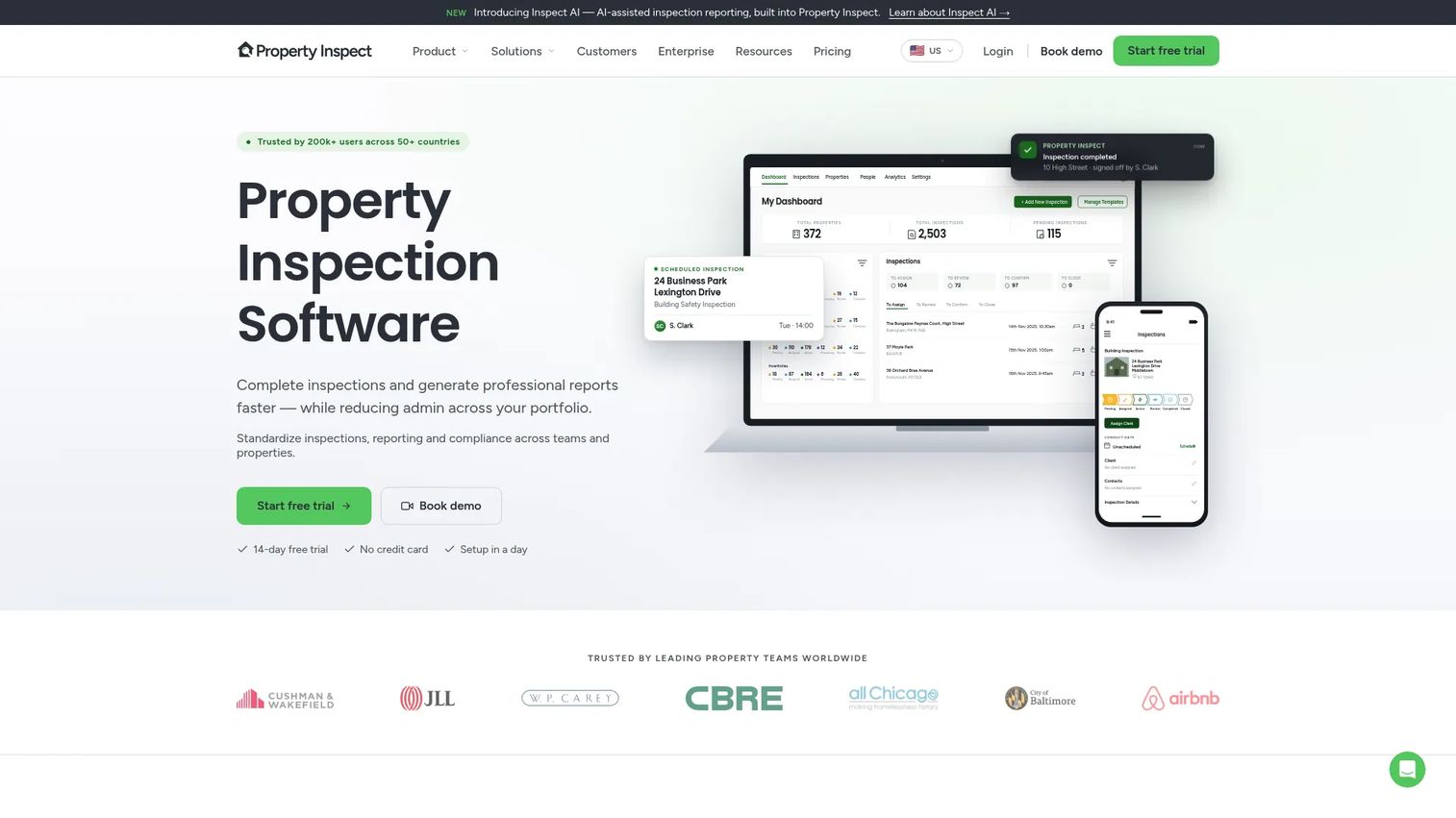
Property Inspect is built for property teams that run structured inspections at scale and need an audit trail behind every one. It centralizes inspection capture, report generation, and action tracking so a portfolio team works from one system instead of a stack of disconnected apps and spreadsheets. The platform leans into compliance, which is why it fits property managers and inspection teams running repeatable processes across many sites.
The workflow starts in the mobile app, moves to branded PDF and web reports, and ends on an actions and maintenance board where findings become tracked tasks. Role-based use cases mean an inspector, a manager, and an operations lead each see the part of the process that concerns them.
Best for: property managers and inspection teams that need structured, compliant inspections across a portfolio.
Key strengths
- Mobile app for on-site inspections
- Branded PDF and web reports
- Actions and maintenance board for follow-up
- Audit trail for compliance
- Integrations and API
Why choose Property Inspect: if your inspections have to hold up to scrutiny, the audit trail and structured workflows matter more than raw speed. It fits teams that treat inspection as an ongoing operational process, not a one-off deliverable.
Property Inspect pricing: plans start at $49/month for Solo, $97/month for Standard, and $275/month for Pro. Enterprise is custom. Annual billing includes two months free.
2. SnapInspect
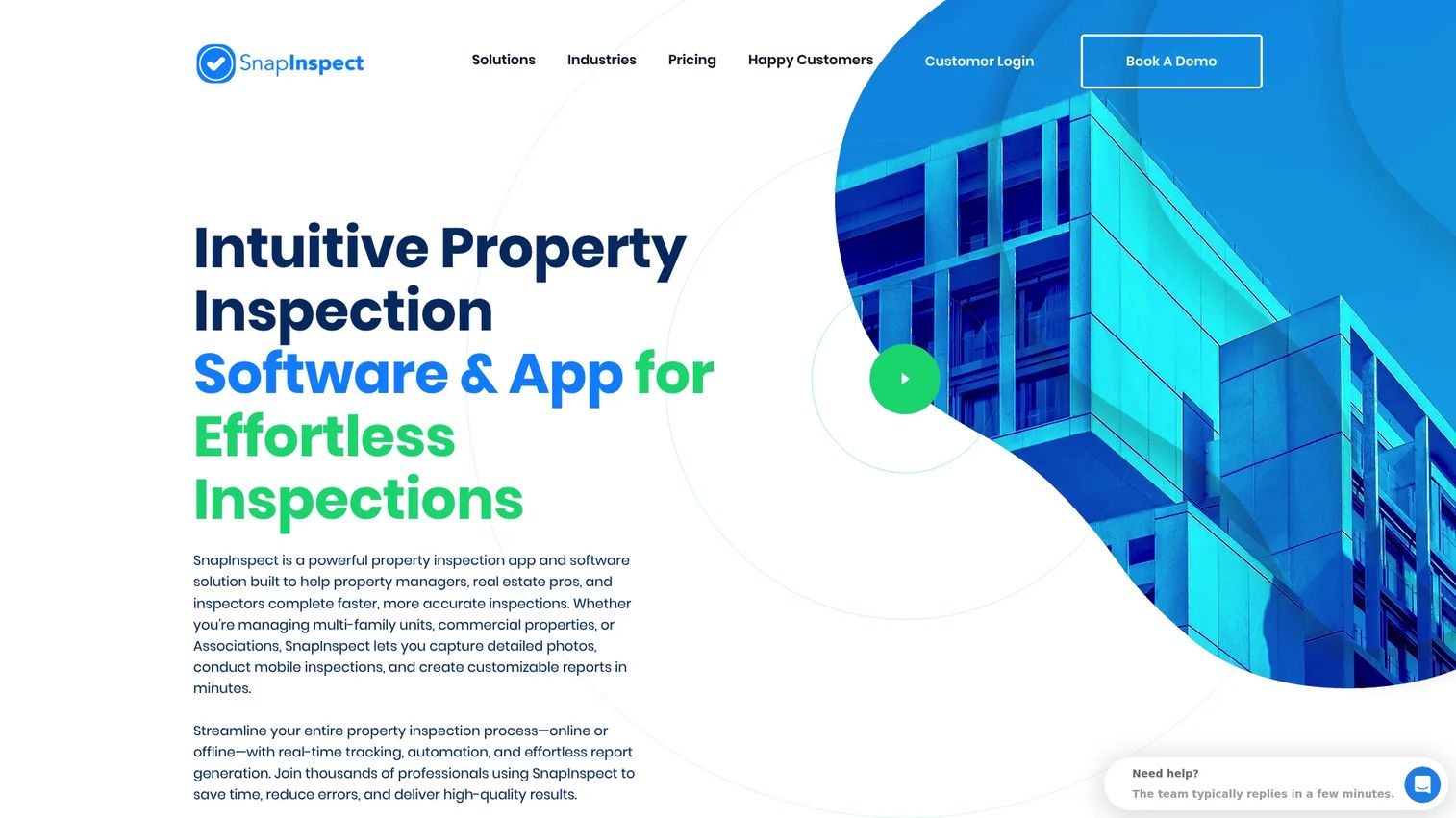
SnapInspect focuses on getting a clean, branded report out the door fast. It pairs quick mobile photo capture with report customization and dashboards, so field teams can walk a property, log findings, and hand a client something polished without a long desk session afterward. Cross-device support means the same inspection flows across phone, tablet, and web.
The pitch is speed plus presentation. Photo capture is central to the workflow, and the reports come out looking like deliverables a commercial client will accept without edits.
Best for: field teams that want fast mobile capture and branded reports without a heavy back-office step.
Key strengths
- Mobile inspections with photo capture
- Report customization and branding
- Dashboards for oversight
- Cross-device support
- Automation for repeat workflows
Why choose SnapInspect: if your bottleneck is the time between finishing a walkthrough and sending the report, SnapInspect is built around closing that gap. It suits teams that value turnaround and presentation quality.
SnapInspect pricing: SnapInspect handles pricing through direct quotes rather than a fixed public tier, so reach out to the team for a figure matched to your inspection volume and team size.
3. Spectora
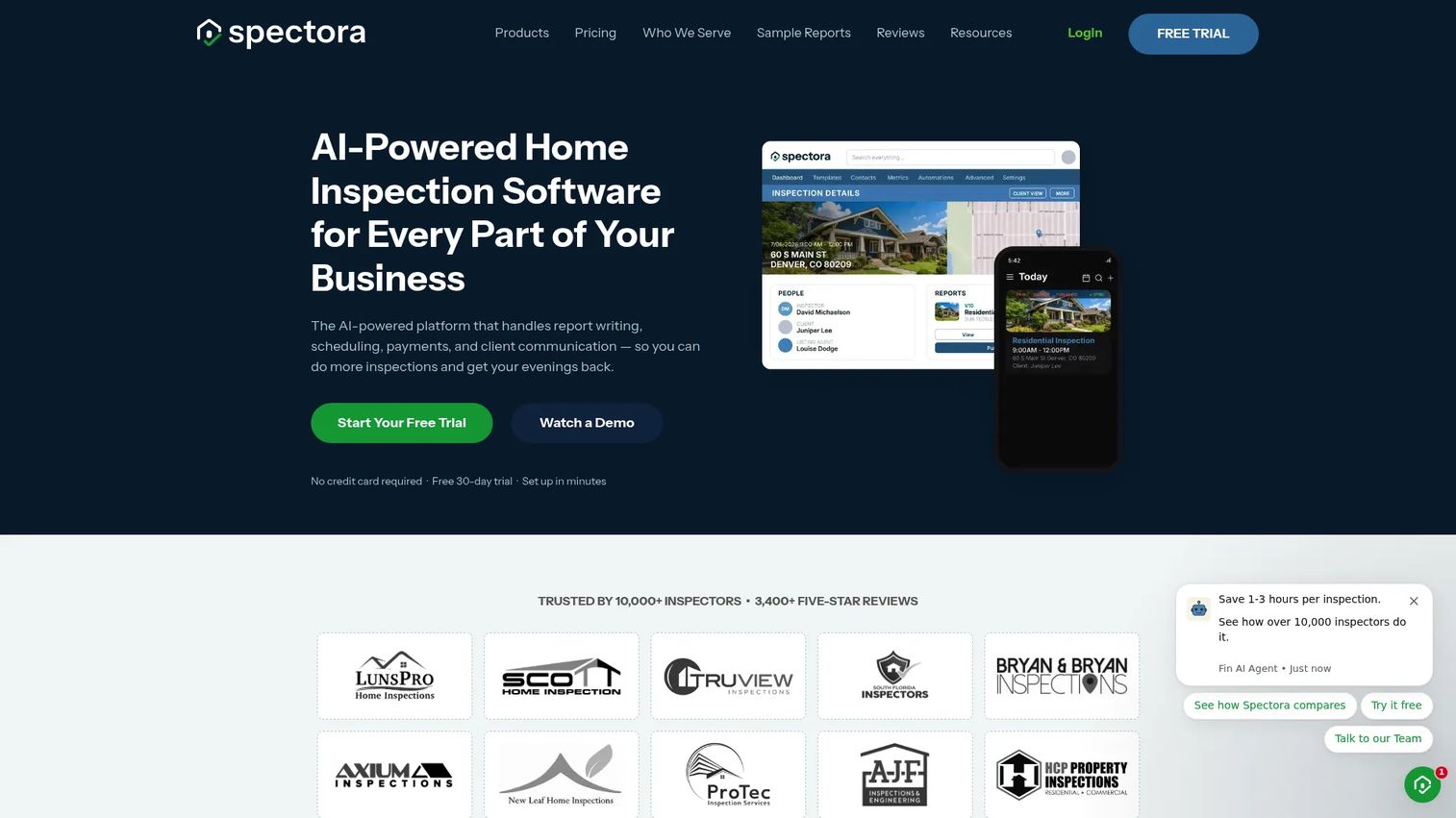
Spectora is an all-in-one platform aimed at inspection businesses that want reporting, scheduling, payments, and client communication in one place. Its AI-powered report writing speeds up the part inspectors dread, and the template center gives teams a strong starting point for consistent commercial property inspection report output. Sample reports and a template library make it easy to see the polish before you commit.
Spectora runs the business side too, with scheduling, payments, and automations that reduce the admin around each inspection.
Best for: inspection businesses that want a polished, report-first platform with built-in scheduling and payments.
Key strengths
- AI-powered report writing
- Template center and sample reports
- Scheduling and payments
- Client communication and automations
- Mobile inspection workflow
Why choose Spectora: if reporting quality and business management matter equally, Spectora bundles both. It fits teams that want the inspection deliverable and the client-facing operations under one roof.
Spectora pricing: the base subscription is $109/month or $1,090/year. An Advanced option is billed at $4 per published inspection. A free trial includes two inspections with no credit card required.
Spectora holds a 2.8 out of 5 rating on G2.
4. GoAudits
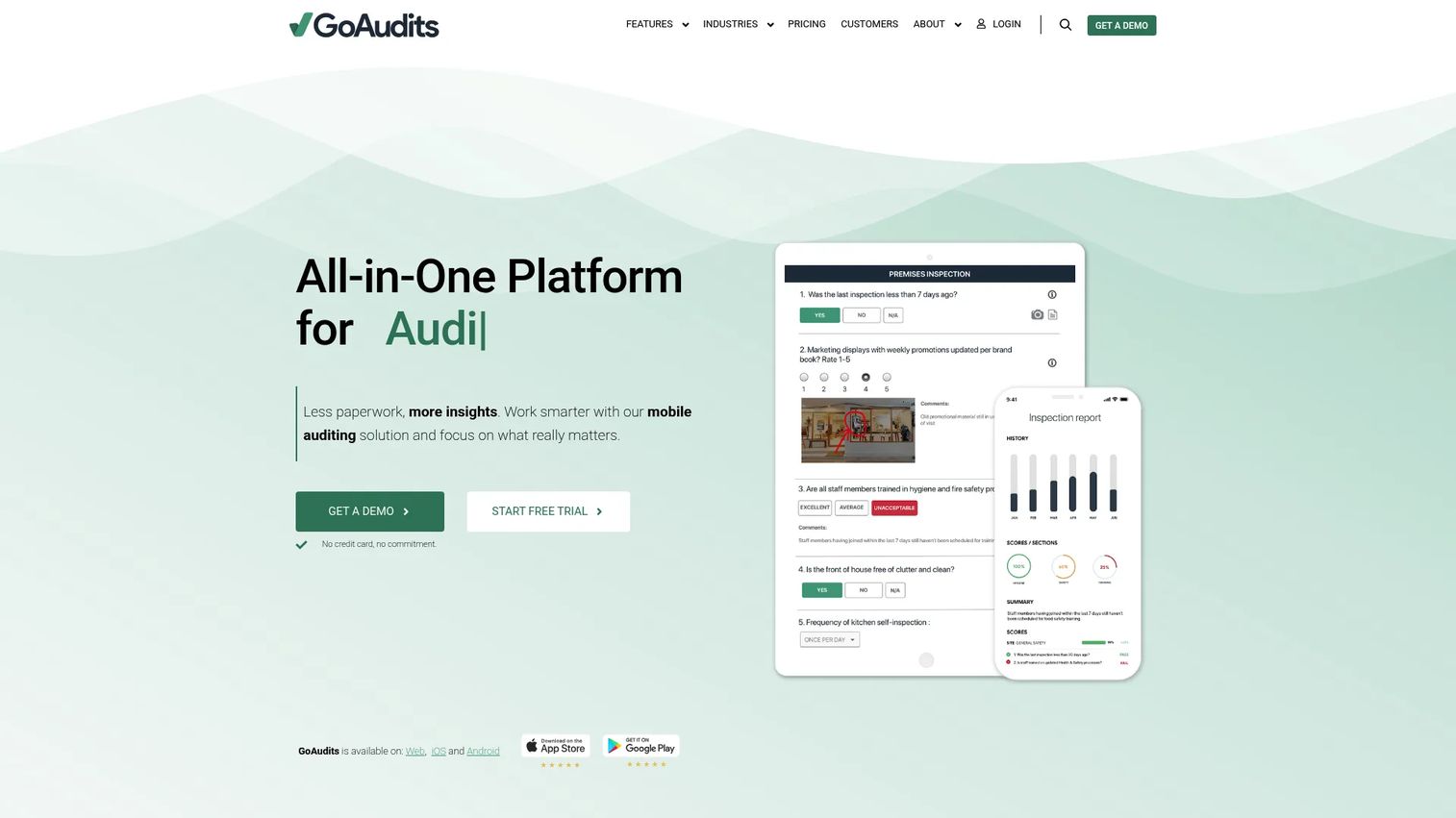
GoAudits is a mobile-first audit and inspection platform built around customizable checklists and corrective-action workflows. Its form builder lets teams create digital checklists for any property type, and offline mobile inspections mean weak connectivity on site does not stop the work. Reports generate instantly, and corrective actions keep findings moving toward resolution.
The breadth of the checklist and auditing workflow is the draw. GoAudits handles inspections, audits, and compliance checks across multiple sites from one dashboard.
Best for: teams that need flexible checklists, audit reporting, and corrective-action tracking across many sites.
Key strengths
- Custom digital checklists and form builder
- Offline mobile inspections
- Instant report generation
- Corrective action tracking
- Scheduling and dashboards
Why choose GoAudits: if your work spans inspections and broader audits, the checklist depth and action workflows cover both. It suits teams standardizing repeatable processes across a portfolio.
GoAudits pricing: the Starter plan is $10 per user per month and Enterprise is $30 per user per month, both on annual billing. A 14-day free trial is available.
GoAudits holds a 4.6 out of 5 rating on G2.
5. Inspect AI
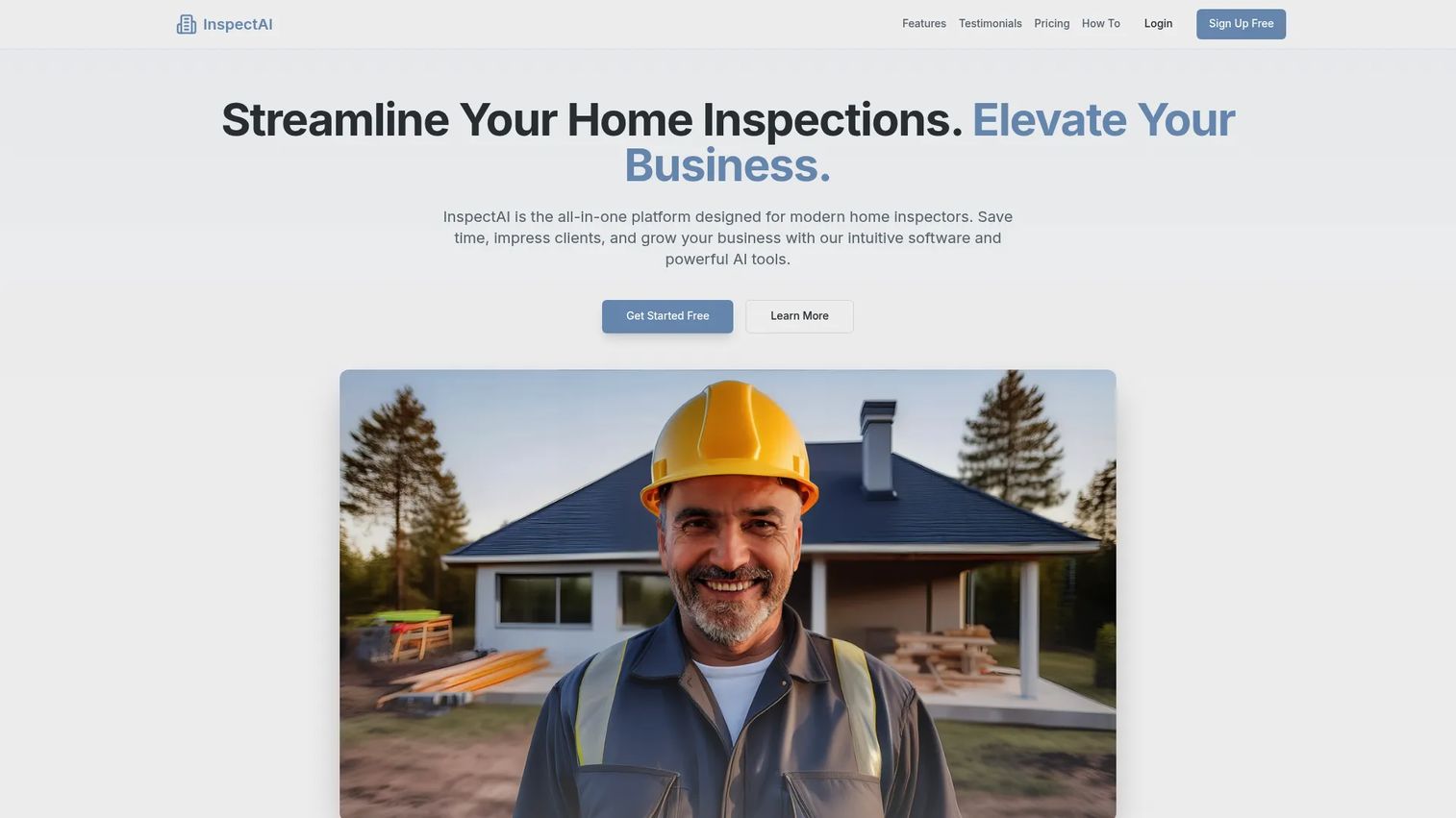
Inspect AI puts AI-assisted reporting at the center of the workflow. Its AI-powered report summaries cut down the manual writing that eats an inspector's evening, and a dynamic template engine keeps reports consistent. Integrated scheduling, a CRM, and a professional client portal round out the platform so the whole job runs from one place.
The tool leans toward inspectors who want to reduce report-writing time without giving up control over the finished document. On-site inspection tools feed the AI, and a marketing automation suite handles the client-facing side.
Best for: inspectors who want AI-assisted reporting and an all-in-one workflow with a client portal.
Key strengths
- AI-powered report summaries
- Dynamic template engine
- Integrated scheduling and CRM
- On-site inspection tools
- Professional client portal
Why choose Inspect AI: if manual report writing is your biggest time sink, the AI summaries target that directly. It fits inspectors who want speed on the report without losing a professional deliverable.
Inspect AI pricing: the Pro Plan is $39.99/month plus $4.99 per inspection. The site also offers a free way to get started.
6. ProntoForms (TrueContext)
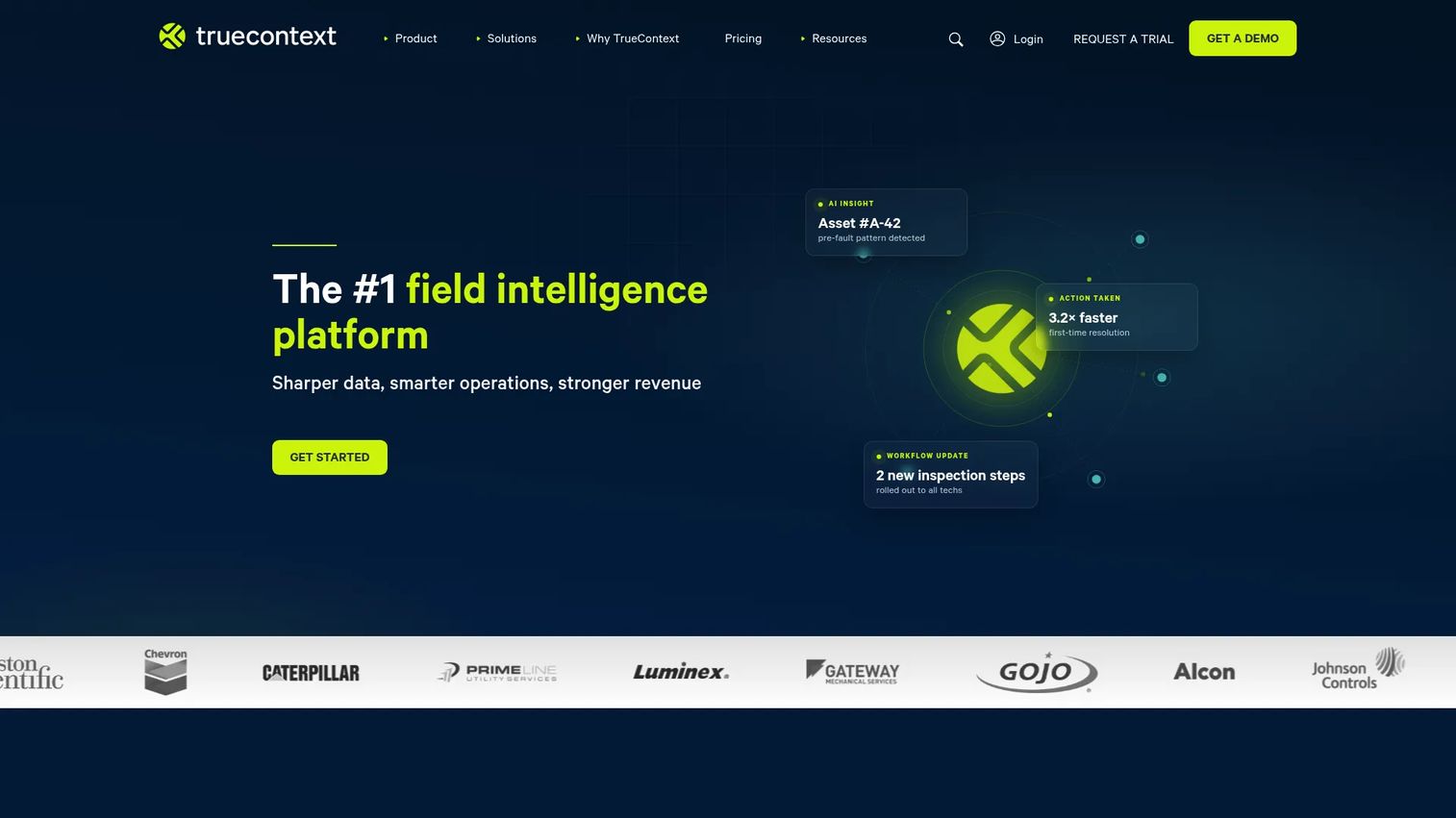
ProntoForms, now branded TrueContext, is a field-service workflow and mobile forms platform for digitizing frontline operations. Its low-code form builder and conditional form logic let teams design structured inspection forms that adapt as an inspector fills them out. Job dispatching connects the office to the field, which makes it a fit for teams running inspections as part of a larger service operation.
The strength here is structured, repeatable data capture with automation around it. If your inspections feed into work orders and dispatched jobs, ProntoForms is built for that flow.
Best for: field teams that need structured mobile forms, conditional logic, and workflow automation.
Key strengths
- Low-code form builder
- Conditional form logic
- Job dispatching
- Mobile field data capture
- Integration-friendly workflows
Why choose ProntoForms: if inspections are one part of a broader field-service operation, the forms and dispatch automation tie it together. It suits teams that need repeatable data capture across many field workflows.
ProntoForms pricing: the Digital plan starts at $400 per month for the whole team, billed annually. Intelligent and Elite tiers are custom, available through sales.
ProntoForms holds a 4.5 out of 5 rating on G2.
7. Hyponet
Hyponet rounds out the list for teams looking at inspection workflow management with a focus on operational oversight. It centers on reporting, team collaboration, and portfolio visibility, which positions it for property operations that want central control over inspection activity.
Public detail on Hyponet is limited compared to the more established platforms above, so treat it as a candidate to evaluate directly rather than a known quantity. If your priority is centralized operational oversight, it is worth a hands-on look before you decide.
Best for: teams that want centralized operational oversight across inspection activity.
Key strengths
- Inspection workflow management
- Reporting
- Team collaboration
- Portfolio visibility
- Operations-focused framing
Why choose Hyponet: if centralized oversight of property operations is the priority, Hyponet frames itself around that job. Given the limited public detail, a direct evaluation is the right next step.
Hyponet pricing: Hyponet does not publish standard pricing, so contact the team directly for a quote matched to your operation.
Considerations
Before you commit to any inspection reporting software, run it against the five criteria that separate a tool that works in a demo from one that survives real field days.
Mobile app quality
The app is where most of the work happens, so test it under field conditions. Check offline capture, because commercial sites often have dead zones in basements and back rooms. Look at how photos are handled, how fast the app feels with a large inspection loaded, and whether it covers both iOS and Android. A sluggish app costs you minutes on every finding, and those minutes add up across a portfolio.
Report customization
Your condition report is the deliverable clients judge you on. Confirm you can brand it, template it, and export it in a format clients can actually use. Check the layout control, especially for a commercial property inspection report that mixes photos, notes, and categorized findings. If the report needs manual cleanup every time, the tool is not saving you the time it promised.
Checklist and template depth
Consistency comes from reusable checklists and site-specific templates. Look for standards-based workflows you can copy across property types, and the ability to tweak a template without rebuilding it. This is what keeps two inspectors producing comparable reports, and it is the backbone of standardized workflows across a portfolio.
Issue tracking and collaboration
A finding is only useful if someone acts on it. Assess whether inspection findings can be assigned, dated, tracked, and resolved. Then check the handoff from inspection to operations, because that is where most tools drop the ball. Cross-team visibility keeps a flagged issue moving from the inspector to the person who fixes it.
Portfolio visibility
For multi-site inspections, you need more than individual reports. Verify the platform surfaces trends, status, and centralized analytics across properties. Portfolio oversight is what lets a facilities or asset team spot a recurring problem across sites instead of finding out one property at a time.
Conclusion
The right commercial property inspection software depends on which part of the workflow hurts most.
If you run structured inspections across a portfolio and need an audit trail, Property Inspect is the strongest fit. If your bottleneck is turnaround, SnapInspect is built around fast mobile capture and branded reports. Spectora suits inspection businesses that want reporting and business tools together, while GoAudits fits teams standardizing checklists and corrective actions across sites. Inspect AI targets the report-writing time sink with AI summaries, and ProntoForms serves field-service teams that need structured forms and dispatch automation. Hyponet is worth a direct look for teams focused on centralized operational oversight.
Start with the tool that best matches your actual field workflow, not the longest feature list. Run a real inspection through a trial, check how the report comes out, and see how the issue handoff feels before you scale it across your portfolio. The tool that fits your team's day-to-day is the one that gets adopted.
FAQs
For multi-site teams, prioritize centralized reporting, reusable templates, and portfolio oversight over individual features. Property Inspect fits well here with structured workflows and audit trails, while GoAudits handles checklist-driven audits across sites. The best choice is the one that keeps every inspector producing comparable reports and gives managers a single view of activity across properties.
Five features carry most of the weight: mobile capture that works offline, flexible checklists, branded report generation, issue tracking, and cross-team collaboration. Mobile capture and report quality decide daily efficiency, while issue tracking and collaboration decide whether findings actually get resolved. Judge tools against your field workflow, not a feature count.
Many tools support offline field capture and sync when connectivity returns. This matters on commercial sites where basements, mechanical rooms, and back-of-house areas often have weak or no signal. GoAudits, for example, supports offline mobile inspections, so confirm offline behavior before buying if your sites have dead zones.
It reduces manual writing and standardizes the deliverable. Instead of retyping field notes into a document, the software generates a condition report from the data you captured on site, complete with photos, notes, and categorized findings. AI-assisted tools like Inspect AI and Spectora go further by drafting report summaries, and branded exports mean clients get a professional document without extra cleanup.
Yes. Most platforms let you turn findings into assigned, dated actions that operations teams can track to resolution. Property Inspect uses an actions and maintenance board, and GoAudits offers corrective-action tracking. The value is in the handoff: a flagged issue moves from the inspector to the person responsible for the fix, with visibility for stakeholders in between.
Focus on mobile usability, template flexibility, reporting quality, and team collaboration. A property inspection app has to be fast in the field, produce reports clients accept, and support consistent templates across a growing portfolio. As you scale, portfolio visibility and issue tracking become the features that keep operations coordinated rather than reactive.
Yes, mainly in scope and complexity. Home inspection tools focus on single-property reports for a buyer, while commercial and property management inspection software handles portfolio complexity, recurring inspections, multi-site standardization, and issue tracking across many stakeholders. Some platforms like Spectora serve both, but commercial workflows demand deeper checklist depth, collaboration, and centralized oversight.